
Sleeping Overhaul 2 Mod (1.21.1, 1.20.1) – Rest in Bed Anytime and Sleep

 0


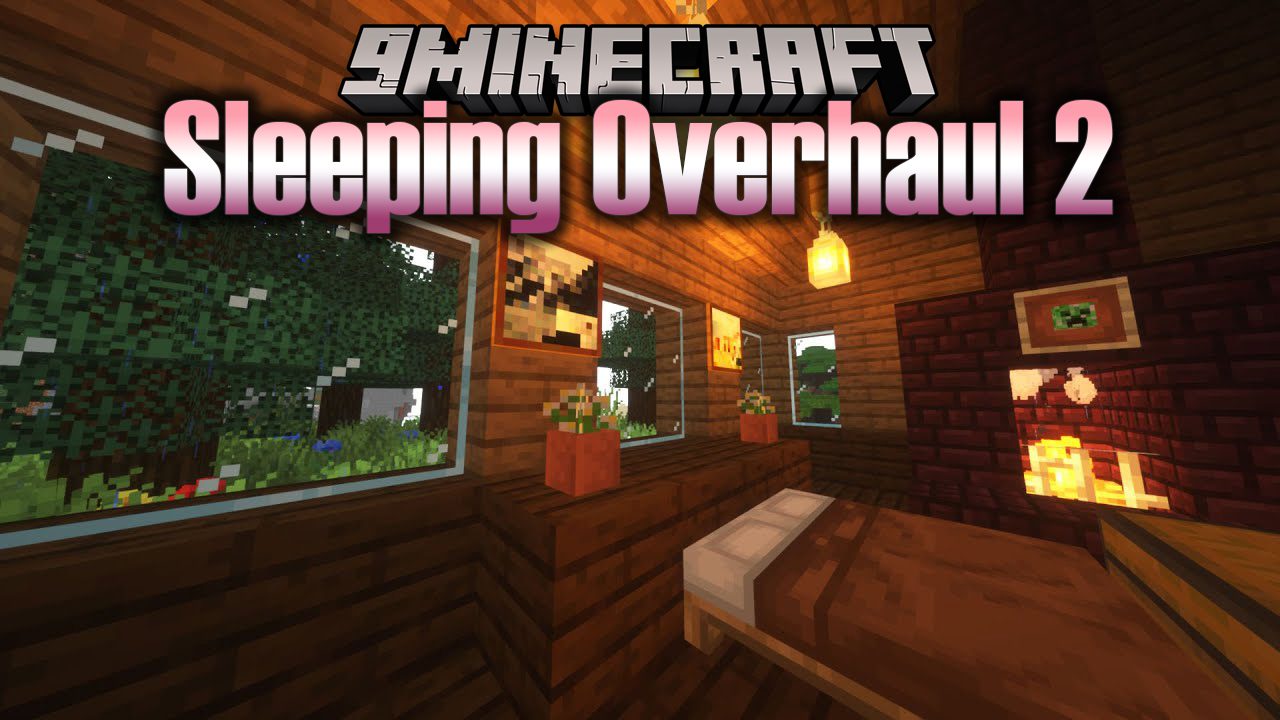
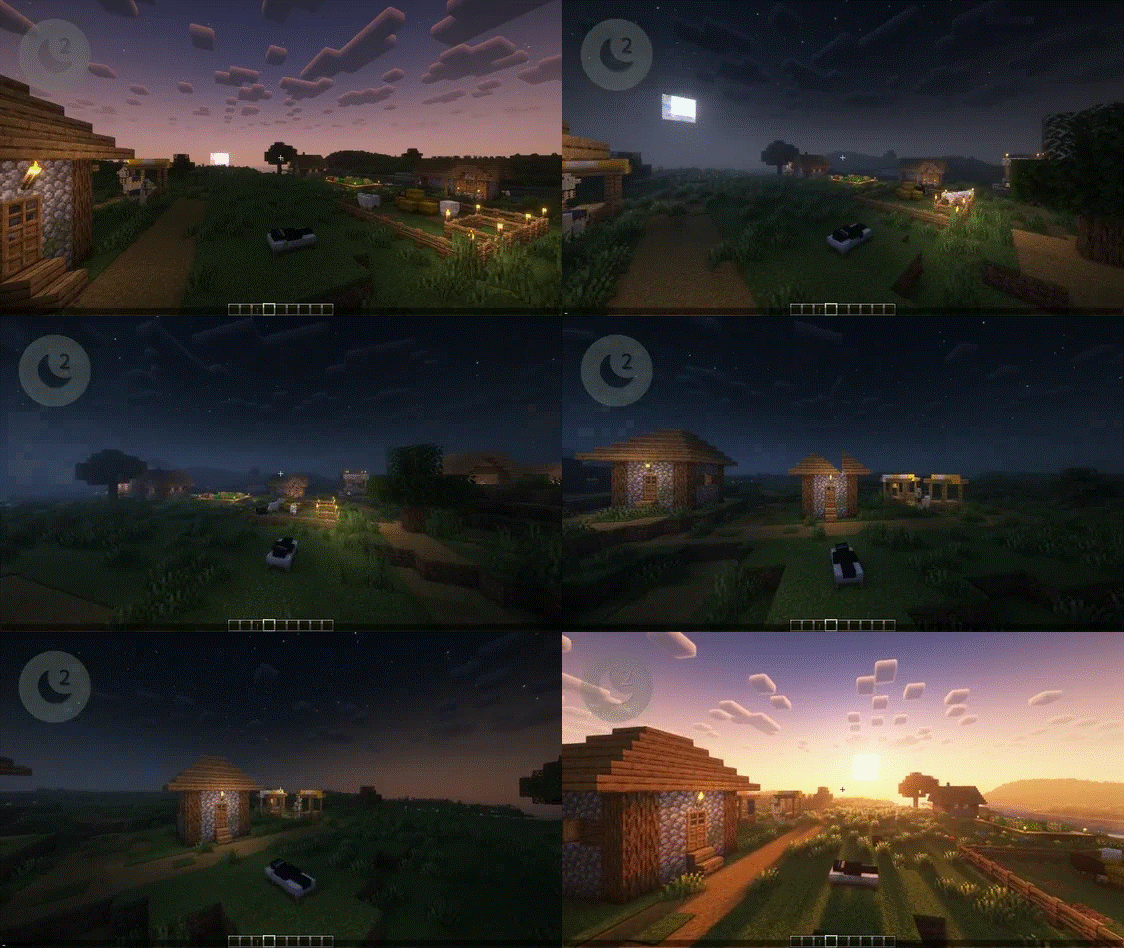
Sleeping Overhaul 2 Mod replaces the instant skip-to-day sleep mechanic with a fast-forward timelapse that runs the world at high speed until morning. This mod also lets you lie down in bed at any time of day to rest before you sleep. While you rest or sleep through a timelapse, it blocks harmful effects like Poison, Wither, and Hunger, and lets you wake up early whenever you want. You can turn on options to sleep and set your spawn point in other dimensions like the Nether with no bed explosions. It works in multiplayer with the sleep percentage gamerule and supports custom beds like hammocks and sleeping bags from other mods.
Features:
- Timelapse Sleeping: Fast-forwards the night by running the actual game world as fast as your computer can instead of jumping straight to morning. You can switch the sleep action back to vanilla time skipping or turn off sleep actions completely.
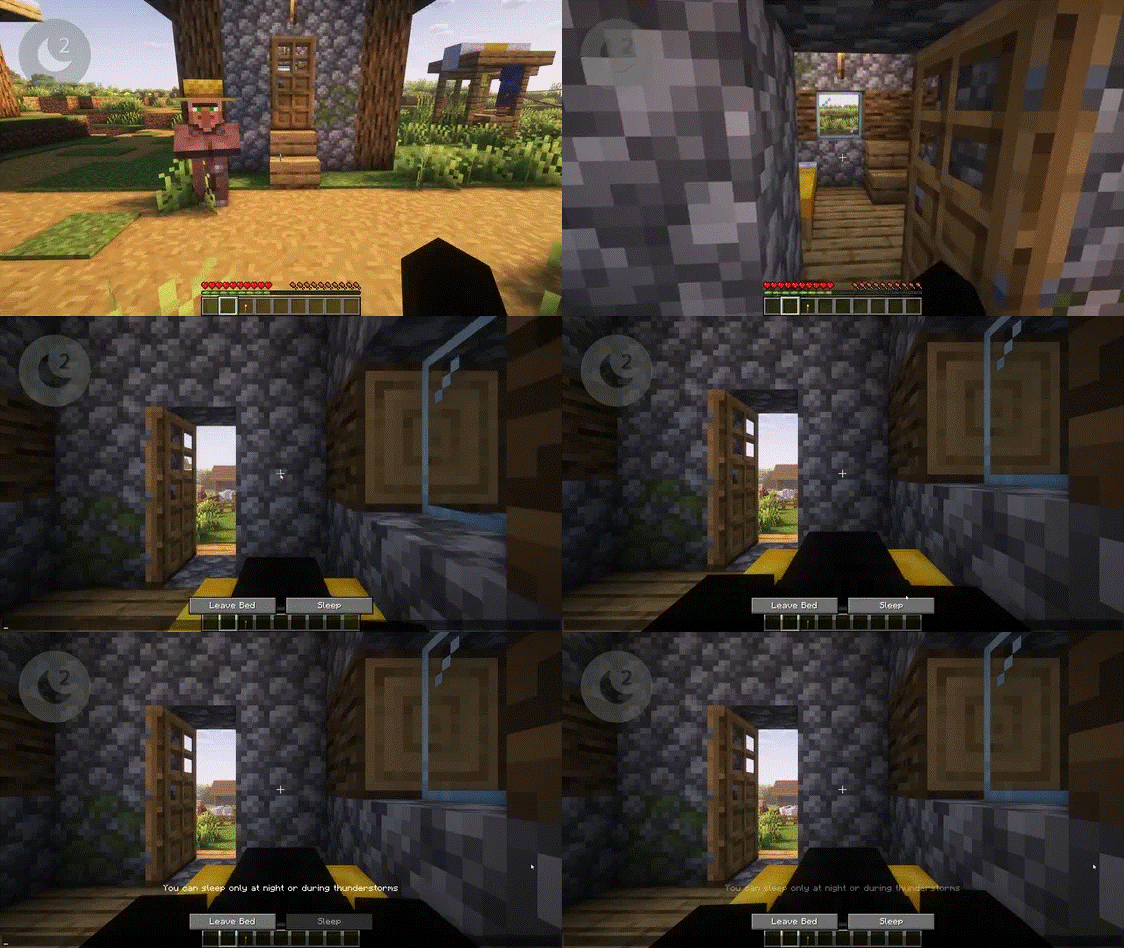
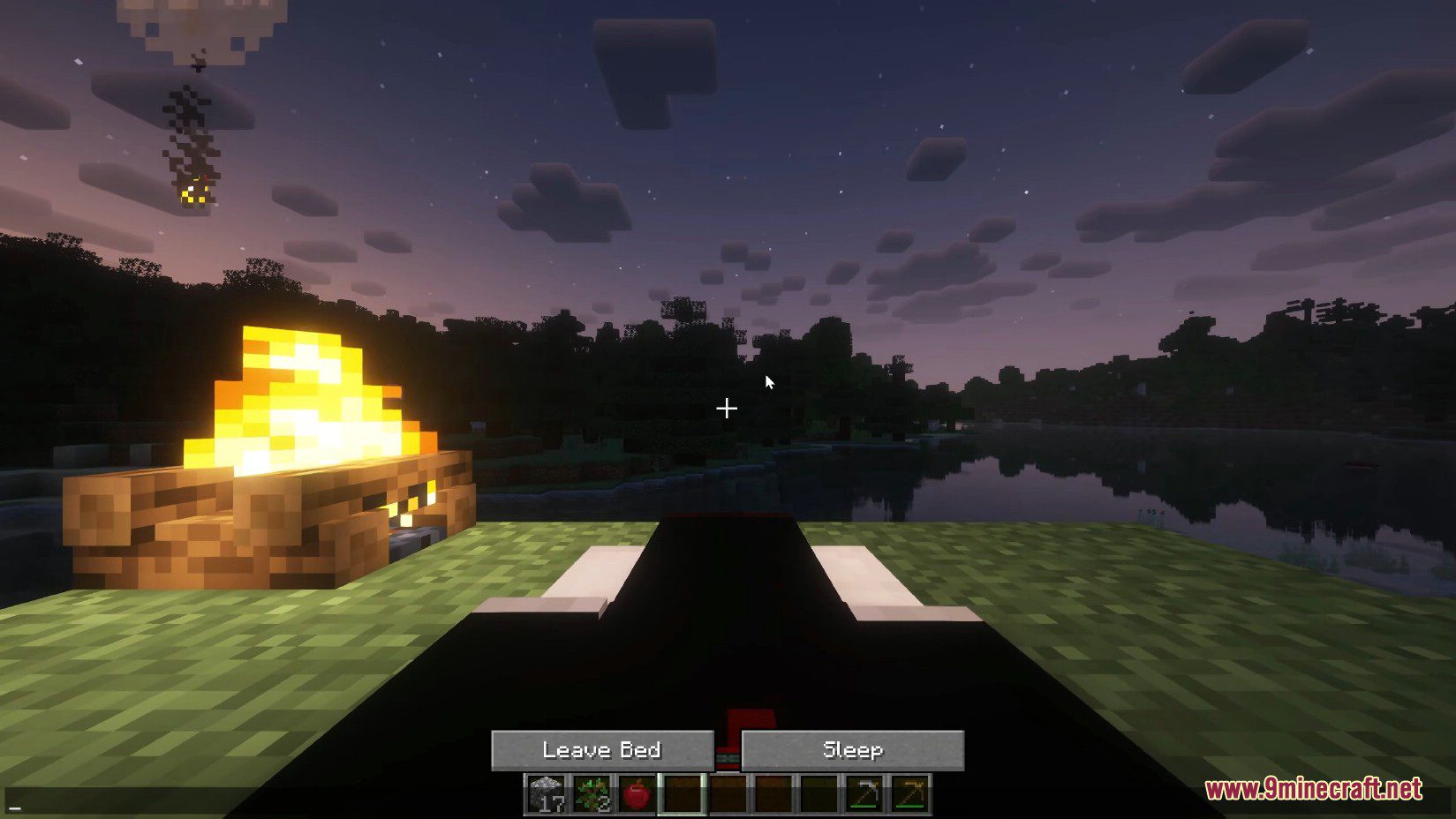
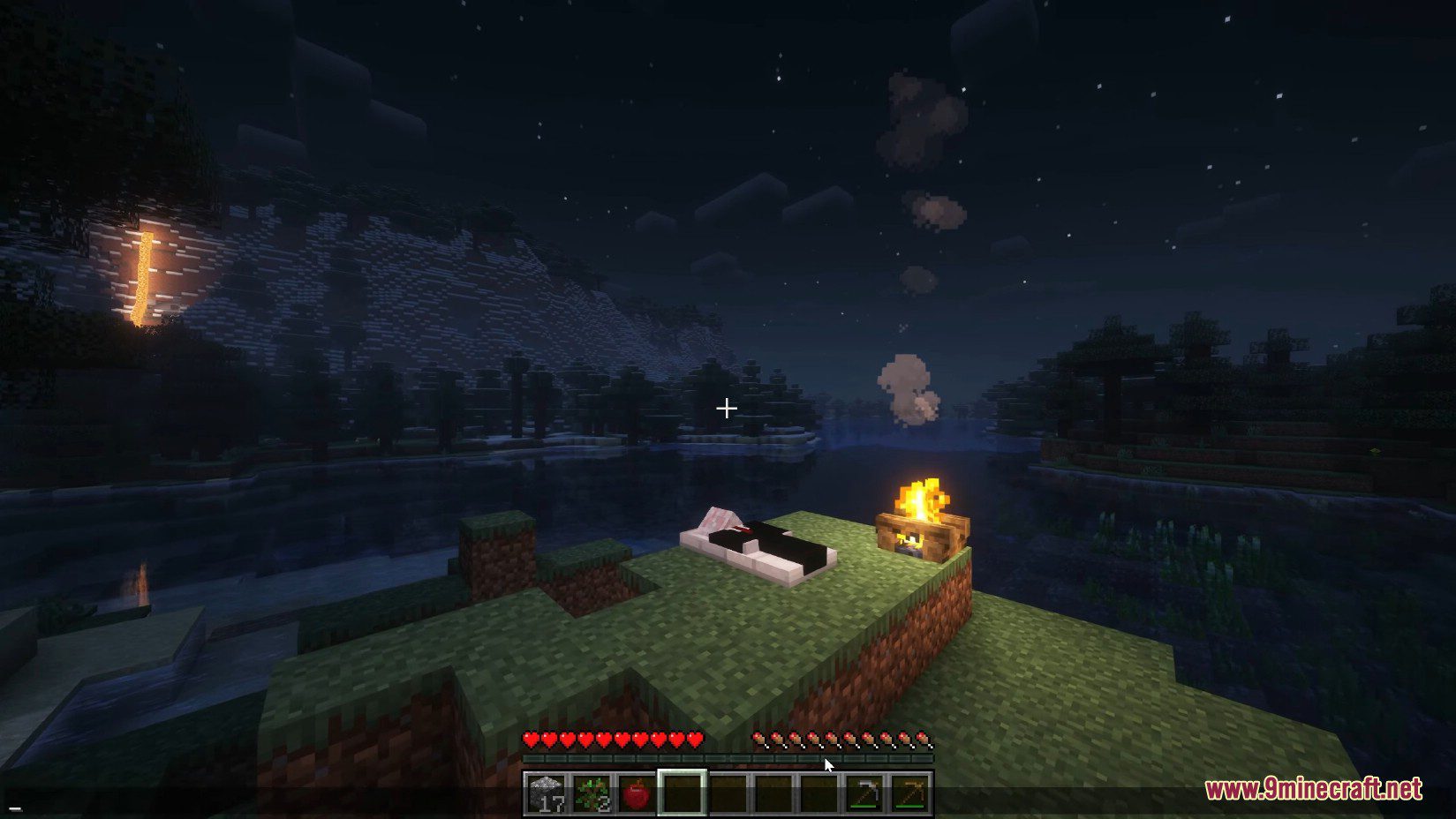
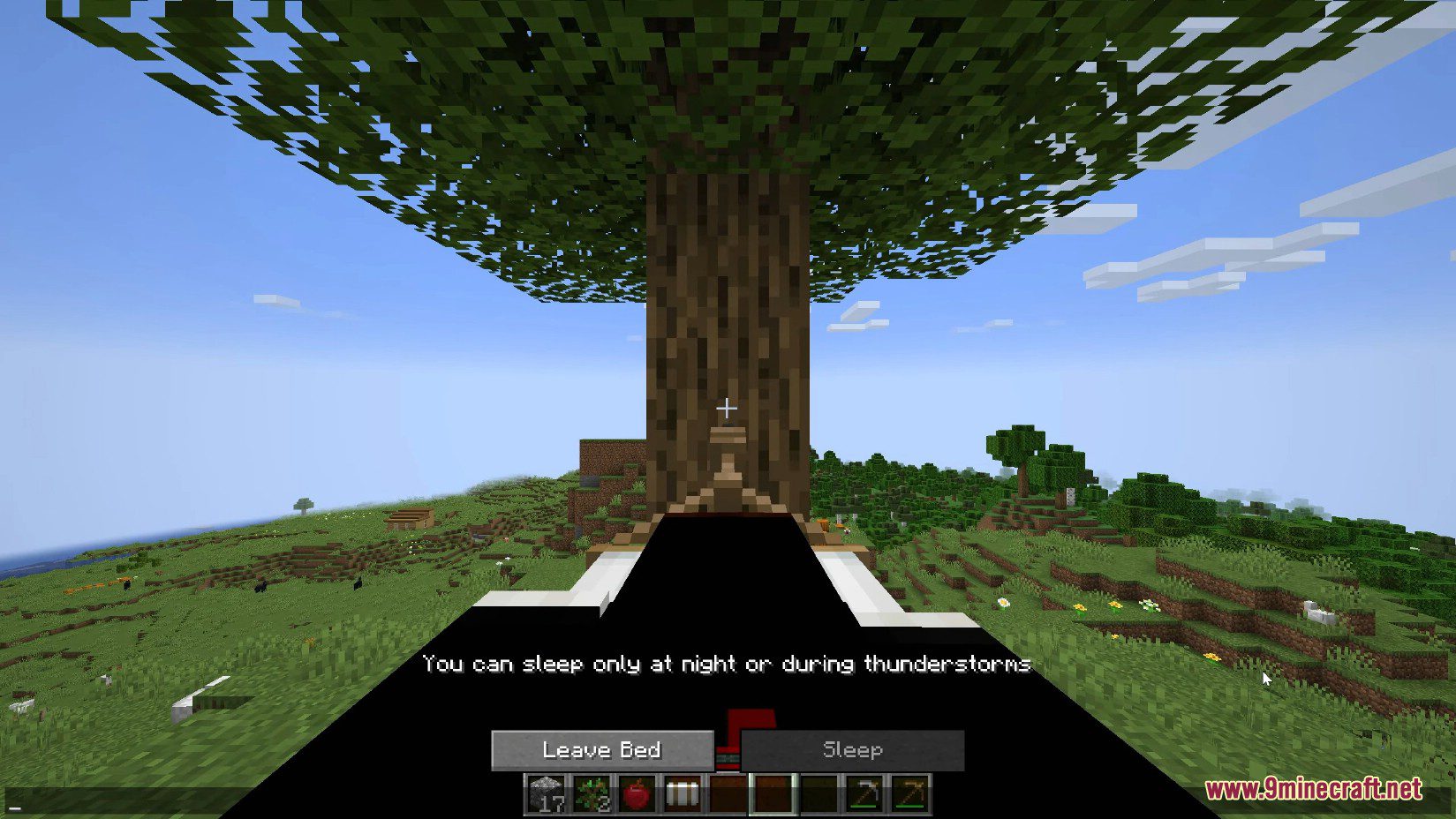
- Bed Rest: Lets you lie down in a bed at any time of day without going to sleep right away. You stay resting until you click the Sleep button or press Enter.
- Wake Up Anytime: Allows you to stop a timelapse whenever you want by pressing Escape or clicking the Leave Bed button on the screen.
- Negative Effect Protection: Blocks Poison, Wither, and Hunger potion effects from harming you while you rest in bed or sleep through a timelapse. All three protections are on by default and can be toggled on or off.
- Any-Dimension Sleeping: Adds optional settings (off by default) to let you rest and sleep in other dimensions like the Nether without bed explosions. You can also turn on spawn point setting in other dimensions, which overwrites your Overworld spawn point.
- Multiplayer Support: Follows the
playersSleepingPercentagegamerule during timelapses and sends sleep messages at the right time. By default, awake players cannot move and stay invincible while a timelapse runs. - Kicks you out of bed right away if you take any allowed damage while resting or during a timelapse.
- Lets you pick what happens when a sleeping player takes direct damage during a timelapse, with choices for normal damage, instant death, or invincibility.
- Dims the screen slightly during Bed Rest and lets you adjust screen dimming separately for both resting and timelapses.
- Offers three camera options during a timelapse: orbiting above the surface, rotating above the surface, or no camera effect.
- Fixes keyboard and chat controls on the in-bed screen so you can click the chat box to focus it, switch focus with Ctrl+Tab without arrow key conflicts, and use Enter safely for both chat and buttons.
- Can clear rain and storms when players wake up from a timelapse or skipped night.
- Turns off natural mob spawning during timelapses by default and includes an optional setting to stop living mobs from moving for a small speed boost.
- Logs performance stats like average TPS, total time, and total ticks when each timelapse finishes.
- Shows a general “You cannot sleep here right now” message if you try to sleep at the wrong time in custom beds, and includes French and Russian translations.
Custom Bed Compatibility:
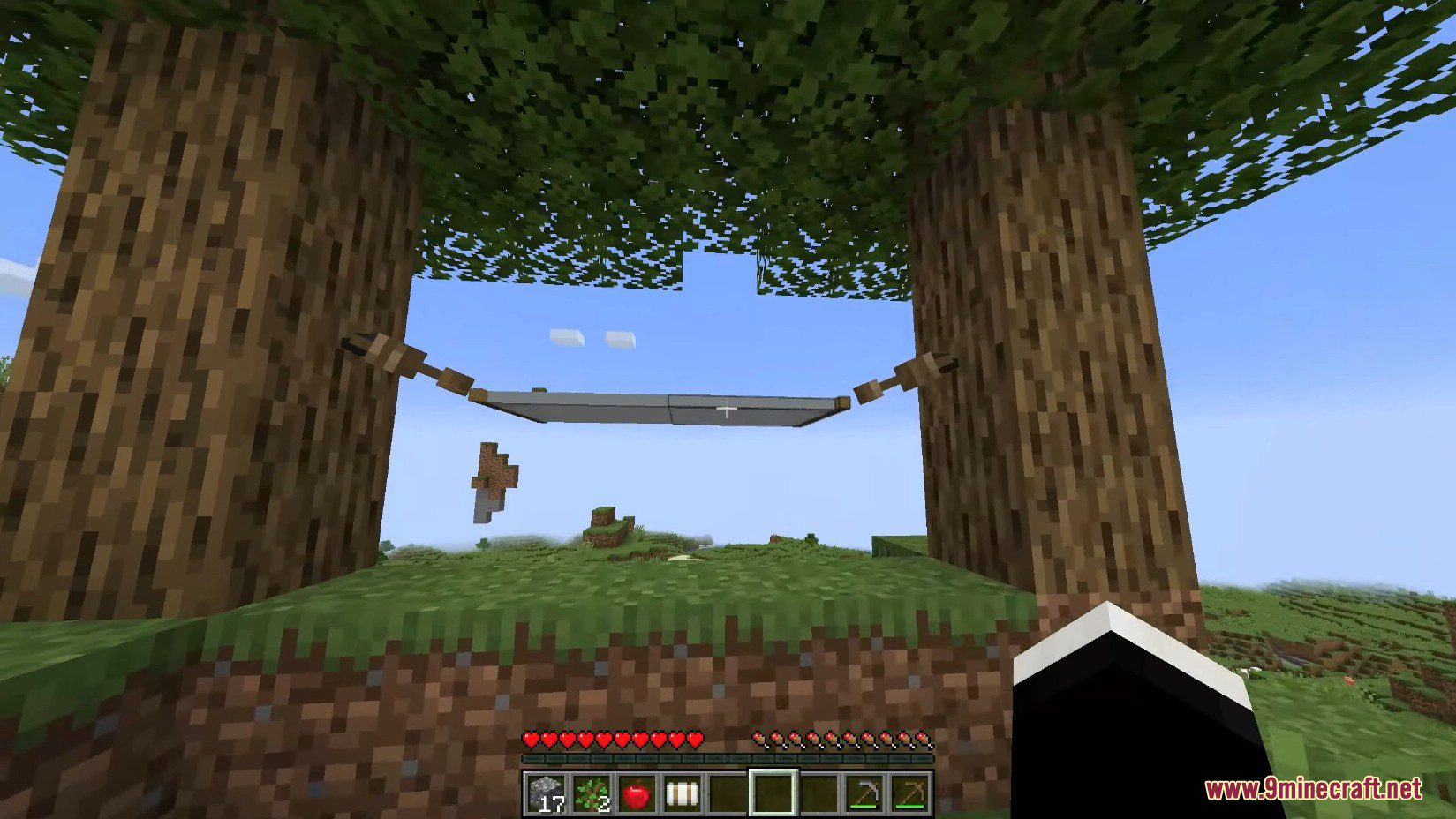
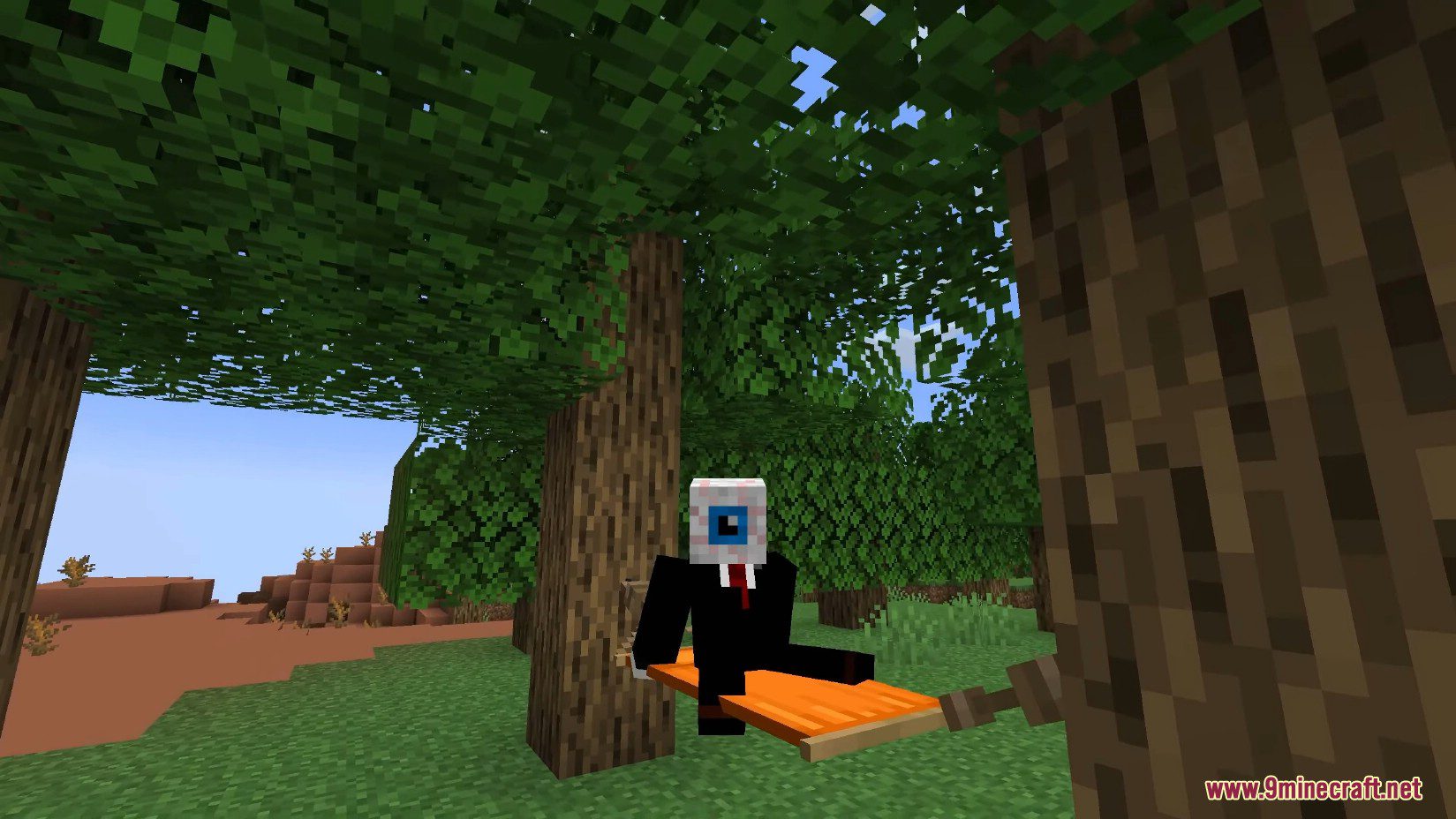
- Comforts: Sleeping Bags work with timelapse and work with Bed Rest at night, while Hammocks work with both Bed Rest and timelapse. Neither supports sleeping in the Nether (Hammocks explode and Sleeping Bags do not work).
- Sleep Tight: Hammocks work with both Bed Rest and timelapse, though they still explode in the Nether. Sleep Tight has its own bed rest screen that opens first, so you can disable its resting option if you prefer this mod’s resting screen.
- Other Modded Beds: Most custom beds that act like vanilla beds work with Bed Rest and timelapse, though sleeping or setting spawn in other dimensions only works reliably with vanilla-style beds.
Configuration:
You can customize almost every part of Sleeping Overhaul 2 Mod with its server and client config files.
Server Config (sleepingoverhaul-server.toml)
sleepAction: Sets what happens when all players sleep. ChooseTimelapse(default),SkipTime(formerlySkipToDayfor vanilla skipping), orNothing.resetWeatherOnWake: Resets rain when players wake up from a timelapse or skipped night if set totrue(default isfalse).logTimelapsePerformanceStats: Writes average TPS, total time, and total ticks to the log after a timelapse finishes (default istrue).timelapseSleepersDirectDamageAction: Sets what happens when a sleeping player takes direct damage during a timelapse. ChooseNoChange(default),InstantKill, orInvincible.noDamageToNonSleepers: Makes awake players invincible during a timelapse in multiplayer (default istrue).noMovementDuringTimelapse: Stops awake players from moving during a timelapse in multiplayer (default istrue).disableNaturalSpawning: Turns off natural mob spawning during a timelapse for a small speed boost (default istrue).disableLivingEntityTravel: Stops living mobs (not players) from moving during a timelapse for a small speed boost (default isfalseto avoid issues like mobs drowning).bedRestEnabled: Turns Bed Rest on or off and adds the Sleep button next to Leave Bed (default istrue).bedRestScreenDimValue: Sets screen dimming while resting from1to98(default is30; values below10effectively turn dimming off).bedEffectNoPoison: Blocks Poison damage during Bed Rest or a timelapse (enabled by default).bedEffectNoWither: Blocks Wither damage during Bed Rest or a timelapse (enabled by default).bedEffectNoHunger: Blocks the Hunger effect during Bed Rest or a timelapse (enabled by default).featureAllowAnyDimension: Allows resting and sleeping in any dimension without bed explosions for vanilla-style beds (default isfalse).featureSetSpawnAnyDimension: Lets sleeping in another dimension set your spawn point there and overwrite your Overworld spawn point (requiresfeatureAllowAnyDimension).
Client Config (sleepingoverhaul-client.toml)
timelapseCameraType: Picks the camera view during a timelapse. ChooseSurfaceOrbit(default),SurfaceRotation, orNone.timelapseDimValue: Sets screen dimming during a timelapse from0to100(default is0, which removes dimming).bedRestWithChatEnter: Lets pressing Enter with an empty chat box work like clicking the Sleep button during Bed Rest (default istrue; requiresbedRestEnabled).inBedChatFixes: Fixes in-bed chat controls so you can click to focus chat, press Ctrl+Tab to switch focus, and use Enter properly on buttons or chat (enabled by default).
How to Use:
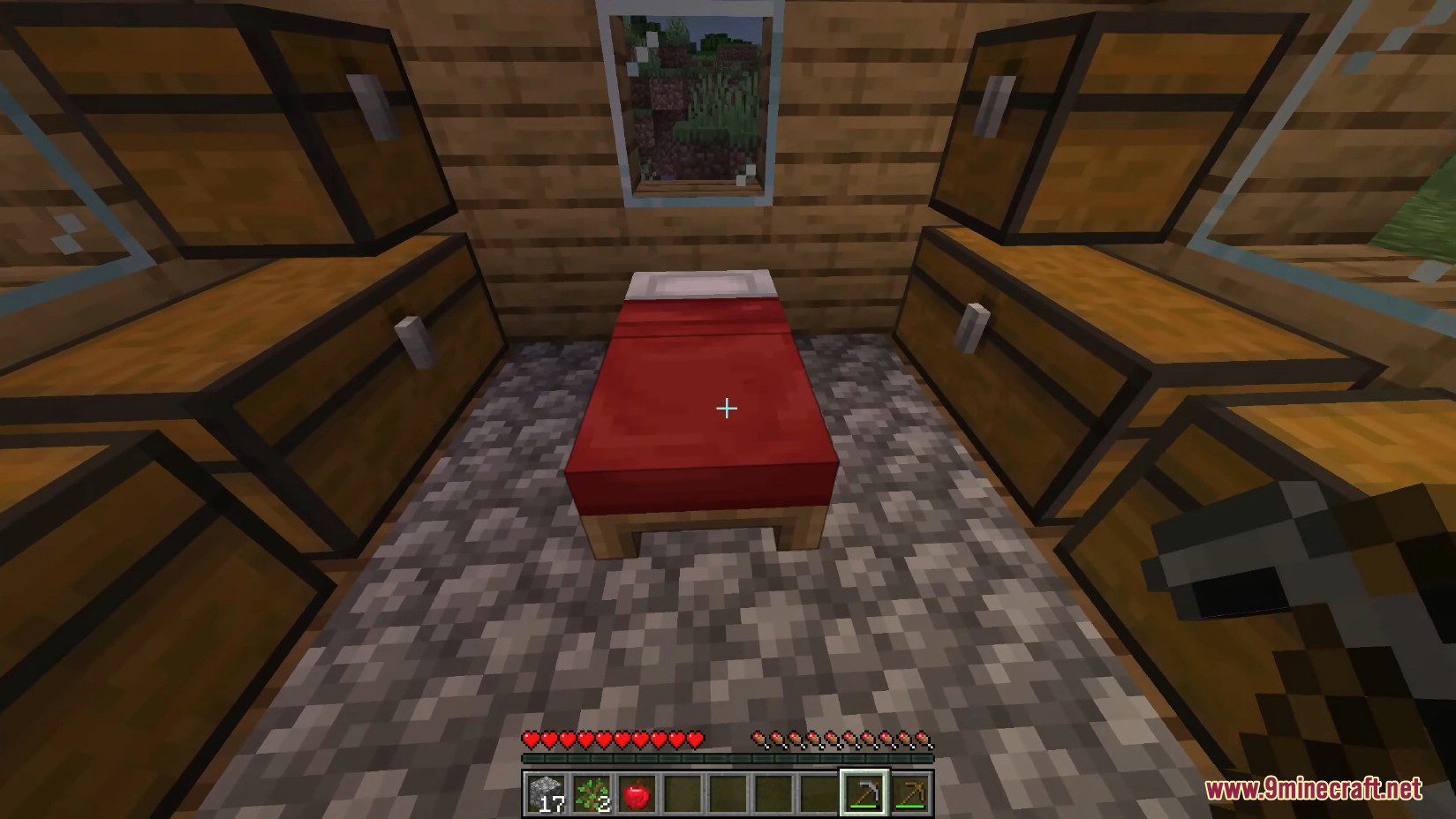
- Right-click any bed at any time of day to lie down and enter Bed Rest without starting sleep right away.
- Click the Sleep button next to Leave Bed, or press Enter while the chat box is empty, to start sleeping and begin the timelapse.
- Wait as the world fast-forwards to morning, or press Escape or click the Leave Bed button on screen to wake up early at any time.
- Click the chat box while in bed to type a message, and press Ctrl+Tab to move focus between the chat box and the screen buttons.
- Open
sleepingoverhaul-server.toml(located in your server config folder or inside your world save’sserverconfigfolder) to adjust global rules like changingsleepActionor turning onfeatureAllowAnyDimensionandfeatureSetSpawnAnyDimensionto sleep in the Nether. - Open
sleepingoverhaul-client.tomlto change your personal timelapse camera mode, screen dim brightness, or in-bed chat controls.
Screenshots:
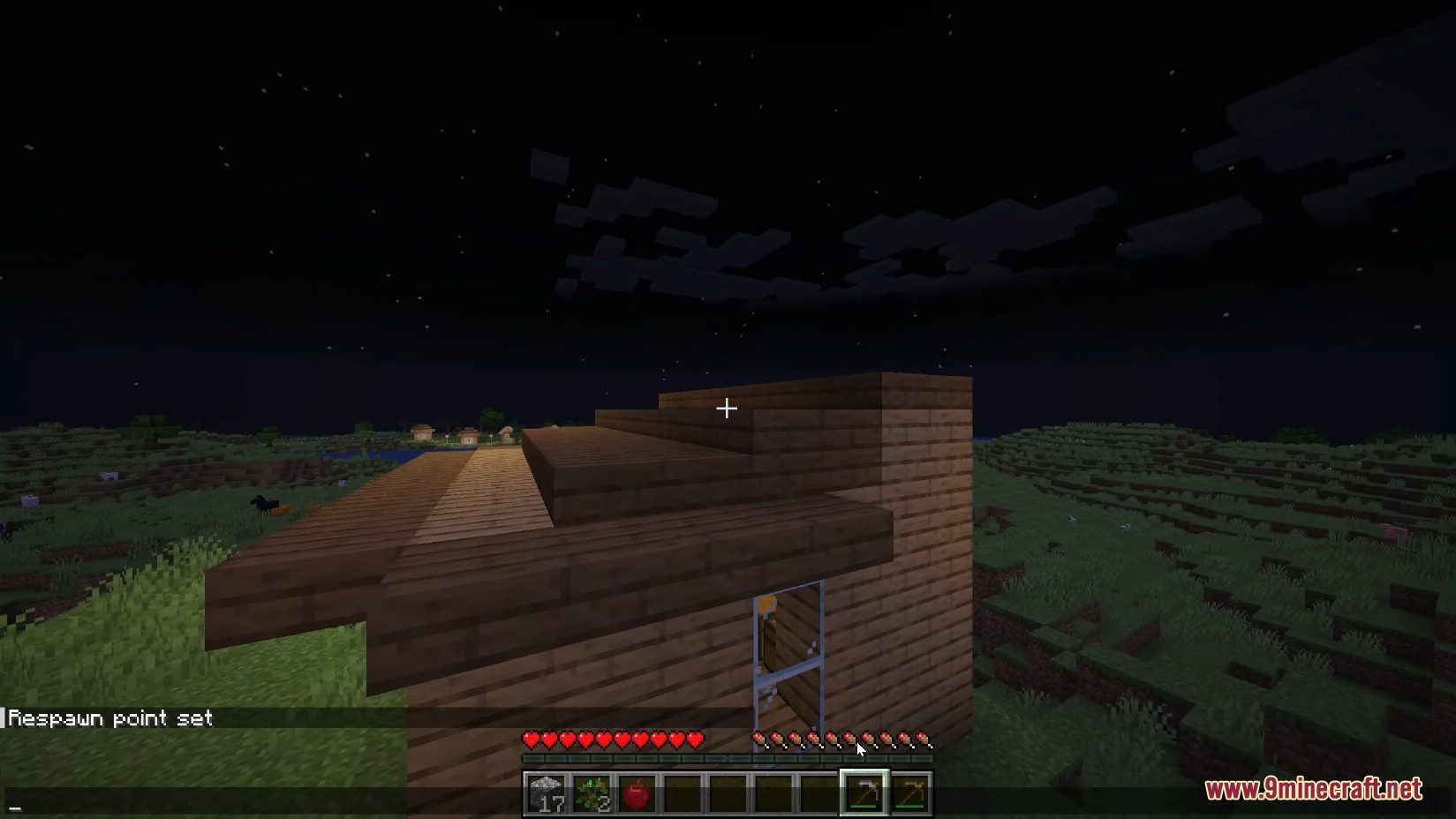
How to Install:
New to Minecraft? Follow our step-by-step guide to install Mods on your PC.View Guide


Sleeping Overhaul 2 Mod Download Links
For Minecraft 1.21.1, 1.21
NeoForge version: Download from Server 1 – Download from Server 2
For Minecraft 1.20.1, 1.20
Forge version: Download from Server 1 – Download from Server 2
NeoForge version: Download from Server 1 – Download from Server 2
Fabric version: Download from Server 1 – Download from Server 2
For Minecraft 1.19.4
Forge version: Download from Server 1 – Download from Server 2
Fabric version: Download from Server 1 – Download from Server 2
For Minecraft 1.19.2
Forge version: Download from Server 1 – Download from Server 2
Fabric version: Download from Server 1 – Download from Server 2
For Minecraft 1.18.2
Forge version: Download from Server 1 – Download from Server 2
Fabric version: Download from Server 1 – Download from Server 2
What is the longest real-time wait you will tolerate for a heavily modded game to load to the main menu?
1 responses · See the full results →
You May Also Like
Picked for this page
 Ultimate Car Mod (26.3, 1.20.1) – Design Your Own Streets and Be Creative
 Edibles Mod (26.3, 1.20.1) – Lots of Ingredients Edible
 VR Mod (26.3, 1.20.1) – Play Minecraft in a Simulated 3D Environment
 MidnightLib Mod (26.3, 1.20.1) – Library for TeamMidnightDust’s Mods
 Measurements Mod (26.3, 1.20.1) – Measuring The Dimensions of Blocks
 ToolTip Fix Mod (26.1.2, 1.21.1) – Automatic Text Wrapping, Improves Readability
 Trinkets (Polymer Port) Mod (26.3, 1.20.1) – Polymer Port For Trinkets Mod
 ThreatenGL Mod (1.21.11, 1.20.1) – Forces The Game to Use The Latest OpenGL
 Compatibility Addon For MineColonies Mod (1.21.1, 1.20.1)
 Signal Flares Mod (1.21.5, 1.20.1) – Locate Friends Without Coordinates
 Kurisu-Null Passable Leaves Mod (1.20.4, 1.20.1) – Mobs And Players Can Phase Through Leaves
 Pv Addon Lavaplayer Lib Mod (26.3, 1.20.1) – Audio Backend Utility
Most viewed in Mods over the last 7 days
 Ala Industrial Mod (26.3) – Run Electric Power Grids and Automated Factories
 PleasureCraft Mod (26.3, 1.21.1) – Jenny Mod Remake for Fabric
 Jennycraft Mod (26.3, 1.20.1) – Virtual Girlfriend in Minecraft
 Fapcraft Mod (26.3, 1.12.2) – Comprehensive and Detailed Content
 Jenny Mod (Fapcraft) Official Complete Guide – How to use, Tutorial
 BangCraft Mod (1.20.1) – Jenny, Ellie and Elliot
 Fabric Loader (26.3, 1.20.1) – Fabric Installer for All Minecraft Versions
 The Shooting Star Demo Mod (26.3, 1.20.1) – Vaporize Terrain From Orbit
 Meteor Client Mod (26.3, 1.20.1) – Xray, HUD, Fly
 OptiFine HD (26.3, 1.20.1) – Run Faster, FPS Boost, Shaders Support
 Aristois Client Mod (1.21.4, 1.20.1) – World Class Minecraft Utility
 Prestige Client Mod (1.21.11, 1.21.4) – Powerful Ghost Features for Crystal & Sword PvP
More from Mods
 Earth Platform Mod (1.21.1) – Travel Across Real Continents in a True Scale World
 Taunahi Mod (26.1.2) – Automate Daily Farming and Slayers in Hypixel Skyblock
 HORROR Fake Join Leave Messages Mod (1.20.1) – Trigger Creepy Chat Scares
 Bons Voyage Mod (1.20.1) – Teleport Across Biomes Through Hidden Waystones
 Orbital Railgun UPDATED Mod (26.3) – Flatten Giant Landscapes From Space
 Automobility Autoradio Mod (26.3, 26.1.2) – Trade Custom Mixtapes with Friends
 Towers of the Wild 9minecraft Mod (26.3, 26.2) – Climb Tall Towers for Loot
 Ender Storage 9minecraft Mod (26.3, 26.2) – Send Loot Back Home From Any Dimension
 Snad 9minecraft Mod (26.3, 26.2) – Build Faster Sugar Cane and Nether Wart Farms
 Together Forever Unofficial Mod (1.12.2) – Share Team Advancements
 GroovyDuvet Mod (1.21.11, 1.20.1) – Run Groovy Scripted Addons Without Game
 Swing Through Grass 9minecraft Mod (26.3, 26.2) – Fight Mobs Without Breaking Tall Grass

This post has no comments yet. Be the first — your comment will appear here.