
Spectrum Mod (1.21.1, 1.20.1) – Master Chromatic Magic and Ancient Rituals

 0


Spectrum Mod brings a color-themed magic adventure all about discovery and exploration. You combine sixteen colors and magical resources to make magical tools, machines, gear, enchantments, and custom crafting structures while you search for what lies beneath the bedrock floor. Most items and recipes stay hidden at first and unlock step by step through advancement hints, puzzles, and a personal in-game guidebook that you get when you find your first geode. This mod does not tell you every step, so it fits players who like to explore and try new things at a relaxed pace during a normal playthrough. Almost every recipe and progression step is configurable for modpacks, and the mod also works with many popular mods.
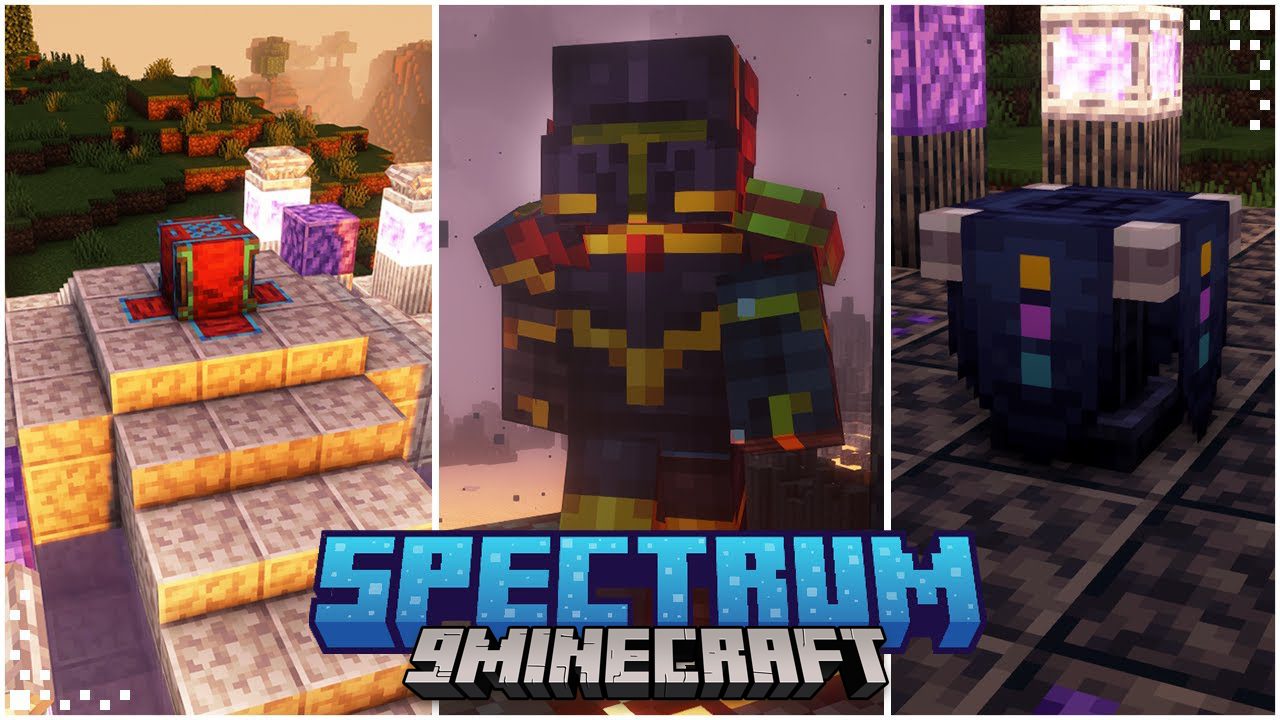
Features:
- Step-by-Step Progression: Recipes and matching guidebook pages unlock one stage at a time as you explore, while locked items stay hidden in recipe viewers until you reach the right point.
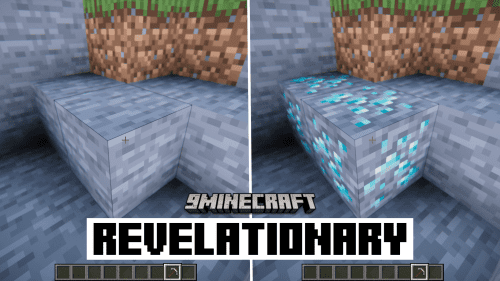
- Hidden Revelations: Some blocks and items look like plain stone or stay disguised until you gain the knowledge and tools to see their true form.
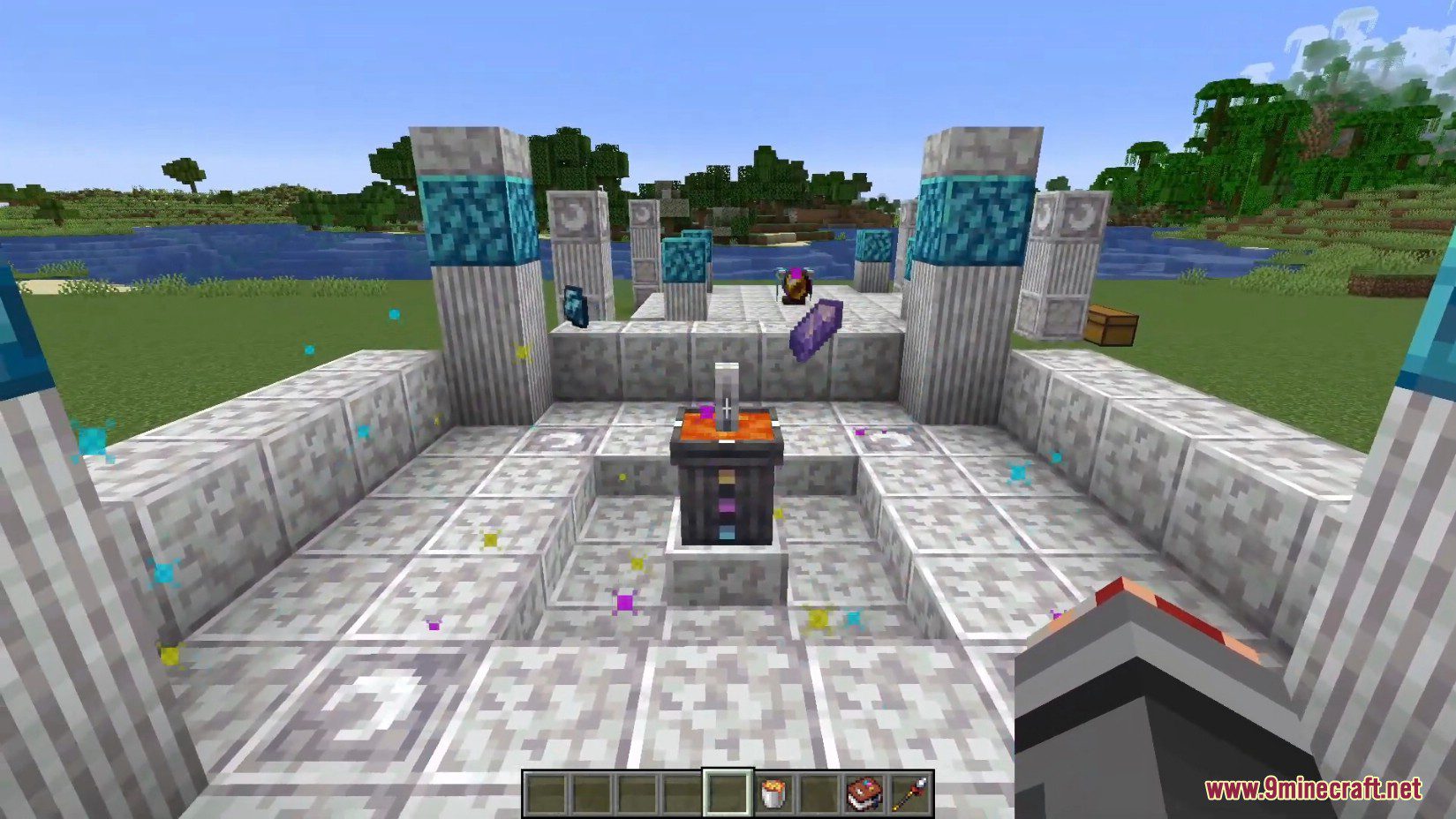
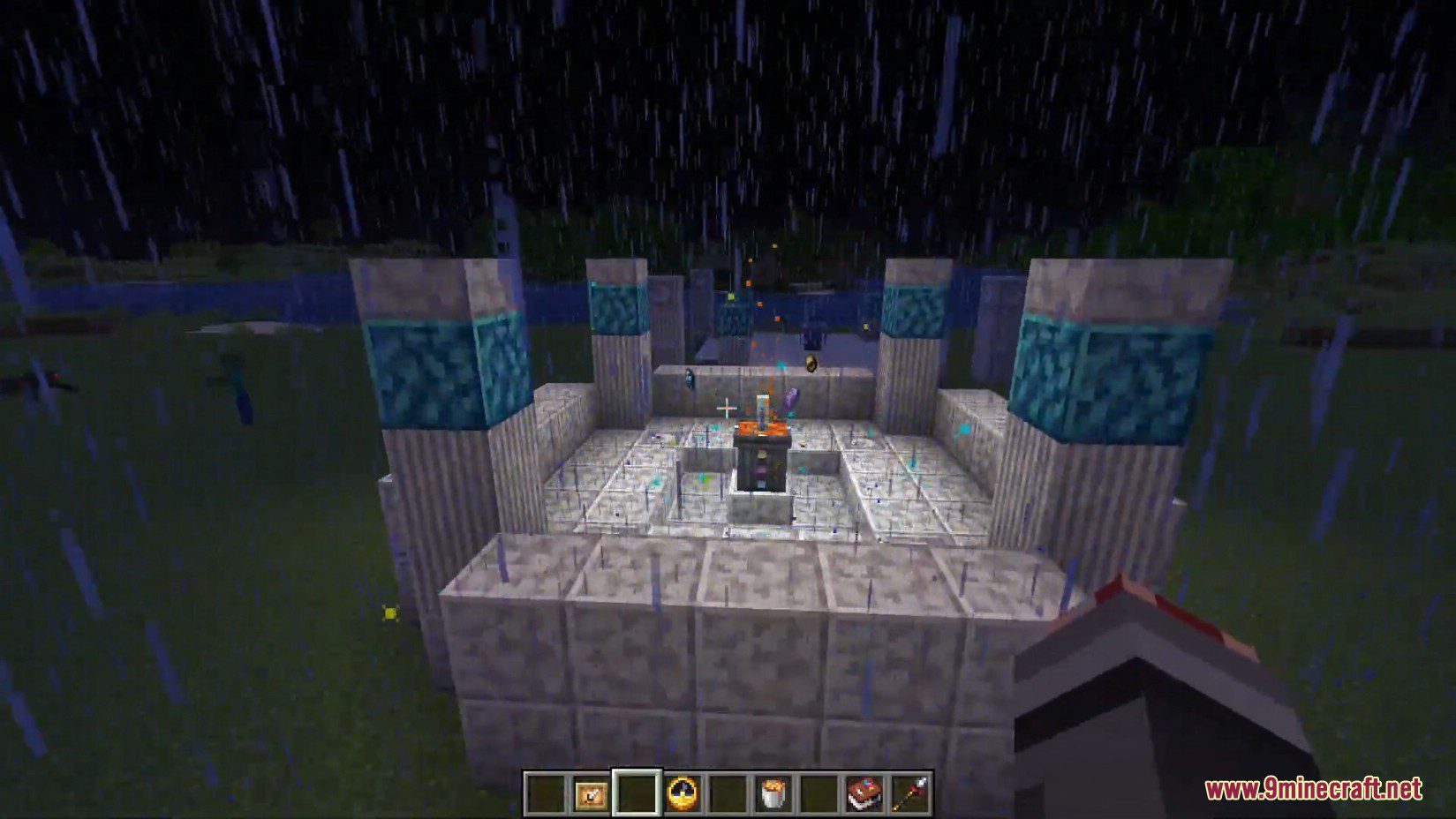
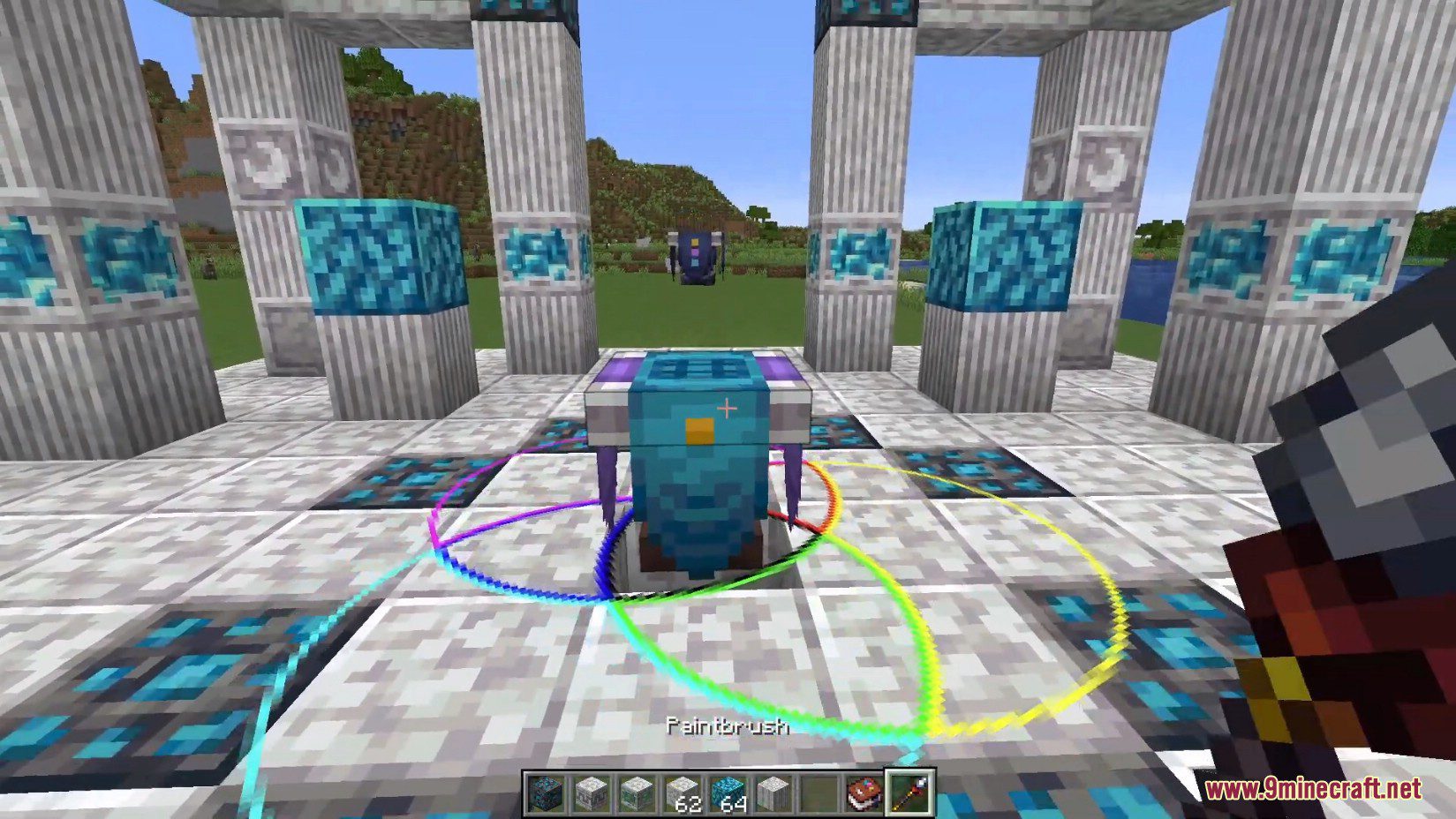
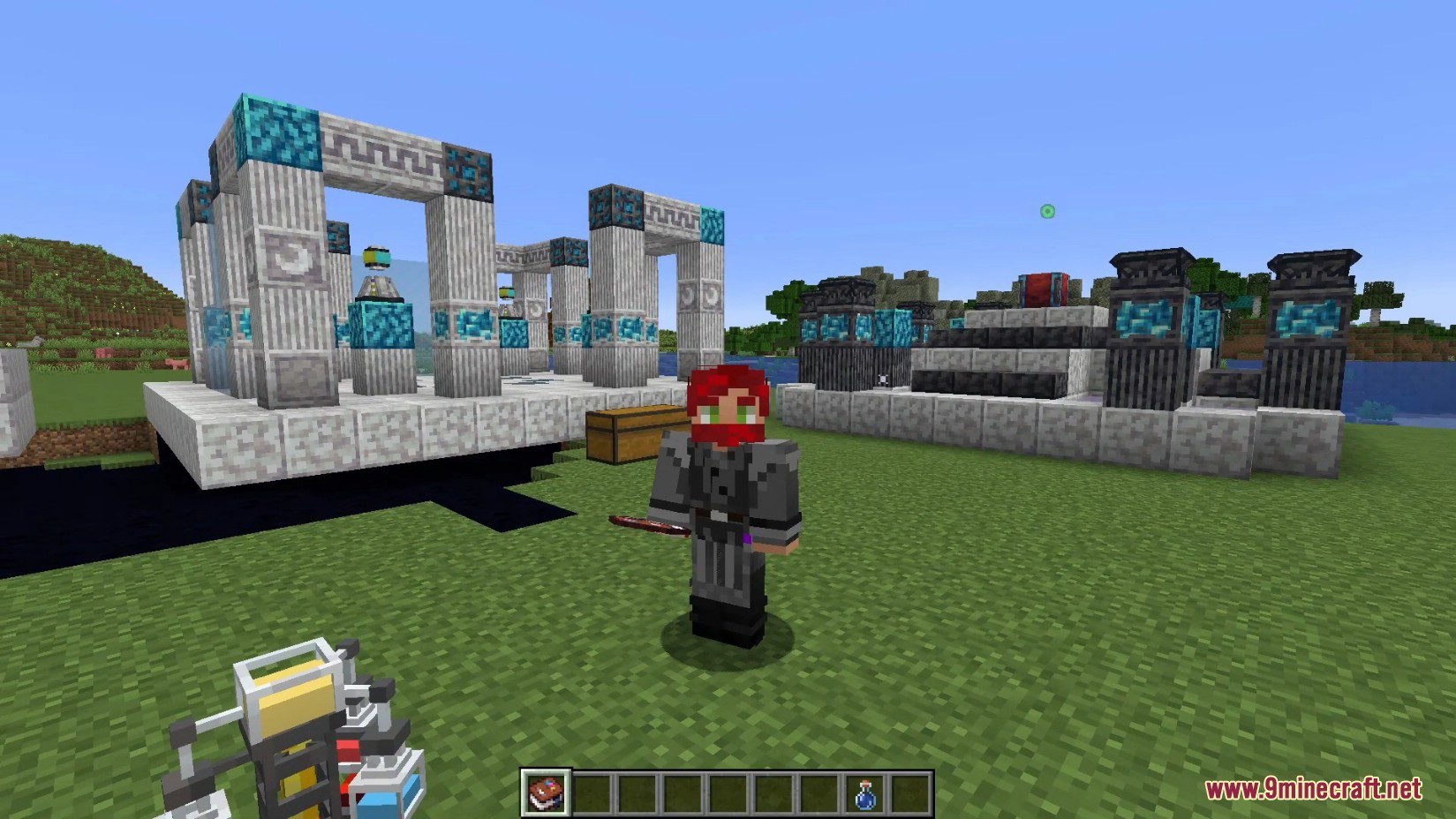
- Custom Multiblock Crafting: Lets you build and shape your own crafting structures with lots of freedom for creative designs.
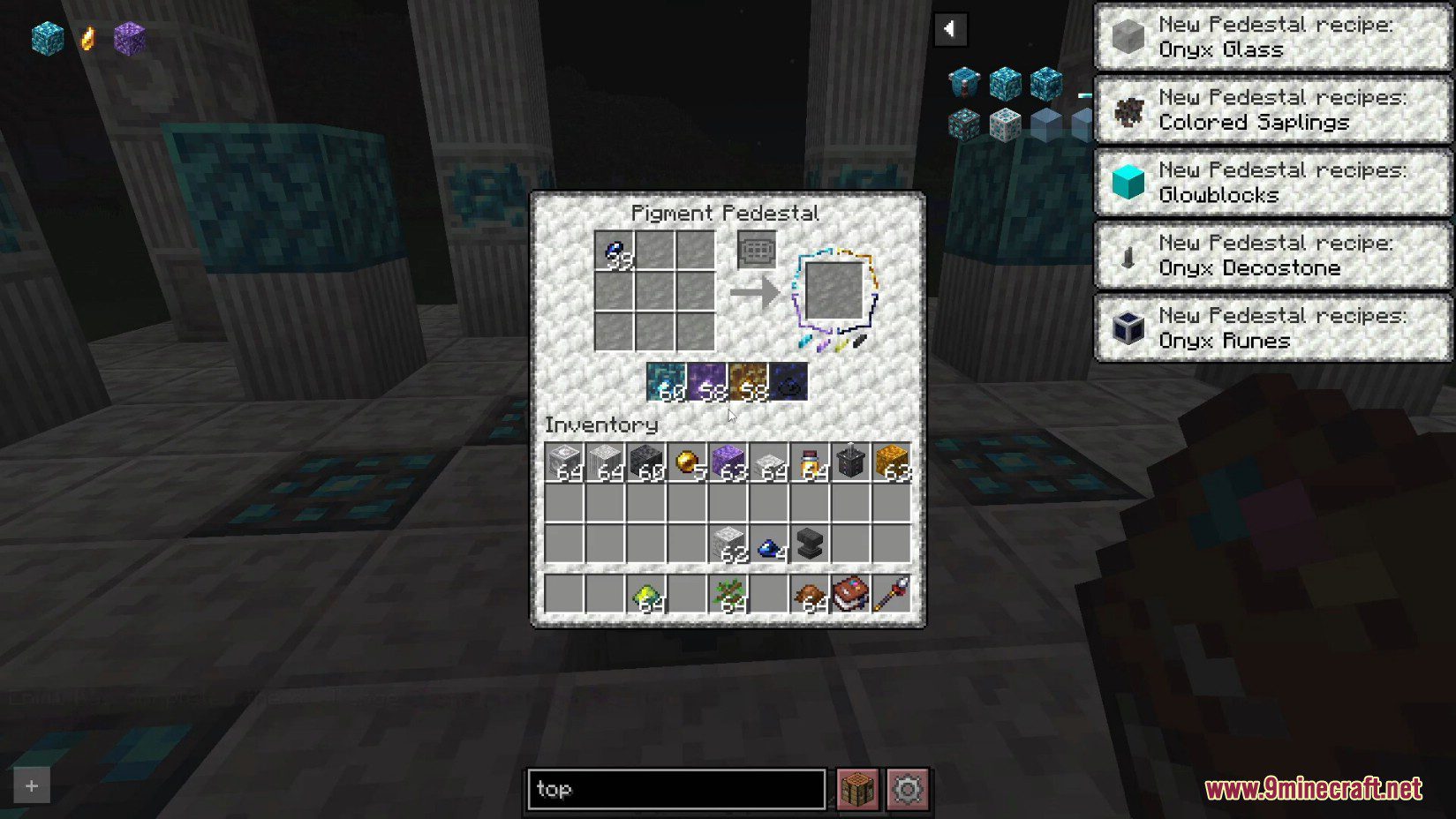
- Advancements and Guidebook: Guides you with hints from advancement trees and a personal in-game notebook that tracks your unlocked recipes and discoveries.
- Lets you combine sixteen colors and magical resources to make magical tools and machines on your path to finding what lies beneath the bedrock floor.
- Adds new magical gear, items, blocks, and decorative pieces.
- Adds new enchantments and potion effects.
- Adds new fluids with full collision and special effects.
- Includes handcrafted sounds and particle effects.
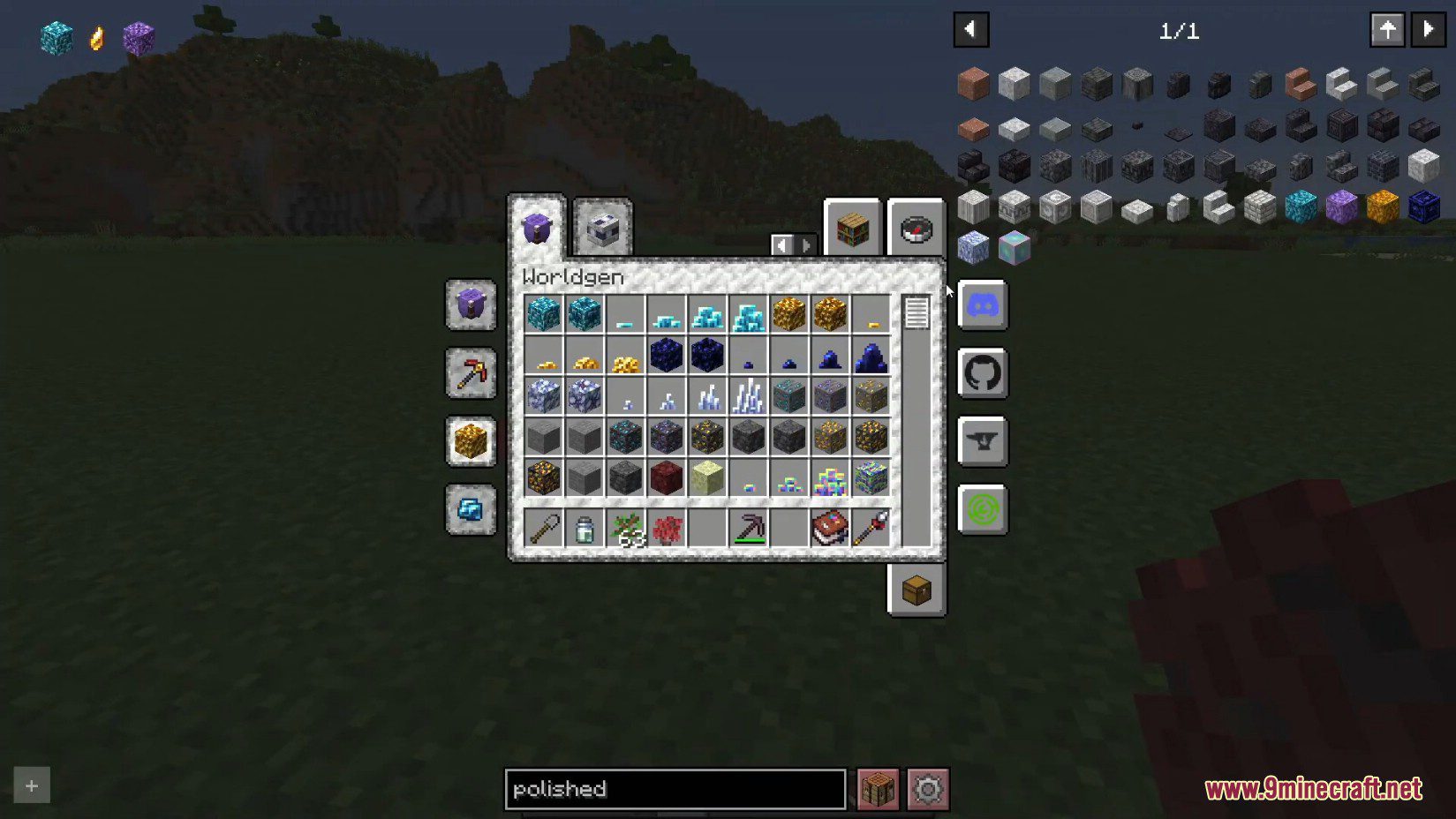
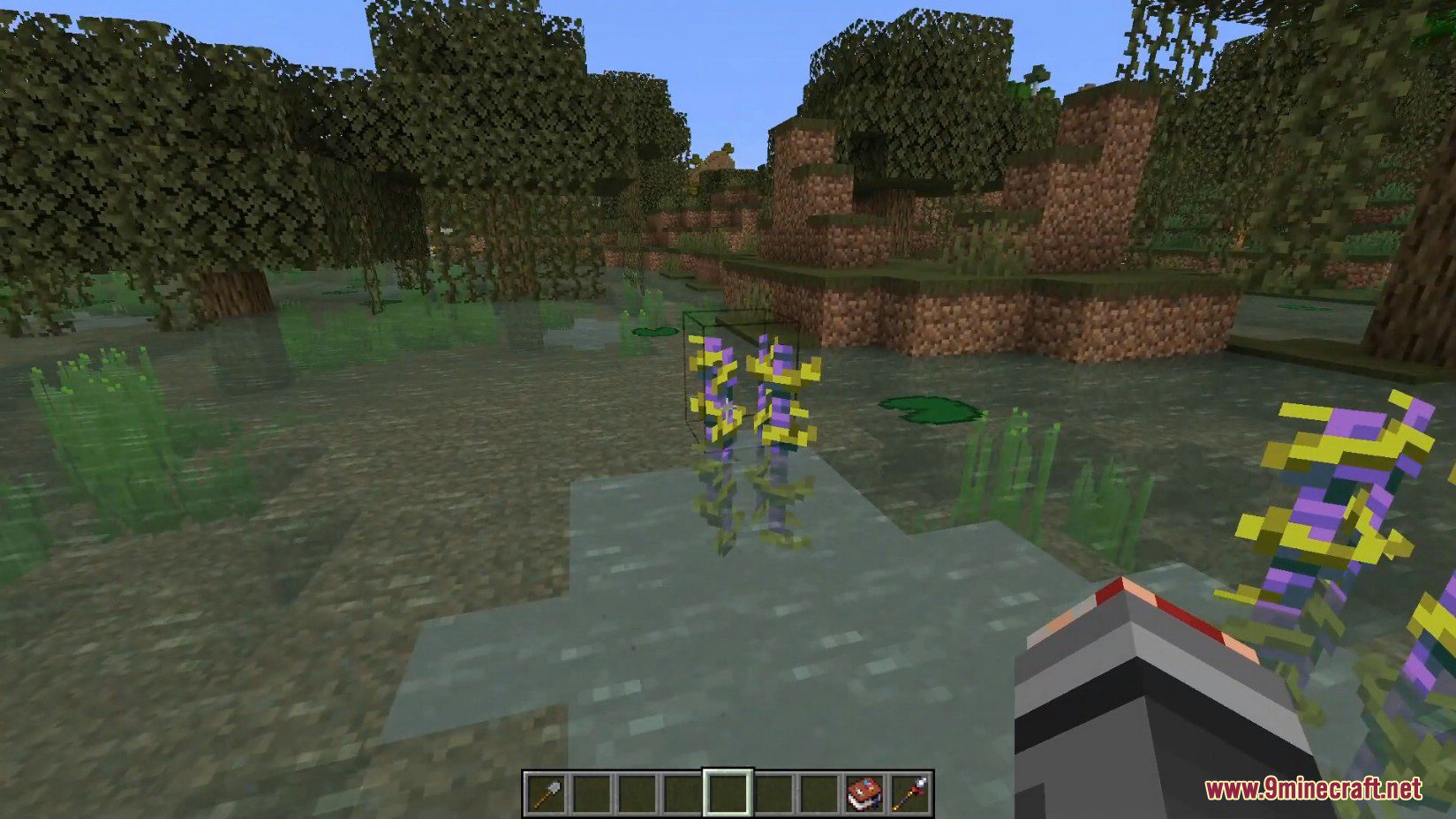
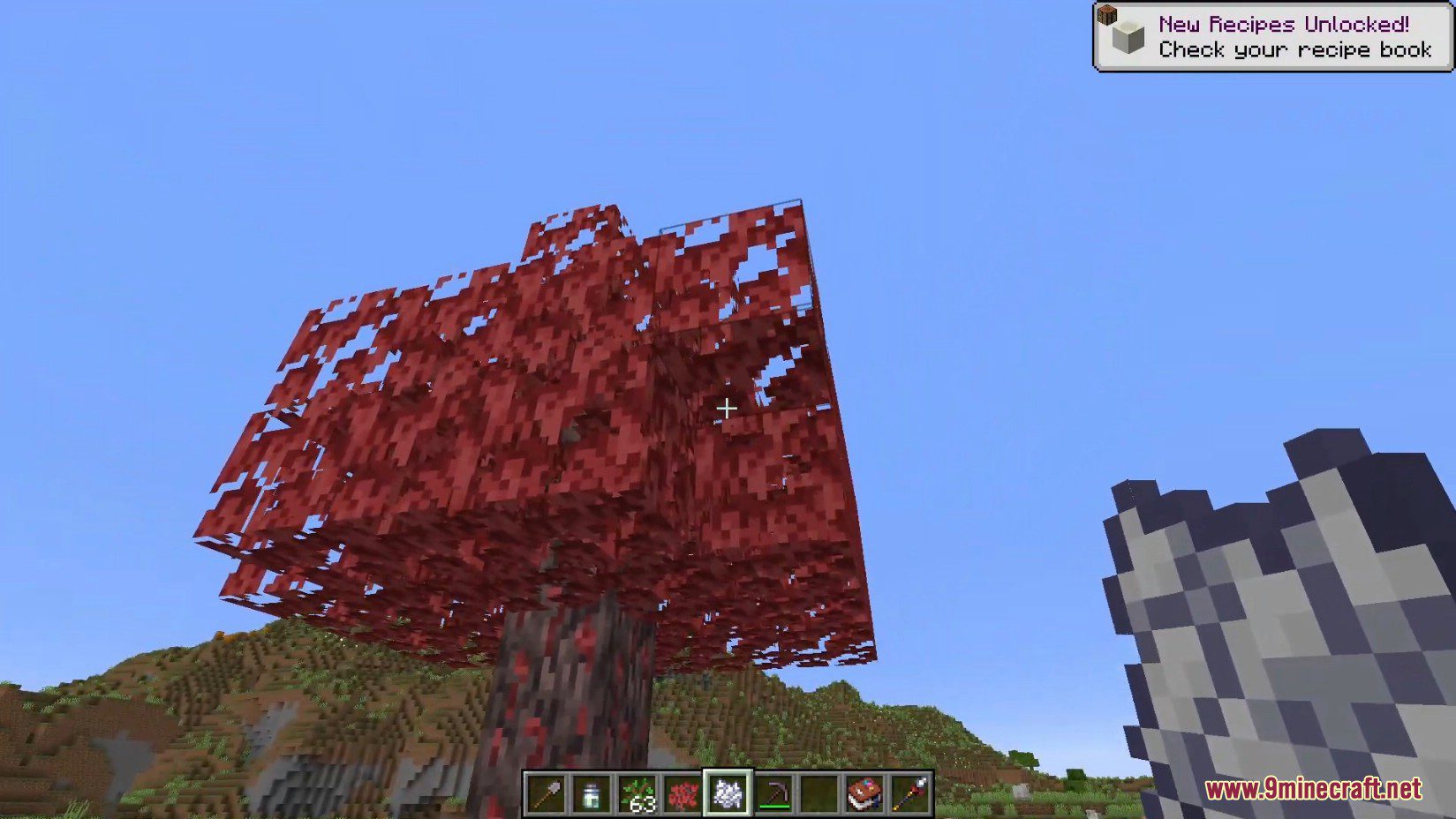
- Spawns unique ores, plants, and geodes across the world.
- Generates customizable structures filled with puzzles to solve.
- Lets you configure almost every recipe and progression path for modpacks, and includes new advancement criteria.
- Ships with custom recipes, smart tags, custom blocks and items, and dedicated guidebook pages for many other mods.
Mod Integrations:
- AE2: Adds extra recipes and Crystal Apothecary support.
- Alloy Forgery: Adds new forges, recipes, and fuel.
- Botania: Adds custom items, Black Hole Talisman support, extra recipes, and Potion Workshop reagents.
- Paginated Advancements & Custom Frames: Adds custom advancement frames.
- Starry Skies: Adds extra spheres so you can play through this mod in skyblock mode.
- Chalk: Makes Chalk unbreakable.
- EMI: Supports all recipe types from this mod.
- Go Fish: Adds full support for Go Fish enchantments and loot tables, along with enchantment recipes.
- Roughly Enough Items: Supports all recipe types from this mod.
How to Use:
- Explore the world until you find your first geode; finding it gives you a personal in-game guidebook to start your Spectrum Mod journey.
- Open the guidebook and check your advancement trees for hints on what to do next, since most items start with locked recipes in recipe viewers.
- Try out magical resources, solve puzzles inside custom structures, and build your own multiblock crafting setups to unlock new recipes and reveal disguised blocks step by step.
- Combine the sixteen colors with magical resources to make magical tools and machines, then keep following your new clues to uncover what lies beneath the bedrock floor.
Screenshots:
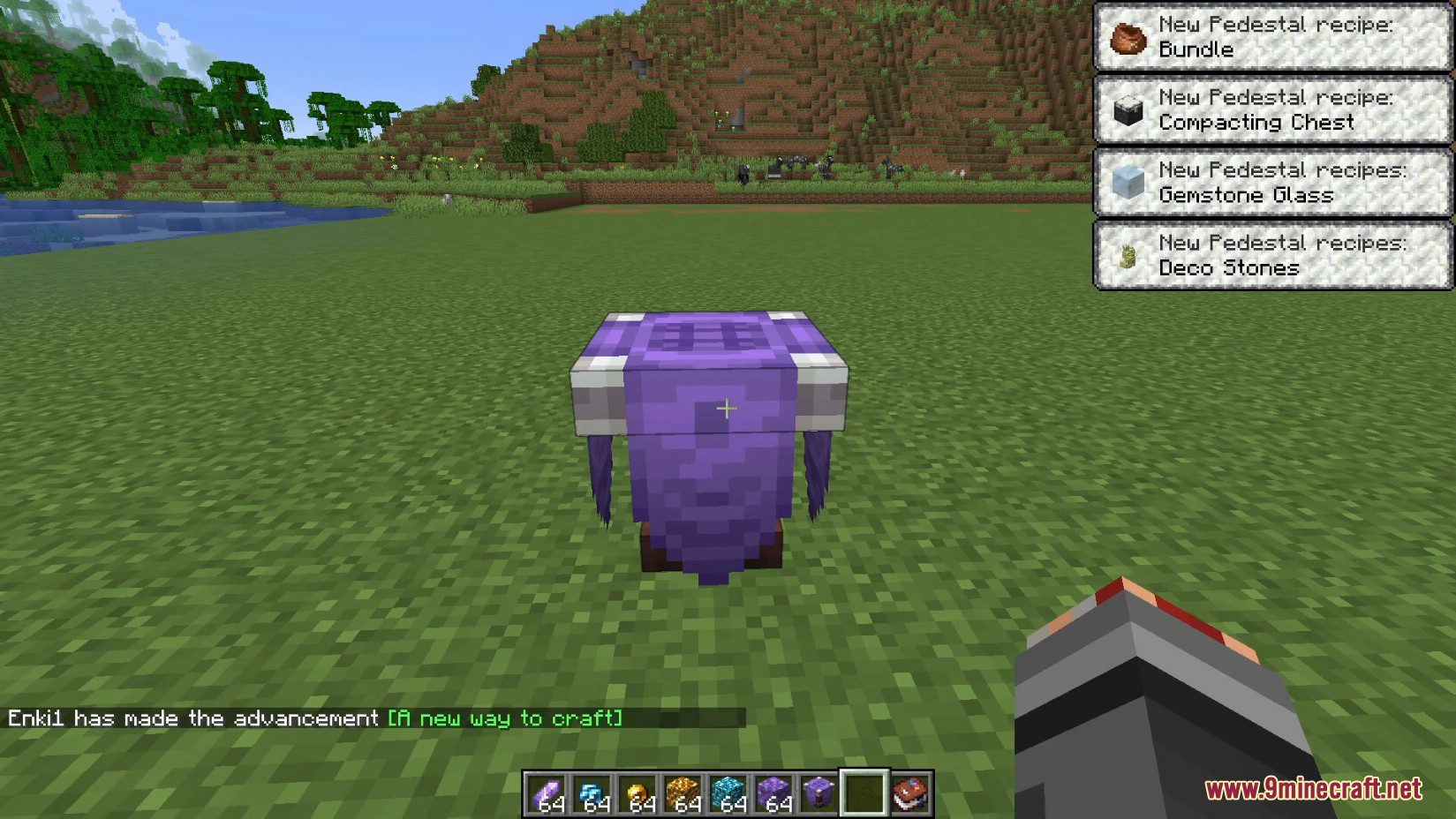
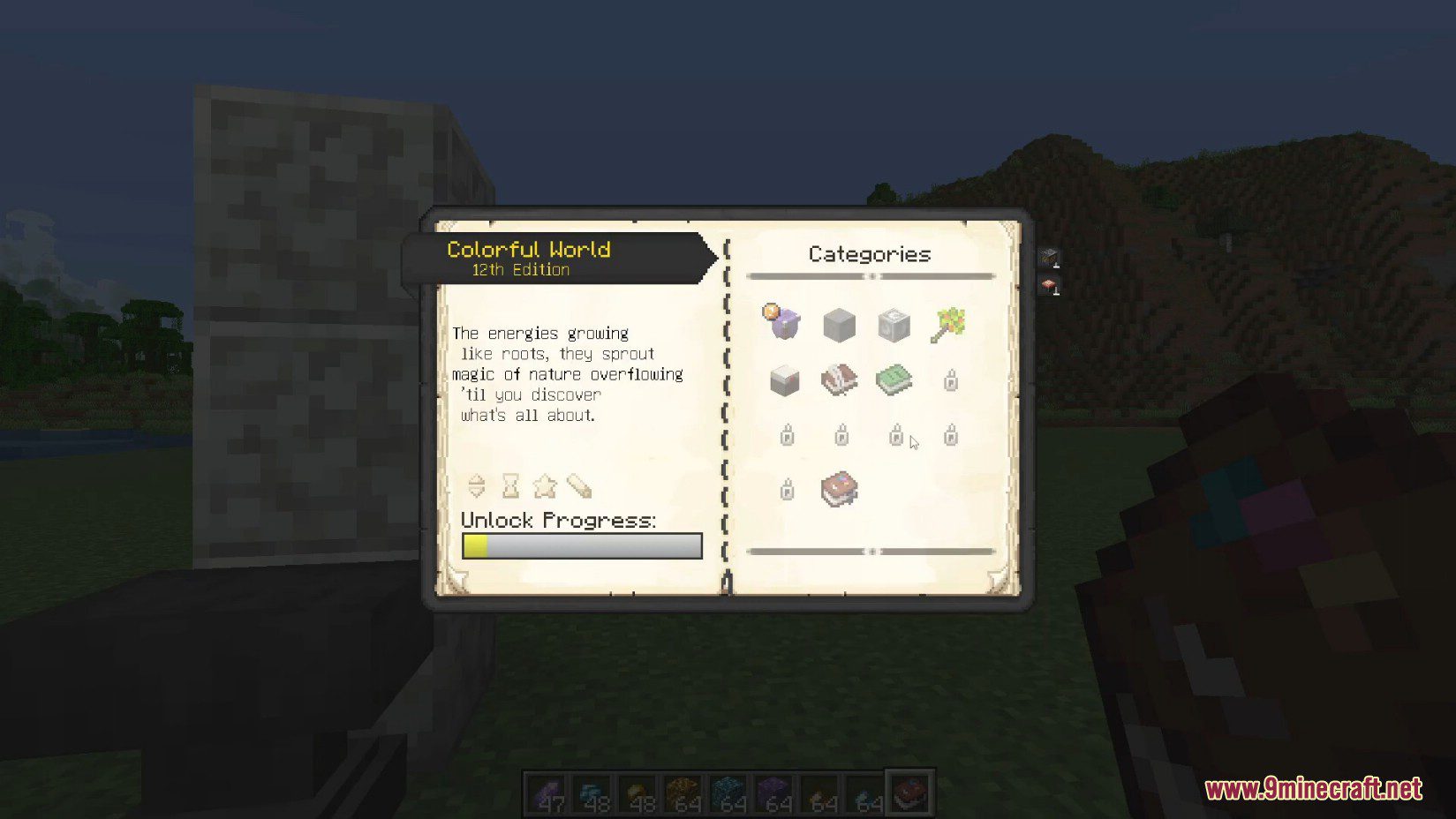
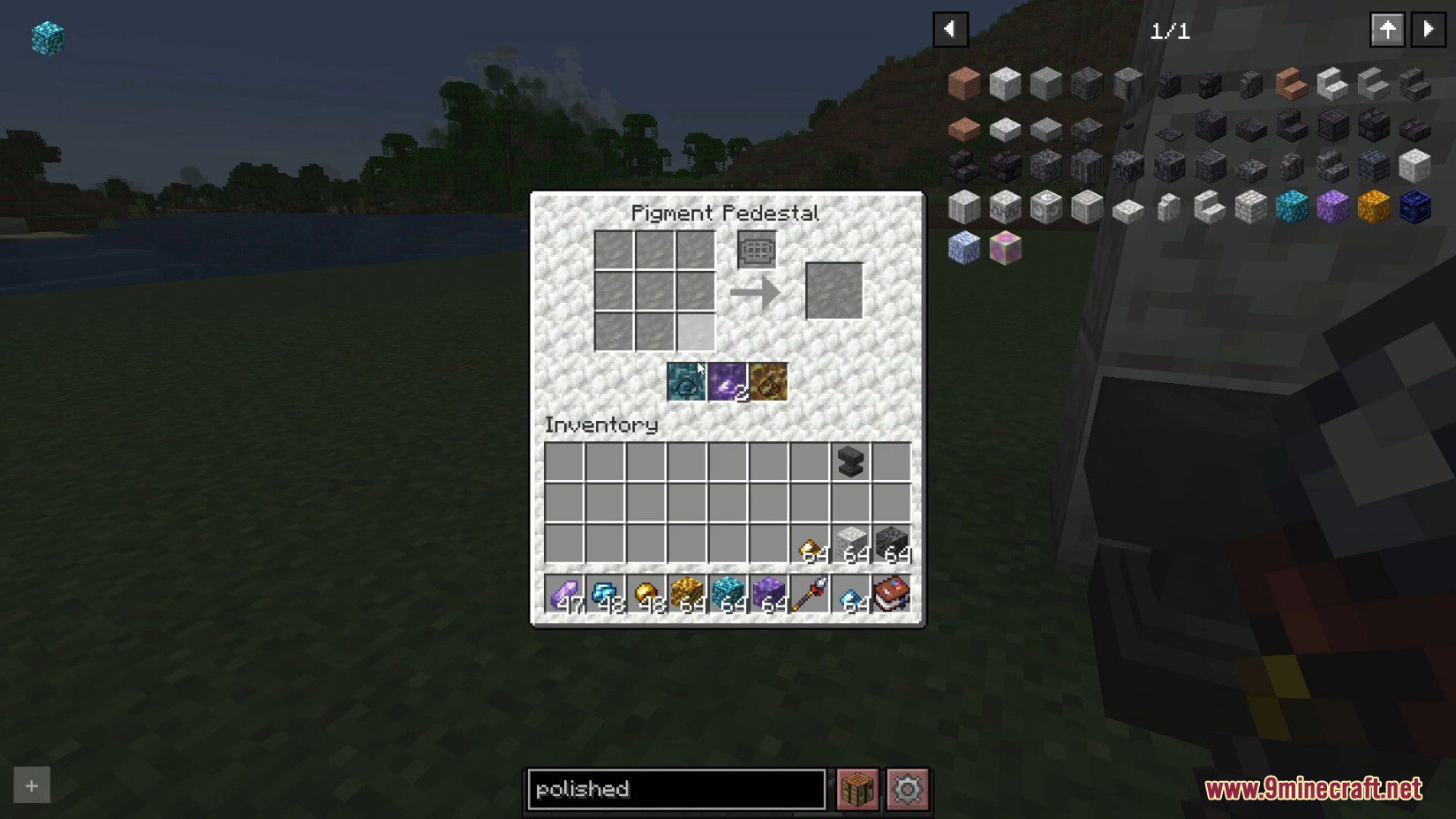
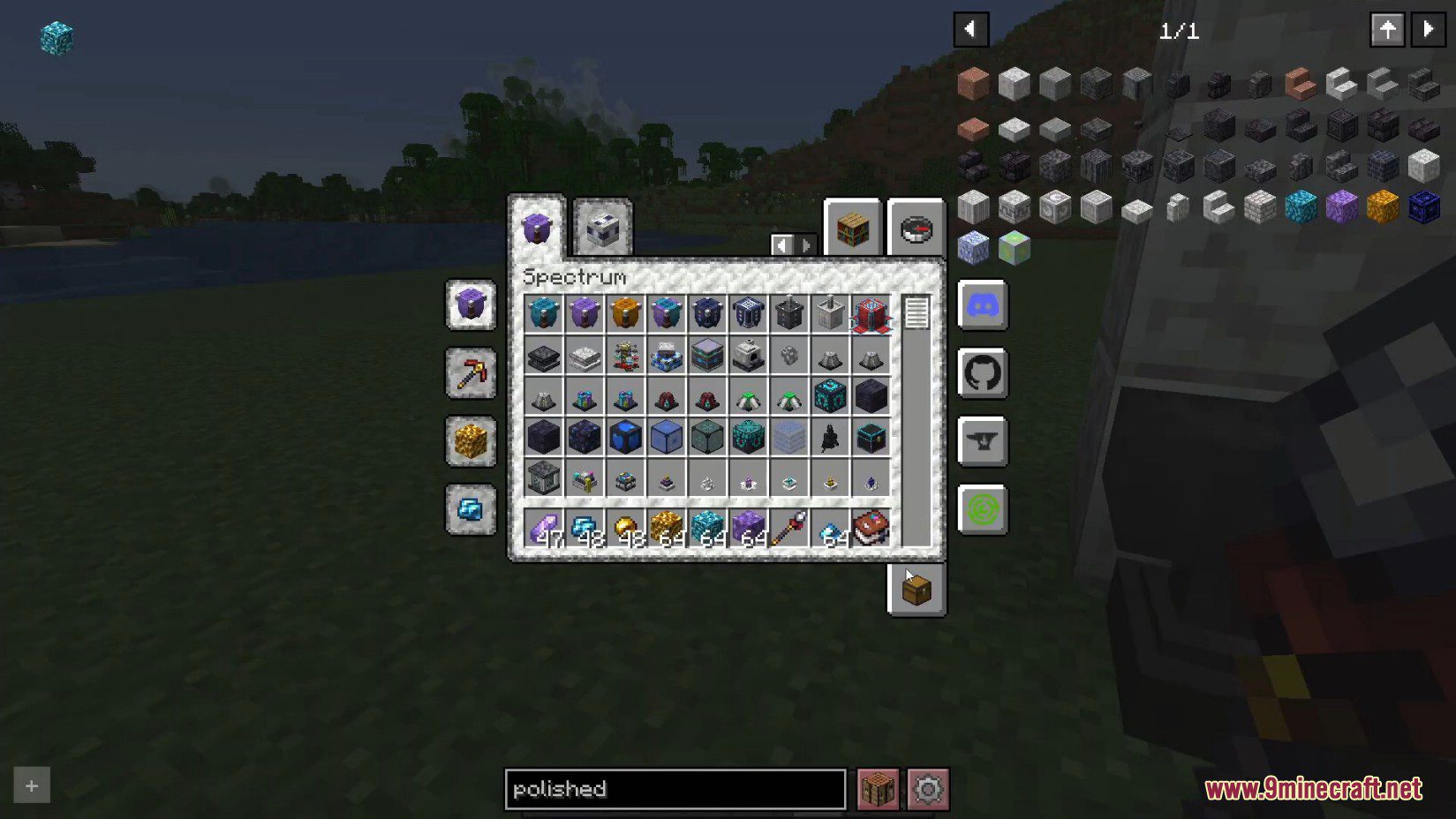
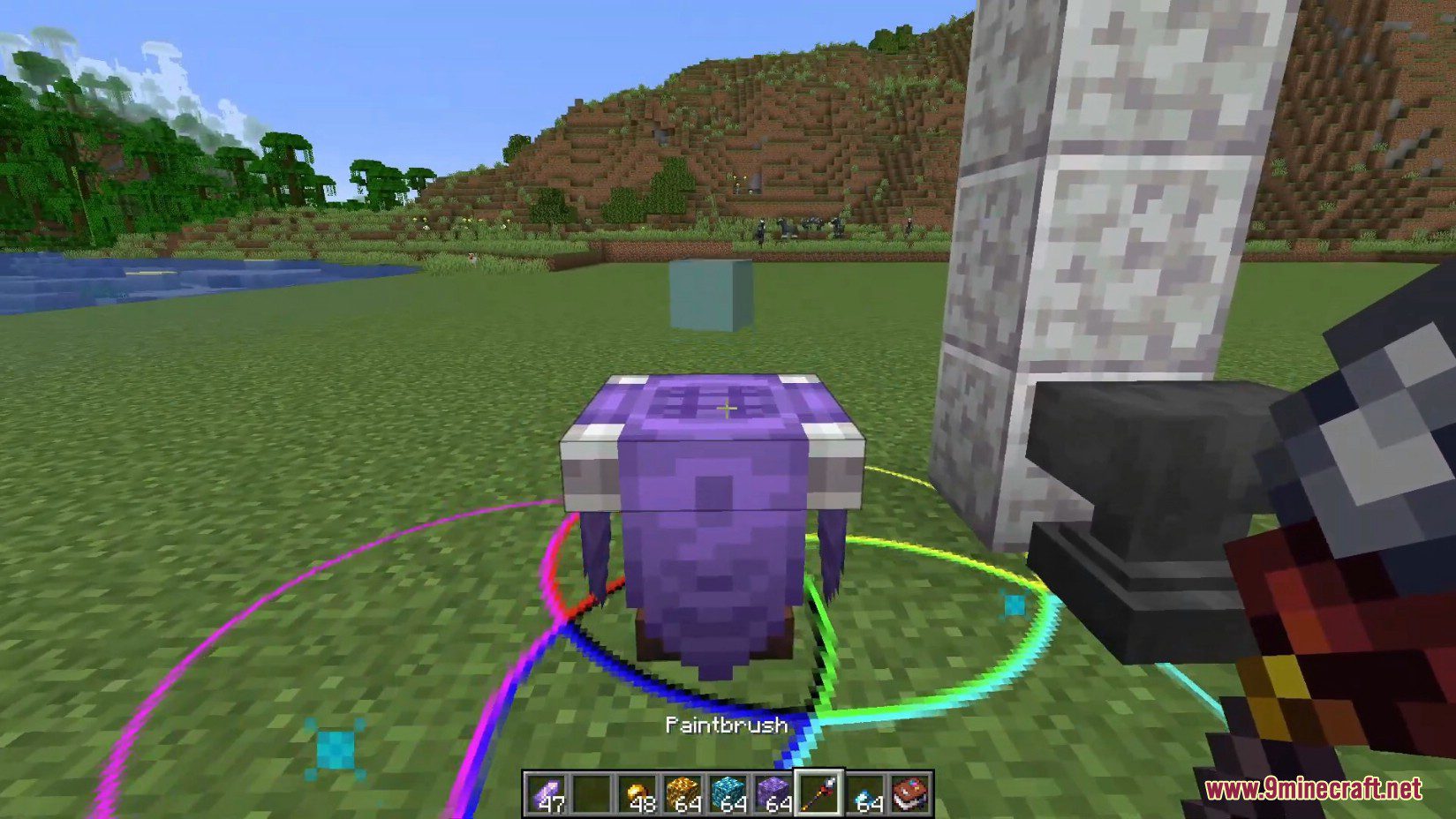
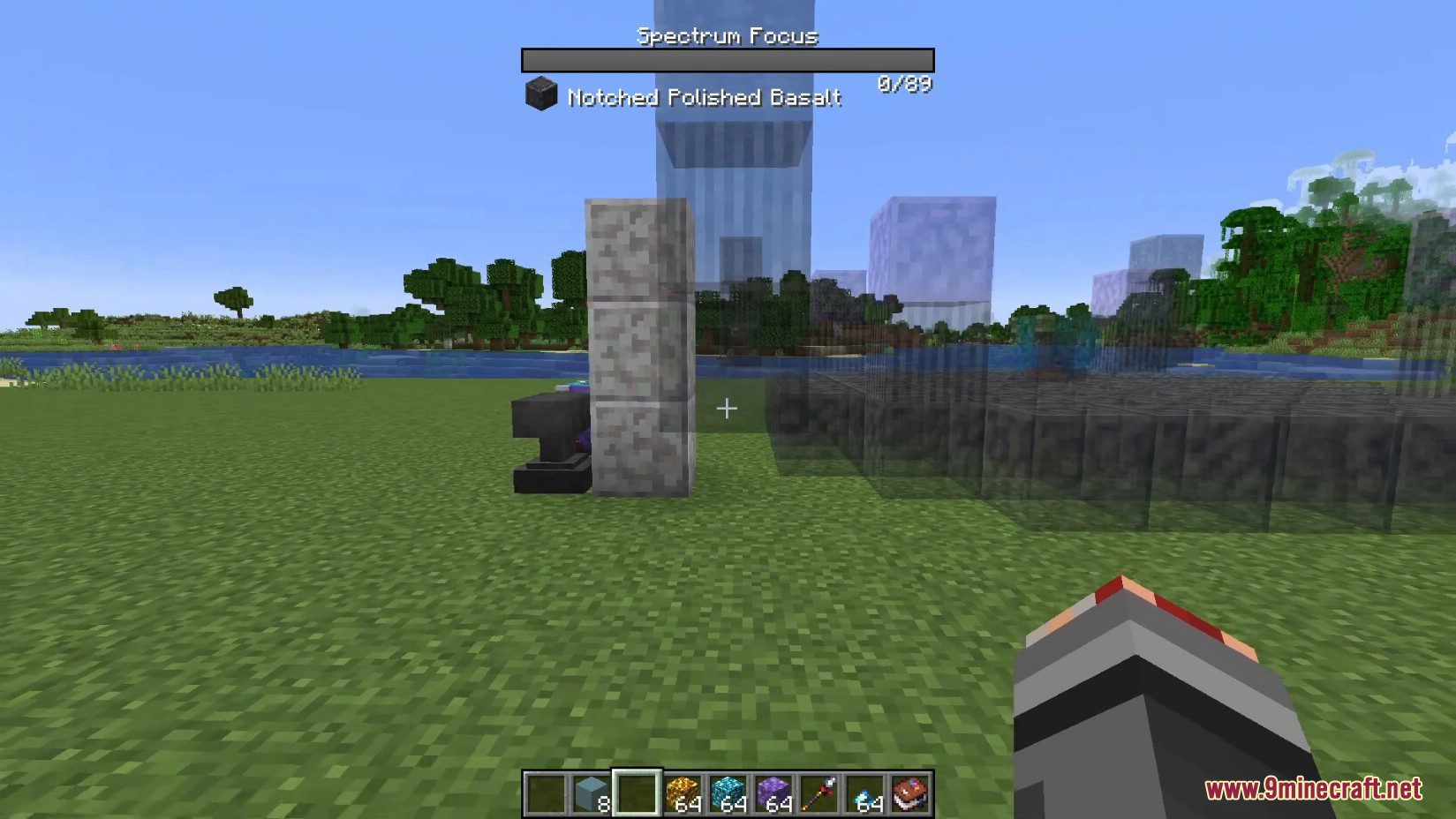
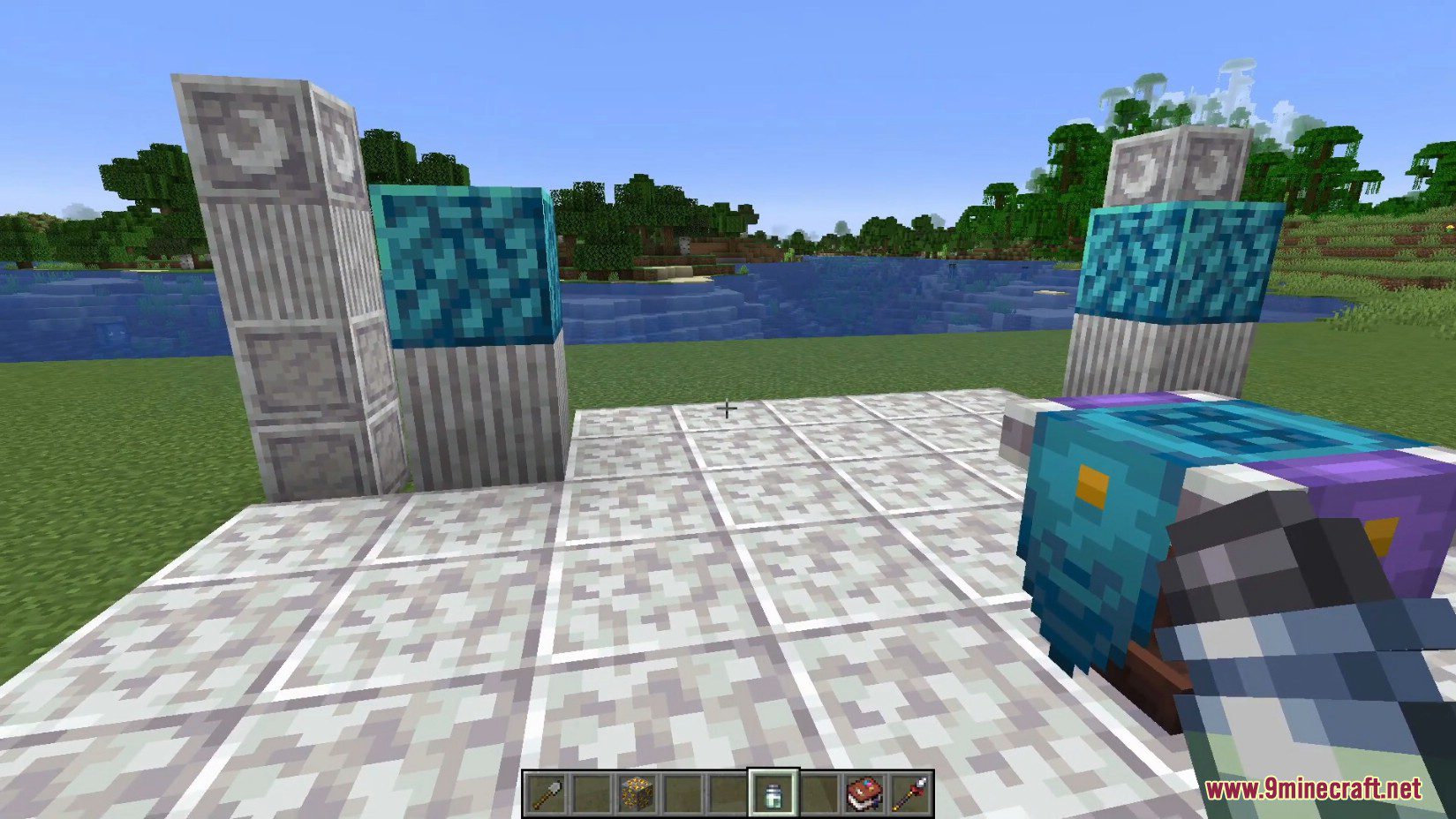
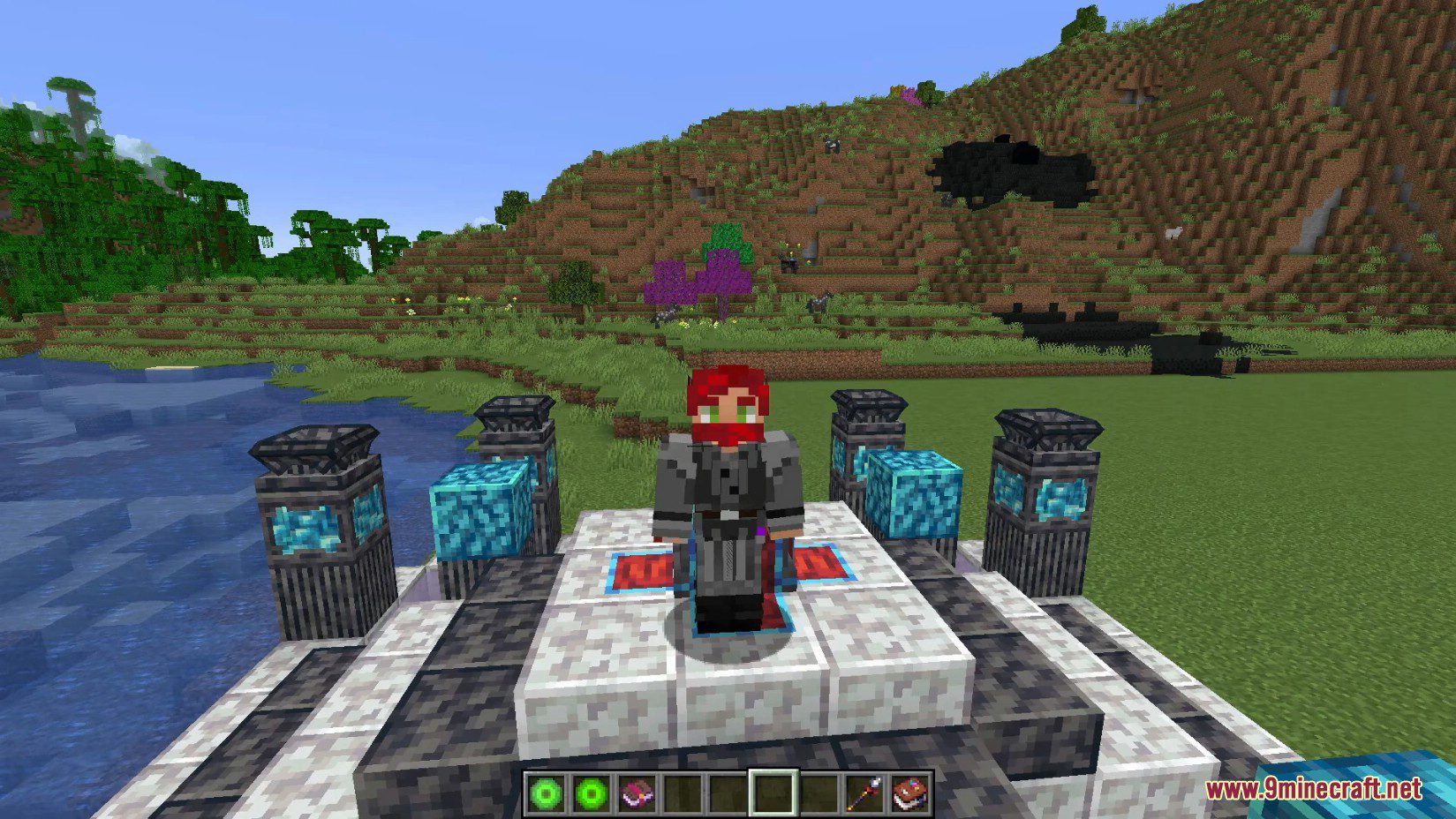
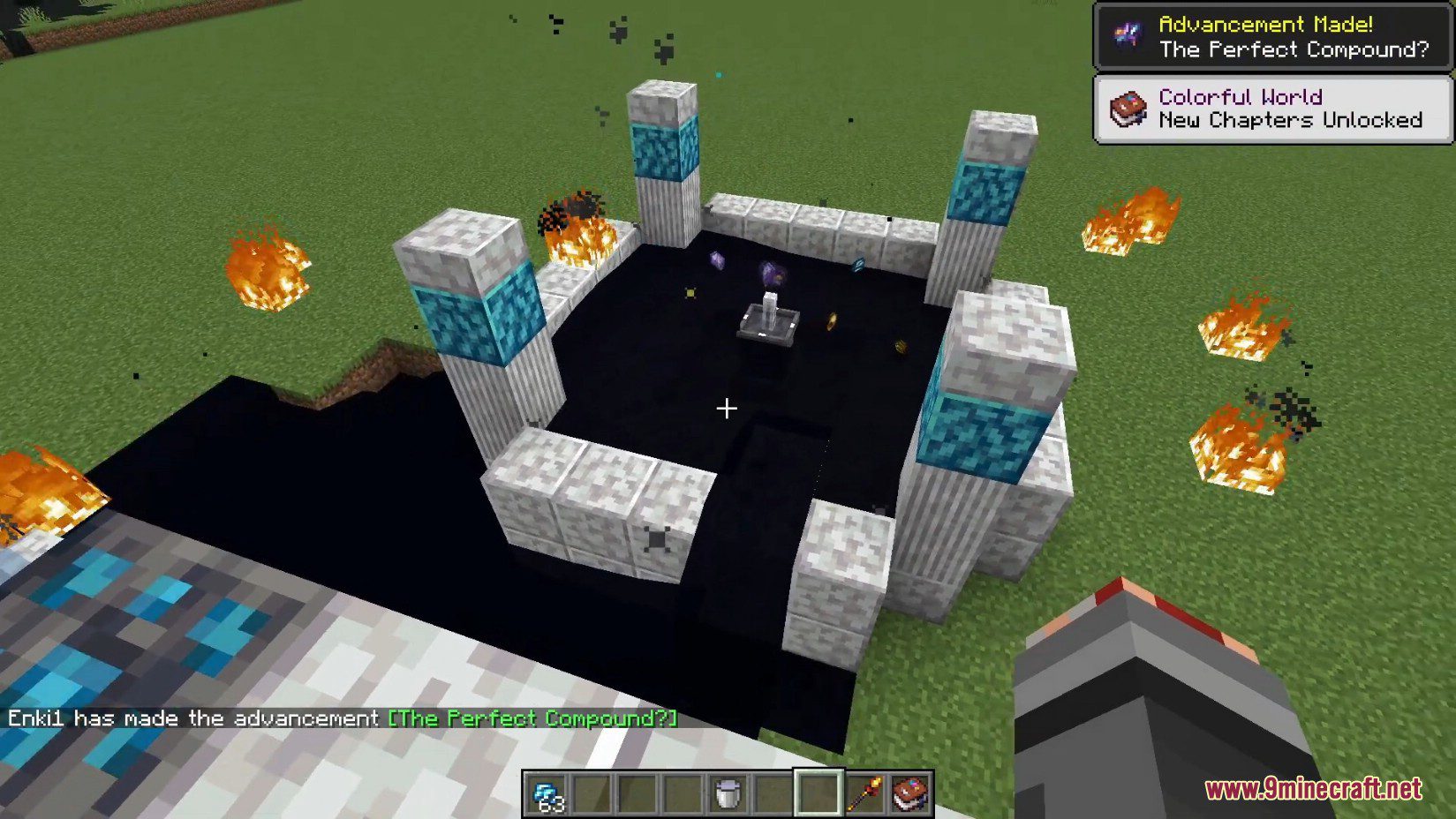
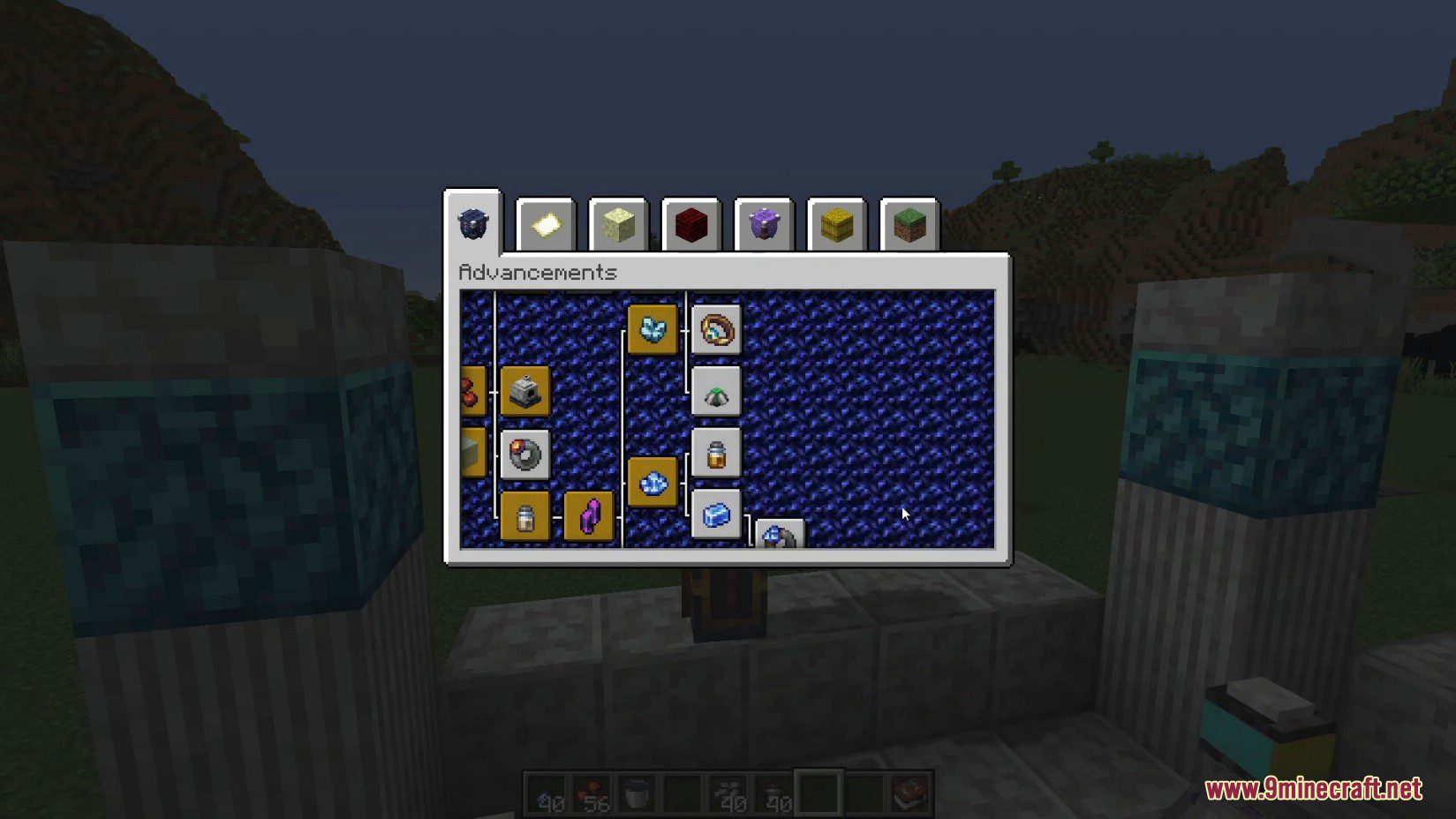
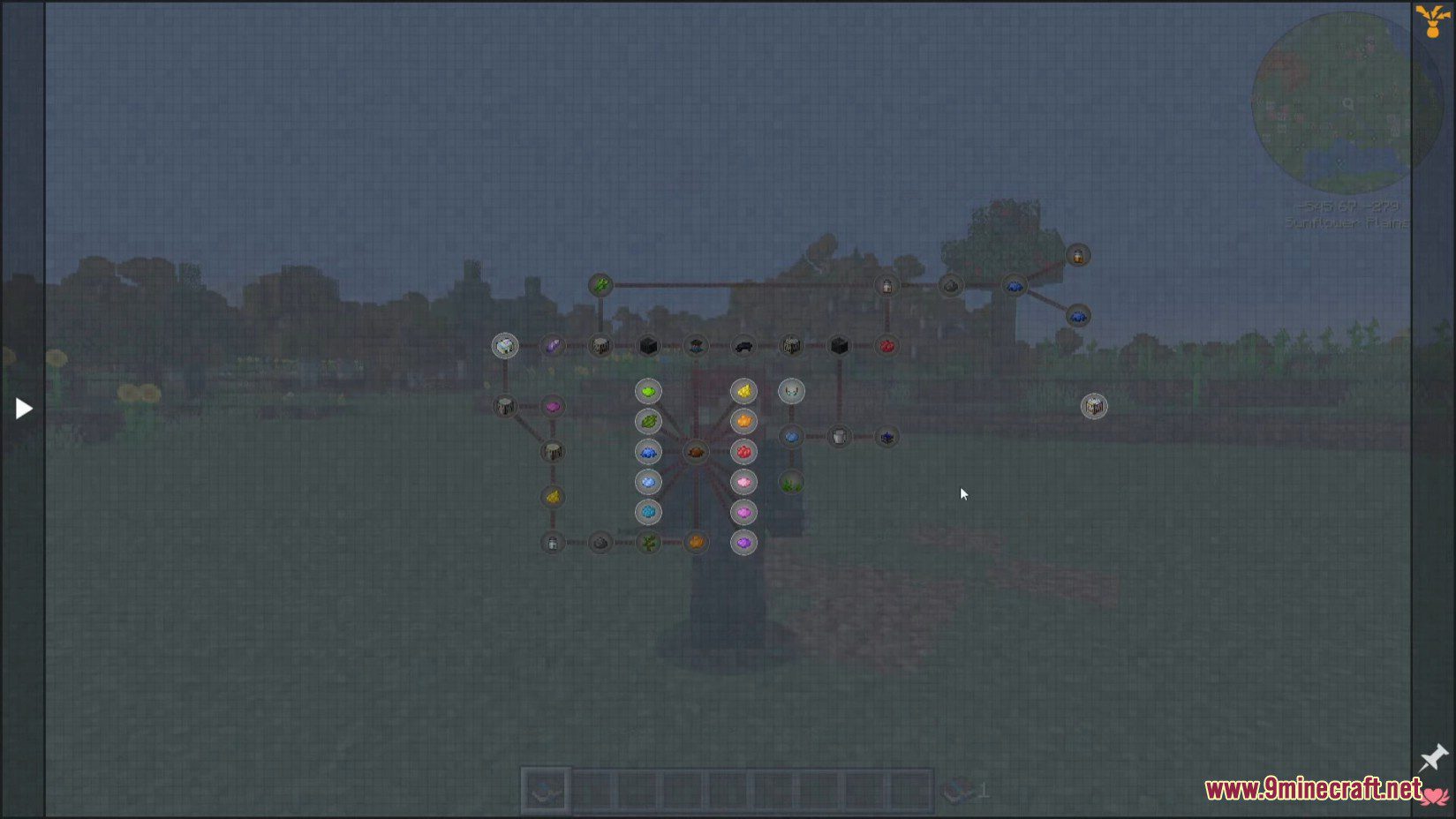
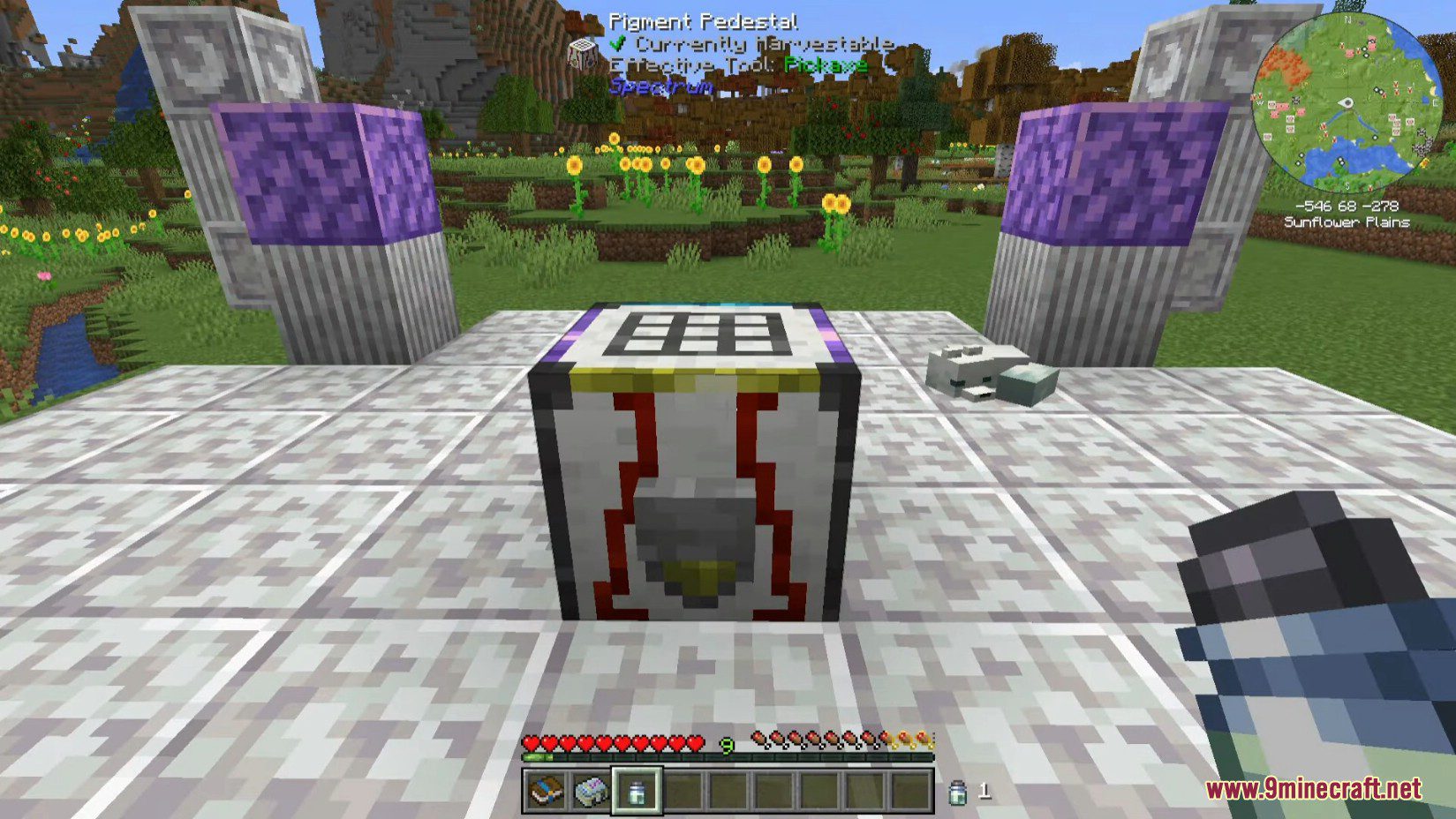
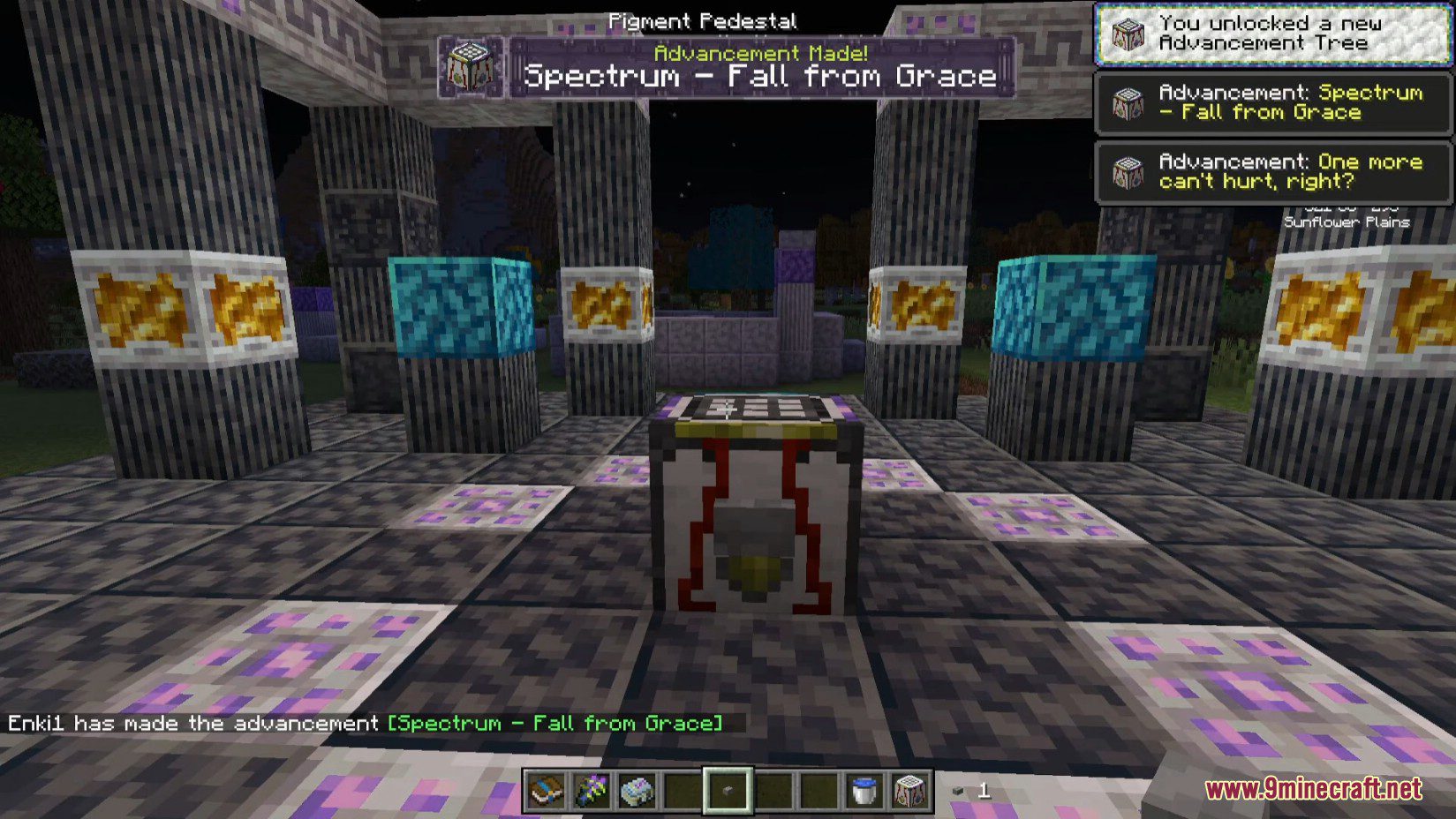
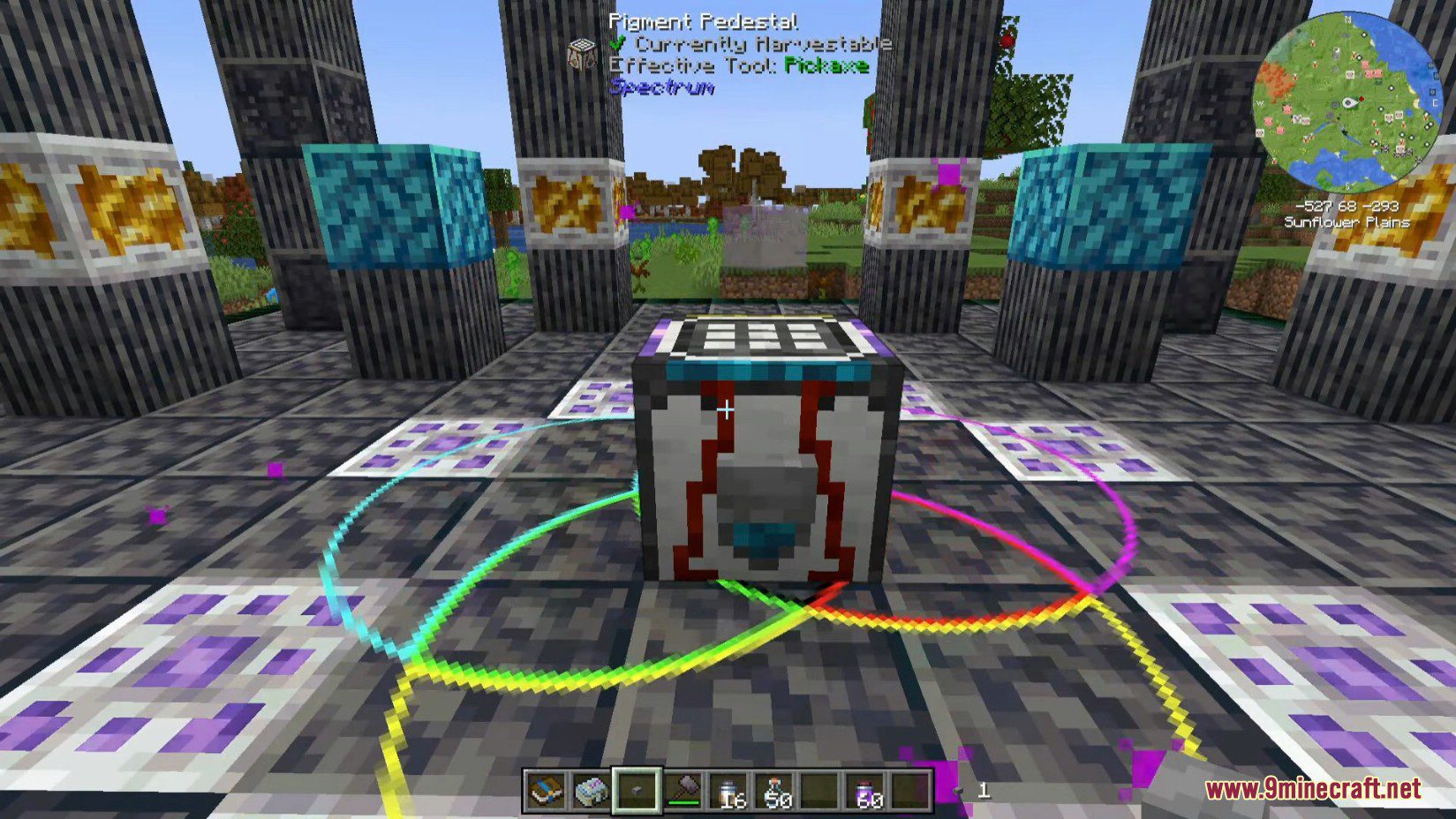
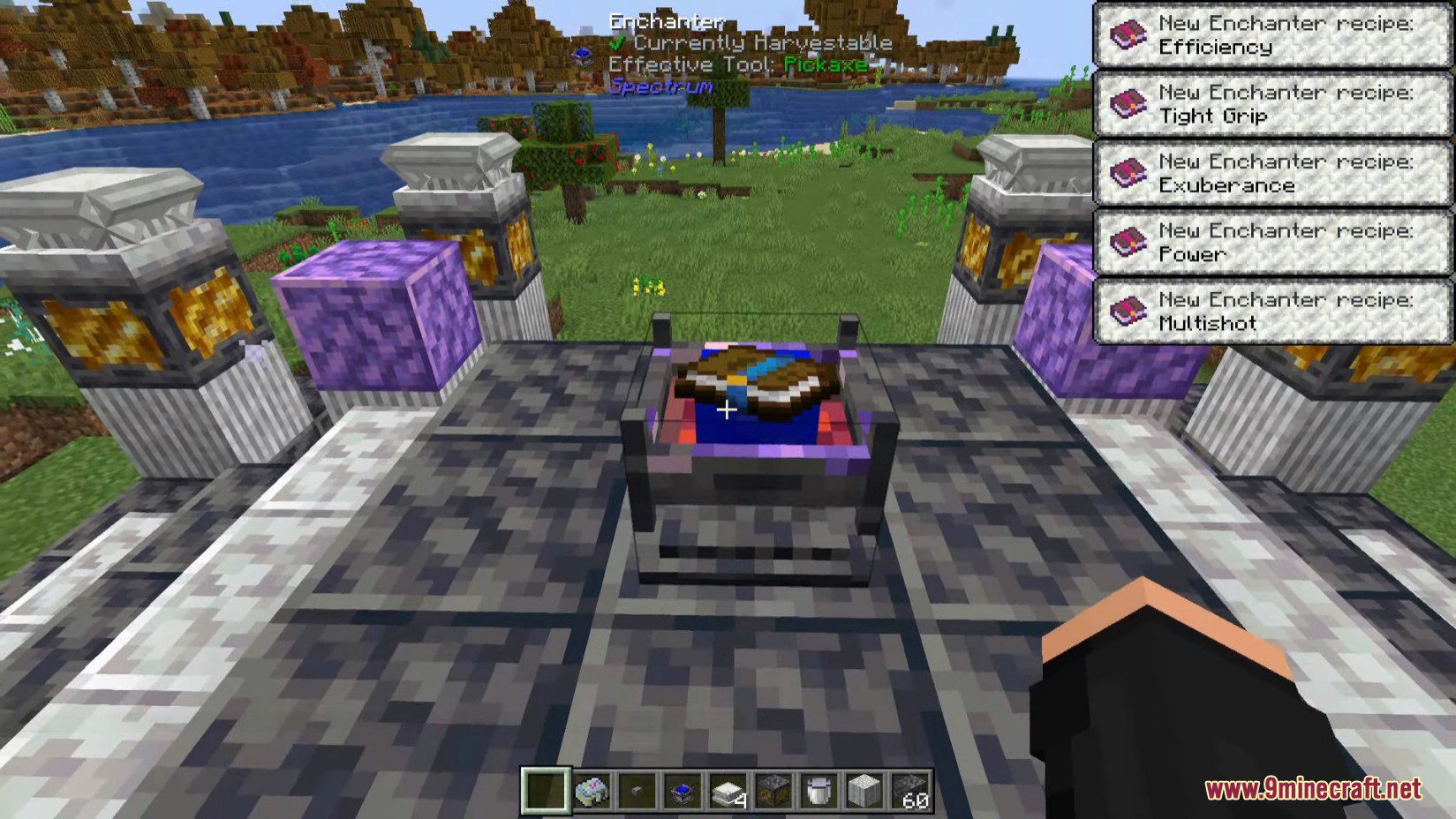
How to Install:
New to Minecraft? Follow our step-by-step guide to install Mods on your PC.View Guide
Requirements:

Spectrum Mod Download Links
For Minecraft 1.18.1
Fabric/Quilt version: Download from Server 1
For Minecraft 1.18.2
Fabric/Quilt version: Download from Server 1 – Download from Server 2
For Minecraft 1.19.2
Fabric/Quilt version: Download from Server 1 – Download from Server 2
For Minecraft 1.20.1, 1.20
Fabric/Quilt version: Download from Server 1 – Download from Server 2
For Minecraft 1.21.1, 1.21
Fabric version: Download from Server 1 – Download from Server 2
You May Also Like
Picked for this page
 Goldfish Myth Mod (26.3, 1.20.1) – The Fisherman & the Golden Fish
 Furnace Recycle Mod (26.3, 1.20.1) – Recycle And Use
 Toggle Item Frames Mod (1.21.11, 1.20.1) – The Art of Visibility
 Wormhole Portals Mod (26.3, 1.20.1) – Interdimensional Portals of Any Size, Shape and Color
 Spawn Balance Utility Mod (1.21.11, 1.20.1) – Control Spawn Weights of Mobs
 Clickable Advancements Mod (26.3, 1.20.1) – Open Advancement from Chat
 Totem Tweaks Mod (26.2, 1.20.1) – Small Totem Pop and Extensive Customizability
 Broken Lead Warner Mod (1.21.11, 1.20.1) – Enhance Your Animal Management
 Plasmo Voice Addon Group Mod (1.21.11, 1.20.1) – Voice Chat Groups For Plasmo Voice
 Fathomless Crimson Mod (1.20.1) – Dark Ritual Combat
 Drogstyle Mod (26.1.2, 1.20.1) – Personalize Your In-Game Identity
 Berezka Library Mod (26.3, 1.20.1) – Library That Has Loot Tables For Berezkas Mods
Most viewed in Mods over the last 7 days
 Ala Industrial Mod (26.3) – Run Electric Power Grids and Automated Factories
 PleasureCraft Mod (26.3, 1.21.1) – Jenny Mod Remake for Fabric
 Jennycraft Mod (26.3, 1.20.1) – Virtual Girlfriend in Minecraft
 Fapcraft Mod (26.3, 1.12.2) – Comprehensive and Detailed Content
 Jenny Mod (Fapcraft) Official Complete Guide – How to use, Tutorial
 BangCraft Mod (1.20.1) – Jenny, Ellie and Elliot
 Fabric Loader (26.3, 1.20.1) – Fabric Installer for All Minecraft Versions
 The Shooting Star Demo Mod (26.3, 1.20.1) – Vaporize Terrain From Orbit
 Meteor Client Mod (26.3, 1.20.1) – Xray, HUD, Fly
 OptiFine HD (26.3, 1.20.1) – Run Faster, FPS Boost, Shaders Support
 Aristois Client Mod (1.21.4, 1.20.1) – World Class Minecraft Utility
 Prestige Client Mod (1.21.11, 1.21.4) – Powerful Ghost Features for Crystal & Sword PvP
More from Mods
 Moonlight 9minecraft Lib (26.3, 26.2) – Run Complex Mods Without Errors
 Load My Tags 9minecraft Mod (26.3) – Mix Mods Without Breaking Recipes
 Kambrik 9minecraft Mod (26.3) – Run Kotlin Mods Without Game Lag
 Fast Paintings 9minecraft Mod (26.3, 26.2) – Place Wall Art Exactly Where You Want It
 Bonsai Trees 9minecraft Mod (26.3, 26.2) – Automate Wood Farming in Tiny Pots
 Enhanced Block Entities 9minecraft Mod (26.3) – Build Lag-Free Storage Rooms
 Better Nether 9minecraft Mod (26.3, 26.2) – Survive Forever in the Nether
 BCLib 9minecraft Mod (26.3, 26.2) – Power Custom Nether and End Overhauls
 ForgedLoaderAPI Mod (1.19.2, 1.18.2) – Bring Ported Fabric Creations
 Shield System Mod (1.21.1) – Tank Heavy Monster Hits Without Losing Hearts
 Shin’s Tensura Race Models Mod (1.19.2) – Play As Unique 3D Anime Race
 Offgrid Mod (26.3, 1.20.1) – Furnish Compact Interiors Without Strict Grid

This post has no comments yet. Be the first — your comment will appear here.