


Paginated Advancements Mod (26.2, 1.20.1) – Custom Frames

 0
0 

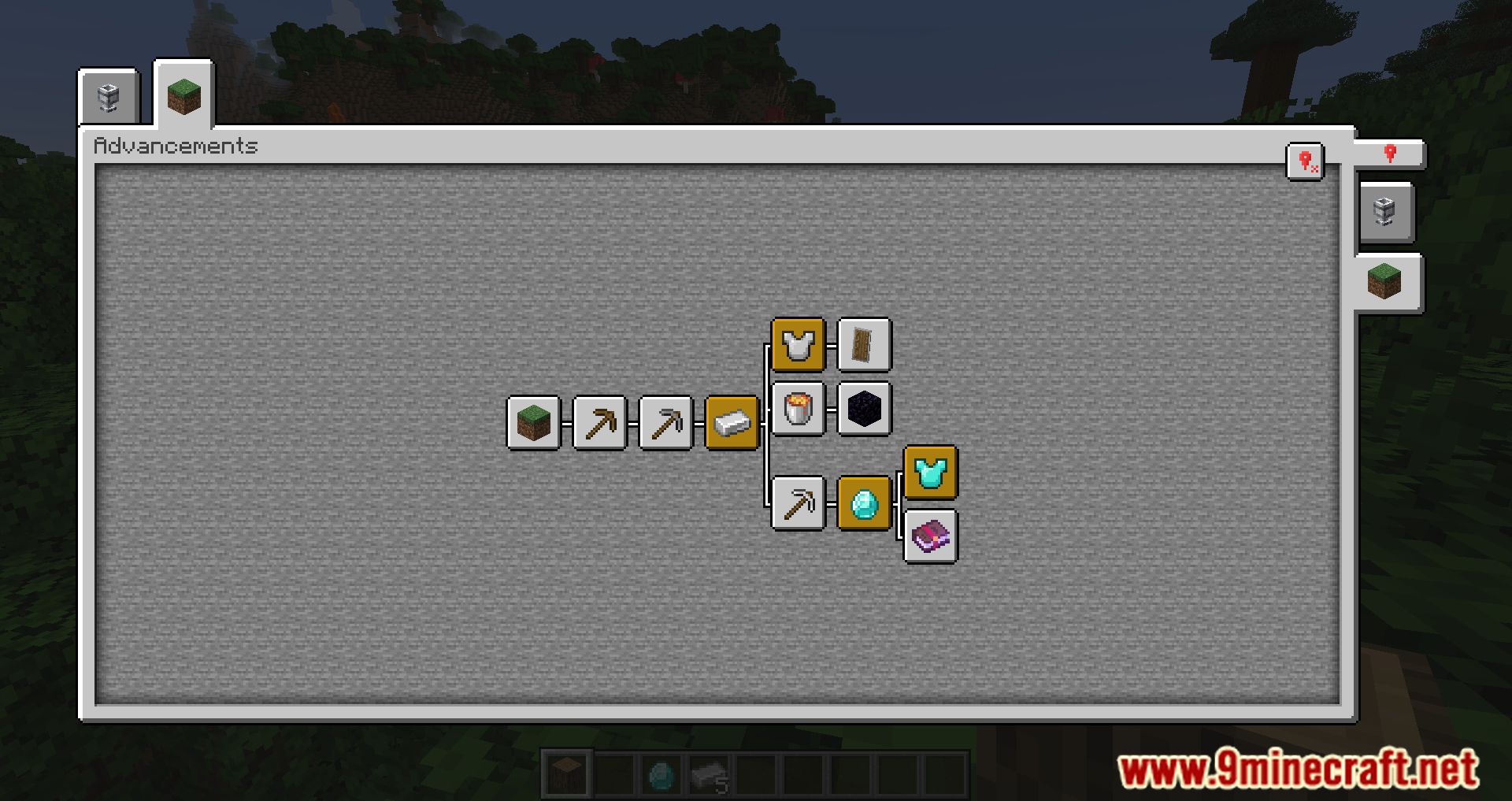
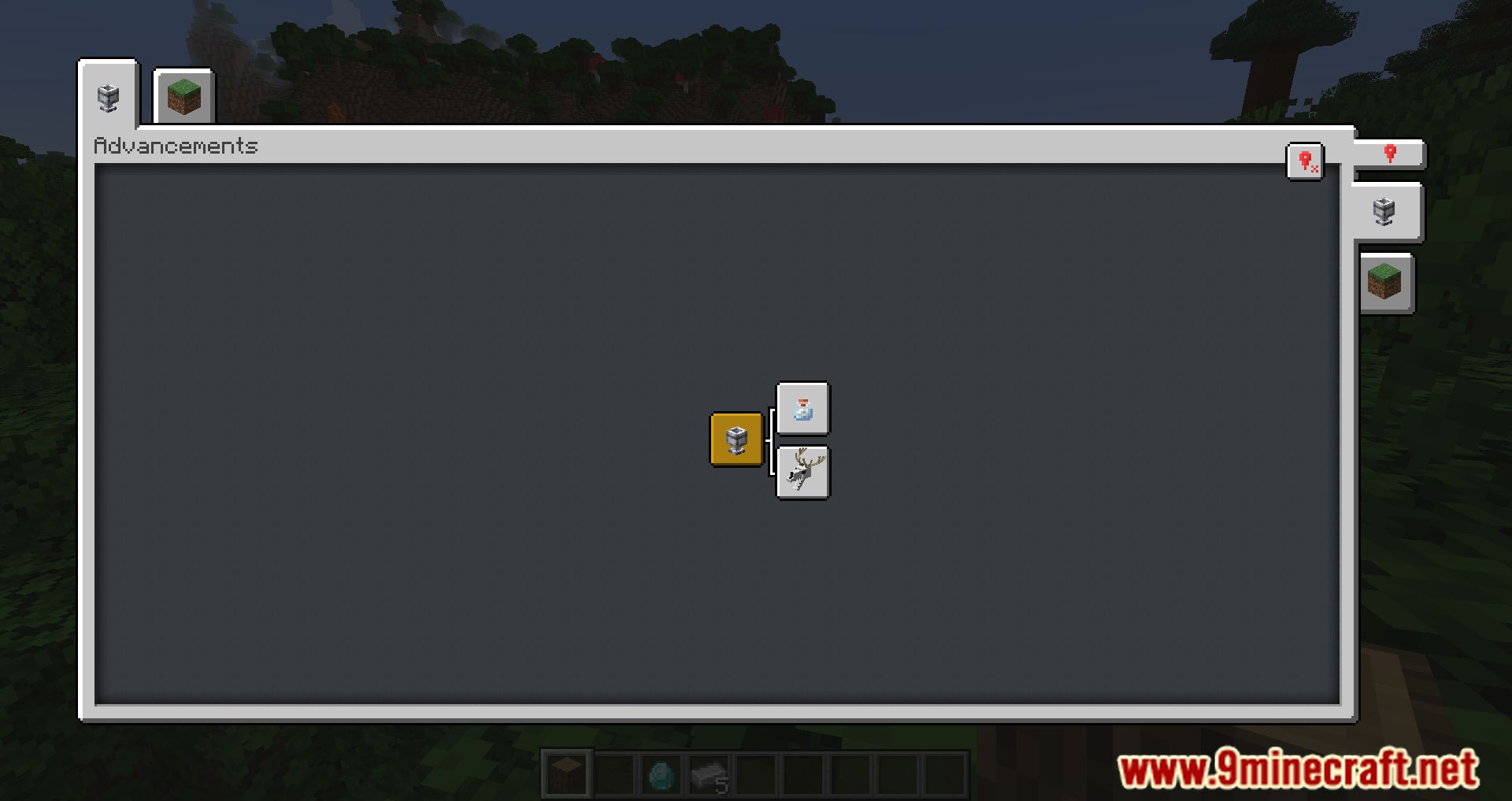
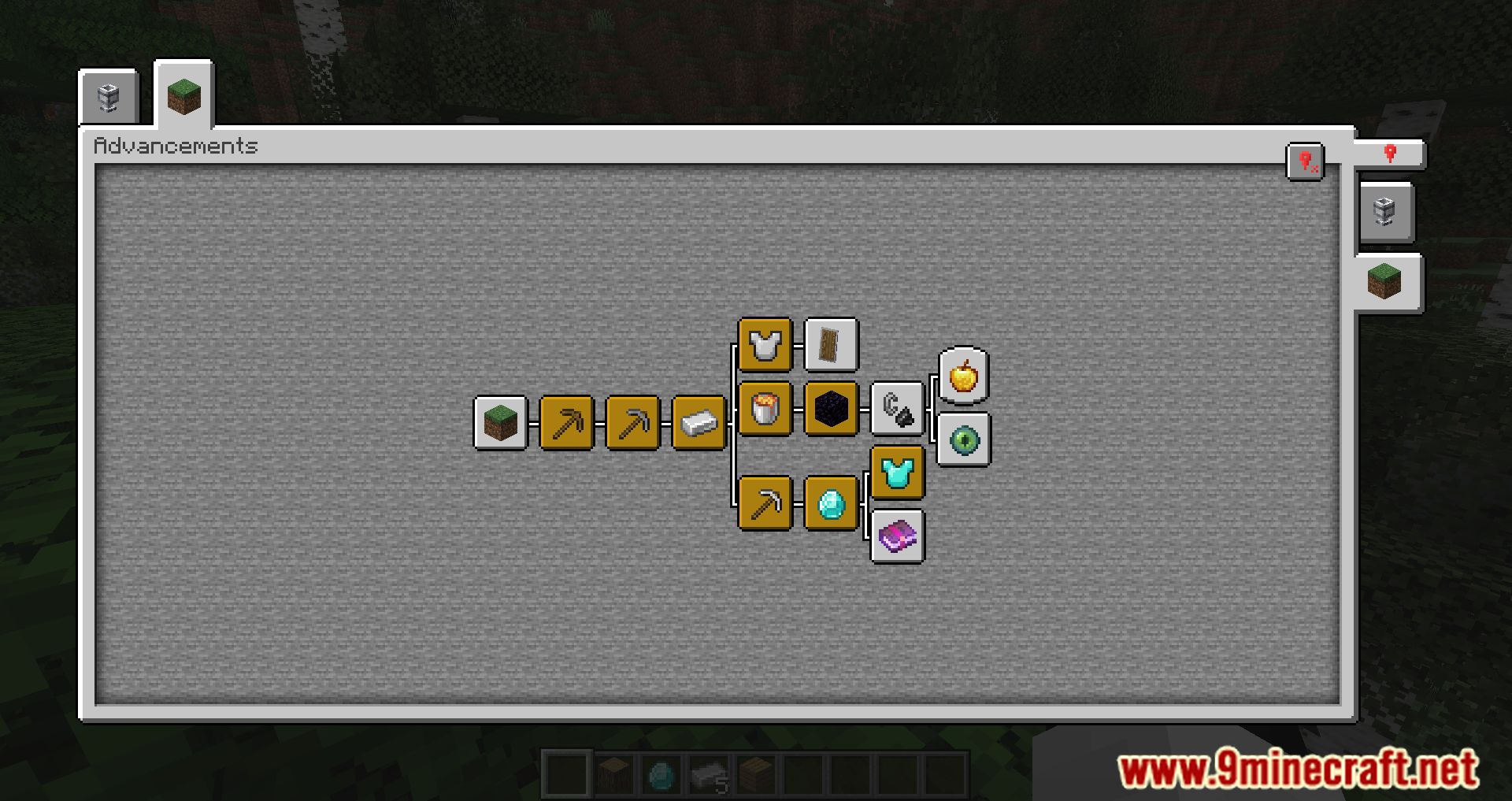
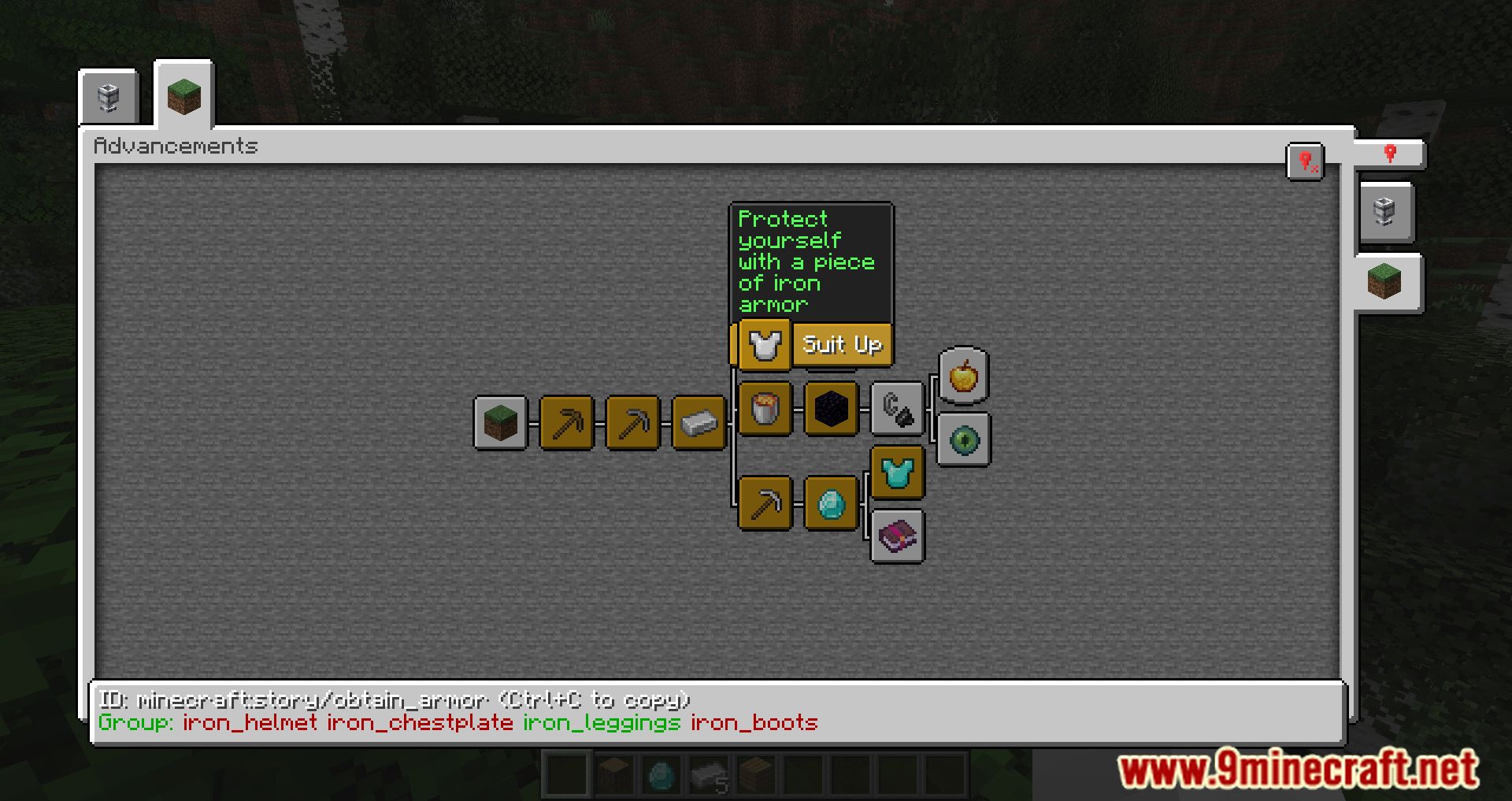
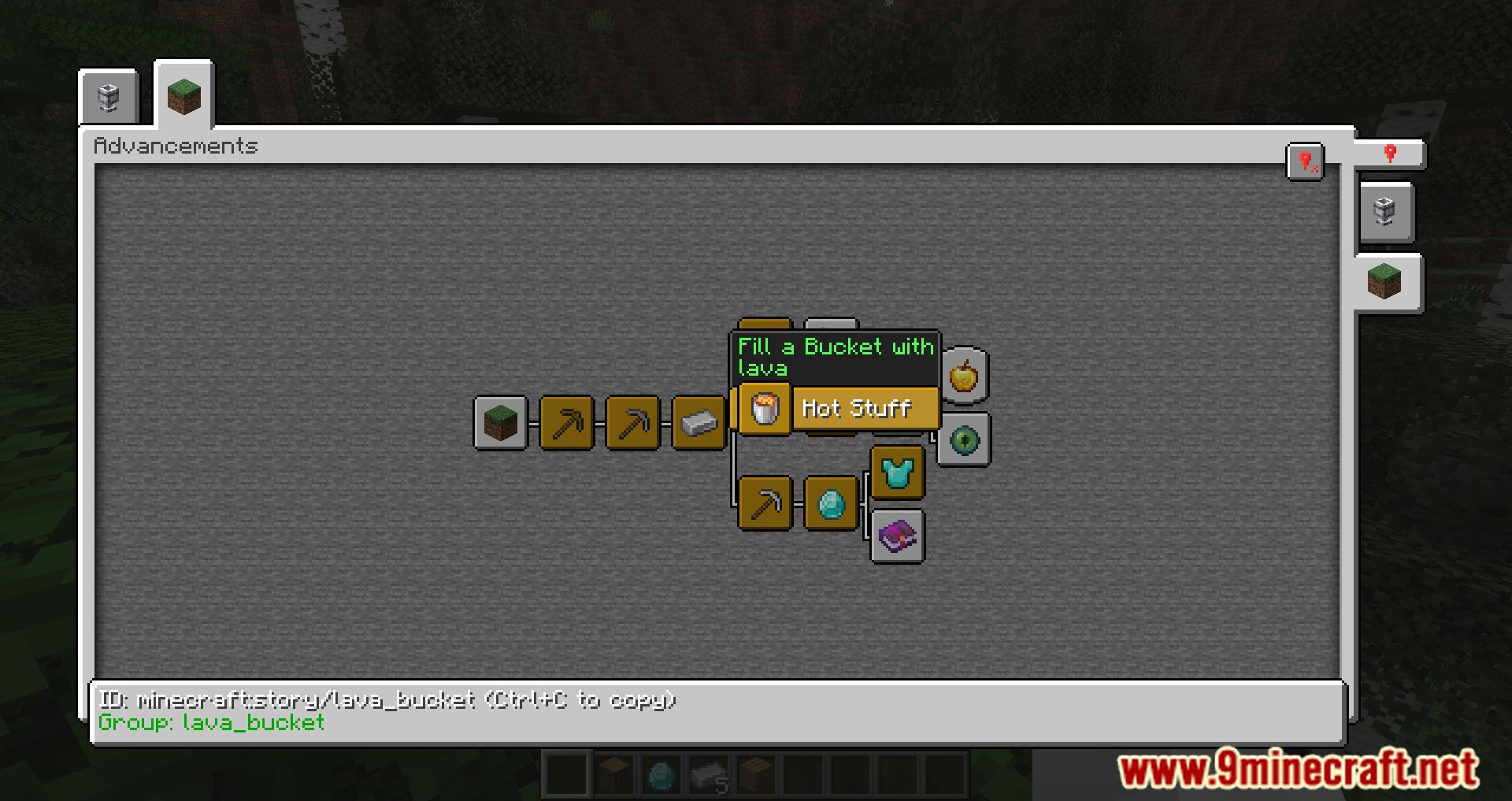
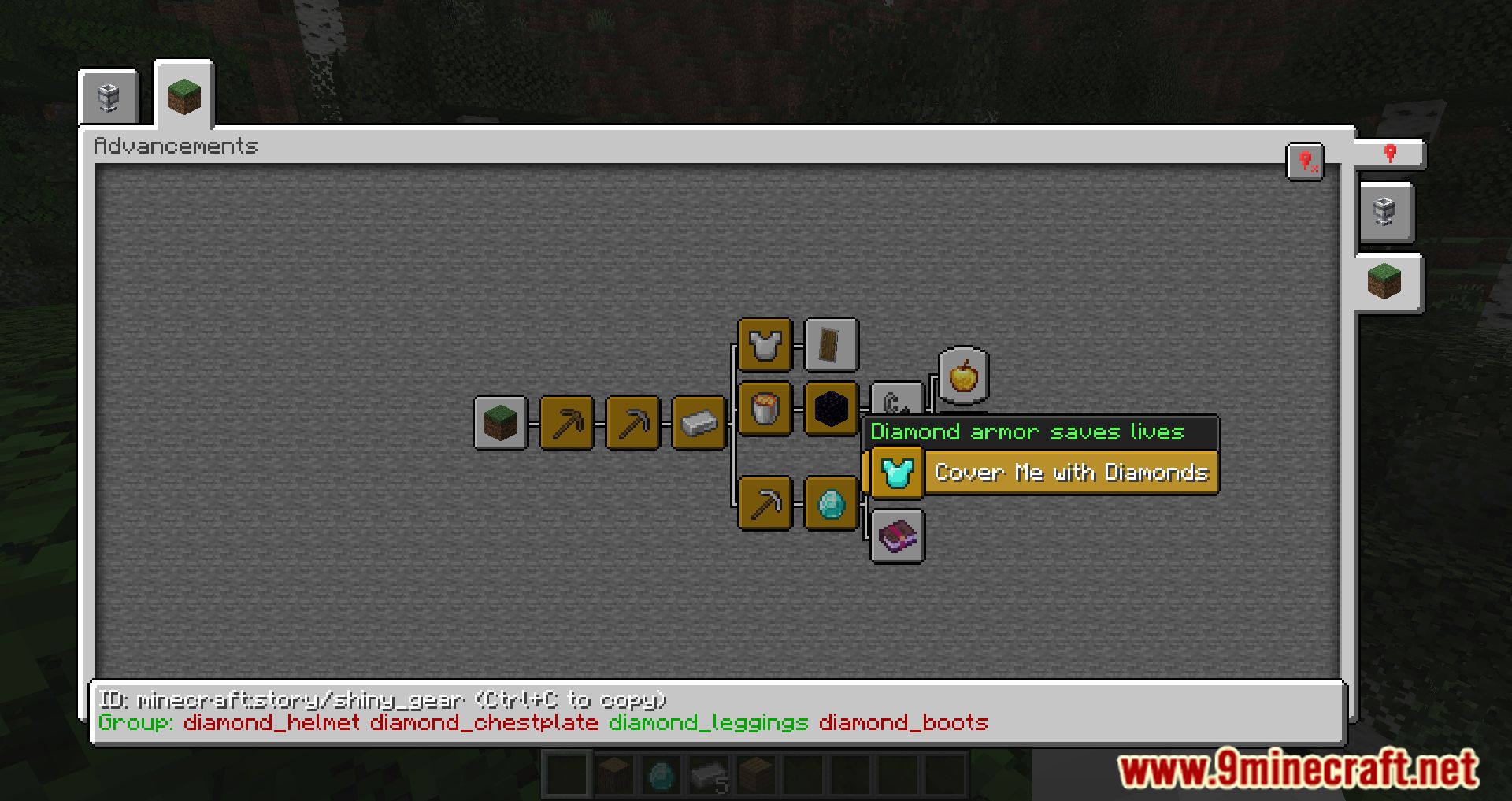
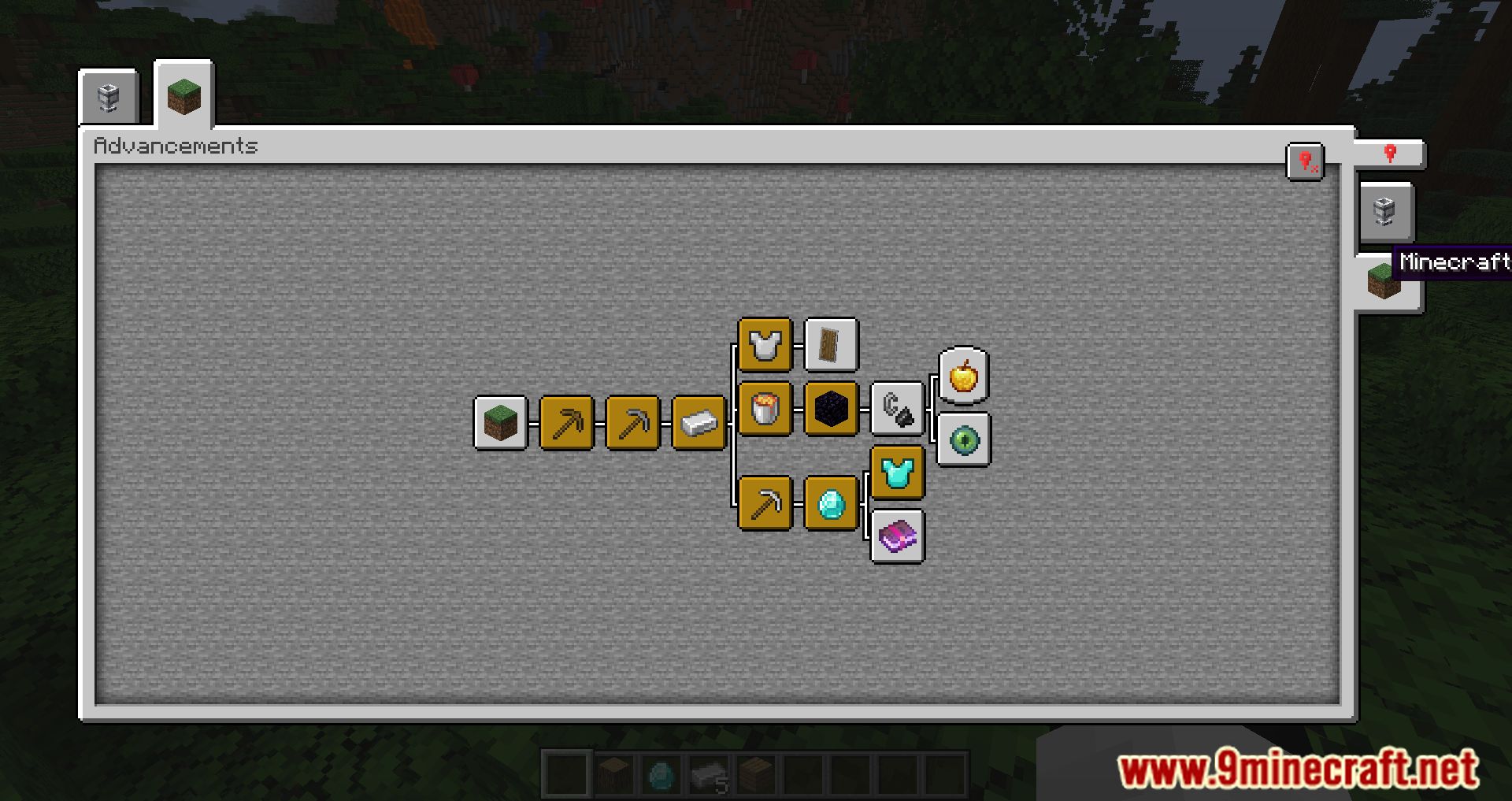
Paginated Advancements Mod revamps the appearance of the achievements menu by adding various useful features. The screen becomes significantly larger than the standard size, allows you to pin desired tabs, and includes separating modifications into individual pages, which is especially helpful for large modpacks.
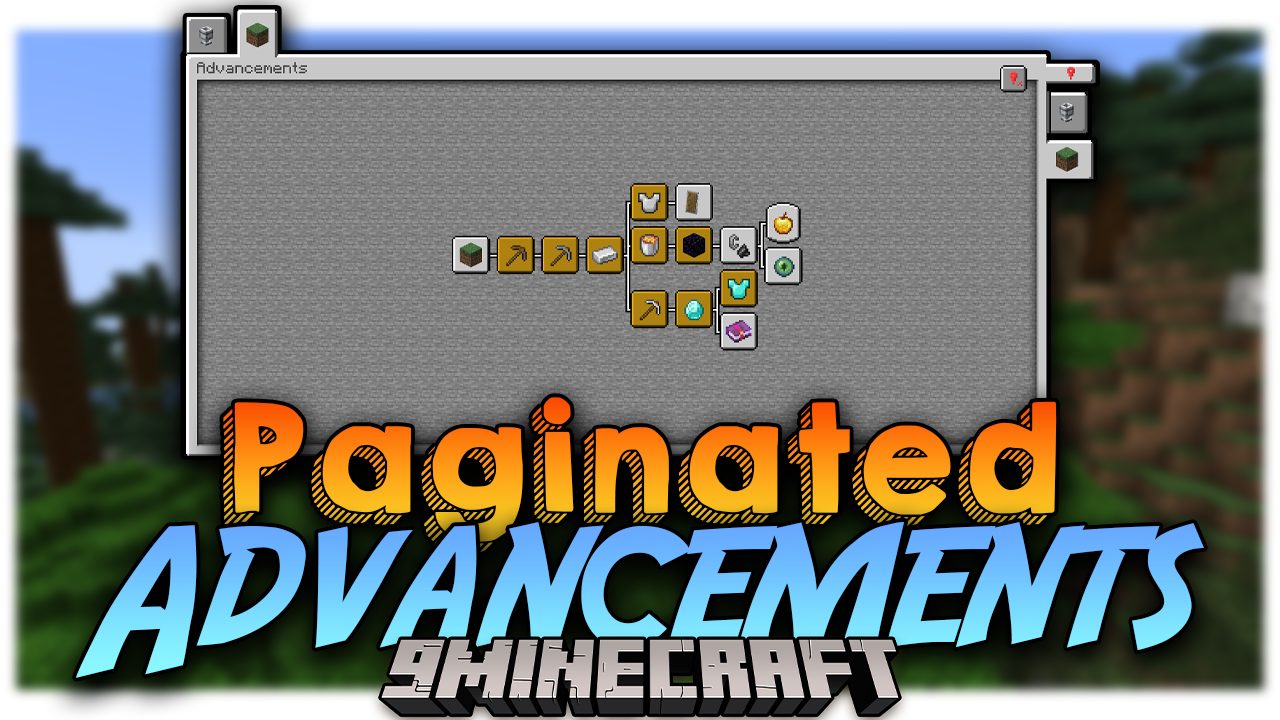
Features:
- No more squinting at the tiny vanilla UI-this mod expands the screen for better visibility.
- Perfect for modpacks with tons of advancements. It prevents tabs from overlapping or disappearing.
- You can pin the tabs you’re actively working on, making it easier to track progress.
- Handy for picking up right where you left off.
- Adjust spacing between tabs, disable background fading, and tweak the layout to your liking.
- You can add new frame styles and colors via data packs or supporting mods. This includes assigning custom frames to both vanilla and modded advancements.
Screenshots:
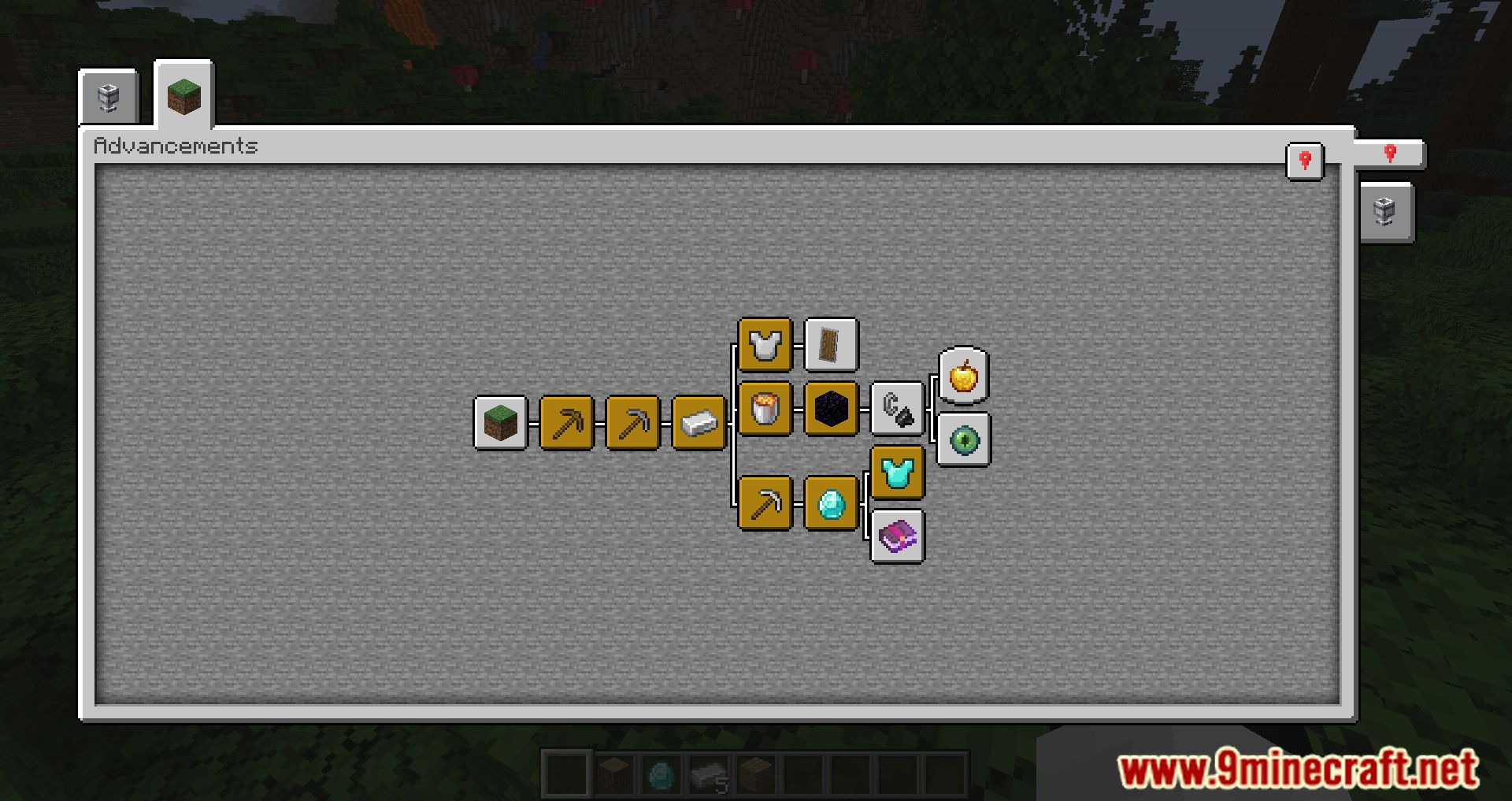
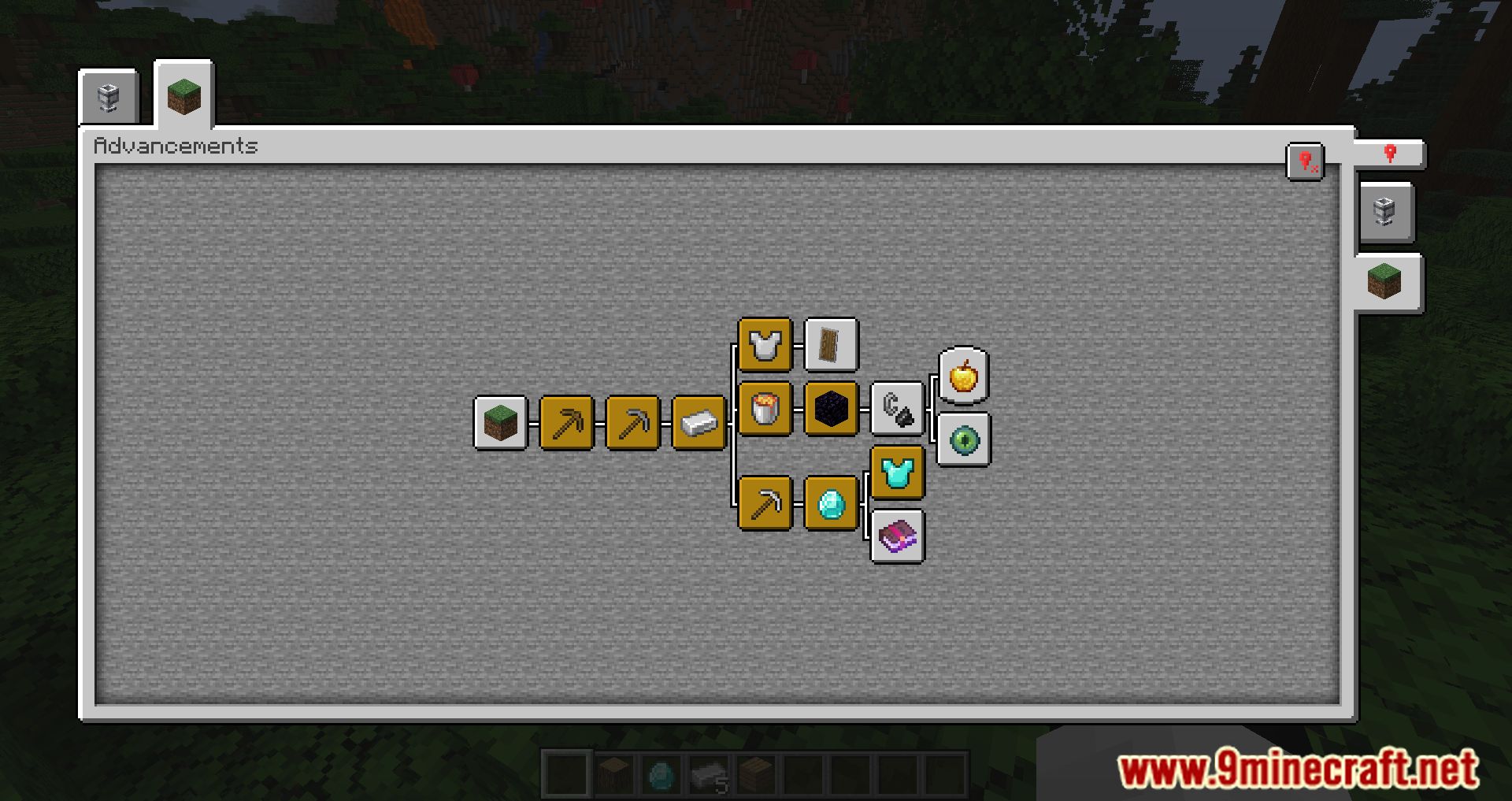
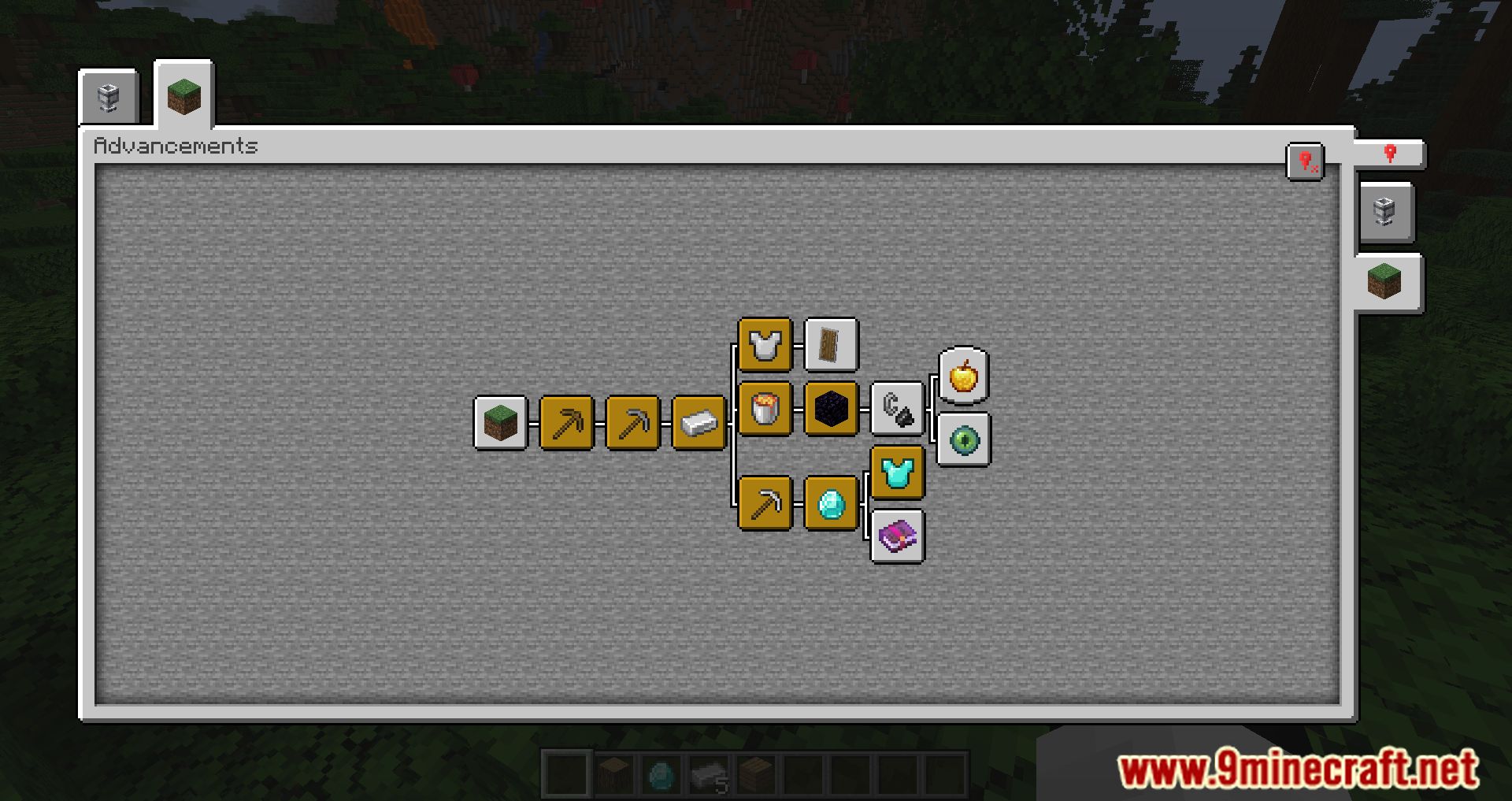
How to Install:
New to Minecraft? Follow our step-by-step guide to install Mods on your PC.View Guide
Requirements:




Paginated Advancements Mod Download Links
For Minecraft 26.2
For Minecraft 26.1.2, 26.1.1, 26.1
For Minecraft
1.21.11,
1.21.10,
1.21.9
All Versions Covered
1.21.11
1.21.10
1.21.9
1.21.8
1.21.7
1.21.6
1.21.5
1.21.4
1.21.1
1.21
All Versions Covered
1.21.11
1.21.10
1.21.9
1.21.8
1.21.7
1.21.6
1.21.5
1.21.4
1.21.1
1.21
For Minecraft 1.21.10, 1.21.9
For Minecraft 1.21.8, 1.21.7, 1.21.6
For Minecraft 1.21.5
For Minecraft 1.21.4
For Minecraft 1.21.3, 1.21.2
For Minecraft 1.21.1, 1.21
For Minecraft 1.20.6
For Minecraft 1.20.4
For Minecraft 1.20.2
For Minecraft 1.20.1, 1.20
For Minecraft 1.19.4
For Minecraft 1.19.2, 1.19.1, 1.19
For Minecraft 1.18.2
Click to rate this post!
[Total: 1 Average: 1]
You May Also Like









This post has no comments yet. Be the first — your comment will appear here.