


Reterraforged Mod (26.2, 1.20.1) – The Best Terrain Generation
 434,568
 2
2


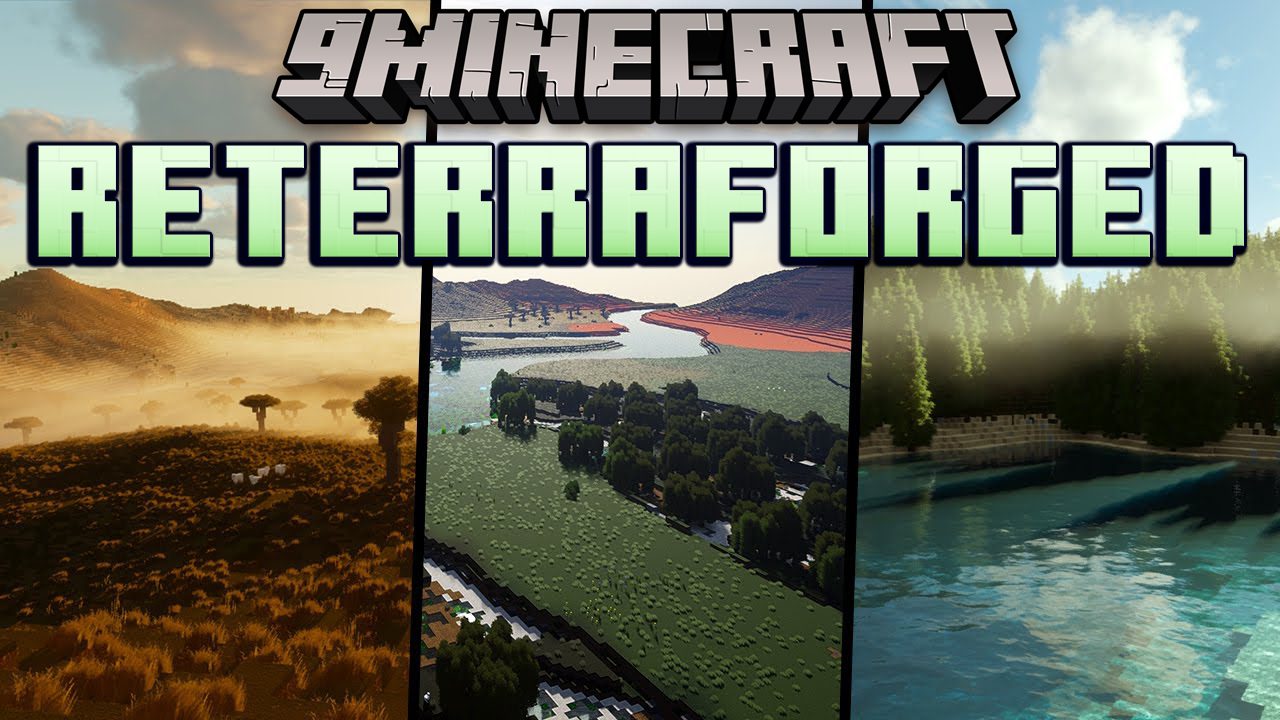
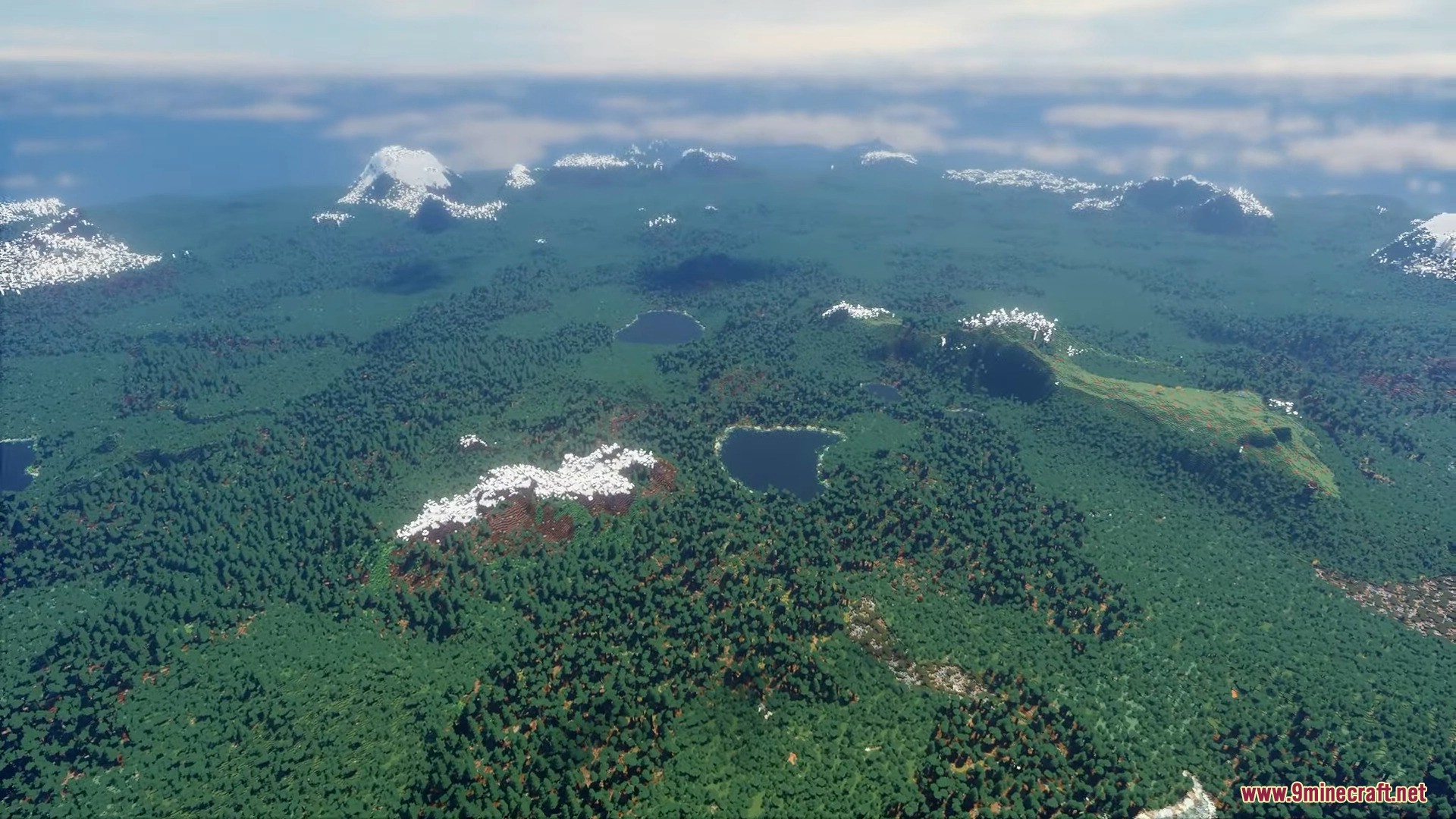
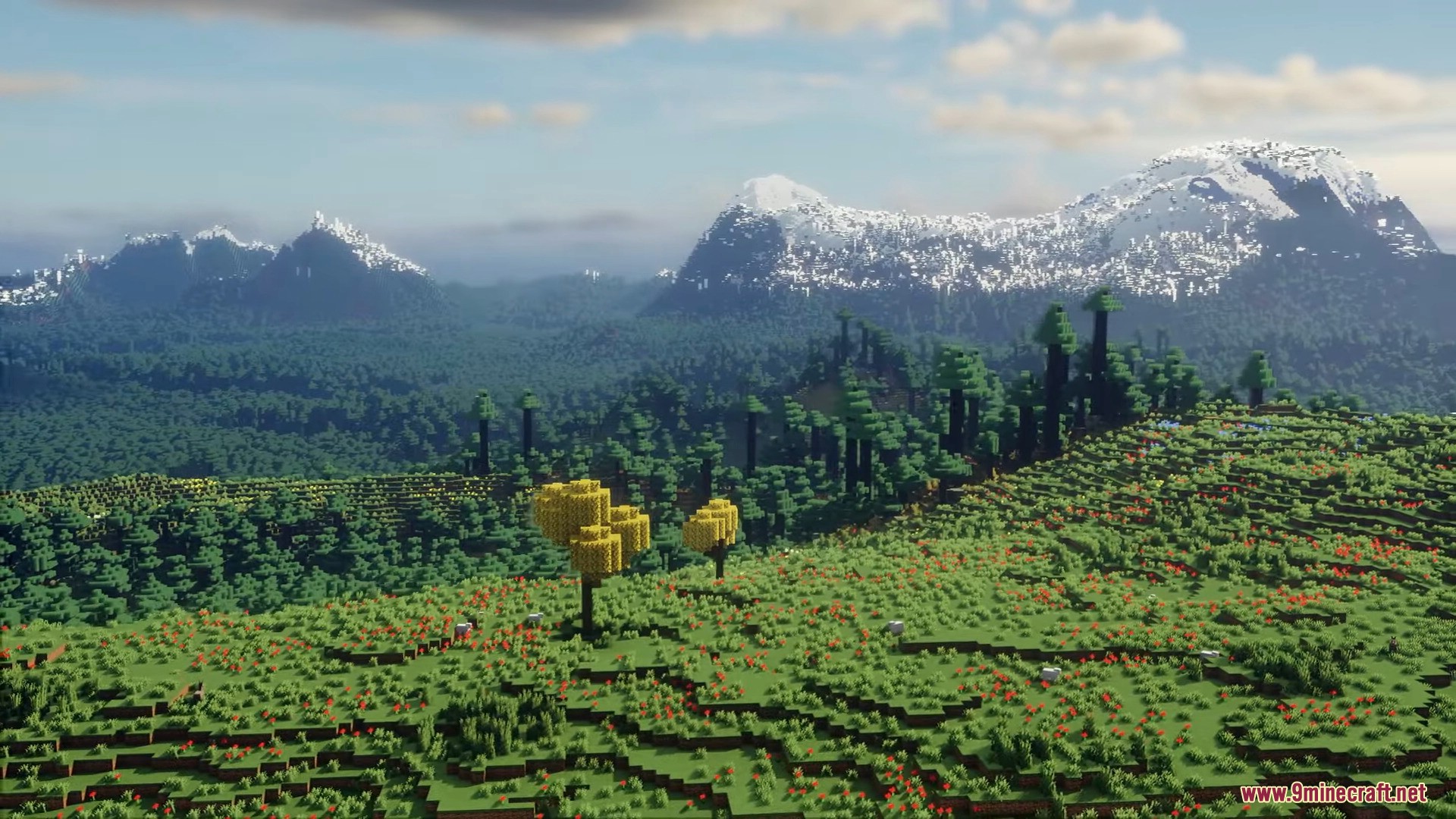
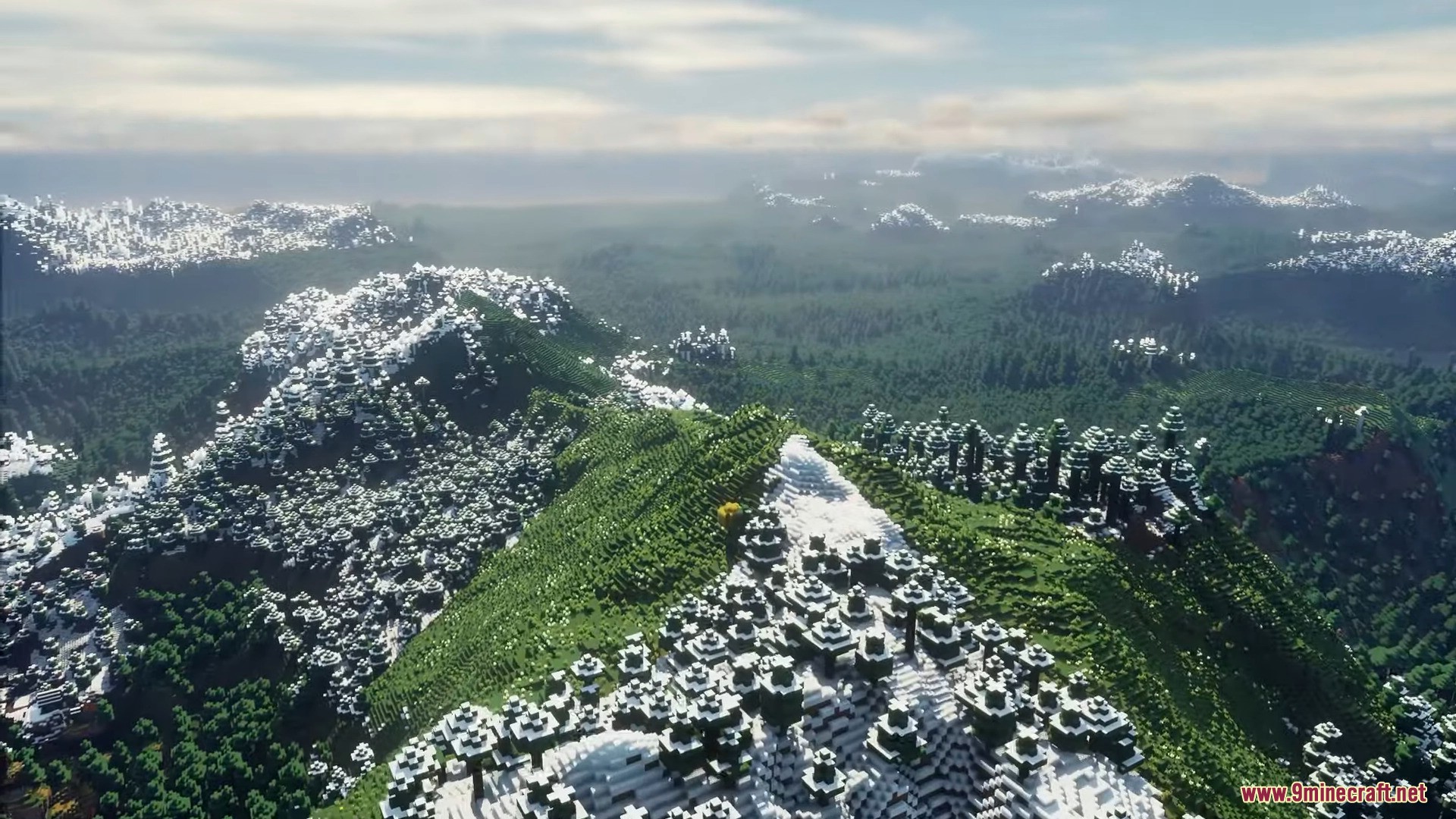
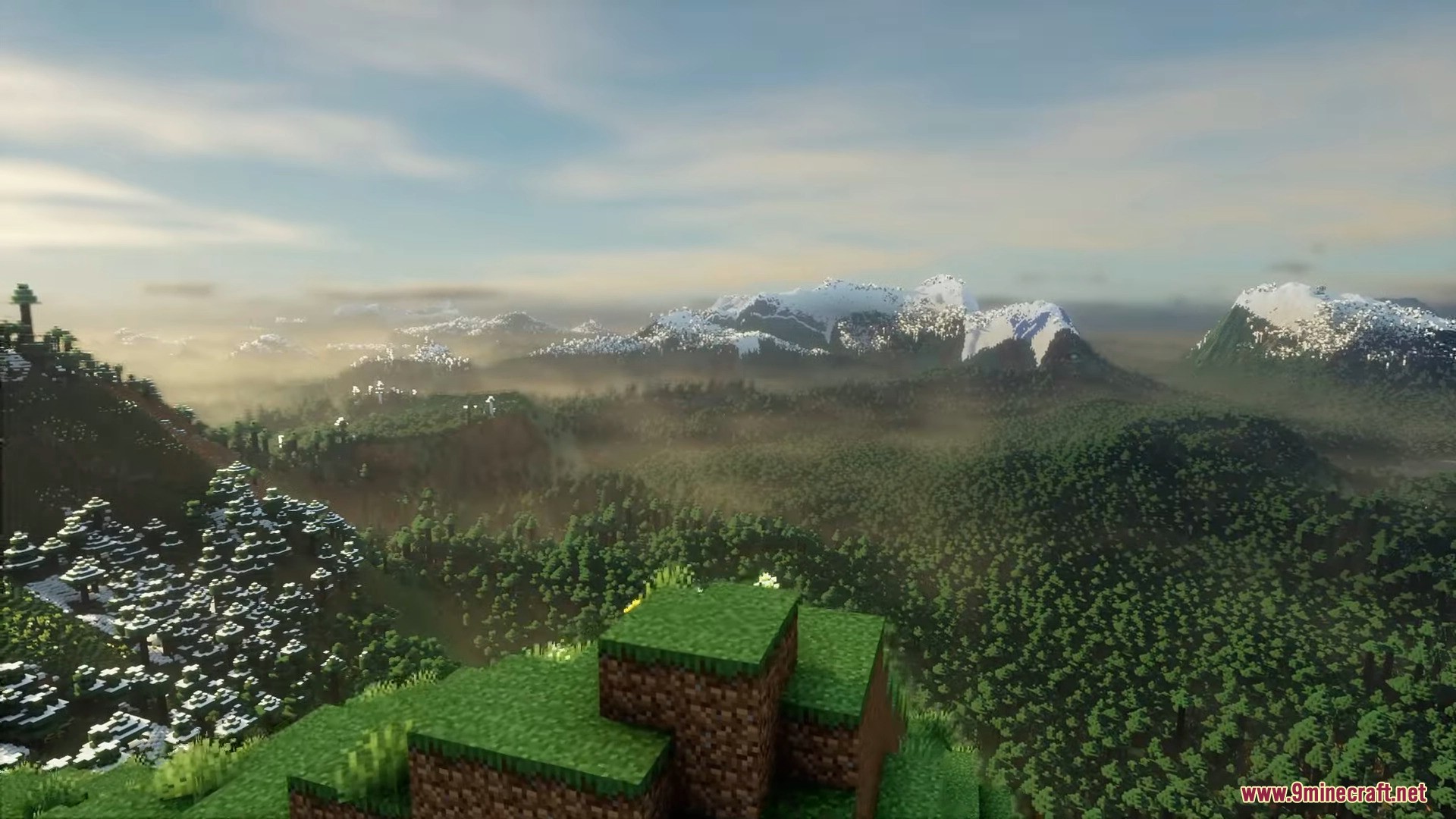
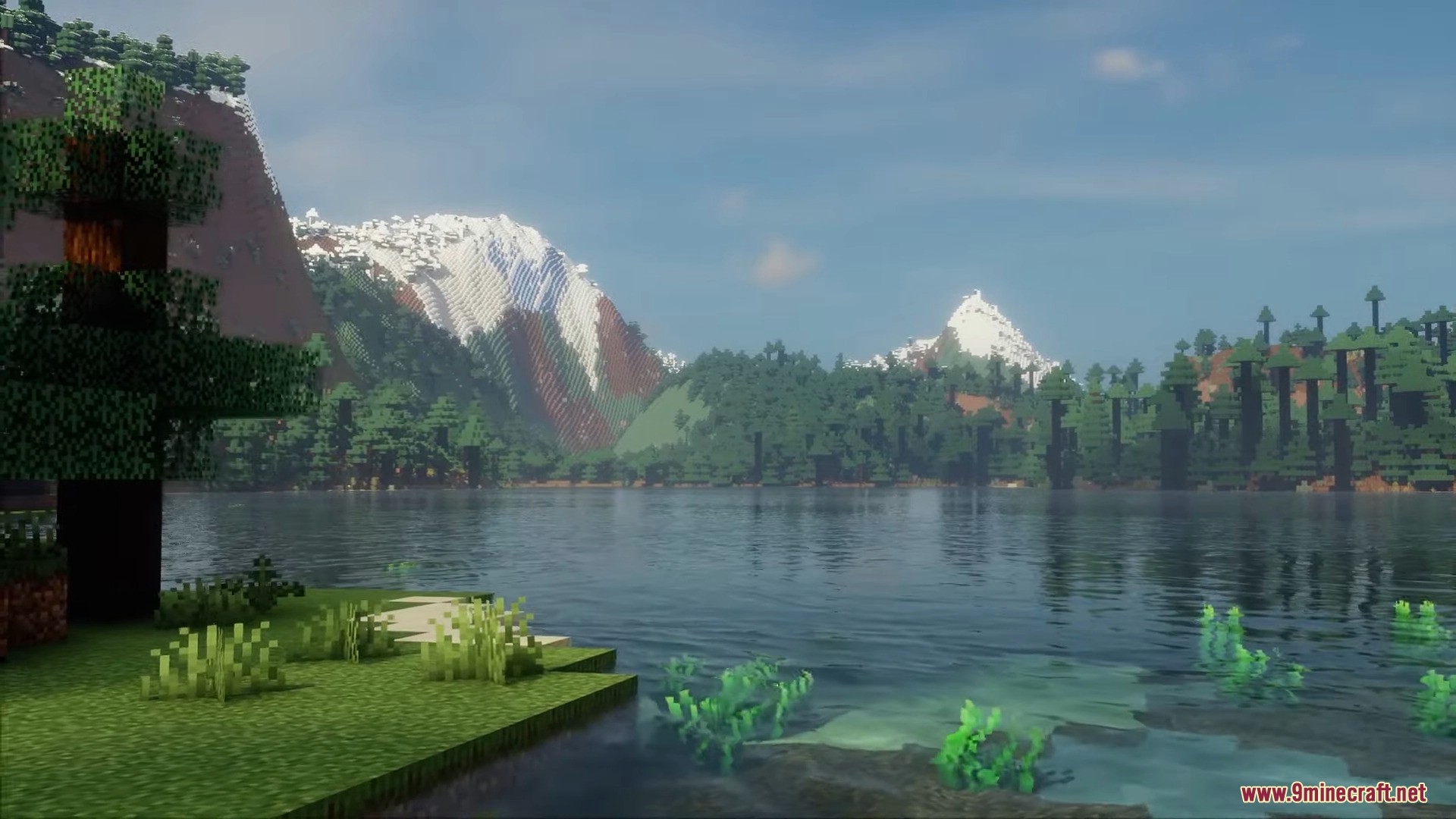
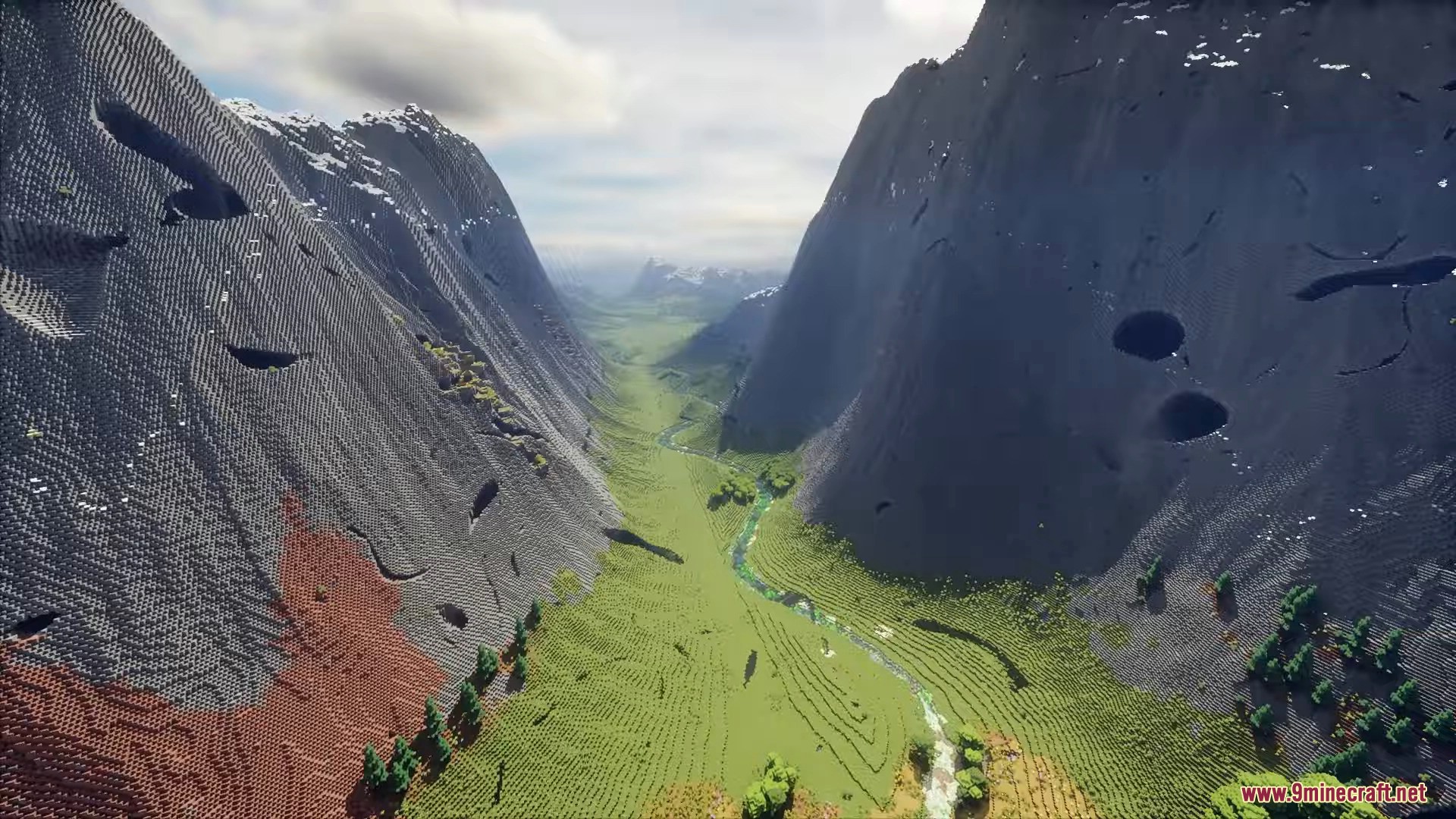
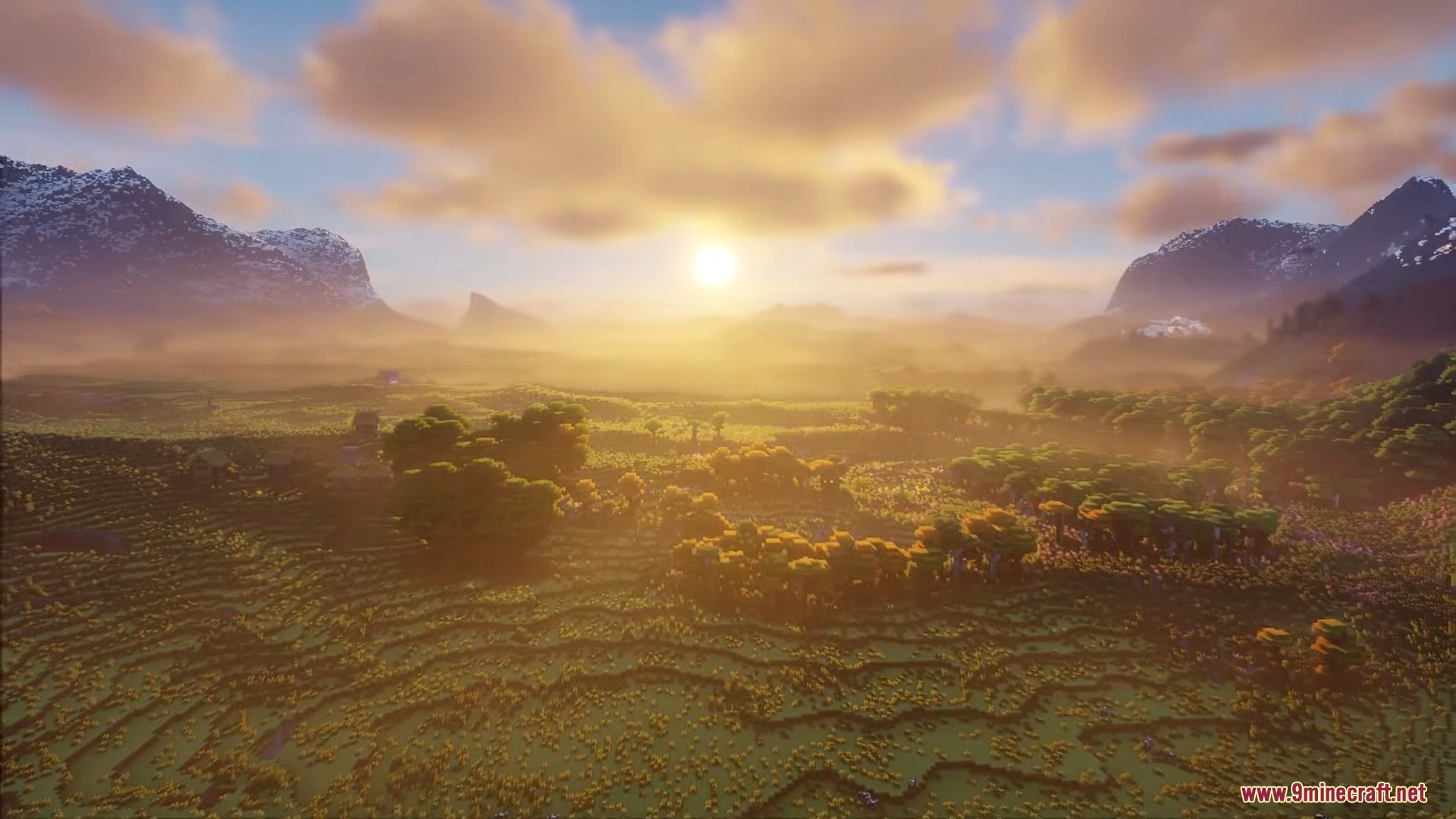
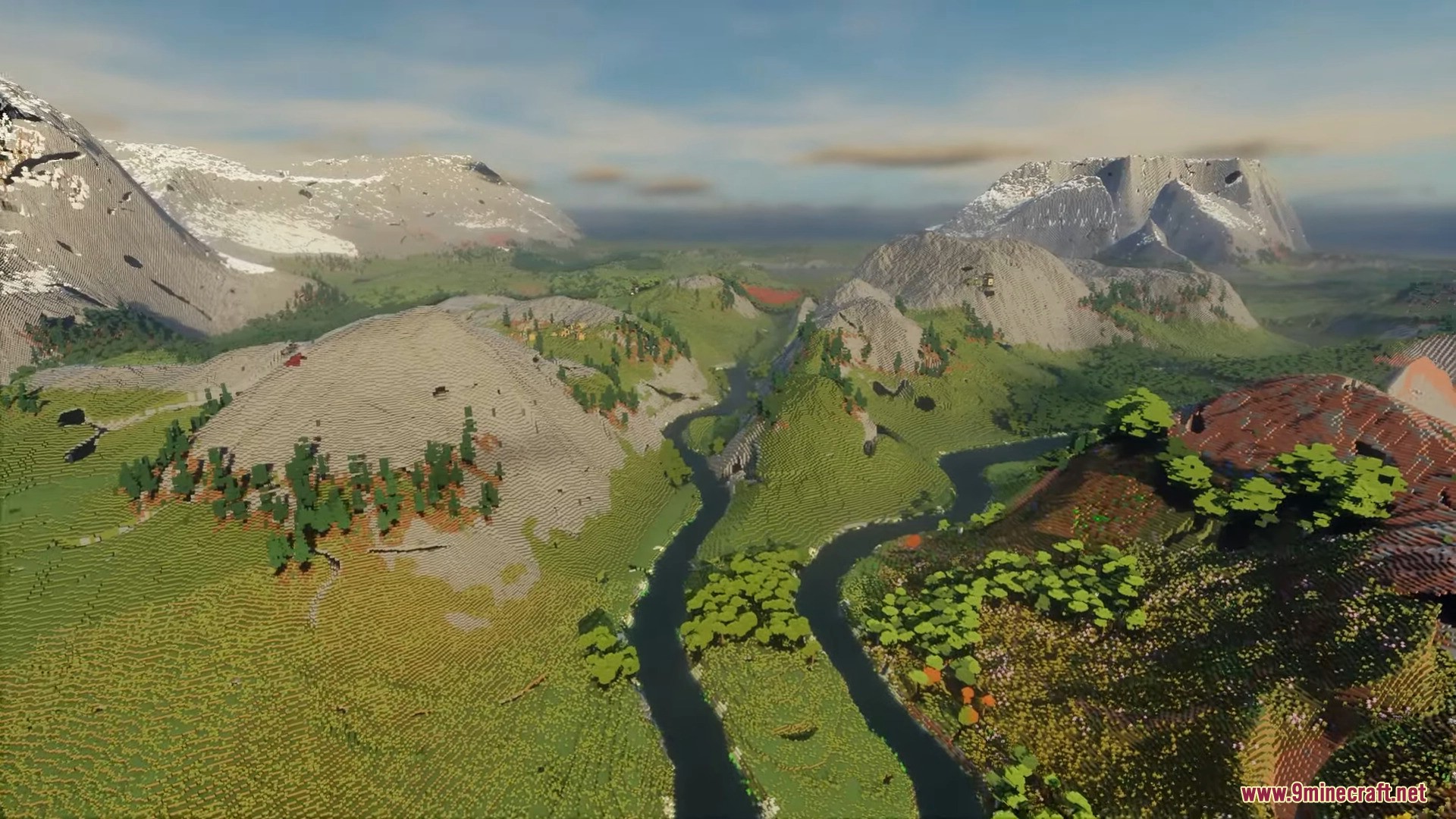
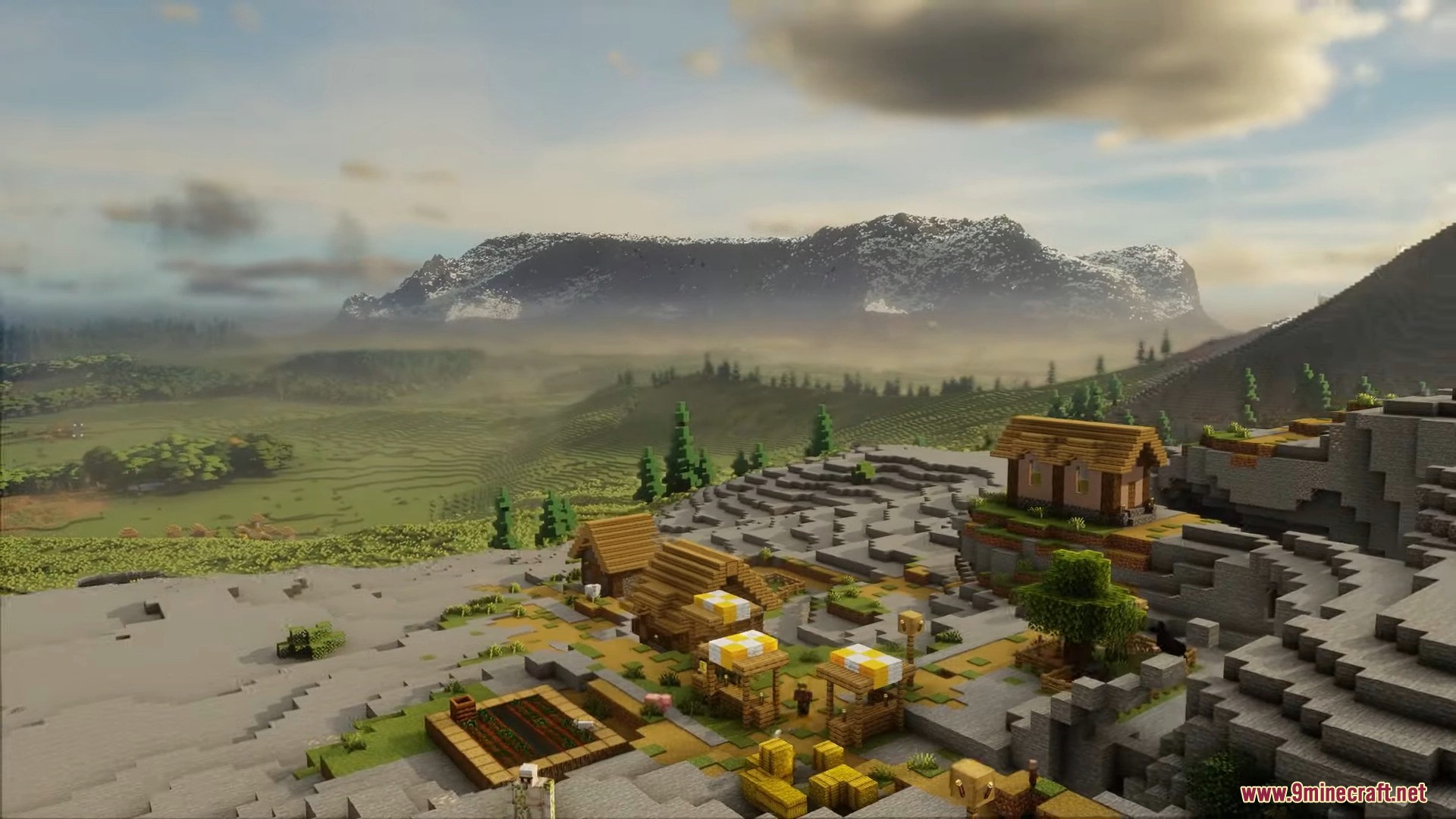
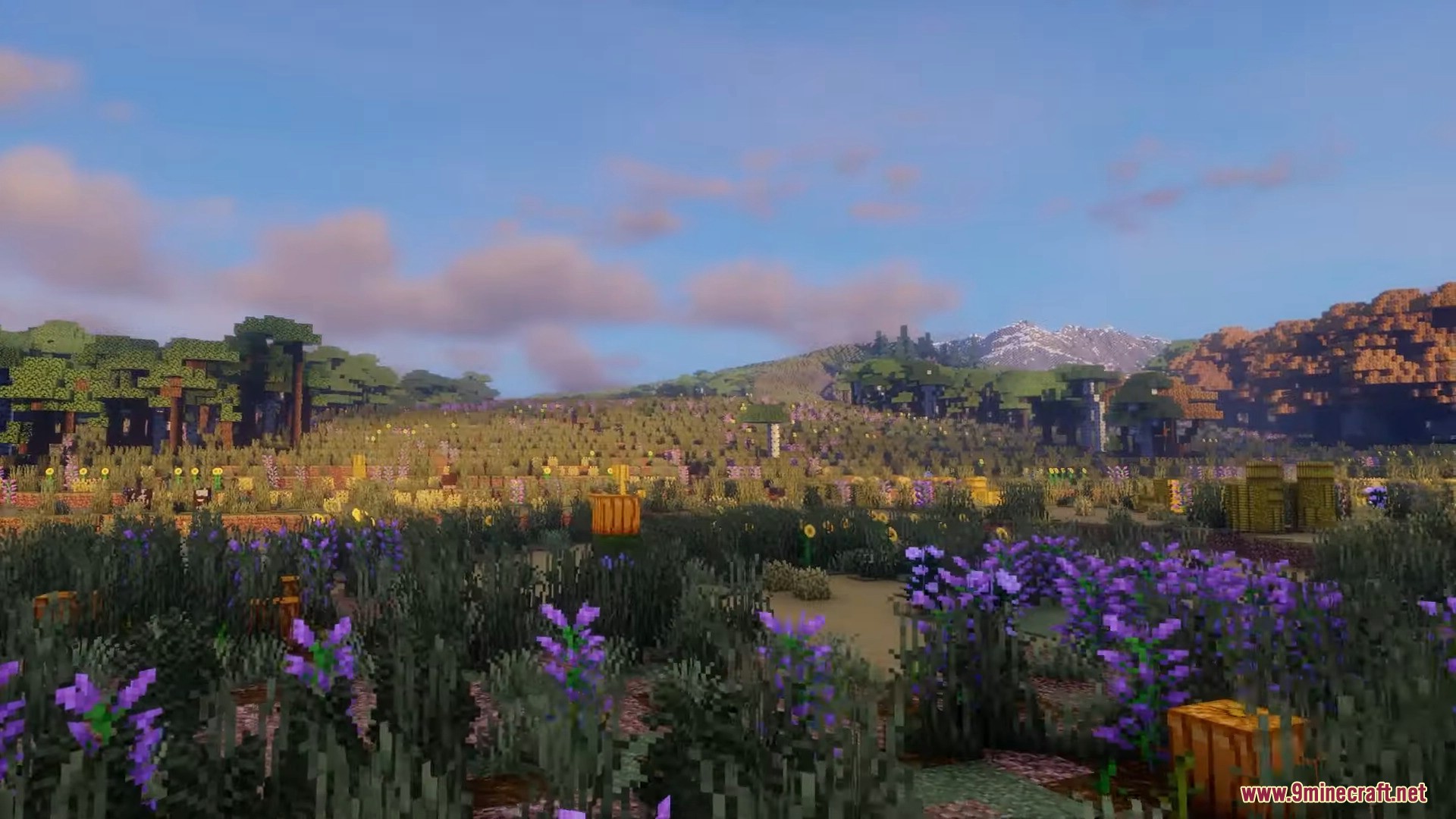
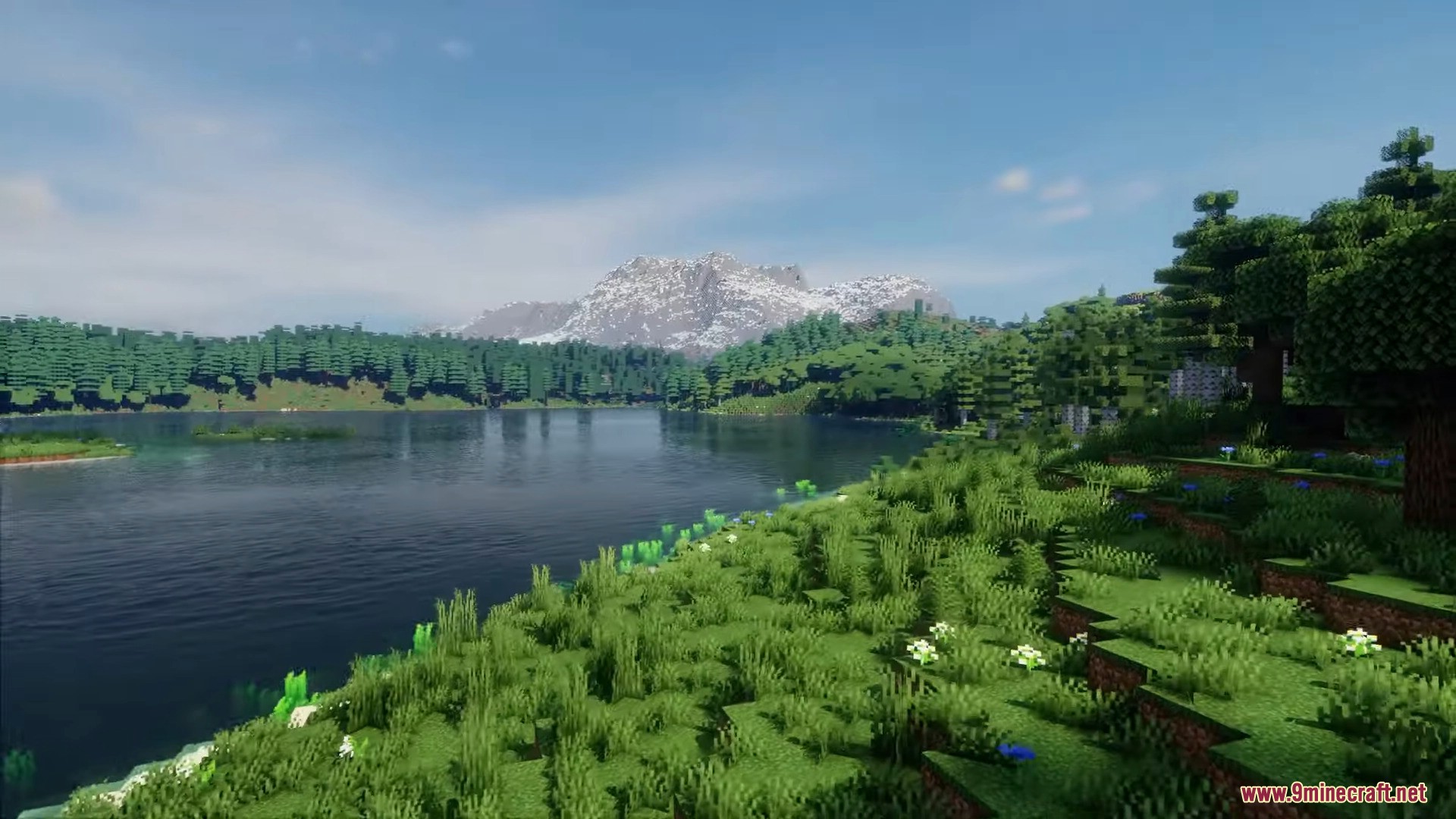
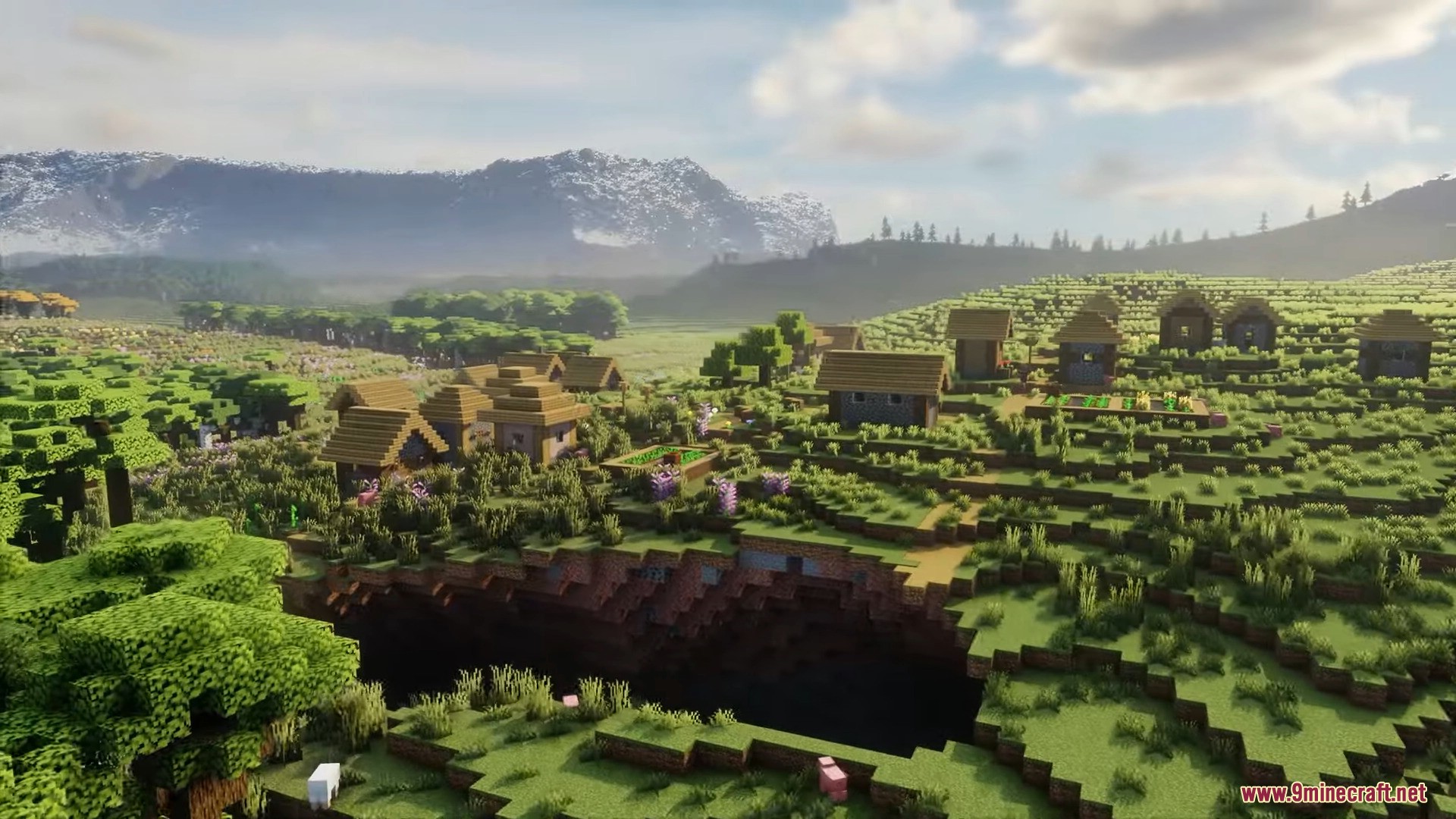
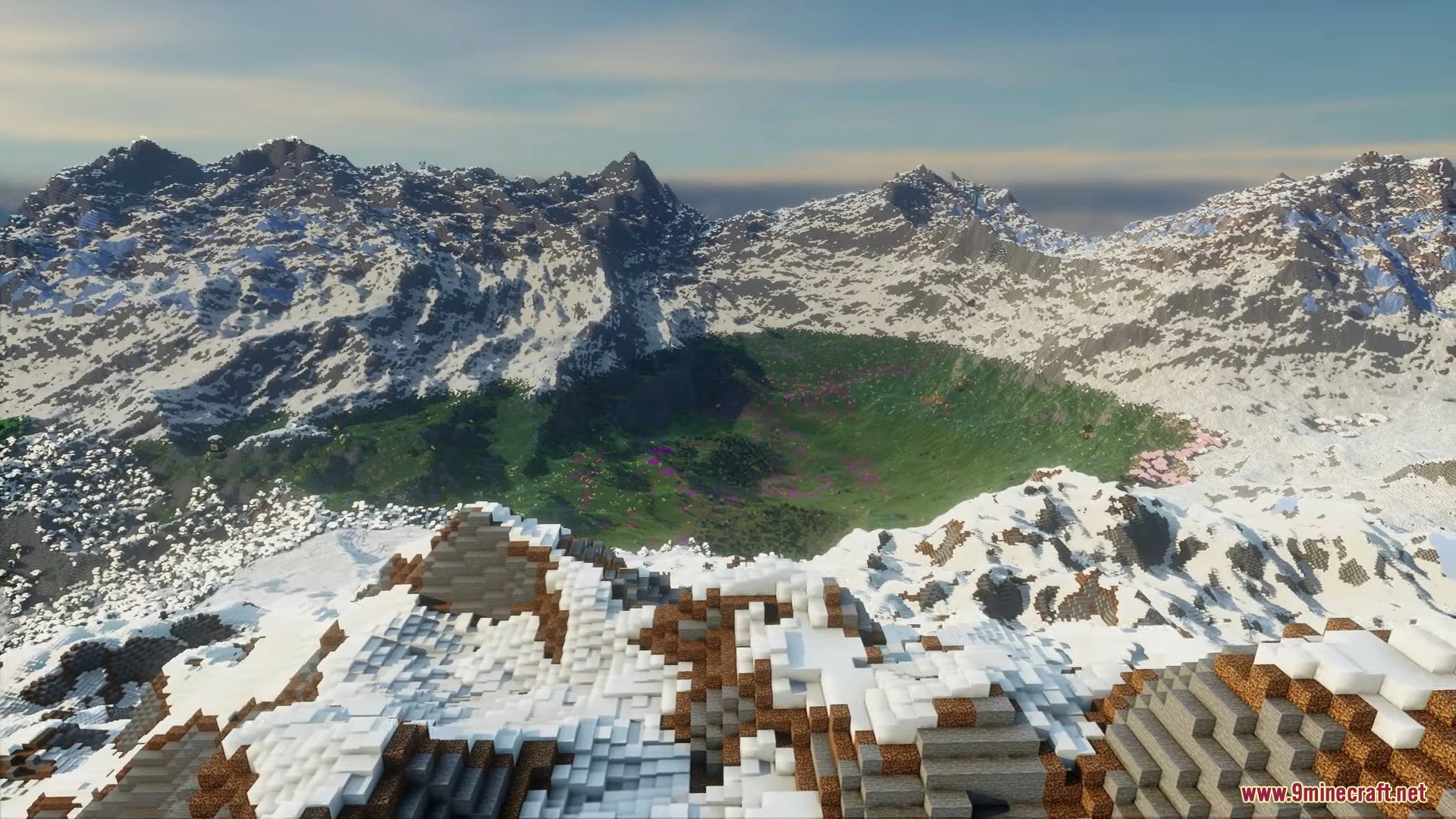
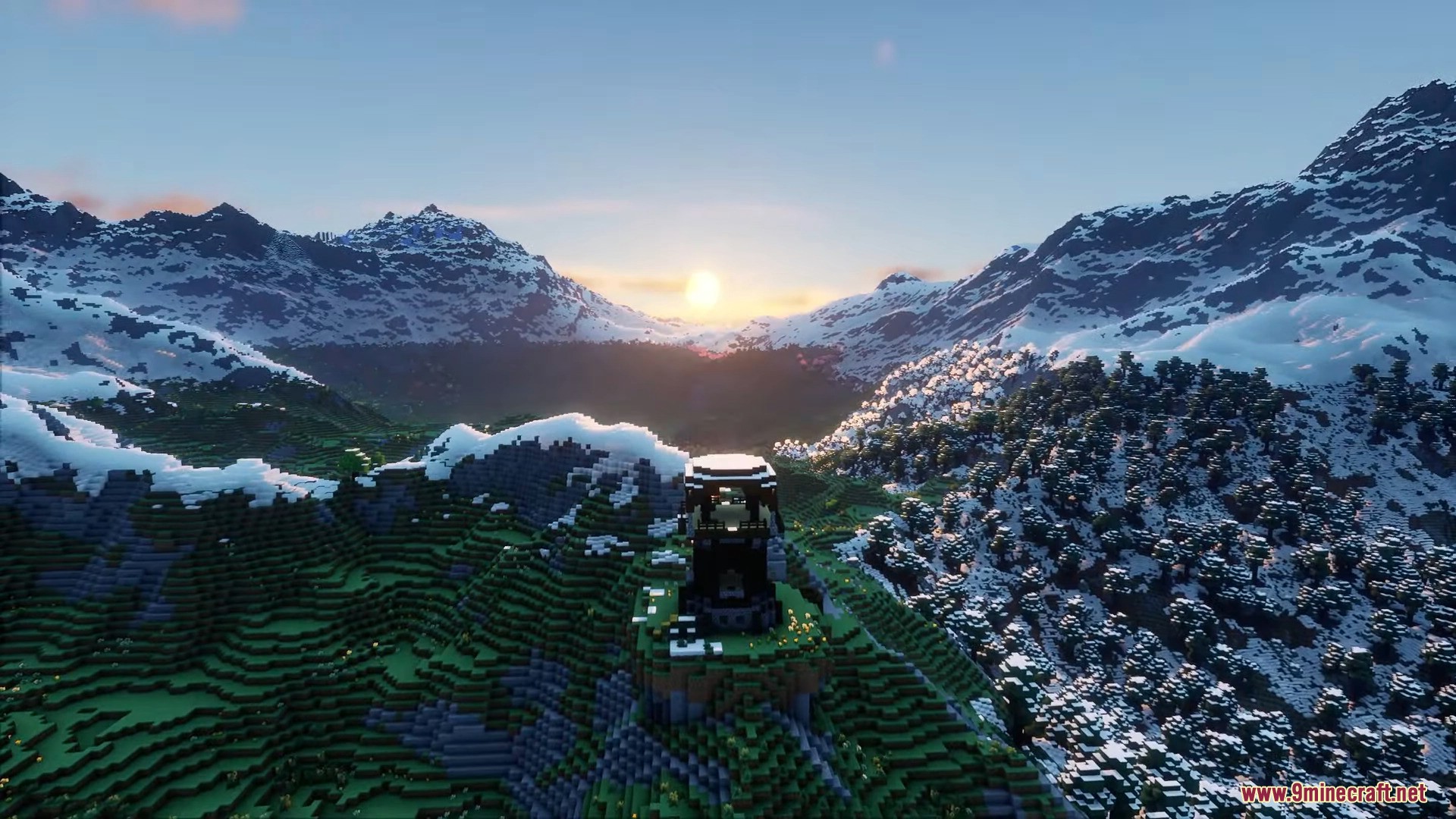
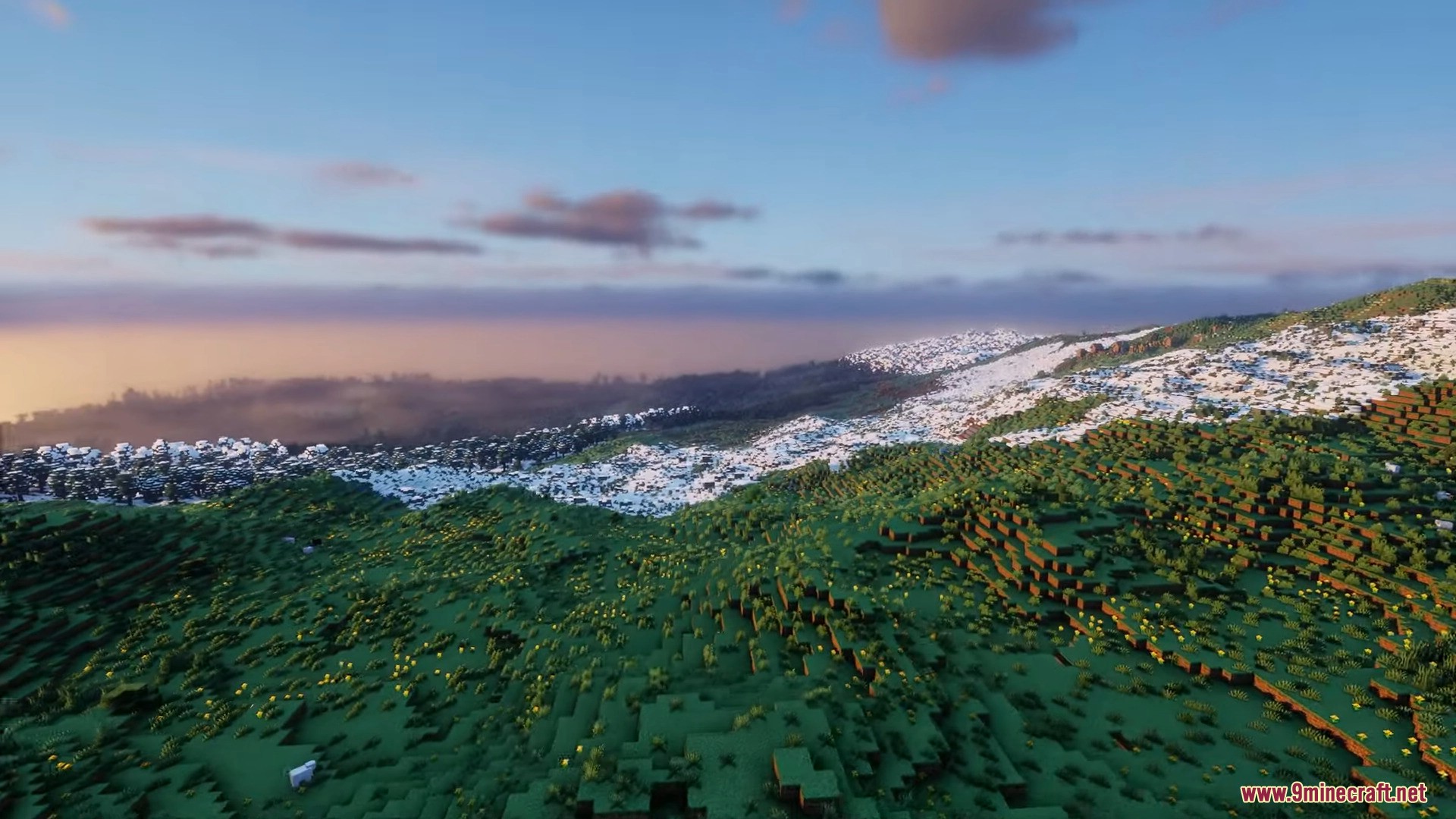
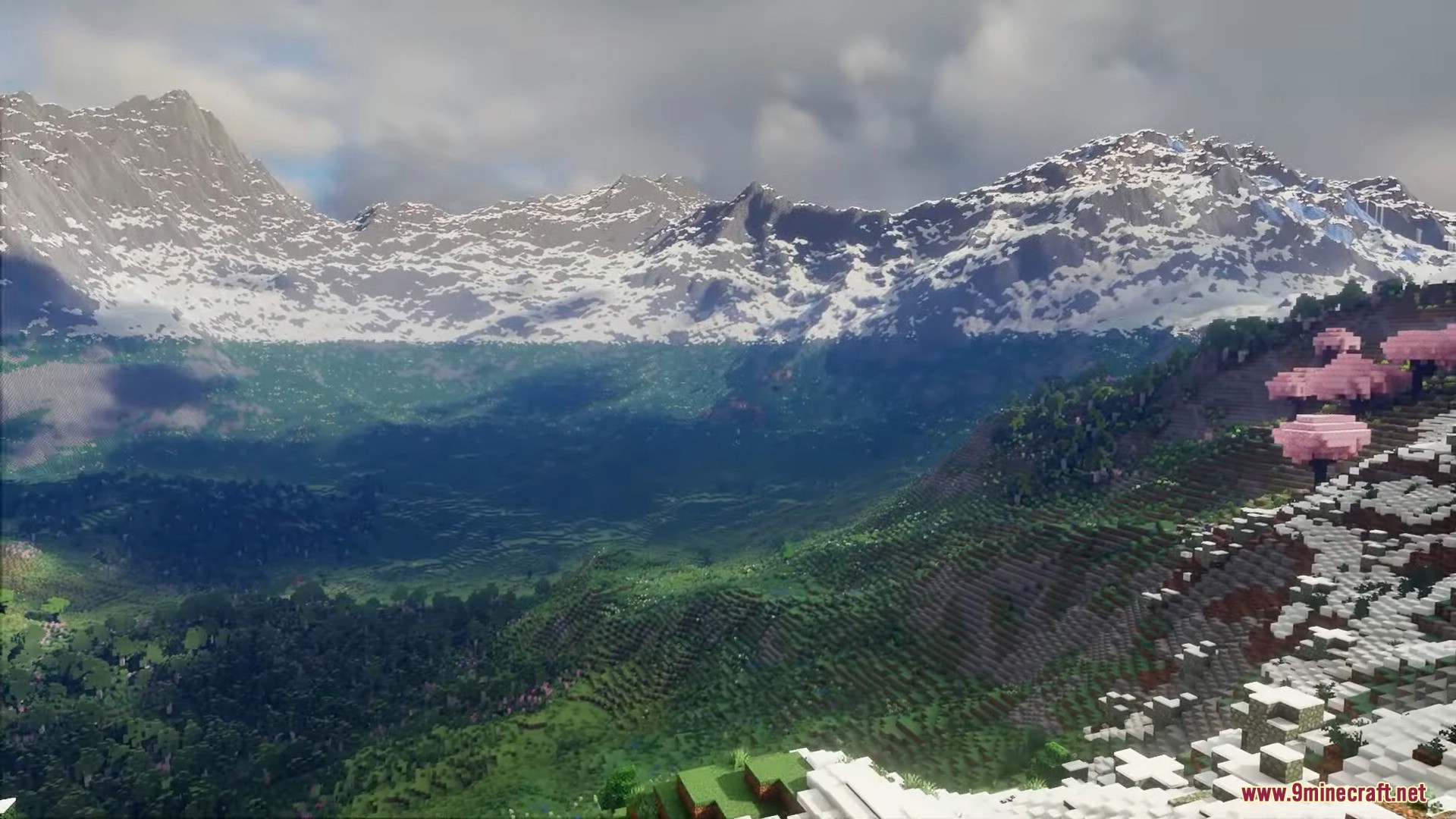
Reterraforged Mod is a mod with the goal of creating a new realistic terrain generator for Minecraft. While there are many mods that generate terrains, such as Biome O’Plenty, Terra 1-1, and Terrestria, TerraForged stands out by aiming to make Minecraft landscapes more realistic and immersive. The objective is to entice players to explore the newly generated world, and to achieve this, several enhancements have been made. These include improved rivers, erosion effects, and new decorations waiting to be discovered. Below, you’ll find some examples of the generated landscapes. TerraForged enhances the Minecraft experience by offering custom terrain shapes, simulated erosion, better rivers, and a plethora of configuration options. Players can adjust the terrain generation to their liking, creating unique and captivating worlds to explore and build in.
Features:
World Generation
- Realistic Terrain: The Reterraforged mod creates natural-looking worlds instead of standard blocky hills.
- Brings the classic TerraForged terrain system to newer versions of the game.
- Uses simulated erosion so mountains and cliffs look like real rocks shaped by weather.
- Adds winding rivers that flow smoothly through different areas.
Nature and Places
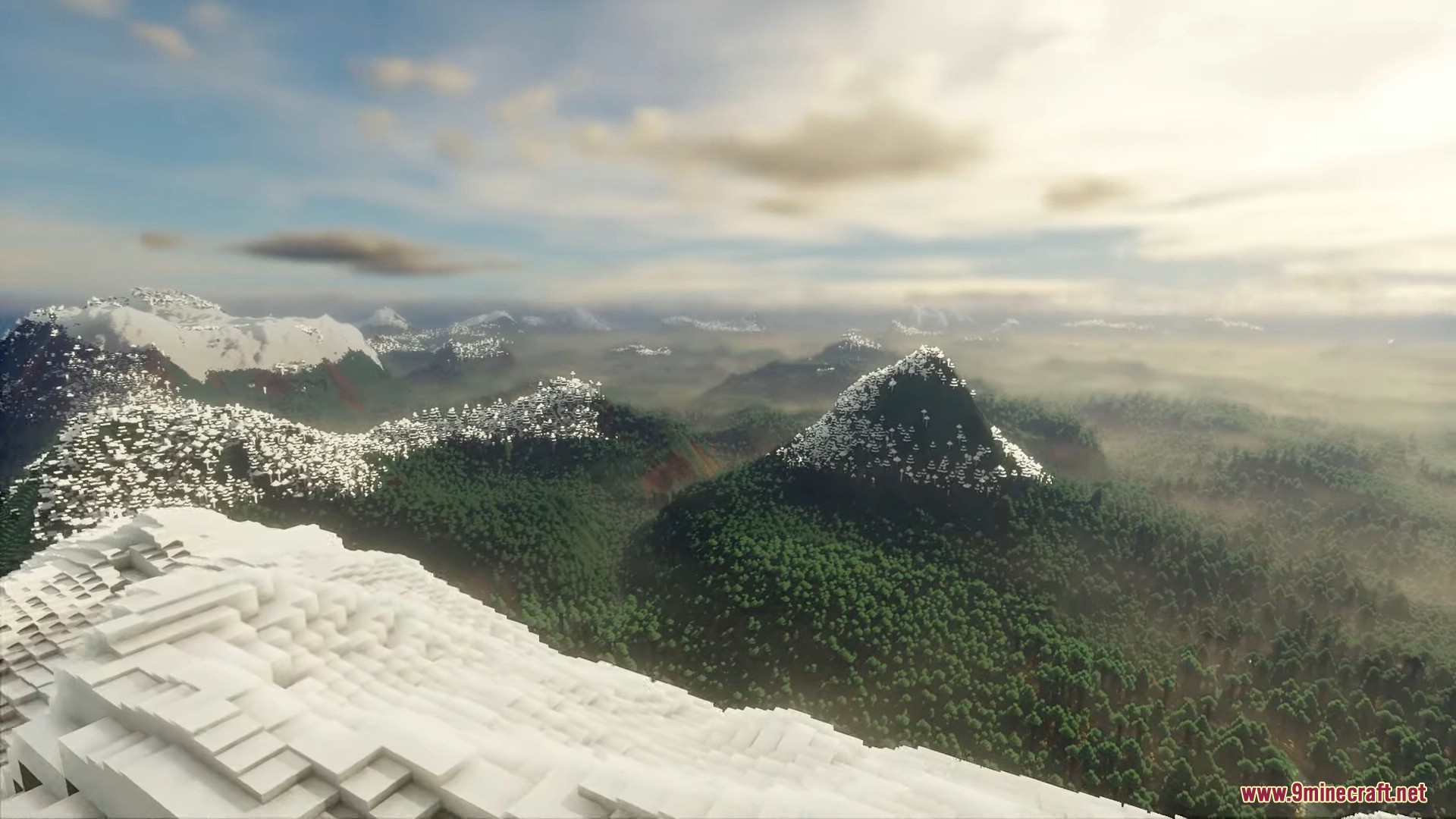
- Generates massive snow-capped mountains that tower over the map.
- Builds deep green valleys and terraced hills for you to walk through.
- Places dense forests, fields of flowers, and cherry blossom trees naturally across the ground.
- Spawns villages on rocky hillsides and mountains so they fit right into the world.
How to use:
- Go to Singleplayer → Create New World → World tab, then set the World Type to Default, click Customize, and in the Presets & Defaults screen pick a ReTerraForged preset: TerraForged – Default, Beautiful, Huge Biomes, Lite, or Vanilla-ish.
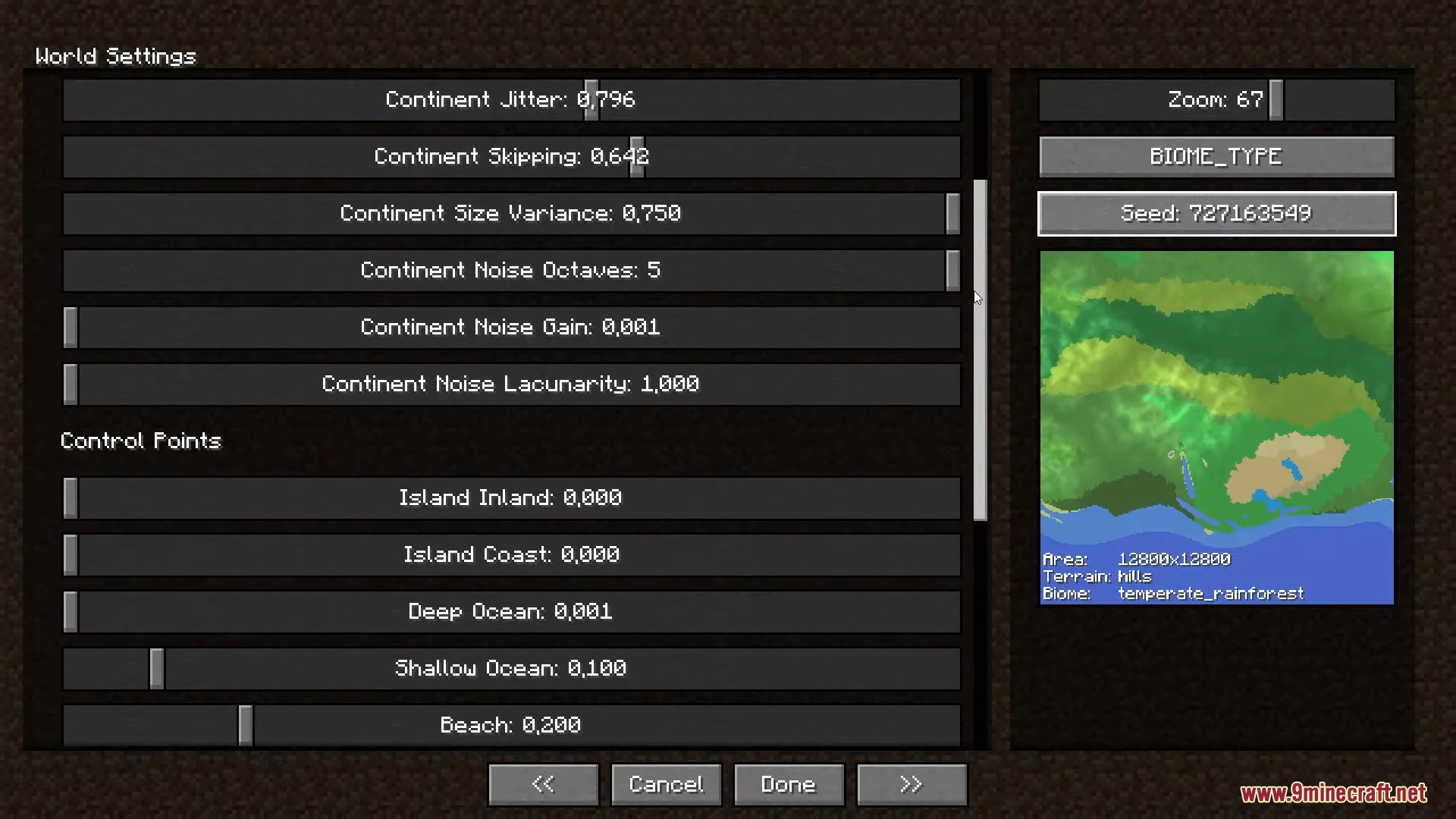
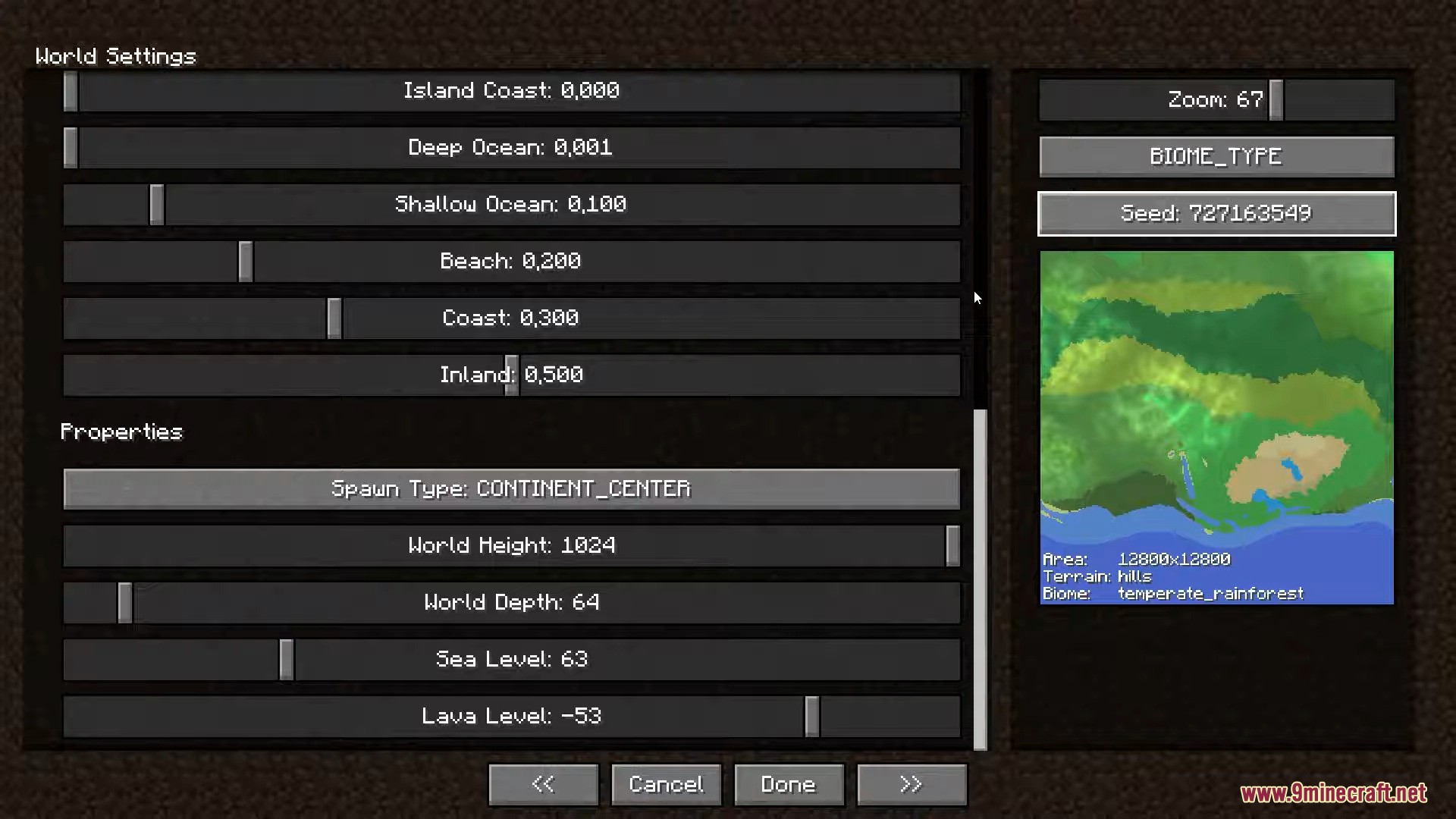
- (Optional) On the Customize pages, fine-tune the terrain – continents, surface & erosion, rivers, climate, caves and more – using the live preview map on the right.
- Click Done, then Create New World and explore the realistic, large-scale terrain.
Configuration:
- Change how the land looks before you make a new world.
- Use sliders in the menu to shape continents and set control points.
- Look at the map preview to see your changes before you start playing.
- Adjust basic world settings, like the sea level.
Screenshots:
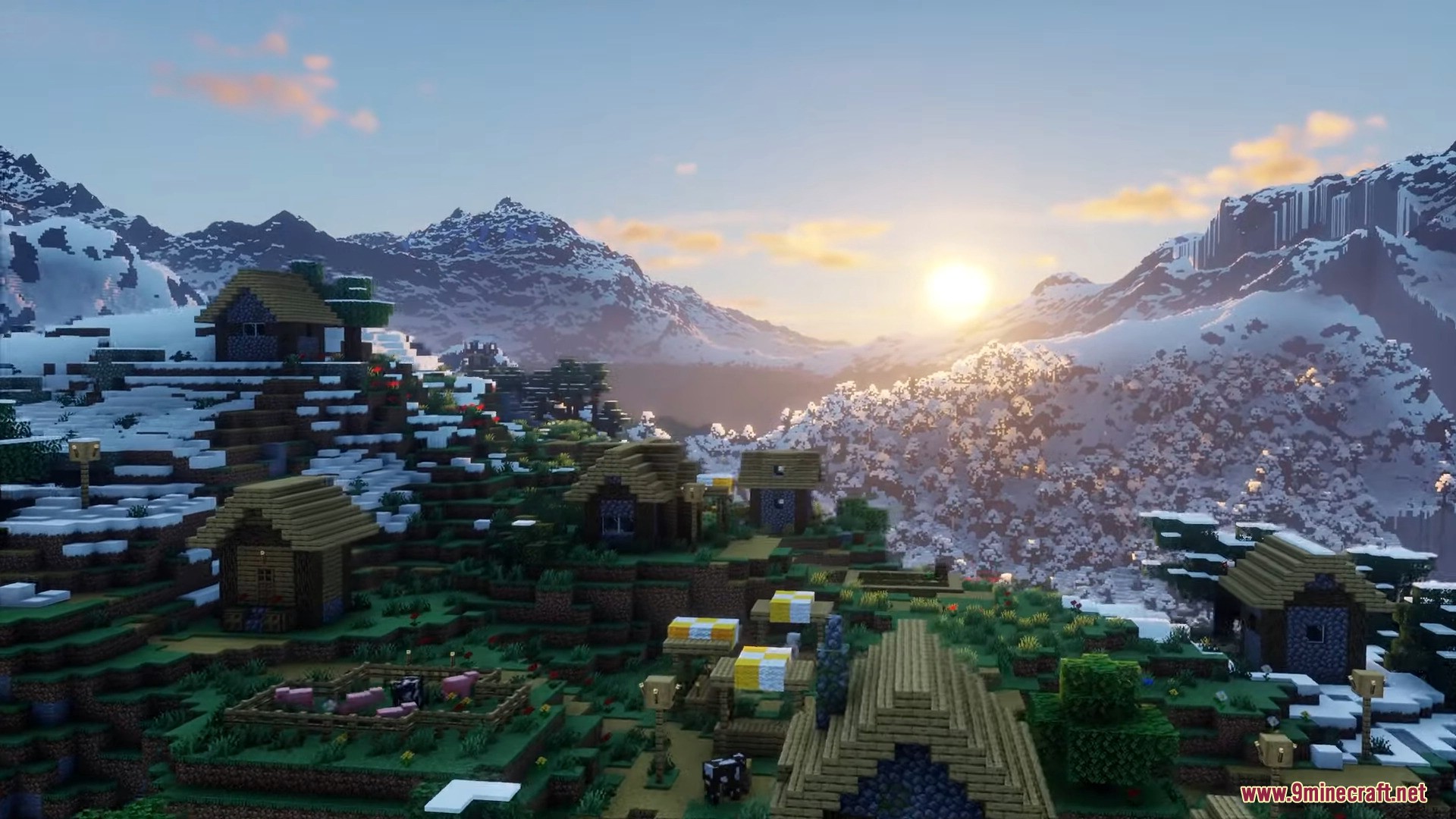
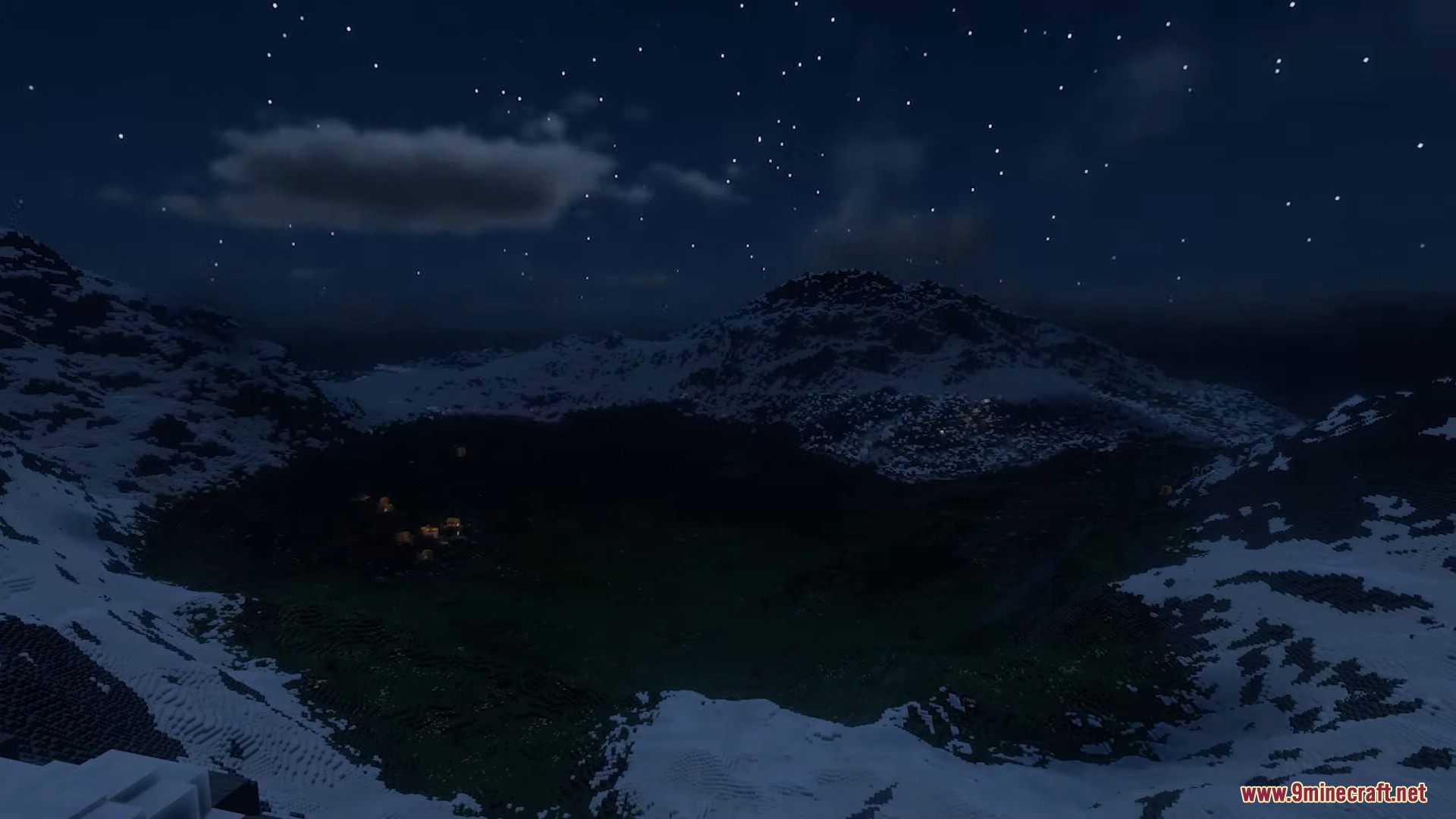
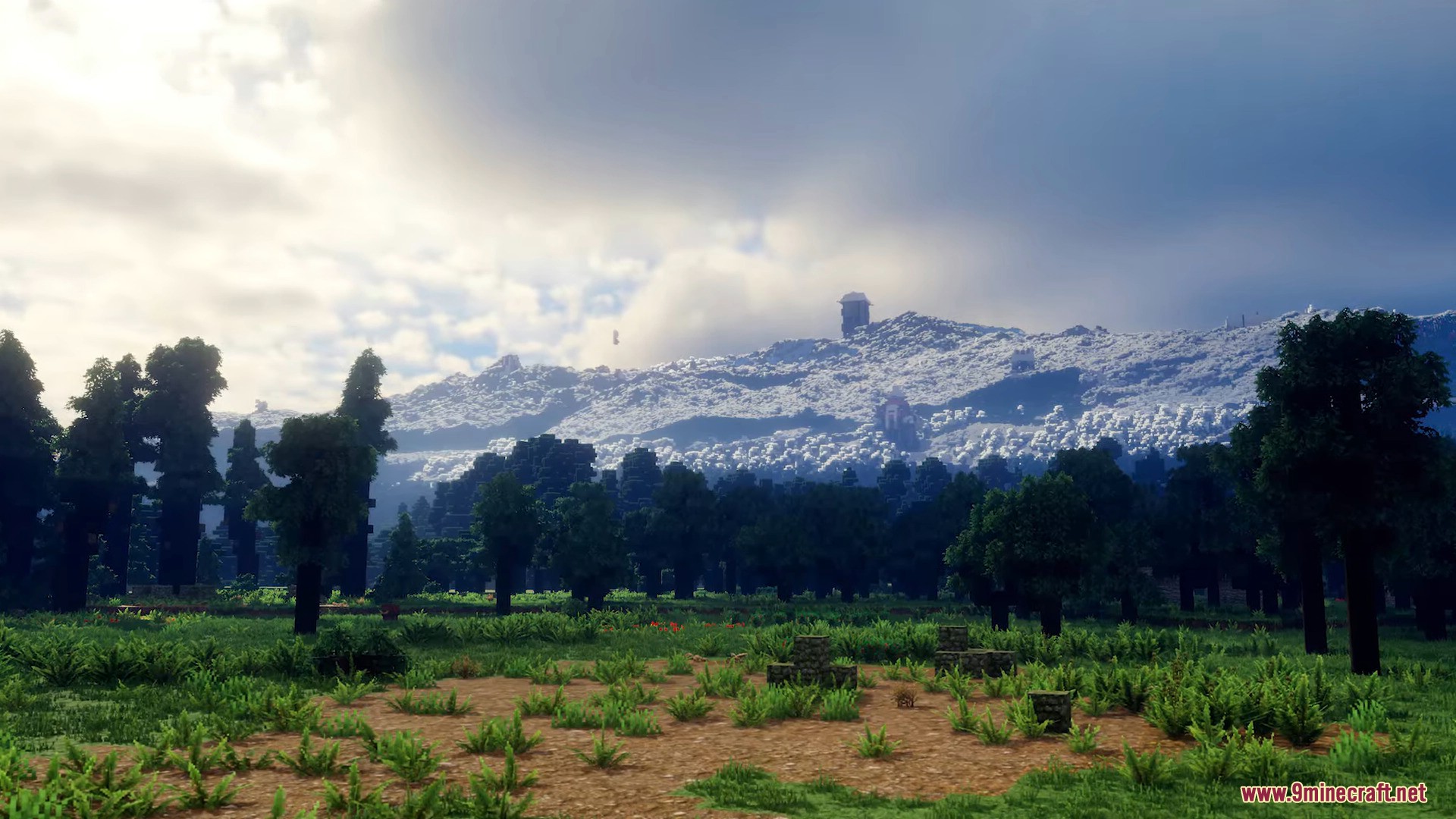
How to Install:
New to Minecraft? Follow our step-by-step guide to install Mods on your PC.View Guide
Requirements:




Reterraforged Mod Download Links
For Minecraft 26.2
For Minecraft 26.1.2, 26.1.1, 26.1
For Minecraft 1.21.11
For Minecraft 1.21.10, 1.21.9
For Minecraft 1.21.8, 1.21.7, 1.21.6
For Minecraft 1.21.5
For Minecraft 1.21.4
For Minecraft 1.21.1, 1.21
For Minecraft 1.20.6
For Minecraft 1.20.2
For Minecraft 1.20.1, 1.20
For Minecraft 1.19.4

2 Comments
What do you think?
Your opinion means a lot - we'd love to hear from you.
You May Also Like


Hello Bro make Animal Life Add-on Автор от Pathway Studios Please Please
mirai shader download