
Version Changer Mod (26.3, 1.20.1) – Customize Your Main Menu Version Text

 0


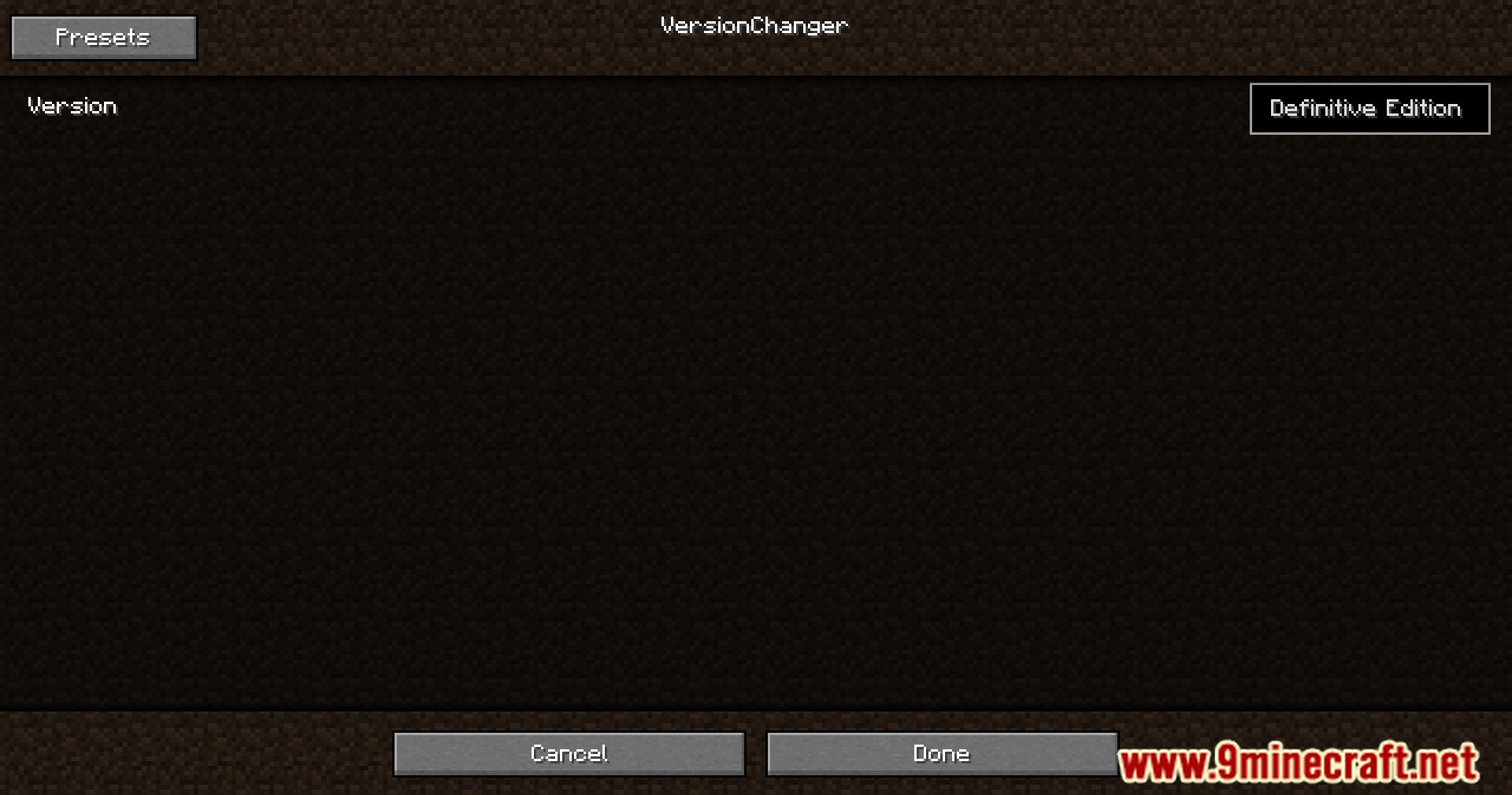
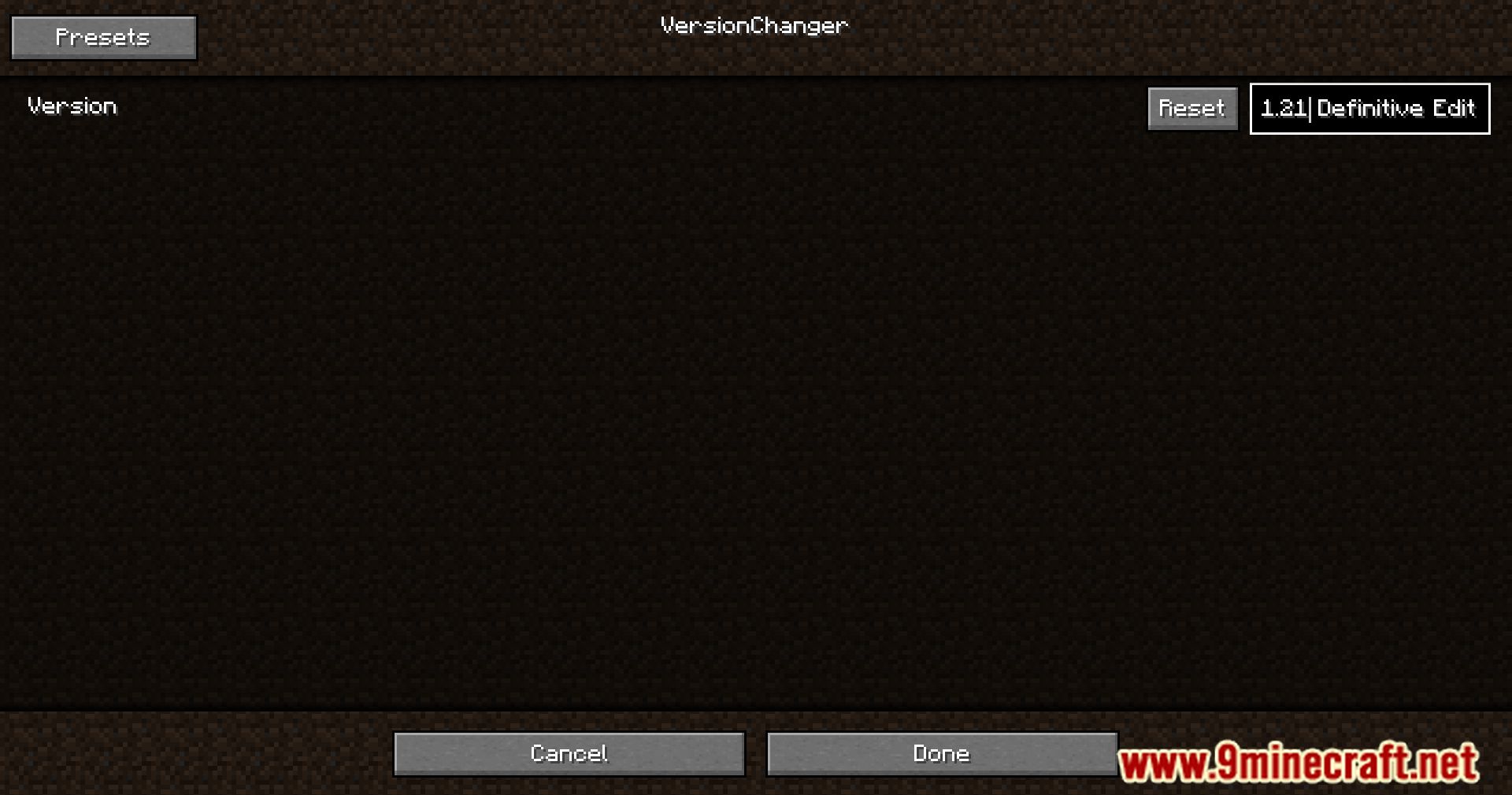
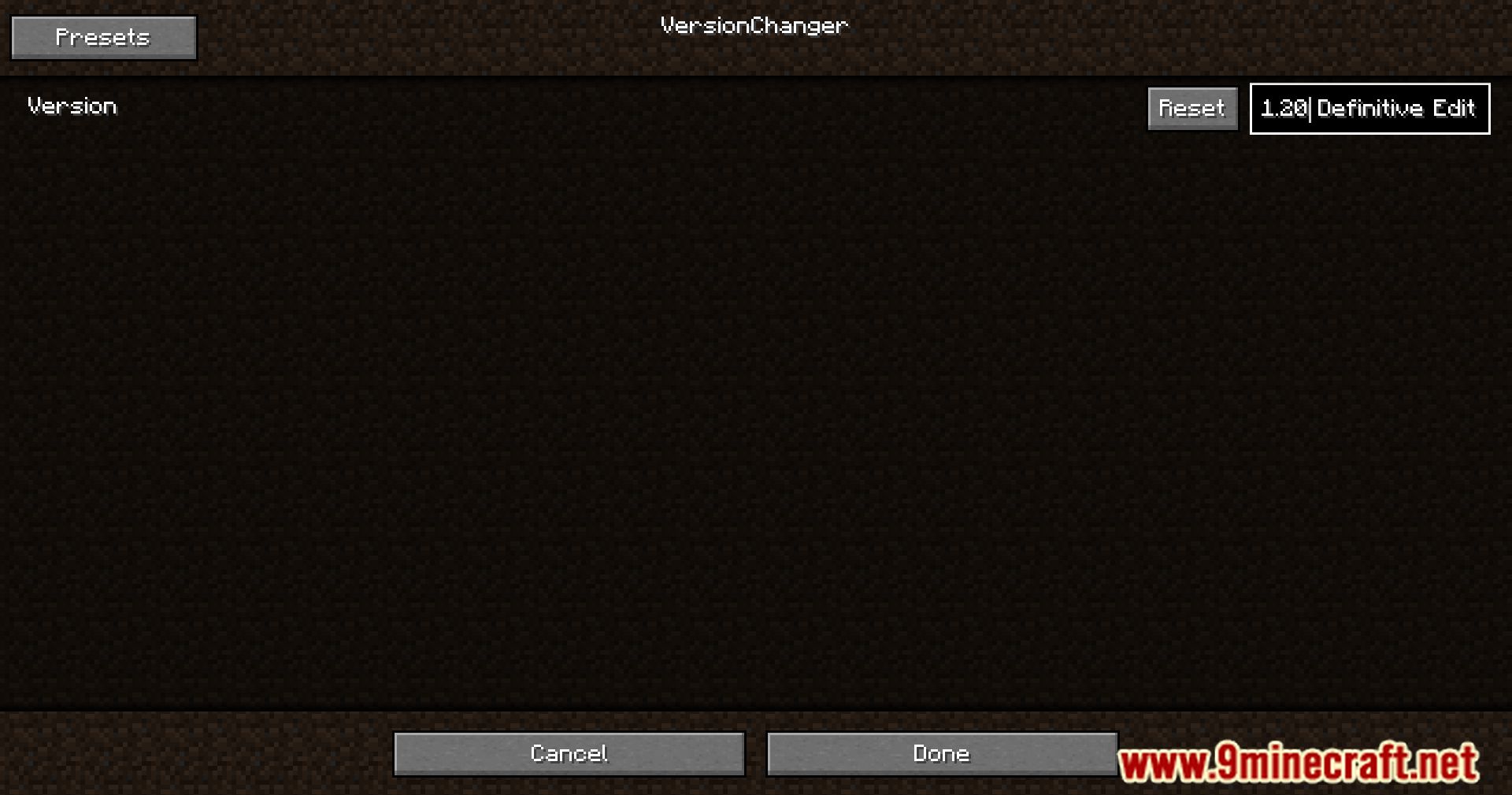
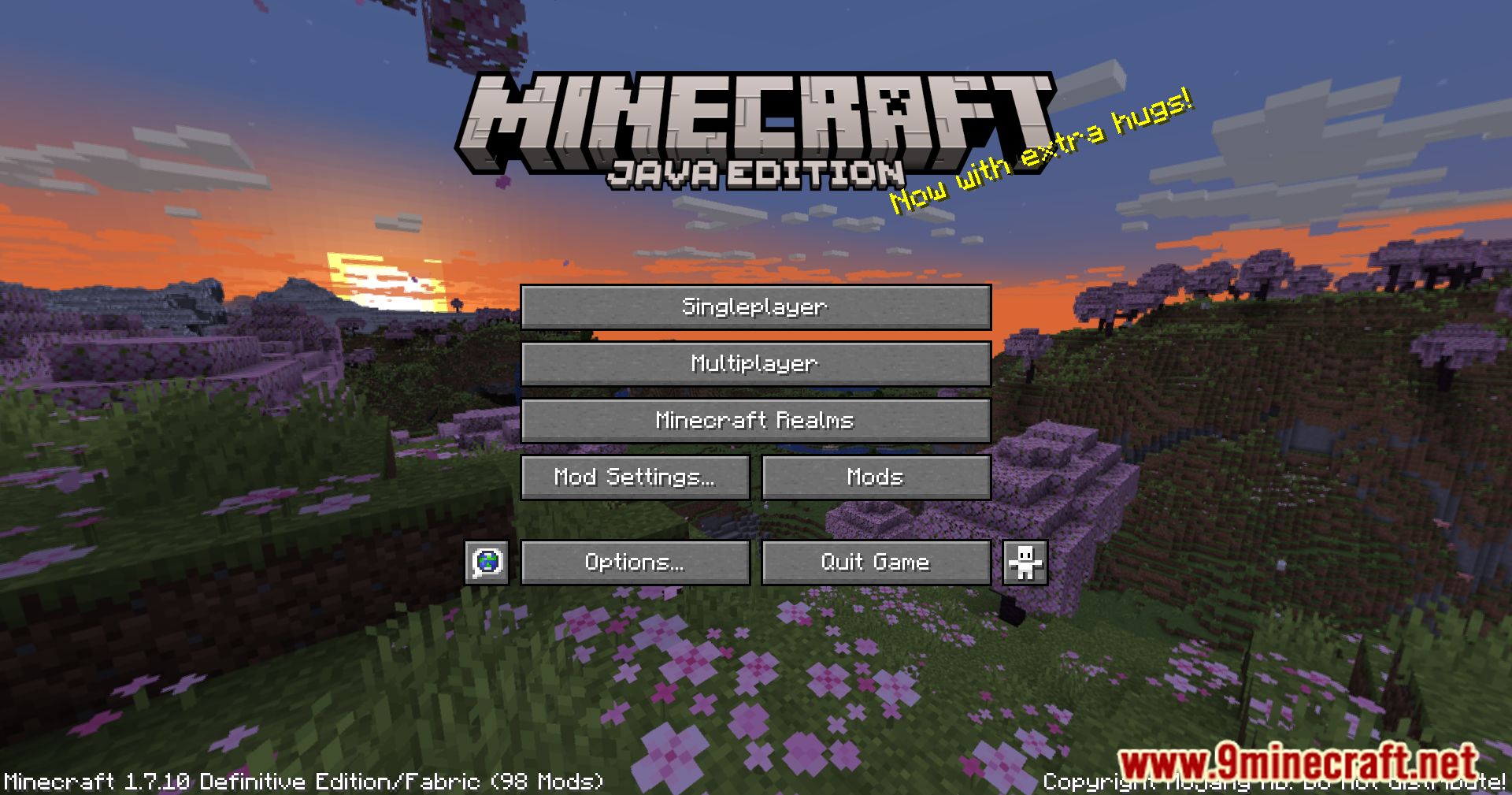
Version Changer Mod lets you change the Minecraft version text shown on your screen to anything you want. It supports normal text instead of just numbers, making it easy to set custom version displays. Some other mods might read this version and show strange output.
Features:
- Modify the displayed Minecraft version text to any custom value.
- Use a simple configuration file to make quick updates to the version display.
- Support any normal text, which gives you complete freedom for your version numbers or custom words.
How to Use:
- Open the configuration file for the mod.
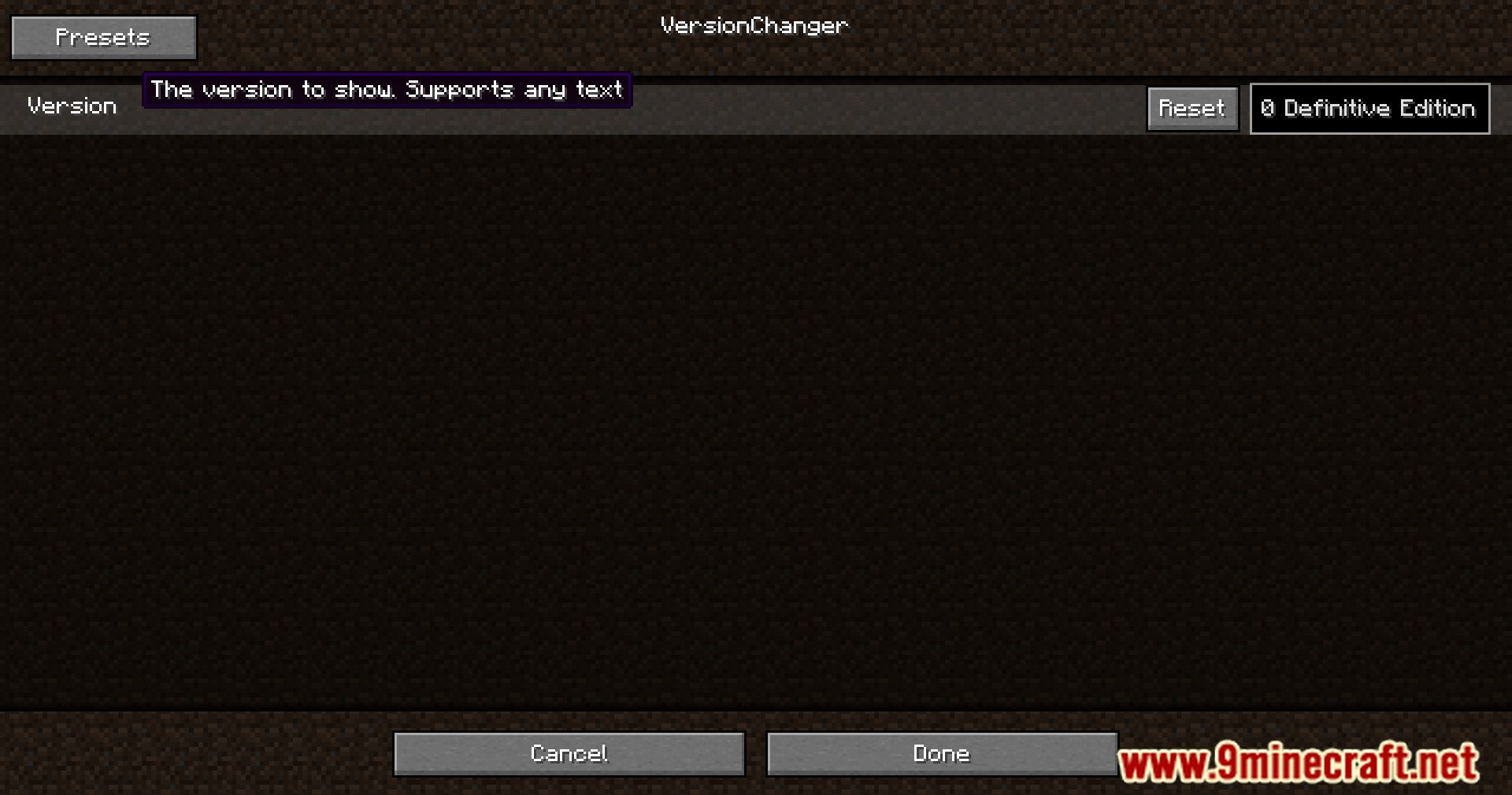
- Type your desired version text into the config settings.
- Save the file and launch the game to see your custom version text on the screen.
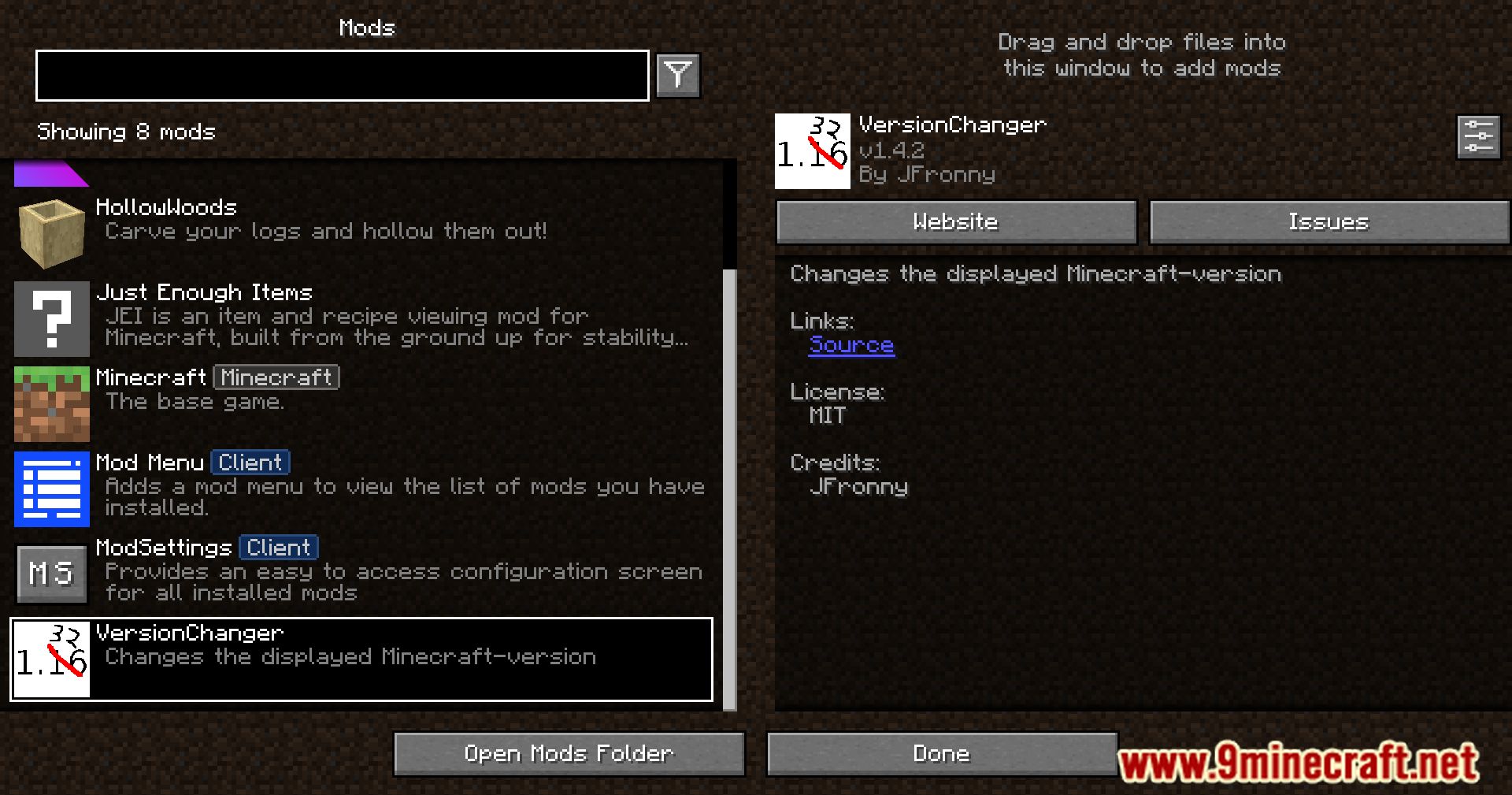
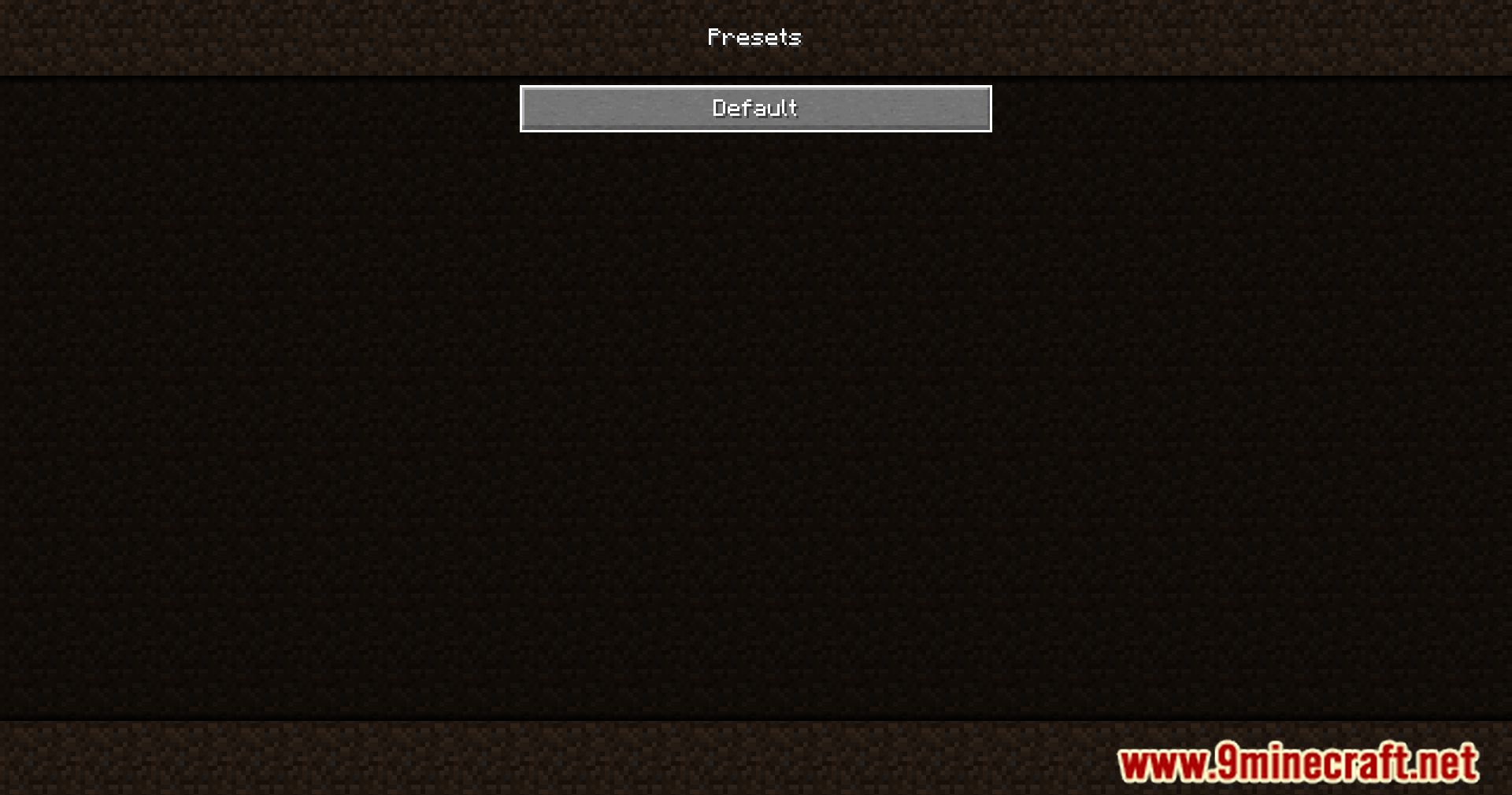
Screenshots:
How to Install:
New to Minecraft? Follow our step-by-step guide to install Mods on your PC.View Guide

Version Changer Mod Download Links
For Minecraft 26.3
For Minecraft 26.2
For Minecraft 26.1.2, 26.1.1, 26.1
For Minecraft 1.21.11
For Minecraft 1.21.10, 1.21.9
For Minecraft 1.21.8, 1.21.7, 1.21.6
For Minecraft 1.21.5
For Minecraft 1.21.4
For Minecraft 1.21.3, 1.21.2
For Minecraft 1.21.1, 1.21
For Minecraft 1.20.6
For Minecraft 1.20.5
For Minecraft 1.20.4
For Minecraft 1.20.2
For Minecraft 1.20.1, 1.20
For Minecraft 1.19.4
For Minecraft 1.19.3
For Minecraft 1.19.2
For Minecraft 1.19.1
For Minecraft 1.19
For Minecraft 1.18.2
For Minecraft 1.16.5
Click to rate this post!
[Total: 2 Average: 5]
You May Also Like
Picked for this page
 Forgematica Mod (26.2, 1.20.1) – Litematica Forge Version
 Pufferfish’s Skills Mod (26.3, 1.20.1) – Level Up Your Abilities
 MaFgLib Mod (26.3, 1.20.1) – MaLiLib Forge Port
 Stray Spawn Mod (26.3, 1.20.1) – Spawn Strays Naturally
 Melody Mod (26.3, 1.21.1) – Hear New Music in Your Game
 Difficulty Lock Mod (26.3, 1.20.1) – Set Default Difficulty
 Lenient Creepers Mod (26.3, 1.20.1) – Items Remaining After An Explosion
 Default Server Properties Mod (26.3, 1.20.1) – Preset Rules for Any World
 Mod Menu Badges Lib Mod (26.3, 1.21.11) – Create and Add Custom Badges
 Energy Meter Mod (1.21.1, 1.20.1) – Diagnose Your Power Grid
 Classic Enchanted Golden Apple Crafting Mod (26.2, 1.20.1) – Crafting Recipe For Enchanted Golden Apples
 Create Automotives Mod (26.1.2, 1.20.1) – Drive Steam Powered Vehicles
Most viewed in Mods over the last 7 days
 Ala Industrial Mod (26.3) – Run Electric Power Grids and Automated Factories
 PleasureCraft Mod (26.3, 1.21.1) – Jenny Mod Remake for Fabric
 Jennycraft Mod (26.3, 1.20.1) – Virtual Girlfriend in Minecraft
 Fapcraft Mod (26.3, 1.12.2) – Comprehensive and Detailed Content
 Jenny Mod (Fapcraft) Official Complete Guide – How to use, Tutorial
 BangCraft Mod (1.20.1) – Jenny, Ellie and Elliot
 Fabric Loader (26.3, 1.20.1) – Fabric Installer for All Minecraft Versions
 The Shooting Star Demo Mod (26.3, 1.20.1) – Vaporize Terrain From Orbit
 Meteor Client Mod (26.3, 1.20.1) – Xray, HUD, Fly
 OptiFine HD (26.3, 1.20.1) – Run Faster, FPS Boost, Shaders Support
 Aristois Client Mod (1.21.4, 1.20.1) – World Class Minecraft Utility
 Prestige Client Mod (1.21.11, 1.21.4) – Powerful Ghost Features for Crystal & Sword PvP
More from Mods
 Waddles Mod (26.3, 1.20.1) – Make Icy Biomes Feel Alive
 Artemis’ Thin Logs Mod (26.3, 1.20.1) – Build Custom Trees and Detailed Wood
 Asterion Mod (26.3, 1.20.1) – Survive Ancient Mazes and Slay the Legendary Minotaur
 Passthrough Signs Mod (26.3, 1.20.1) – Right-Click Through Wall Signs
 Packing Tape Mod (26.3, 1.20.1) – Move Chests, Machines
 No XP Anvils Mod (26.3, 1.20.1) – Repair And Enchant Without XP
 Naruto Shippuden Mod (26.3, 1.16.5) – Immerse Yourself in The World of Ninja
 Araxer’s Bestiary Mod (26.3, 1.20.1) – Build an In-Game Encyclopedia of Every Mob
 Villagers Plus Mod (26.3, 1.20.1) – Expanded Villager Types and Villages
 Ore Excavation 9minecraft Mod (26.3) – Mine Ores and Chop Trees in a Single Swing
 Dirigo Mod (26.1.2, 1.21.1) – Walk Across Nether Lava Seas and Automate Animal
 HandLib Mod (26.3, 1.21.1) – Keep Your Multiplayer World Stable

This post has no comments yet. Be the first — your comment will appear here.