
Geocluster Mod (1.21.1, 1.20.1) – Track Mineral Veins From Surface Rocks

 0


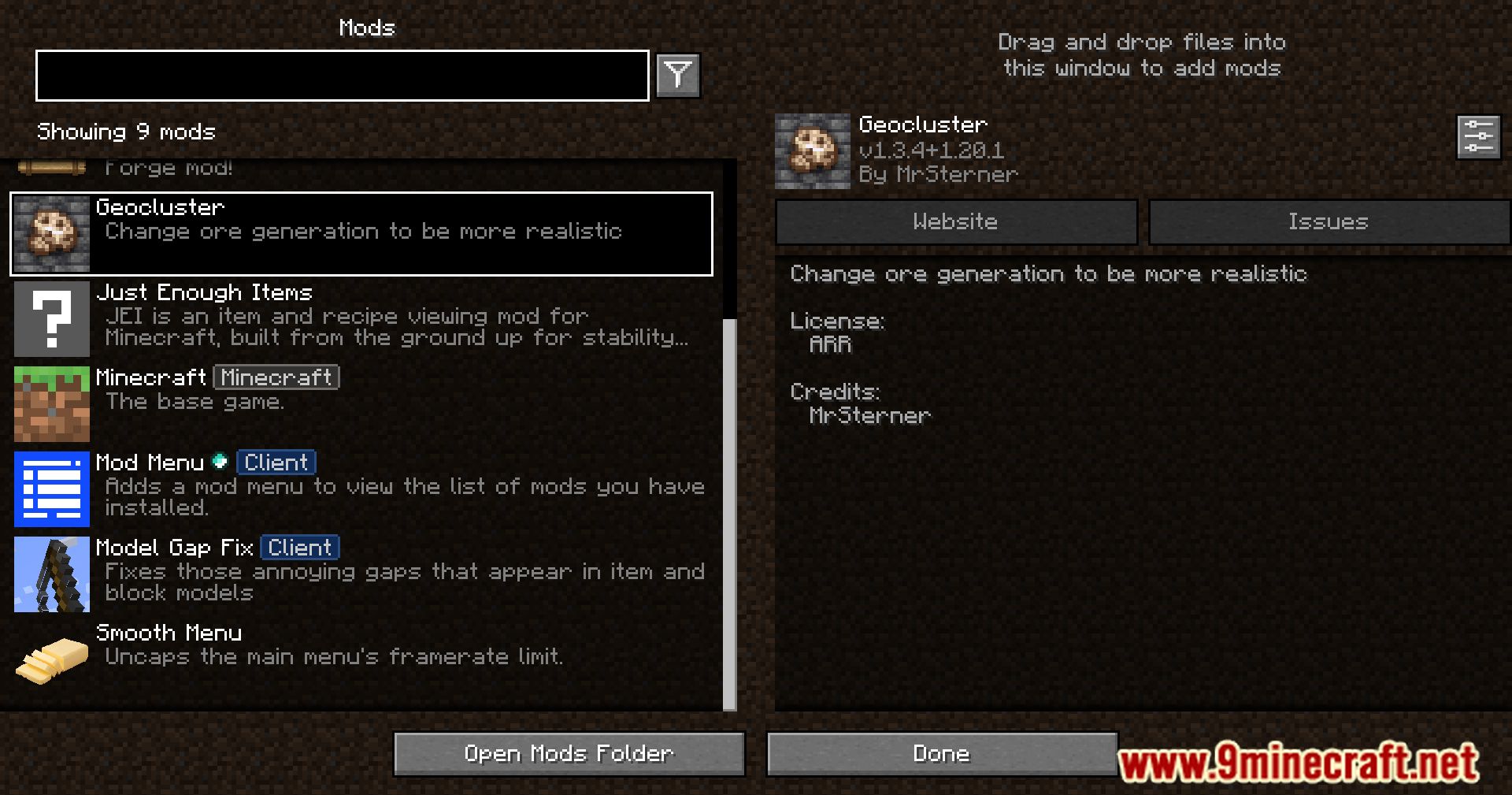
Geocluster Mod brings Terrafirmacraft-style ore generation and geological systems to Minecraft. It takes inspiration from the discontinued Forge mod Geolosys and replaces vanilla ore generation with its own system. This mod adds surface ore rocks, prospecting picks, cosmetic tweaks, and performance improvements for world generation. It runs on Fabric and Quilt and lets you customize ore deposits with datapacks.
Requires:
Features:
- Disables default Minecraft ore generation and replaces it with a Terrafirmacraft-style geological system.
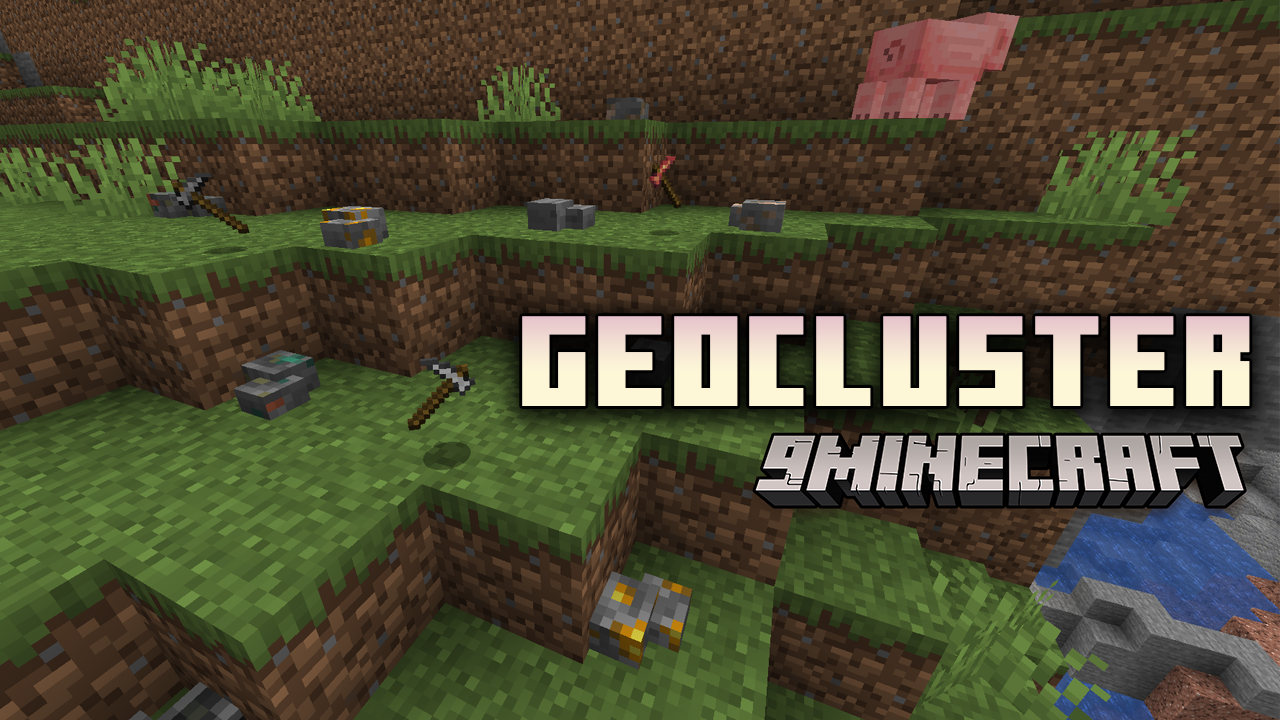
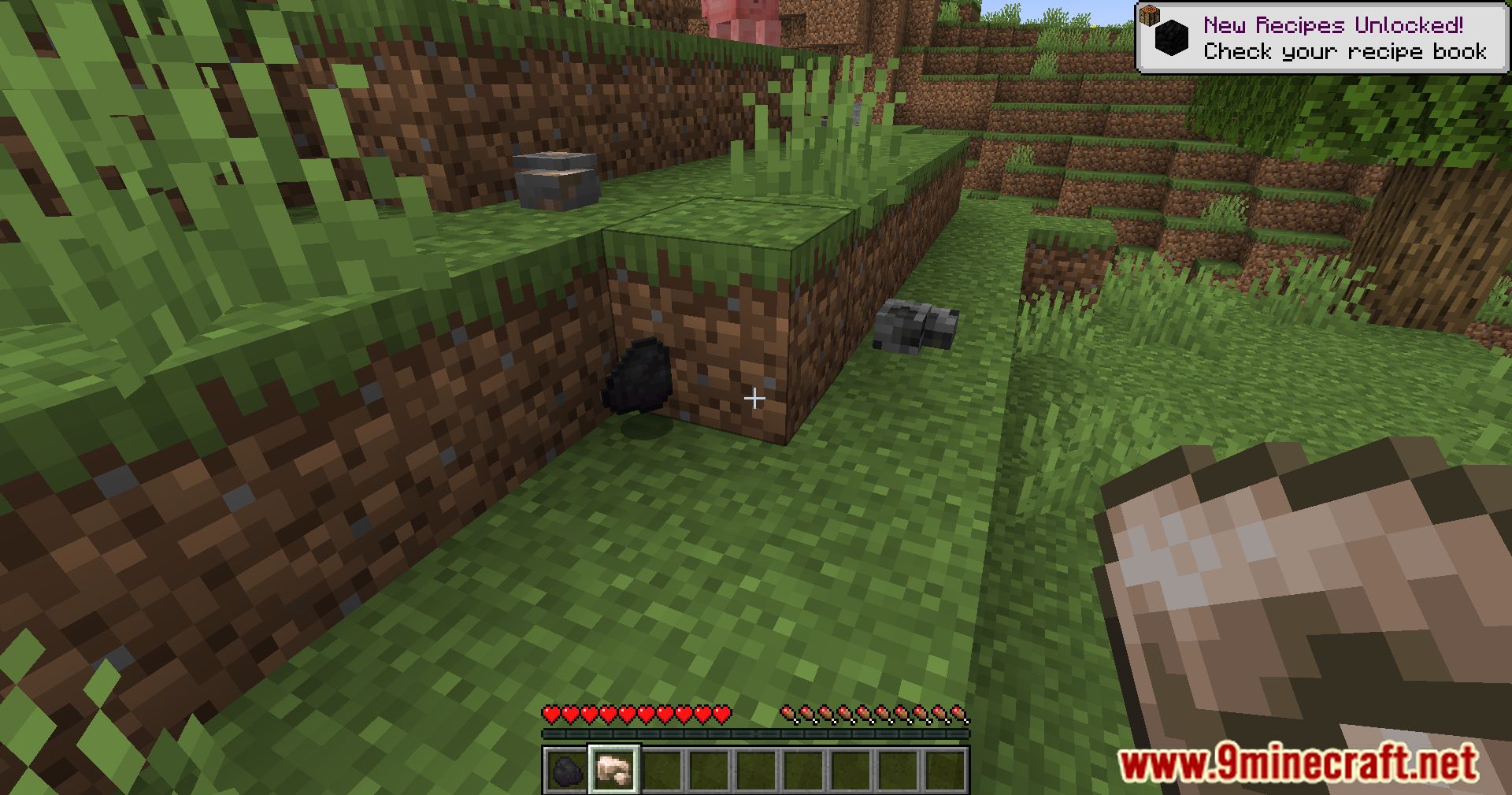
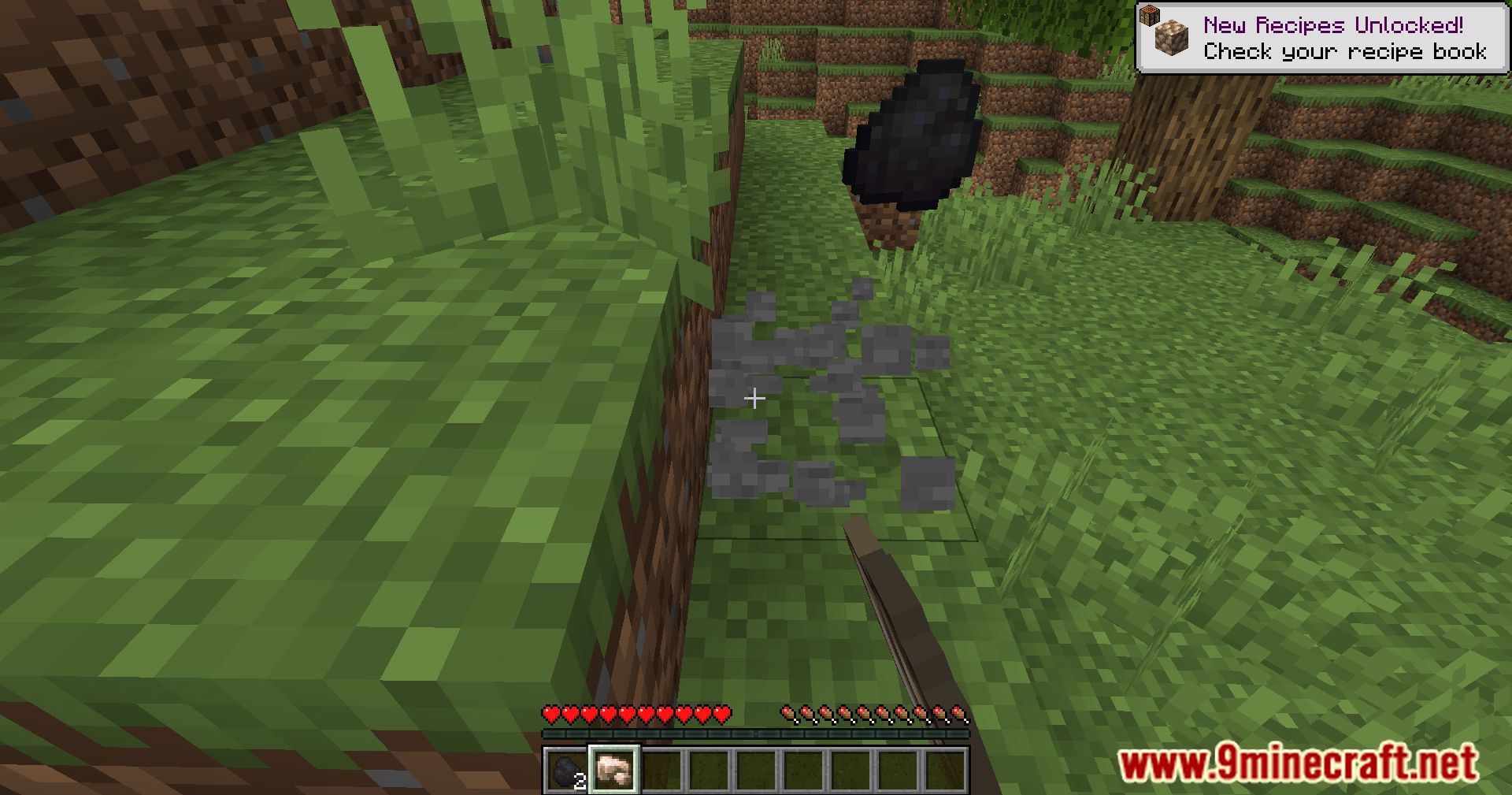
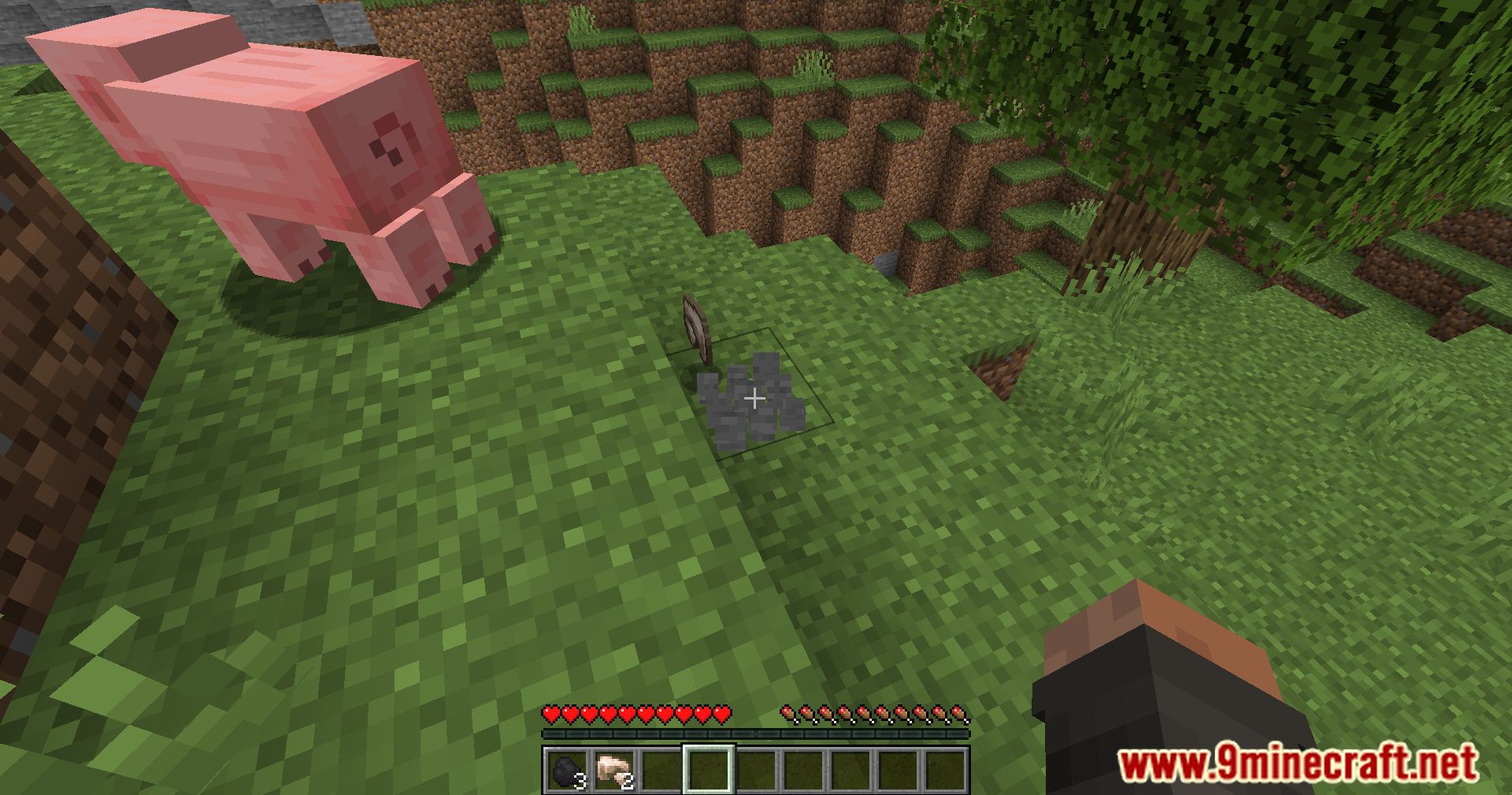
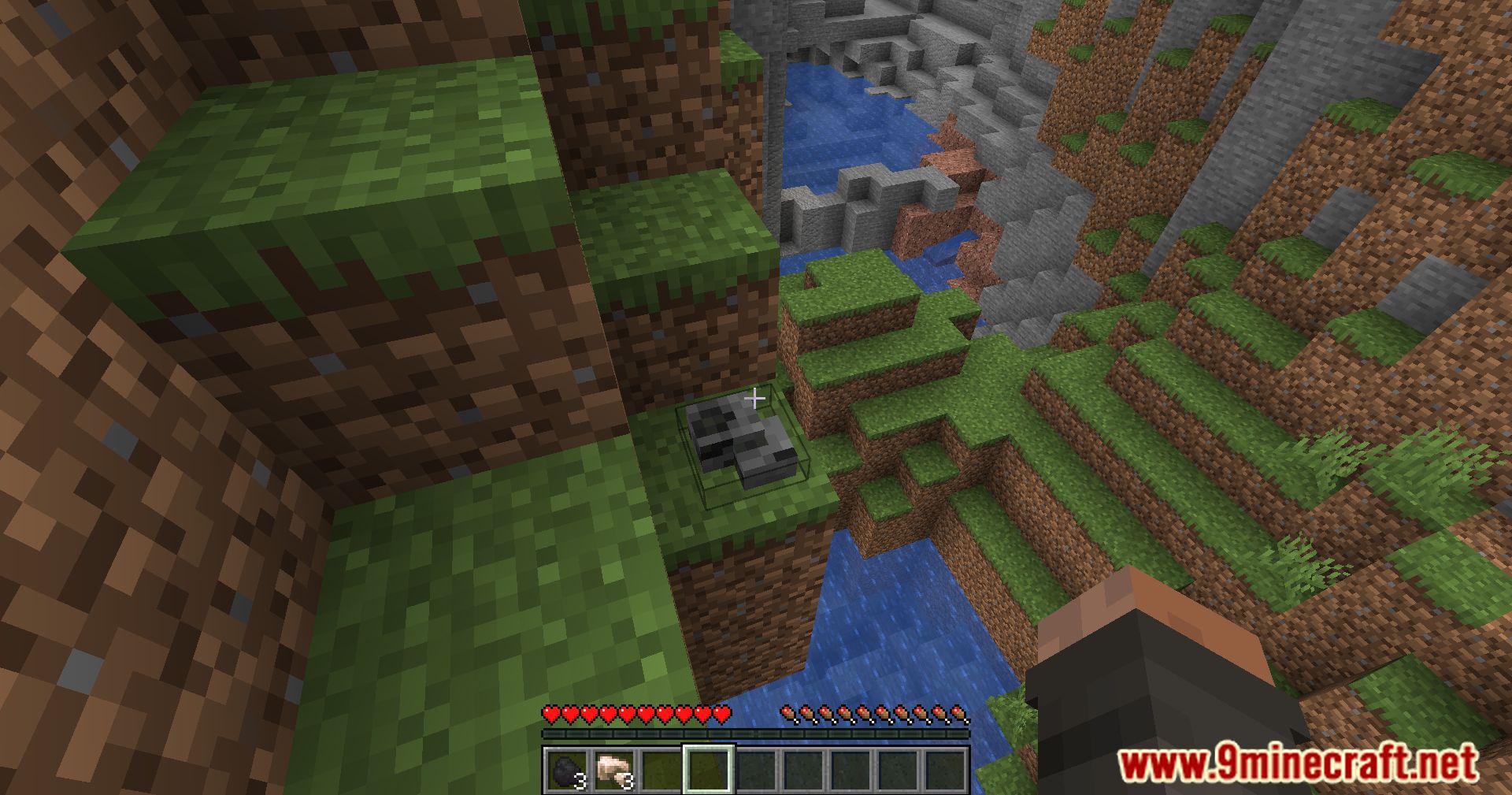
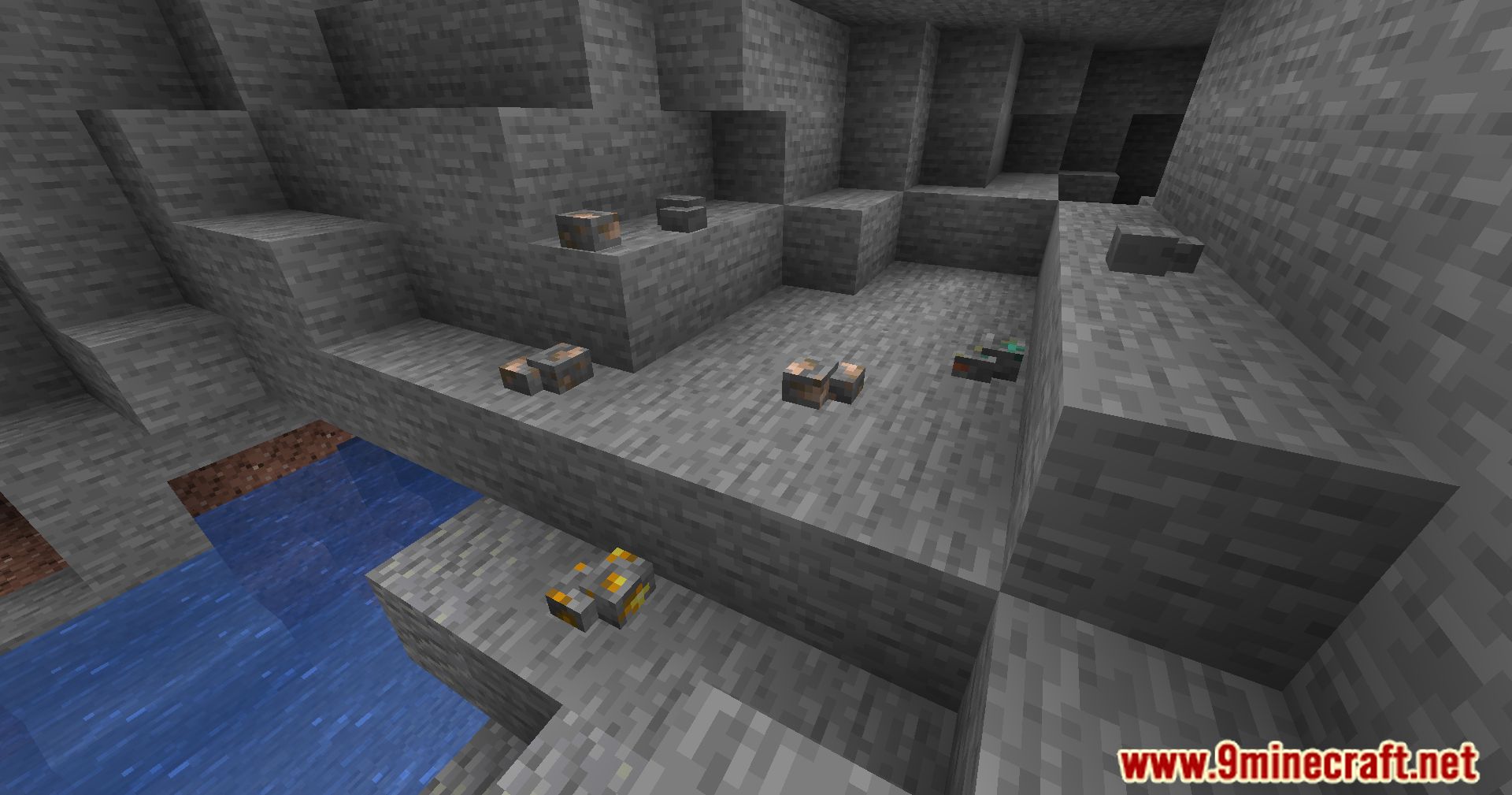
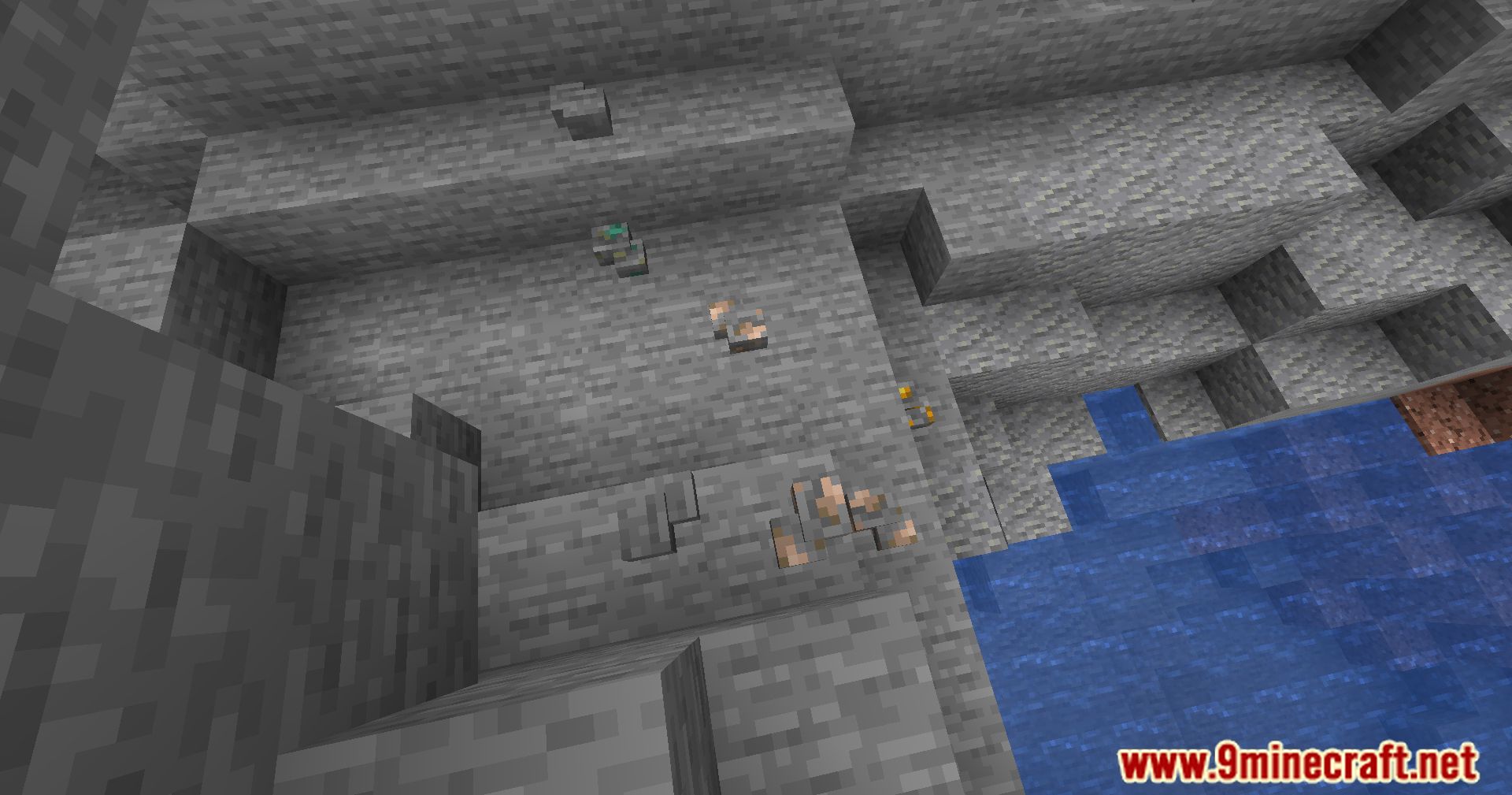
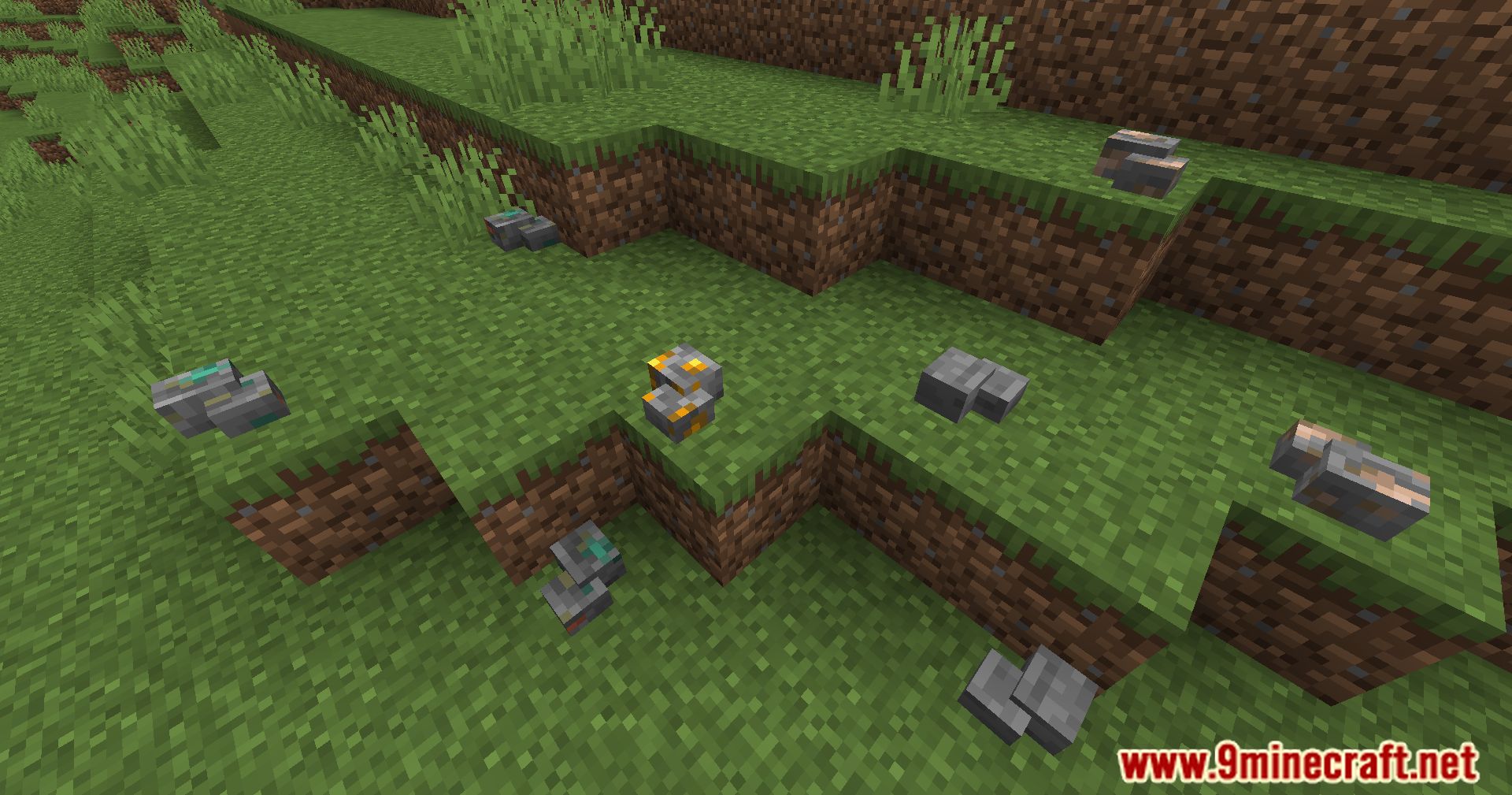
- Scatters small rocks, stone fragments, and ore chunks across grassy ground and cave stone surfaces.
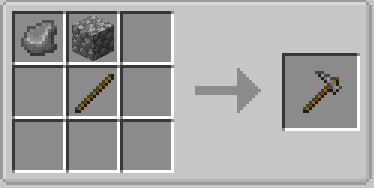
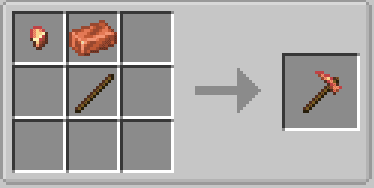
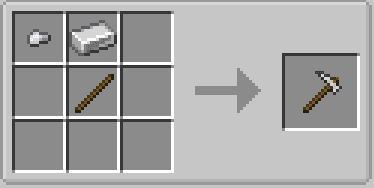
- Adds craftable Stone, Copper, and Iron Prospecting Picks.
- Includes cosmetic tweaks that improve how ores and stone formations look in the world.
- Uses performance optimizations to keep ore generation fast and smooth.
- Lets you change all ore generation settings with datapacks that follow the same format as Geolosys.
How to Use:
- Create a new world so the custom geological ore generation takes effect instead of default vanilla ores.
- Explore grassy ground and caves to look for and collect scattered surface rocks, stone fragments, and ore chunks.
- Craft a Stone, Copper, or Iron Prospecting Pick as you gather resources.
- Use datapacks in the same format as Geolosys if you want to change the default ore generation settings.
Crafting Recipes:
Screenshots:
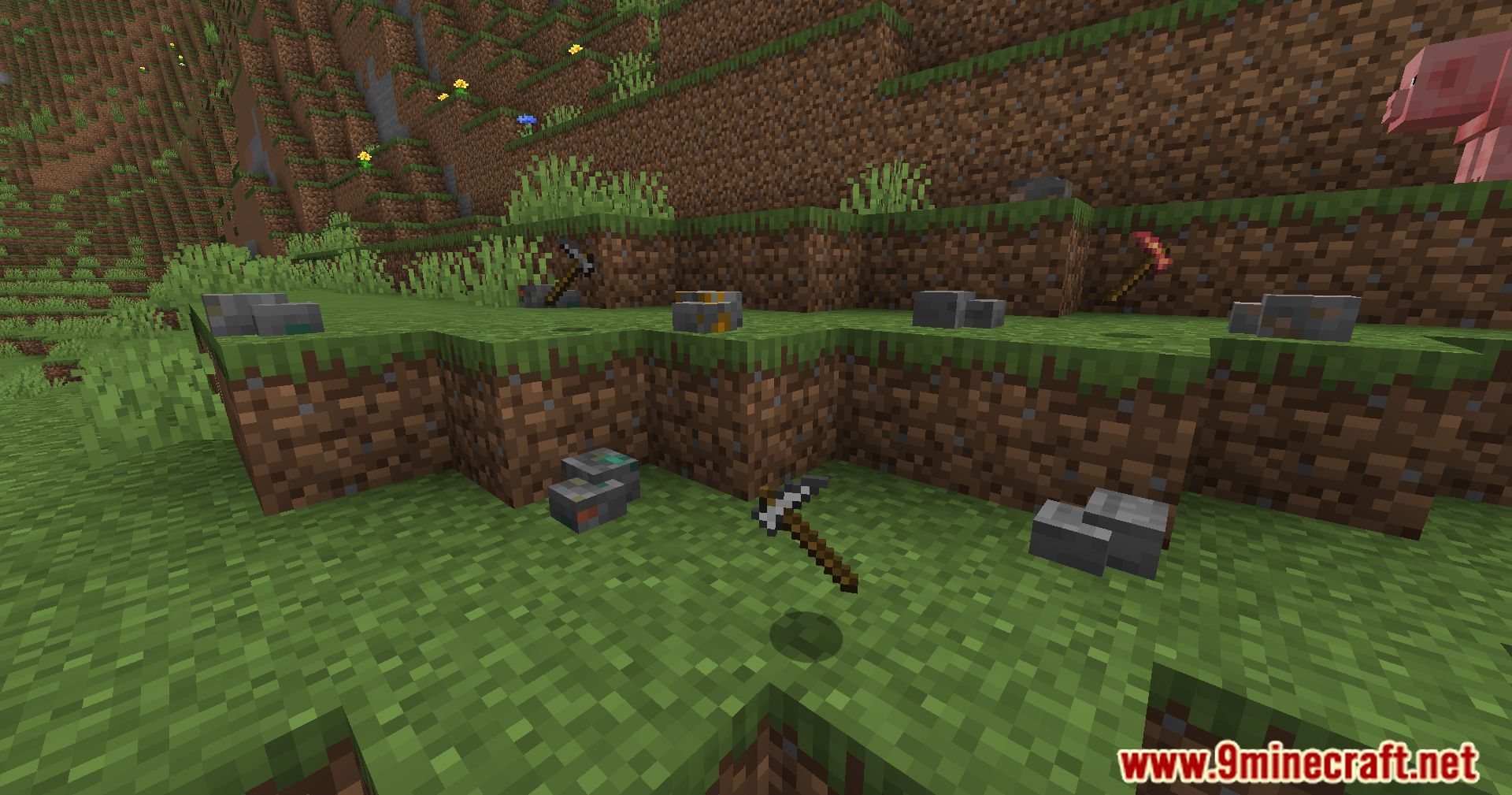
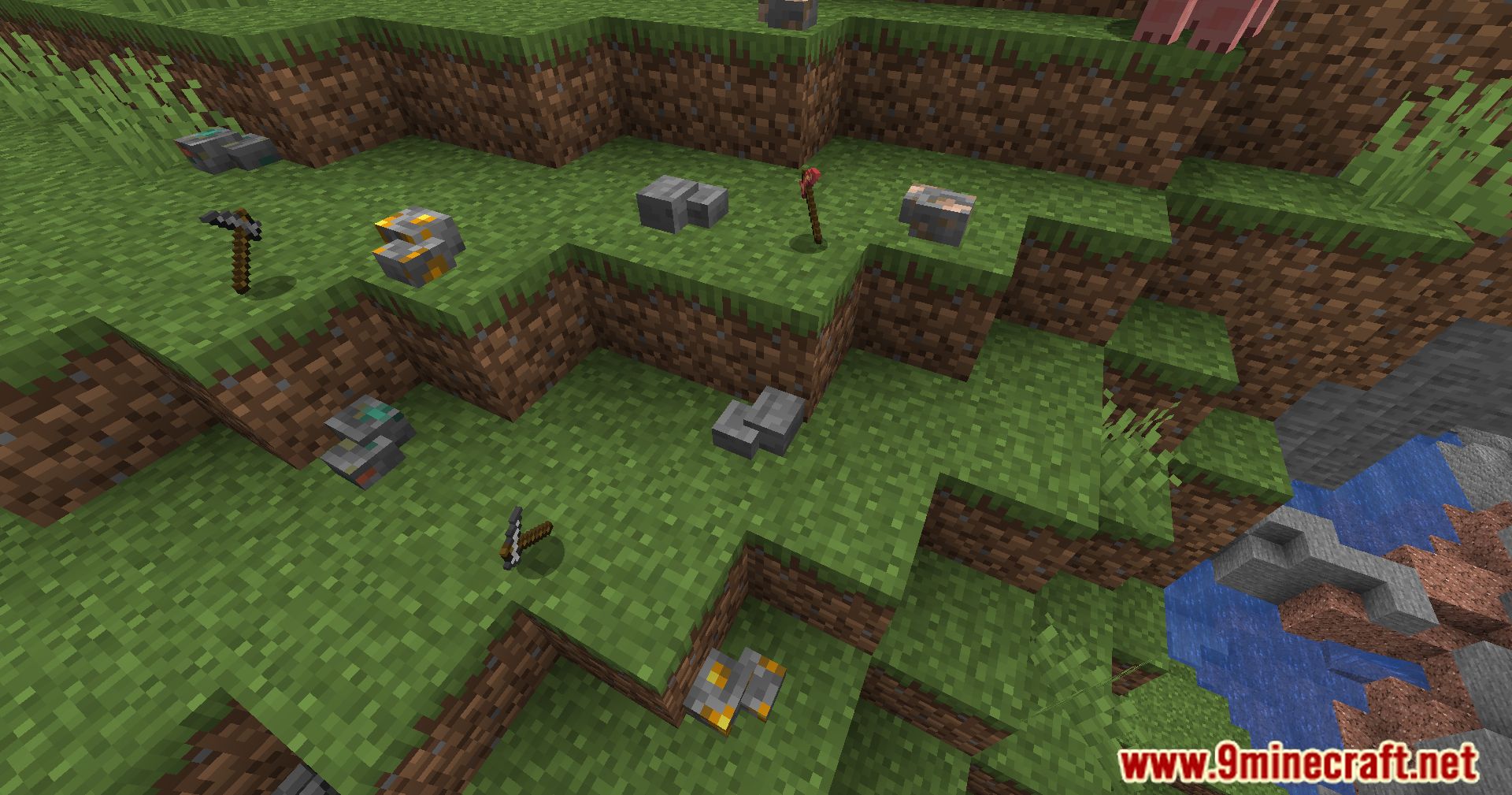
How to Install:
New to Minecraft? Follow our step-by-step guide to install Mods on your PC.View Guide
Requirements:

Geocluster Mod Download Links
For Minecraft 1.21.1, 1.21
Fabric version: – Download from Server 2
For Minecraft 1.20.1
Fabric version: – Download from Server 2
For Minecraft 1.20
Fabric version: – Download from Server 2
For Minecraft 1.19.2
Fabric version: – Download from Server 2
What graphic style do you prefer for your modded game?
18 responses · See the full results →
You May Also Like
Picked for this page
 Create Mod (1.21.1, 1.20.1) – Building Tools and Aesthetic Technology
 Mouse Wheelie Mod (26.2, 1.20.1) – Great Replacement for Inventory Tweaks
 Name Tag Tweaks Mod (26.3, 1.20.1) – Craftable & Retrievable NameTag
 Conduits Prevent Drowned Mod (26.3, 1.20.1) – Peaceful Underwater Cities
 Happy Go Lucky Mod (26.3, 1.20.1) – Random Adventures Await
 Undead Nights Mod (26.3, 1.20.1) – Prepare For Horde Nights
 XyCraft Override Mod (26.1.2, 1.20.1) – Vanilla Modifications in XyCraft Style
 Kelp Fertilizer Mod (26.3, 1.20.1) – Kelp Works Like Bone Meal
 Super Simple Home Mod (1.21.11, 1.20.6) – Simple Home Teleportation Commands
 Leon’s Secret Paintings Mod (26.2, 1.20.1) – Four Elemental Paintings
 Re-Dye Terracotta Mod (26.3, 1.20.1) – Change Terracotta Color With Ease
 Fabric Exporter Mod (26.2, 1.20.1) – Adds A Prometheus Exporter With General Server Metrics
Most viewed in Mods over the last 7 days
 Ala Industrial Mod (26.3) – Run Electric Power Grids and Automated Factories
 PleasureCraft Mod (26.3, 1.21.1) – Jenny Mod Remake for Fabric
 Jennycraft Mod (26.3, 1.20.1) – Virtual Girlfriend in Minecraft
 Fapcraft Mod (26.3, 1.12.2) – Comprehensive and Detailed Content
 Jenny Mod (Fapcraft) Official Complete Guide – How to use, Tutorial
 BangCraft Mod (1.20.1) – Jenny, Ellie and Elliot
 Fabric Loader (26.3, 1.20.1) – Fabric Installer for All Minecraft Versions
 Meteor Client Mod (26.3, 1.20.1) – Xray, HUD, Fly
 OptiFine HD (26.3, 1.20.1) – Run Faster, FPS Boost, Shaders Support
 The Shooting Star Demo Mod (26.3, 1.20.1) – Vaporize Terrain From Orbit
 Aristois Client Mod (1.21.4, 1.20.1) – World Class Minecraft Utility
 SchnurriTV Mod (1.12.2) – Characters and Features
More from Mods
 Shield System Mod (1.21.1) – Tank Heavy Monster Hits Without Losing Hearts
 Shin’s Tensura Race Models Mod (1.19.2) – Play As Unique 3D Anime Race
 Offgrid Mod (26.3, 1.20.1) – Furnish Compact Interiors Without Strict Grid
 Tempest Almanac Iron’s Spells ‘n Spellbooks Mod (1.21.1, 1.20.1)
 Chat Guides Mod (26.3, 1.21.11) – Never Memorize Complex Server Commands Again
 TRMT Reimagined the Roads More Travelled Mod (26.3, 1.20.1)
 Morrowless Mod (1.21.1) – Defend Your Shelter From Nightmare Creatures
 THE SLOPSTROSITY Mod (1.21.1) – Battle a Ridiculous Slime Boss
 Decoween Mod (1.21.1, 1.20.1) – Transform Ordinary Survival Bases
 Simply Light 9minecraft Mod (26.3) – Decorate Builds Without Torches
 Alex’s Caves Continued Mod (26.3, 1.20.1) – Conquer Six Massive Underground
 Anvil Uses Mod (26.3, 1.20.1) – Track Item Anvil Usage

This post has no comments yet. Be the first — your comment will appear here.