
Ban Sleeping Mod (26.1.2, 1.20.1) – Survive Endless Dark Nights
 511
 0


Ban Sleeping Mod brings a tough survival challenge to worlds and servers by completely turning off the ability to sleep in a bed. Right-clicking a bed after sunset displays a warning message that sleeping is banned, forcing characters to stay awake through the dark hours. This adds extra danger to nighttime survival as players must fight monsters and survive without skipping time.
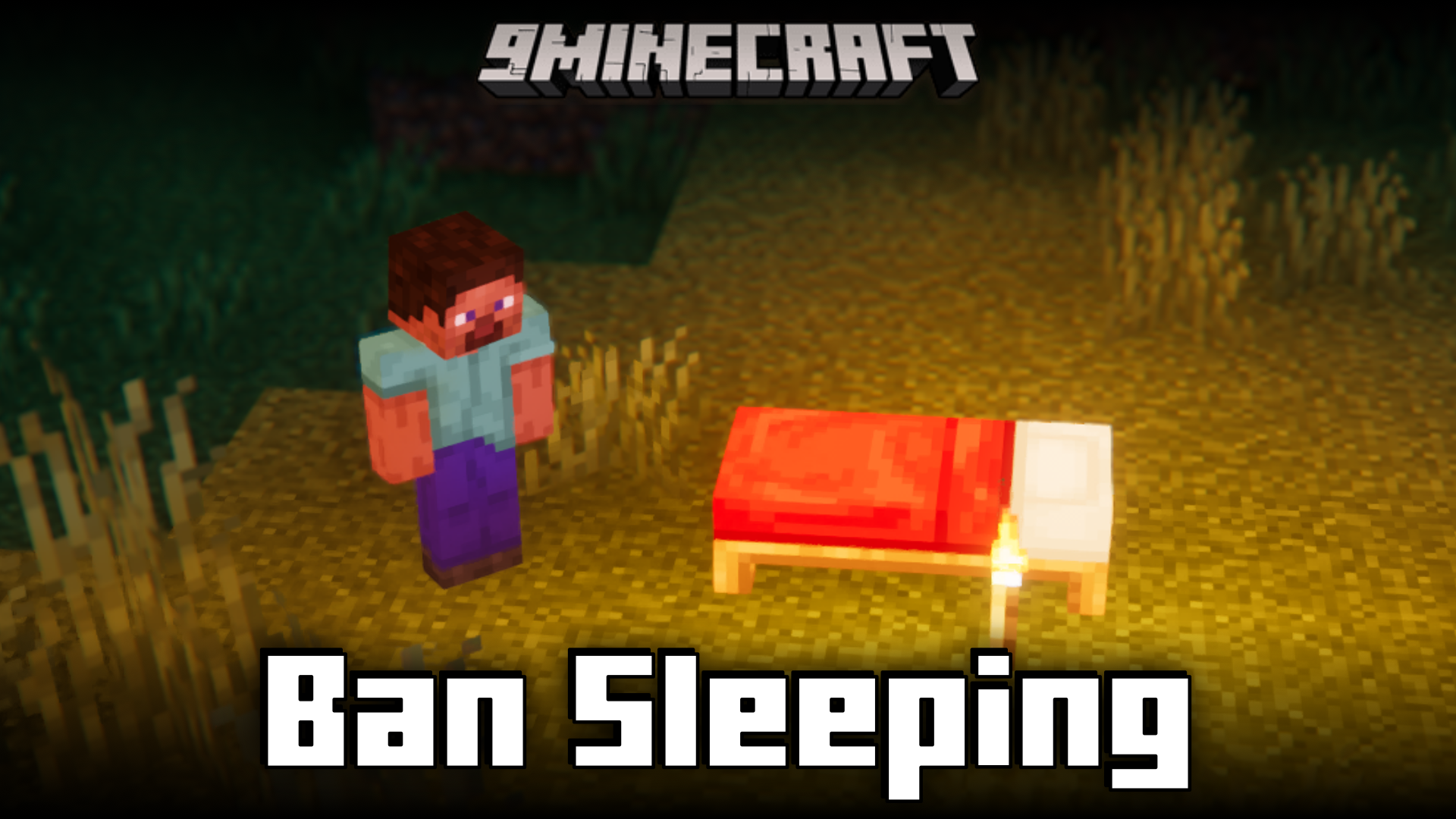
Features:
- Bans sleeping in beds across single-player worlds and servers.
- Displays a warning message whenever players try to use a bed at night.
- Forces characters to stay awake and fight off monsters through the dark hours.
- Runs on the Fabric loader for modern game versions.
- Works as a server-side mod that requires the Fabric API.
How to Use:
- Install the Fabric loader and the Fabric API on the game directory.
- Drop the mod jar file into the mods folder for single-player or server setups.
- Place a bed anywhere in the world and try to use it during the night to test the restriction.
- Survive through the dark hours by fighting monsters instead of skipping the night.
Screenshots:
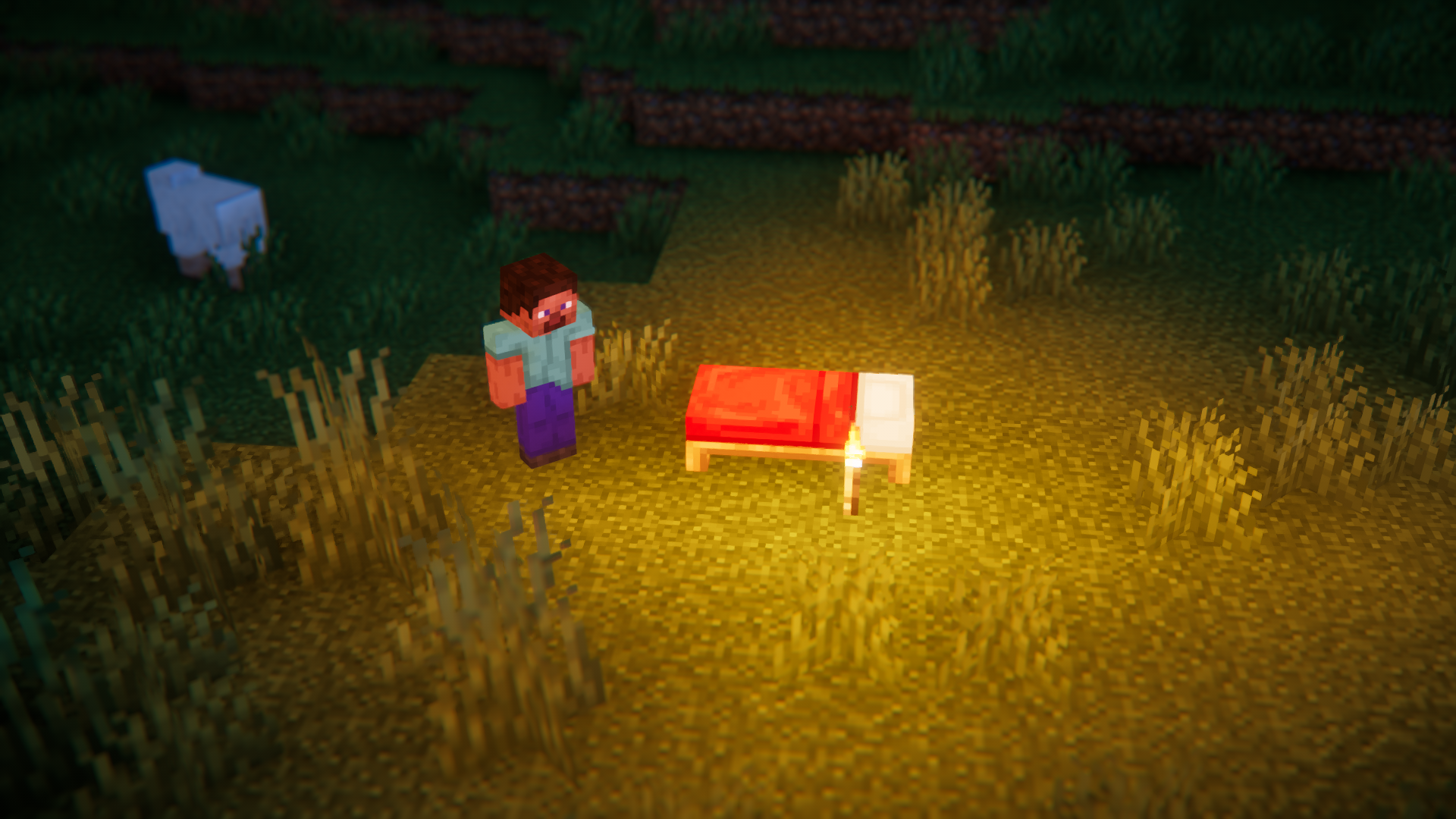
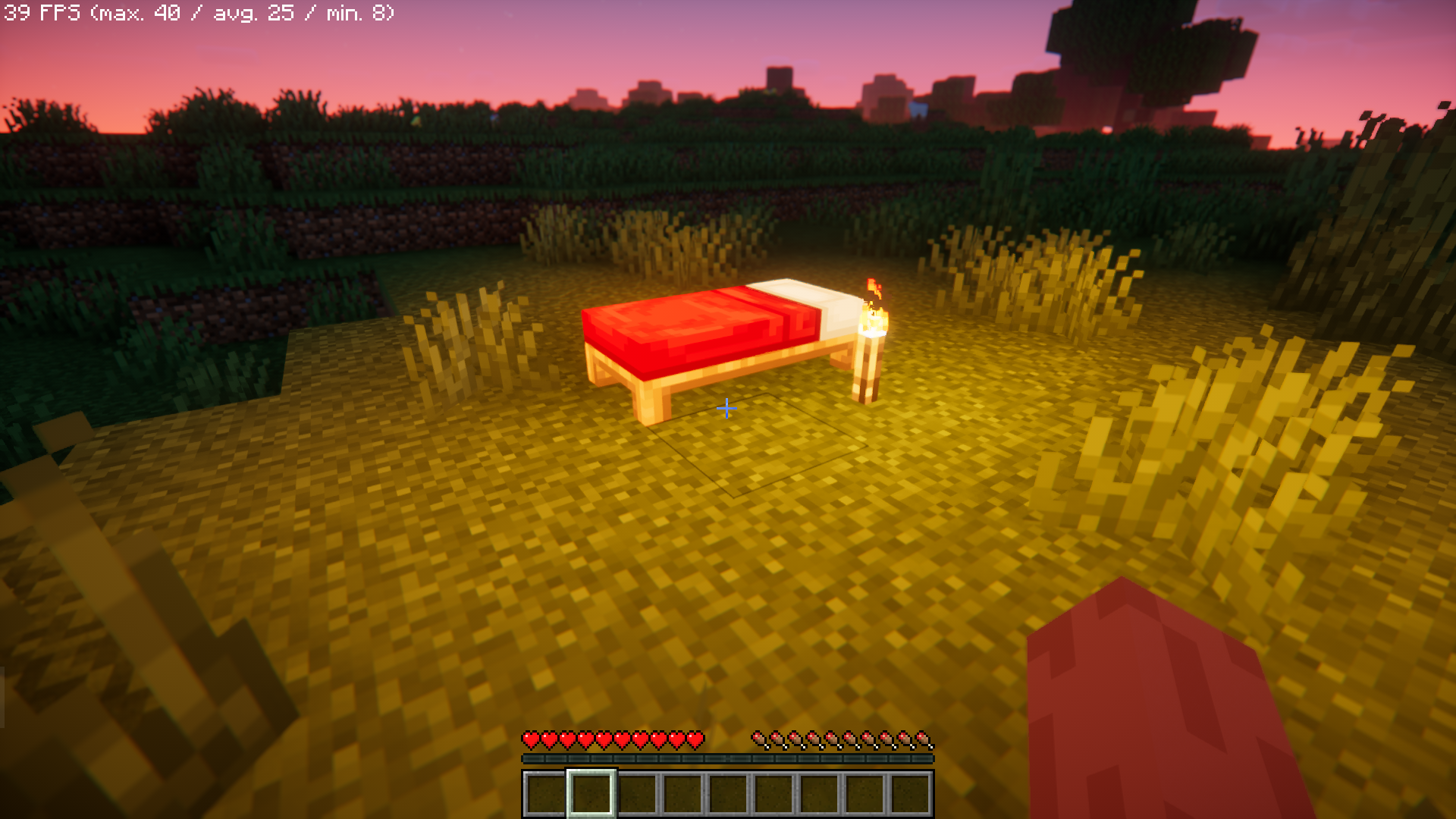
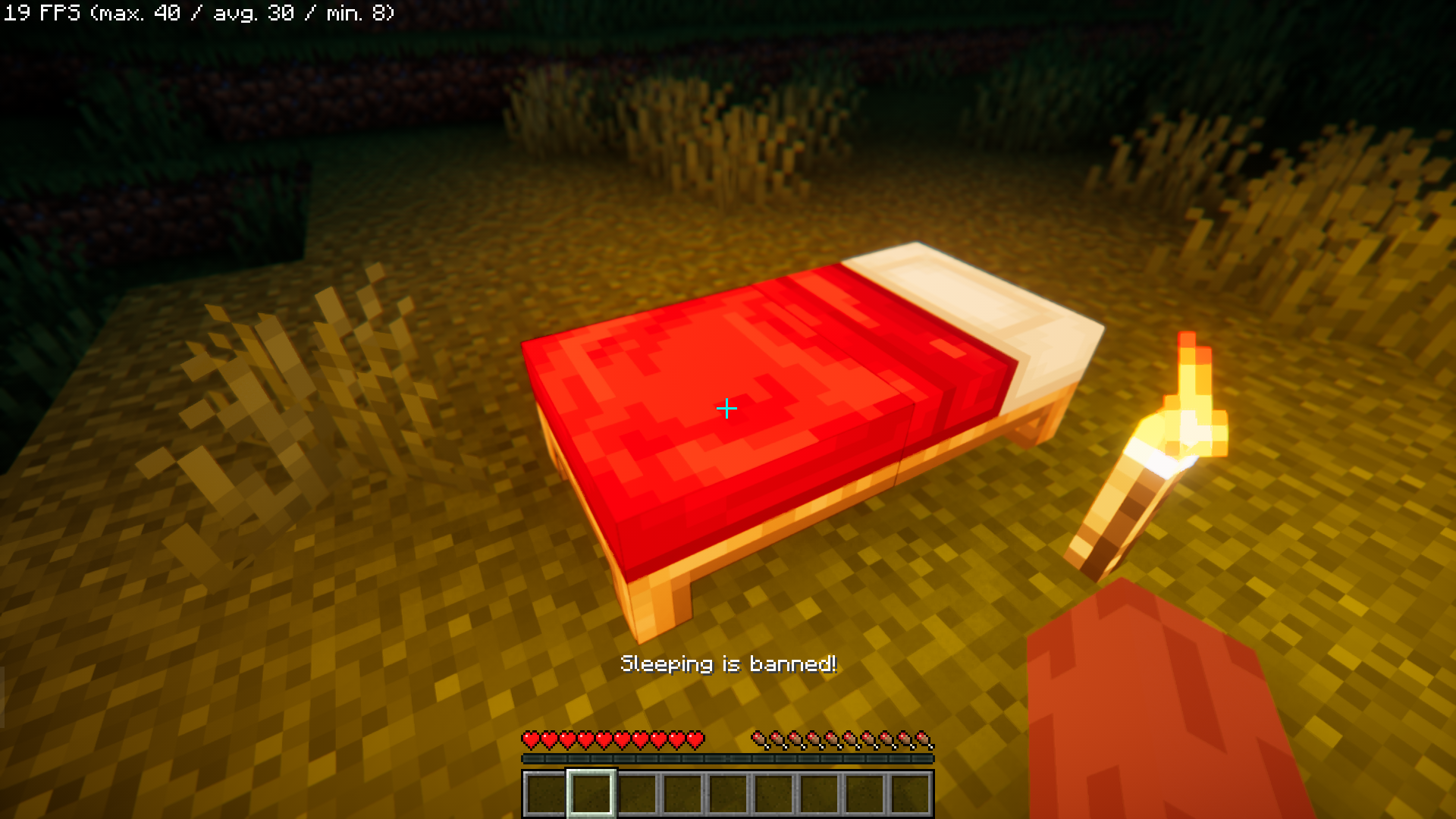
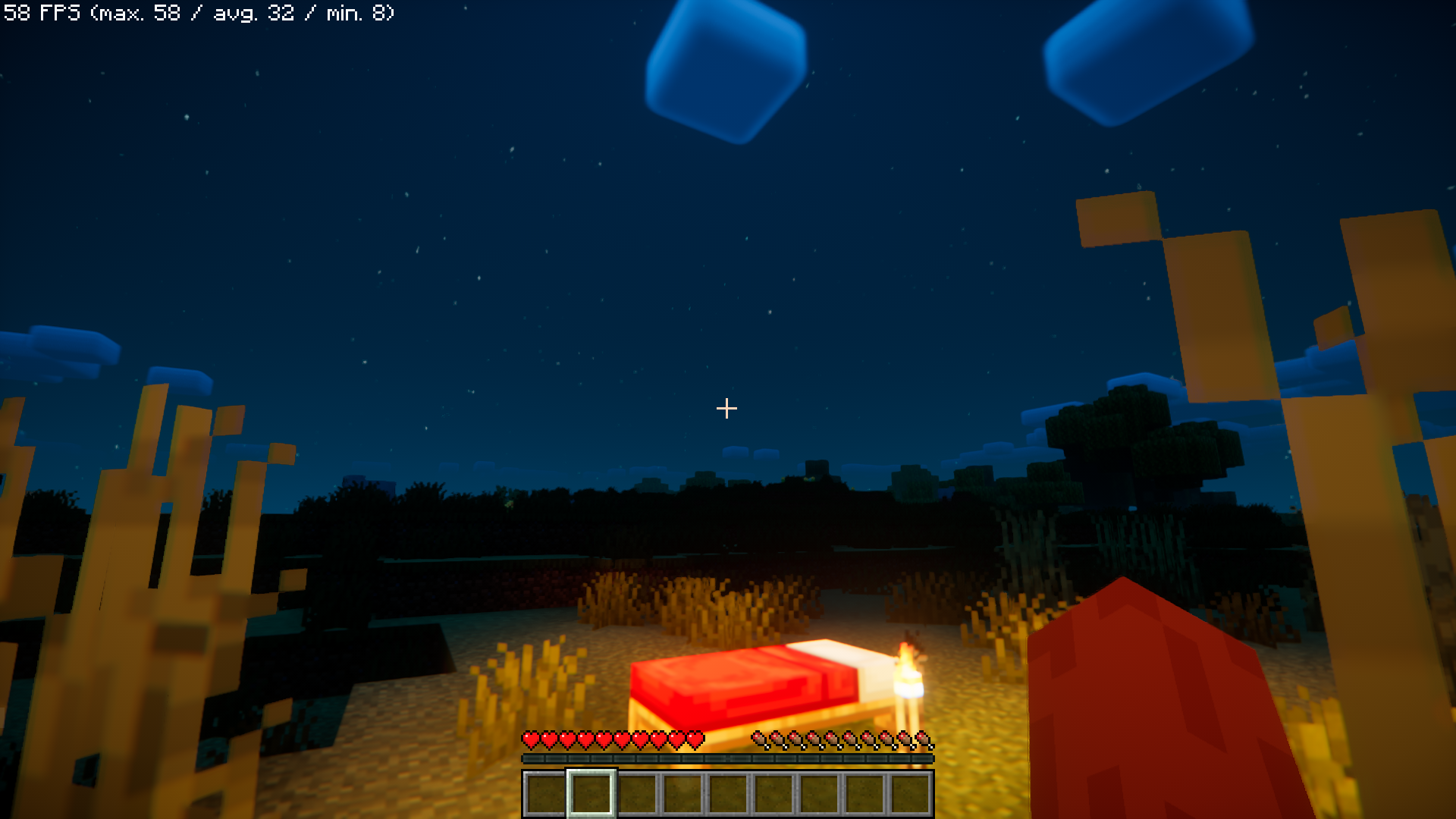
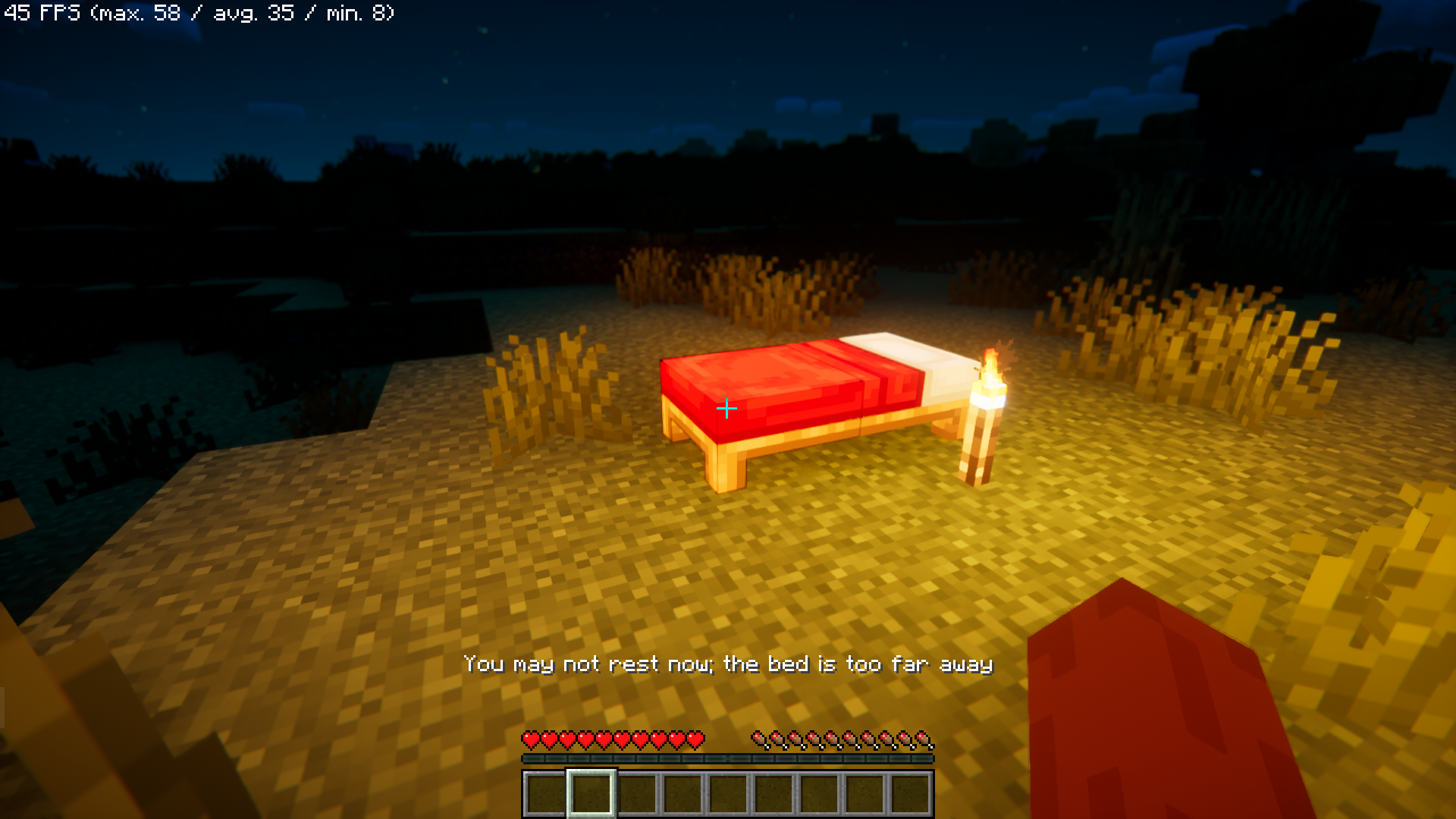
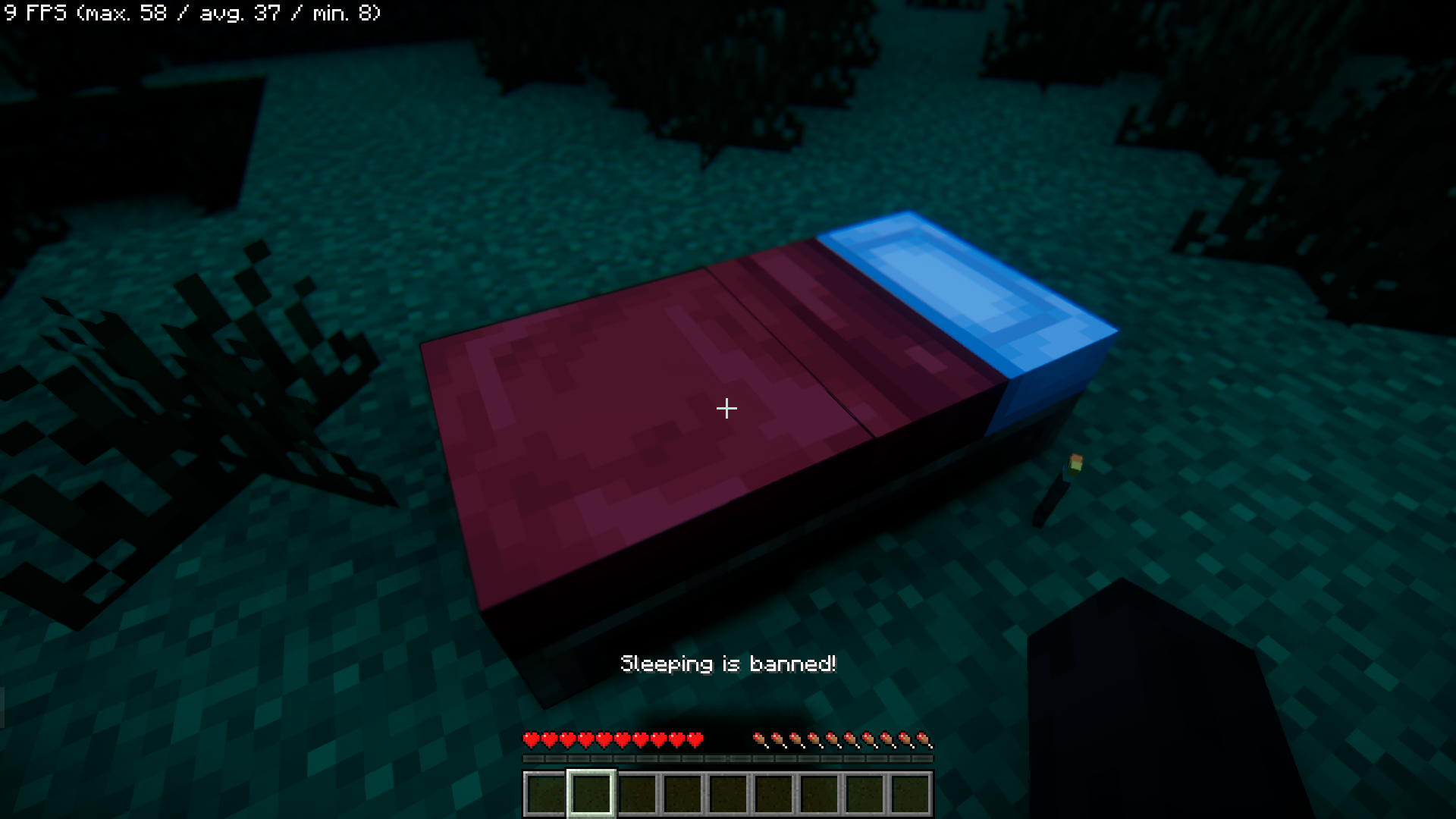
How to Install:
New to Minecraft? Follow our step-by-step guide to install Mods on your PC.View Guide


Ban Sleeping Mod Download Links
For Minecraft 26.1.2, 26.1.1, 26.1
For Minecraft 1.21.11
For Minecraft
1.21.10,
1.21.9,
1.21.8
All Versions Covered
1.21.10
1.21.9
1.21.8
1.21.7
1.21.6
1.21.5
1.21.4
1.21.3
1.21.2
1.21.1
1.21
All Versions Covered
1.21.10
1.21.9
1.21.8
1.21.7
1.21.6
1.21.5
1.21.4
1.21.3
1.21.2
1.21.1
1.21
For Minecraft 1.21 –> 1.21.8
For Minecraft
1.20.6,
1.20.5,
1.20.4
All Versions Covered
1.20.6
1.20.5
1.20.4
1.20.3
1.20.2
1.20.1
1.20
All Versions Covered
1.20.6
1.20.5
1.20.4
1.20.3
1.20.2
1.20.1
1.20
Click to rate this post!
[Total: 0 Average: 0]
QUICK MINECRAFT SURVEY · ONE TAP
Mods & Modpacks
How much RAM do you usually allocate to a modded Minecraft profile?
10 responses · See the full results →
You May Also Like
Picked for this page
 Ultimate Car Mod (26.3, 1.20.1) – Design Your Own Streets and Be Creative
 Corail Tombstone Mod (26.2, 1.20.1) – Never Lose Your Items Again
 Forge Config API Port Mod (26.3, 1.20.1) – Bring Forge Mods to Fabric
 Edibles Mod (26.3, 1.20.1) – Lots of Ingredients Edible
 VR Mod (26.3, 1.20.1) – Play Minecraft in a Simulated 3D Environment
 MidnightLib Mod (26.3, 1.20.1) – Library for TeamMidnightDust’s Mods
 Measurements Mod (26.3, 1.20.1) – Measuring The Dimensions of Blocks
 Combat Plus Core Mod (1.21.11, 1.20.1) – Compatibility Layer for The Combat Plus Series
 Trinkets (Polymer Port) Mod (26.3, 1.20.1) – Polymer Port For Trinkets Mod
 ThreatenGL Mod (1.21.11, 1.20.1) – Forces The Game to Use The Latest OpenGL
 Gravestone Mod (26.3, 1.20.1) – Death Is No Longer the End
 Cozary Red Panda Mod (1.21.11, 1.20.1) – Adds Adorable Pet Red Pandas
Most viewed in Mods over the last 7 days
 Ala Industrial Mod (26.3) – Run Electric Power Grids and Automated Factories
 PleasureCraft Mod (26.3, 1.21.1) – Jenny Mod Remake for Fabric
 Jennycraft Mod (26.3, 1.20.1) – Virtual Girlfriend in Minecraft
 Fapcraft Mod (26.3, 1.12.2) – Comprehensive and Detailed Content
 Jenny Mod (Fapcraft) Official Complete Guide – How to use, Tutorial
 BangCraft Mod (1.20.1) – Jenny, Ellie and Elliot
 Fabric Loader (26.3, 1.20.1) – Fabric Installer for All Minecraft Versions
 Meteor Client Mod (26.3, 1.20.1) – Xray, HUD, Fly
 The Shooting Star Demo Mod (26.3, 1.20.1) – Vaporize Terrain From Orbit
 OptiFine HD (26.3, 1.20.1) – Run Faster, FPS Boost, Shaders Support
 Aristois Client Mod (1.21.4, 1.20.1) – World Class Minecraft Utility
 SchnurriTV Mod (1.12.2) – Characters and Features
More from Mods
 Fabric Gui ImGui Mod (26.3, 1.21.11) – Clean Custom Menus and In-Game Control
 Multi Item Lib Mod (1.20.1) – Wield Custom Gear with Flawless Hand Animations
 Universe3090 Mod (1.20.1) – Survive Corrupted Dimensions Filled
 Wireless Automate Mod (1.21.1) – Automate Base Logistics Without Messy Pipes
 Vaskars Opus Faction War Quests & Bosses Mod (1.21.11, 1.20.1)
 Multitools and More Mod (26.3, 1.20.1) – Clear Your Hotbar and Travel
 Luxium Let There Be Light Mod (1.20.1) – Stunning Lighting on Low-End Computers
 Soulscraft Tarnished Legacy Mod (1.21.1) – Hunt Relics to Forge Dark Fantasy
 Fetzi’s Displays Mod (26.1.2, 1.20.1) – Turn Rare Gear and Weapons
 Primal Plushies Paleo Pals Mod (1.21.1, 1.20.1) – Decorate Your Base
 Ipla Mod (26.3, 1.20.1) – Showcase Your Favorite Items
 MesdagPortLib Mod (1.20.1) – Run Modern Minecraft Mechanics on Older Versions

This post has no comments yet. Be the first — your comment will appear here.