
MWE Mod (1.8.9) – Dominate Hypixel Minigames

 0


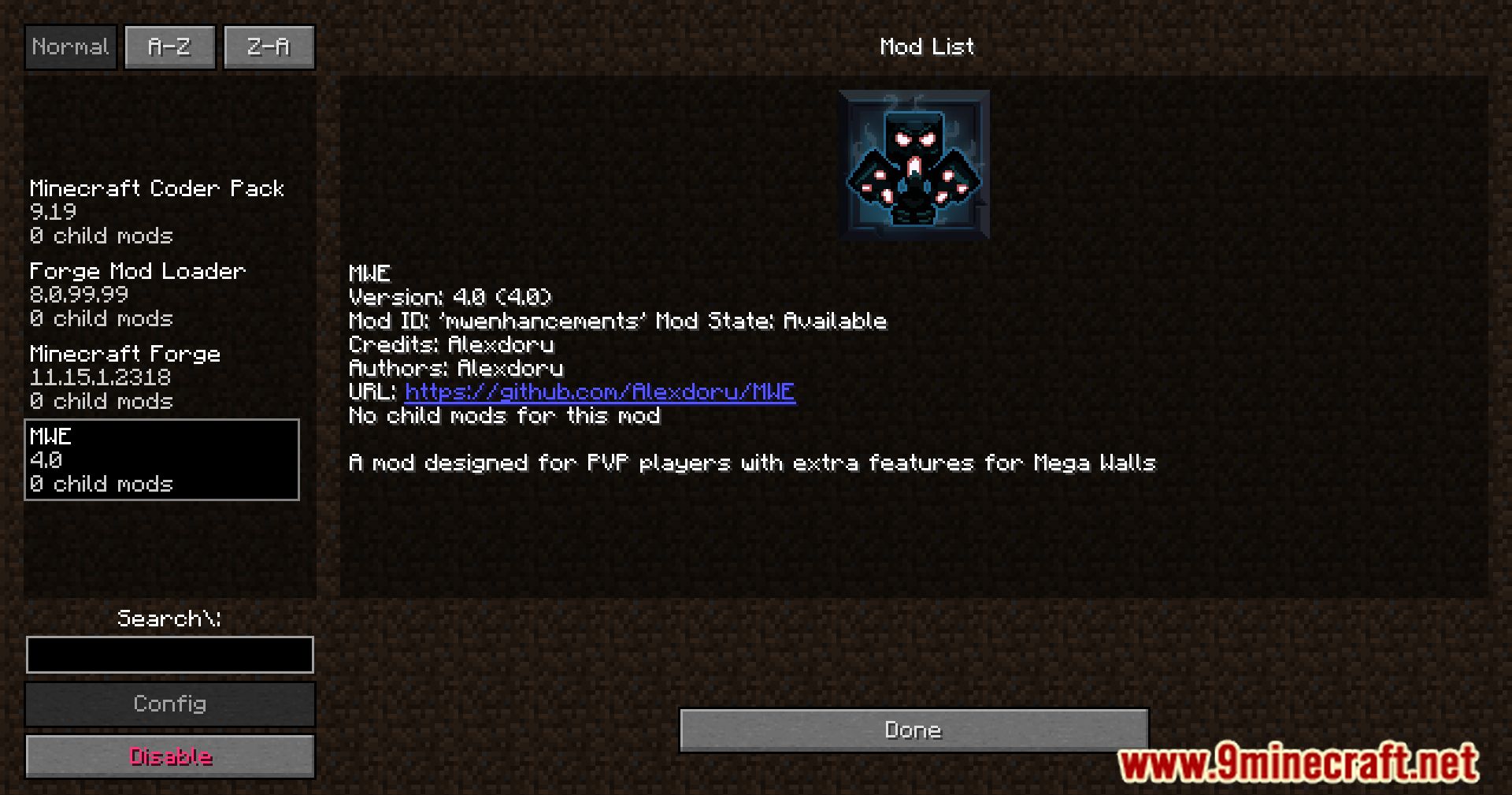
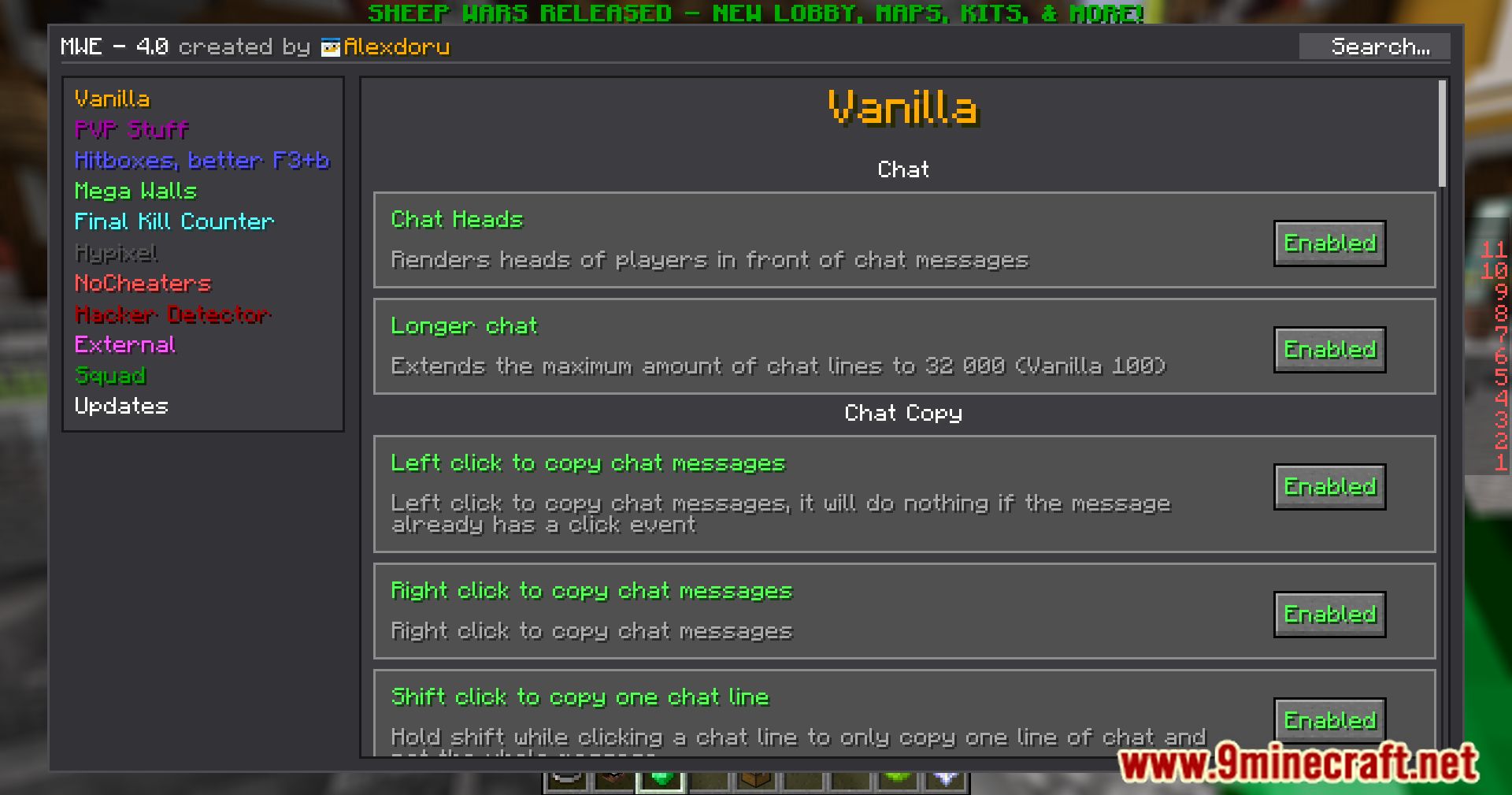
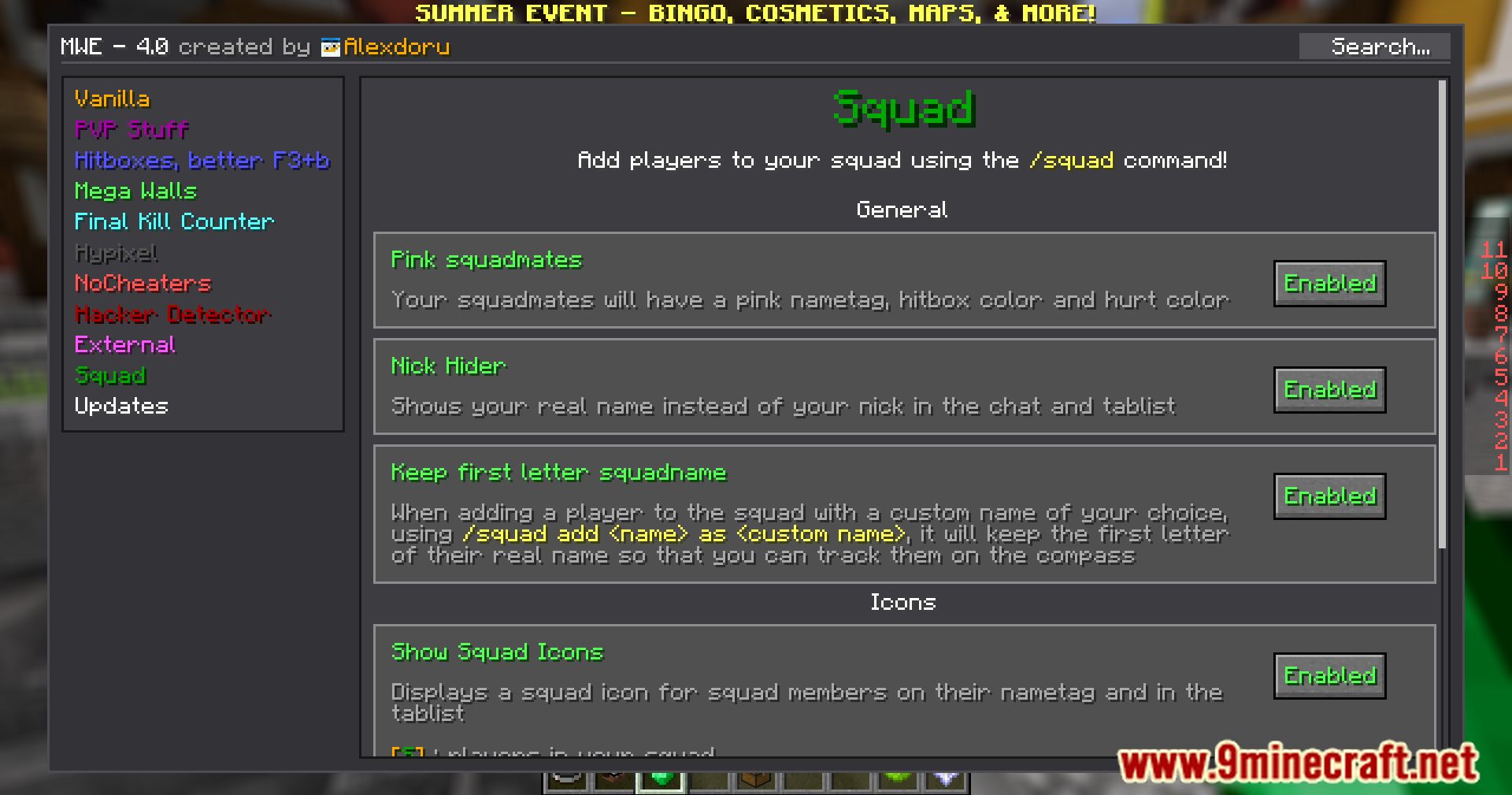
MWE Mod brings numerous features, performance improvements, and quality-of-life enhancements for PvP players and Hypixel’s Mega Walls minigame. It equips you with custom chat utilities, hurt colors, custom hitboxes, a squad system, and a hacker detector to improve your overall gameplay experience. You can open the config menu anytime by typing the in-game command.
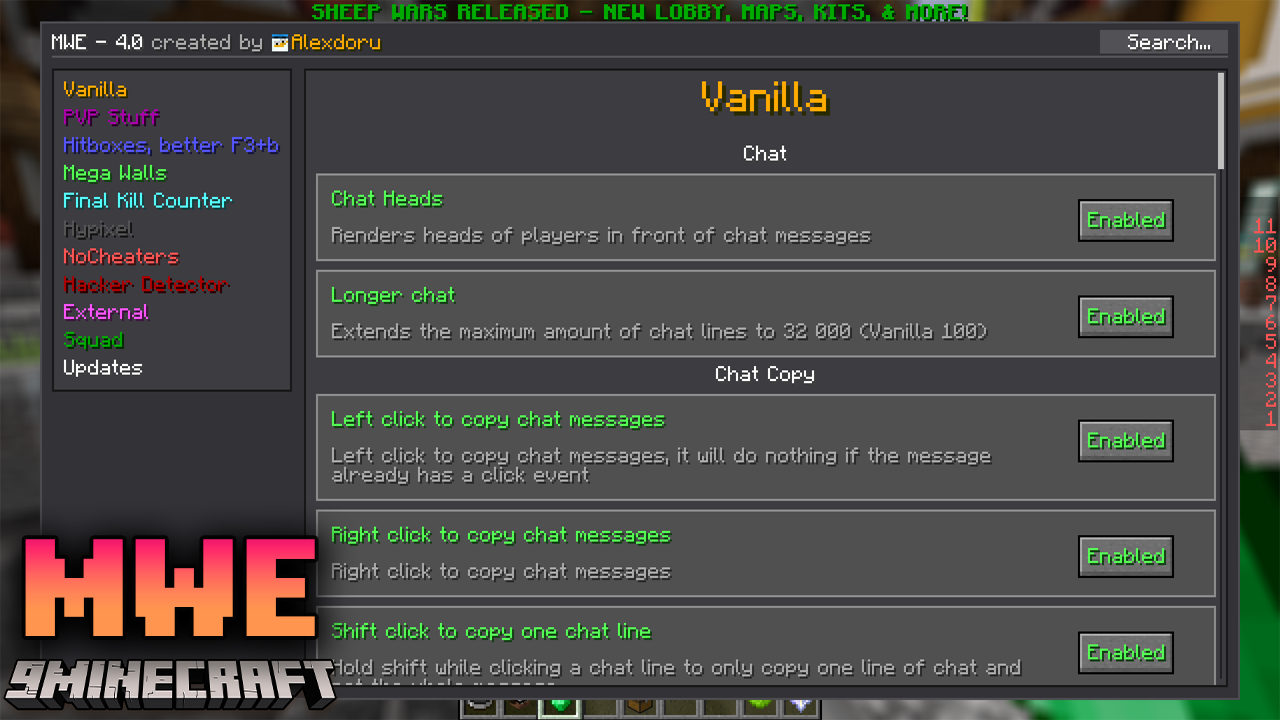
Features:
- Chat enhancements: Displays player heads in front of messages, lets you copy chat lines with clicks, adds a chat search bar with regex support, and extends chat size to 32,000 lines.
- Hurt color adjustments: Changes entity hurt colors to custom shades, team colors, or dynamic armor colors matching older versions.
- Tablist upgrades: Renders colored scores and health points, adjusts player count visibility, hides ping values, and fixes tablist background alignment.
- Performance booster: Dynamically adjusts the render distance for dropped item entities to preserve frame rates.
- Render improvements: Removes the blue tint from night vision, stops rendering particles too close to the camera, and modernizes nametags.
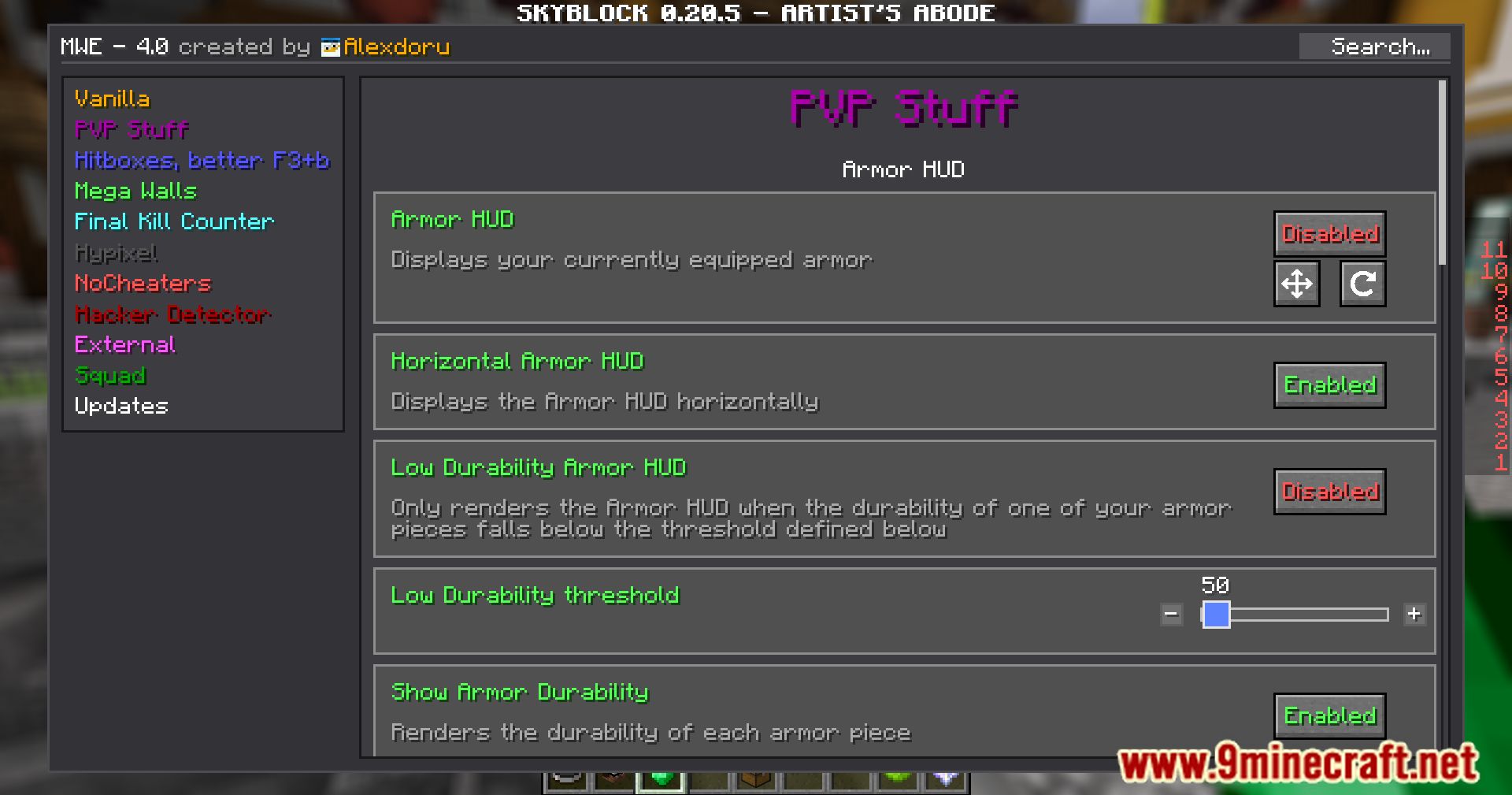
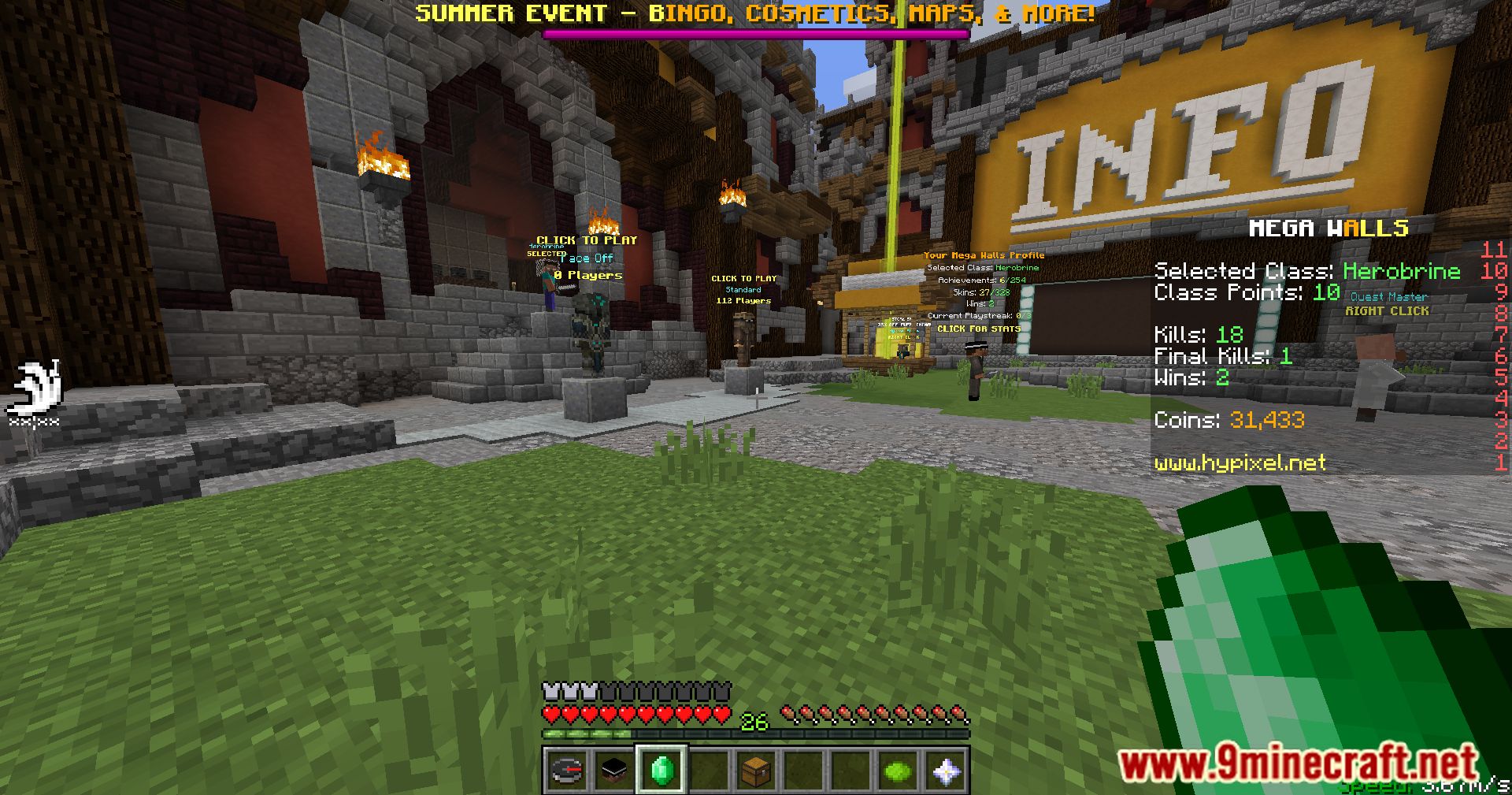
- PvP HUD elements: Adds armor and potion effect displays, toggle sprint mechanics, arrow hit health indicators, speed trackers, and sword drop protection.
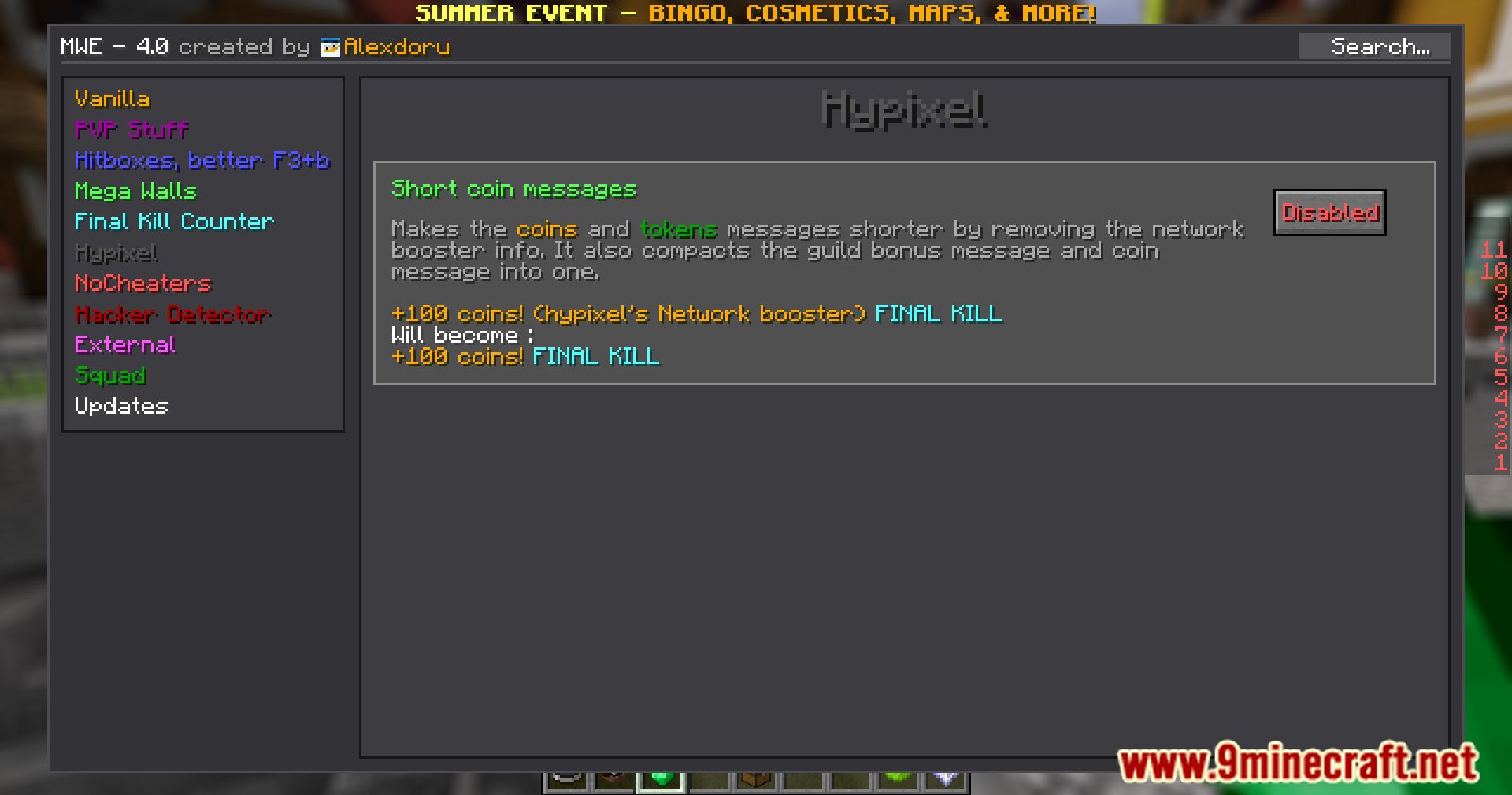
- Displays custom booster-free short coin messages and adds warp protection when clicking play again with squad members.
- Includes a squad system with custom squad icons, a mini tablist HUD, colored squadmate indicators, and nickname hiders.
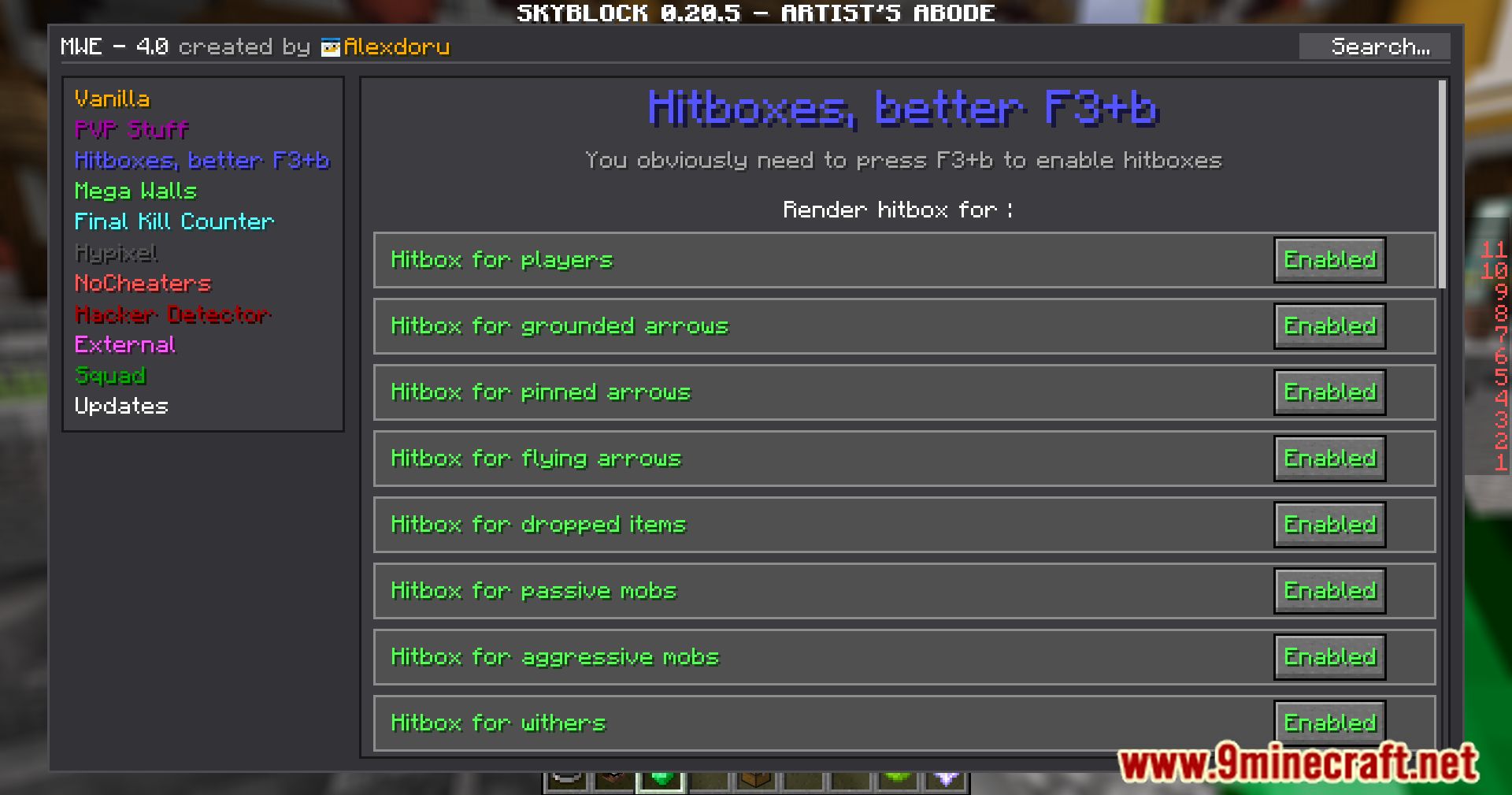
- Customizes F3+B hitboxes with team-colored outlines, real size player hitboxes, red eyelines, and blue look vectors.
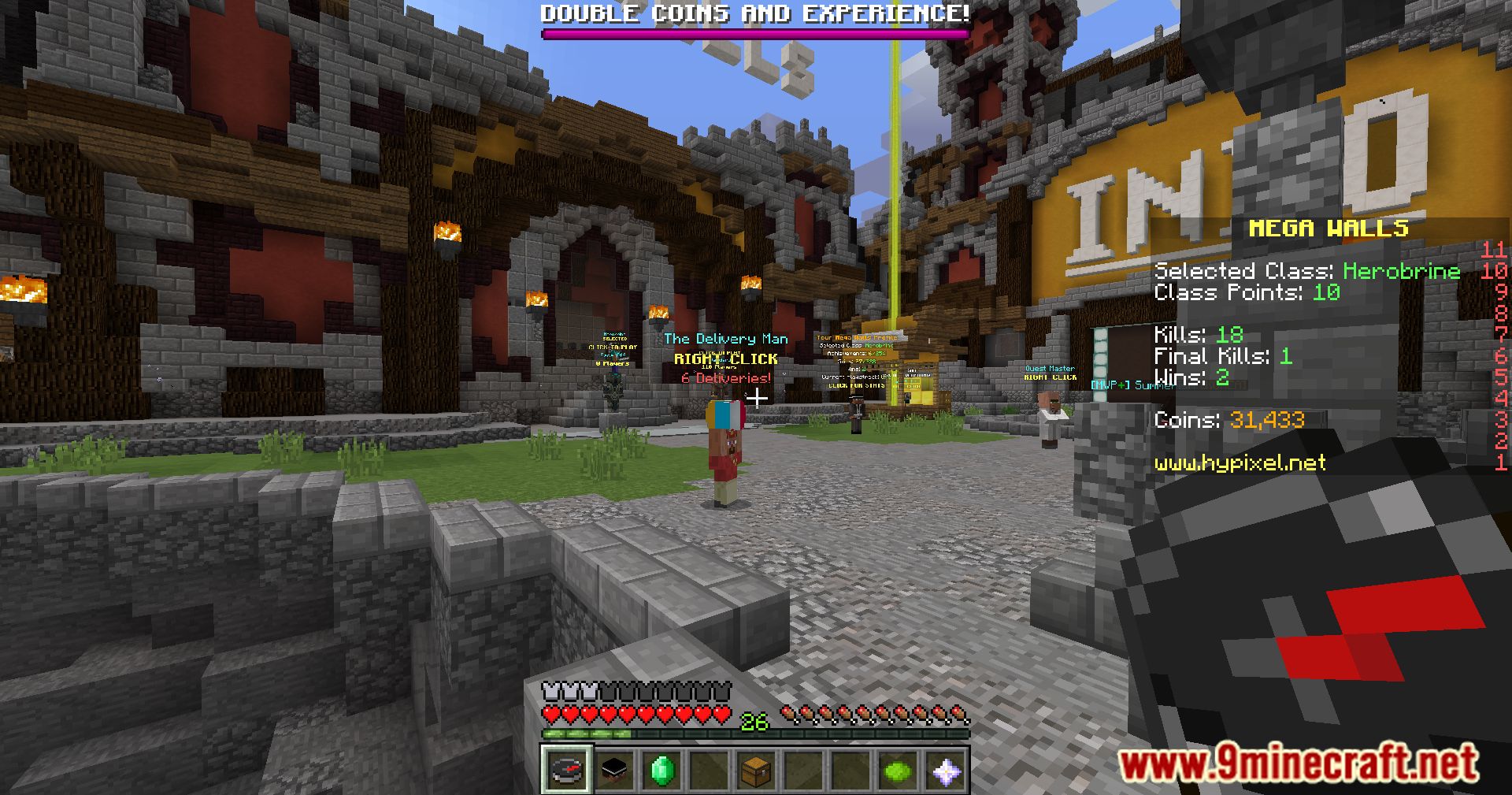
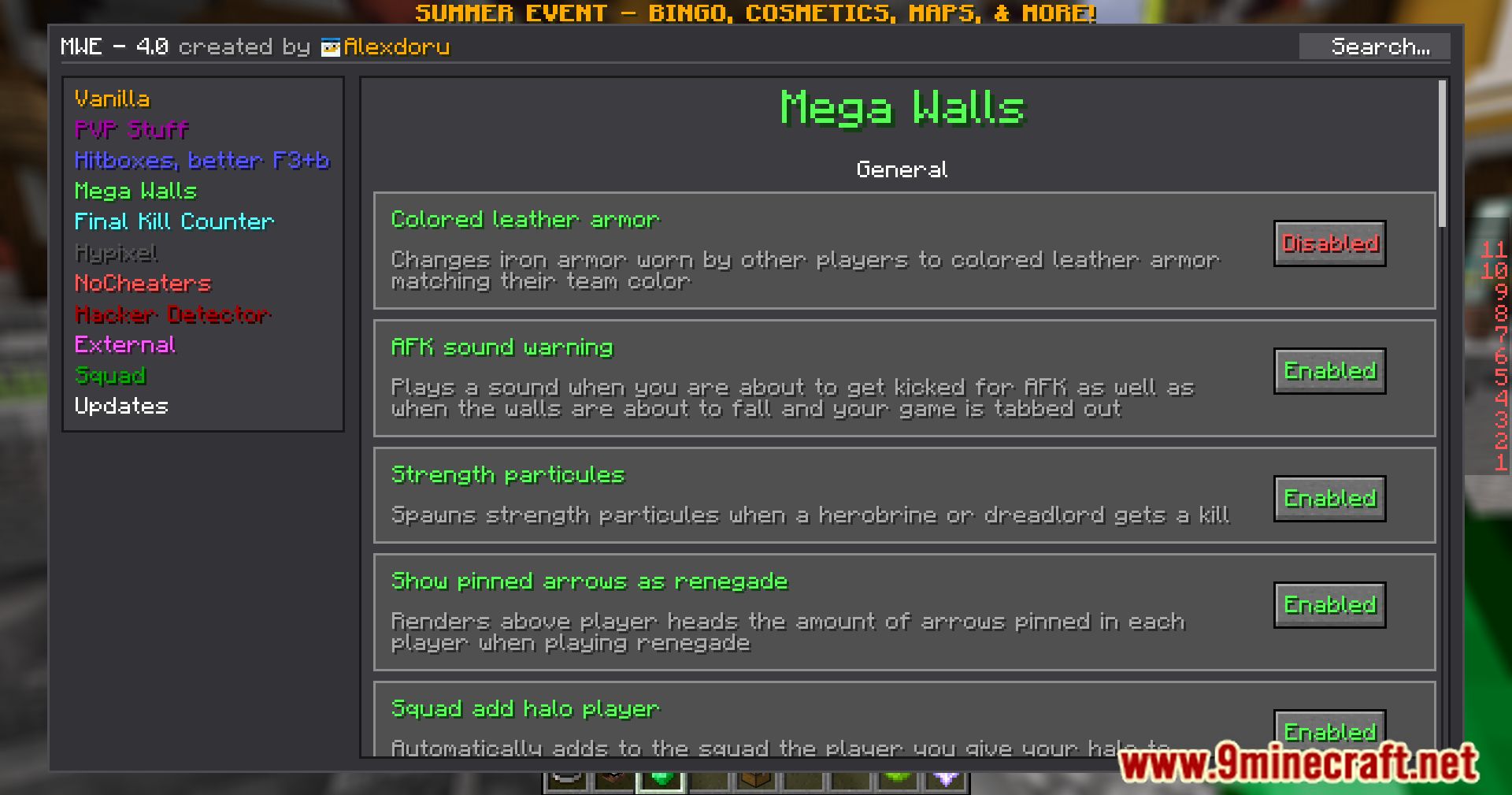
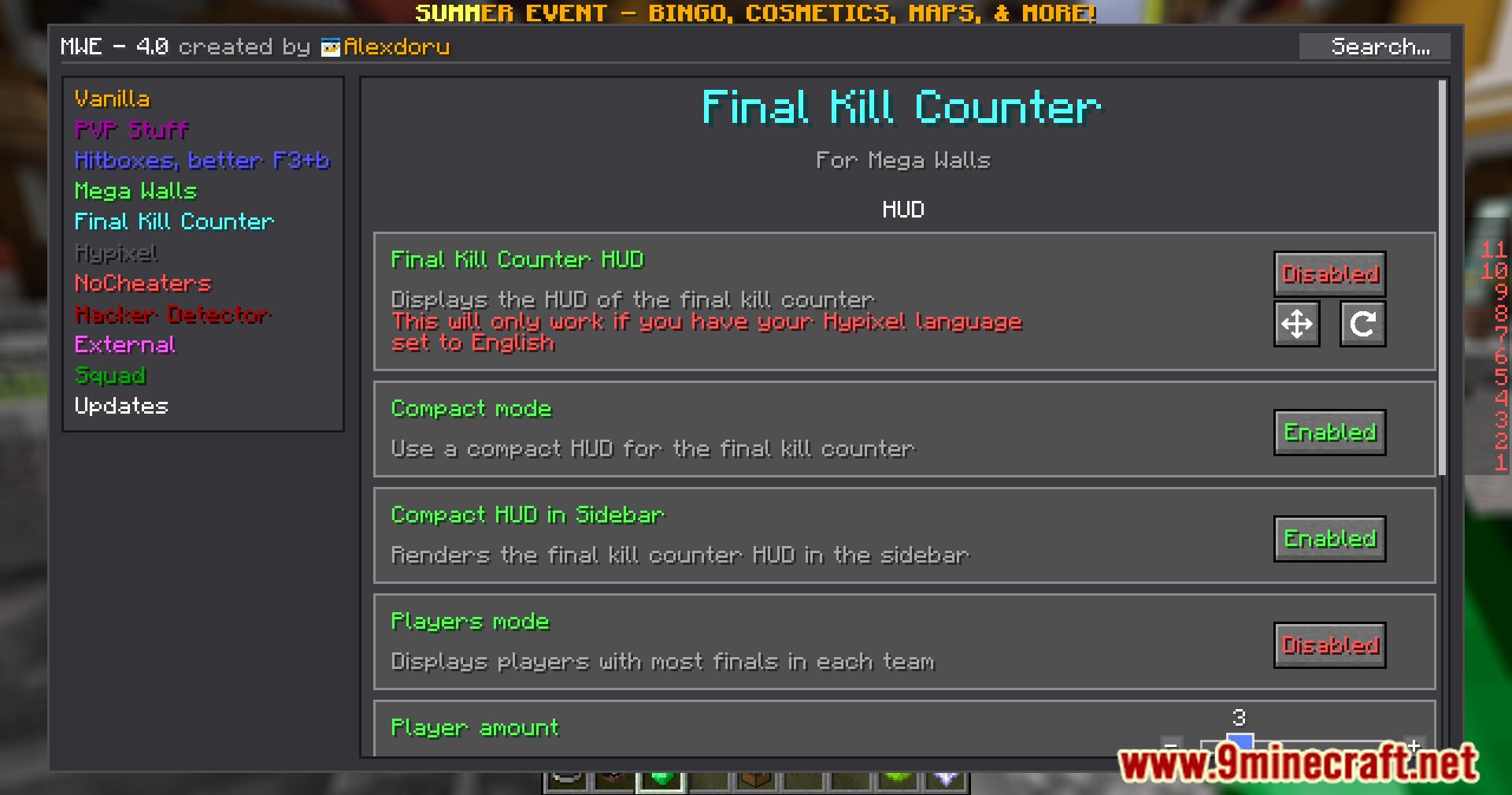
- Adds specialized Mega Walls HUDs for base locations, energy levels, kill cooldowns, strength durations, and auto-requeue functions.
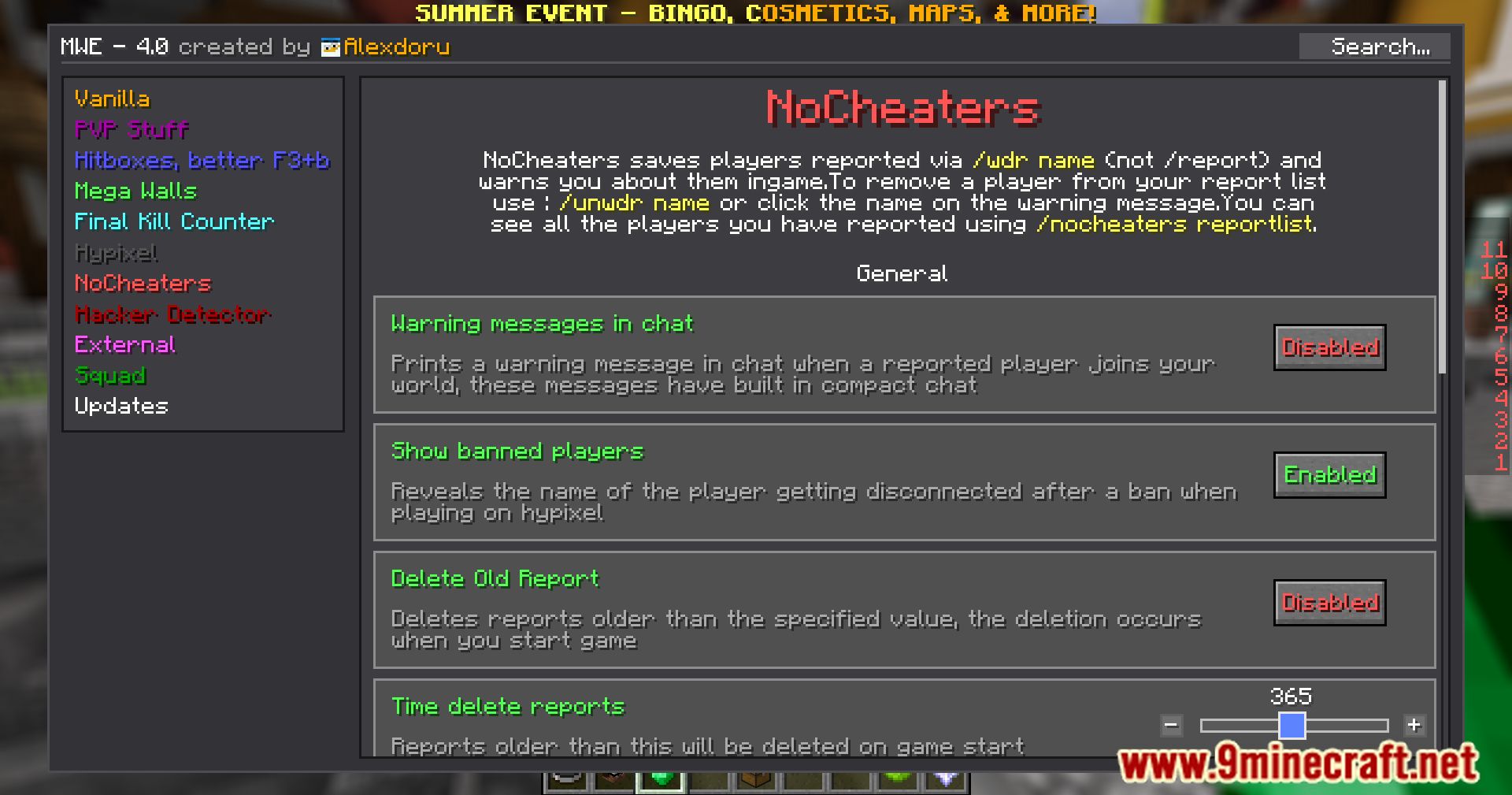
- Saves players reported via specific commands and warns you in chat when a reported player joins your lobby.
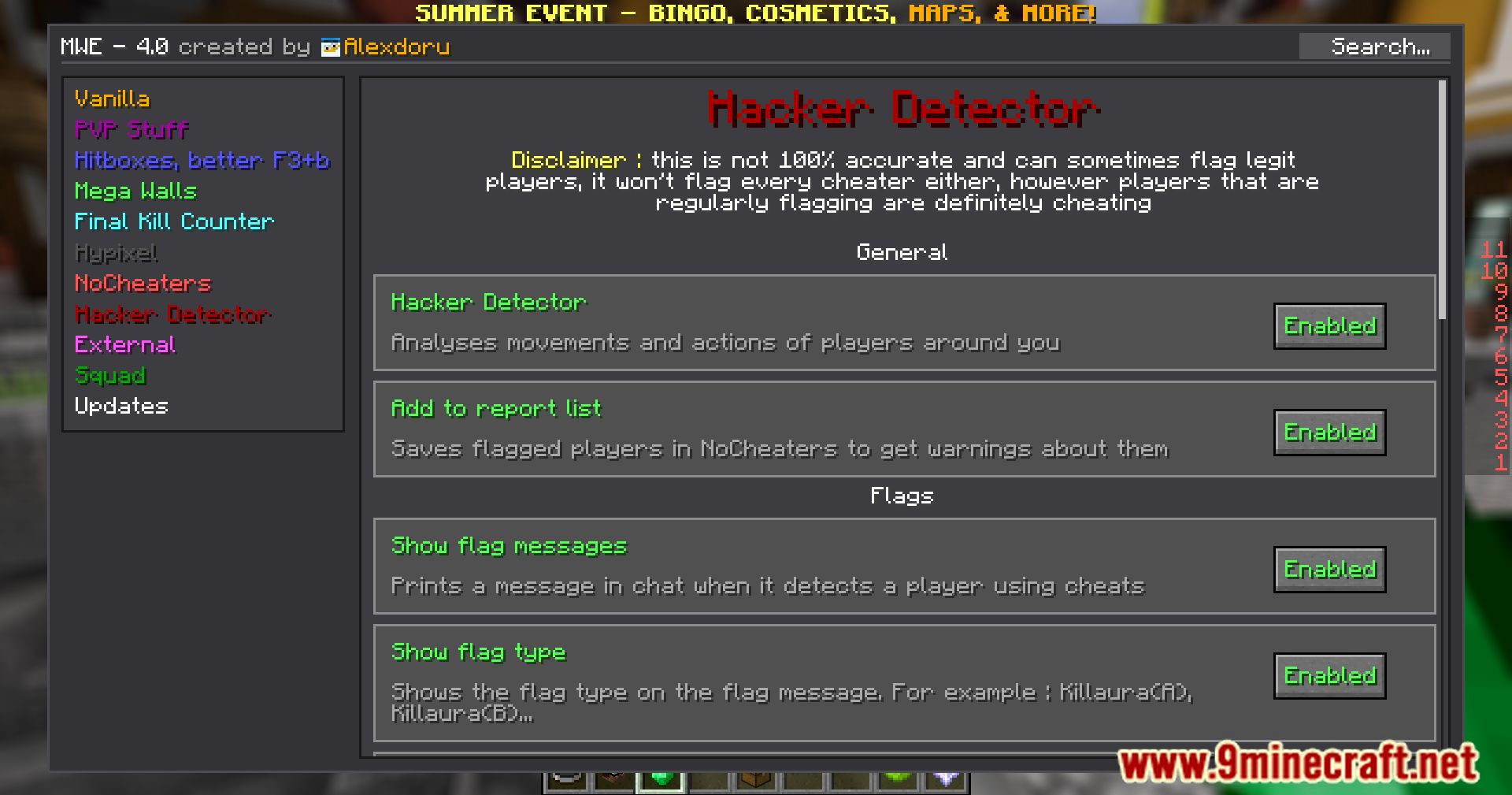
- Detects cheaters using combat cheats like killaura, autoblock, and scaffold, with options for automatic reporting and flag warnings.
Commands:
/mwe: Opens the main configuration menu for the mod./mwe set <key>: Sets your working Hypixel API key./addalias: Assigns custom nicknames to players that appear in the tablist./nocheaters: Displays reported players in chat, with help options available./partydetection: Lists players who joined the game together in a party./plancke: Checks player stats across various game modes./scangame: Reveals alt accounts with high stats in Mega Walls to spot potential cheaters./squad: Adds and removes players from your squad system./stalk <name>: Reveals what a specific player is currently doing on the Hypixel network./name <player>: Displays the name history of a player.
How to Use:
- Make sure you have Java 8 64-bit installed alongside Minecraft Forge 1.8.9.
- Place the mod file into your
modsfolder inside the main directory. - Launch the game using the Forge 1.8.9 profile.
- Press the config command in chat to adjust your settings and view available options.
Screenshots:


How to Install:
New to Minecraft? Follow our step-by-step guide to install Mods on your PC.View Guide
MWE Mod Download Links
For Minecraft 1.8.9
Forge Version: Download from Server 1 – Download from Server 2
Click to rate this post!
[Total: 0 Average: 0]
You May Also Like
Picked for this page
 Elytra Chestplate Swapper Mod (26.3, 1.20.1) – Functionality to Keystroke
 Easier Sleeping Mod (26.3, 1.20.1) – Server-Sided Sleeping
 More Crafting Tables Mod (1.21.11, 1.20.1) – Made from All Types of Wood
 Smooth Gui Mod (26.3, 1.20.1) – Smooth Animation When Opening GUI
 Noxesium Mod (26.3, 1.20.1) – Elevate Your Minecraft Experience
 Mob Filter Mod (26.3, 1.20.1) – Managing Mob Populations
 QuickCraft Mod (26.1.2, 1.20.1) – Simplify Your Crafting Experience
 Cardboard Mod (26.1.2, 1.20.1) – Implements Plugins API as a Fabric Mod
 Camera Enhancements Mod (26.2, 1.21.1) – Take Control Of Your Perspective
 AE2 Network Analyser Mod (26.1.2, 1.20.1) – Real-time ME Network Visualization
 Clover Mod (1.21.10, 1.20.1) – View Pronouns & Name Colors
 Chisel Modern Mod (26.1.2, 1.20.1) – Iron Chisel And Accessing New Blocks
Most viewed in Mods over the last 7 days
 Ala Industrial Mod (26.3) – Run Electric Power Grids and Automated Factories
 PleasureCraft Mod (26.3, 1.21.1) – Jenny Mod Remake for Fabric
 Jennycraft Mod (26.3, 1.20.1) – Virtual Girlfriend in Minecraft
 Fapcraft Mod (26.3, 1.12.2) – Comprehensive and Detailed Content
 Jenny Mod (Fapcraft) Official Complete Guide – How to use, Tutorial
 BangCraft Mod (1.20.1) – Jenny, Ellie and Elliot
 Fabric Loader (26.3, 1.20.1) – Fabric Installer for All Minecraft Versions
 The Shooting Star Demo Mod (26.3, 1.20.1) – Vaporize Terrain From Orbit
 Meteor Client Mod (26.3, 1.20.1) – Xray, HUD, Fly
 OptiFine HD (26.3, 1.20.1) – Run Faster, FPS Boost, Shaders Support
 Aristois Client Mod (1.21.4, 1.20.1) – World Class Minecraft Utility
 Prestige Client Mod (1.21.11, 1.21.4) – Powerful Ghost Features for Crystal & Sword PvP
More from Mods
 Hellion’s API Mod (1.21.11, 1.21.1) – Play Hellion Series Addons Without Crashes
 Terrestria Mod (26.3, 1.20.1) – Highly Detailed Biomes
 Tre’s Tack Library Mod (1.20.1) – Outfit Your Horses with Fully Detailed Tack
 YDM’s coreX Library Mod (1.20.1) – Loot RPG Gear with Random Names
 Gunpowder Recipe Mod (26.3, 1.20.1) – Gunpowder is Craftable
 Villager Timetable Mod (26.3, 1.20.1) – Master Villager Schedules
 Artemis Laboratory Blocks Mod (26.3, 1.20.1) – Lab Blocks And Dynamic Decorations
 Fabric ORM Jimmer Mod (26.3, 1.20.1) – Prevent Sudden Server Crashes
 Cafe Core Mod (26.2, 1.21.1) – Bypass Anvil Limits and Tame Pets in Seconds
 GTNH’s Forgelin Mod (1.7.10) – Play Kotlin-Powered Mods on Minecraft 1.7.10
 Nodeflow Mod (26.1.2, 1.21.1) – Wire Custom Redstone Logic on Visual Graph
 Winter Client Mod (1.21.11) – Survive Ruthless PvP on Anarchy Servers

This post has no comments yet. Be the first — your comment will appear here.