


Trash Cans Mod (26.2, 1.20.1) – Declutter Your Automation
 3,043
3,043
 0
0

🌐 Good news — we've translated this article into other languages!
Or pick the one you like:
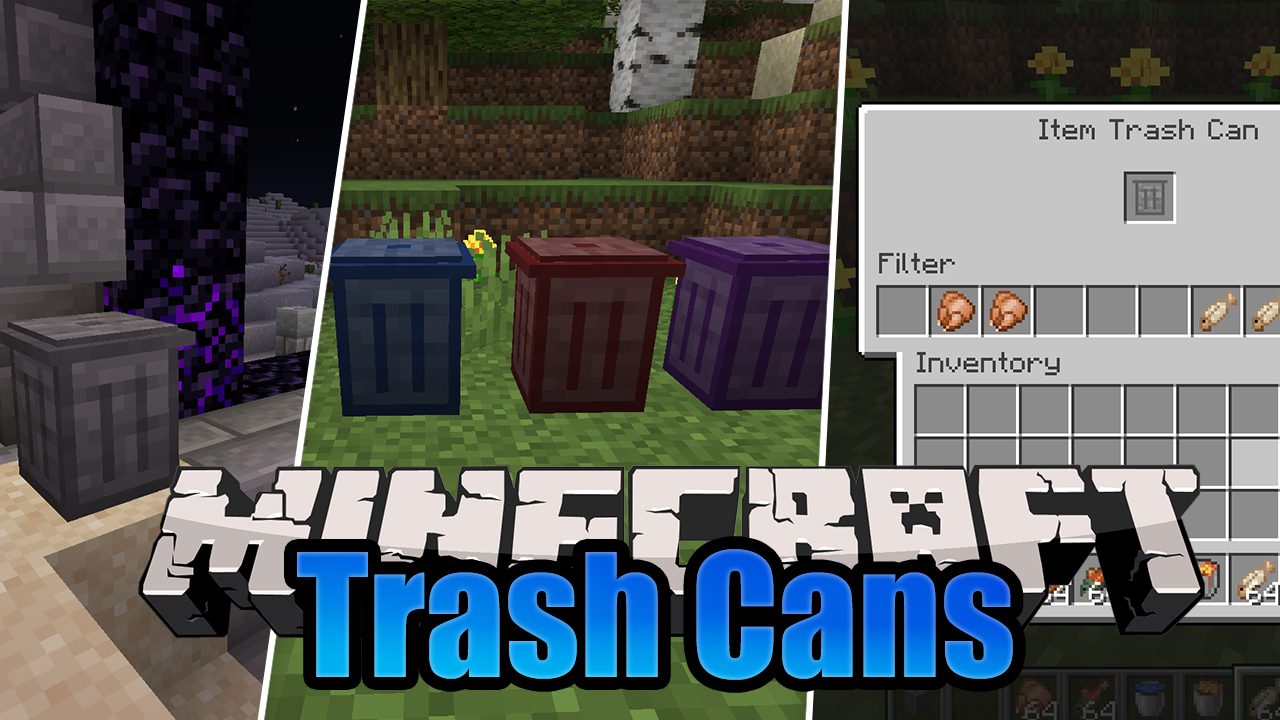
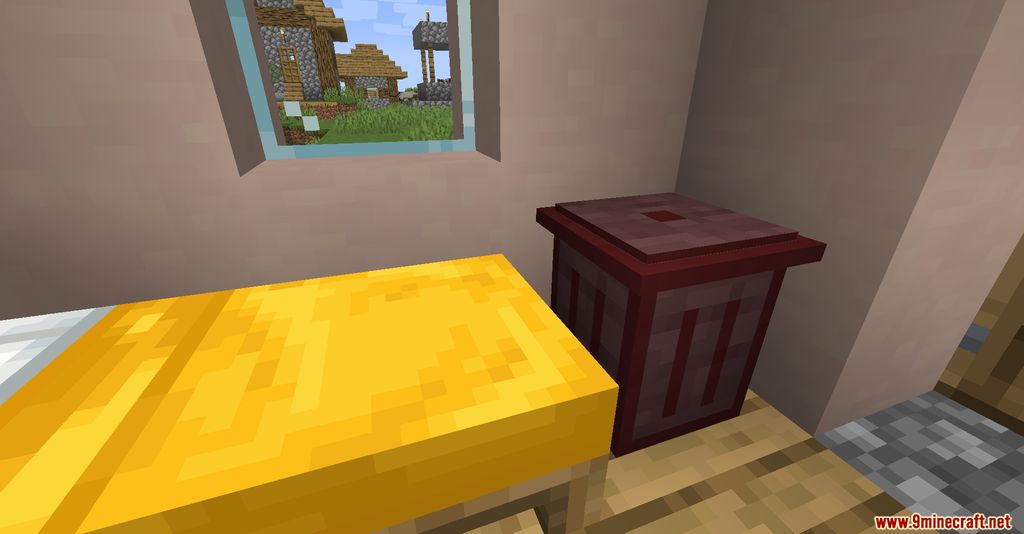
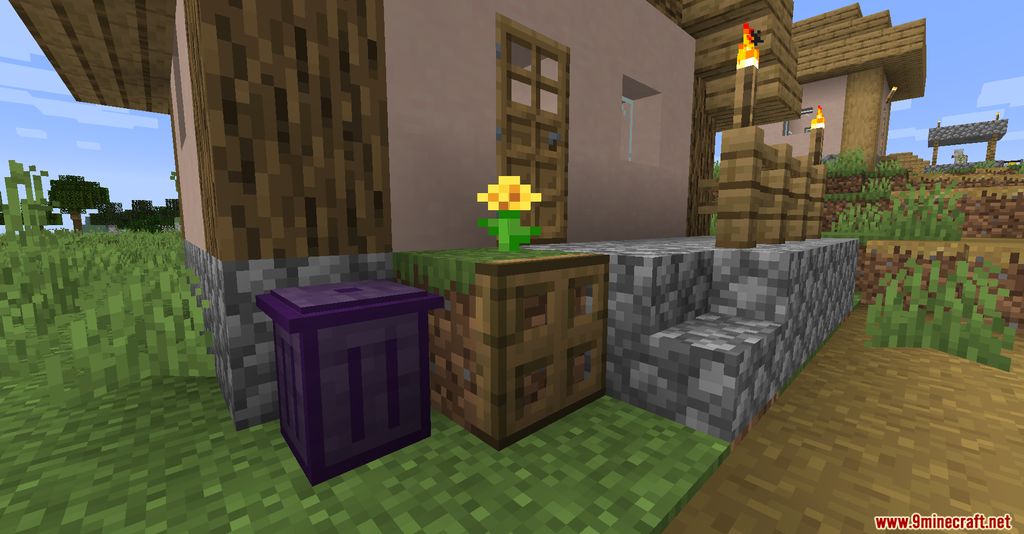
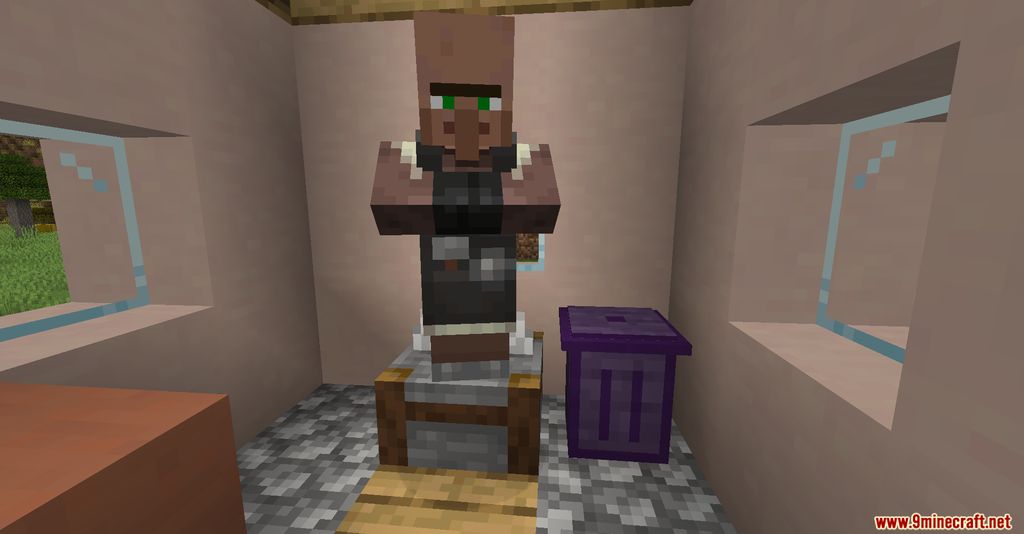
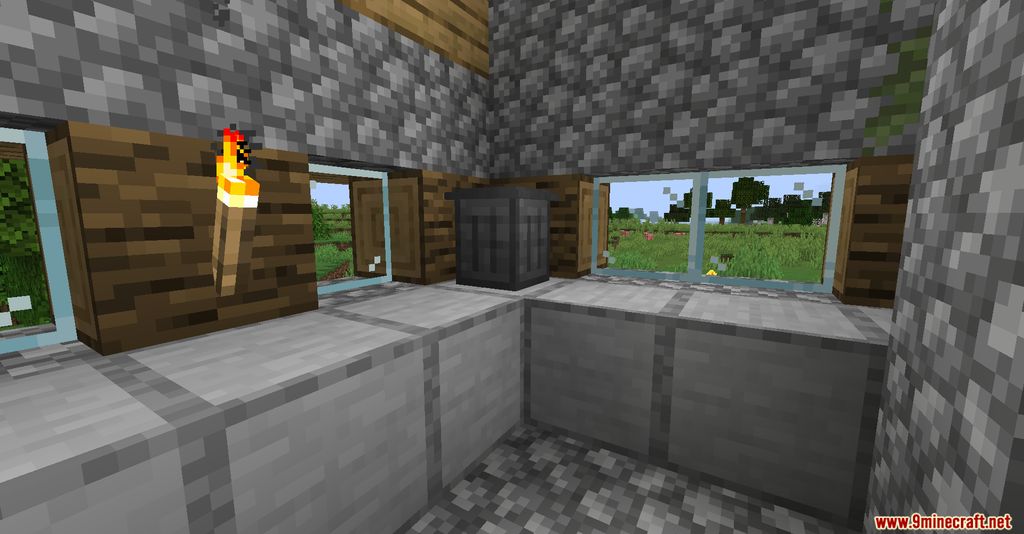
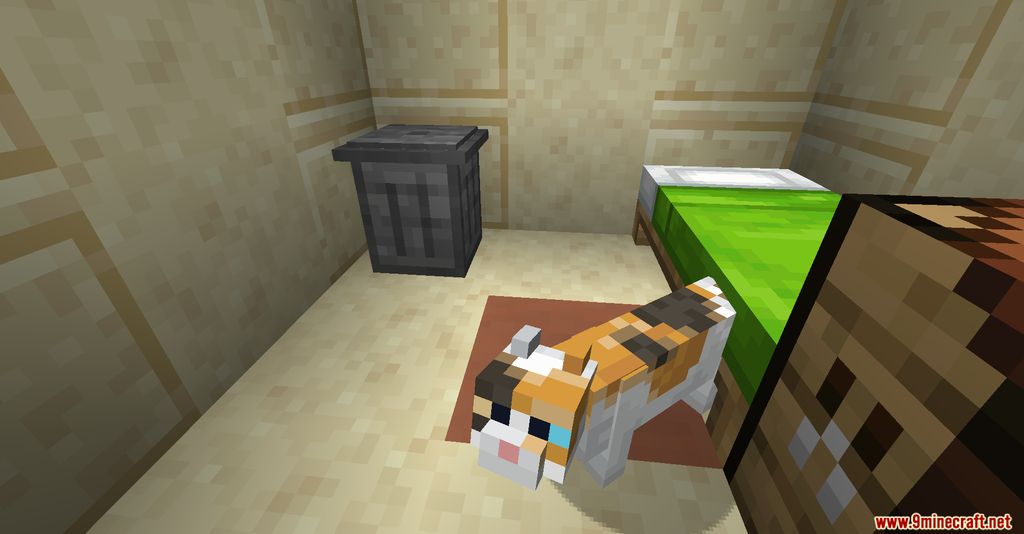
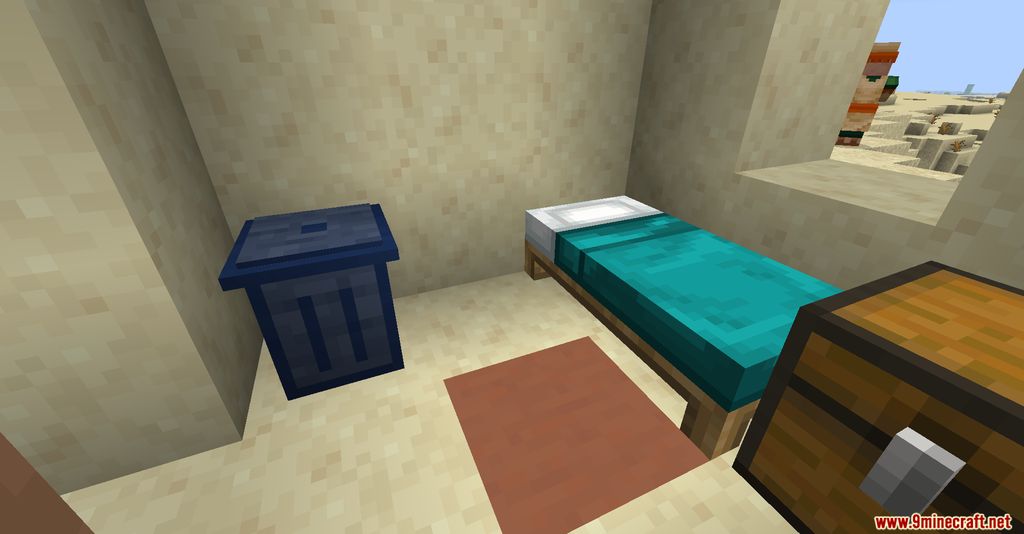
Trash Cans Mod adds a simple way to get rid of things you don’t want anymore. This mod provides different trash cans for deleting items, liquids, and even extra energy from your machines. You can also set up filters to control exactly what gets thrown away.
Features:
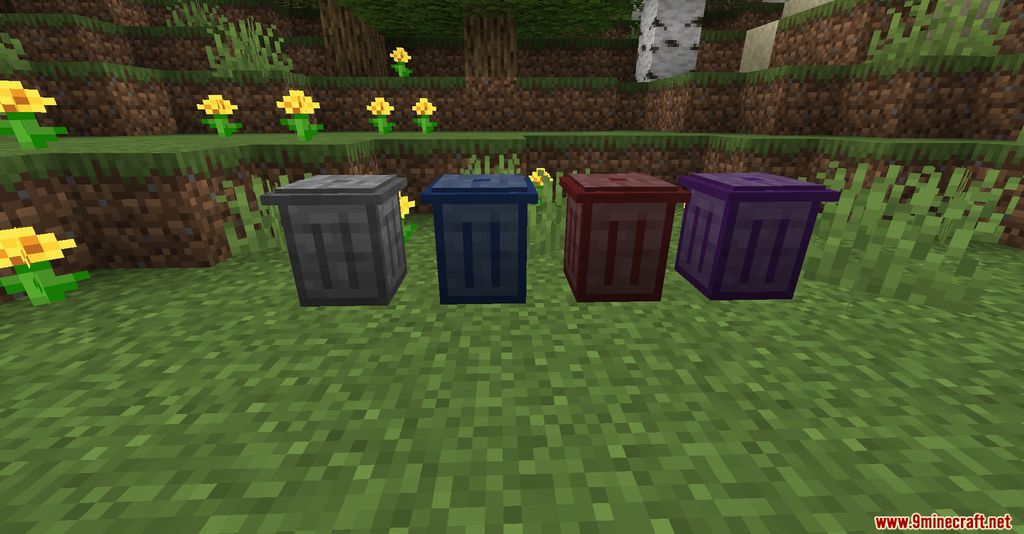
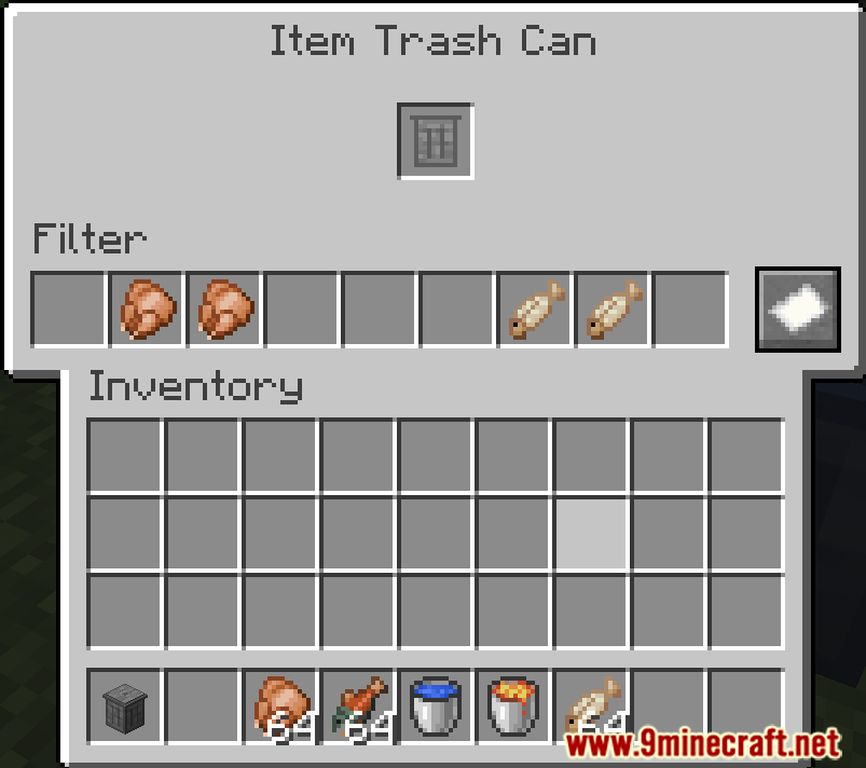
- Item Trash Can: Deletes any unwanted items and blocks.
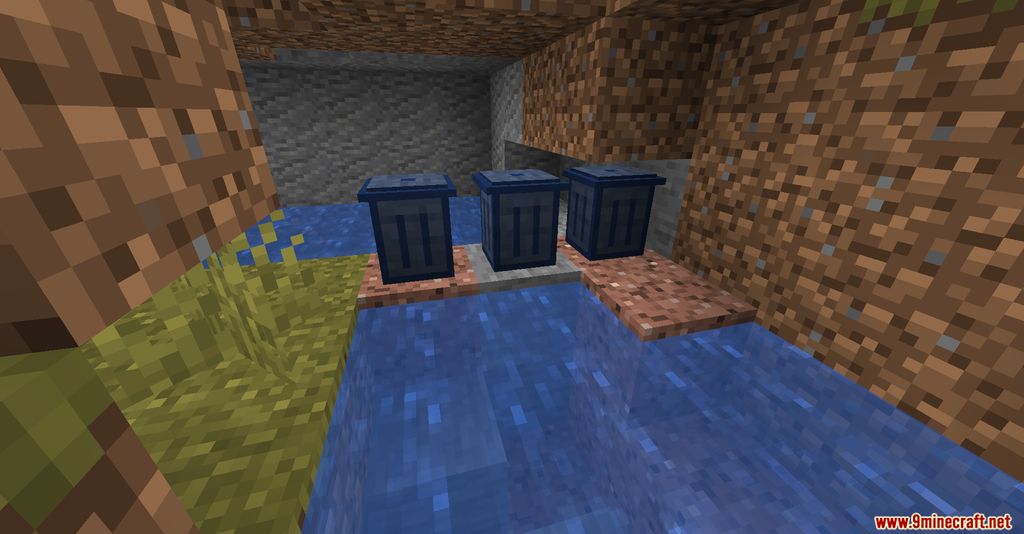
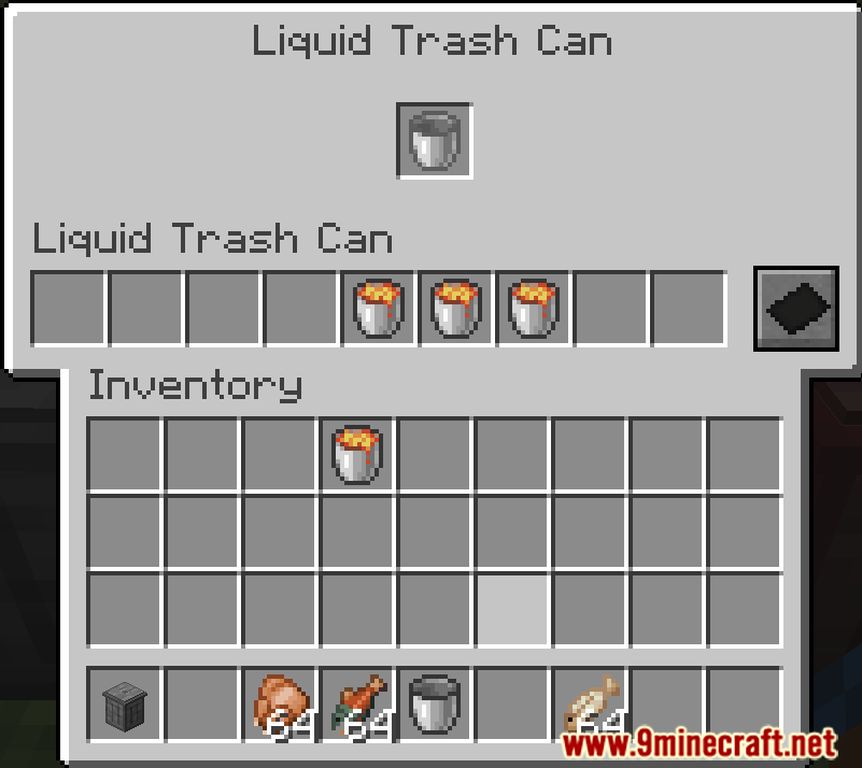
- Fluid Trash Can: Removes excess liquids and gasses from your tanks.
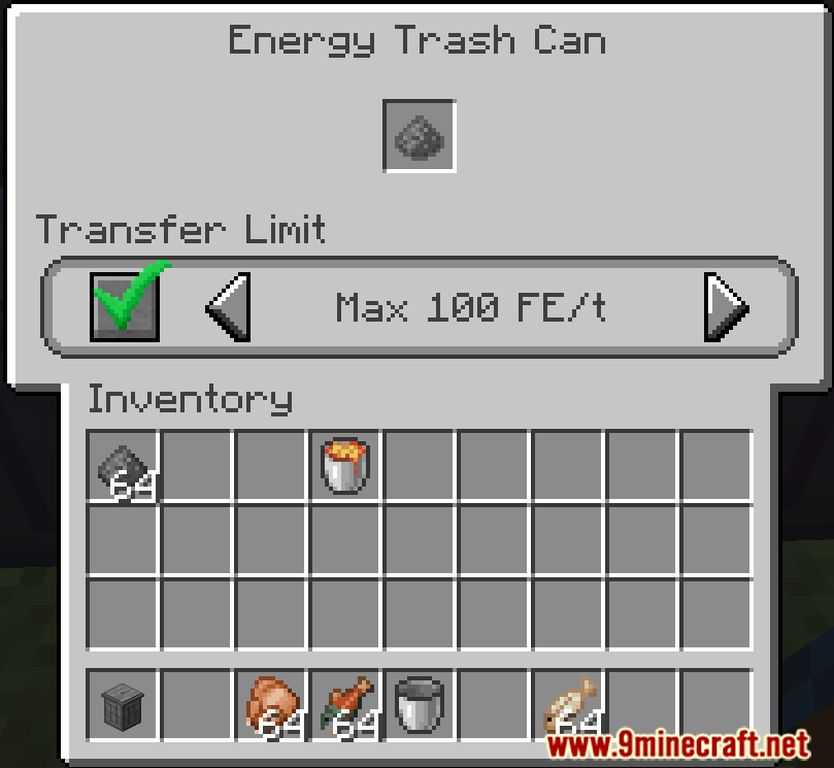
- Energy Trash Can: Voids extra energy you don’t need.
- Ultimate Trash Can: An all-in-one can that gets rid of items, fluids, and energy.
- Whitelist or blacklist specific items and fluids within the trash can’s menu.
- Set a transfer limit for how much energy a trash can will accept.
How to Use:
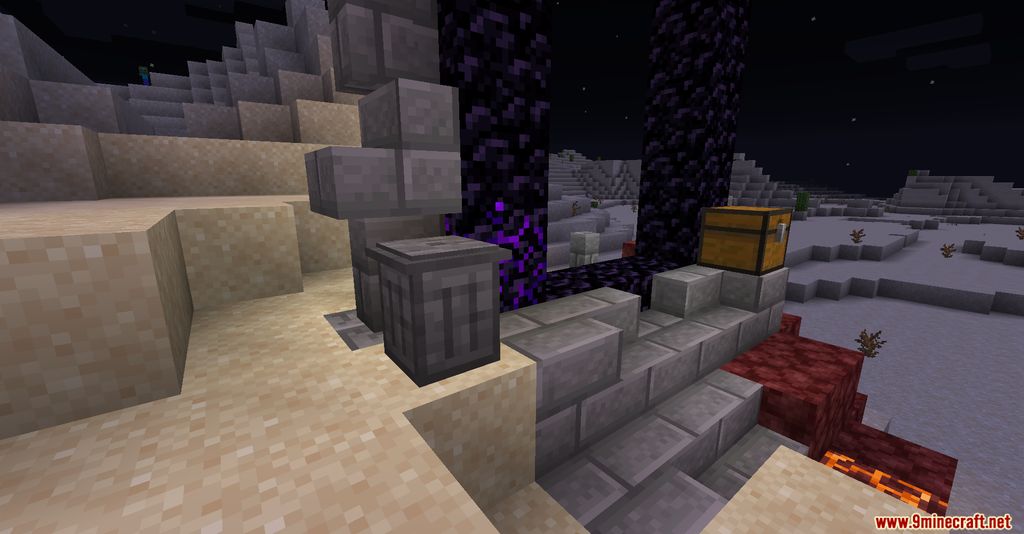
- Place a trash can in your world.
- Pipe items, fluids, or energy into the correct type of trash can to delete them.
- Right-click a trash can to open its menu.
- Inside the menu, you can add filters or change the energy transfer limit.
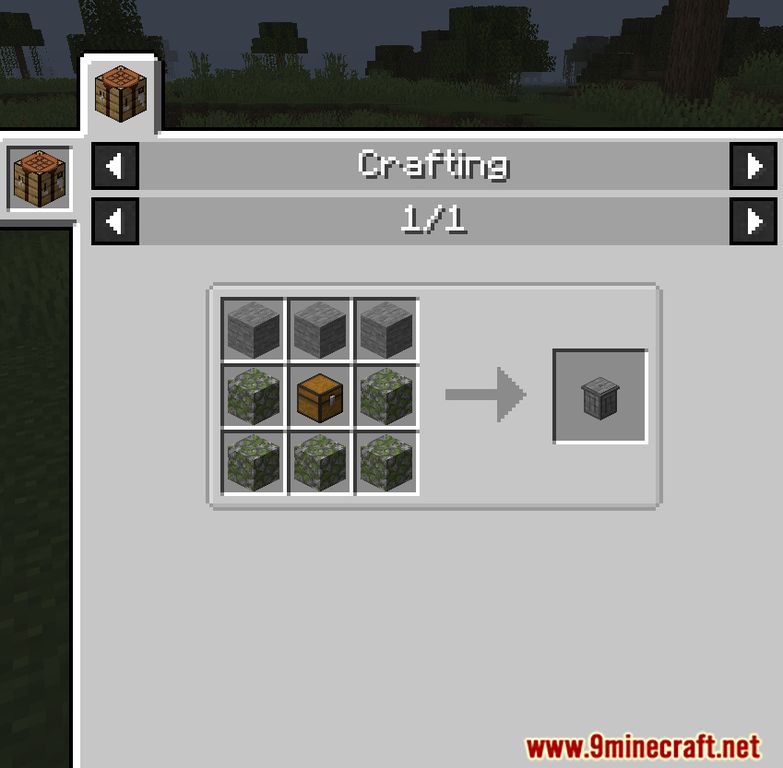
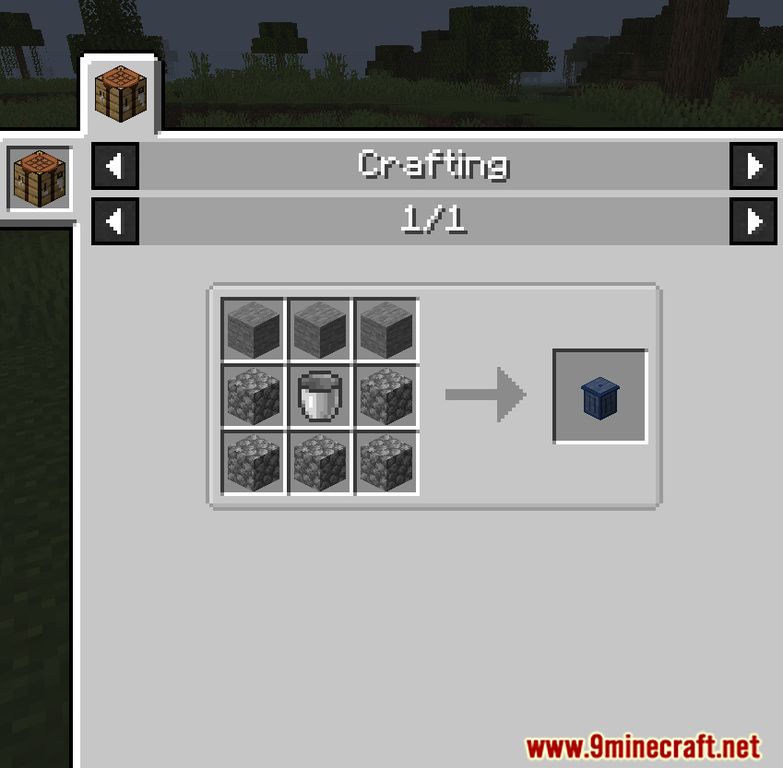
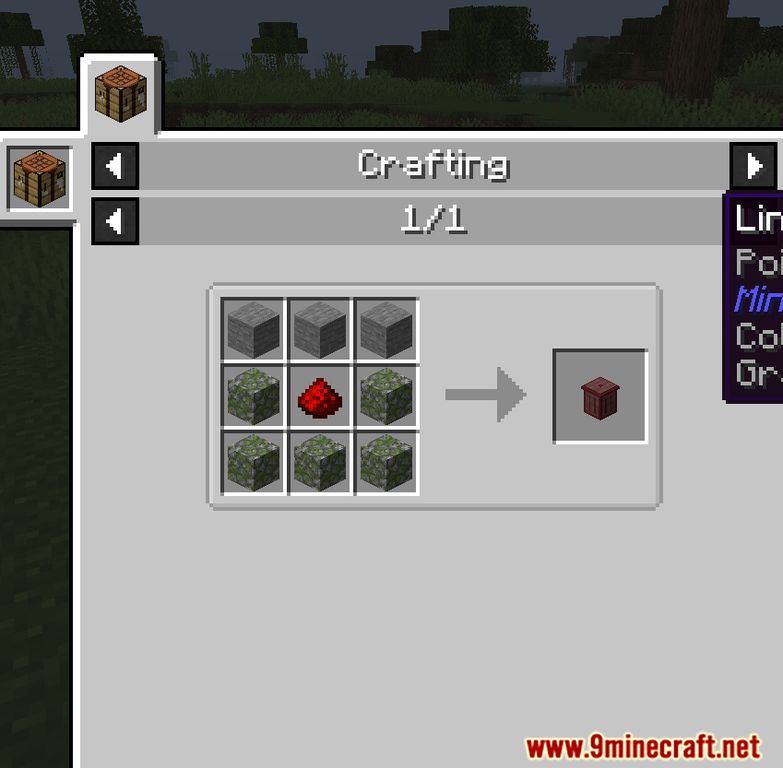
Crafting Recipes:
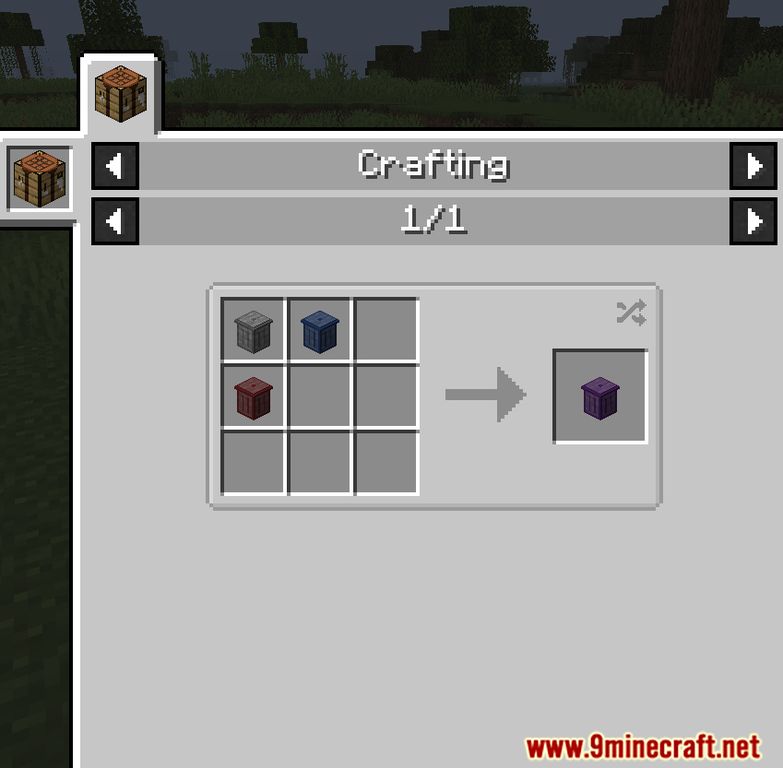
Screenshots:
How to Install:
New to Minecraft? Follow our step-by-step guide to install Mods on your PC.View Guide
Requirements:




Trash Cans Mod Download Links
For Minecraft 26.2
For Minecraft 26.1.2, 26.1.1, 26.1
For Minecraft 1.21.11
For Minecraft 1.21.10, 1.21.9
For Minecraft 1.21.8, 1.21.7, 1.21.6
For Minecraft 1.21.5
For Minecraft 1.21.4
For Minecraft 1.21.3, 1.21.2
For Minecraft 1.21.1, 1.21
For Minecraft 1.20.6
For Minecraft
1.20.4,
1.20.3,
1.20.2
All Versions Covered
1.20.4
1.20.3
1.20.2
1.20.1
1.20
All Versions Covered
1.20.4
1.20.3
1.20.2
1.20.1
1.20
For Minecraft 1.20.1, 1.20
For Minecraft 1.19.4, 1.19.3
For Minecraft 1.19.2, 1.19.1, 1.19
For Minecraft 1.18.2, 1.18.1, 1.18
For Minecraft
1.16.5,
1.16.4,
1.16.3
All Versions Covered
1.16.5
1.16.4
1.16.3
1.16.2
1.16.1
1.16
All Versions Covered
1.16.5
1.16.4
1.16.3
1.16.2
1.16.1
1.16
For Minecraft 1.12.2, 1.12.1, 1.12
Click to rate this post!
[Total: 1 Average: 5]
You May Also Like









This post has no comments yet. Be the first — your comment will appear here.