
Enchantips Mod (26.2, 1.20.1) – Master Anvil Costs and Enchantment Tooltips

 0


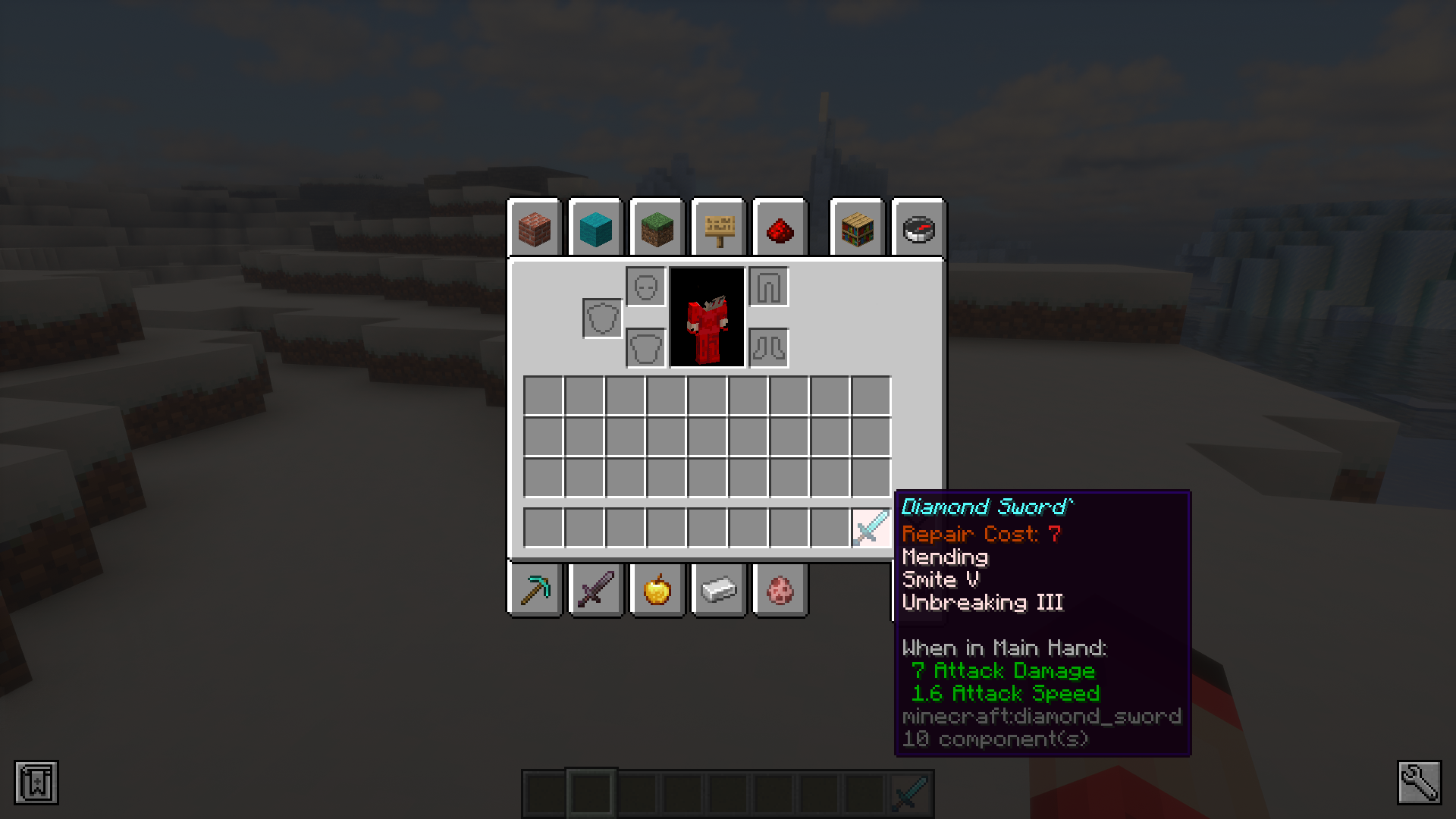
Enchantips Mod brings useful tooltips and display features to improve how you understand and manage enchantments in the game. It shows repair costs, enchantability values, and anvil costs directly on item tooltips. You can also view enchantment targets, tags, and possible power ranges during the enchanting process. Most features are fully customizable to fit your preferences.
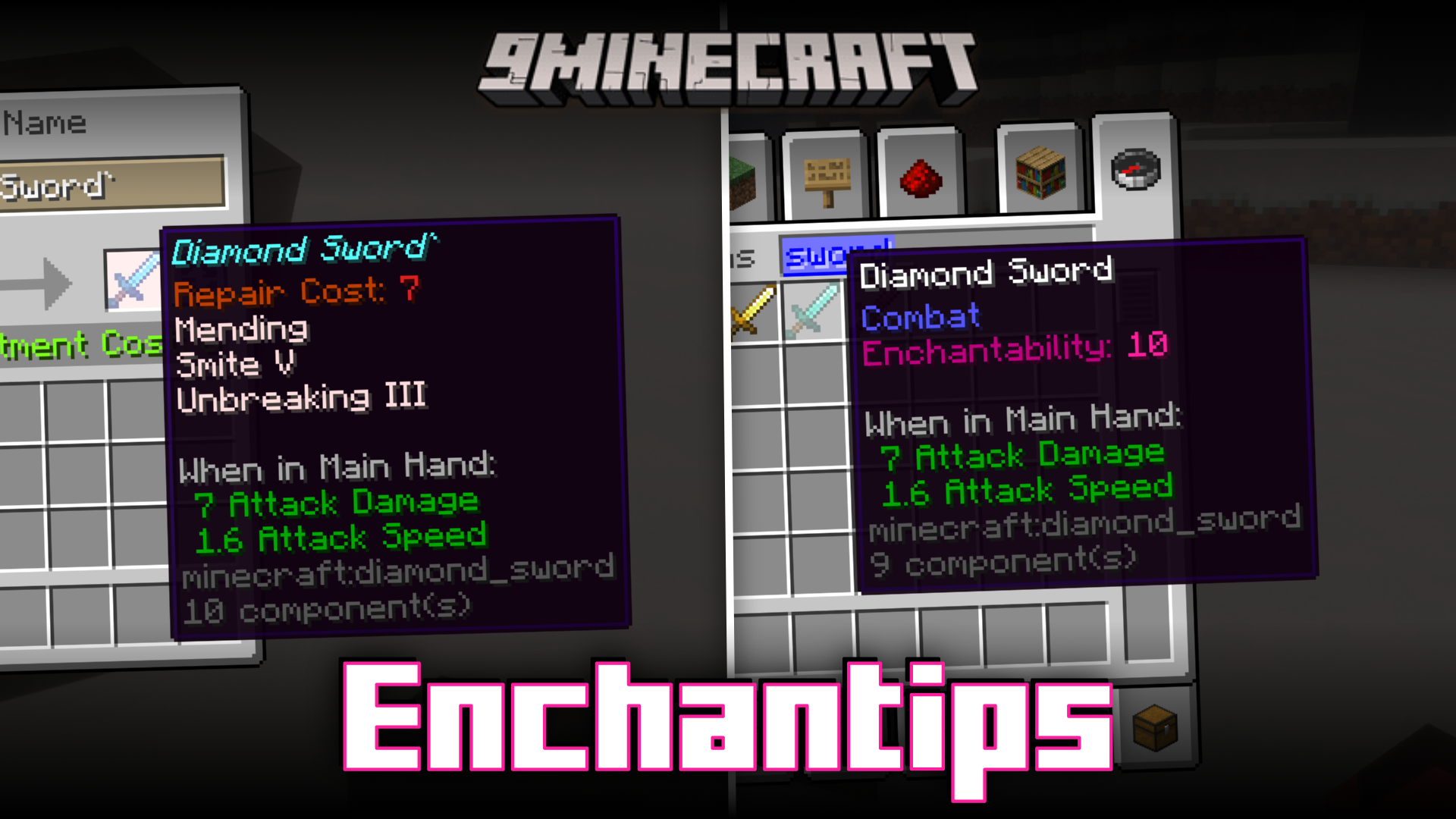
Features:
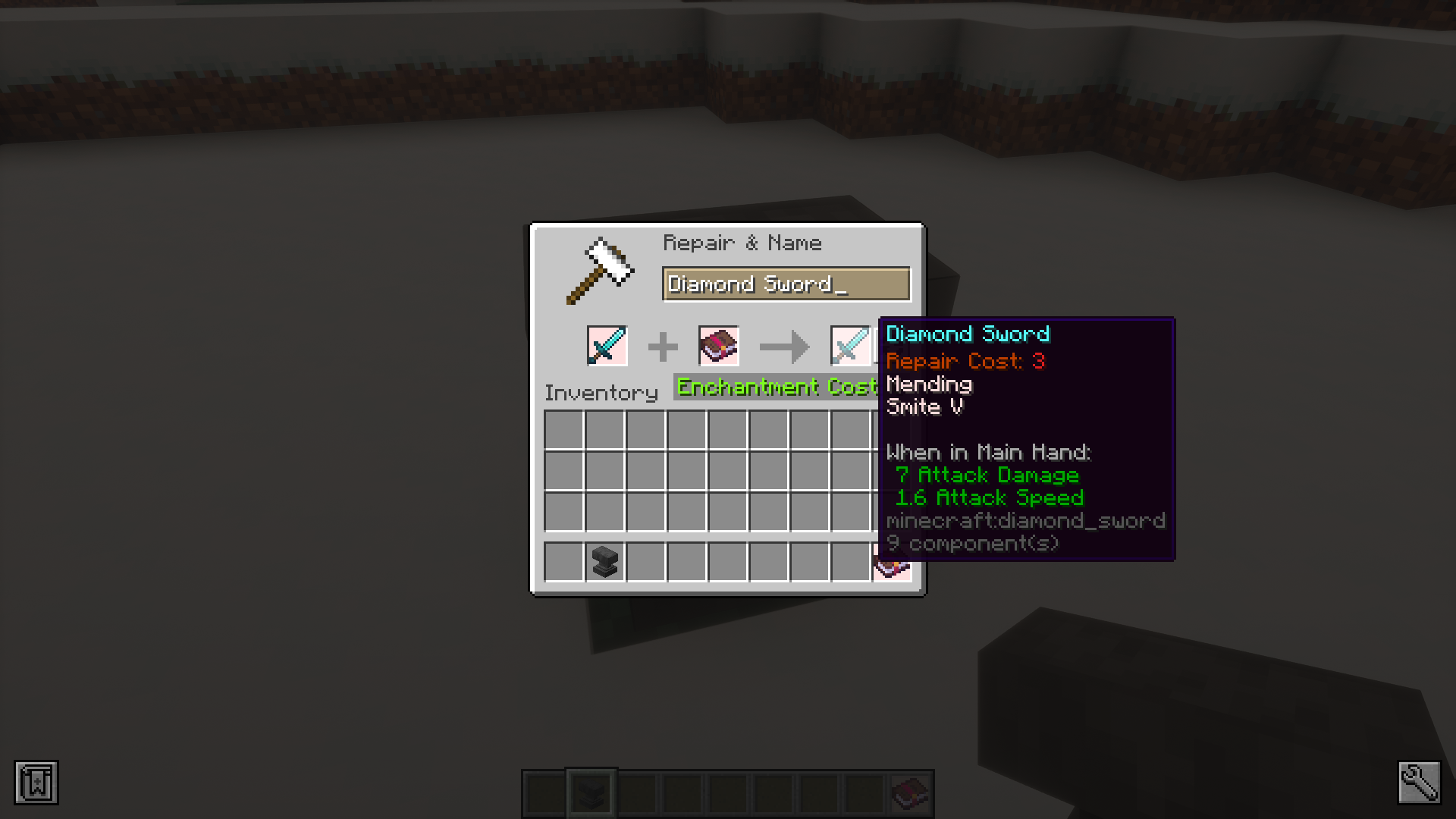
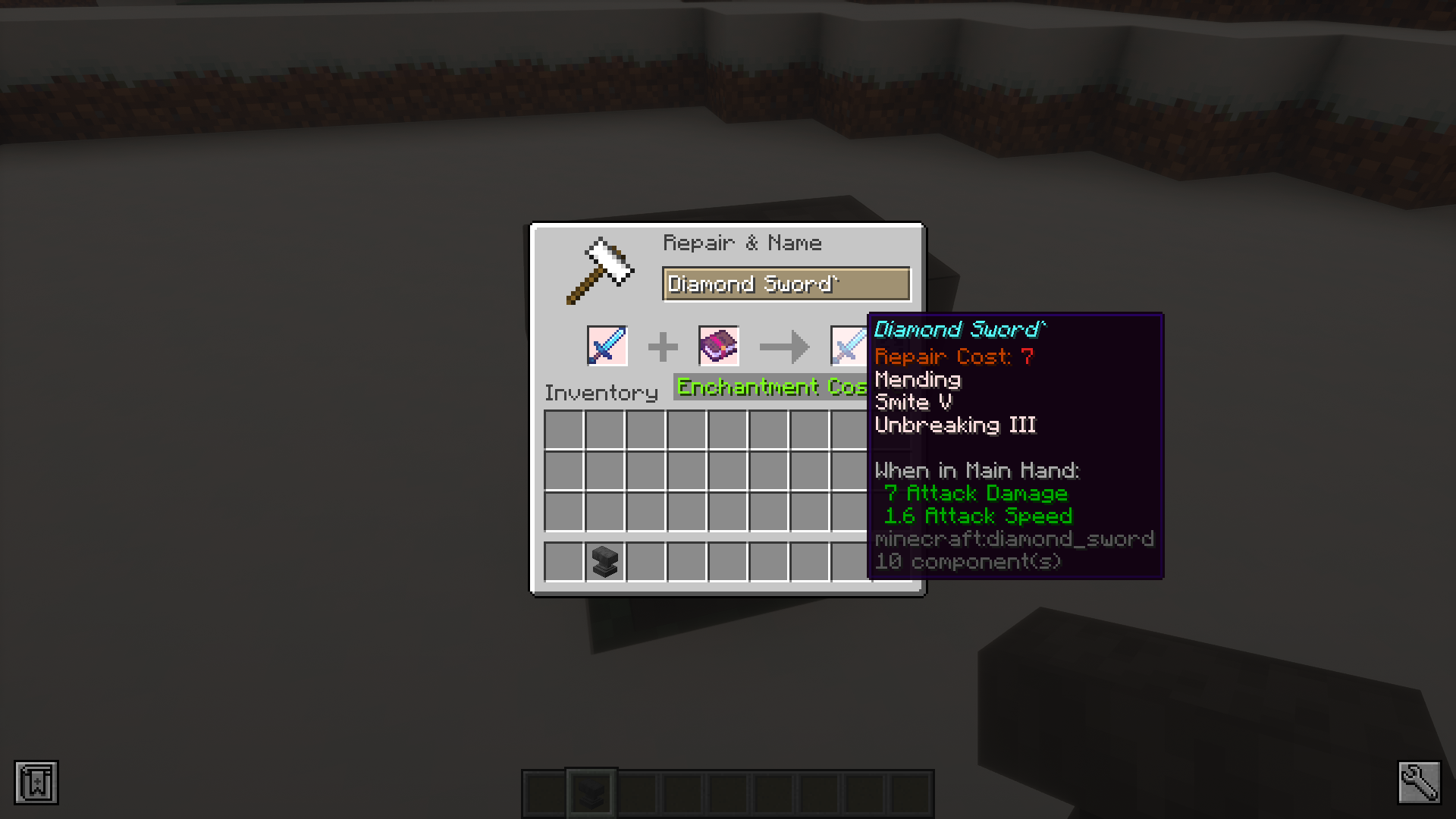
- Shows the repair cost penalty on items worked in an anvil.
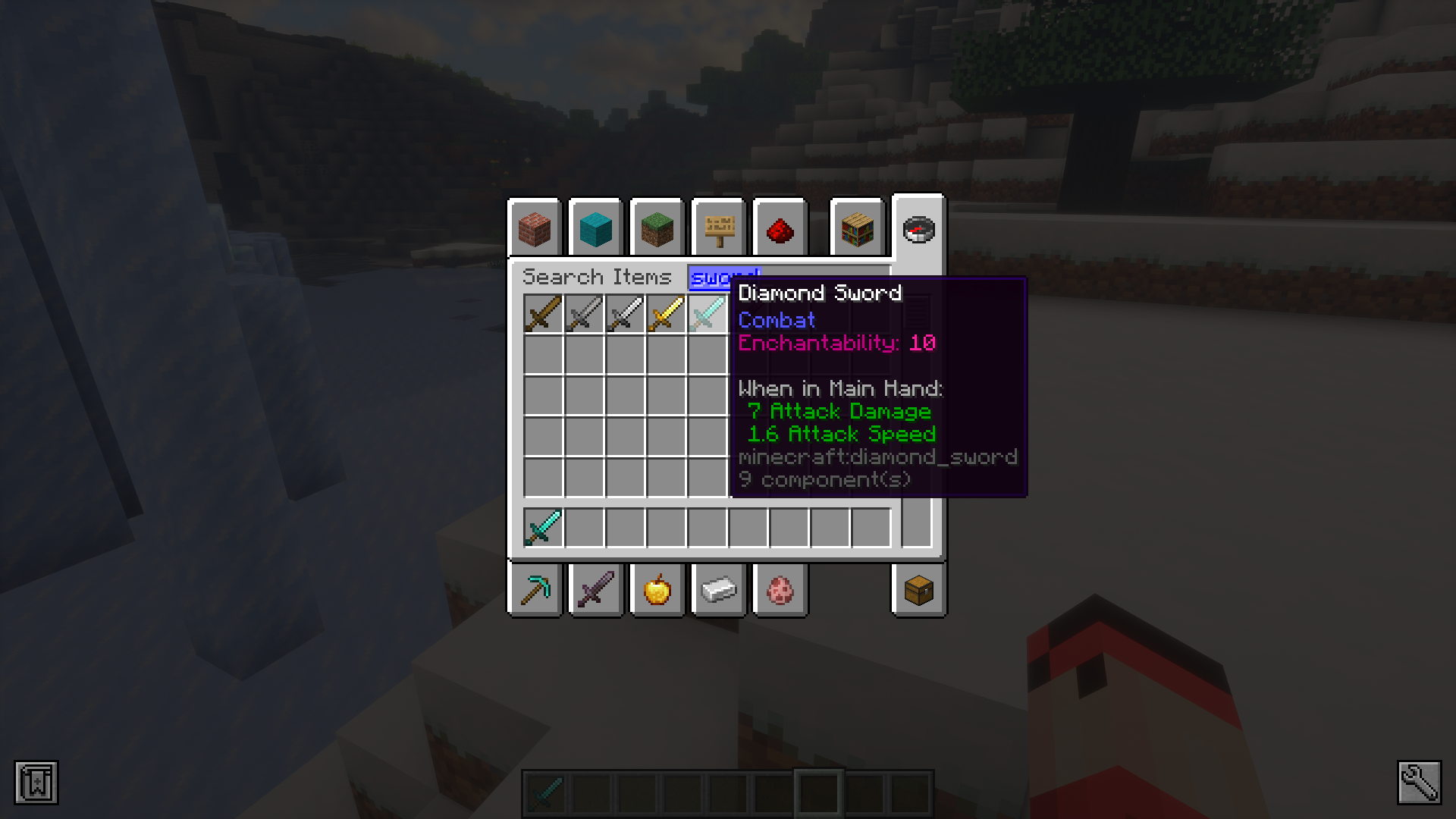
- Displays the inherent enchantability value of tools and items.
- Reveals the anvil cost for adding specific enchantments.
- Shows icons next to enchantment names indicating valid item targets and tags.
- Displays a range of possible power values during the enchanting process.
- Includes an anvil optimizer with an indicator and a one-click button to swap input items and lower costs.
- Sorts enchantments automatically inside item tooltips.
- Highlights inventory slots that contain enchanted items based on specific enchantment rules and custom colors.
- Allows you to set a priority order for enchantment highlighting and tooltip sorting.
- Provides an info screen to view every enchantment and its internal values by pressing a configurable keybind.
How to Use:
- Press your configured keybind to open the enchantment info screen and view internal values.
- Check item tooltips in your inventory or anvil interfaces to see repair costs, enchantability, and enchantment targets.
- Click the swap button inside the anvil interface when the optimizer indicator shows a cheaper operation.
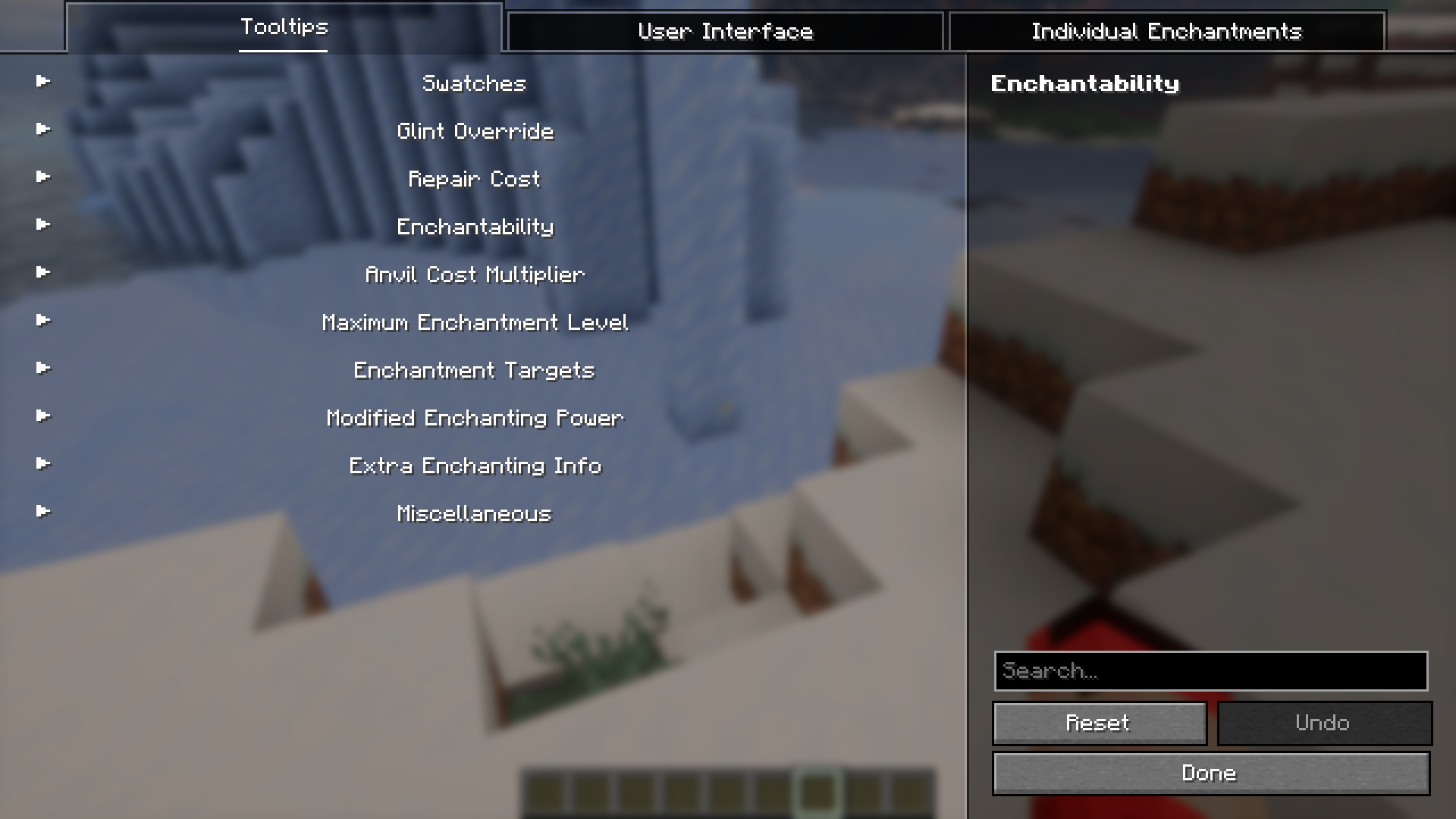
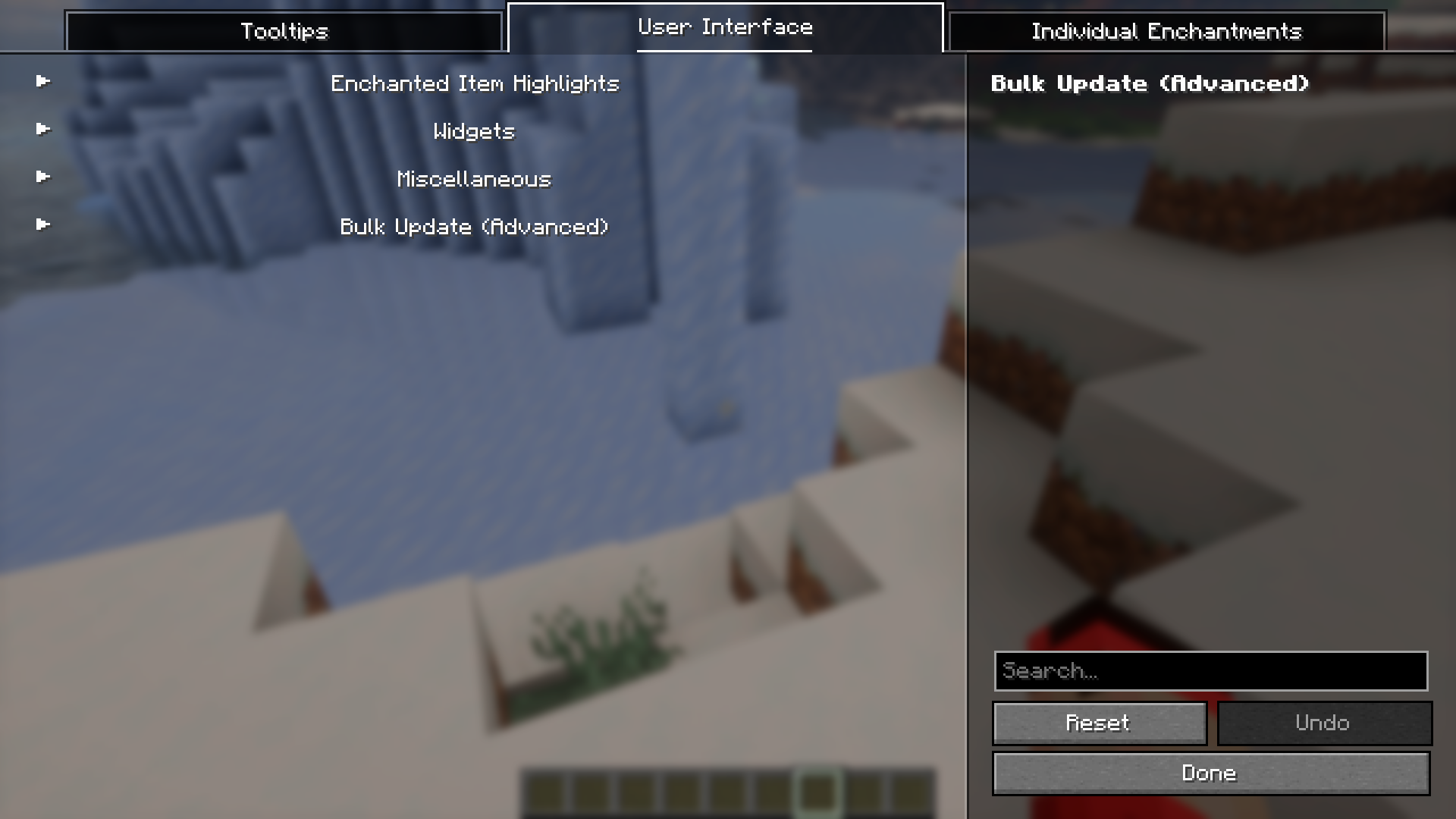
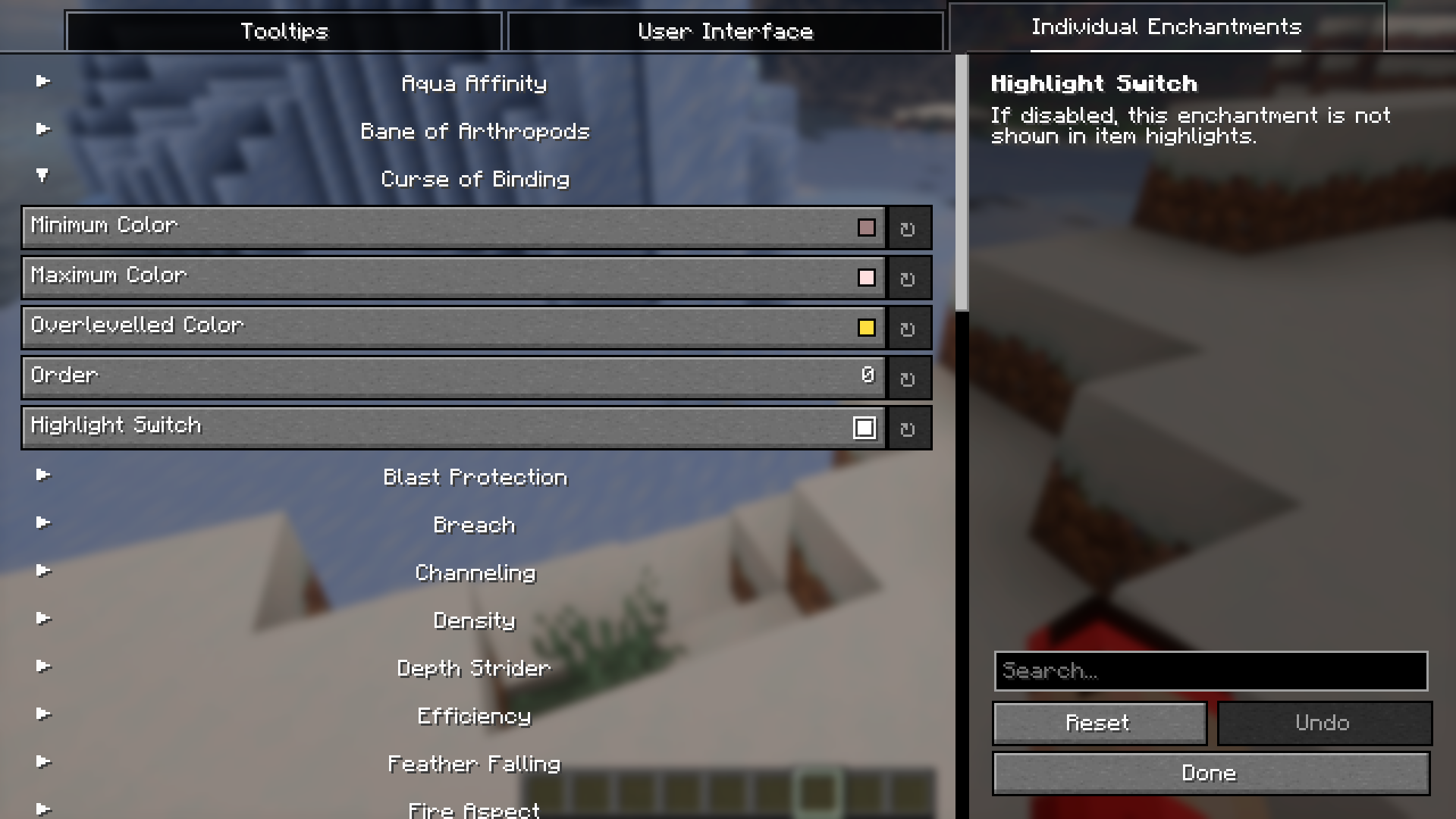
- Access the in-game configuration menu to customize slot highlights, color settings, and sort priorities.
Screenshots:
How to Install:
New to Minecraft? Follow our step-by-step guide to install Mods on your PC.View Guide


Enchantips Mod Download Links
For Minecraft 26.2
For Minecraft 1.21.11
For Minecraft 1.21.10, 1.21.9
For Minecraft 1.21.8, 1.21.7, 1.21.6
For Minecraft 1.21.4
For Minecraft 1.21.3, 1.21.2
For Minecraft 1.21.1, 1.21
For Minecraft 1.20.6
For Minecraft 1.20.4
For Minecraft 1.20.1, 1.20
For Minecraft 1.19.4
Click to rate this post!
[Total: 0 Average: 0]
You May Also Like
Picked for this page
 Sophisticated Core (26.3, 1.20.1) – Library for P3pp3rF1y’s Mods
 Item Scroller Mod (26.3, 1.20.1) – Moving Items in Inventory GUIs
 Additional Lanterns Mod (26.3, 1.20.1) – Lamps Made from New Materials
 Death Backup Mod (26.3, 1.20.1) – Automatic Inventory Backup
 Searchables Mod (26.3, 1.20.1) – Find Any Item in Modpacks
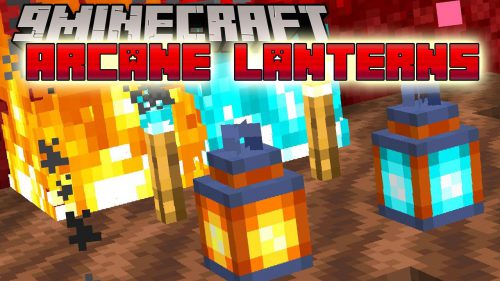 Arcane Lanterns Mod (26.3, 1.20.1) – The Power of Light
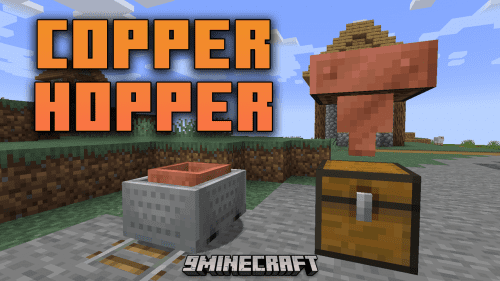 Copper Hopper Mod (26.3, 1.20.1) – Hopper That Acts as a Simple Item Filter
 Client Maps Mod (26.3, 1.20.1) – Stores Map Data On Client Side
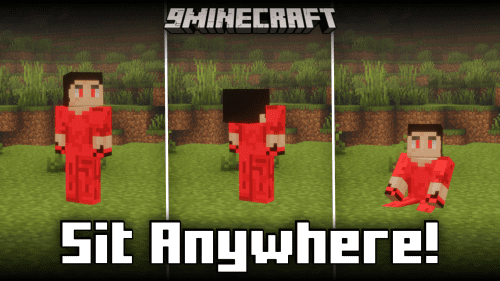 Sit Anywhere! Mod (26.3, 1.20.1) – The Best Player Sit Mod
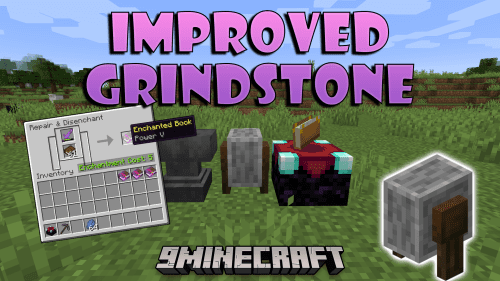 Improved Grindstone Mod (26.1.2, 1.20.1) – Enhanced Enchantment Management
 FPS Boost Mod (26.1.2, 1.20.1) – Optimize Minecraft For Smoother Gameplay
 Luminance Mod (1.21.11, 1.21.1) – Library Mod
Most viewed in Mods over the last 7 days
 Ala Industrial Mod (26.3) – Run Electric Power Grids and Automated Factories
 PleasureCraft Mod (26.3, 1.21.1) – Jenny Mod Remake for Fabric
 Jennycraft Mod (26.3, 1.20.1) – Virtual Girlfriend in Minecraft
 Fapcraft Mod (26.3, 1.12.2) – Comprehensive and Detailed Content
 Jenny Mod (Fapcraft) Official Complete Guide – How to use, Tutorial
 BangCraft Mod (1.20.1) – Jenny, Ellie and Elliot
 Fabric Loader (26.3, 1.20.1) – Fabric Installer for All Minecraft Versions
 The Shooting Star Demo Mod (26.3, 1.20.1) – Vaporize Terrain From Orbit
 Meteor Client Mod (26.3, 1.20.1) – Xray, HUD, Fly
 OptiFine HD (26.3, 1.20.1) – Run Faster, FPS Boost, Shaders Support
 Aristois Client Mod (1.21.4, 1.20.1) – World Class Minecraft Utility
 Prestige Client Mod (1.21.11, 1.21.4) – Powerful Ghost Features for Crystal & Sword PvP
More from Mods
 Kambrik 9minecraft Mod (26.3) – Run Kotlin Mods Without Game Lag
 Fast Paintings 9minecraft Mod (26.3, 26.2) – Place Wall Art Exactly Where You Want It
 Bonsai Trees 9minecraft Mod (26.3, 26.2) – Automate Wood Farming in Tiny Pots
 Enhanced Block Entities 9minecraft Mod (26.3) – Build Lag-Free Storage Rooms
 Better Nether 9minecraft Mod (26.3, 26.2) – Survive Forever in the Nether
 BCLib 9minecraft Mod (26.3, 26.2) – Power Custom Nether and End Overhauls
 ForgedLoaderAPI Mod (1.19.2, 1.18.2) – Bring Ported Fabric Creations
 Shield System Mod (1.21.1) – Tank Heavy Monster Hits Without Losing Hearts
 Shin’s Tensura Race Models Mod (1.19.2) – Play As Unique 3D Anime Race
 Offgrid Mod (26.3, 1.20.1) – Furnish Compact Interiors Without Strict Grid
 Tempest Almanac Iron’s Spells ‘n Spellbooks Mod (1.21.1, 1.20.1)
 Chat Guides Mod (26.3, 1.21.11) – Never Memorize Complex Server Commands Again

This post has no comments yet. Be the first — your comment will appear here.