
Wake Up Time Mod (1.21.1, 1.20.6) – Track Villager Schedules and Never Miss

 0


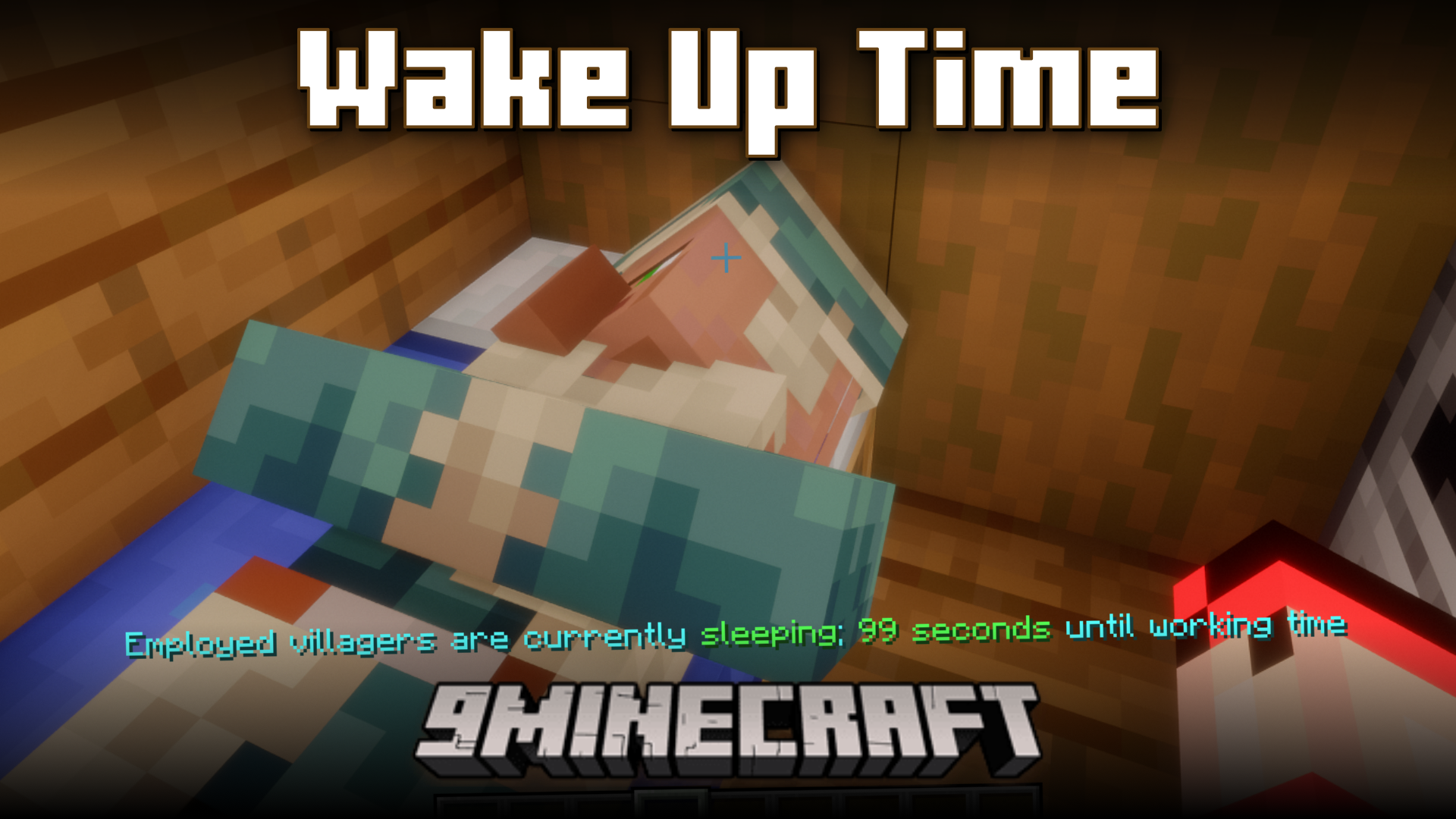
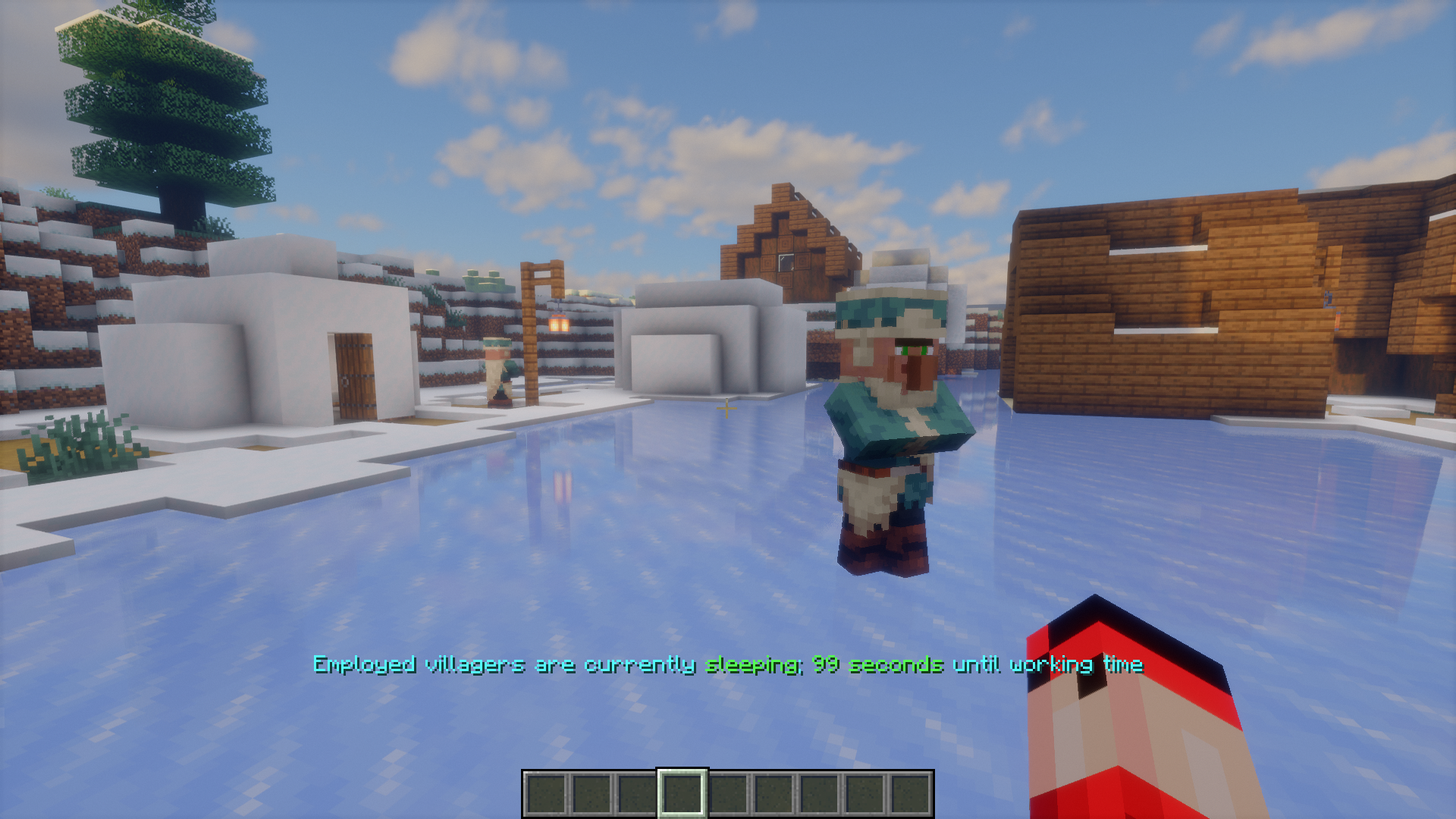
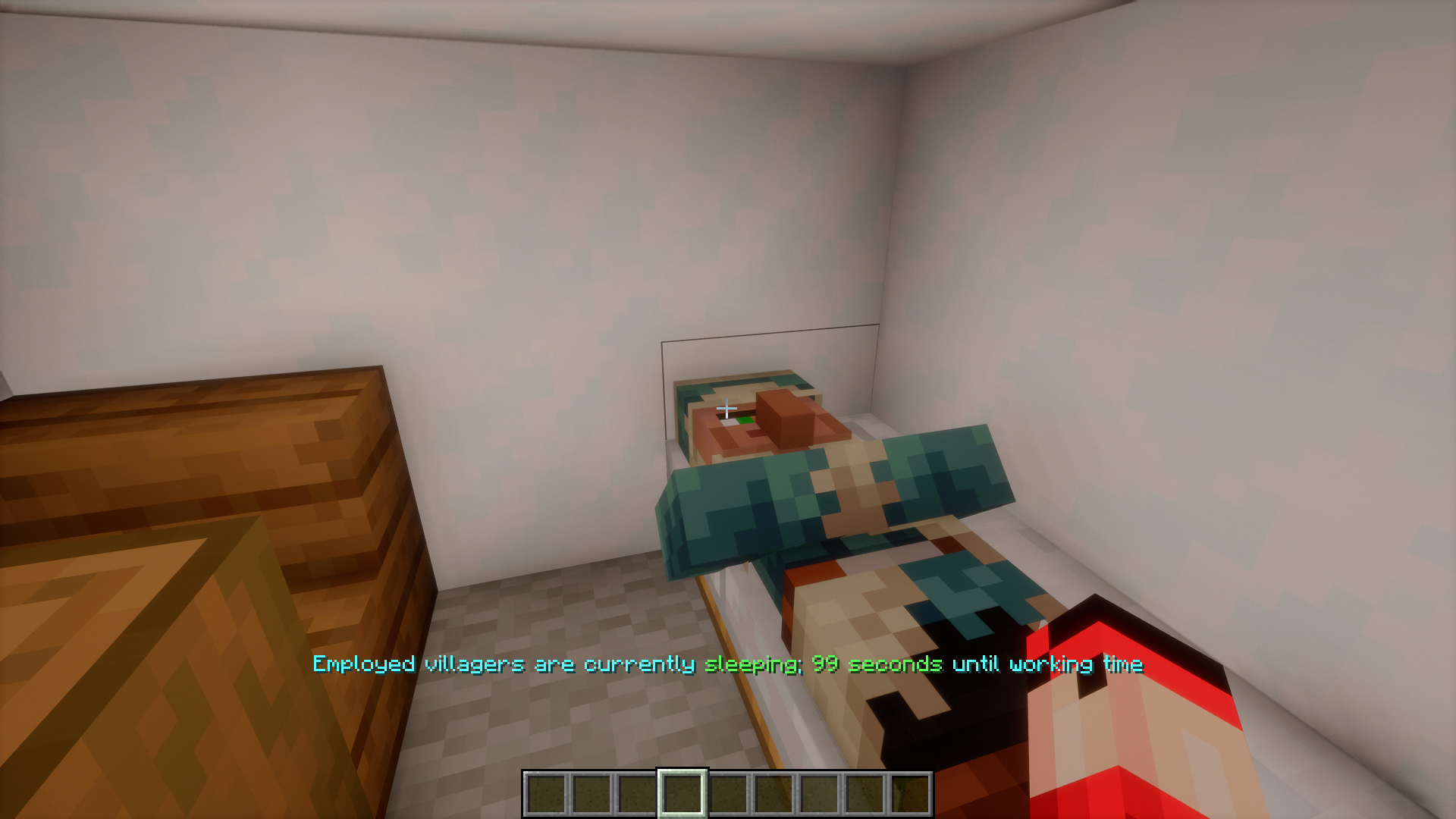
Wake Up Time Mod lets you easily check what stage of the day villagers are in right now. When you visit a village in Minecraft, villagers follow their own sleeping and working hours, making it hard to know when they are active. This client-side mod solves that problem by letting you view an action bar notification with their exact schedule and the time remaining until their next work period. You can use this mod on any multiplayer server without extra setup.
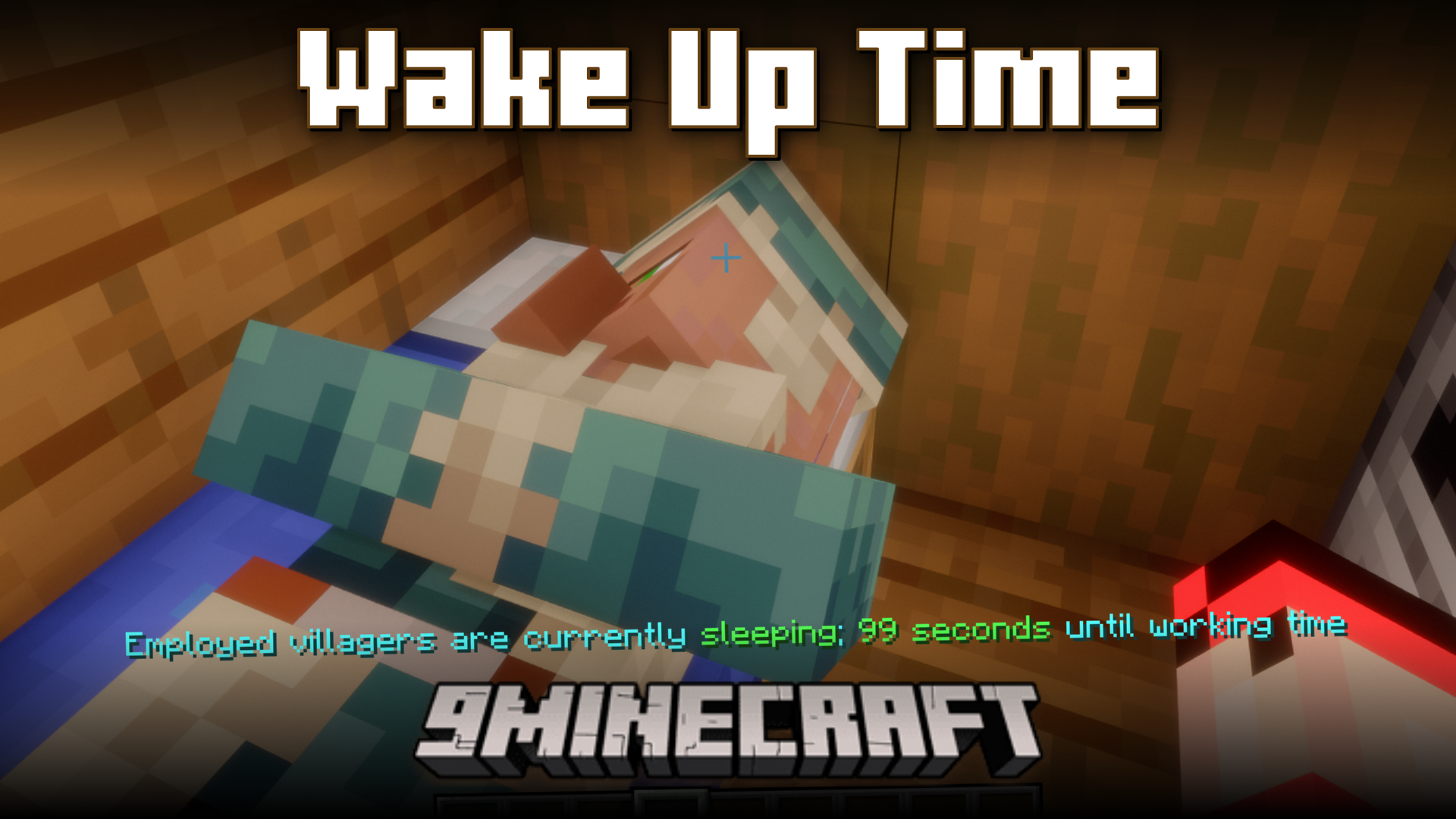
Features:
- Shows the current working and sleeping status of villagers in your game.
- Displays the exact time remaining until the next status change.
- Press the V key by default to trigger the notification message.
- Uses the mods screen to easily change the keybind or switch between toggling the message and showing it once.
How to Use:
- Join any singleplayer world or multiplayer server with the mod installed.
- Approach any village and look at the villagers.
- Press the V key on your keyboard to see their schedule status in the action bar.
- Open your mod menu settings to change the keybind or adjust how the status message displays.
Screenshots:
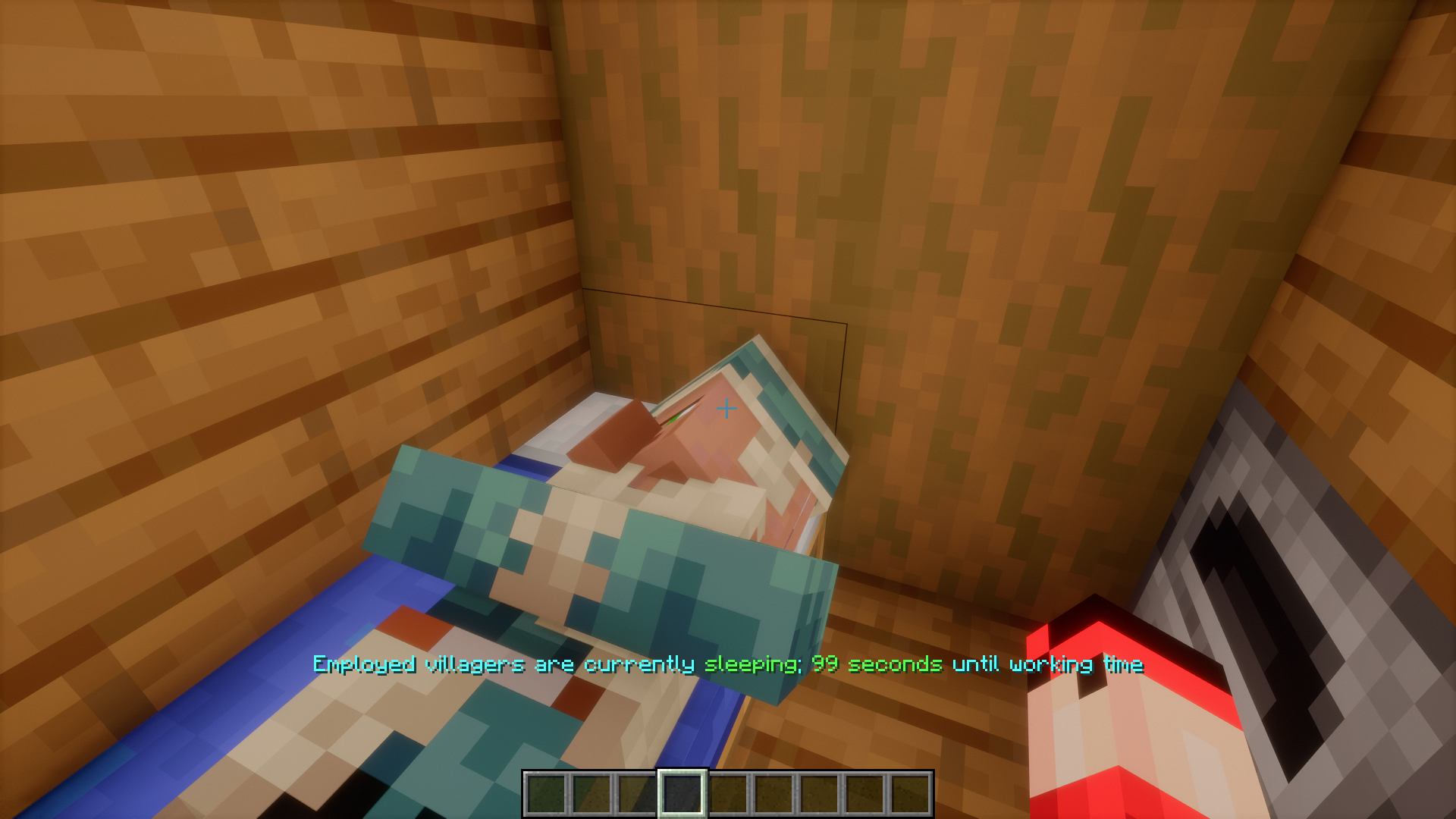
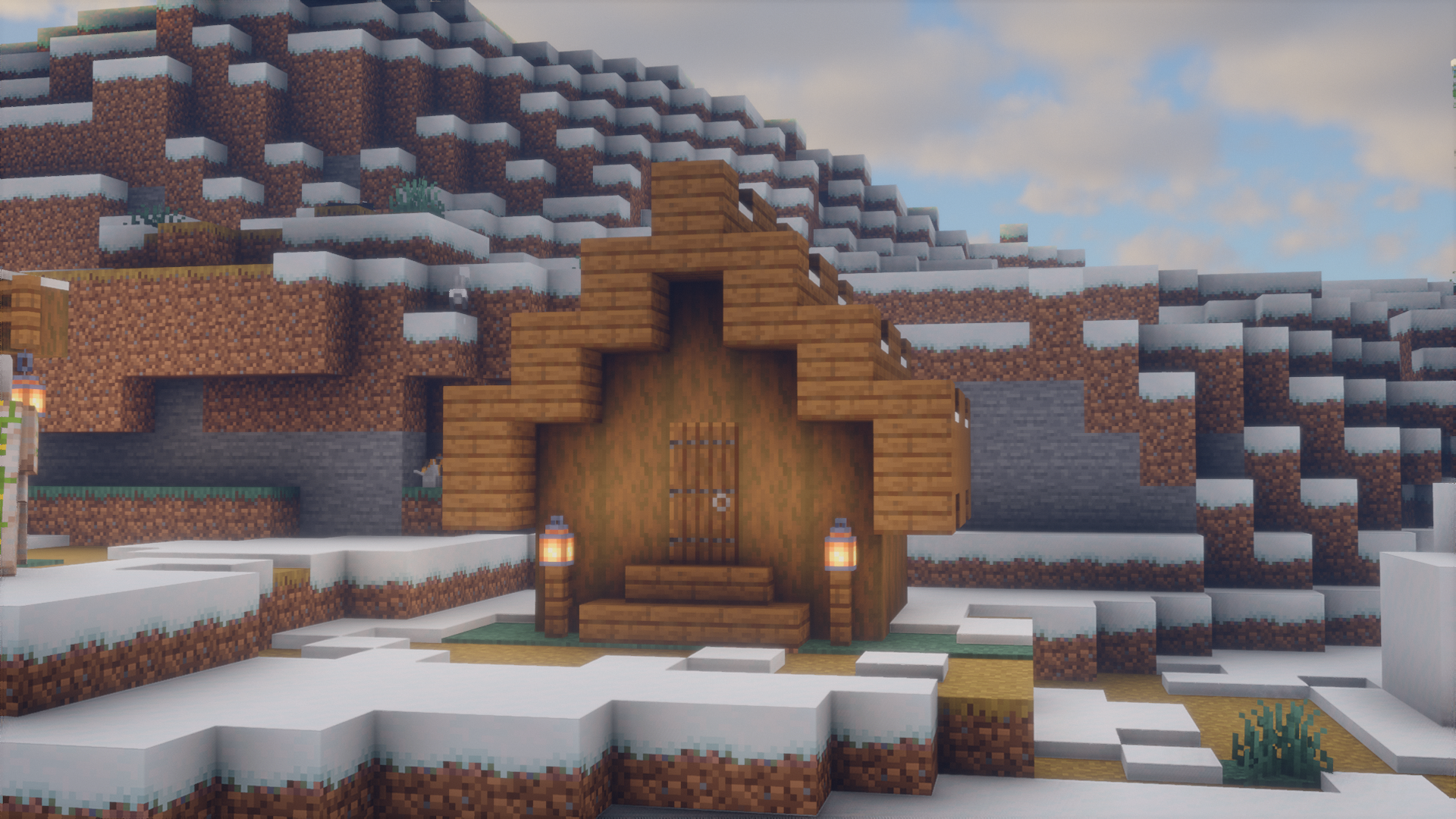
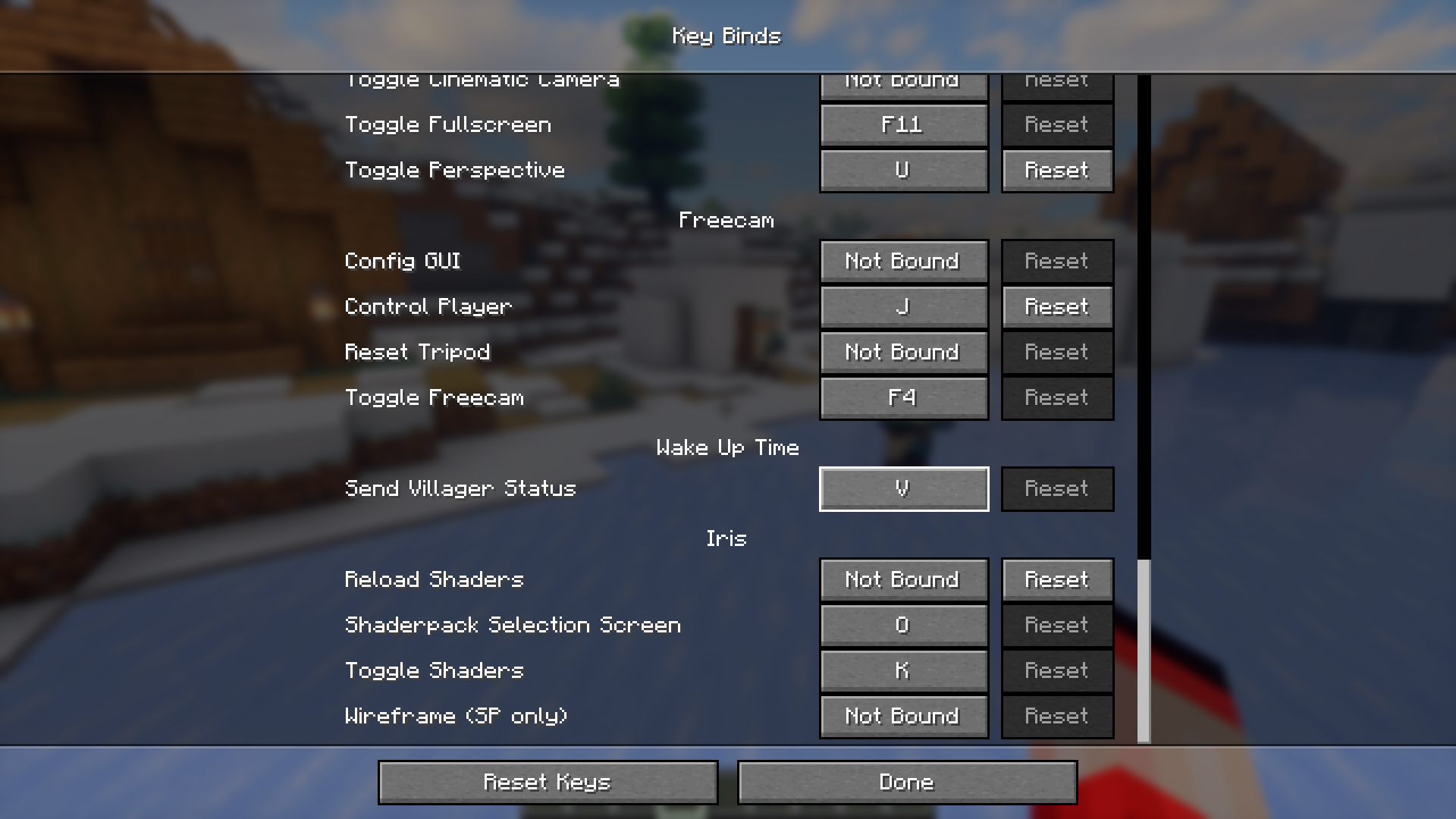
How to Install:
New to Minecraft? Follow our step-by-step guide to install Mods on your PC.View Guide
Requirements:

Wake Up Time Mod Download Links
For Minecraft 1.21.1, 1.21
NeoForge version: Download from Server 1 – Download from Server 2
Fabric version: Download from Server 1 – Download from Server 2
For Minecraft 1.20.6
NeoForge version: Download from Server 1 – Download from Server 2
Fabric version: Download from Server 1 – Download from Server 2
For Minecraft 1.20.4
Forge version: Download from Server 1 – Download from Server 2
NeoForge version: Download from Server 1 – Download from Server 2
Fabric version: Download from Server 1 – Download from Server 2
Quilt version: Download from Server 1 – Download from Server 2
For Minecraft 1.19.4
Quilt version: Download from Server 1 – Download from Server 2
For Minecraft 1.19.2
Quilt version: Download from Server 1 – Download from Server 2
For All Versions from Minecraft 1.14.4 to Minecraft 1.18.2
Fabric/Quilt version: Download from Server 1 – Download from Server 2
Have you ever financially supported a mod creator (via Patreon, Ko-fi, or donations)?
29 responses · See the full results →
You May Also Like
Picked for this page
 Simple Planes Mod (1.21.1, 1.20.1) – New Vehicles, Flying
 Architectury API Mod (26.3, 1.20.1) – Hooks, Game Features
 DarkSmelting Mod (26.3, 1.20.1) – RPG Smelt Armor, Tools, Weapons
 No Resource Pack Warnings Mod (26.3, 1.20.1) – Disable Pop-up Warning
 Flat Colored Blocks Mod (1.21.1) – Thousands of Beautiful Blocks
 Surveyor Map Framework Mod (26.1.2, 1.20.1) – Unified API, Networking
 Tooltip Scroll Mod (26.3, 1.20.1) – Scroll Your Way To Clarity
 Two Players One Horse Mod (1.21.4, 1.20.1) – Join The Ride
 Custom Piglin Bartering Mod (26.3, 1.20.1) – Unique Loot For Every Trade
 Herobrines Omen Mod (1.20.1, 1.19.4) – Herobrine Is Watching You
 Quick Cure Mod (26.3, 1.20.1) – Cure Zombie Villagers Instantly
 Urban Sprawl Expansion Mod (26.2, 1.20.1) – Turn Tiny Villages Into Dense
Most viewed in Mods over the last 7 days
 Ala Industrial Mod (26.3) – Run Electric Power Grids and Automated Factories
 PleasureCraft Mod (26.3, 1.21.1) – Jenny Mod Remake for Fabric
 Jennycraft Mod (26.3, 1.20.1) – Virtual Girlfriend in Minecraft
 Fapcraft Mod (26.3, 1.12.2) – Comprehensive and Detailed Content
 Jenny Mod (Fapcraft) Official Complete Guide – How to use, Tutorial
 BangCraft Mod (1.20.1) – Jenny, Ellie and Elliot
 Fabric Loader (26.3, 1.20.1) – Fabric Installer for All Minecraft Versions
 The Shooting Star Demo Mod (26.3, 1.20.1) – Vaporize Terrain From Orbit
 Meteor Client Mod (26.3, 1.20.1) – Xray, HUD, Fly
 OptiFine HD (26.3, 1.20.1) – Run Faster, FPS Boost, Shaders Support
 Aristois Client Mod (1.21.4, 1.20.1) – World Class Minecraft Utility
 Prestige Client Mod (1.21.11, 1.21.4) – Powerful Ghost Features for Crystal & Sword PvP
More from Mods
 Vaskars Opus Faction War Quests & Bosses Mod (1.21.11, 1.20.1)
 Multitools and More Mod (26.3, 1.20.1) – Clear Your Hotbar and Travel
 Luxium Let There Be Light Mod (1.20.1) – Stunning Lighting on Low-End Computers
 Soulscraft Tarnished Legacy Mod (1.21.1) – Hunt Relics to Forge Dark Fantasy
 Fetzi’s Displays Mod (26.1.2, 1.20.1) – Turn Rare Gear and Weapons
 Primal Plushies Paleo Pals Mod (1.21.1, 1.20.1) – Decorate Your Base
 Ipla Mod (26.3, 1.20.1) – Showcase Your Favorite Items
 MesdagPortLib Mod (1.20.1) – Run Modern Minecraft Mechanics on Older Versions
 Hellion’s API Mod (1.21.11, 1.21.1) – Play Hellion Series Addons Without Crashes
 Terrestria Mod (26.3, 1.20.1) – Highly Detailed Biomes
 Tre’s Tack Library Mod (1.20.1) – Outfit Your Horses with Fully Detailed Tack
 YDM’s coreX Library Mod (1.20.1) – Loot RPG Gear with Random Names

This post has no comments yet. Be the first — your comment will appear here.