
GUI Scale Splitter Mod (1.21.8, 1.20.1) – Customize Every HUD Element

 0


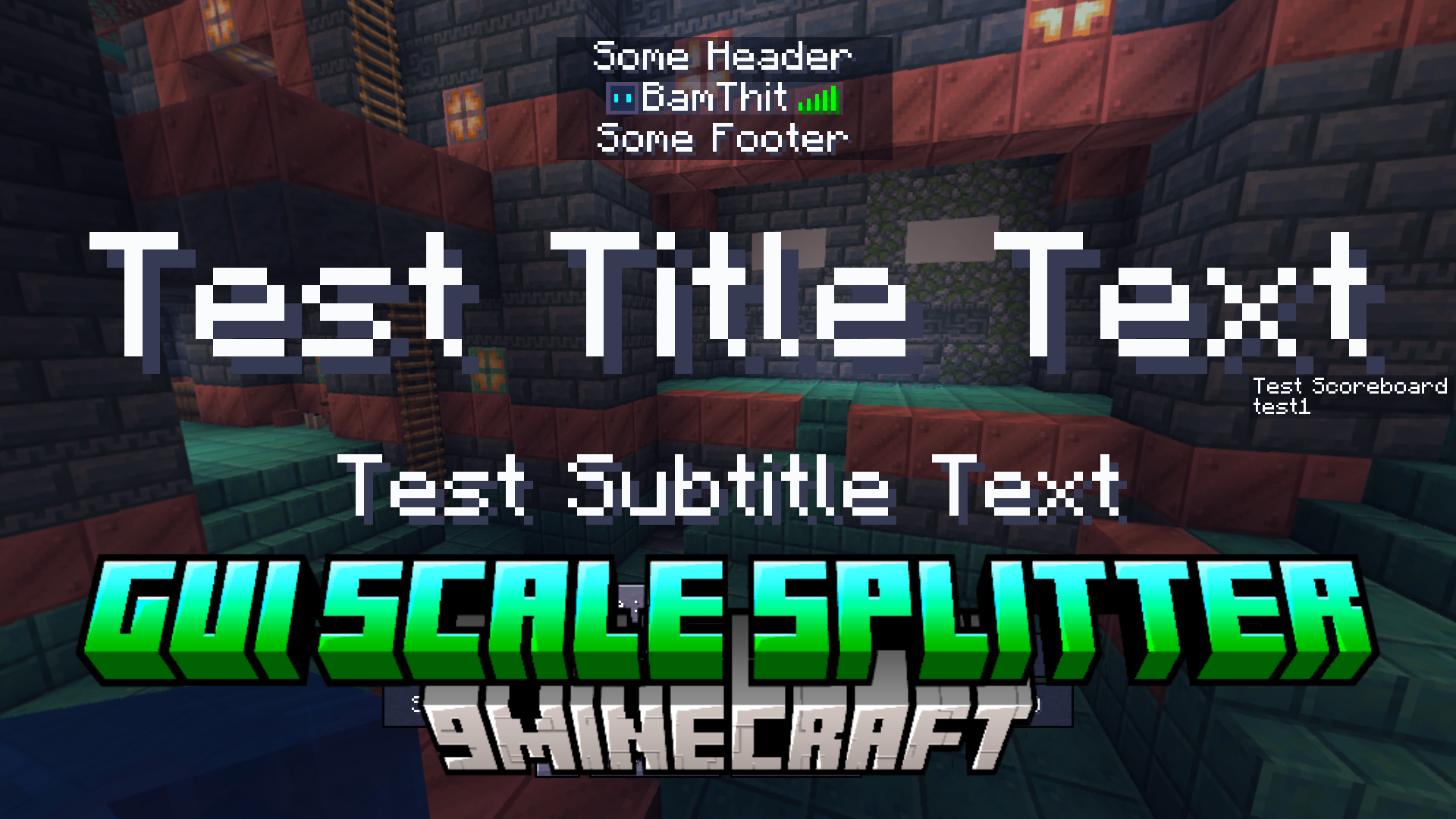
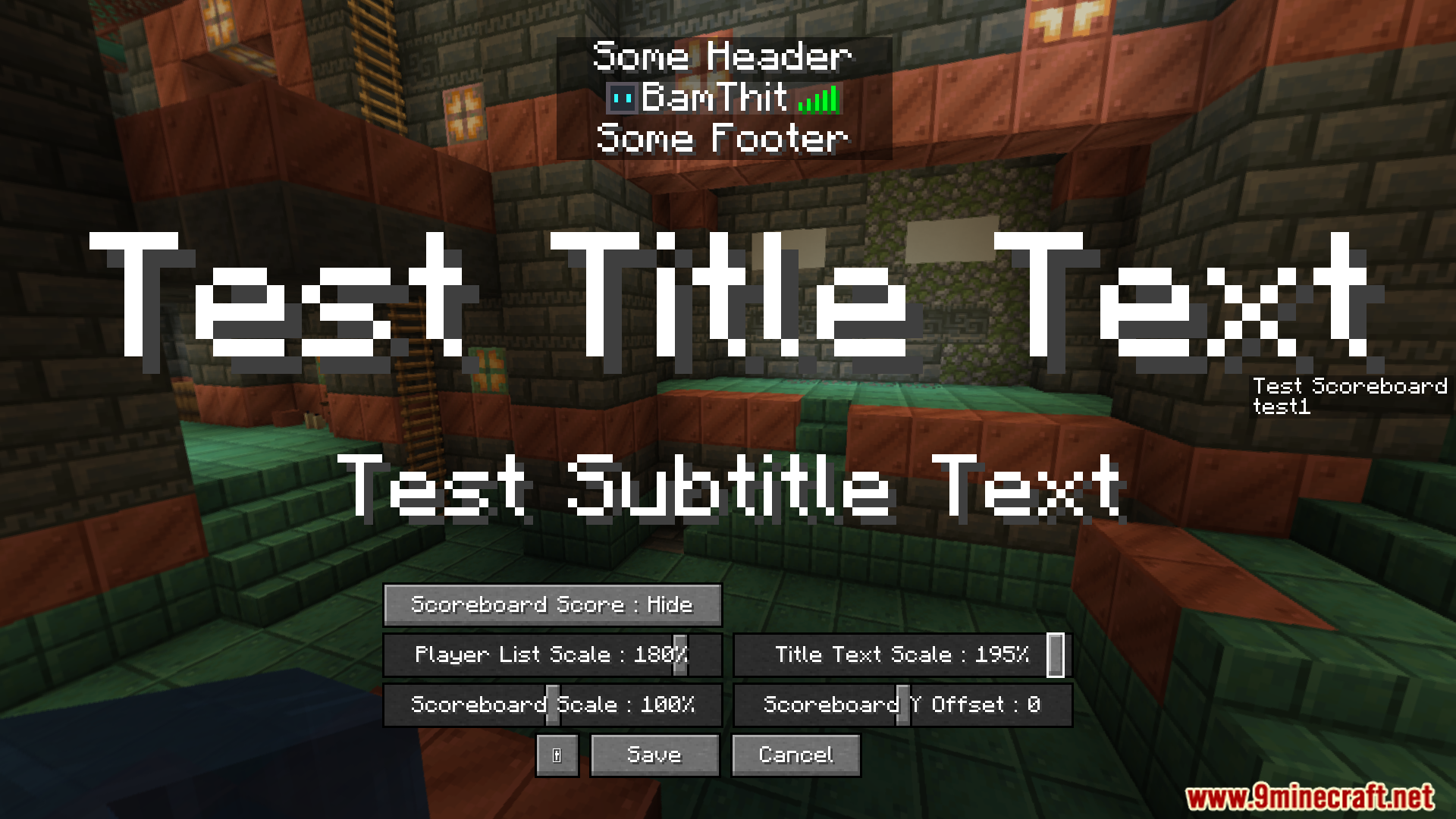
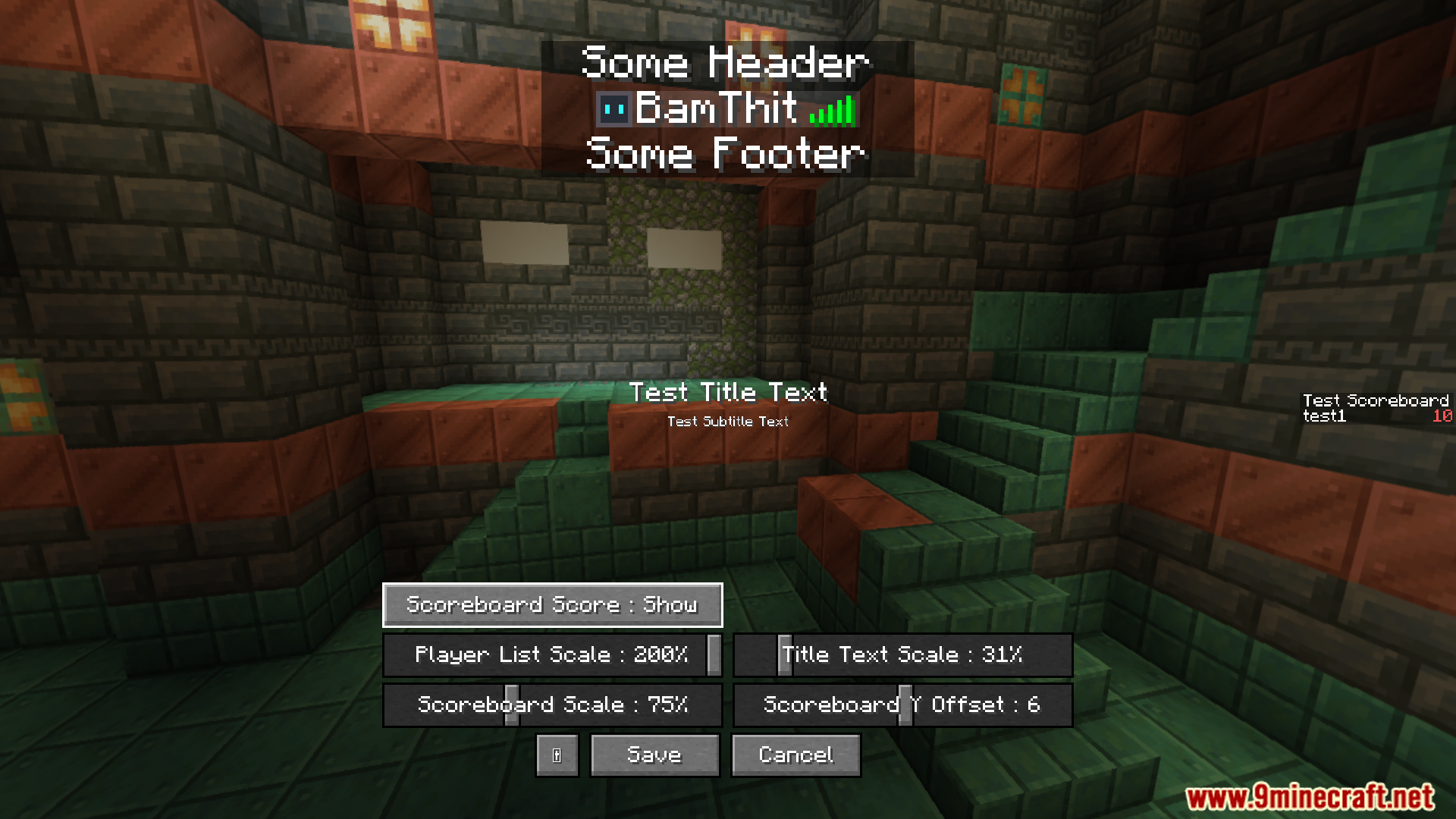
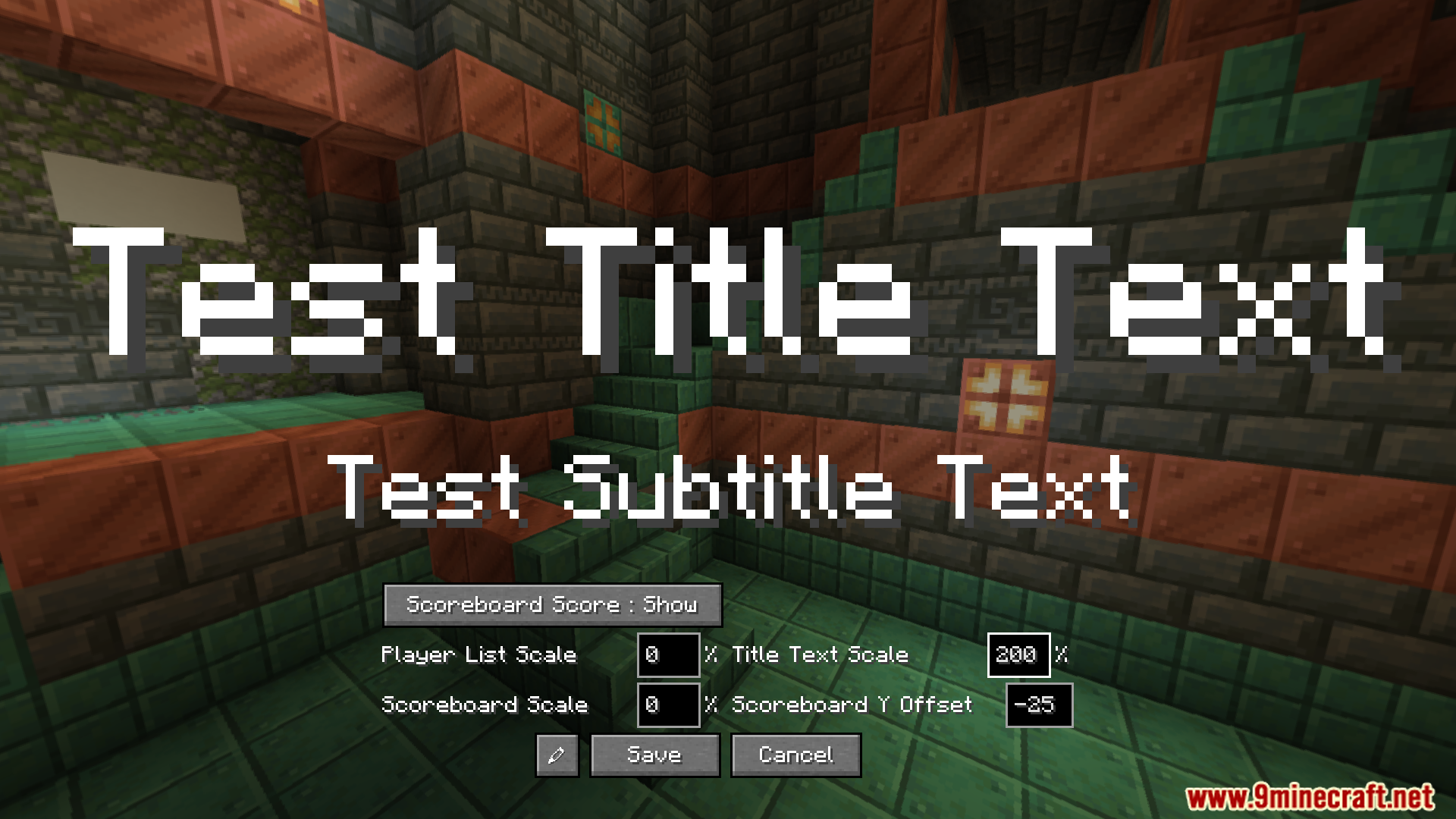
GUI Scale Splitter Mod lets you change the size of specific user interfaces on your screen. The mod gives you separate controls so you can adjust the scoreboard, tab list, and title scale independently.
Features:
- Adjust the scale of the scoreboard independently from other game elements.
- Customize the scale of the tab list separately to fit your screen preferences.
- Change the size of the title text on your screen with dedicated scale controls.
How to Use:
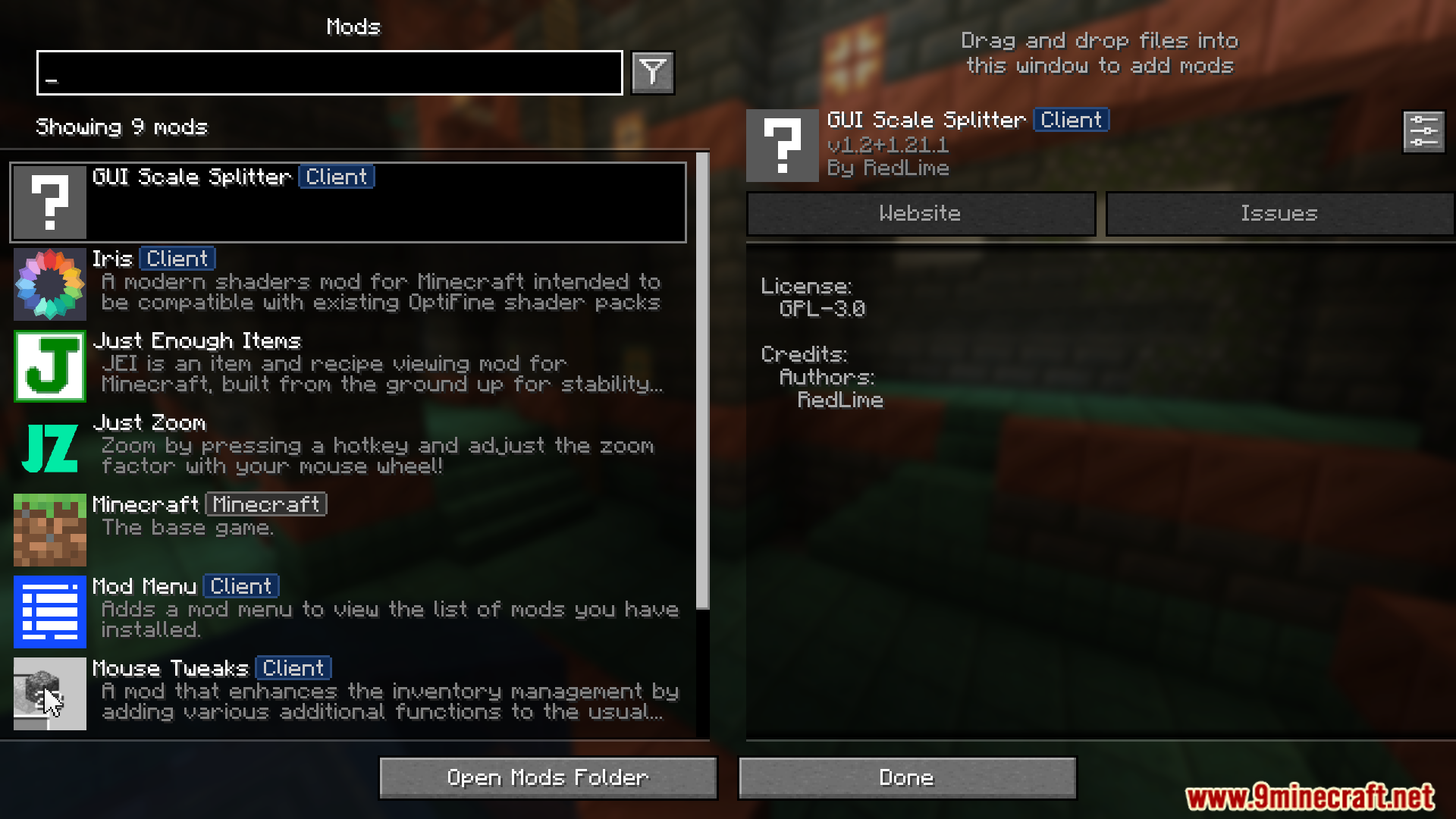
- Open the game menu and access Mod Menu.
- Click the mod setting button for GUI Scale Splitter Mod.
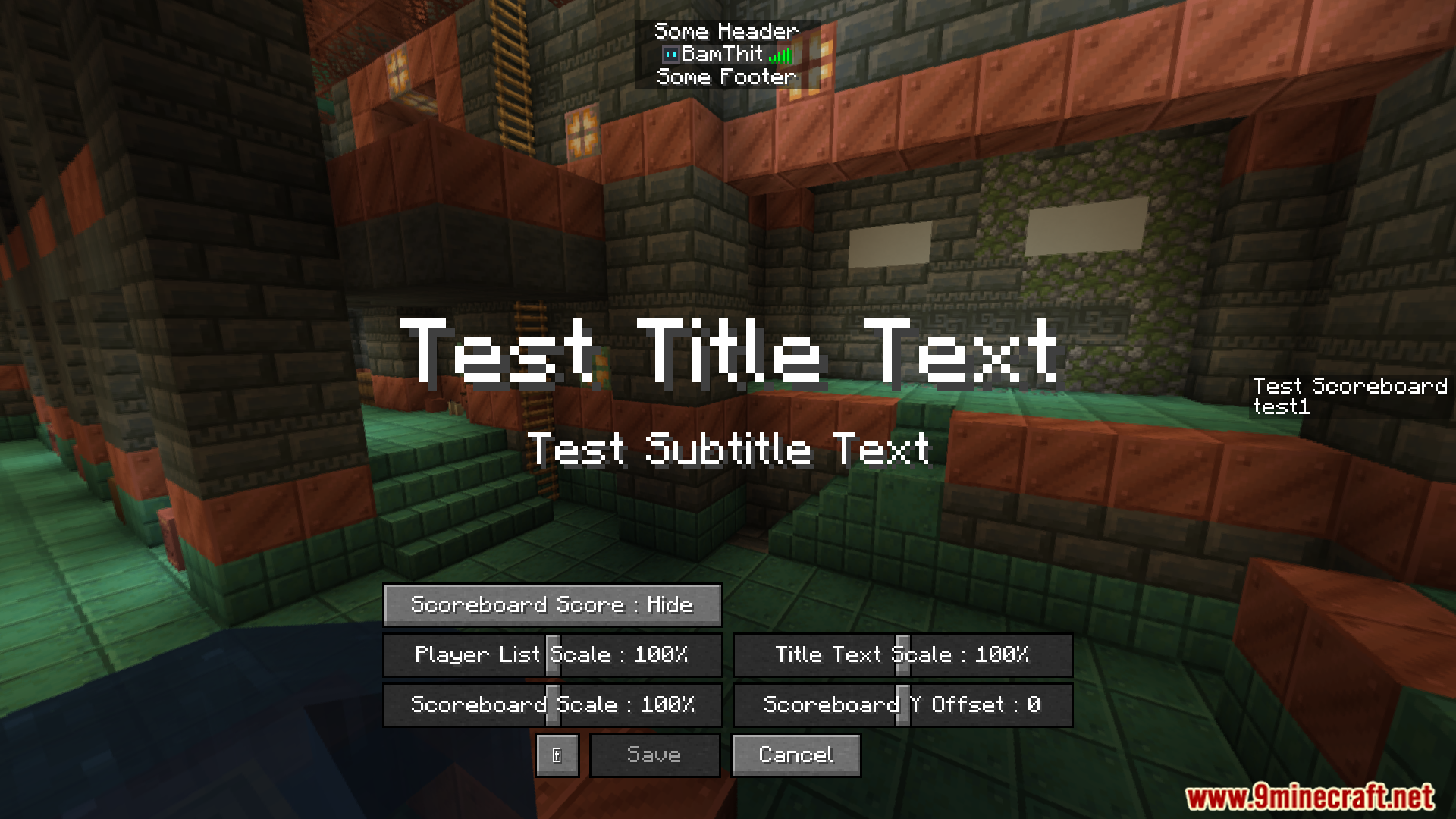
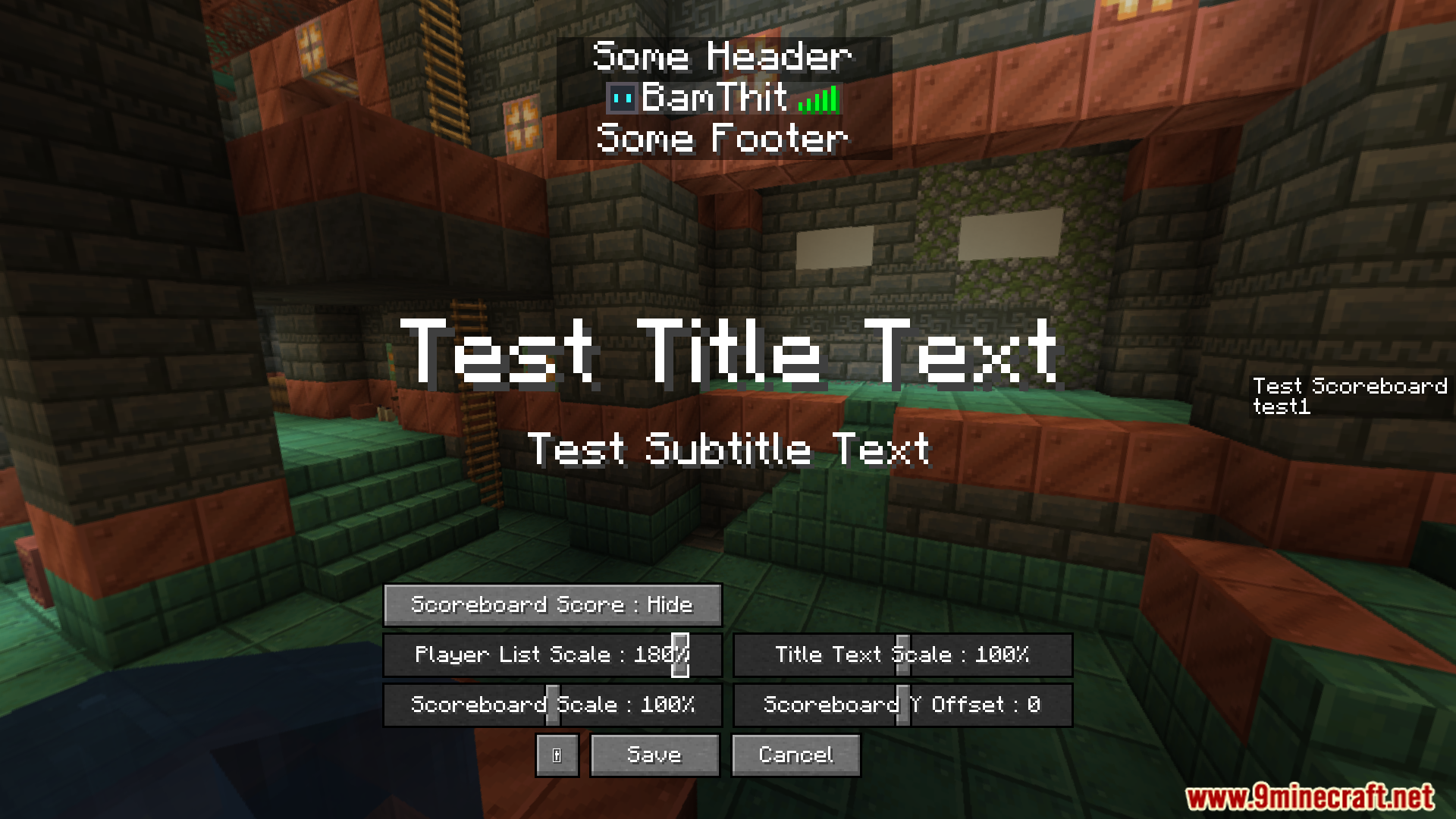
- Use the sliders on the scale settings screen to adjust your interface elements.
Screenshots:
How to Install:
New to Minecraft? Follow our step-by-step guide to install Mods on your PC.View Guide
Requirements:

GUI Scale Splitter Mod Download Links
For Minecraft 1.21.8, 1.21.7
Fabric/Quilt Version: Download from Server 1 – Download from Server 2
For Minecraft 1.21.8, 1.21.7, 1.21.6
Fabric/Quilt Version: Download from Server 1 – Download from Server 2
For Minecraft 1.21.4
Fabric Version: Download from Server 1 – Download from Server 2
For Minecraft 1.21.3, 1.21.2
Fabric Version: Download from Server 1 – Download from Server 2
For Minecraft 1.21.1, 1.21
Fabric/Quilt Version: Download from Server 1 – Download from Server 2
For Minecraft 1.20.6
Fabric/Quilt Version: Download from Server 1 – Download from Server 2
For Minecraft 1.20.4
Fabric/Quilt Version: Download from Server 1 – Download from Server 2
For Minecraft 1.20.1
Fabric/Quilt Version: Download from Server 1 – Download from Server 2
You May Also Like
Picked for this page
 Simple Discord Rich Presence Mod (26.3, 1.20.1) – Lightweight Discord Integration
 Bottle Your Xp Mod (26.3, 1.20.1) – Store Your Experience in Glass Bottles
 Better McDonald’s Mod (26.3, 1.20.1) – Food & Drink Additions
 Auto Attack Mod (26.3, 1.21.1) – Automatic Attack & Rotation
 Diggus Maximus Reborn Mod (26.3, 1.21.11) – Efficient Mining Made Simple
 Glass Carpet Mod (26.3, 1.20.1) – Carpet Glass & Tinted Glass Panes
 Accessible Step Mod (26.3, 1.20.1) – Walk Up Blocks
 Particle Animation Lib Mod (26.1.2, 1.20.1) – Library Mod To Create Cool Particle Effects With Ease
 Repairables Anvil Mod (26.3, 1.21.1) – Fix Broken Anvils
 Sodium Chinese Localization Mod (26.3, 1.20.1) – Sodium Translation
 Startup Time Mod (26.2, 1.20.1) – Track Load Times
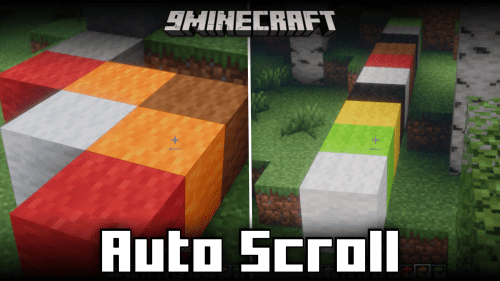 Auto Scroll Mod (1.21.11, 1.20.1) – Randomized Block Placement From Hotbar
Most viewed in Mods over the last 7 days
 Ala Industrial Mod (26.3) – Run Electric Power Grids and Automated Factories
 PleasureCraft Mod (26.3, 1.21.1) – Jenny Mod Remake for Fabric
 Jennycraft Mod (26.3, 1.20.1) – Virtual Girlfriend in Minecraft
 Fapcraft Mod (26.3, 1.12.2) – Comprehensive and Detailed Content
 Jenny Mod (Fapcraft) Official Complete Guide – How to use, Tutorial
 BangCraft Mod (1.20.1) – Jenny, Ellie and Elliot
 Fabric Loader (26.3, 1.20.1) – Fabric Installer for All Minecraft Versions
 Meteor Client Mod (26.3, 1.20.1) – Xray, HUD, Fly
 The Shooting Star Demo Mod (26.3, 1.20.1) – Vaporize Terrain From Orbit
 OptiFine HD (26.3, 1.20.1) – Run Faster, FPS Boost, Shaders Support
 Aristois Client Mod (1.21.4, 1.20.1) – World Class Minecraft Utility
 Prestige Client Mod (1.21.11, 1.21.4) – Powerful Ghost Features for Crystal & Sword PvP
More from Mods
 Alex’s Caves Continued Mod (26.3, 1.20.1) – Conquer Six Massive Underground
 Anvil Uses Mod (26.3, 1.20.1) – Track Item Anvil Usage
 Animal Info Mod (26.3, 1.21.11) – Quick Stats For Your Animals
 Timber Tales Dynamic Tree System Mod (26.3, 1.20.1) – Watch Entire Trees Topple
 Gabou’s Libs Mod (26.3, 1.20.1) – Keep Custom Weather and Survival Mods Stable
 /Sit Mod (26.3, 1.21.1) – Make The Player Sit Down
 Arcane Redstone Dial Mod (26.3, 1.20.1) – Trigger Commands and Shortcuts
 The Graveyard Mod (26.3, 1.20.1) – Cemeteries in Minecraft
 Enhanced Overlay Mod (26.3, 1.21.11) – Remove Screen Clutter
 Flint Mod (1.21.11) – Run DiamondFire Community Addons Without Crashing
 Not Just Sandwich Mod (26.3, 1.20.1) – Edibles, Sandwiches
 Waddles Mod (26.3, 1.20.1) – Make Icy Biomes Feel Alive

This post has no comments yet. Be the first — your comment will appear here.