
Shield Statuses Mod (26.3, 1.20.1) – Know When Shields Are Ready to Block

 0


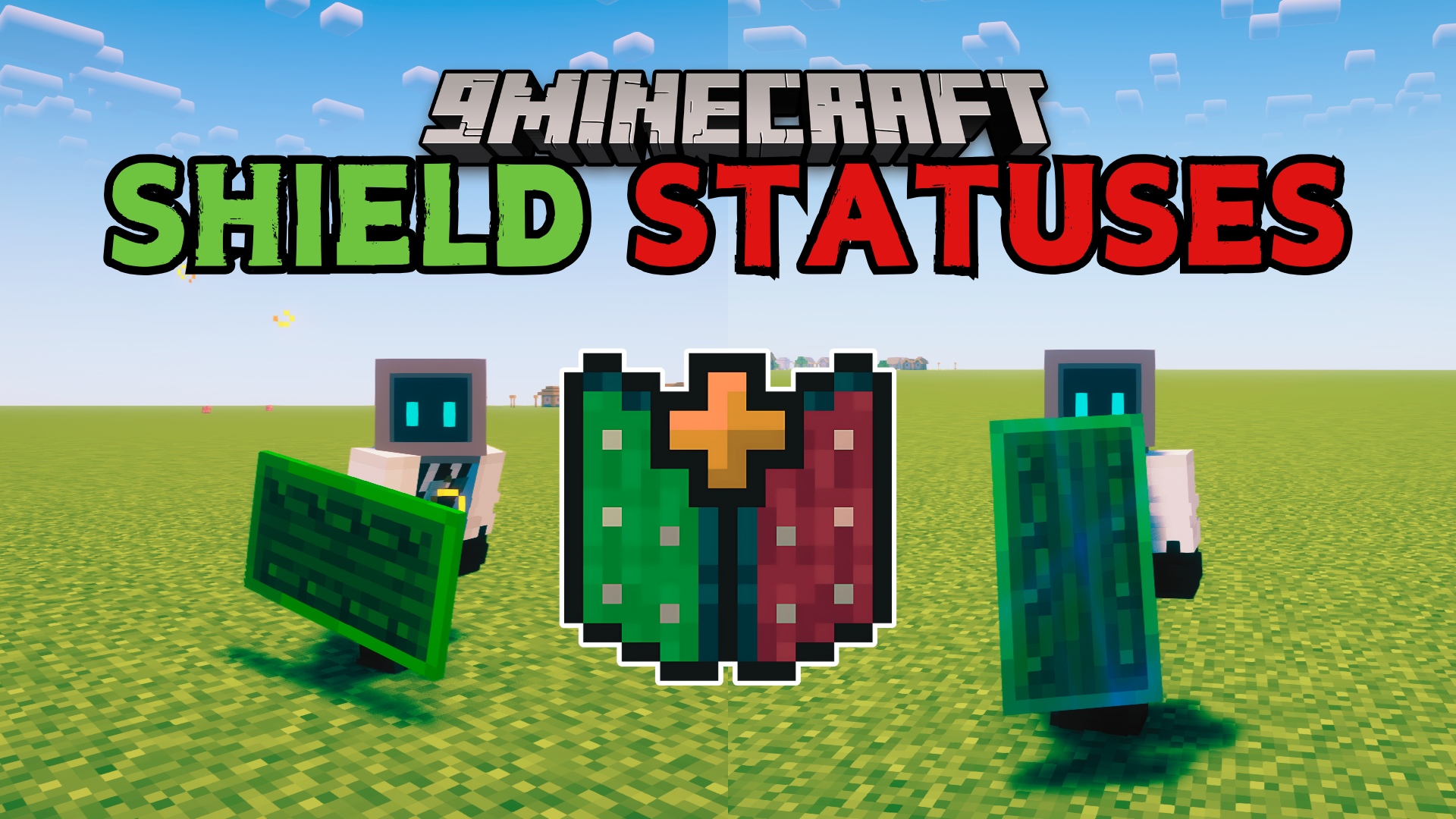
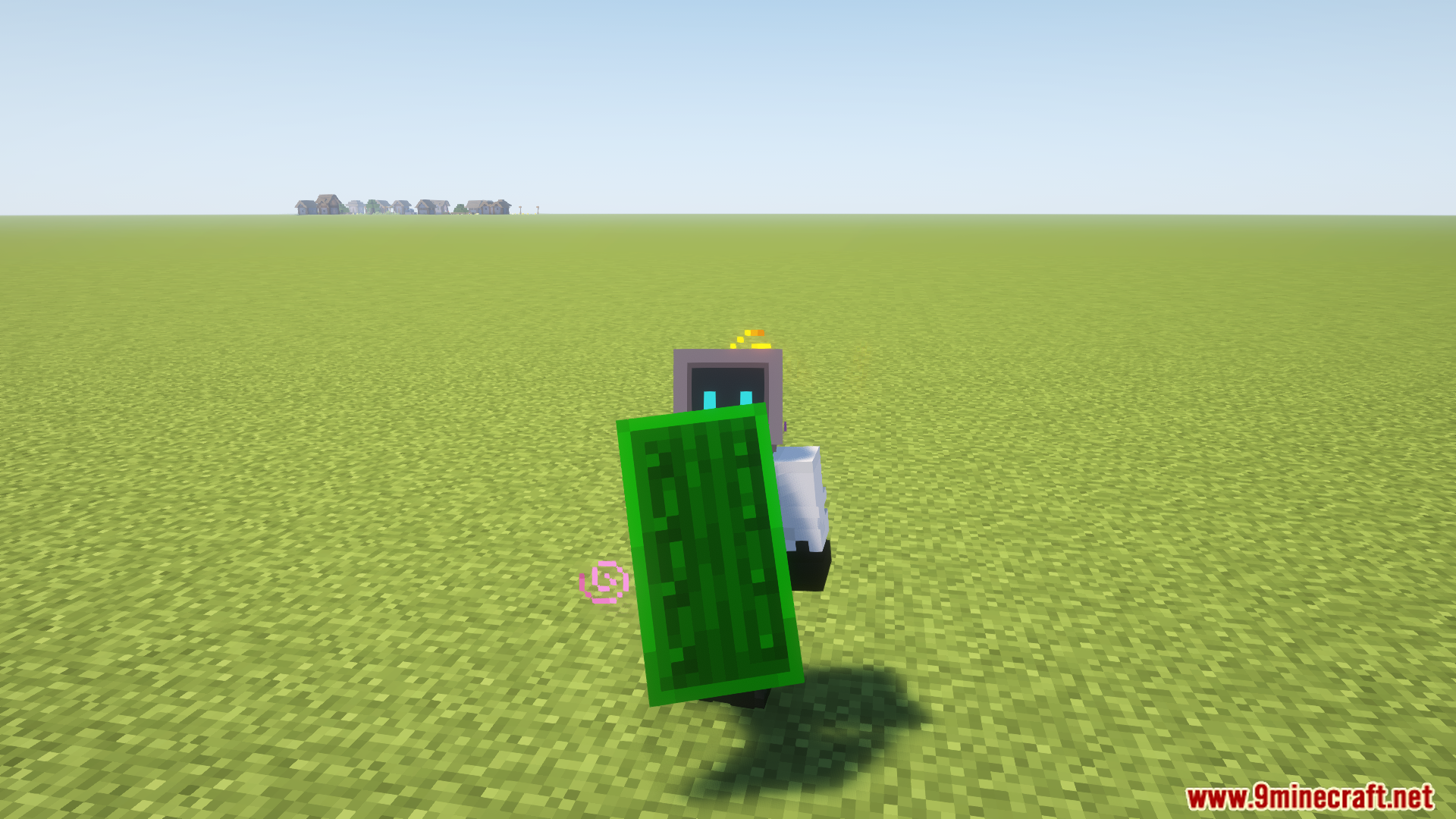
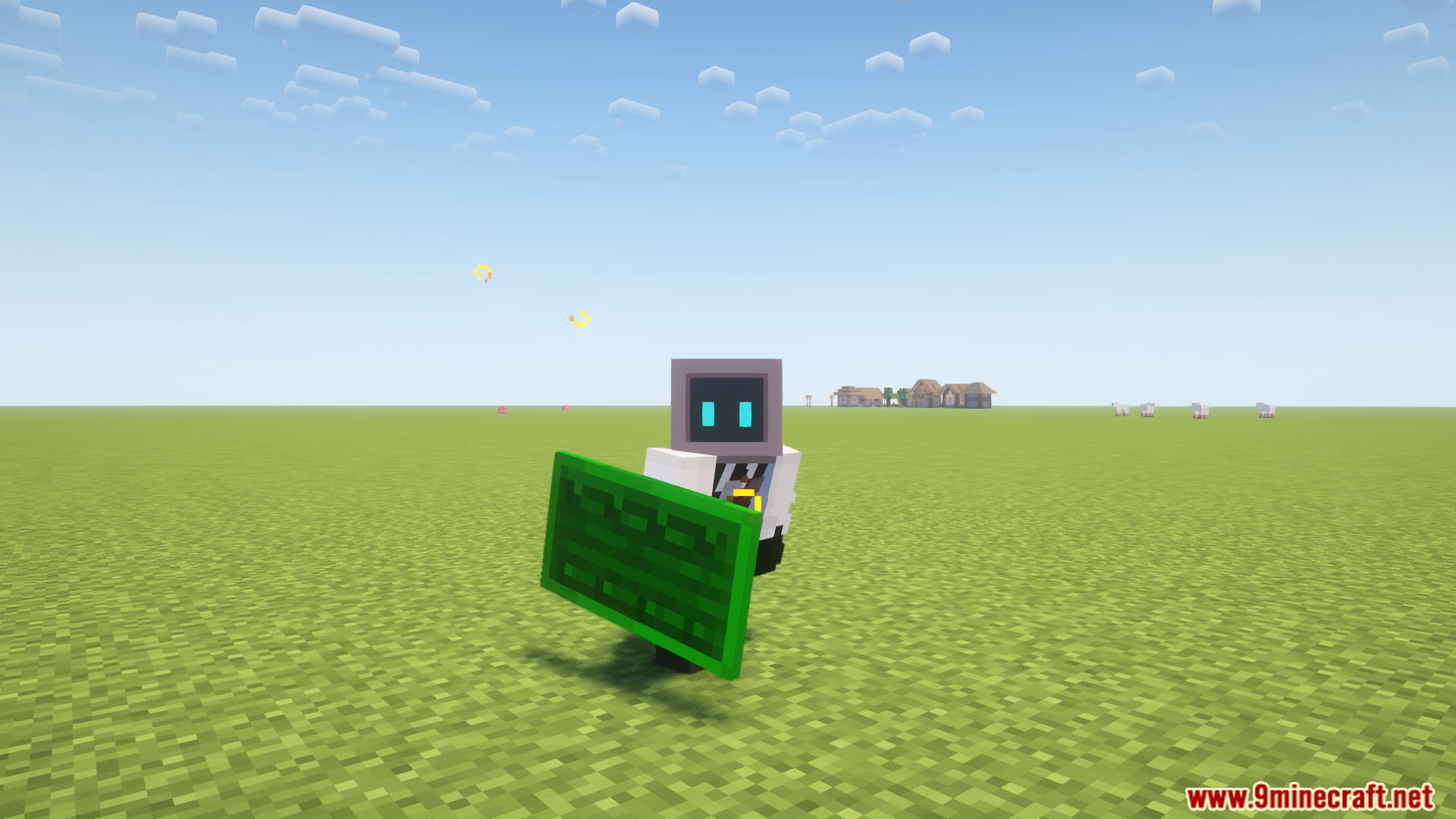
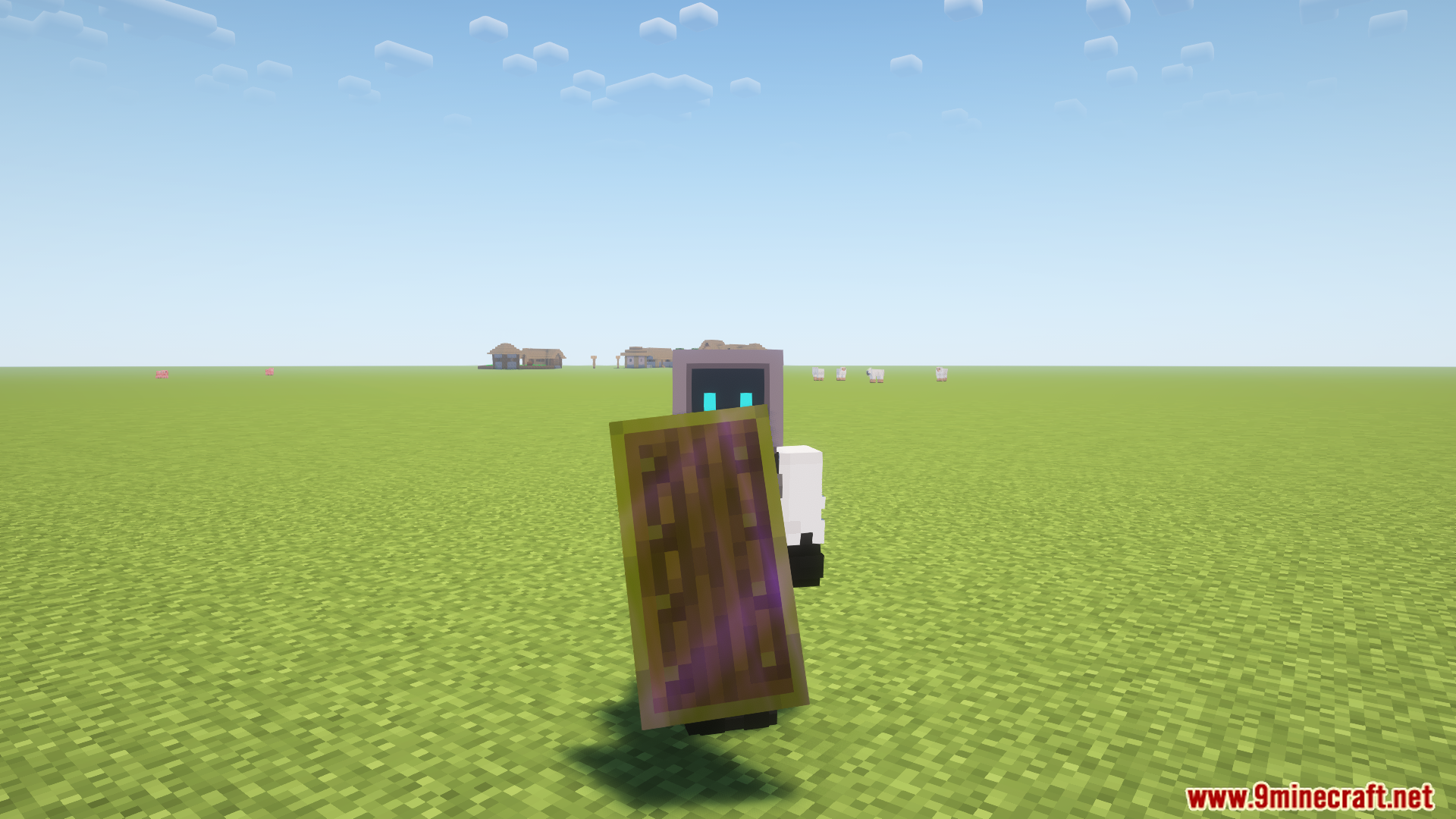
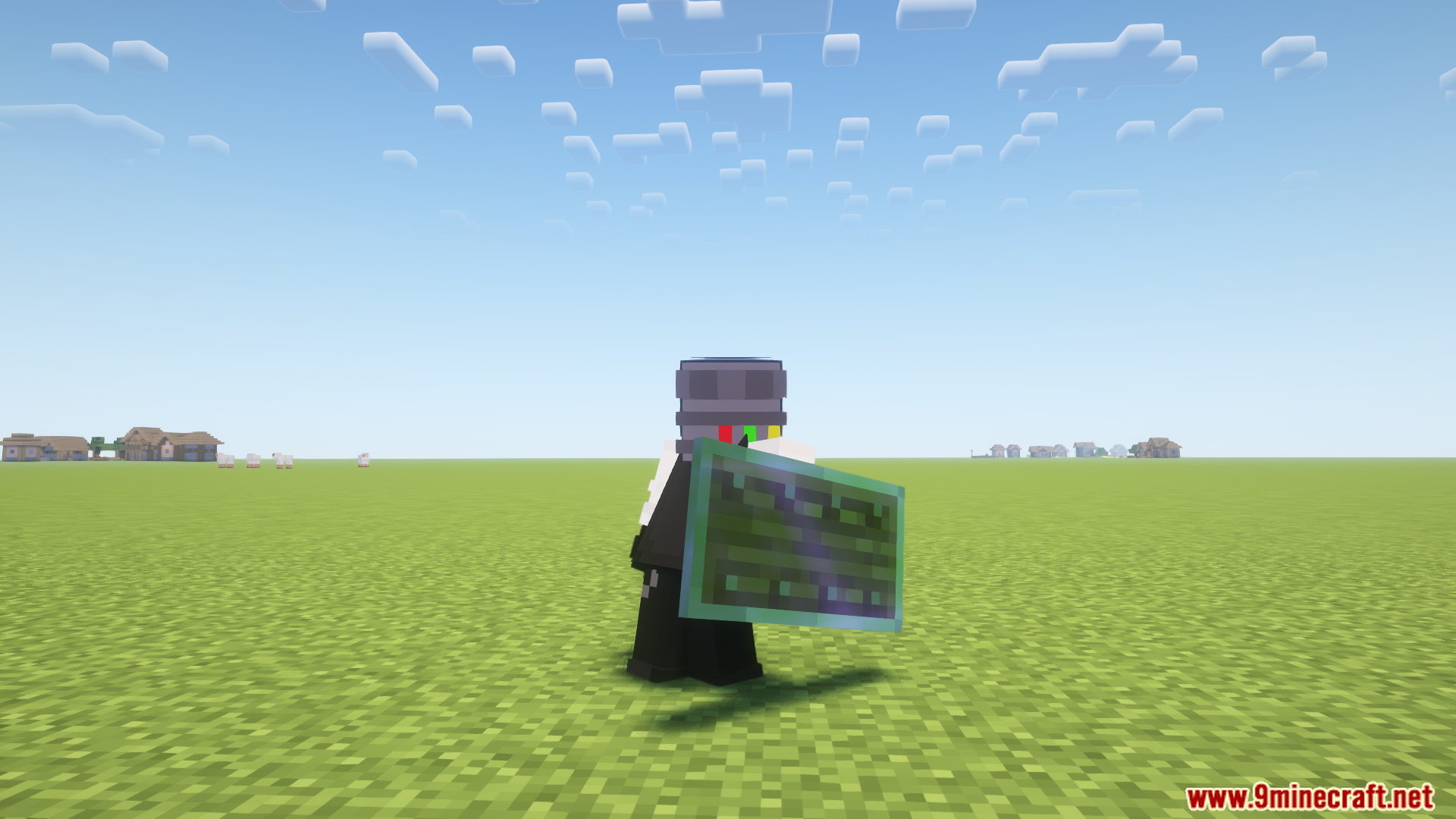
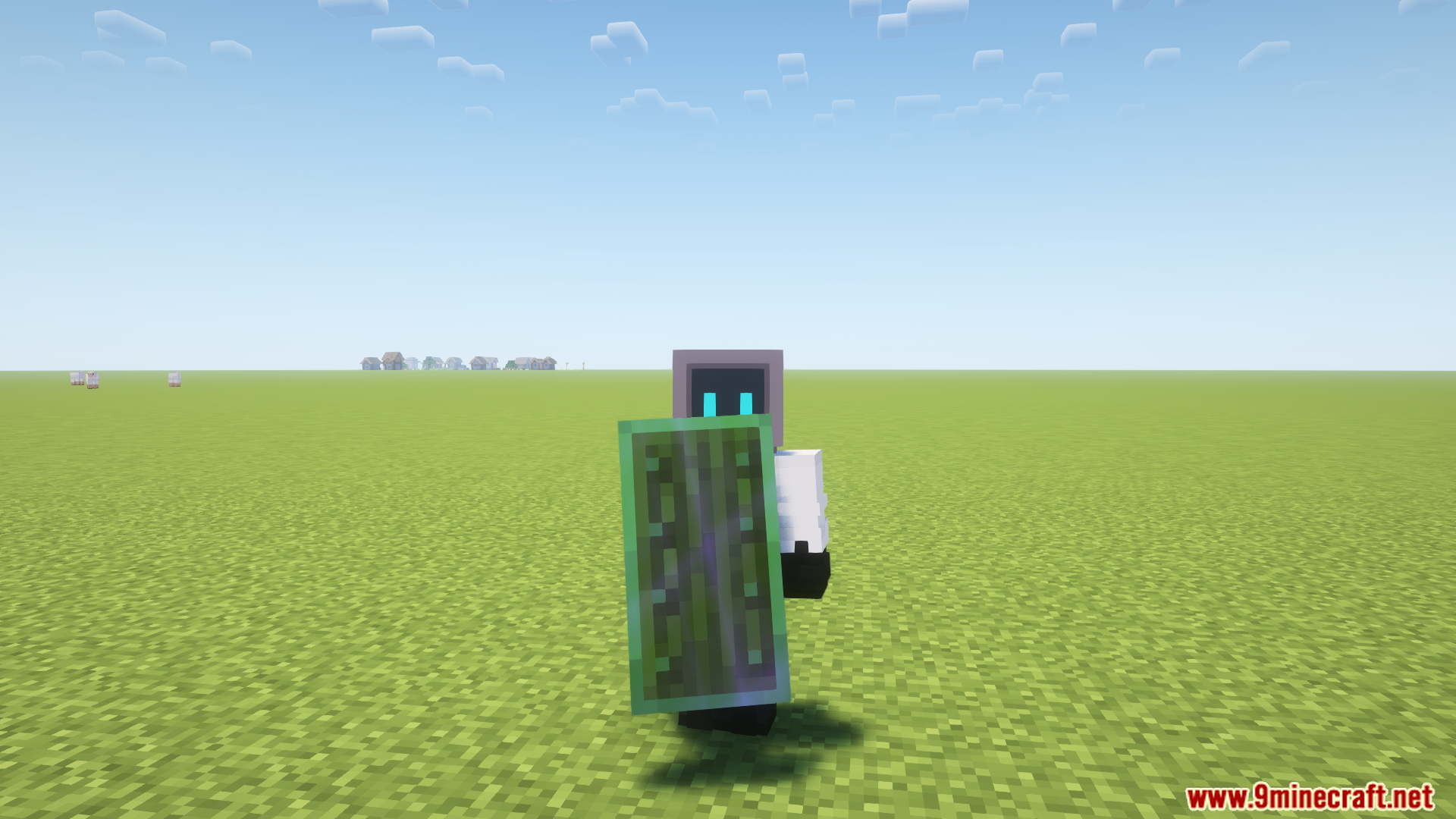
Shield Statuses Mod adds color overlays to player shields so you can tell right away if a shield is enabled or disabled. It lets you pick custom colors and switch between two solid colors or a smooth color fade to tell when a shield is ready again. You can also place any PNG, JPG, or animated GIF image on the banner area of every shield while the rim, handle, and back still show the status colors. This mod needs Mod Menu to open its config screen and supports server opt-out through WalksyLibControl so multiplayer servers can hide other players’ shield statuses.
Features:
- Adds color overlays to player shields so you can see whether each shield is enabled or disabled.
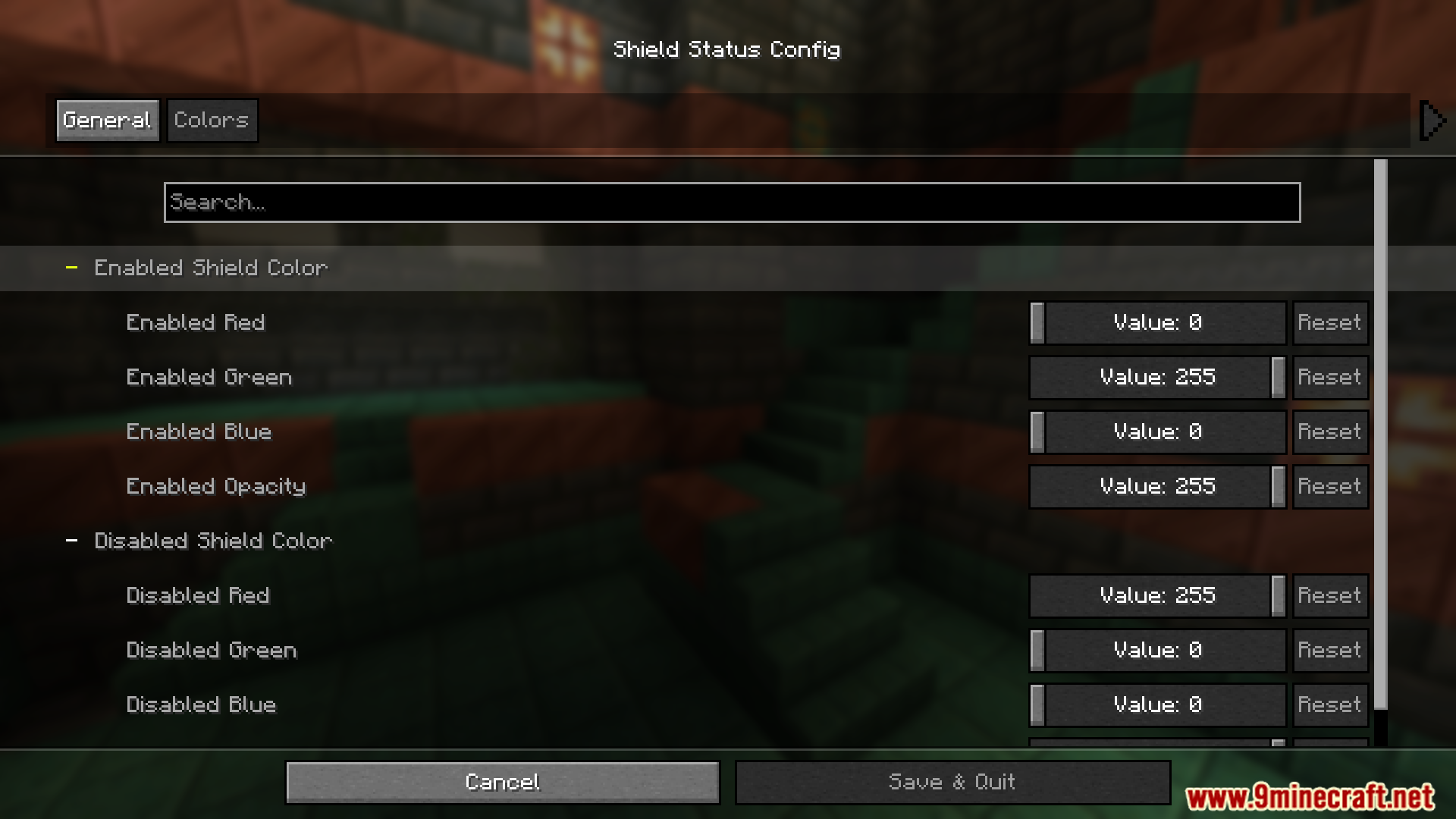
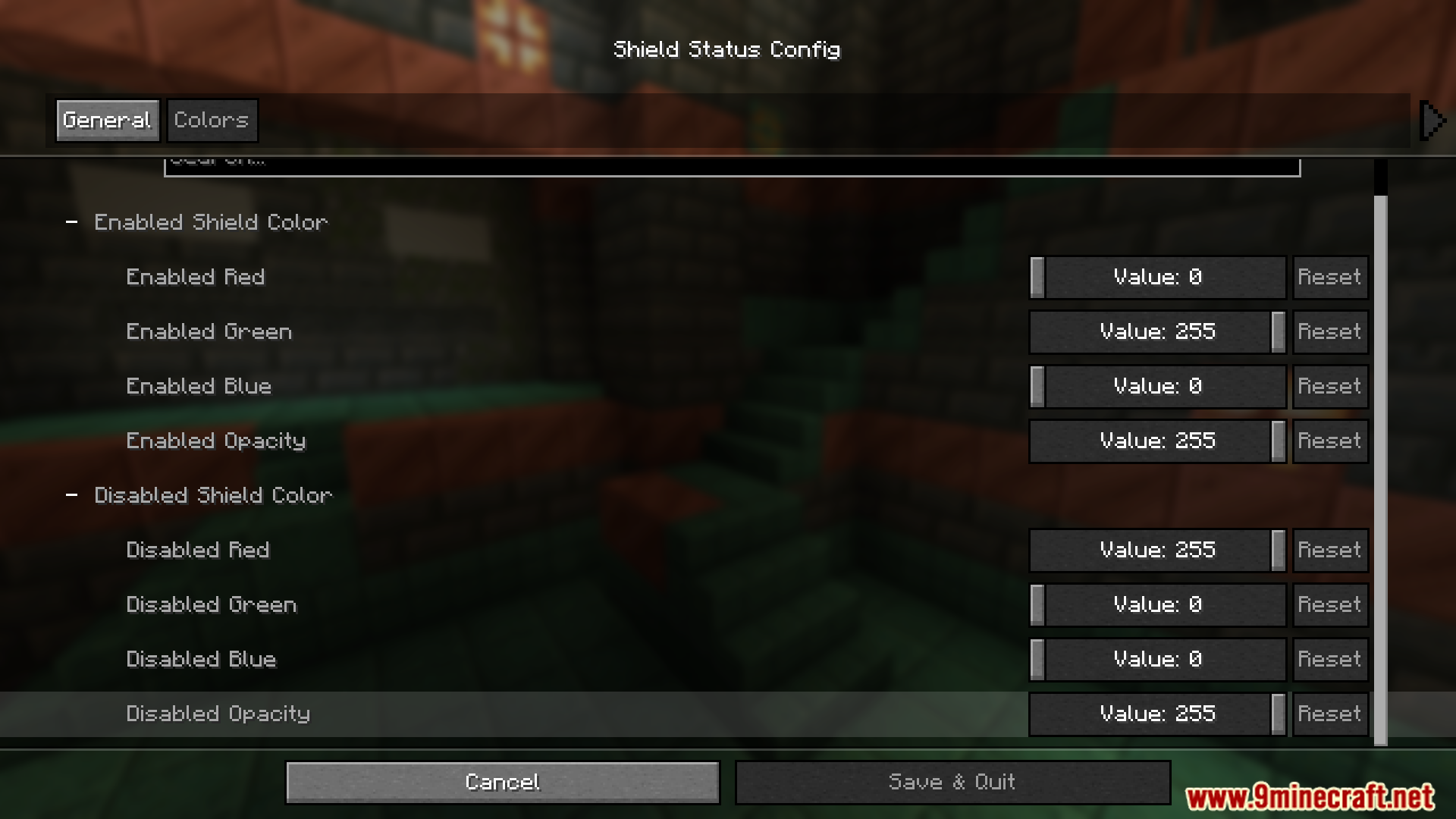
- Lets you pick custom colors for both enabled and disabled shield states inside the config screen when using Mod Menu.
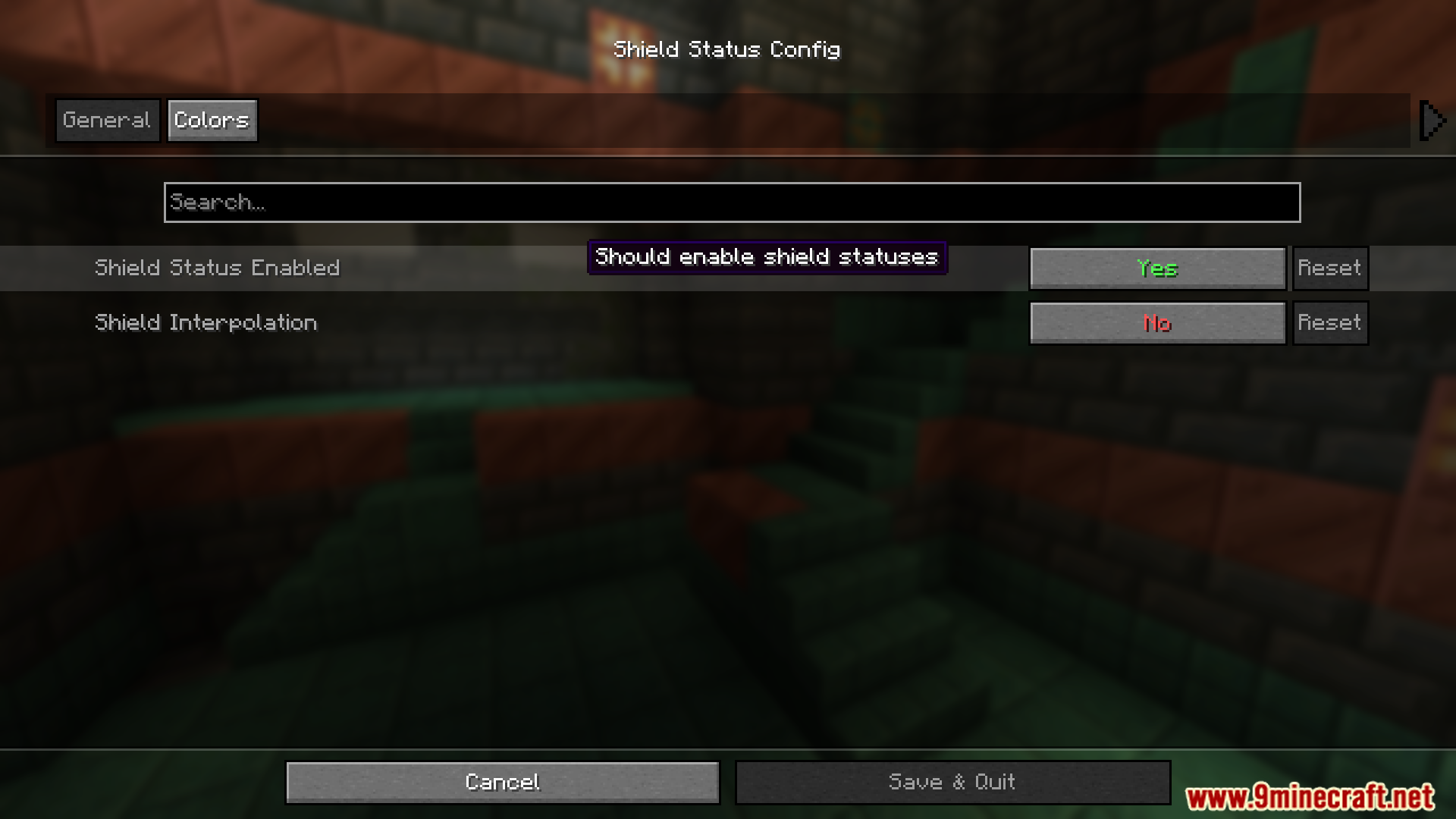
- Includes an interpolation option that switches between two solid colors or a gradual color transition from disabled to enabled, helping you guess when a shield is ready again.
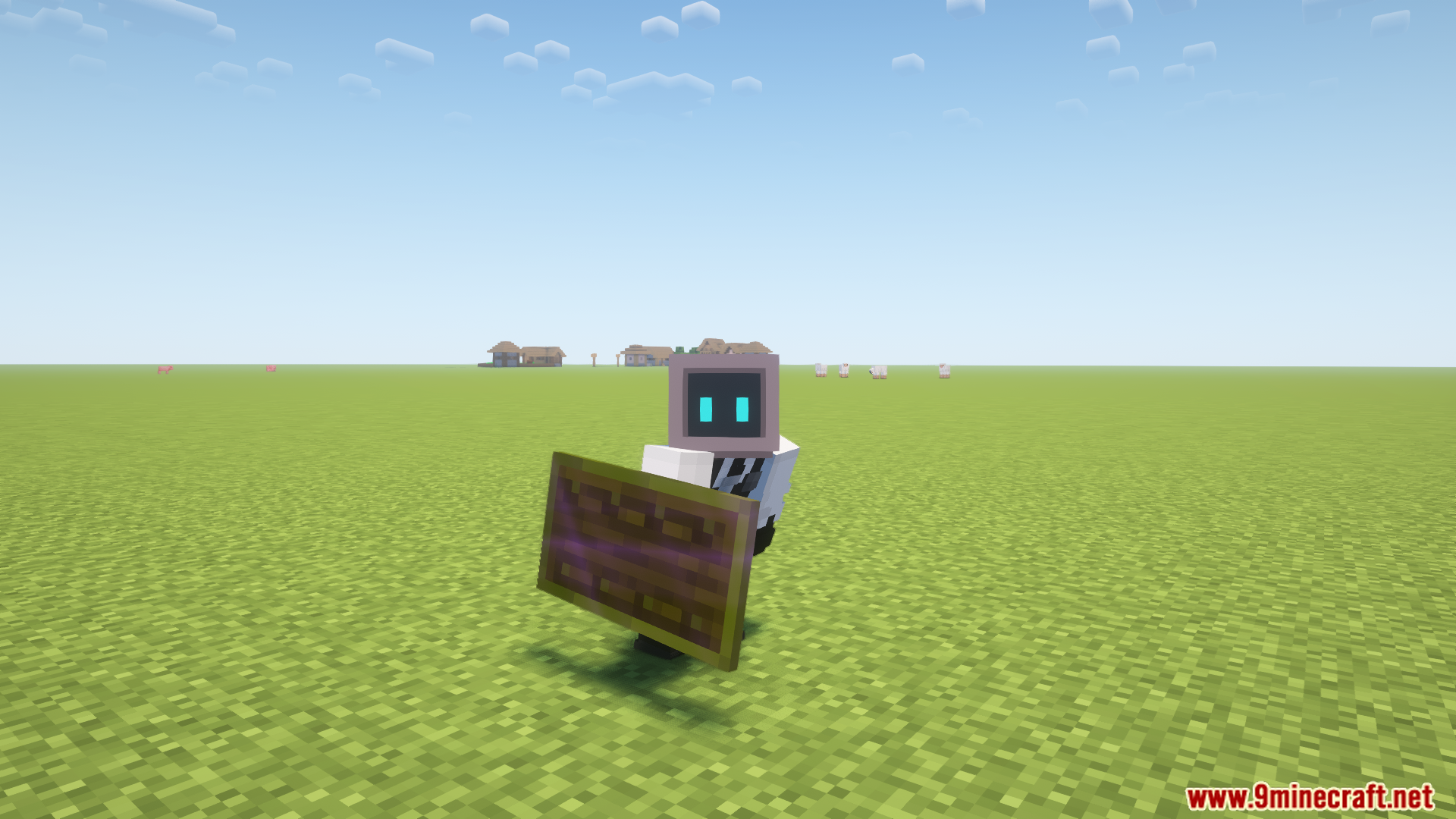
- Allows you to put any PNG, JPG, or animated GIF image on the banner area of every shield while keeping status colors visible on the rim, handle, and back.
- Supports a server opt-out option through WalksyLib and the WalksyLibControl plugin on Spigot, Paper, and Folia (1.20.5+), letting admins hide other players’ shield statuses while players still see their own; only the
other-player-shieldsoption can be turned off, since disablingshieldstatusas a whole has no effect.
Commands:
/wlcontrol disable shieldstatus other-player-shields: turns off other players’ shield status overlays on the server while players still see their own shield status./wlcontrol disablewithreason shieldstatus other-player-shields <reason>: turns off other players’ shield status overlays on the server and sends a custom reason message.
How to Use:
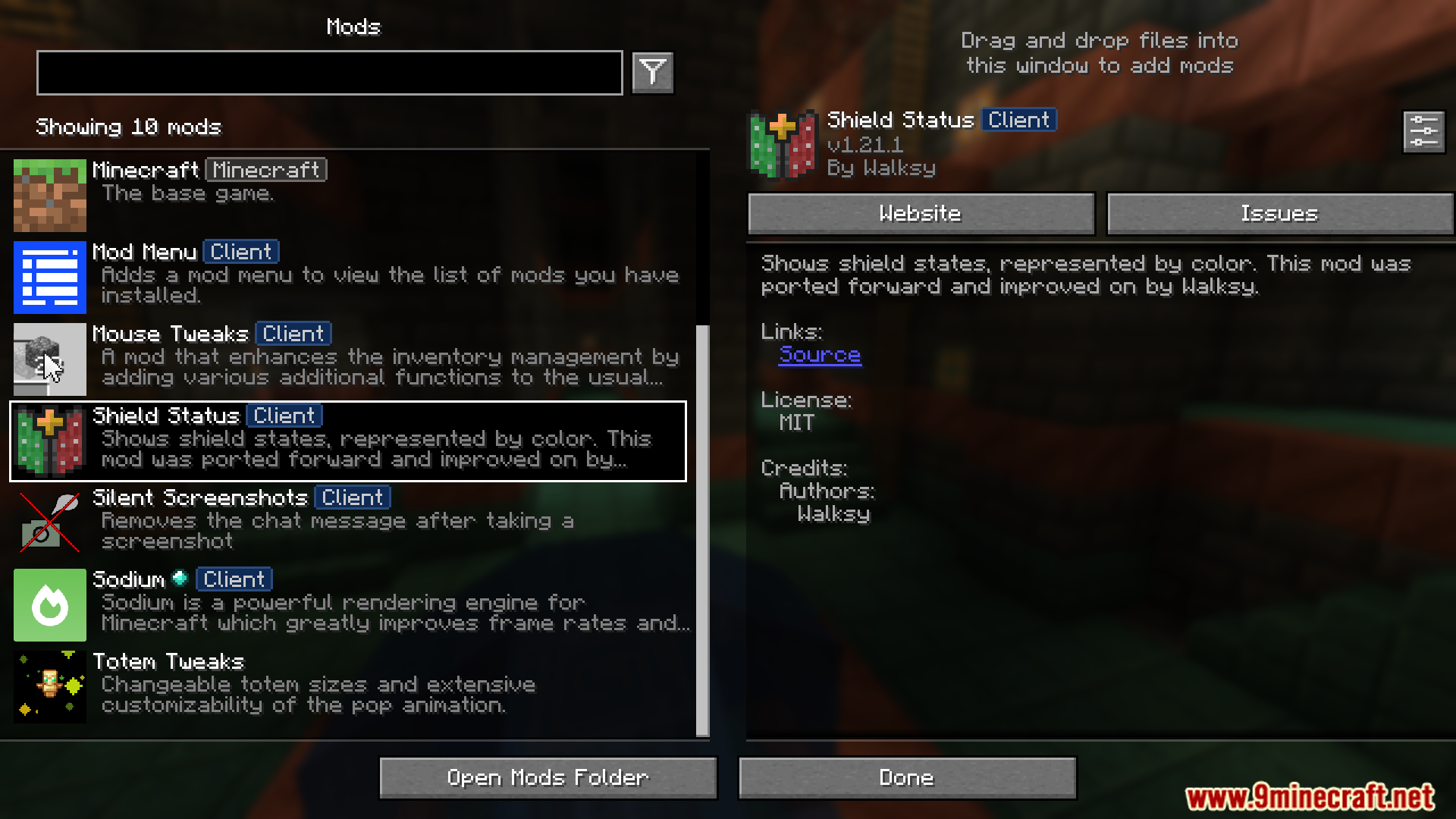
- Open the mod config screen through Mod Menu (required to open the settings) to choose your own enabled and disabled shield colors.
- Turn the interpolation option on in the settings to make the disabled color fade smoothly into the enabled color as a shield recharges, or turn it off to show two solid colors instead.
- Add any PNG, JPG, or animated GIF image to place it on the banner area of every shield; the rim, handle, and back still show the shield status colors.
- For multiplayer servers on Spigot, Paper, or Folia (1.20.5+), install the WalksyLibControl plugin and run
/wlcontrol disable shieldstatus other-player-shieldsor/wlcontrol disablewithreason shieldstatus other-player-shields <reason>to hide other players’ shield statuses while keeping each player’s own status visible.
Screenshots:
How to Install:
New to Minecraft? Follow our step-by-step guide to install Mods on your PC.View Guide
Requirements:
 Fabric Loader Required
 Fabric API Required
 Cloth Config API Required
 Mod Menu Mod Required
 WalksyLib Mod Required
YetAnotherConfigLib (YACL) Required
Shield Statuses Mod Download Links
For Minecraft 26.3
For Minecraft 26.2
For Minecraft 26.1.2, 26.1.1, 26.1
For Minecraft 1.21.11
For Minecraft 1.21.10, 1.21.9
For Minecraft 1.21.8, 1.21.7, 1.21.6
For Minecraft 1.21.5
For Minecraft 1.21.4
For Minecraft 1.21.1, 1.21
For Minecraft 1.20.6
For Minecraft 1.20.4
For Minecraft 1.20.2
For Minecraft 1.20.1
For Minecraft 1.19.4
For Minecraft 1.19.2
Click to rate this post!
[Total: 20 Average: 2.6]
You May Also Like
Picked for this page
 Allomancy Mod (26.3, 1.20.1) – New and Improved Mistborn
 Supplementaries Mod (1.21.1, 1.20.1) – A Plethora of New Blocks, Decorative
 Combat Hitboxes Mod (26.3, 1.20.1) – Enhance Debug Hitboxes
 Bigger Sponge Absorption Radius Mod (26.3, 1.20.1) – Expanded Absorption Radius
 Diagonal Windows Mod (26.3, 1.20.1) – Place Glass Panes Diagonally with Ease
 Wormhole Portals Mod (26.3, 1.20.1) – Interdimensional Portals of Any Size, Shape and Color
 Crosshair Tweaks Mod (26.3, 1.20.1) – Tweak Crosshair Properties
 Streamotes Mod (26.3, 1.20.1) – Integrates Animated and Zero-width Emotes
 Dye All The Things Mod (26.3, 1.20.1) – Ultimate Armor Dyeing Mod
 Collision Fix Mod (26.2, 1.20.1) – Removes Client-side Collision Checks
 Berezka Library Mod (26.3, 1.20.1) – Library That Has Loot Tables For Berezkas Mods
 Shut Up Dead Entities Mod (26.2, 1.20.1) – Cancels Mob Sounds
Most viewed in Mods over the last 7 days
 Ala Industrial Mod (26.3) – Run Electric Power Grids and Automated Factories
 PleasureCraft Mod (26.3, 1.21.1) – Jenny Mod Remake for Fabric
 Jennycraft Mod (26.3, 1.20.1) – Virtual Girlfriend in Minecraft
 Fapcraft Mod (26.3, 1.12.2) – Comprehensive and Detailed Content
 Jenny Mod (Fapcraft) Official Complete Guide – How to use, Tutorial
 BangCraft Mod (1.20.1) – Jenny, Ellie and Elliot
- Fabric Loader (26.3, 1.20.1) – Fabric Installer for All Minecraft Versions
 The Shooting Star Demo Mod (26.3, 1.20.1) – Vaporize Terrain From Orbit
 Meteor Client Mod (26.3, 1.20.1) – Xray, HUD, Fly
 OptiFine HD (26.3, 1.20.1) – Run Faster, FPS Boost, Shaders Support
 Aristois Client Mod (1.21.4, 1.20.1) – World Class Minecraft Utility
 Prestige Client Mod (1.21.11, 1.21.4) – Powerful Ghost Features for Crystal & Sword PvP
More from Mods
 Tre’s Tack Library Mod (1.20.1) – Outfit Your Horses with Fully Detailed Tack
 YDM’s coreX Library Mod (1.20.1) – Loot RPG Gear with Random Names
 Gunpowder Recipe Mod (26.3, 1.20.1) – Gunpowder is Craftable
 Villager Timetable Mod (26.3, 1.20.1) – Master Villager Schedules
 Artemis Laboratory Blocks Mod (26.3, 1.20.1) – Lab Blocks And Dynamic Decorations
 Fabric ORM Jimmer Mod (26.3, 1.20.1) – Prevent Sudden Server Crashes
 Cafe Core Mod (26.2, 1.21.1) – Bypass Anvil Limits and Tame Pets in Seconds
 GTNH’s Forgelin Mod (1.7.10) – Play Kotlin-Powered Mods on Minecraft 1.7.10
 Nodeflow Mod (26.1.2, 1.21.1) – Wire Custom Redstone Logic on Visual Graph
 Winter Client Mod (1.21.11) – Survive Ruthless PvP on Anarchy Servers
 LARP Client Mod (1.21.11) – Dominate Crystal PvP on Anarchy Servers
 Berlin Client Mod (1.21.11) – Hunt Stashes and Win Crystal Fights

This post has no comments yet. Be the first — your comment will appear here.