
Thorough Keybindings Mod (26.3, 1.20.1) – Take Complete Control Over Every

 0


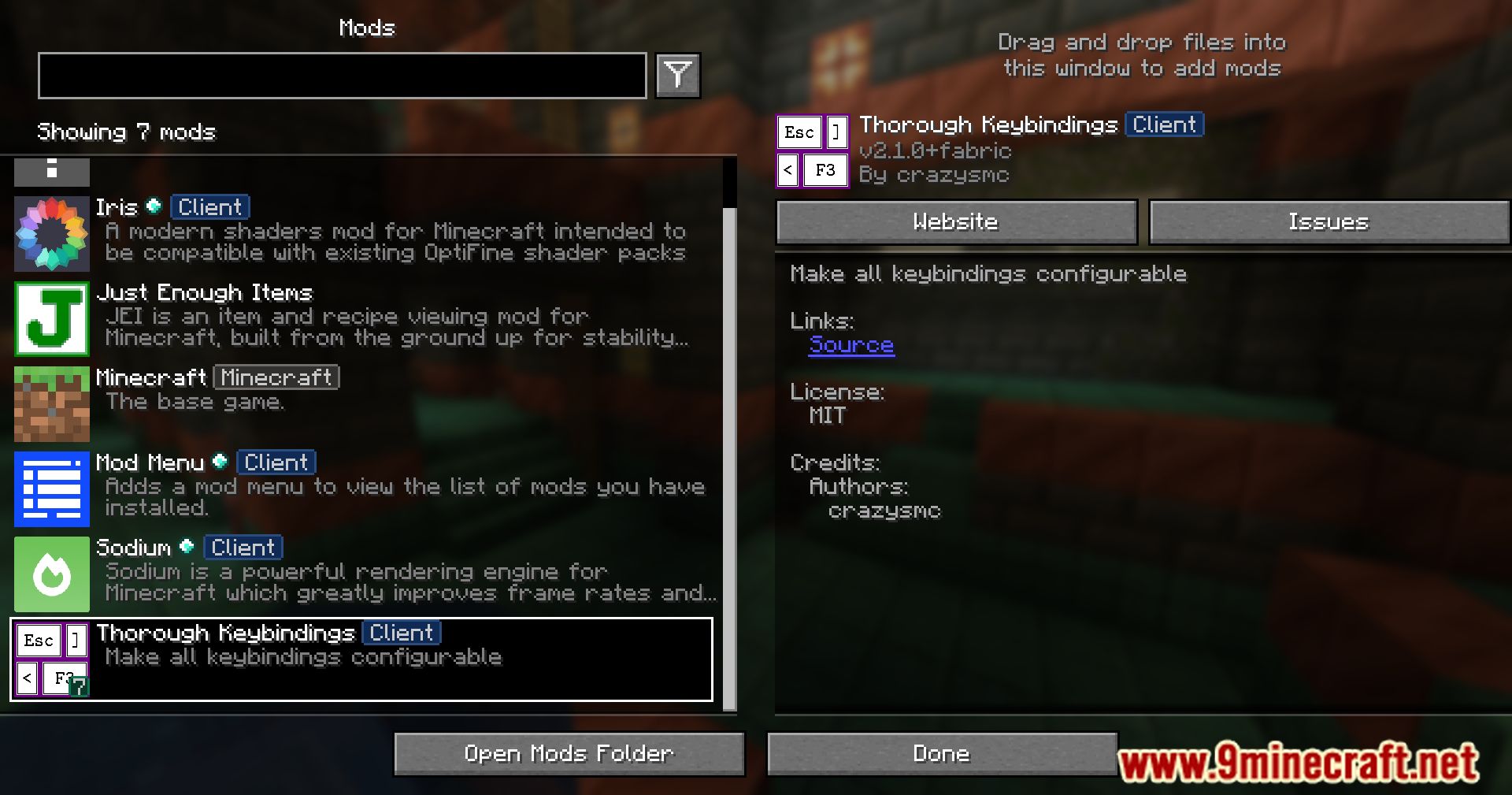
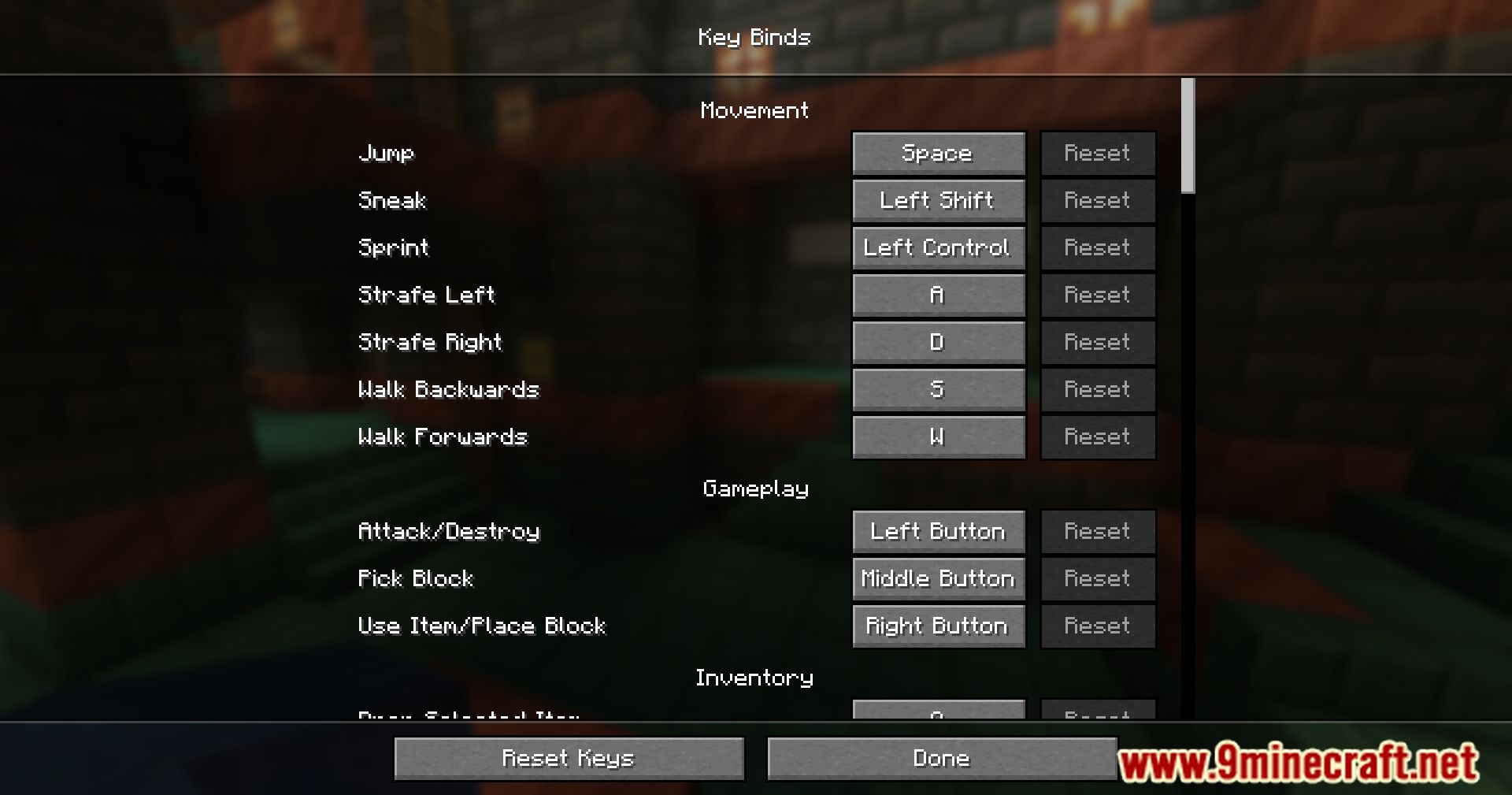
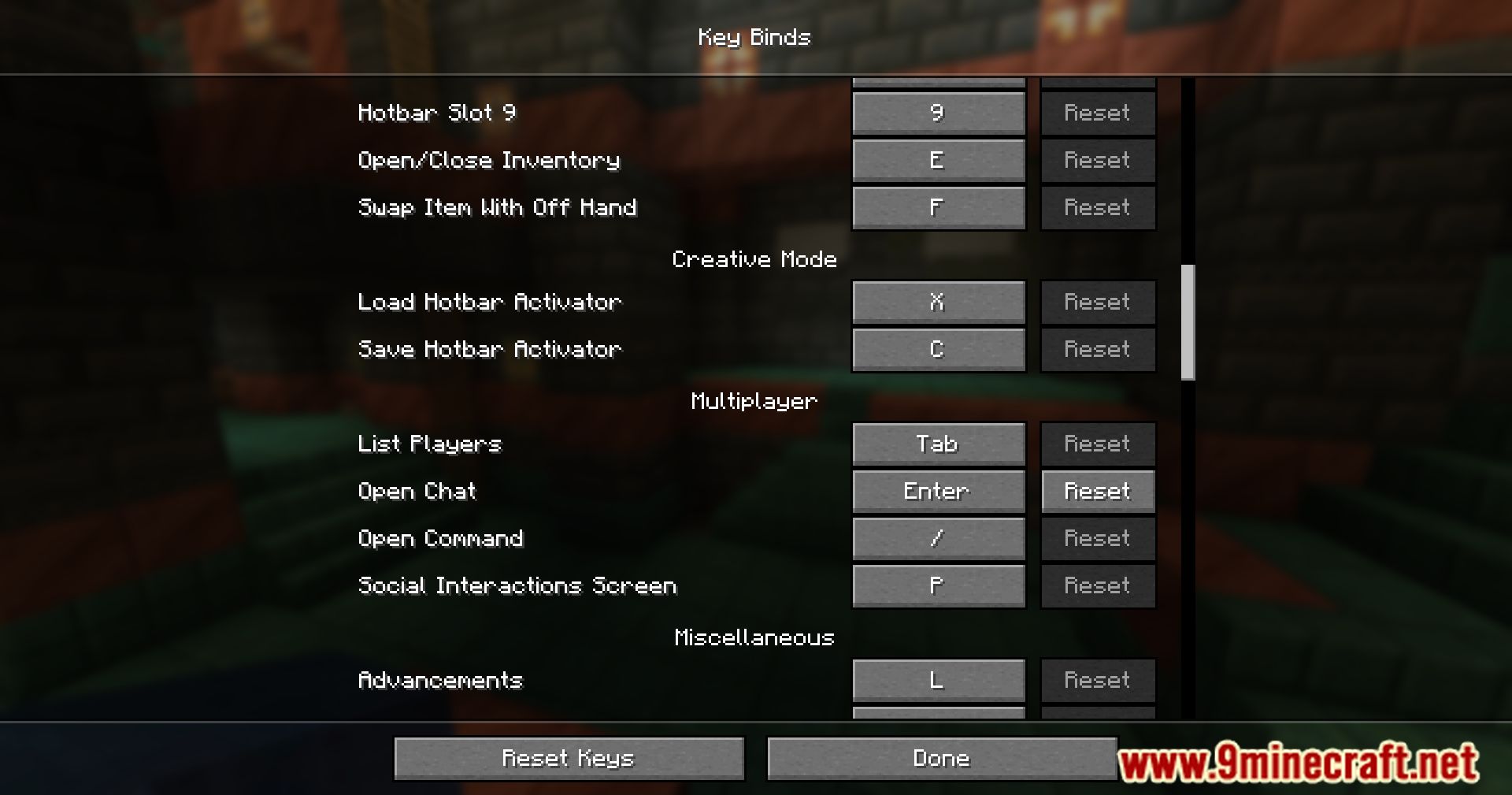
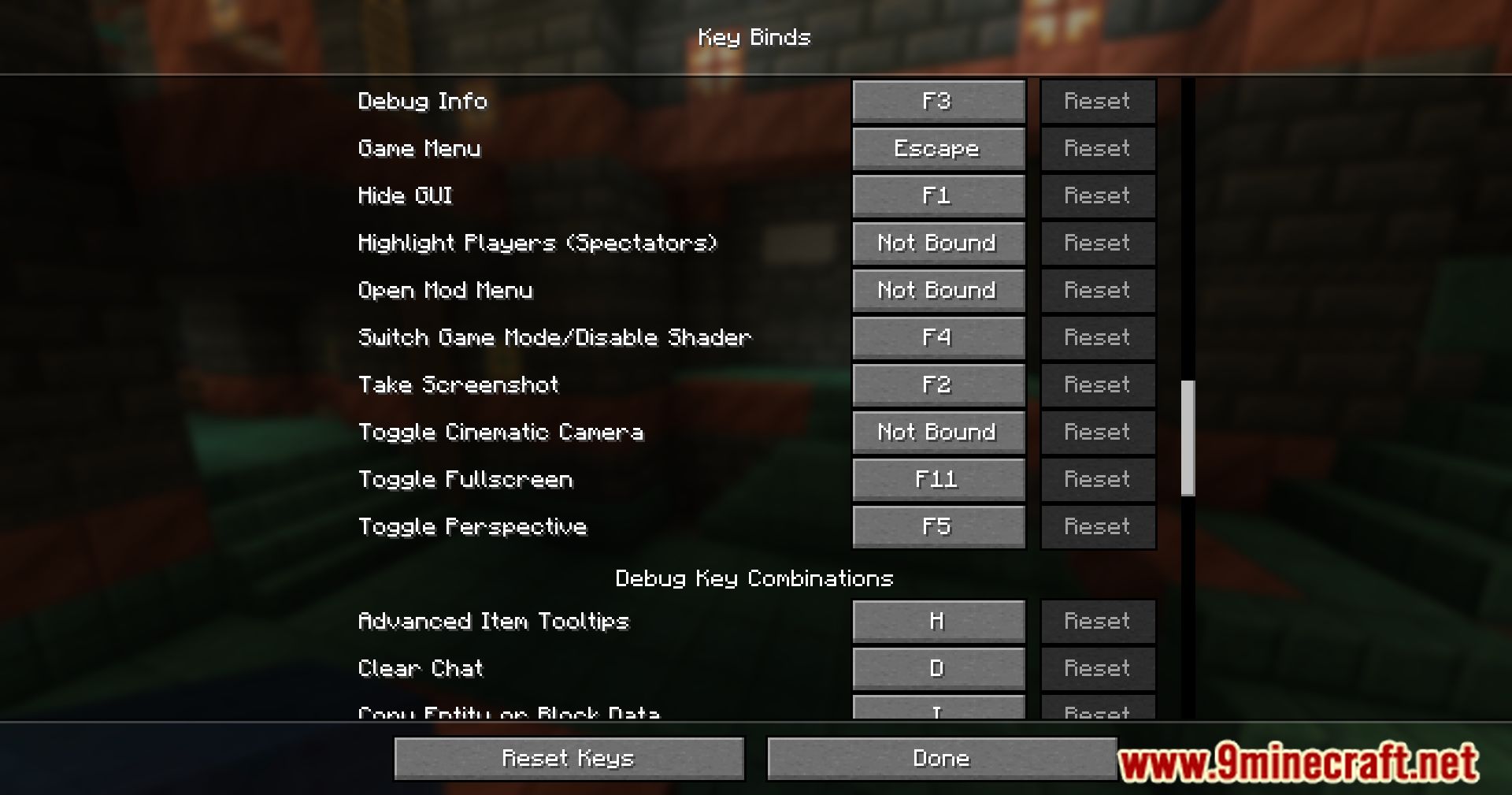
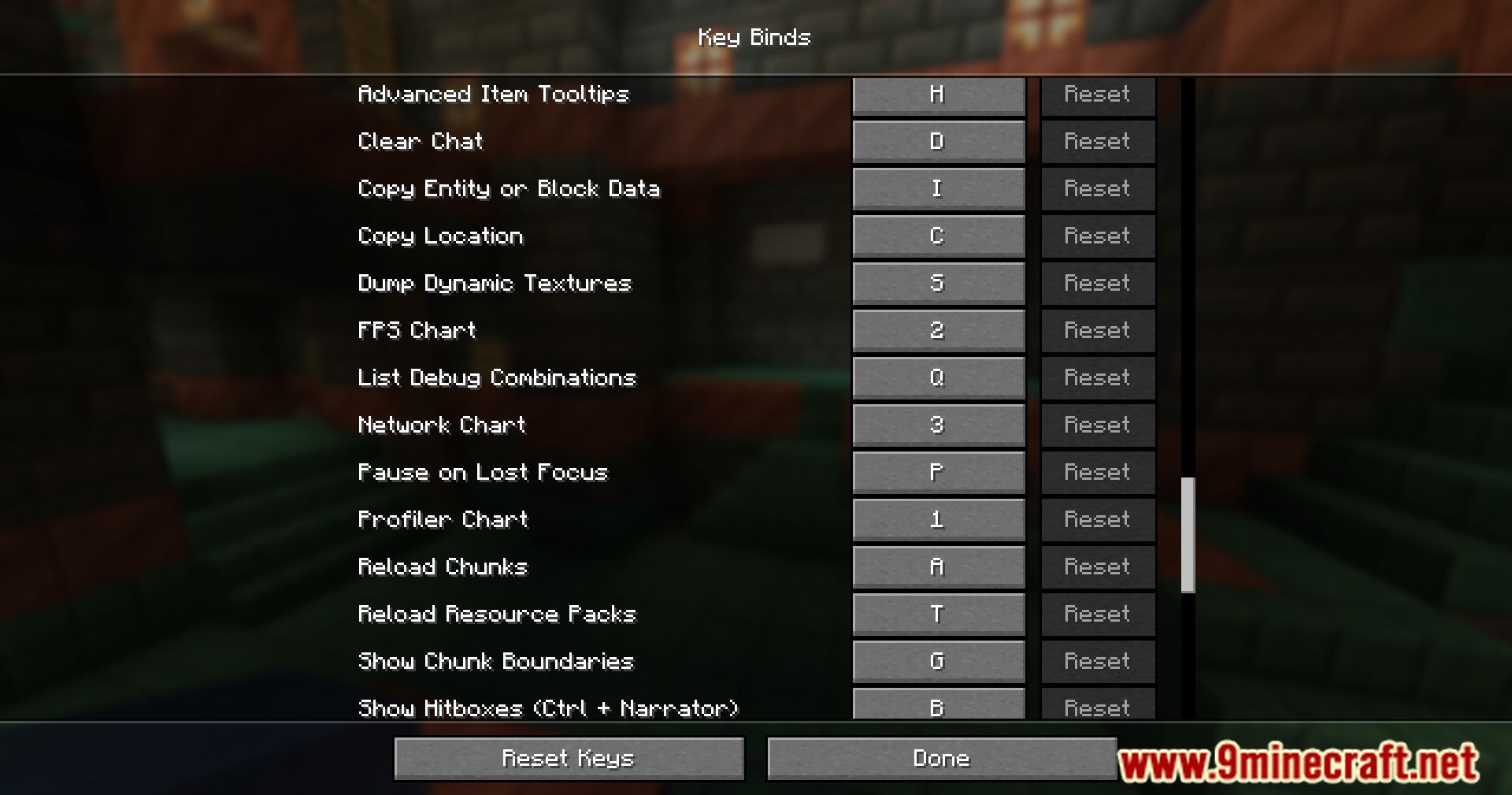
Thorough Keybindings Mod lets you change all keybindings in the game, including hardcoded mappings. It allows you to rebind keys like F3 for the debug menu or Esc for the game menu. The mod runs entirely on the client side and supports many Minecraft versions.
Features:
- Full Key Rebinding: Lets you change usually fixed keys like F3 and Esc directly in the game controls.
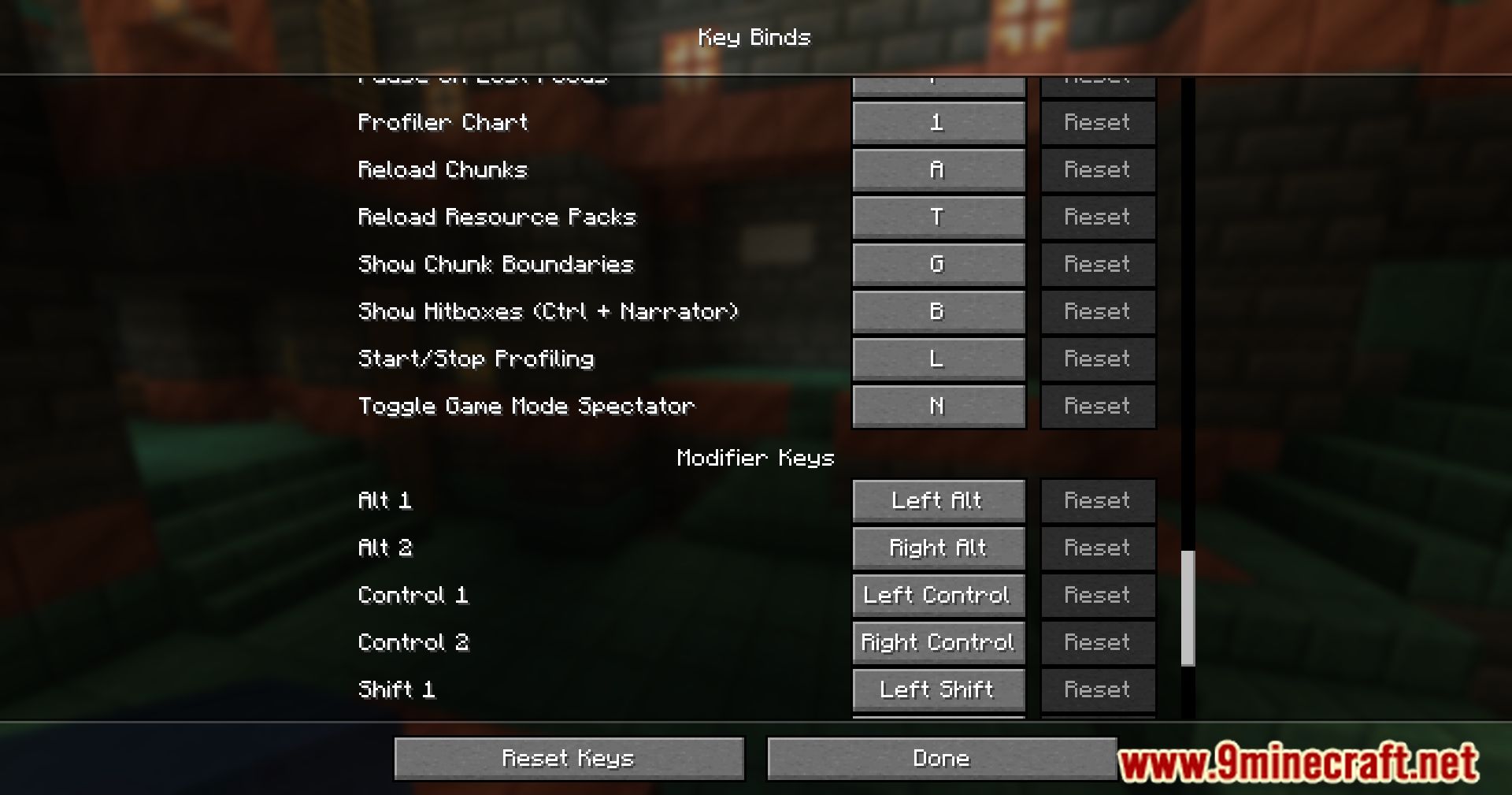
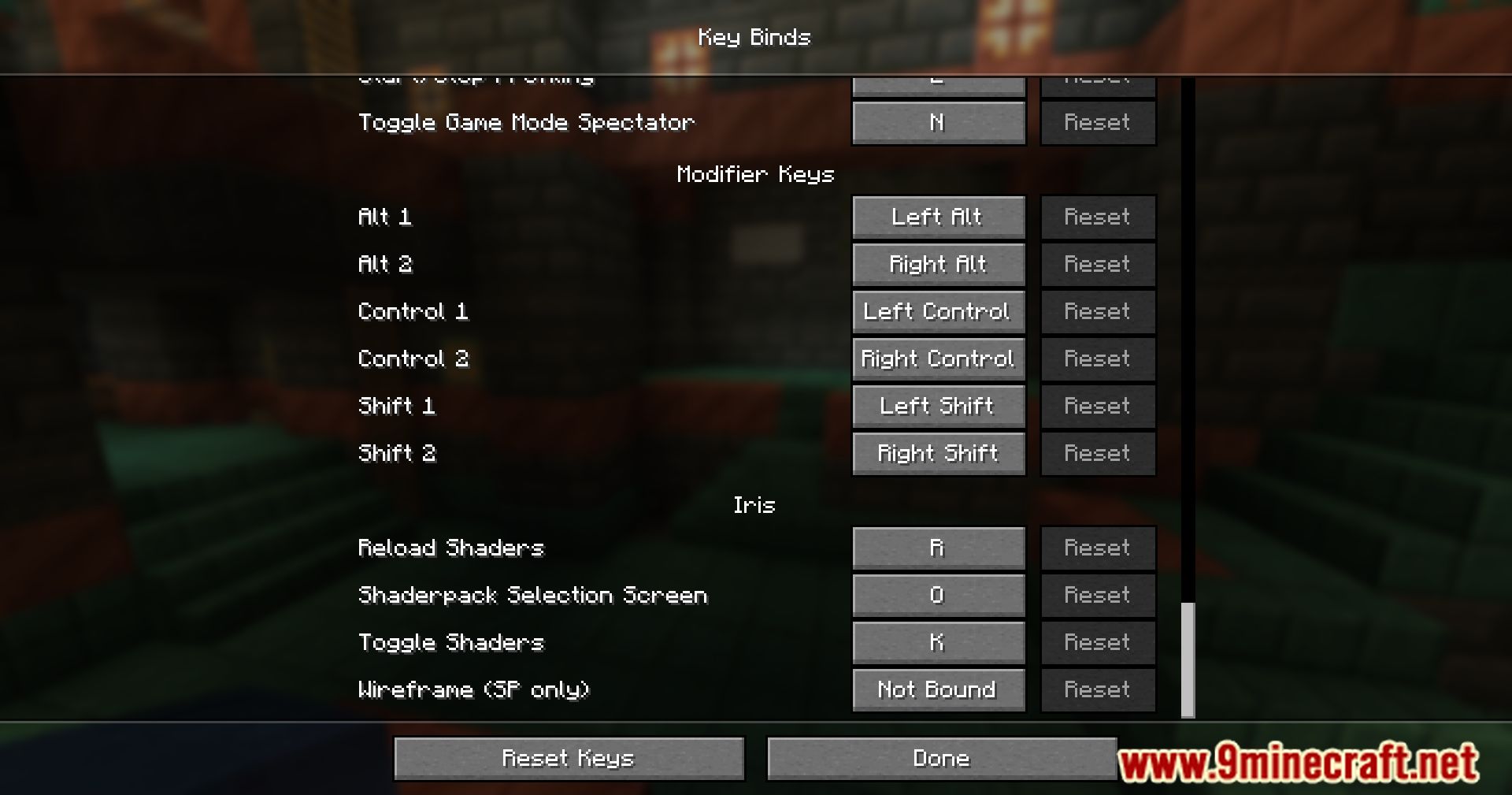
- Modifier Keys: Adds rebinding options for Shift, Control, and Alt.
- Digits support for navigating the profiling pie chart.
- Backports key mapping features to earlier game versions, such as rebinding F5 or hotbar slot keys.
- Runs as a client-side mod across as many Minecraft versions as possible.
How to Use:
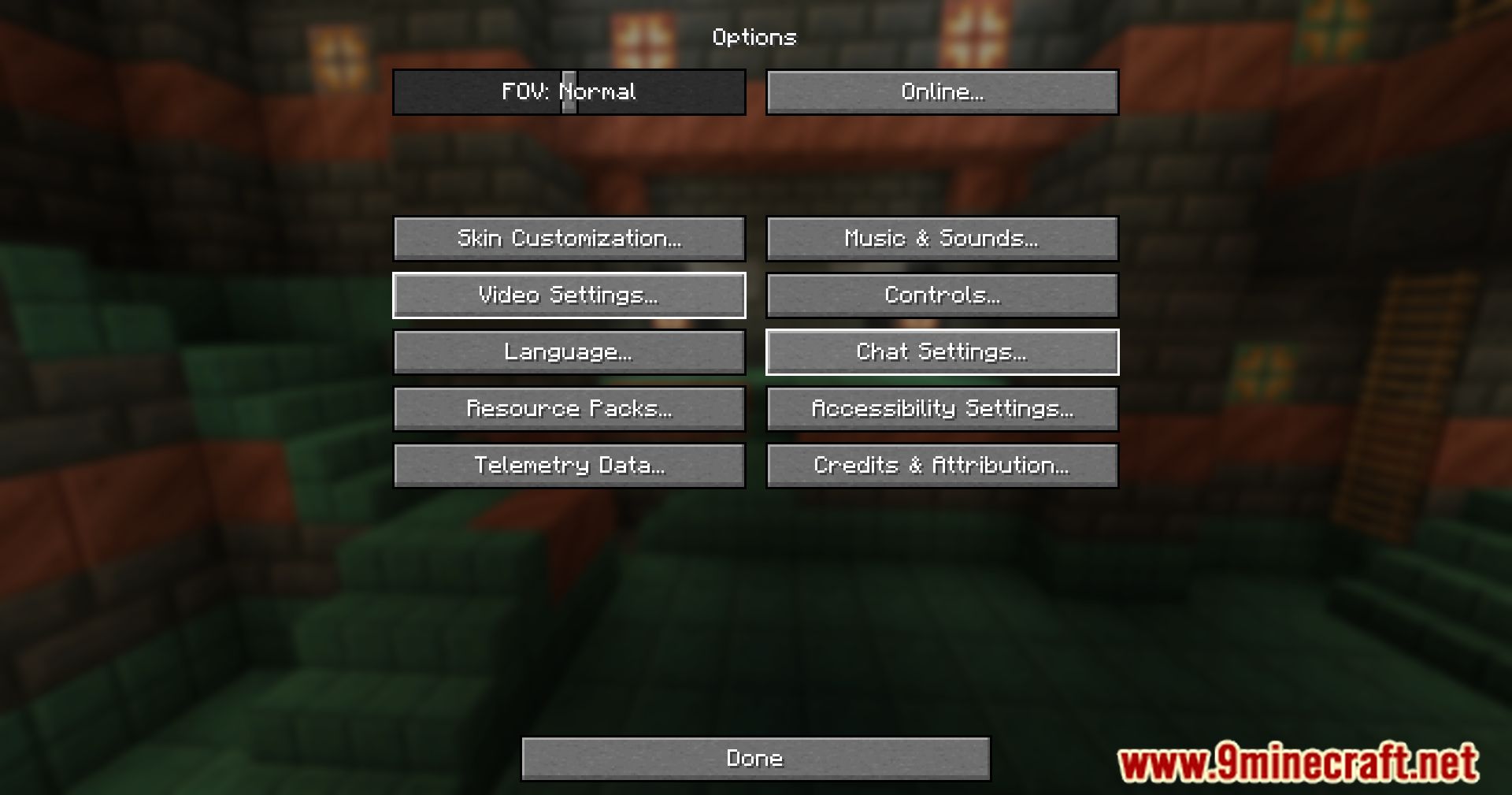
- Open the game options menu and select controls.
- Click on any keybinding, including previously locked keys like F3 or Esc.
- Press your preferred key to assign it to that action.
Screenshots:
How to Install:
New to Minecraft? Follow our step-by-step guide to install Mods on your PC.View Guide
Requirements:

Thorough Keybindings Mod Download Links
For Minecraft
26.4,
26.3,
26.2
All Versions Covered
26.4
26.3
26.2
26.1.2
26.1.1
26.1
All Versions Covered
26.4
26.3
26.2
26.1.2
26.1.1
26.1
For Minecraft 26.2
For Minecraft 26.1.2, 26.1.1, 26.1
For Minecraft
1.21.11,
1.21.10,
1.21.9
All Versions Covered
1.21.11
1.21.10
1.21.9
1.21.8
1.21.7
1.21.6
1.21.5
1.21.4
1.21.3
1.21.2
1.21.1
1.21
1.20.6
1.20.5
1.20.4
1.20.3
1.20.2
1.20.1
1.20
1.19.4
1.19.3
1.19.2
1.19.1
1.19
1.18.2
1.18.1
1.18
1.17.1
1.17
1.16.5
1.16.4
1.16.3
1.16.2
1.16.1
1.16
1.15.2
1.15.1
1.15
1.14.4
1.14.3
1.14.2
1.14.1
1.14
For Minecraft 1.21.10, 1.21.9, 1.14.4
For Minecraft 1.14.4 –> 1.21.8
For Minecraft 1.14.4 –> 1.21.5
For Minecraft 1.14.4 –> 1.21.4
For Minecraft 1.12.2, 1.12.1, 1.12
For Minecraft
1.8.9,
1.8.8,
1.8.7
All Versions Covered
1.8.9
1.8.8
1.8.7
1.8.6
1.8.5
1.8.4
1.8.3
1.8.2
All Versions Covered
1.8.9
1.8.8
1.8.7
1.8.6
1.8.5
1.8.4
1.8.3
1.8.2
For Minecraft 1.7.10
Click to rate this post!
[Total: 0 Average: 0]
You May Also Like
Picked for this page
 Indicatia Mod (26.3, 1.20.1) – Simple In-game Info and Utility
 DefaultSettings Mod (26.3, 1.20.1) – Preserve Local Settings
 Zume Mod (26.1.2, 1.20.1) – Zoom Without Limitations
 RPG-Hud Mod (26.2, 1.20.1) – Your Screen Becomes an RPG
 Compact Storage Mod (26.2, 1.20.1) – Carry Everything You Find
 Wooden Tools Are Dumb Mod (26.2, 1.20.1) – More Realistic Tools
 CTD Mint Mod (26.3, 1.20.1) – Simple Minecraft Currency System
 Magma Monsters Mod (1.21.1, 1.20.1) – Lava Lakes Now Fight Back
 Kc’s Growable Ores Mod (26.1.2, 1.20.1) – Cultivate Your Resource Harvesting Experience
 Iron Tanks Mod 1.12.2, 1.11.2 (Expanding Buildcraft Tanks) (26.2, 26.1.2)
 Compact F3 Plus Mod (26.3, 1.20.1) – Check Coordinates Without a Giant Wall
 Smart Particles Mod (26.3, 1.20.1) – Intelligent Particle Control
Most viewed in Mods over the last 7 days
 Ala Industrial Mod (26.3) – Run Electric Power Grids and Automated Factories
 PleasureCraft Mod (26.3, 1.21.1) – Jenny Mod Remake for Fabric
 Jennycraft Mod (26.3, 1.20.1) – Virtual Girlfriend in Minecraft
 Fapcraft Mod (26.3, 1.12.2) – Comprehensive and Detailed Content
 Jenny Mod (Fapcraft) Official Complete Guide – How to use, Tutorial
 BangCraft Mod (1.20.1) – Jenny, Ellie and Elliot
 Fabric Loader (26.3, 1.20.1) – Fabric Installer for All Minecraft Versions
 The Shooting Star Demo Mod (26.3, 1.20.1) – Vaporize Terrain From Orbit
 Meteor Client Mod (26.3, 1.20.1) – Xray, HUD, Fly
 OptiFine HD (26.3, 1.20.1) – Run Faster, FPS Boost, Shaders Support
 Aristois Client Mod (1.21.4, 1.20.1) – World Class Minecraft Utility
 Prestige Client Mod (1.21.11, 1.21.4) – Powerful Ghost Features for Crystal & Sword PvP
More from Mods
 THE SLOPSTROSITY Mod (1.21.1) – Battle a Ridiculous Slime Boss
 Decoween Mod (1.21.1, 1.20.1) – Transform Ordinary Survival Bases
 Simply Light 9minecraft Mod (26.3) – Decorate Builds Without Torches
 Alex’s Caves Continued Mod (26.3, 1.20.1) – Conquer Six Massive Underground
 Anvil Uses Mod (26.3, 1.20.1) – Track Item Anvil Usage
 Animal Info Mod (26.3, 1.21.11) – Quick Stats For Your Animals
 Timber Tales Dynamic Tree System Mod (26.3, 1.20.1) – Watch Entire Trees Topple
 Gabou’s Libs Mod (26.3, 1.20.1) – Keep Custom Weather and Survival Mods Stable
 /Sit Mod (26.3, 1.21.1) – Make The Player Sit Down
 Arcane Redstone Dial Mod (26.3, 1.20.1) – Trigger Commands and Shortcuts
 The Graveyard Mod (26.3, 1.20.1) – Cemeteries in Minecraft
 Enhanced Overlay Mod (26.3, 1.21.11) – Remove Screen Clutter

This post has no comments yet. Be the first — your comment will appear here.