
Idle Boost Mod (1.21.1, 1.20.1) – Save System Resources While Multitasking
 180
 0


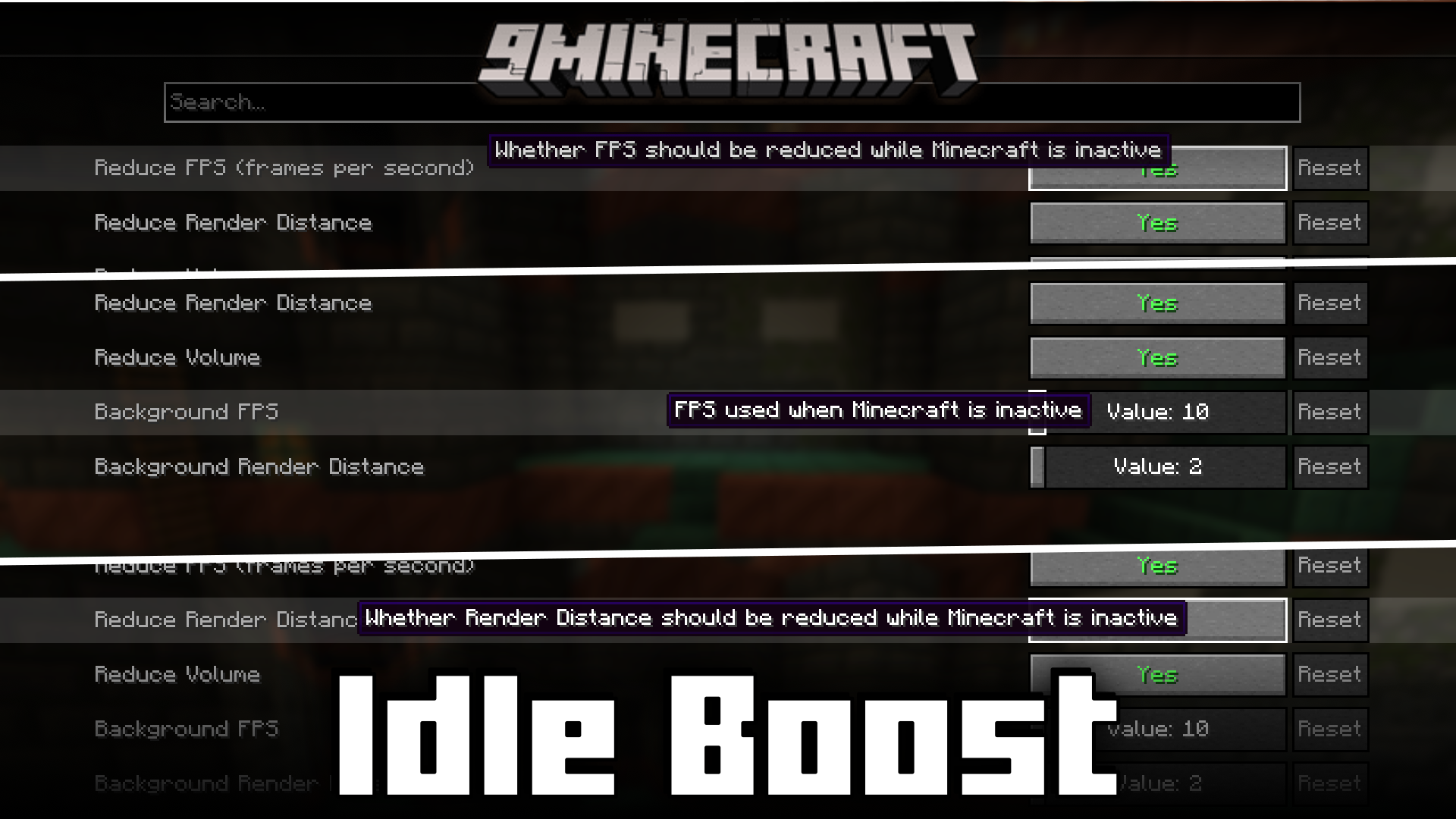
Idle Boost Mod reduces frame rate and render distance when Minecraft runs in the background. It saves system resources while you multitask on your PC. The mod helps optimize game performance whenever you minimize the game window. It works on multiple mod loaders without needing extra dependencies.
Requires:
Features:
- Saves system resources when Minecraft runs in the background.
- Lowers the frame rate and render distance automatically.
- Reduces audio volume while the game window is minimized.
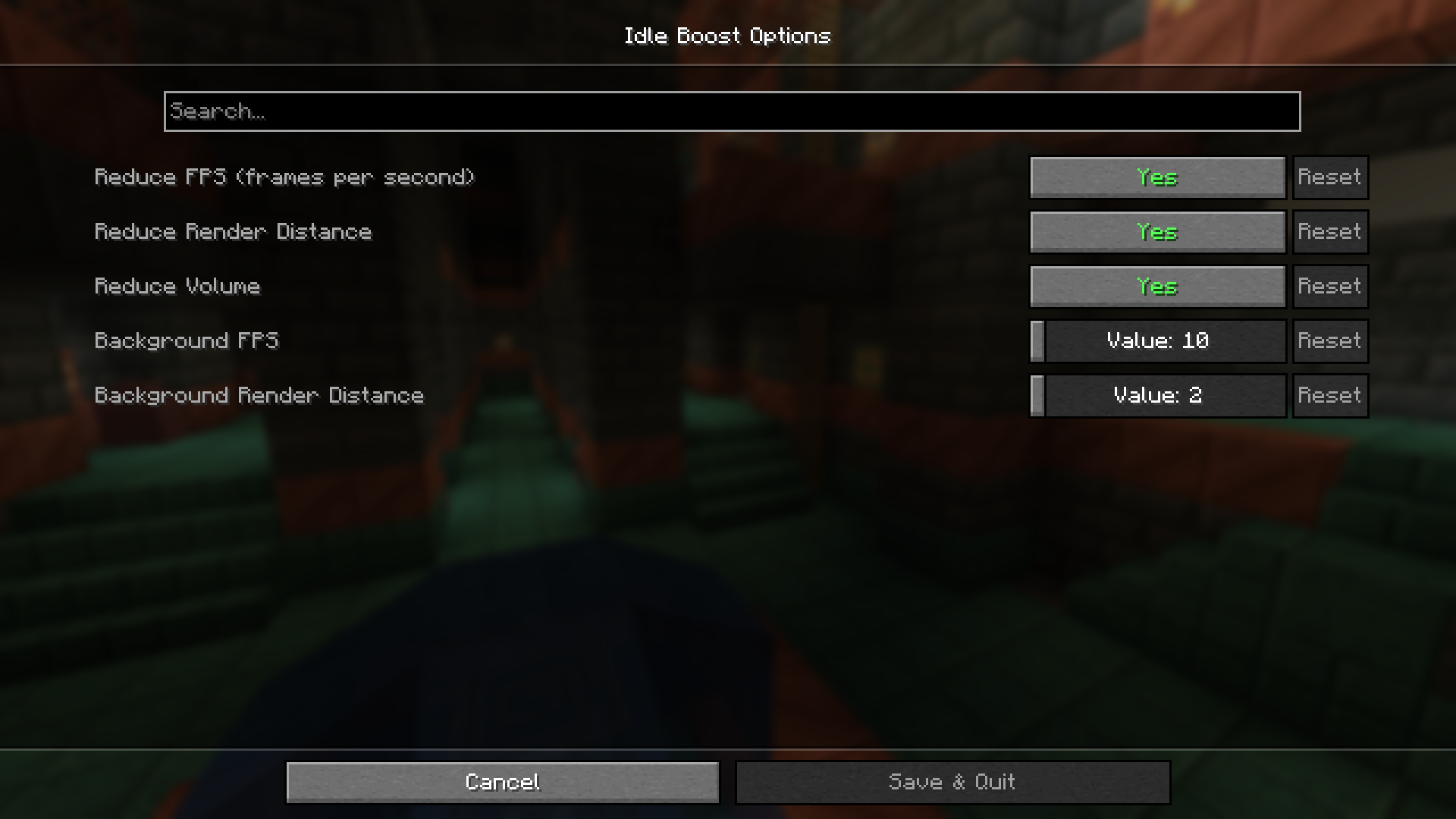
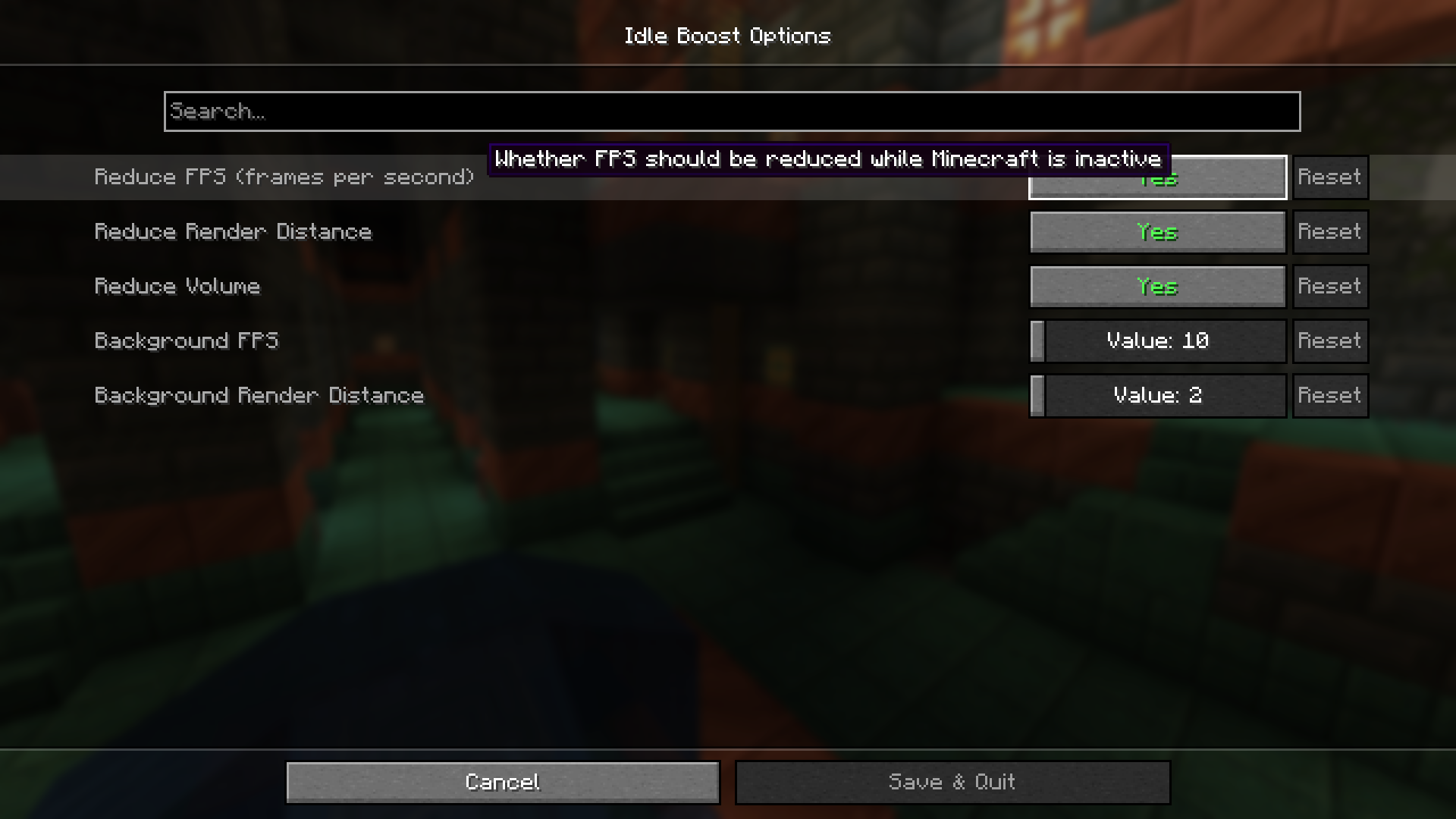
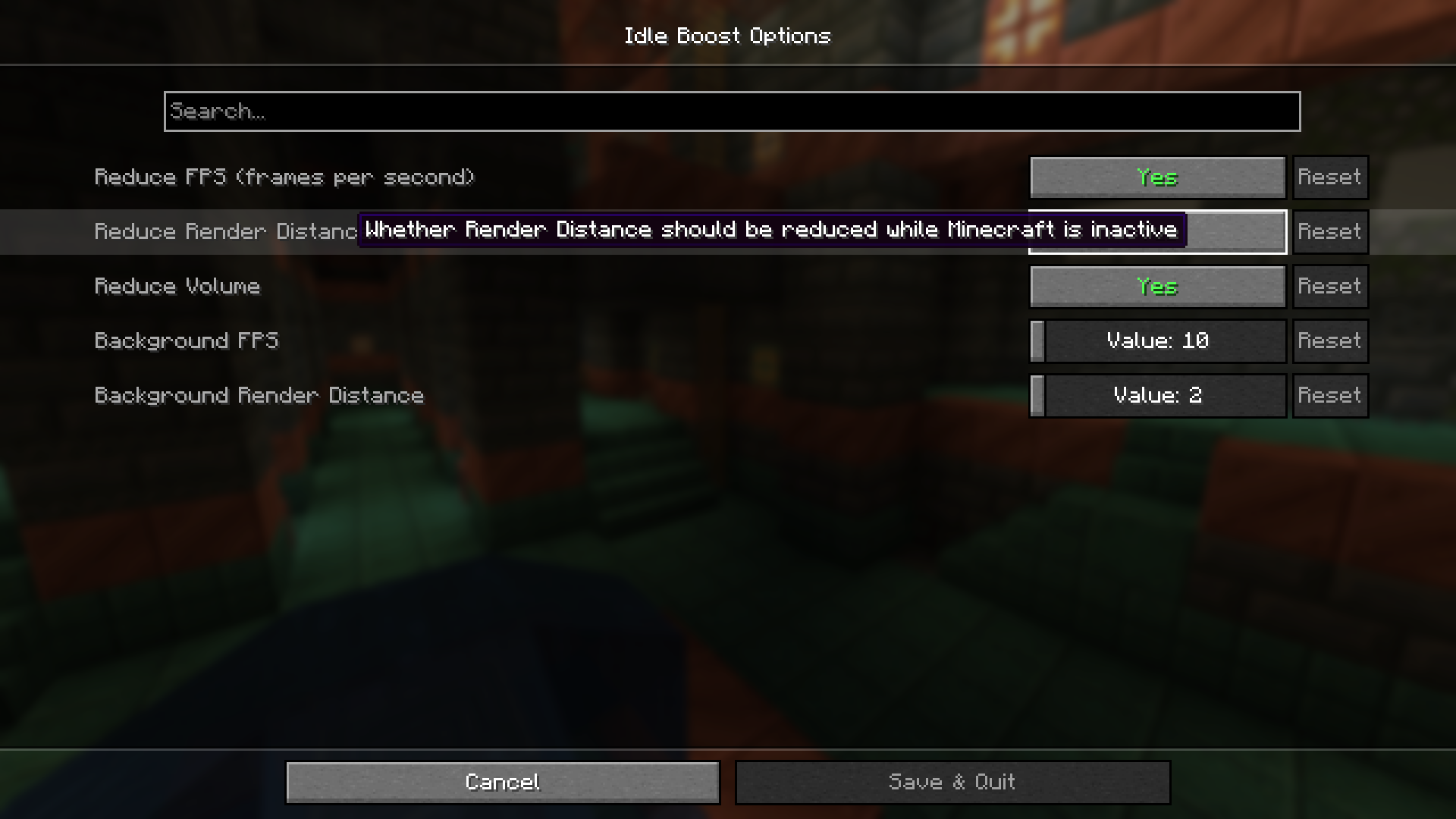
- Provides a custom options menu for easy configuration.
- Works smoothly on Fabric and NeoForge.
Screenshots:
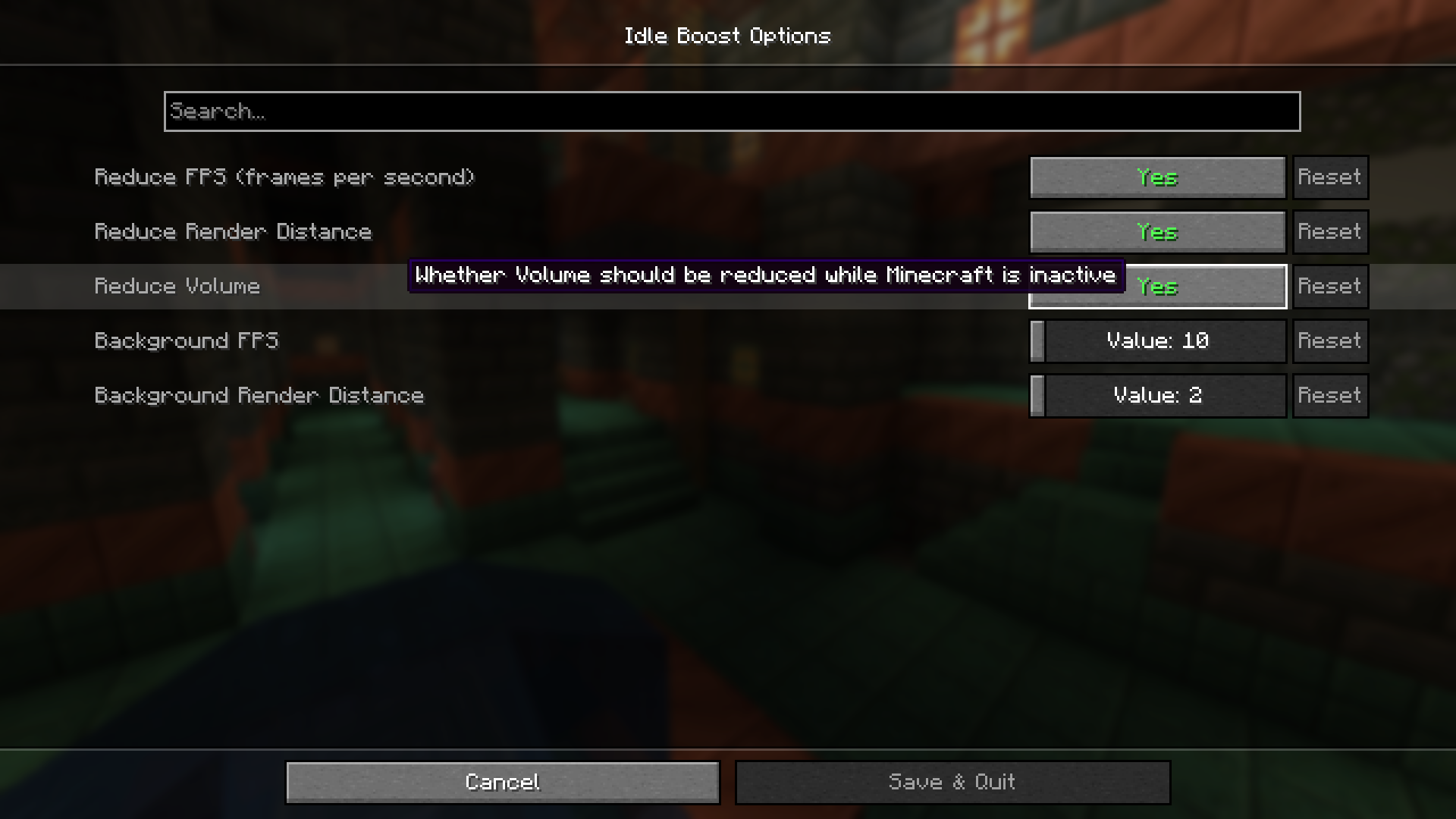
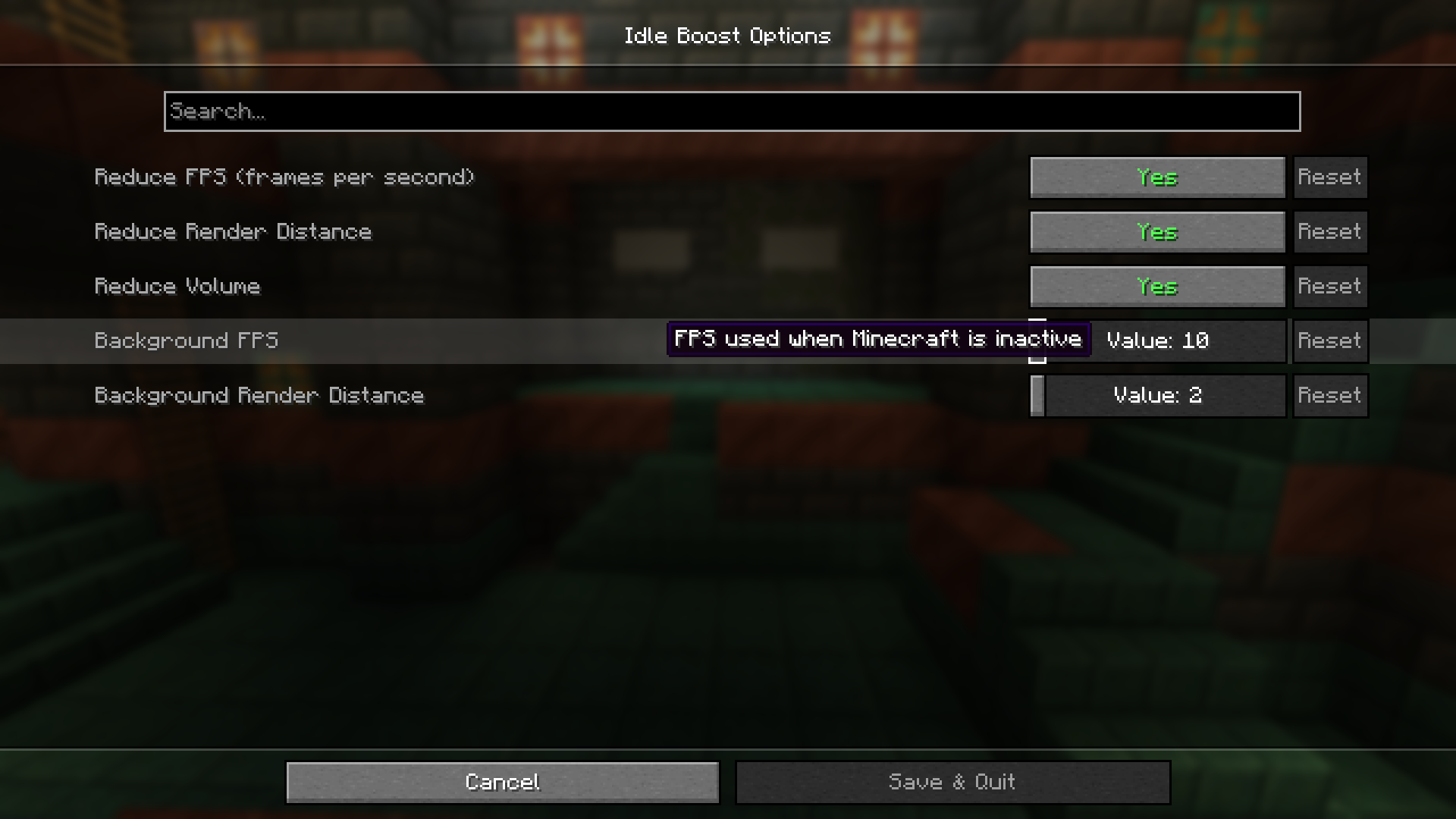
How to Install:
New to Minecraft? Follow our step-by-step guide to install Mods on your PC.View Guide
Idle Boost Mod Download Links
For Minecraft 1.21.1, 1.21
NeoForge version: Download from Server 1 – Download from Server 2
Fabric version: Download from Server 1 – Download from Server 2
For Minecraft 1.20.6
NeoForge version: Download from Server 1 – Download from Server 2
Fabric version: Download from Server 1 – Download from Server 2
For Minecraft 1.20.1
Forge version: Download from Server 1 – Download from Server 2
Fabric version: Download from Server 1 – Download from Server 2
How often do you tweak mod configuration files (.cfg or .toml)?
30 responses · See the full results →
You May Also Like
Picked for this page
 Tweakeroo Mod (26.3, 1.20.1) – Hand Restock, Hotbar Swap
 Athena Mod (26.2, 1.20.1) – Support for Connected Textures Mod
 Better Treasure Map Mod (1.21.11, 1.20.1) – Enhanced Treasure Hunting
 TNT Breaks Bedrock Mod (26.3, 1.20.1) – Easy Access to The Nether Roof
 Spawncap Control Utility Mod (1.21.11, 1.20.1) – Control Over Mob Spawning Limits
 Eco Stack Manager Mod (1.21.11, 1.20.1) – Stack, Clean, And Optimize
 FullscreeNO Mod (26.2, 1.20.1) – Stops Minecraft From Opening in Fullscreen
 ModernFix-mVUS Mod (26.3, 1.21.11) – Performance And Memory Optimization Backport Fork
 From The Shadows Reborn Mod (1.20.1, 1.20) – Fight the Darkness
 Terracotta Shingles Mod (1.21.11, 1.21.1) – Vibrant Roof Tiles
 Subtitle Highlight Mod (1.20.1, 1.19.4) – Never Miss a Creeper’s Hiss Again
 Difficulty Enhancement Mod (1.20.1) – Make Survival Brutal or Cozy
Most viewed in Mods over the last 7 days
 Ala Industrial Mod (26.3) – Run Electric Power Grids and Automated Factories
 PleasureCraft Mod (26.3, 1.21.1) – Jenny Mod Remake for Fabric
 Jennycraft Mod (26.3, 1.20.1) – Virtual Girlfriend in Minecraft
 Fapcraft Mod (26.3, 1.12.2) – Comprehensive and Detailed Content
 Jenny Mod (Fapcraft) Official Complete Guide – How to use, Tutorial
 BangCraft Mod (1.20.1) – Jenny, Ellie and Elliot
 Fabric Loader (26.3, 1.20.1) – Fabric Installer for All Minecraft Versions
 Meteor Client Mod (26.3, 1.20.1) – Xray, HUD, Fly
 The Shooting Star Demo Mod (26.3, 1.20.1) – Vaporize Terrain From Orbit
 OptiFine HD (26.3, 1.20.1) – Run Faster, FPS Boost, Shaders Support
 Aristois Client Mod (1.21.4, 1.20.1) – World Class Minecraft Utility
 SchnurriTV Mod (1.12.2) – Characters and Features
More from Mods
 Artemis Laboratory Blocks Mod (26.3, 1.20.1) – Lab Blocks And Dynamic Decorations
 Fabric ORM Jimmer Mod (26.3, 1.20.1) – Prevent Sudden Server Crashes
 Cafe Core Mod (26.2, 1.21.1) – Bypass Anvil Limits and Tame Pets in Seconds
 GTNH’s Forgelin Mod (1.7.10) – Play Kotlin-Powered Mods on Minecraft 1.7.10
 Nodeflow Mod (26.1.2, 1.21.1) – Wire Custom Redstone Logic on Visual Graph
 Winter Client Mod (1.21.11) – Survive Ruthless PvP on Anarchy Servers
 LARP Client Mod (1.21.11) – Dominate Crystal PvP on Anarchy Servers
 Berlin Client Mod (1.21.11) – Hunt Stashes and Win Crystal Fights
 SkullLIB Mod (1.20.1) – Bring Prehistoric Beasts and New Animals to Your World
 EasyGui Mod (1.21.11, 1.21.1) – Build Custom Screen Menus and Animated HUD
 Legacy Wavey Capes Mod (1.8.9) – Watch Your Cape Flow Naturally While Sprinting
 Warrior Cats Events Mod (1.21.1, 1.20.1) – Live As a Wild Clan Cat

This post has no comments yet. Be the first — your comment will appear here.