
File Director Mod (1.12.2, 1.8.9) – Automate Modpack Updates and Asset

 0


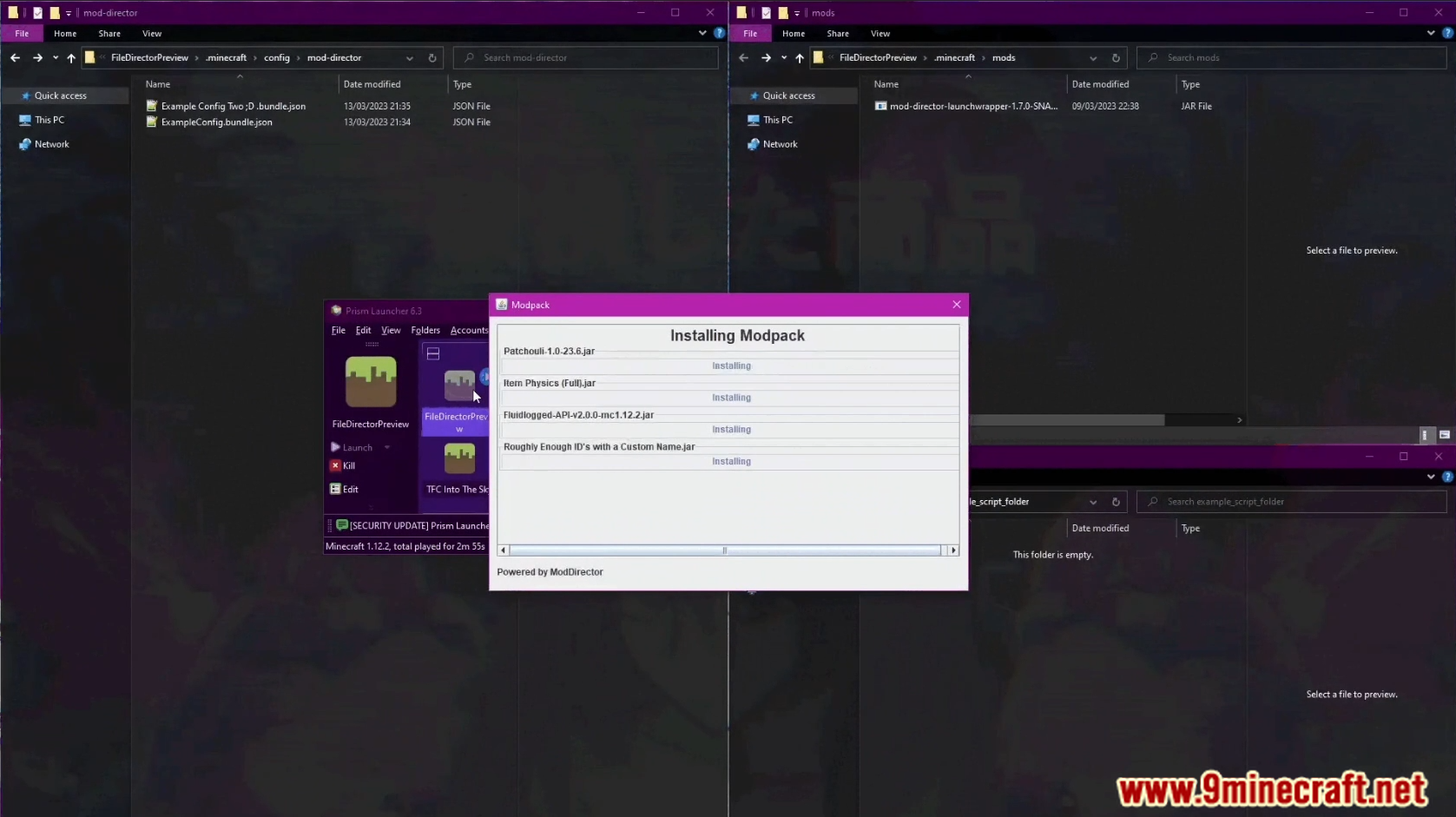
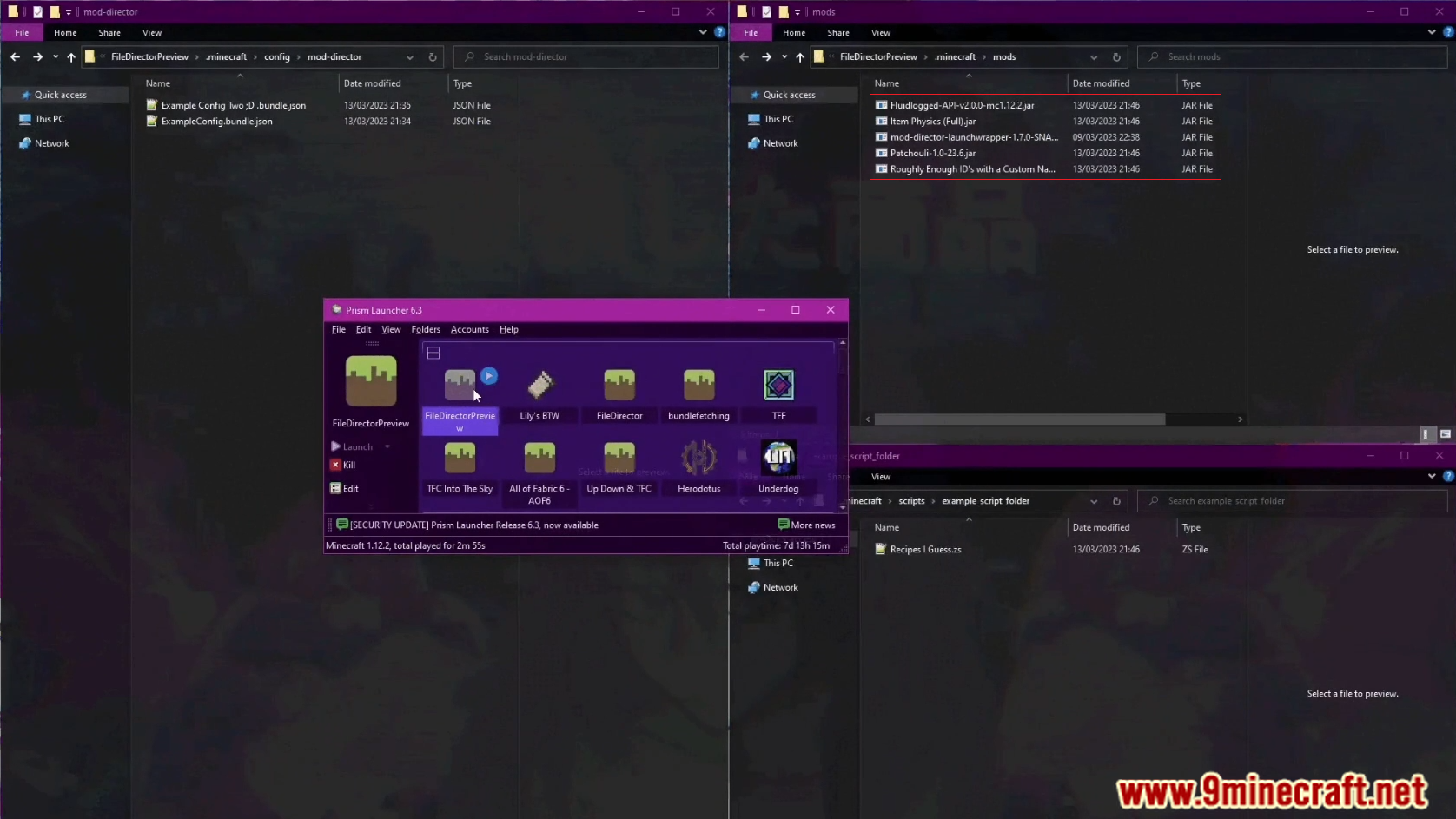
File Director Mod lets you manage external files and updates easily for modpacks and servers. It brings automatic downloading and placement of required files straight into your game instance. This tool streamlines the update process and saves time on manual setup.
Features:
- Automatically downloads and places required files in the correct directories.
- Supports bulk downloading several files at a time per configuration bundle.
- Extracts whole zip files instead of downloading individual files.
- Downloads mods directly from CurseForge.
- Forces updating files and renames files upon download.
- Checks remote modpack version numbers automatically.
- Leaves custom comments in json files with information about downloaded content.
How to Use:
- Set up the configuration bundle json file for your modpack with the required download links.
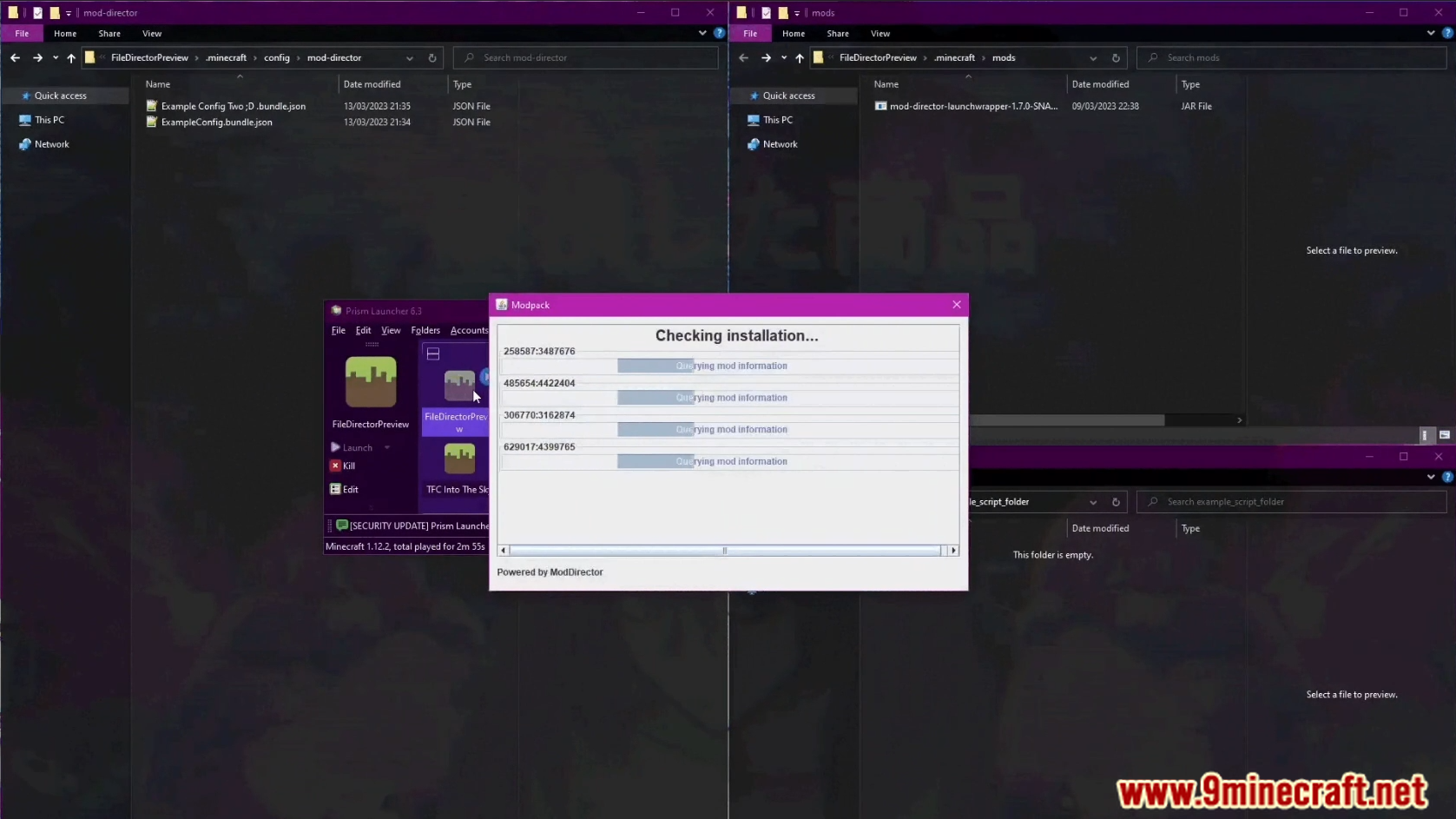
- Launch the game instance with the mod installed to trigger automatic file checking and downloading.
- Check the game folders to confirm that configs, scripts, and assets are placed in the correct directories.
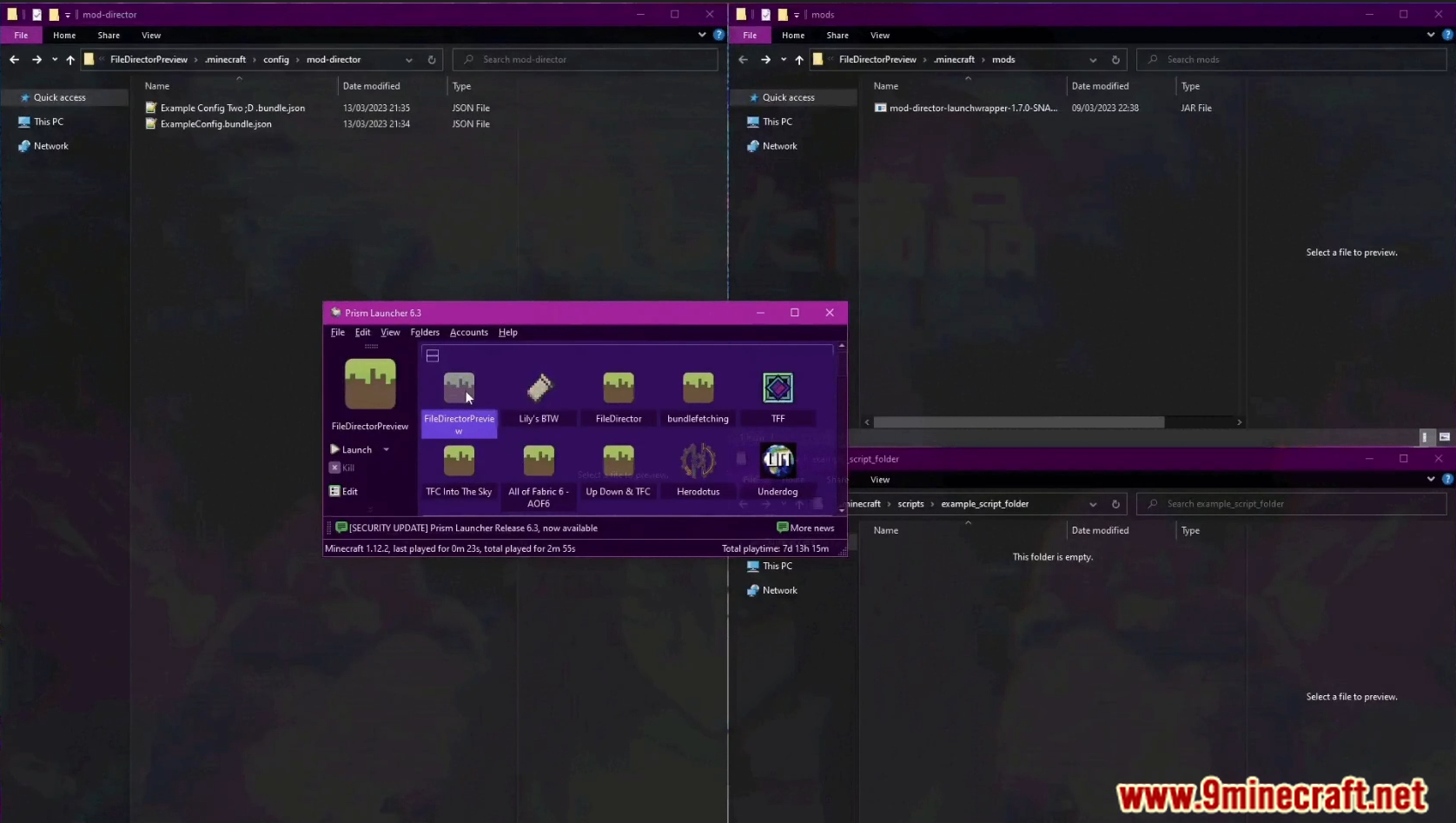
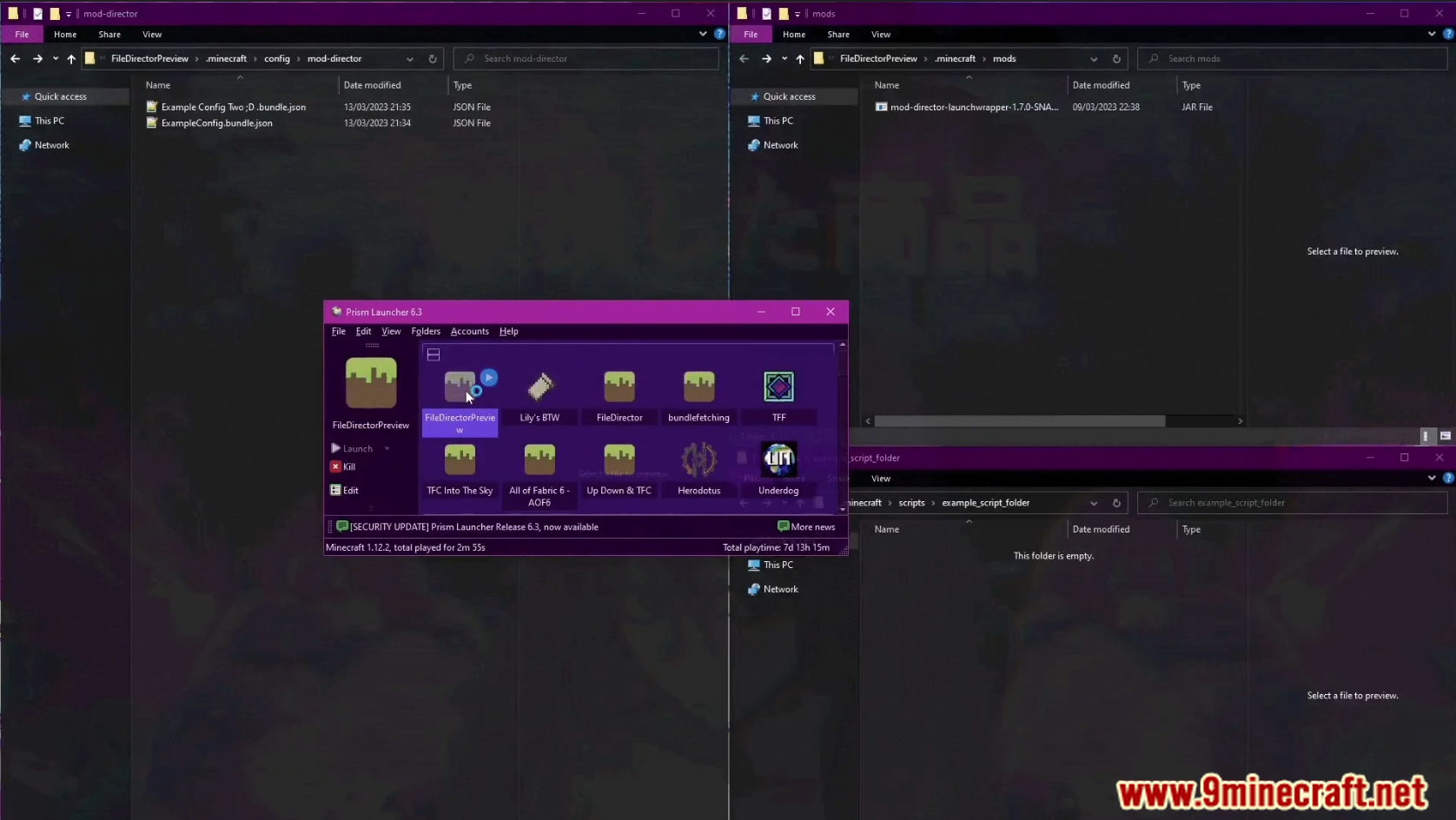
Screenshots:
How to Install:
New to Minecraft? Follow our step-by-step guide to install Mods on your PC.View Guide
File Director Mod Download Links
For All Versions from Minecraft 1.7 to Minecraft 1.12.2
Forge version: Download from Server 1 – Download from Server 2
Click to rate this post!
[Total: 2 Average: 5]
QUICK MINECRAFT SURVEY · ONE TAP
Mods & Modpacks
Which Minecraft version do you spend the most time playing with mods?
61 responses · See the full results →
You May Also Like
Picked for this page
 World Host Mod (1.21.5, 1.20.1) – Host Your Singleplayer Worlds
 Ksyxis Mod (26.3, 1.20.1) – Completely Removes Spawn Chunks
 Theurgy Mod (26.3, 1.20.1) – Use Alchemy to Find Any Ore
 Aerial Hell Mod (26.3, 1.20.1) – New Floating Dimension
 FuelInfo Mod (26.2, 1.20.1) – Extend Your Info on Your Fuels
 Animal Info Mod (26.3, 1.21.11) – Quick Stats For Your Animals
 Craftify Mod (1.21.11, 1.20.1) – Control Your Music In Minecraft
 Creeper Healing Mod (1.21.11, 1.20.1) – Automatic Terrain Repair
 Crab Claws Mod (26.2, 1.20.1) – Grasp The Possibilities
 Lios Spiral Tower Villages Mod (26.3, 1.20.1) – Vertical Structures With Secrets
 WI Freecam Mod (26.2, 1.21.11) – Fly Around to Inspect Tall Builds
 Panorama Screenshot Mod (26.3, 1.20.1) – Make Your World the Main Menu
Most viewed in Mods over the last 7 days
 Ala Industrial Mod (26.3) – Run Electric Power Grids and Automated Factories
 PleasureCraft Mod (26.3, 1.21.1) – Jenny Mod Remake for Fabric
 Jennycraft Mod (26.3, 1.20.1) – Virtual Girlfriend in Minecraft
 Fapcraft Mod (26.3, 1.12.2) – Comprehensive and Detailed Content
 Jenny Mod (Fapcraft) Official Complete Guide – How to use, Tutorial
 BangCraft Mod (1.20.1) – Jenny, Ellie and Elliot
 Fabric Loader (26.3, 1.20.1) – Fabric Installer for All Minecraft Versions
 The Shooting Star Demo Mod (26.3, 1.20.1) – Vaporize Terrain From Orbit
 Meteor Client Mod (26.3, 1.20.1) – Xray, HUD, Fly
 OptiFine HD (26.3, 1.20.1) – Run Faster, FPS Boost, Shaders Support
 Aristois Client Mod (1.21.4, 1.20.1) – World Class Minecraft Utility
 Prestige Client Mod (1.21.11, 1.21.4) – Powerful Ghost Features for Crystal & Sword PvP
More from Mods
 Seed Map for Xaero Mod (26.1) – See Rare Biomes and Dungeons Before You Travel
 MCPersist Mod (26.3) – Keep Your World Online for Friends Even After Logging Off
 Minecraft Java MCP Server Mod (1.21.11) – Command Your World Through External AI Tools
 Arcanism Mod (26.2) – Build Magic Factories and Program Custom Spells
 Archangel Client Mod (1.21.11) – Master Every PvP Duel with Clean Screen Stats
 Block Front Survival Patch Mod (1.21.1) – Wage Tactical Warfare in Survival
 Better Enchantment Bookshelf Placement Mod (26.2, 1.20.1)
 SimpleRPGCore Mod (1.21.4, 1.21.1) – Fight with Classic RPG Stats
 Bard RPG Series Plus by Fichte Mod (1.21.1, 1.20.1) – Buff Allies in Combat
 Fabric Gui ImGui Mod (26.3, 1.21.11) – Clean Custom Menus and In-Game Control
 Multi Item Lib Mod (1.20.1) – Wield Custom Gear with Flawless Hand Animations
 Universe3090 Mod (1.20.1) – Survive Corrupted Dimensions Filled

This post has no comments yet. Be the first — your comment will appear here.