
Tabula Rasa Mod (1.7.10) – New Palettes for Builders

 0


Tabula Rasa Mod lets you add your own custom blocks and items to Minecraft using simple config files. It works as a blank slate for making new content and pairs well with Minetweaker for custom recipes and modpacks. This mod gives players an easy way to build and test custom block designs in the game.
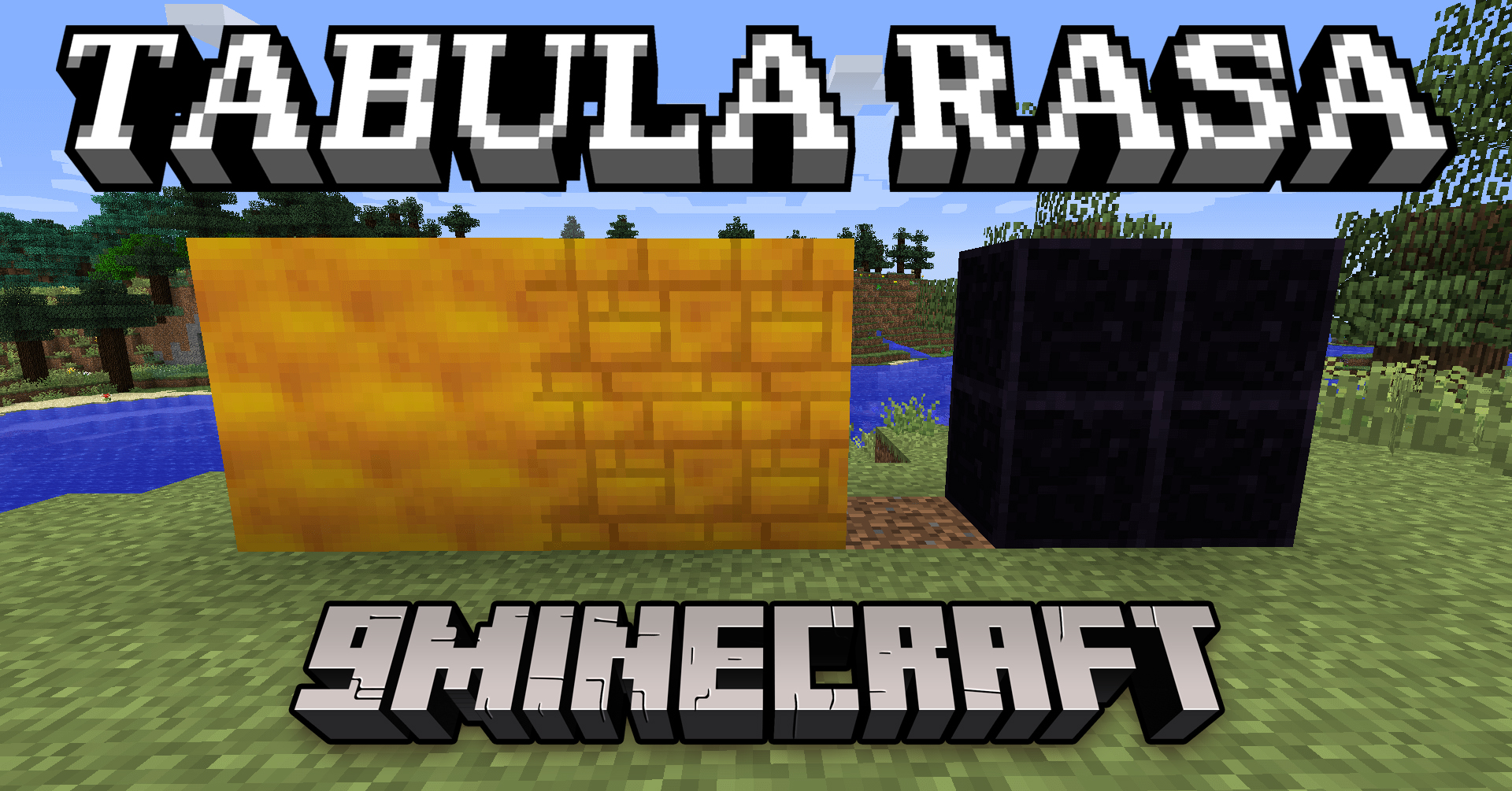
Features:
- Lets you add new custom blocks, items, and recipes through simple config files.
- Works well with Minetweaker so you can set up custom recipes and build modpacks.
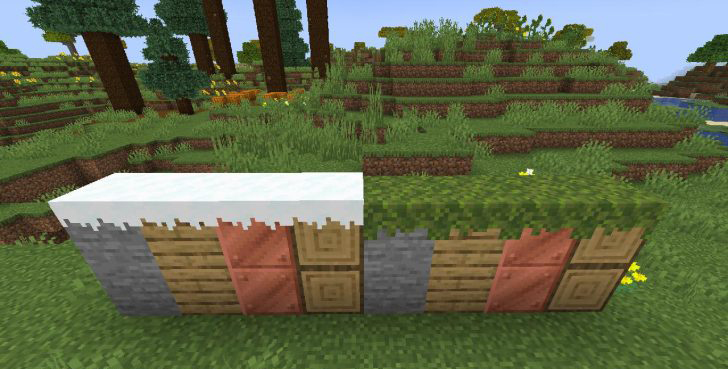
- Supports custom blocks with snow and leaf overlays for different surface styles.
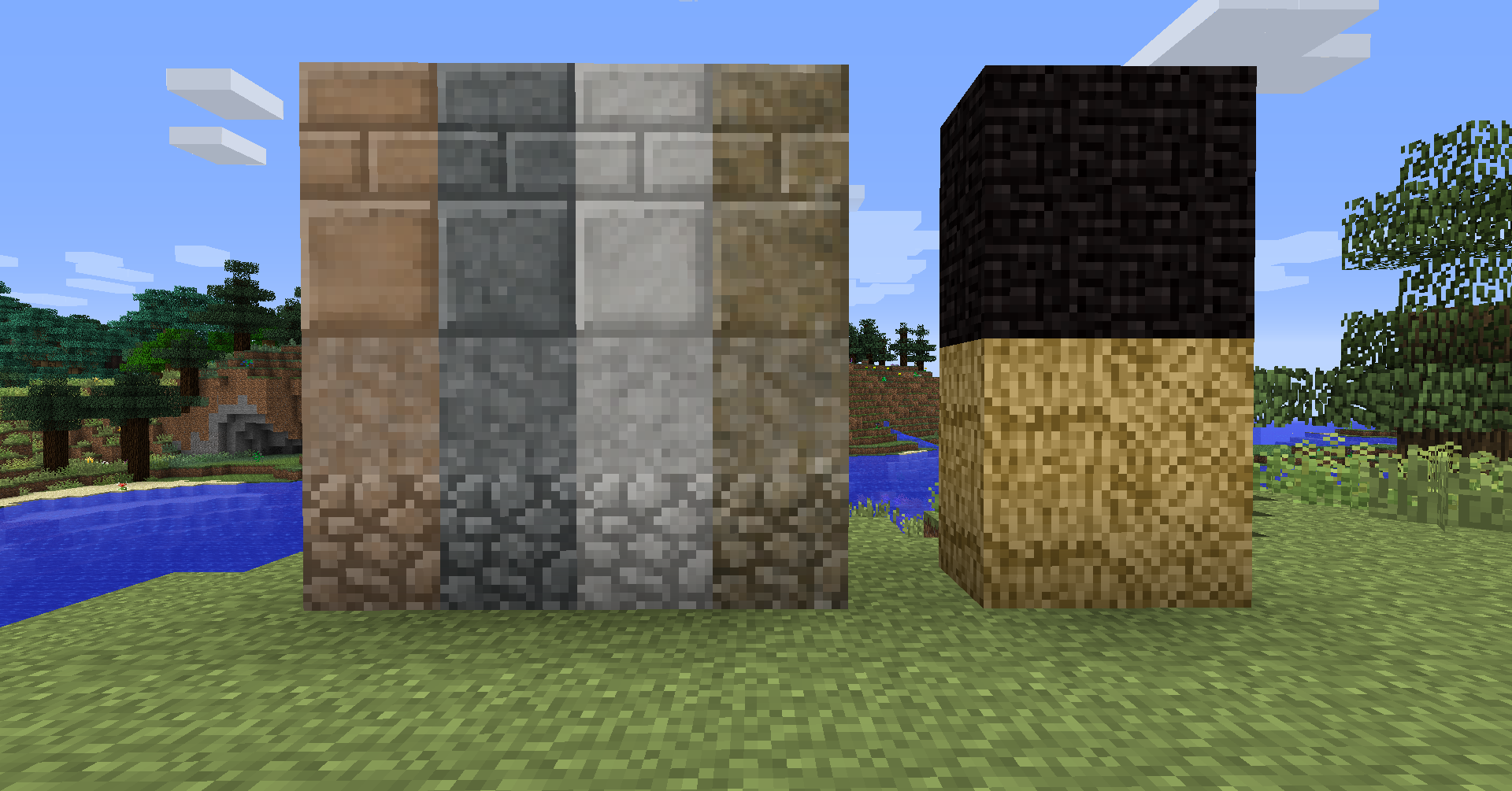
- Allows you to stack and place custom blocks in vertical columns.
How to Use:
- Open the config files inside the mod folder to start setting up your custom blocks and items.
- Type your new block IDs and recipe settings into the config file so the game loads them.
- Run Minecraft together with Minetweaker to connect your custom blocks and items with custom recipes.
Screenshots:
How to Install:
New to Minecraft? Follow our step-by-step guide to install Mods on your PC.View Guide
Tabula Rasa Mod Download Links
For Minecraft 1.7.10
Forge version: Download from Server 1 – Download from Server 2
Click to rate this post!
[Total: 0 Average: 0]
QUICK MINECRAFT SURVEY · ONE TAP
Mods & Modpacks
Which performance or optimization mod do you rely on the most?
38 responses · See the full results →
You May Also Like
Picked for this page
 Traveler’s Backpack Mod (26.3, 1.20.1) – A Mobile Base on Your Back
 Miner’s Helmet Mod (26.1.2, 1.16.5) – Helmet with Dynamic Lighting
 Simple Copper Pipes Mod (26.3, 1.20.1) – Pipes with Multiple Interesting Uses
 No Chat Reports Mod (26.3, 1.20.1) – How to Disable Chat Reporting
 Advanced Chimneys Mod (26.3, 1.20.1) – Highly Functional Chimneys
 Sapling Tweaks Mod (26.3, 1.20.1) – Enhances Sapling Interactions
 Deep Resonance Mod (1.21.1, 1.20.1) – Build a Power Plant Fueled By Crystals
 Raknetify Mod (1.21.11, 1.20.1) – Improved Network Reliability
 Museum Curator Mod (1.21.1, 1.20.1) – Track And Collect Every Minecraft Items
 Epic Fight the Leonidas Mod (1.20.1) – Adds A Huge Spartan Boss
Most viewed in Mods over the last 7 days
 Ala Industrial Mod (26.3) – Run Electric Power Grids and Automated Factories
 PleasureCraft Mod (26.3, 1.21.1) – Jenny Mod Remake for Fabric
 Jennycraft Mod (26.3, 1.20.1) – Virtual Girlfriend in Minecraft
 Fapcraft Mod (26.3, 1.12.2) – Comprehensive and Detailed Content
 Jenny Mod (Fapcraft) Official Complete Guide – How to use, Tutorial
 BangCraft Mod (1.20.1) – Jenny, Ellie and Elliot
 Fabric Loader (26.3, 1.20.1) – Fabric Installer for All Minecraft Versions
 Meteor Client Mod (26.3, 1.20.1) – Xray, HUD, Fly
 The Shooting Star Demo Mod (26.3, 1.20.1) – Vaporize Terrain From Orbit
 OptiFine HD (26.3, 1.20.1) – Run Faster, FPS Boost, Shaders Support
 Aristois Client Mod (1.21.4, 1.20.1) – World Class Minecraft Utility
 Prestige Client Mod (1.21.11, 1.21.4) – Powerful Ghost Features for Crystal & Sword PvP
More from Mods
 Multi Item Lib Mod (1.20.1) – Wield Custom Gear with Flawless Hand Animations
 Universe3090 Mod (1.20.1) – Survive Corrupted Dimensions Filled
 Wireless Automate Mod (1.21.1) – Automate Base Logistics Without Messy Pipes
 Vaskars Opus Faction War Quests & Bosses Mod (1.21.11, 1.20.1)
 Multitools and More Mod (26.3, 1.20.1) – Clear Your Hotbar and Travel
 Luxium Let There Be Light Mod (1.20.1) – Stunning Lighting on Low-End Computers
 Soulscraft Tarnished Legacy Mod (1.21.1) – Hunt Relics to Forge Dark Fantasy
 Fetzi’s Displays Mod (26.1.2, 1.20.1) – Turn Rare Gear and Weapons
 Primal Plushies Paleo Pals Mod (1.21.1, 1.20.1) – Decorate Your Base
 Ipla Mod (26.3, 1.20.1) – Showcase Your Favorite Items
 MesdagPortLib Mod (1.20.1) – Run Modern Minecraft Mechanics on Older Versions
 Hellion’s API Mod (1.21.11, 1.21.1) – Play Hellion Series Addons Without Crashes

This post has no comments yet. Be the first — your comment will appear here.