


Item Transform Helper Mod (26.2, 1.20.1) – Set Size & Location Of Items
 1,506
1,506
 0
0


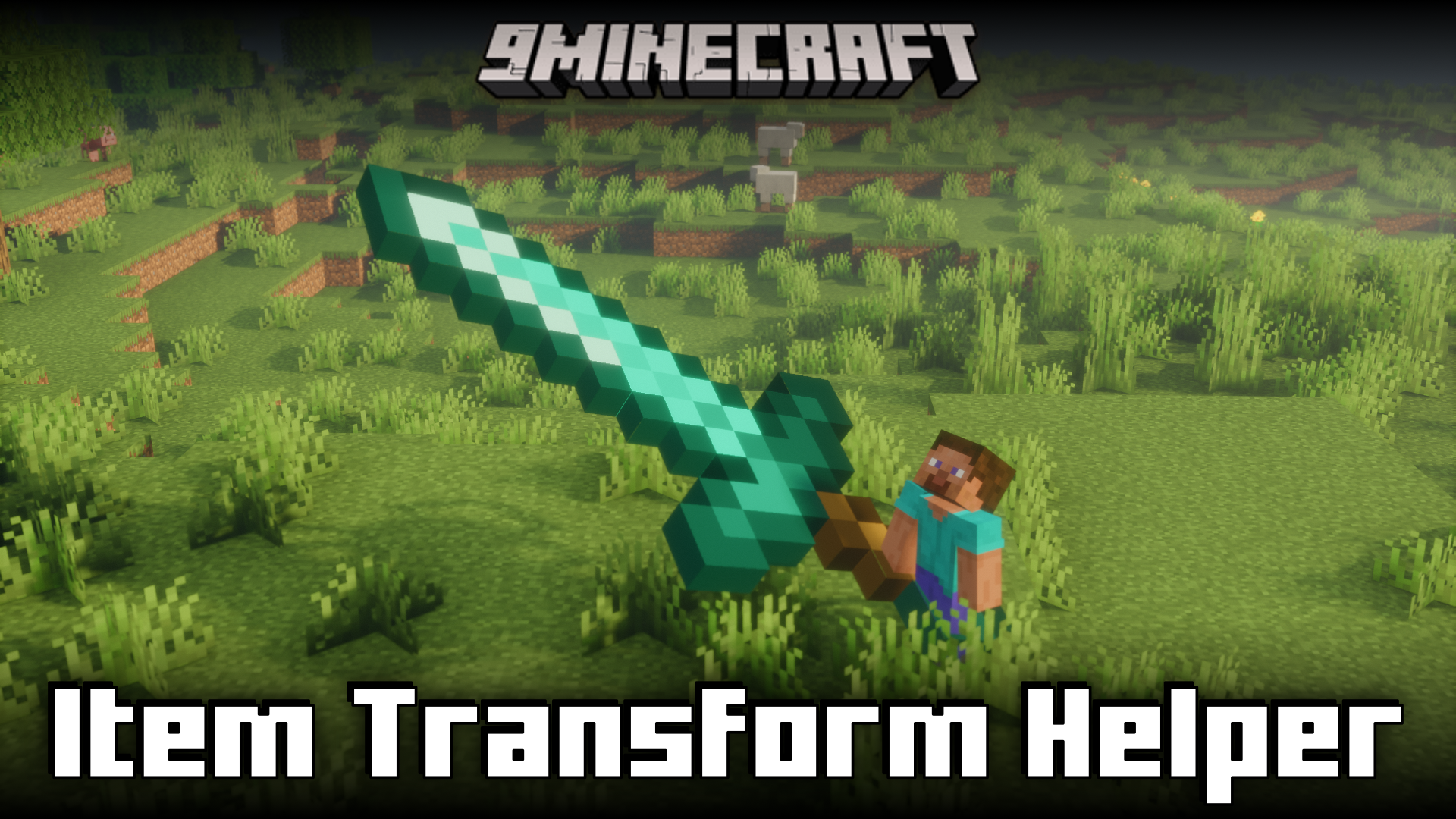
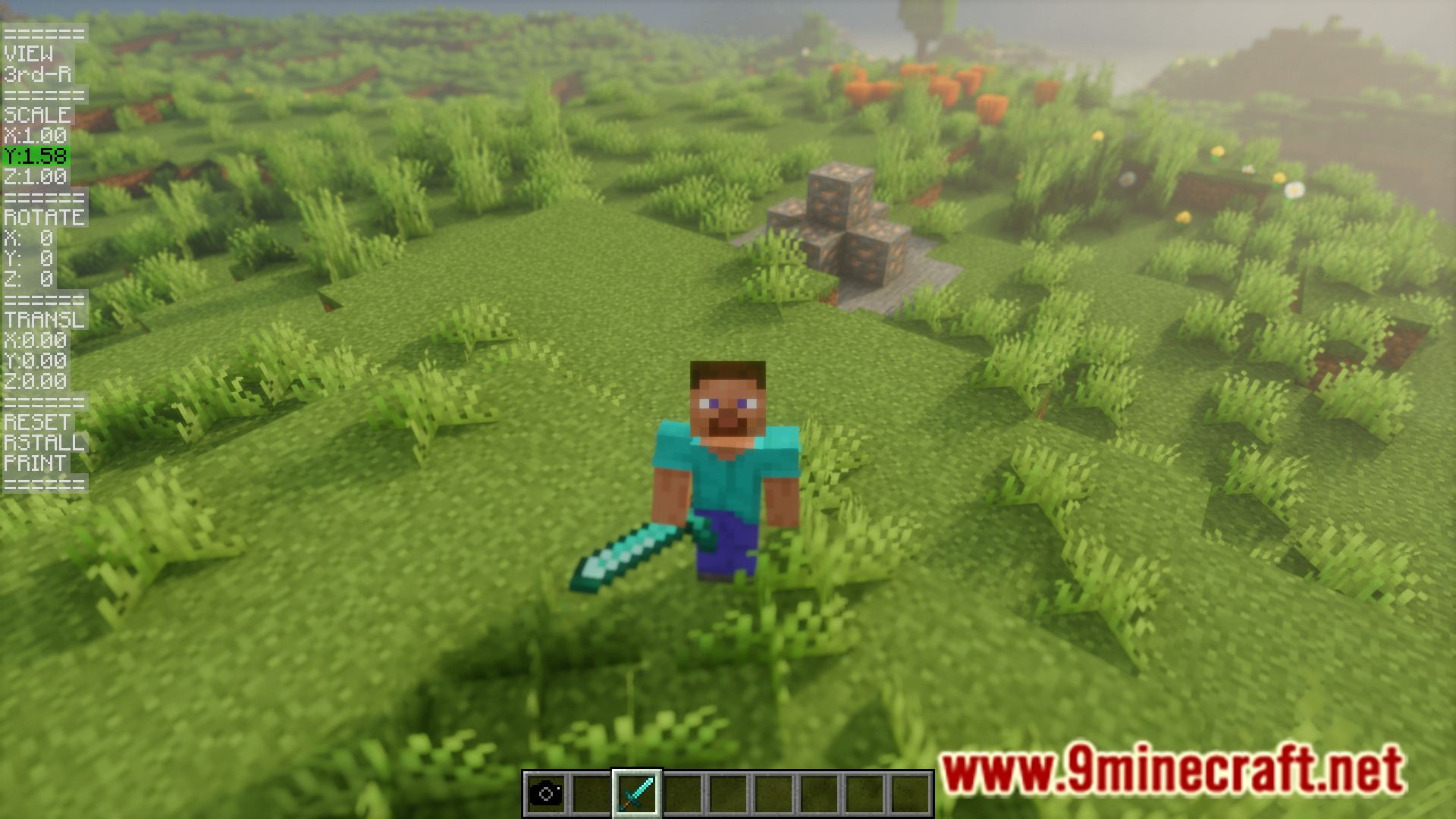
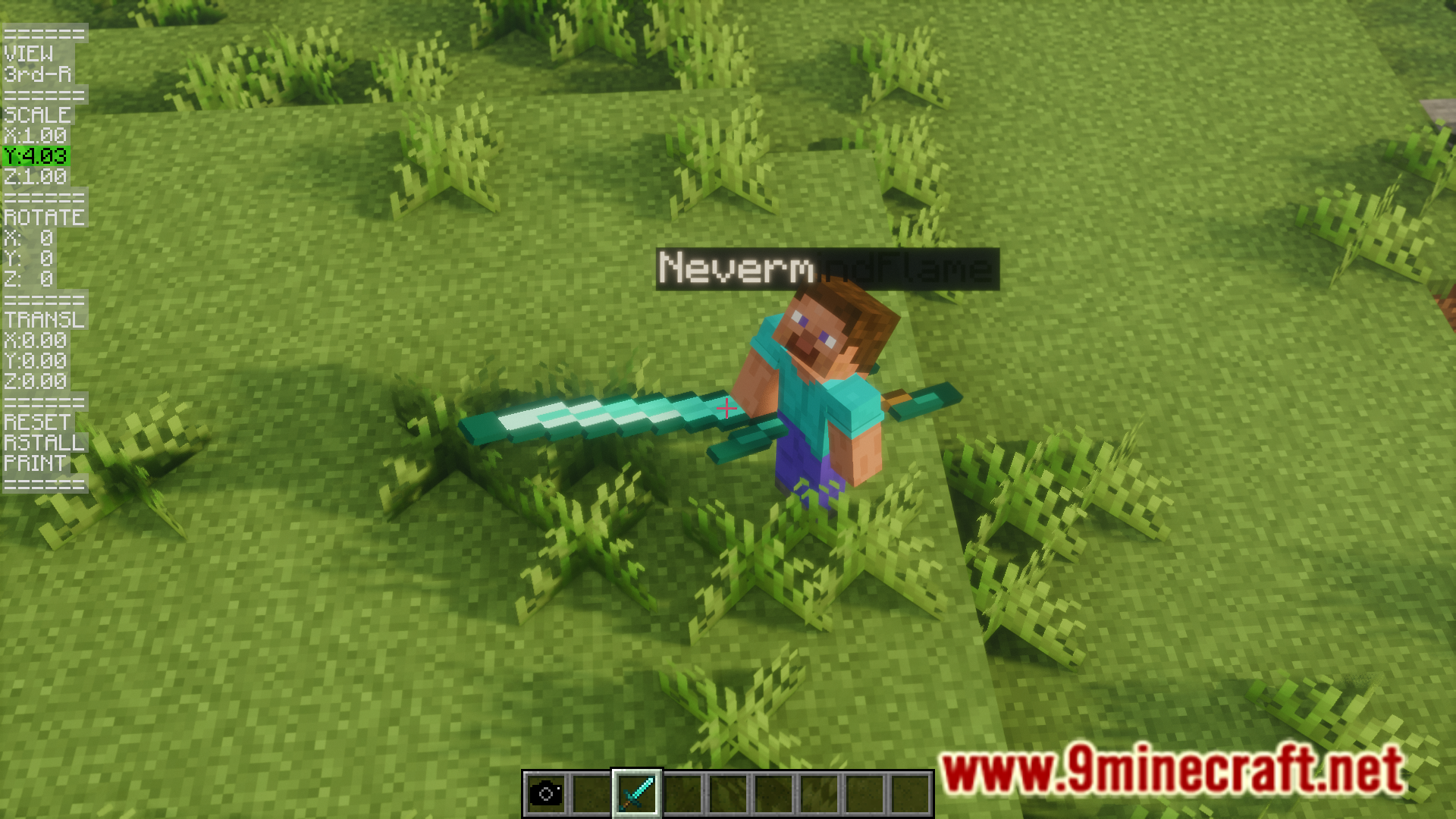
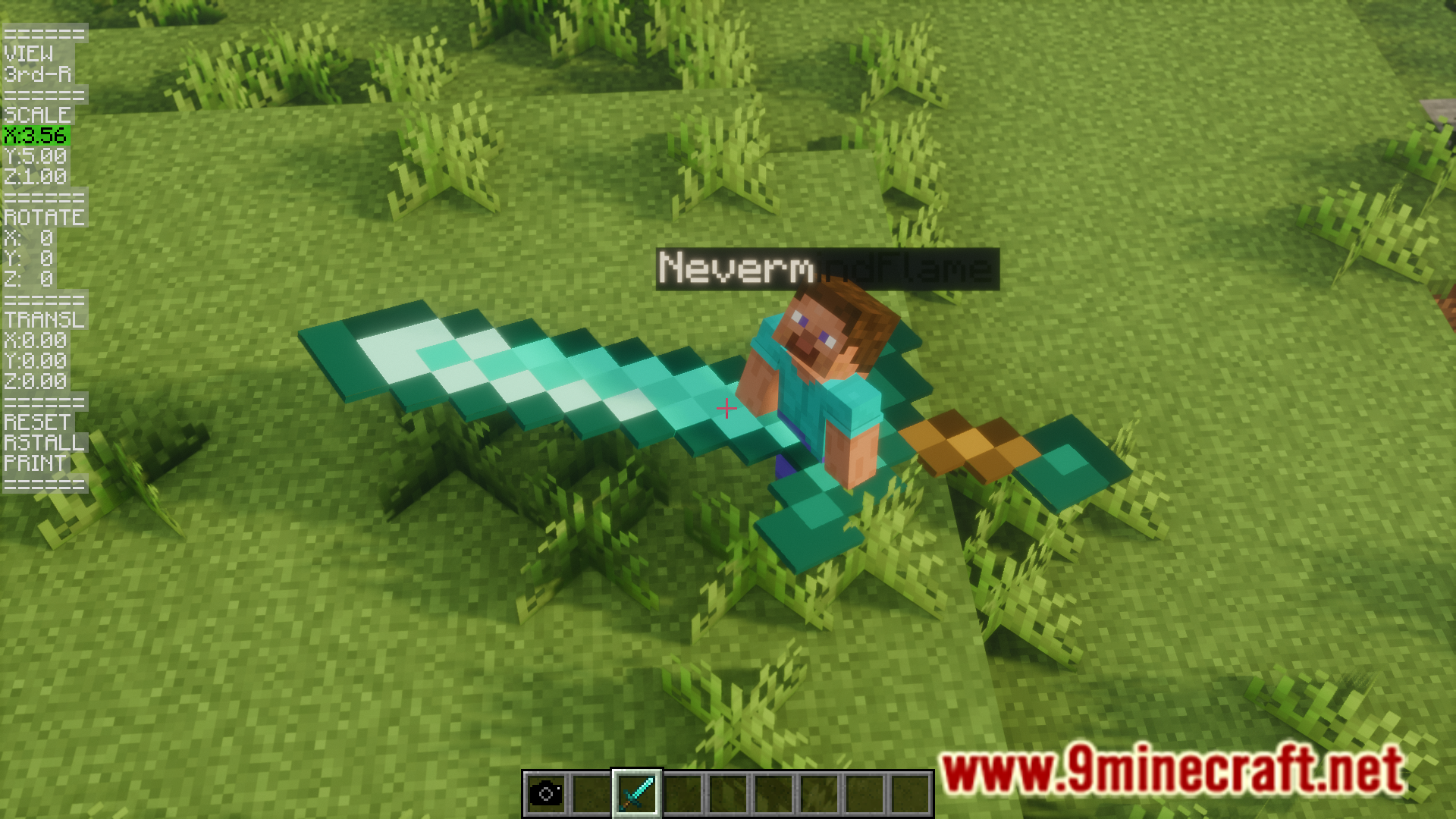
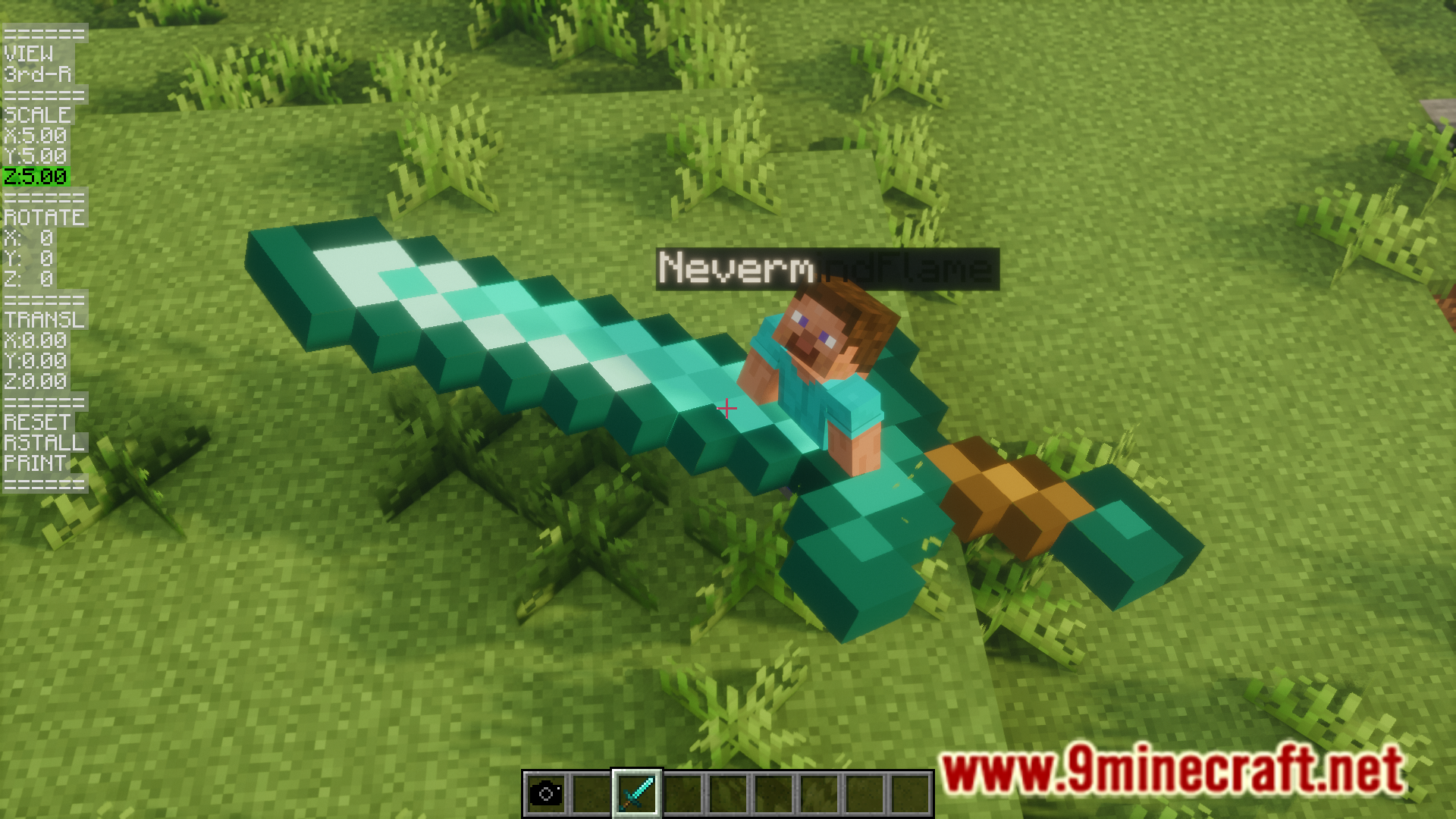
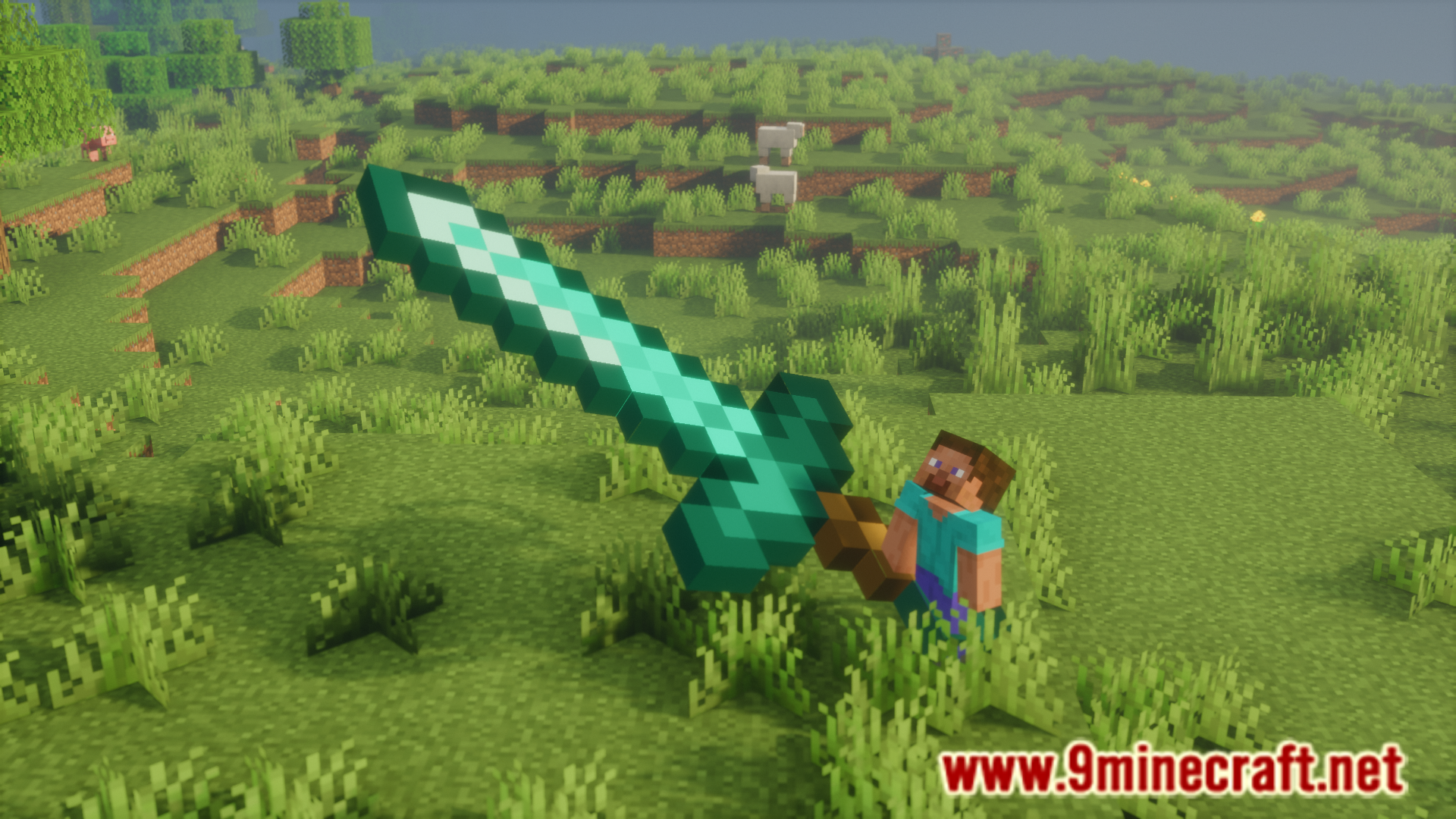
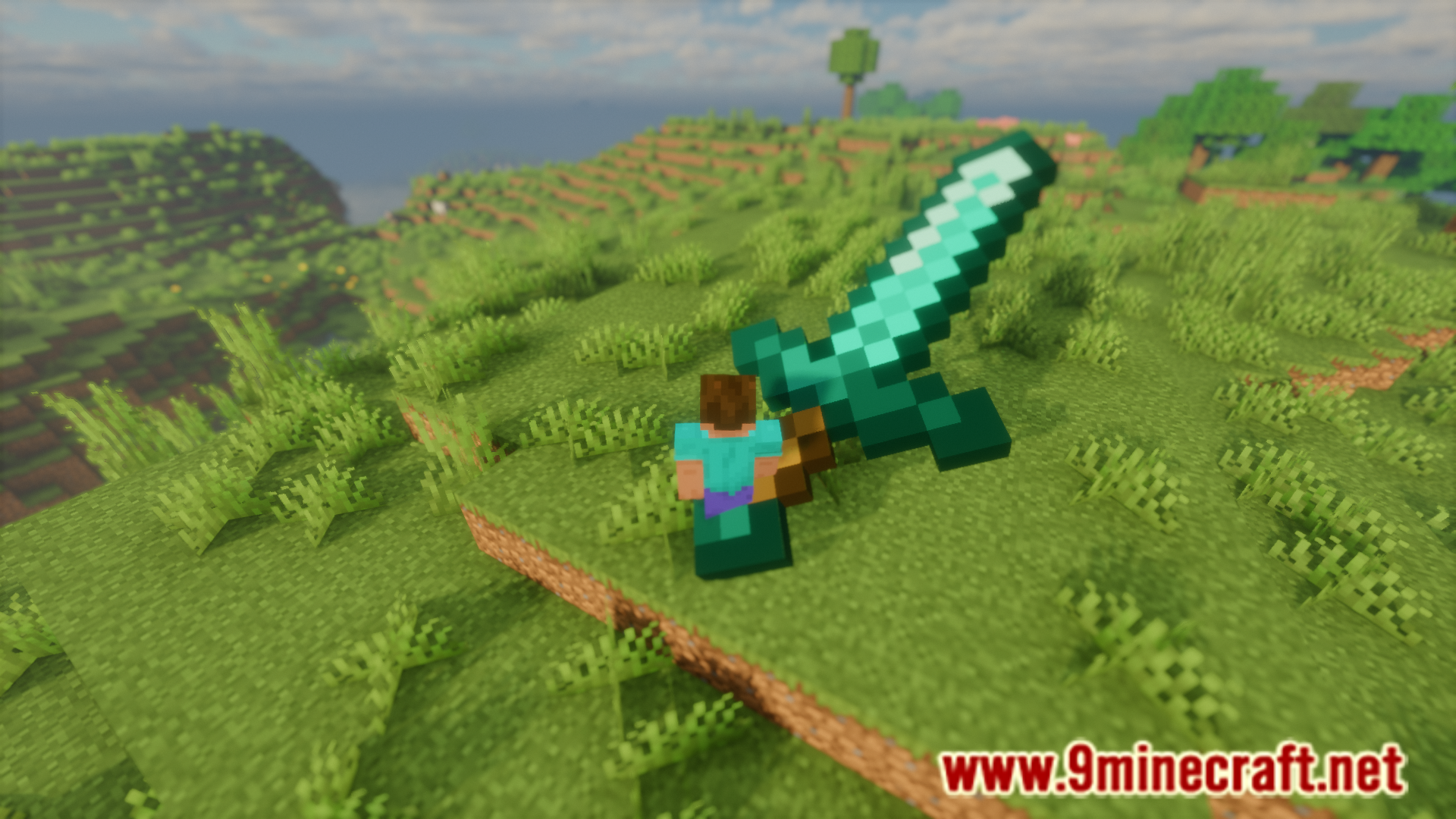
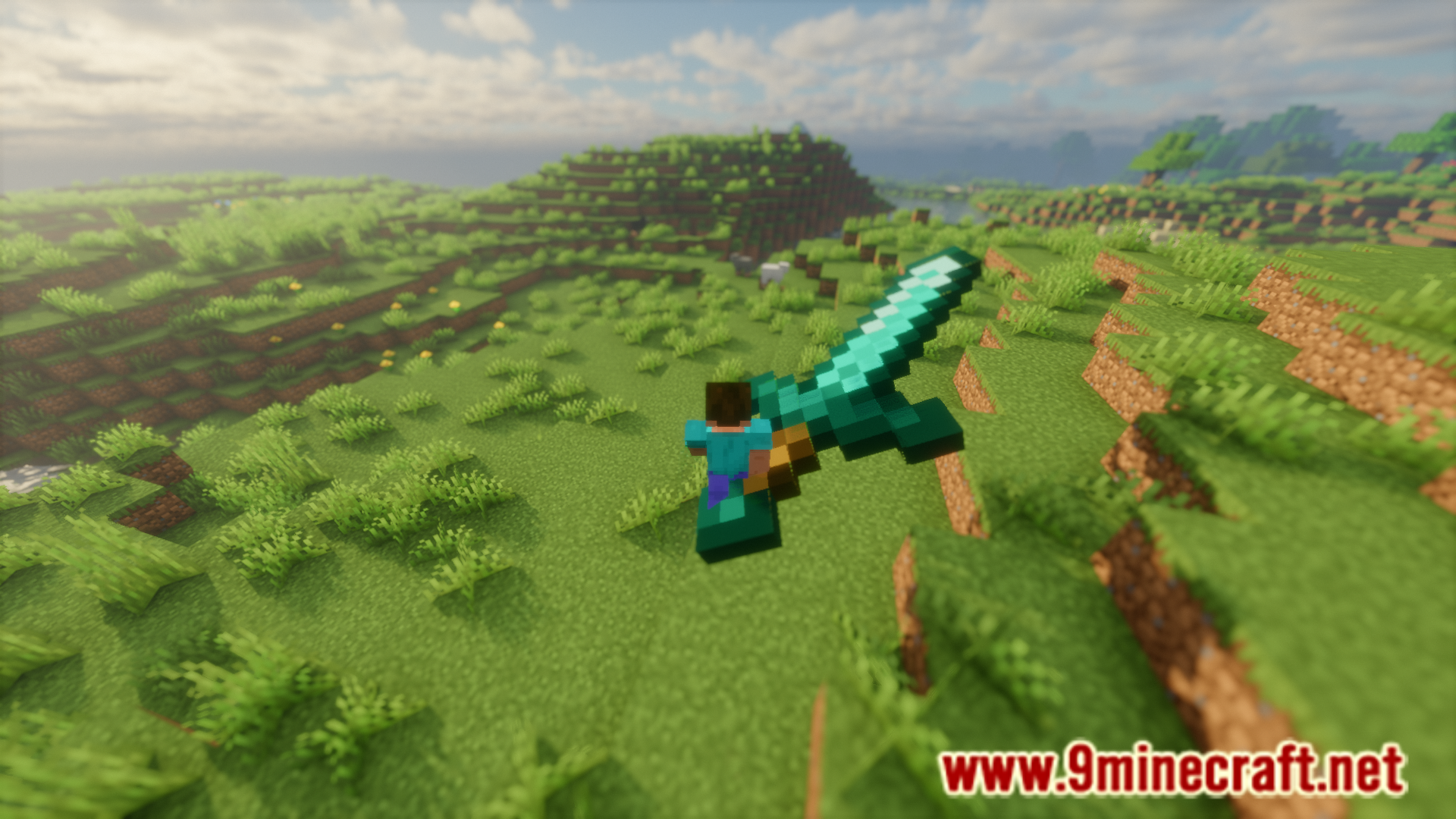
Item Transform Helper Mod allows you to adjust the size and position of items in your game. The first step is to place the new camera item somewhere in your hotbar. Then hold the item you want to change the size of in your main hand. You will notice a new adjustment tab has appeared on your screen. Using the up and down arrow keys to move up and down through the list. Once the required option is selected using these keys, you can then use the left and right arrows to adjust the value for that selected option. You can individually adjust the item size/position for different player perspectives.
Features:
- Allows you to adjust the size and location of items in game.
- Uses a new camera item.
- Instructions are given in the above paragraph.
Screenshots:
How to Install:
New to Minecraft? Follow our step-by-step guide to install Mods on your PC.View Guide
Requirements:



Item Transform Helper Mod Download Links
For Minecraft 26.2
For Minecraft 26.1.2, 26.1.1, 26.1
For Minecraft 1.21.11
For Minecraft 1.21.10, 1.21.9
For Minecraft 1.21.8, 1.21.7, 1.21.6
For Minecraft 1.21.5
For Minecraft 1.21.4
For Minecraft 1.21.1, 1.21
For Minecraft 1.20.6
For Minecraft 1.20.4
For Minecraft 1.20.1, 1.20
For Minecraft 1.19.4
For Minecraft 1.19.2
For Minecraft 1.18.2
For Minecraft 1.17.1
For Minecraft 1.16.5
For Minecraft 1.15.2
For Minecraft 1.12.2
For Minecraft 1.11.2
For Minecraft 1.10.2
For Minecraft 1.9.4
For Minecraft 1.8.9
Click to rate this post!
[Total: 1 Average: 5]
You May Also Like






This post has no comments yet. Be the first — your comment will appear here.