
Switchy Teleport Mod (1.21.1, 1.20.1) – Manage Multiple Spawn Points

 0


Switchy Teleport Mod extends Switchy with location-based utility modules that let you teleport to your previous spot and manage individual spawn points. It adds two useful modules that help you travel between preset locations easily. The addon is disabled by default and requires you to turn it on with a simple command before use.
Features:
- Adds new location-based modules to the Switchy mod.
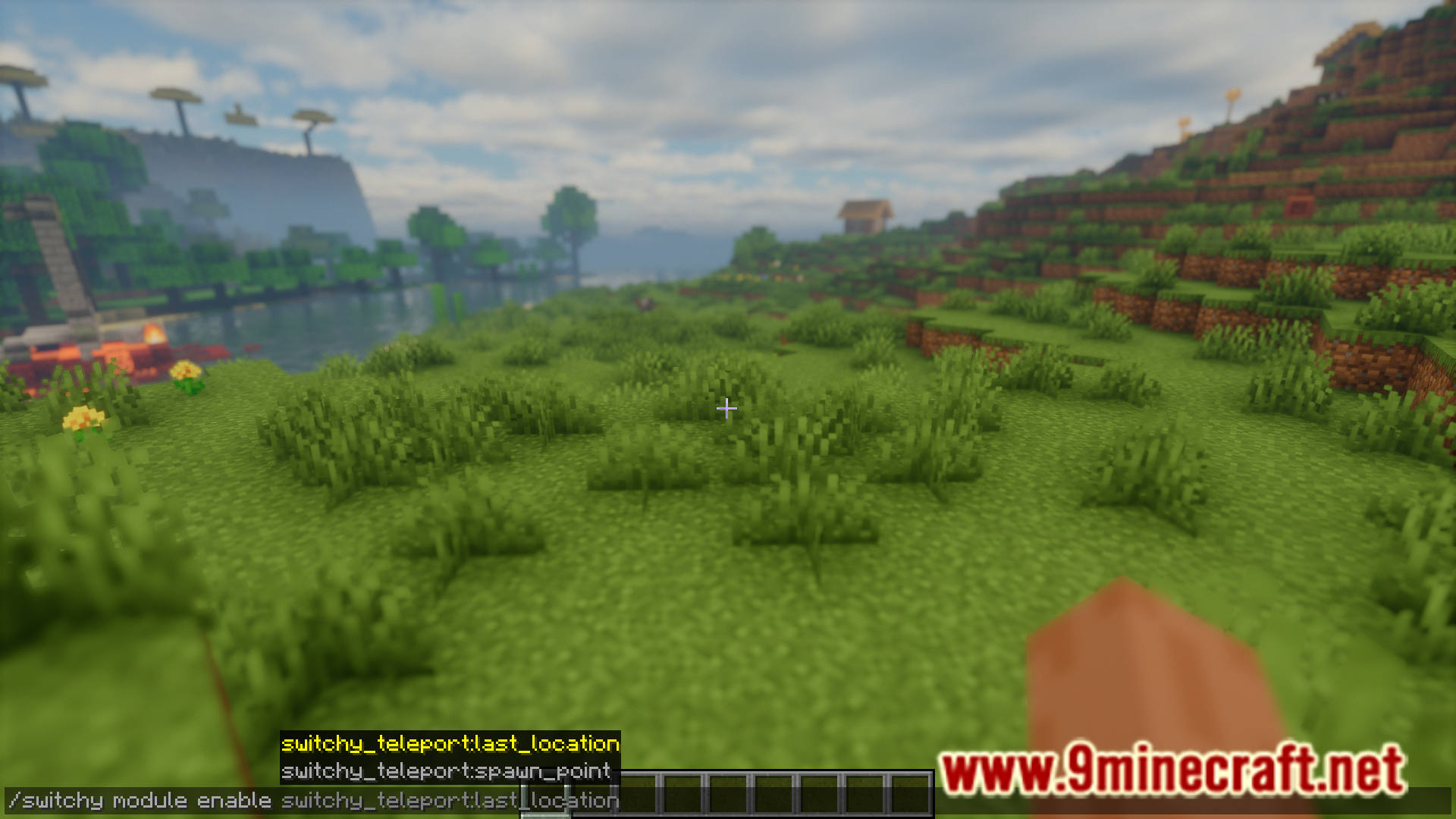
- Last Location: Teleports players to a preset’s last saved location whenever you switch back to that preset.
- Spawn Point: Allows for setting separate and independent spawn points for different presets.
- Removes all saved locations automatically if you disable the module.
- Keeps the spawn point of the previous preset when switching to a new preset for the very first time.
- Lets you update your preset spawn point at any time by using a bed or respawn anchor.
Commands:
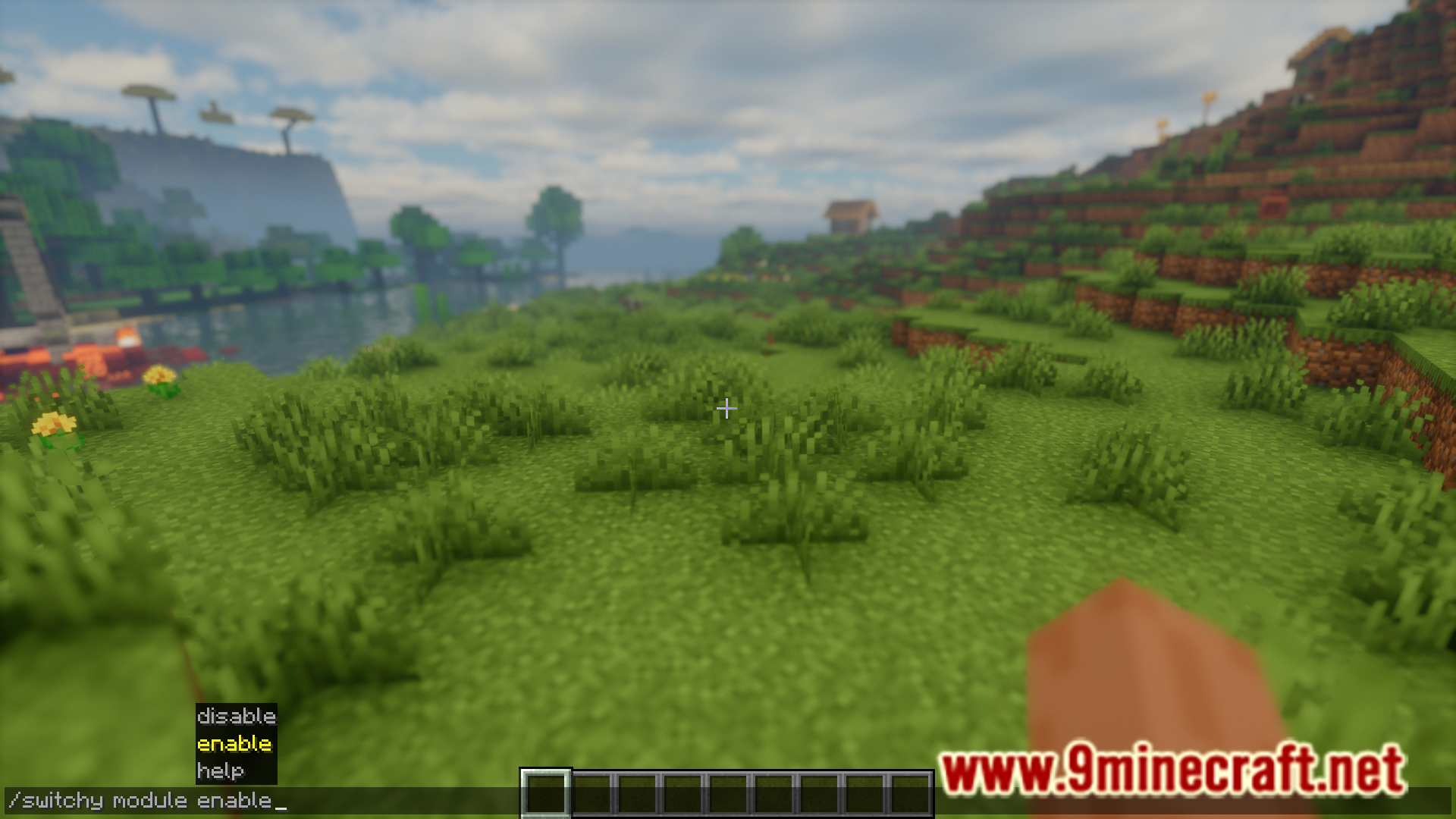
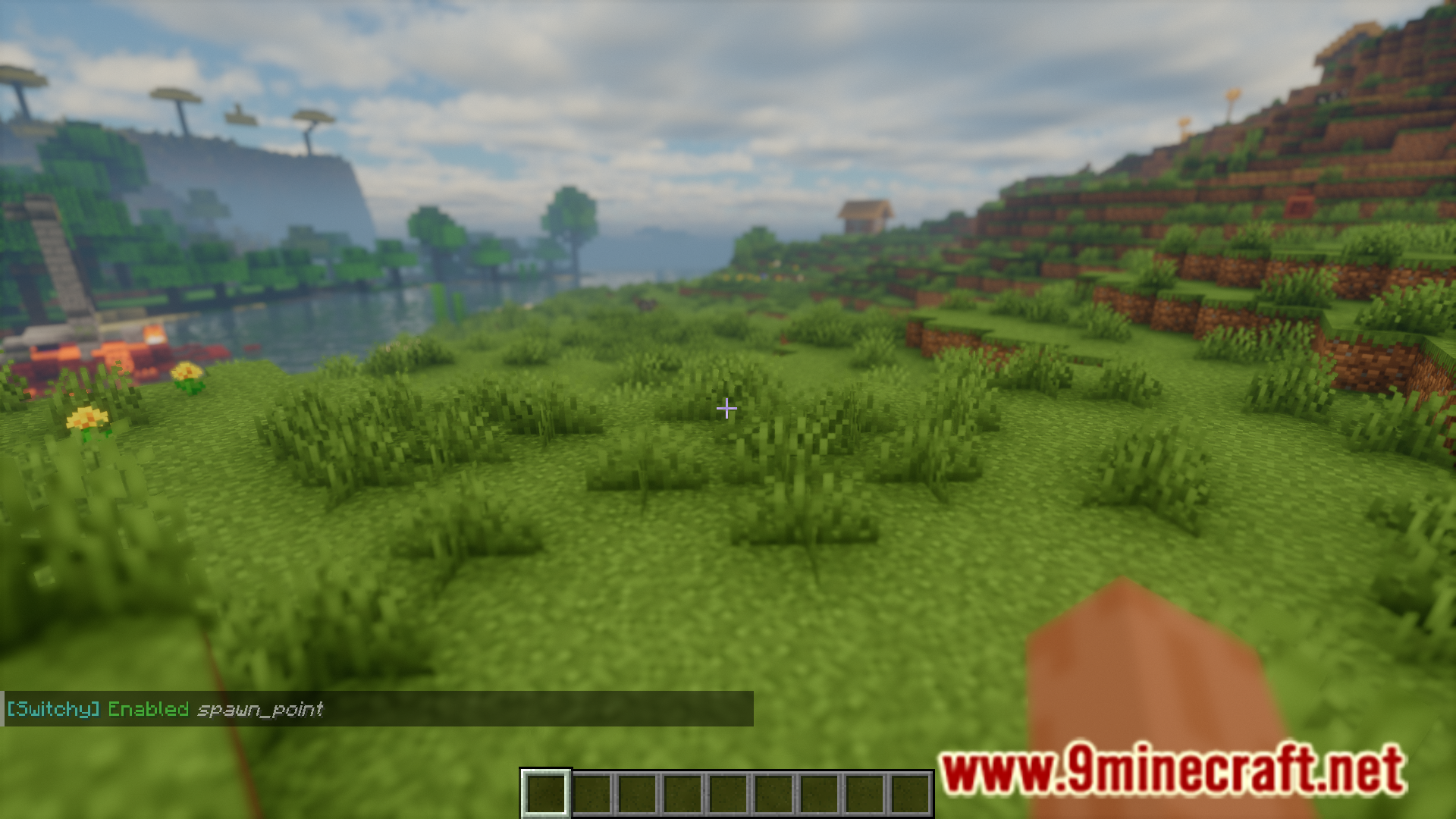
/switchy module enable: enables the disabled modules so you can start using them in the game.
How to Use:
- Open your chat box and type
/switchy module enableto turn on the disabled modules. - Switch between different presets to automatically save and return to your last player location.
- Use a bed or respawn anchor to save a unique spawn point for your current preset.
Screenshots:
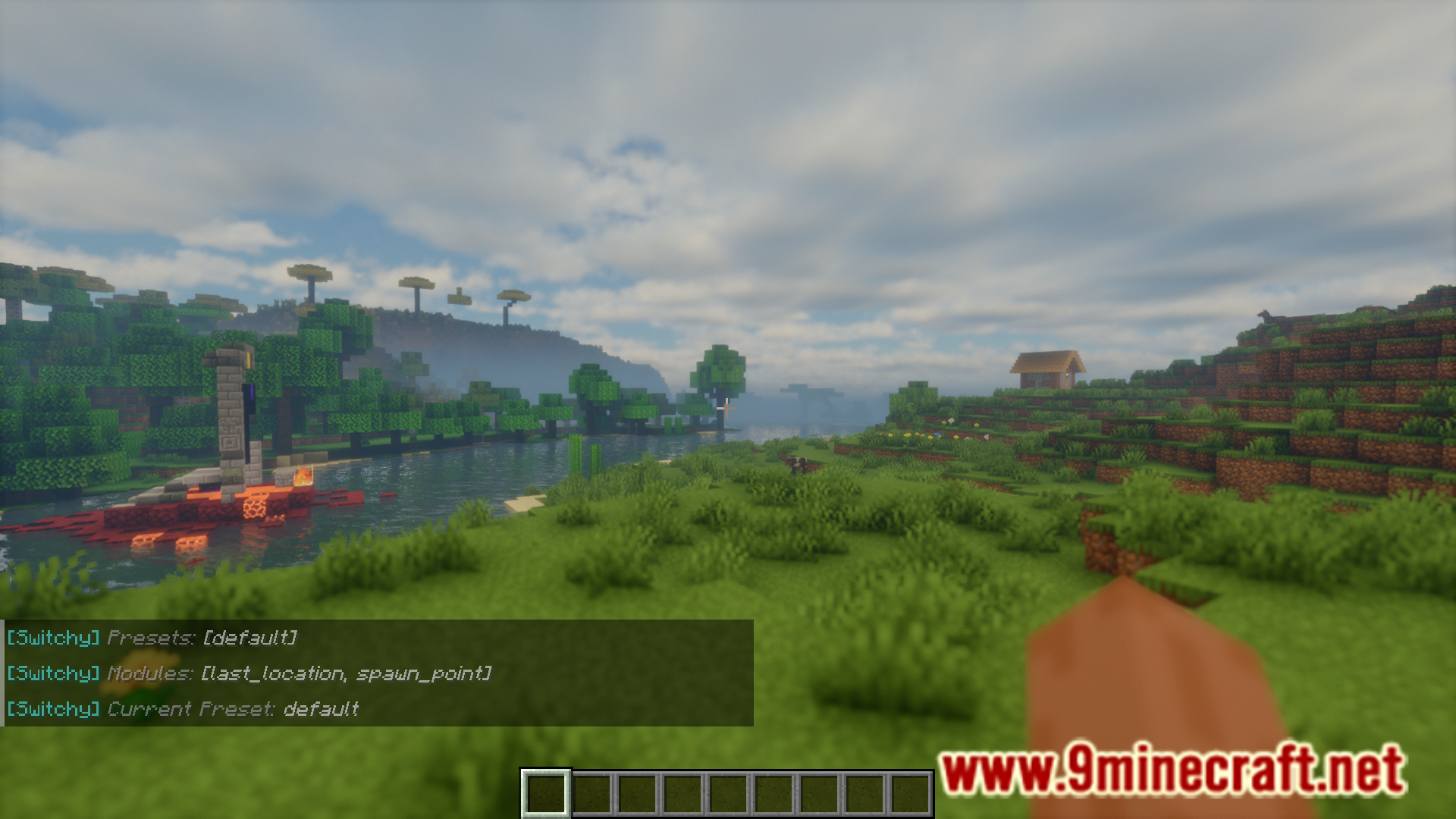
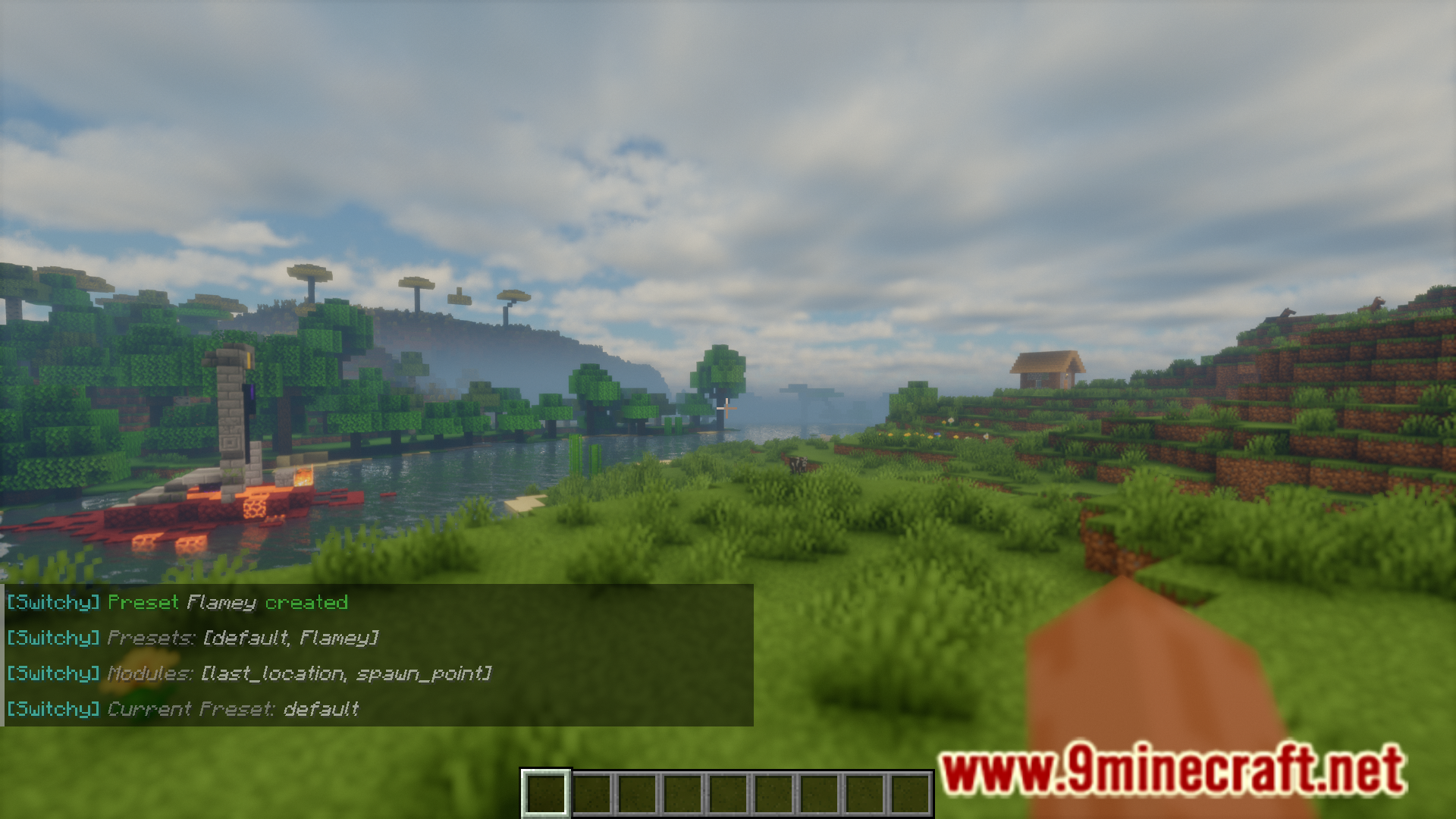
How to Install:
New to Minecraft? Follow our step-by-step guide to install Mods on your PC.View Guide
Requirements:

Switchy Teleport Mod Download Links
For Minecraft 1.21.1, 1.21
NeoForge/Fabric/Quilt version: Download from Server 1 – Download from Server 2
For Minecraft 1.20.1, 1.20
Fabric/Forge/Quilt version: Download from Server 1 – Download from Server 2
For Minecraft 1.19.4
Fabric/Quilt version: Download from Server 1 – Download from Server 2
For Minecraft 1.19.2
Fabric/Quilt version: Download from Server 1 – Download from Server 2
For Minecraft 1.18.2
Fabric/Quilt version: Download from Server 1 – Download from Server 2
Which Minecraft version do you spend the most time playing with mods?
7 responses · See the full results →
You May Also Like
Picked for this page
 FPS Reducer Mod (26.3, 1.20.1) – Reduce Unnecessary GPU and CPU Load
 JourneyMap Mod (26.3, 1.20.1) – Never Get Lost Exploring
 FTB Quests Mod (26.1.2, 1.20.1) – Build a Story for Your Team
 Chef’s Delight Mod (1.21.11, 1.20.1) – Cook and Chef
 Boss Music Mod (26.2, 1.20.1) – Soundtracks That Play During Fights
 Infinity Water Bucket Mod (26.3, 1.20.1) – Infinite Water Source
 Now Playing Mod (26.3, 1.20.1) – In-Game Music Toast
 Zorin Client Mod (1.21.1) – Custom Build Based on ThunderHack
 Modern World Creation Mod (1.21.4, 1.20.1) – Bedrock-Like World Creation Menu
 ScreenFX Mod (26.3, 1.20.1) – Personalize Your Minecraft
 NullPoint Client Mod (1.20.4) – Skidded Ghost PvP Client
 Komaru Cat Mod (1.20.1, 1.20) – Tame Komaru Cats & Decorate Your Base
Most viewed in Mods over the last 7 days
 Ala Industrial Mod (26.3) – Run Electric Power Grids and Automated Factories
 PleasureCraft Mod (26.3, 1.21.1) – Jenny Mod Remake for Fabric
 Jennycraft Mod (26.3, 1.20.1) – Virtual Girlfriend in Minecraft
 Fapcraft Mod (26.3, 1.12.2) – Comprehensive and Detailed Content
 Jenny Mod (Fapcraft) Official Complete Guide – How to use, Tutorial
 BangCraft Mod (1.20.1) – Jenny, Ellie and Elliot
 Fabric Loader (26.3, 1.20.1) – Fabric Installer for All Minecraft Versions
 The Shooting Star Demo Mod (26.3, 1.20.1) – Vaporize Terrain From Orbit
 Meteor Client Mod (26.3, 1.20.1) – Xray, HUD, Fly
 OptiFine HD (26.3, 1.20.1) – Run Faster, FPS Boost, Shaders Support
 Aristois Client Mod (1.21.4, 1.20.1) – World Class Minecraft Utility
 Prestige Client Mod (1.21.11, 1.21.4) – Powerful Ghost Features for Crystal & Sword PvP
More from Mods
 Simply Light 9minecraft Mod (26.3) – Decorate Builds Without Torches
 Alex’s Caves Continued Mod (26.3, 1.20.1) – Conquer Six Massive Underground
 Anvil Uses Mod (26.3, 1.20.1) – Track Item Anvil Usage
 Animal Info Mod (26.3, 1.21.11) – Quick Stats For Your Animals
 Timber Tales Dynamic Tree System Mod (26.3, 1.20.1) – Watch Entire Trees Topple
 Gabou’s Libs Mod (26.3, 1.20.1) – Keep Custom Weather and Survival Mods Stable
 /Sit Mod (26.3, 1.21.1) – Make The Player Sit Down
 Arcane Redstone Dial Mod (26.3, 1.20.1) – Trigger Commands and Shortcuts
 The Graveyard Mod (26.3, 1.20.1) – Cemeteries in Minecraft
 Enhanced Overlay Mod (26.3, 1.21.11) – Remove Screen Clutter
 Flint Mod (1.21.11) – Run DiamondFire Community Addons Without Crashing
 Not Just Sandwich Mod (26.3, 1.20.1) – Edibles, Sandwiches

This post has no comments yet. Be the first — your comment will appear here.