
Cobblemon Box Link Mod (1.21.1) – Swap Your Pokémon Team in the Wild
 70
 0


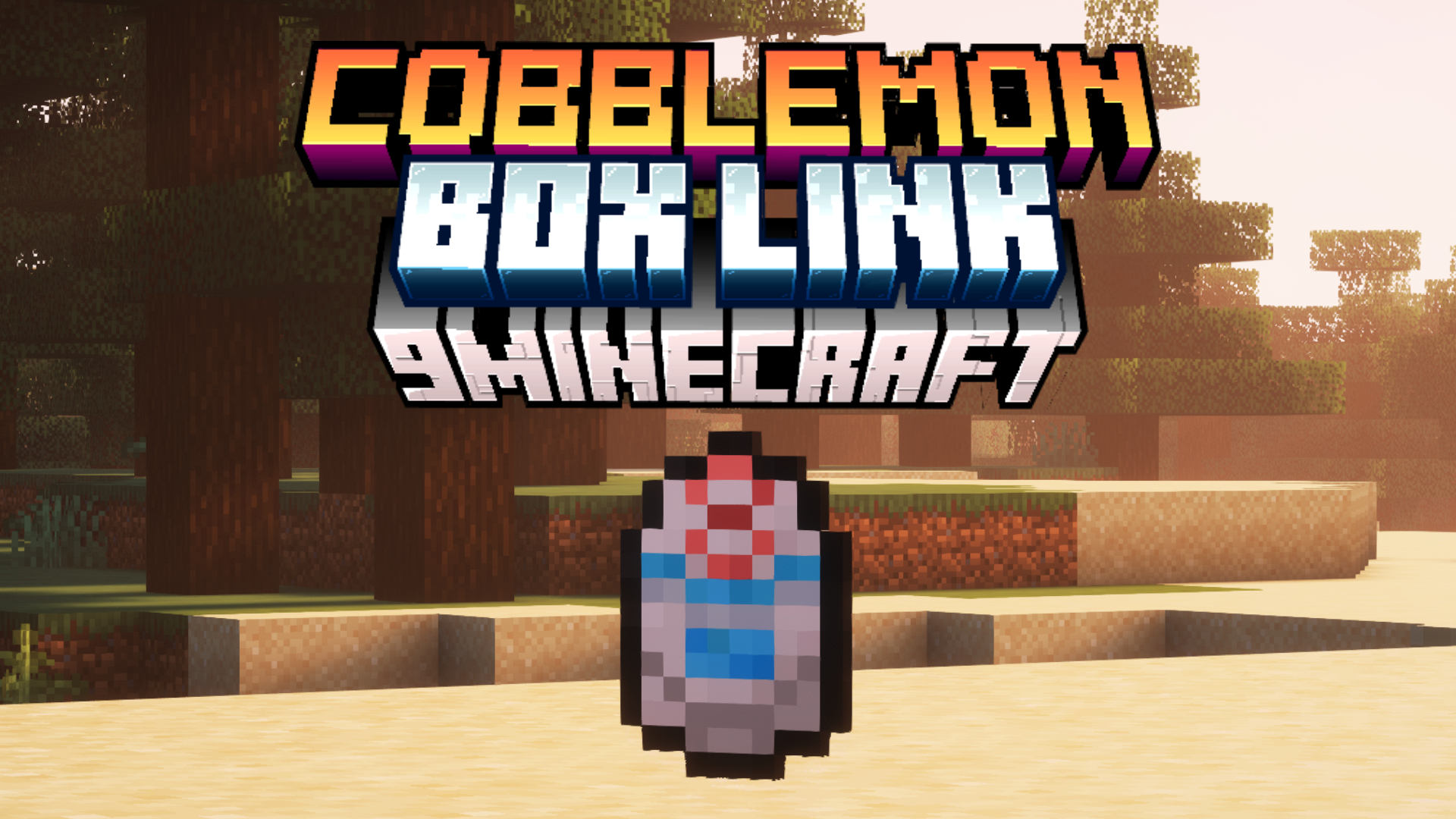
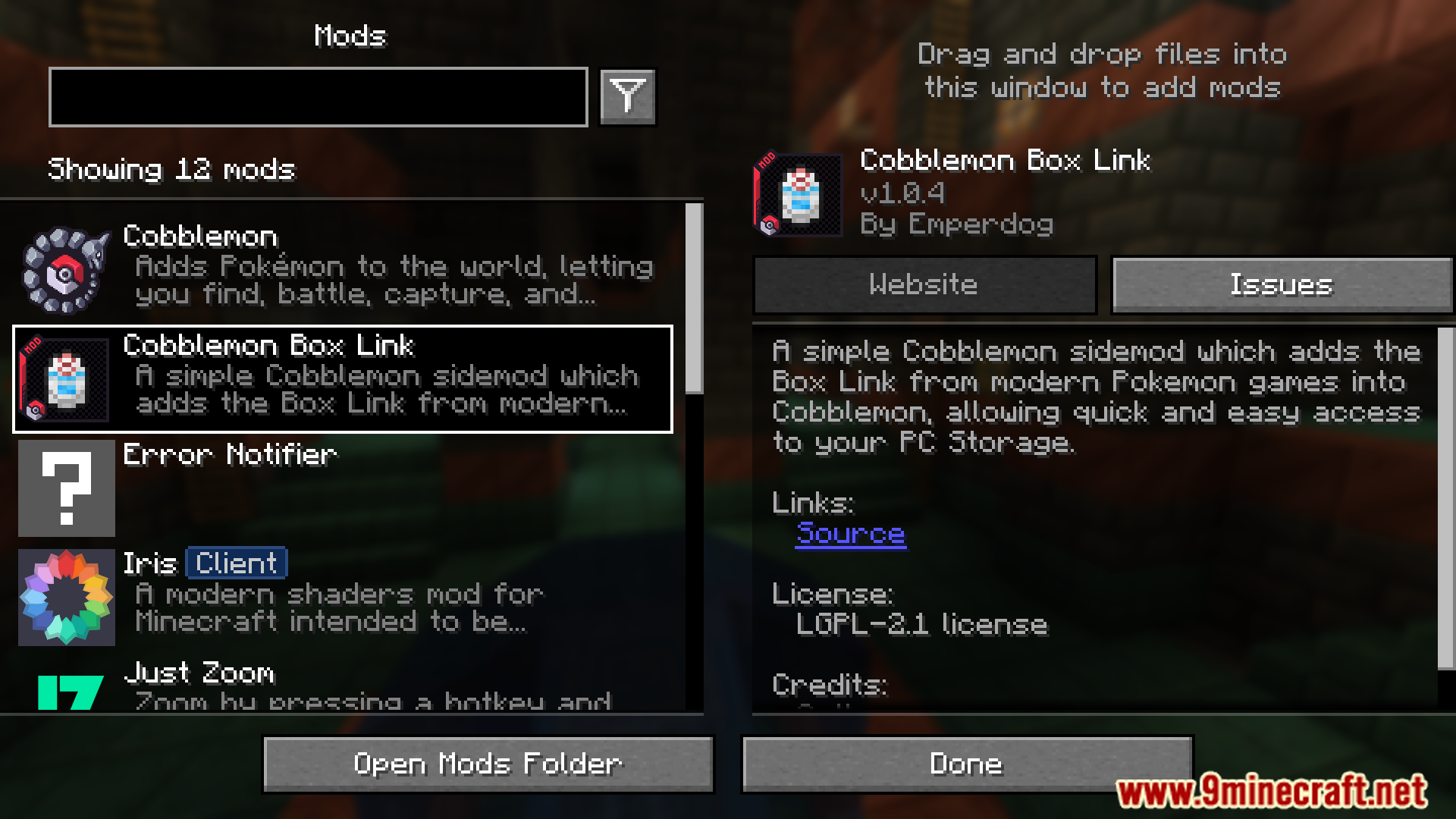
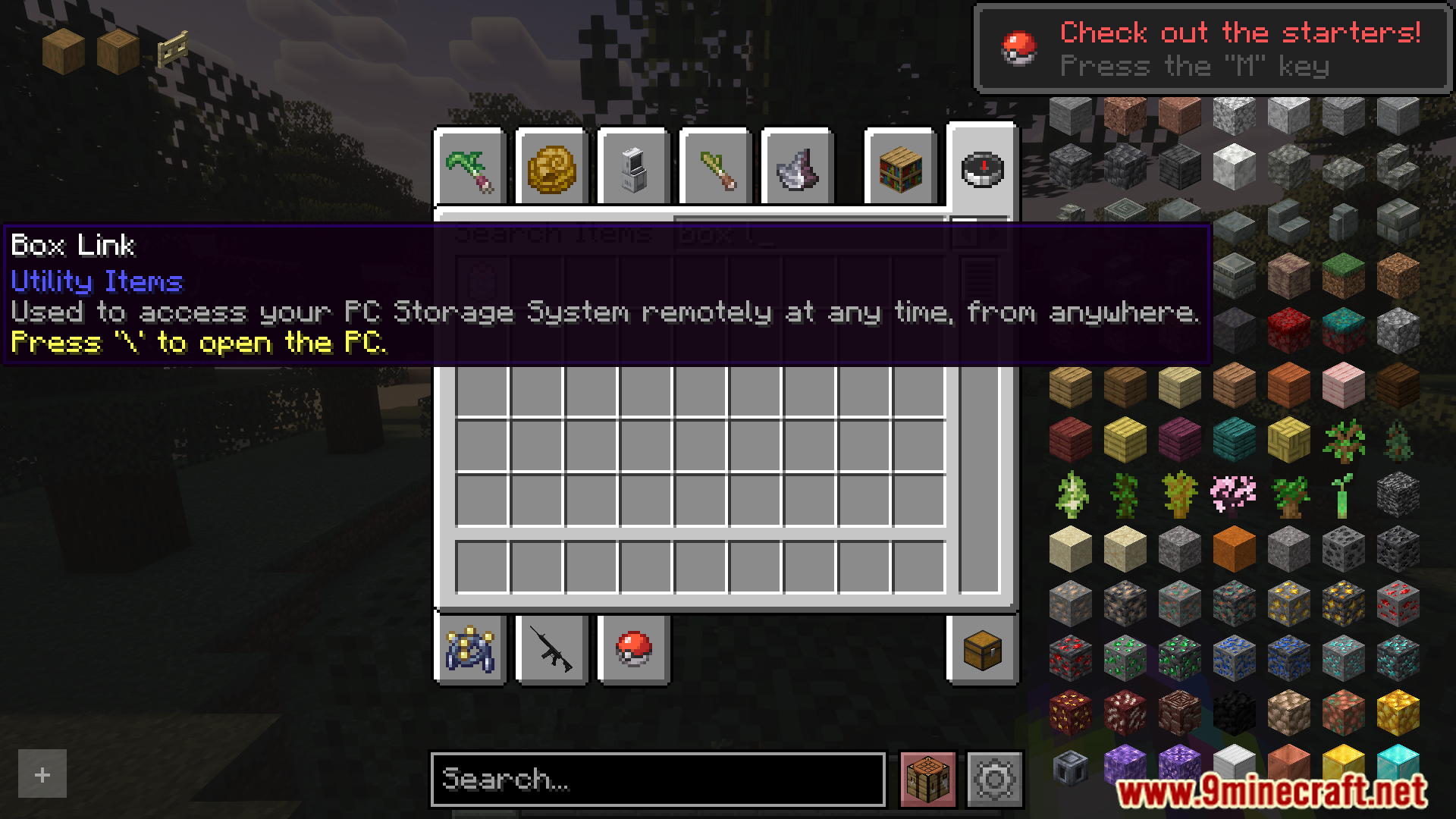
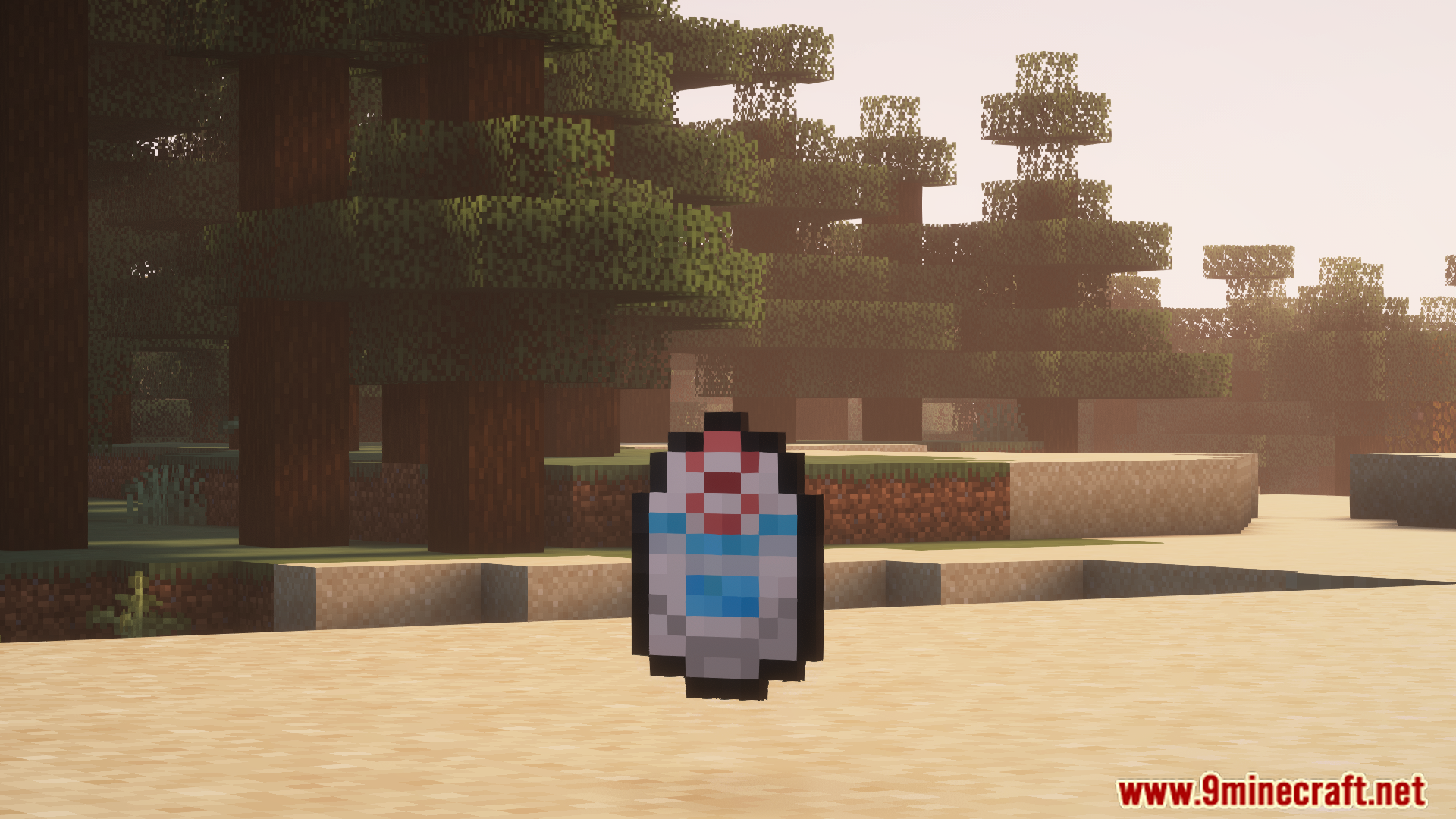
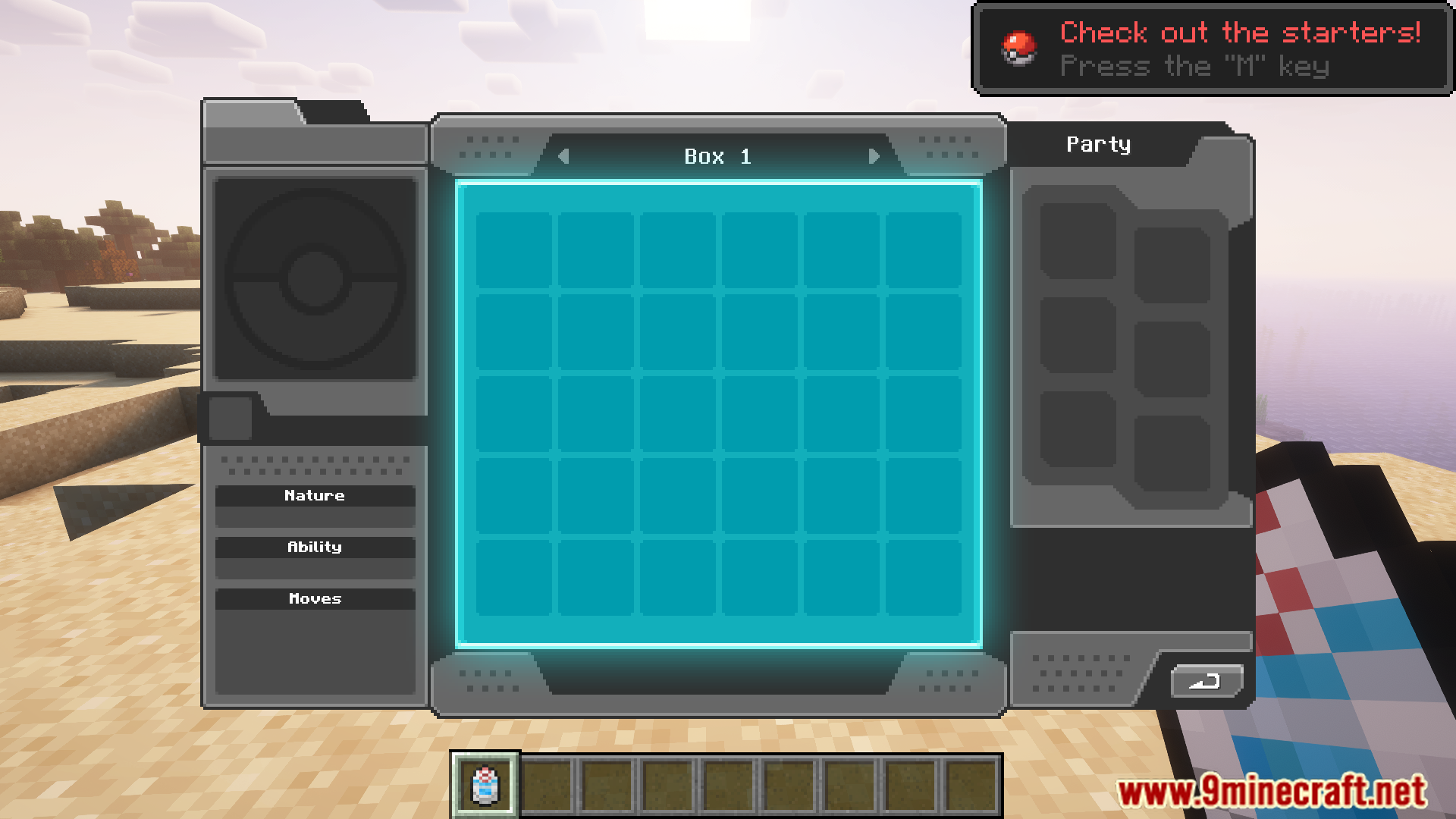
Cobblemon Box Link Mod adds the Box Link item from modern Pokémon games to Cobblemon. This addon lets you open your PC storage quickly from anywhere, so you do not need to find a PC block. You can use the item in your hand, press a keybind while it sits in your inventory, or equip it in an accessory slot with Curios or Trinkets. Servers can also turn on a config option so players can use the keybind without the item.
Features:
- Adds the Box Link item from modern Pokémon games for quick and easy PC storage access.
- Lets you hold the item in your hand and use it to open your PC right away.
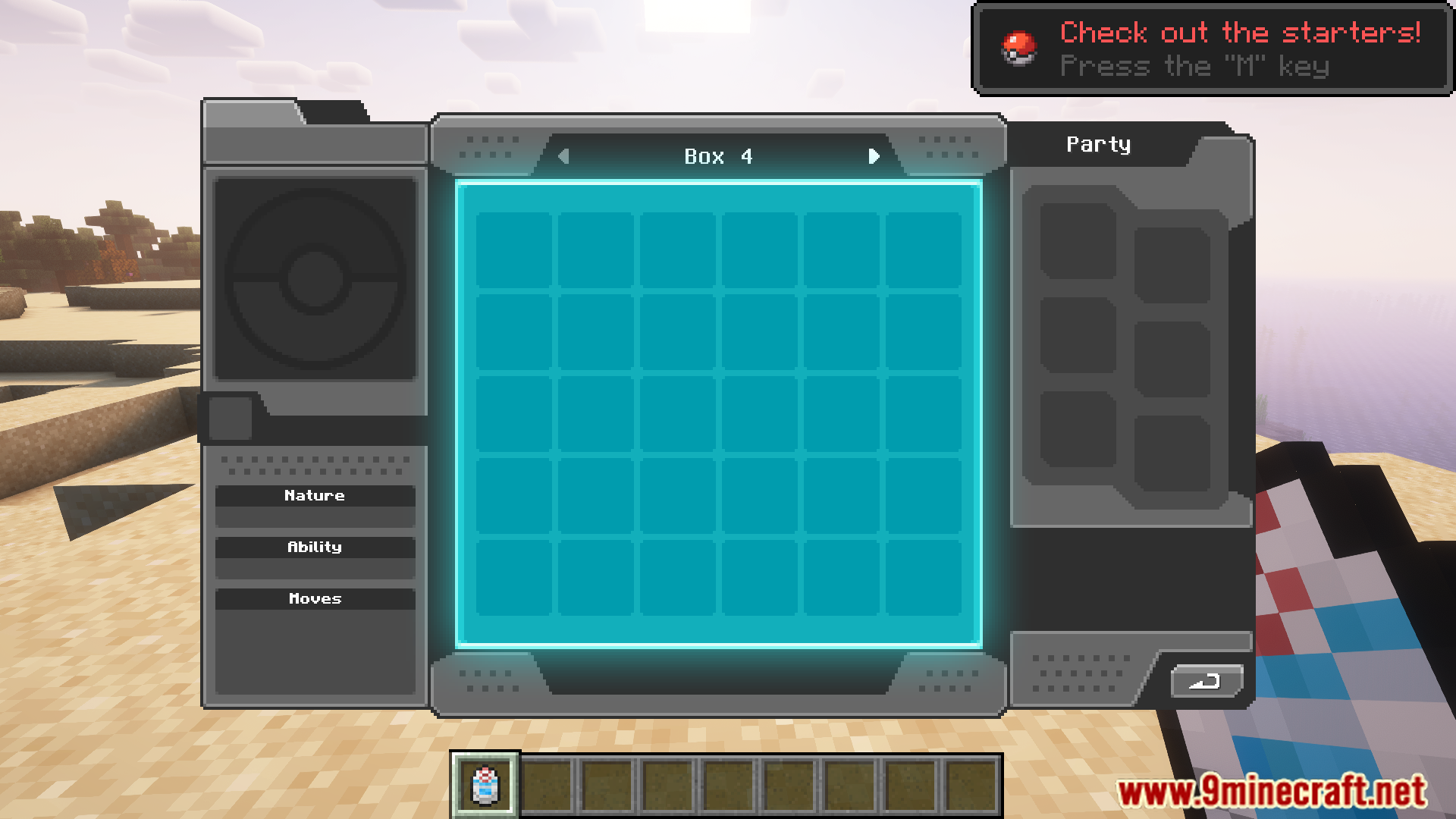
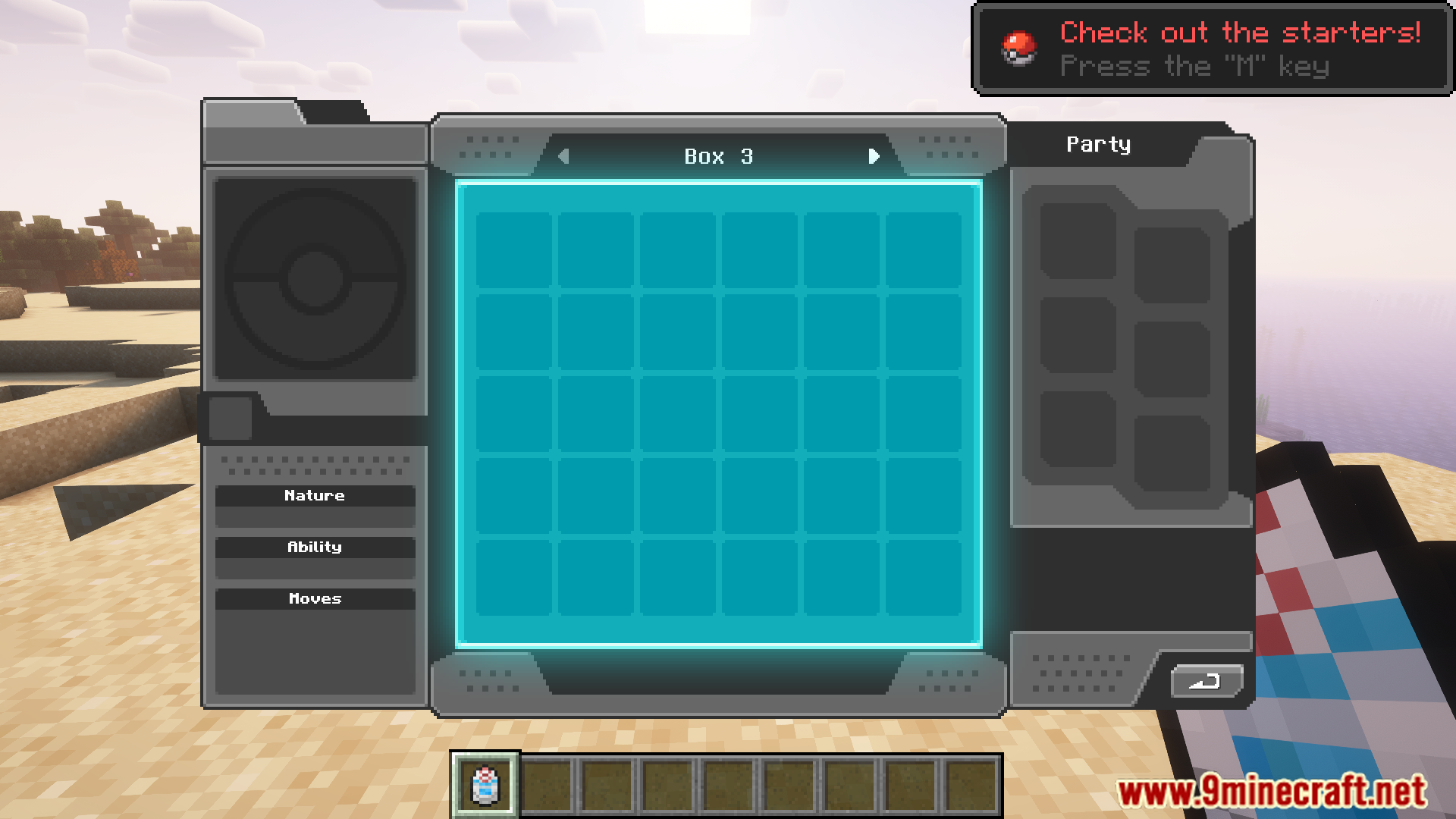
- Allows you to open your PC with a keybind while the item sits in your inventory.
- Supports optional Curios integration on Forge and Trinkets integration on Fabric so you can equip the item in an accessory slot.
- Adds a custom “Box Link” accessory slot made just for this item by default.
- Includes a server config option that lets players use the keybind without having the item.
How to Use:
- Hold the Box Link in your hand and use it to open your Cobblemon PC storage right away.
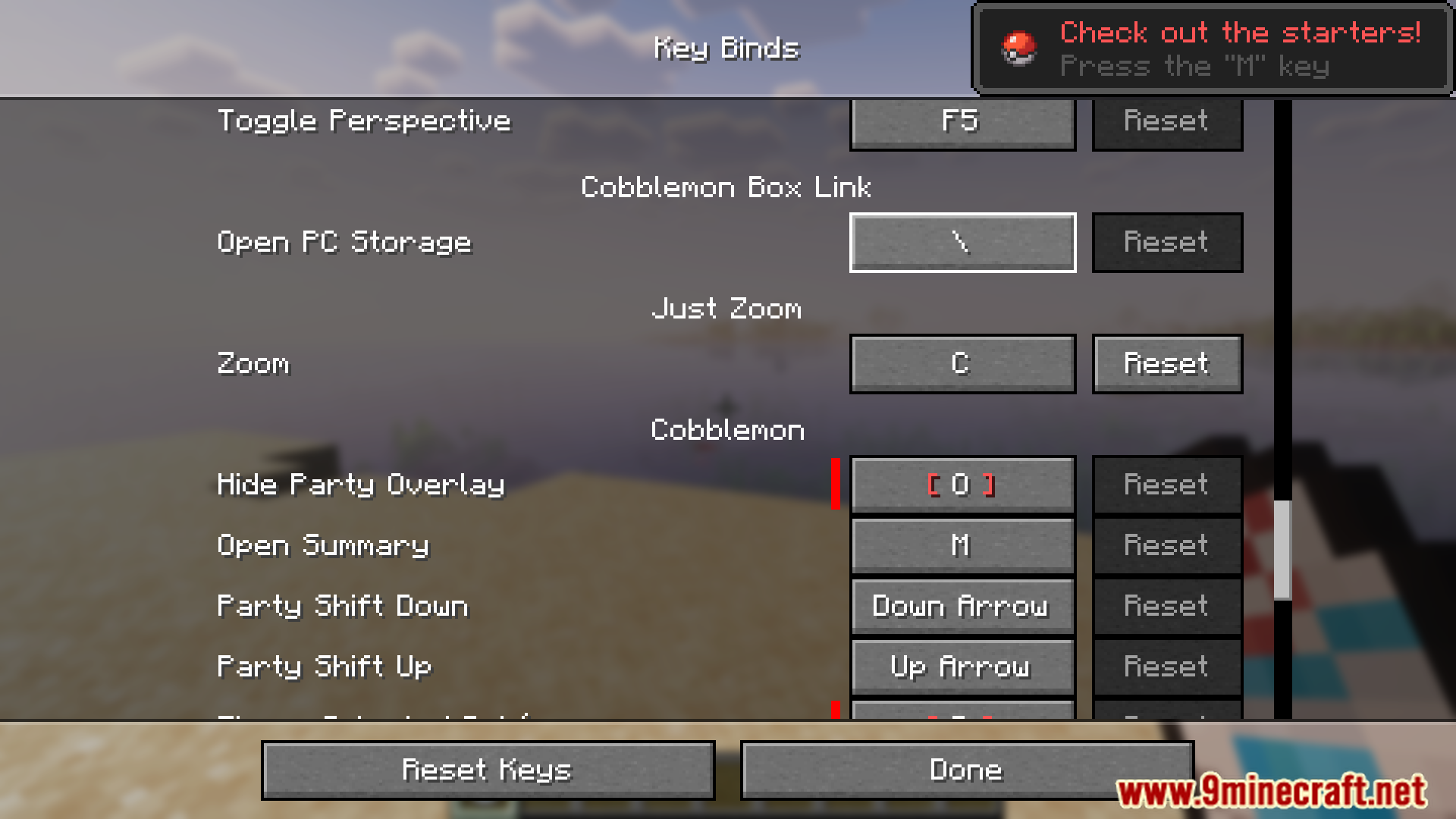
- Place the Box Link anywhere in your inventory and press your set keybind to open your PC menu.
- With Curios on Forge or Trinkets on Fabric installed, equip the item in the custom “Box Link” accessory slot and use the keybind to open your PC.
- Turn on the server config option if you want players to open PC storage with the keybind without needing the Box Link item.
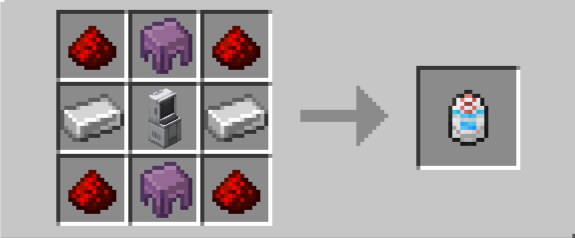
Crafting Recipes:
Screenshots:
How to Install:
New to Minecraft? Follow our step-by-step guide to install Mods on your PC.View Guide
Requirements:
Cobblemon Box Link Mod Download Links
For Minecraft 1.21.1, 1.21
Fabric Version: Download from Server 1 – Download from Server 2
NeoForge Version: Download from Server 1 – Download from Server 2
What is your stance on mods that feel 'overpowered' or break vanilla balance?
15 responses · See the full results →
You May Also Like
Picked for this page
 Powah Mod (26.1.2, 1.20.1) – Generation, Storage, Distribution of Forge Energy
 Forge Config API Port Mod (26.3, 1.20.1) – Bring Forge Mods to Fabric
 Durability Plus Mod (26.1, 1.20.1) – Item Durability Tooltips
 Cobblemizer Mod (1.21.1, 1.20.1) – Customize Your Pokémon
 Custom Biome Saplings Mod (26.1.1, 1.20.1) – Renewable Modded Trees
 Realistic Campfires Mod (26.3, 1.20.1) – More Realism In Your Fires
 RFTools Control Mod (1.21.1, 1.20.1) – Code Your Own Automation
 Don’t Hide The Tooltip Mod (26.3, 1.21.1) – Always Shows Item Tooltips
 Item Indicator Mod (1.21.11, 1.20.1) – Manage Inventory More Easily
 Structures Plus Mod (26.3, 1.20.1) – Adds Unique World Structures
 App Flux Mod (1.21.1, 1.20.1) – Store Trillions Of Forge Energy Inside Your ME
 Pv Addon Lavaplayer Lib Mod (26.3, 1.20.1) – Audio Backend Utility
Most viewed in Mods over the last 7 days
 Ala Industrial Mod (26.3) – Run Electric Power Grids and Automated Factories
 PleasureCraft Mod (26.3, 1.21.1) – Jenny Mod Remake for Fabric
 Jennycraft Mod (26.3, 1.20.1) – Virtual Girlfriend in Minecraft
 Fapcraft Mod (26.3, 1.12.2) – Comprehensive and Detailed Content
 Jenny Mod (Fapcraft) Official Complete Guide – How to use, Tutorial
 BangCraft Mod (1.20.1) – Jenny, Ellie and Elliot
 Fabric Loader (26.3, 1.20.1) – Fabric Installer for All Minecraft Versions
 Meteor Client Mod (26.3, 1.20.1) – Xray, HUD, Fly
 The Shooting Star Demo Mod (26.3, 1.20.1) – Vaporize Terrain From Orbit
 OptiFine HD (26.3, 1.20.1) – Run Faster, FPS Boost, Shaders Support
 Aristois Client Mod (1.21.4, 1.20.1) – World Class Minecraft Utility
 SchnurriTV Mod (1.12.2) – Characters and Features
More from Mods
 NovaUtils Mod (26.1.2) – Locate Buried Ores and Inspect Chests Through Walls
 In-Game Account Switcher with Cookies Mod (1.21.11) – Swap Your Alts Without Relaunching
 CrewX Mod (1.8.9) – Dominate Competitive Server Matches Without Lag
 Vanilla Refit Mod (1.21.1) – Build Thinner Walls with Vertical Slabs
 IZeMod Mod (26.2) – Helpful Survival Tools for Everyday Fabric Adventures
 SkullLIB Mod (1.20.1) – Bring Prehistoric Beasts and New Animals to Your World
 EasyGui Mod (1.21.11, 1.21.1) – Build Custom Screen Menus and Animated HUD
 Legacy Wavey Capes Mod (1.8.9) – Watch Your Cape Flow Naturally While Sprinting
 Warrior Cats Events Mod (1.21.1, 1.20.1) – Live As a Wild Clan Cat
 Apex Enchantment Freedom Mod (26.3) – Stack Conflicting Enchantments
 Tensura GUI Mod (1.21.1) – Track Your Fantasy Skills and Race Evolutions
 Remnants Roguelite Dungeons Mod (26.3, 1.20.1) – Risk It All in Procedural

This post has no comments yet. Be the first — your comment will appear here.