


Dropped Item Tweaks Mod (26.2, 1.20.1) – Configure Dropped Item Behavior
 327
327
 0
0


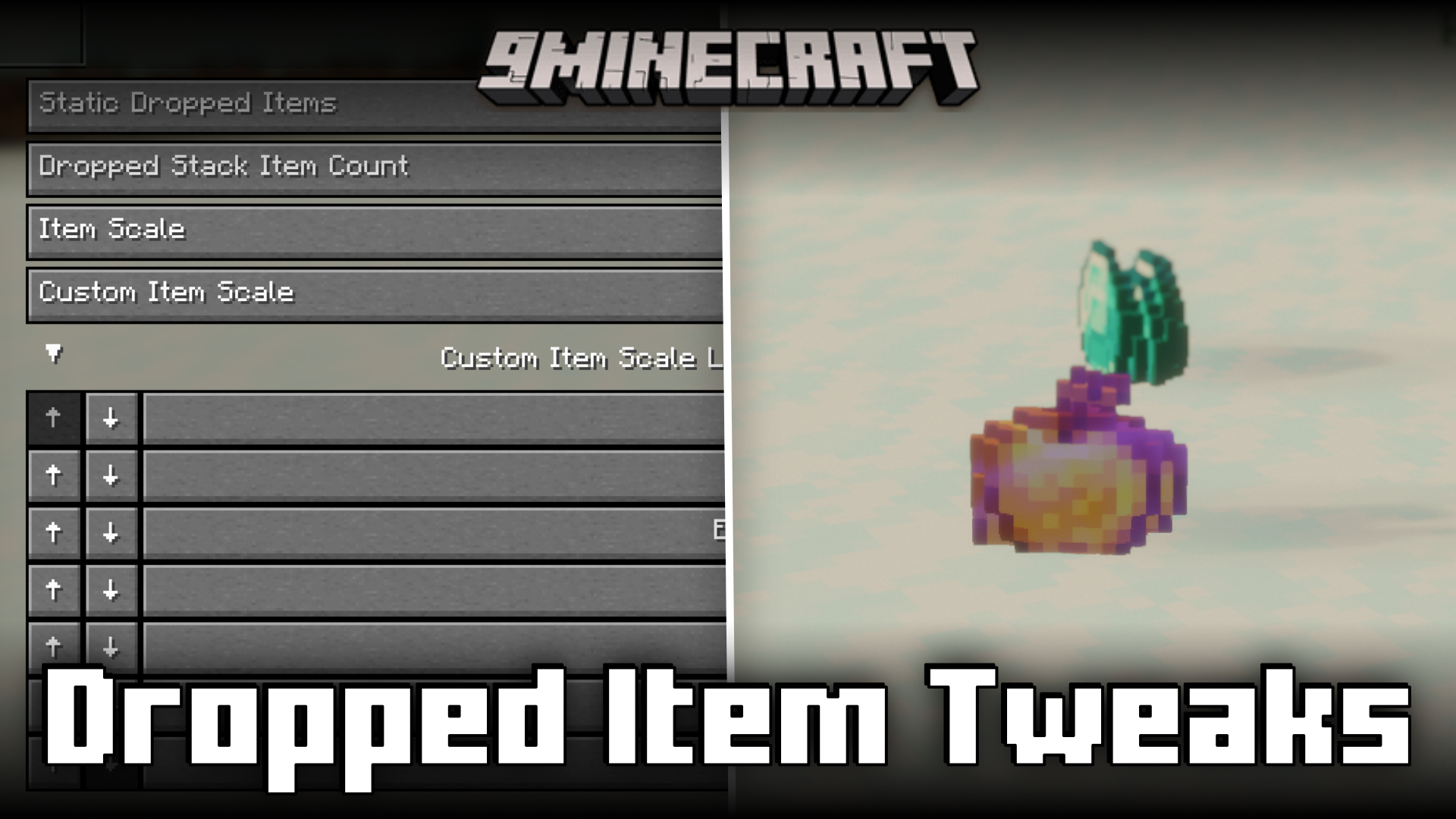
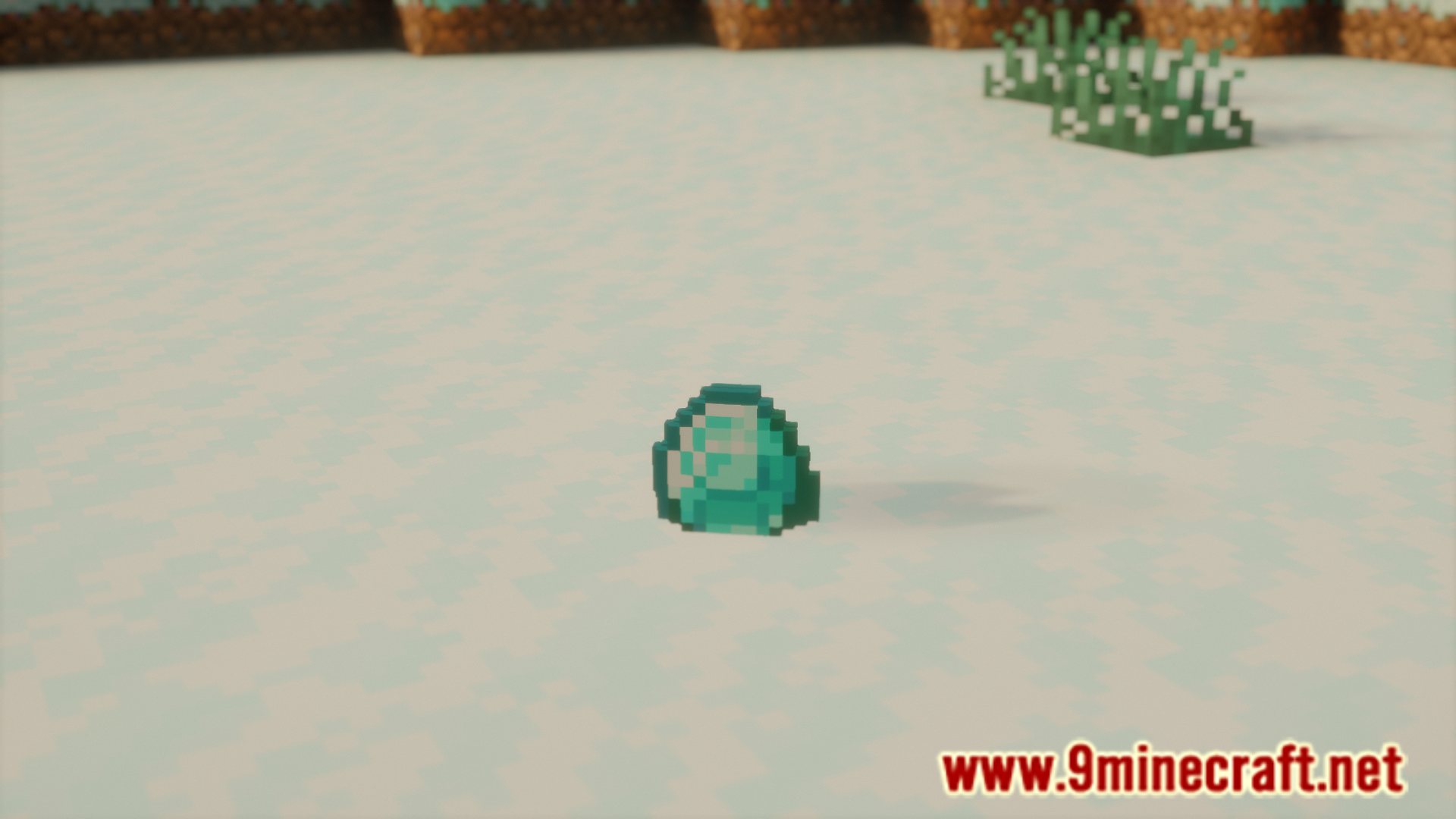
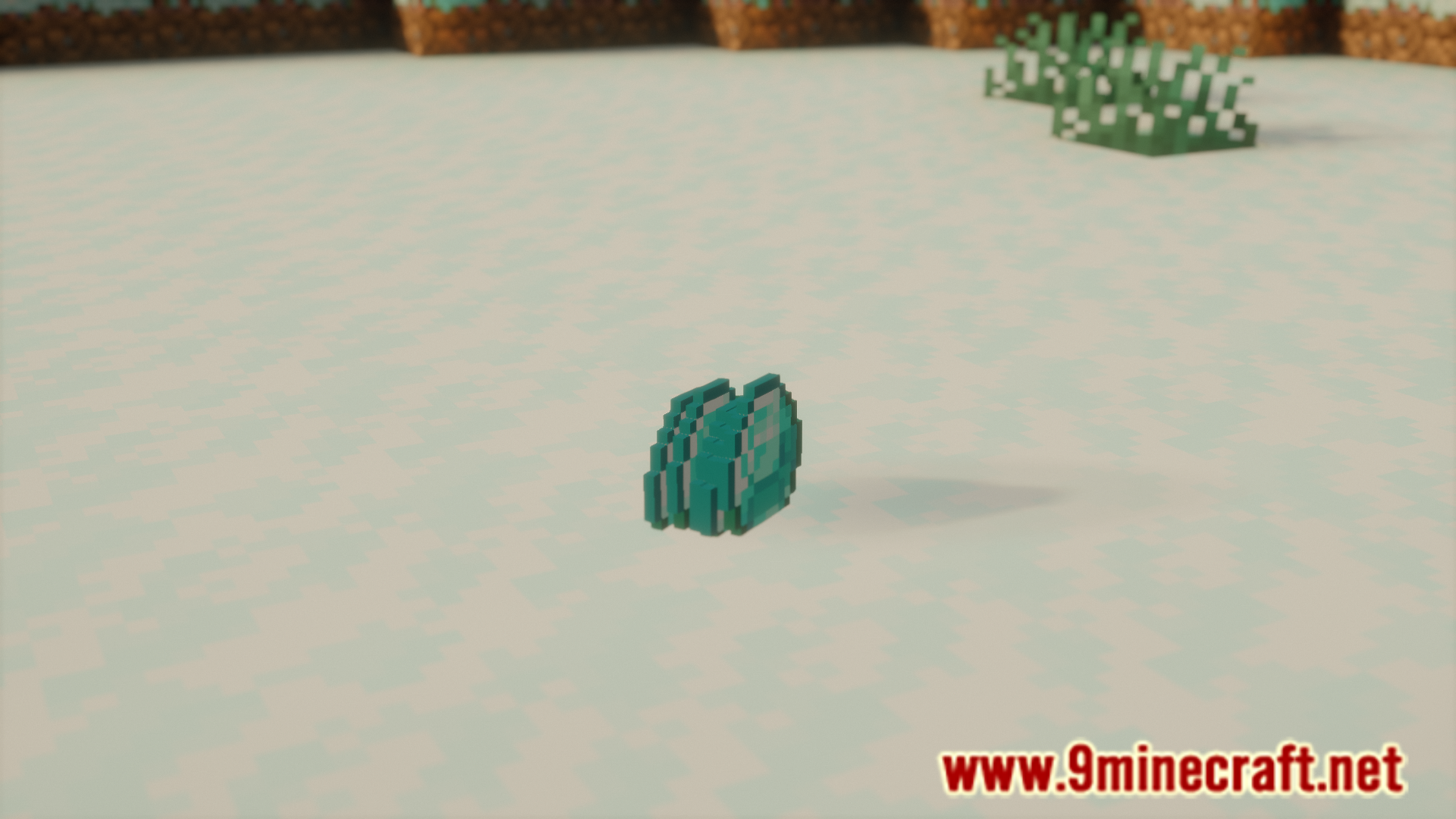
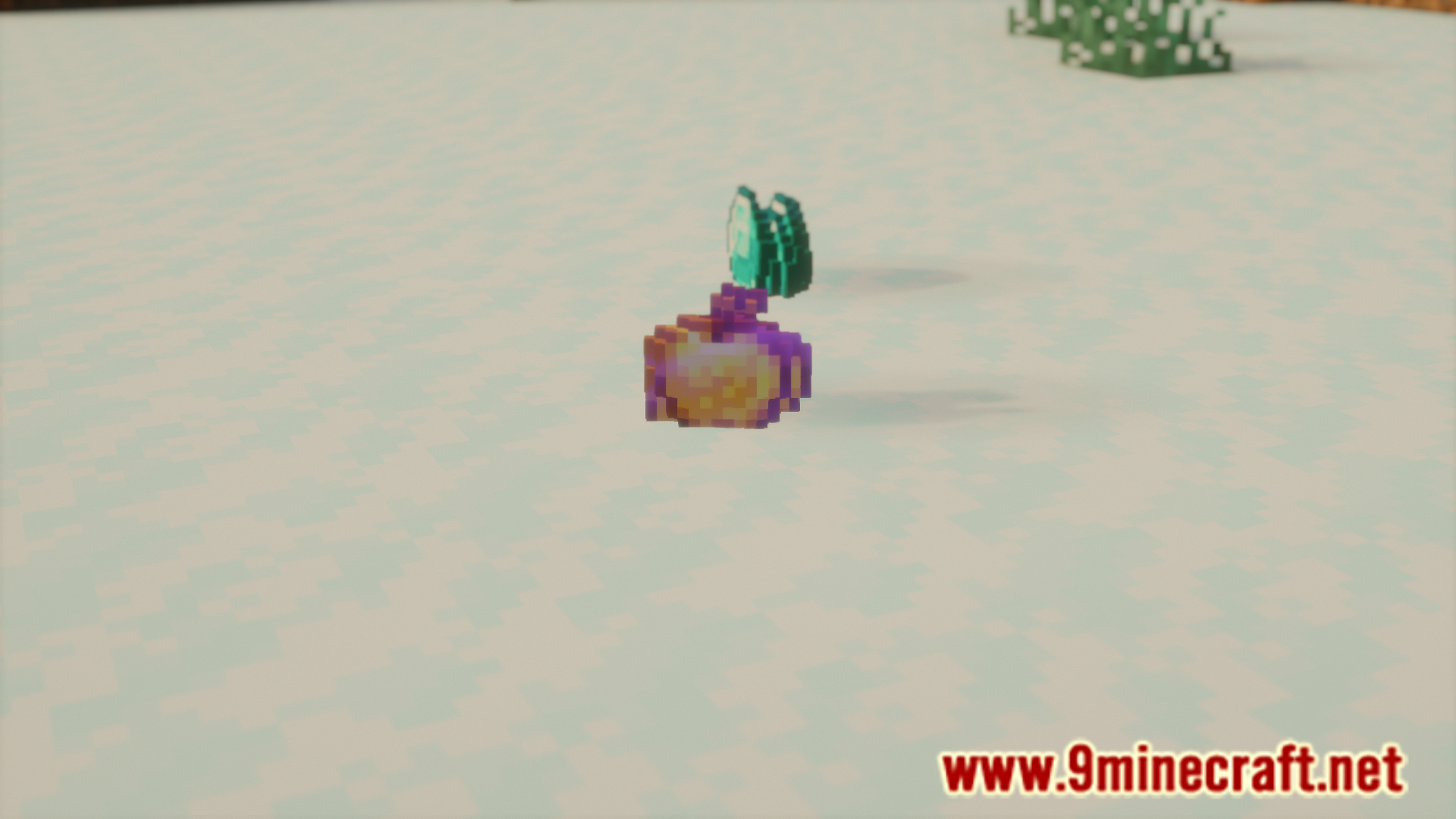
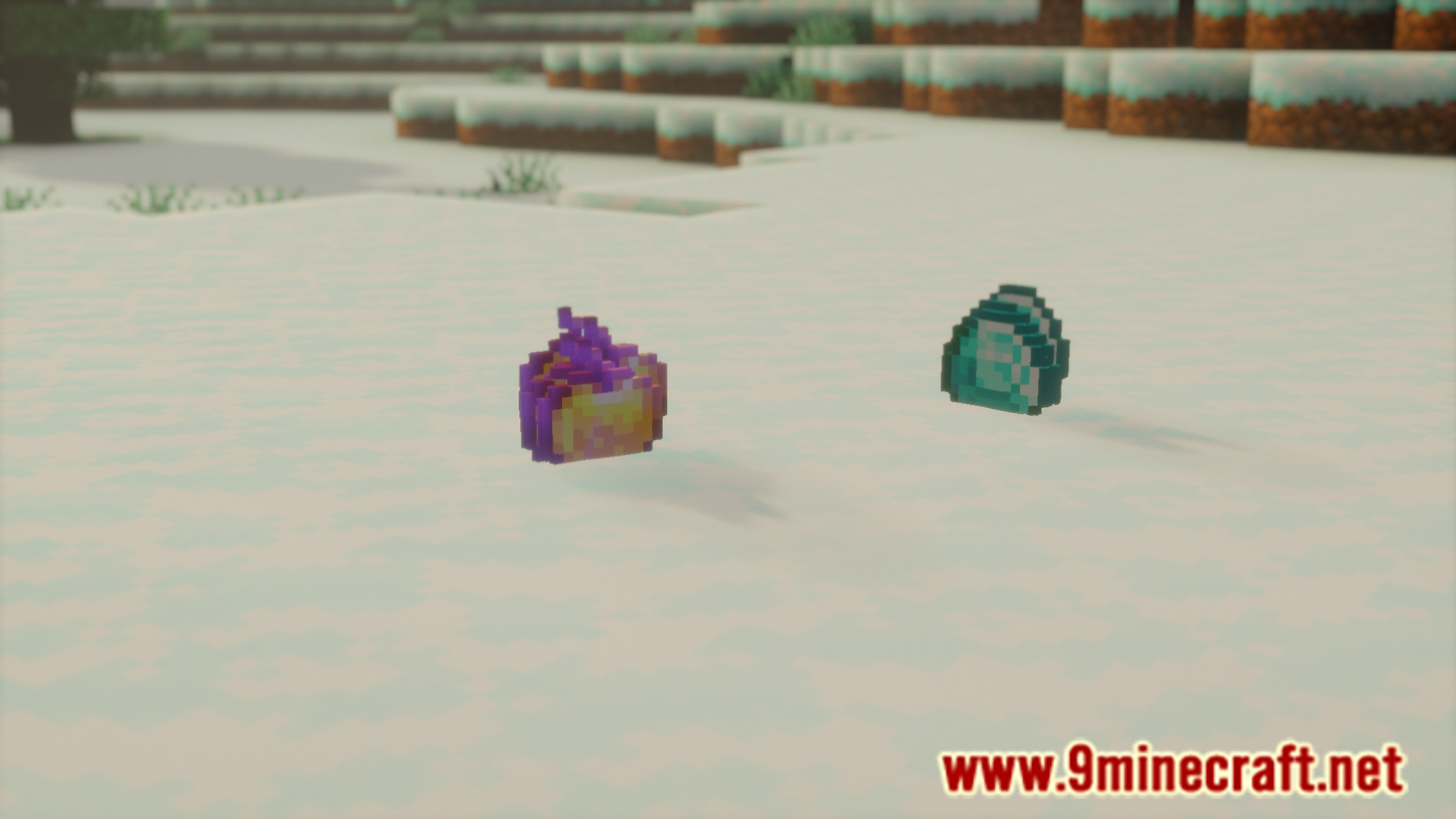
Dropped Item Tweaks Mod allows you to configure various different aspects of how a dropped item renders. You can toggle the item bobbing, item scale, etc. The configuration menu can be accessed with the help of Mod Menu. A list of configuration options, as noted by the developer, is given below.
Features:
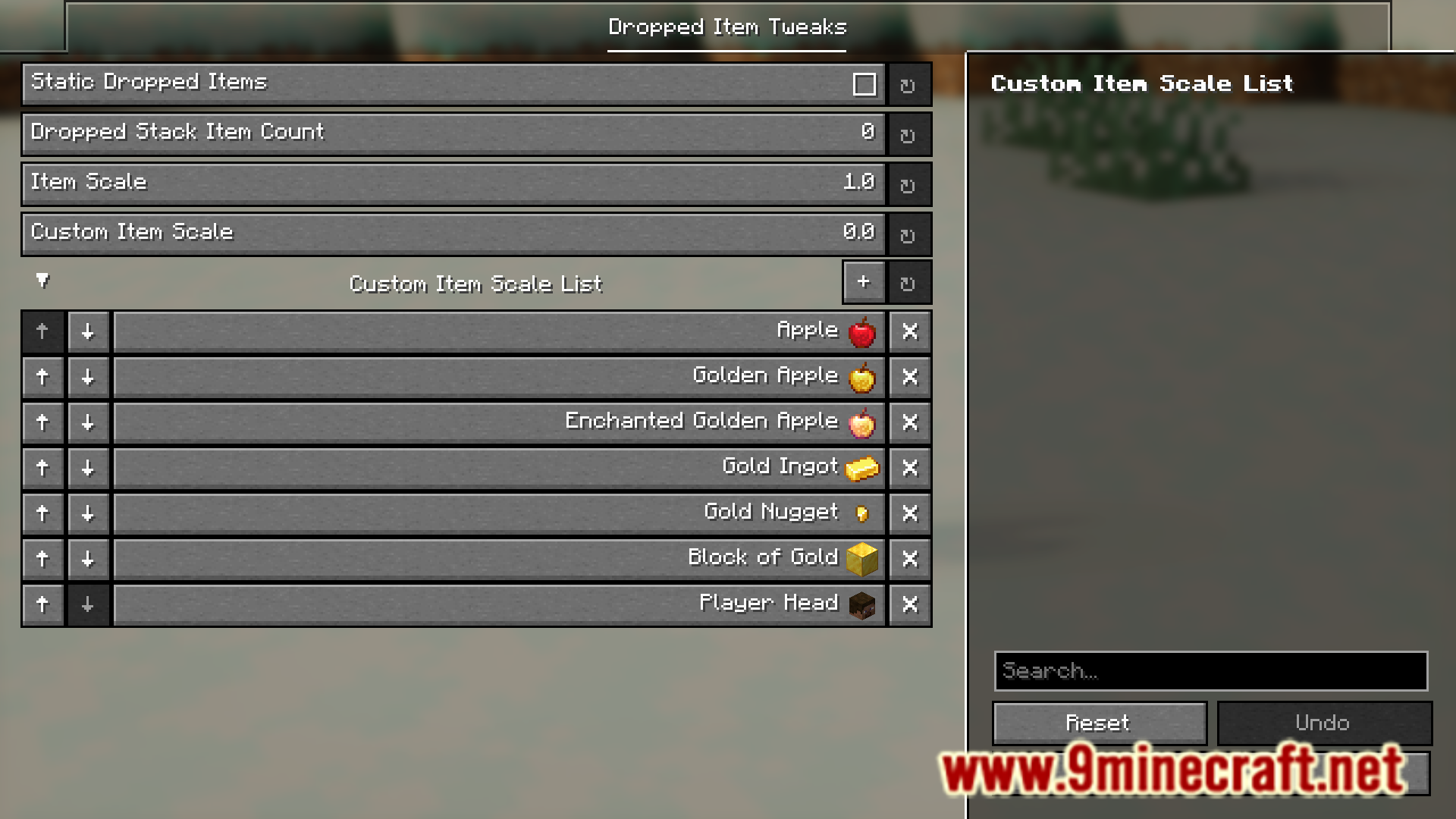
Static Dropped Items
- Removes the bobbing up/down effect, making dropped items only rotate in place.
Dropped Stack Item Count
- Allows customizing the amount of dropped items of a stack shown. Vanilla only shows up to 5 at a time depending on the amount of items, while this can allow you to go up to 64.
- Unlike vanilla, this will show the exact number of items specified, while vanilla scales the amount of items shown depending on how many items are in the stack. This can still be disabled in config.
Item Scale
- The default scale of dropped items.
Custom Item Scale
- A secondary item scale for a custom list of items. Commonly used for UHC overlays, as you can set a custom scale for heads, gold, etc.
Screenshots:
How to Install:
New to Minecraft? Follow our step-by-step guide to install Mods on your PC.View Guide
Requirements:
 Fabric Loader Required
 Fabric API Required
 NeoForge Required
Quilt Loader Required

YetAnotherConfigLib (YACL) Required
Dropped Item Tweaks Mod Download Links
For Minecraft 26.2
For Minecraft 26.1.2, 26.1.1, 26.1
For Minecraft
1.21.11,
1.21.10,
1.21.9
All Versions Covered
1.21.11
1.21.10
1.21.9
1.21.5
1.21.4
1.21.1
1.21
All Versions Covered
1.21.11
1.21.10
1.21.9
1.21.5
1.21.4
1.21.1
1.21
For Minecraft 1.21.10, 1.21.9
For Minecraft
1.21.8,
1.21.7,
1.21.6
All Versions Covered
1.21.8
1.21.7
1.21.6
1.21.5
All Versions Covered
1.21.8
1.21.7
1.21.6
1.21.5
For Minecraft 1.21.5
For Minecraft 1.21.4
For Minecraft 1.21.1, 1.21
For Minecraft
1.20.4,
1.20.3,
1.20.2
All Versions Covered
1.20.4
1.20.3
1.20.2
1.20.1
1.20
All Versions Covered
1.20.4
1.20.3
1.20.2
1.20.1
1.20
Click to rate this post!
[Total: 0 Average: 0]
You May Also Like













This post has no comments yet. Be the first — your comment will appear here.