
Better Client Mod (26.3, 1.21.1) – Track Gear Stats on Any Server
 402
 0


Better Client Mod improves your Minecraft server experience with client-side optimizations, visual tweaks, and handy interface options. It reduces lag, makes rendering smoother, and keeps core gameplay the same. This mod adds useful on-screen tools like biome titles, colored chat timestamps, a ping display option, and fast trading HUD settings. It also gives you clearer item tooltips with exact durability numbers, bee nest stats, and suspicious stew details. Everything runs only on your client with no server changes needed, and you can switch most features on or off through config files or an in-game visual menu with YetAnotherConfigLib.
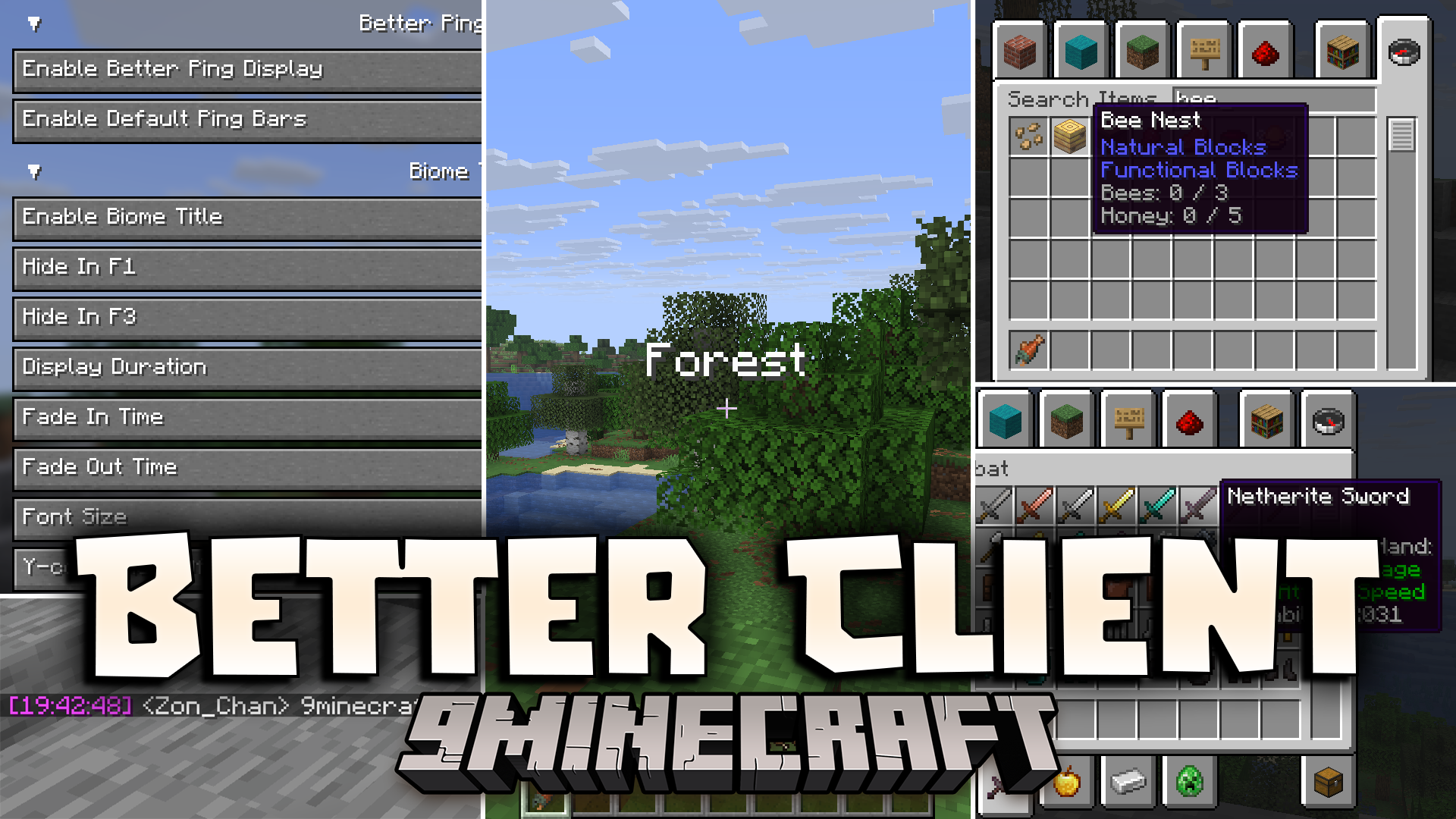
Better Client Mod – Video Showcase
Features:
- Client-Side Only: Runs only on your client, giving you a better server experience without any server changes.
- Smoother Performance and Visuals: Reduces lag, improves rendering, and cleans up graphics while keeping core gameplay the same.
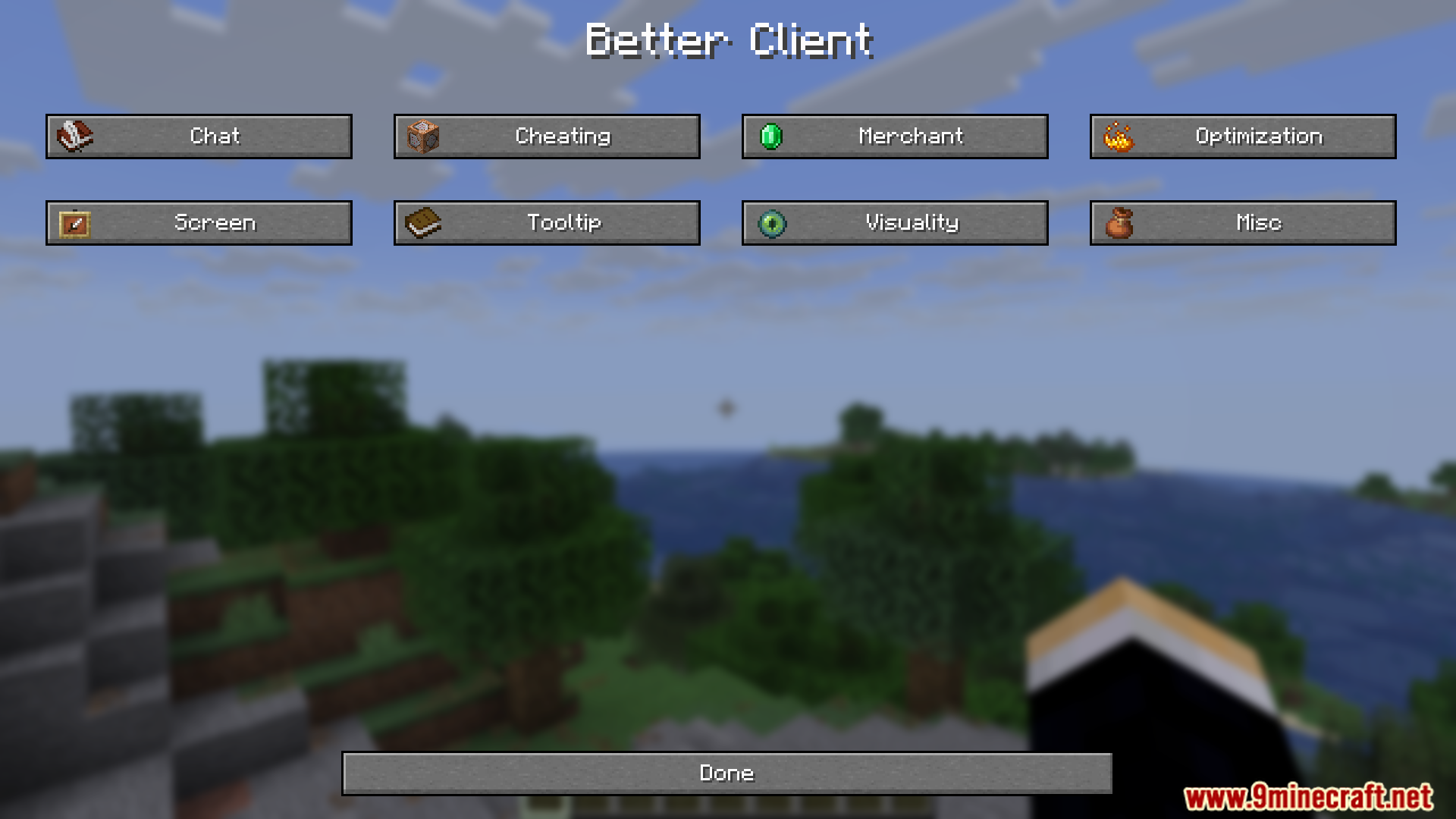
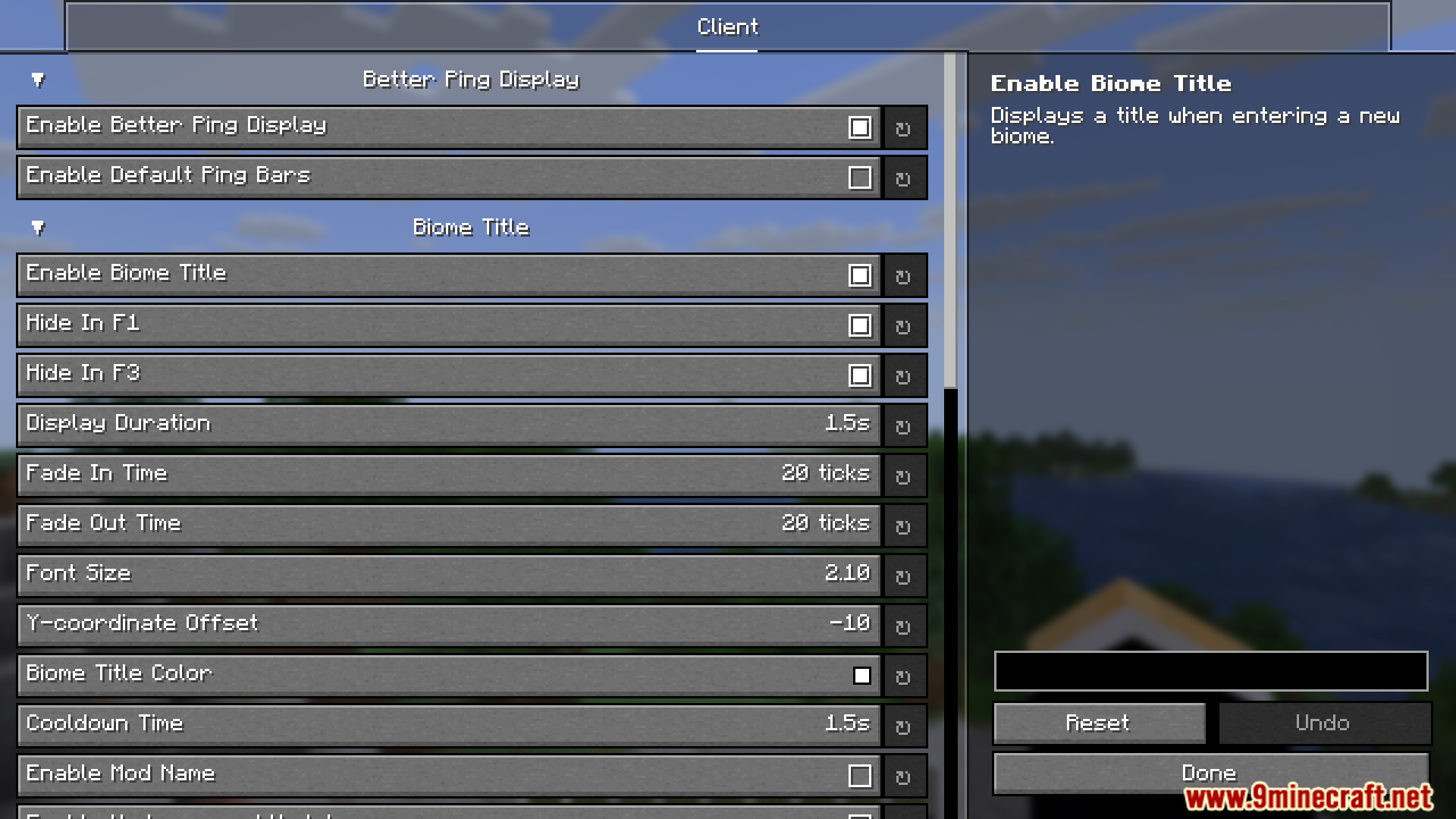
- Switchable Settings: Lets you turn most features on or off through config files or a visual, category-based settings menu with YetAnotherConfigLib.
HUD and Interface Tweaks:
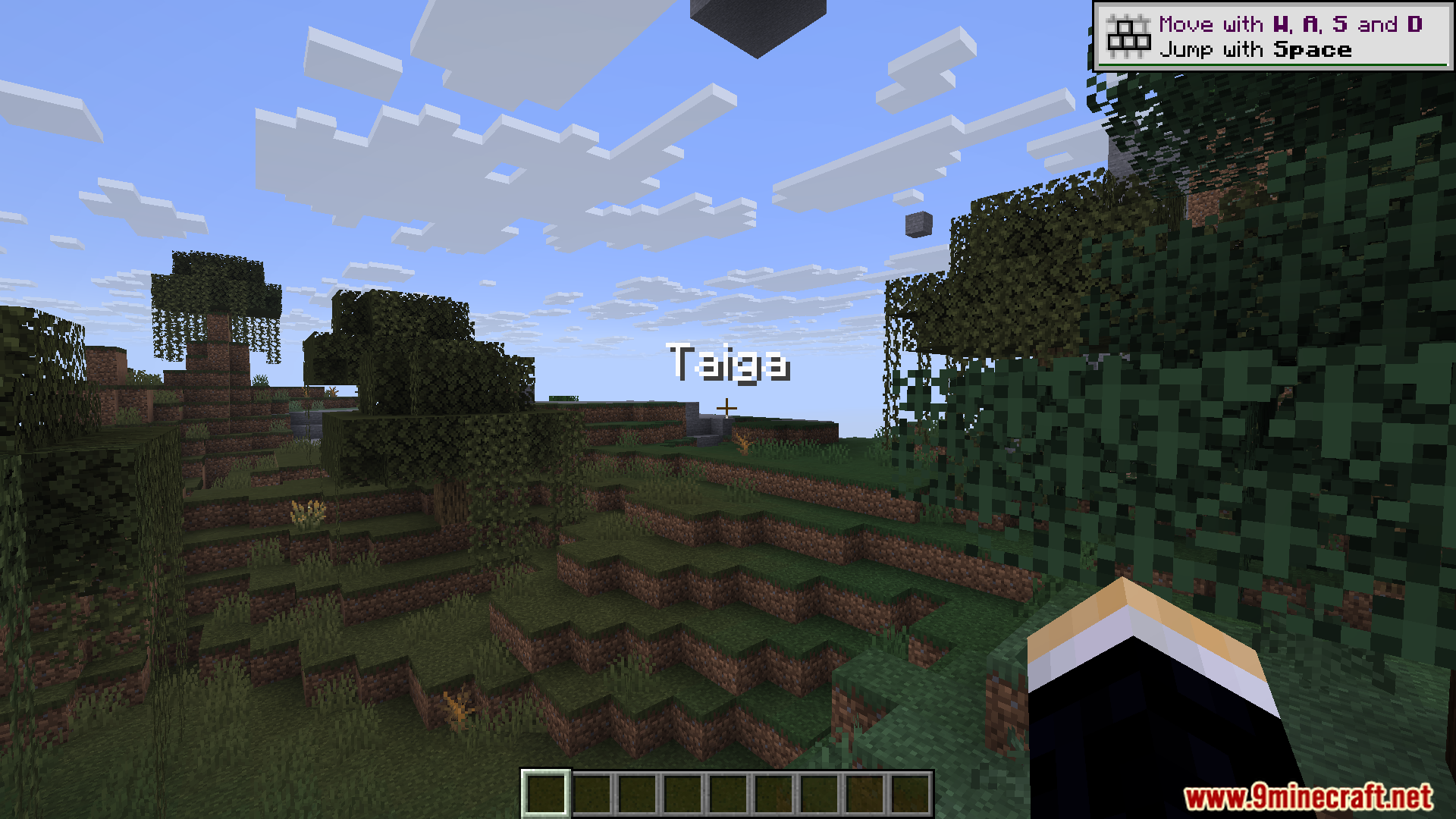
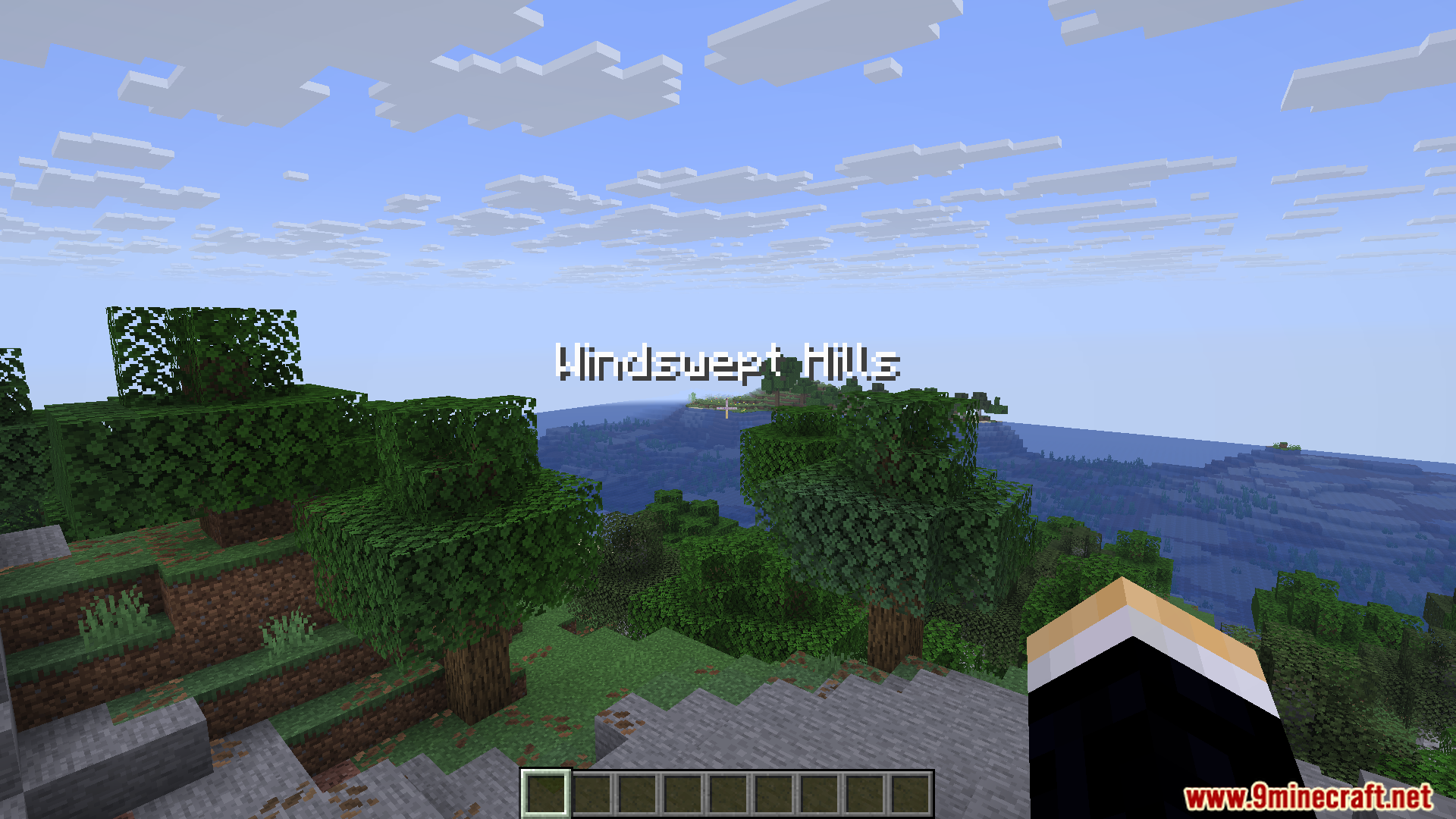
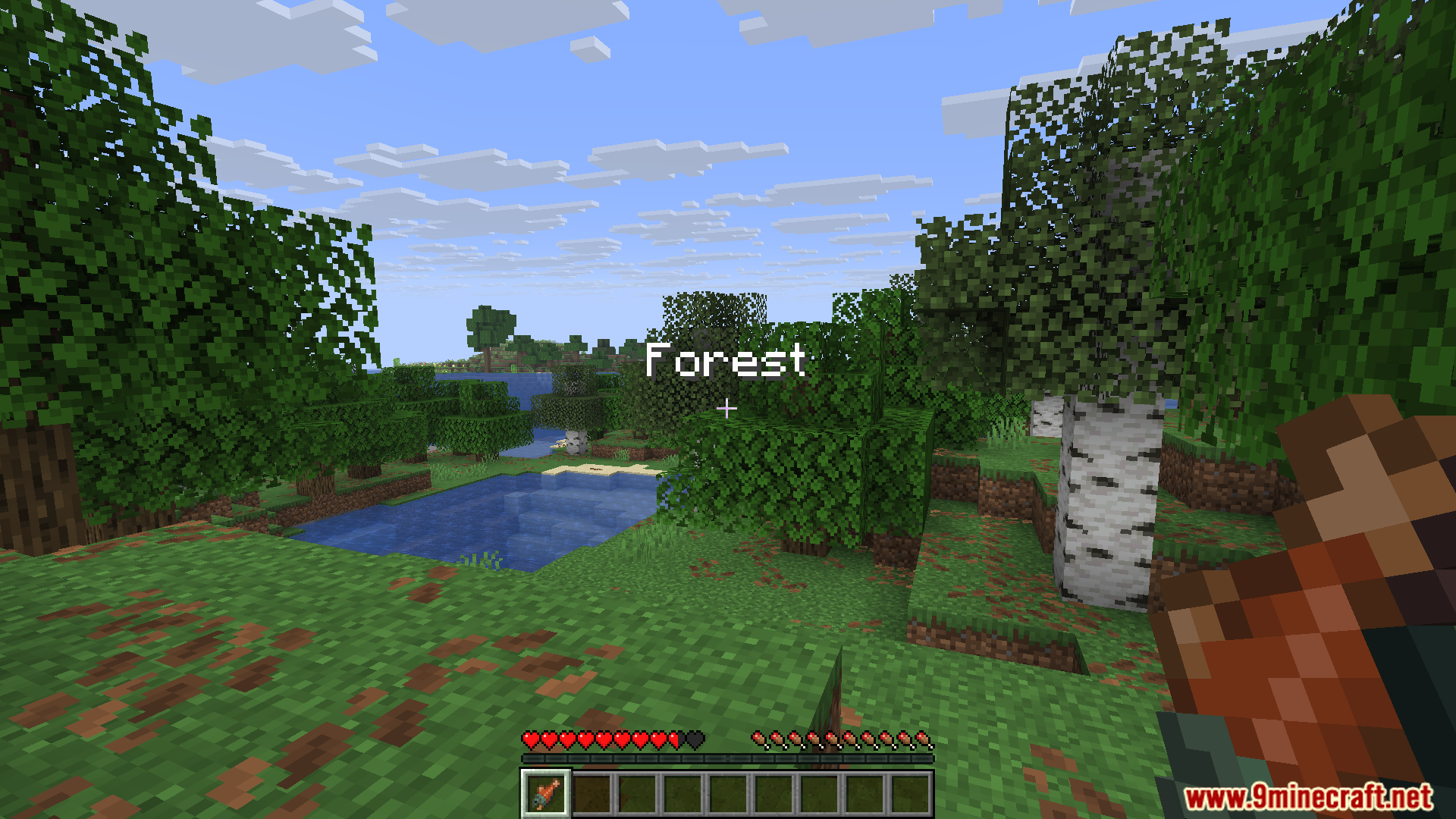
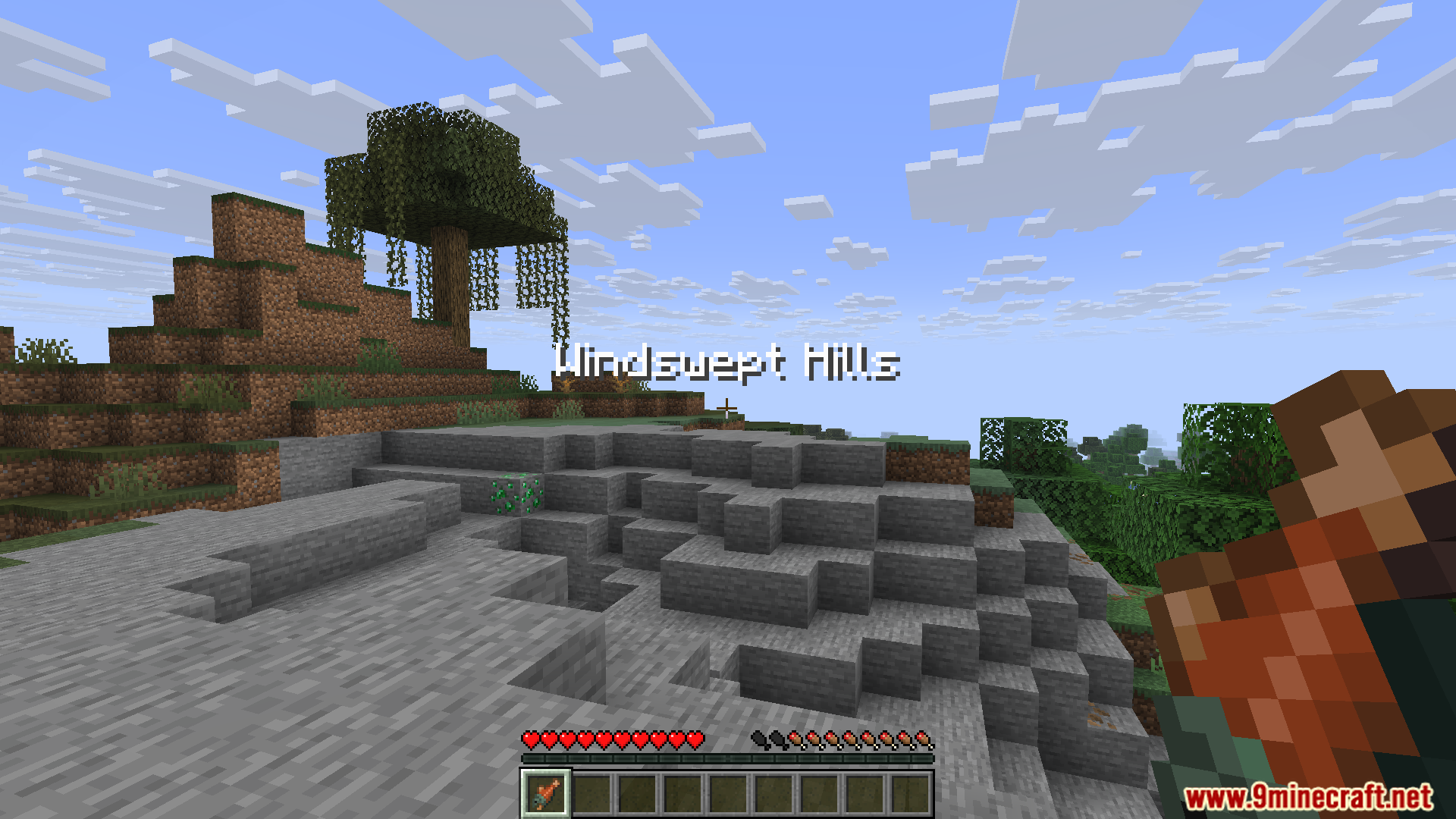
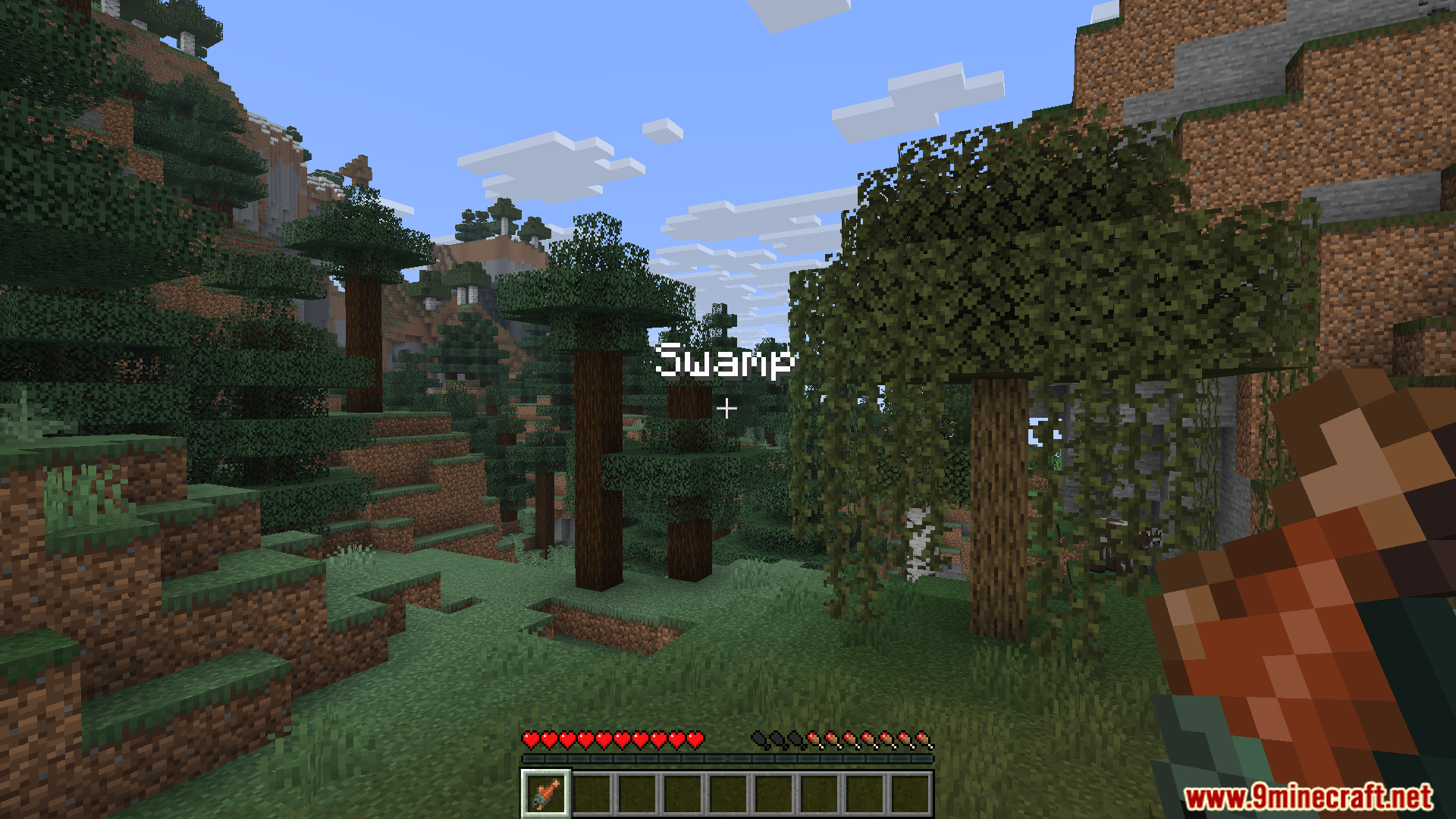
- Shows on-screen biome titles when you walk into areas like Taiga, Forest, Swamp, or Windswept Hills.
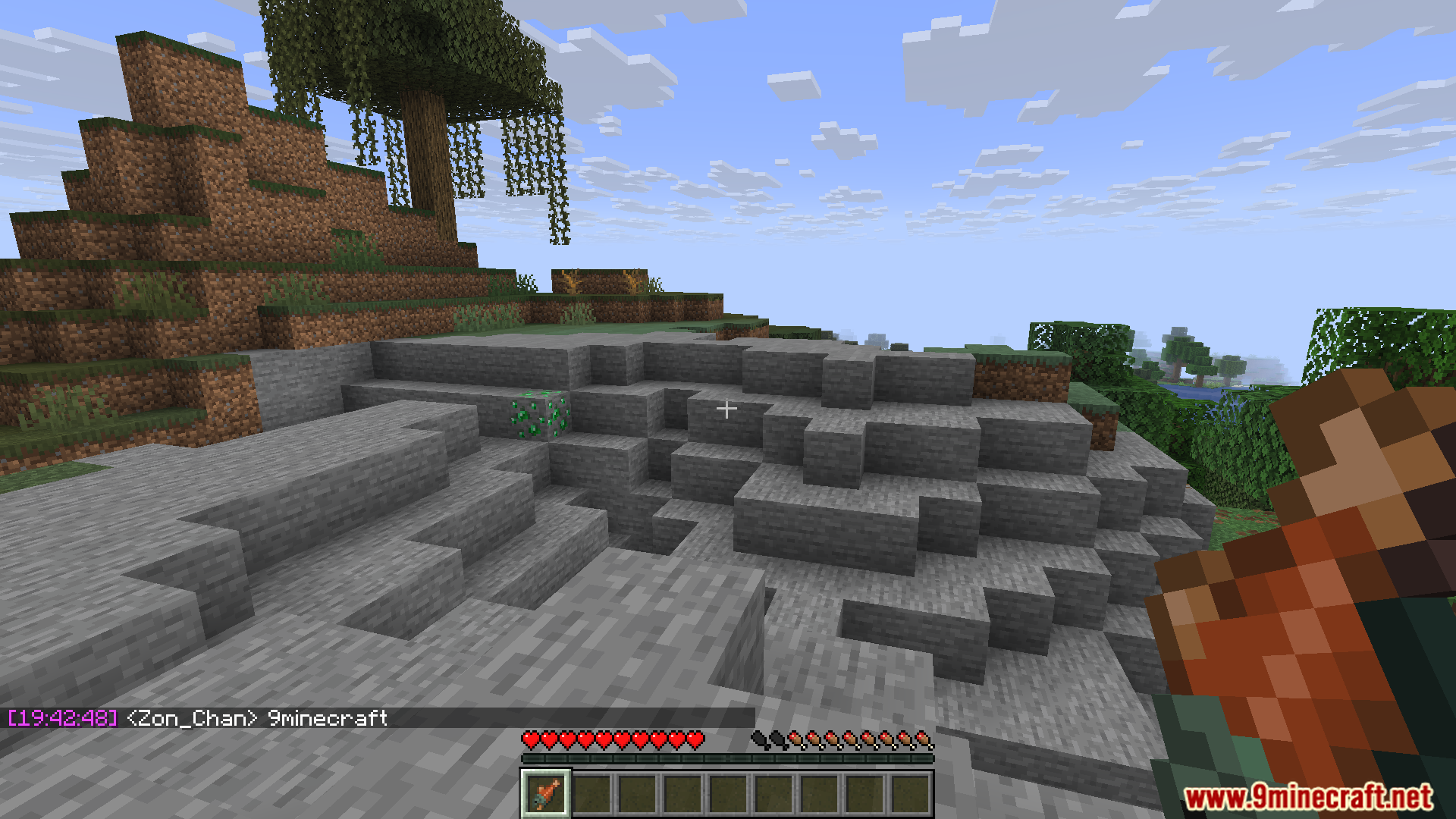
- Adds colored timestamps to chat messages so you can see when each message appears.
- Offers a toggleable ping display option inside the settings menu.
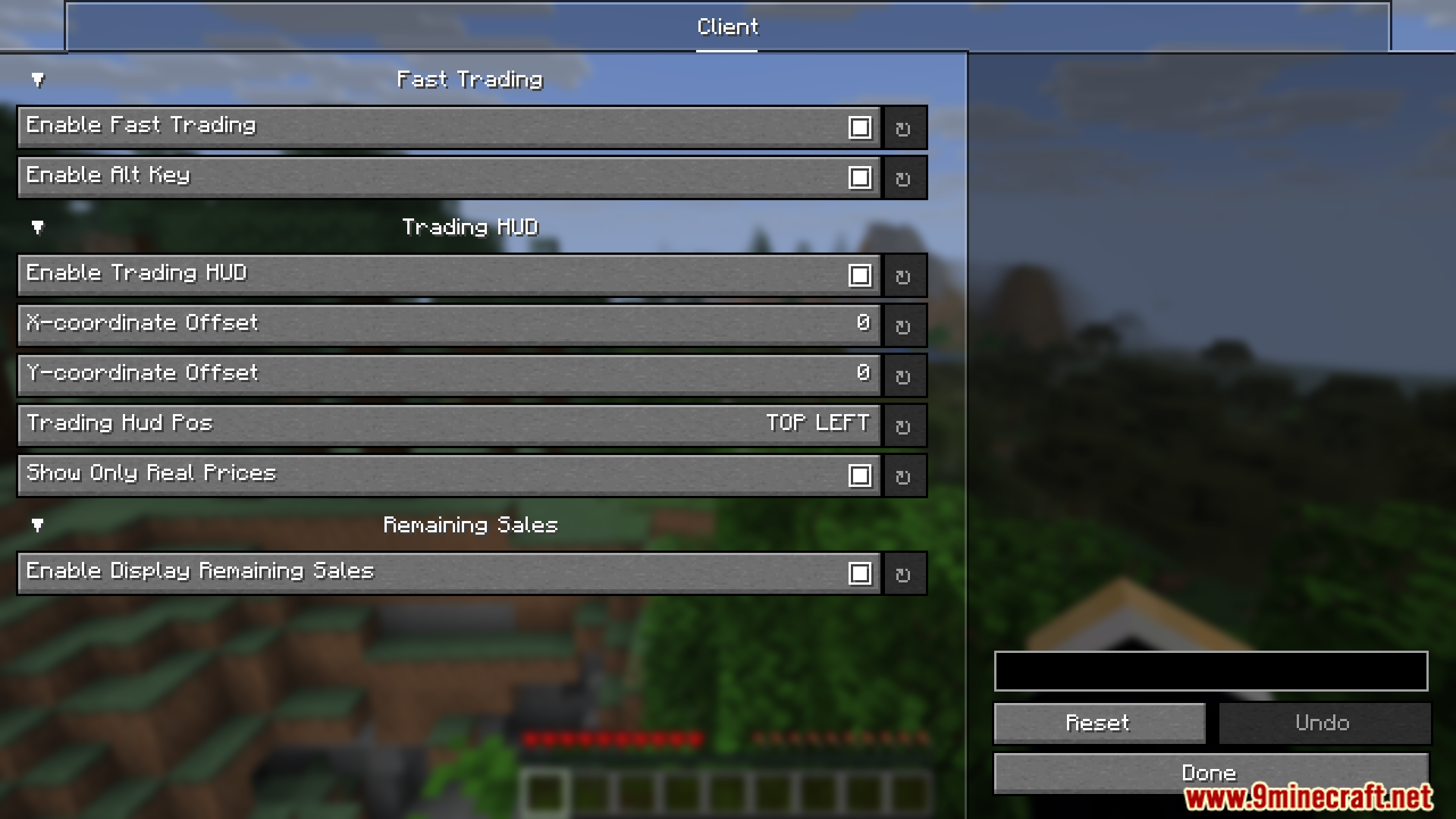
- Includes fast trading HUD settings with adjustable HUD positions and remaining sales options.
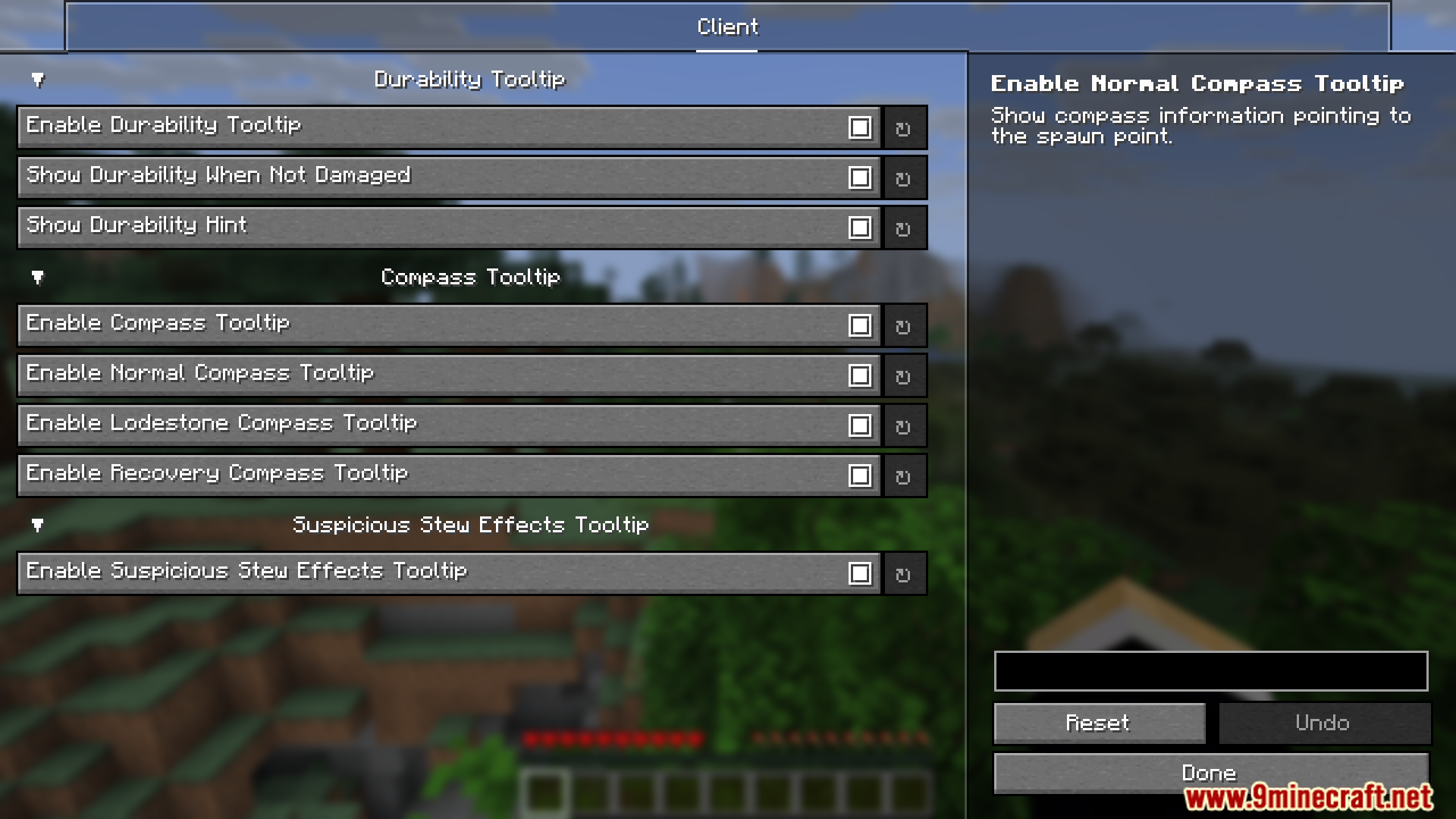
- Adds a toggleable durability compass option in the configuration menu.
Tooltip Improvements:
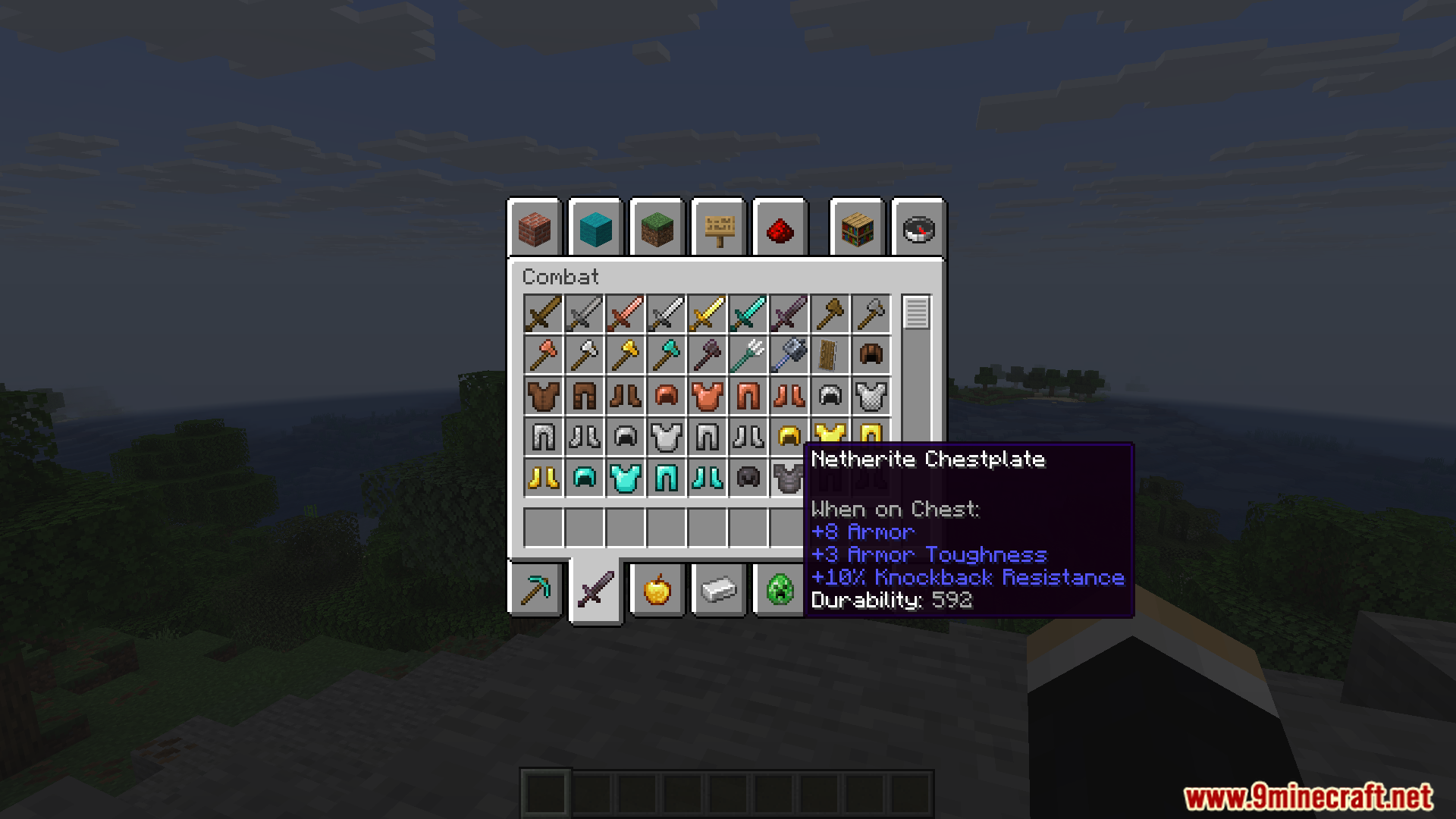
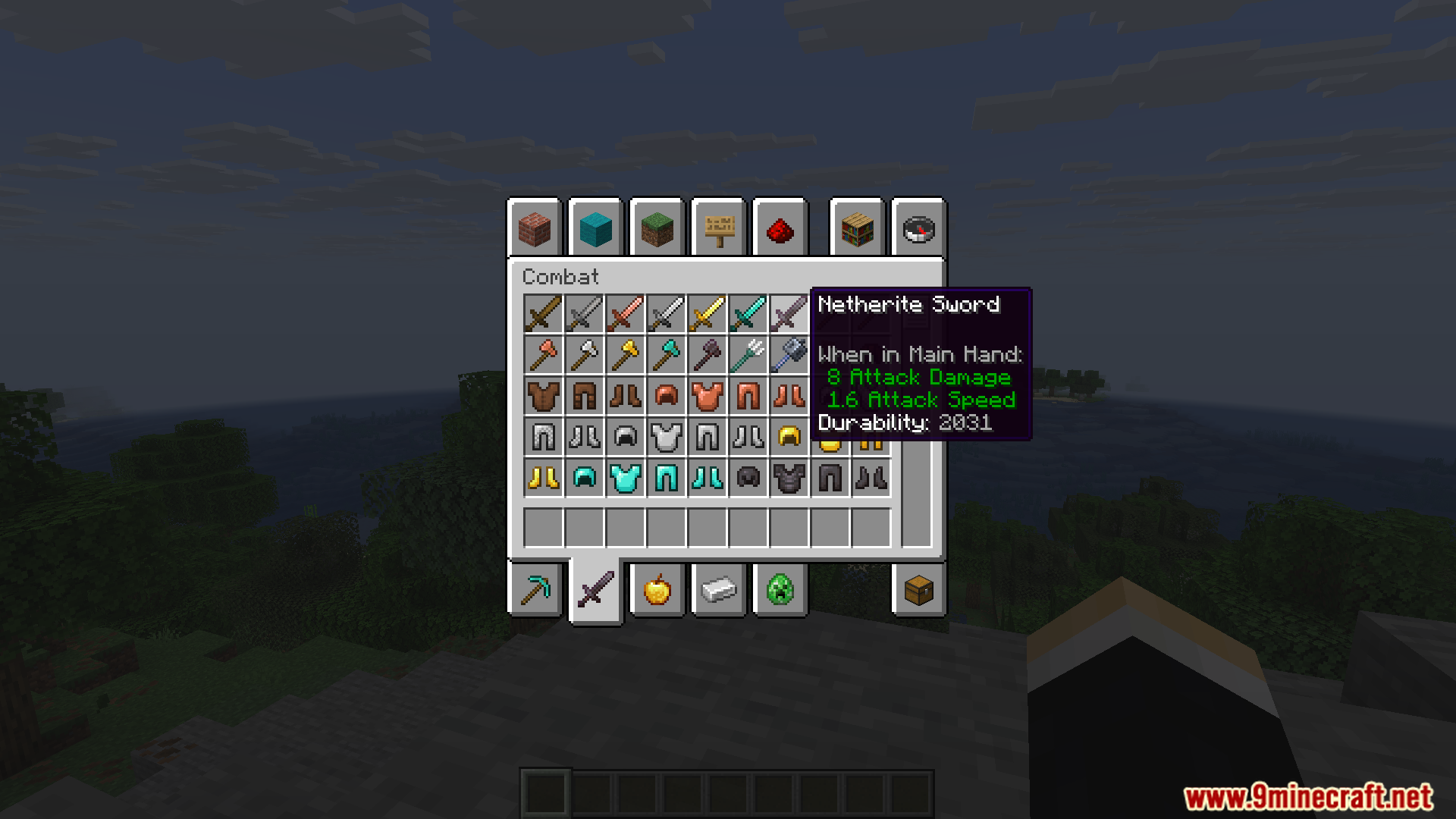
- Shows exact item durability numbers and armor stats on tooltips for gear like swords and chestplates.
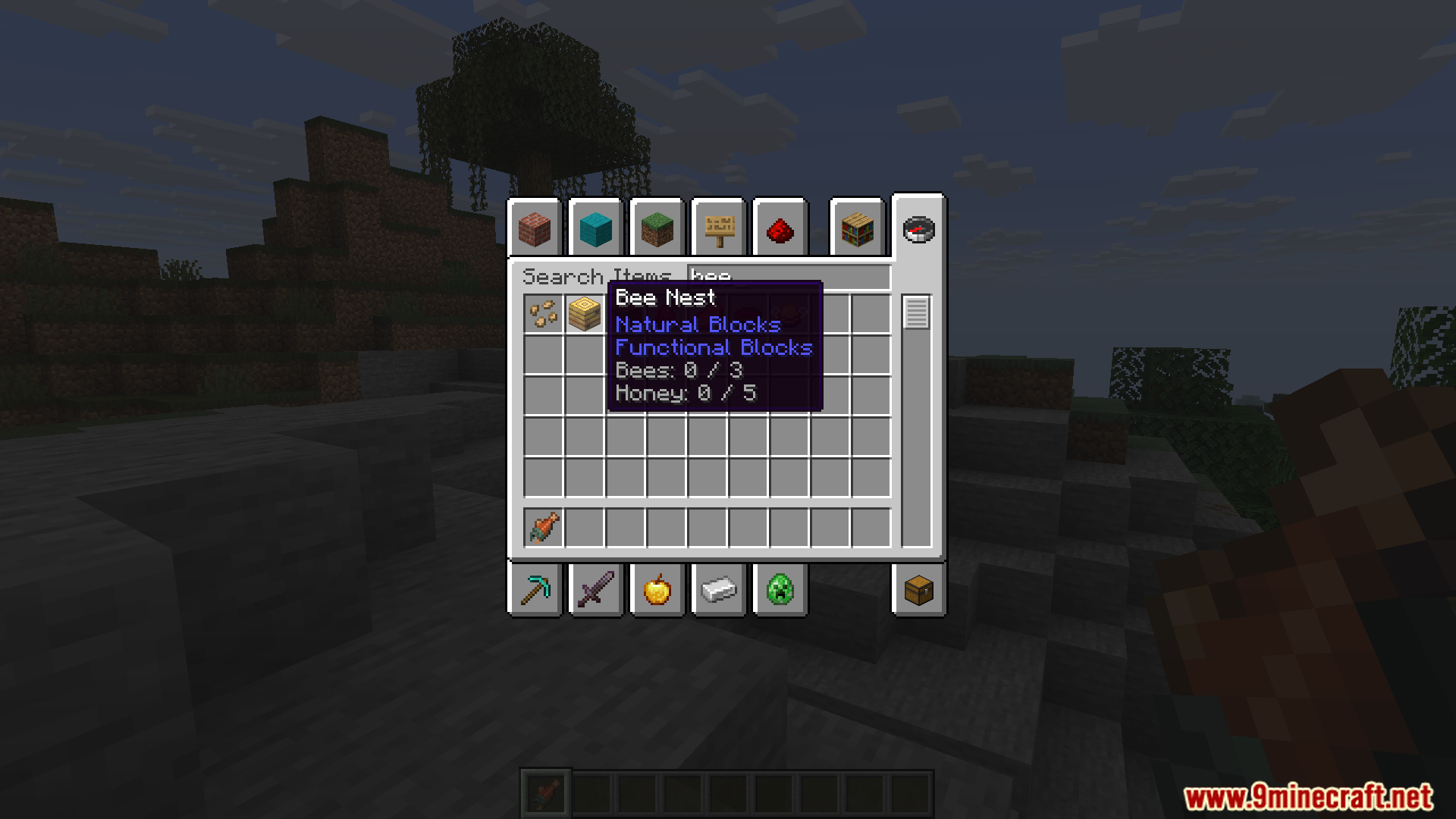
- Displays the current bee count and honey level right on bee nest tooltips in your inventory.
- Lets you toggle extra tooltip details for suspicious stew.
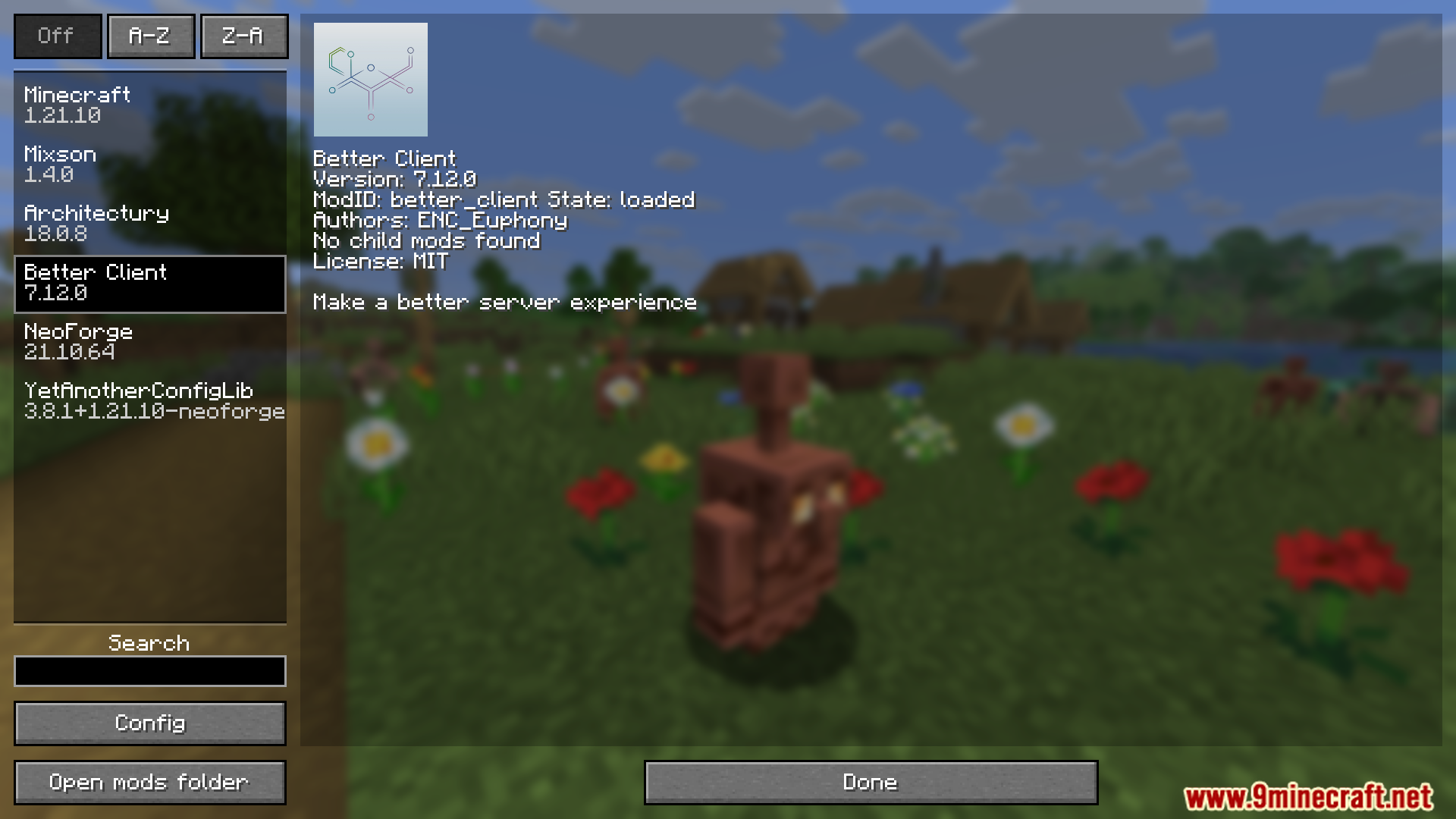
Screenshots:
How to Install:
New to Minecraft? Follow our step-by-step guide to install Mods on your PC.View Guide
Requirements:



Better Client Mod Download Links
For Minecraft 26.3
For Minecraft 26.2
For Minecraft 26.1.2, 26.1.1, 26.1
For Minecraft 1.21.11
For Minecraft 1.21.10, 1.21.9
For Minecraft 1.21.8, 1.21.7, 1.21.6
For Minecraft 1.21.5
For Minecraft 1.21.1, 1.21
How do you usually play Minecraft?
2 responses · See the full results →
You May Also Like
Picked for this page
 Tweakeroo Mod (26.3, 1.20.1) – Hand Restock, Hotbar Swap
 Gero’s Backpacks Mod (26.2, 1.21.1) – Dyeable and Upgradeable Backpacks
 Cristel Lib Mod (26.3, 1.20.1) – Easy Structure Config
 Grindstone Sharper Tools Mod (26.3, 1.20.1) – Increase The Damage of Tools
 Better End Sky Mod (26.3, 1.20.1) – Custom Sky Textures
 JCPlugin Mod (26.3, 1.20.1) – Library for Jomcraft Network
 Better Boat Movement Mod (26.3, 1.20.1) – Allows Boats to Step Up Blocks During Travel
 One Block Mod (26.3, 1.20.1) – Survival Challenge Progressive
 The Anomaly Rephased Mod (1.20.1, 1.19.4) – Never Feel Safe in the Dark Again
 No Portals Mod (26.3, 1.20.1) – Take Control Of Dimensional Access
 Reply Mod (26.3, 1.20.1) – Easier Replying In Chat
 Server-Side Waystones Mod (26.3, 1.21.1) – Waystones Teleportation Mod For The Server-Side
Most viewed in Mods over the last 7 days
 Ala Industrial Mod (26.3) – Run Electric Power Grids and Automated Factories
 PleasureCraft Mod (26.3, 1.21.1) – Jenny Mod Remake for Fabric
 Jennycraft Mod (26.3, 1.20.1) – Virtual Girlfriend in Minecraft
 Fapcraft Mod (26.3, 1.12.2) – Comprehensive and Detailed Content
 Jenny Mod (Fapcraft) Official Complete Guide – How to use, Tutorial
 BangCraft Mod (1.20.1) – Jenny, Ellie and Elliot
 Fabric Loader (26.3, 1.20.1) – Fabric Installer for All Minecraft Versions
 The Shooting Star Demo Mod (26.3, 1.20.1) – Vaporize Terrain From Orbit
 Meteor Client Mod (26.3, 1.20.1) – Xray, HUD, Fly
 OptiFine HD (26.3, 1.20.1) – Run Faster, FPS Boost, Shaders Support
 Aristois Client Mod (1.21.4, 1.20.1) – World Class Minecraft Utility
 Prestige Client Mod (1.21.11, 1.21.4) – Powerful Ghost Features for Crystal & Sword PvP
More from Mods
 MesdagPortLib Mod (1.20.1) – Run Modern Minecraft Mechanics on Older Versions
 Hellion’s API Mod (1.21.11, 1.21.1) – Play Hellion Series Addons Without Crashes
 Terrestria Mod (26.3, 1.20.1) – Highly Detailed Biomes
 Tre’s Tack Library Mod (1.20.1) – Outfit Your Horses with Fully Detailed Tack
 YDM’s coreX Library Mod (1.20.1) – Loot RPG Gear with Random Names
 Gunpowder Recipe Mod (26.3, 1.20.1) – Gunpowder is Craftable
 Villager Timetable Mod (26.3, 1.20.1) – Master Villager Schedules
 Artemis Laboratory Blocks Mod (26.3, 1.20.1) – Lab Blocks And Dynamic Decorations
 Fabric ORM Jimmer Mod (26.3, 1.20.1) – Prevent Sudden Server Crashes
 Cafe Core Mod (26.2, 1.21.1) – Bypass Anvil Limits and Tame Pets in Seconds
 GTNH’s Forgelin Mod (1.7.10) – Play Kotlin-Powered Mods on Minecraft 1.7.10
 Nodeflow Mod (26.1.2, 1.21.1) – Wire Custom Redstone Logic on Visual Graph

This post has no comments yet. Be the first — your comment will appear here.