


Sophisticated Storage Create Integration Mod (26.2, 1.20.1)

 0
0 

🌐 Read this article in your language! Choose your preferred language below.
Or pick the one you like:
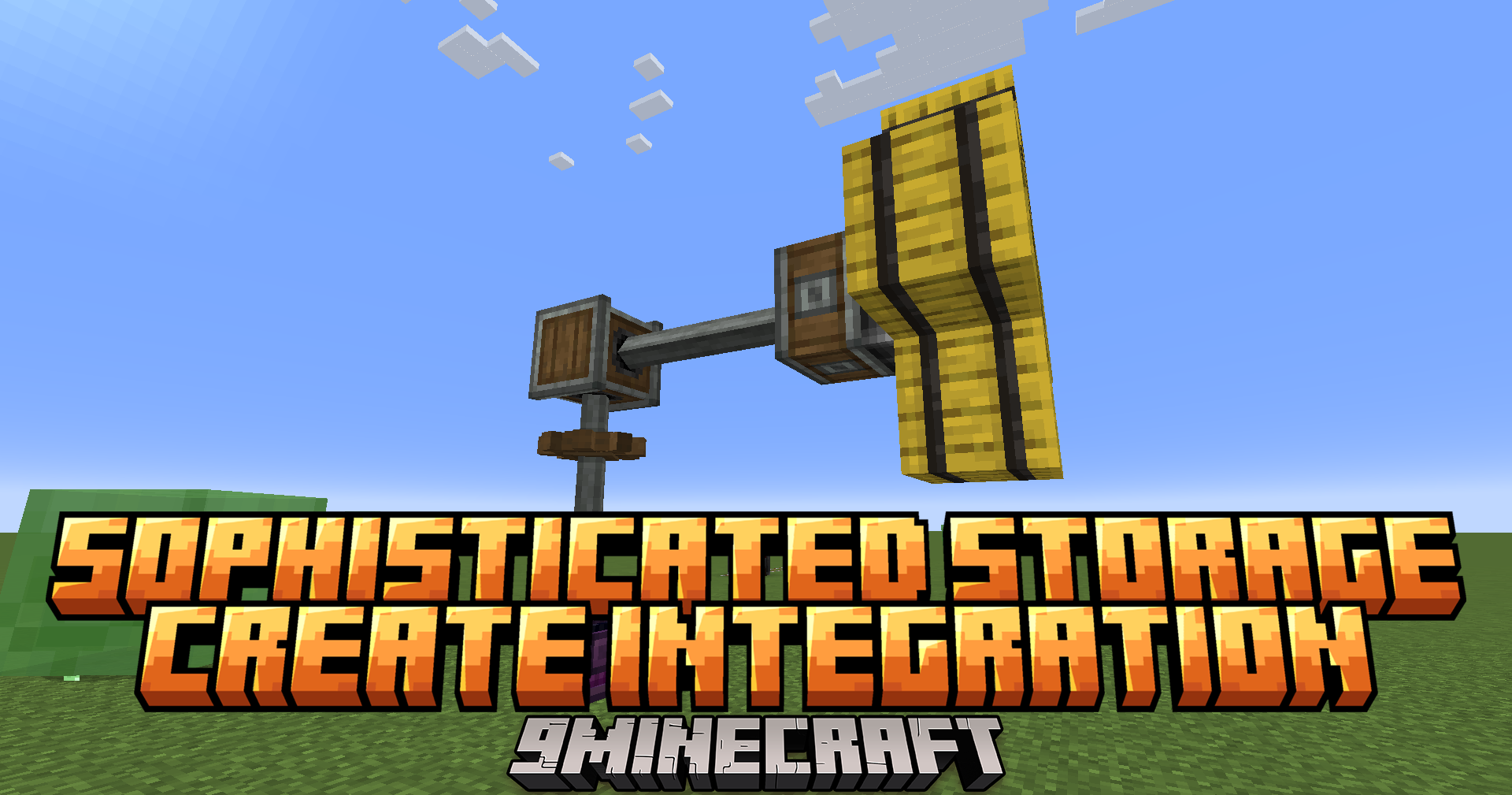
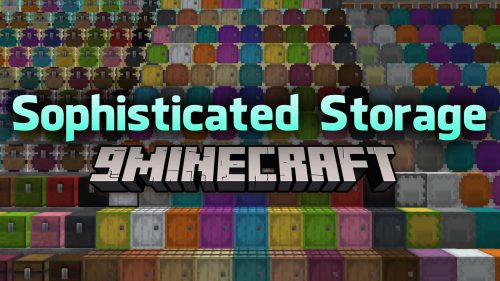
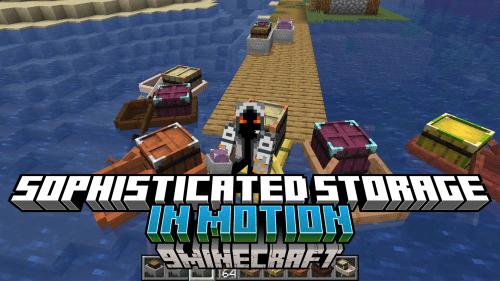
Sophisticated Storage Create Integration Mod connects the Sophisticated Storage and Create mods, allowing storage blocks to work on moving machines. This means barrels, chests, and shulker boxes keep all their items, upgrades, and settings while traveling on trains, platforms, or flying contraptions.
Features:
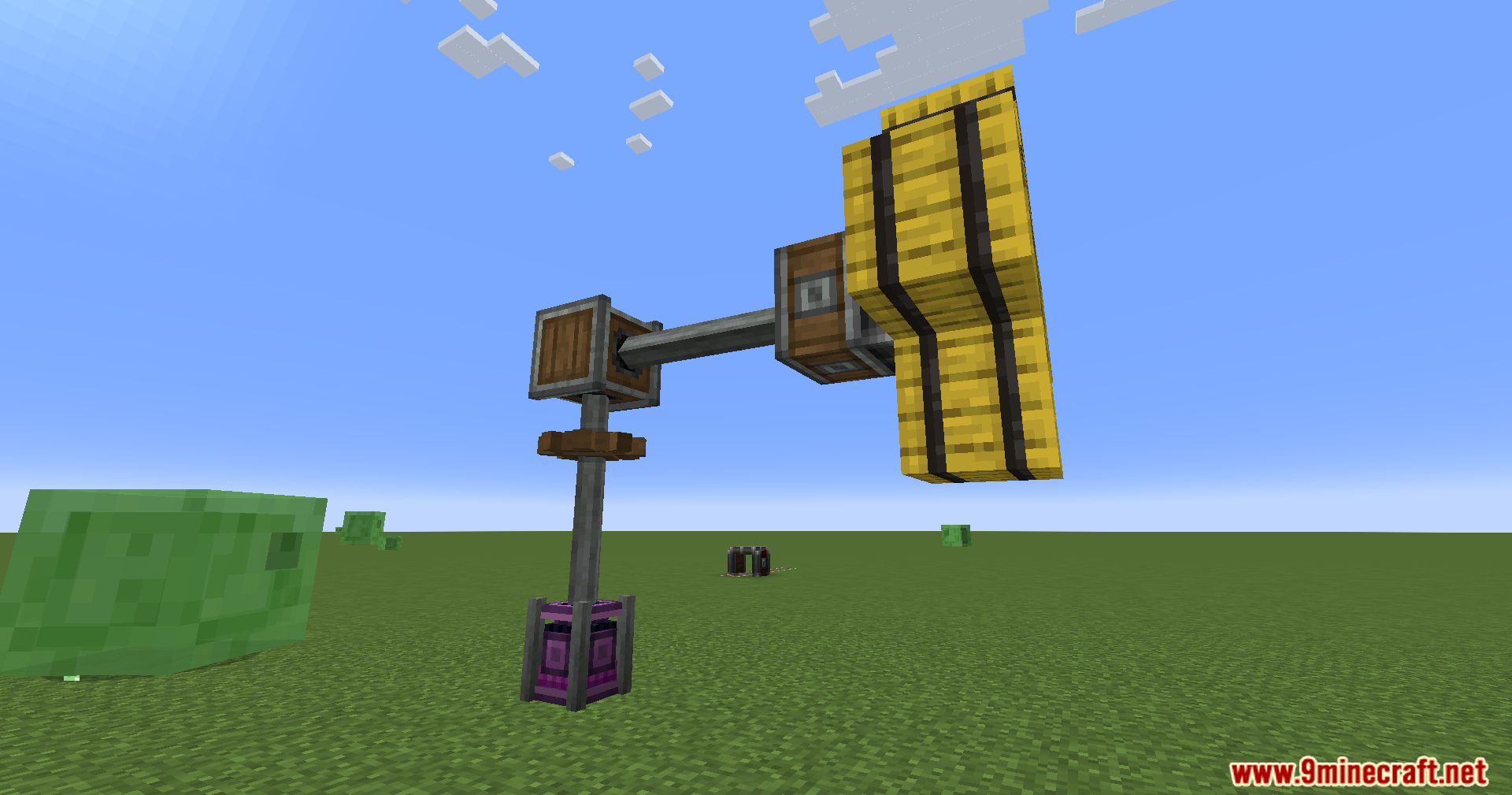
- Place storage blocks from Sophisticated Storage directly onto Create contraptions.
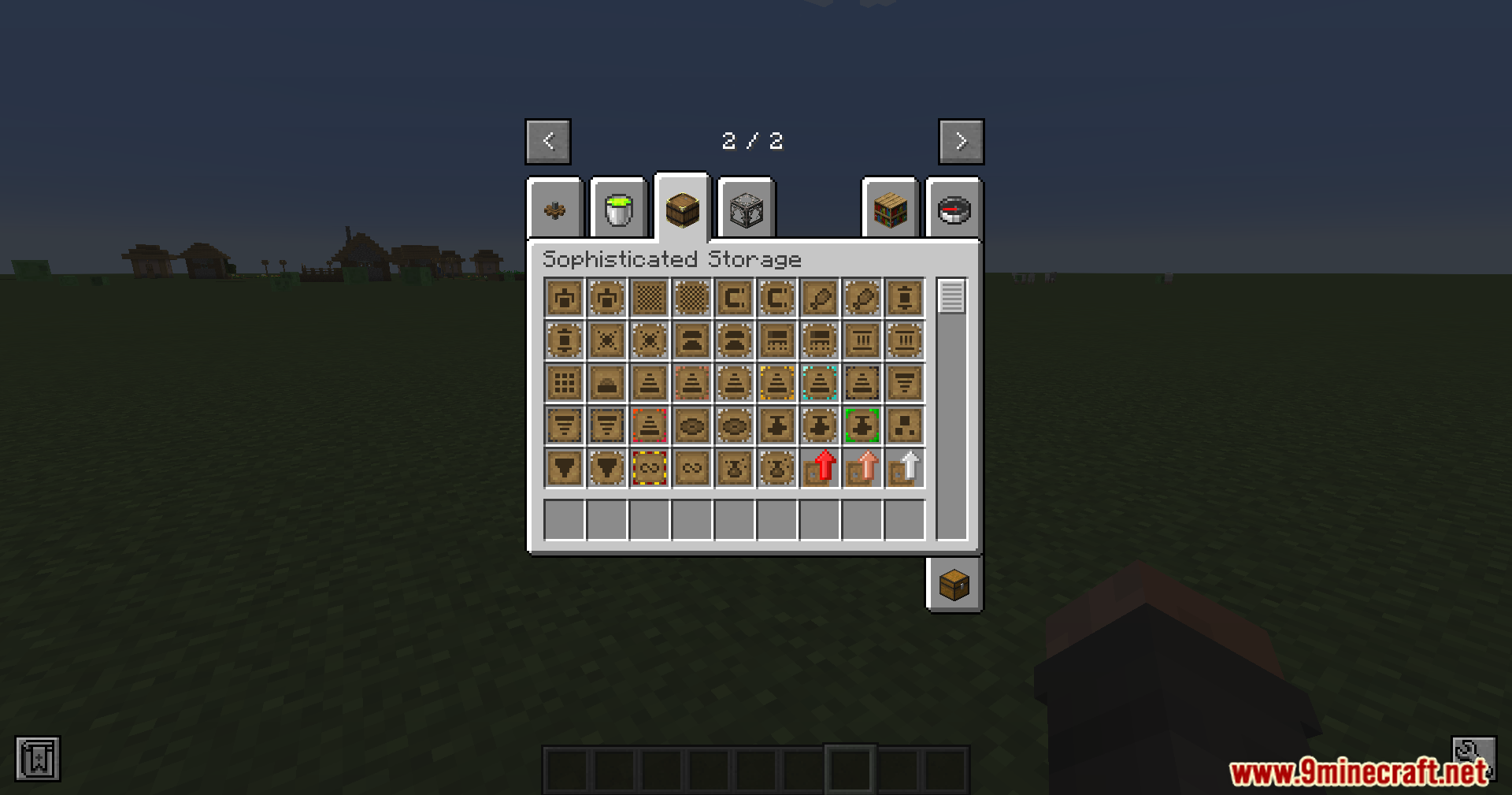
- Use most upgrades, like Pickup, Magnet, and crafting, on moving storage blocks.
- Keep all items and settings safe when the storage block is in motion.
- Apply tier upgrades to increase capacity by right-clicking the block, even while it moves.
- Use the Storage Tool to manage locks and visual settings on contraption storage.
- Change the color and material of moving storage blocks with the Paintbrush.
How to Use:
- To add an upgrade, right-click it directly onto a storage block that is on a contraption.
- To apply a tier upgrade, simply right-click the upgrade onto the storage block.
- Use the Storage Tool on a moving storage block to change its settings.
- Use the Paintbrush on a moving storage block to customize its appearance.
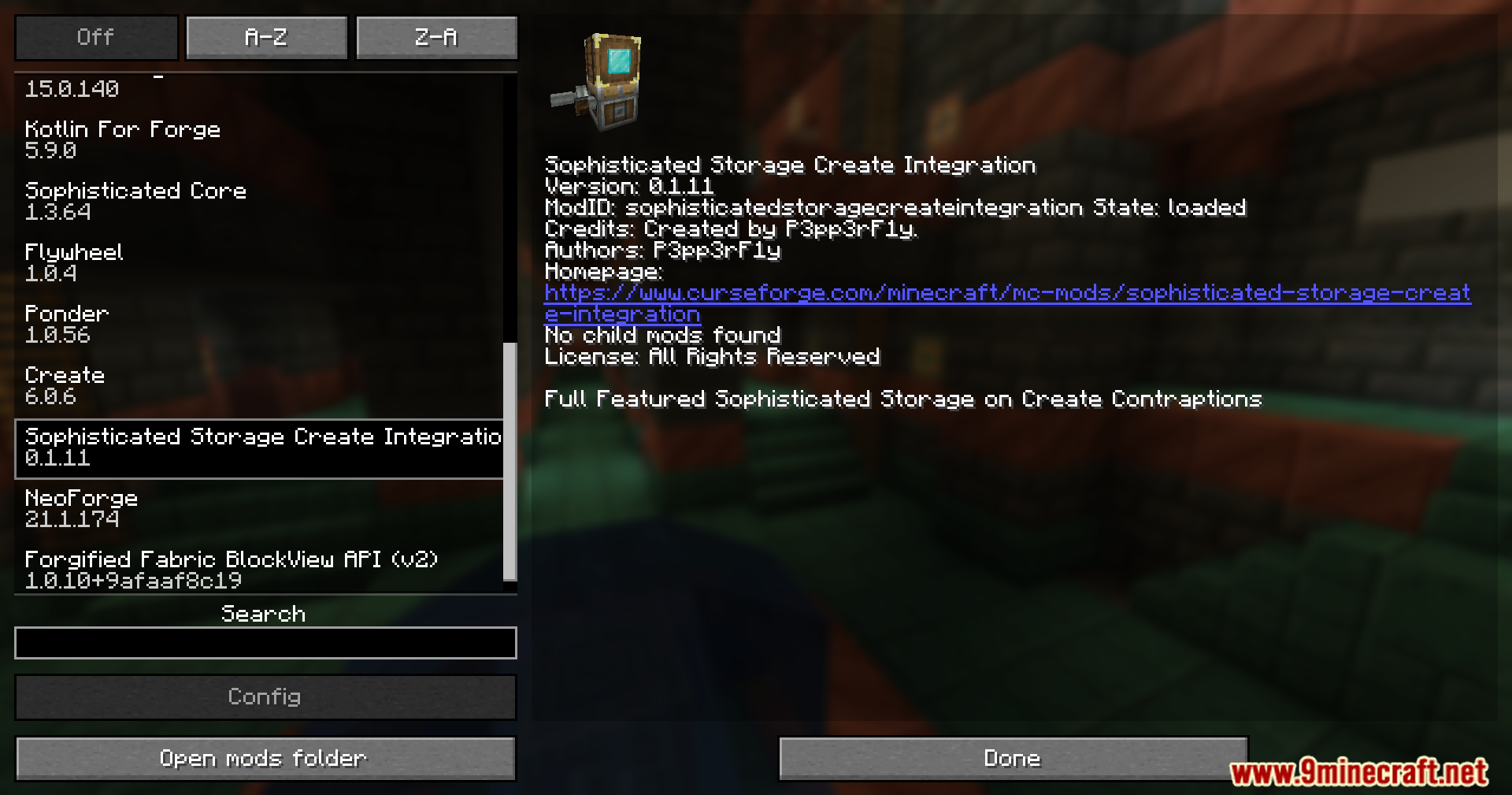
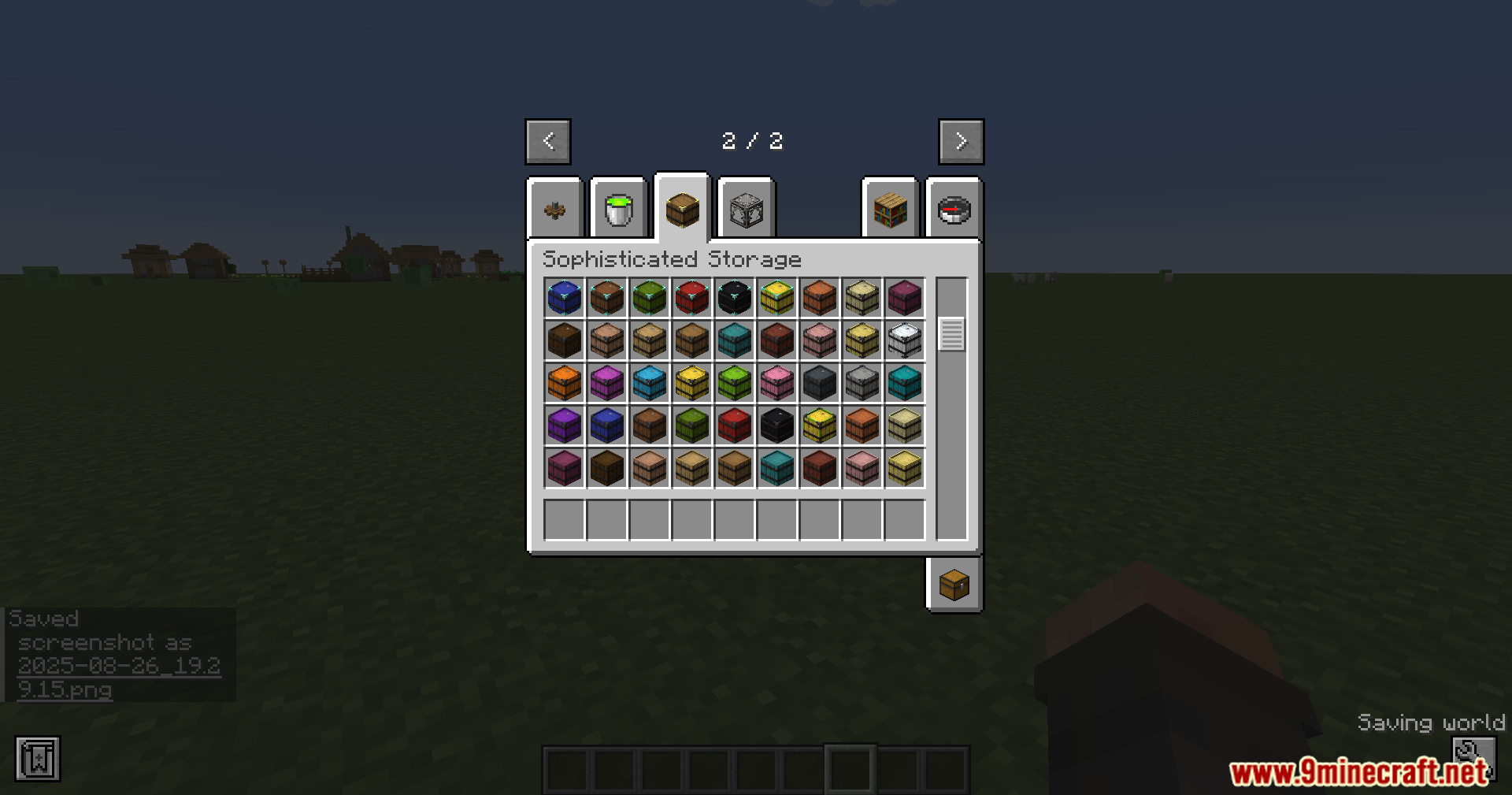
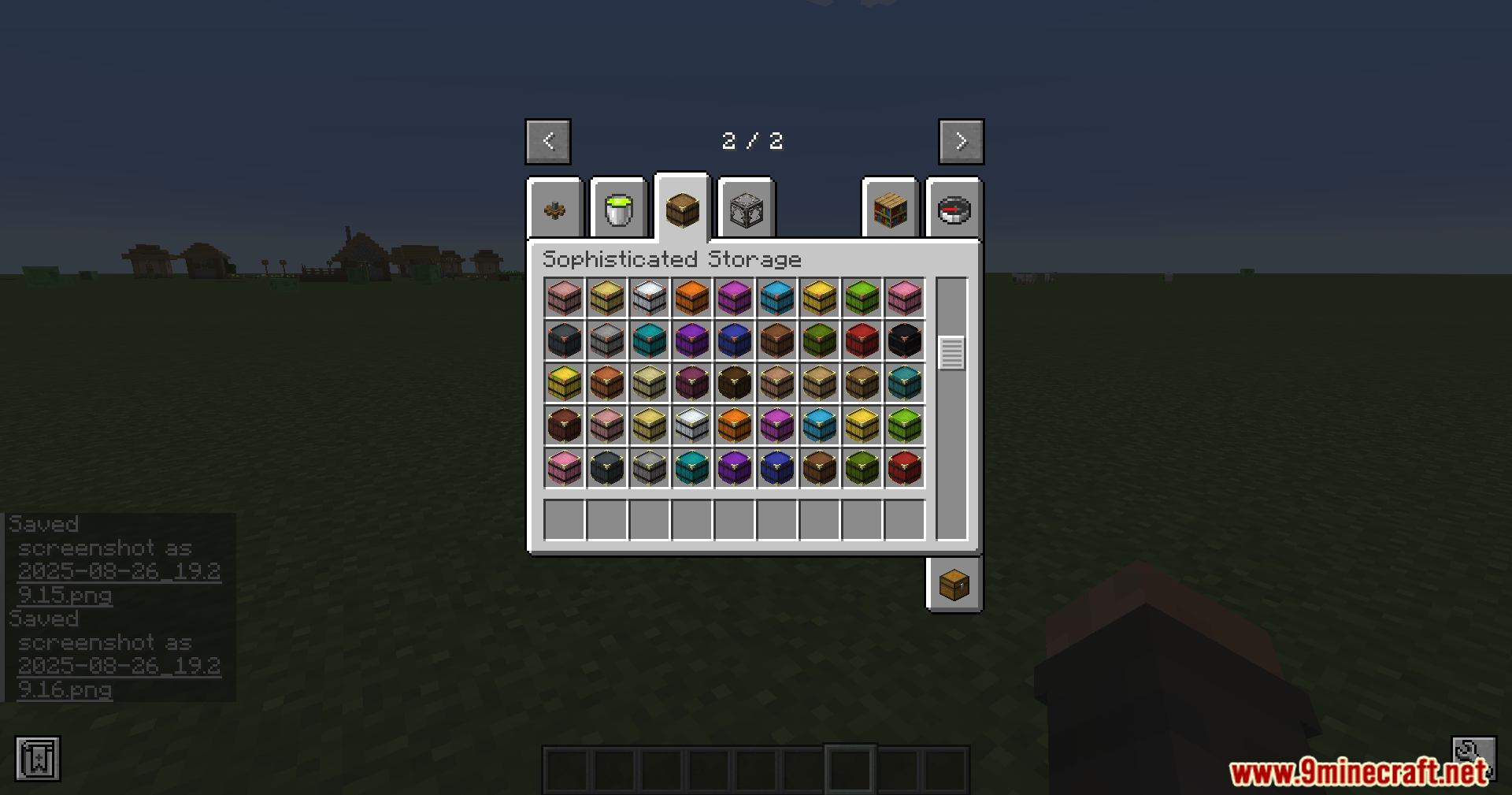
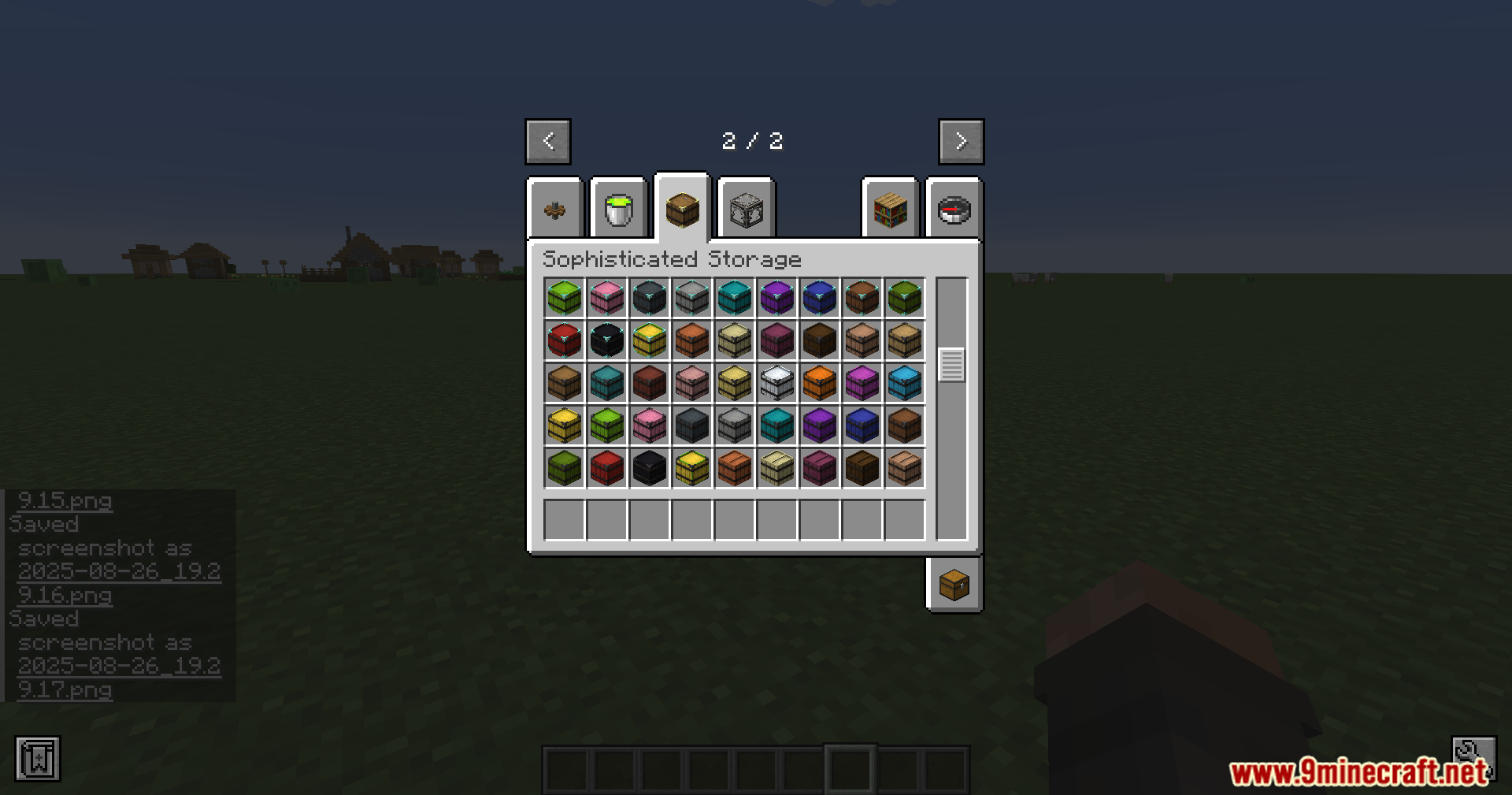
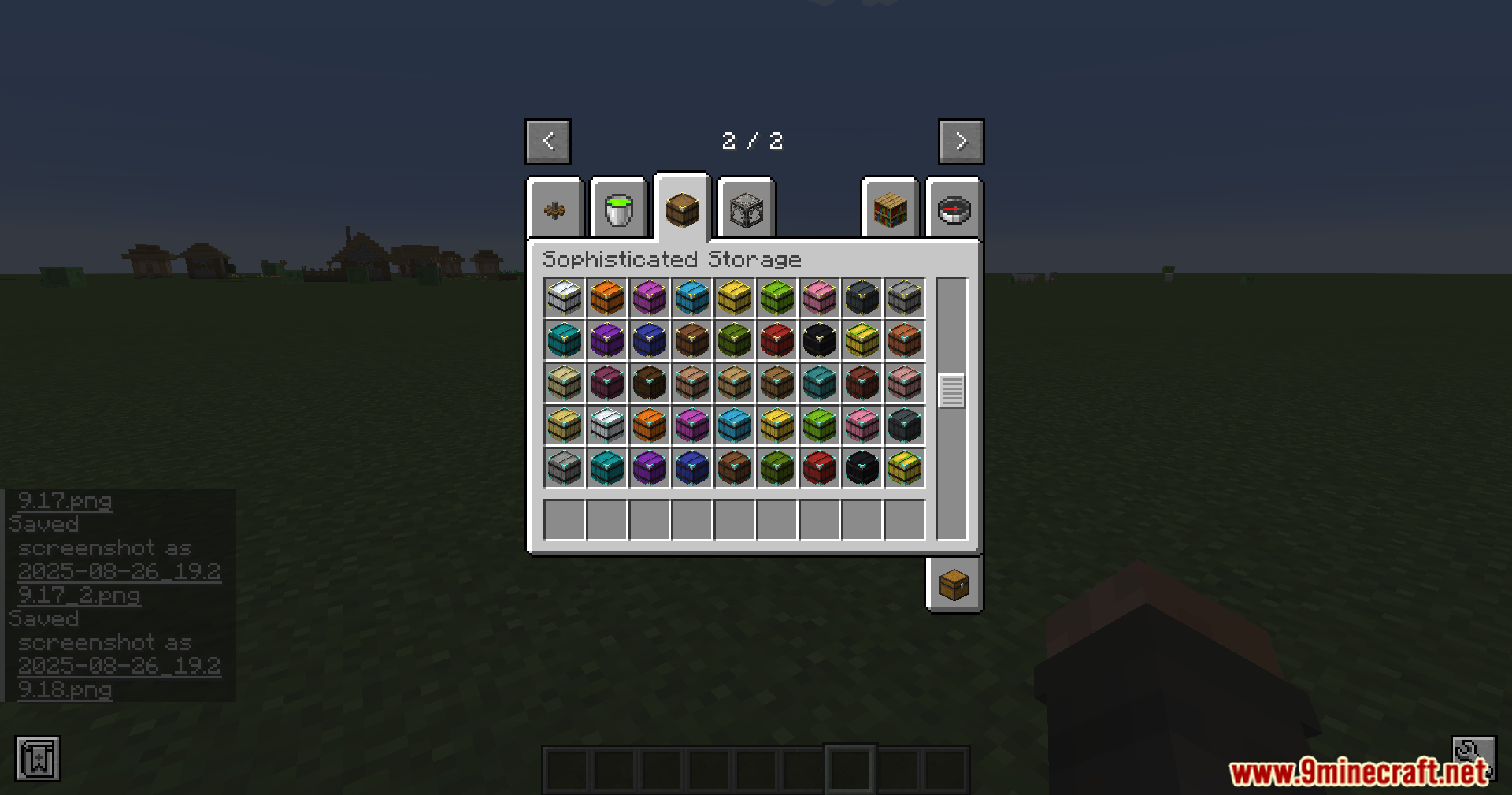
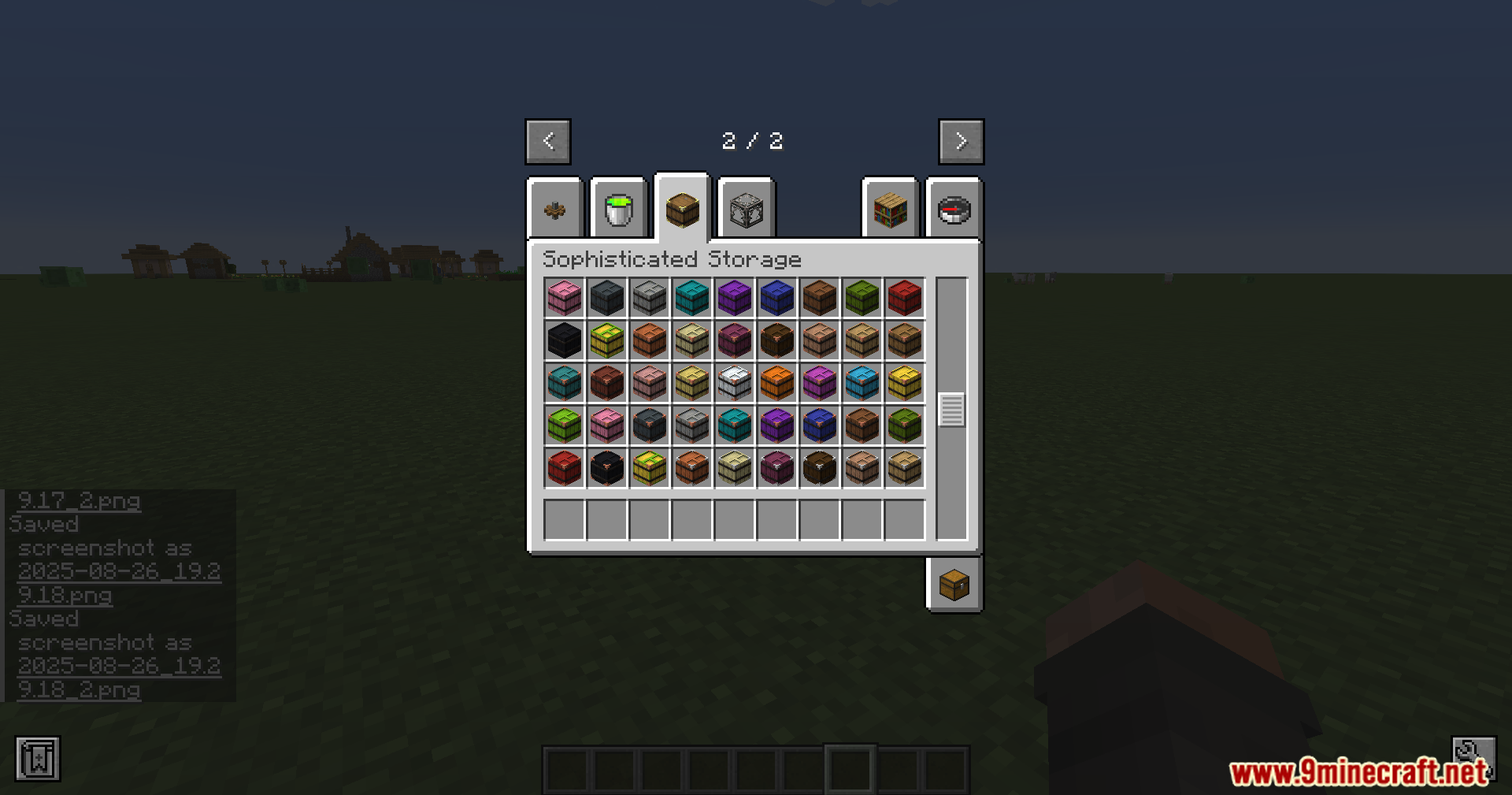
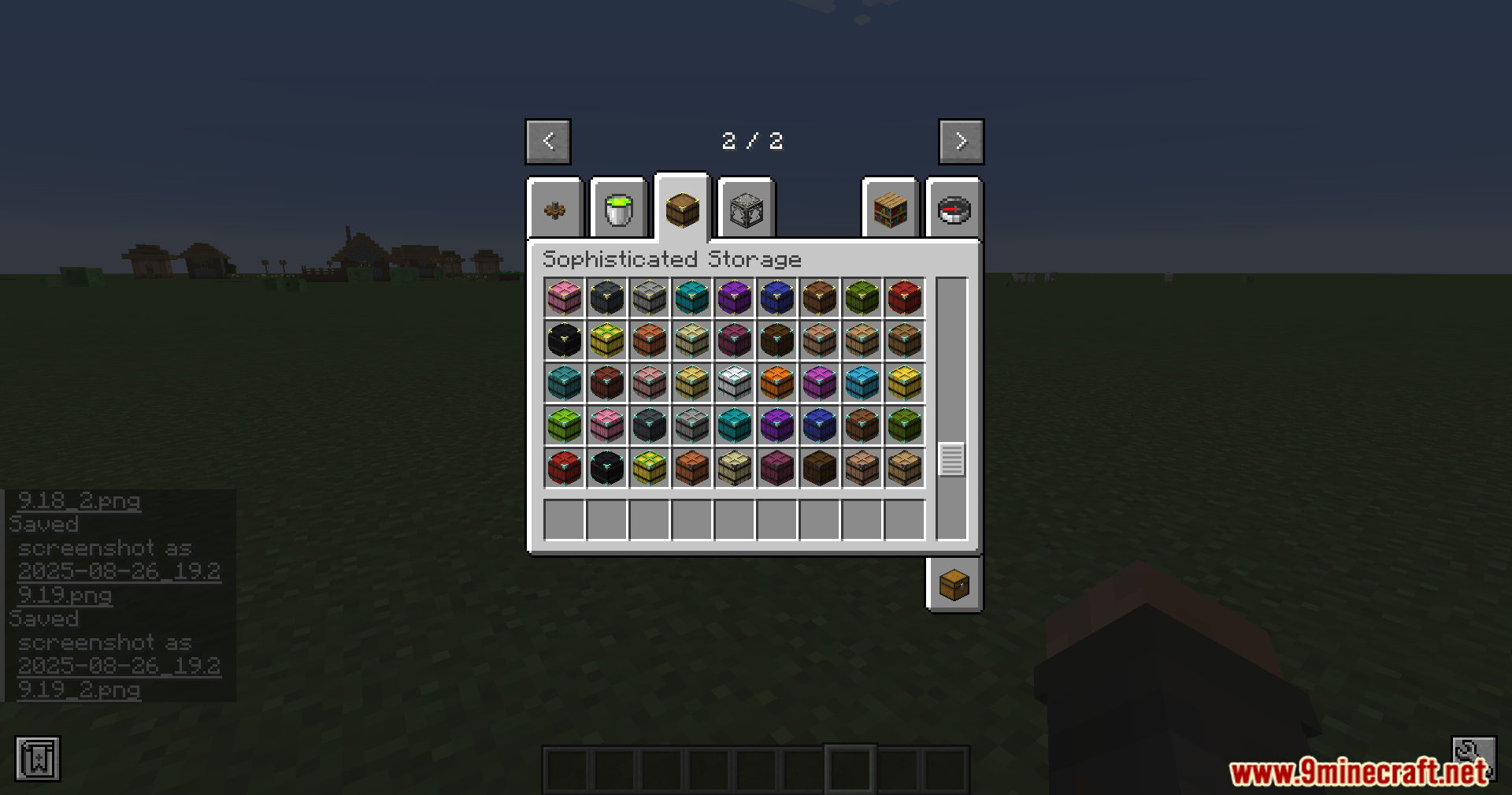
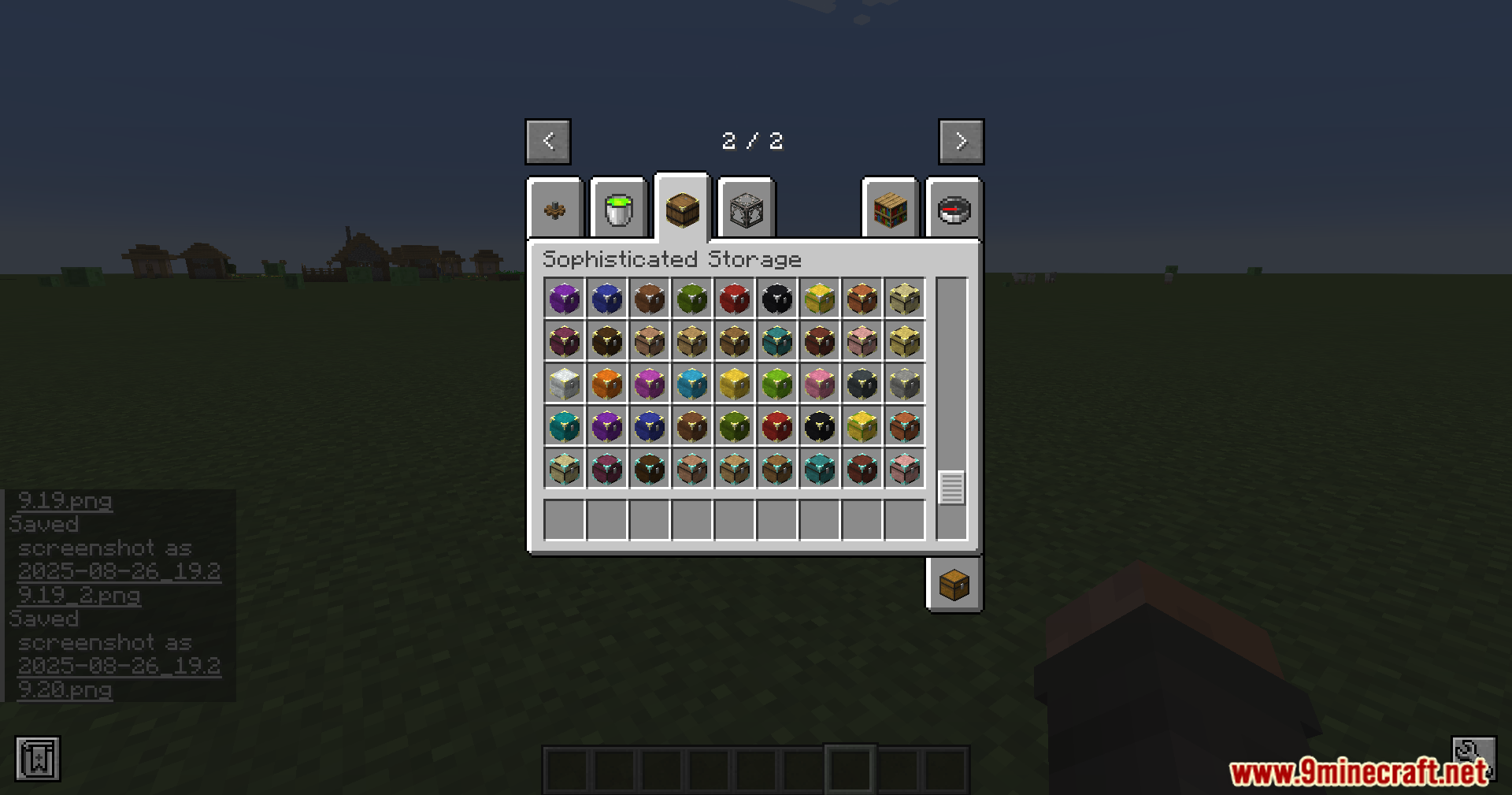
Screenshots:
How to Install:
New to Minecraft? Follow our step-by-step guide to install Mods on your PC.View Guide
Requirements:



Sophisticated Storage Create Integration Mod Download Links
For Minecraft 26.2
For Minecraft 26.1.2, 26.1.1, 26.1
For Minecraft 1.21.11
For Minecraft 1.21.10, 1.21.9
For Minecraft 1.21.8, 1.21.7, 1.21.6
For Minecraft 1.21.5
For Minecraft 1.21.4
For Minecraft 1.21.1, 1.21
For Minecraft 1.20.1, 1.20
Click to rate this post!
[Total: 1 Average: 5]
You May Also Like











This post has no comments yet. Be the first — your comment will appear here.