


Happy Ghast Backport Mod (1.21.4, 1.20.1) – Befriend and Ride a Ghast

 0
0 

Happy Ghast Backport Mod adds the friendly and rideable Happy Ghast to your world. This mod lets you find a special block in the Nether, bring a baby Ghast to life, and raise it into a giant, flying friend. You can even ride it with up to three other players across the skies.

Features:
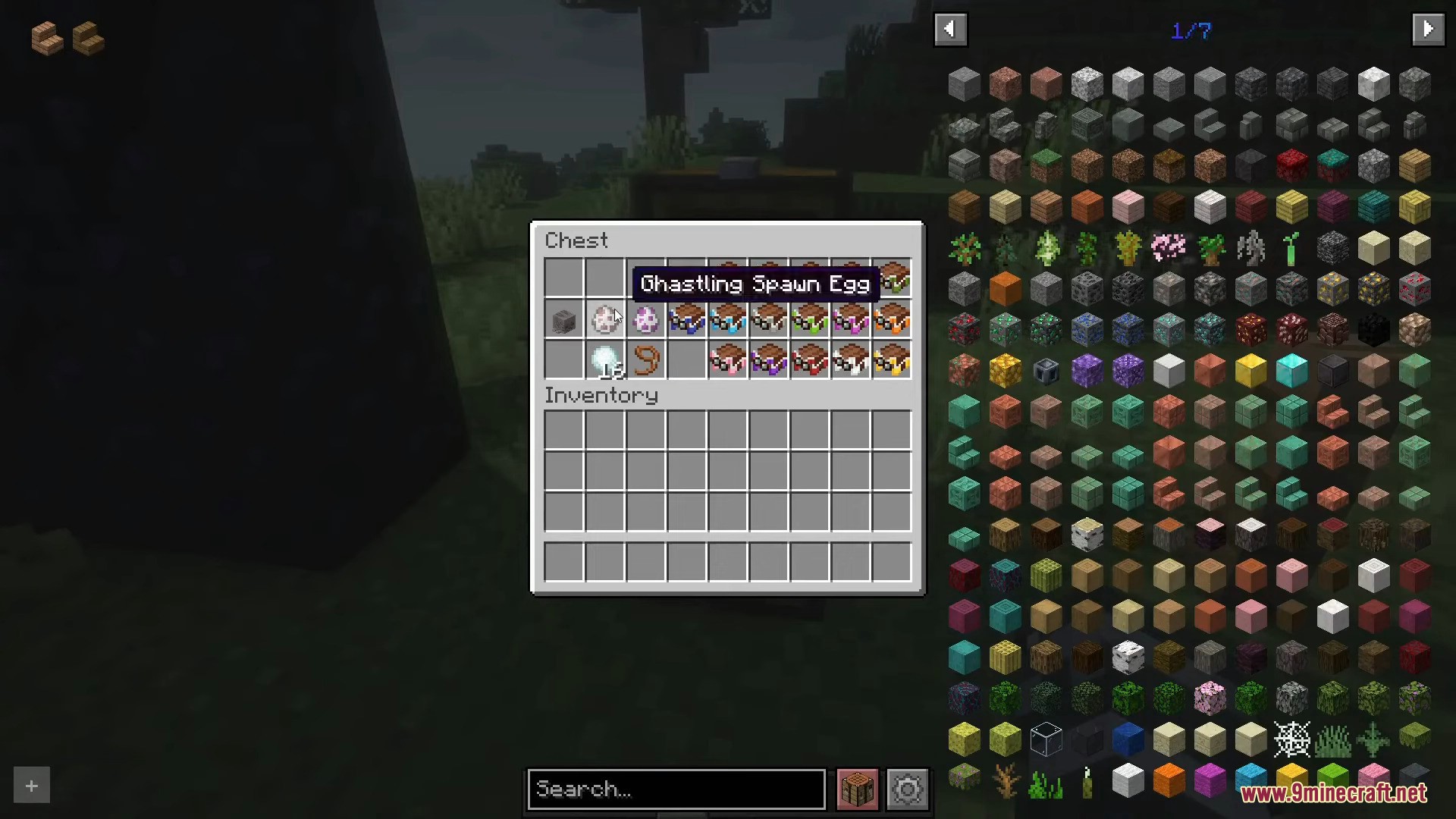
- Find Dried Ghasts, a new block that appears in Soul Sand Valleys in the Nether.
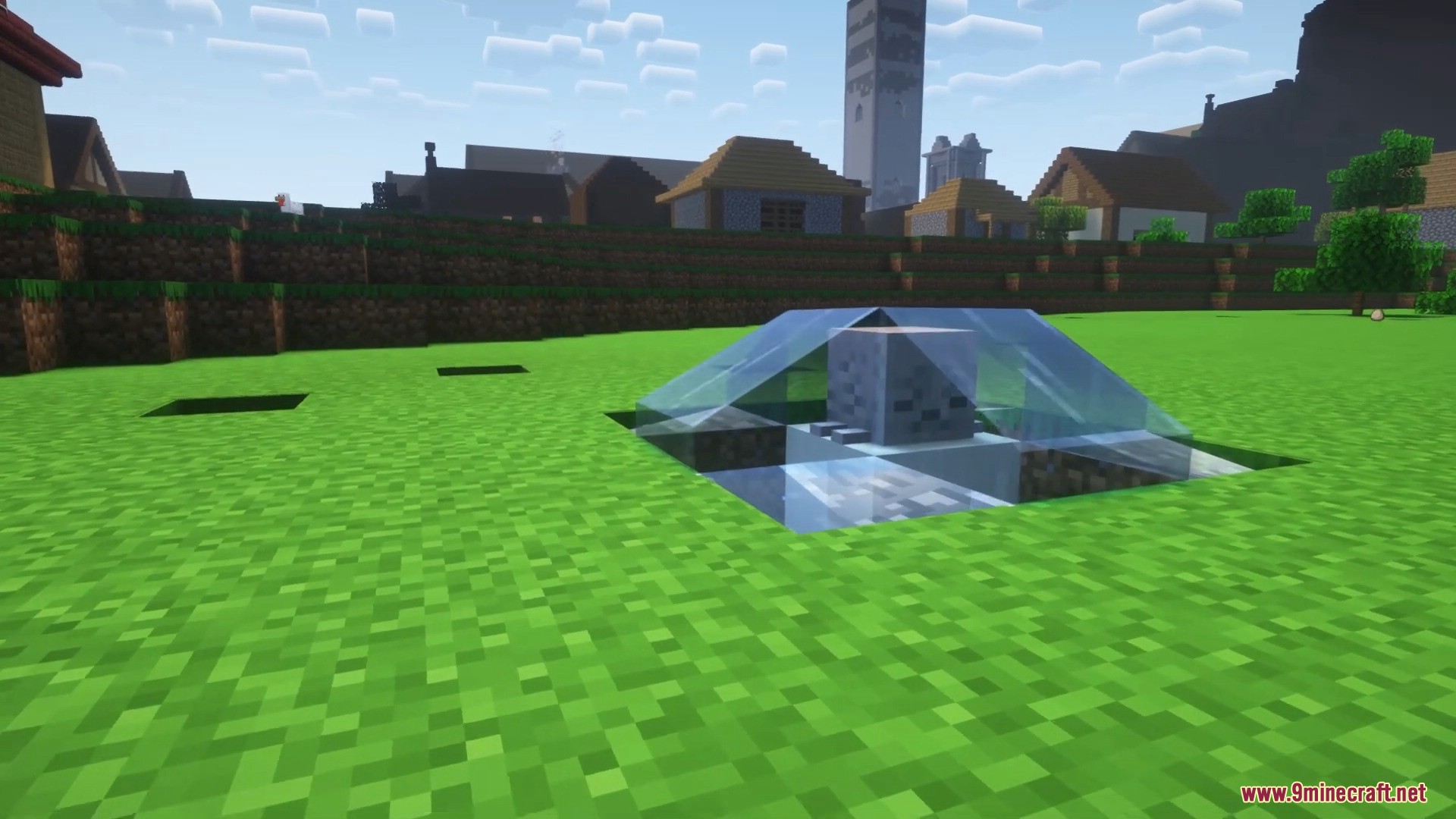
- Place a Dried Ghast in water to rehydrate it into a baby Ghastling.
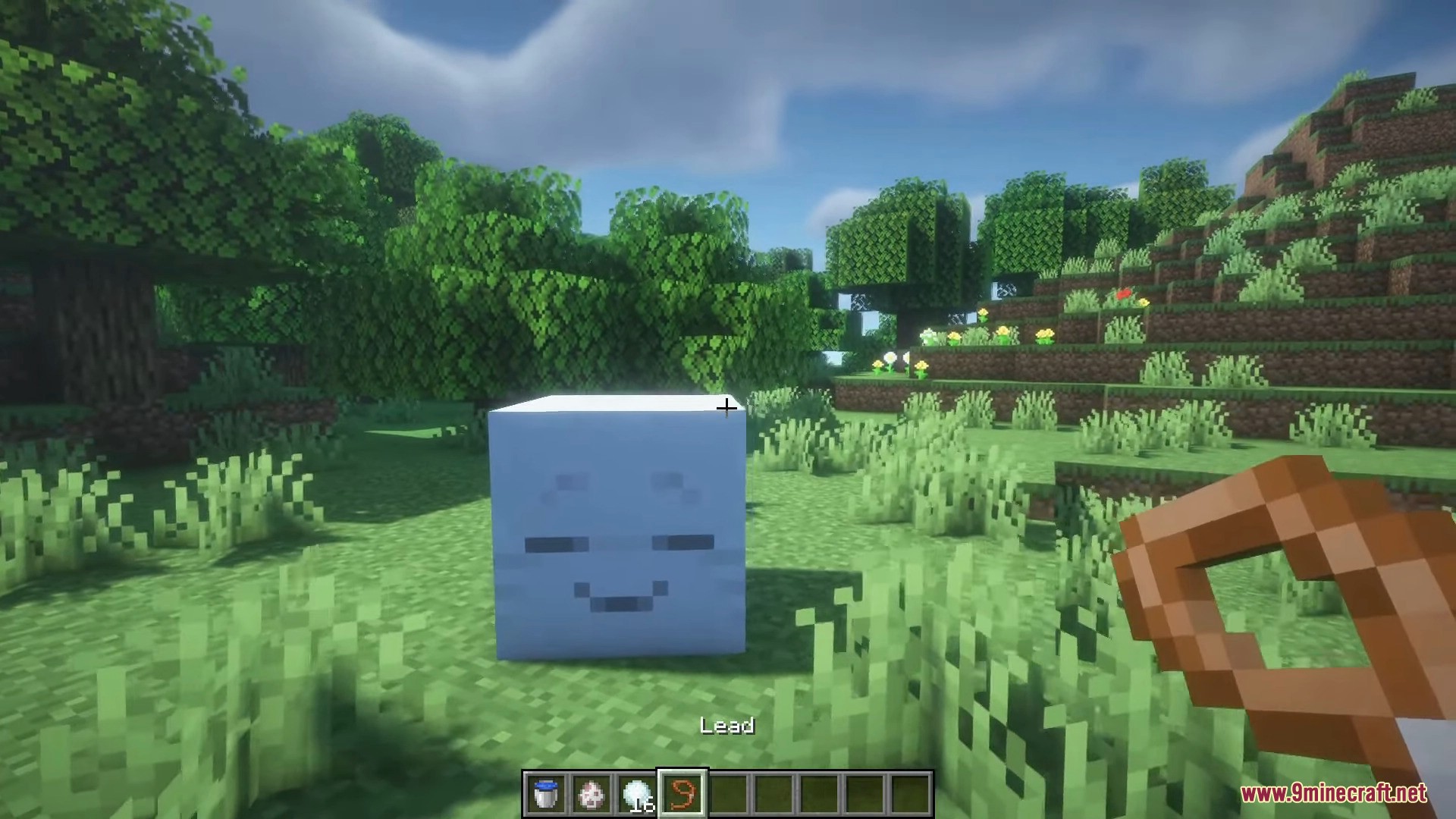
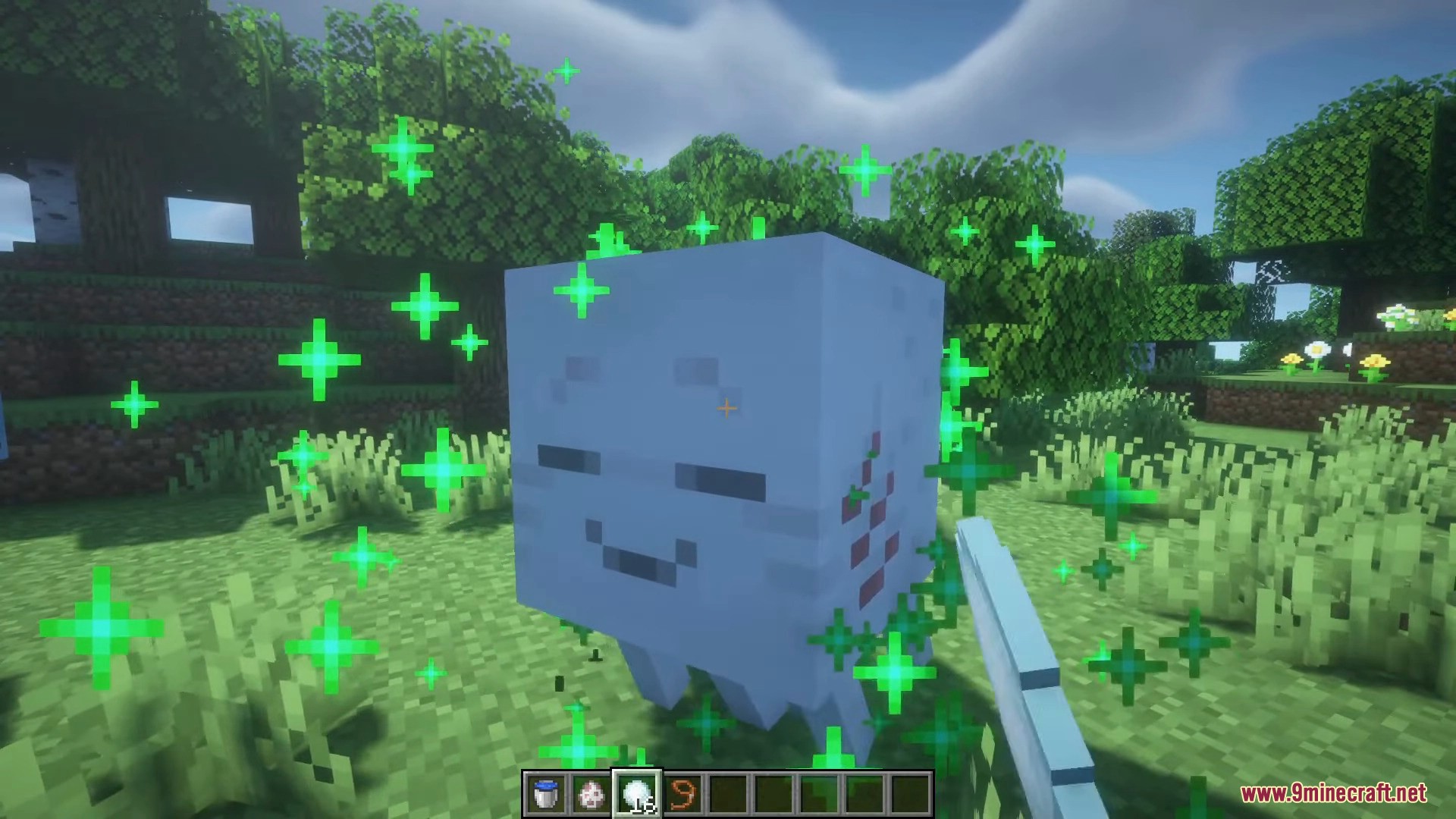
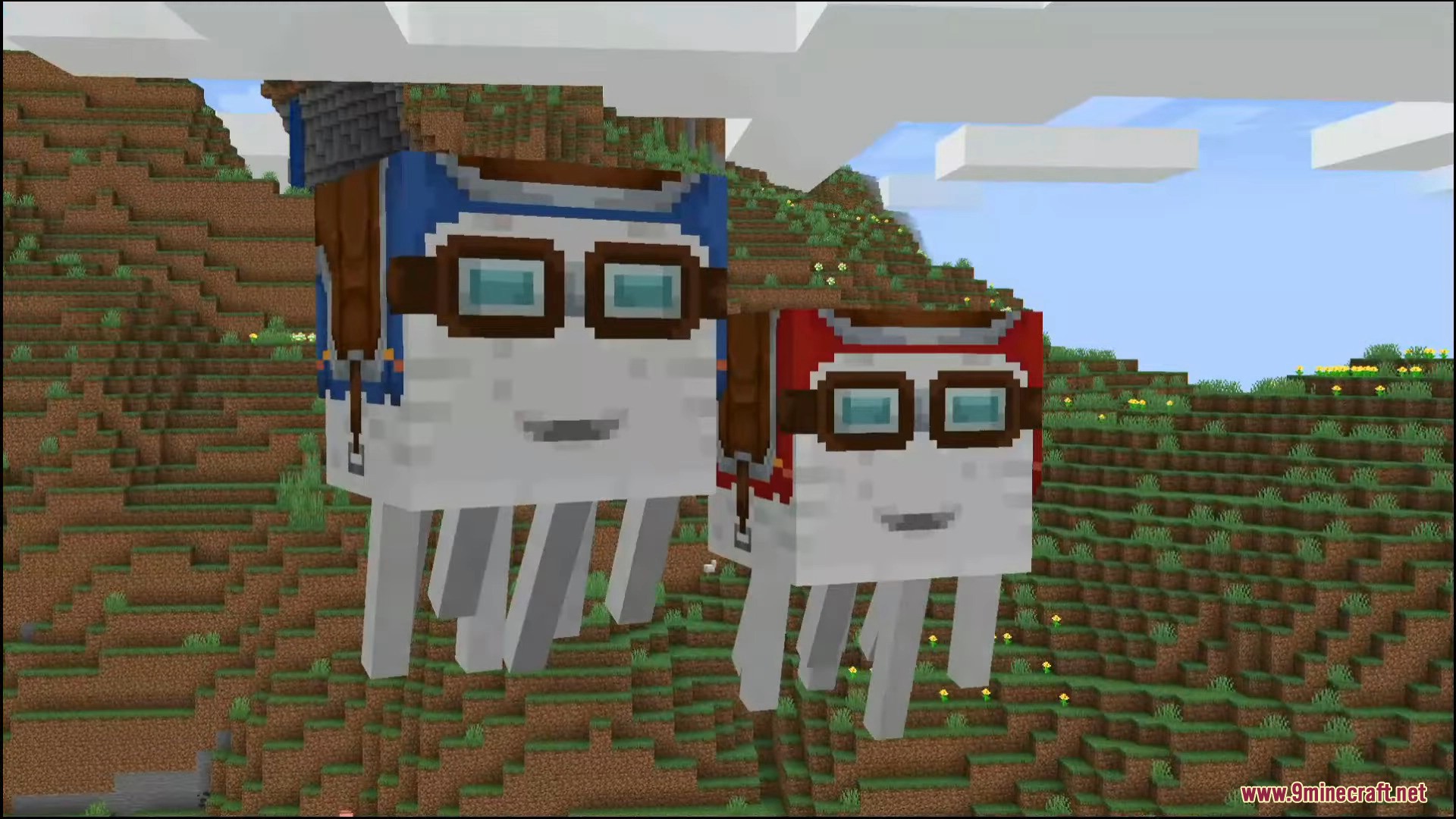
- Feed snowballs to the Ghastling to help it grow into a full-sized Happy Ghast.
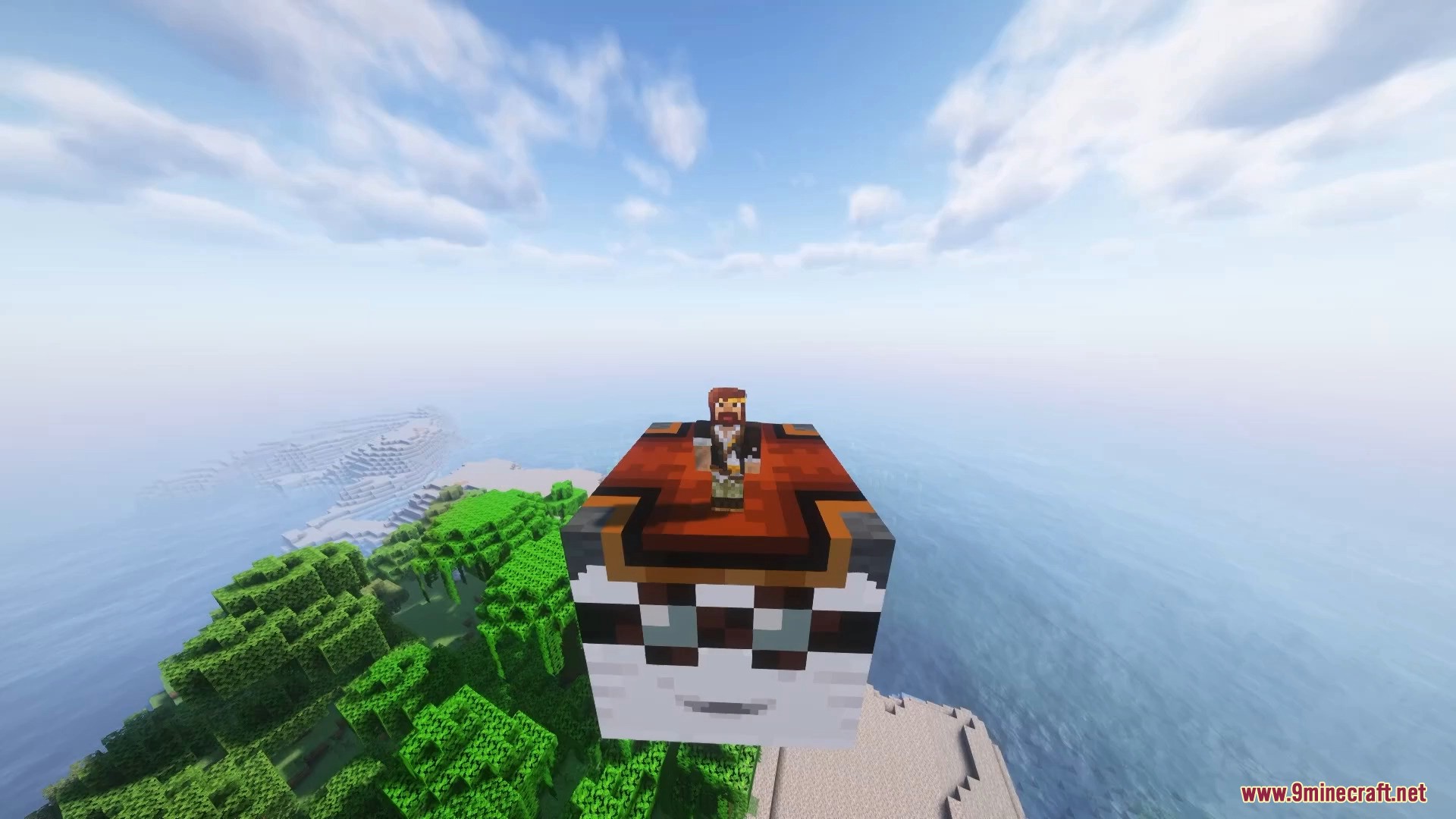
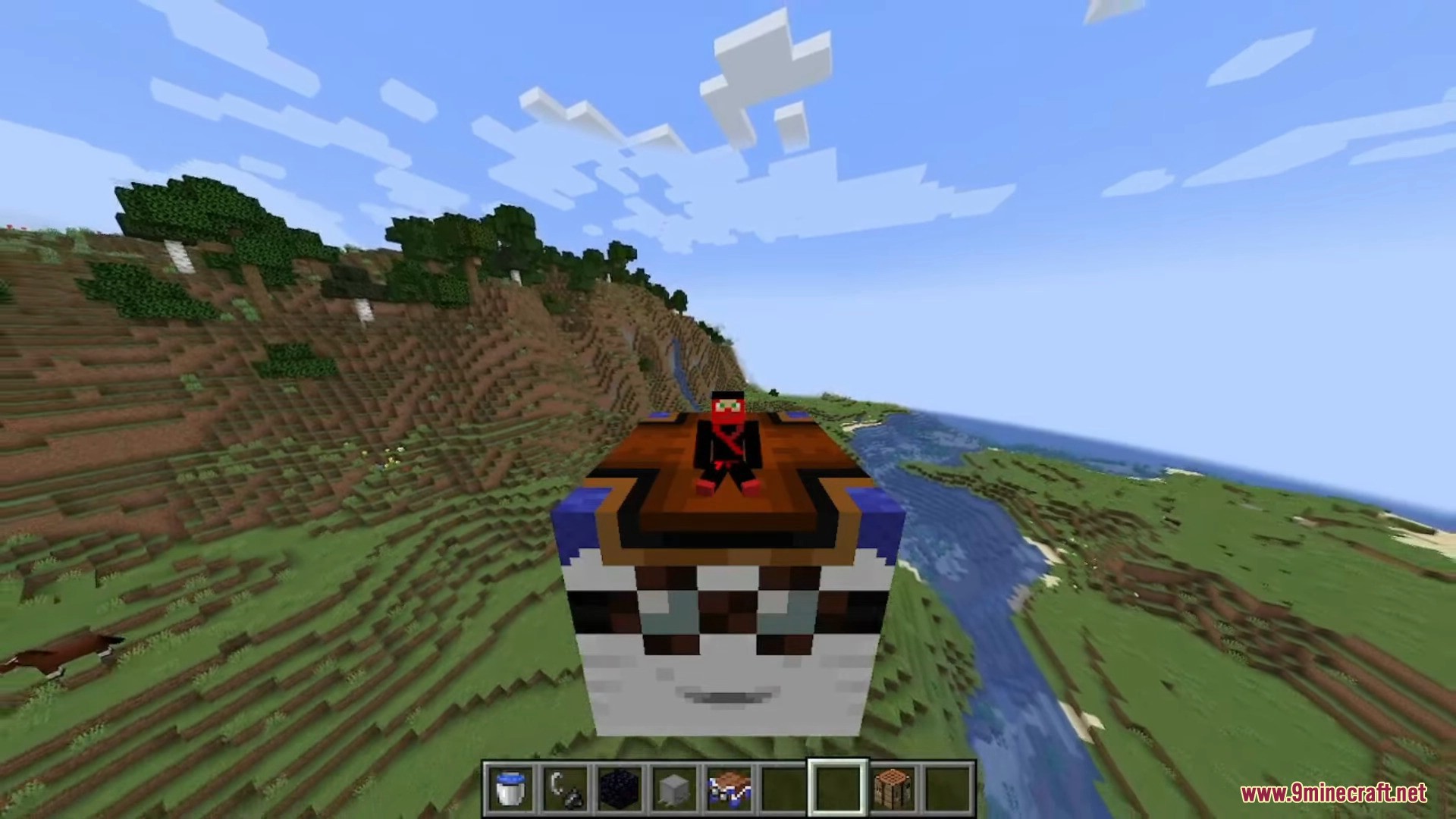
- Ride the Happy Ghast with up to four players at the same time.
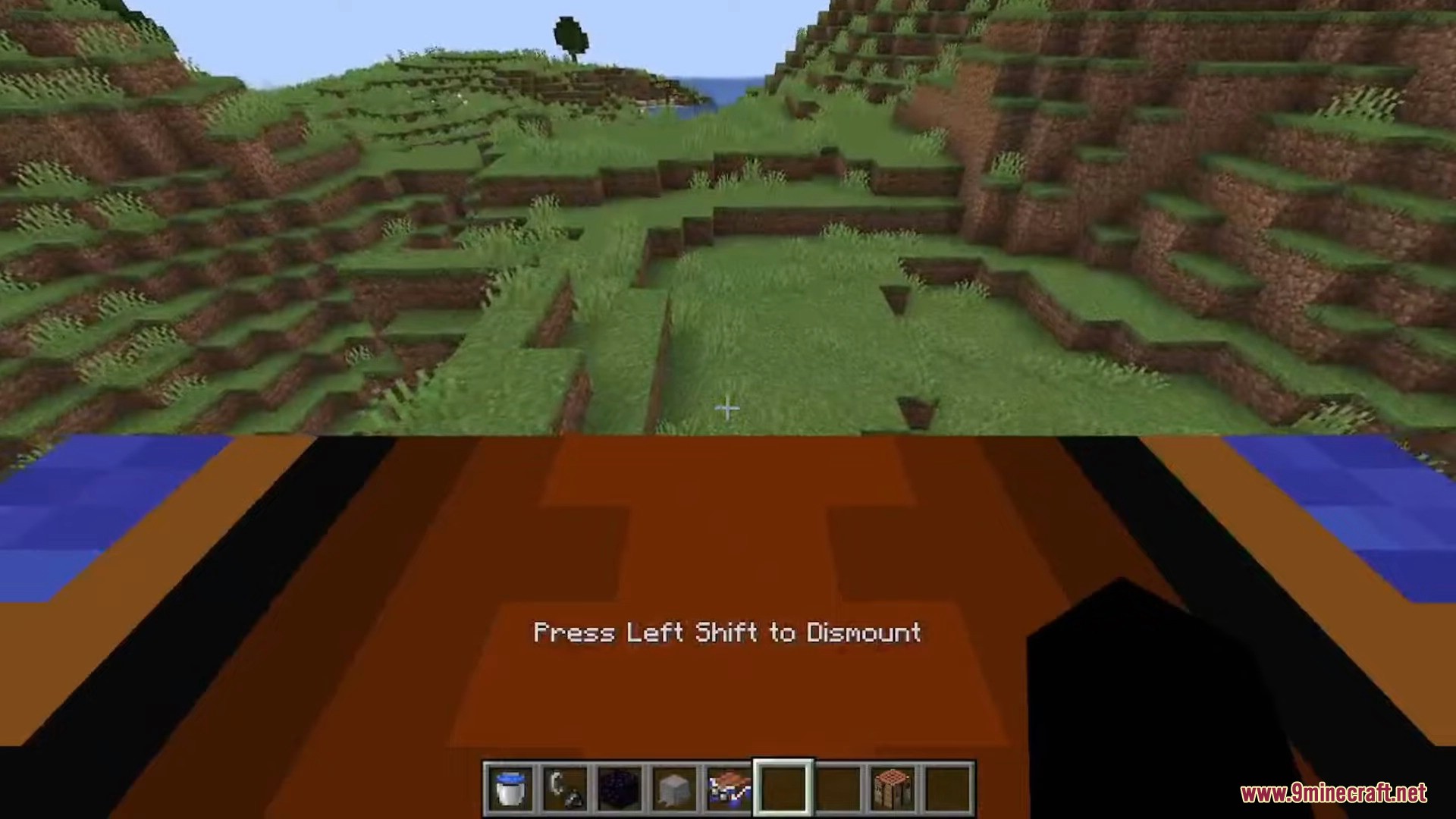
- Players can safely walk on the Ghast’s back while it is flying.
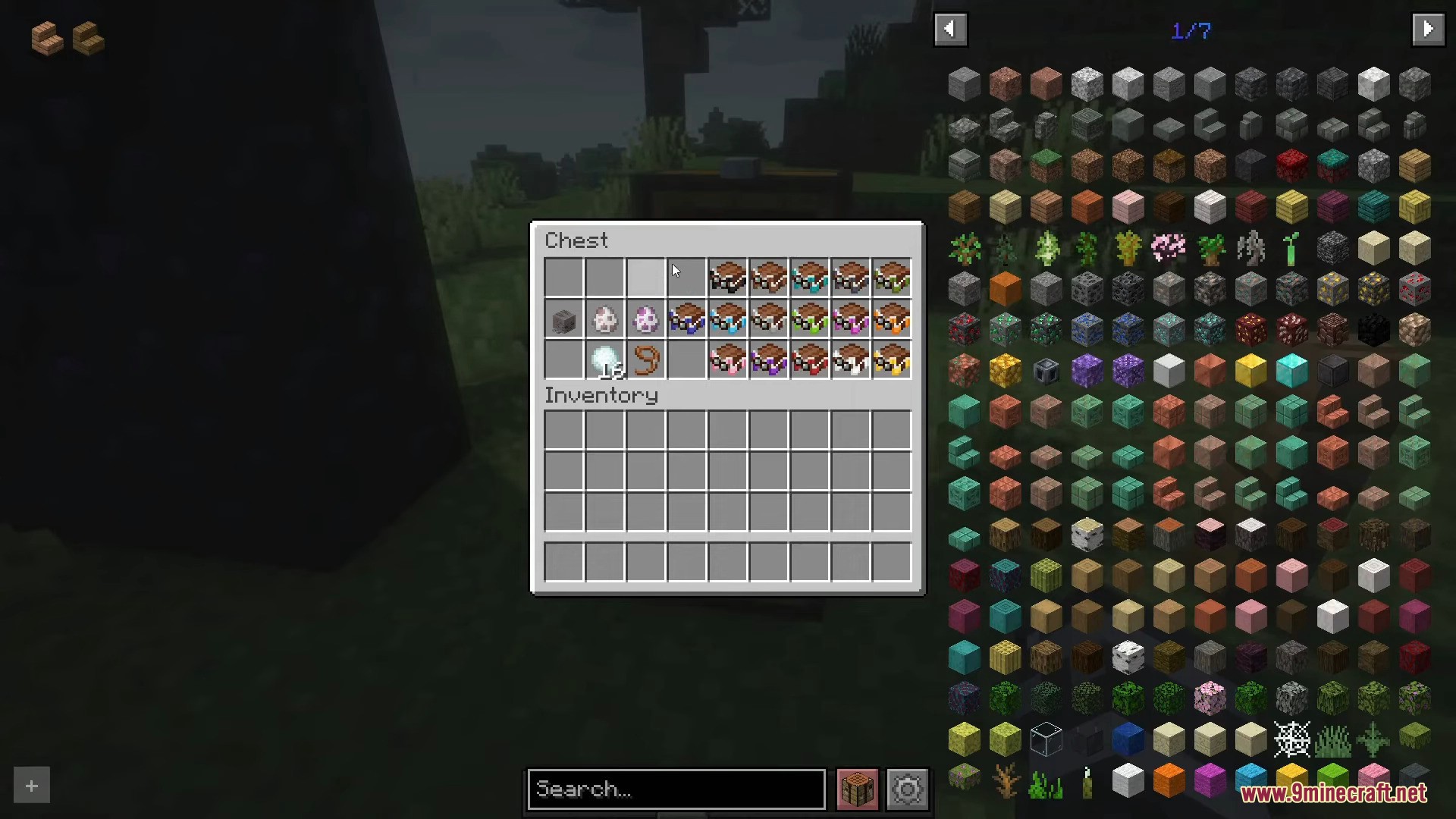
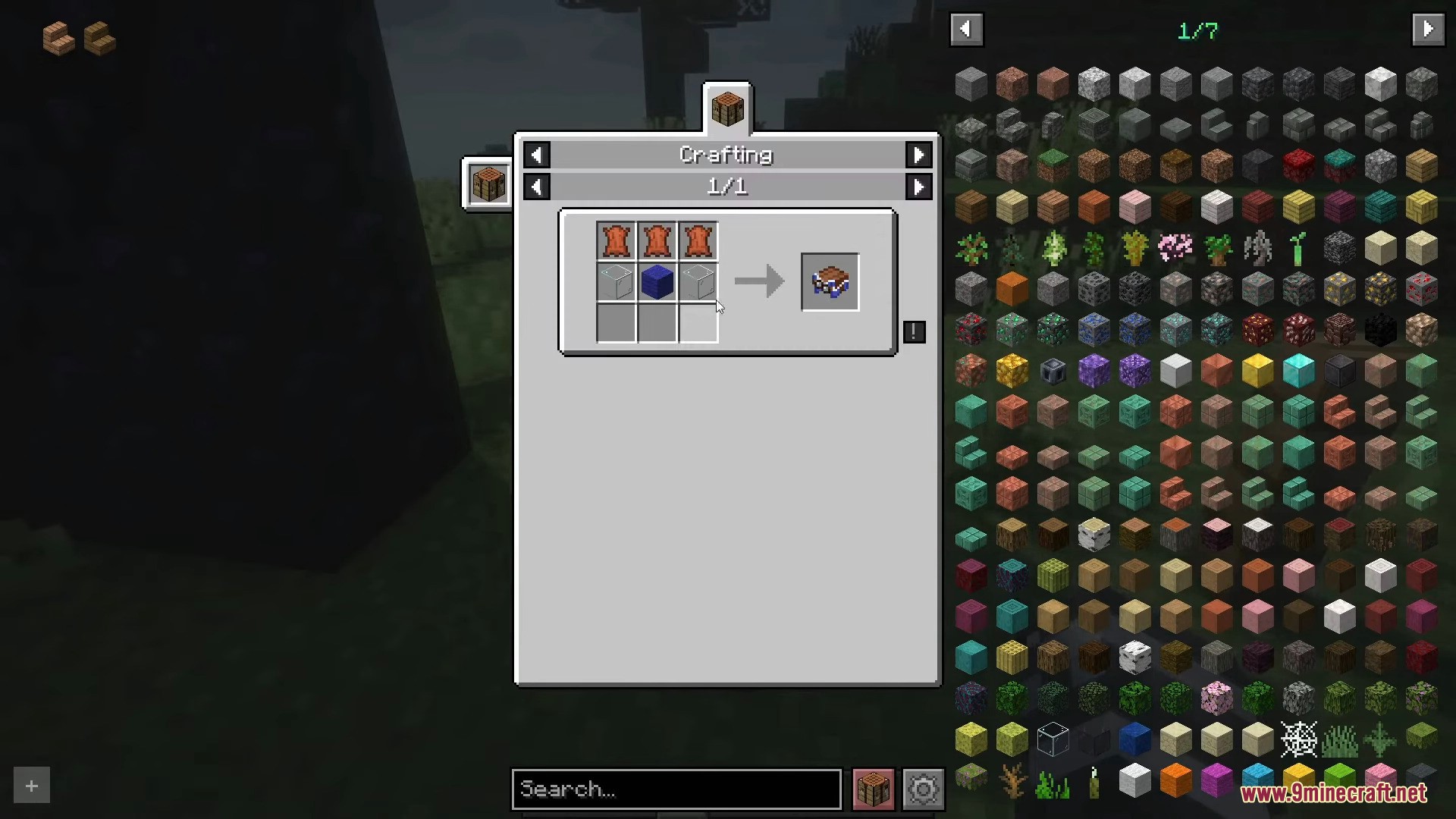
- Use a colored harness to tame and ride the Ghast. There are 16 colors available.
How to Use:
- Find a Dried Ghast in a Soul Sand Valley biome in the Nether.
- Place the Dried Ghast in water to turn it into a Ghastling.
- Feed the Ghastling snowballs to make it grow into a Happy Ghast.
- Hold a harness and the Ghast will approach you. Right-click to put the harness on.
- To fly, use W to move forward and S to move backward. Look up to ascend and look down to descend.
- To remove the harness, sneak and right-click on the Ghast.
Screenshots:
How to Install:
New to Minecraft? Follow our step-by-step guide to install Mods on your PC.View Guide
Happy Ghast Backport Mod Download Links
For Minecraft 1.21.4
NeoForge version: Download from Server 1 – Download from Server 2
For Minecraft 1.21.1, 1.21
NeoForge version: Download from Server 1 – Download from Server 2
For Minecraft 1.20.4
NeoForge version: Download from Server 1
For Minecraft 1.20.1, 1.20
Forge version: Download from Server 1 – Download from Server 2
Fabric version: Download from Server 1 – Download from Server 2
For Minecraft 1.19.2
Forge version: Download from Server 1
For Minecraft 1.18.2
Forge version: Download from Server 1
For Minecraft 1.16.5
Forge version: Download from Server 1
You May Also Like







This post has no comments yet. Be the first — your comment will appear here.