


Starting Inventory Mod (1.7.10) – Skip the Early Game Grind
 701
701
 3
3

🌐 Read this article in your language! Choose your preferred language below.
Or pick the one you like:
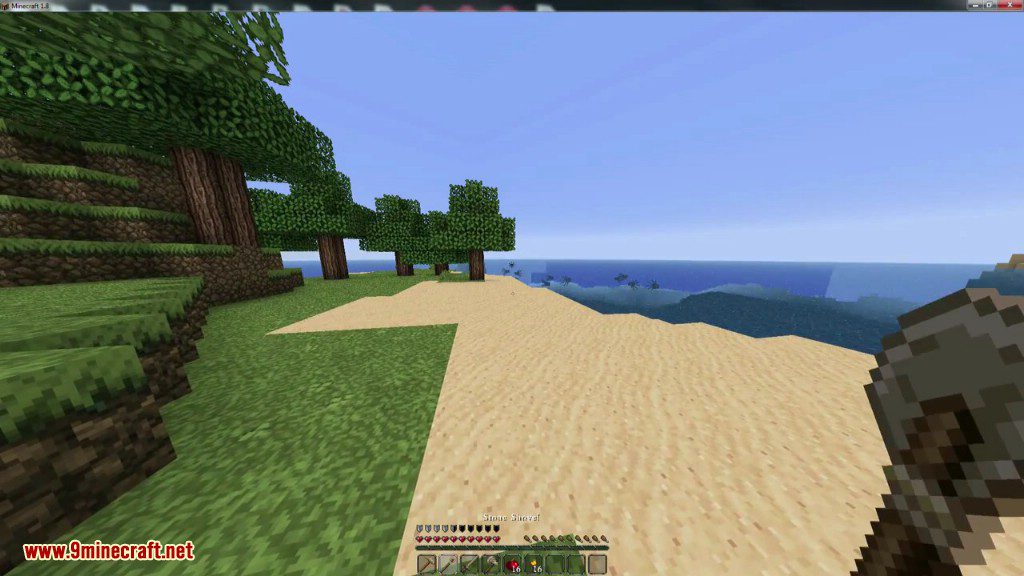
Starting Inventory Mod gives you a custom set of items every time you begin a new world. You can easily choose which items and blocks you want to start with by using simple commands or by editing a text file. This makes it easy to create a starting kit to help you survive or begin building right away.
Features:
- Automatically receive a predefined set of items when you start a new world.
- Set up your starting items the easy way using in-game commands.
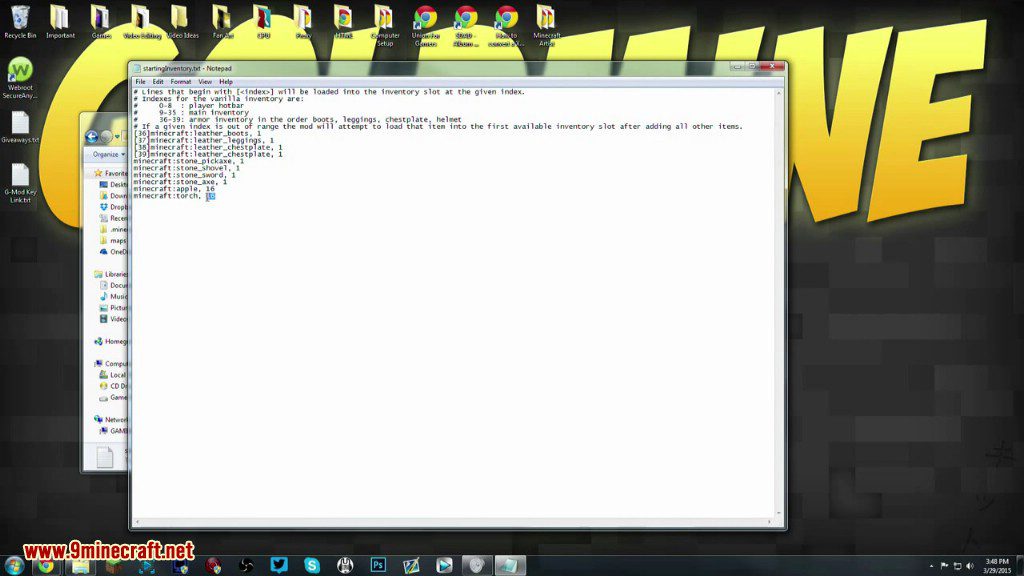
- Offers an advanced method to configure items by editing a text file.
- Supports items and blocks from vanilla Minecraft and other mods.
Commands:
/startinginv save: Saves the items currently in your main inventory as the new starting kit./startinginv load: Clears your inventory and gives you the saved kit. This is useful for testing your setup.
How to Use:
Setting Up Your Inventory with Commands
- Start a world in Creative mode.
- Place the items you want to start with into your main 36 inventory slots. Armor slots will be ignored.
- Once your inventory is ready, type the command
/startinginv save. - A message will confirm that your items have been saved to the configuration file.
Note: Using the /startinginv load command will clear your current inventory before adding the configured items.
Screenshots:
How to Install:
New to Minecraft? Follow our step-by-step guide to install Mods on your PC.View Guide
Requirements:

Starting Inventory Mod Download Links
For Minecraft 1.5.2
For Minecraft 1.6.2
For Minecraft 1.6.4
For Minecraft 1.7.10
For Minecraft 1.8.0
Click to rate this post!
[Total: 0 Average: 0]
You May Also Like










This post has no comments yet. Be the first — your comment will appear here.