


Defaulted Hotkeys Mod (1.21.8, 1.20.1) – Set Up Your Controls Once

 0
0 

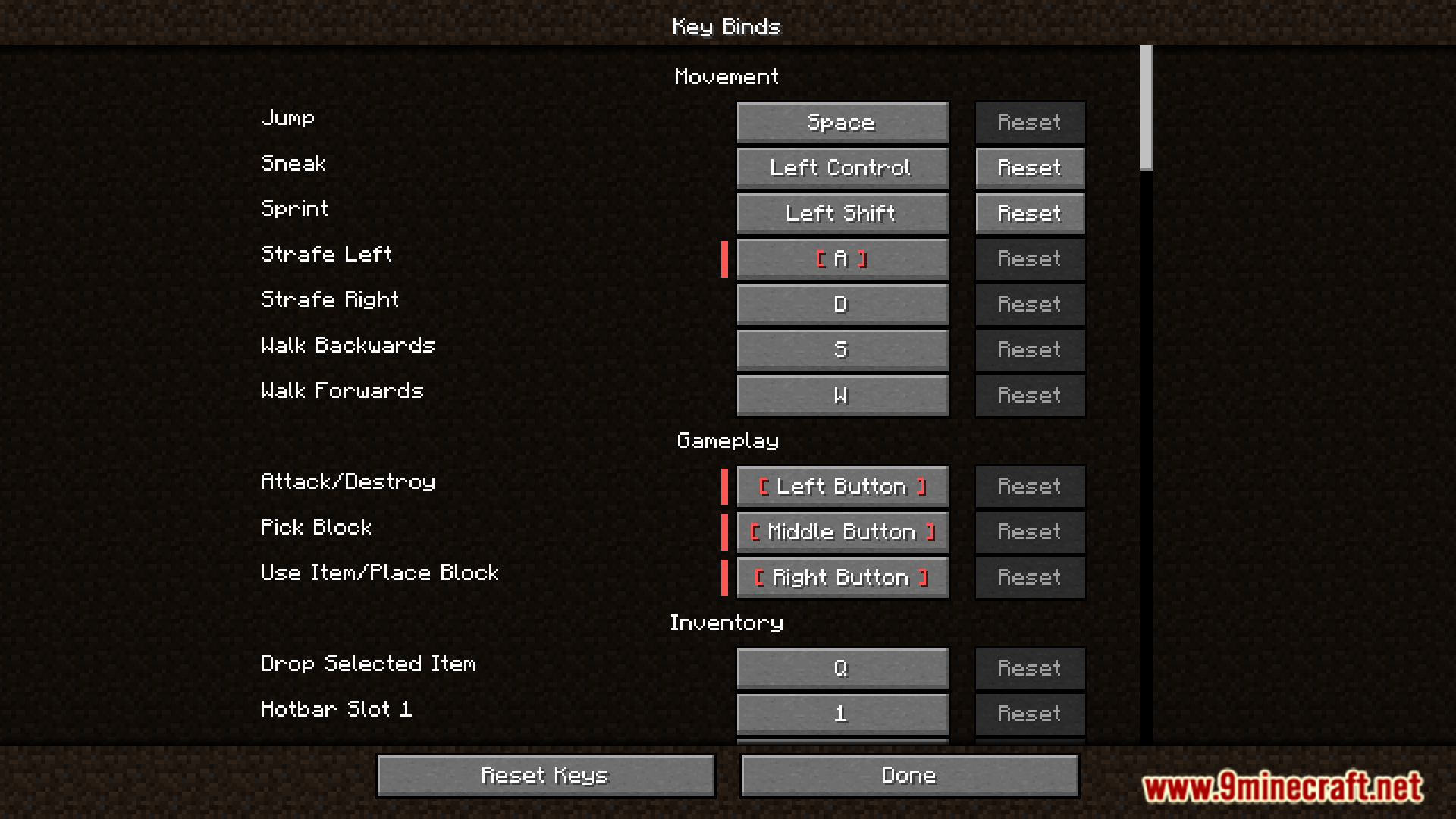
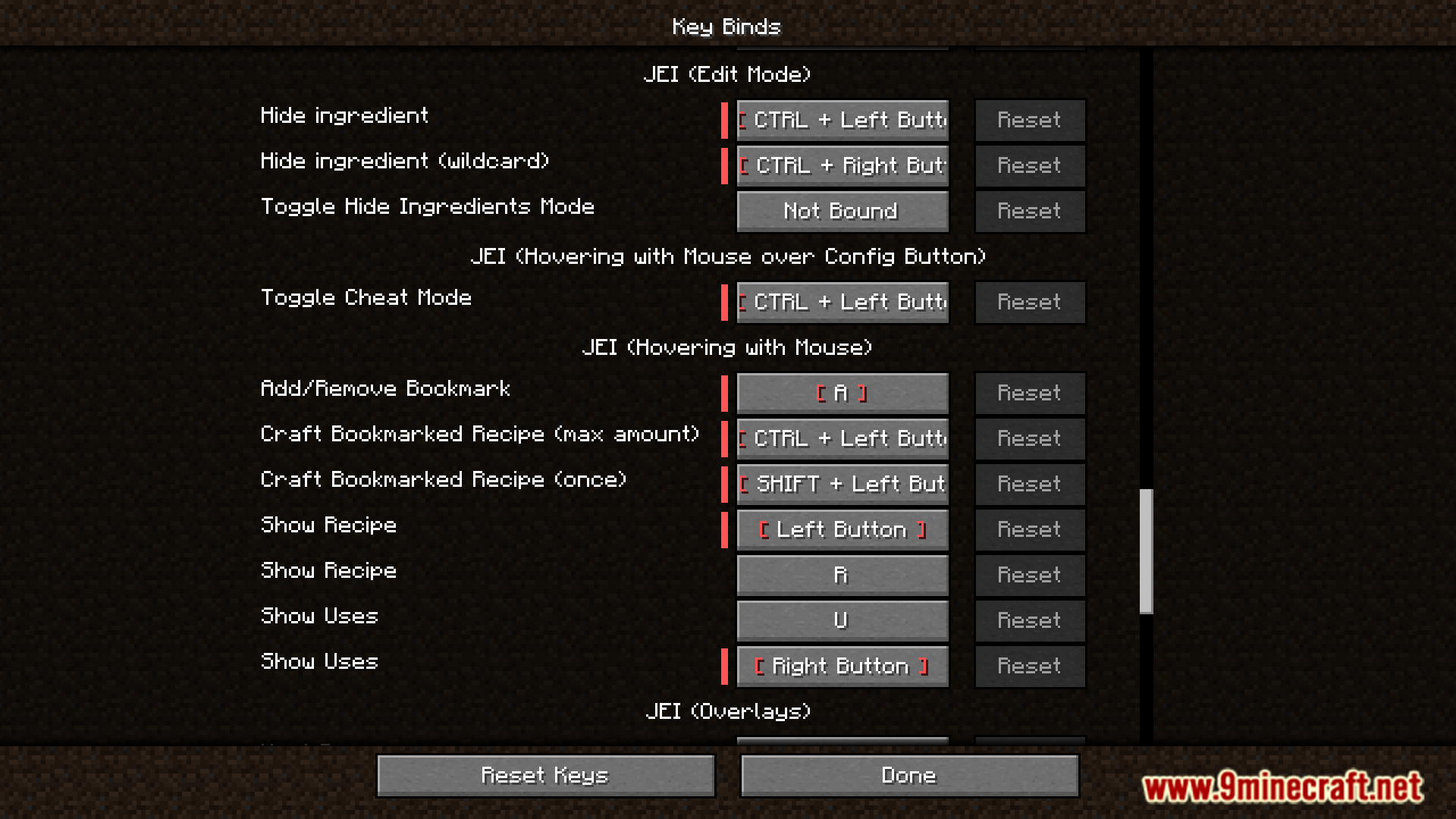
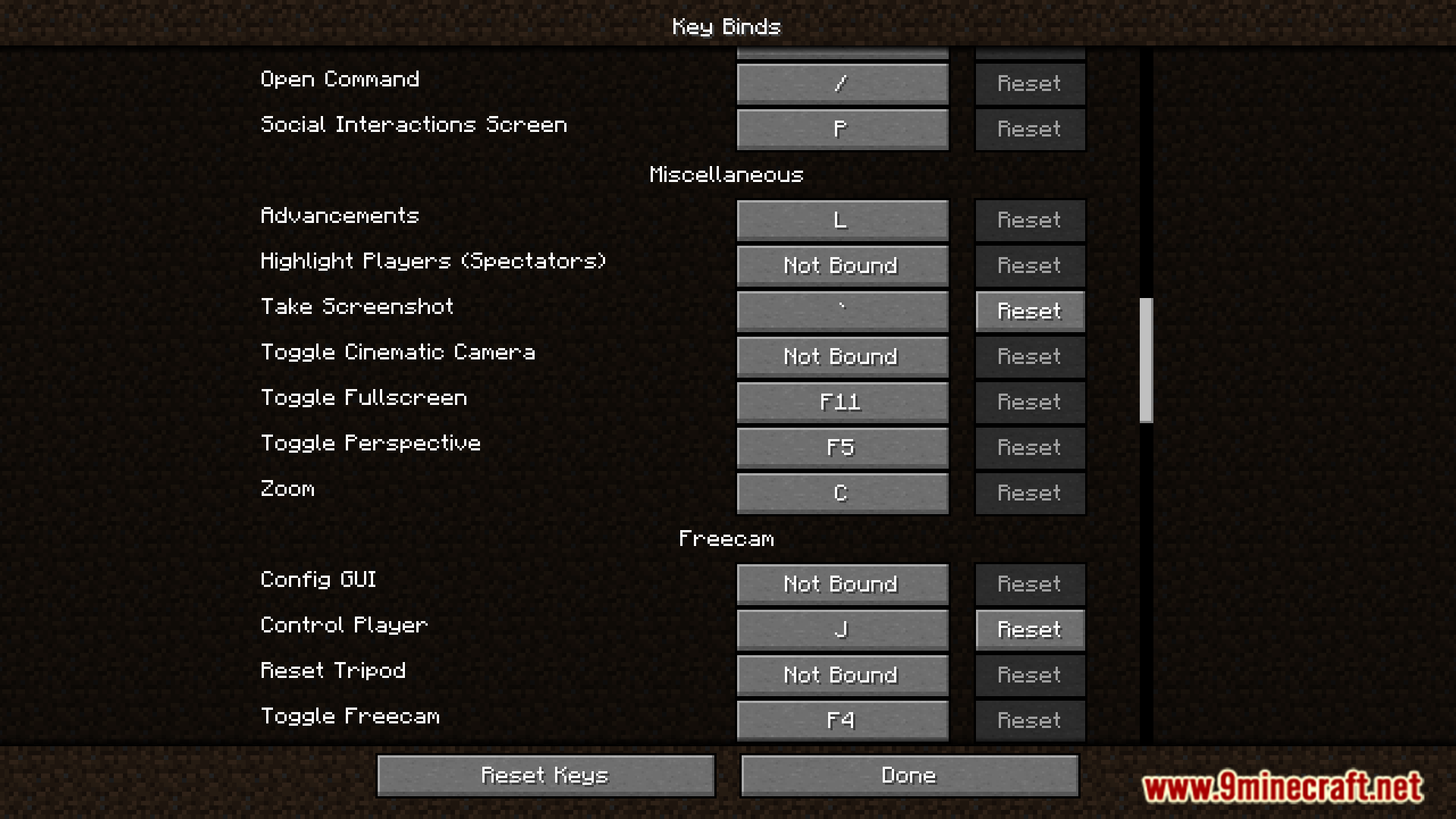
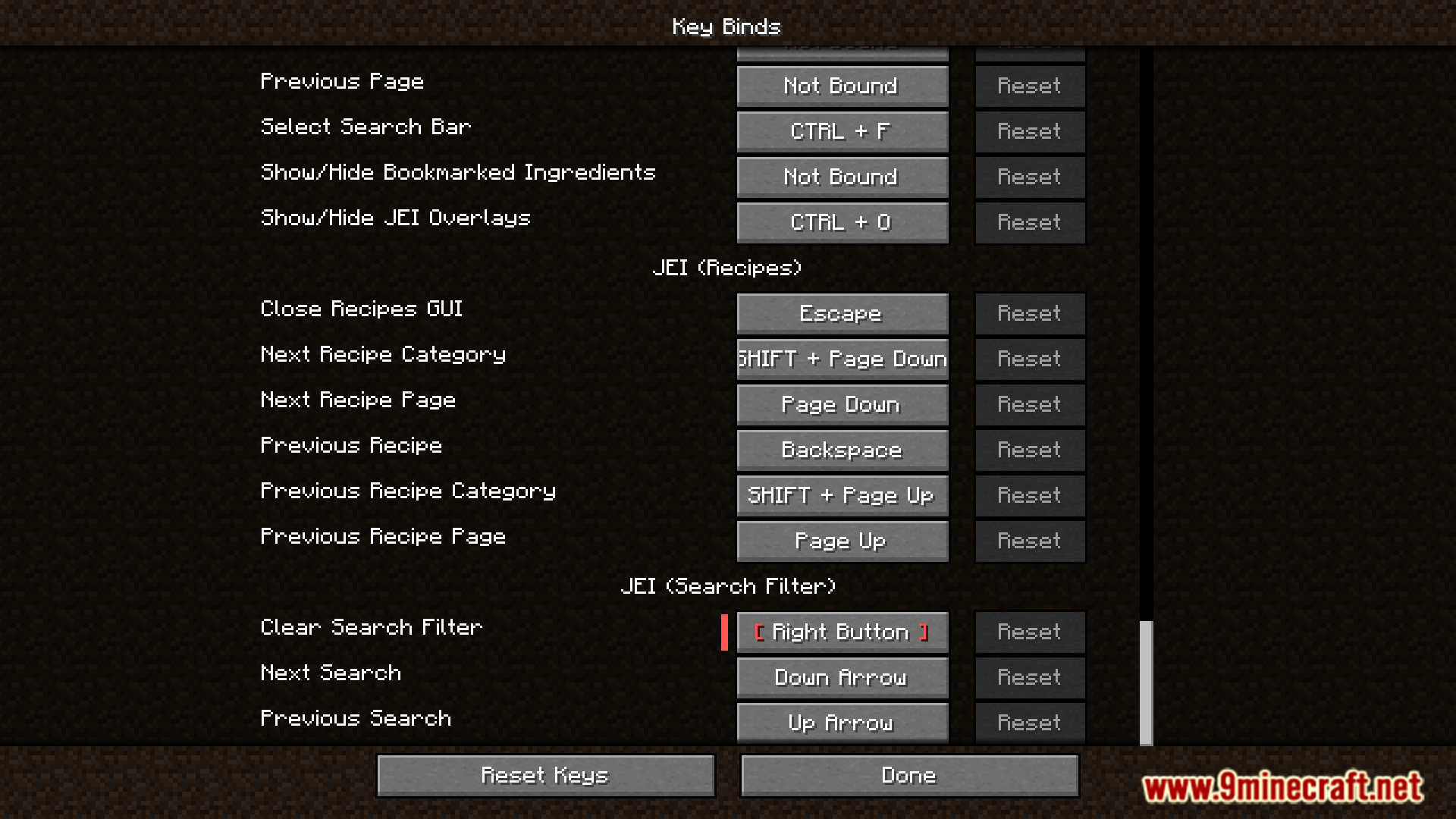
Defaulted Hotkeys Mod lets you set default hotkeys for any keybind in the game. When you first launch Minecraft with this mod, it automatically creates a file named default-hotkeys.json in your config folder. You can then edit this file to customize all your keybinds.
Features:
- Set a default hotkey for any keybinding in the game.
- Automatically generates a configuration file on the first game launch.
- Allows you to manage all default keybinds by editing the
default-hotkeys.jsonfile.
How to Use:
- Run Minecraft at least once with the mod installed. This will create the configuration file.
- Go to your
.minecraft/configfolder and open thedefault-hotkeys.jsonfile. - Edit the file to set up your desired default hotkeys using the correct format.
The file uses a simple structure for each keybind:
[
  {
    //translate key
    "comment": "key.advancements",
    //translation in current language
    "translation": "Advancements",
    //hotkey in vanilla format
    "key": "key.keyboard.l"
  }
]
Screenshots:
How to Install:
New to Minecraft? Follow our step-by-step guide to install Mods on your PC.View Guide
Defaulted Hotkeys Mod Download Links
For All Versions from Minecraft 1.21 to Minecraft 1.21.8
NeoForge version: Download from Server 1 – Download from Server 2
Fabric version: Download from Server 1 – Download from Server 2
For Minecraft 1.20.6
NeoForge version: Download from Server 1 – Download from Server 2
Fabric version: Download from Server 1 – Download from Server 2
For Minecraft 1.20.4
NeoForge version: Download from Server 1 – Download from Server 2
Fabric version: Download from Server 1 – Download from Server 2
For Minecraft 1.20.1, 1.20
Forge/NeoForge version: Download from Server 1 – Download from Server 2
Fabric version: Download from Server 1 – Download from Server 2
You May Also Like









This post has no comments yet. Be the first — your comment will appear here.