


Edit Mob Drops Mod (1.20.1, 1.19.2) – Farm Diamonds From Zombies
 216
216
 0
0


Edit Mob Drops Mod lets you decide what items mobs drop when defeated. You can add new loot, change existing drops, or remove them completely. This mod works for both regular and modded mobs and items, and even supports special items with NBT data. All changes are made by editing a simple configuration file.
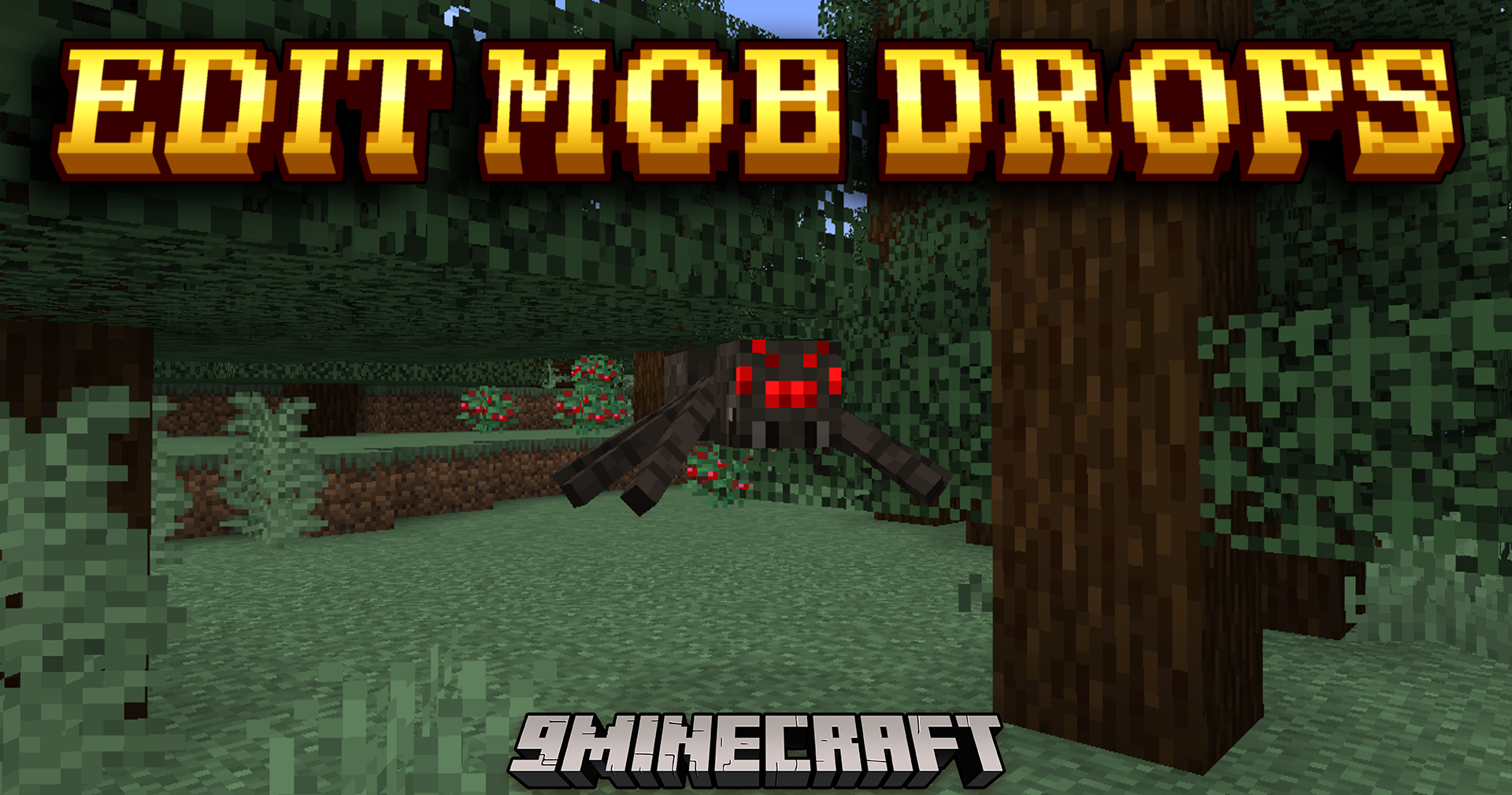
Features:
- Change what any mob drops by editing a config file.
- Add new items to a mob’s loot table.
- Remove a mob’s default drops entirely.
- Works with mobs and items from both vanilla Minecraft and other mods.
- Supports NBT data for custom item drops like named swords.
- Uses .cfg files for Minecraft 1.7.10-1.12.2 and .toml files for 1.14 and newer.
How to Use:
- To configure the mod, you need to find its configuration file in your Minecraft folder.
- For Minecraft versions 1.7.10 to 1.12.2, the file is named
editmobdrops.cfg. - For Minecraft versions 1.14 and newer, the file is named
editmobdrops.toml. - Open the correct file with a text editor to add, change, or remove mob drops.
Screenshots:
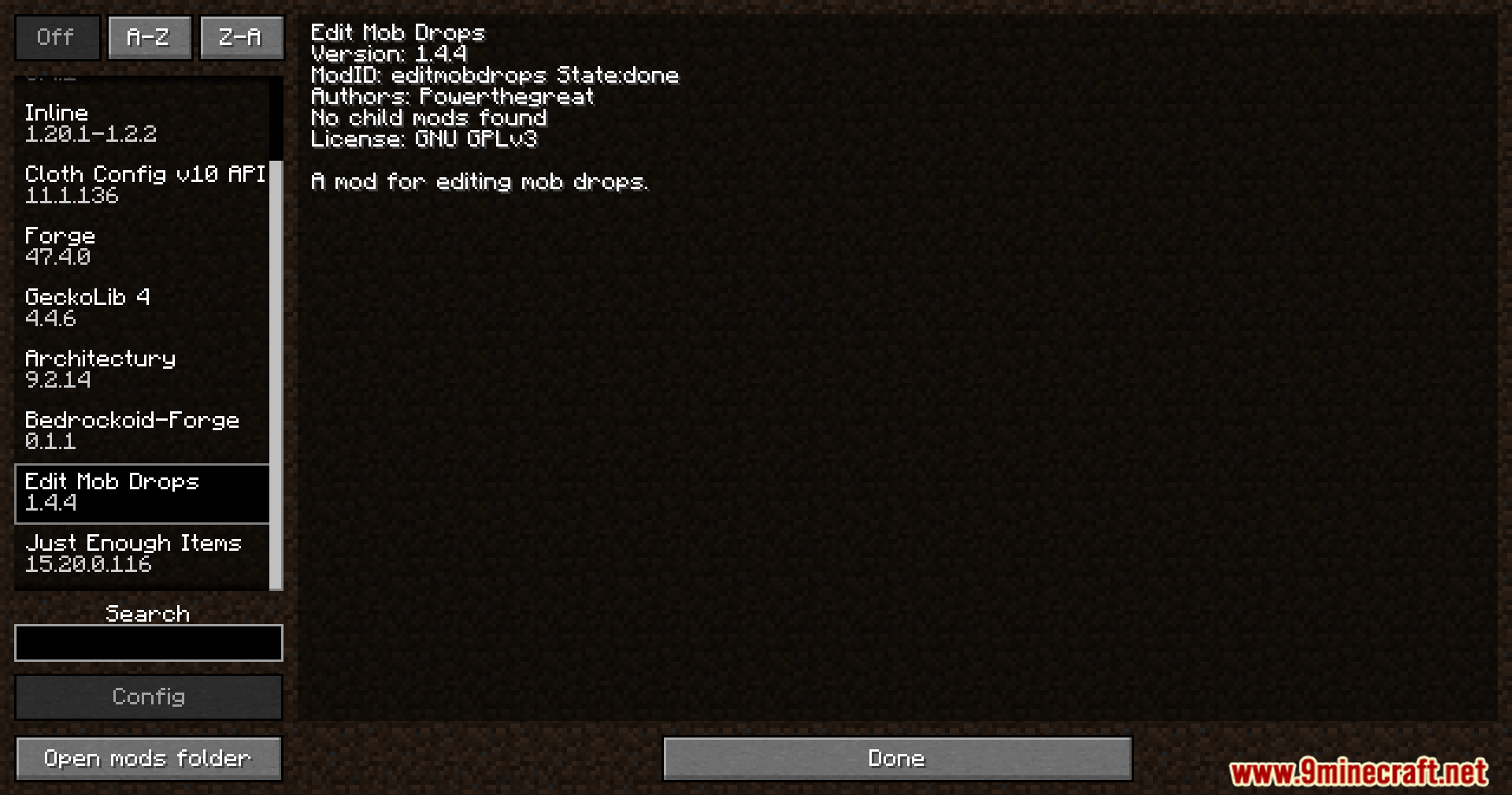
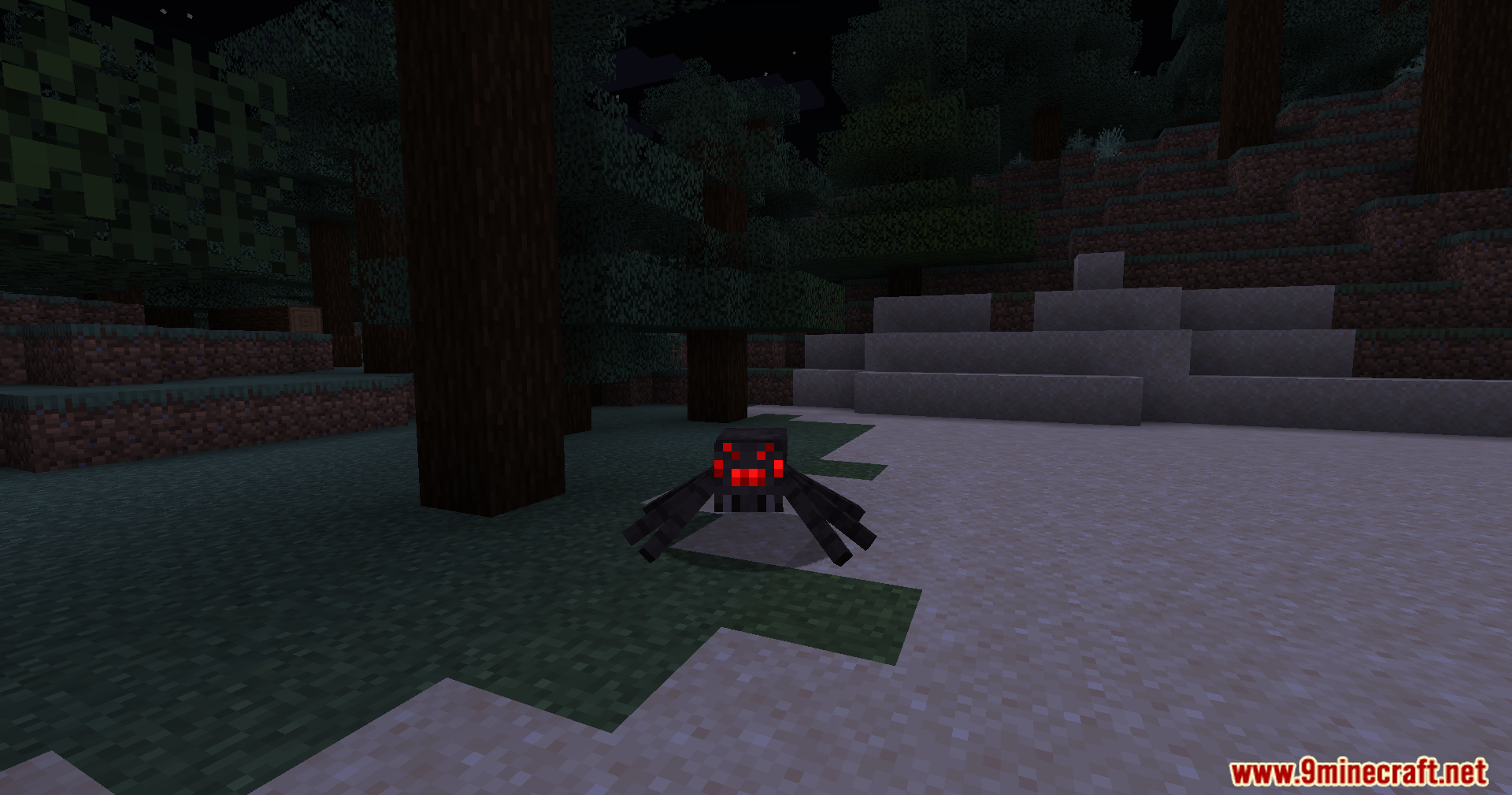
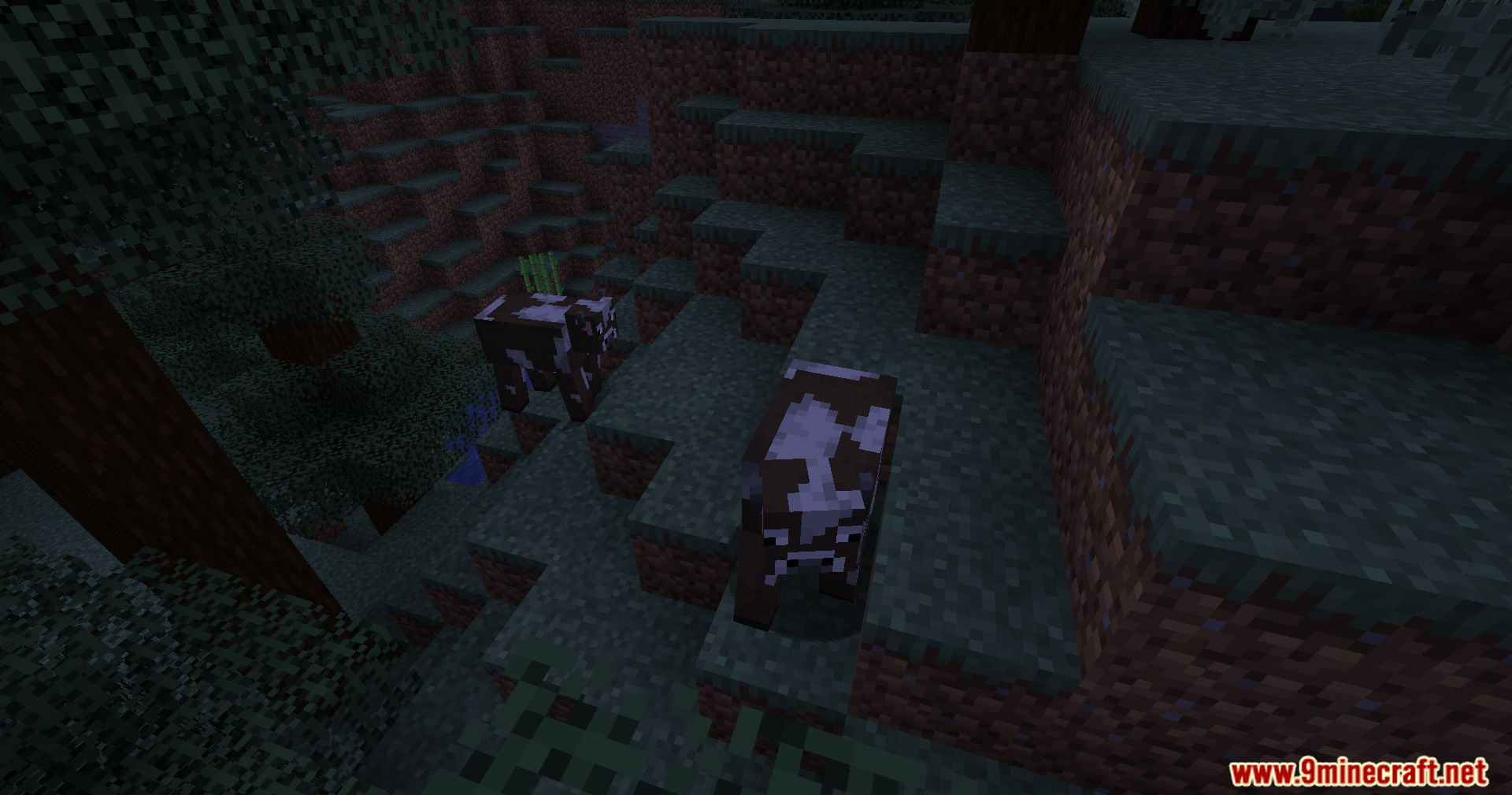
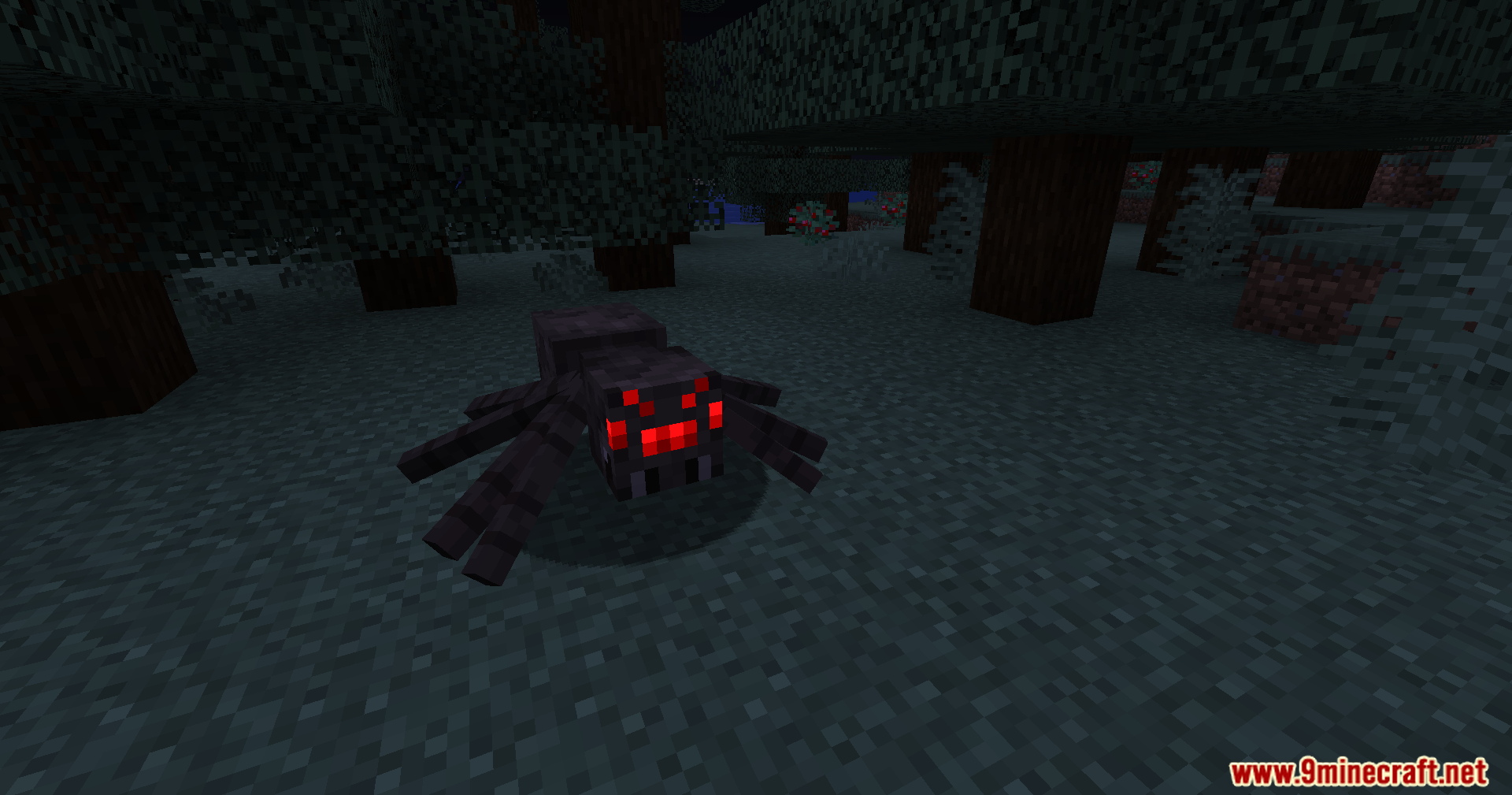
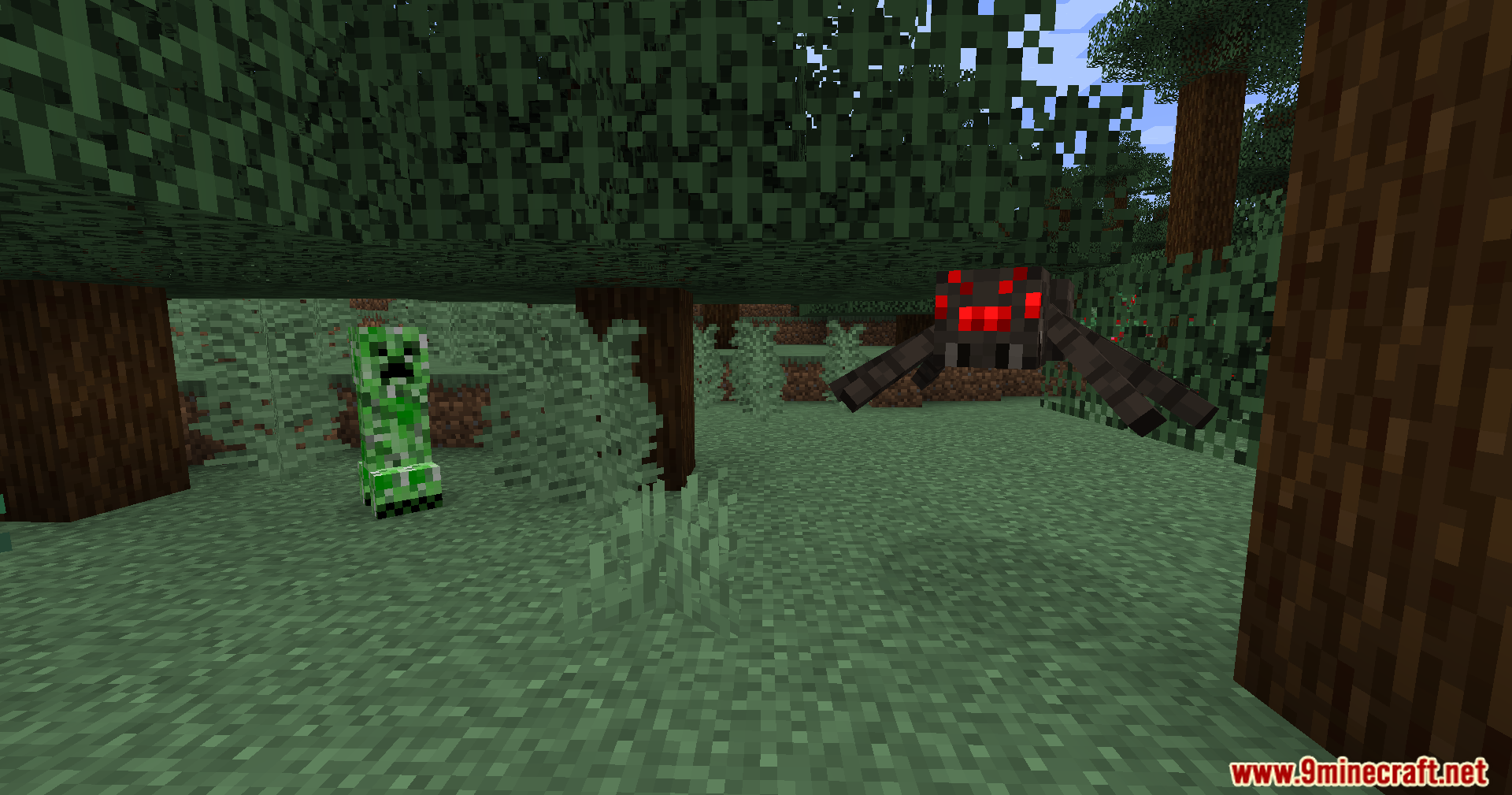
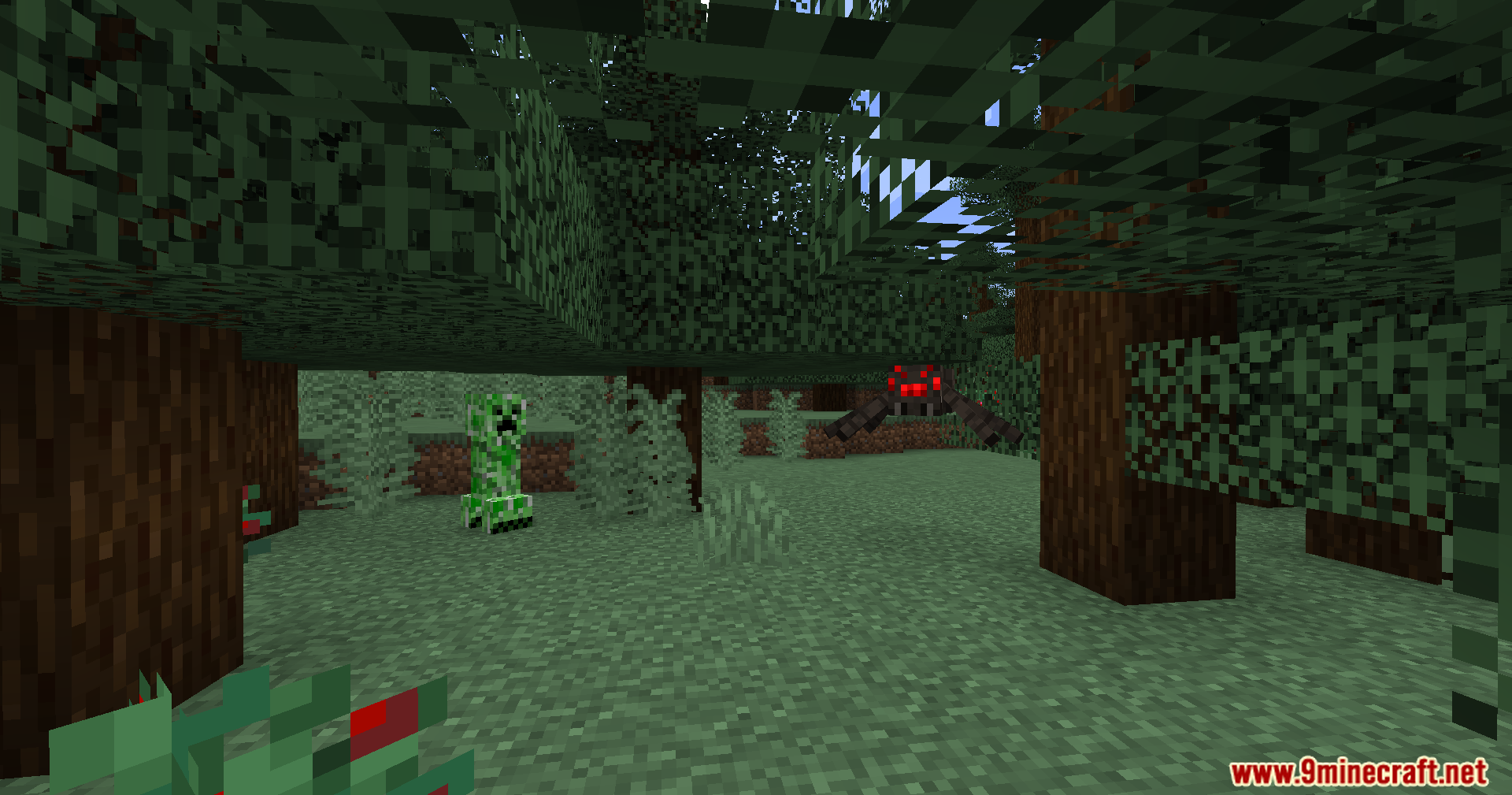
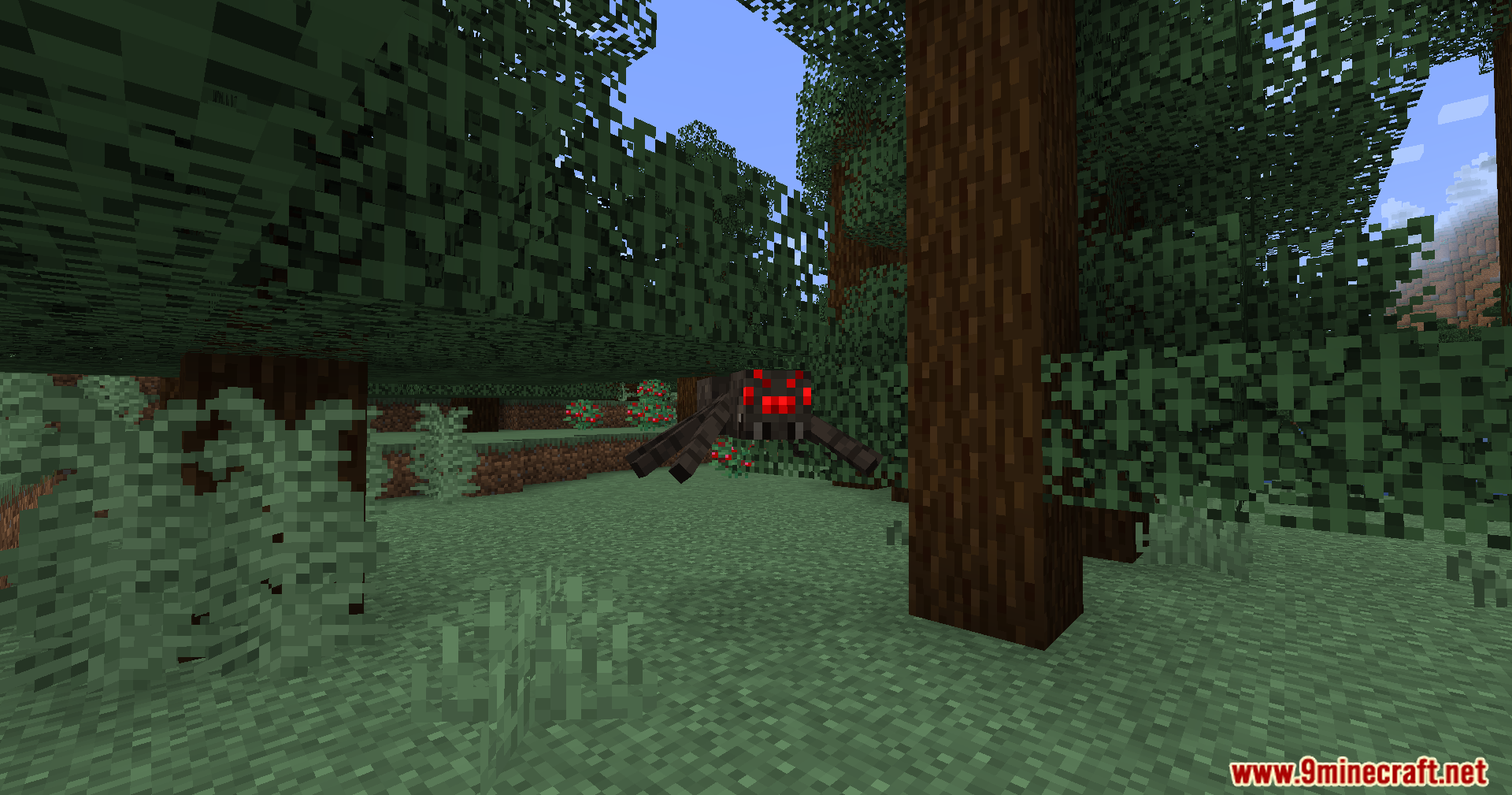
How to Install:
New to Minecraft? Follow our step-by-step guide to install Mods on your PC.View Guide
Edit Mob Drops Mod Download Links
For Minecraft 1.20.1, 1.20
Forge/NeoForge Version: Download from Server 1 – Download from Server 2
For Minecraft 1.19.2
Forge Version: Download from Server 1 – Download from Server 2
For Minecraft 1.18.2
Forge Version: Download from Server 1 – Download from Server 2
For Minecraft 1.16.5
Forge Version: Download from Server 1 – Download from Server 2
For Minecraft 1.15.2
Forge Version: Download from Server 1 – Download from Server 2
For Minecraft 1.14.4
Forge Version: Download from Server 1 – Download from Server 2
For Minecraft 1.12.2
Forge Version: Download from Server 1 – Download from Server 2
You May Also Like


This post has no comments yet. Be the first — your comment will appear here.