


MobsBeGone Mod (1.21.1, 1.21) – Make Any Mob Go Extinct in Your World

 0
0 

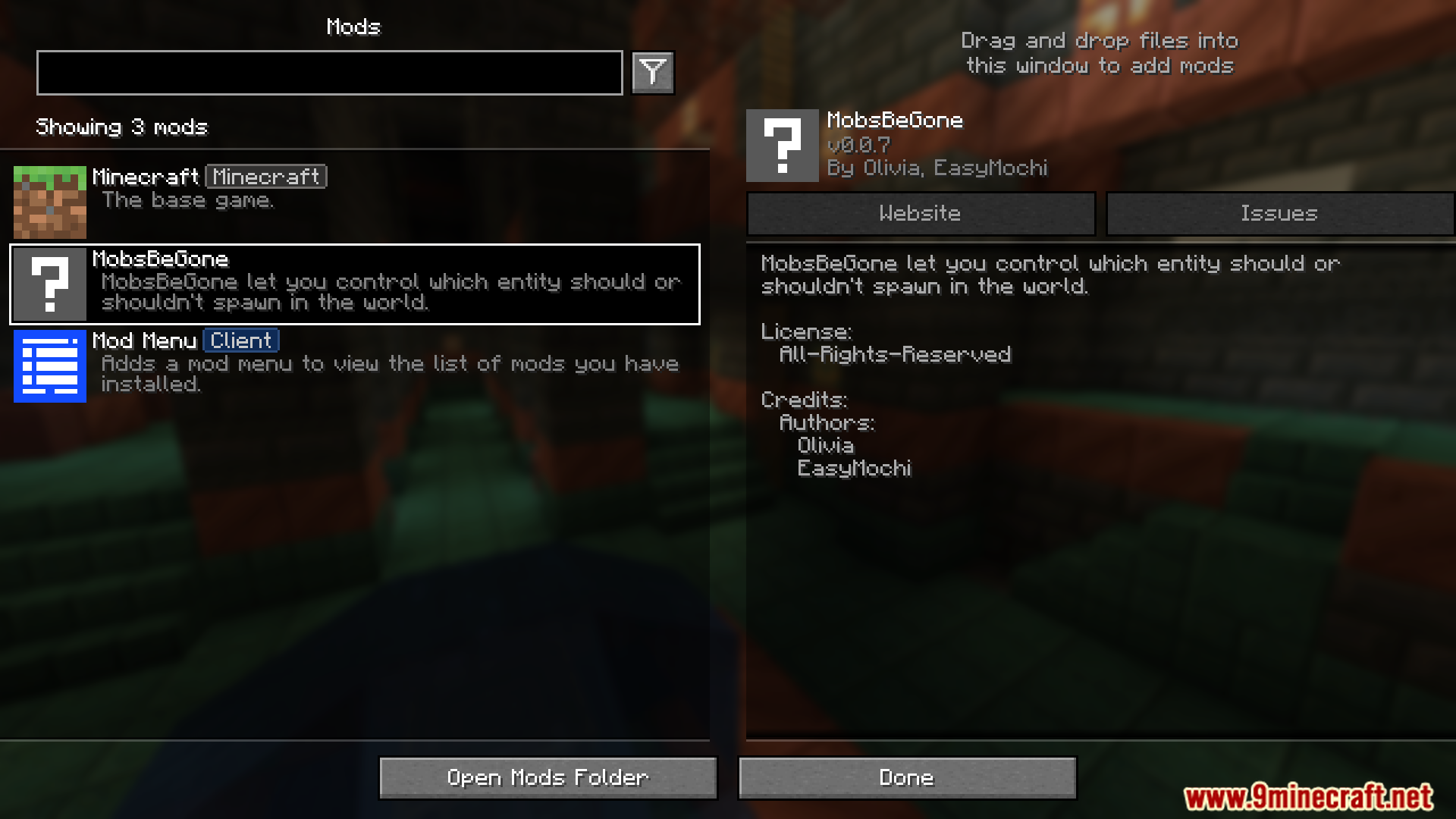
MobsBeGone Mod gives you a simple way to block any mob from spawning in your world. If you’re tired of creepers or just want a quiet building experience, this mod helps you clean up your game. You just add the mob’s name to a list in a config file, and it will never appear again, whether it’s from vanilla Minecraft or another mod.
Features:
- Complete Mob Control: Stop any mob you don’t like from appearing in your world. This works for both regular Minecraft mobs and creatures from other mods.
- Create a simple block list by adding mob IDs to a configuration file, such as “minecraft:creeper”.
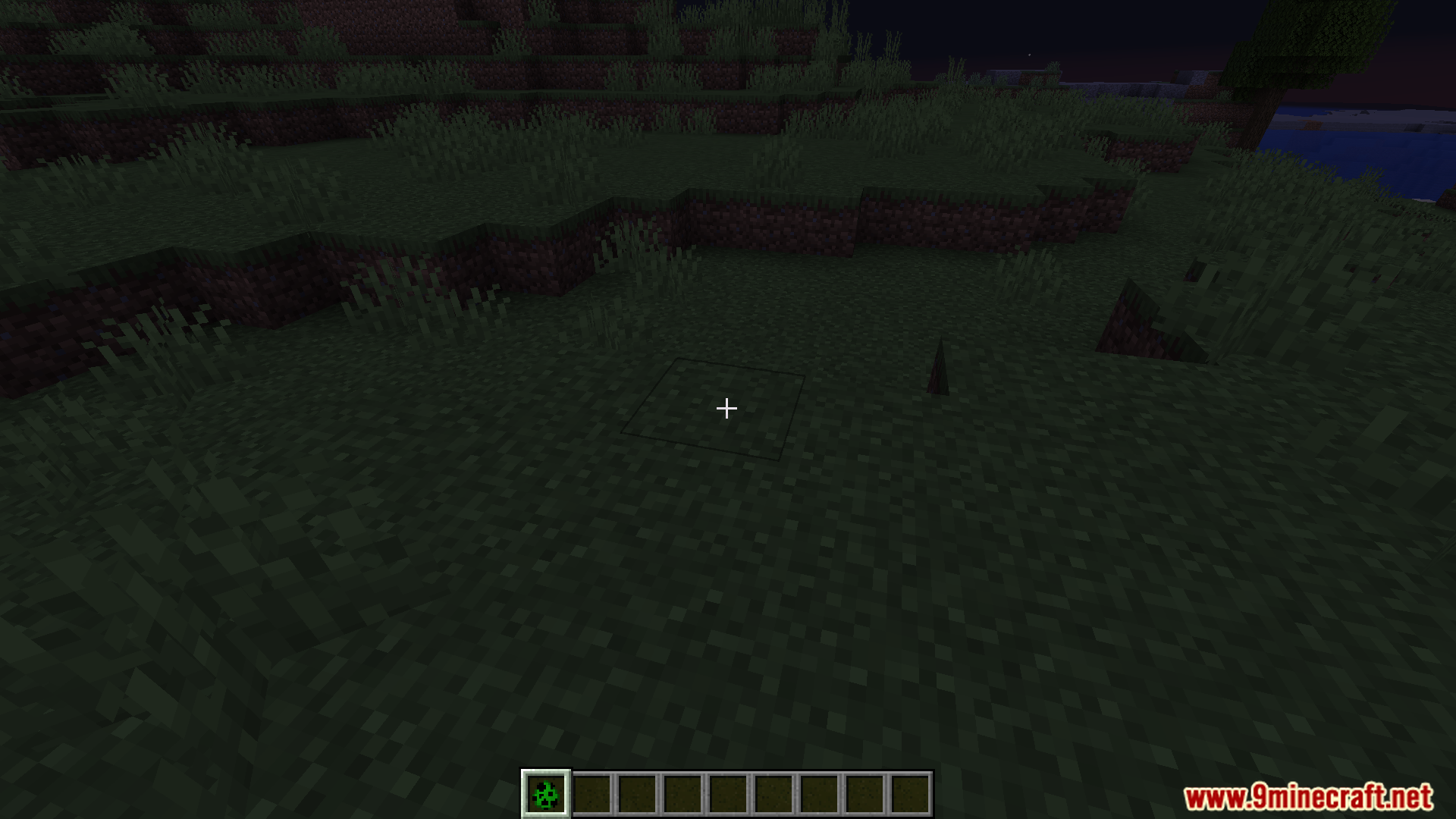
- Blocks mobs from all spawn methods. This includes natural spawns in the dark, mob spawners, and even spawn eggs.
- Works quickly without slowing down your game. It removes unwanted mobs before they even appear, which helps avoid lag or game issues.
Configuration:
This mod works using a simple configuration file. To stop mobs from spawning, you need to edit this file.
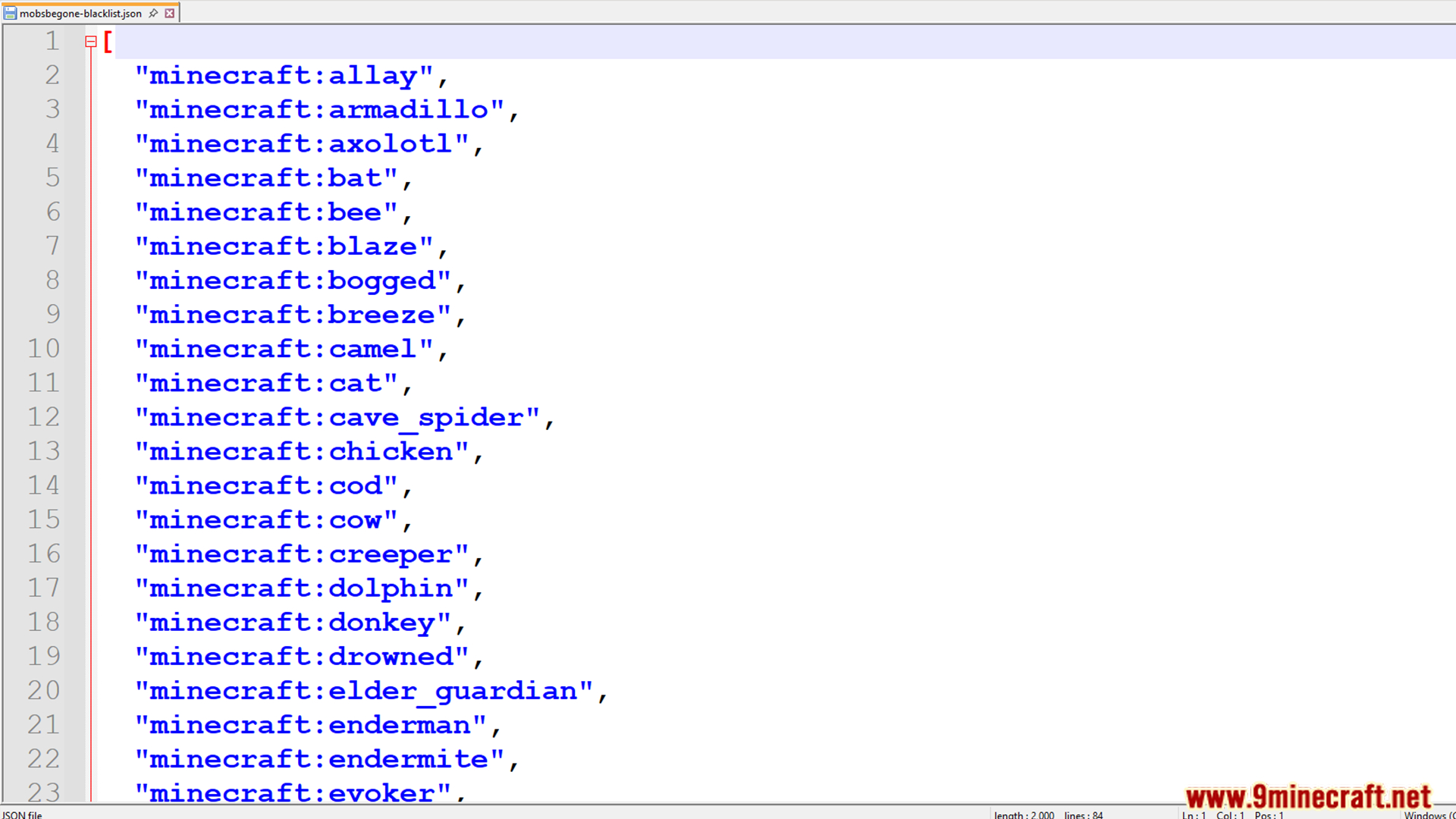
First, find the file at this location: config/mobsbegone-blacklist.json.
Inside, you will see a list of mob IDs. Just add the ID of any mob you want to remove from your world. The default file already includes all mobs from the base game.
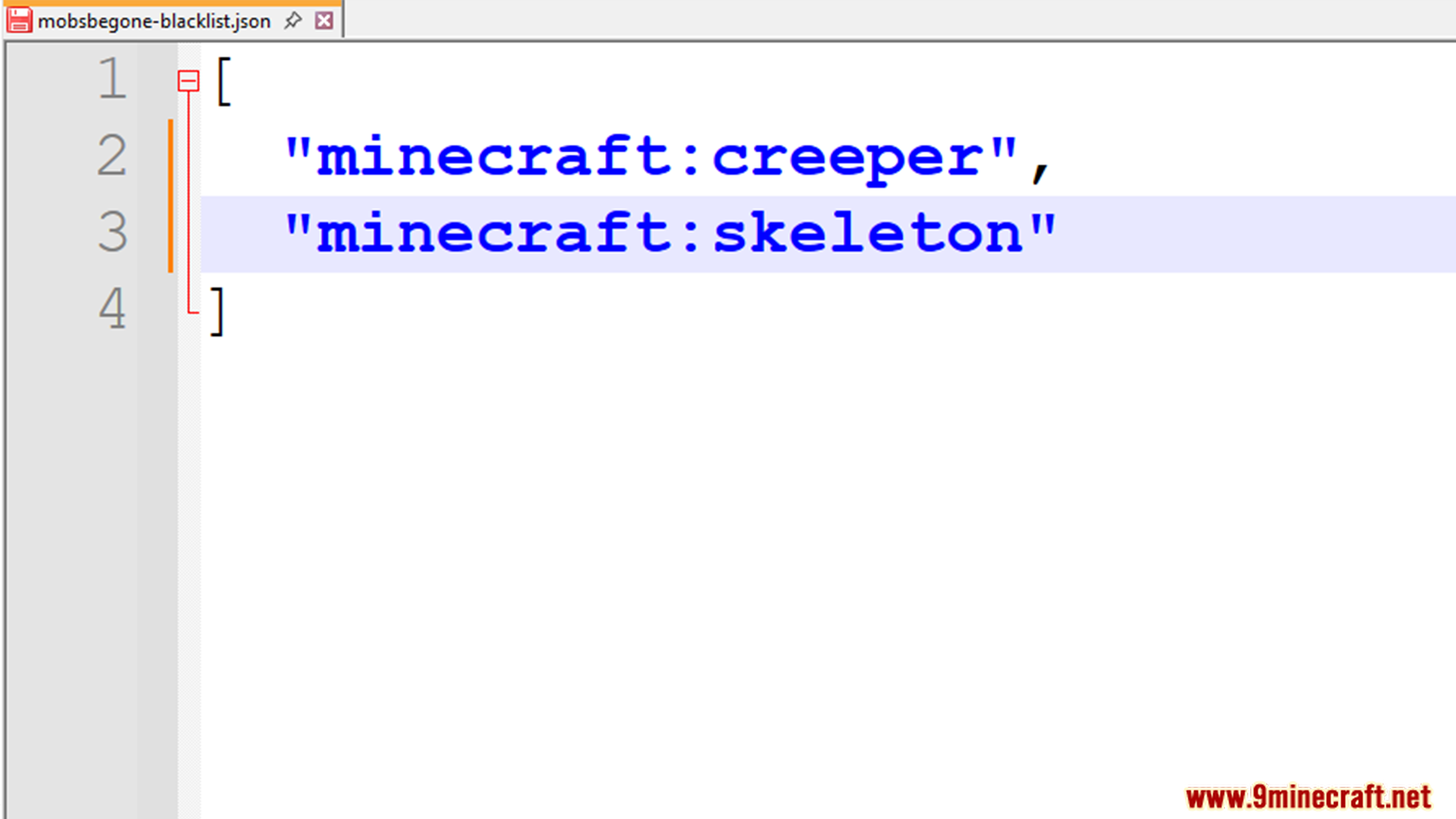
Here is an example of how the file looks:
[
  "minecraft:creeper",
  "minecraft:enderman",
  "anothermod:somebaka"
]
This example blocks Creepers, Endermen, and a custom mob from another mod. You can add any mob ID from any mod you are using.
Important: Make sure the last mob in the list does not have a comma after it.
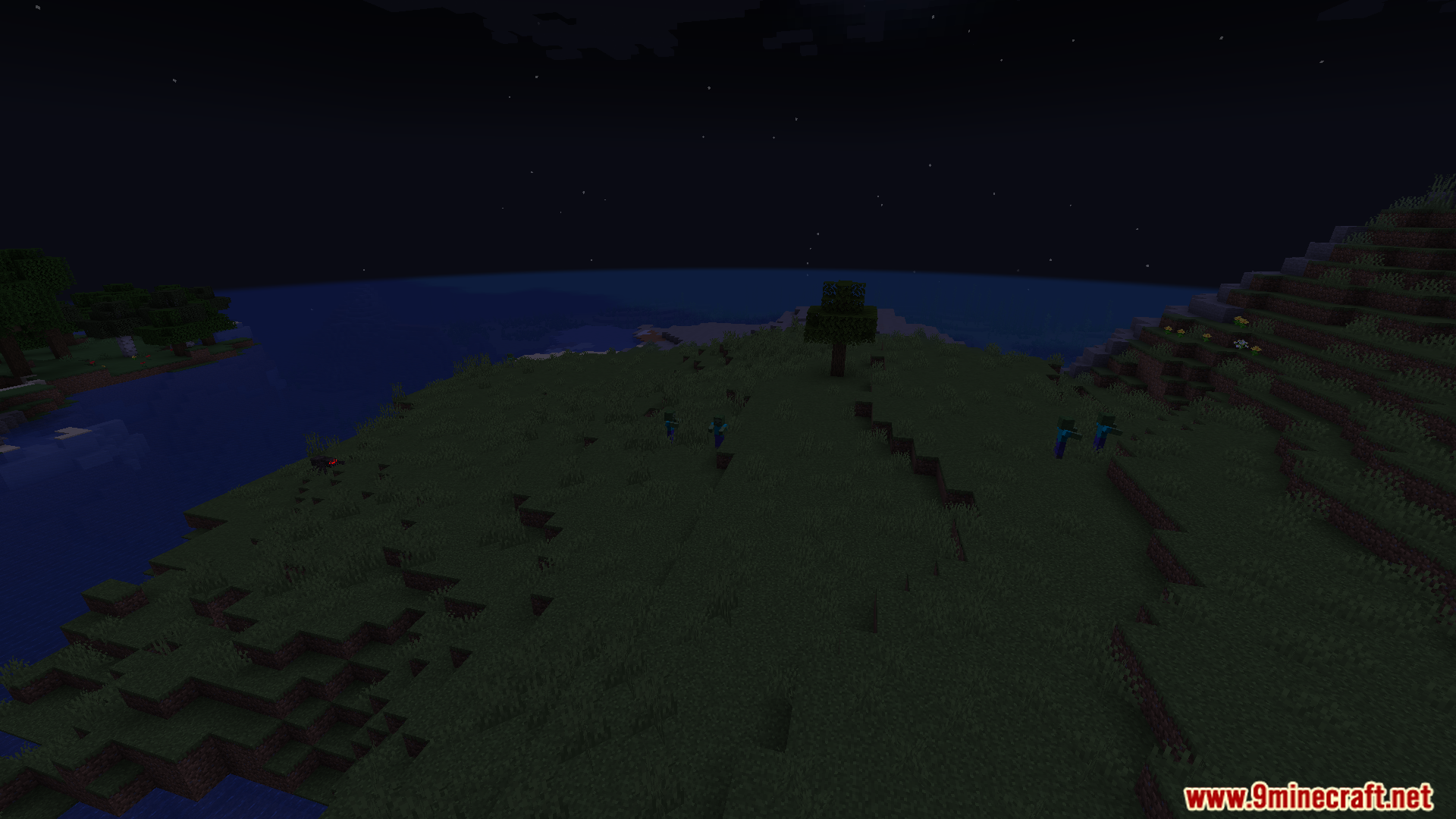
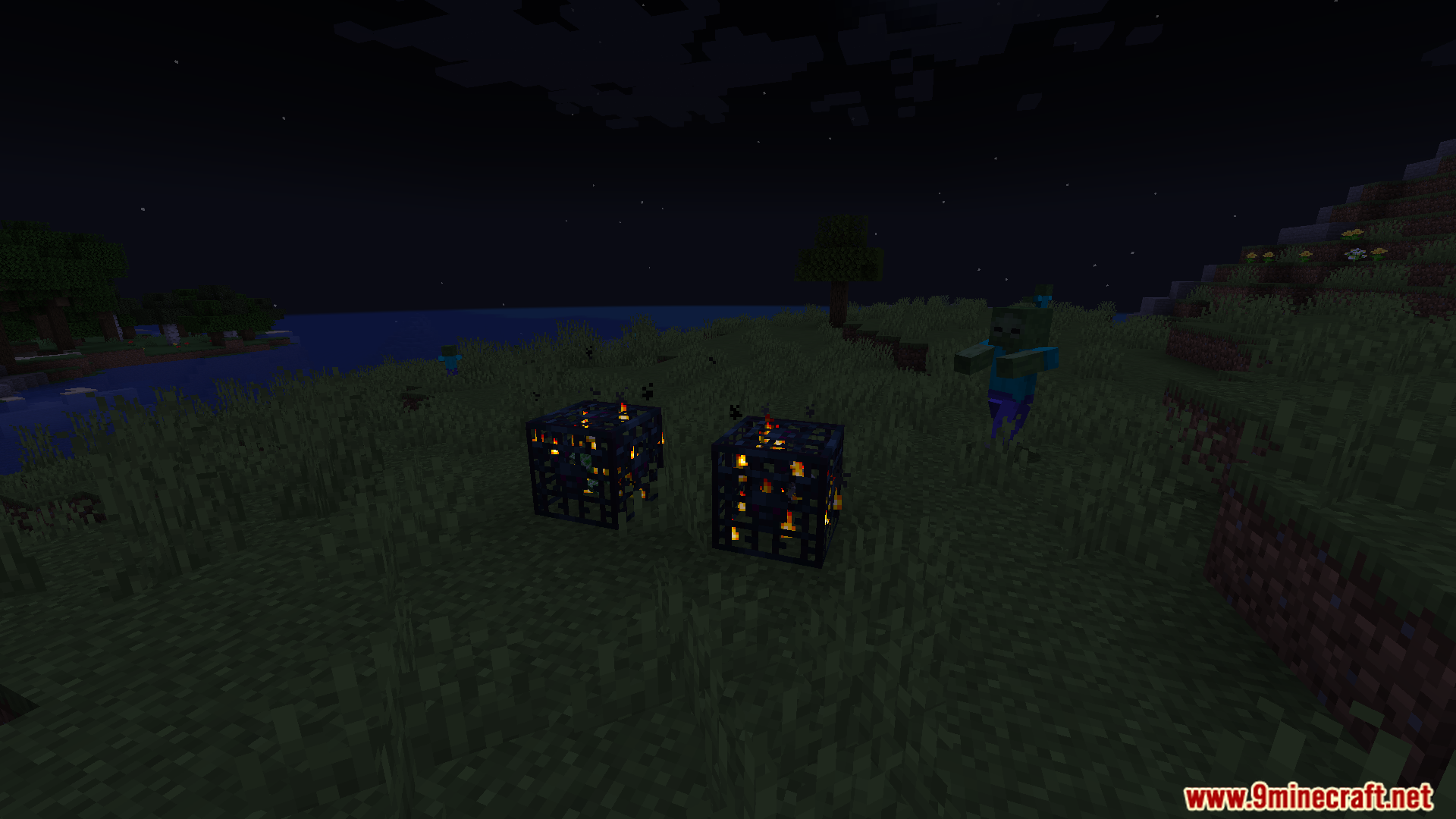
Screenshots:
How to Install:
New to Minecraft? Follow our step-by-step guide to install Mods on your PC.View Guide
MobsBeGone Mod Download Links
For Minecraft 1.21.1, 1.21
Fabric version: Download from Server 1 – Download from Server 2
You May Also Like






This post has no comments yet. Be the first — your comment will appear here.