


Heroic Ledger Visage Mod (1.20.1) – Track Quests on Your Screen
 0
0
 0
0

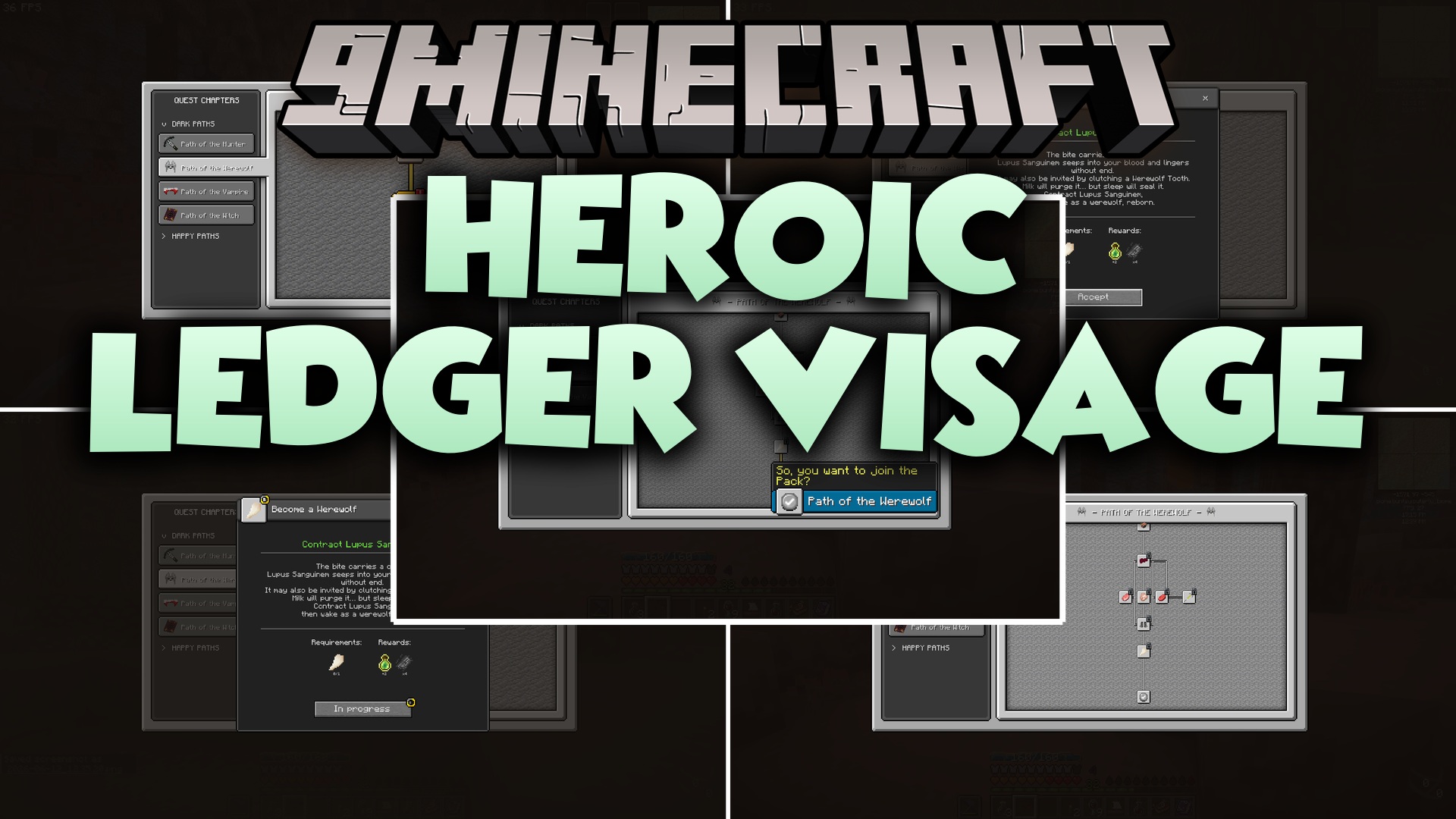
Heroic Ledger Visage Mod extends FTB Quests with a vanilla RPG style visual overhaul. It replaces the default quest screens with a cleaner look that matches the base game aesthetic while keeping your quest progress intact. This client-side mod improves quest reading, tracking, and completing without altering underlying pack logic. Players get a clear HUD tracker, handy inventory shortcuts, and built-in menu customisation options.
Features:
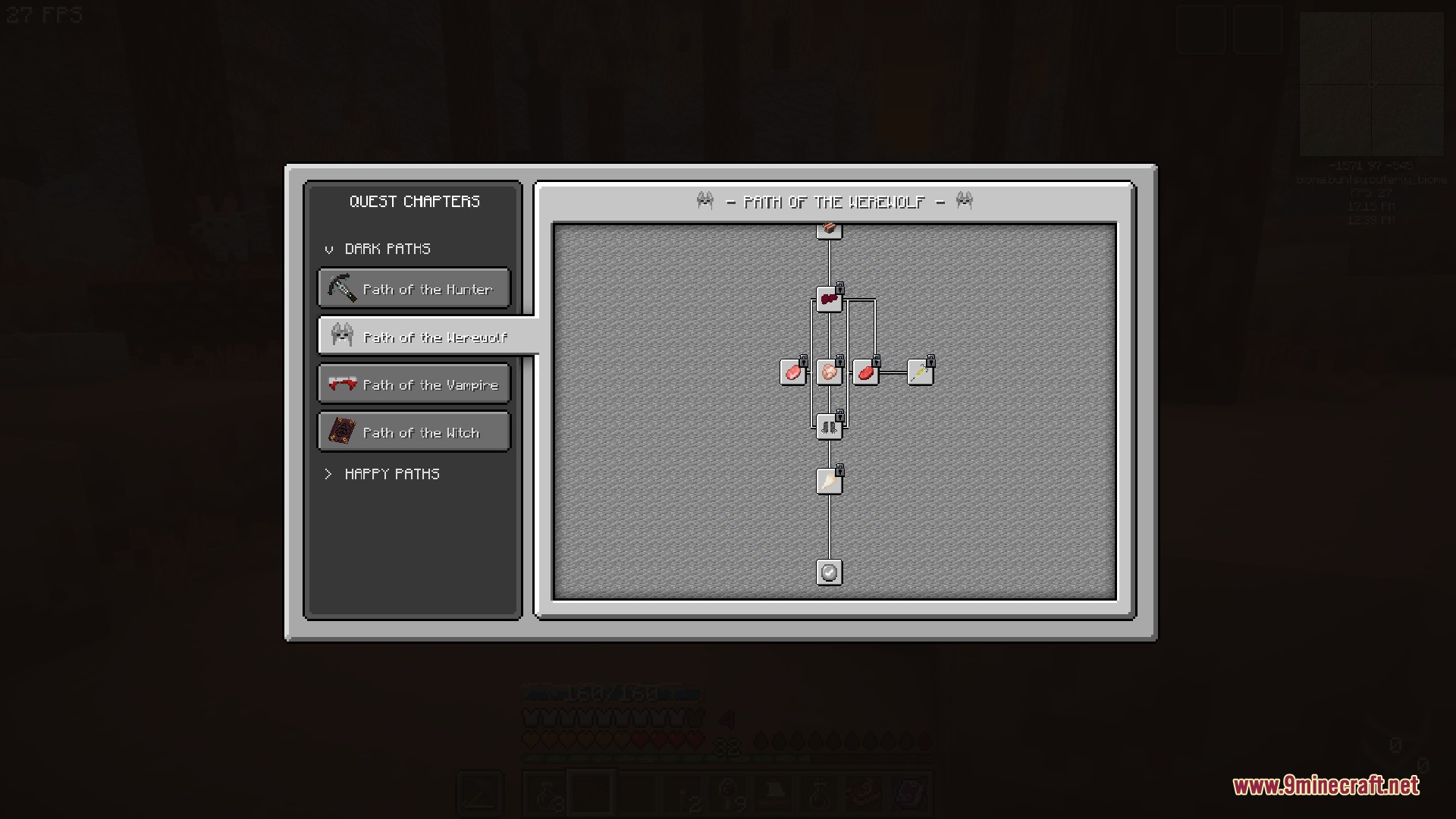
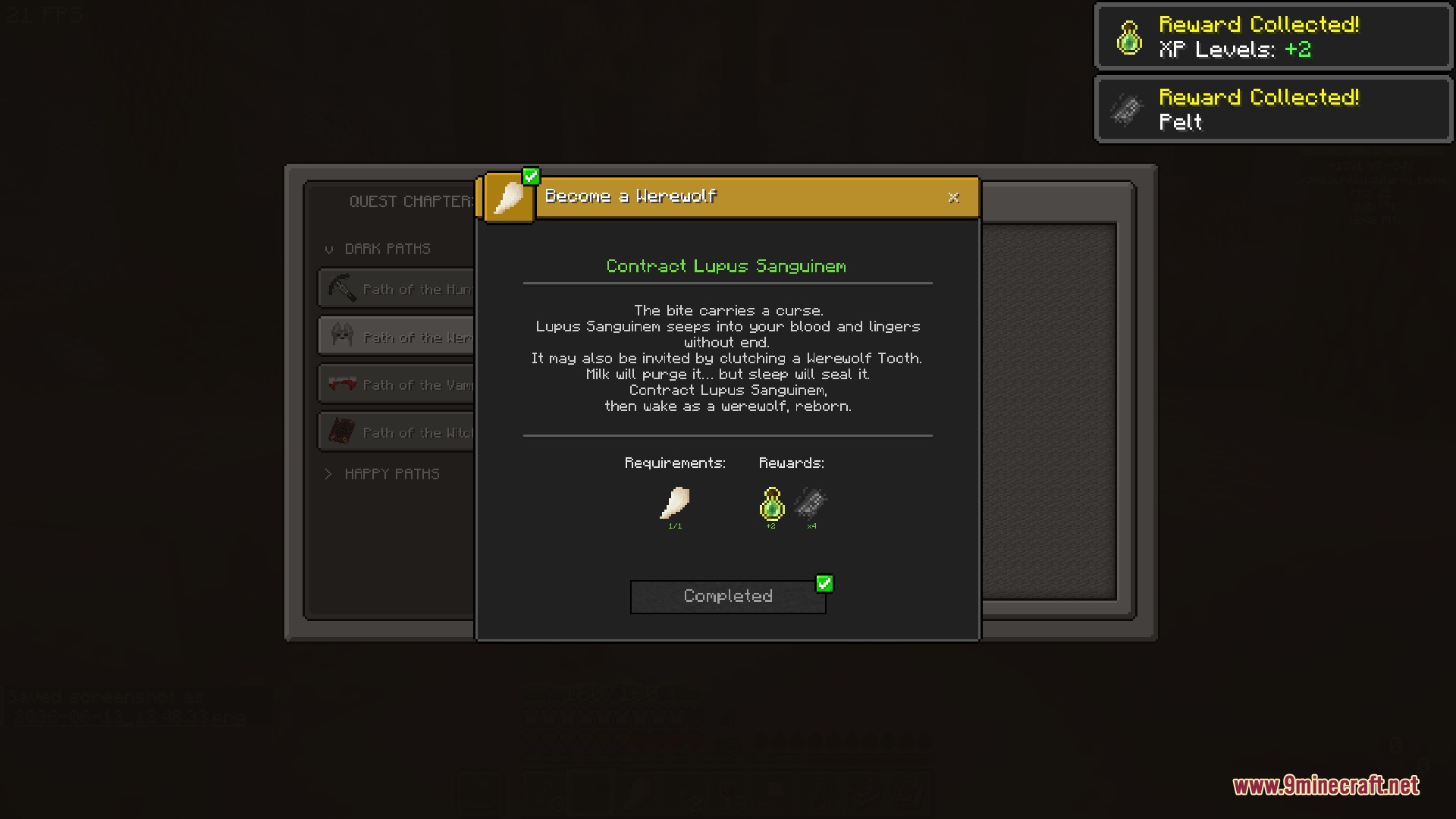
- Vanilla Look: Custom interface textures blend naturally with standard Minecraft menus.
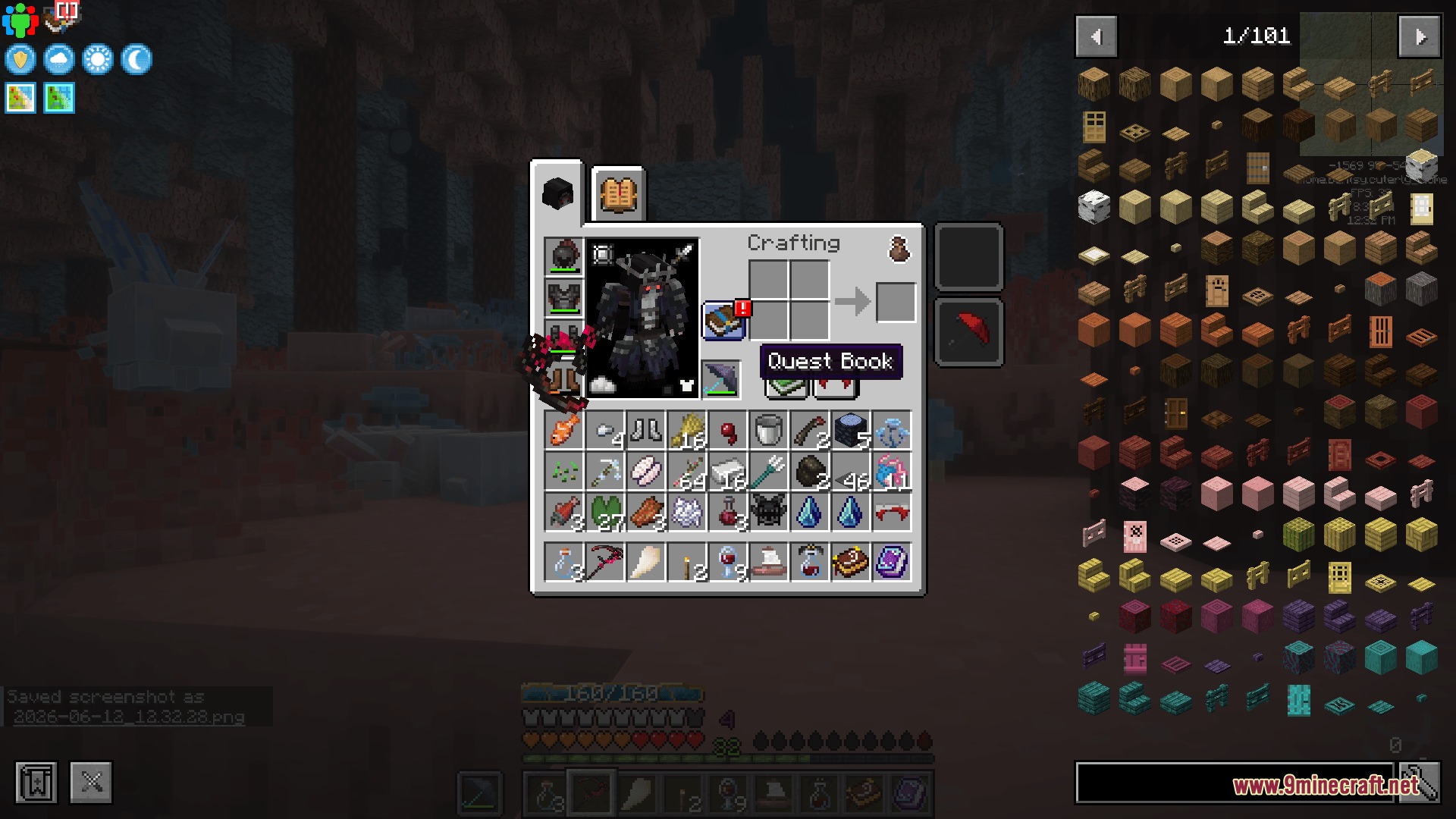
- Inventory Shortcut: Adds a quick-access Quest Book button directly inside your player inventory.
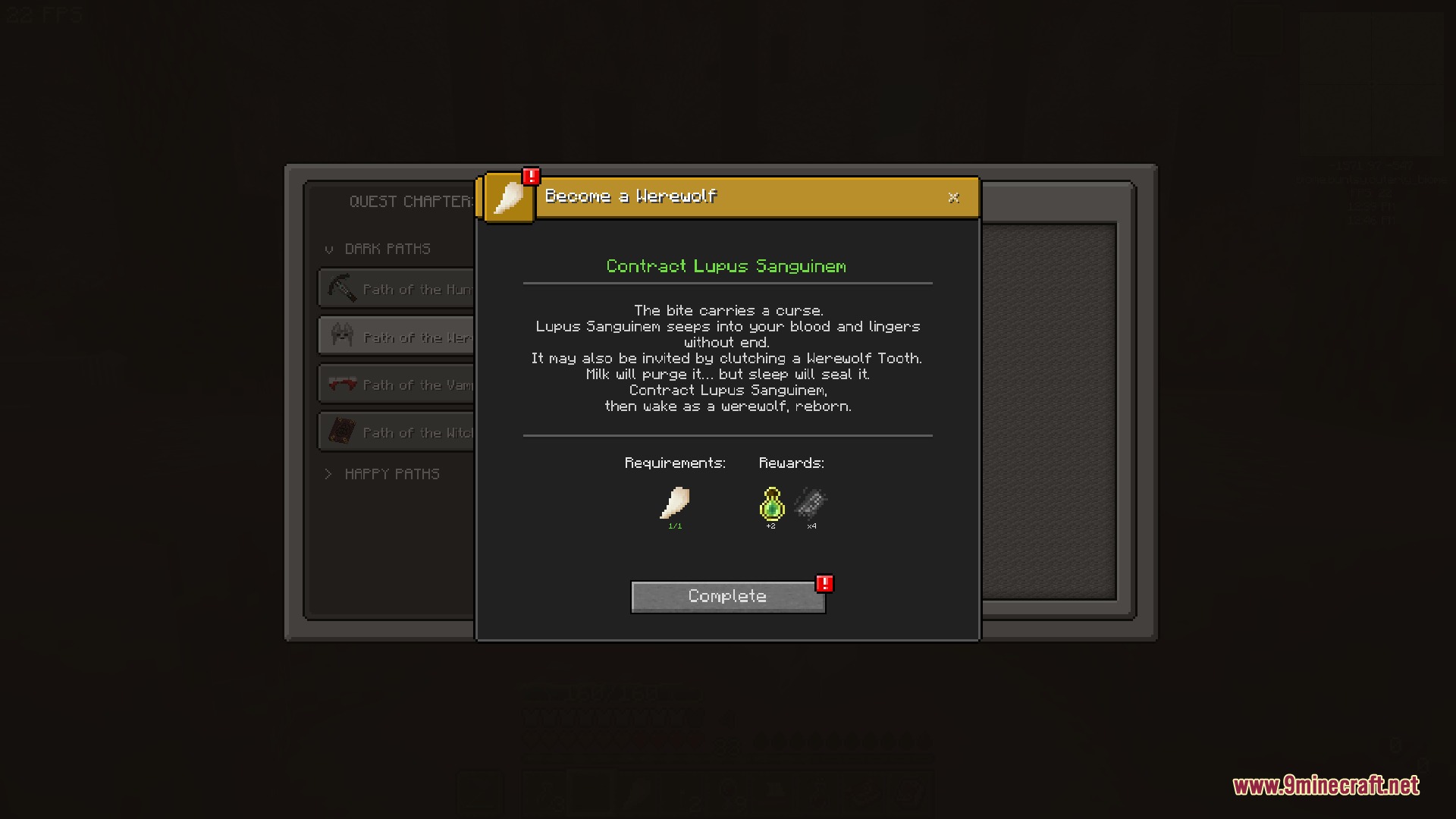
- Visual Quest Alerts: Displays a red exclamation mark when tasks are ready to claim.
- Adds an on-screen first-person tracking display to view active quest goals while walking around.
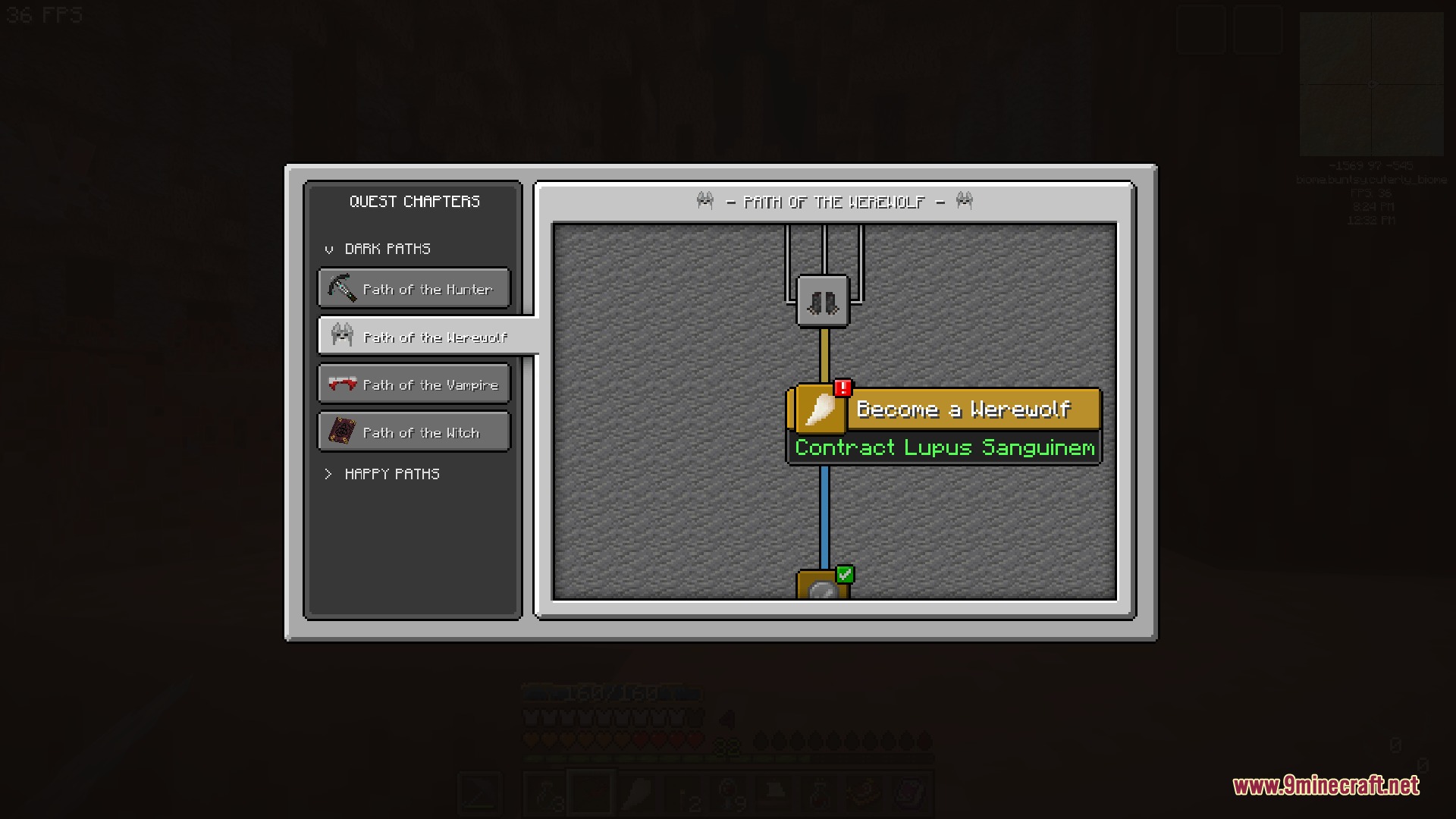
- Includes clear status icons such as padlocks for locked quests and green checkmarks for finished goals.
- Allows switching between free-form screen panning and fixed advancement-style scrolling.
- Lets players change quest tree background tiles when building in Creative mode.
- Provides a Creative mode switch to toggle between the overhauled UI and the default quest builder screen.
- Supports custom interface resource packs to match different modpack themes.
Status Icons:
- Padlock icon indicates a quest is locked.
- Red exclamation mark shows a quest is ready to hand in.
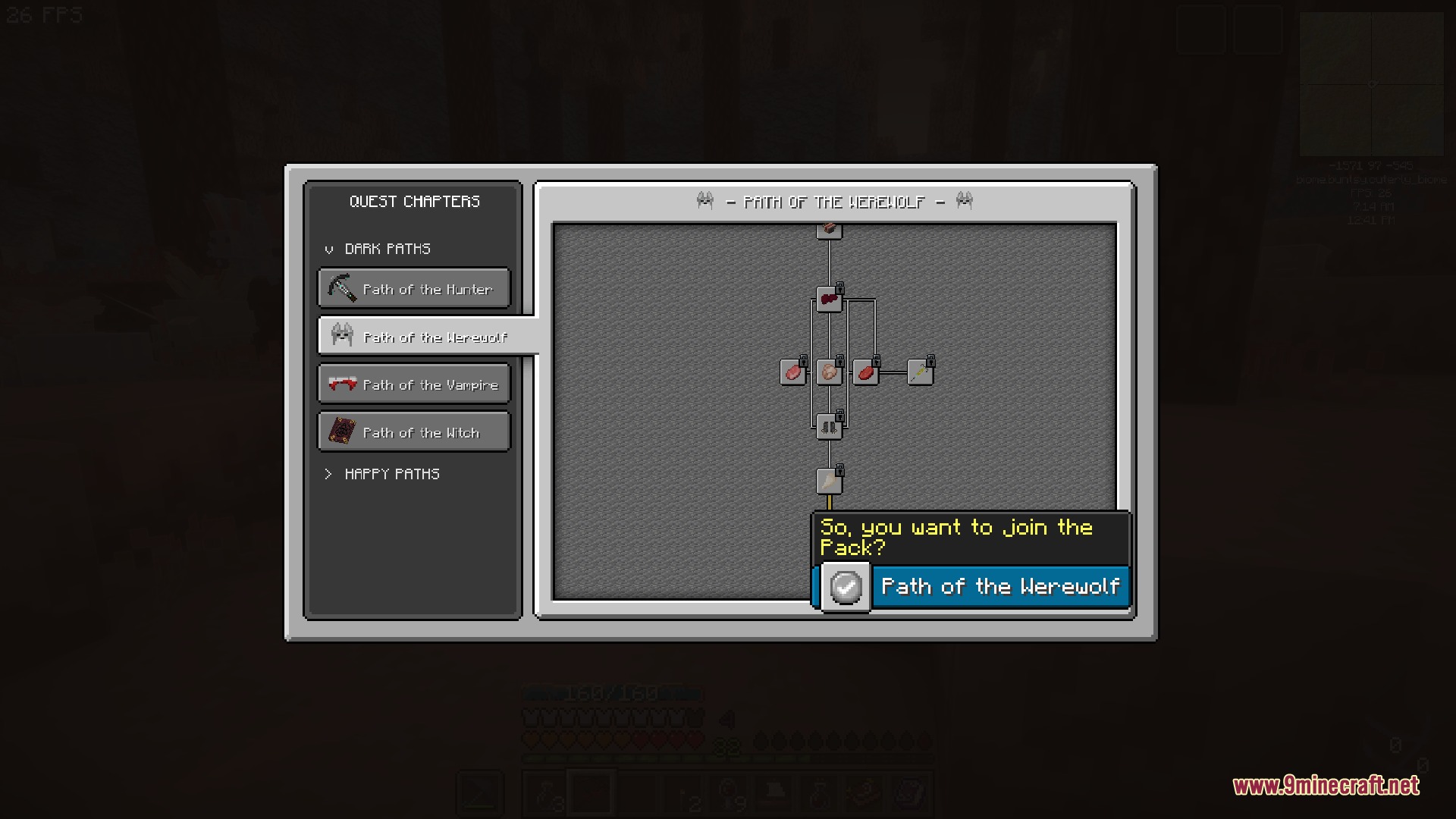
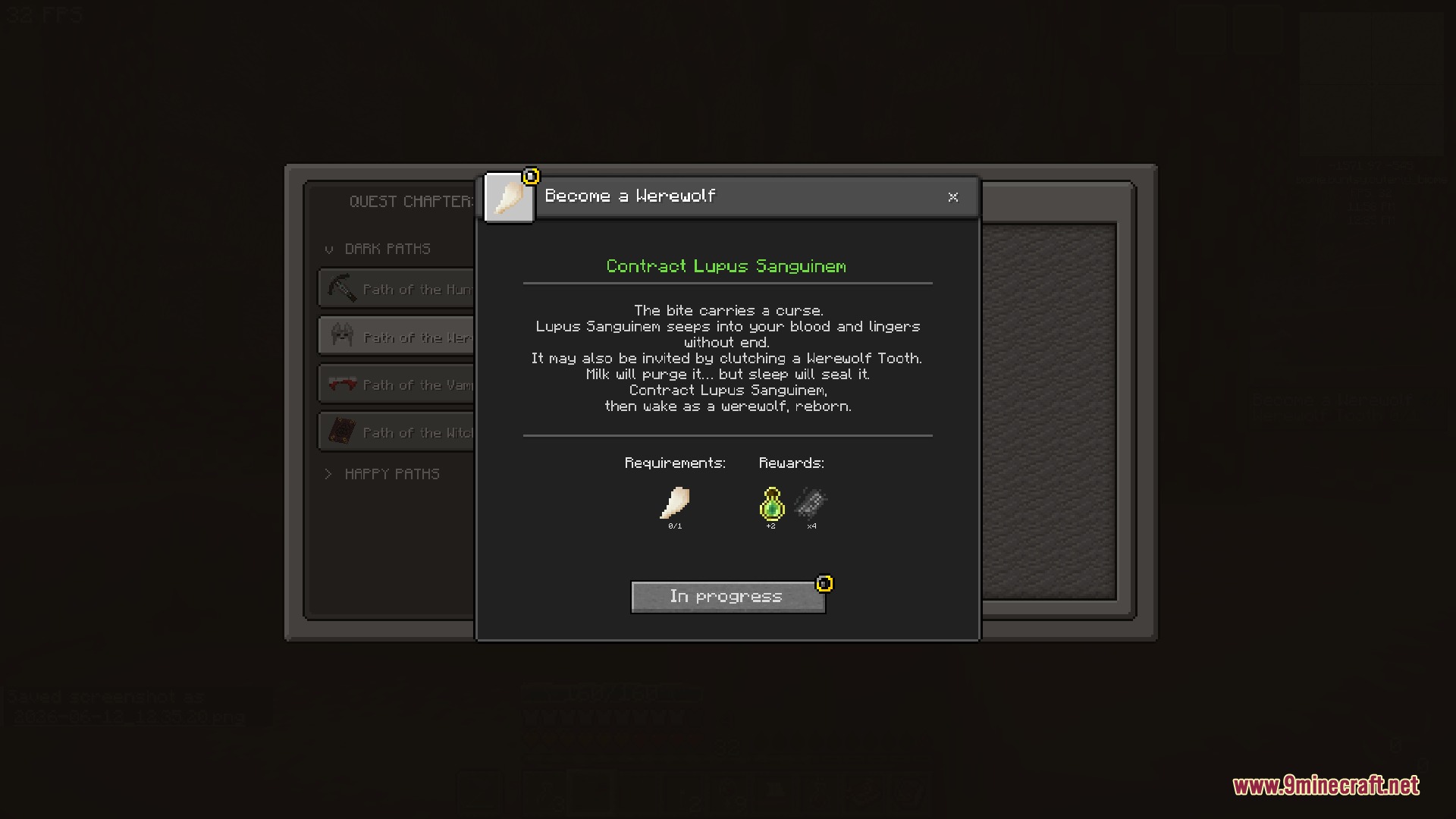
- Yellow wheel shows a quest is in progress and tracked on your screen.
- Green checkbox confirms a quest is completed.
How to Use:
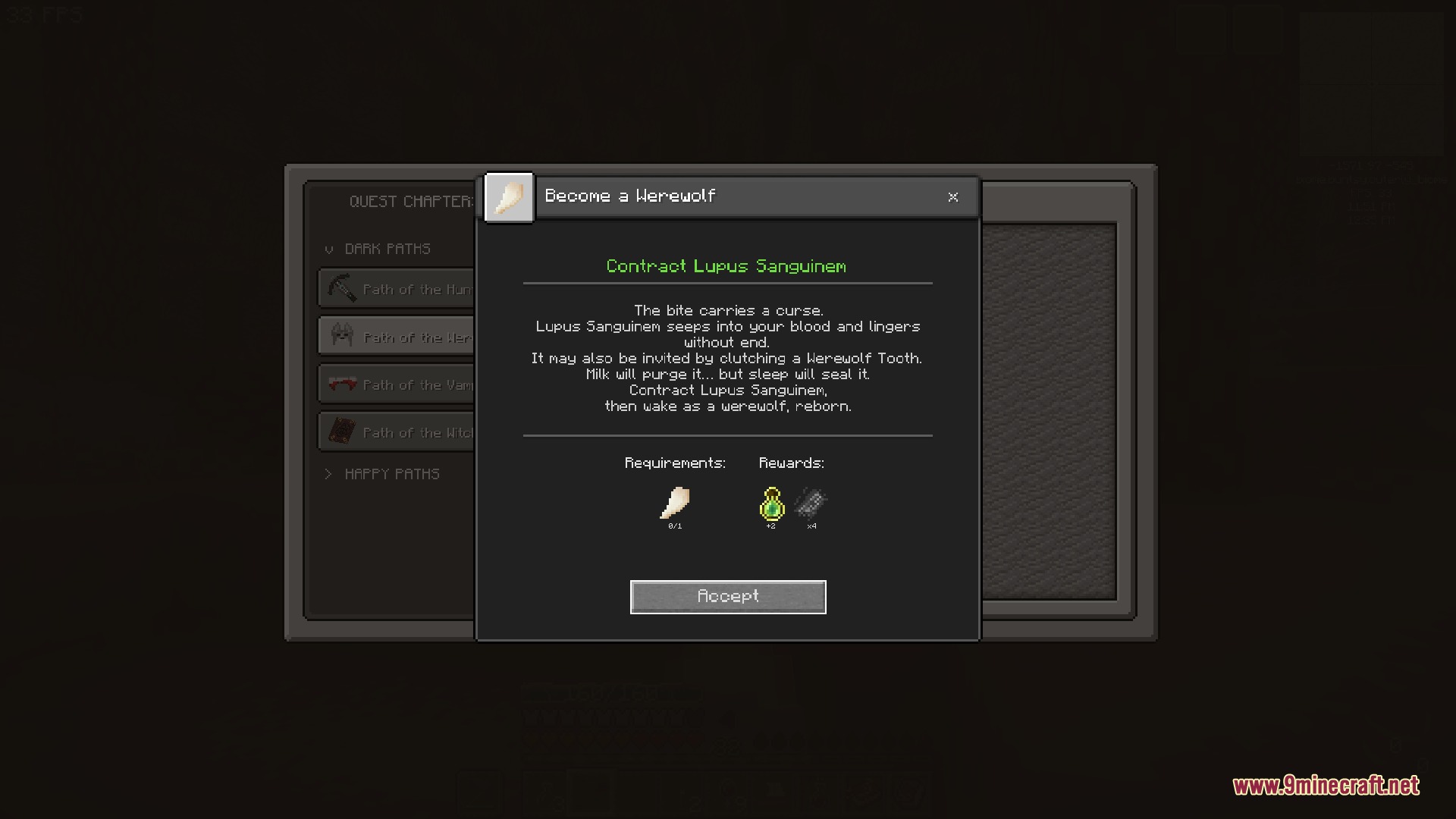
- Click the Quest Book button in your inventory to view available tasks.
- Select a quest and press Accept to track its objectives on your screen.
- Press F8 to toggle the visibility of the on-screen quest tracker.
- Press F7 to cancel all active quest trackers.
- In Creative mode, click the Editing Mode button to edit quests, or click Clean UI Mode to return to the custom layout.
Screenshots:
How to Install:
New to Minecraft? Follow our step-by-step guide to install Mods on your PC.View Guide
Requirements:
 Minecraft Forge Required
 FTB Quests Freeze Fix Mod Required
 FTB Library Mod Required
FTB Teamchitectury Required
Heroic Ledger Visage Mod Download Links
For Minecraft 1.20.1, 1.20
Click to rate this post!
[Total: 0 Average: 0]
You May Also Like





This post has no comments yet. Be the first — your comment will appear here.