


Anytag Mod (1.21.1, 1.20.1) – Name Tag Any Block, Not Just Mobs

 0
0 

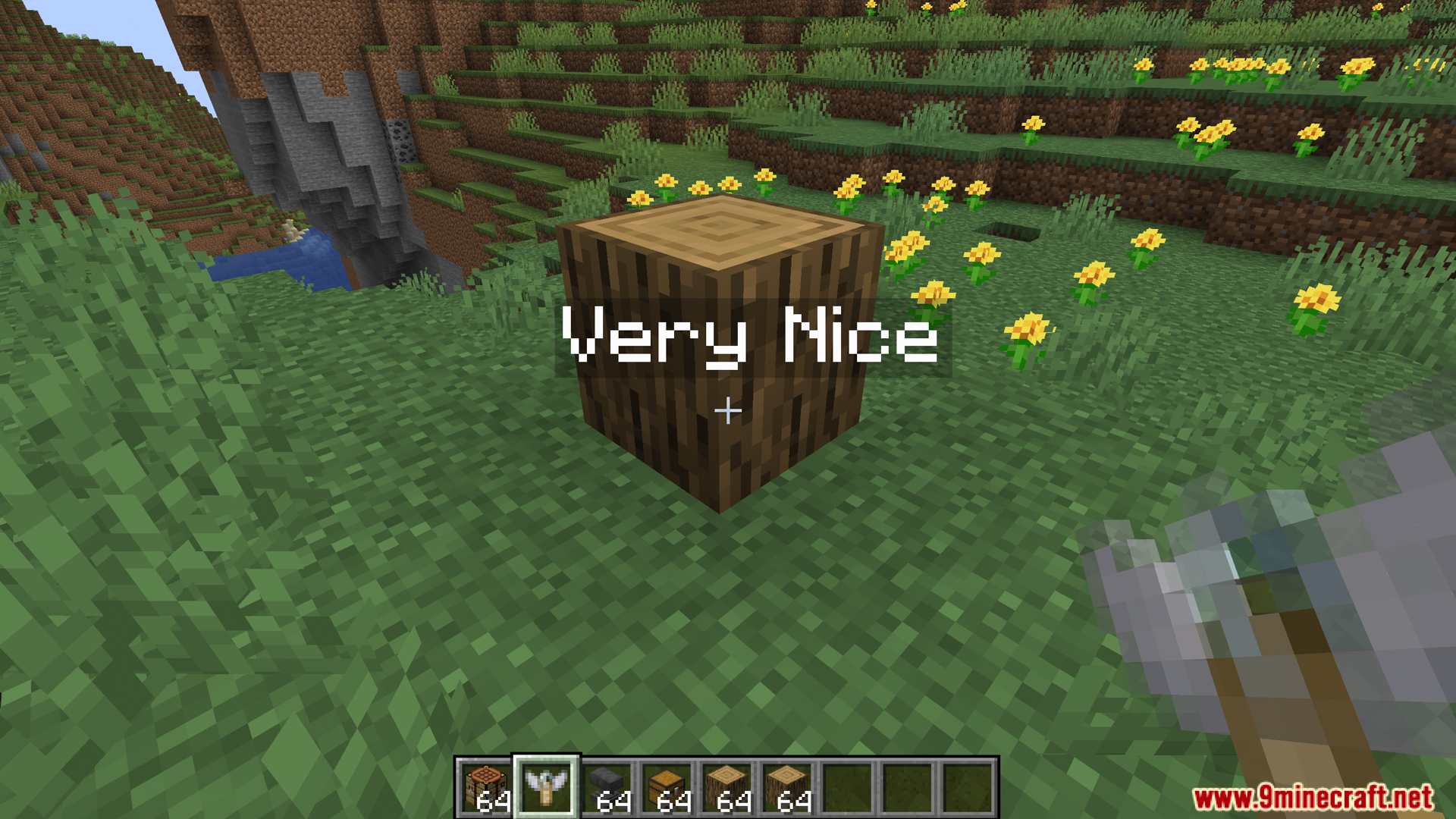
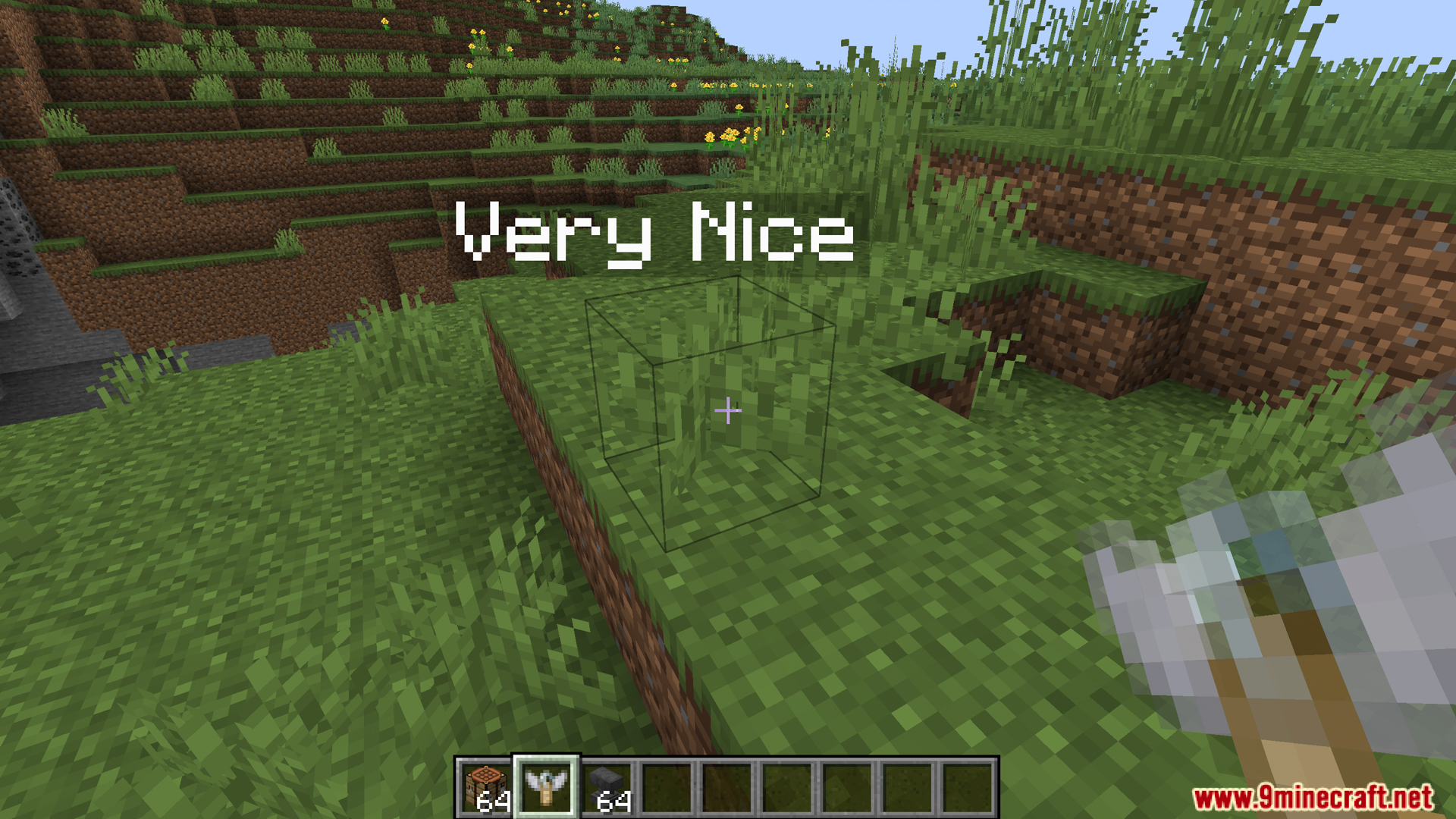
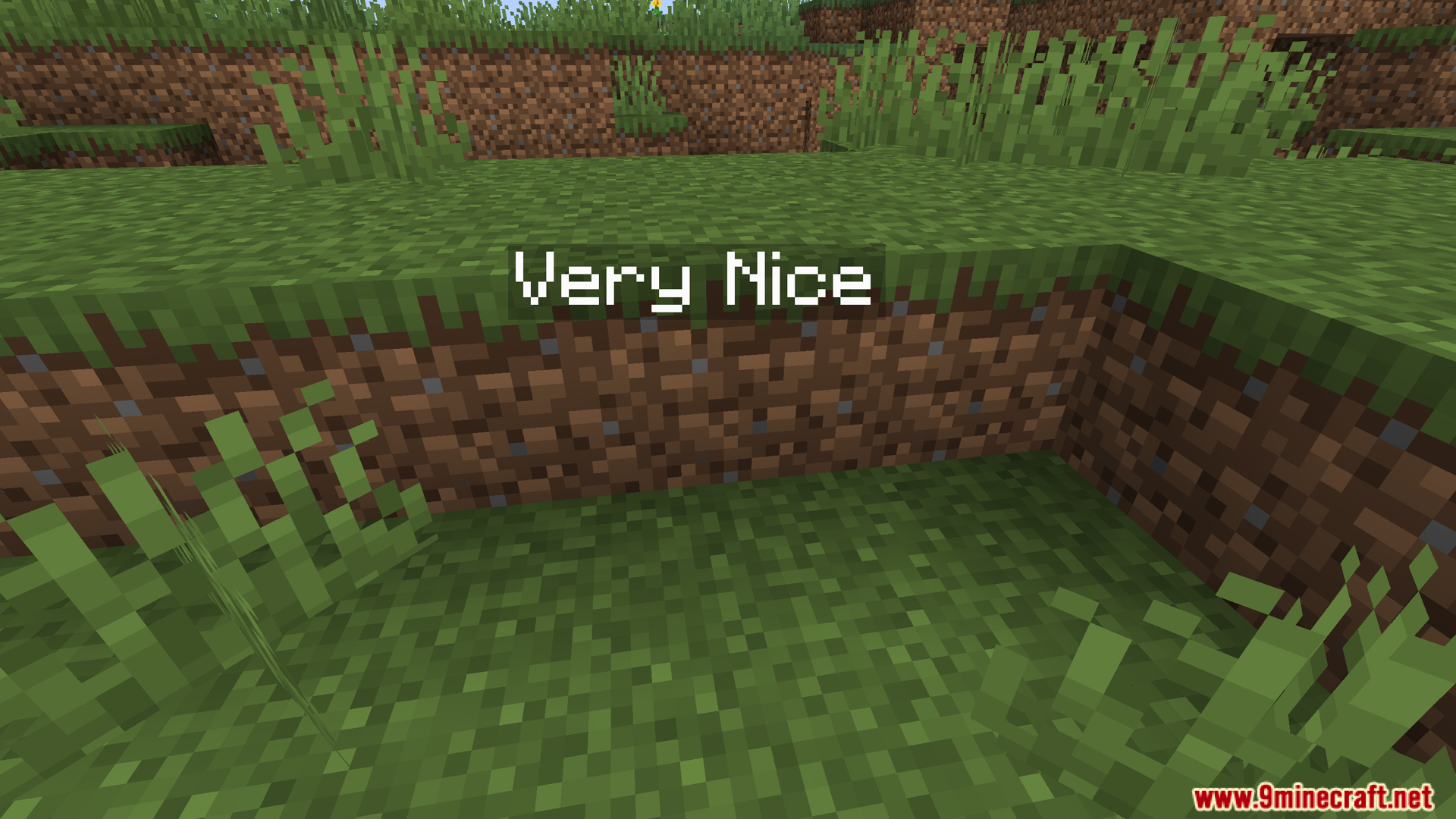
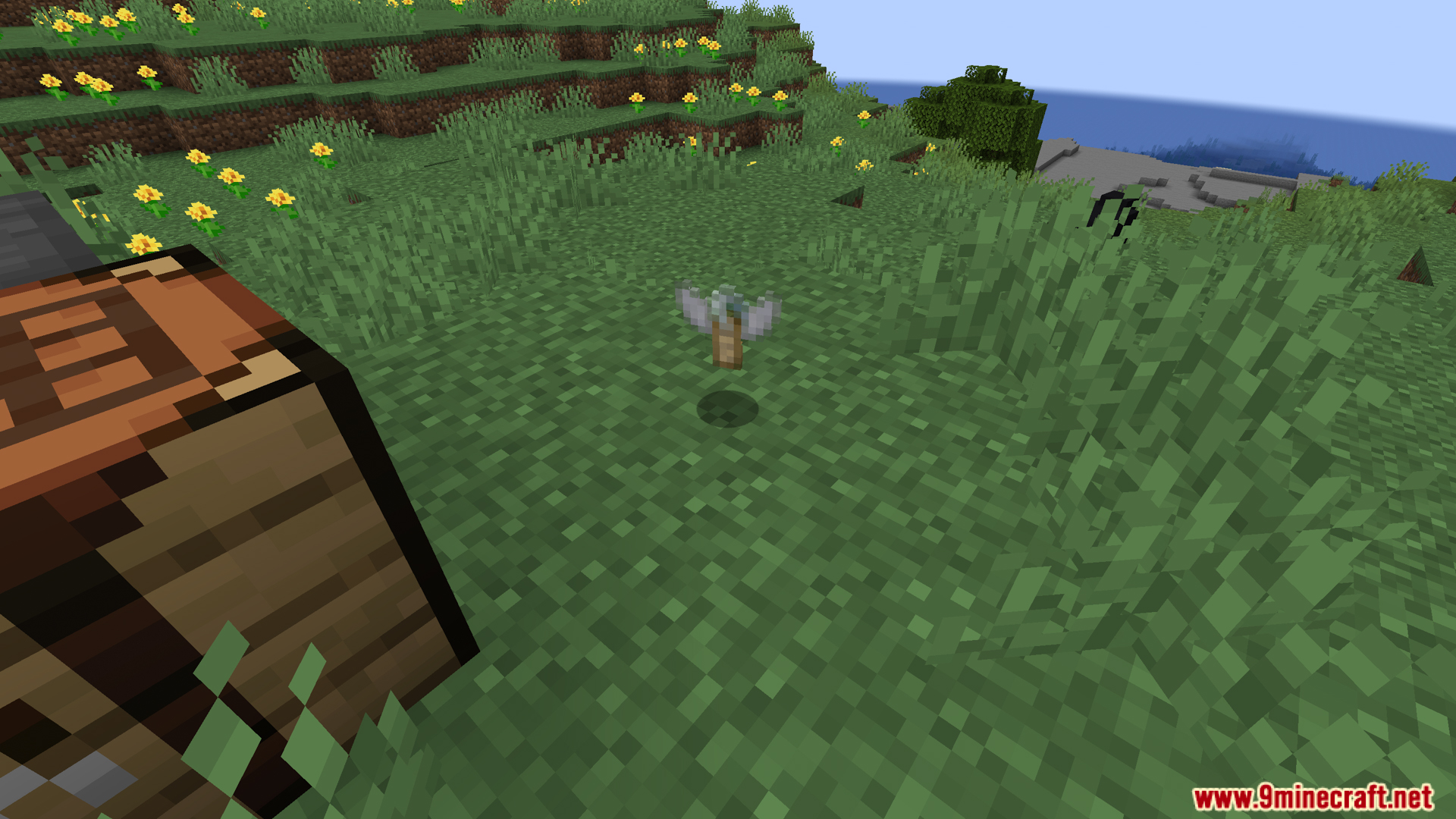
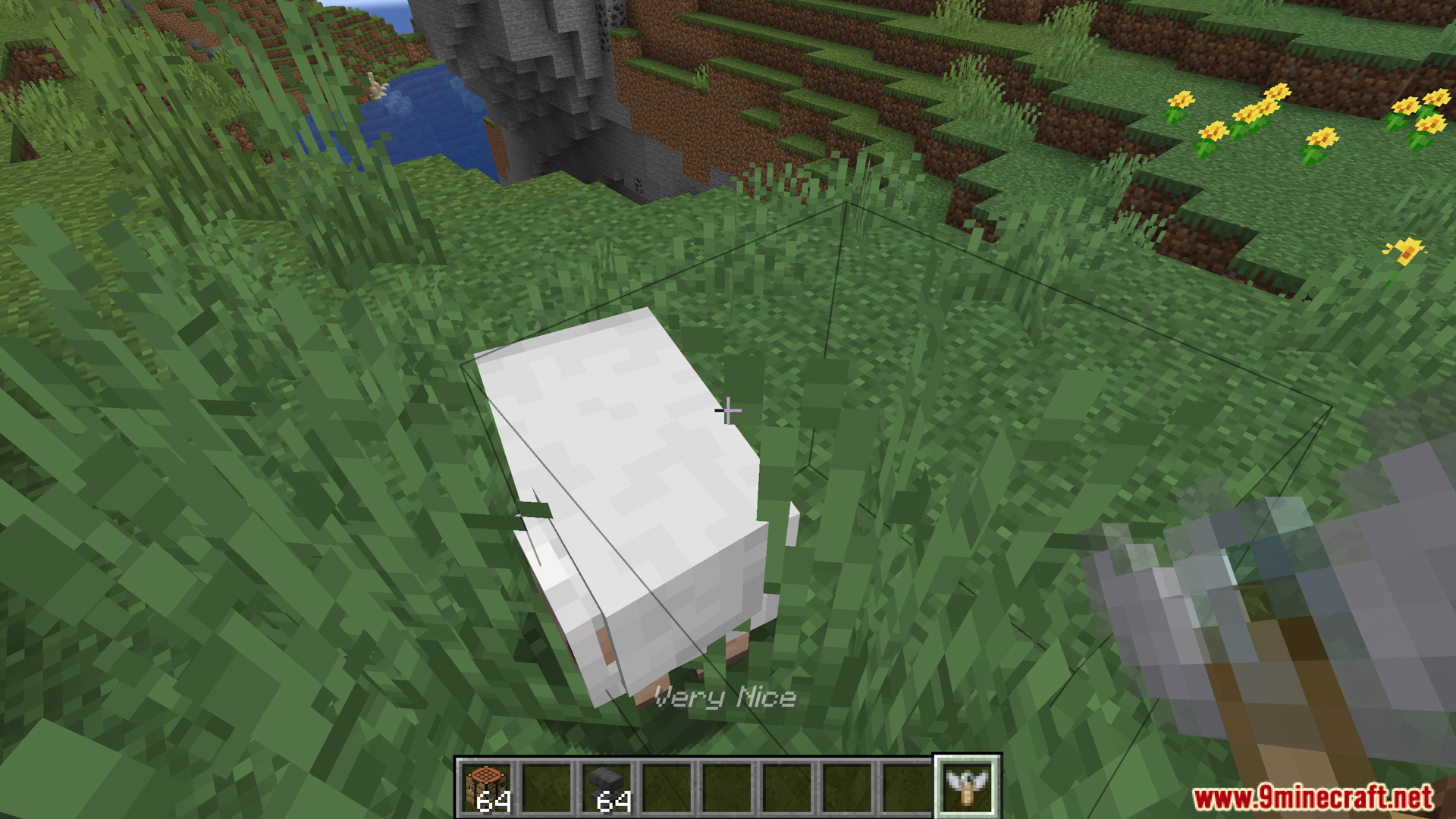
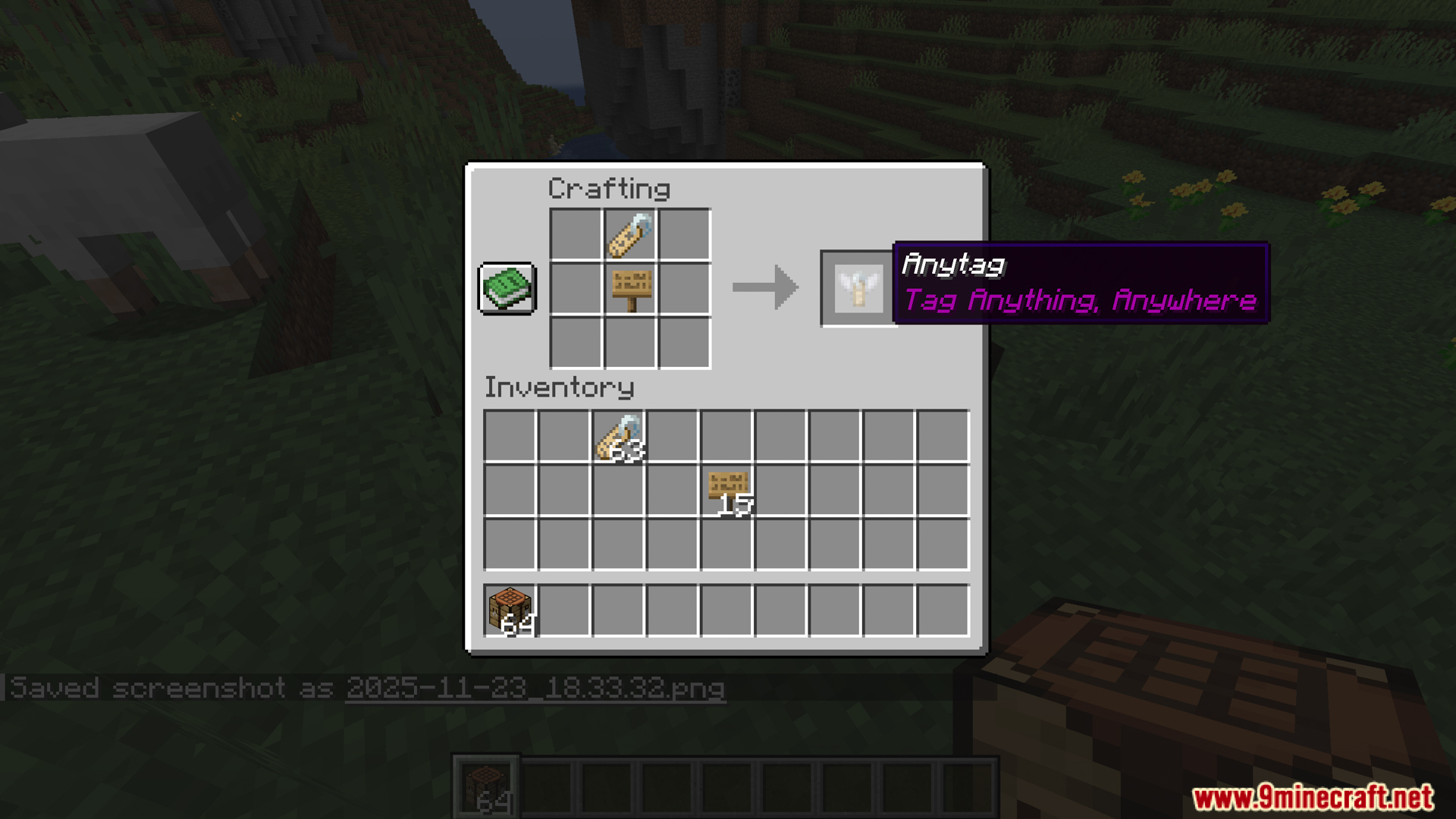
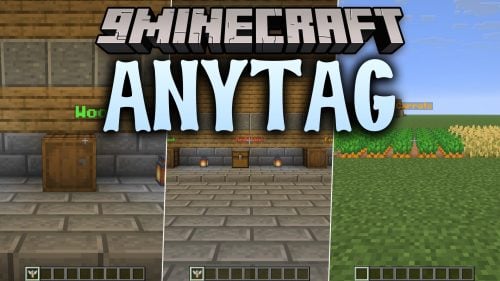
Anytag Mod lets you place floating text labels on any block, not just mobs. It adds a special craftable item that works like a name tag but for your world. Simply combine a regular name tag with any type of sign to create an Anytag. After giving it a custom name in an anvil, you can right-click on any surface to display your text right where you’re pointing.
Features:
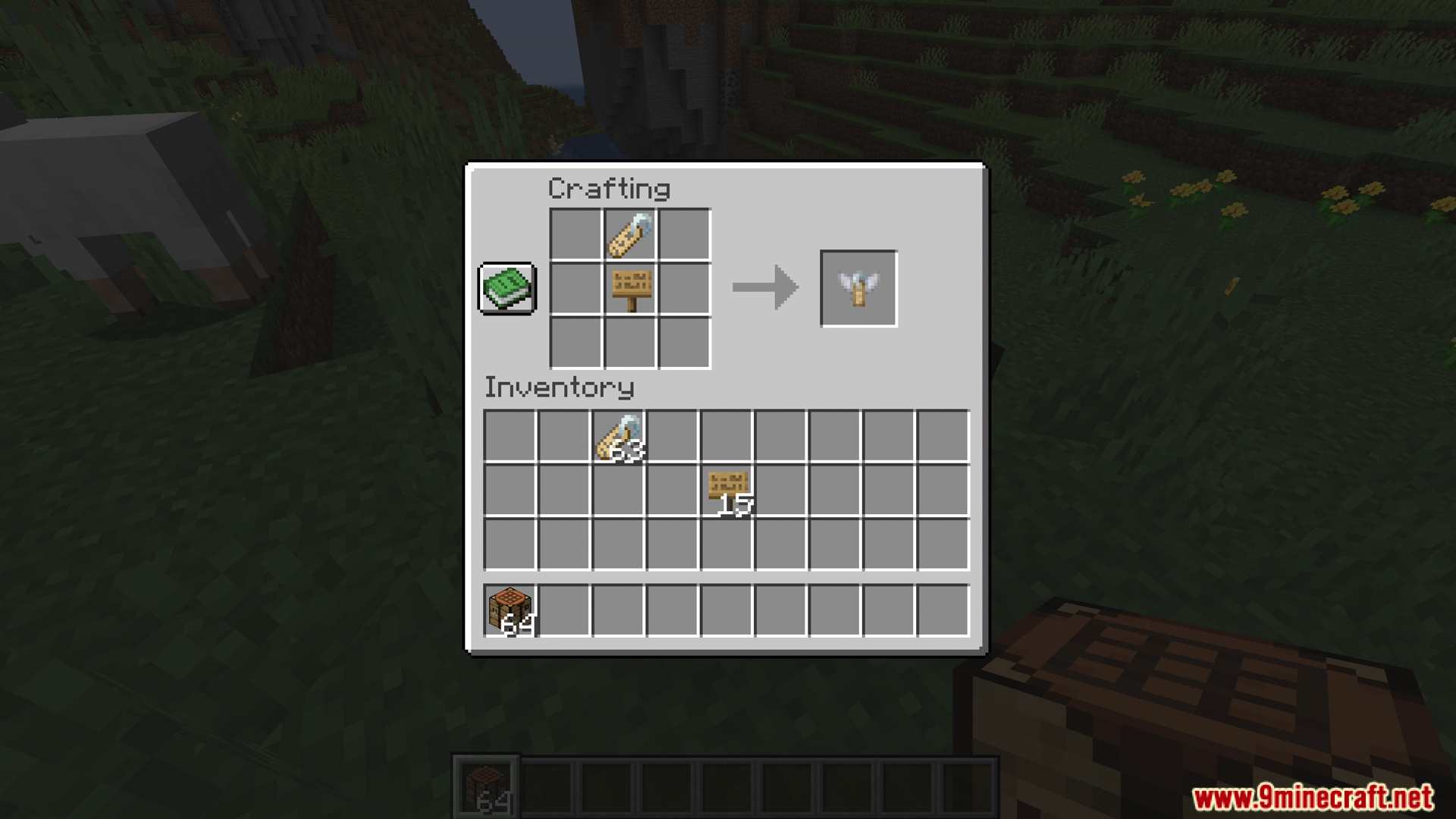
- Lets you craft a special tag by combining a regular name tag with any type of sign.
- You can rename this new tag in an anvil to write any message you want.
- Right-click on any block to place your custom text, making it float in the air.
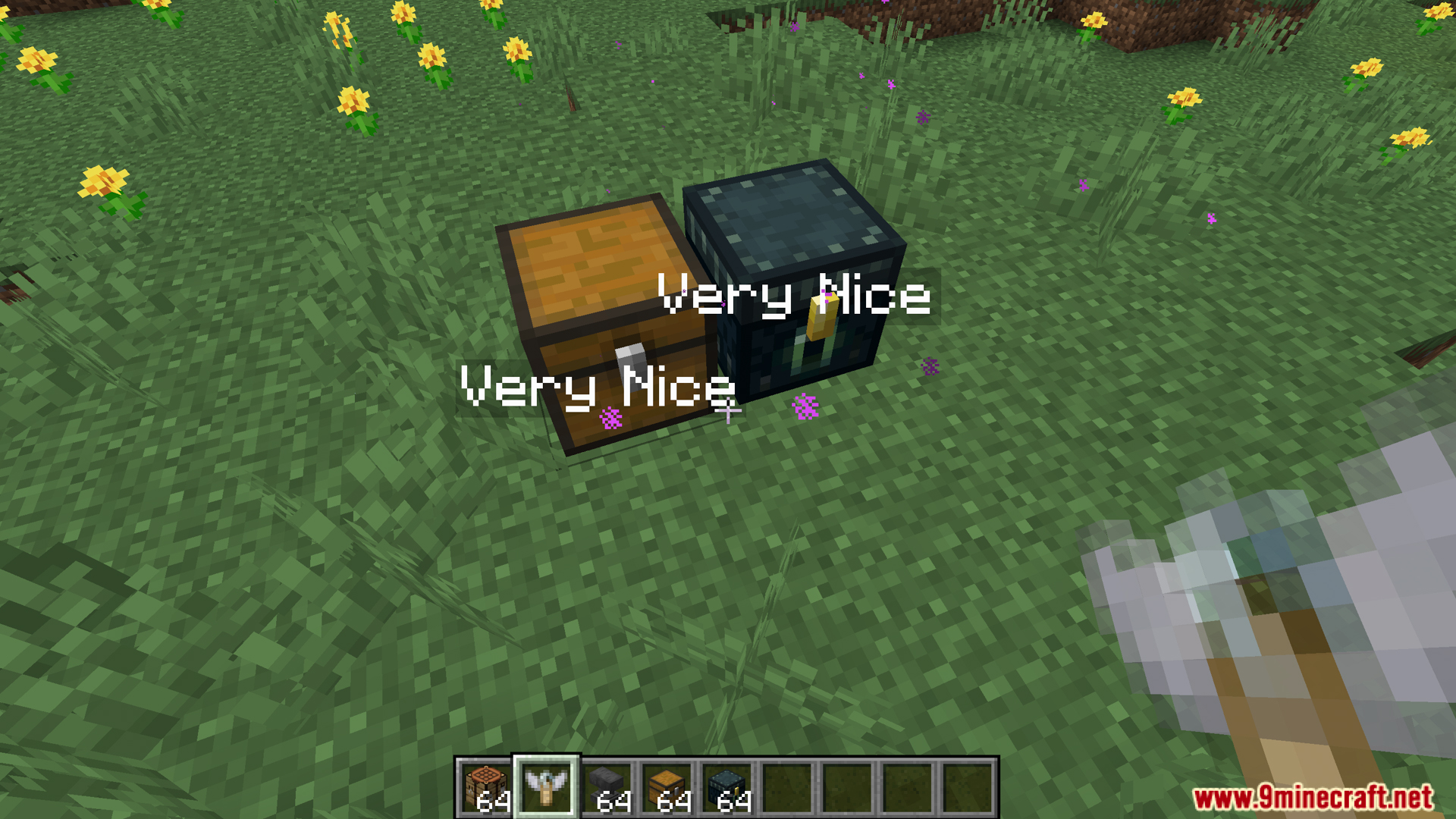
- Use it to label chests, mark important spots, or leave notes for friends.
- To remove the text and get your special tag back, just right-click on the floating words.
- If you want the original name tag back instead, left-click the floating text to break it.
How to Use:
- First, craft an Anytag item. You will need one name tag and any kind of sign.
- Use an Anvil to rename the Anytag. The name you give it will become the floating text.
- Hold your renamed Anytag and right-click on any block to place the text.
- To remove the text and get your Anytag item back, right-click on the text.
- To remove the text and get the original name tag back, left-click on the text.
Screenshots:
How to Install:
New to Minecraft? Follow our step-by-step guide to install Mods on your PC.View Guide
Anytag Mod Download Links
For All Versions from Minecraft 1.20.6 to Minecraft 1.21.1
Forge/Fabric/Quilt version: Download from Server 1 – Download from Server 2
For Minecraft 1.20.4, 1.20.2, 1.20.1, 1.20
Forge/Fabric/Quilt version: Download from Server 1 – Download from Server 2
For Minecraft 1.19.4
Forge/Fabric/Quilt version: Download from Server 1 – Download from Server 2
For the Latest Minecraft Versions
We’ve developed a brand-new version of Anytag Mod called Anytag 9minecraft Mod with many new features, improvements, and continuous updates for the latest Minecraft versions. Download it here: https://www.9minecraft.net/anytag-9minecraft-mod/
You May Also Like


This post has no comments yet. Be the first — your comment will appear here.