


Epic Tweaks Mod (1.21.1, 1.20.1) – Swap From Sword to Pickaxe Instantly

 0
0 

🌐 Read this article in your language! Choose your preferred language below.
Or pick the one you like:
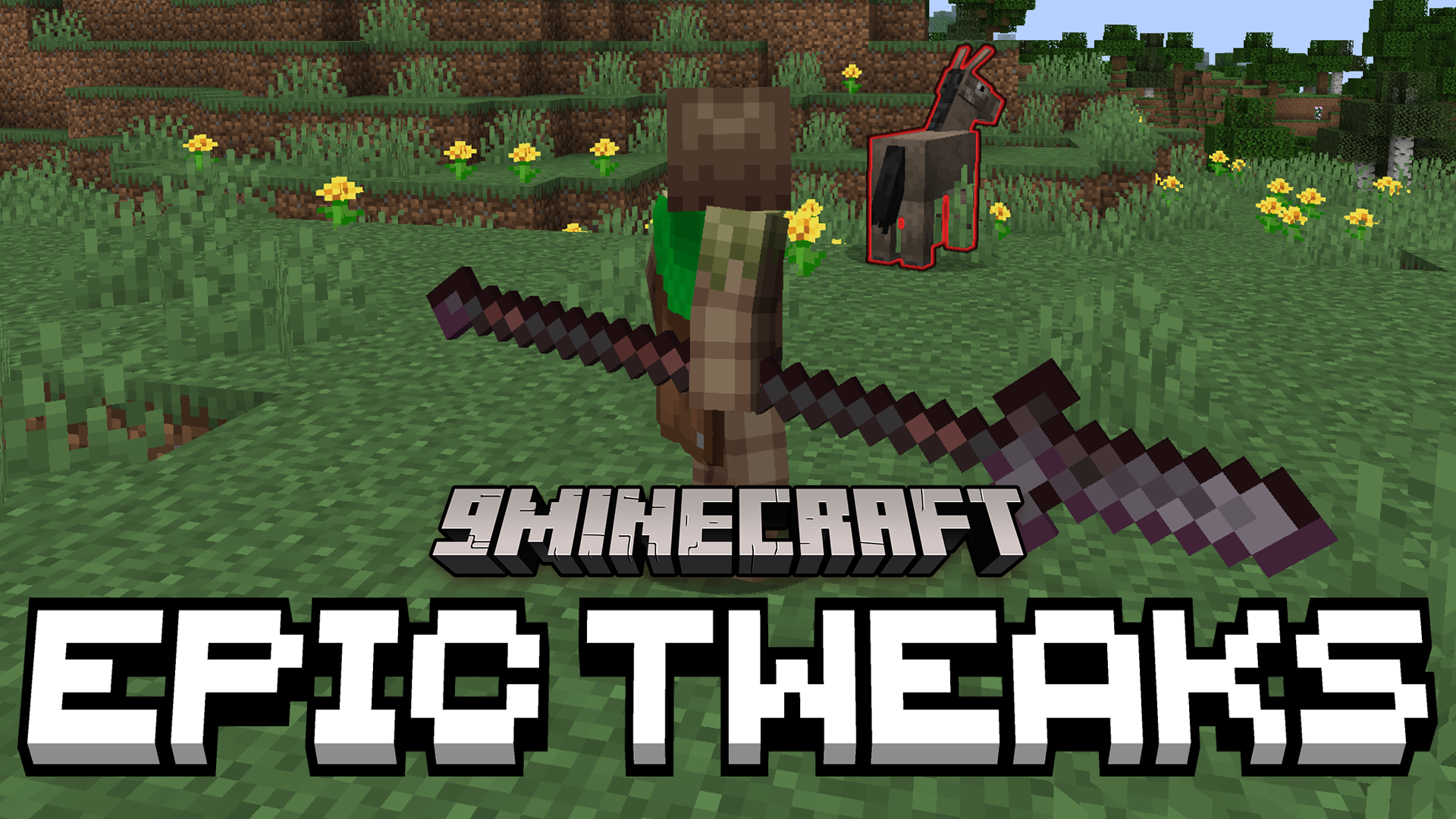
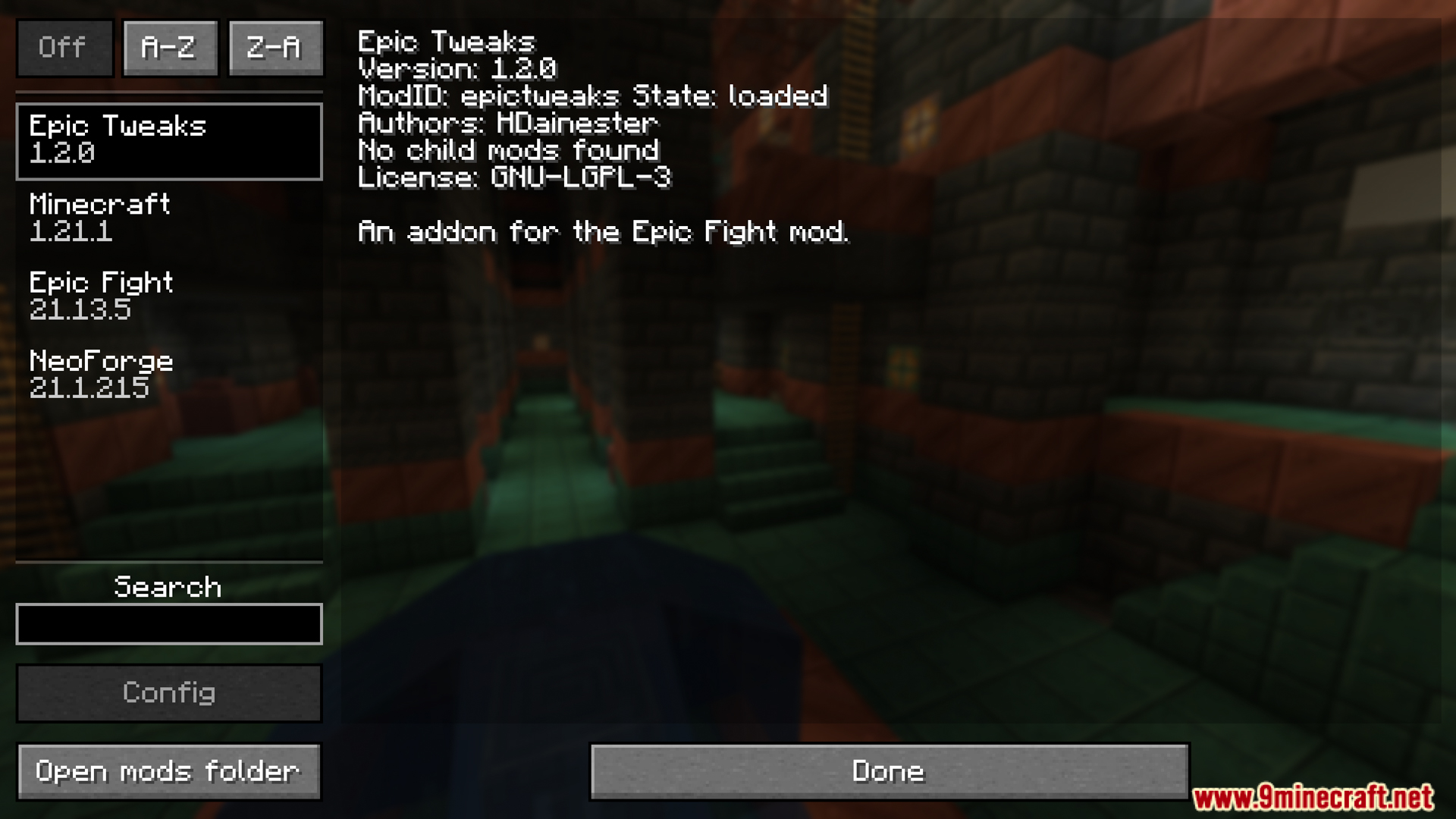
Epic Tweaks Mod adds helpful options for the Epic Fight mod, making it much easier to switch between fighting and regular gameplay. This addon can automatically put you into combat mode when you hold a weapon and switch you back to normal when you hold a tool. It also stops you from picking the wrong mode, so you won’t be stuck in a fighting stance when you just want to mine.
Features:
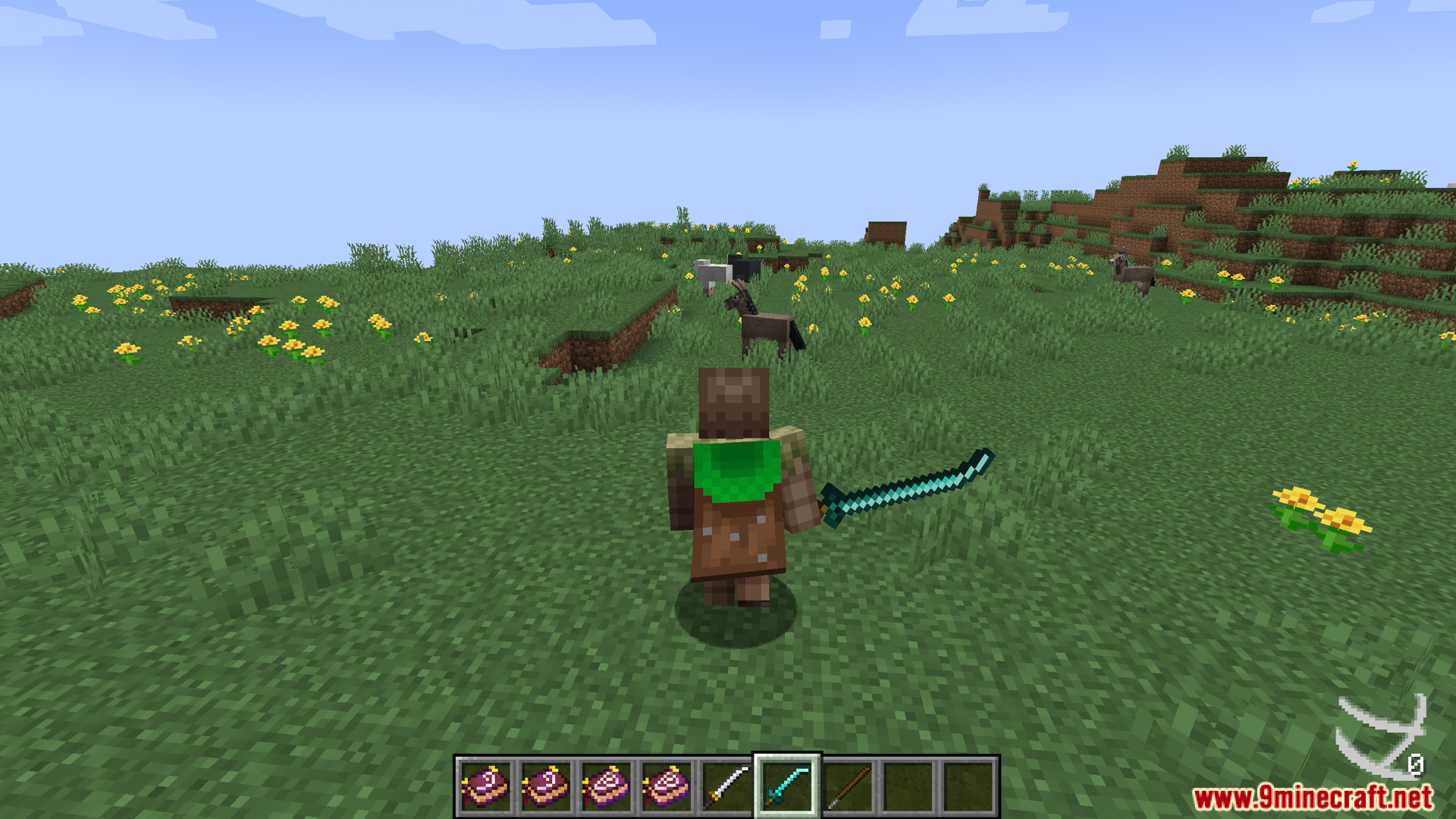
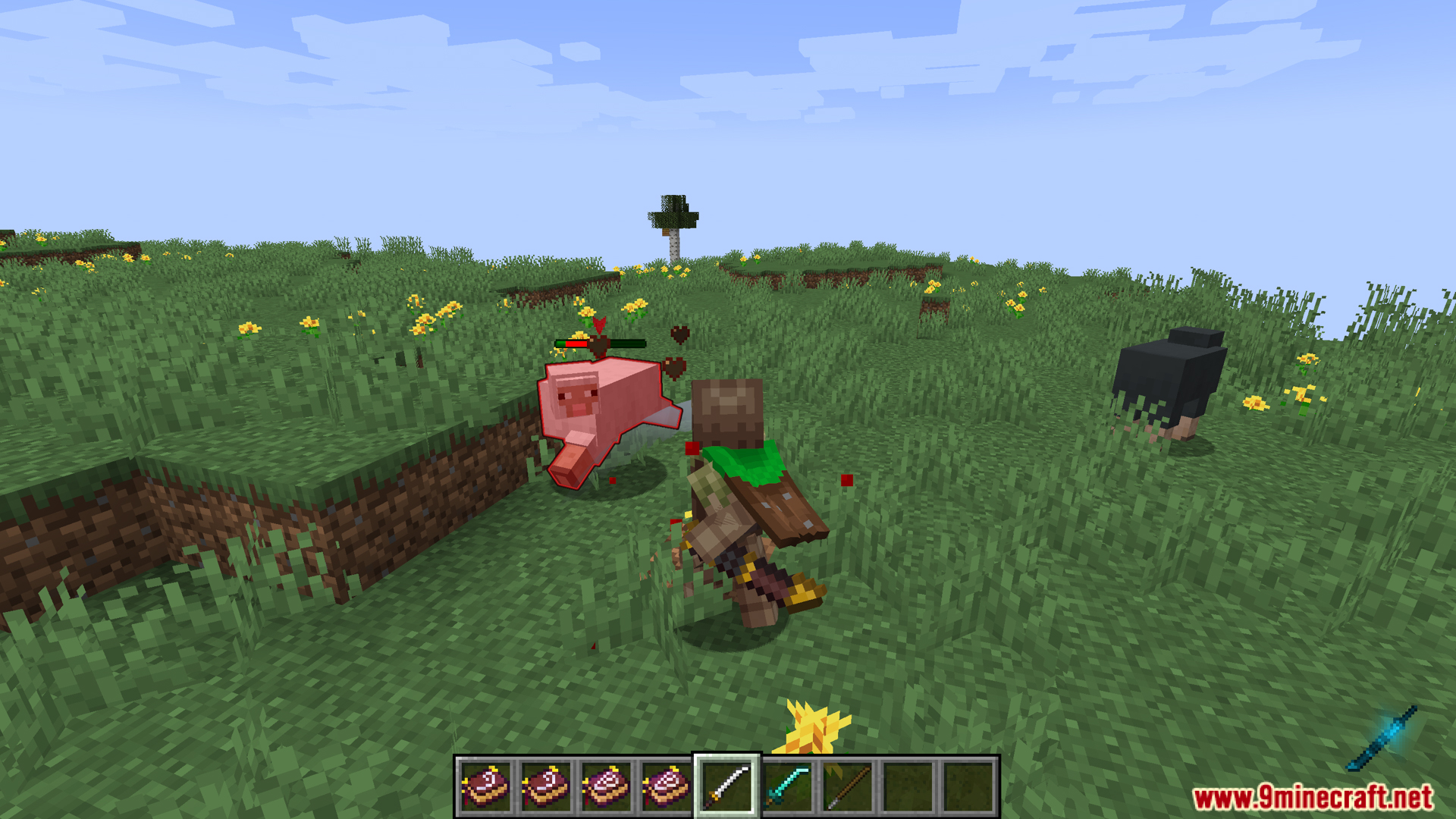
- Keeps the normal first-person animations when you are not holding a weapon. This makes actions like mining and building look like they do in the regular game.
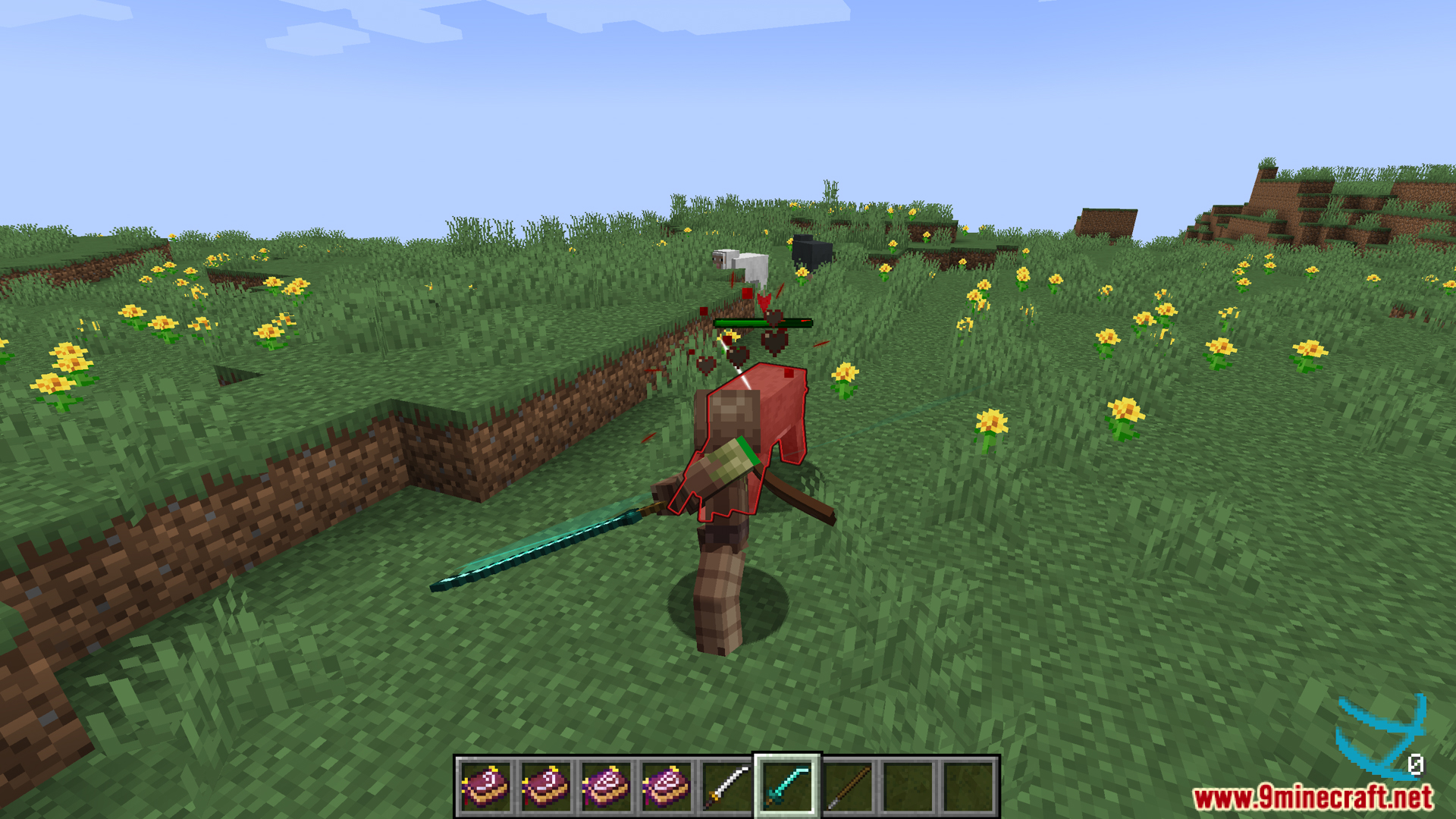
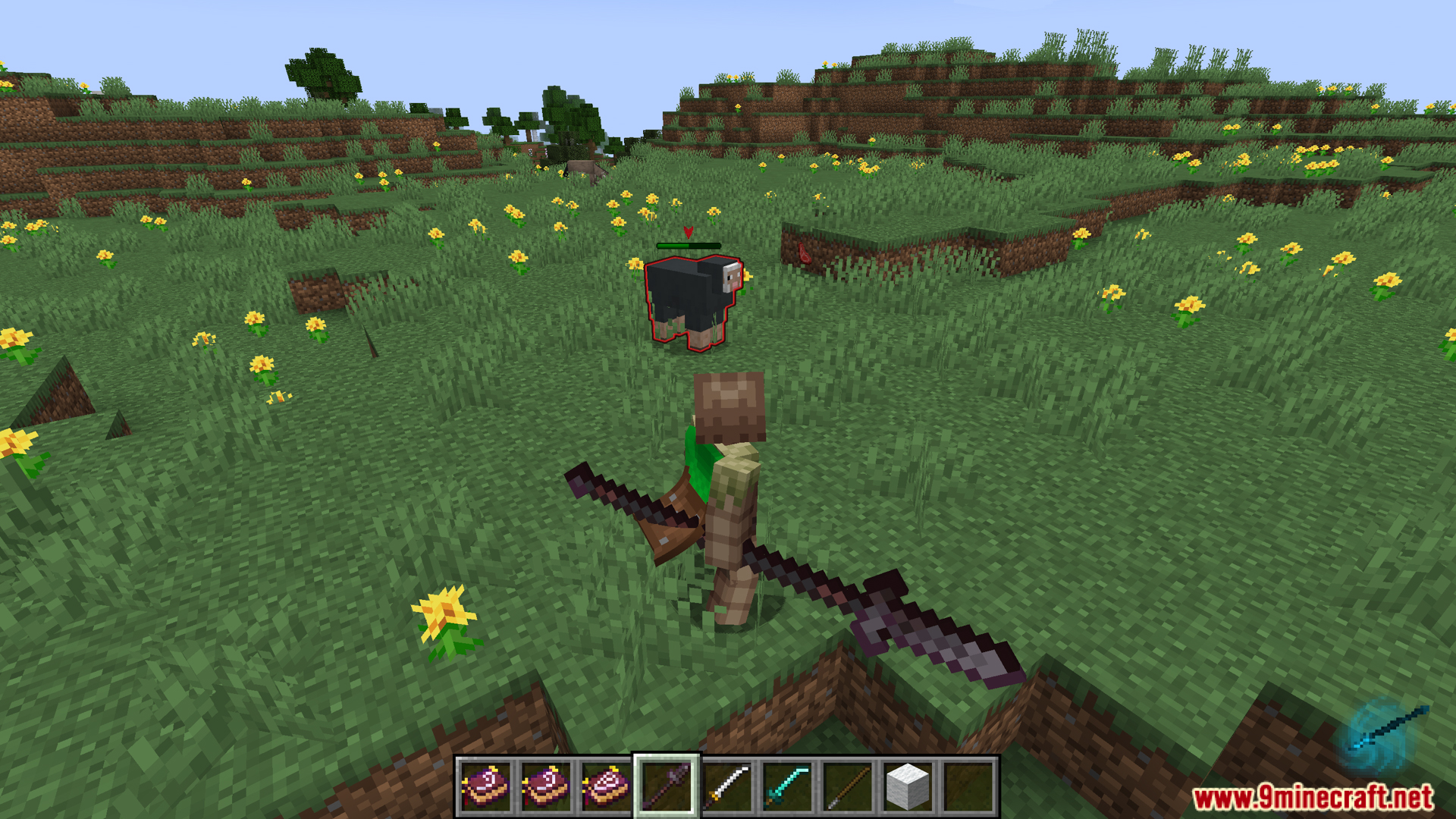
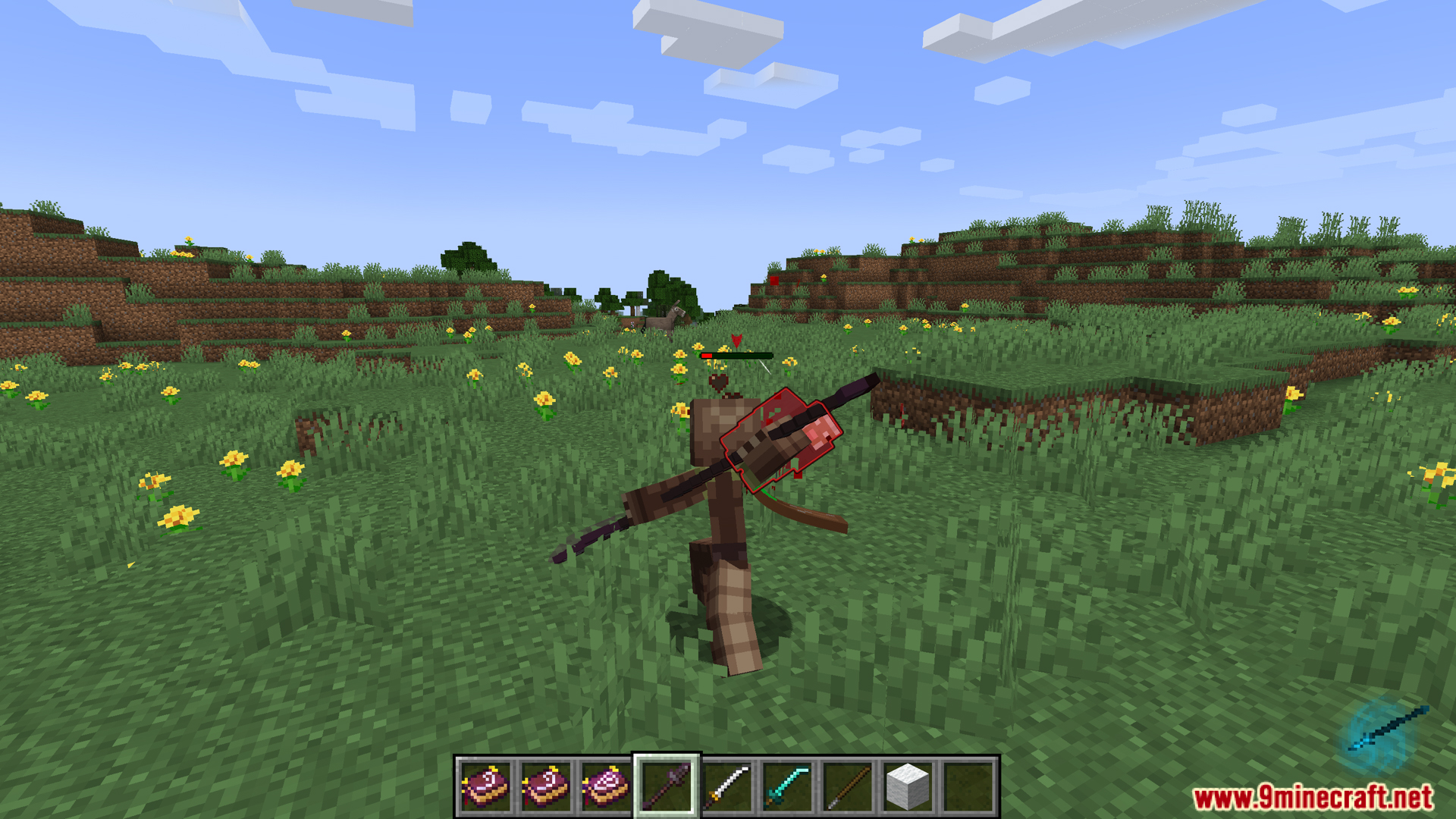
- Automatically switches you into combat mode when you pull out a weapon. It also switches you back to the normal mode when you select a different item.
- Stops you from manually changing modes by mistake. You can’t switch to vanilla mode while holding a weapon, or enter combat mode with a non-weapon item.
Configuration:
This addon gives you a few new settings to change. The options are different depending on which version of the Epic Fight mod you have.
For Epic Fight 20.11 and newer:
filter_animation_first_person: When this is on, you will see the normal vanilla view in first-person when you are not holding a combat item. This is for things like mining or building. By default, this istrue.enforce_mode: If this is on, you can’t switch to vanilla mode when holding a combat item. You also can’t switch to combat mode if you are not holding a combat item. This option only works if thecanSwitchPlayerModegamerule is enabled. By default, this istrue.autoswitch_mode: If this is on, you will automatically switch to combat mode when you select a combat item. You will switch back to vanilla mode when you select a different item. This also requires thecanSwitchPlayerModegamerule to be enabled. By default, this istrue.
For Epic Fight 20.9 and older:
filter_animation_first_person: If you set this totrue, it stops the Epic Fight animations in first-person view when you are in mining mode. This only works if the mainfilter_animationsetting in Epic Fight is turned off. By default, this istrue.enforce_mode: When this is on, you cannot manually switch between battle mode and mining mode if the item you are holding is meant for one of those modes. By default, this istrue.
Screenshots:

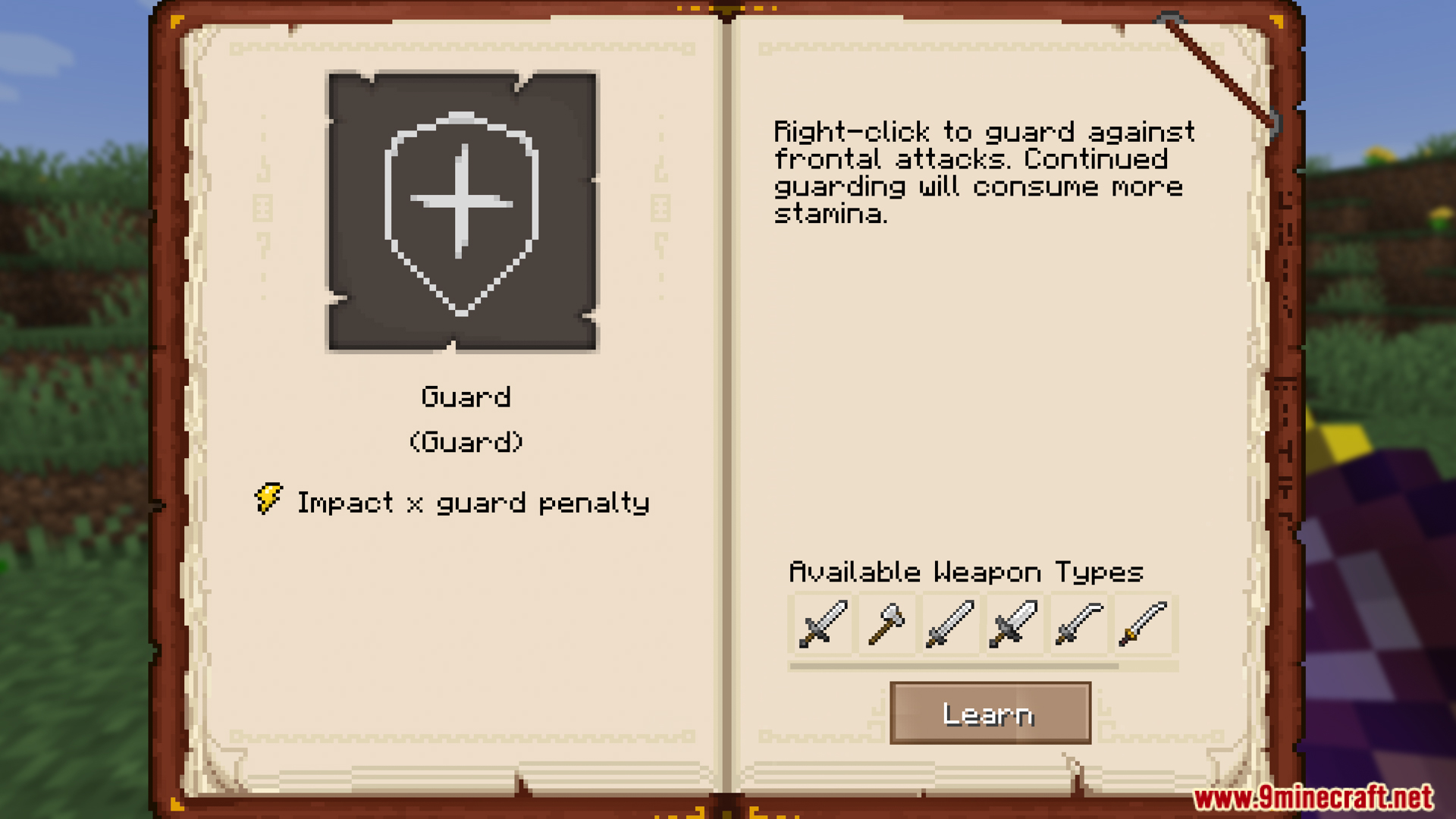
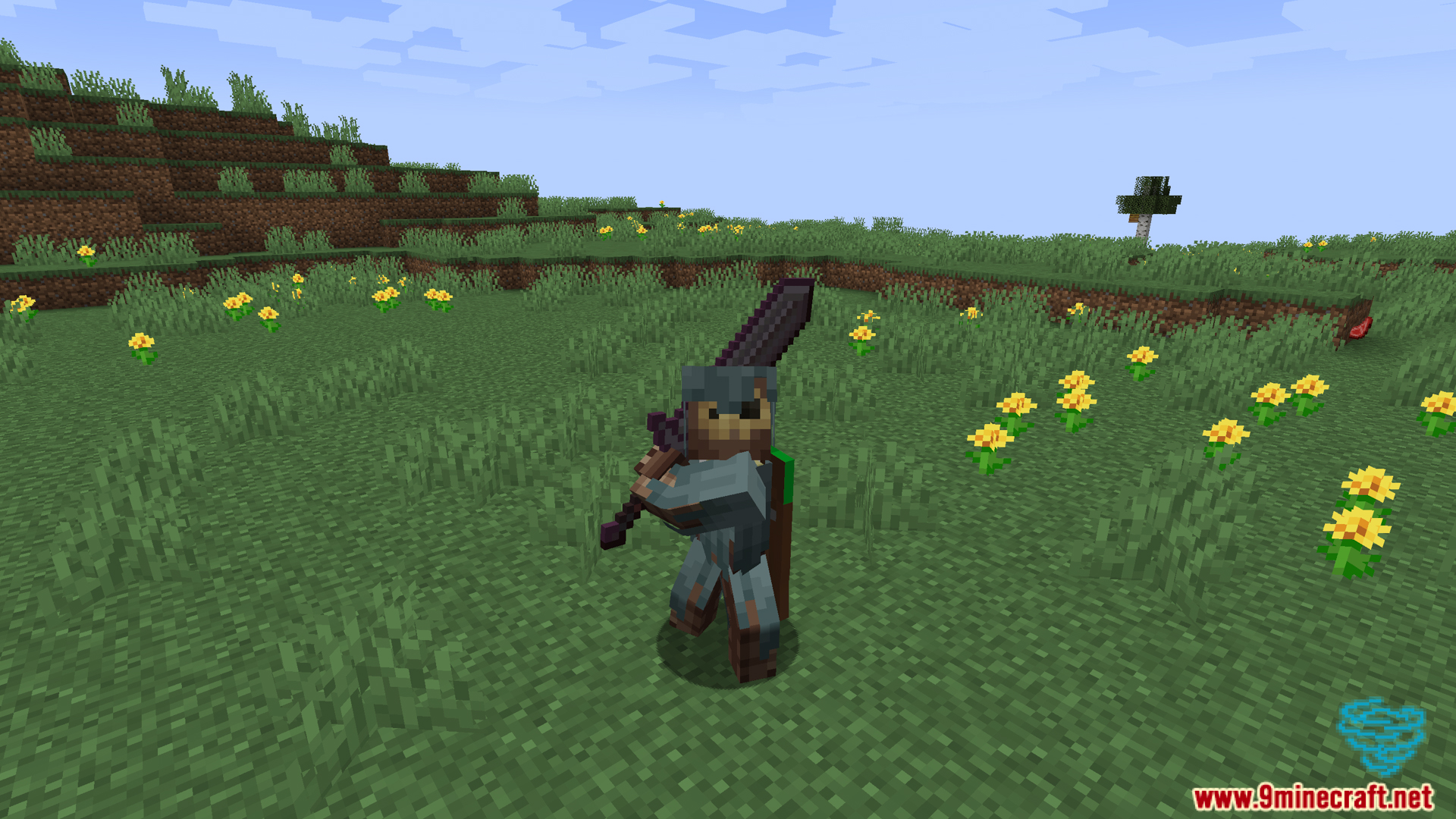
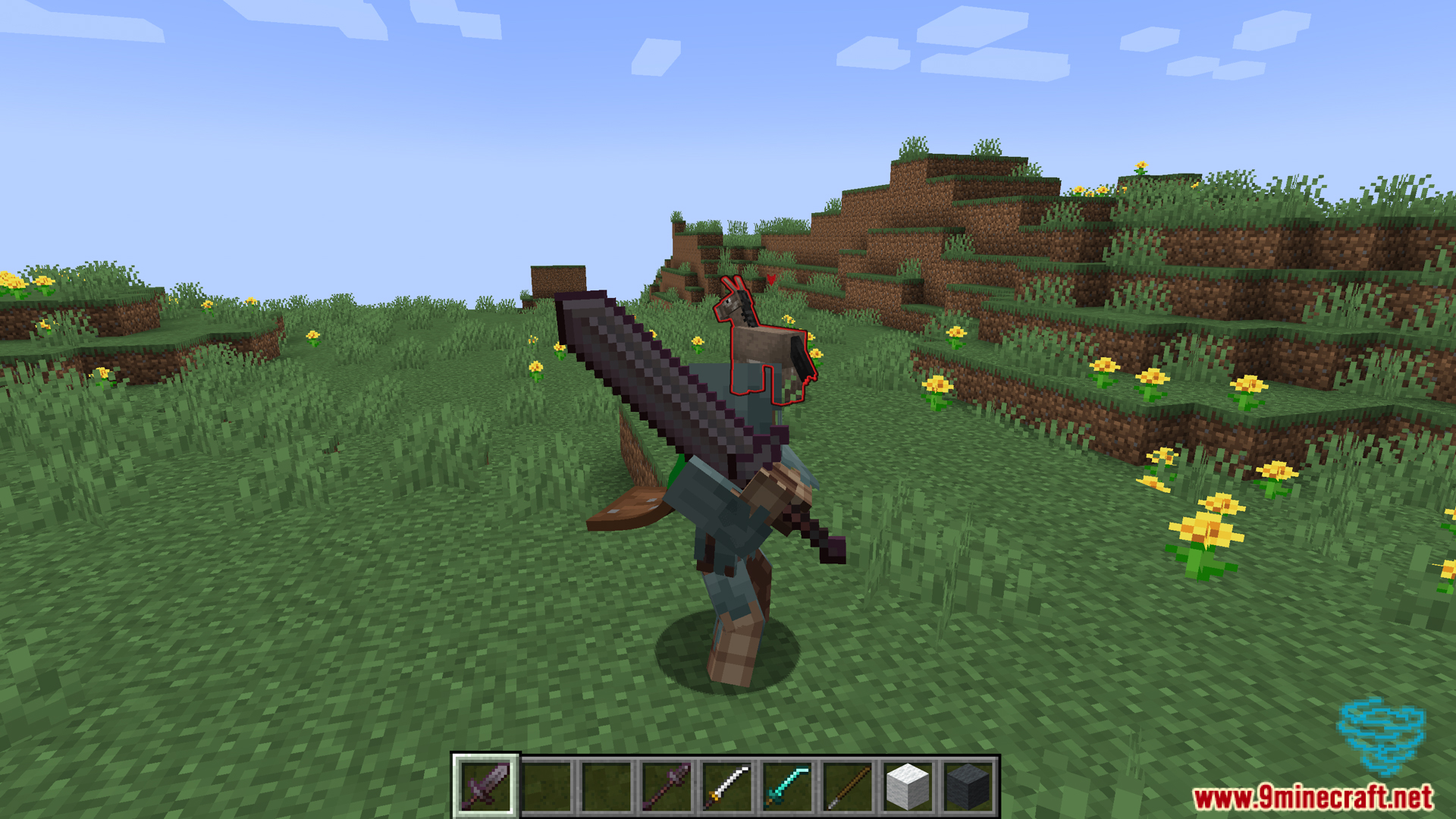
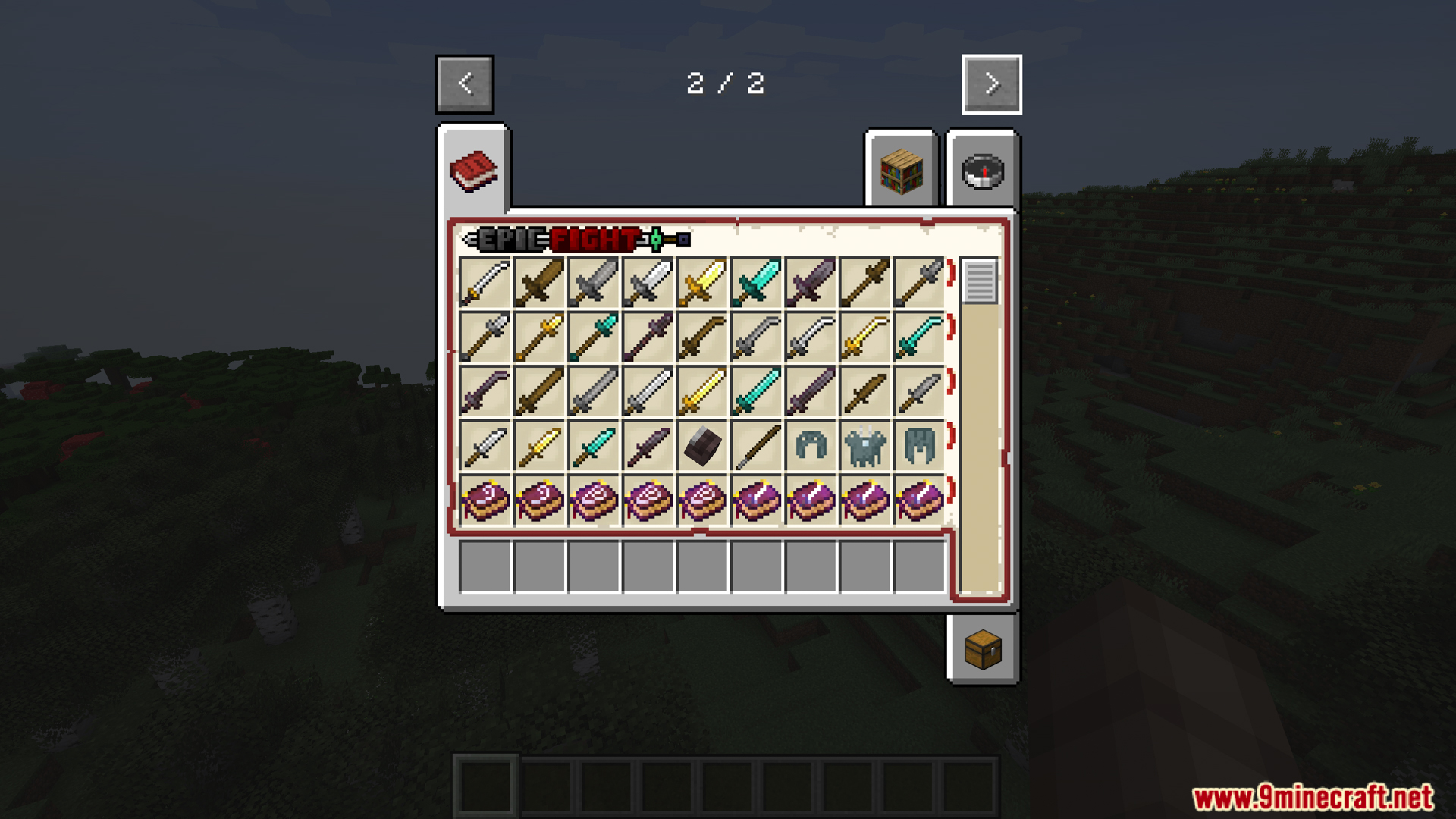
How to Install:
New to Minecraft? Follow our step-by-step guide to install Mods on your PC.View Guide
Requirements:


Epic Tweaks Mod Download Links
For Minecraft 1.21.1, 1.21
For Minecraft 1.20.1, 1.20
For Minecraft 1.19.2
For Minecraft 1.18.2
Click to rate this post!
[Total: 1 Average: 2]
You May Also Like








This post has no comments yet. Be the first — your comment will appear here.