


Tense Ambience Mod (1.21.8, 1.20.1) – Never Feel Safe Exploring in the Dark
 286
286
 0
0


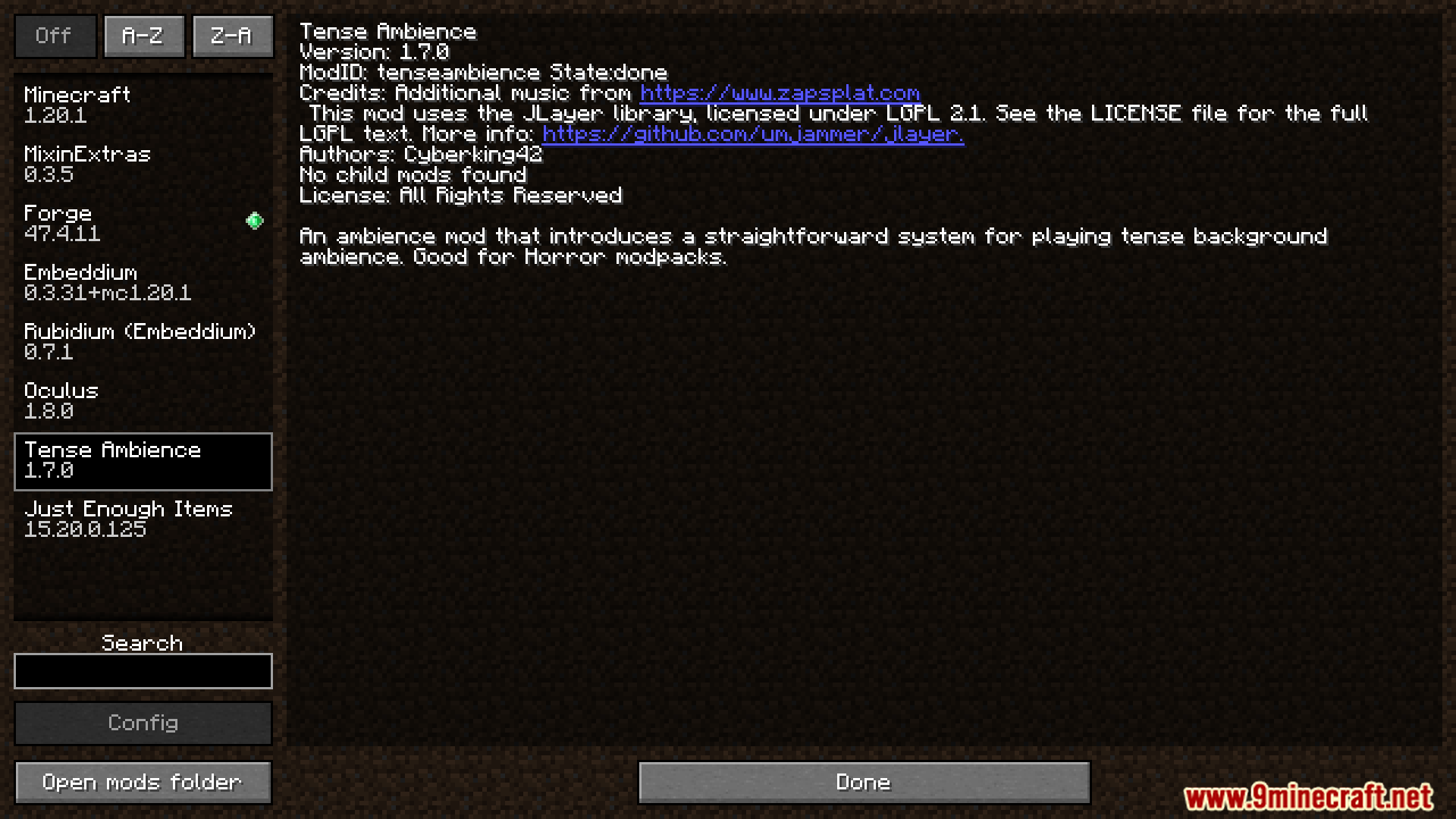
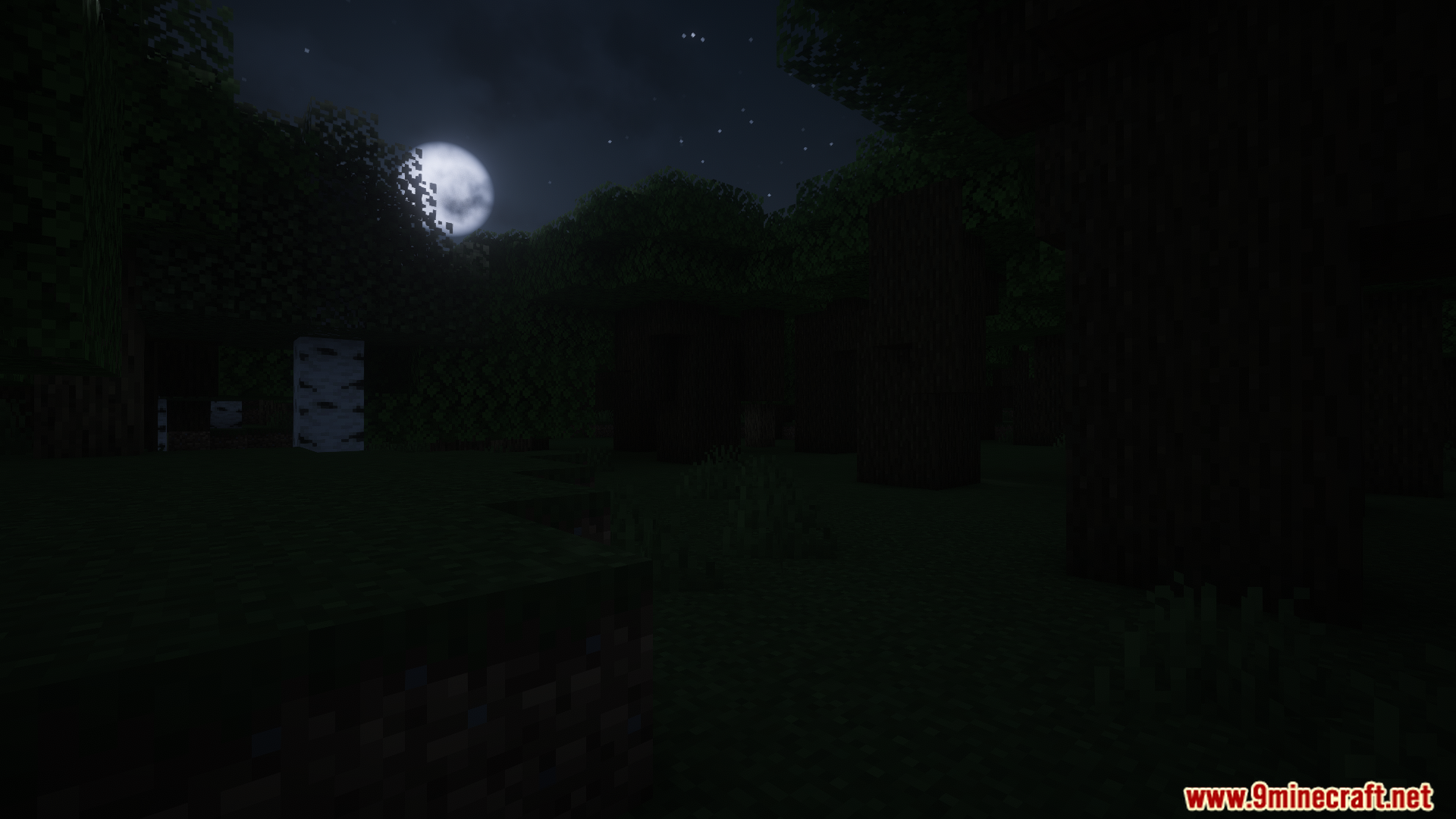
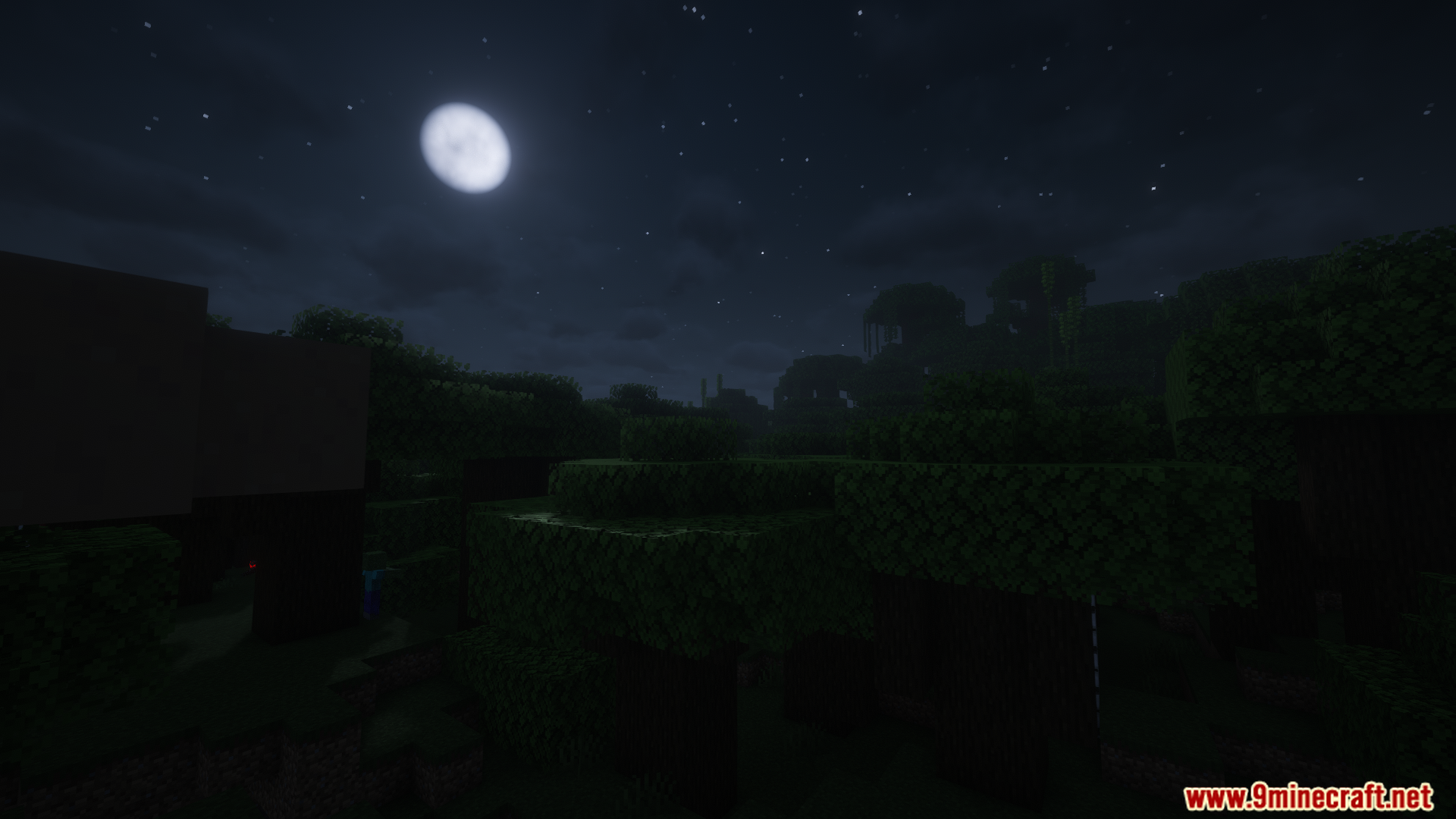
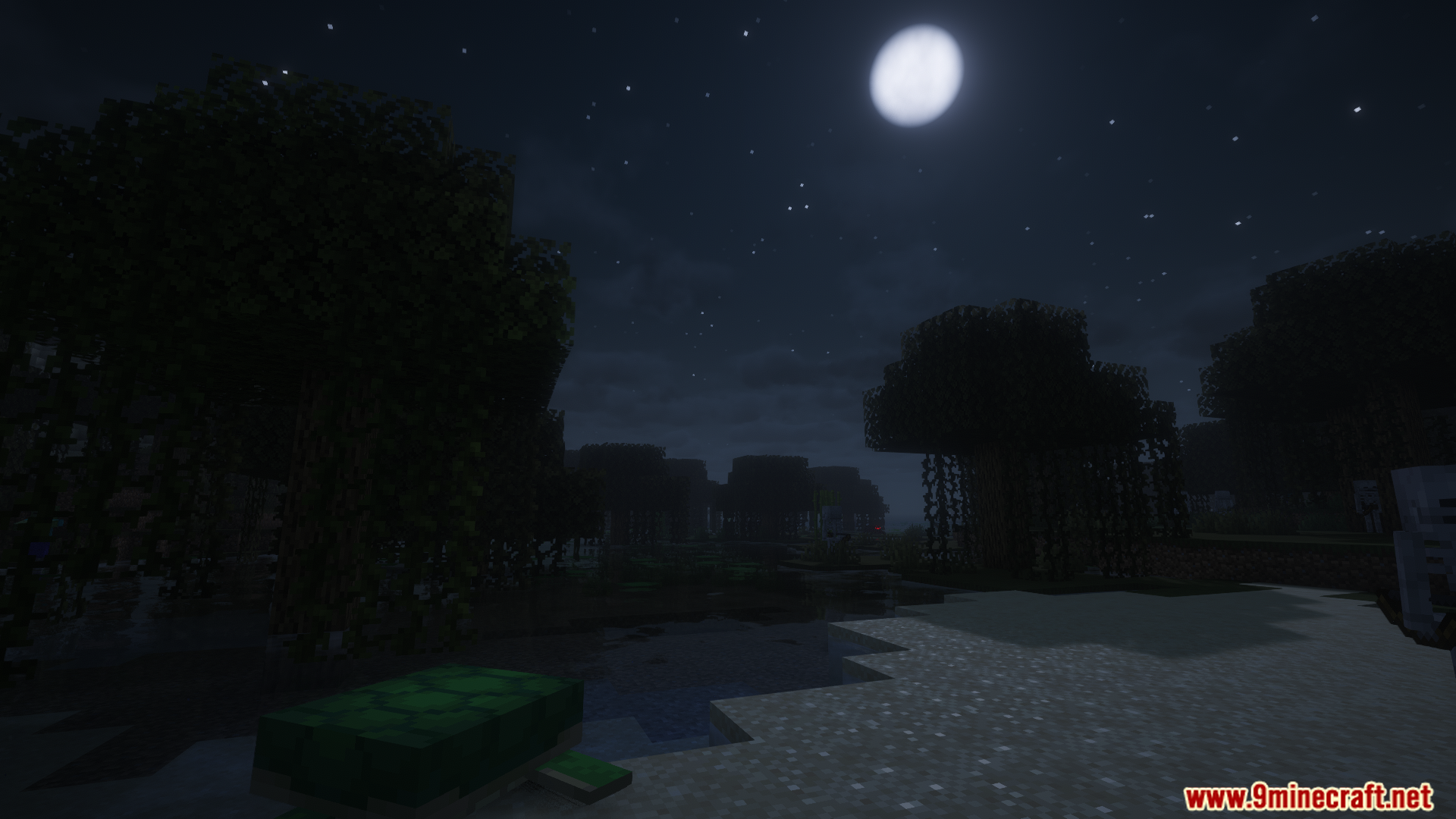
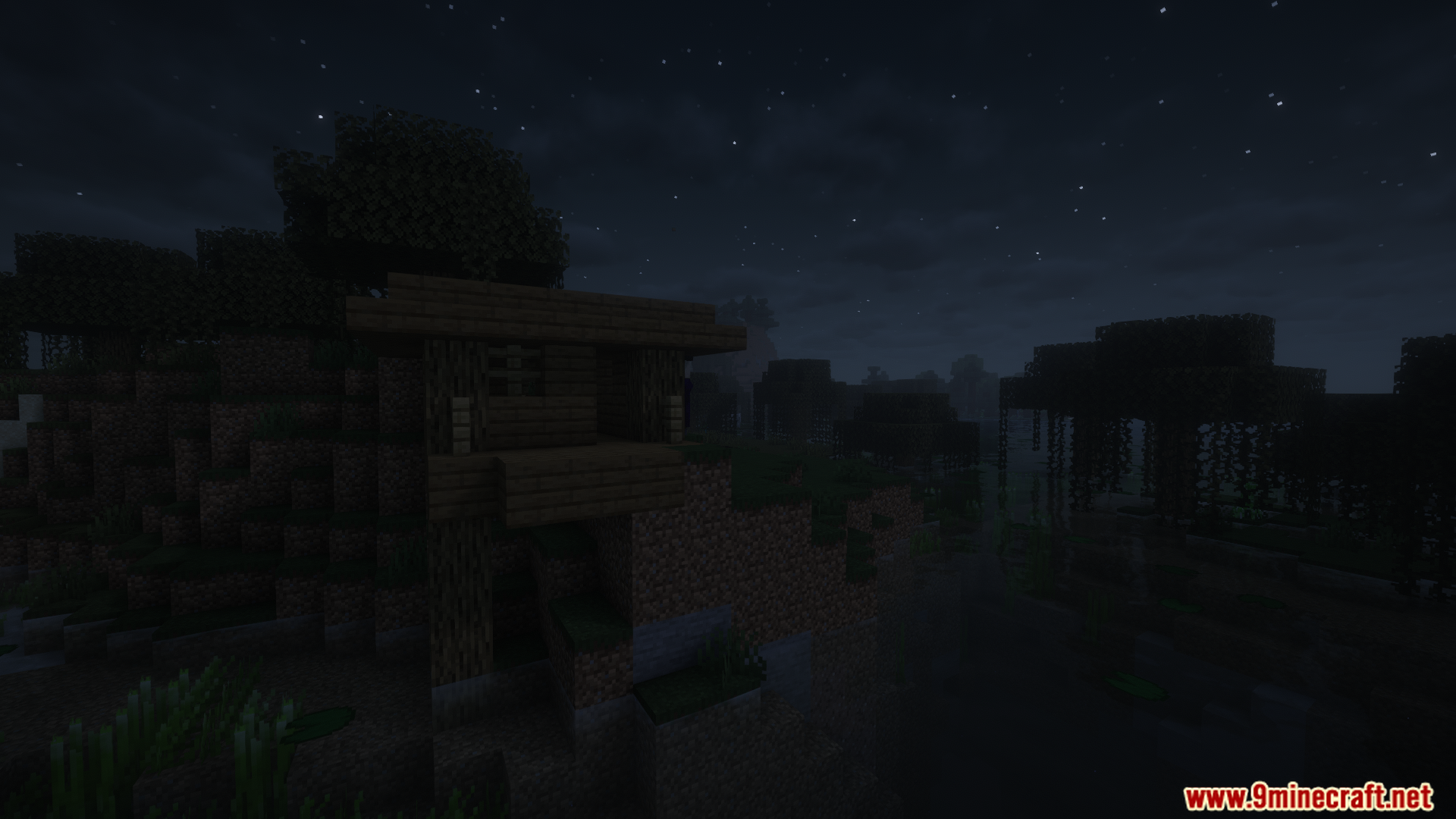
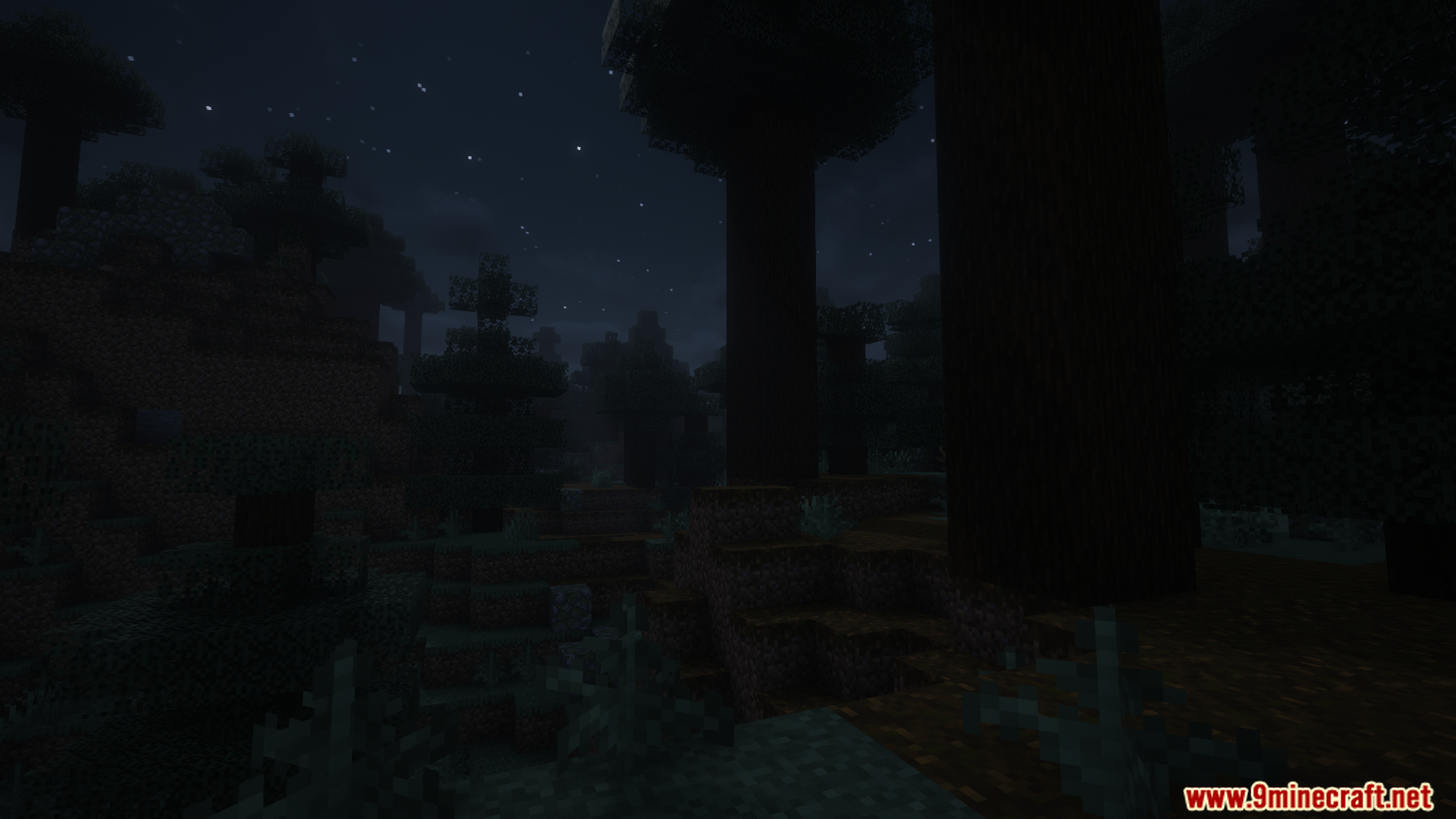
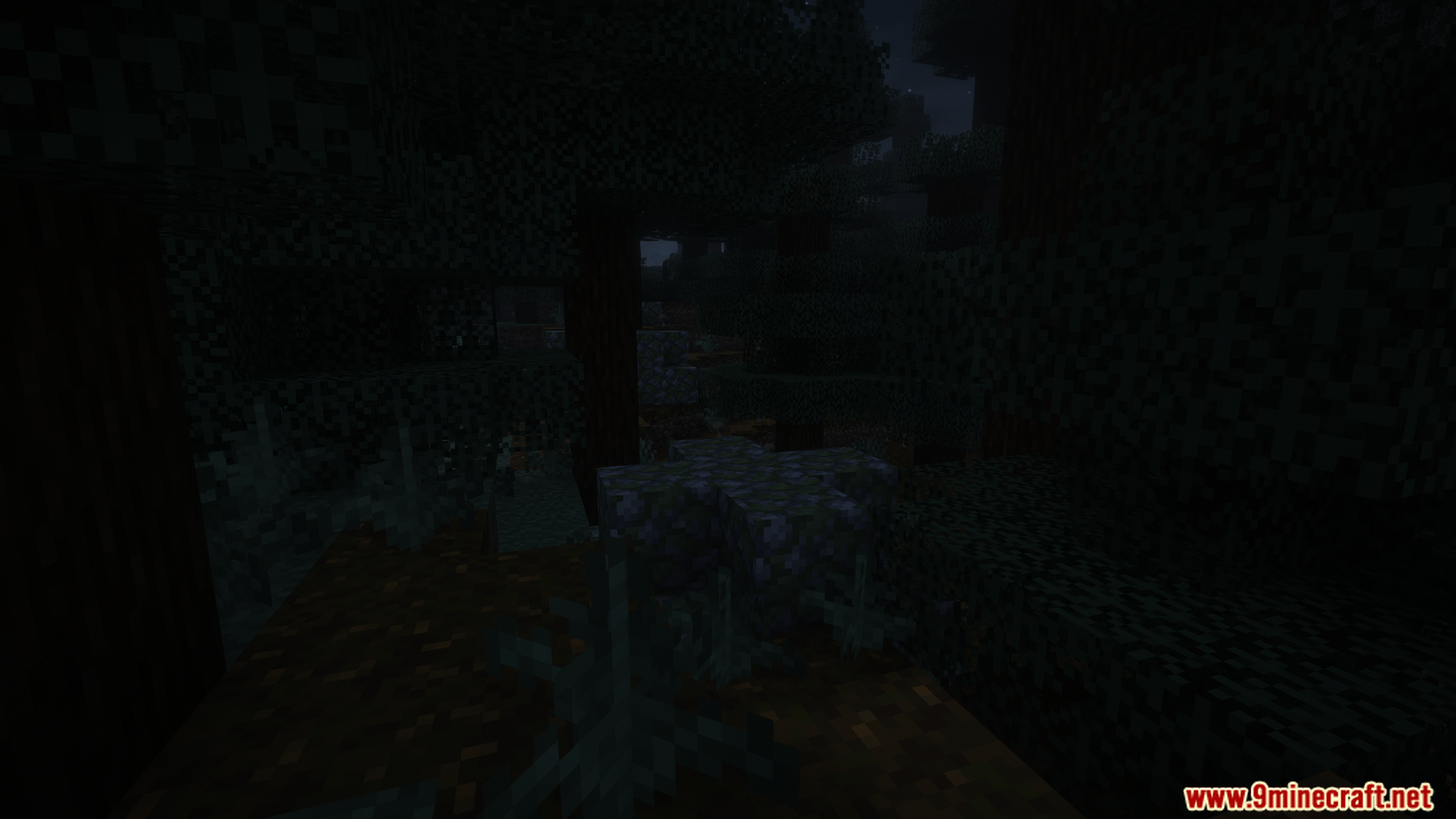
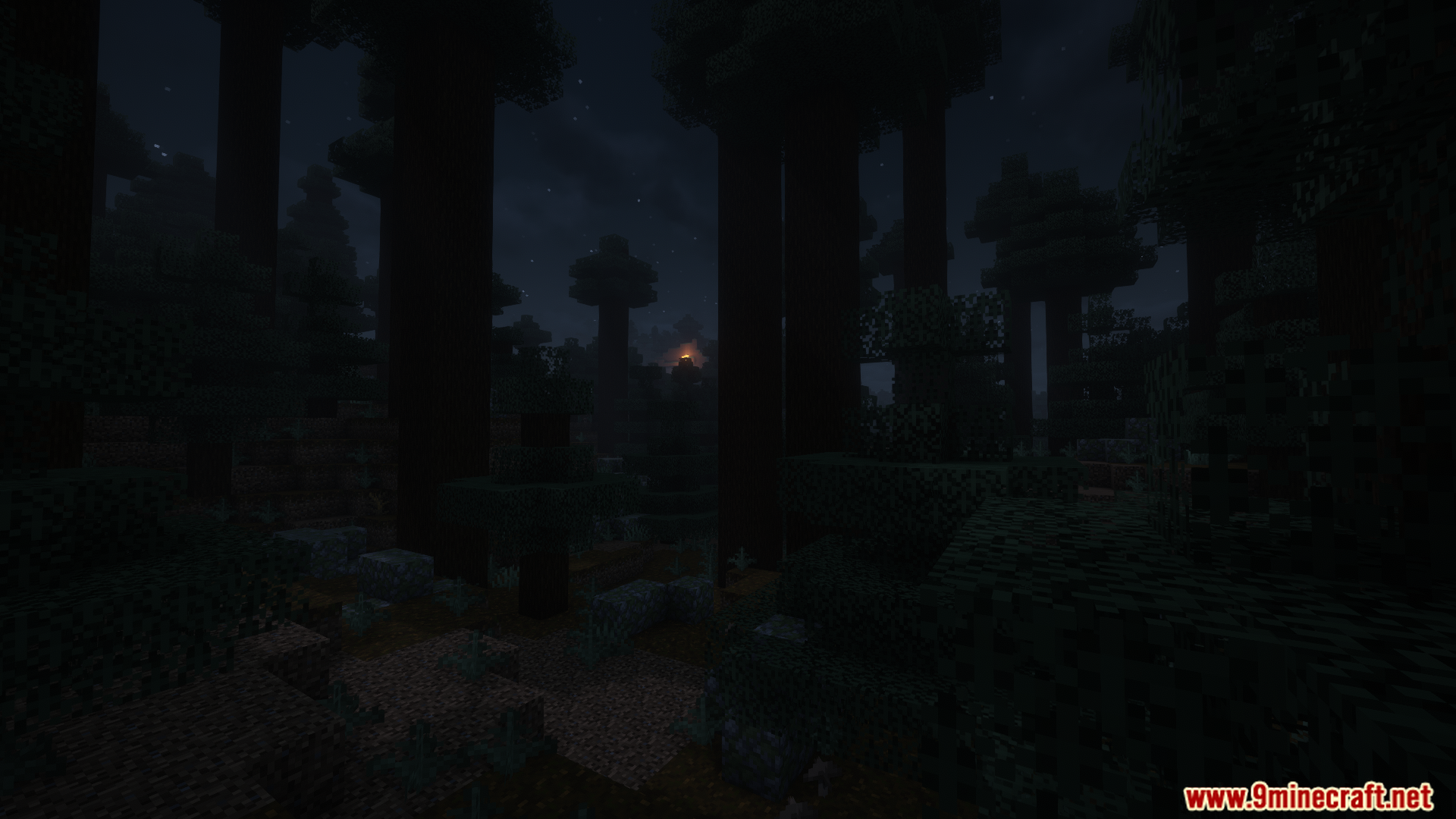
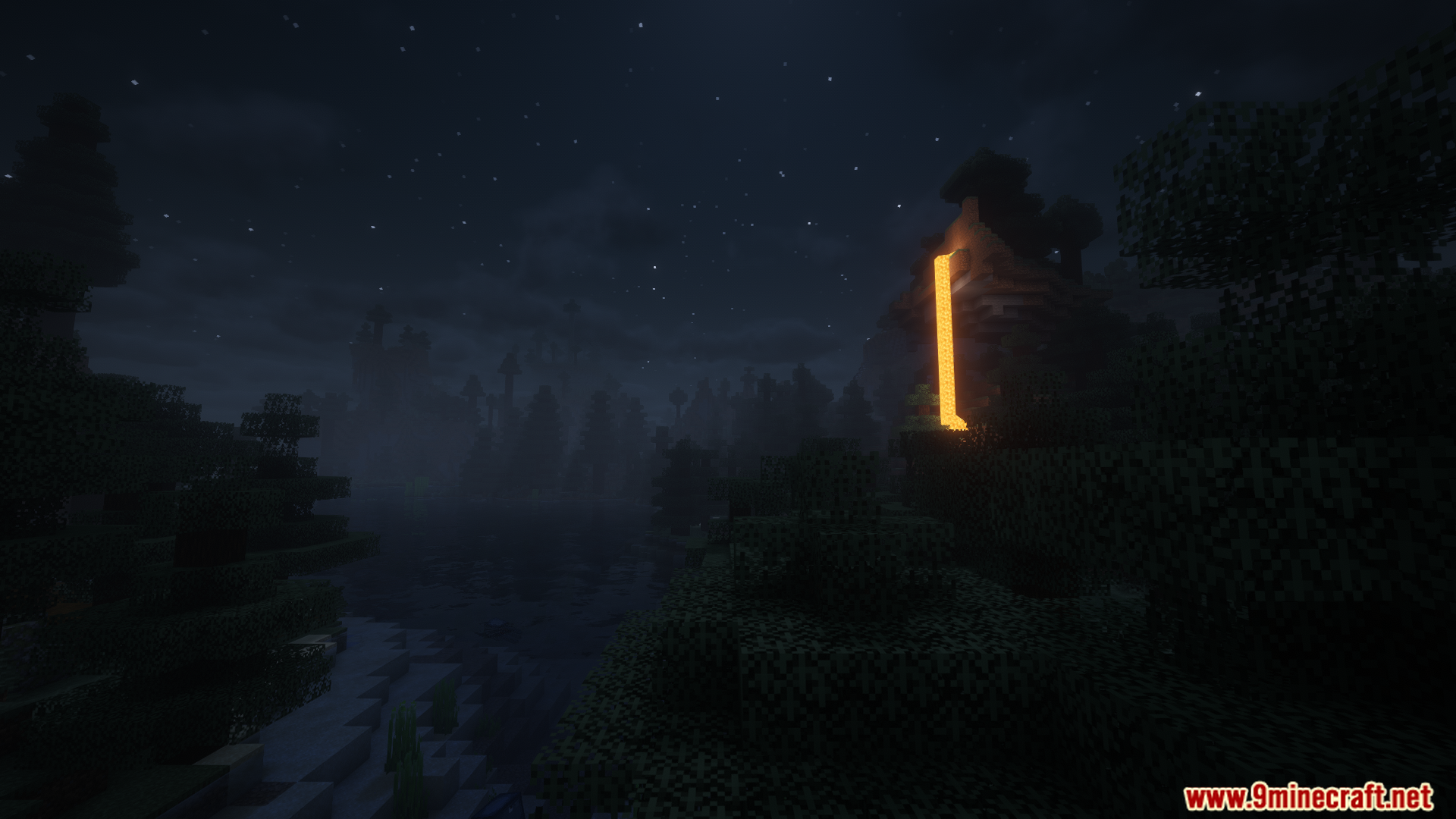
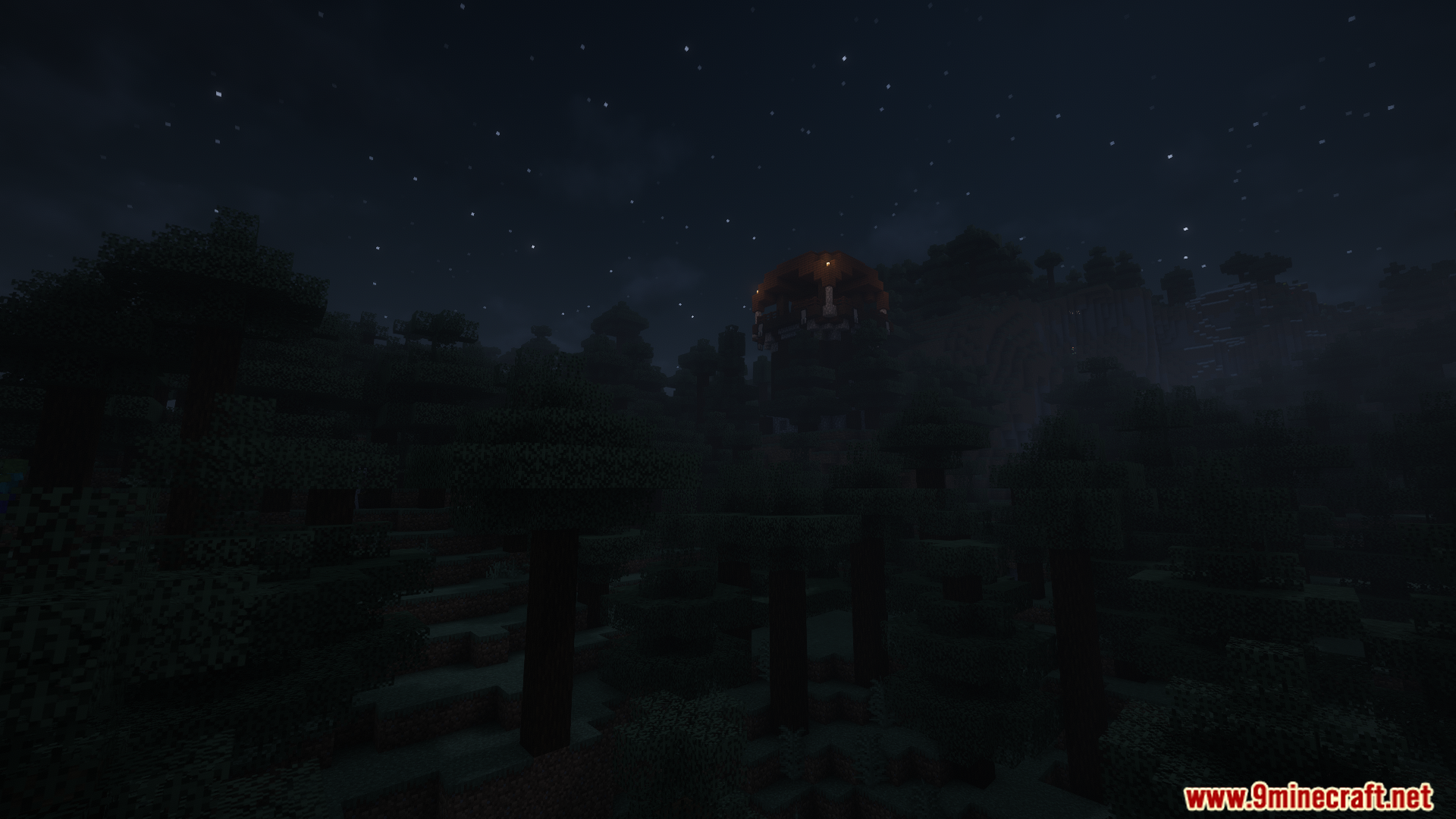
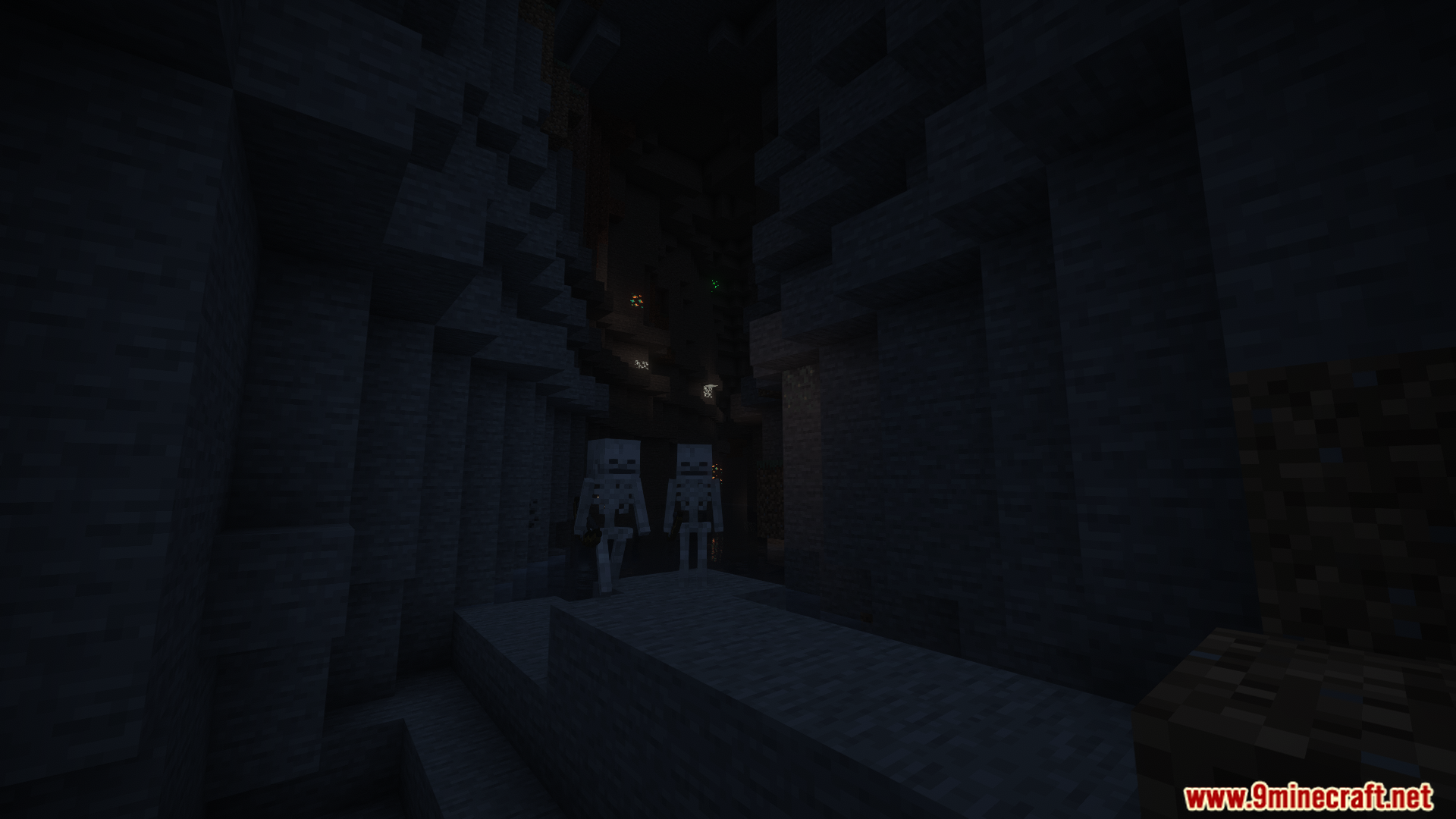
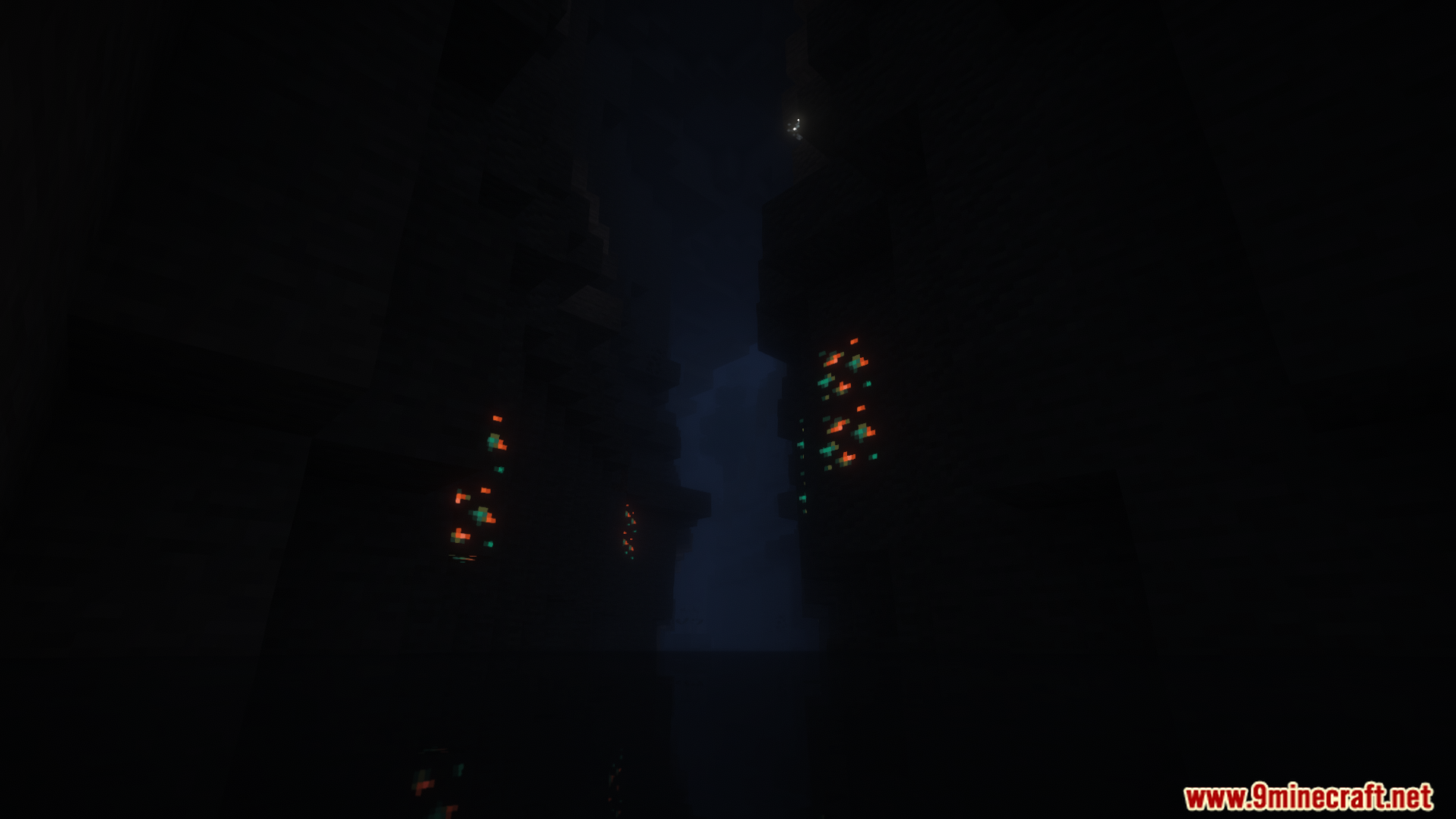
Tense Ambience Mod fills your world with new background sounds that create a spooky feeling. As you explore different places like dark forests or deep caves, the sounds will change. This makes every biome have its own unique and tense atmosphere, especially at night.
Features:
- Adds new, creepy background sounds to many different biomes.
- Makes exploring at night feel more tense and scary.
- Plays random spooky sound effects to keep you on edge while you play.
- Sounds change smoothly as you travel from one area to another, like from a forest to a cave.
- Works in all three main dimensions: the Overworld, the Nether, and the End.
- Lets you turn off sounds for specific biomes in the settings.
- You can even add your own custom sounds using MP3 files.
Configuration:
This mod adds a config file to let you change its settings. The file is named tenseambience-client and is located in your main .minecraft/config folder.
Important: When you update the mod to a new version, you must delete the old config file.
You can adjust several options:
- Ambience at Day: Decide if scary sounds should play during the day.
- Transition Fade Duration: Control how long it takes for sounds to change when you enter a new biome.
- Shader Support: Turn this on if you use shaders. It makes the sound volume change when you hold a torch.
- Disable Ambience: A switch to turn off all the mod’s sounds.
- Biome Options: You can also turn off sounds for specific biomes.
Here is an example of the settings in the config file:
["Config for Tense Ambience Mod"]
	#Play the ambience also during the day?
	"Ambience at Day" = false
	#How long should the transition fade between biomes take (in seconds)?
	#Range: 0.1 ~ 60.0
	"Transition Fade Duration" = 13.0
	#Should enable shader support? (For changing the ambience volume when holding a torch)
	"Shader Support" = false
	#Completely disable all ambient sounds and updates (performance stabilization)
	"Disable Ambience" = false
Screenshots:


How to Install:
New to Minecraft? Follow our step-by-step guide to install Mods on your PC.View Guide
Tense Ambience Mod Download Links
For Minecraft 1.21.8, 1.21.7, 1.21.6
Forge version: Download from Server 1 – Download from Server 2
Fabric version: Download from Server 1 – Download from Server 2
For Minecraft 1.21.1, 1.21, 1.20.6
Forge version: Download from Server 1 – Download from Server 2
Fabric version: Download from Server 1 – Download from Server 2
For All Versions from Minecraft 1.18 to Minecraft 1.20.4
Forge version: Download from Server 1 – Download from Server 2
Fabric version: Download from Server 1 – Download from Server 2
You May Also Like













This post has no comments yet. Be the first — your comment will appear here.