


Better Tooltips Mod (1.21.1, 1.21) – Know Exactly What Your Modded Items Do

 0
0 

🌐 Read this article in your language! Choose your preferred language below.
Or pick the one you like:
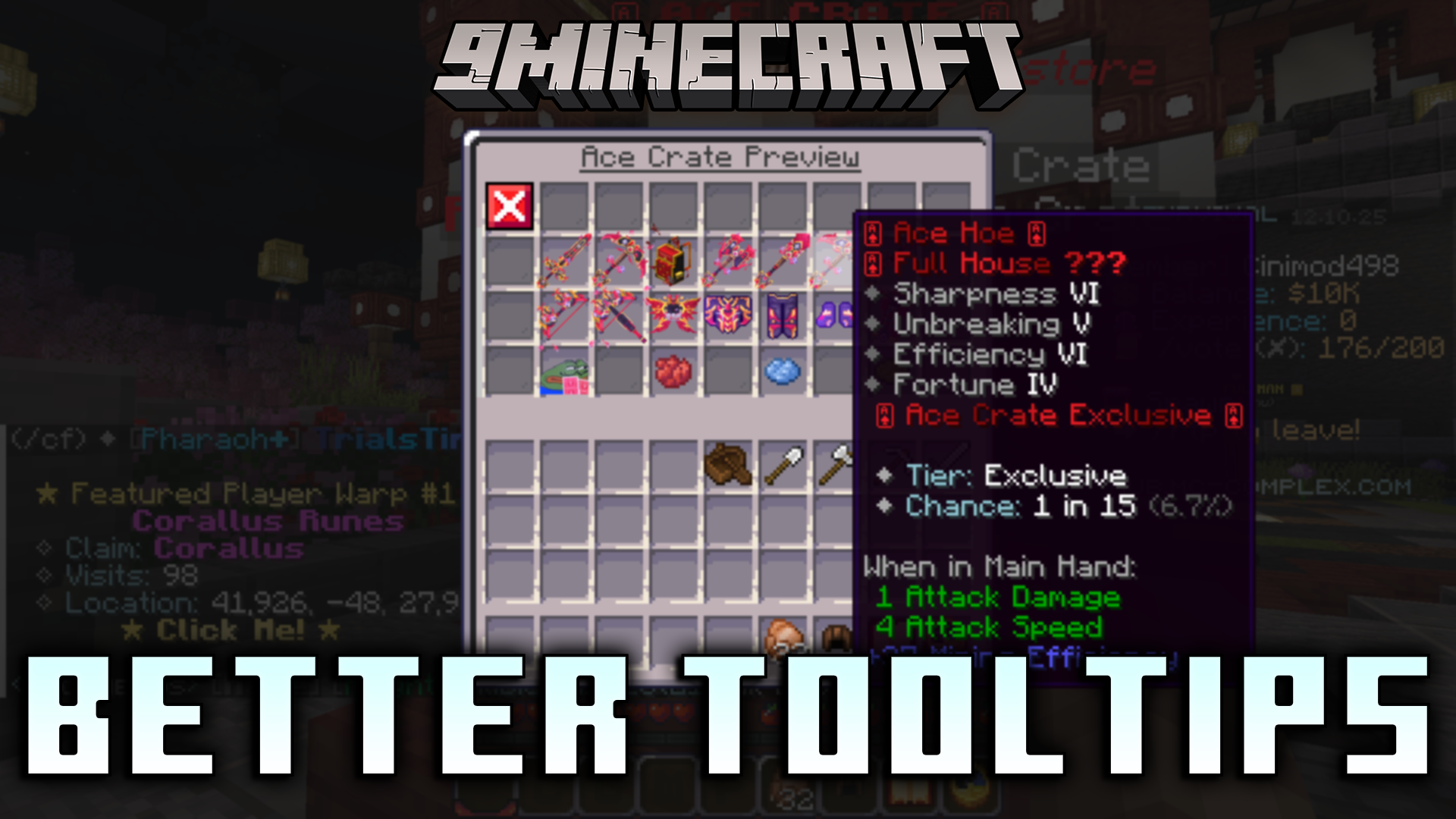
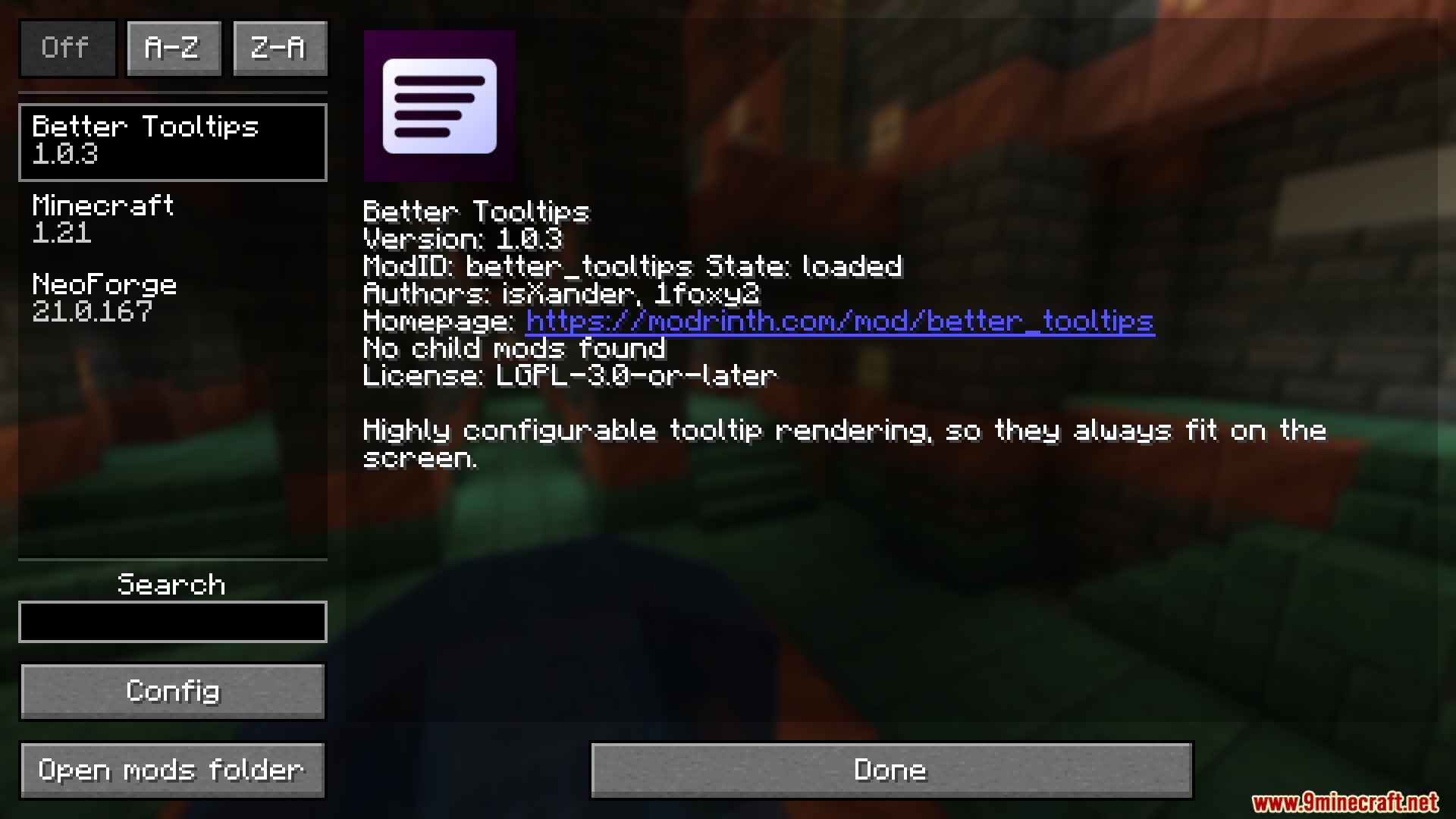
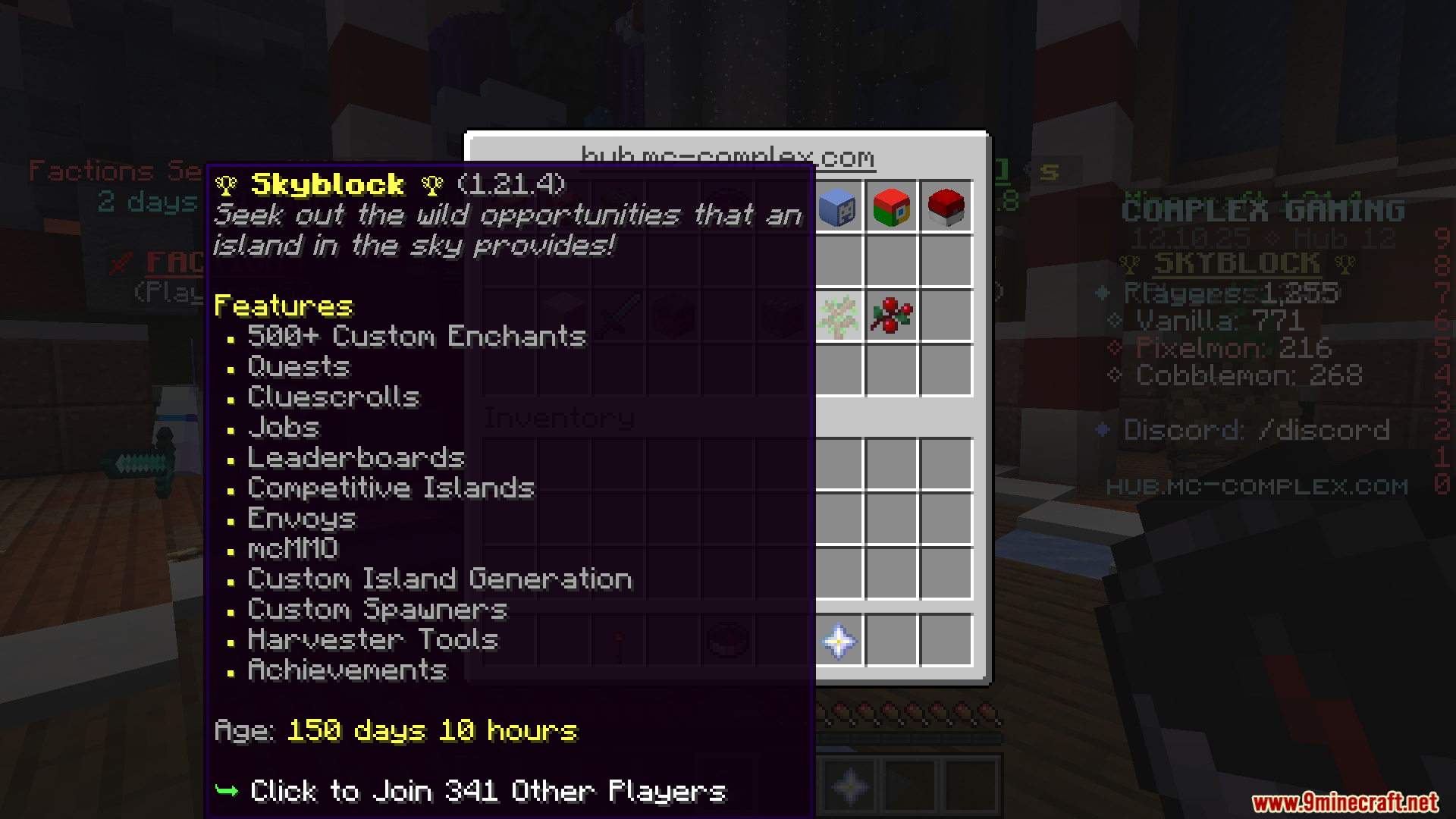
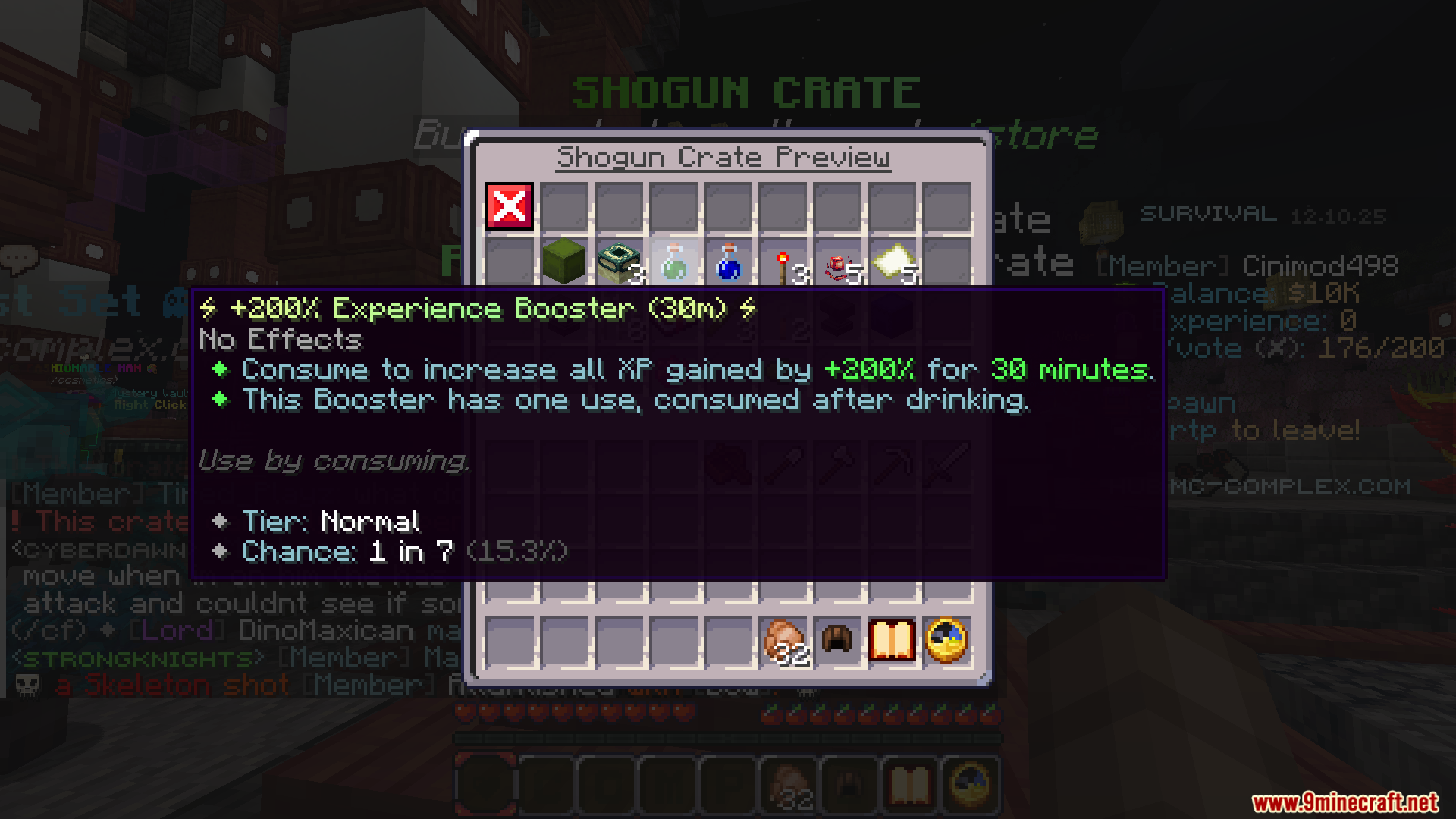
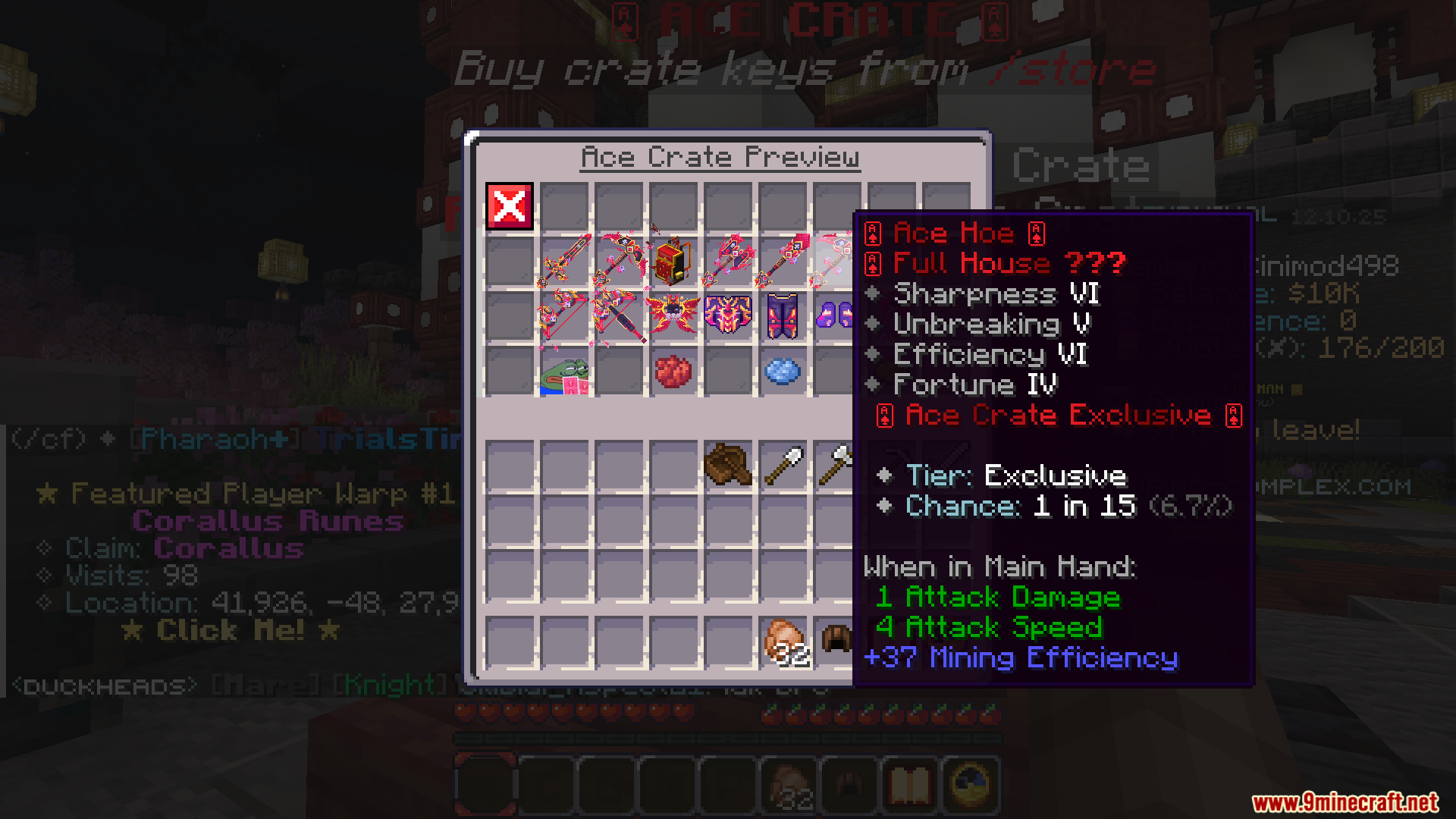
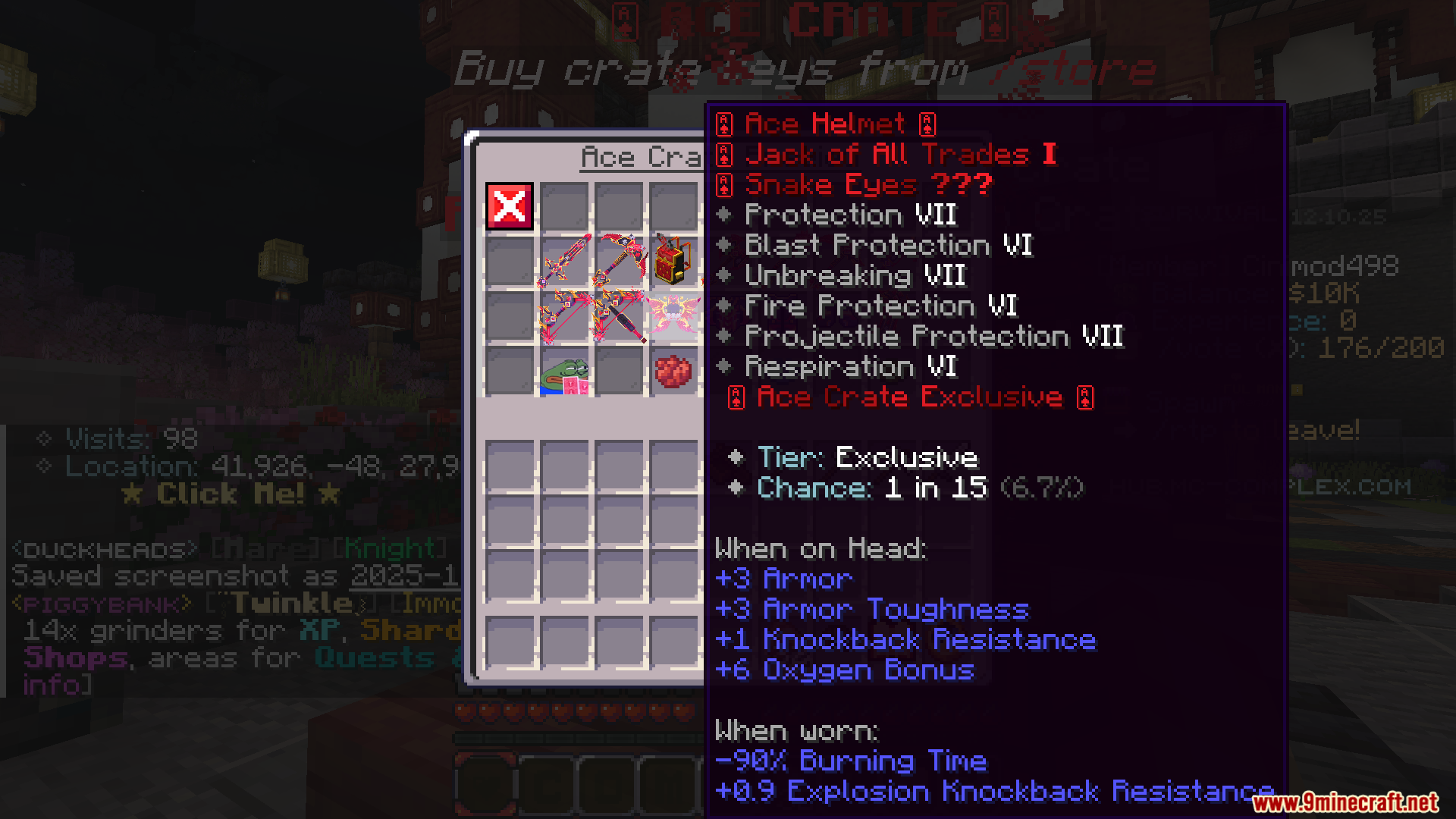
Better Tooltips Mod stops item descriptions from getting cut off at the edge of your screen. In vanilla Minecraft, tooltips can become too long or tall to read completely, especially when you have other mods installed. This mod fixes the problem by wrapping long lines of text so they fit better. It also adds scrolling for very large tooltips, making sure you can always see all the information.
Features:
- Stops long item descriptions from going off the screen by wrapping the text into multiple lines.
- Offers several text wrapping styles, like fitting text to half the screen or wrapping it smartly.
- Makes sure you always see the top of a very tall tooltip first, so you don’t miss important information.
- Lets you scroll up, down, left, and right through huge tooltips that don’t fit on the screen.
- Moves the tooltip to the middle of the screen if it’s too big to fit on the left or right, similar to Bedrock Edition.
- Pushes the tooltip into a corner as a last resort if it still won’t fit properly.
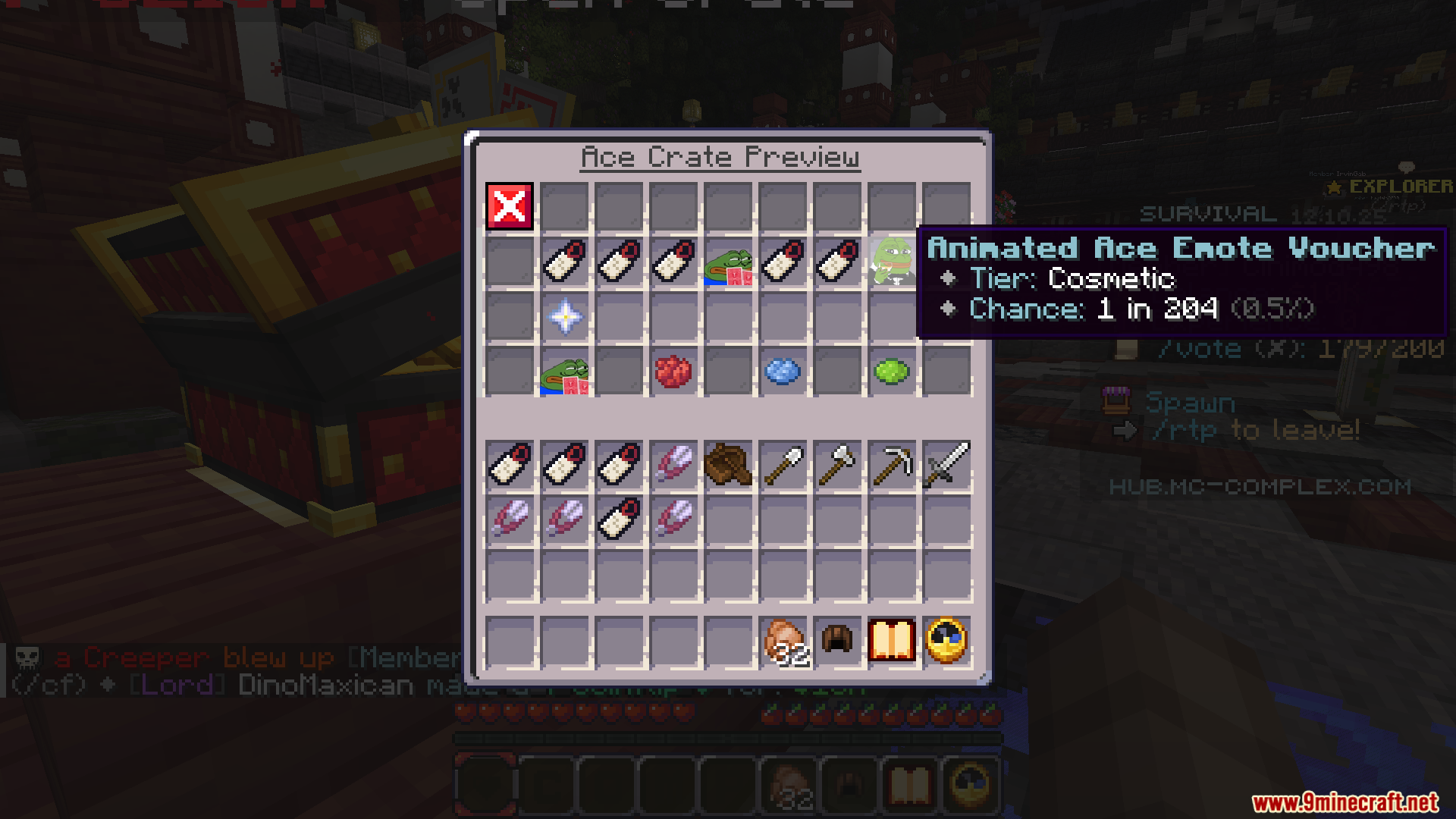
- You can change the transparency of tooltips, making them see-through so they don’t block your inventory view.
Screenshots:
How to Install:
New to Minecraft? Follow our step-by-step guide to install Mods on your PC.View Guide
Better Tooltips Mod Download Links
For Minecraft 1.21.1, 1.21
Forge version: Download from Server 1 – Download from Server 2
Click to rate this post!
[Total: 0 Average: 0]
You May Also Like


This post has no comments yet. Be the first — your comment will appear here.