


Armour Weight Mod (1.20.4, 1.19.2) – Trade Movement Speed for Defense
 198
198
 0
0


🌐 Read this article in your language! Choose your preferred language below.
Or pick the one you like:
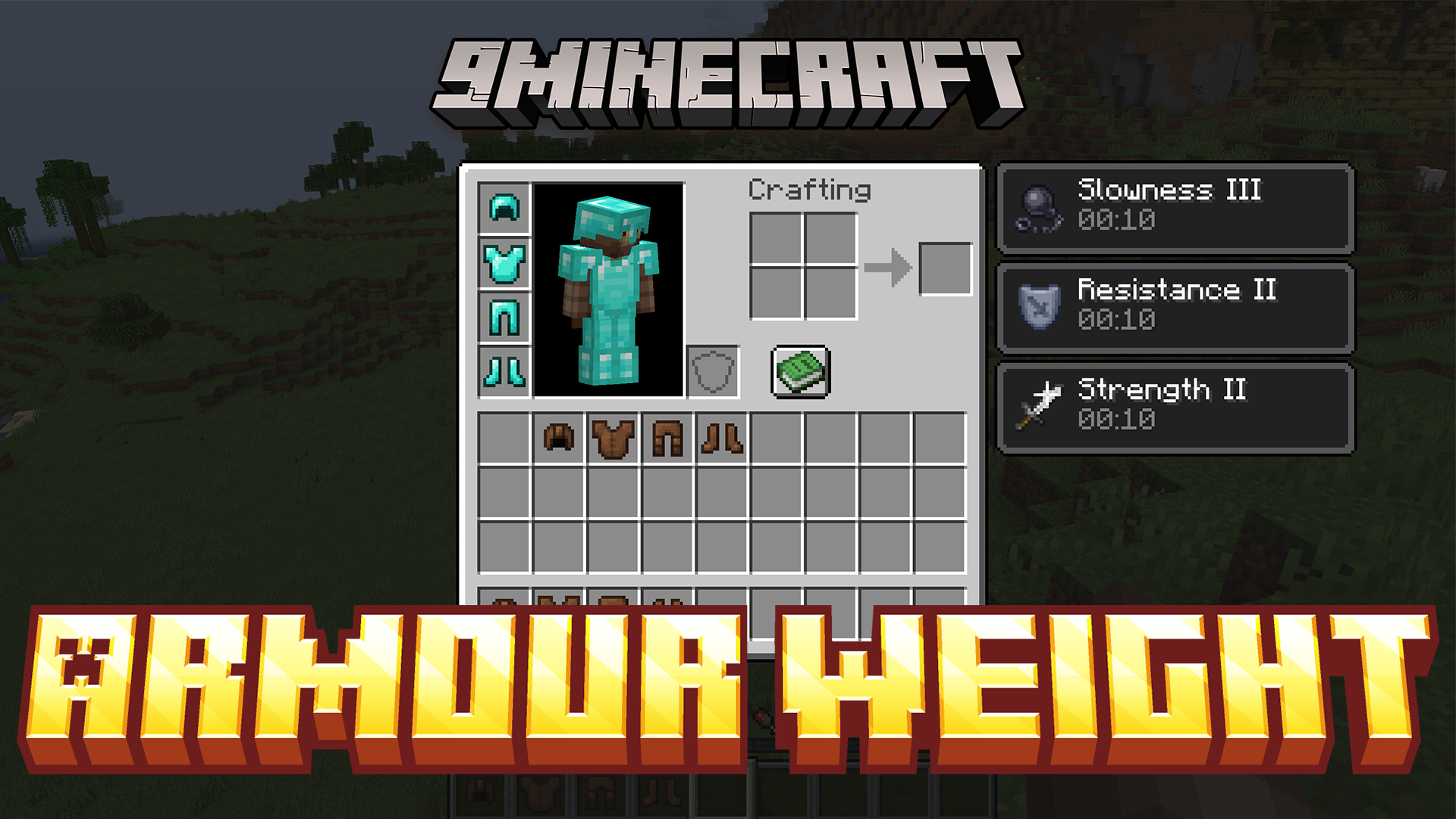
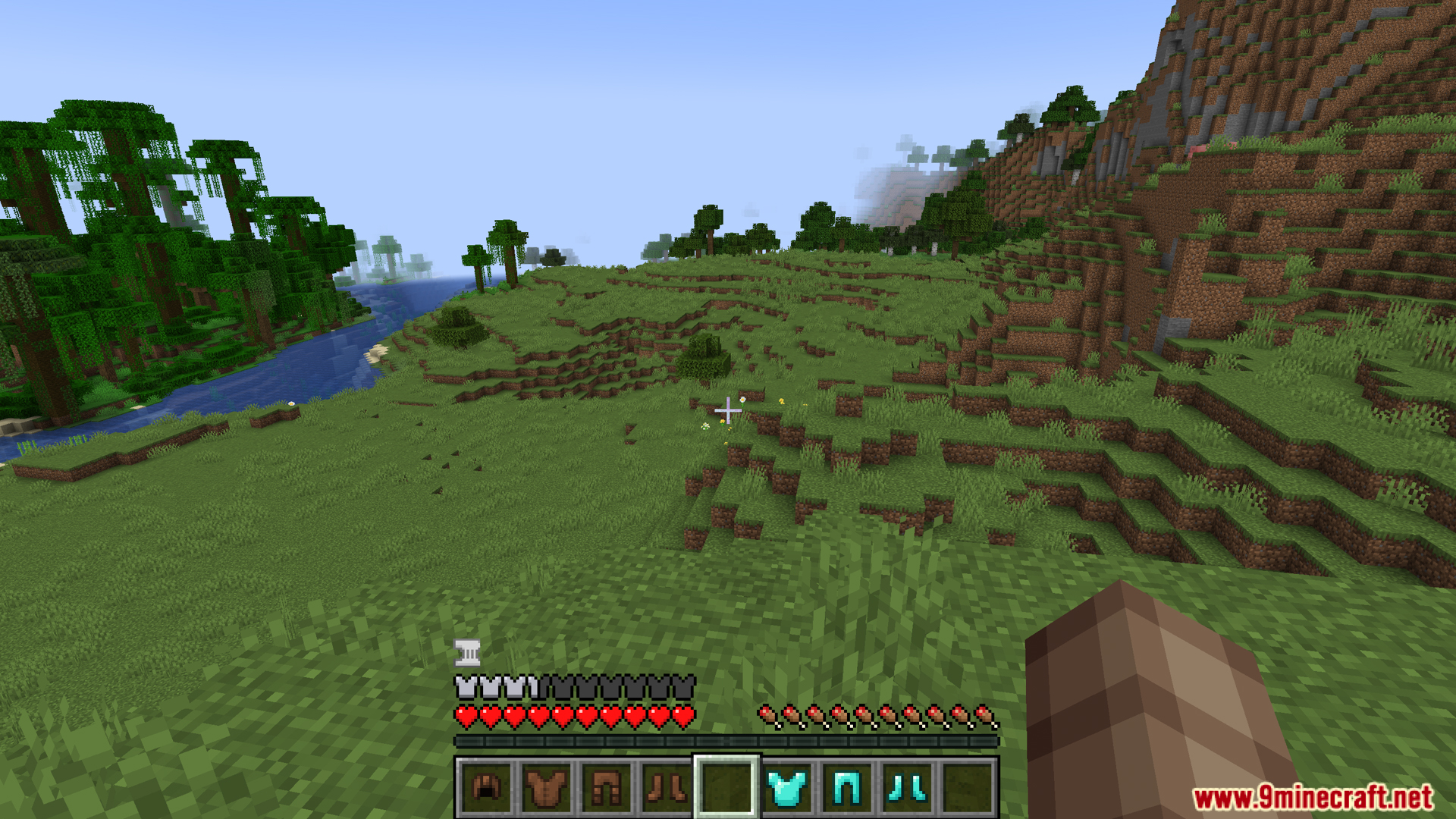
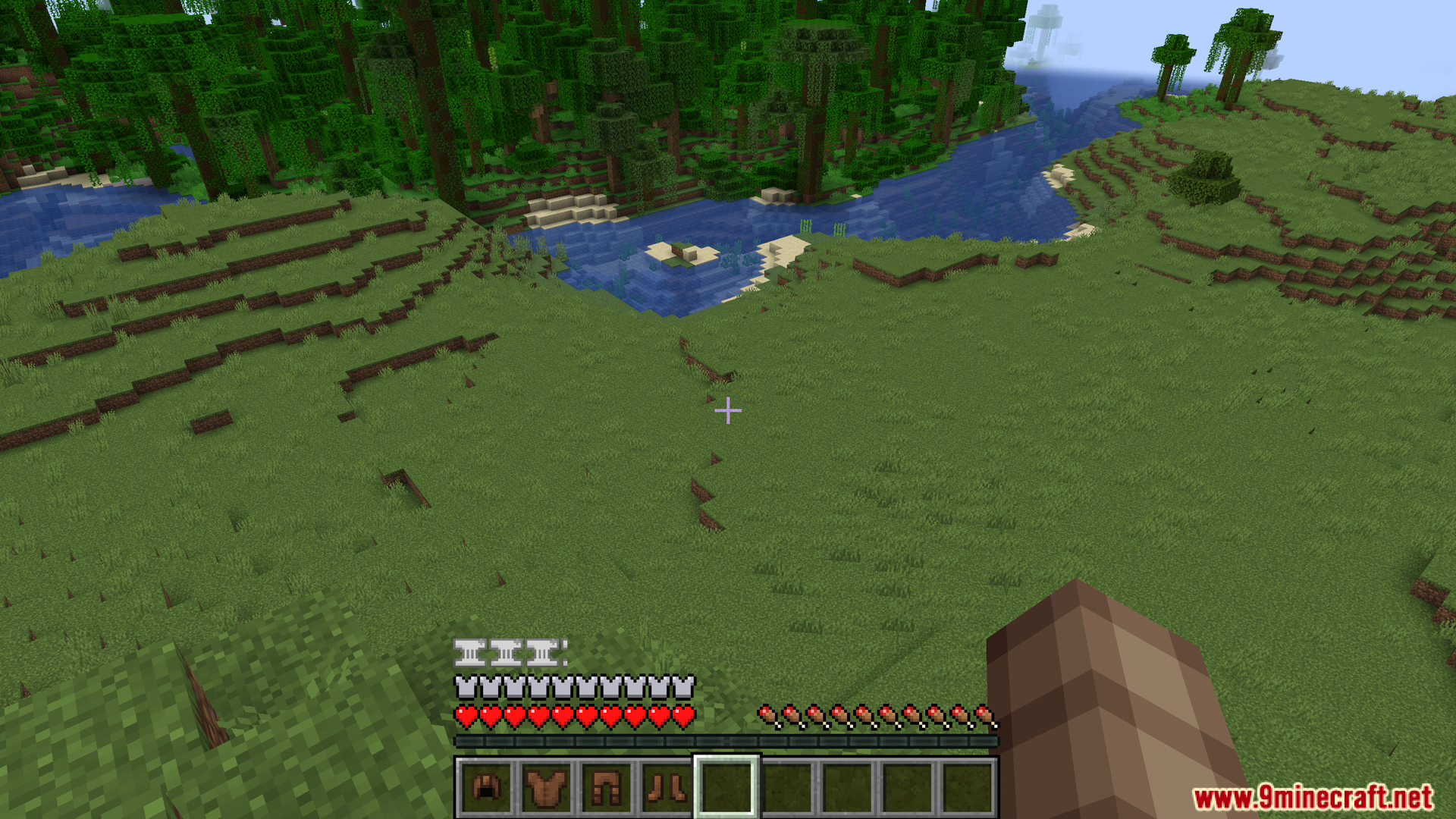
Armour Weight Mod reworks how you prepare for combat by adding a weight system to your gear. Instead of always putting on full Netherite armor, you must balance your defense with your movement speed. Heavy armor gives you more protection but causes slowness and other negative status effects. A new bar on your screen lets you watch your total weight, and this mechanic works with custom armor from other mods too.
Features:
- Speed vs. Defense: The Armour Weight Mod changes how you gear up for battle. Heavy armor gives you great protection but slows your movement speed down.
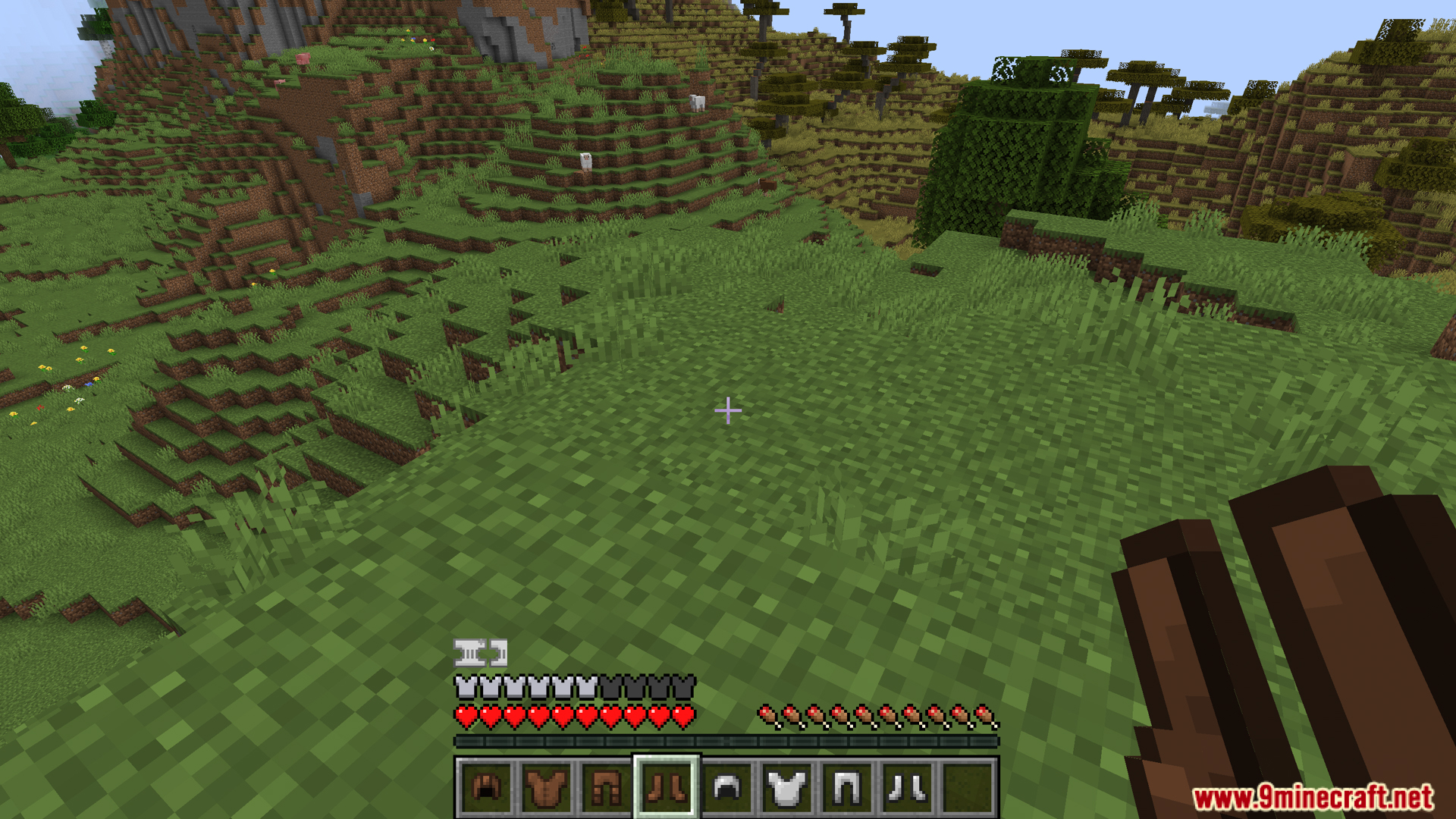
- HUD Weight Bar: Adds a visual bar to your screen so you can always see how heavy your current gear is.
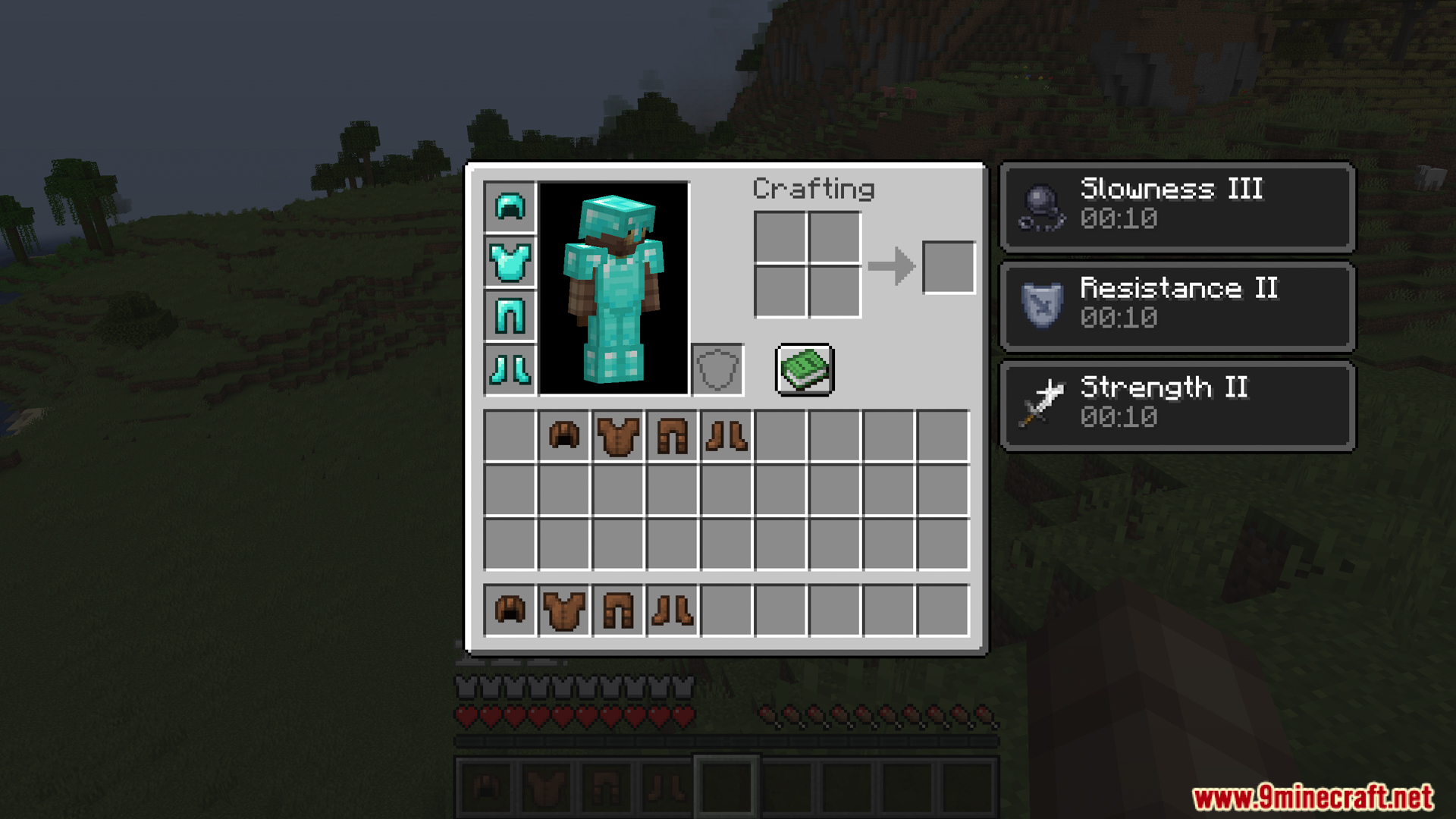
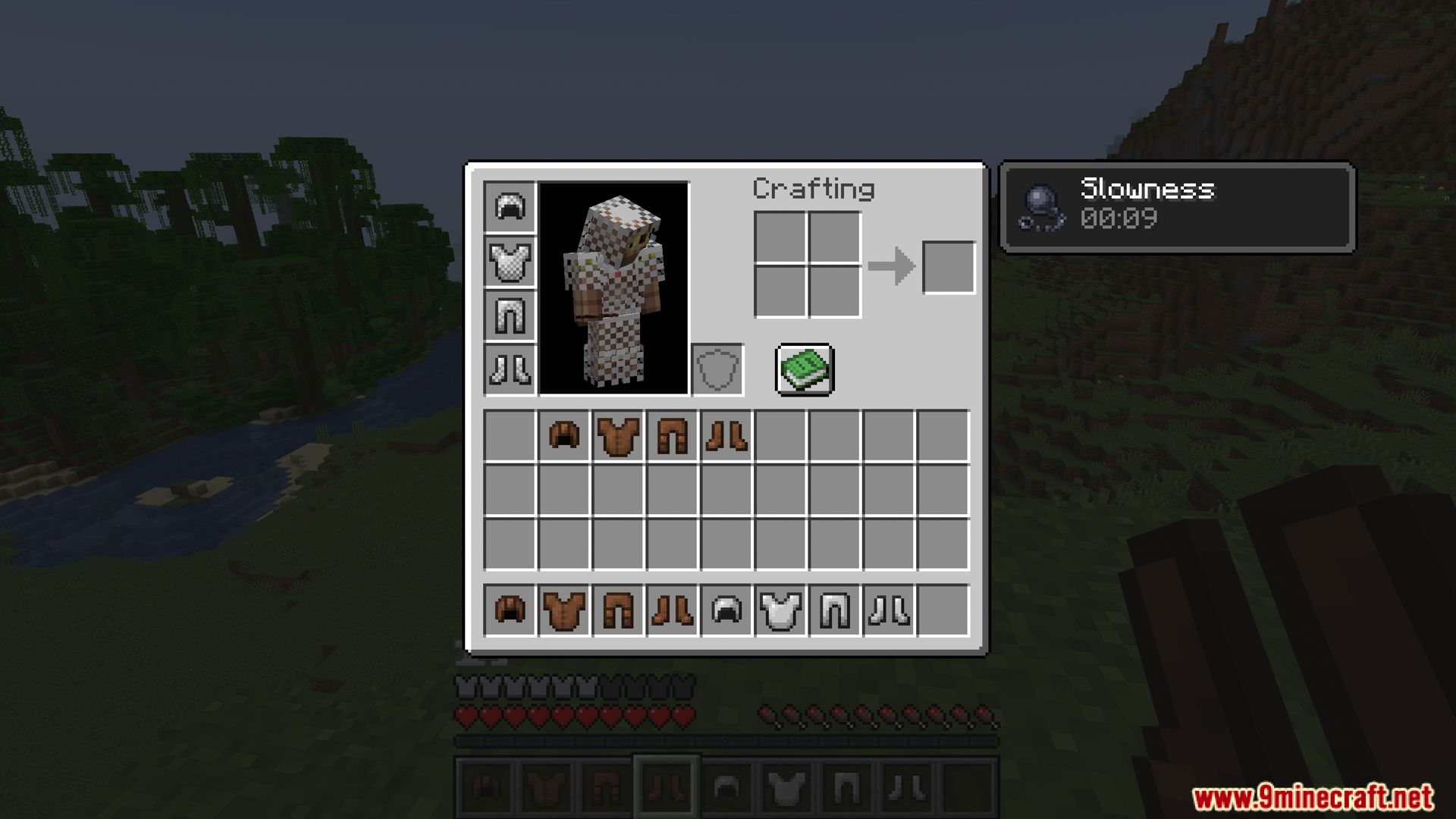
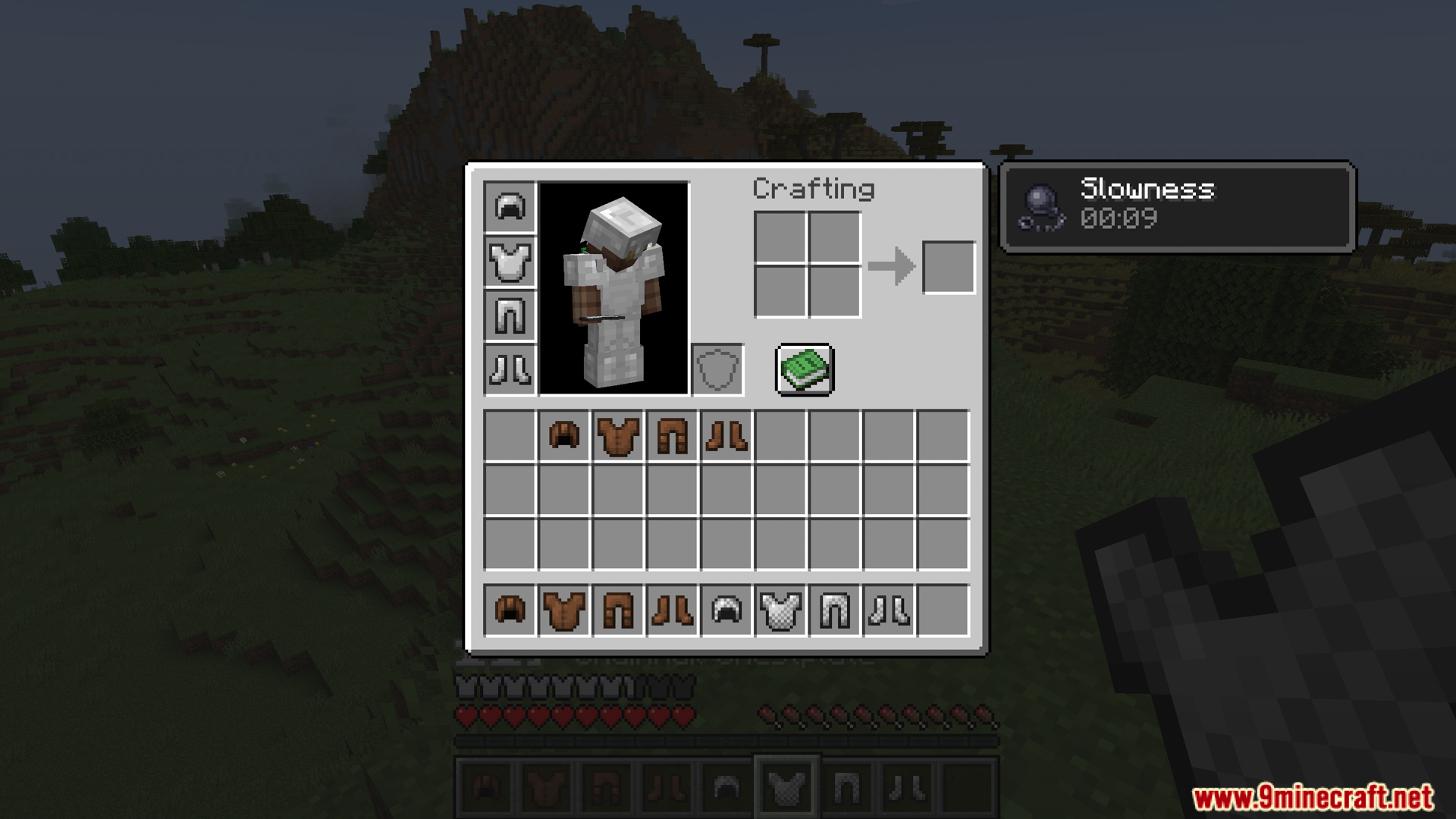
- Wearing heavy gear like full diamond or iron sets gives you a slowness effect, which shows up right in your inventory.
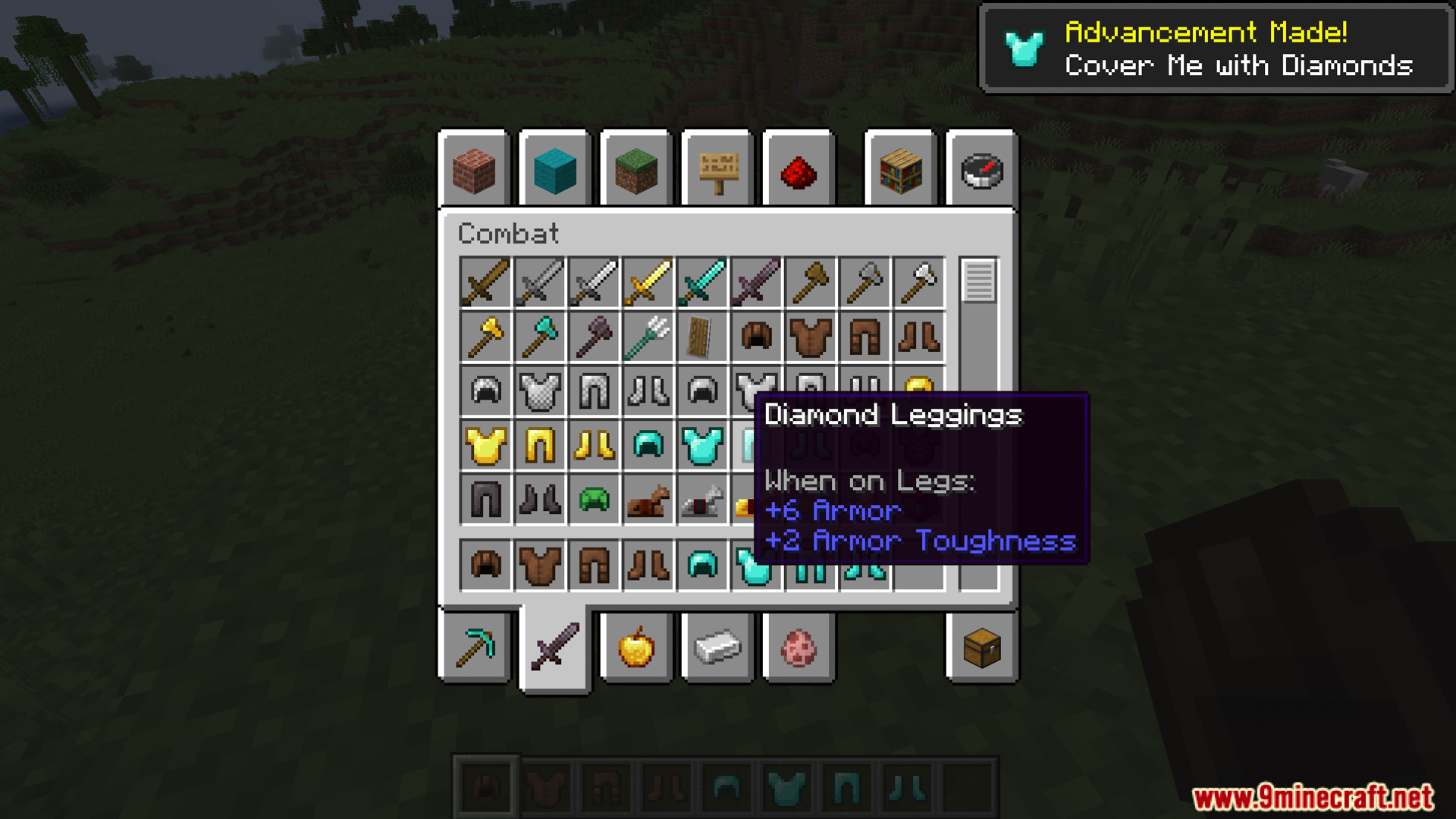
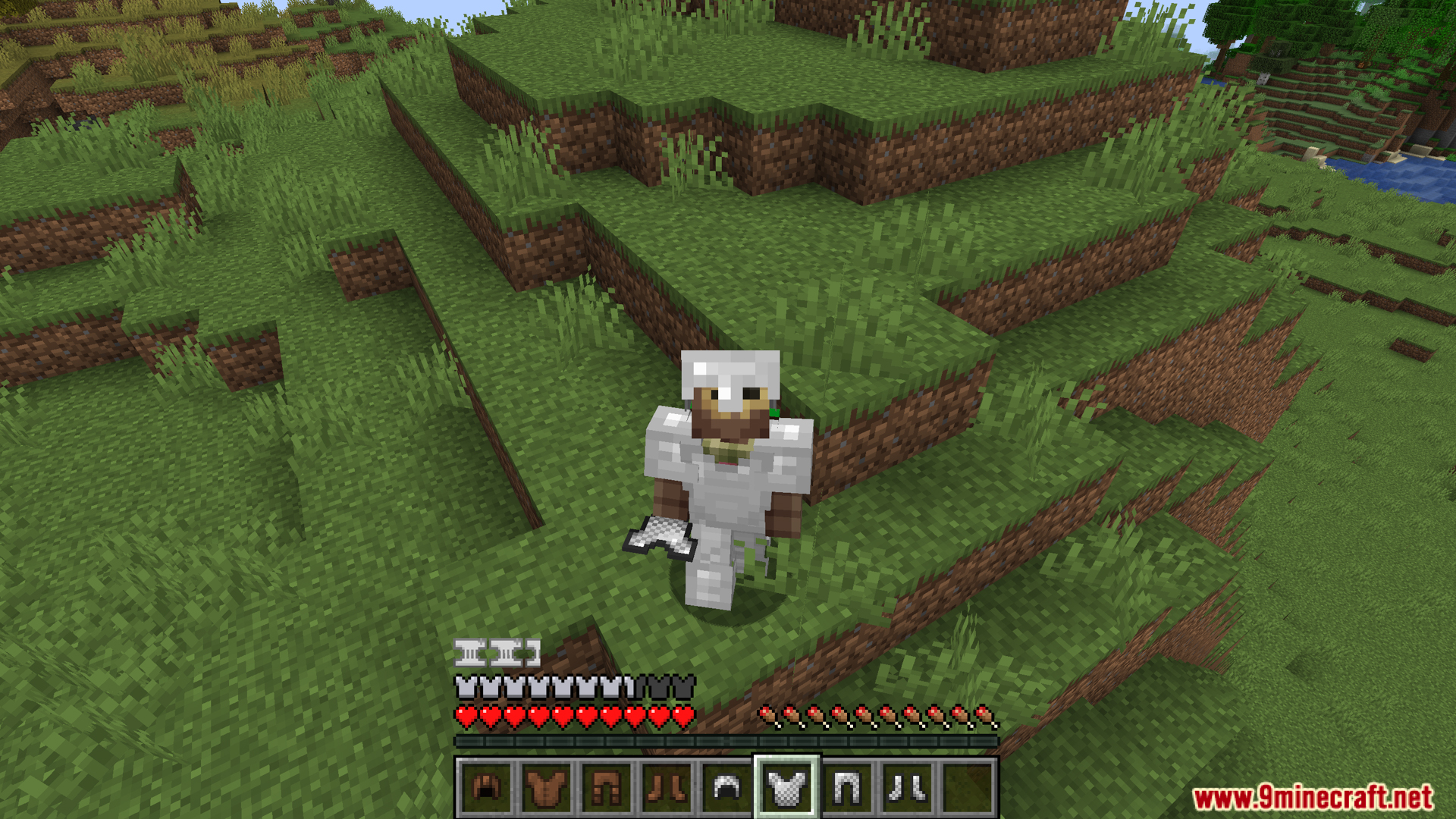
- Lets you mix and match light and heavy armor pieces to find the perfect setup for your playstyle instead of just wearing full Netherite.
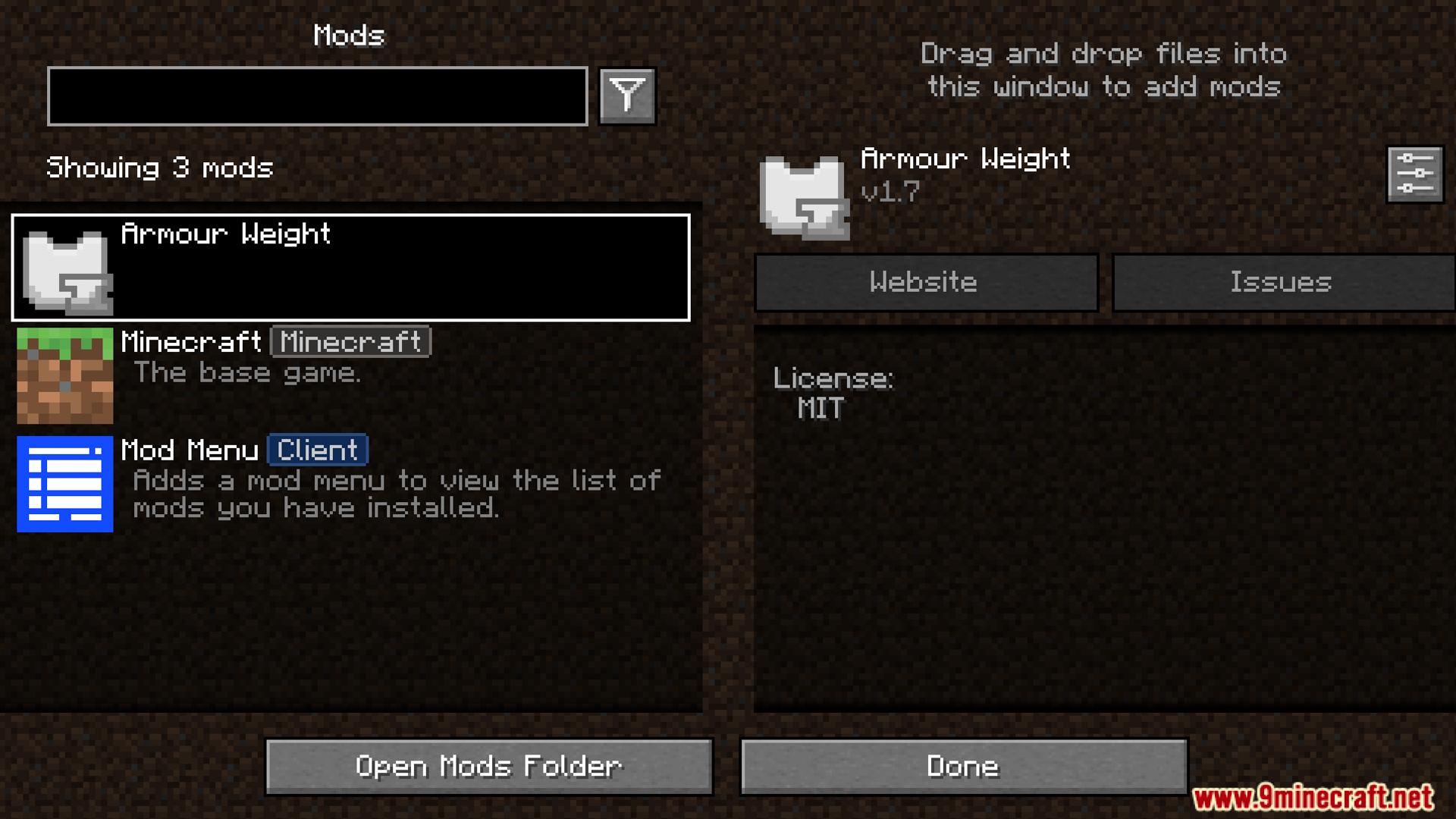
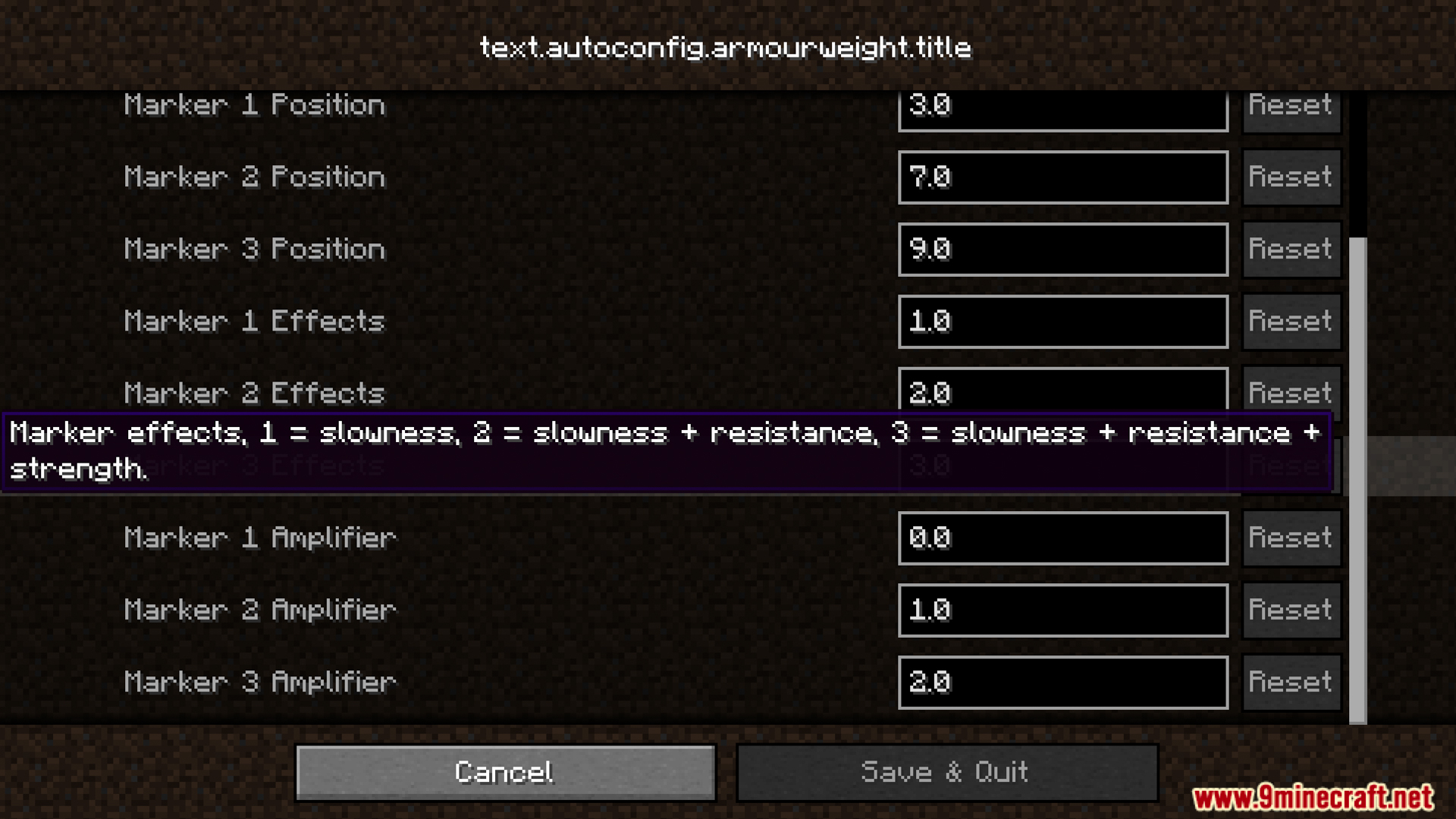
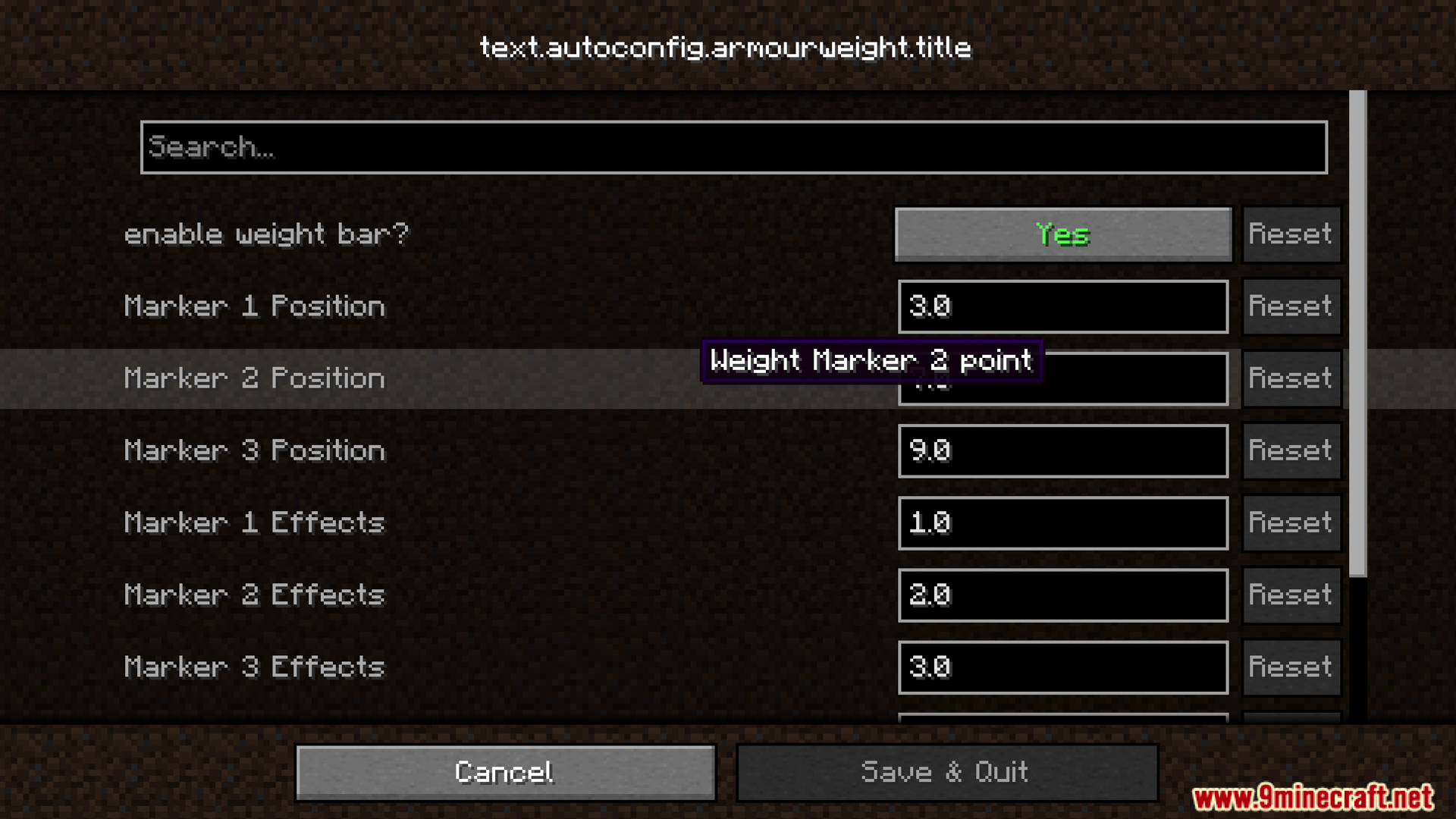
- Includes a settings menu where you can change how the Armour Weight Mod effects and markers work.
- Calculates weights automatically for items from other mods if they do not have a set weight value.
- Allows you to change the weight of any armor piece using simple datapacks.
Screenshots:
How to Install:
New to Minecraft? Follow our step-by-step guide to install Mods on your PC.View Guide
Requirements:


Armour Weight Mod Download Links
For Minecraft 1.20.4, 1.20.2, 1.20.1, 1.20
Fabric version: Download from Server 1 – Download from Server 2
Quilt version: Download from Server 1 – Download from Server 2
For Minecraft 1.19.4, 1.19.2
Fabric/Quilt version: Download from Server 1 – Download from Server 2
Click to rate this post!
[Total: 0 Average: 0]
You May Also Like













This post has no comments yet. Be the first — your comment will appear here.