


Mini-Boss Boss Bars Mod (1.21.1, 1.20.1) – Stop Guessing Mini-Boss Health
 979
979
 0
0


🌐 Read this article in your language! Choose your preferred language below.
Or pick the one you like:
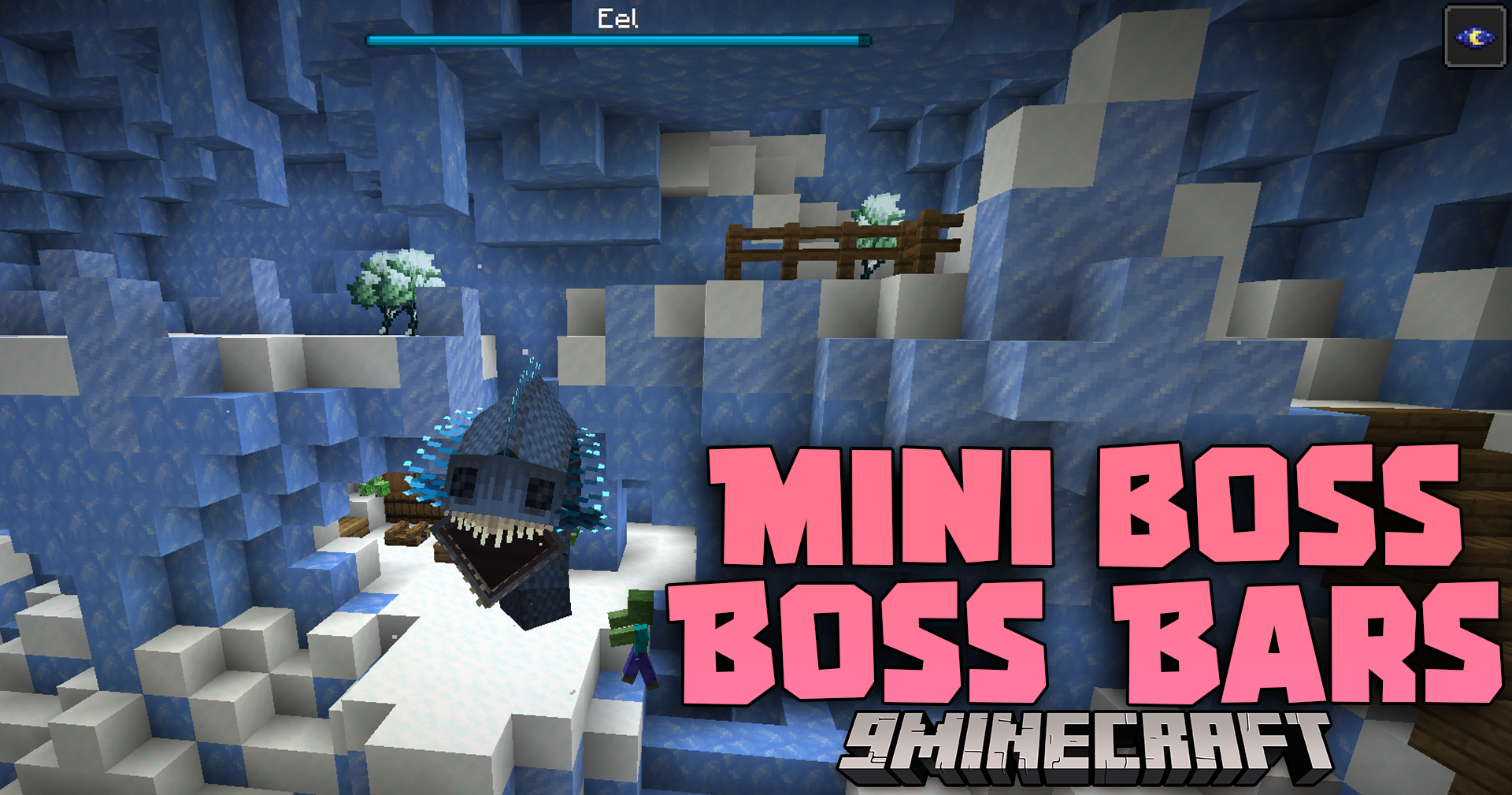
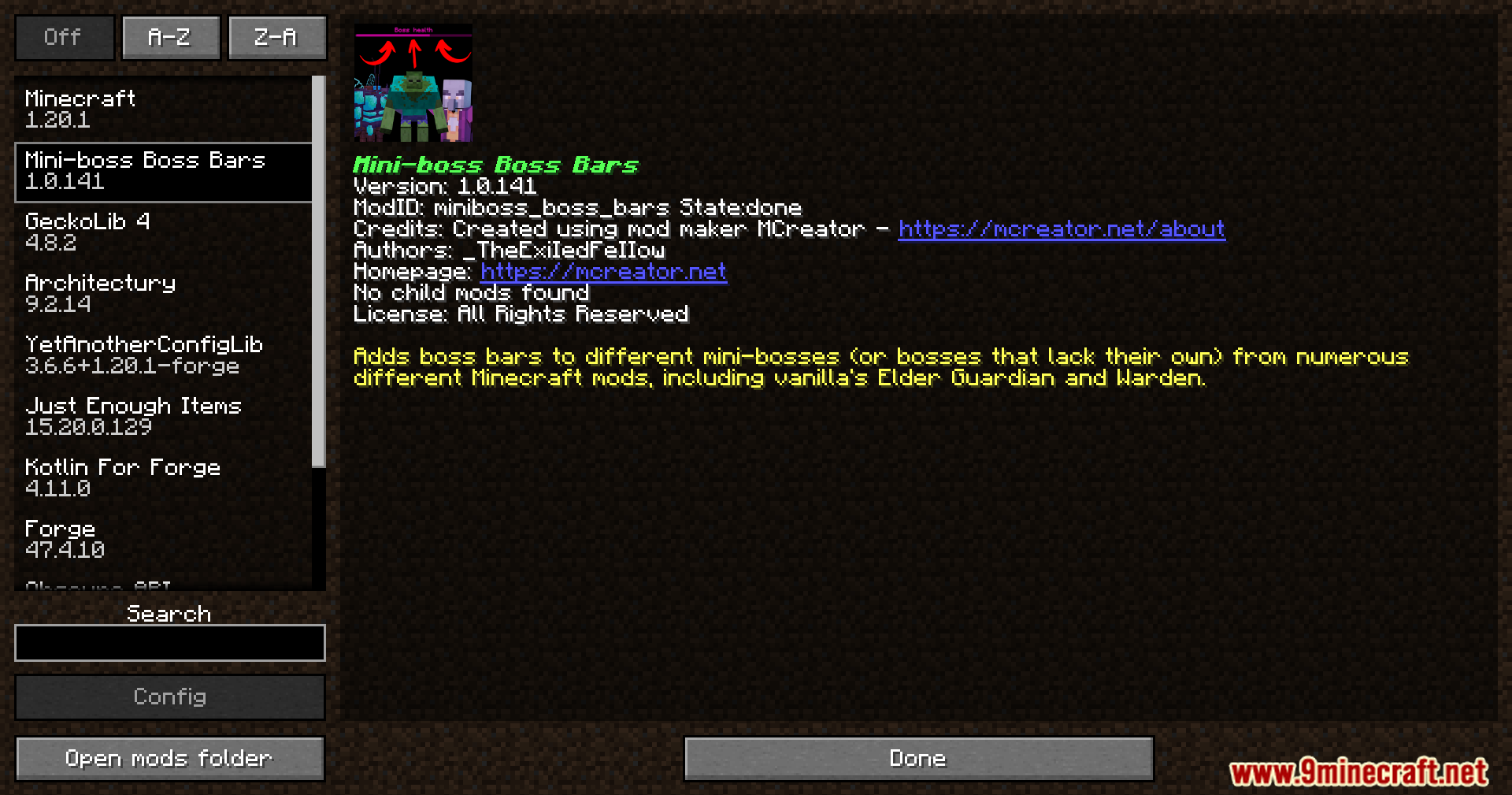
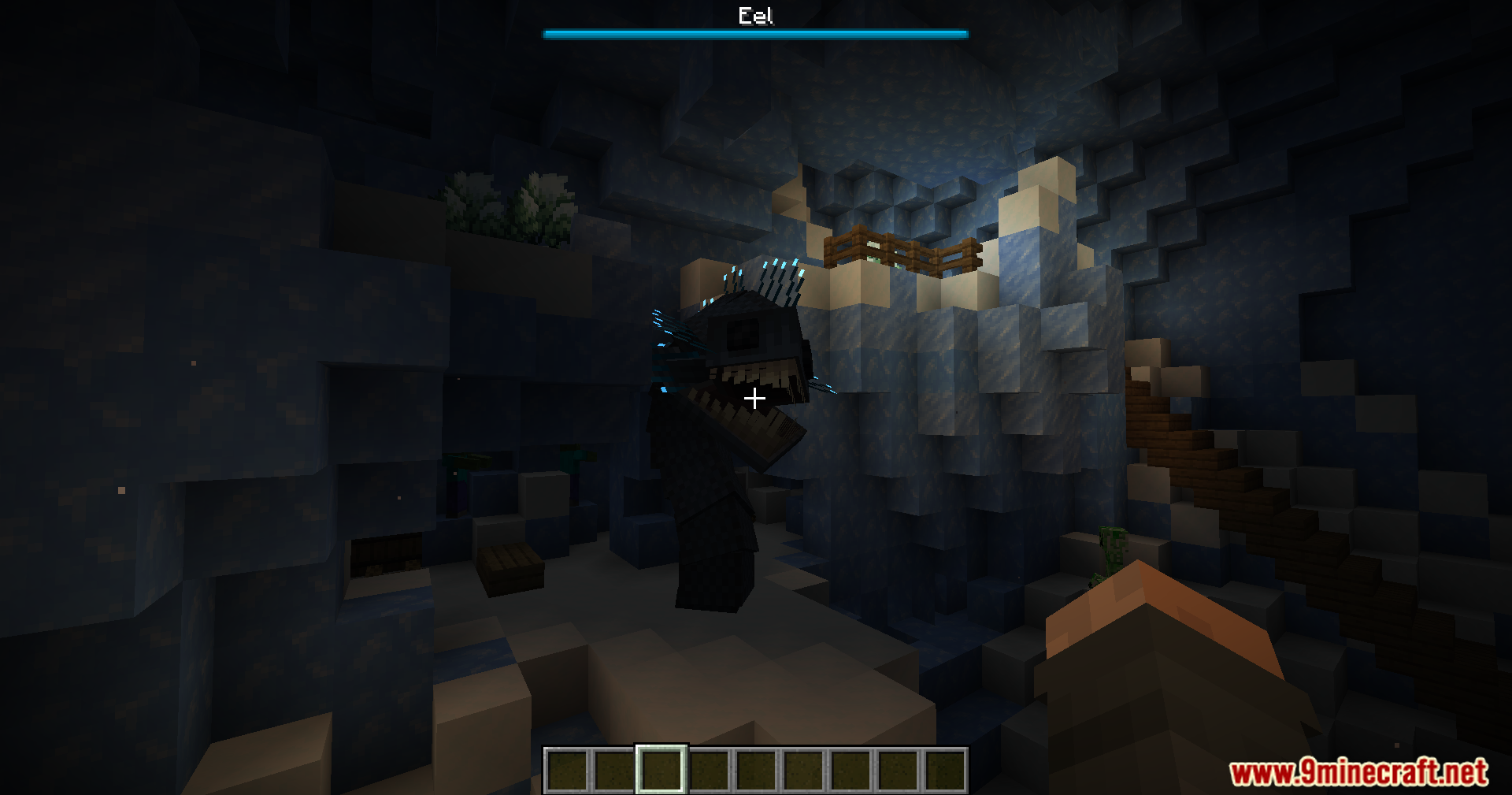
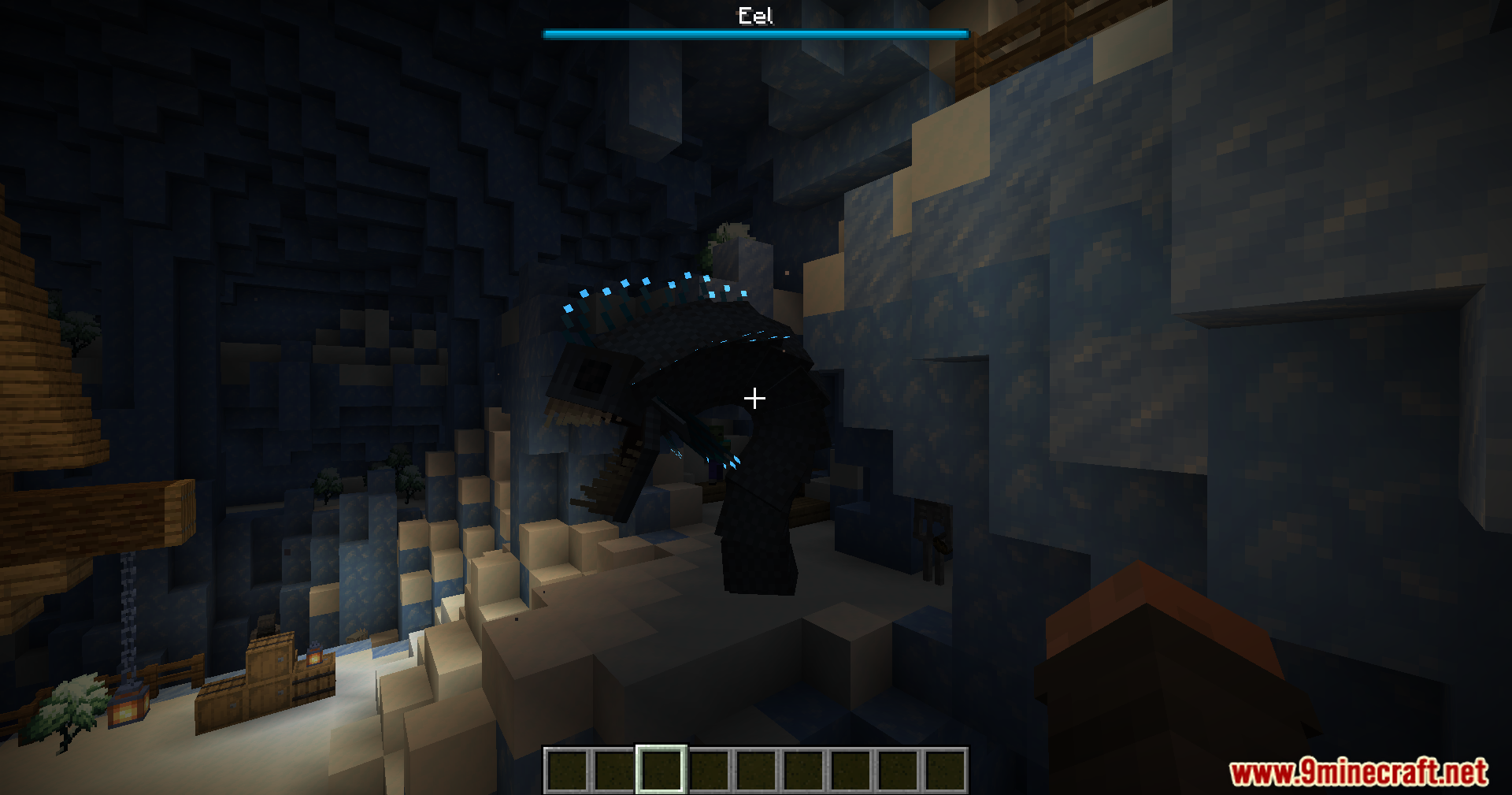
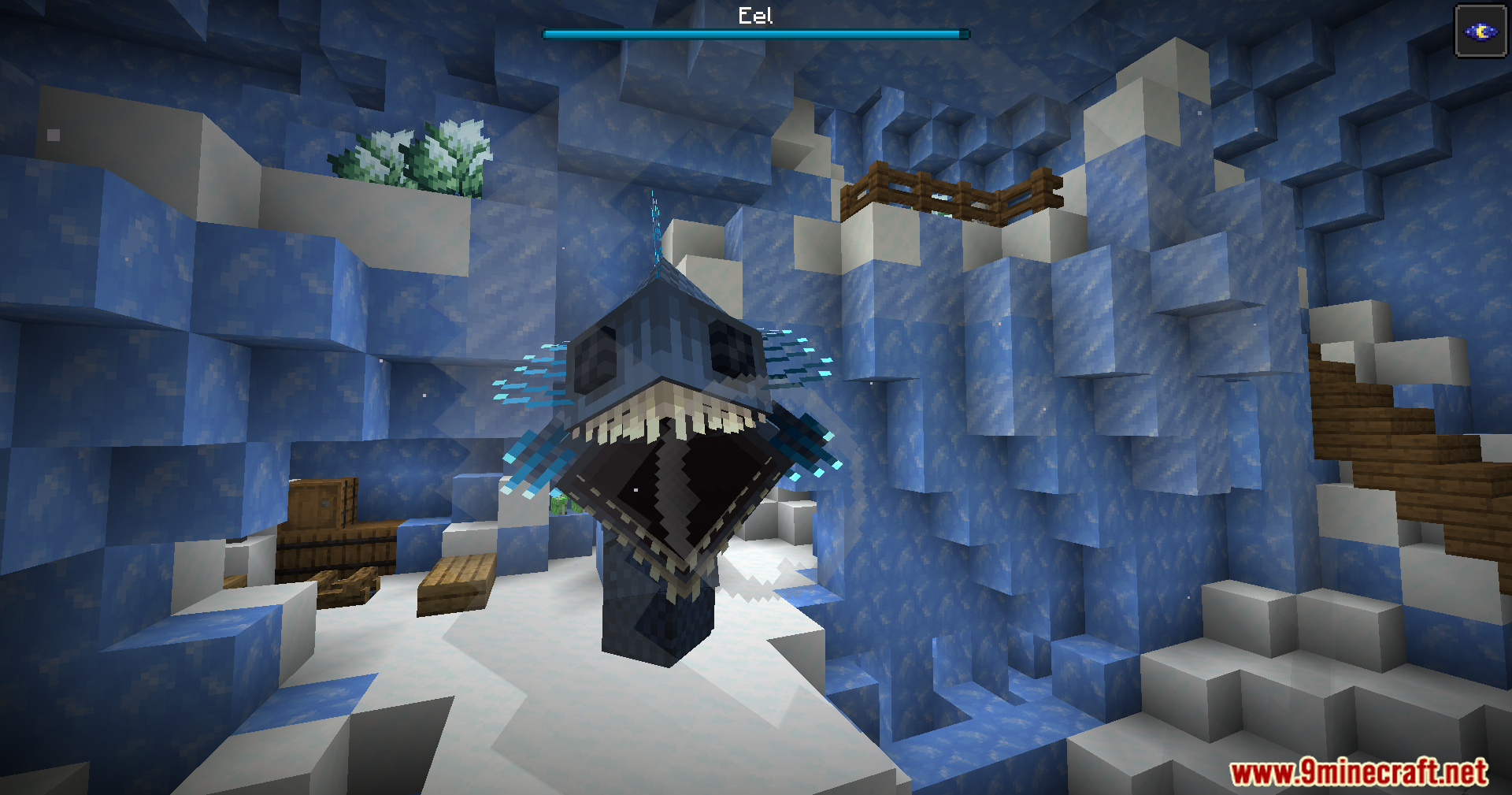
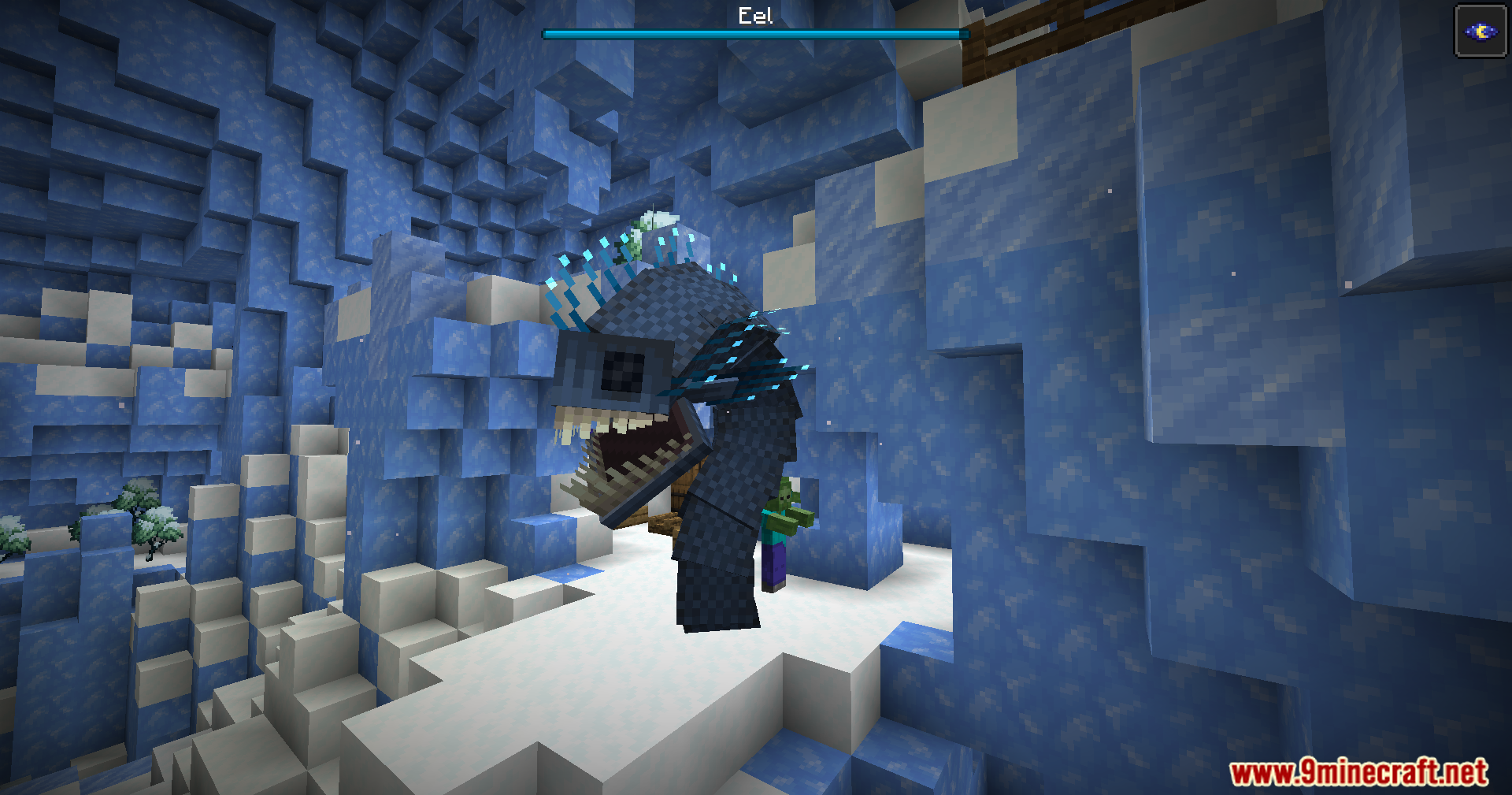
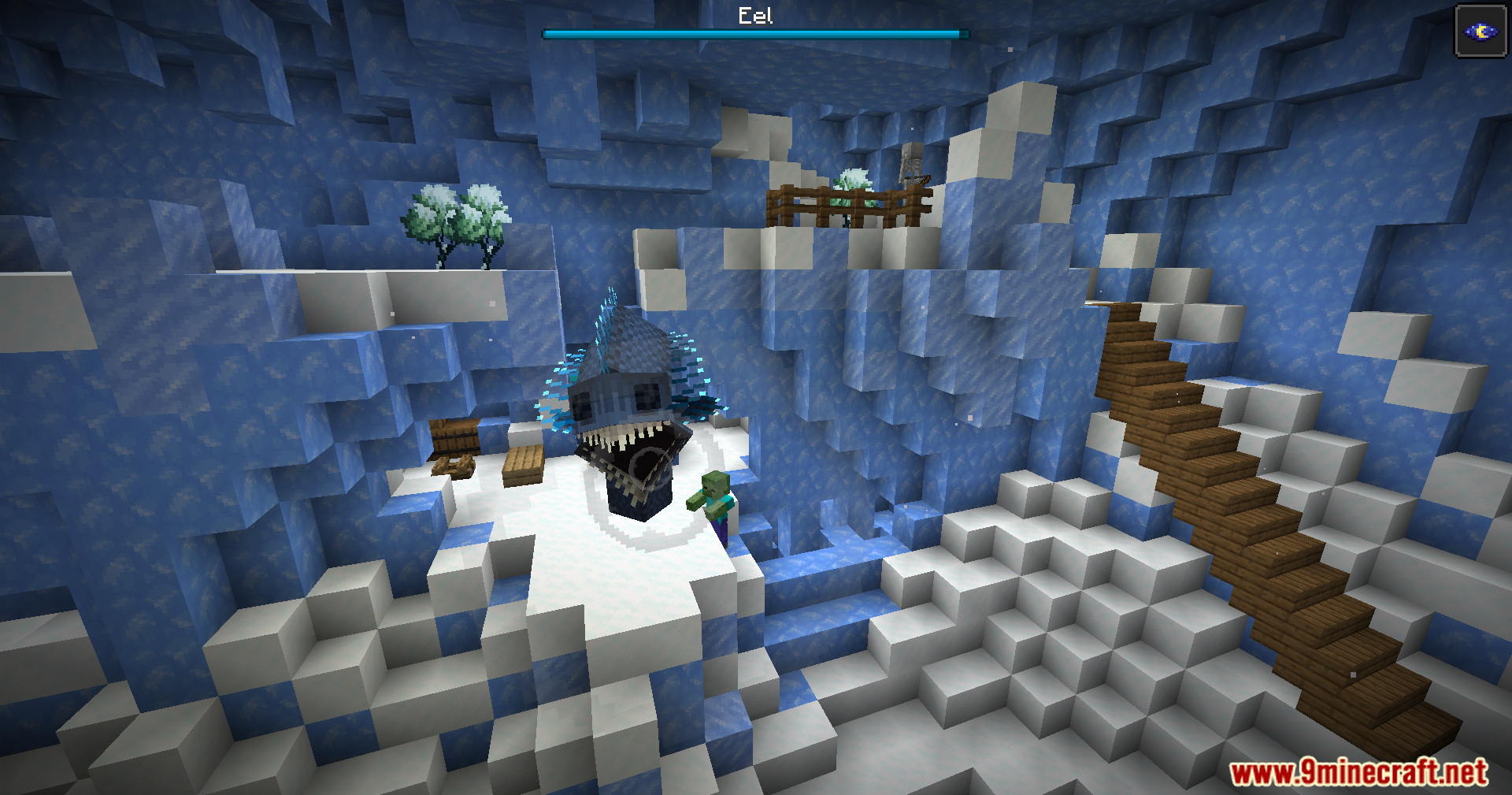
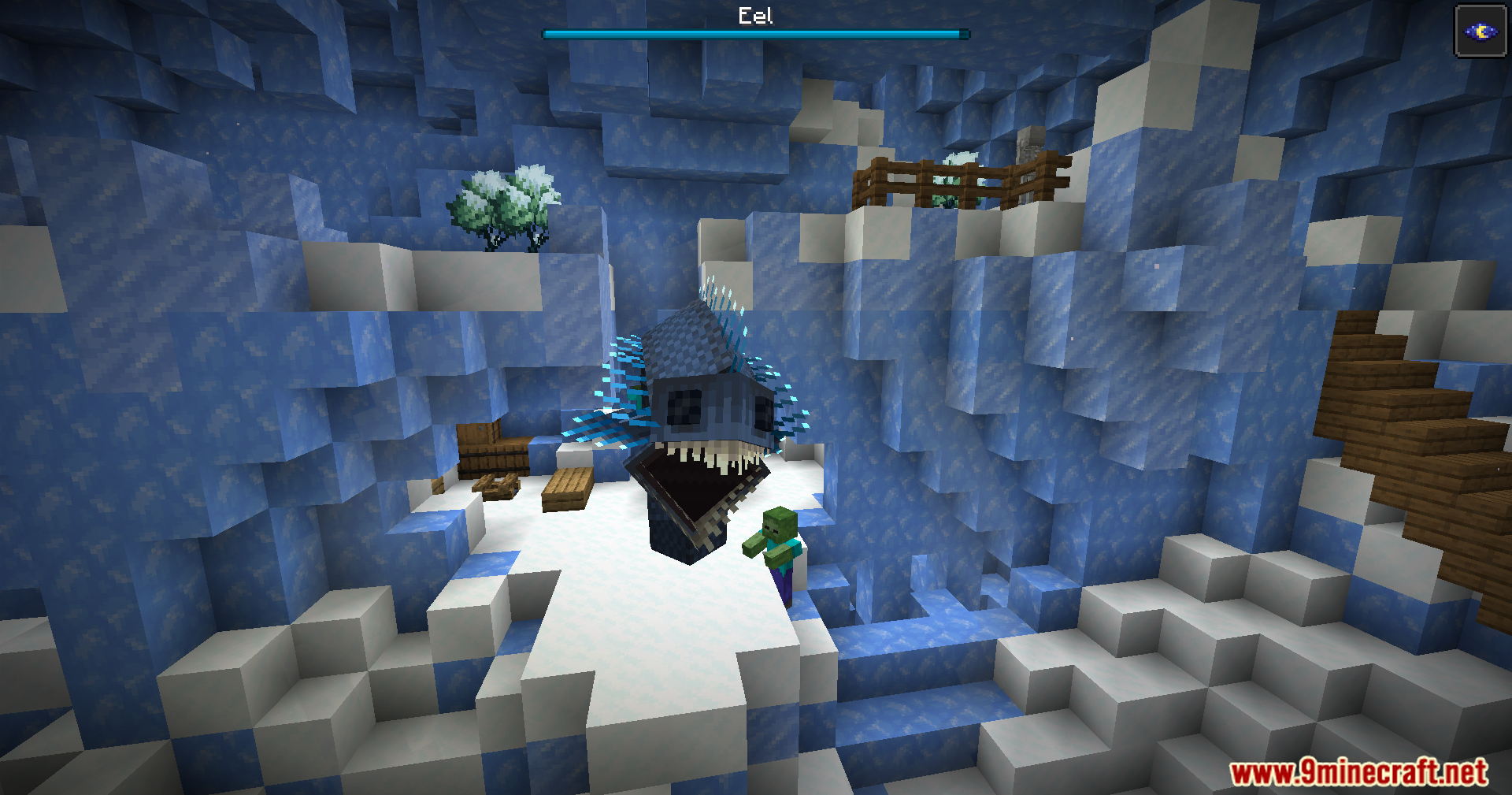
Mini-Boss Boss Bars Mod adds health bars to tough enemies that usually hide their health. It works with base game mobs like the Warden and Elder Guardian, plus creatures from many other mods. You just need to hit the monster one time to make the bar show up on your screen. If you run more than 60 blocks away, the bar vanishes so your view stays clear. This feature helps you track damage during big fights, but it keeps the game clean if you just want to sneak past a dangerous mob.
Features:
- Smart Display: The health bar only appears after you hit the mini-boss for the first time.
- Distance Hiding: If you run more than 60 blocks away from the fight, the health bar hides itself so your screen stays clear.
- Vanilla Bosses: Gives a proper boss health bar to the Minecraft Warden and Elder Guardian.
- Adds health trackers to strong enemies from many other mods that usually do not have one.
- Requires you to hit the enemy again to bring the health bar back if you walked too far away.
- Lets you force health bars to stay on screen using a text command, which is great when using Mini-Boss Boss Bars for watching mob battles.
- Adjusts automatically to work with whatever compatible mods you already have installed.
- Gives you the option to turn off health trackers for specific bosses if you do not want to see them.
Popular Mutant and Monster Mods:
- Tracks health for creatures in Mutant Monsters like the Mutant Zombie and Mutant Creeper.
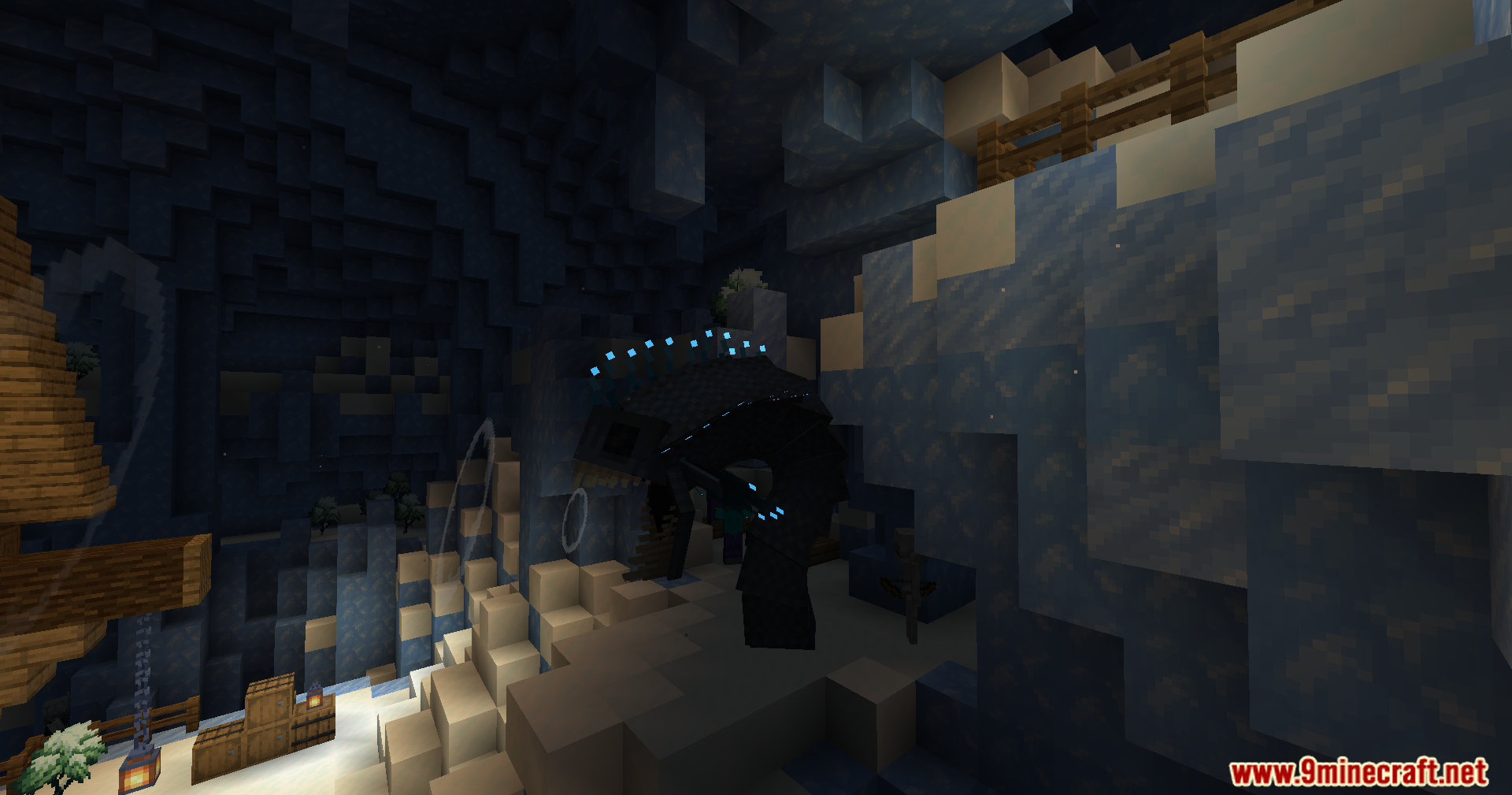
- Works with Alex’s Caves to show bars for the Tremorsaurus and Hullbreaker.
- Includes health bars for Ice and Fire dragons, but the bar disappears when the wild dragon goes to sleep.
Dungeon and RPG Mods:
- Shows health for all Apothic bosses in Apotheosis, with colors that change based on their tier.
- Adds trackers for the Corrupted Cauldron and Redstone Monstrosity from Dungeons Content.
- Reads the health of the Ender Golem and The Prowler from L_Ender’s Cataclysm.
Commands:
/mbbbforceshowbossbars: Use this in version 1.20.1 to turn the boss bars on whenever you want./trigger mbbbforceshowbossbars: Use this in version 1.21.1 to do the same thing.- These commands help a lot when you test mob battles.
How to Use:
- Find a strong mini-boss or a tough mob in your world.
- Attack the mob at least once. The health bar will pop up on your screen right after that first hit.
- Keep fighting nearby. If you run more than 60 blocks away, the bar will disappear.
- Strike the monster one more time if you want the health bar to come back after you walked too far.
- Type
/mbbbforceshowbossbars(in 1.20.1) or/trigger mbbbforceshowbossbars(in 1.21.1) if you want the bars to stay visible all the time for testing.
Screenshots:
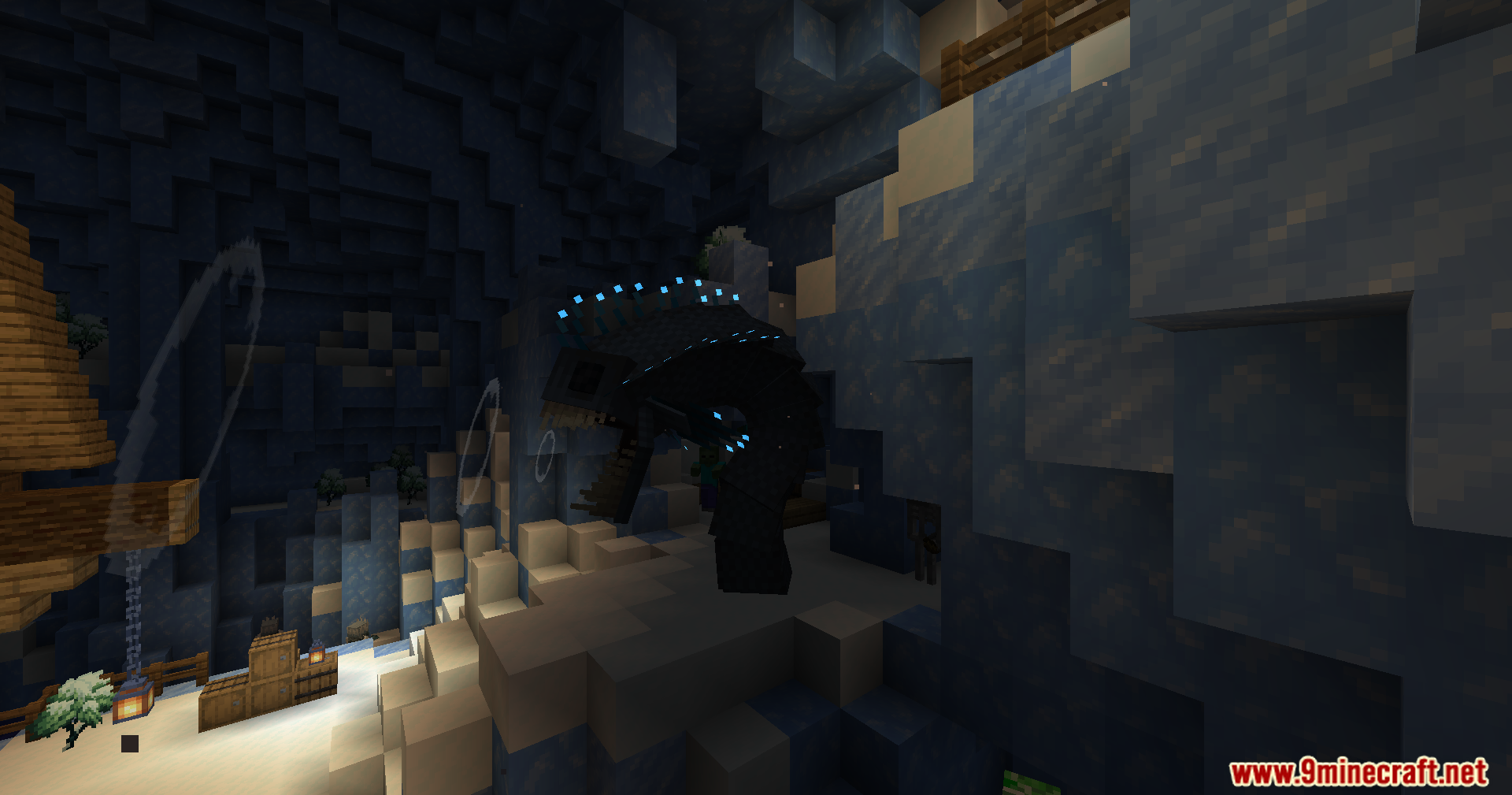
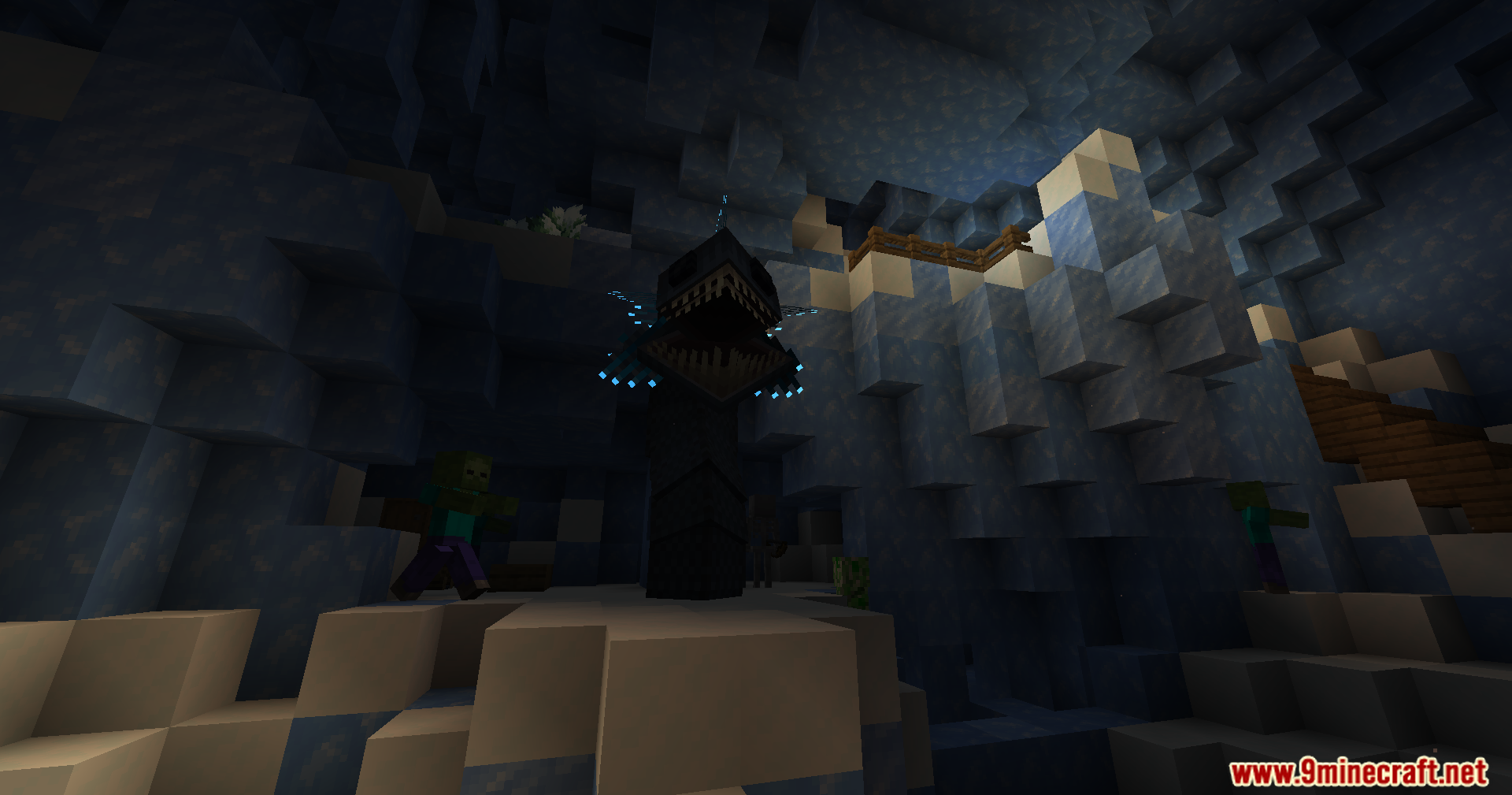
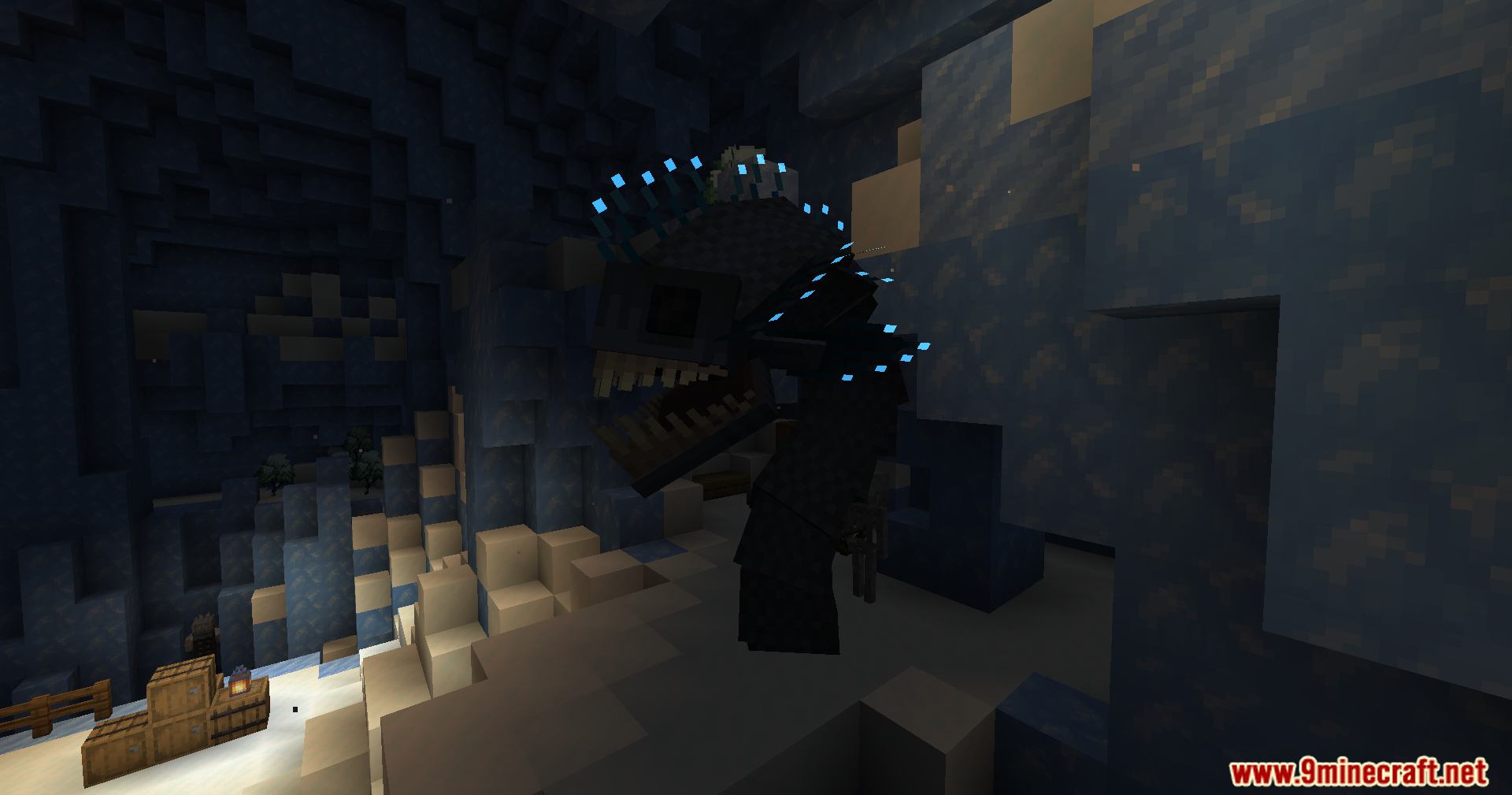
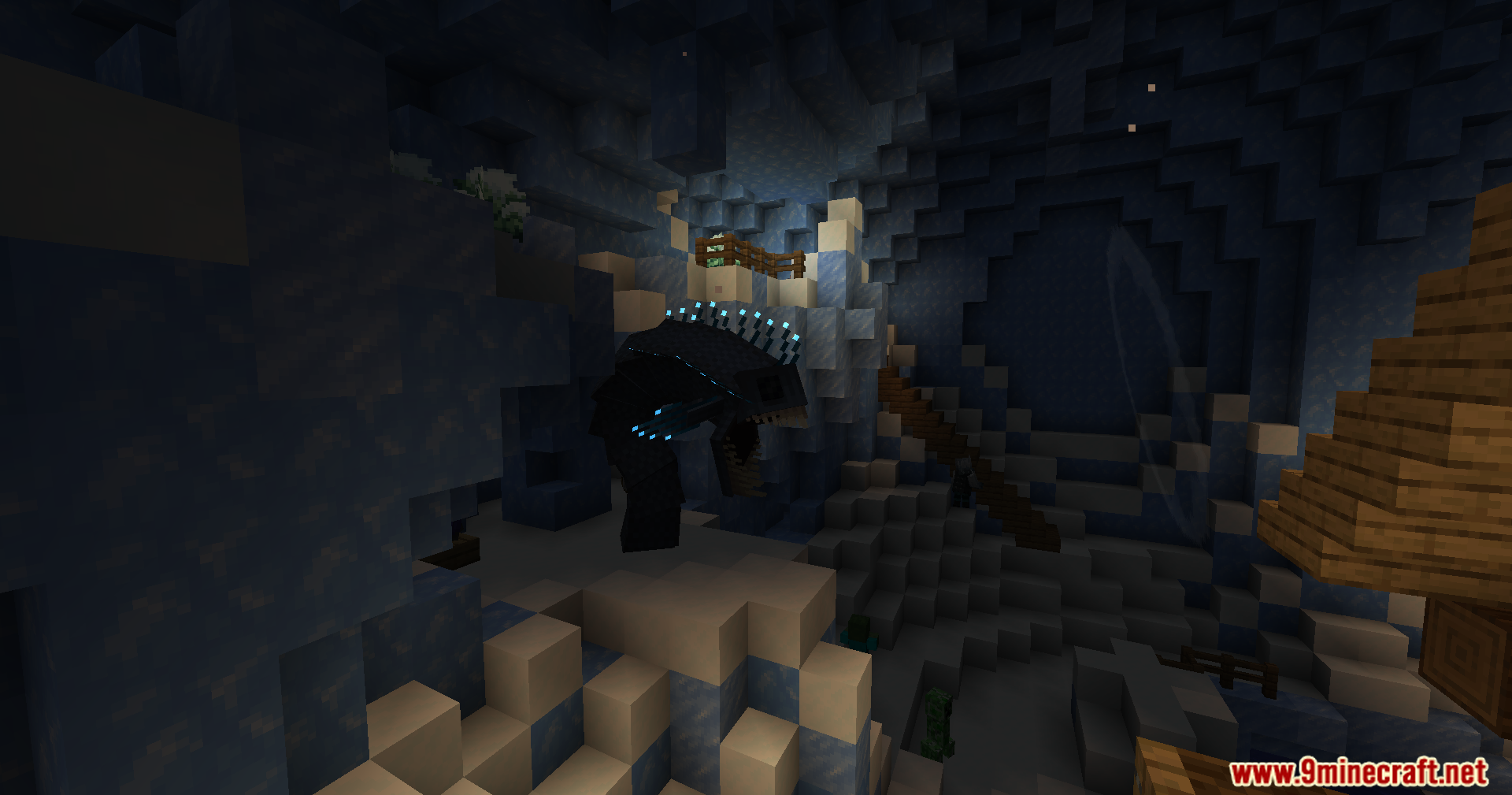
How to Install:
New to Minecraft? Follow our step-by-step guide to install Mods on your PC.View Guide
Mini-Boss Boss Bars Mod Download Links
For Minecraft 1.21.1, 1.21
Forge/Fabric/Quilt/NeoForge Version: Download from Server 1 – Download from Server 2
For Minecraft 1.20.1
Forge/NeoForge Version: Download from Server 1 – Download from Server 2
Click to rate this post!
[Total: 3 Average: 5]
You May Also Like




This post has no comments yet. Be the first — your comment will appear here.