
Cobblemon Spawn Alerts Mod (1.21.1, 1.21) – Track Wild Shinies Without Staring
 110
 0


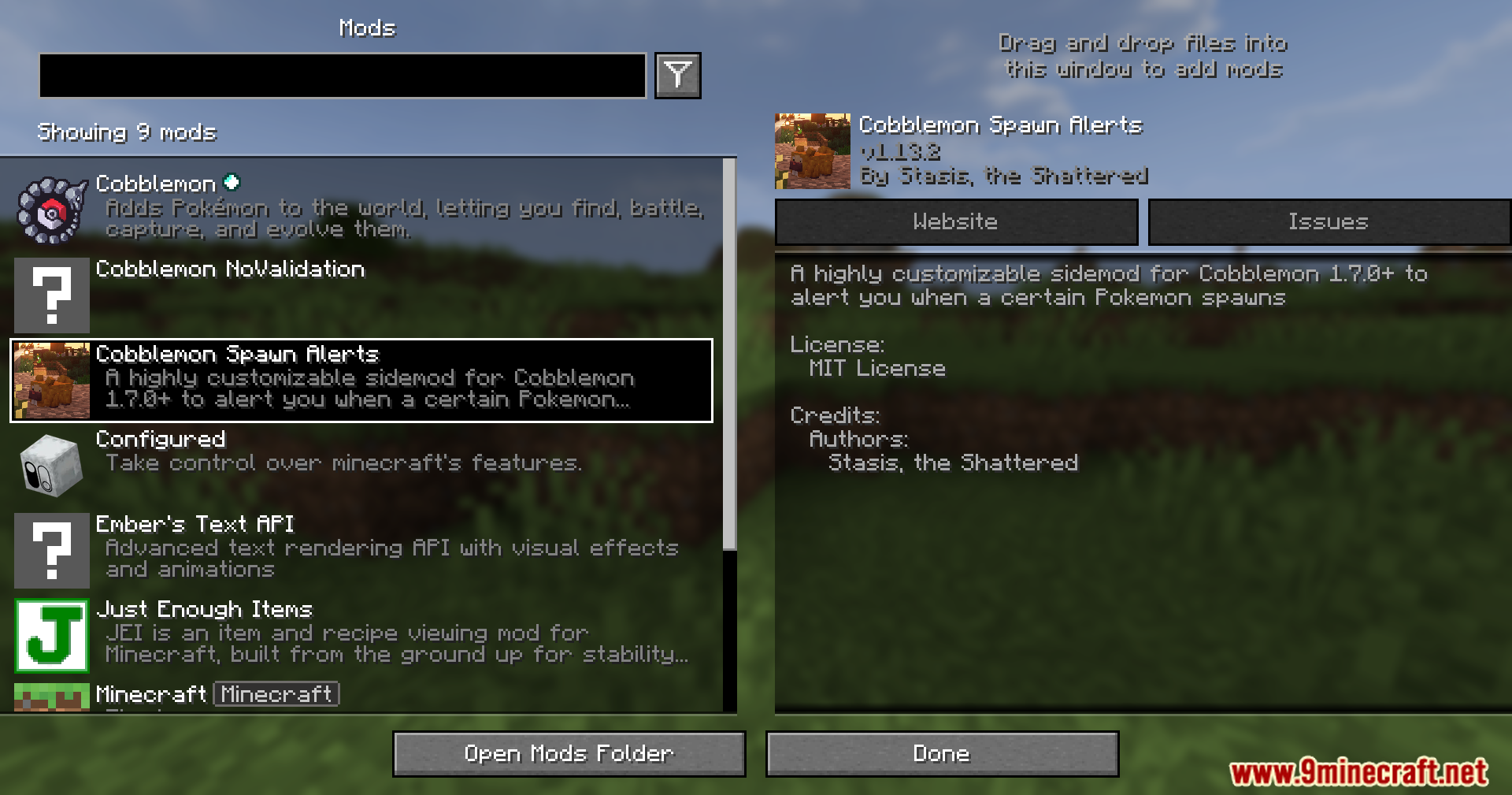
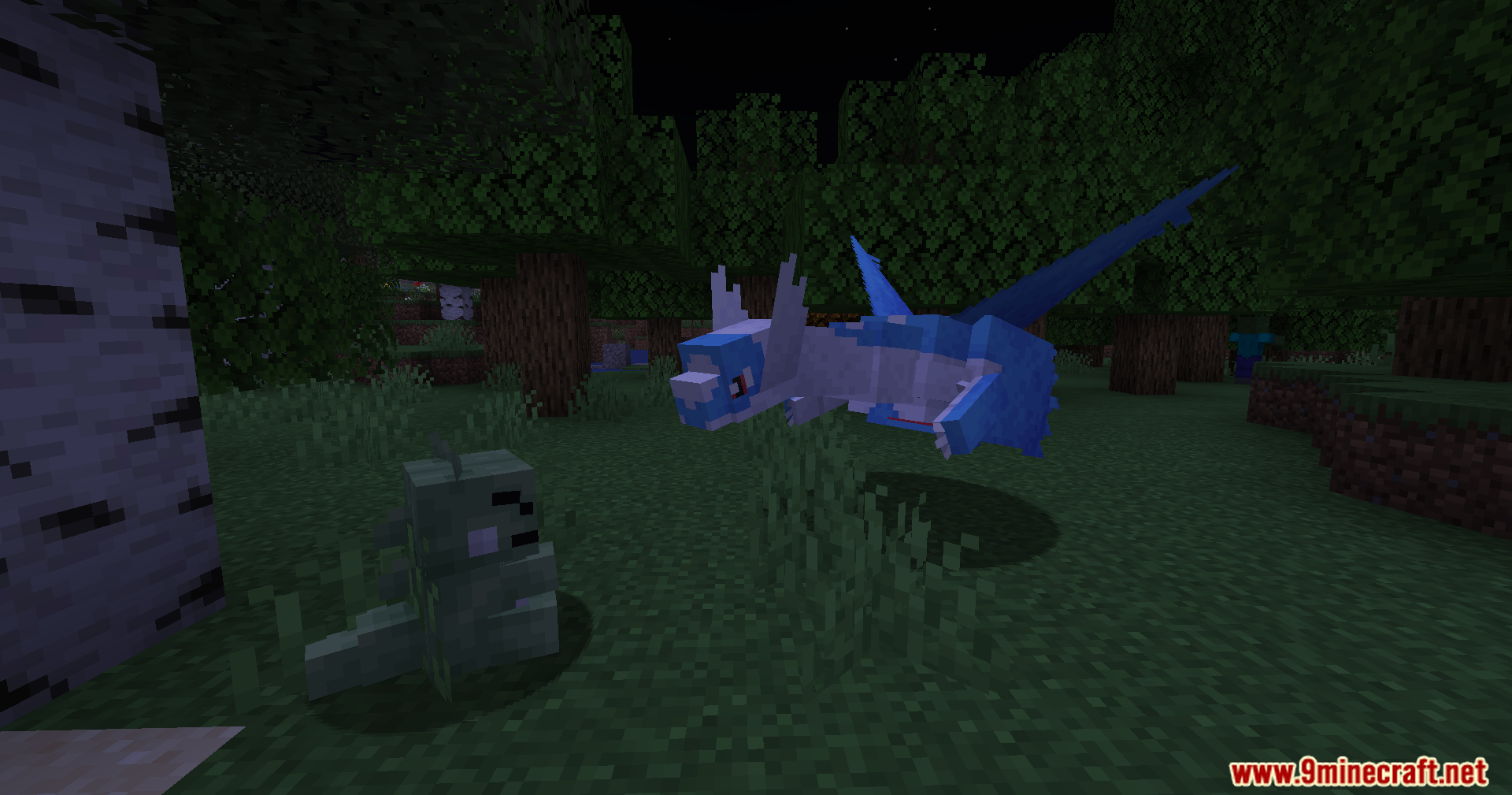
Cobblemon Spawn Alerts Mod adds custom chat alerts for Cobblemon when chosen Pokemon appear near you. It supports alerts for specific Pokemon, uncaught or unregistered Pokedex entries, global rare spawns, automatic JourneyMap waypoints, and Discord webhooks. You no longer need to stare at your minimap and read every name as you explore, which makes shiny hunting and Pokedex completion easier. Simple JSON config files let you pick any Pokemon and style each alert with Ember’s Text API markup. This mod runs purely on the client side, and servers can also install it to share full Pokemon info and send global alerts, as long as all players on that server install it too.
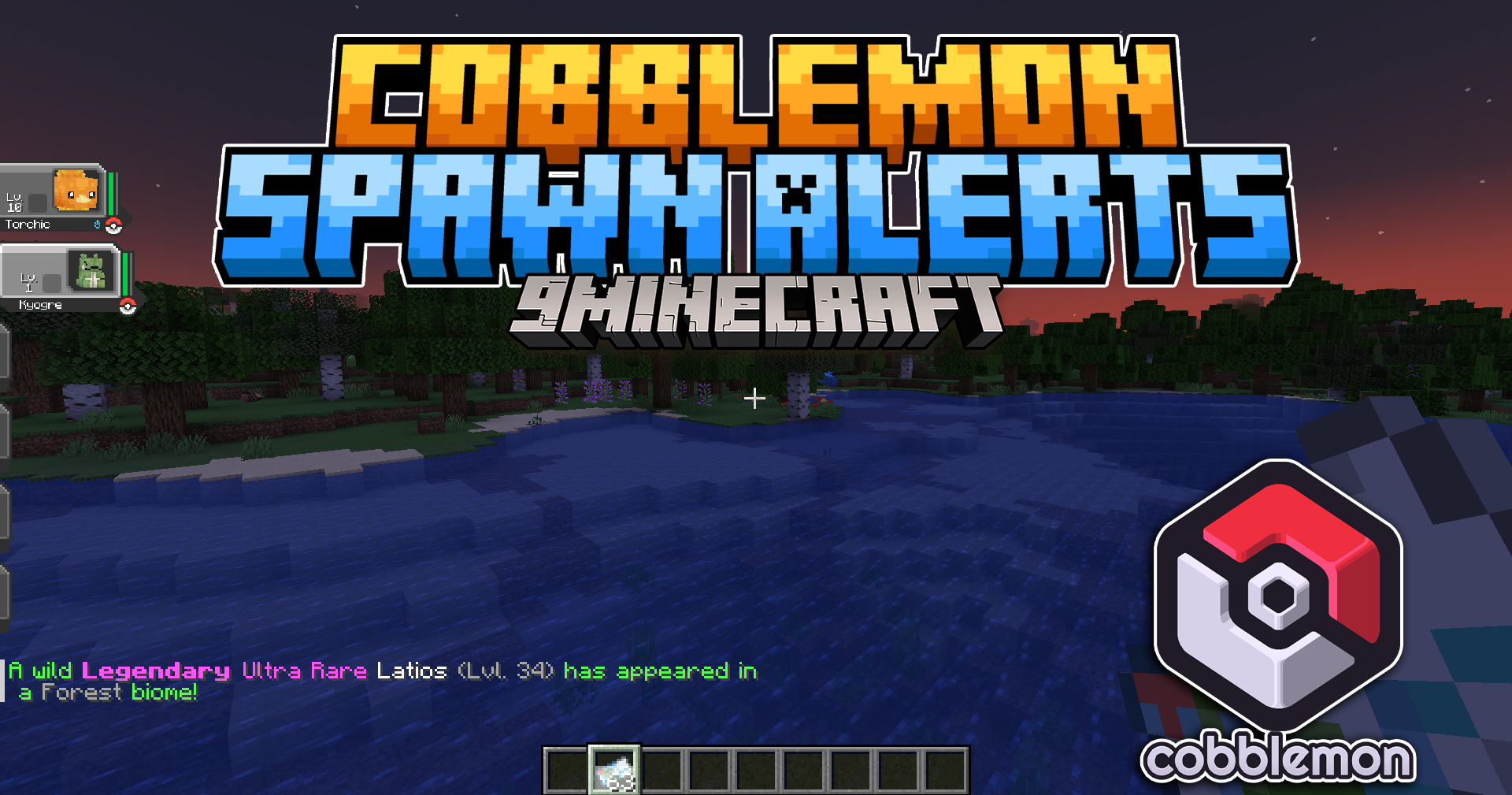
Features:
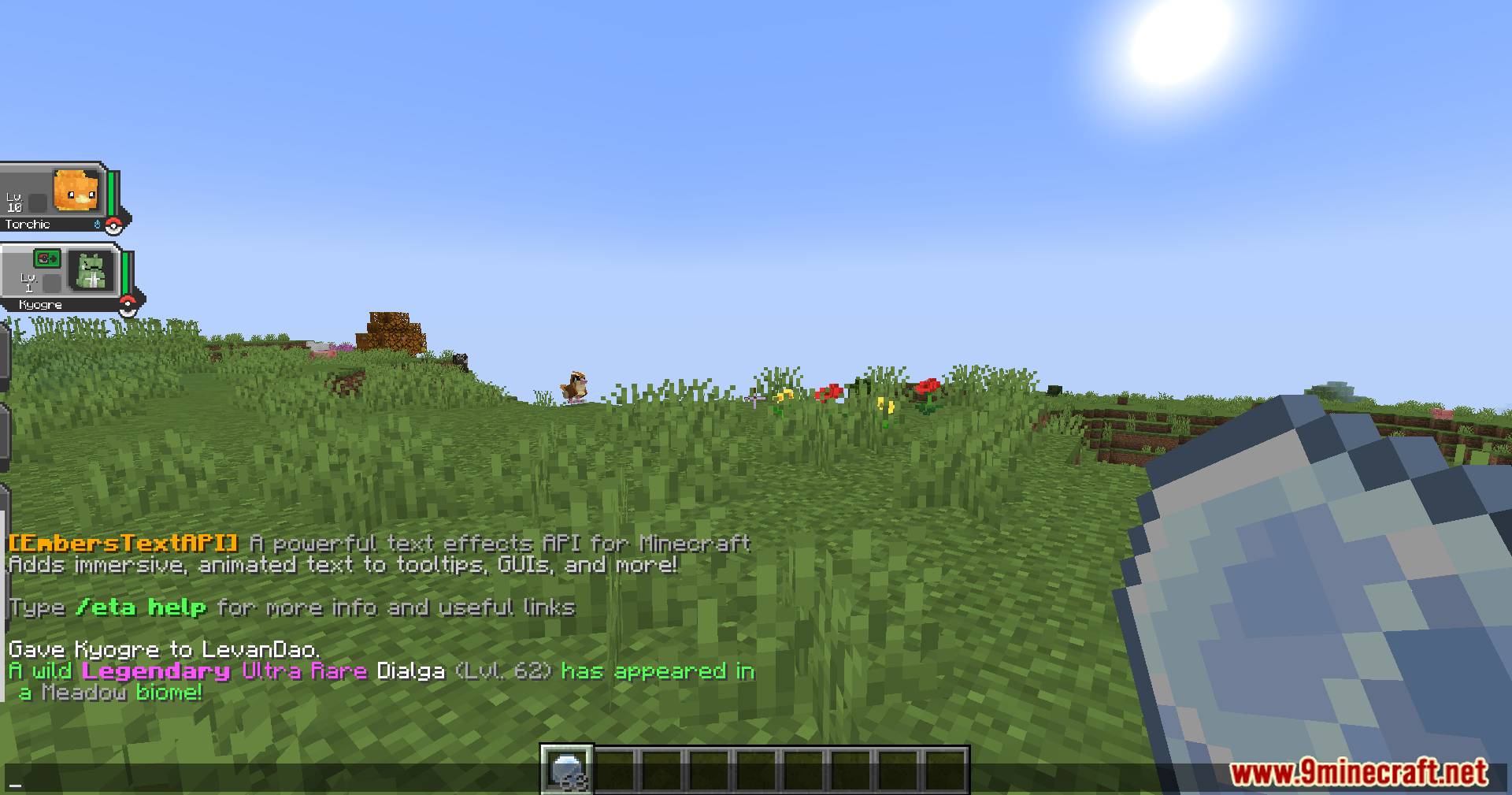
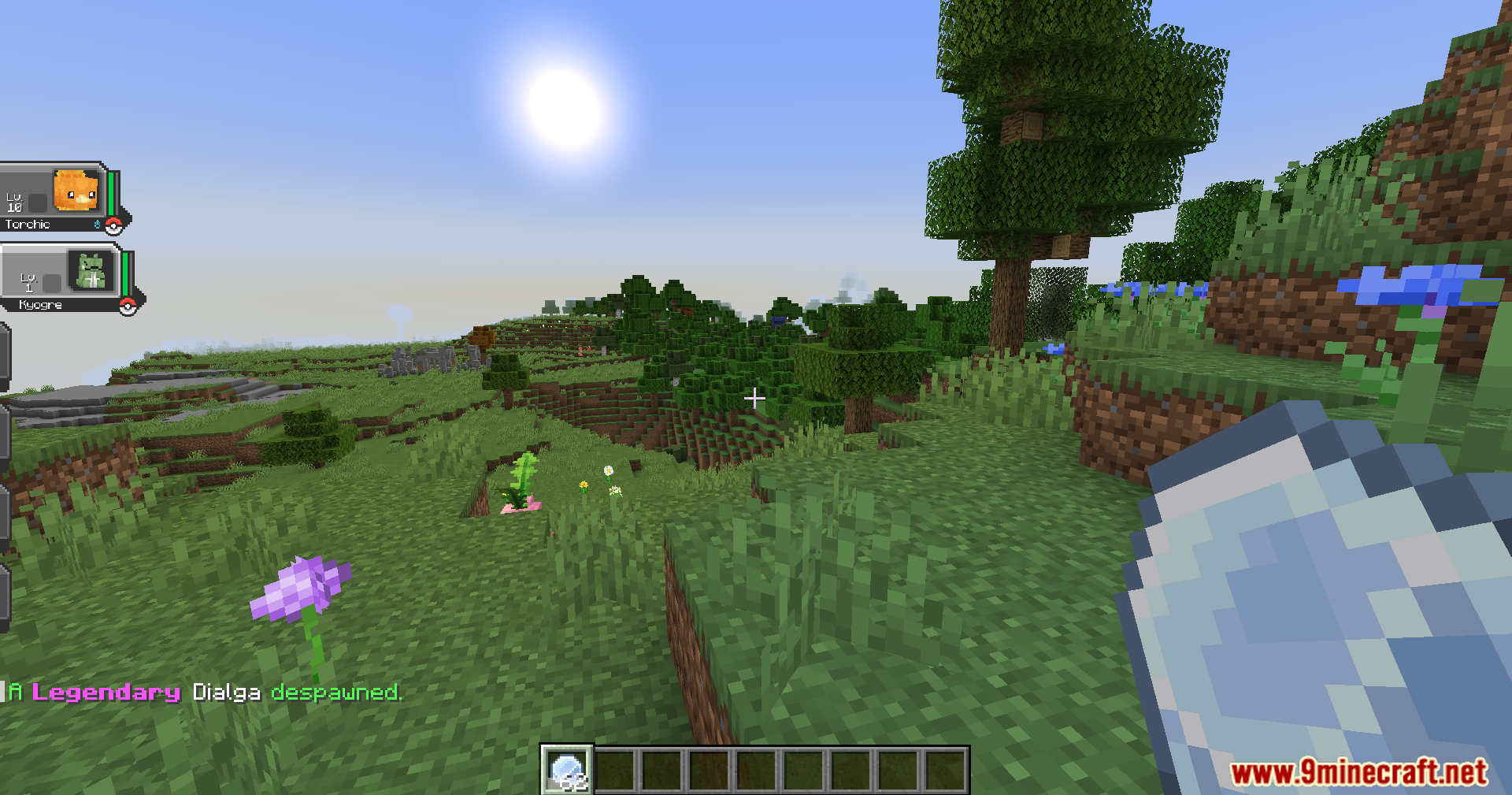
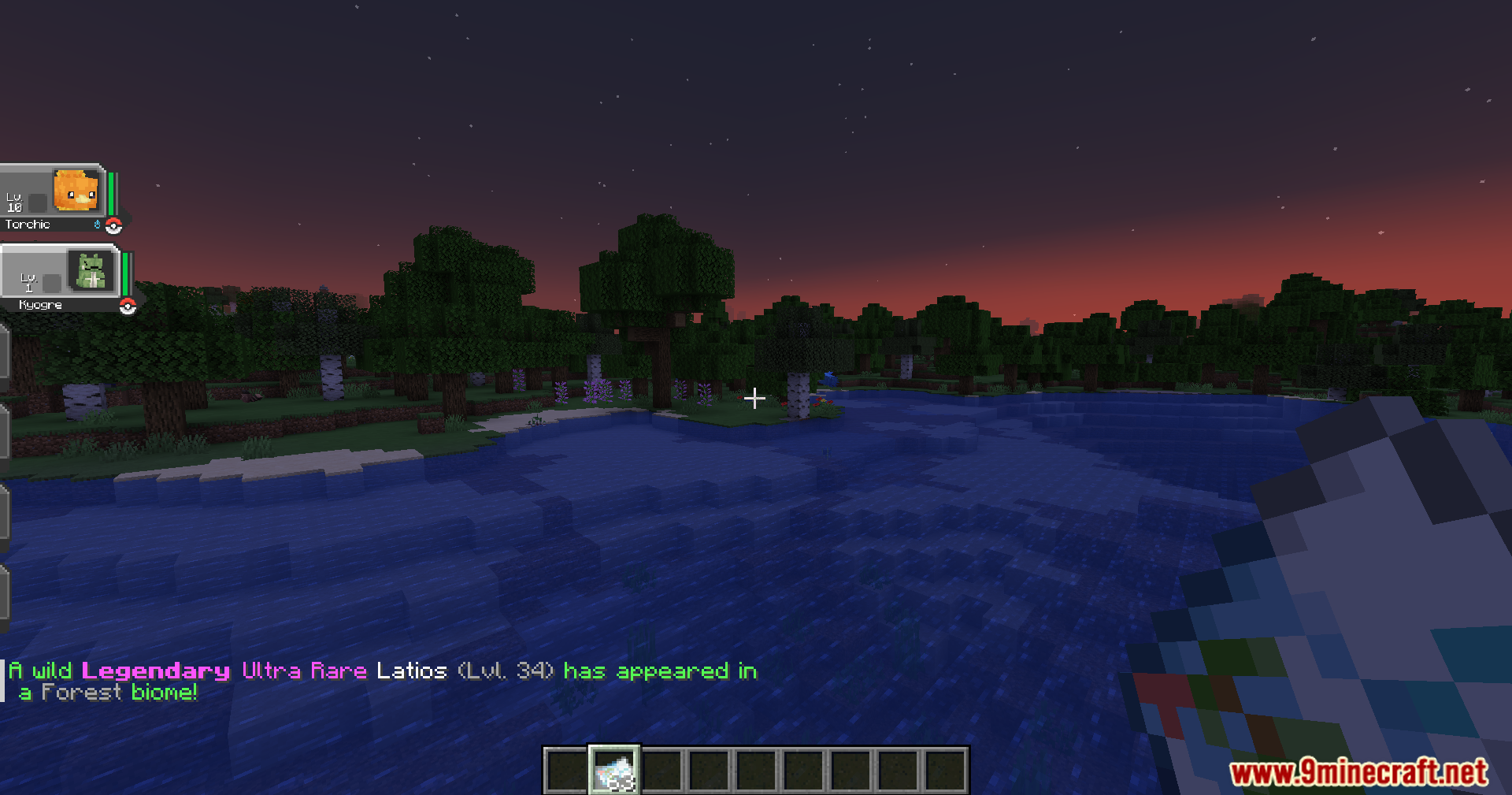
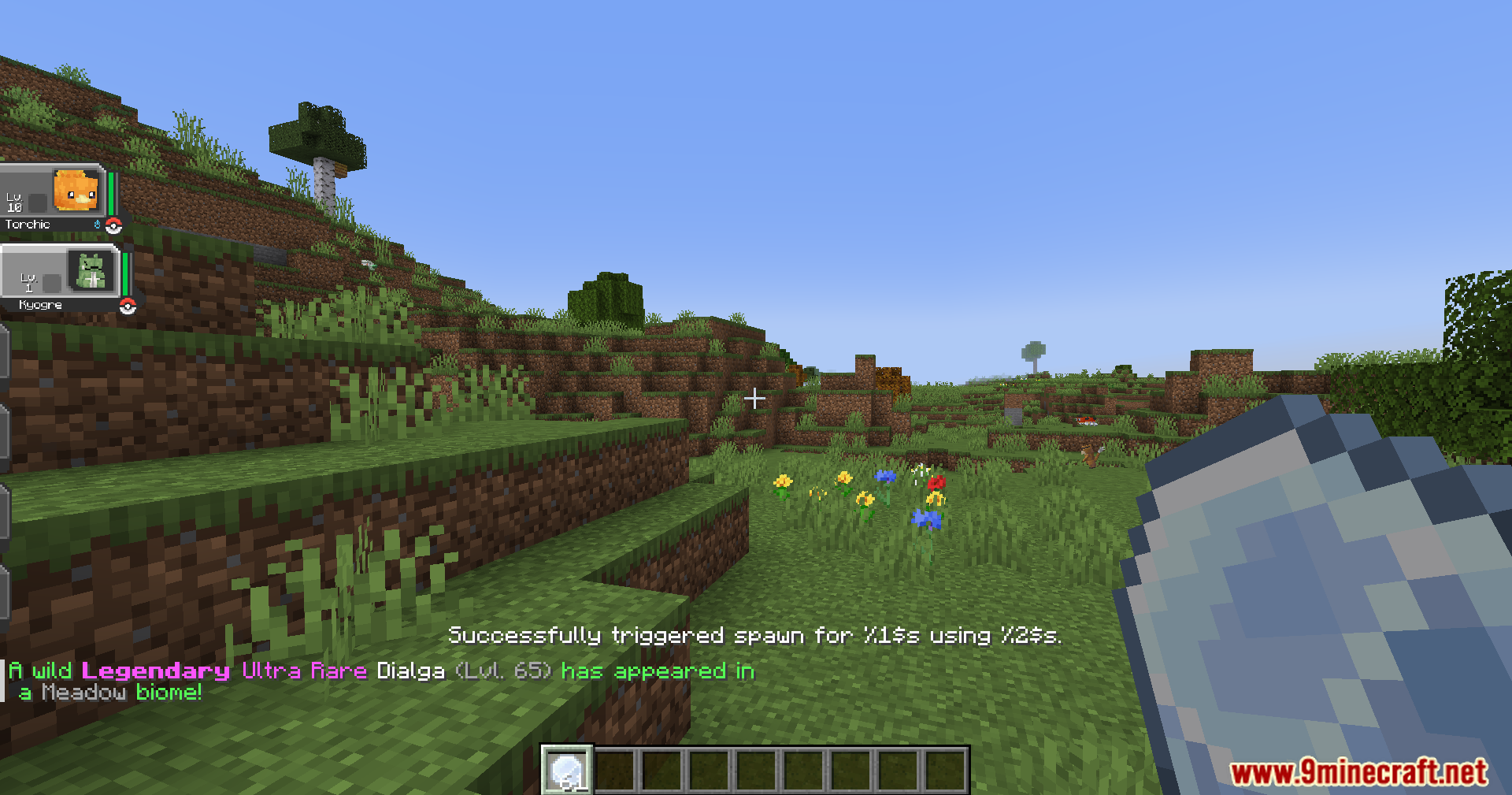
- Custom Chat Alerts: Sends a chat message whenever a chosen Pokemon spawns or despawns near you, so you do not have to keep watching your minimap.
- Pokedex Completion Alerts: Posts an alert in chat when an unregistered or uncaught Pokemon spawns nearby.
- Global Server Alerts: Alerts all players on a server when a rare Pokemon, like a shiny or legendary, spawns, while still letting each player customize their own message style.
- JourneyMap Waypoints: Works with JourneyMap to automatically create a waypoint when a tracked Pokemon spawns and remove it when the Pokemon despawns.
- Discord Webhooks: Sends custom Discord alerts with embeds and official Pokemon artwork from PokeAPI. Servers can turn on webhooks for global alerts, and clients can turn them on for every alert they get.
- Lets you set separate rules for each individual Pokemon through easy-to-edit JSON config files, so you can shiny hunt one Pokemon while still tracking others.
- Uses Ember’s Text API markup so you can change alert colors and text formatting however you like.
- Works purely on the client side, with optional server installation to broadcast full Pokemon info that may not show up properly on servers without this mod. When a server installs it, every connected client also needs it.
- Skips command-spawned Pokemon by default, with an optional server config setting to turn those alerts on at your own risk.
Commands:
/csa openconfig: Opens the config folder so you can edit or back up your files./csa reload: Reloads your config files and creates fresh default files if any were deleted.
Configuration:
server.json: Controls server and singleplayer settings, including turning off global alerts.enableSpawnCommandAlerts: Optional setting insideserver.jsonthat turns on alerts for command-spawned Pokemon (use at your own risk, as it can break spawning for some Pokemon such as in Cobblemon: Path to Legends).message_templates.json: Client config file for editing alert message templates.main.json: Client config file that resets to default settings when deleted and reloaded.pokemon.json: Client config file that resets to default settings when deleted and reloaded.
How to Use:
- Type
/csa openconfigin chat to open the config folder where your JSON files are stored. - Edit the JSON files to add the Pokemon you want to track, customize colors with Ember’s Text API markup, or turn on alerts for unregistered and uncaught Pokemon.
- Run
/csa reloadin chat to reload your config files and apply your changes. - If you host a server or play singleplayer, edit
server.jsonto turn off global alerts or enableenableSpawnCommandAlertsat your own risk. - If default alerts like shinies do not work in a modpack, run
/csa openconfigto back up important files, deletemain.json,pokemon.json, andmessage_templates.json(plusserver.jsonin singleplayer or on a server), and run/csa reloadto make fresh default configs. - If alert formatting looks broken in Cobblemon Academy 2.0, either edit
message_templates.jsonor go toresourcepacks -> Academy -> assetsand delete thecobblemon_spawn_alertsfolder to use the default language file.
Screenshots:
How to Install:
New to Minecraft? Follow our step-by-step guide to install Mods on your PC.View Guide
Cobblemon Spawn Alerts Mod Download Links
For Minecraft 1.21.1, 1.21
Fabric version: Download from Server 1 – Download from Server 2
NeoForge version: Download from Server 1 – Download from Server 2
You May Also Like
Picked for this page
 Nameless Trinkets Mod (26.1.2, 1.20.1) – More Powerful Trinkets
 Wynntils Mod (1.21.11, 1.21.1) – Utilities for Wynncraft
 Cobblemon Pokenav Mod (1.21.1, 1.20.1) – Efficient Pokémon Tracking
 Inventive Inventory Mod (26.3, 1.20.1) – Inventory Management
 Reimagined Trims Mod (26.3, 1.20.1) – A New Era For Armor Trims
 Advanced Loot Info Mod (26.3, 1.20.1) – Clear Loot Insights
 SkyBlock Profile Viewer Mod (26.3, 1.21.11) – Profile Viewer For Hypixel Stats And Gear
 SilverAndro Lootbeams Mod (1.21.5, 1.20.1) – Enhance Loot Visibility
 ZoomX Smooth Mod (26.3, 1.21.1) – Scout Distant Biomes with Custom Zoom
 Spice of Life Maid Mod (1.21.1, 1.20.1) – Feed Your Maids A Varied Diet
 WaterMedia Youtube Plugin Mod (1.21.11, 1.20.1) – YouTube Extractor
 Tightfire Mod (26.3, 1.21.1) – Fixes Floating Fire On Blocks
Most viewed in Mods over the last 7 days
 Ala Industrial Mod (26.3) – Run Electric Power Grids and Automated Factories
 PleasureCraft Mod (26.3, 1.21.1) – Jenny Mod Remake for Fabric
 Jennycraft Mod (26.3, 1.20.1) – Virtual Girlfriend in Minecraft
 Fapcraft Mod (26.3, 1.12.2) – Comprehensive and Detailed Content
 Jenny Mod (Fapcraft) Official Complete Guide – How to use, Tutorial
 BangCraft Mod (1.20.1) – Jenny, Ellie and Elliot
 Fabric Loader (26.3, 1.20.1) – Fabric Installer for All Minecraft Versions
 Meteor Client Mod (26.3, 1.20.1) – Xray, HUD, Fly
 The Shooting Star Demo Mod (26.3, 1.20.1) – Vaporize Terrain From Orbit
 OptiFine HD (26.3, 1.20.1) – Run Faster, FPS Boost, Shaders Support
 Aristois Client Mod (1.21.4, 1.20.1) – World Class Minecraft Utility
 Prestige Client Mod (1.21.11, 1.21.4) – Powerful Ghost Features for Crystal & Sword PvP
More from Mods
 owo-lib 9minecraft Mod (26.3) – Run Your Favorite Mods Without Errors
 Moonlight 9minecraft Lib (26.3, 26.2) – Run Complex Mods Without Errors
 Load My Tags 9minecraft Mod (26.3) – Mix Mods Without Breaking Recipes
 Kambrik 9minecraft Mod (26.3) – Run Kotlin Mods Without Game Lag
 Fast Paintings 9minecraft Mod (26.3, 26.2) – Place Wall Art Exactly Where You Want It
 Bonsai Trees 9minecraft Mod (26.3, 26.2) – Automate Wood Farming in Tiny Pots
 Enhanced Block Entities 9minecraft Mod (26.3) – Build Lag-Free Storage Rooms
 Better Nether 9minecraft Mod (26.3, 26.2) – Survive Forever in the Nether
 BCLib 9minecraft Mod (26.3, 26.2) – Power Custom Nether and End Overhauls
 ForgedLoaderAPI Mod (1.19.2, 1.18.2) – Bring Ported Fabric Creations
 Shield System Mod (1.21.1) – Tank Heavy Monster Hits Without Losing Hearts
 Shin’s Tensura Race Models Mod (1.19.2) – Play As Unique 3D Anime Race

This post has no comments yet. Be the first — your comment will appear here.