
Smooth Movement Mod (26.3, 1.20.1) – Stop Rubber Banding on Laggy Servers

 0


Smooth Movement Mod keeps your game steady and smooth during network lag or when a server drops below 20 TPS. This mod does not remove lag; instead, it adjusts motion and timing for mobs, items, minecarts, projectiles, falling blocks, experience orbs, players, and the sky. You get less jitter, less snapping, fewer visual corrections, and less rubber-banding while vanilla physics and game rules stay the same. Every feature turns on only during lag, and you can turn each one on or off in the config. You can install it on the client, on the server, or on both sides for the best results, and it works safely alongside other performance mods.
Features:
- Lag-Aware Smoothing: Extends Minecraft’s built-in client movement smoothing to cover both client visuals and server motion during network lag or when a server cannot hold a steady 20 TPS.
- Flexible Side Support: Works when installed on the client only, on the server only, or on both sides for the best results.
- Reduces jitter, snapping, visual corrections, and desync without removing the lag itself.
- Turns on only when lag happens, so normal gameplay stays unchanged.
- Lets you turn client-side smoothing, server-side adjustments, and individual movement types like items, projectiles, and minecarts on or off in the config.
- Stays non-invasive and does not change game rules, game balance, or world data.
- Remains safe to add or remove from a world at any time and works alongside other performance mods.
Movement Systems:
- Sky movement (sun, moon, and stars): Stops visible snapping on the client during lag and adjusts daytime speed on the server to keep vanilla day length.
- Living mob movement: Smooths living mobs on the client so they do not look jittery or laggy, and adjusts motion on the server to keep vanilla behavior.
- Item movement: Cuts down jumpy item motion on the client, especially in water, and adjusts item movement on the server to keep vanilla behavior.
- Minecart movement: Smooths minecarts on the client to stop jittery motion and adjusts movement on the server during low TPS to keep vanilla physics.
- Projectile movement: Adjusts projectile movement on the server to match the visual movement on the client.
- Player movement: Adjusts player movement math on the server during low TPS to cut down rubber-banding on the client.
- Falling block movement: Adjusts falling block movement on the server to keep vanilla physics.
- Experience orb movement: Adjusts experience orb movement on the server to keep vanilla pickup behavior.
Screenshots:
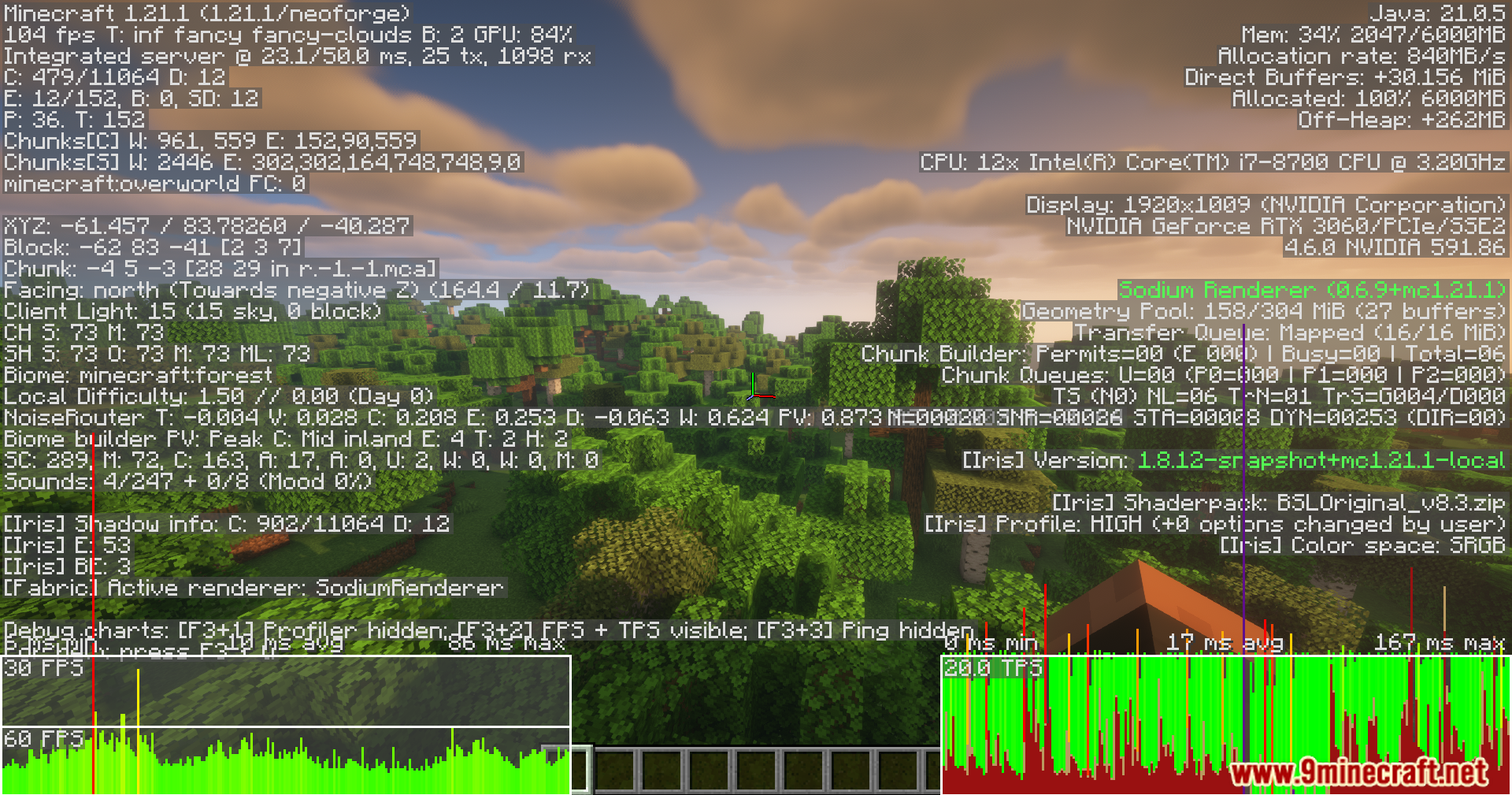
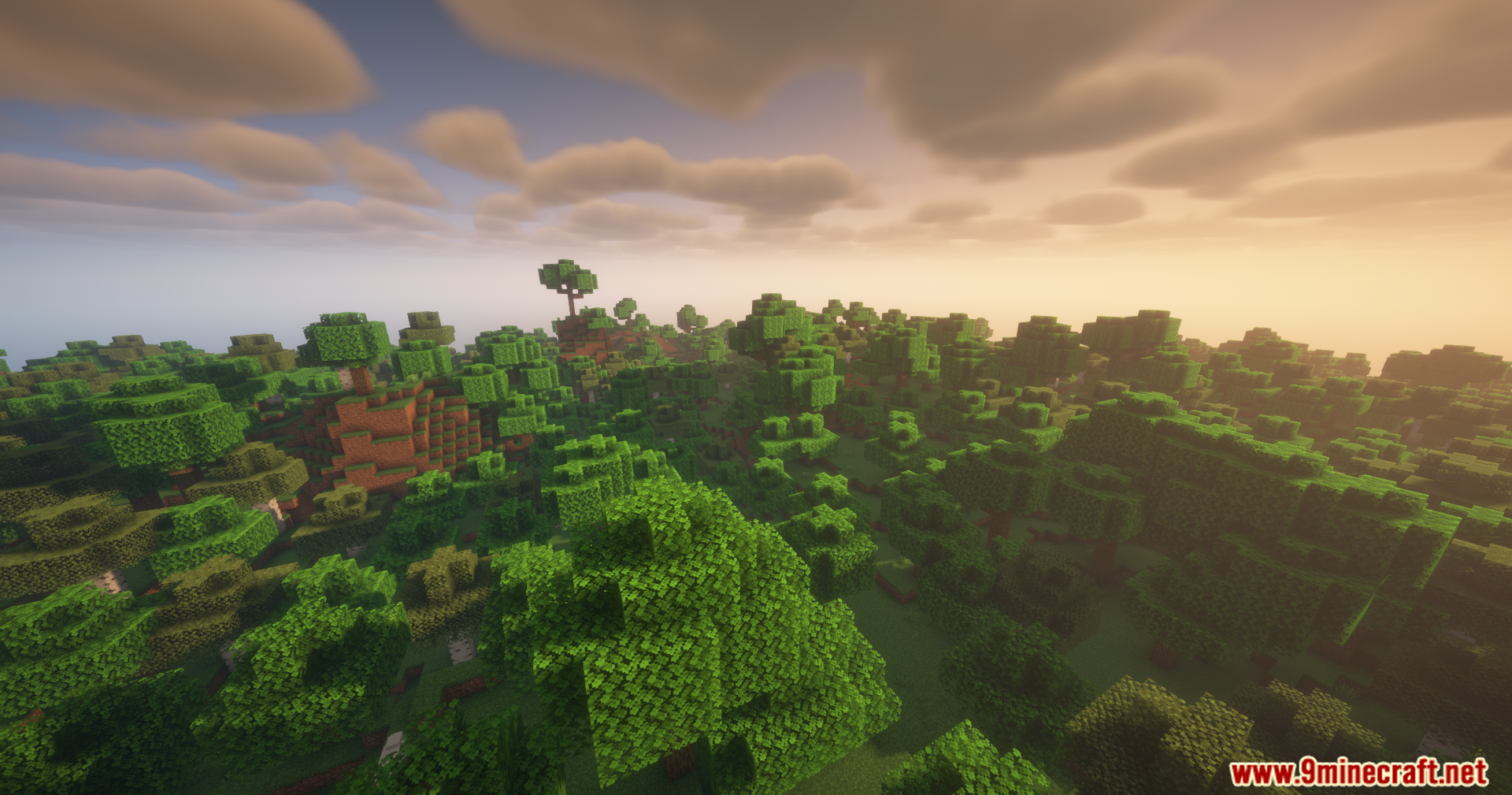
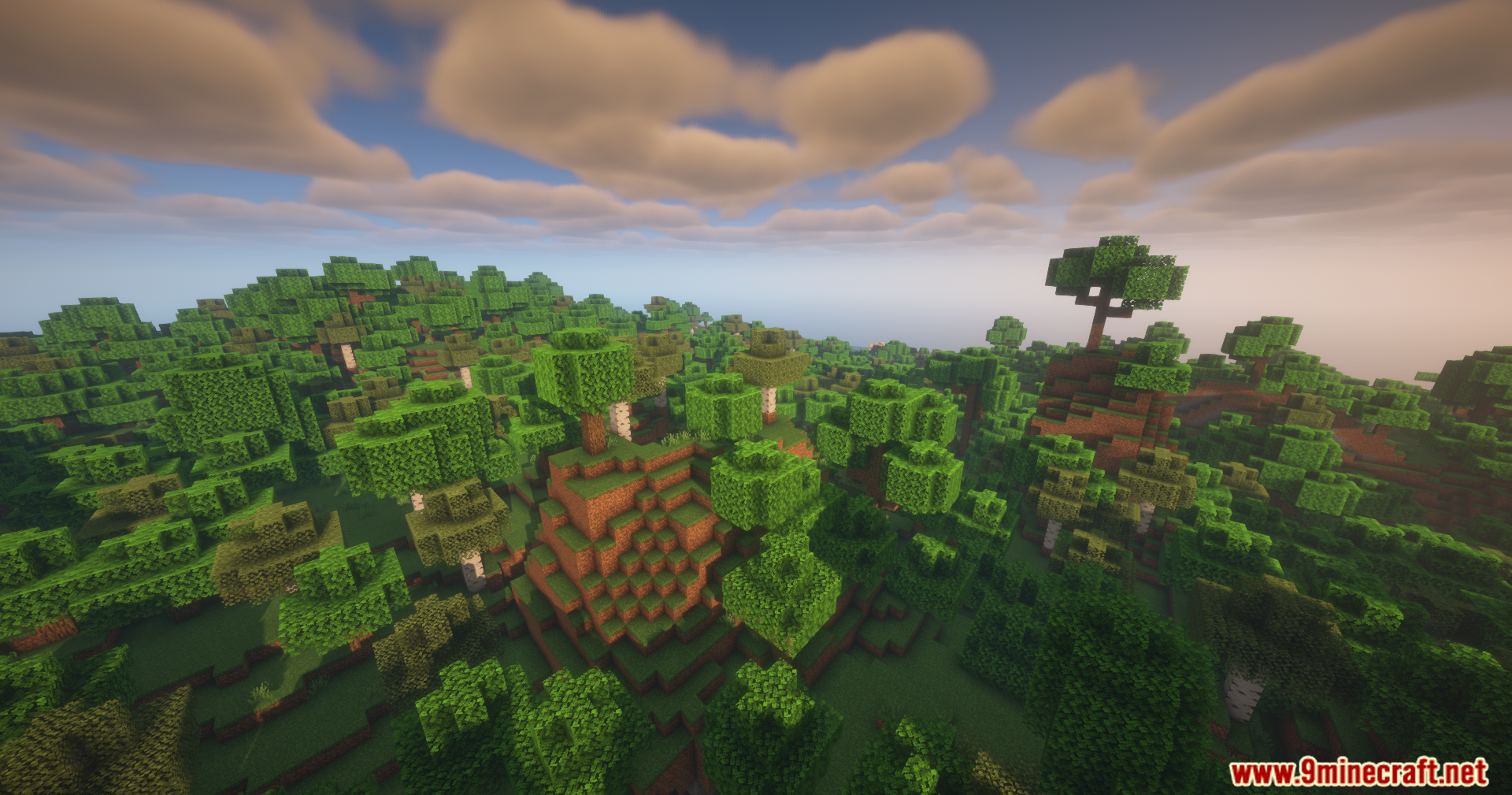
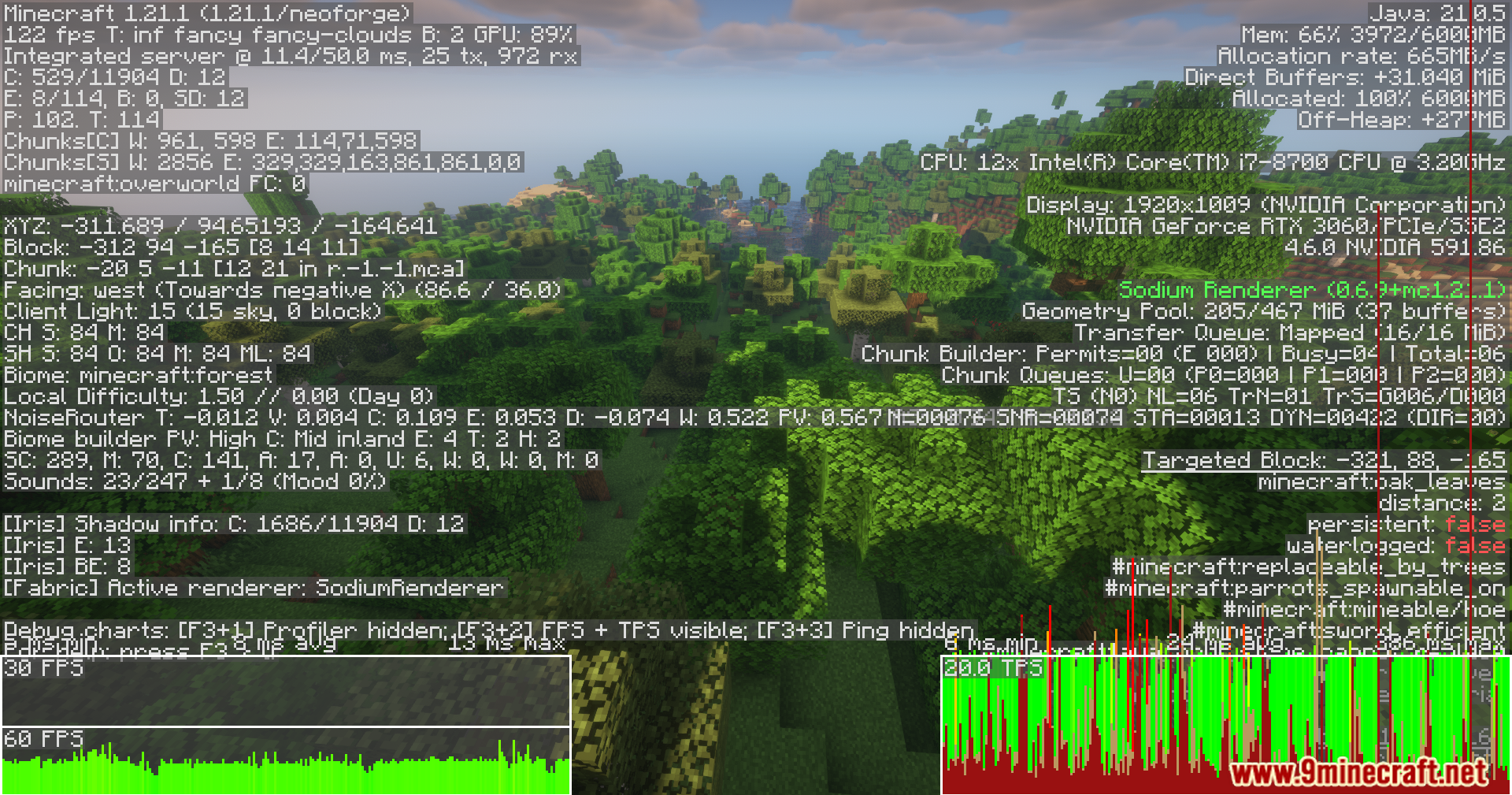
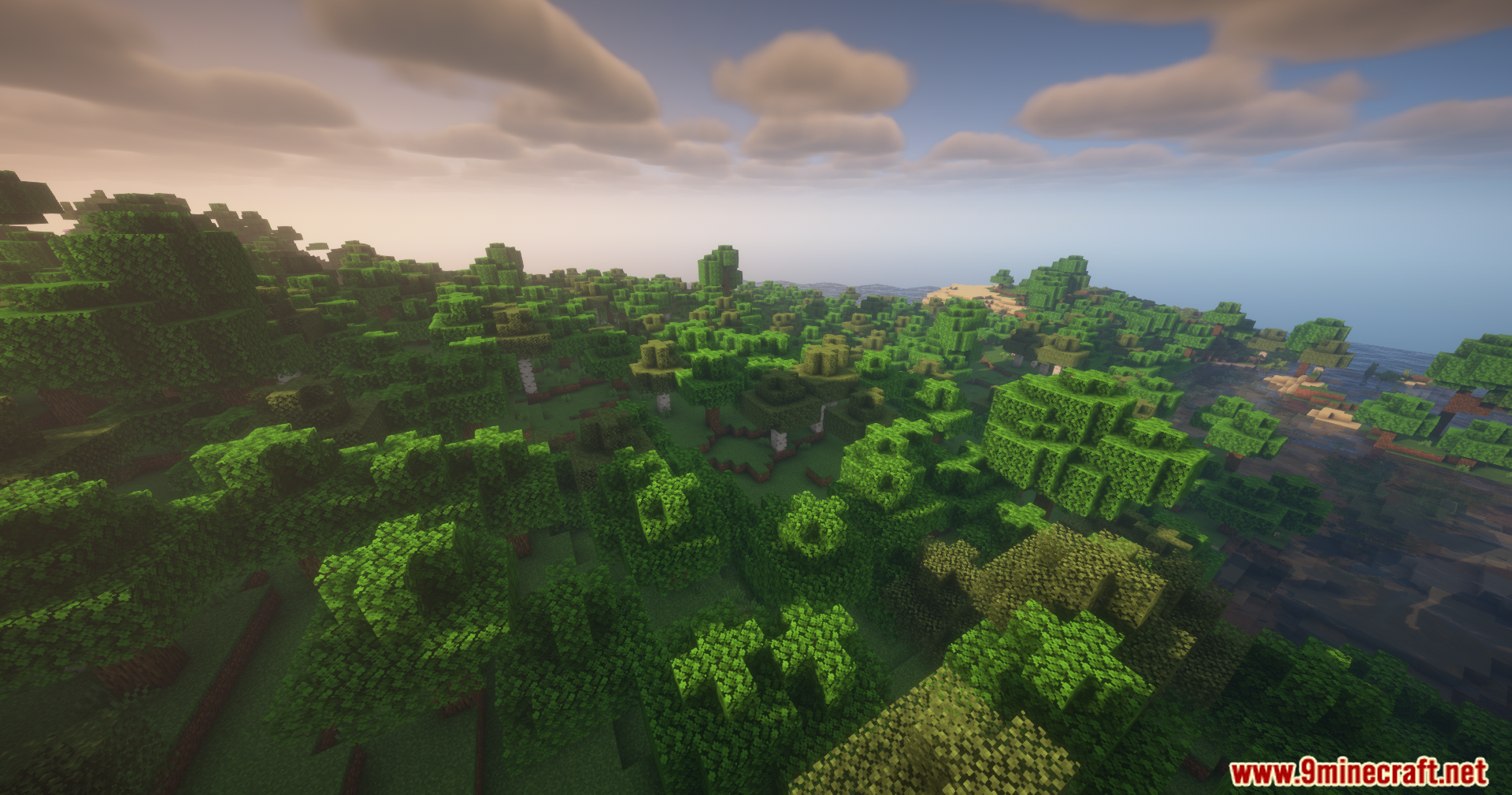
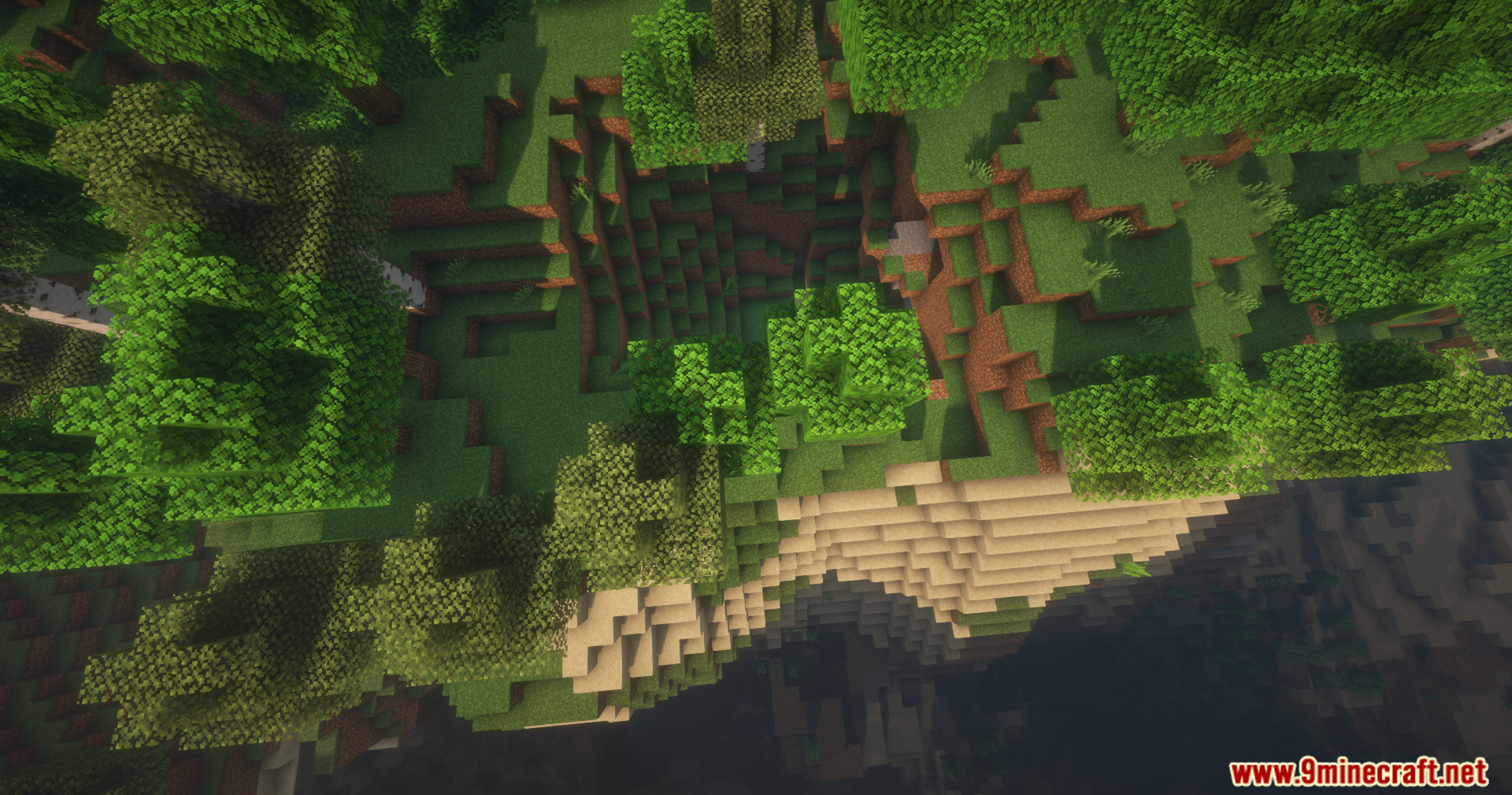
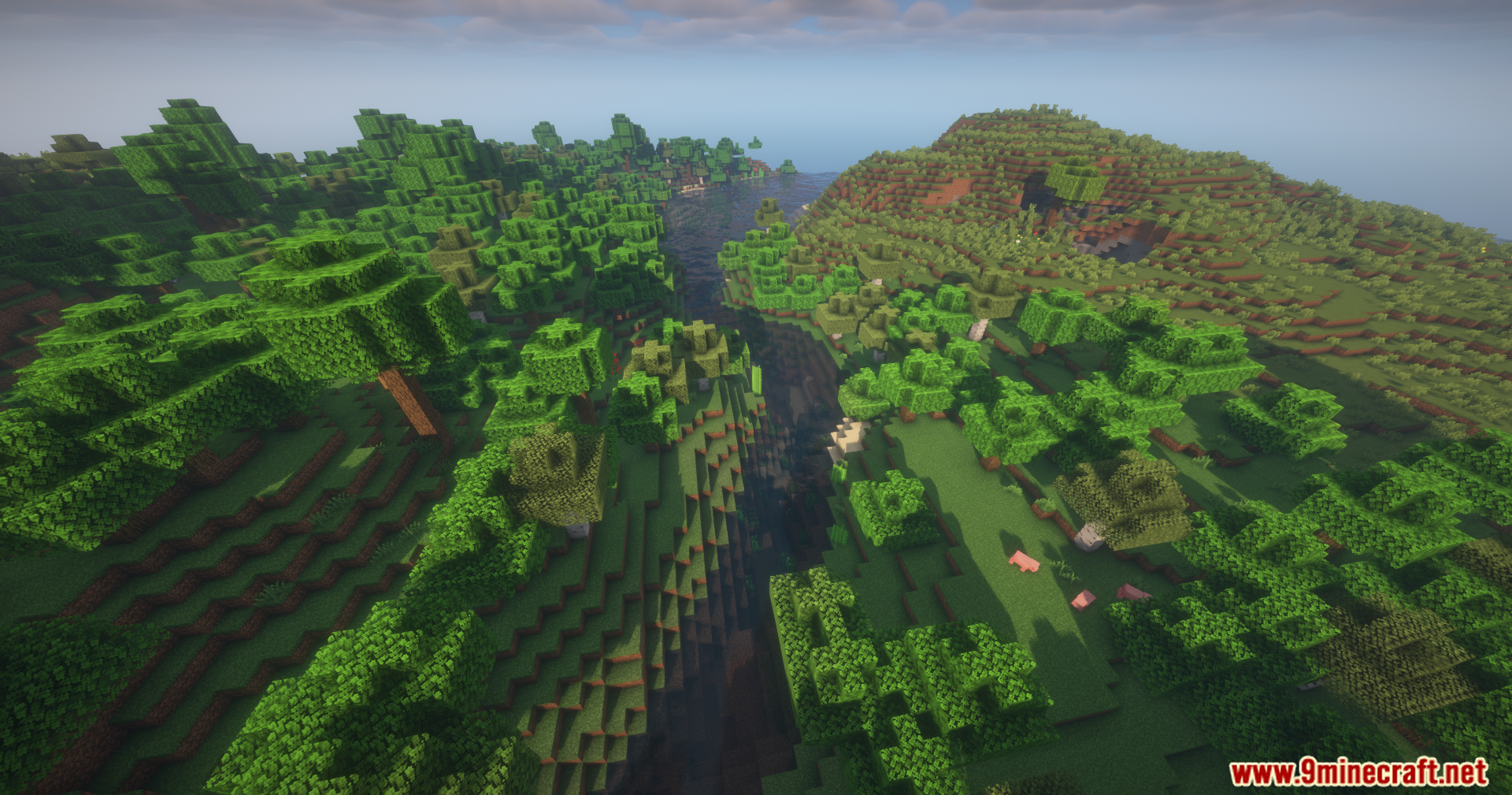
How to Install:
New to Minecraft? Follow our step-by-step guide to install Mods on your PC.View Guide
Requirements:




Smooth Movement Mod Download Links
For Minecraft 26.3
For Minecraft 26.1.2, 26.1.1, 26.1
For Minecraft 26.2
For Minecraft 1.21.1, 1.21
For Minecraft 1.20.1
What is your favorite type of Minecraft mod?
26 responses · See the full results →
You May Also Like
Picked for this page
 Better McDonald’s Mod (26.3, 1.20.1) – Food & Drink Additions
 Motor Assistance Mod (26.3, 1.20.1) – Aim Assistance In Minecraft
 Craftable Mod (1.21.11, 1.20.1) – Expanded Crafting Recipes
 No XP Anvils Mod (26.3, 1.20.1) – Repair And Enchant Without XP
 Aaron’s Mod (26.2, 1.20.1) – Useful Features for Skyblock and Vanilla
 Hey That’s Mine Mod (26.3, 1.20.1) – Container Claiming and Trusting System
 The Anomaly Rephased Mod (1.20.1, 1.19.4) – Never Feel Safe in the Dark Again
 Blocky Bubbles Mod (26.3, 1.20.1) – Fast Bubbles For Java Edition
 Disable Accessibility Screen Mod (26.3, 1.20.1) – Quick And Efficient Game Launch
 Player Pronouns Mod (26.3, 1.20.1) – Displaying and Respecting Player Pronouns
 Startup Time Mod (26.2, 1.20.1) – Track Load Times
 Shadow Config Mod (1.21.11, 1.20.1) – Stop Modpack Crashes From Broken Config
Most viewed in Mods over the last 7 days
 Ala Industrial Mod (26.3) – Run Electric Power Grids and Automated Factories
 PleasureCraft Mod (26.3, 1.21.1) – Jenny Mod Remake for Fabric
 Jennycraft Mod (26.3, 1.20.1) – Virtual Girlfriend in Minecraft
 Fapcraft Mod (26.3, 1.12.2) – Comprehensive and Detailed Content
 Jenny Mod (Fapcraft) Official Complete Guide – How to use, Tutorial
 BangCraft Mod (1.20.1) – Jenny, Ellie and Elliot
 Fabric Loader (26.3, 1.20.1) – Fabric Installer for All Minecraft Versions
 The Shooting Star Demo Mod (26.3, 1.20.1) – Vaporize Terrain From Orbit
 Meteor Client Mod (26.3, 1.20.1) – Xray, HUD, Fly
 OptiFine HD (26.3, 1.20.1) – Run Faster, FPS Boost, Shaders Support
 Aristois Client Mod (1.21.4, 1.20.1) – World Class Minecraft Utility
 Prestige Client Mod (1.21.11, 1.21.4) – Powerful Ghost Features for Crystal & Sword PvP
More from Mods
 Rockstar Shaders Mod (26.3) – Cast Ray-Traced Light Across Vast Distant Horizons
 ERYDON Mod (1.20.1) – Design Grand Courtyards with Carved Marble Pillars
 Infinity Bound Mod (1.21.1) – Snap Away Enemies with Legendary Superhero Gear
 Legacy Gecko Lib Fabric Mod (1.16.5) – Power Animated Creatures in Modpacks
 The Man from the Shadow Horror Mod (1.20.1) – Fight Hallucinations to Survive
 Shade & Saturation Slider Mod (26.2, 1.21.11) – Make Every Biome Vibrant
 Cataclysm X Yung’s Better Nether Fortresses Compat Mod (1.21.1, 1.20.1)
 Patchouli 9minecraft Mod (26.3) – Read Mod Guides Without Leaving Minecraft
 Paintings ++ 9minecraft Mod (26.3) – Pick the Exact Painting You Want
 owo-lib 9minecraft Mod (26.3) – Run Your Favorite Mods Without Errors
 Moonlight 9minecraft Lib (26.3, 26.2) – Run Complex Mods Without Errors
 Load My Tags 9minecraft Mod (26.3) – Mix Mods Without Breaking Recipes

This post has no comments yet. Be the first — your comment will appear here.