


Keystrokes Plus Mod (1.21.11) – Monitor Your Clicks Per Second During PvP
 377
377
 0
0


🌐 Read this article in your language! Choose your preferred language below.
Or pick the one you like:
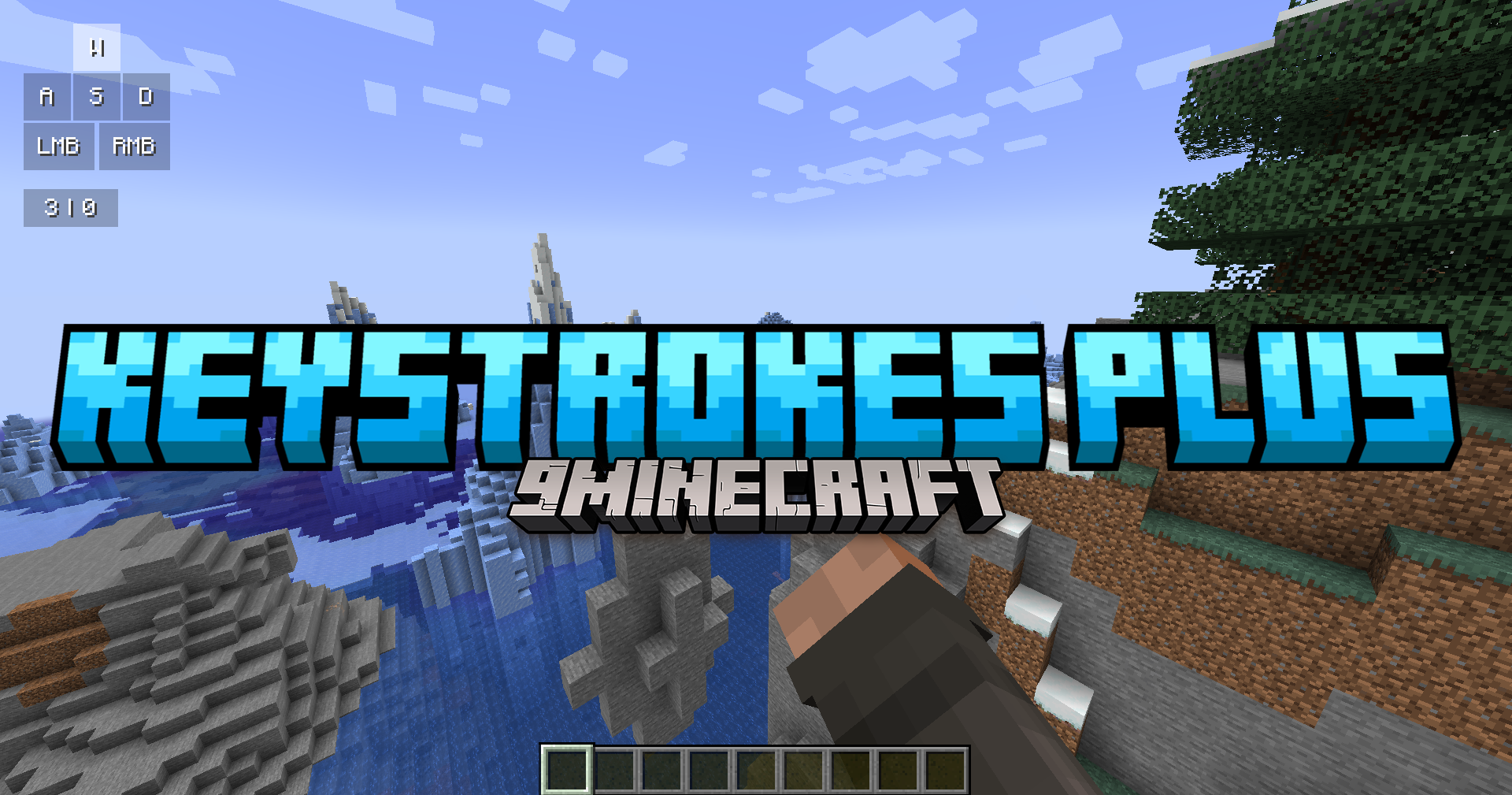
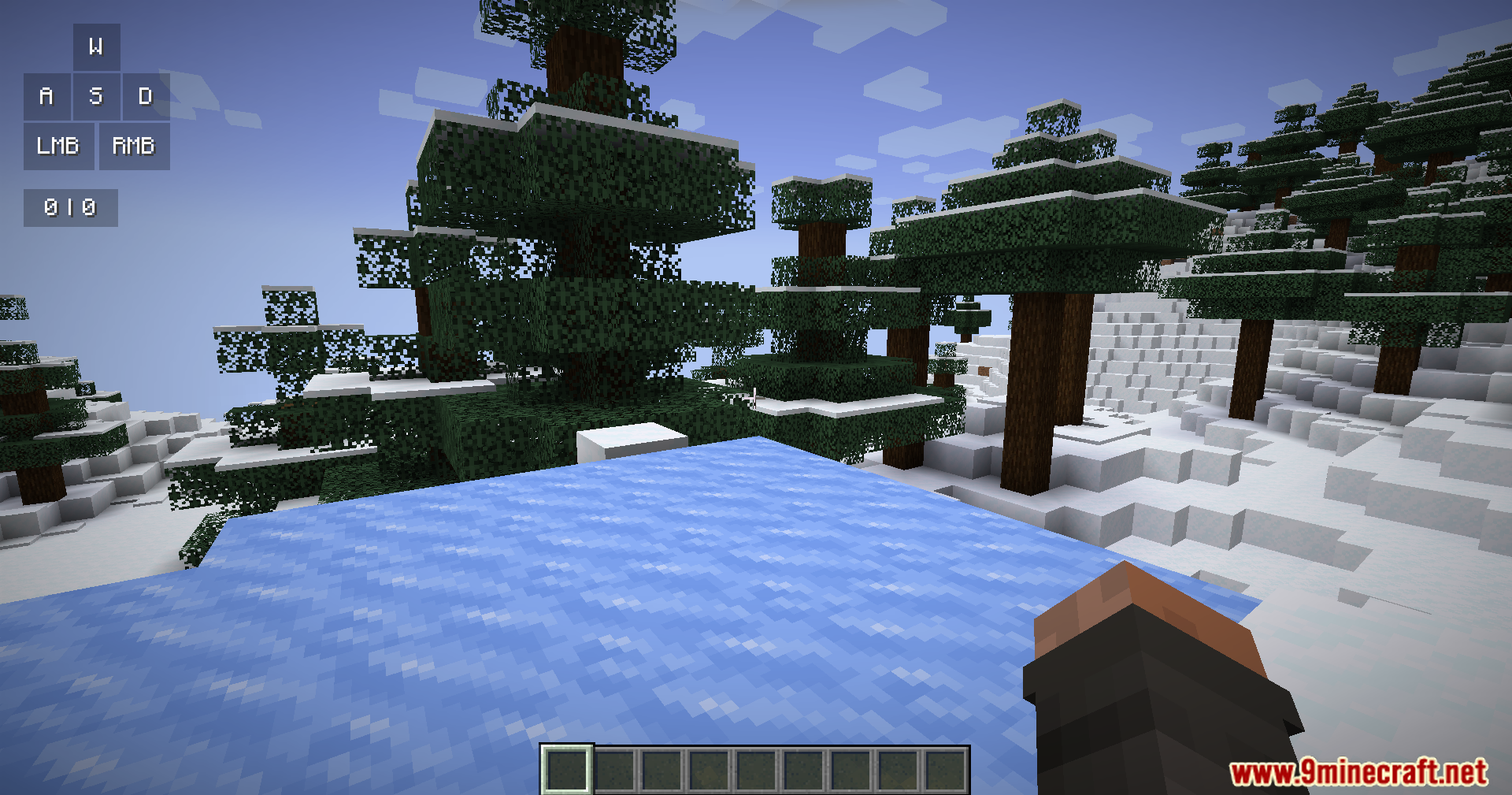
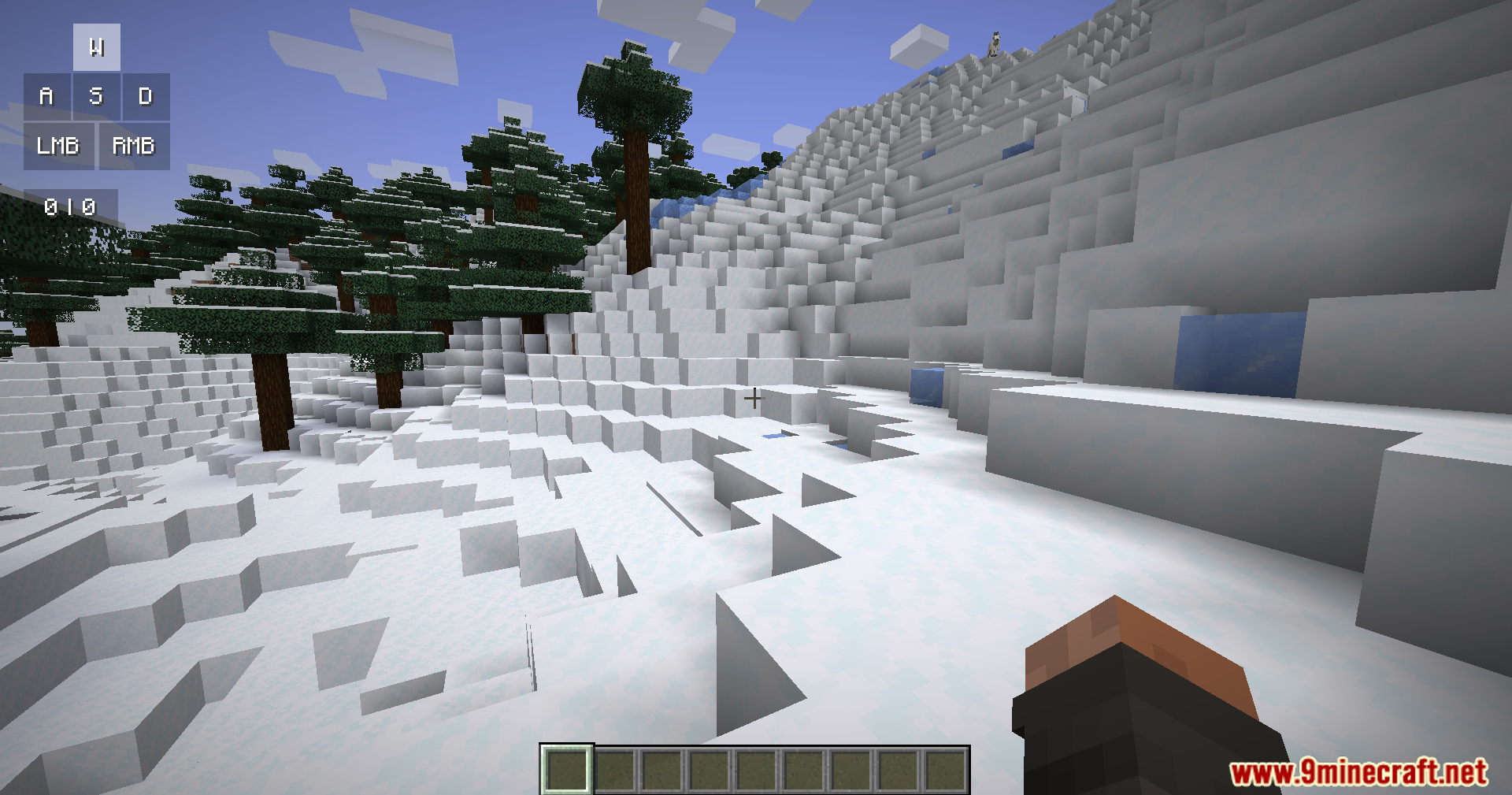
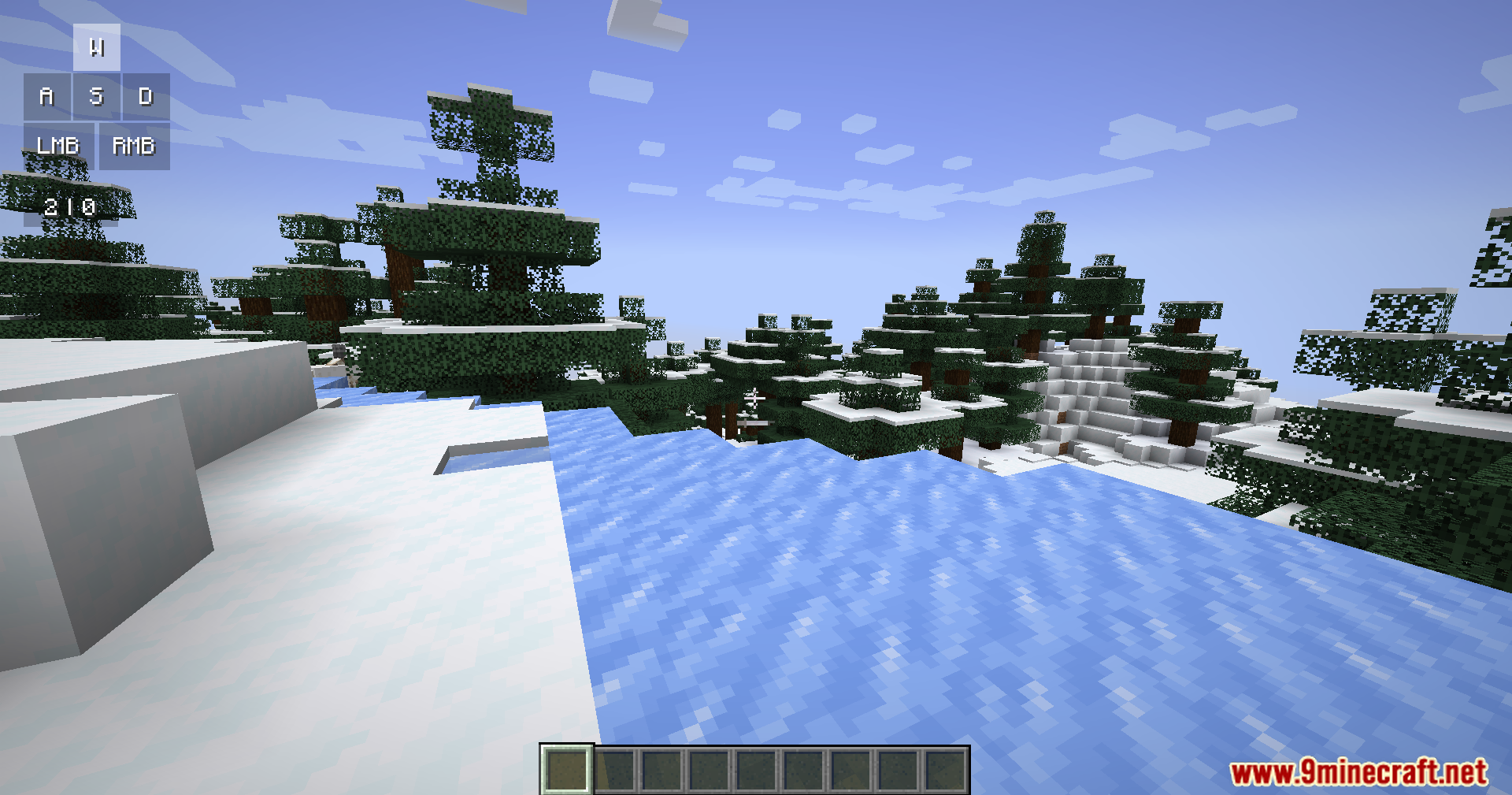
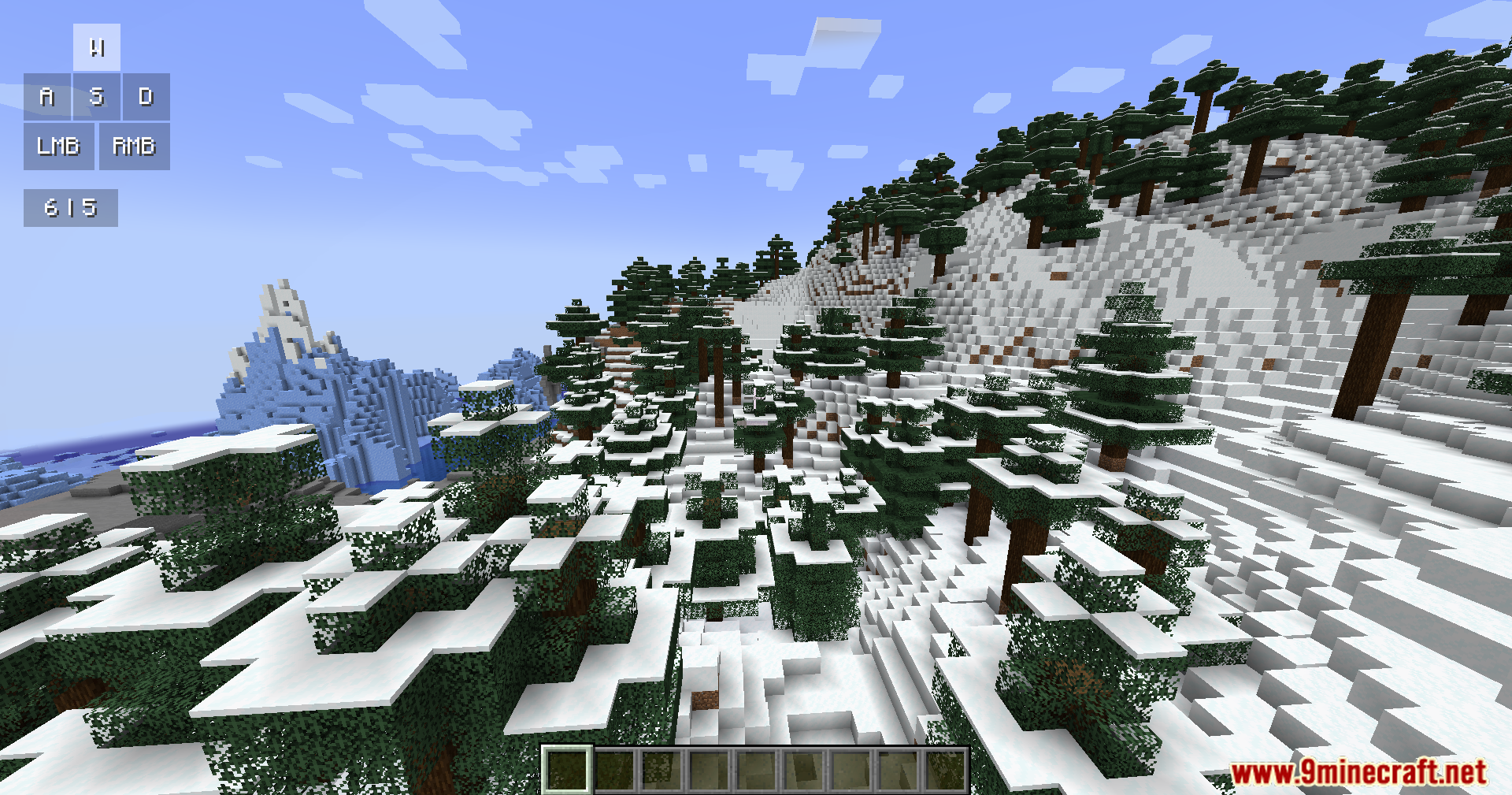
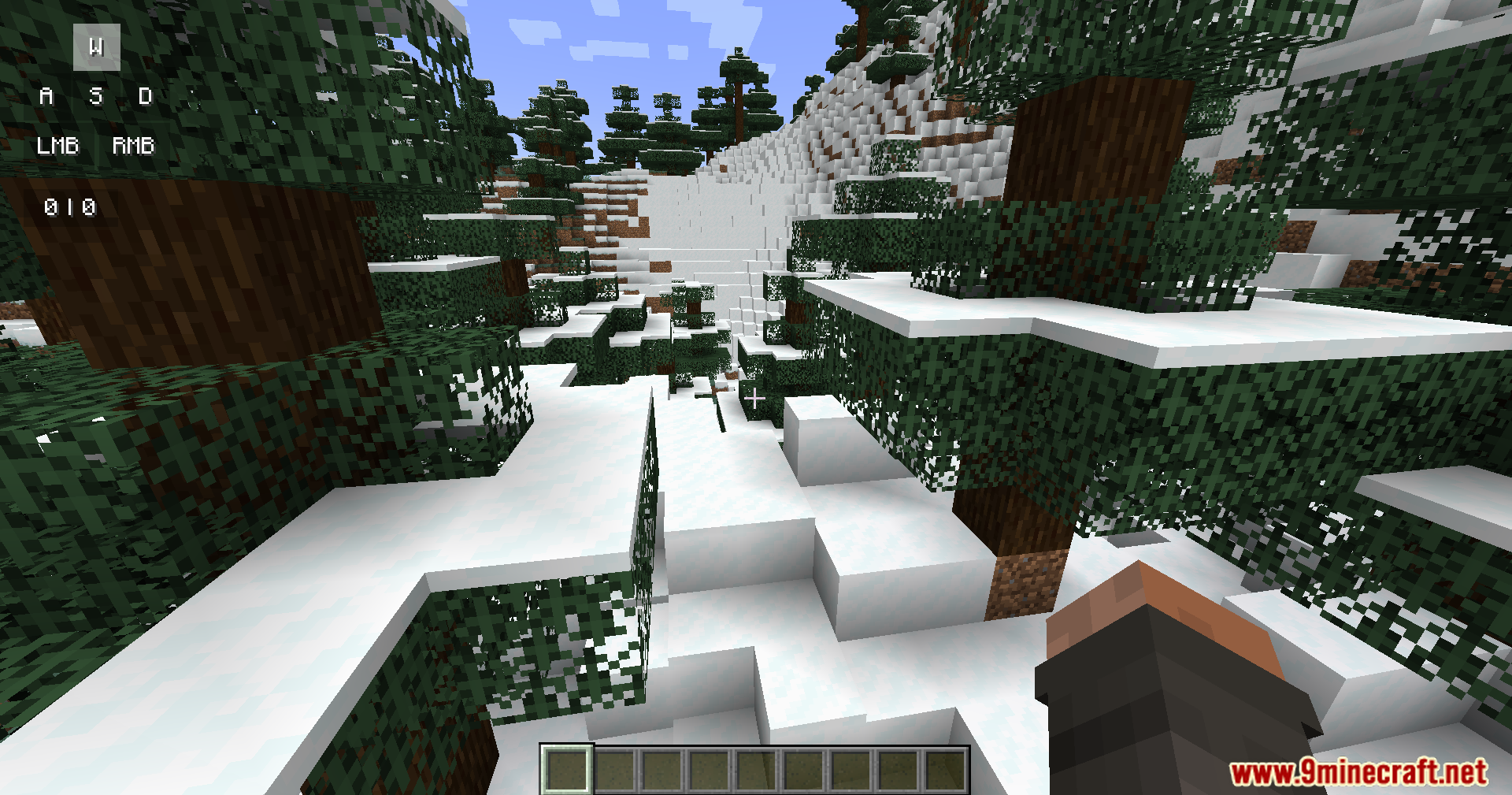
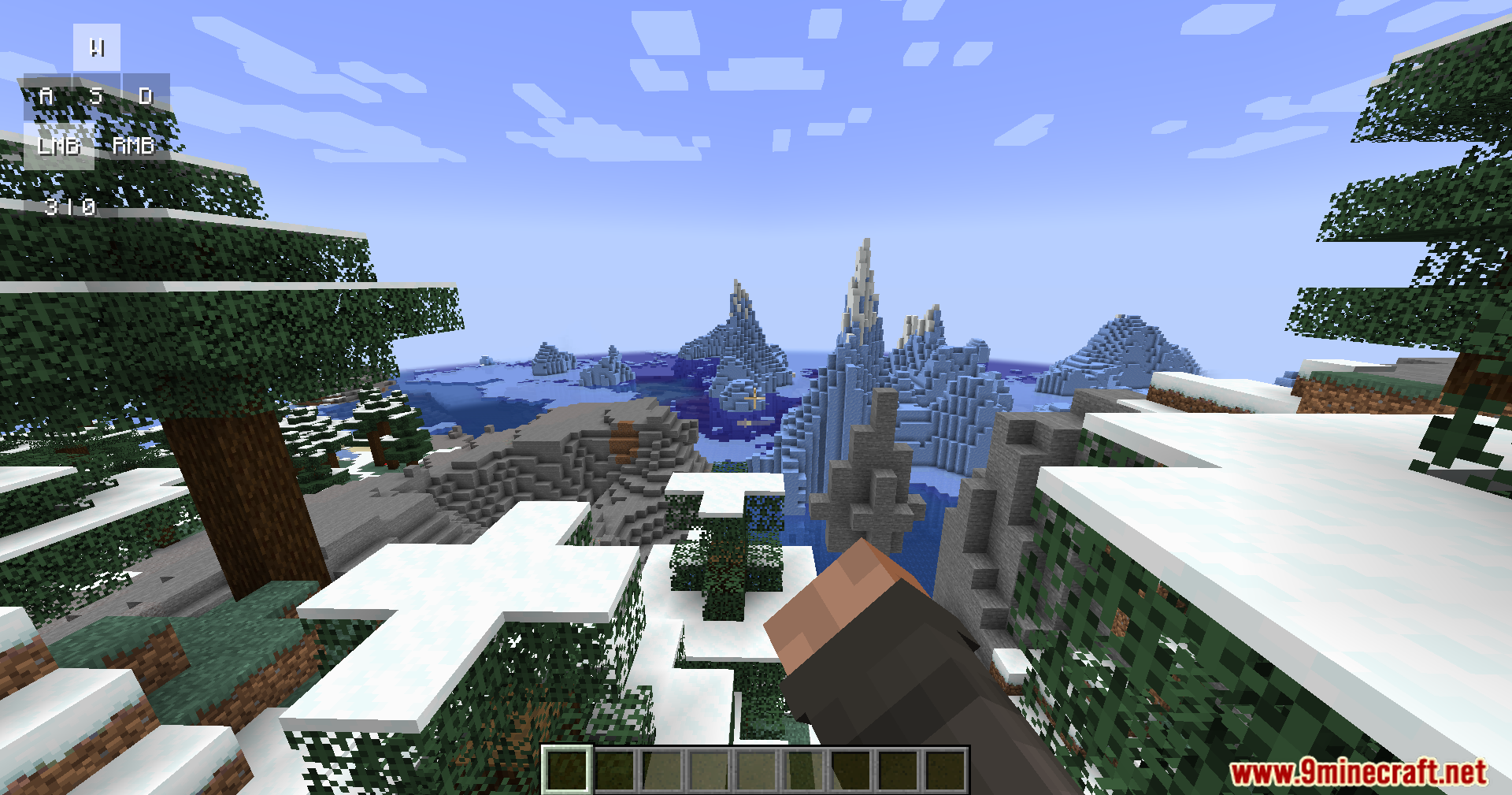
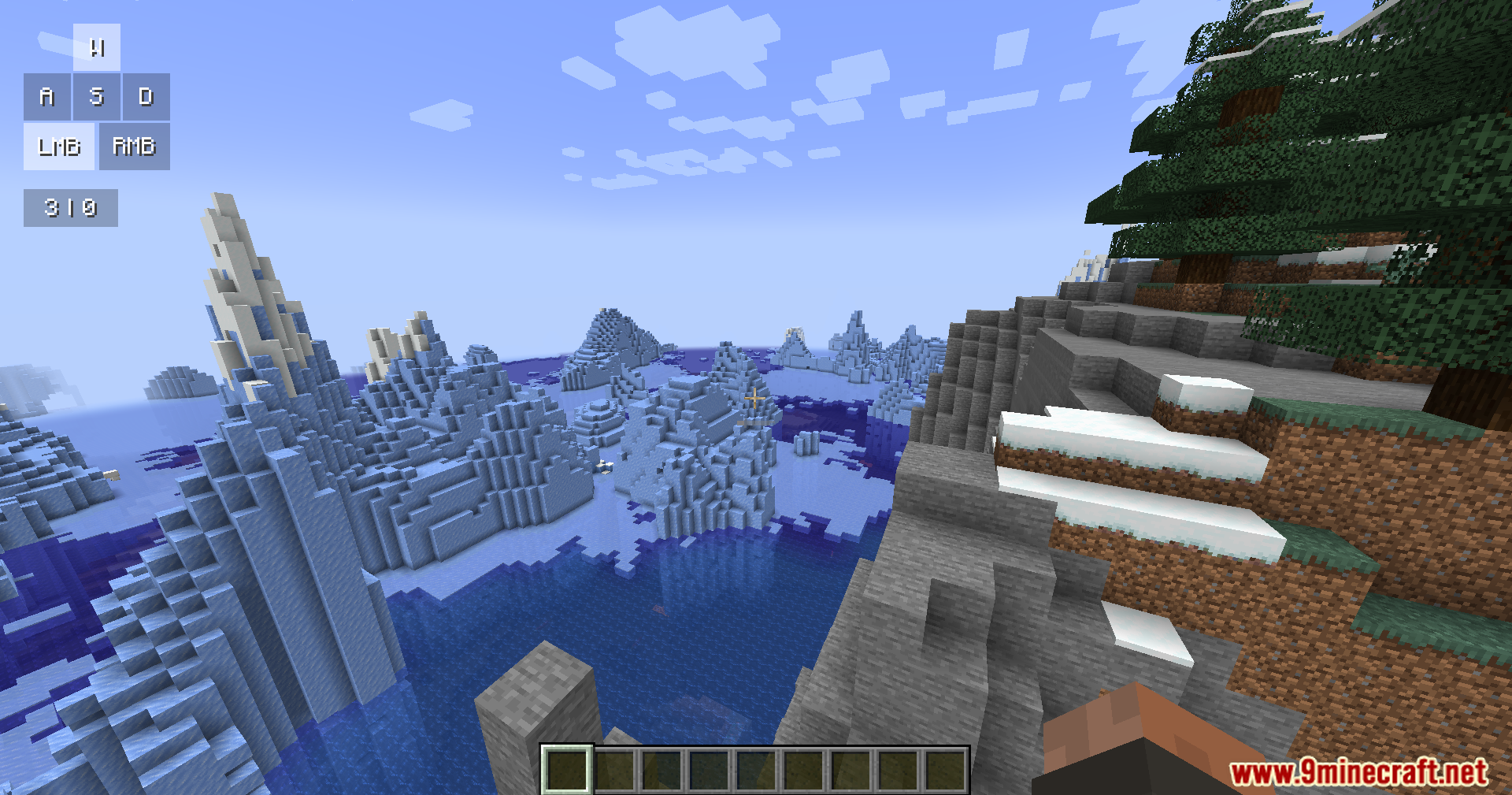
Keystrokes Plus Mod adds a clean information screen to your game. It shows the buttons you press and your clicks per second right on your monitor. This mod brings a modern look with smooth animations and rounded corners that fit the game well.
Features:
- Key Tracking: Shows when you press your movement keys like W, A, S, D and your mouse buttons.
- CPS Counter: Counts how fast you click your left and right mouse buttons.
- Displays the armor you wear and the items you hold on the screen.
- Shows your active potion effects with small icons and a timer.
- Brings a fresh look to the screen with soft shadows, color gradients, and smooth movements.
How to Use:
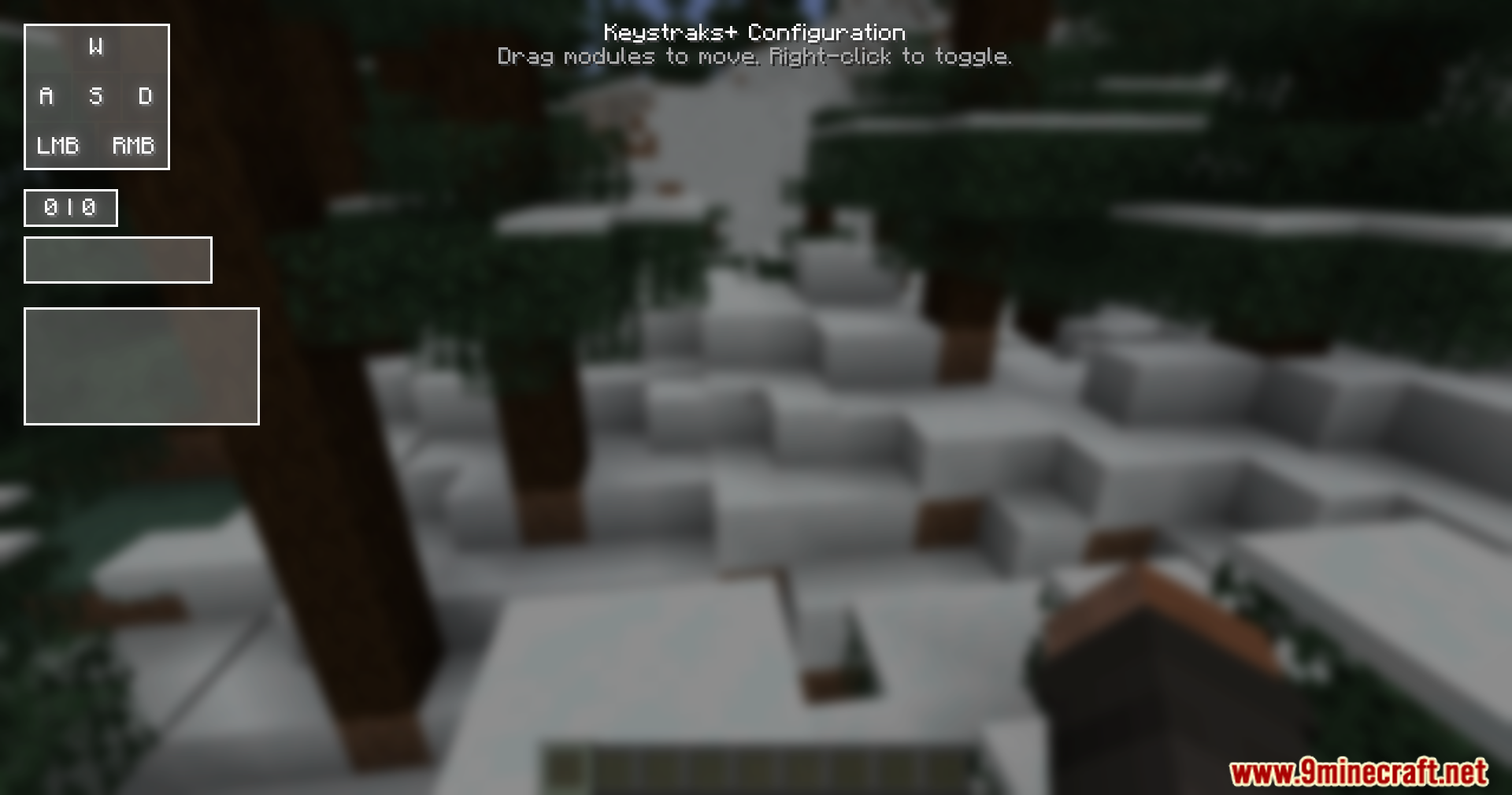
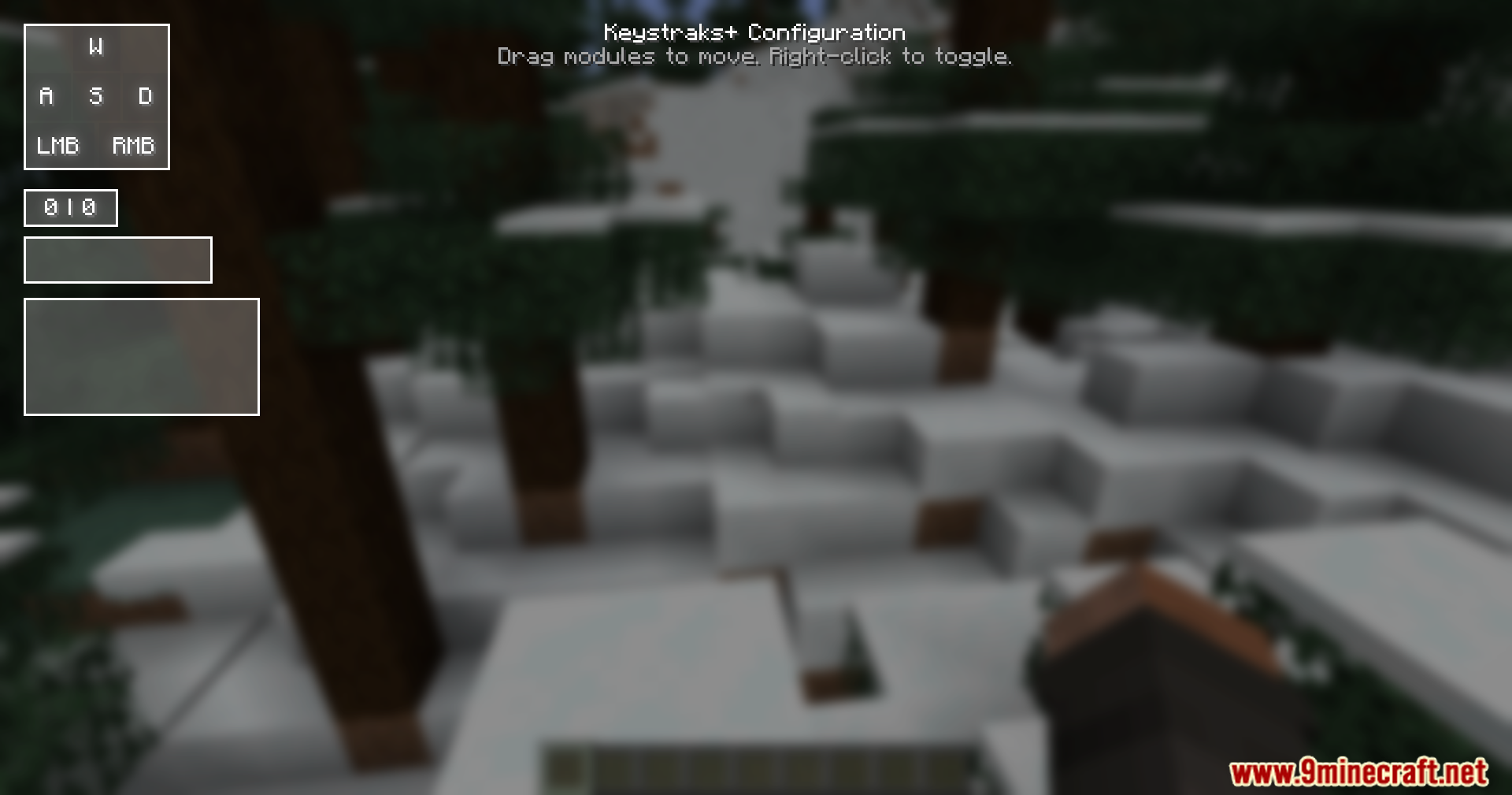
- Press the Right Shift key on your keyboard to open the setup menu.
- Click and drag the different boxes on the screen to move them around.
- Right-click on any box to turn it on or off.
Screenshots:
How to Install:
New to Minecraft? Follow our step-by-step guide to install Mods on your PC.View Guide
Requirements:


Keystrokes Plus Mod Download Links
For Minecraft
1.21.11,
1.21.10,
1.21.9
All Versions Covered
1.21.11
1.21.10
1.21.9
1.21.8
1.21.7
1.21.6
1.21.5
1.21.4
All Versions Covered
1.21.11
1.21.10
1.21.9
1.21.8
1.21.7
1.21.6
1.21.5
1.21.4
Click to rate this post!
[Total: 1 Average: 5]
You May Also Like




This post has no comments yet. Be the first — your comment will appear here.