🌐 Read this article in your language! Choose your preferred language below.
Or pick the one you like:
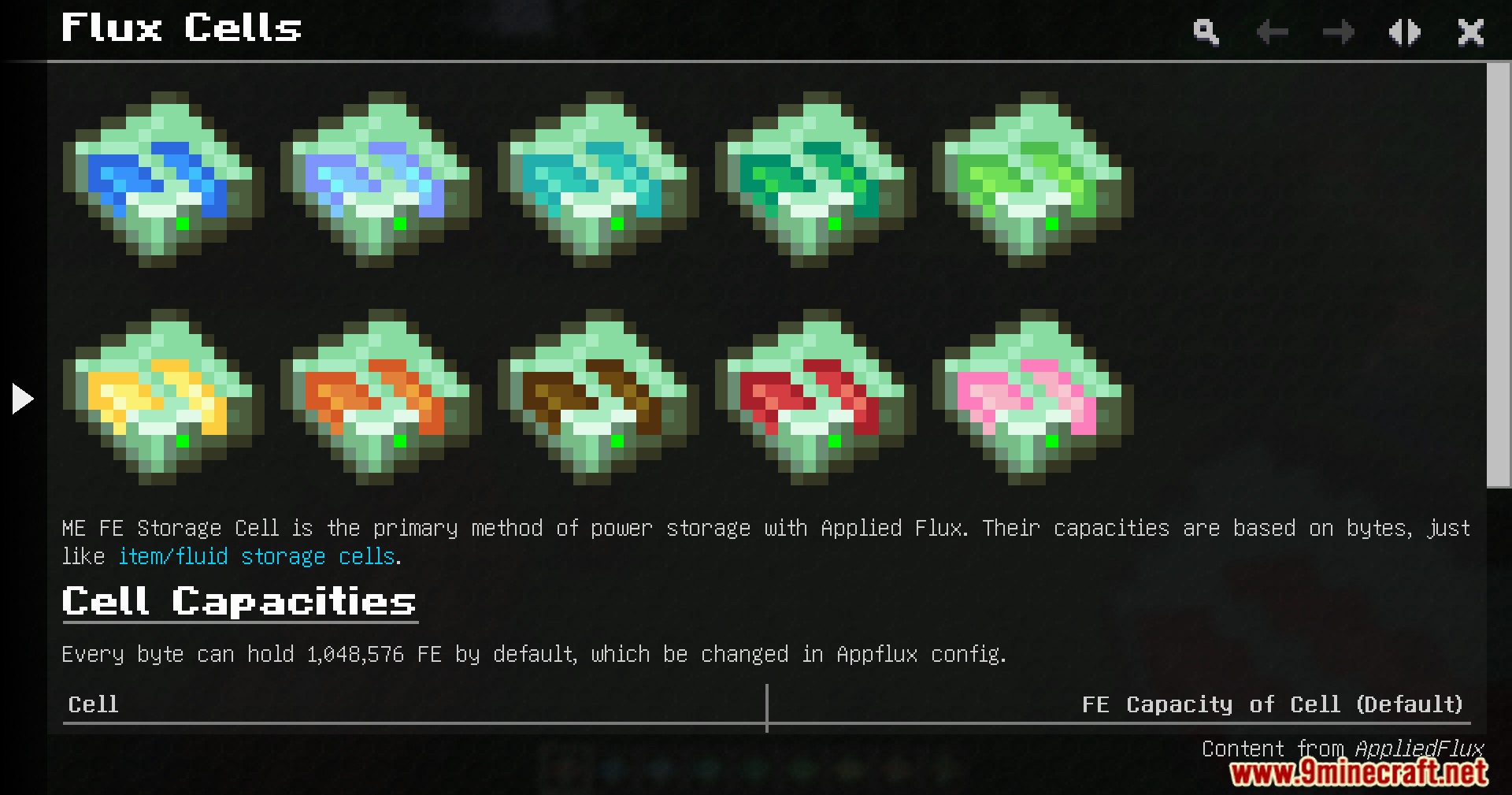
App Flux Mod adds Forge Energy storage for Applied Energistics 2. This addon brings new cells that hold FE right inside your ME network. It links your power management and item storage together into one system.
Features:
Adds new storage cells specifically built to hold Forge Energy in your network.
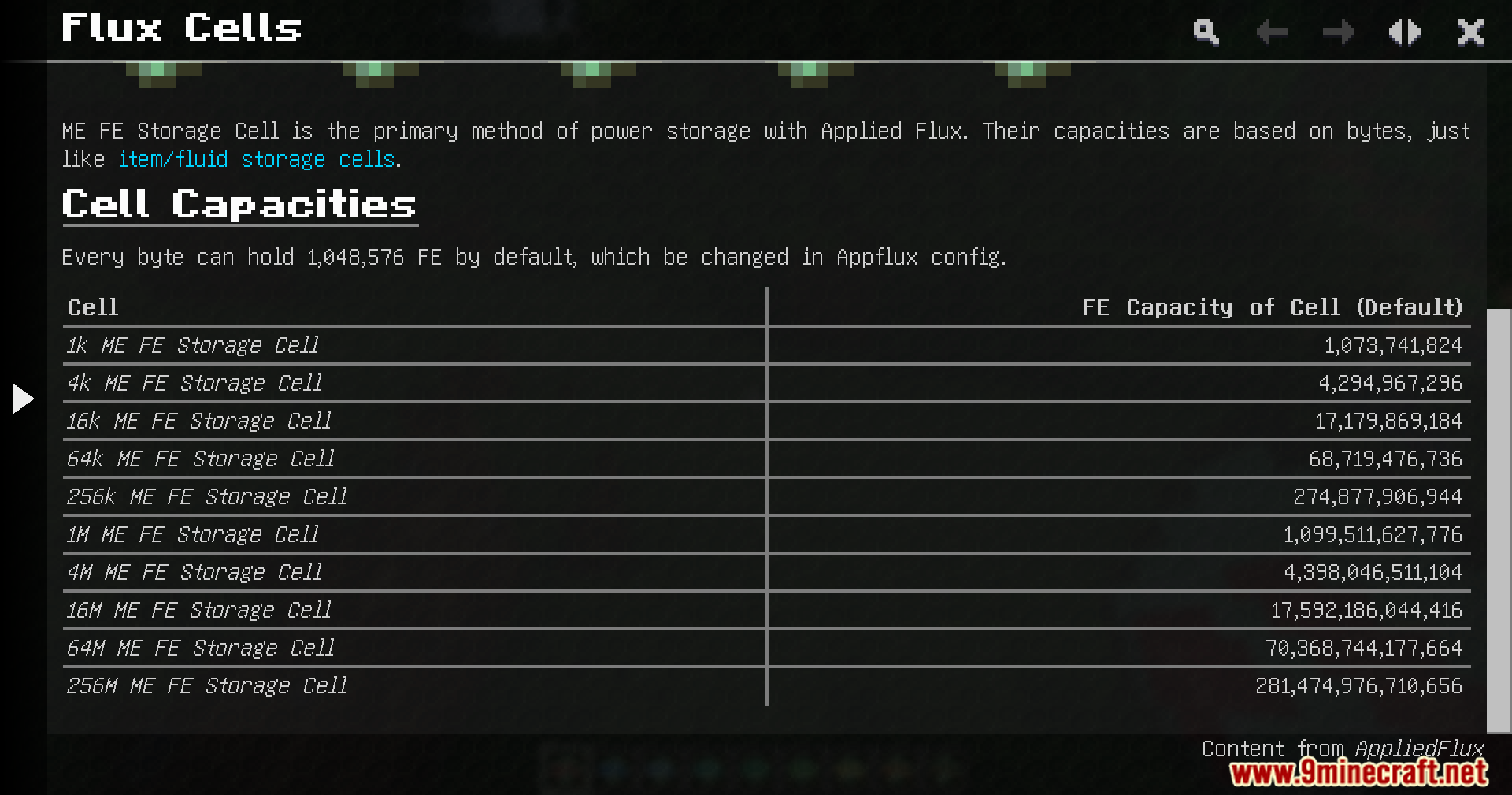
Offers huge storage options, with the largest cell holding over 200 trillion FE.
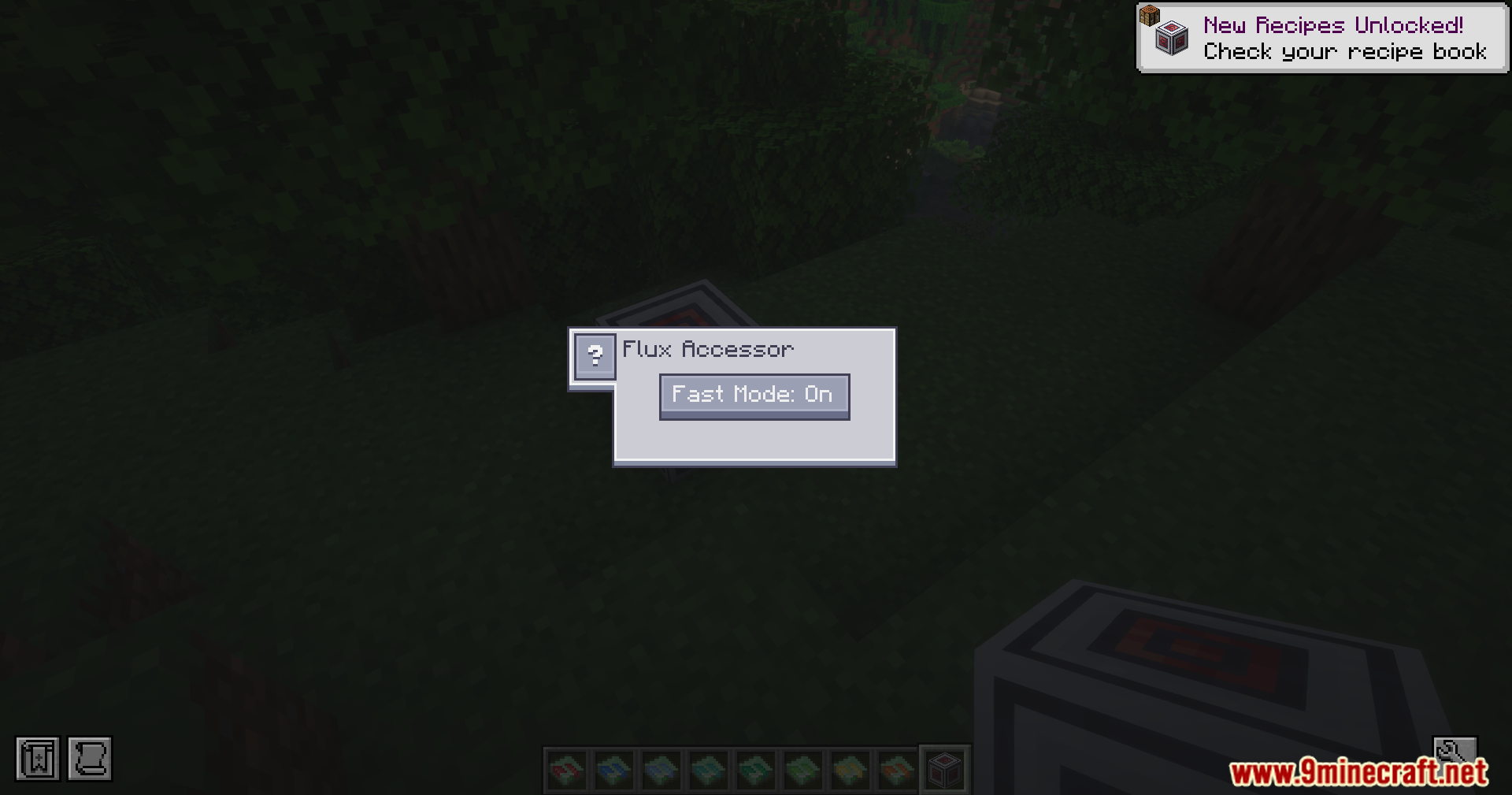
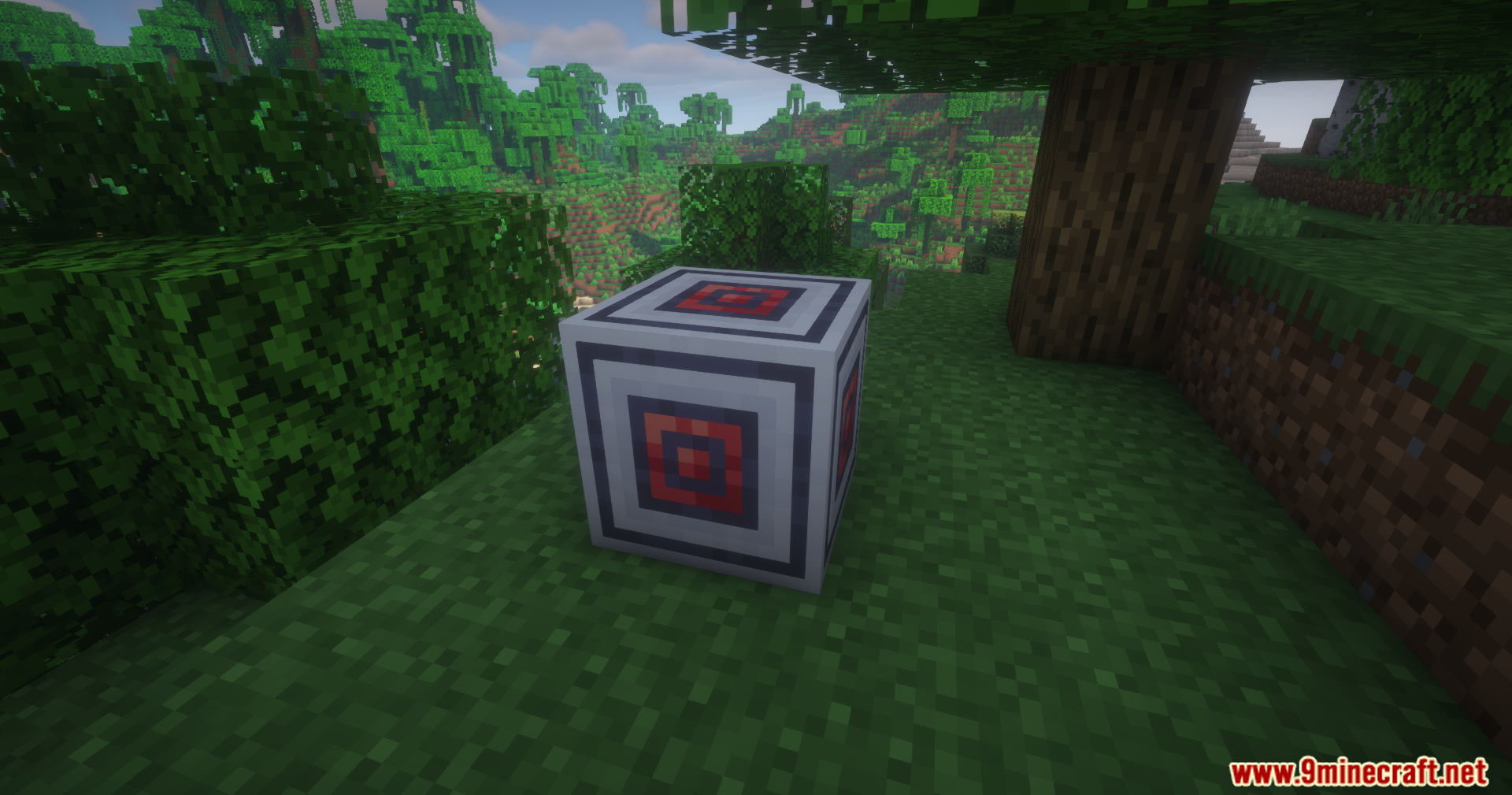
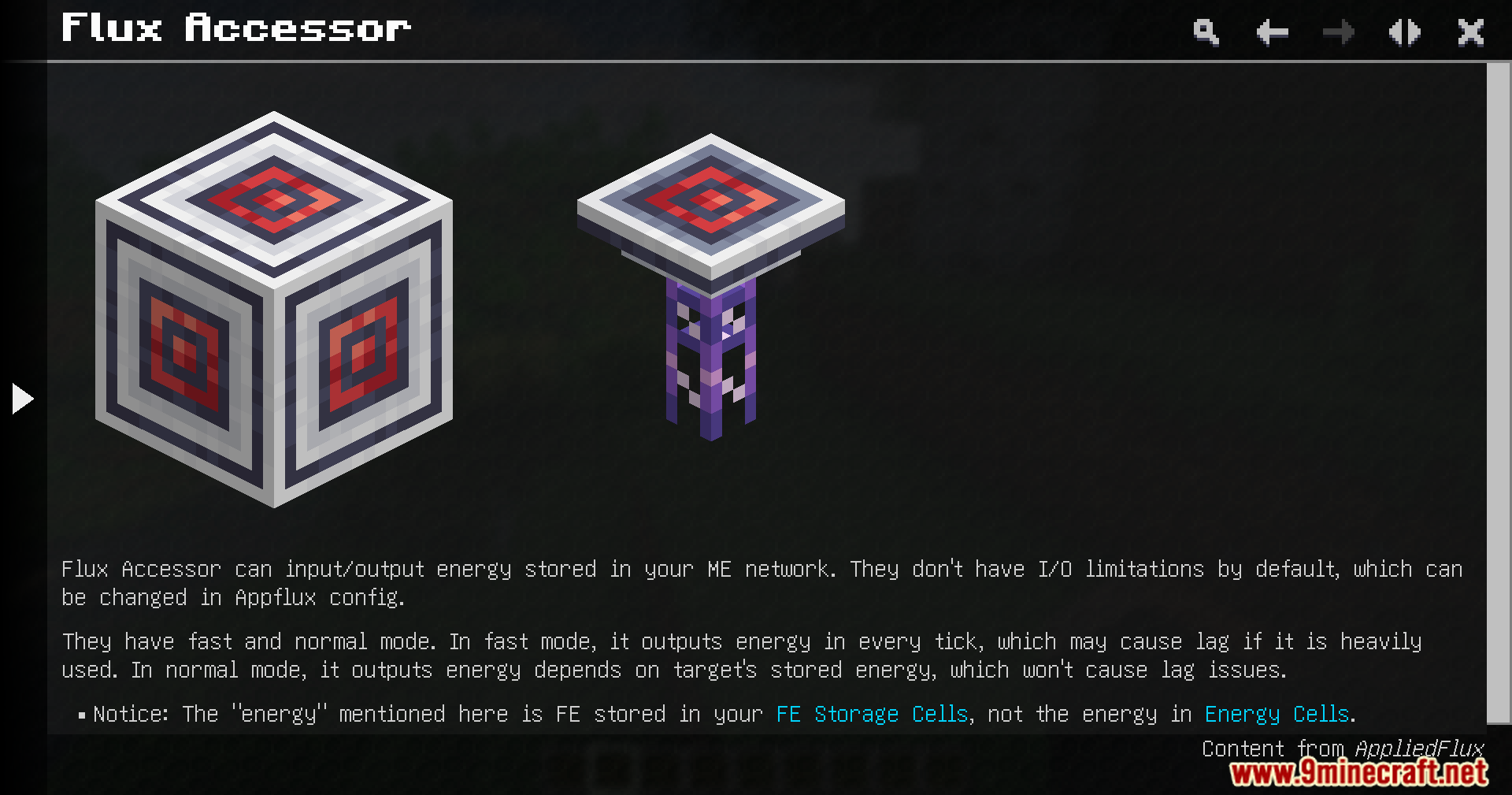
Includes a Flux Accessor block that lets you move power in and out of the system.
Lets you check your total stored energy directly from the terminal screen.
Gives you a way to charge and discharge your items right inside the terminal.
How to Use:
Place the new energy cells into your ME drives to start storing power.
Set up a Flux Accessor to connect your network to external power sources or machines.
Open your terminal to see your total energy count.
Put items that need power into the terminal slots to charge them up.
Screenshots:
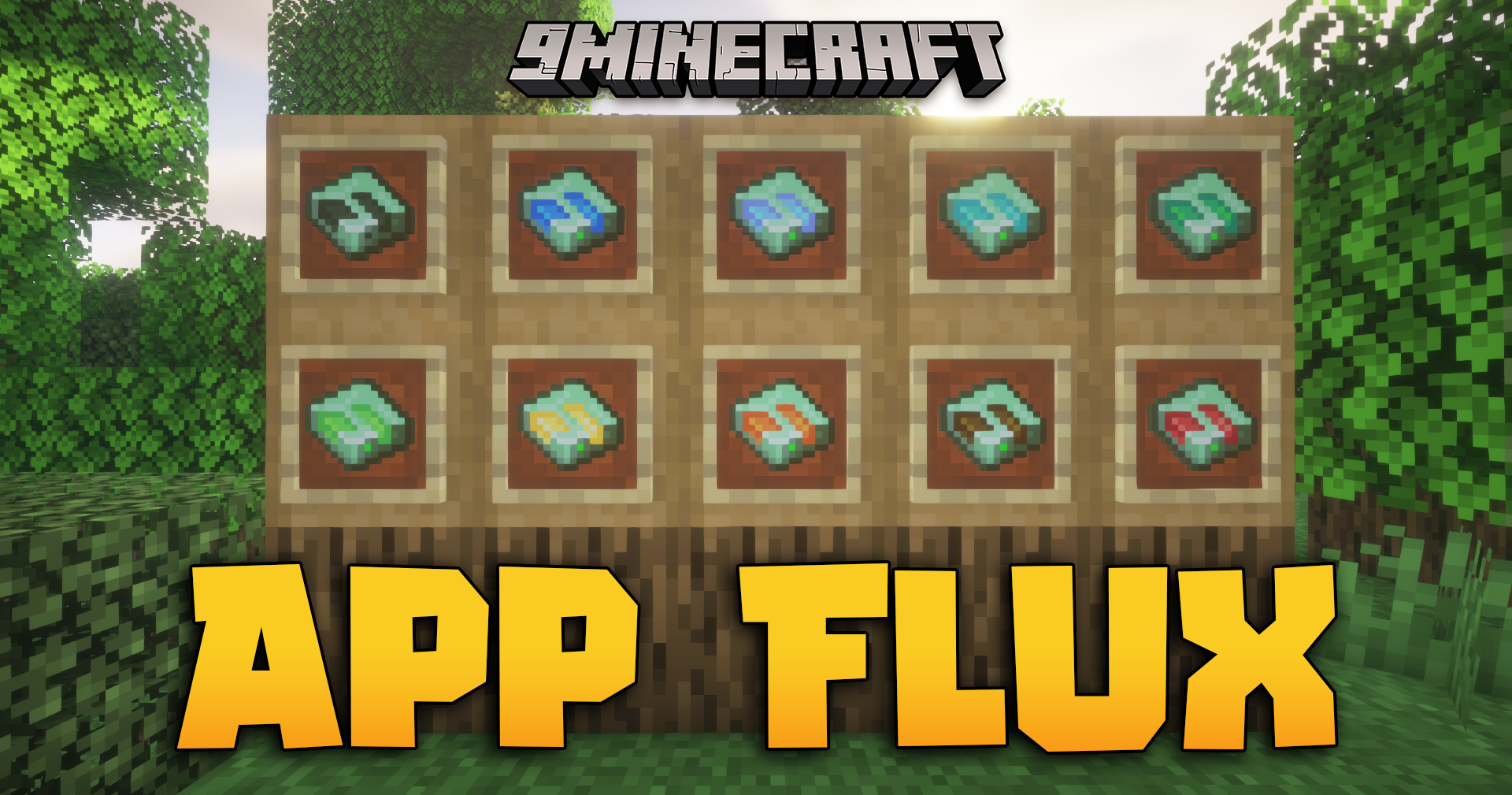
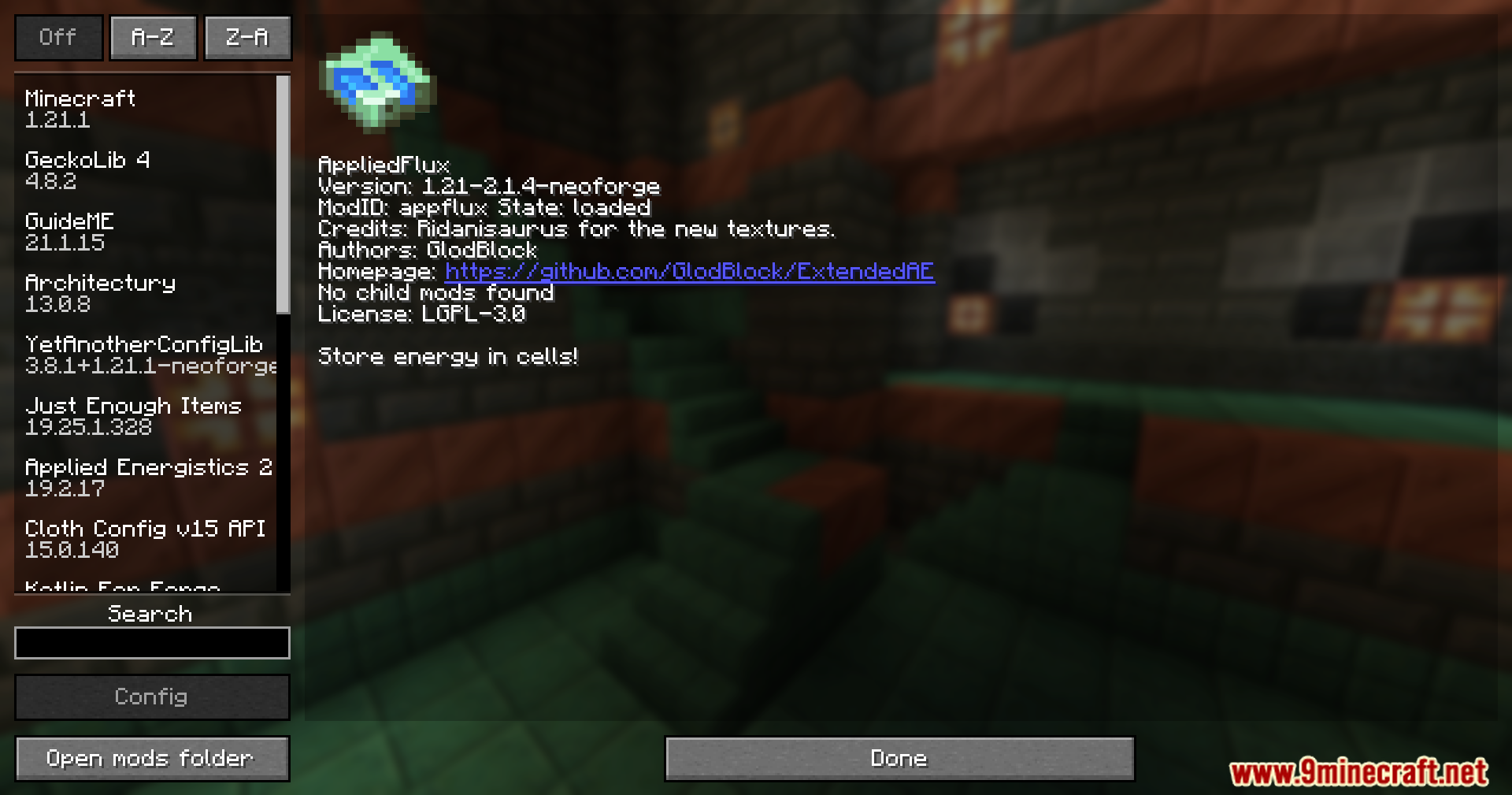
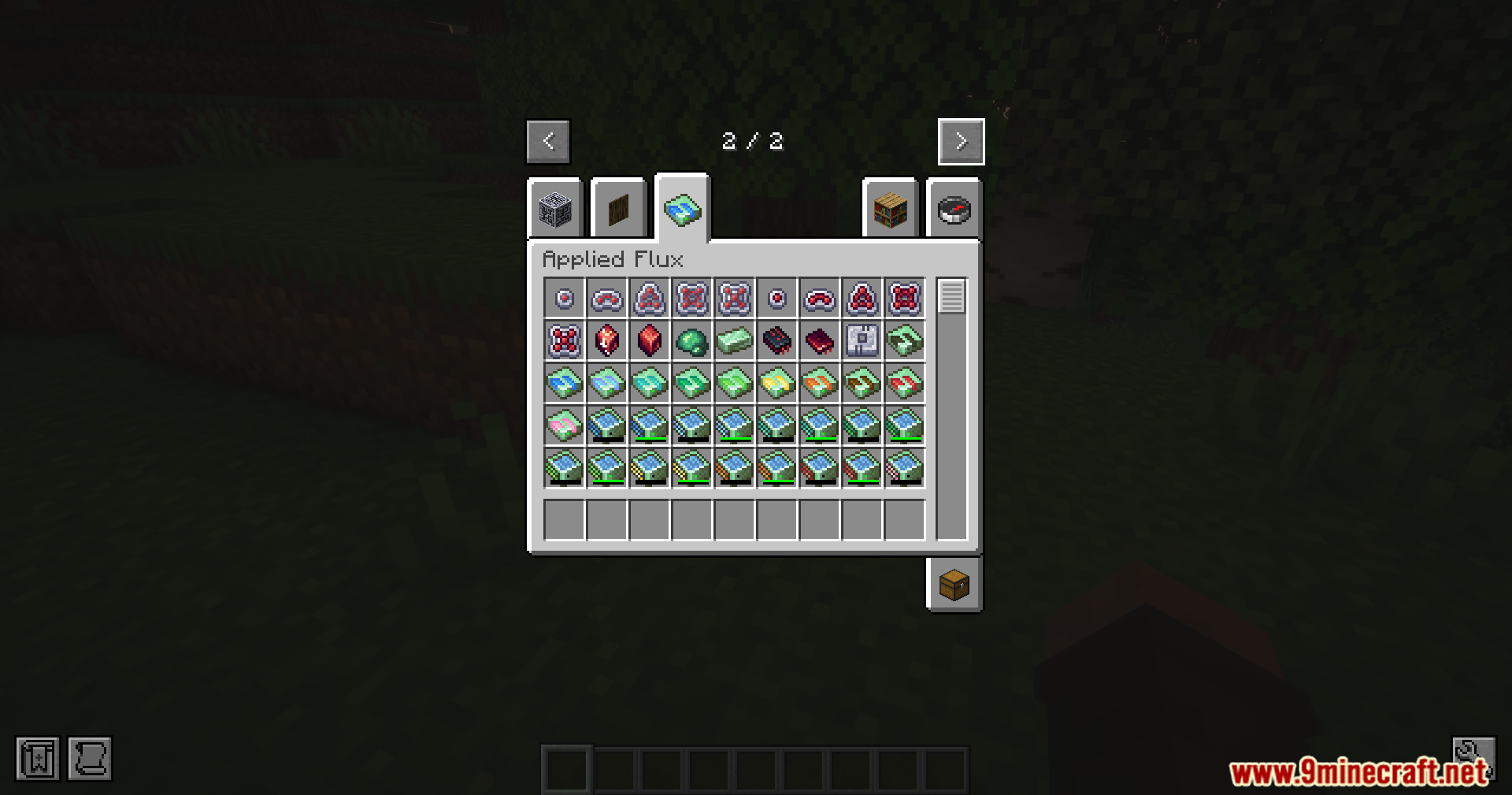
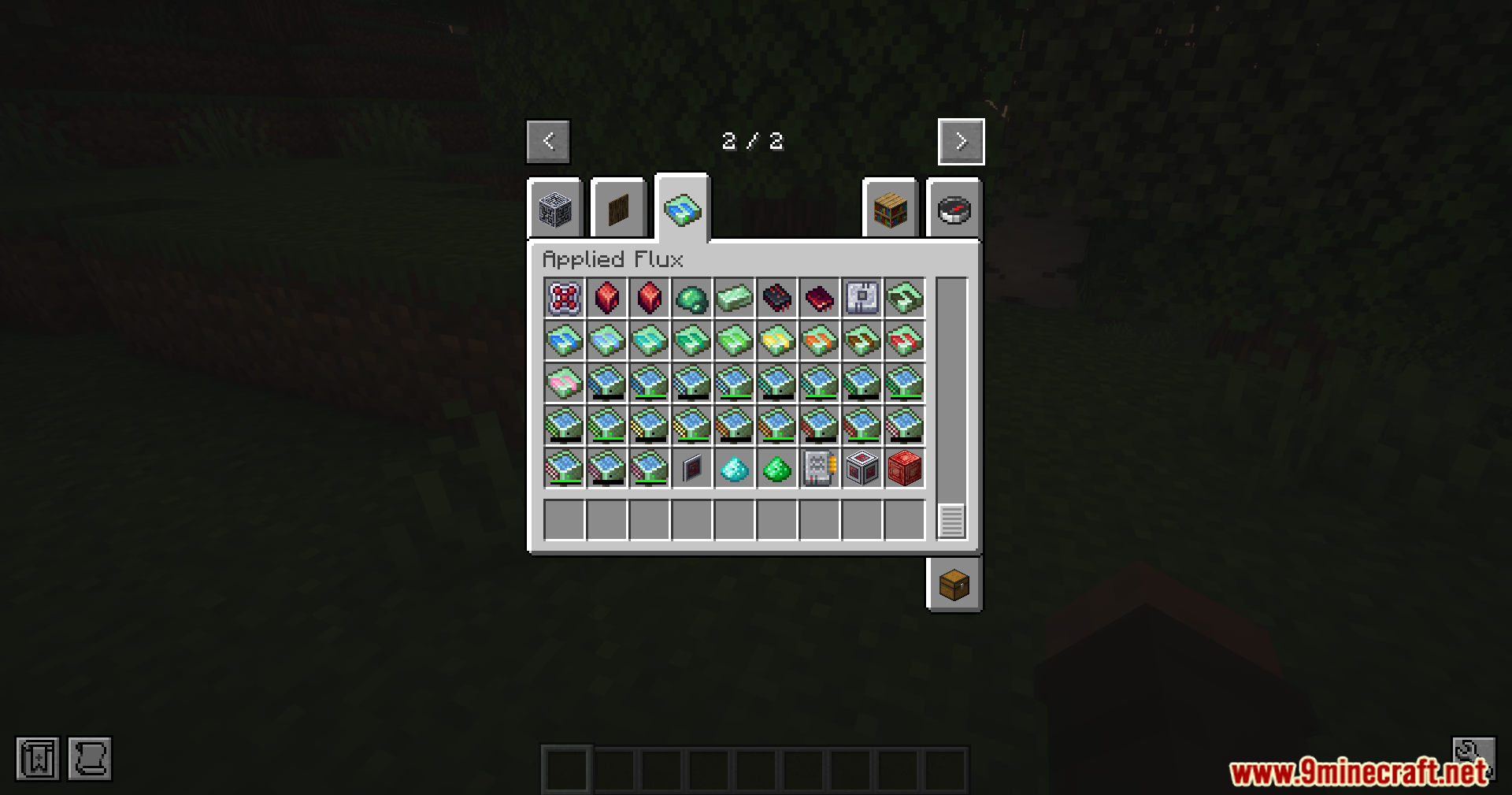
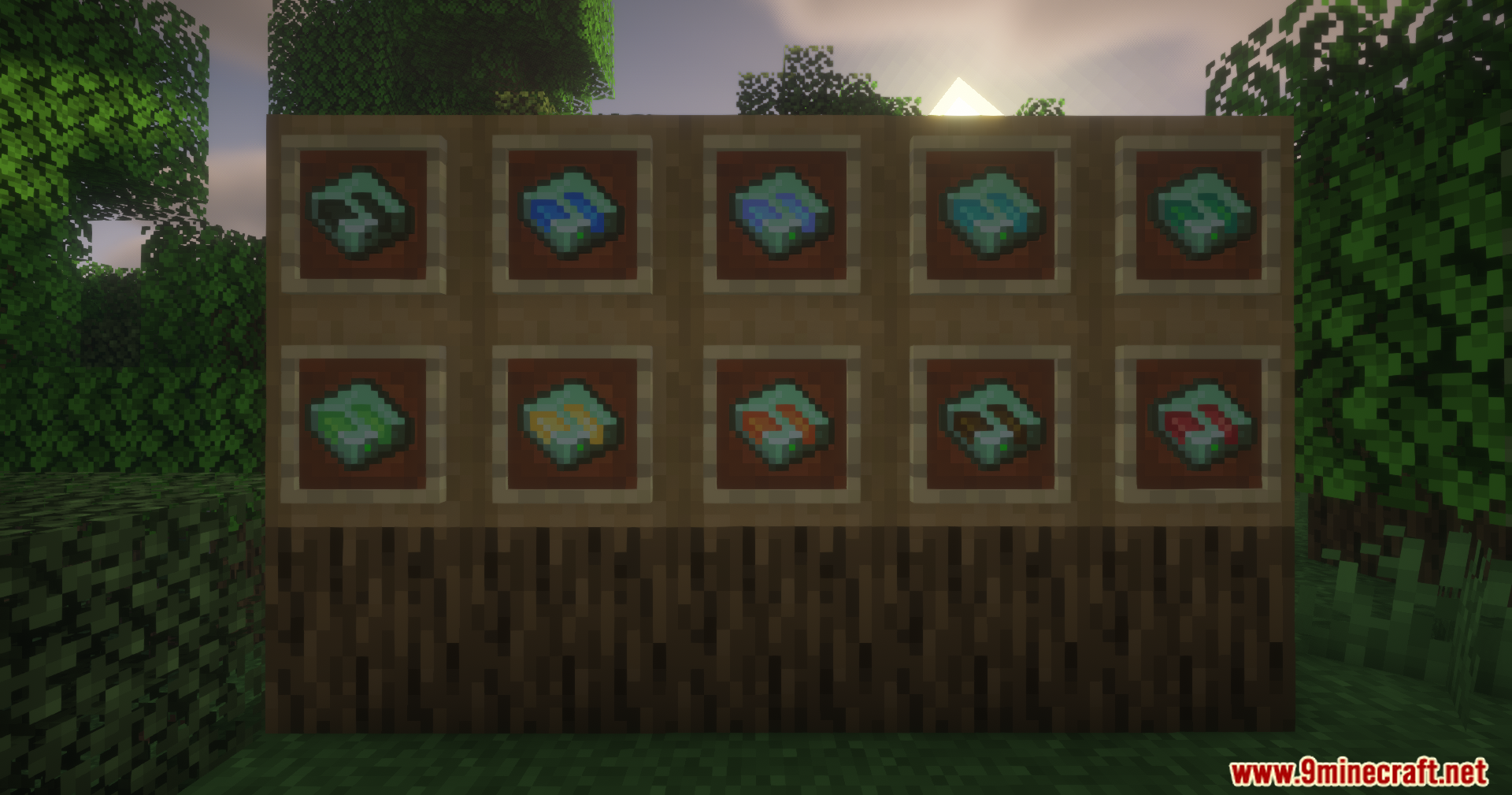
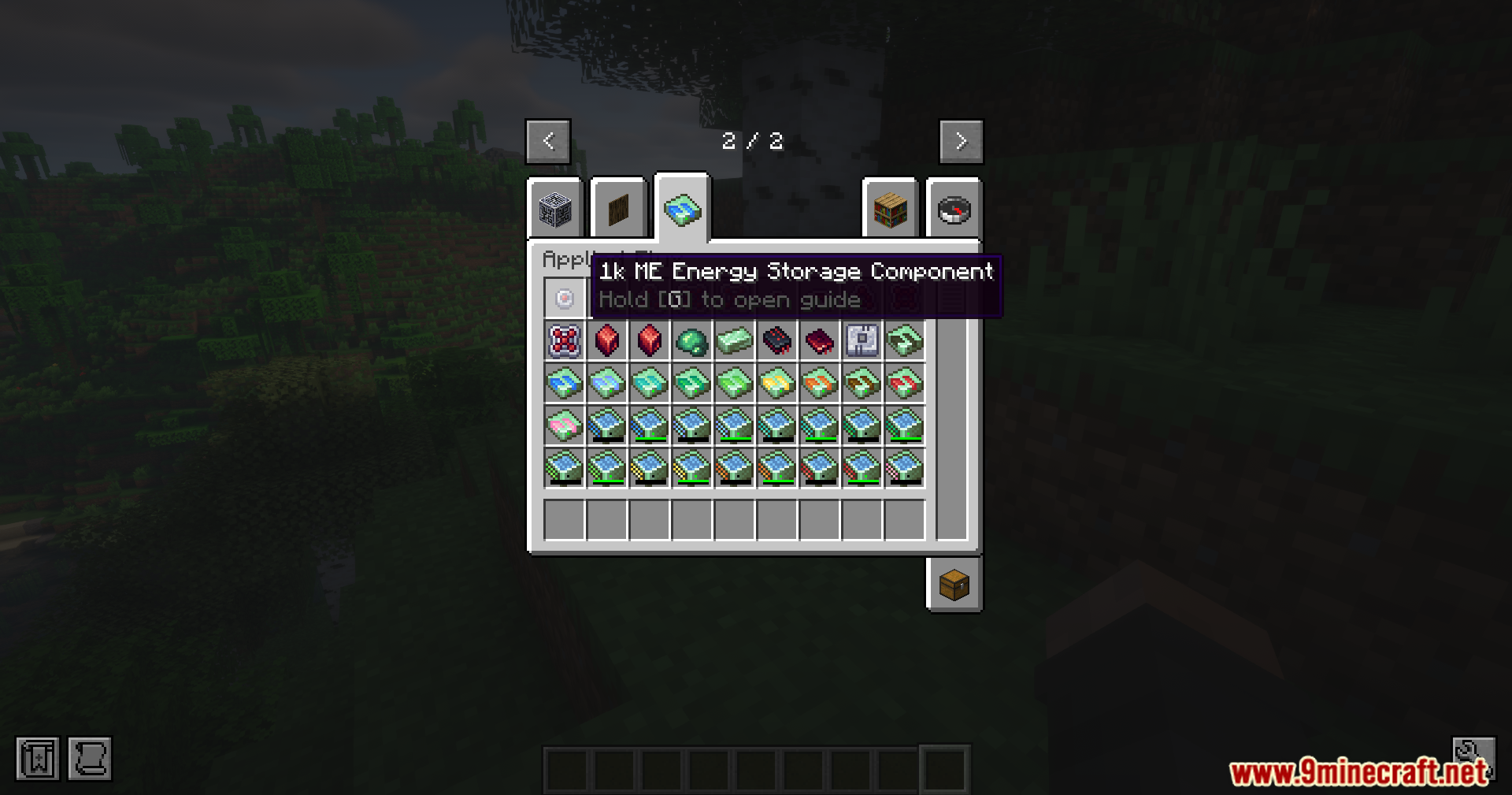
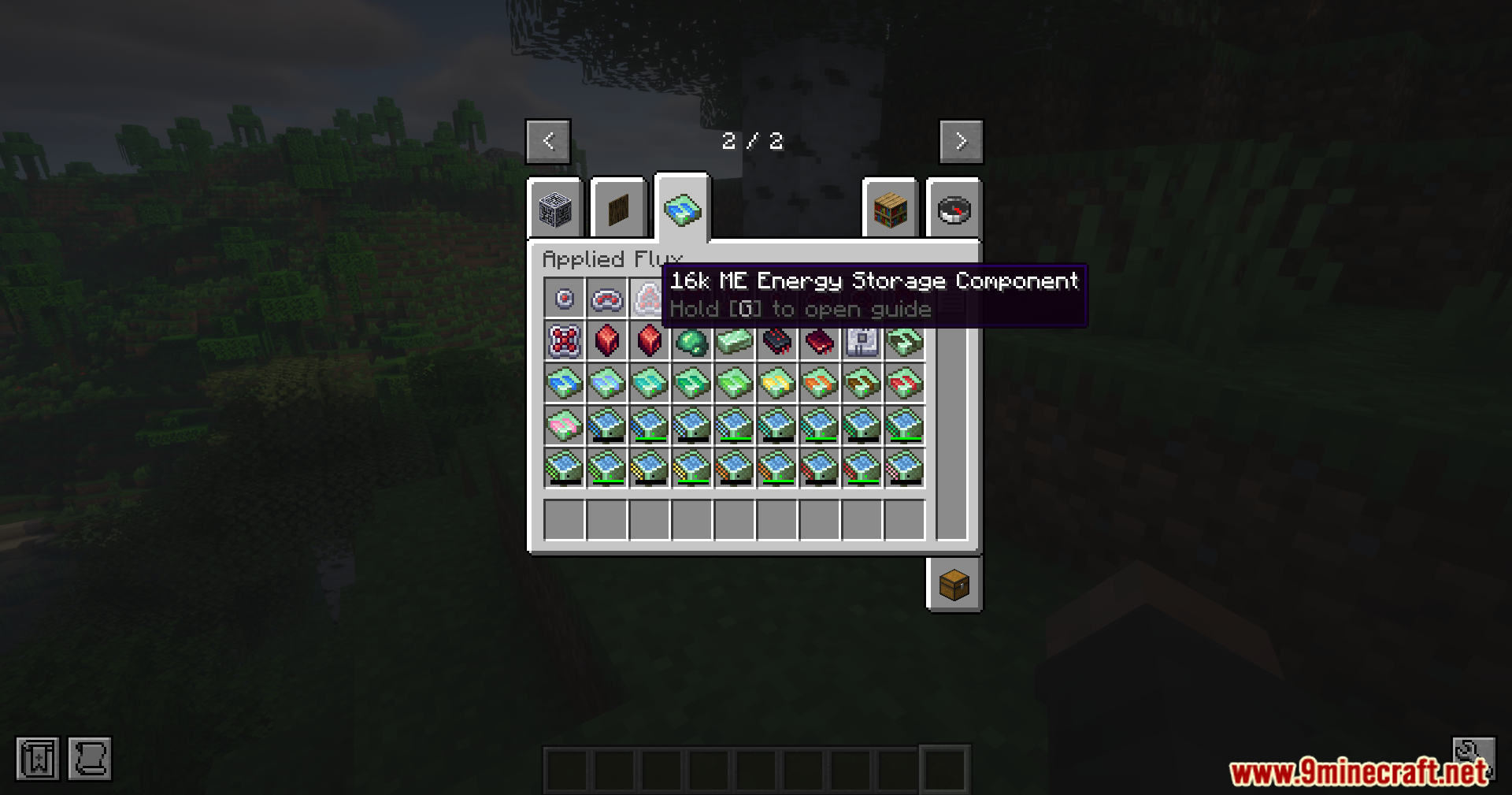
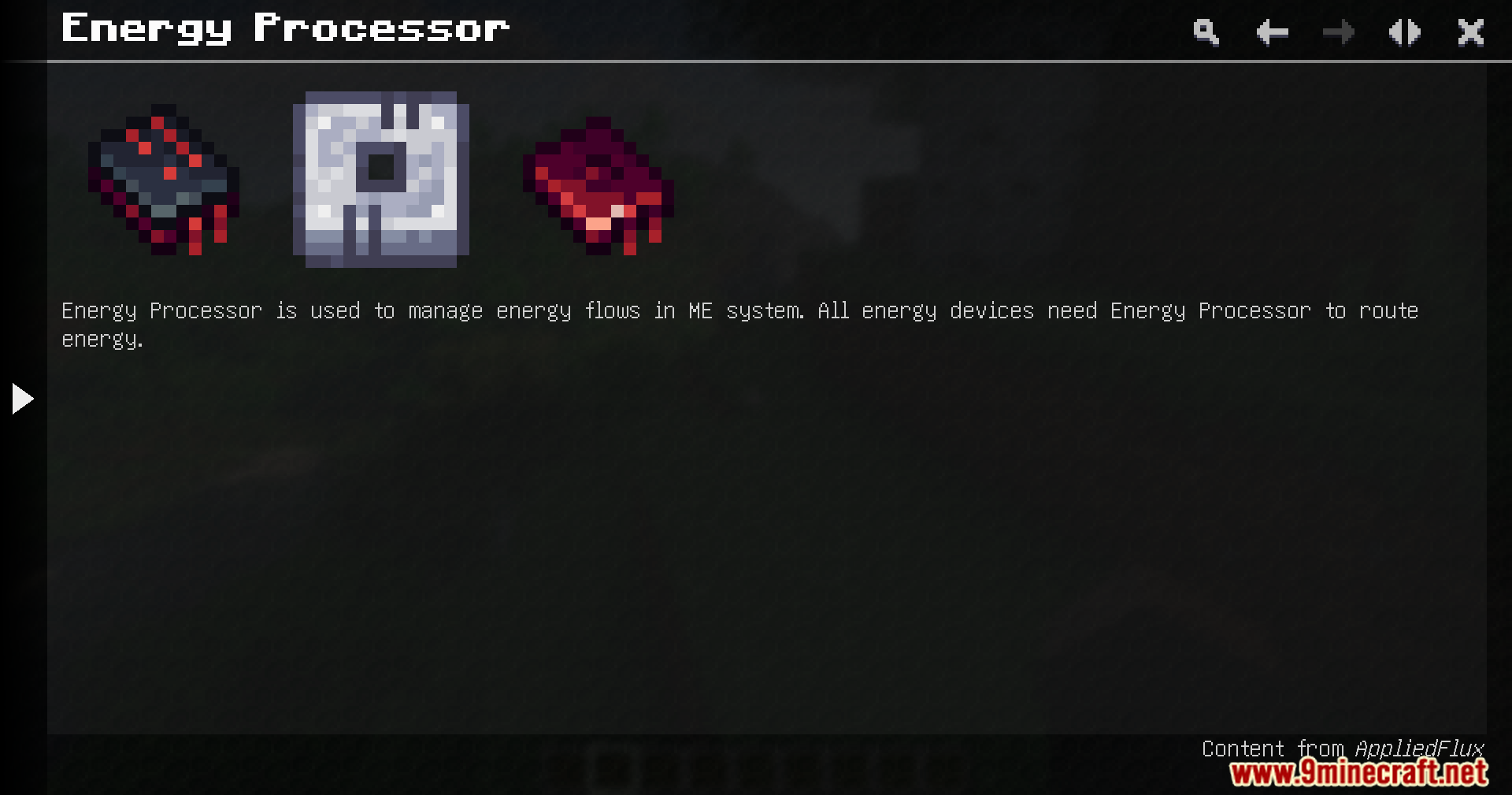
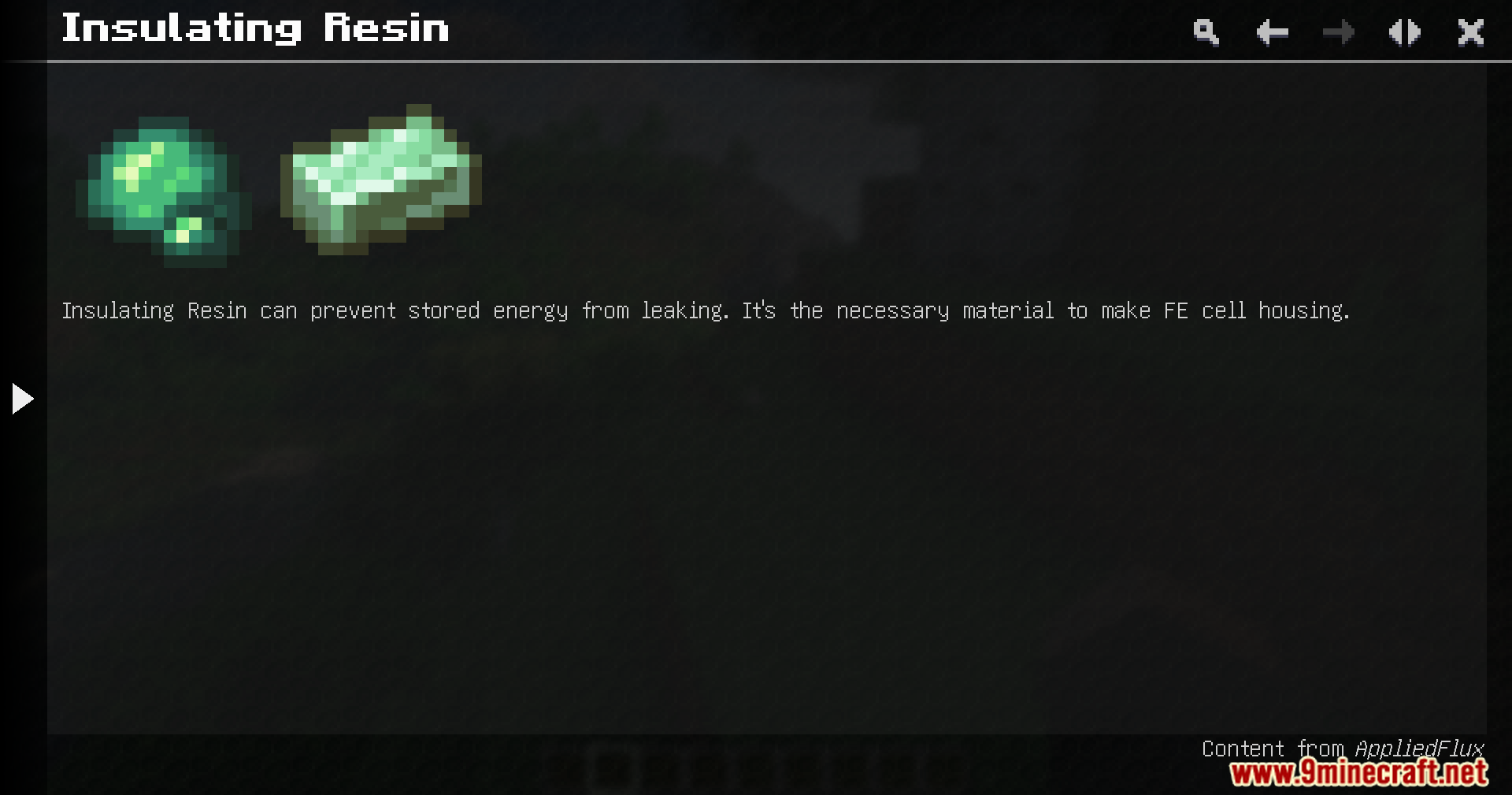
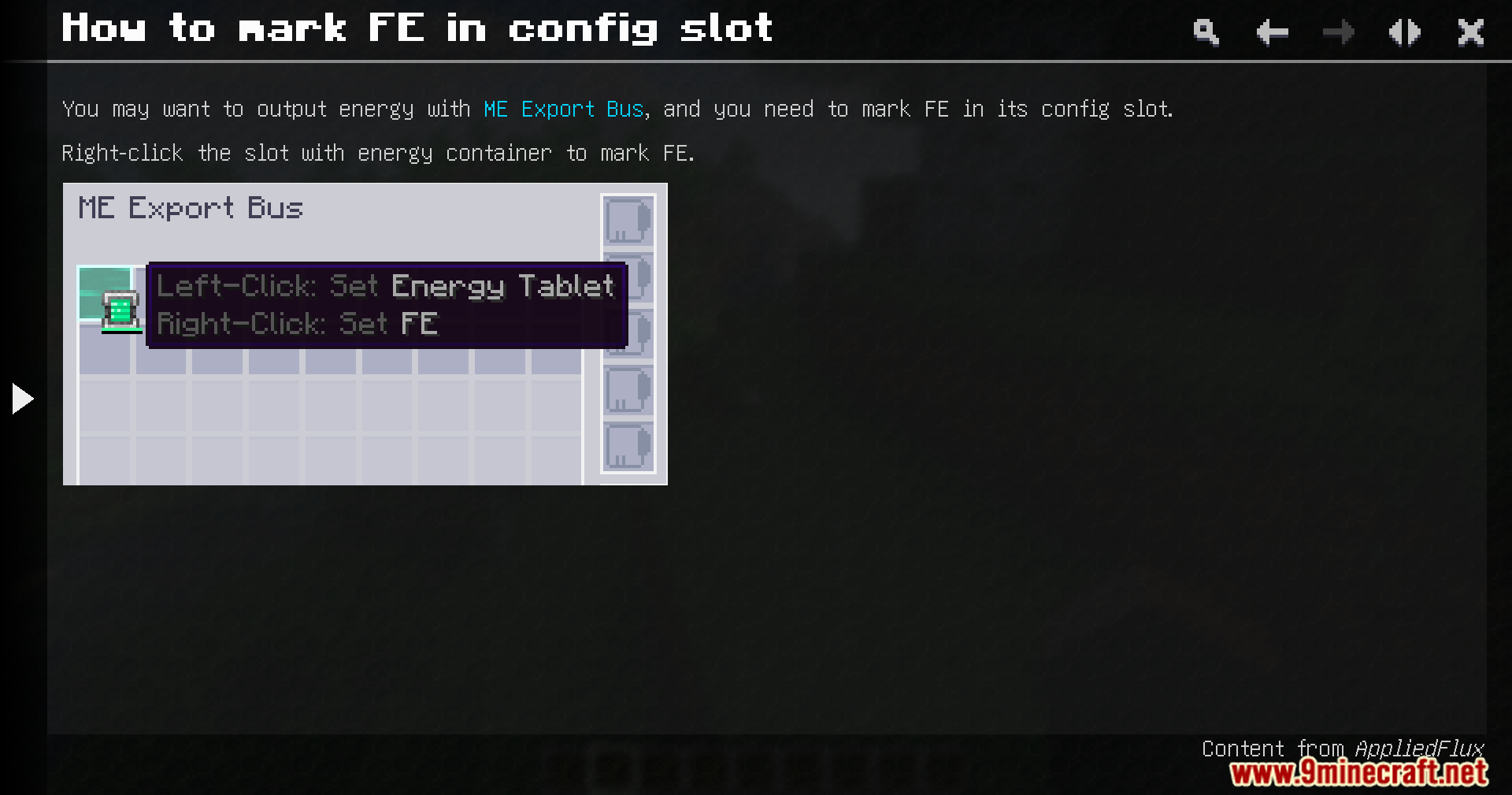
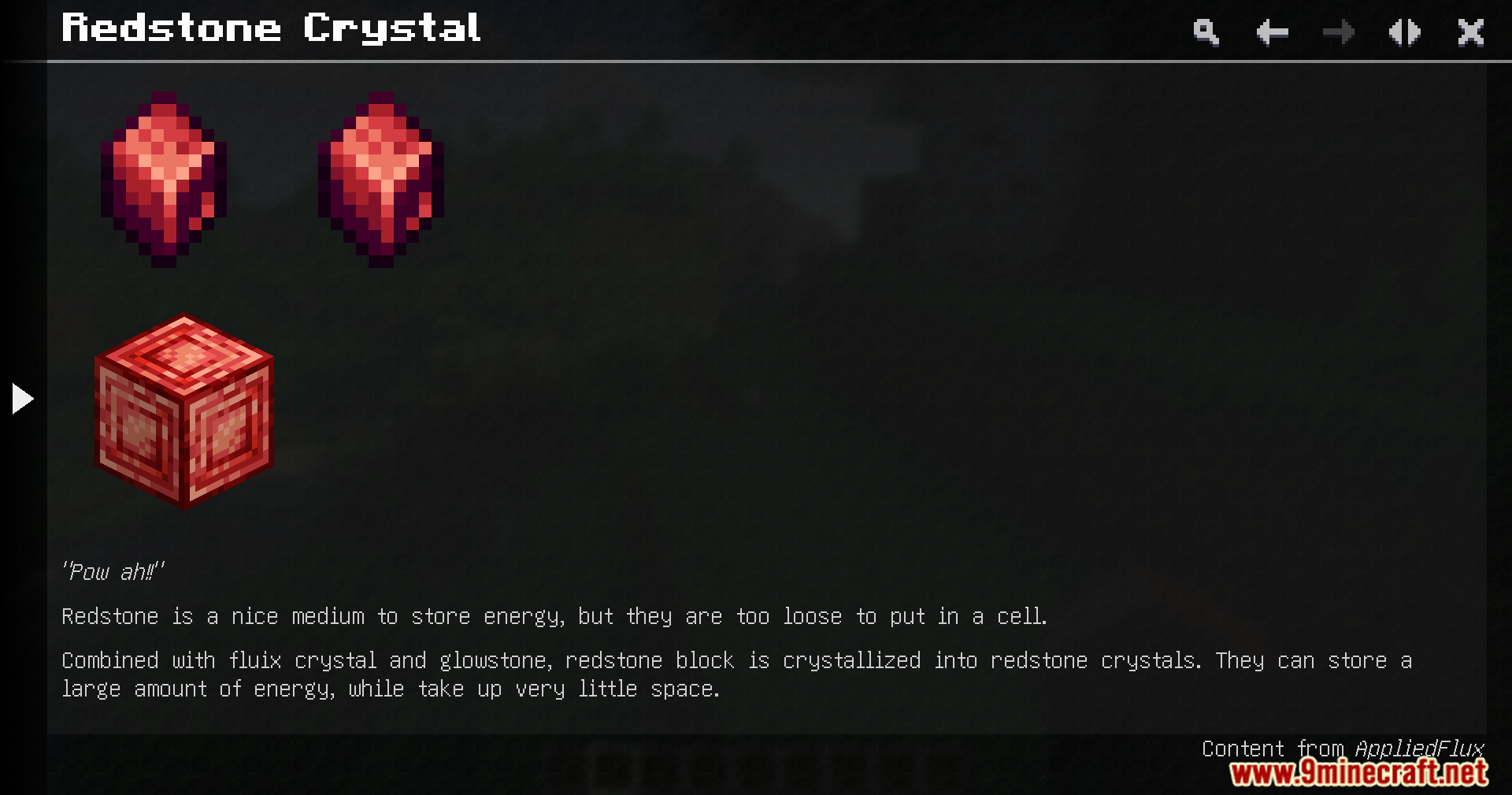
Minecraft mod menu interface showing details and description for the Applied Flux modCreative inventory screen displaying various energy storage cells and technical componentsApplied Flux creative inventory tab showing various energy storage cells and itemsTen different energy storage cells displayed in item frames on wooden blocksTen different colored flux cells displayed in a grid within the interfaceA table listing the energy capacities for various tiers of flux cellsThe user interface for the Flux Accessor block from App Flux modA Flux Accessor block placed on grass in a Minecraft jungle biomeA player selects the 1k ME Energy Storage Component from the creative inventoryThe creative inventory displays a 16k ME Energy Storage Component from Applied FluxFlux Accessor block from App Flux mod for managing network energy flowEnergy Processor item and components used for routing energy in ME systemGuide page showing Insulating Resin and its role in making cell housingInstructions on how to mark Forge Energy in the ME Export Bus slotGuidebook entry describing the crafting and energy storage of Redstone Crystals




 0
0 


















This post has no comments yet. Be the first — your comment will appear here.