


KwZs Connected Glass Addon (26.x, 1.21) – Connect Glass Blocks Without Visible Lines

 0
0 

🌐 Read this article in your language! Choose your preferred language below.
Or pick the one you like:
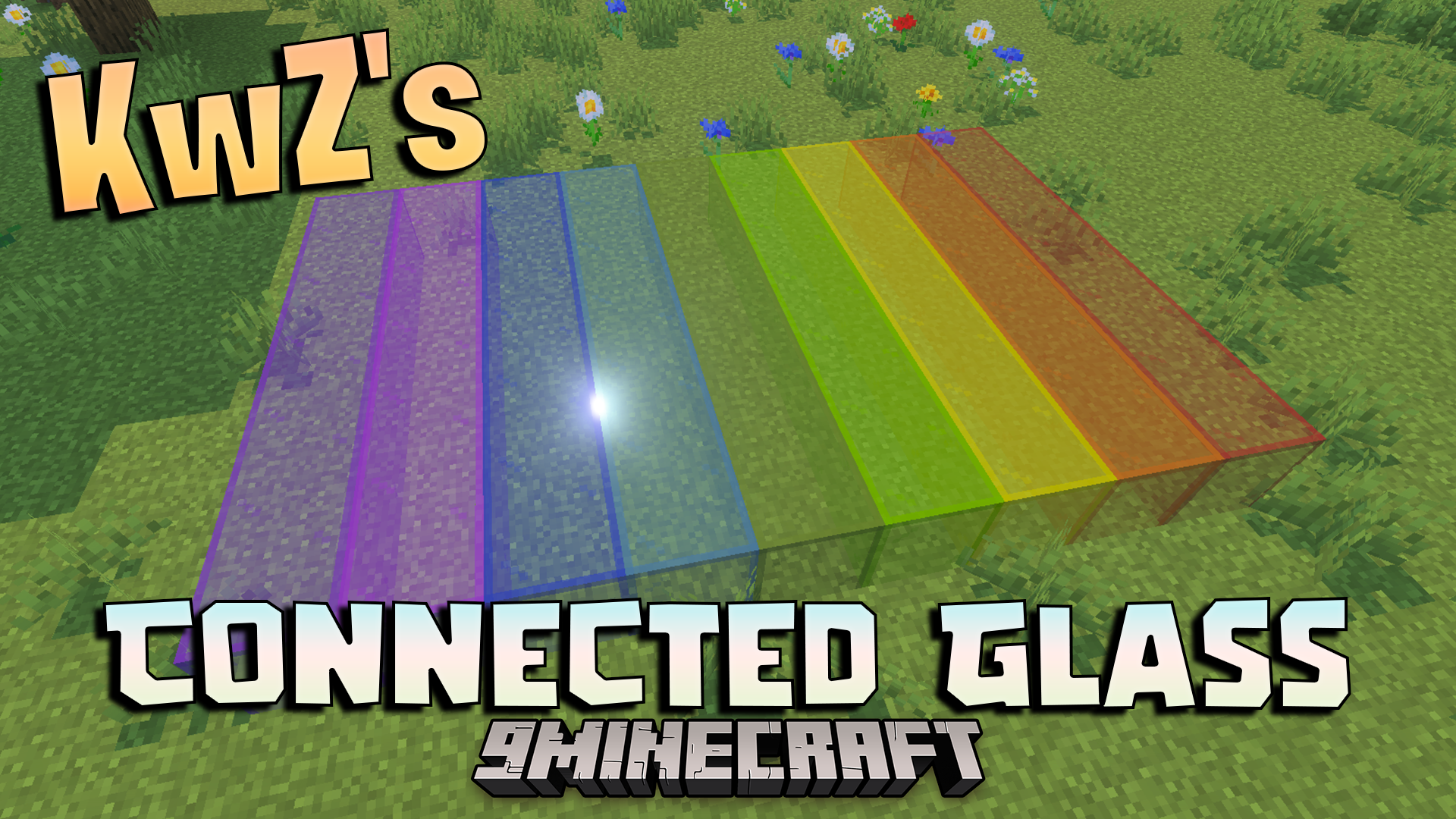
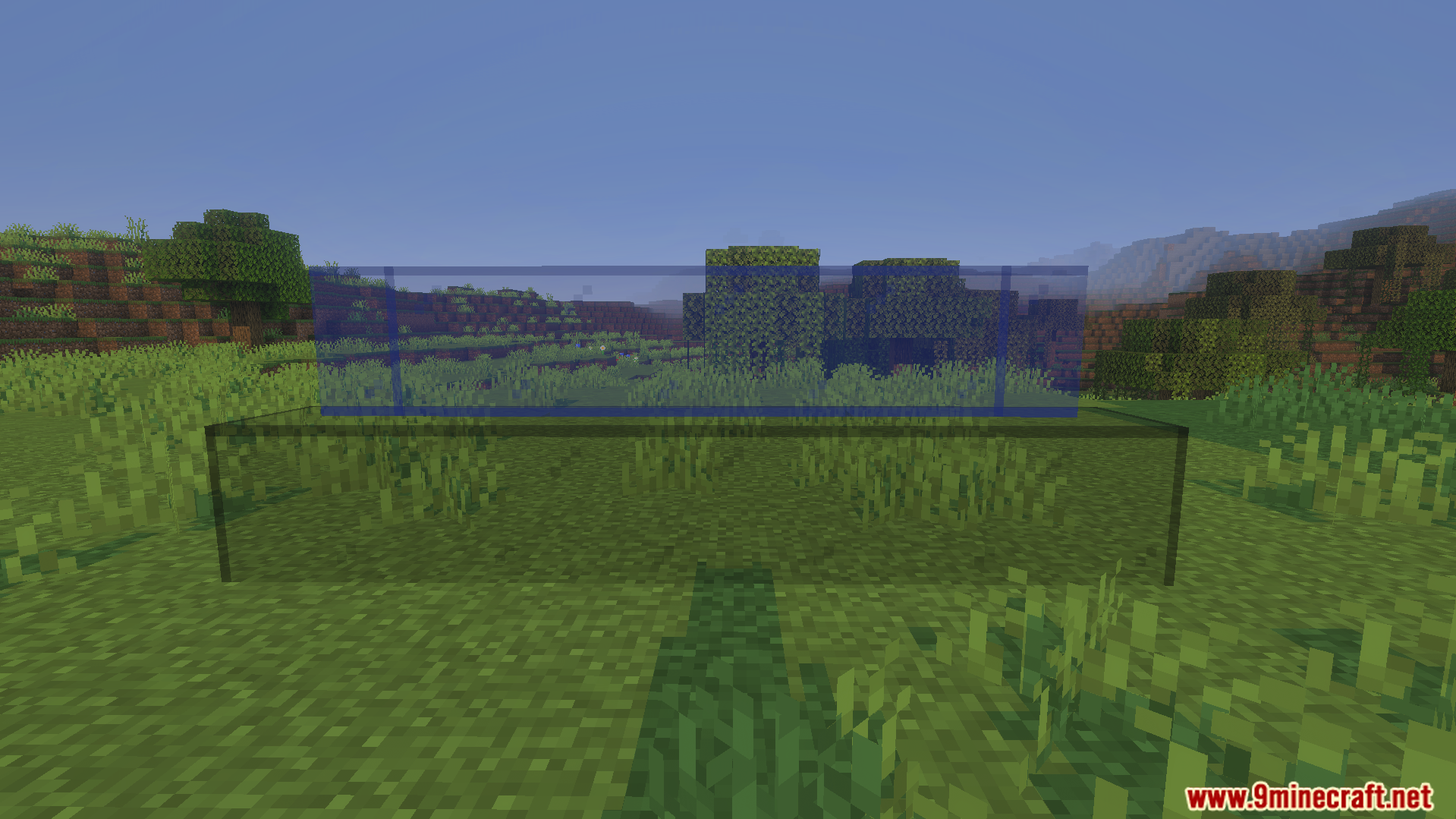
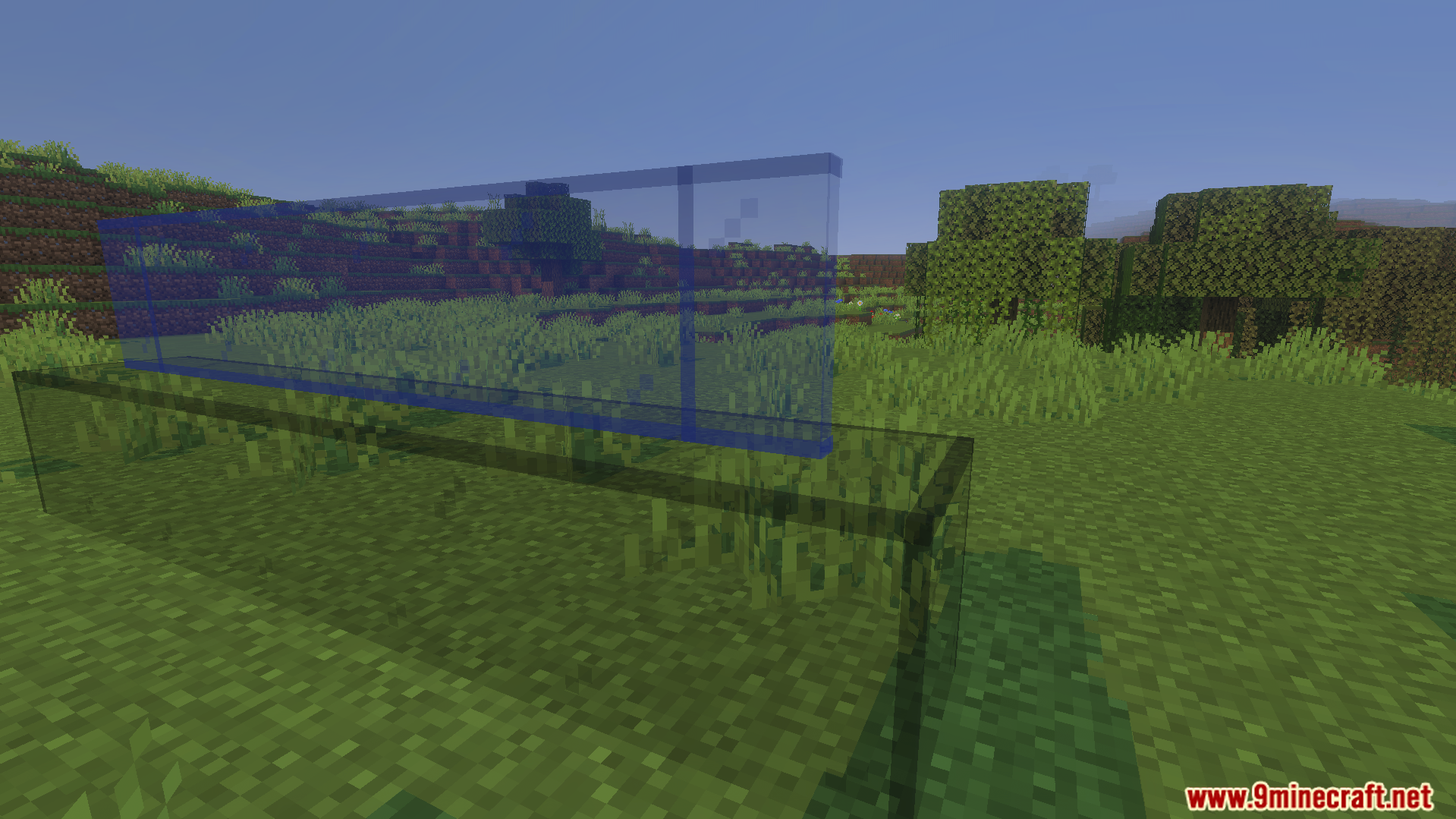
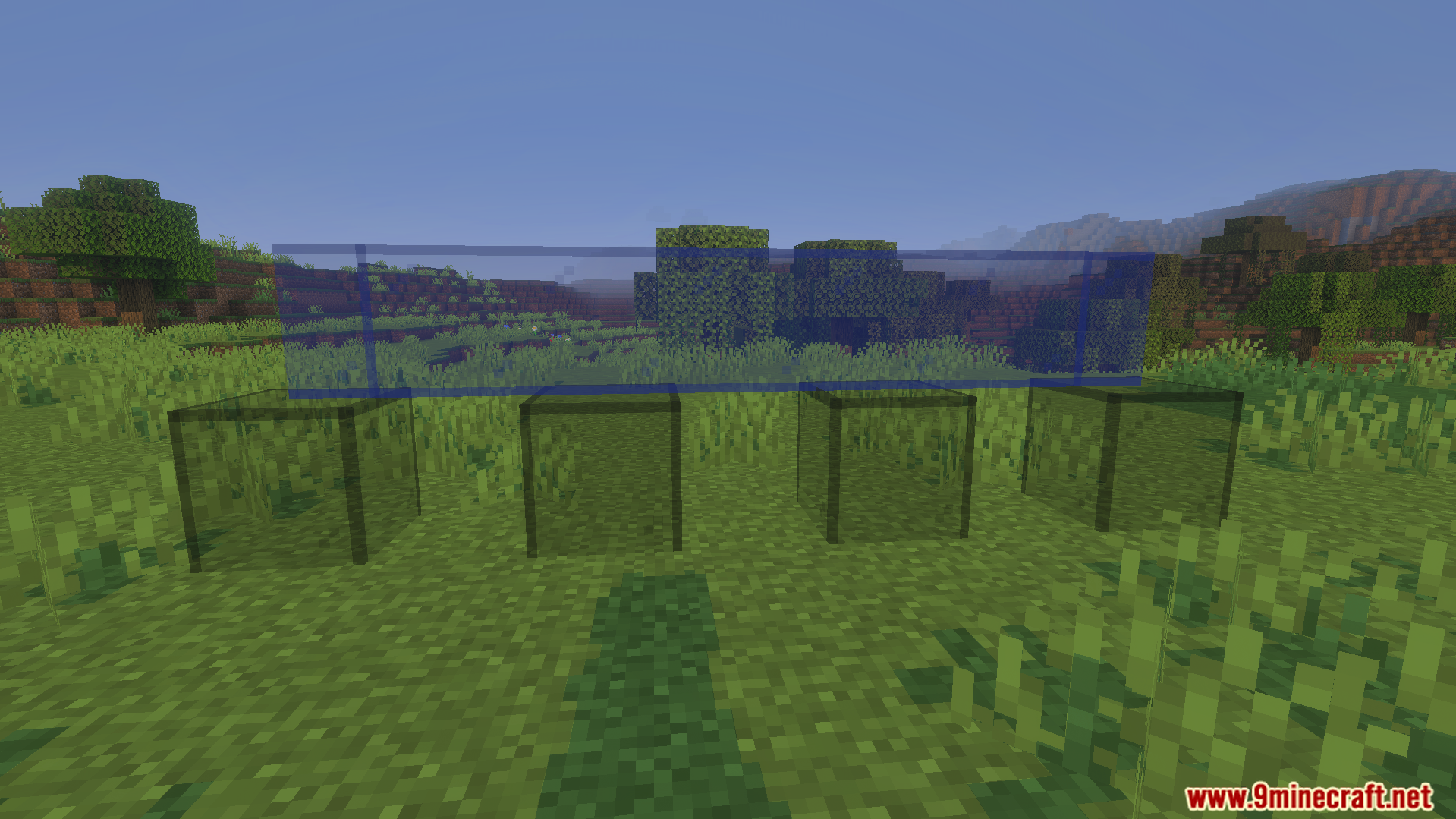
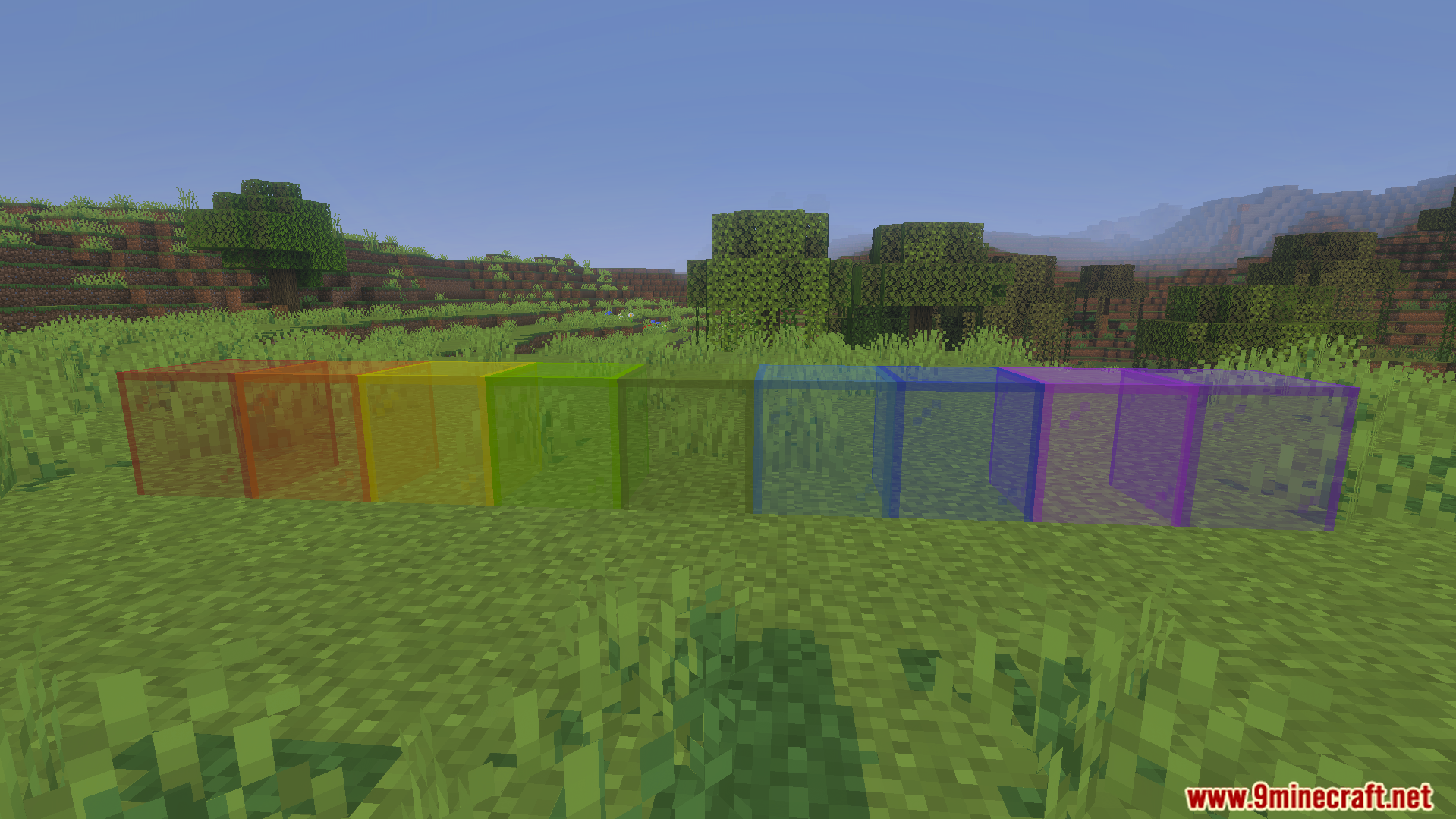
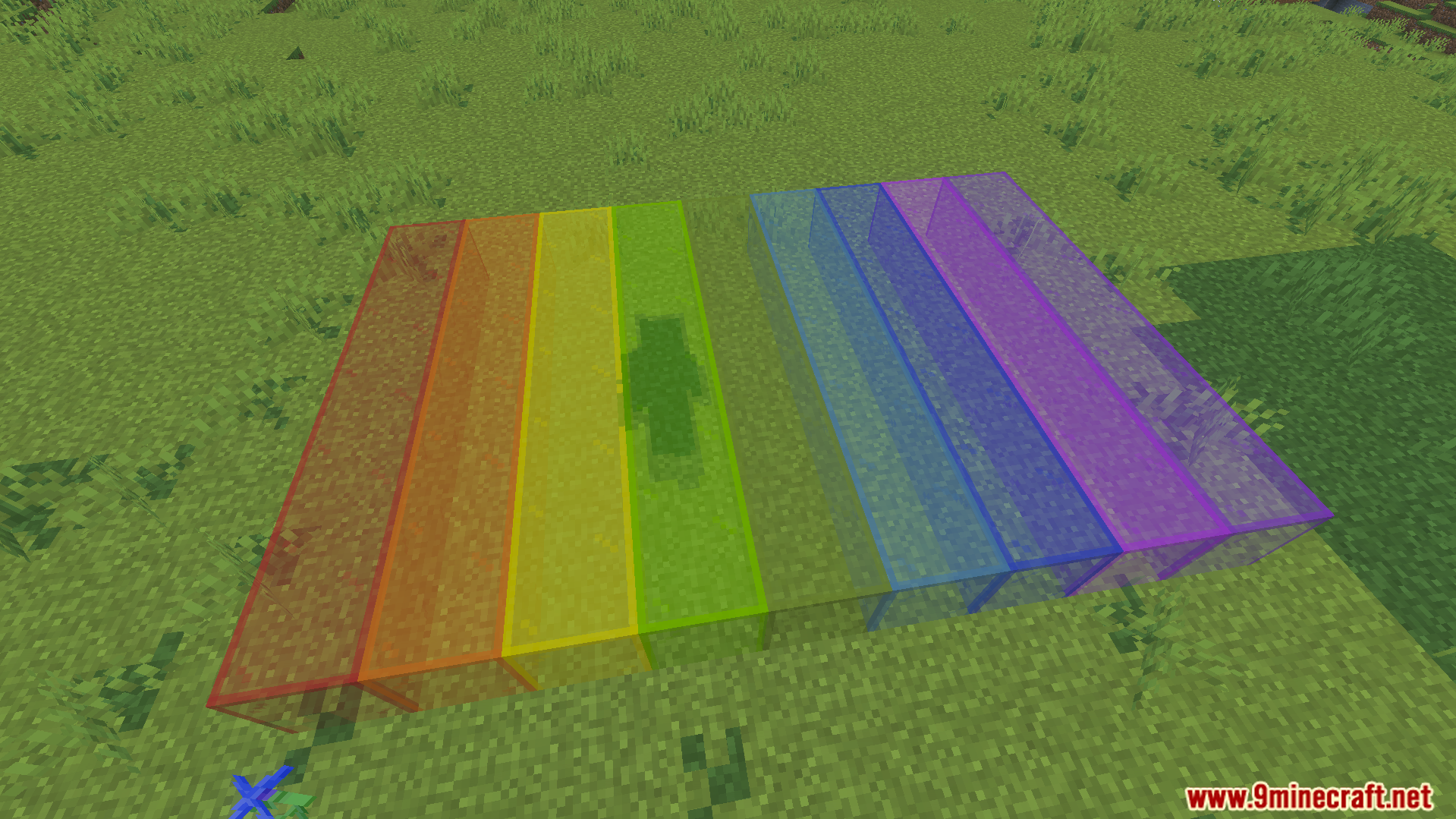
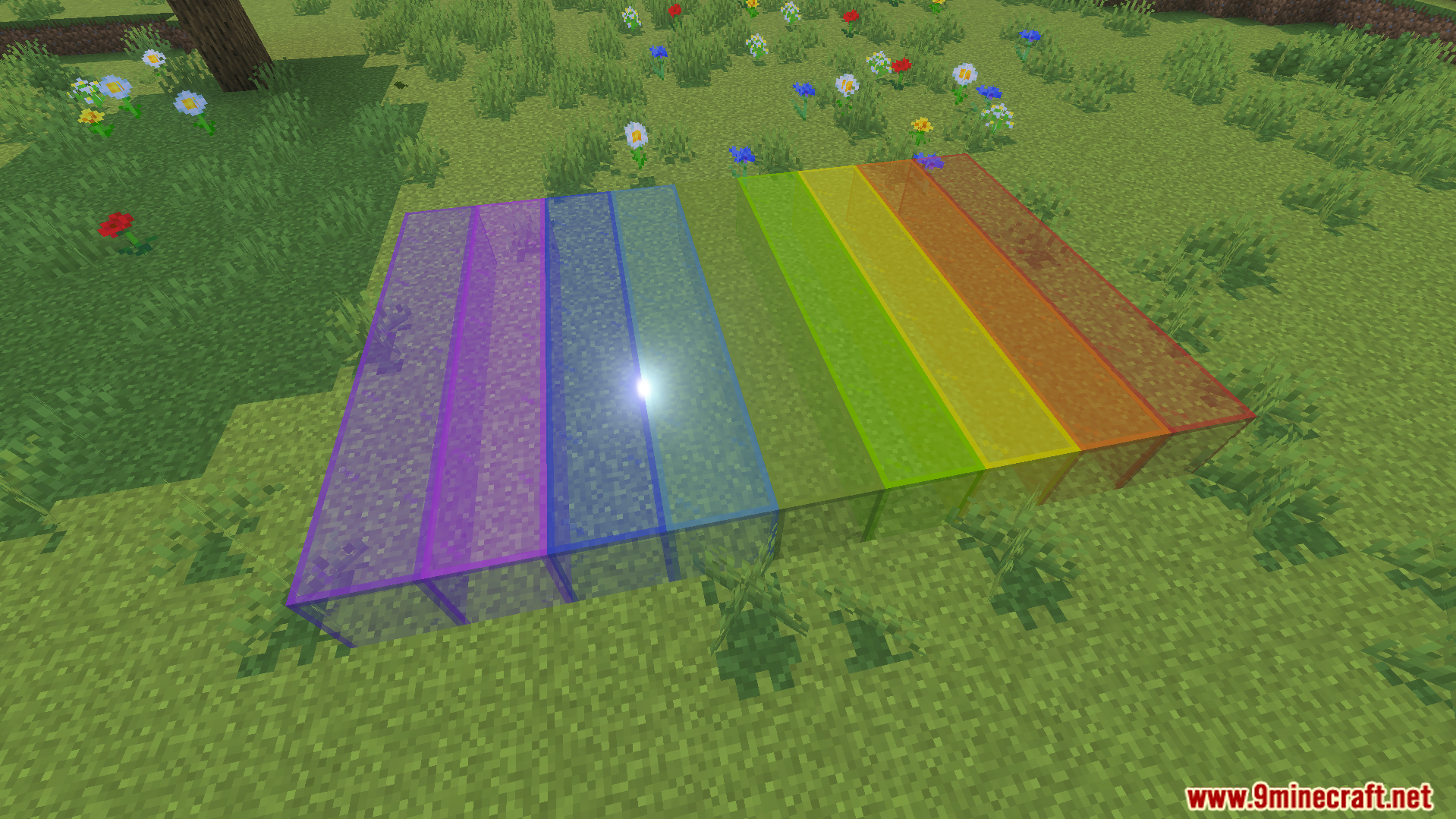
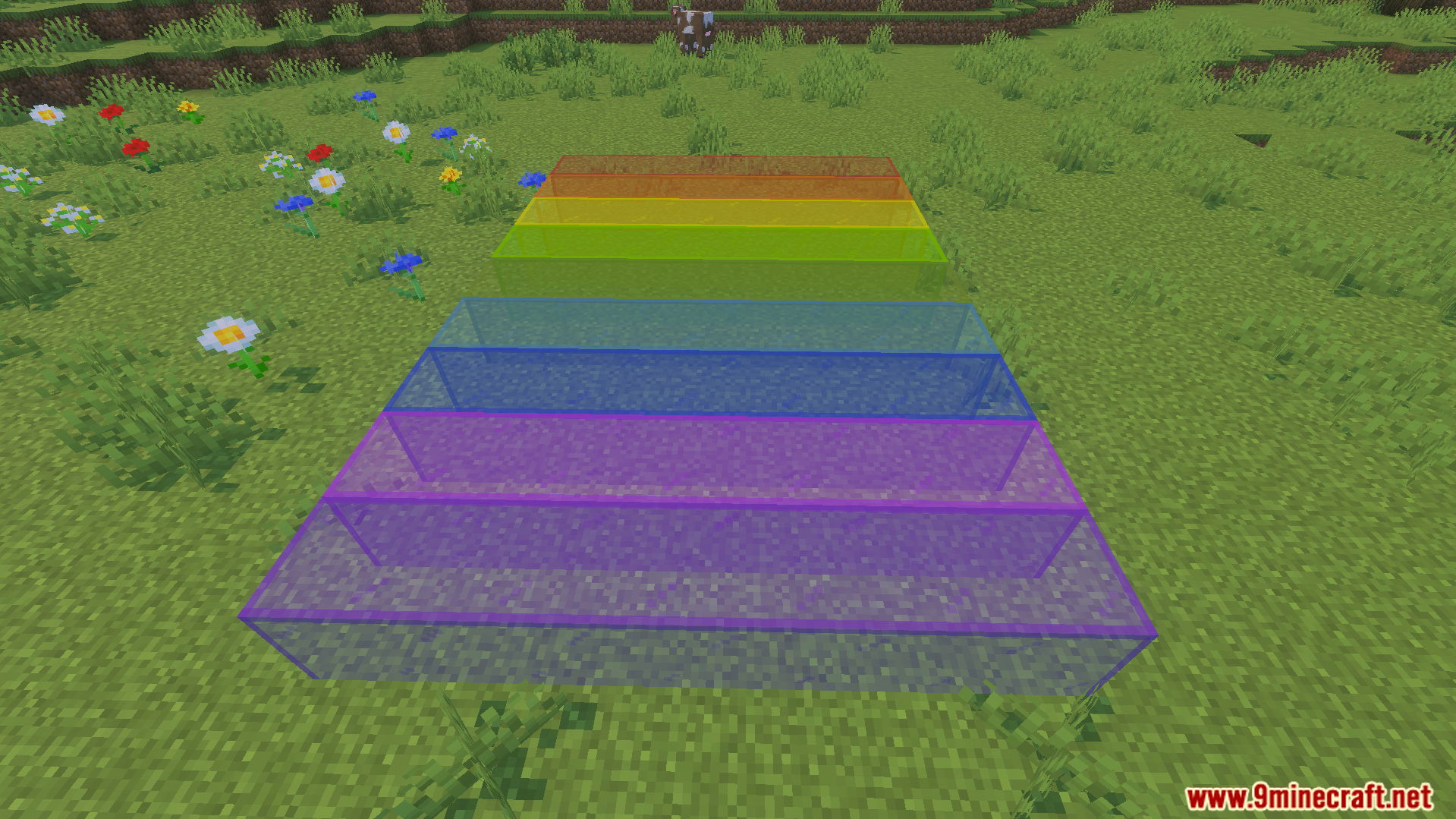
KwZs Connected Glass Addon changes how glass blocks look in your game. It lets you place glass blocks that connect together without lines between them. This addon allows you to build better windows and supports many different texture packs.
Features:
- Connects glass blocks automatically when you place them.
- Works safely in your existing survival worlds.
- Keeps your game achievements turned on and active.
- Needs no experimental gameplay features to run.
- Supports vanilla textures and many custom texture packs.
Settings Menu:
You can open the settings menu fast by sneaking. Hold any glass block and interact with the air. Only the world host can open this menu.
Commands:
Type /kwz:glass_config in the chat to open the menu. This gives you another way to change your glass settings.
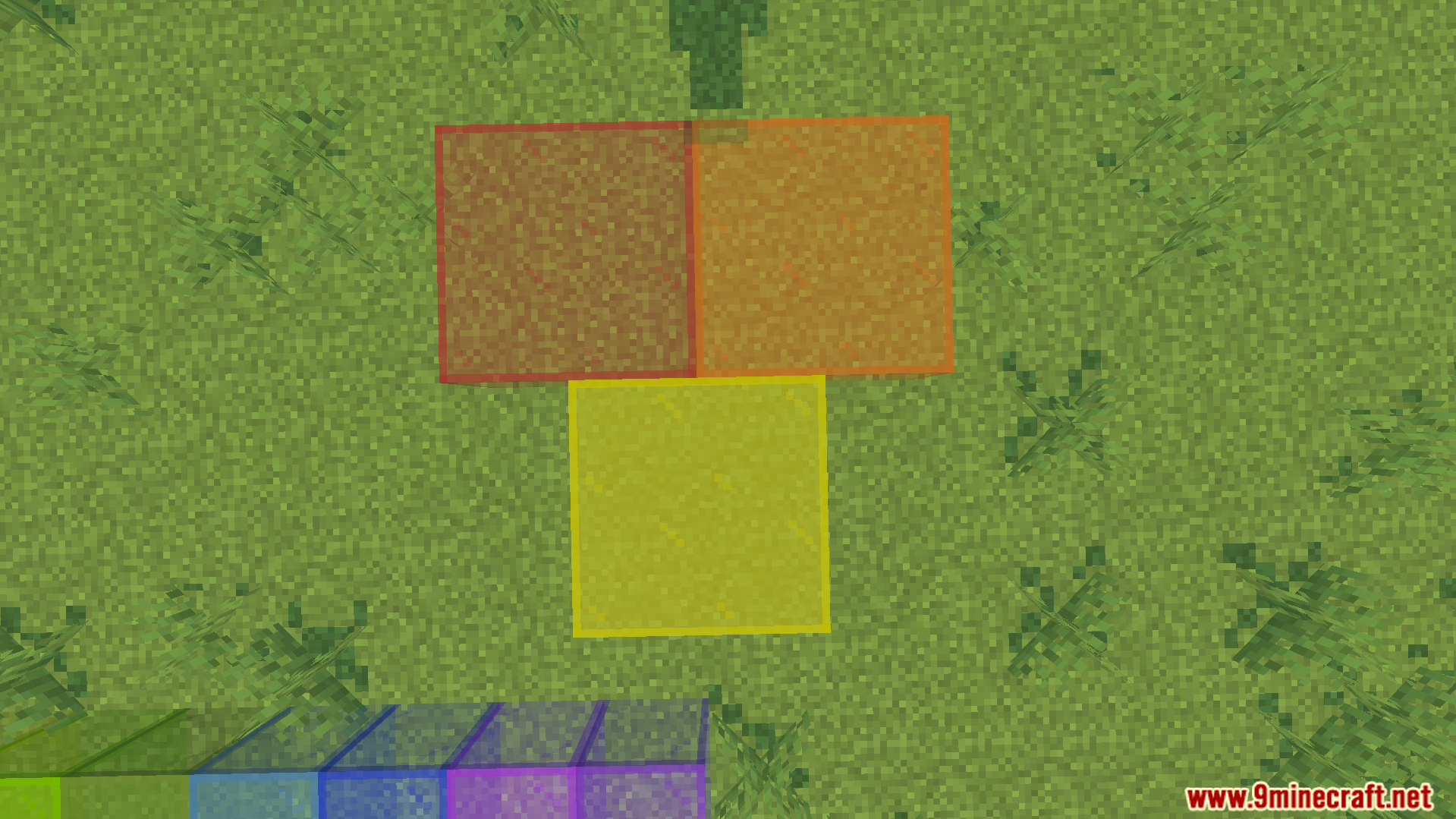
Screenshots:
How to Install:
New to Minecraft PE? Follow our step-by-step guide to install Mods/Addons on your Mobile.View Guide
KwZs Connected Glass Addon Download Links
For MCPE/Bedrock 26.x, 1.21.x
For MCPE/Bedrock 1.21.x
Click to rate this post!
[Total: 1 Average: 5]
You May Also Like

This post has no comments yet. Be the first — your comment will appear here.