


WI Freecam Mod (26.2, 1.21.11) – Fly Around to Inspect Tall Builds
 232
232
 0
0


🌐 Read this article in your language! Choose your preferred language below.
Or pick the one you like:
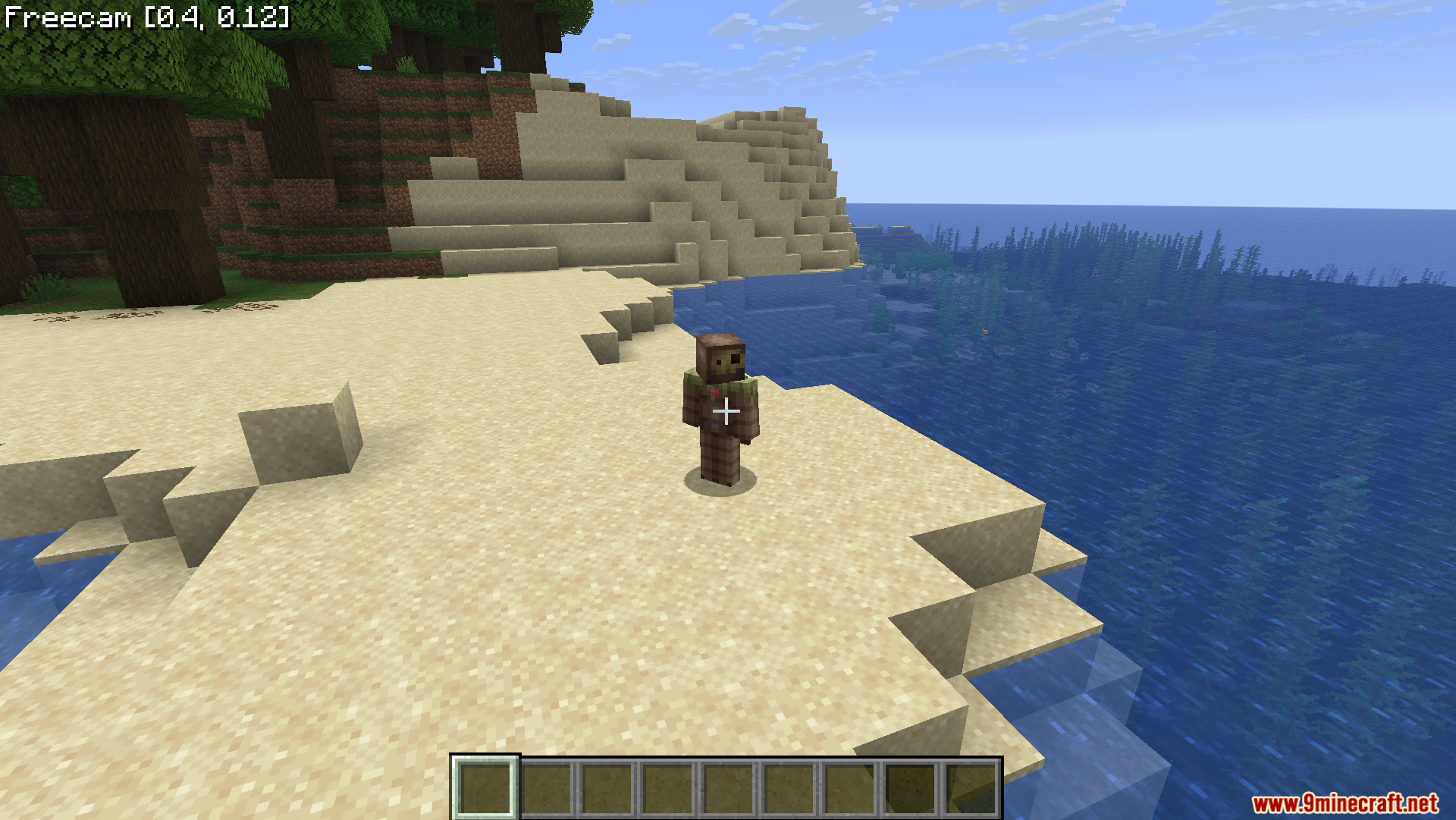
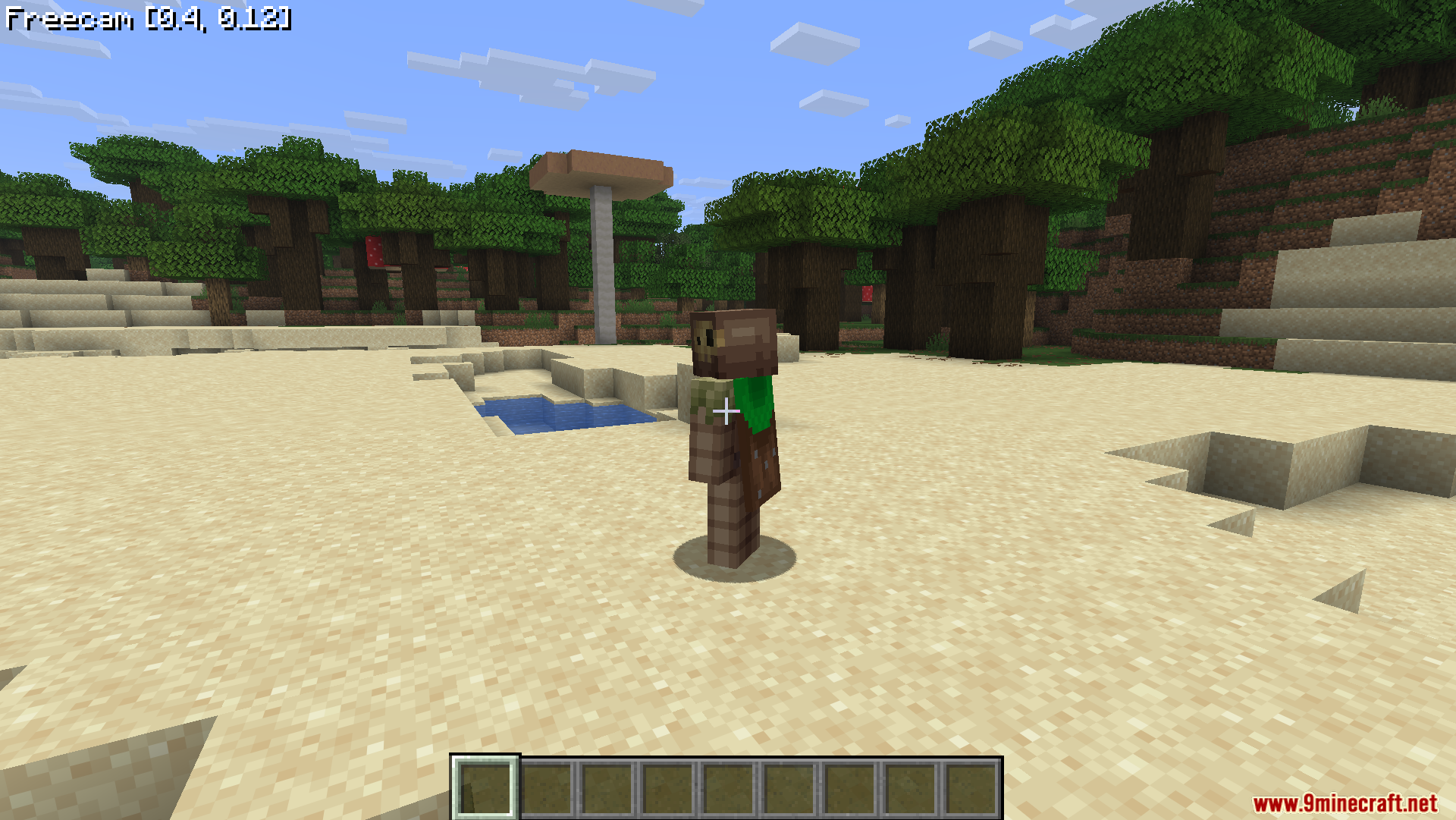
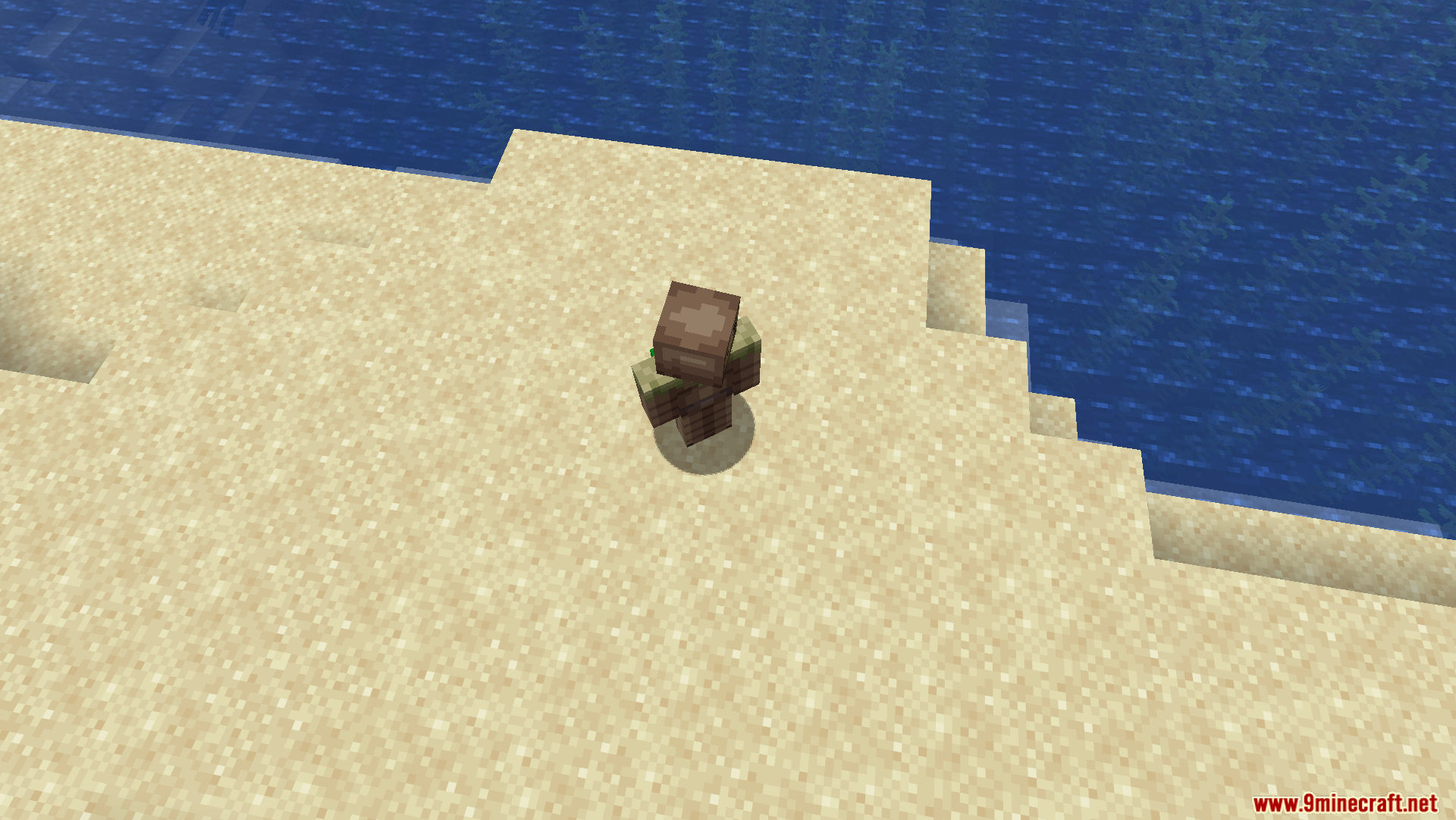
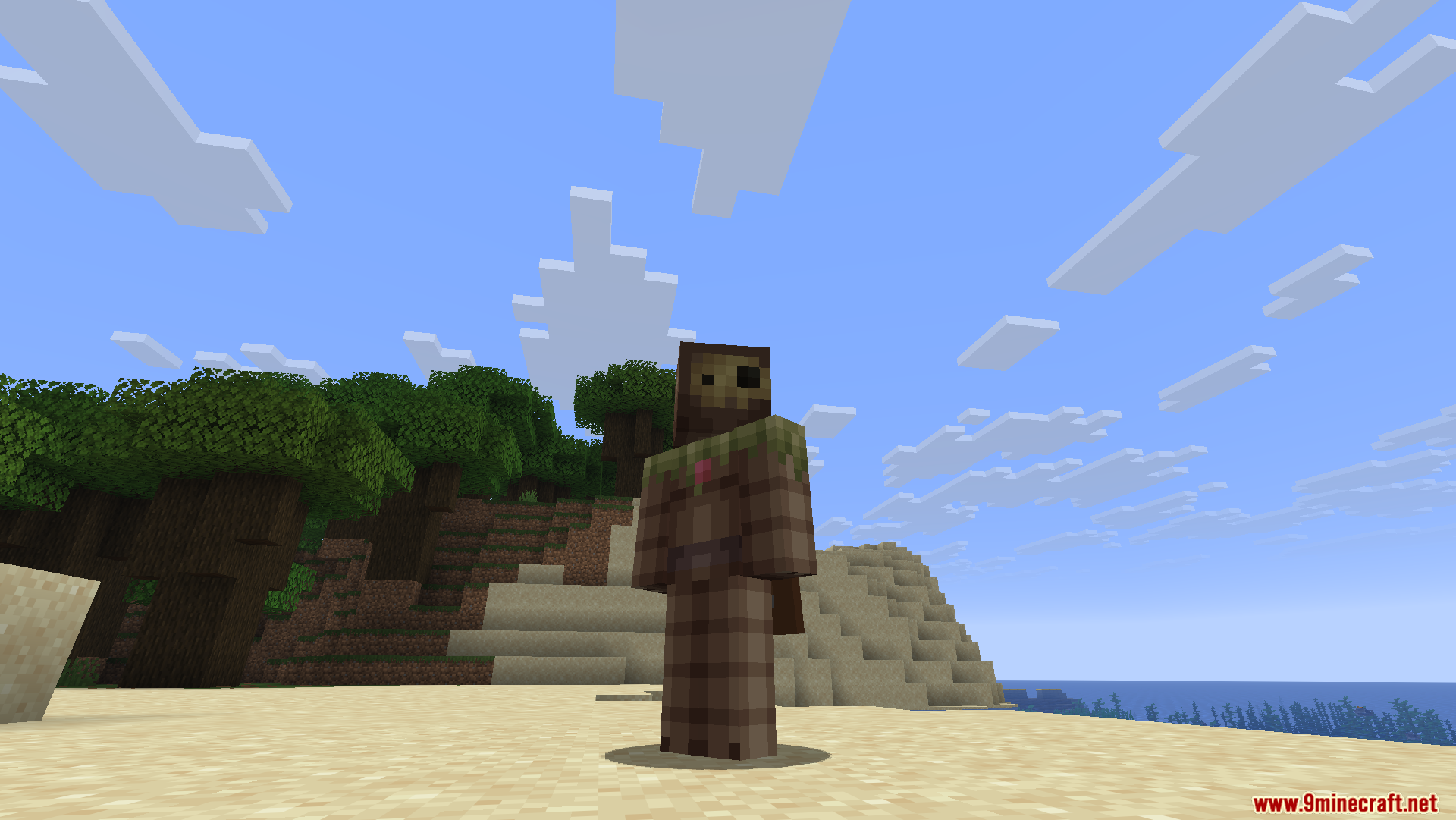
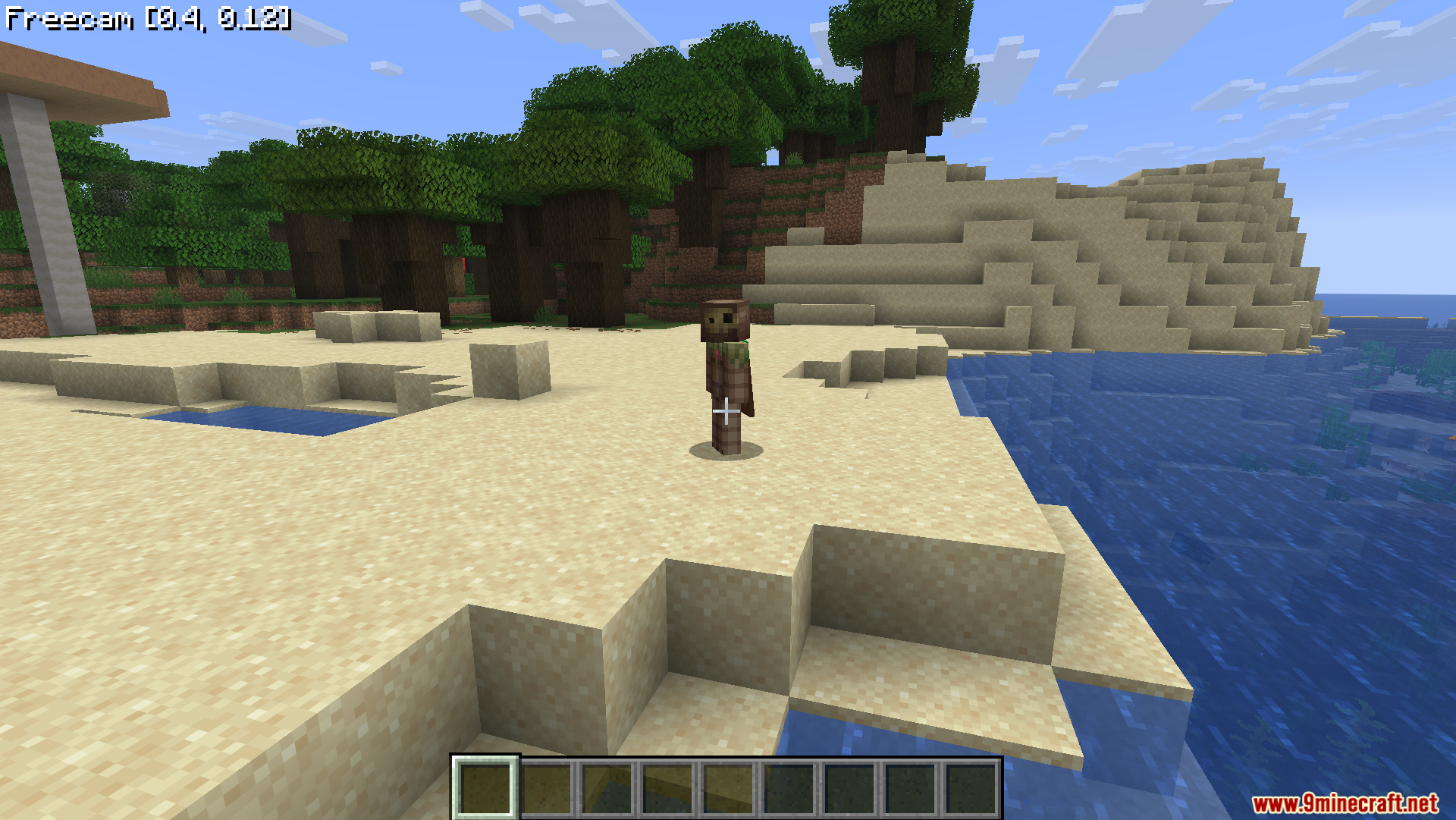
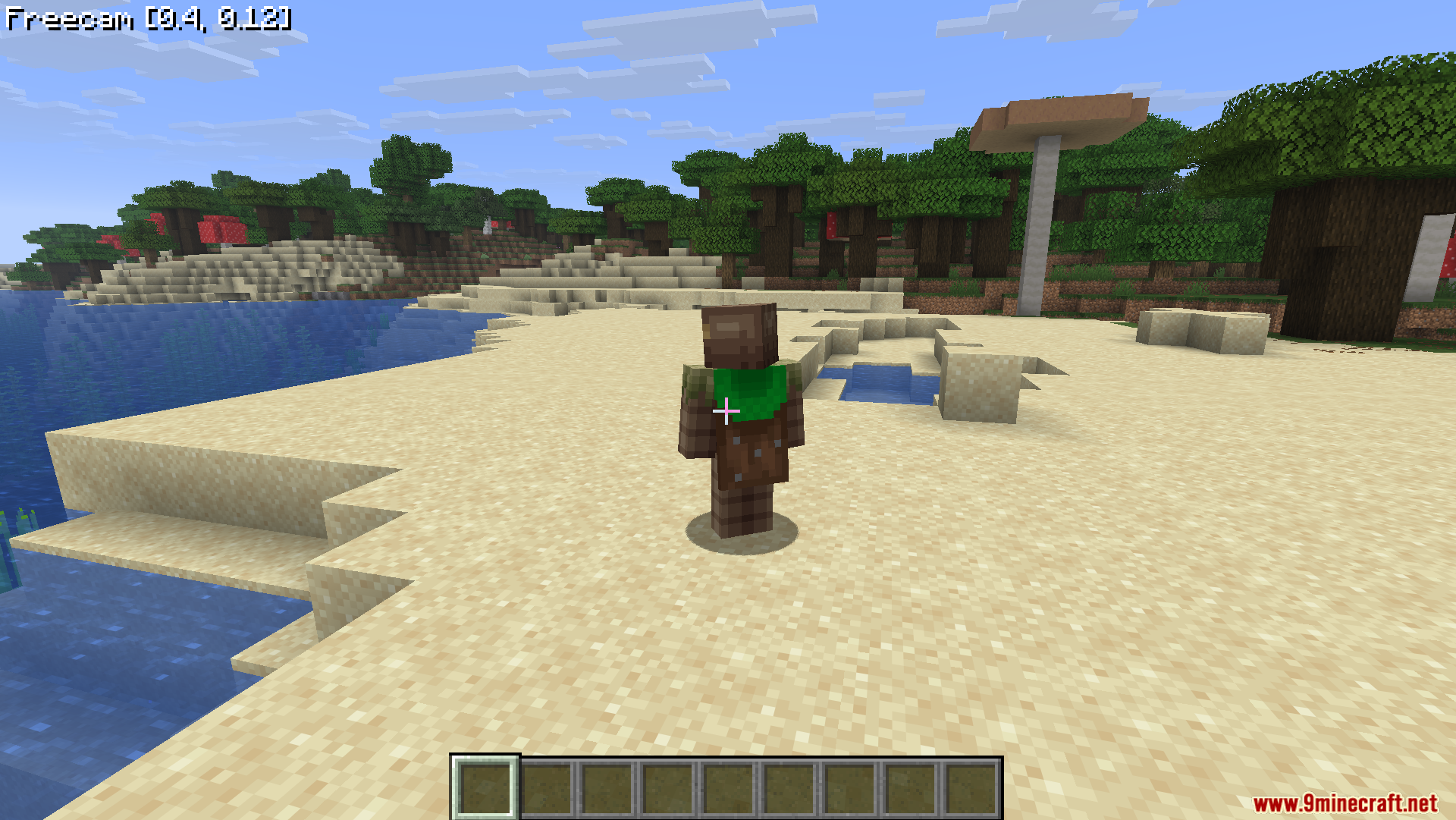
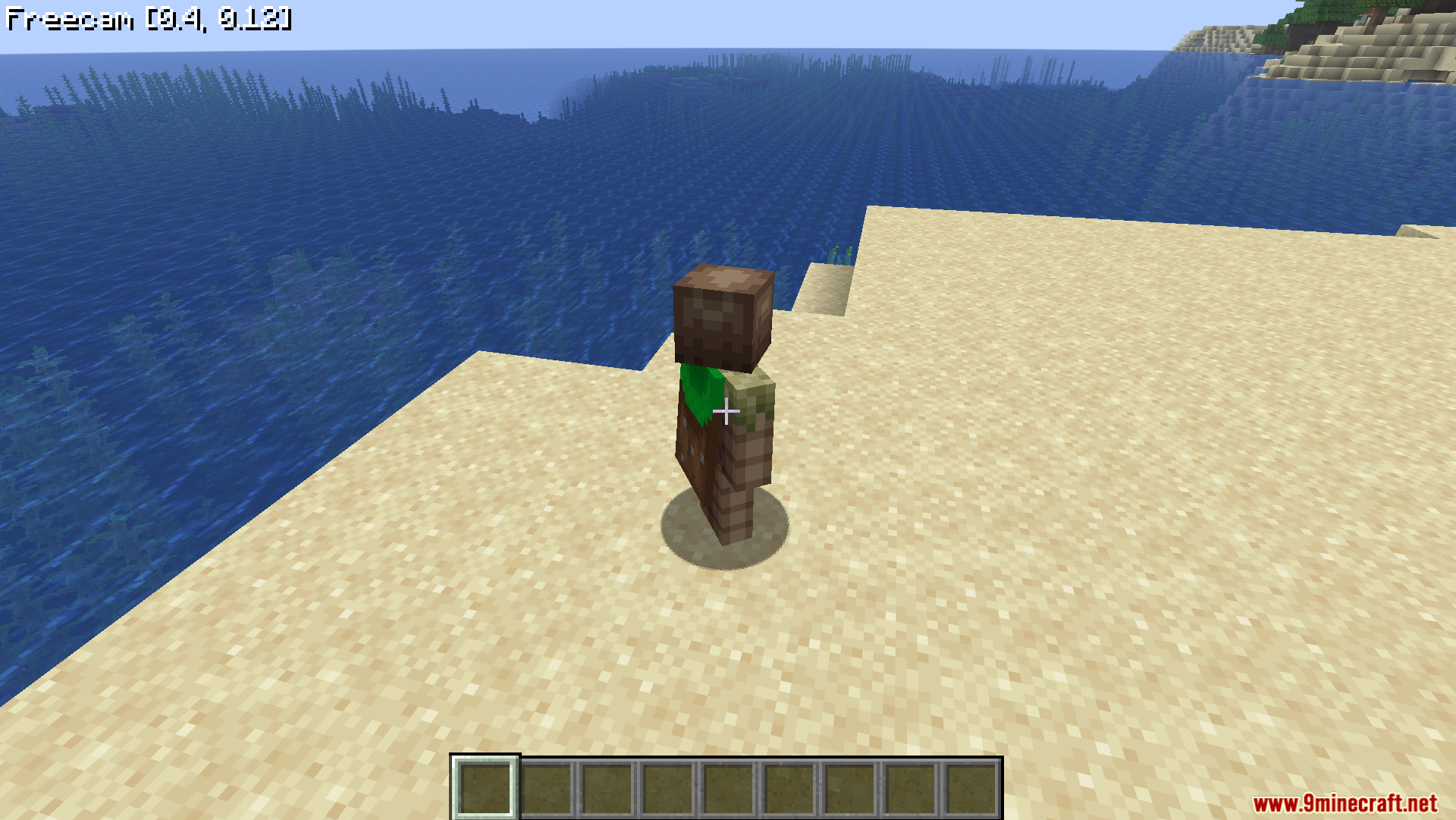
WI Freecam Mod lets you detach your camera and fly around the world while your character stays in one spot. It works just like spectator mode, but your real body never moves. This tool helps you take perfect screenshots, look at tall buildings, or check hidden redstone wiring without placing dirt blocks everywhere. The mod moves the camera purely as a coordinate, so it keeps normal player physics working safely. You can look at your surroundings from any angle on any server.
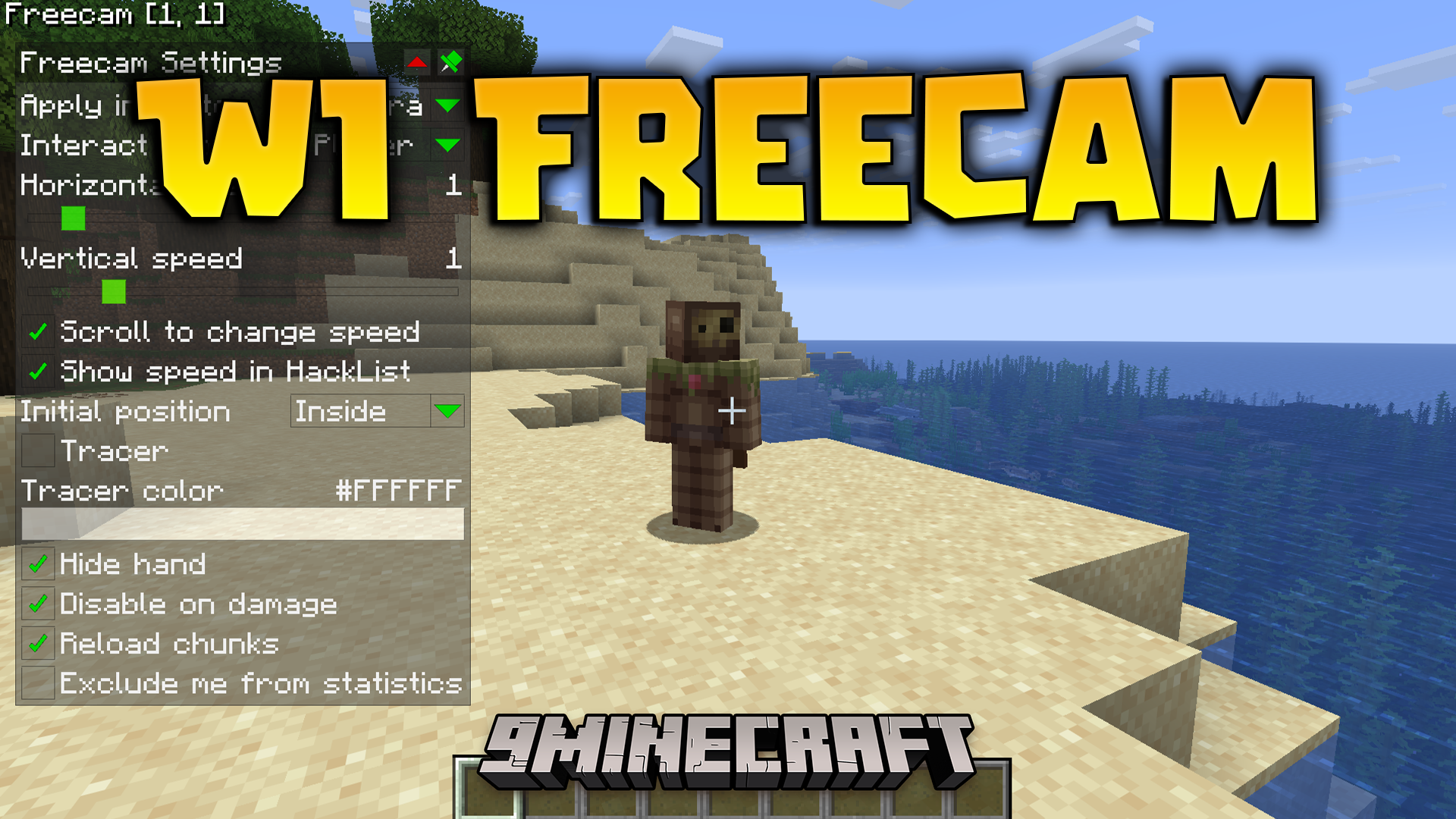
Features:
- Precise Movement: Uses WASD for flat horizontal moving and Space or Shift for going up and down.
- Instant Stops: Stops the camera exactly when you let go of the keys, without sliding around like ice.
- Lets you change your flying speed by scrolling the mouse wheel.
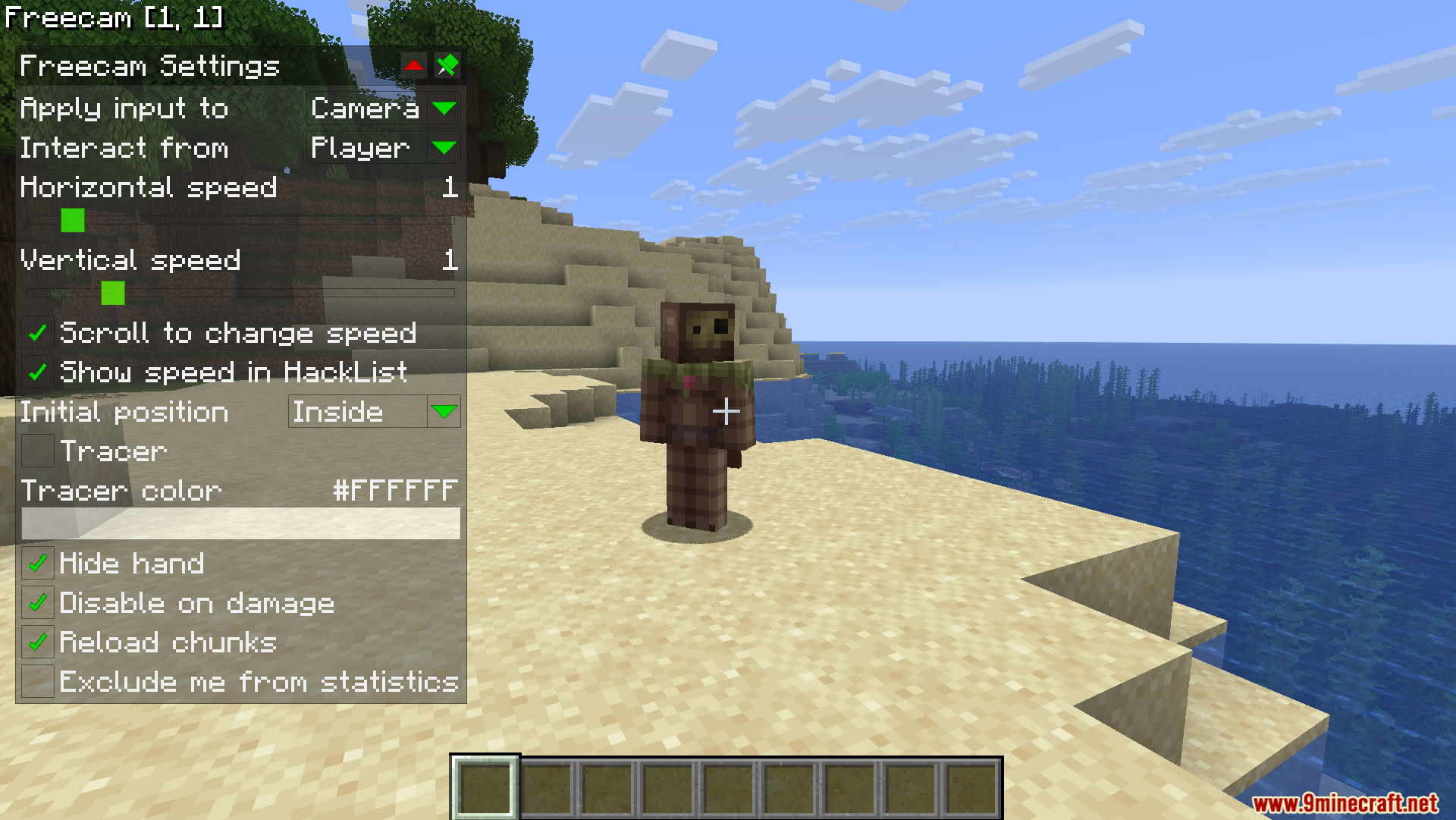
- Shows your current speed on the screen so you always know how fast you are going.
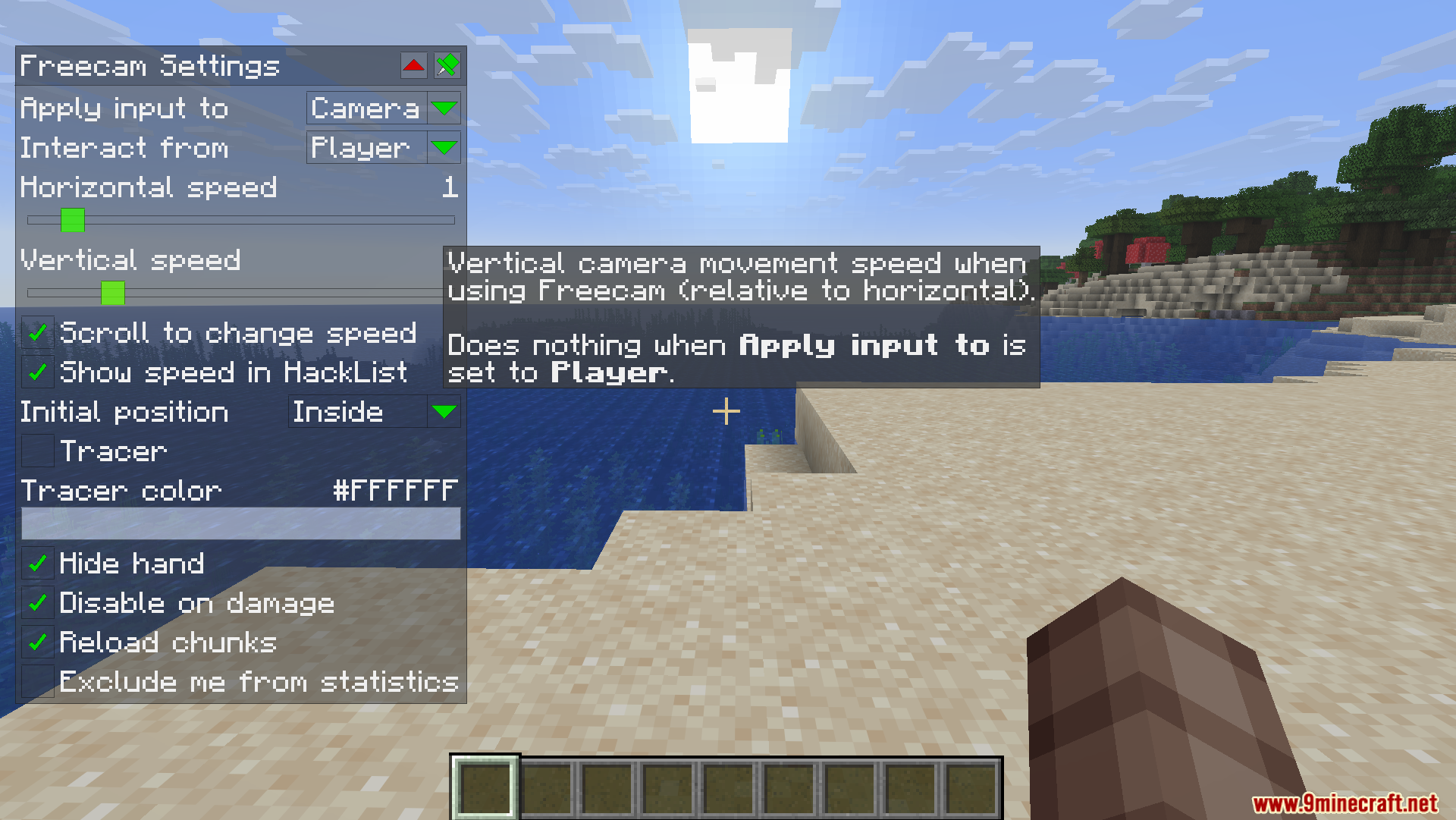
- Keeps your preferred ratio between horizontal and vertical speeds saved in the settings.
- Allows you to switch control between the camera and your actual character at any time.
- Draws a helpful line on the screen to show you where your real character is standing.
- Hides your character’s hand automatically when you want to take clean pictures.
- Turns off the free camera automatically if your character takes damage.
- Works cleanly by just moving your viewpoint instead of creating fake players in the world.
Commands:
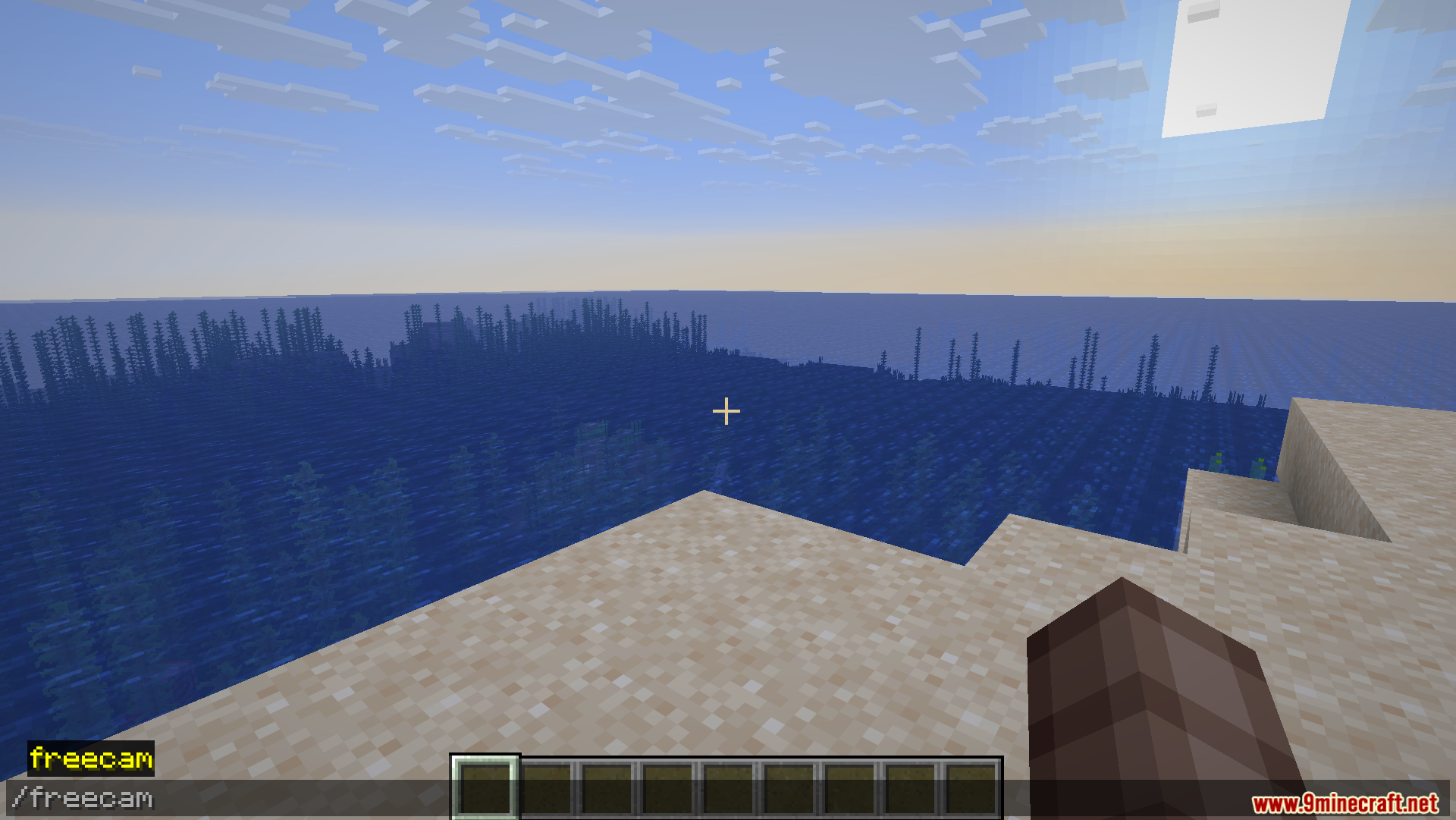
/freecam– Opens the settings menu.
How to Use:
- Press U on your keyboard to turn the free camera on or off.
- Press Right CTRL to open the settings menu and change your options.
- Set up a custom keybind in the game controls to switch between moving the camera and moving your character.
- Hold CTRL and click on any slider in the settings to type an exact number.
Screenshots:
How to Install:
New to Minecraft? Follow our step-by-step guide to install Mods on your PC.View Guide
Requirements:


WI Freecam Mod Download Links
For Minecraft 26.2
For Minecraft 26.1.2, 26.1.1, 26.1
For Minecraft 1.21.11
For Minecraft 1.21.10, 1.21.9
For Minecraft 1.21.8, 1.21.7, 1.21.6
Click to rate this post!
[Total: 0 Average: 0]
You May Also Like





This post has no comments yet. Be the first — your comment will appear here.