


Smithing Template Viewer for JEI/EMI Mod (1.21.11, 1.21.1) – View How Smithing Templates

 0
0 

🌐 Read this article in your language! Choose your preferred language below.
Or pick the one you like:
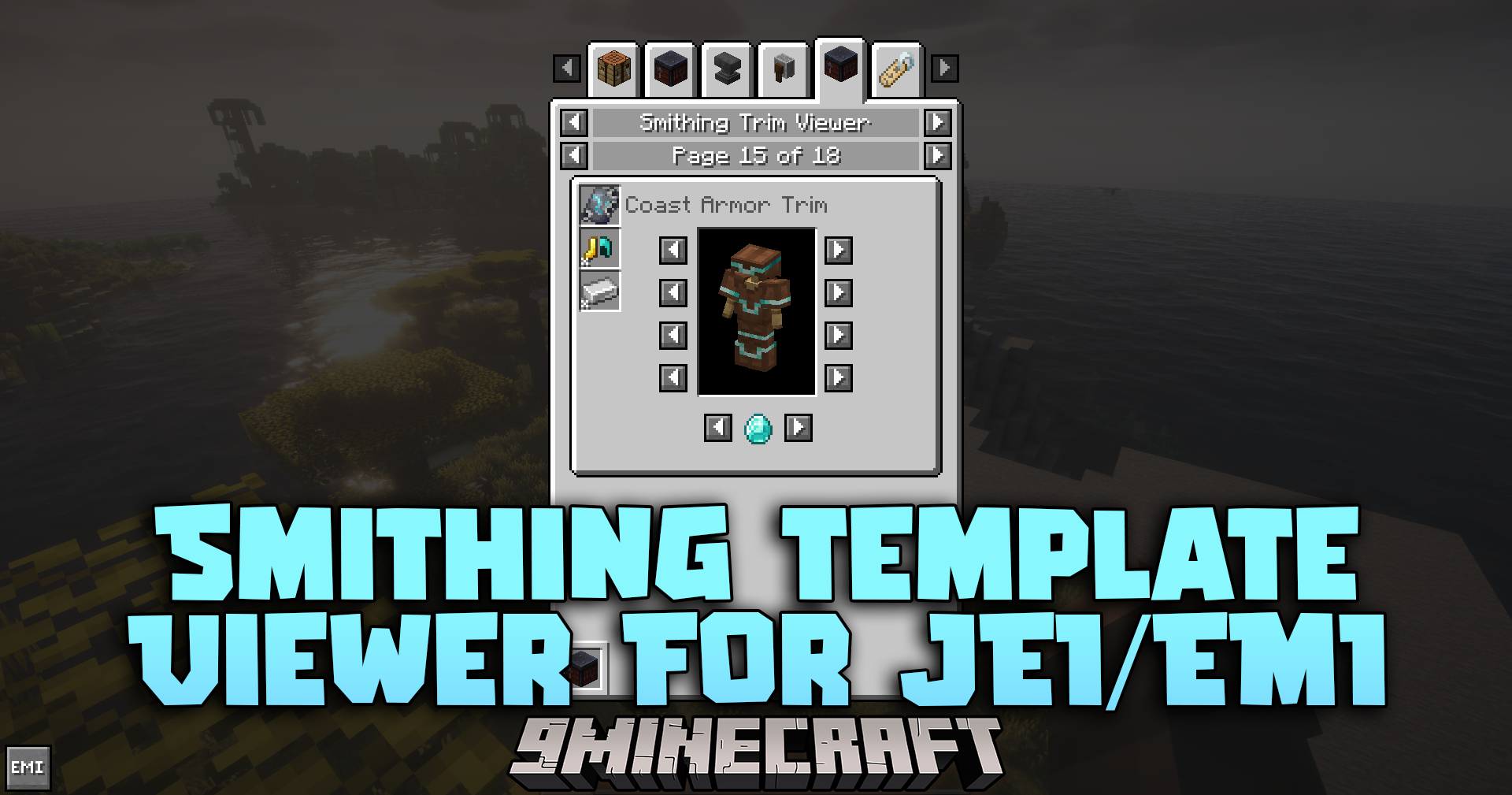
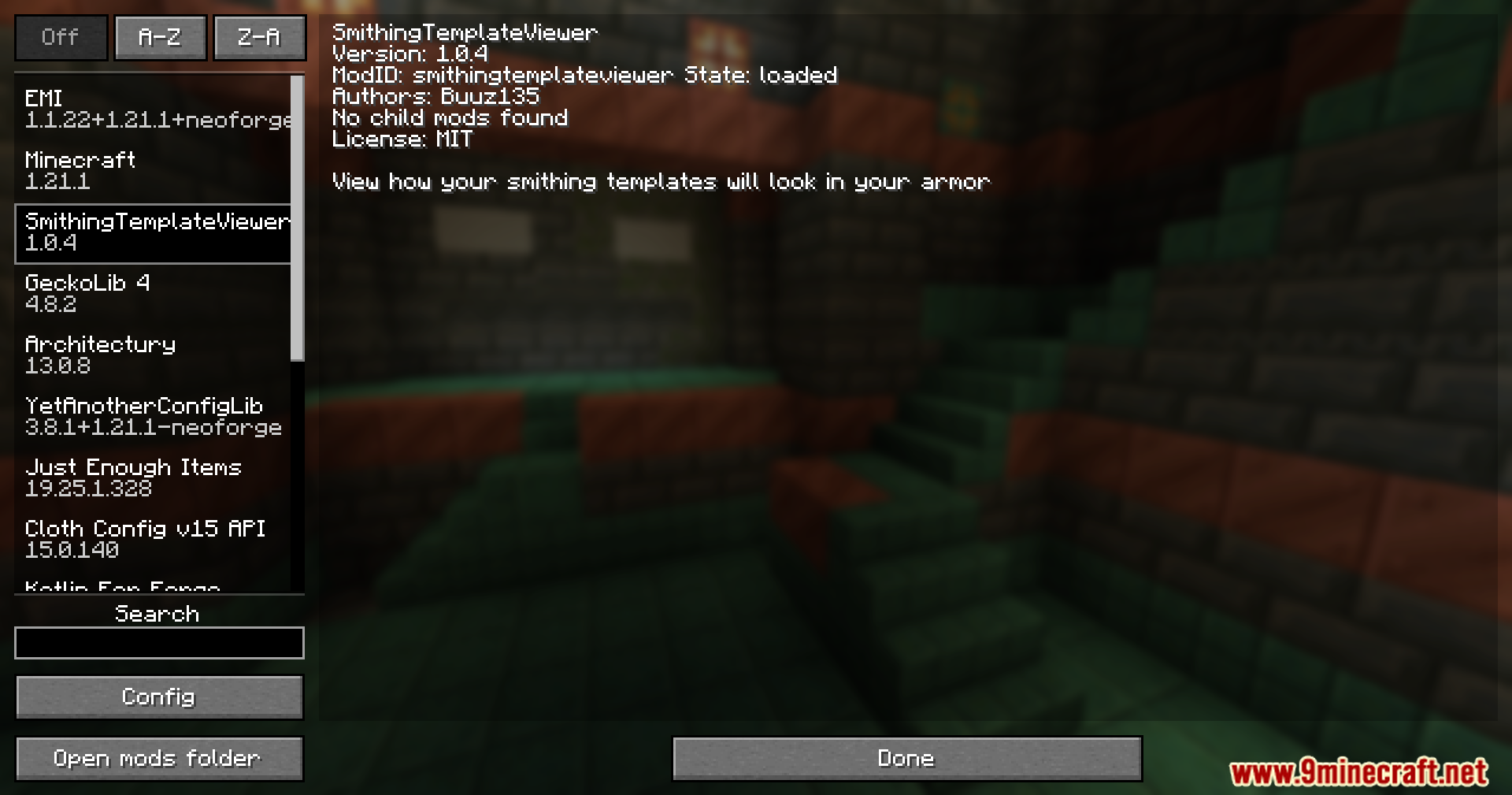
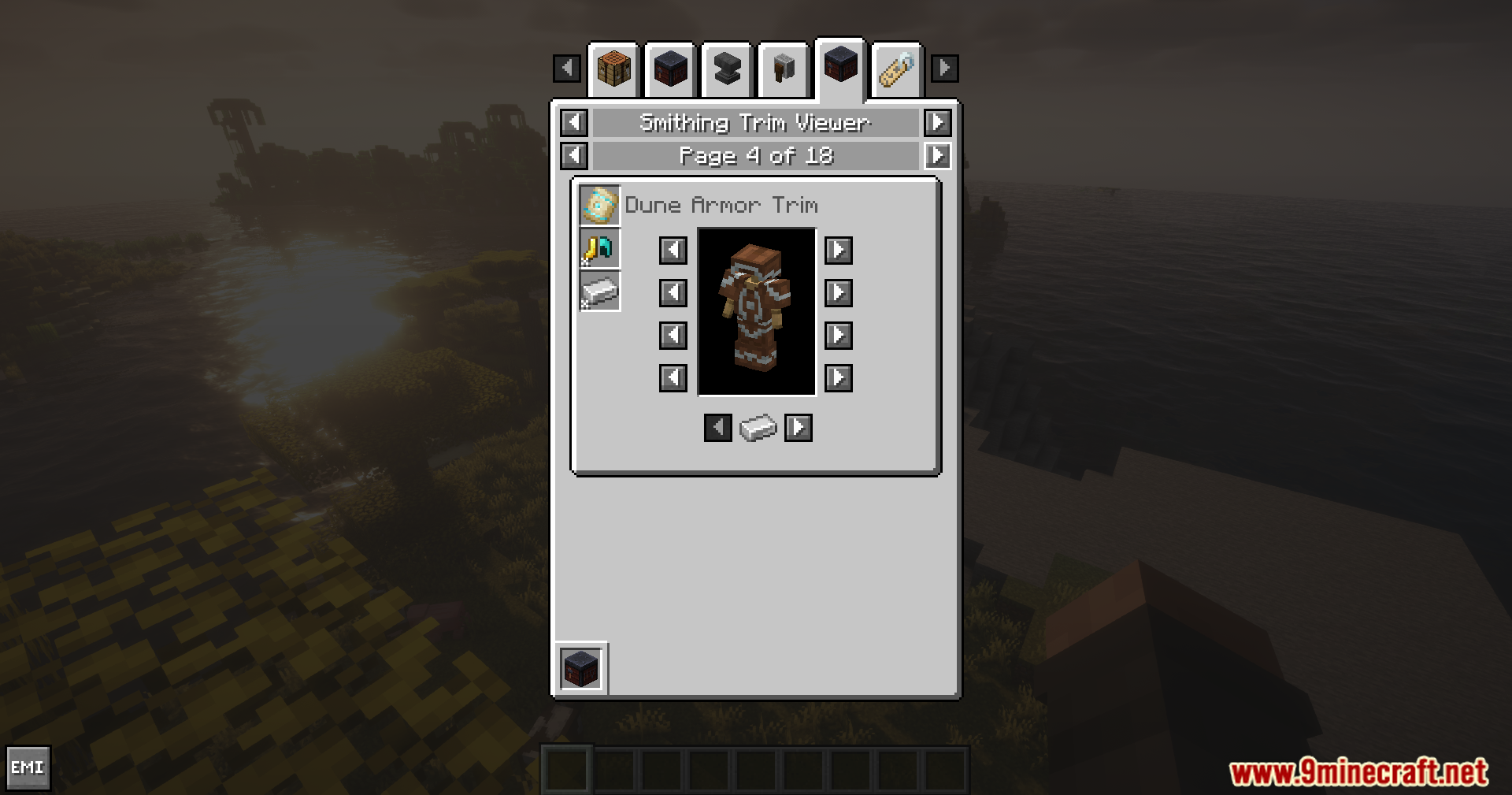
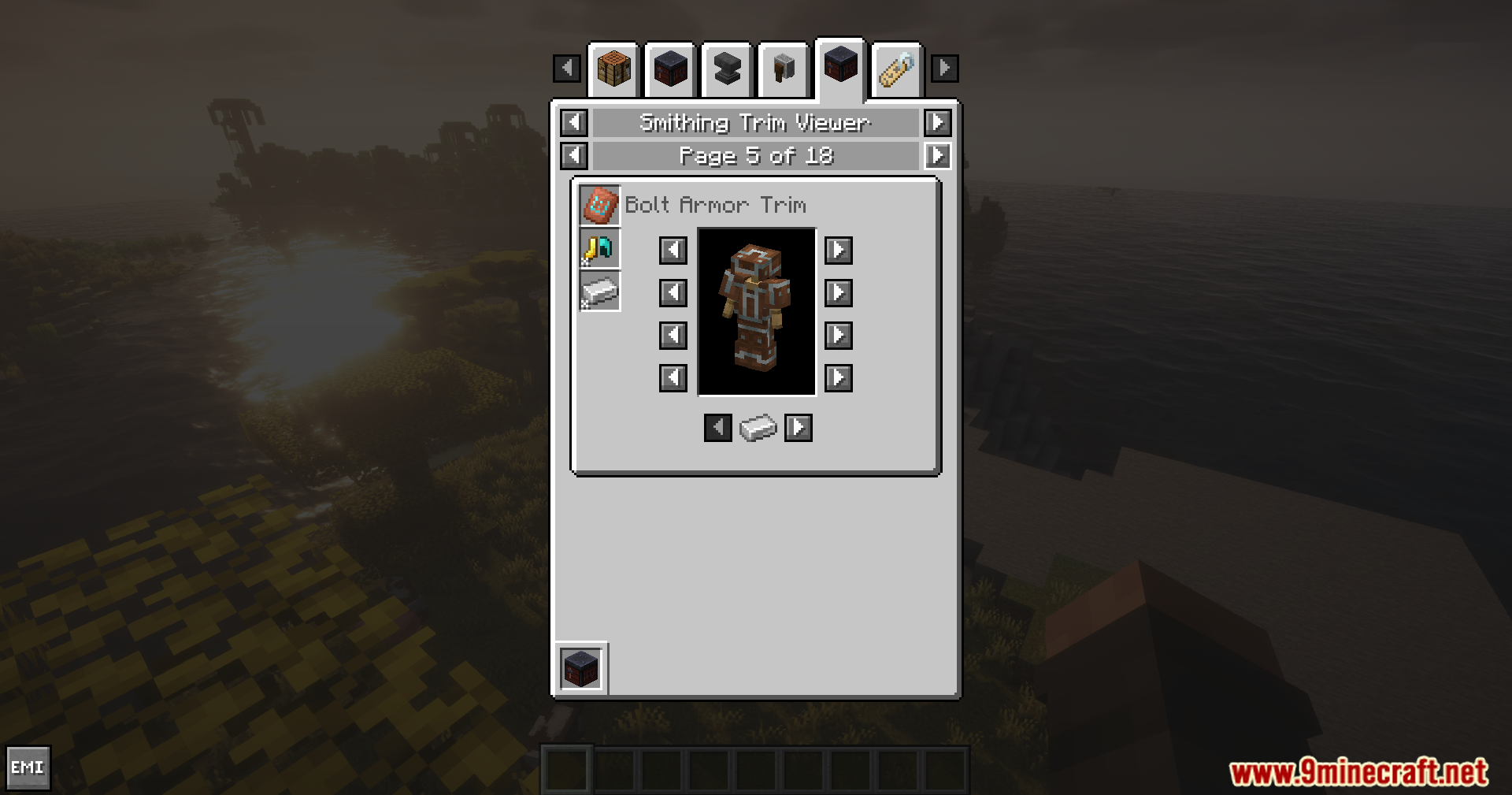
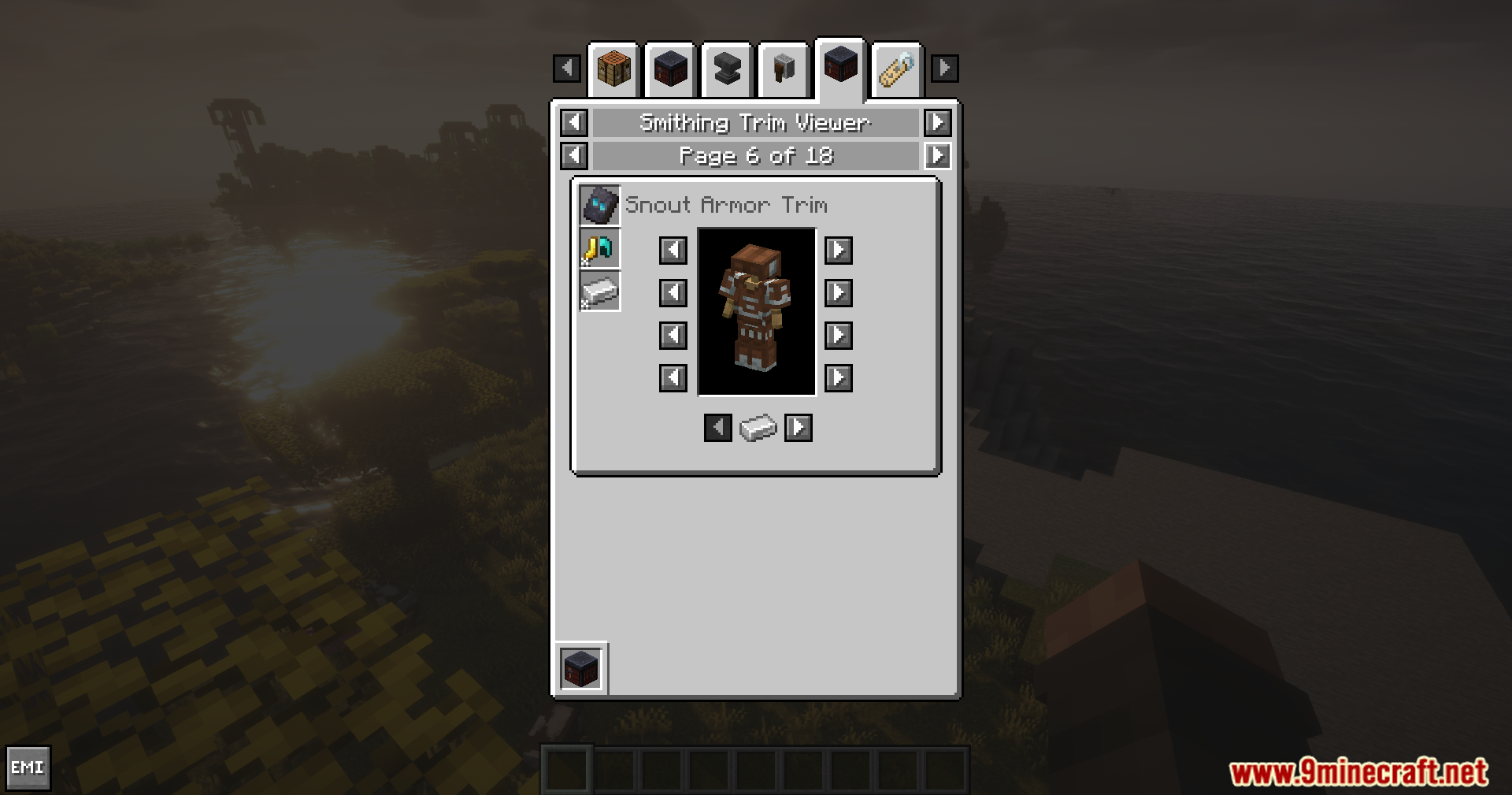
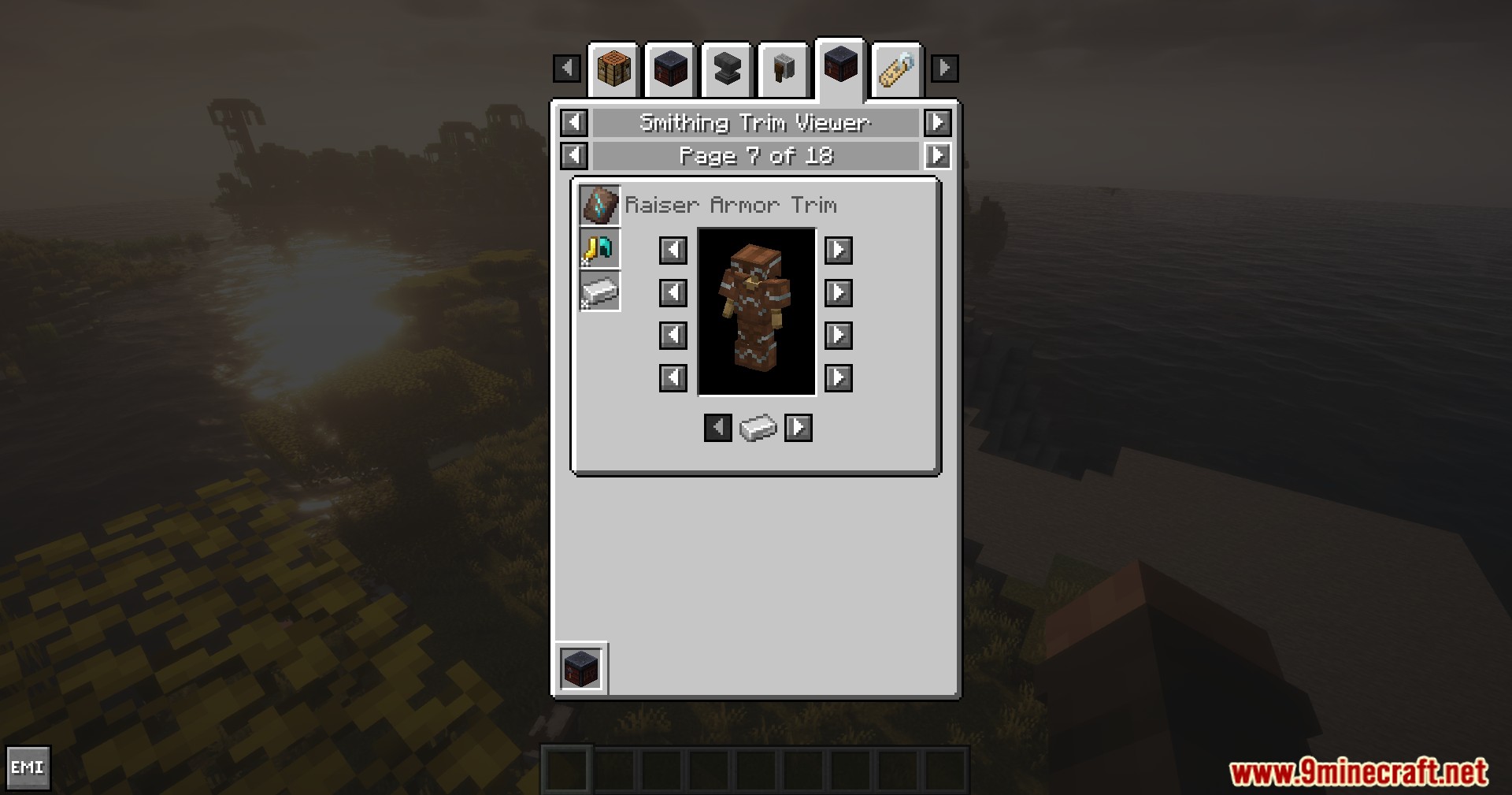
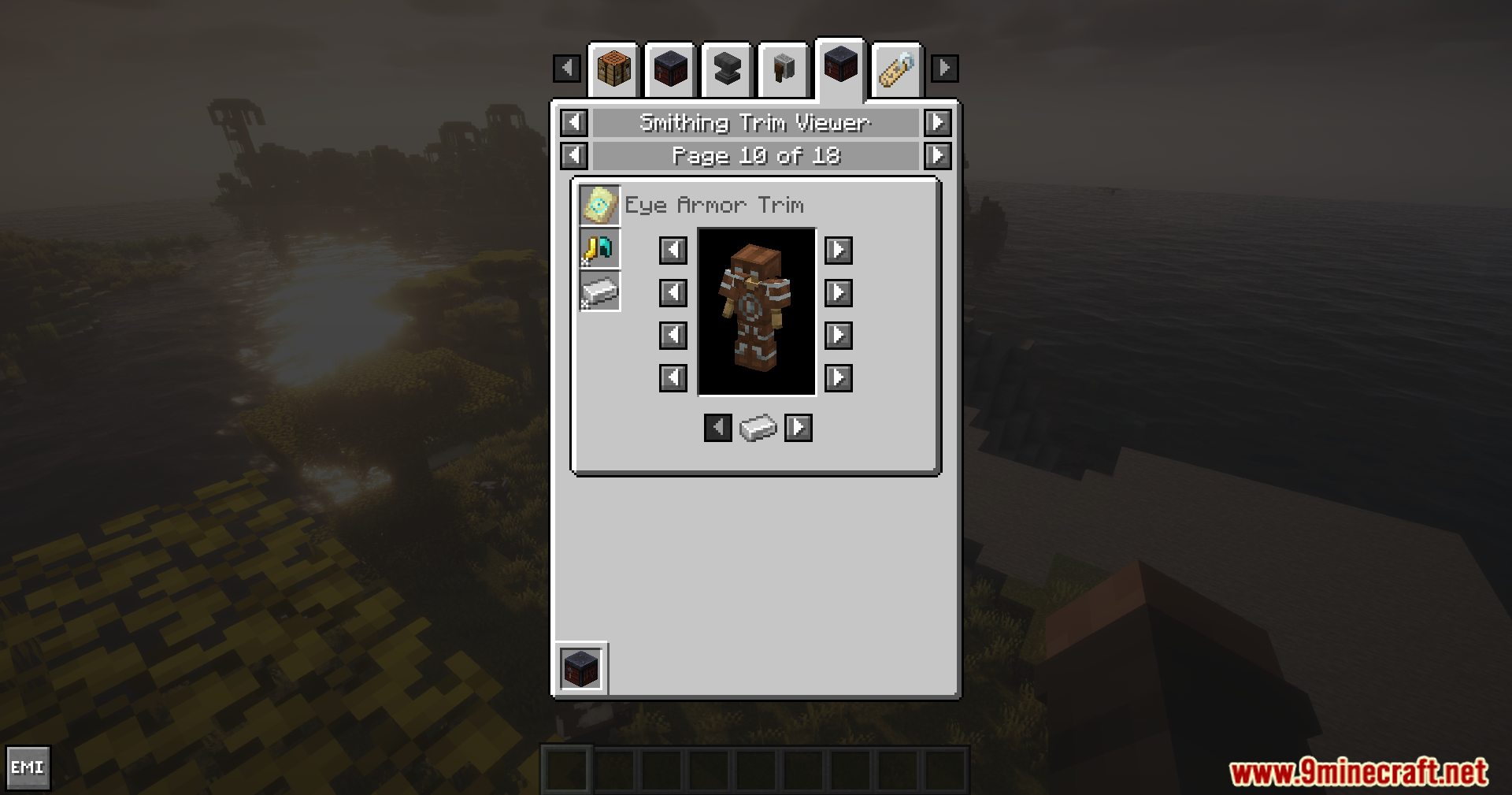
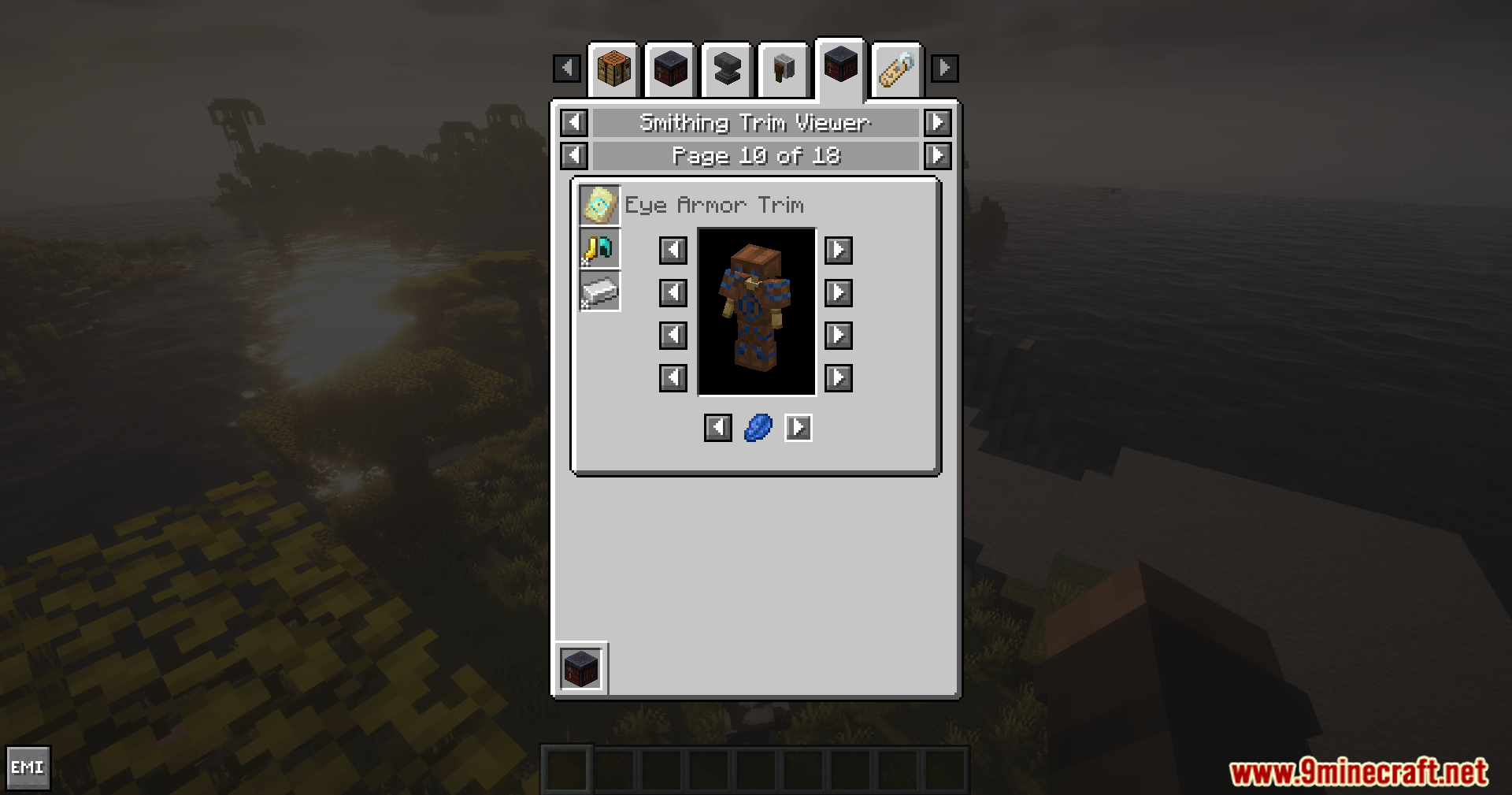
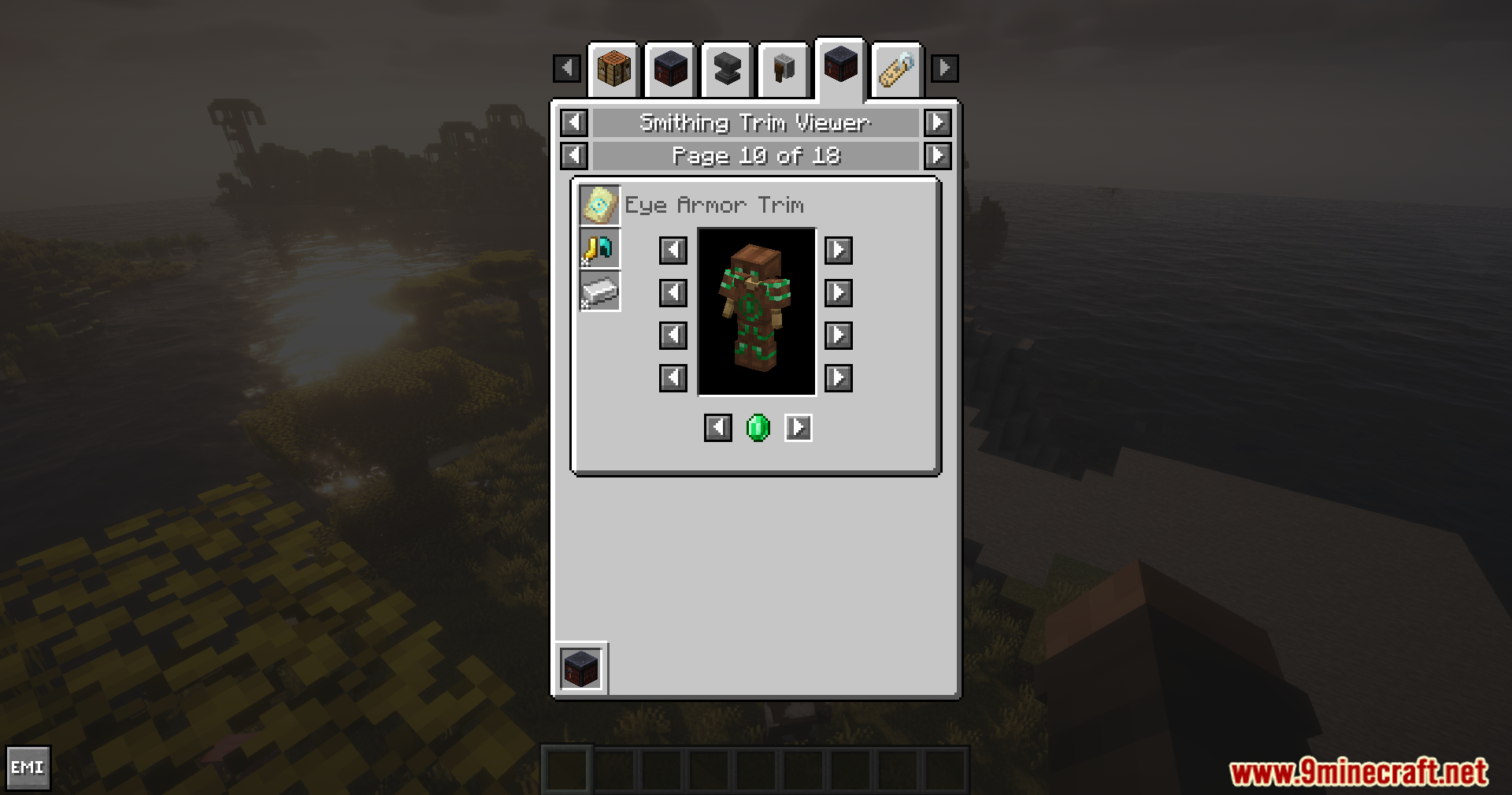
Smithing Template Viewer for JEI/EMI Mod adds an armor preview feature for the JEI and EMI mods. It lets you test out different armor trims and colors on your screen before you actually make them in the game.
Features:
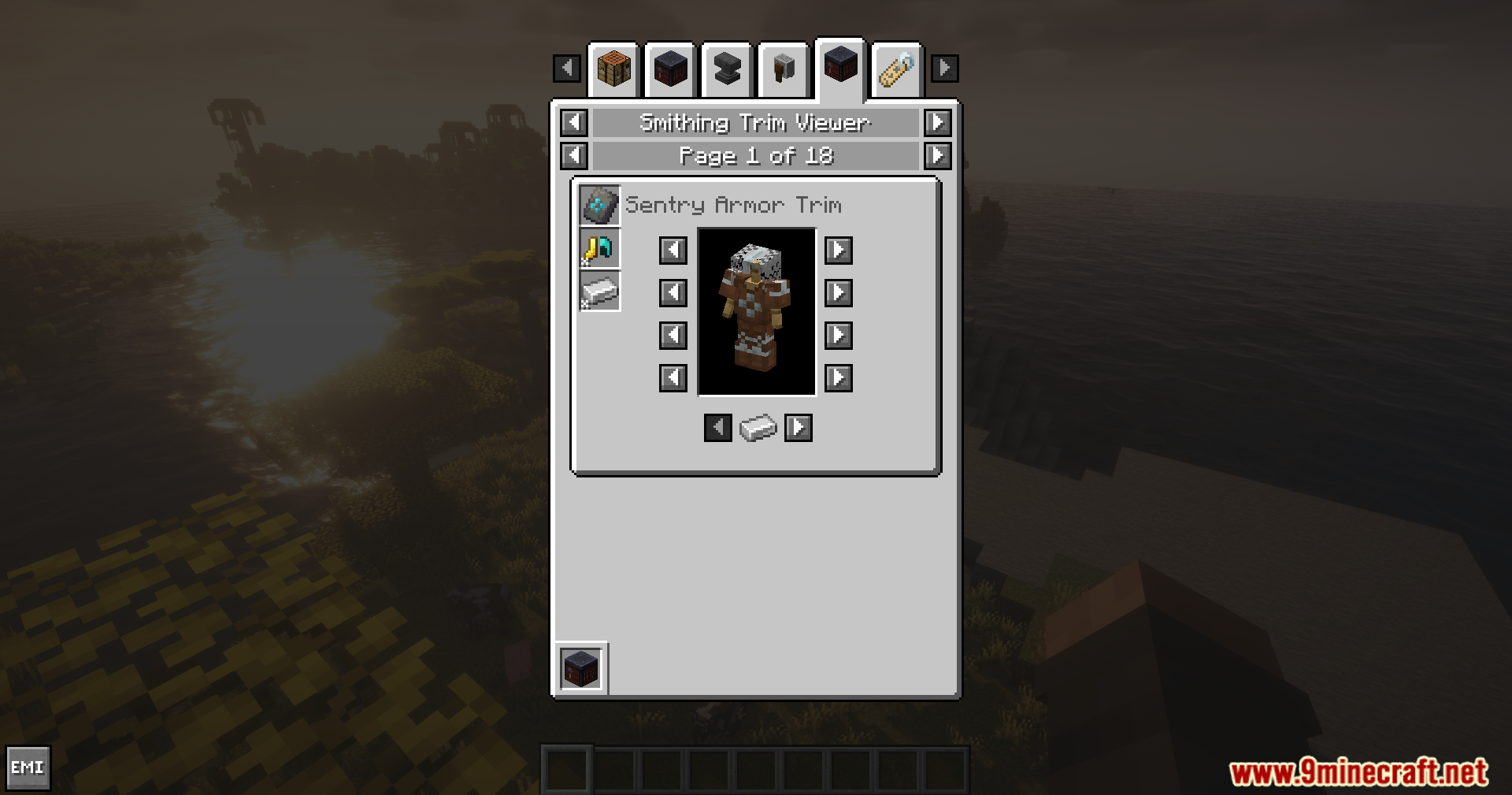
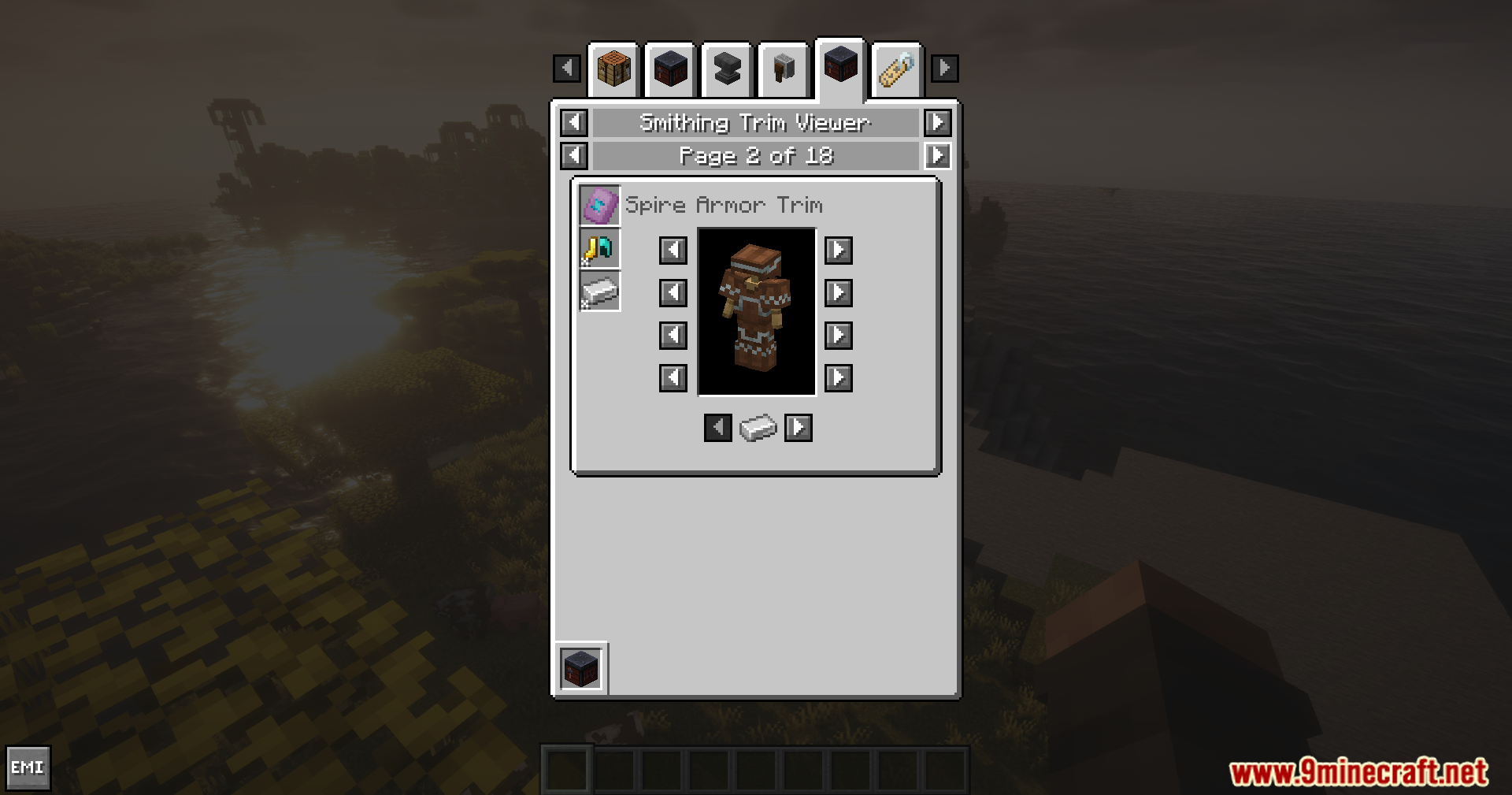
- Shows a clear picture of any smithing template directly inside your recipe viewer.
- Lets you swap out the base armor piece to check how patterns look on different gear.
- Allows you to change the color of the trim to find your favorite style.
How to Use:
- Open your inventory and look up a smithing template in your recipe list.
- Click the template to view its details.
- Click the options on the screen to change the base armor piece.
- Pick different materials to test out new colors for the trim.
Screenshots:
How to Install:
New to Minecraft? Follow our step-by-step guide to install Mods on your PC.View Guide
Requirements:


Smithing Template Viewer for JEI/EMI Mod Download Links
For Minecraft
1.21.11,
1.21.10,
1.21.9
All Versions Covered
1.21.11
1.21.10
1.21.9
1.21.8
1.21.7
1.21.6
1.21.5
1.21.4
1.21.1
1.21
All Versions Covered
1.21.11
1.21.10
1.21.9
1.21.8
1.21.7
1.21.6
1.21.5
1.21.4
1.21.1
1.21
Click to rate this post!
[Total: 1 Average: 5]
You May Also Like






This post has no comments yet. Be the first — your comment will appear here.