


PlayerAnimator 9minecraft Mod (26.2, 1.21.11) – Unlock Smooth Custom Player Animations
 562
562
 0
0


🌐 Read this article in your language! Choose your preferred language below.
Or pick the one you like:
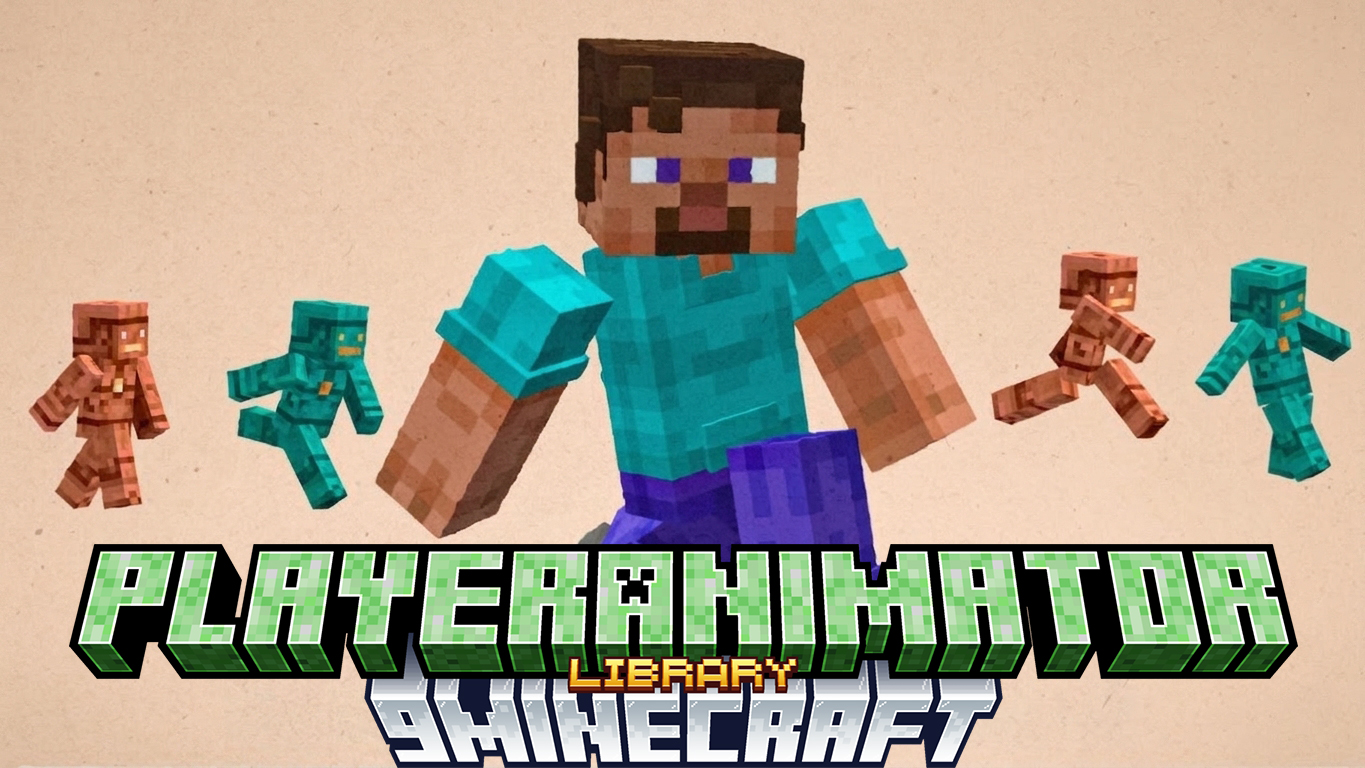
PlayerAnimator 9minecraft Mod powers custom movements and emotes for your Minecraft character. It acts as a shared framework so other mods can change how you pose, fight, or dance. The mod processes animation files and runs them side-by-side without breaking.
Features:
- Plays Custom Animations: It reads animation files made in Blockbench or Blender to move your character.
- Layer System: Keeps things organized when multiple mods try to animate your character at the same time.
- Reads GeckoLib and Emotecraft files so you have plenty of options.
- Calculates advanced math expressions to make movements look natural.
- Blends different poses together to stop sudden, jerky movements.
- Applies custom actions directly to your hands and arms when you play in first-person view.
- Loads older animation packs so your classic projects still work.
How to Use:
- Download this mod and place it into your mods folder.
- Add any combat, emote, or movement mods that need it to run.
- Start the game normally.
- The mod runs quietly in the background to handle all the custom animations automatically.
How to Install:
New to Minecraft? Follow our step-by-step guide to install Mods on your PC.View Guide



PlayerAnimator 9minecraft Mod Download Links
For Minecraft 26.2
For Minecraft 26.1.2, 26.1.1, 26.1
For Minecraft 1.21.11
For Minecraft 1.21.10, 1.21.9
For Minecraft 1.21.8, 1.21.7, 1.21.6
Click to rate this post!
[Total: 2 Average: 3.5]
You May Also Like

This post has no comments yet. Be the first — your comment will appear here.