


Oracle Index Mod (1.21.1) – Read Mod Wikis Without Leaving Your World

 0
0  1 minute ago
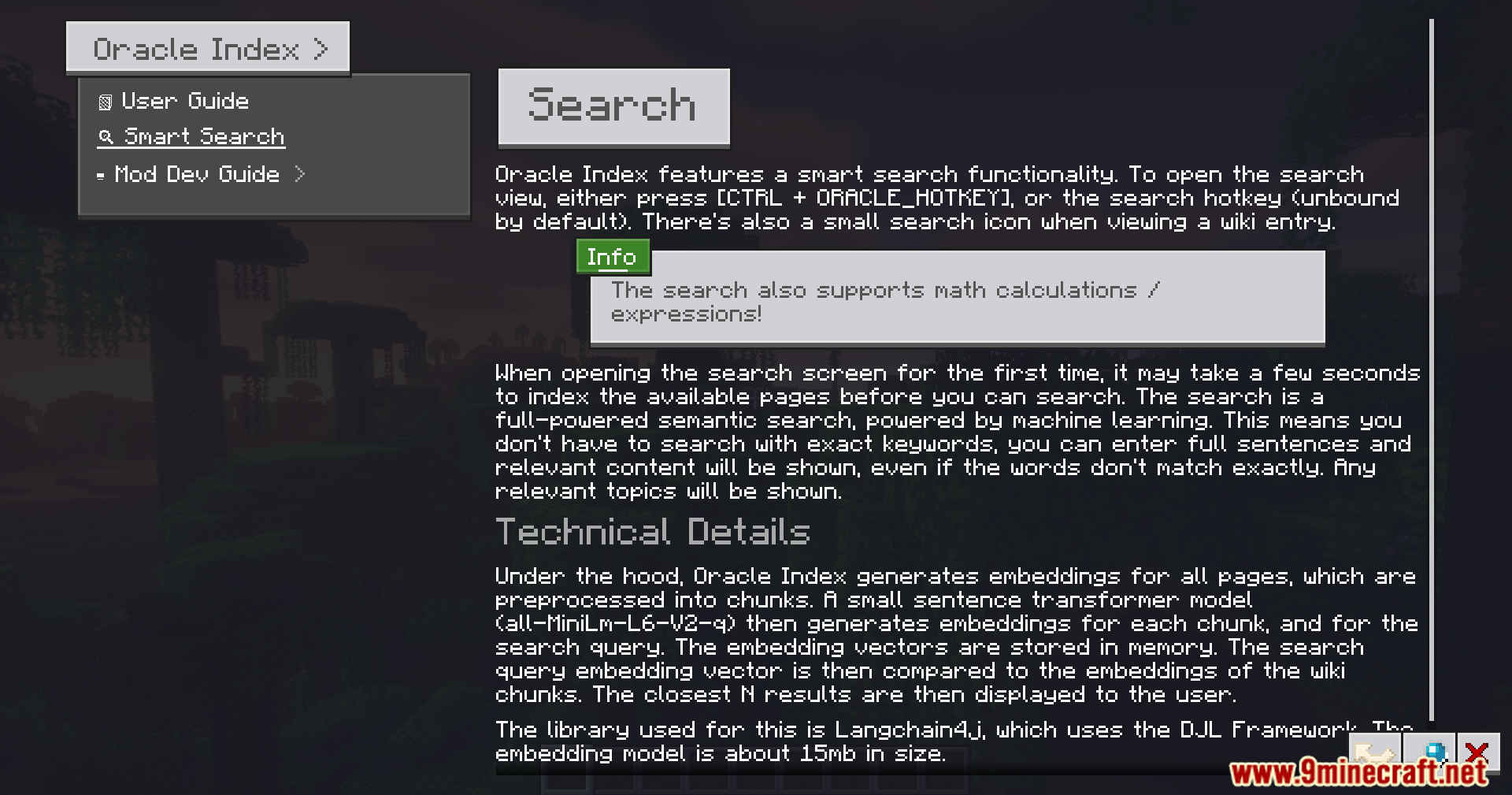
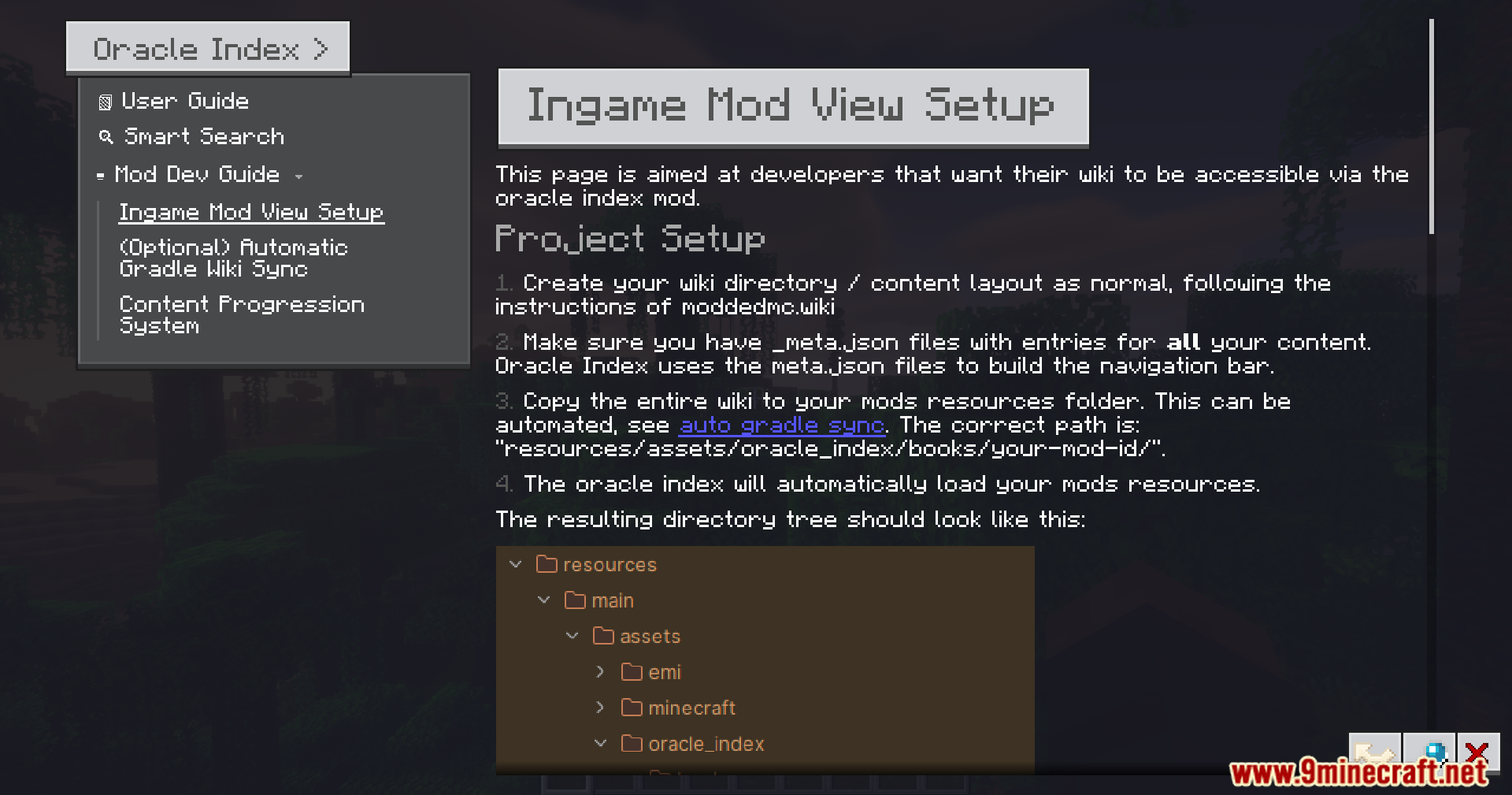
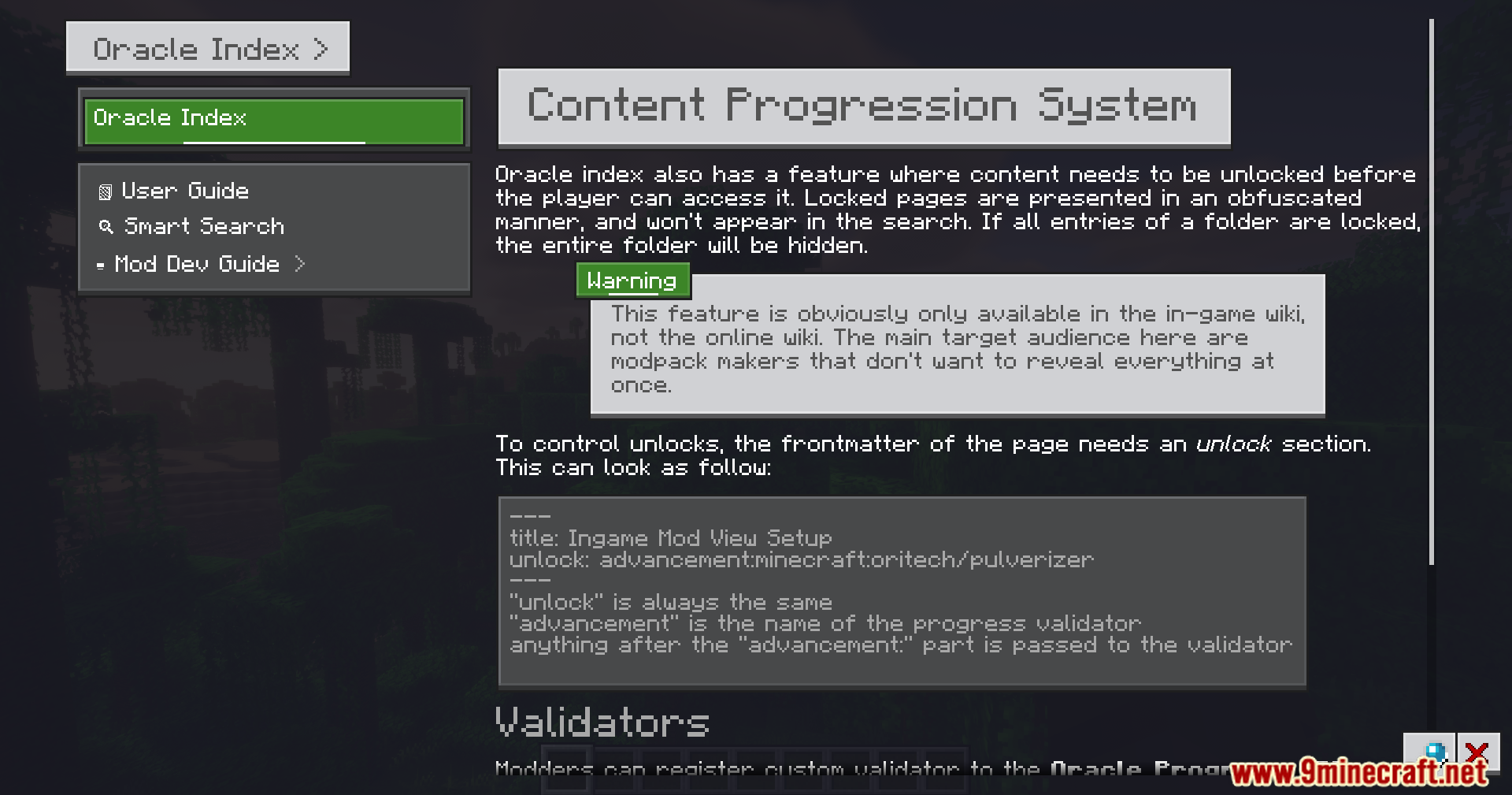
Oracle Index Mod puts mod wikis and guides directly inside your Minecraft world. It stops you from having to close or minimize your game just to look up a recipe or read about a new item. The mod adds a clean, easy-to-read menu where you can search for information about other mods you have installed. It links directly to items in your inventory, making it simple to figure out how things work while you play.
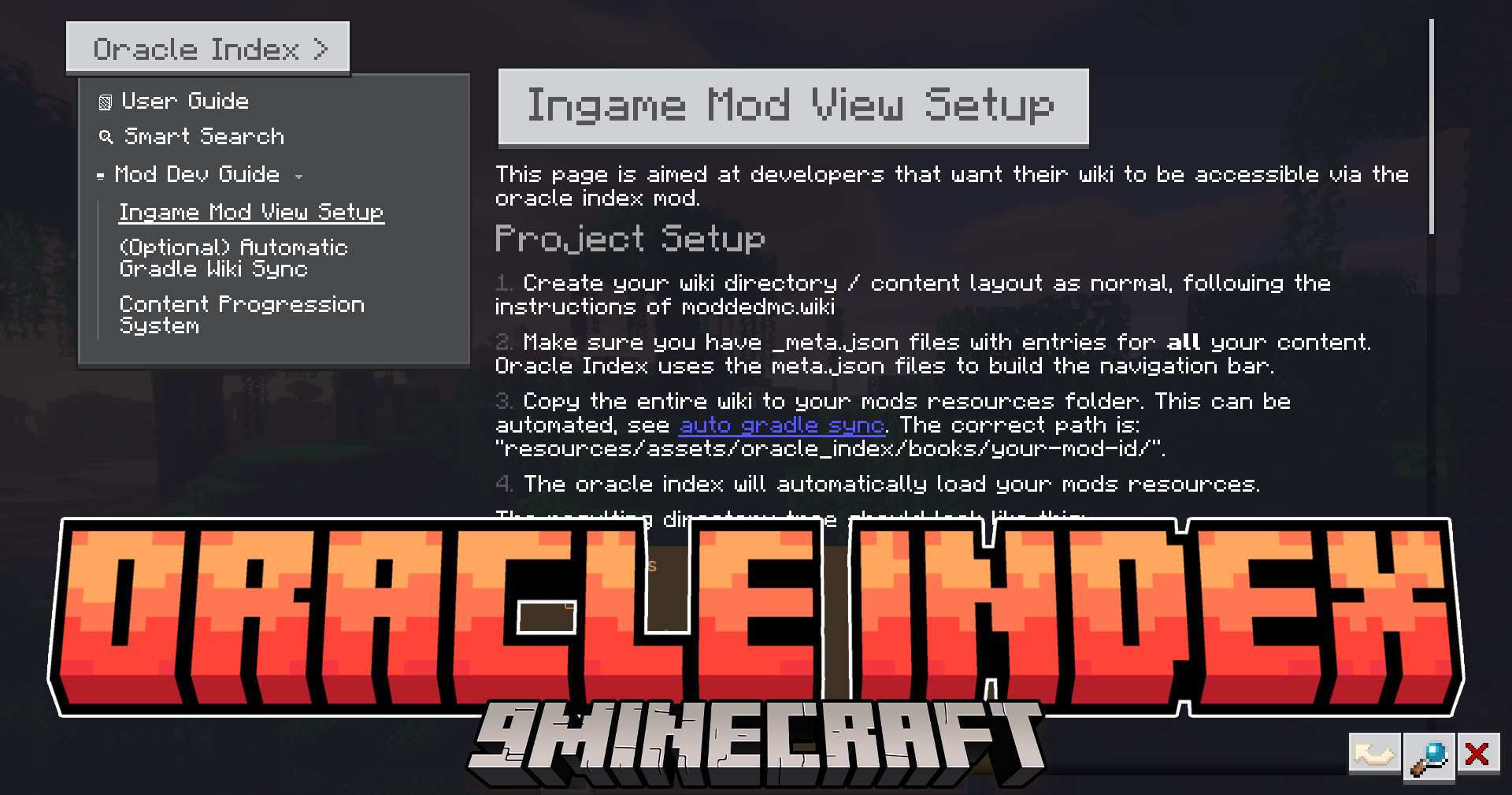
Features:
- Smart Search: Includes a search bar that understands what you type and can even solve math problems.
- Item Tooltips: Lets you hover over an item in your inventory and hold the ALT key to instantly open its guide page.
- Adds a smooth menu with nice scrolling that fits any screen size.
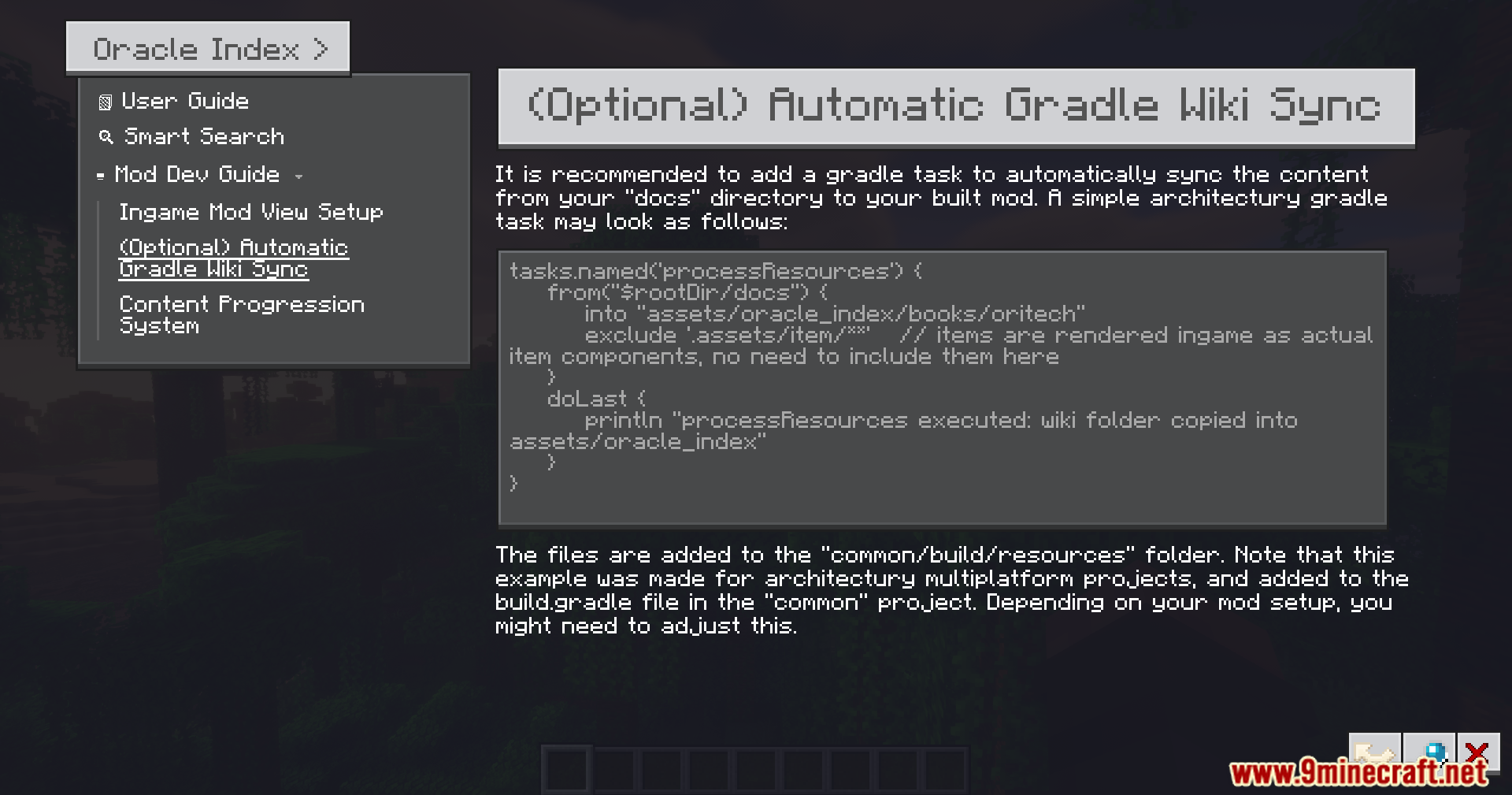
- Reads text files from your computer so you can load custom guides into the game.
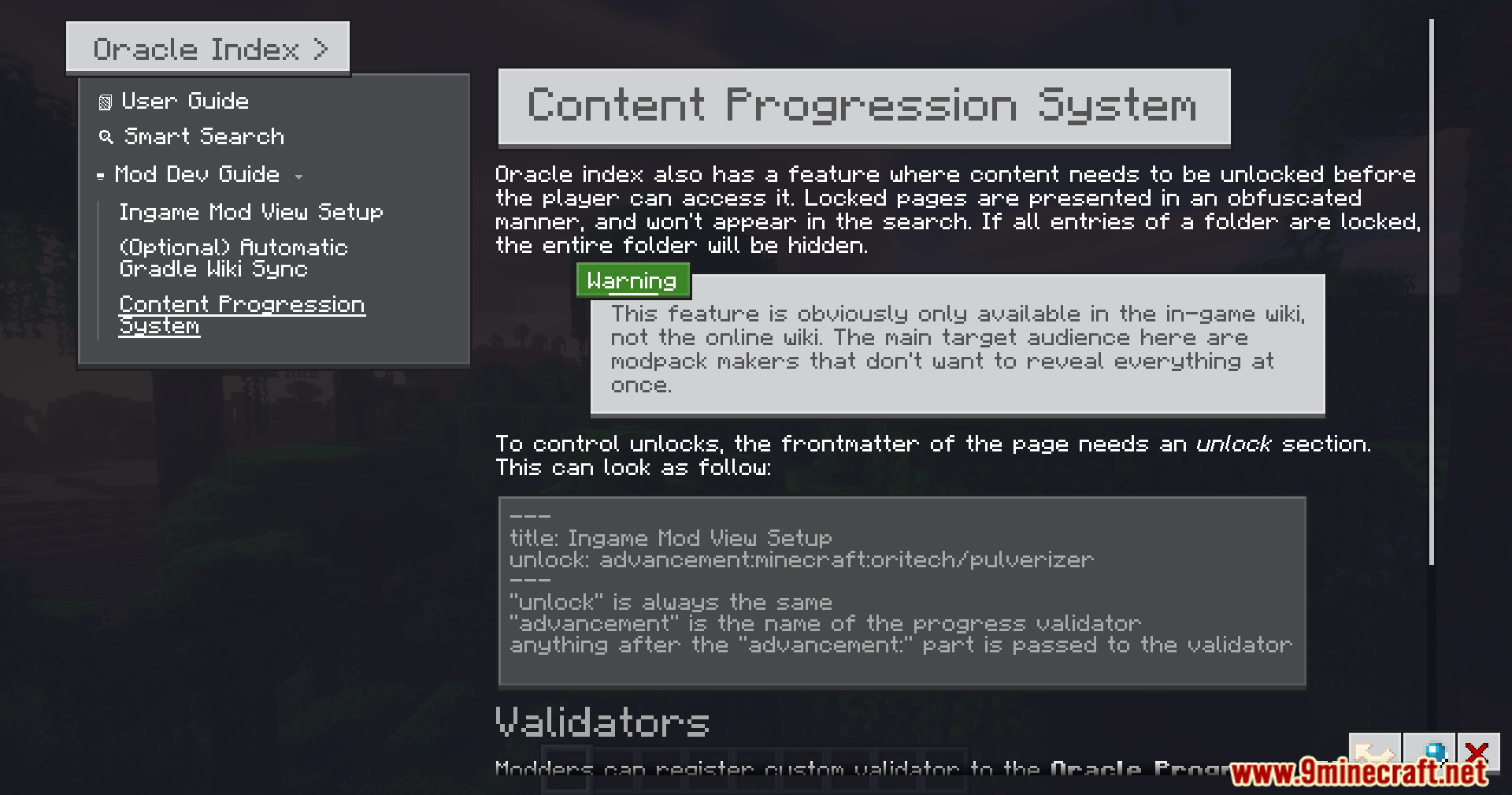
- Hides certain secret pages until you unlock them while playing.
- Lets you click links inside the text to jump straight to other pages or items.
- Removes the need to craft or carry around a special guide book in your inventory.
How to Use:
- Hover your mouse over an item in your inventory.
- Hold the ALT key to open the wiki page for that specific item.
- Press the custom hotkey to open the main guide menu at any time.
- Type what you need to know into the search bar to find answers quickly.
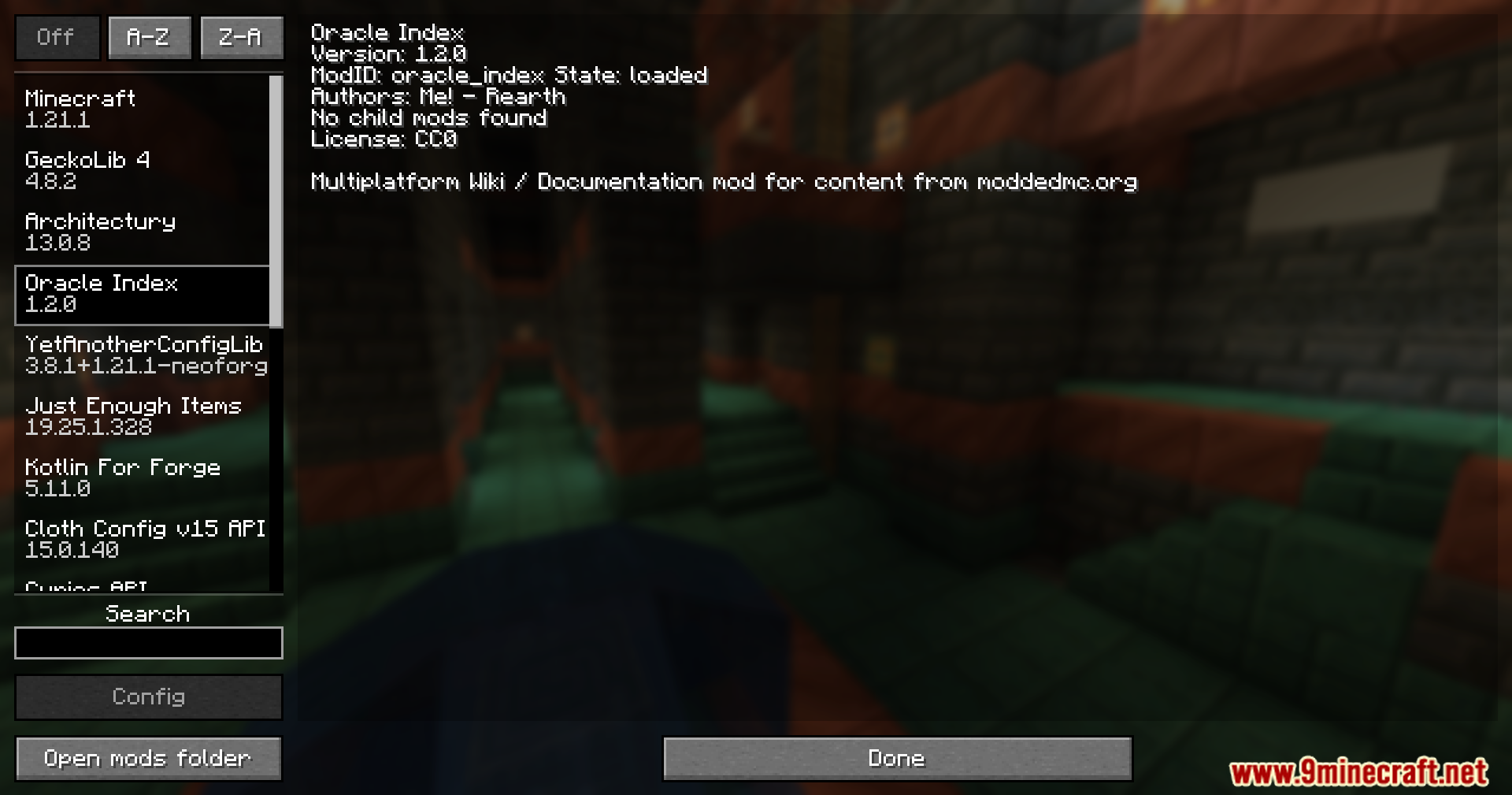
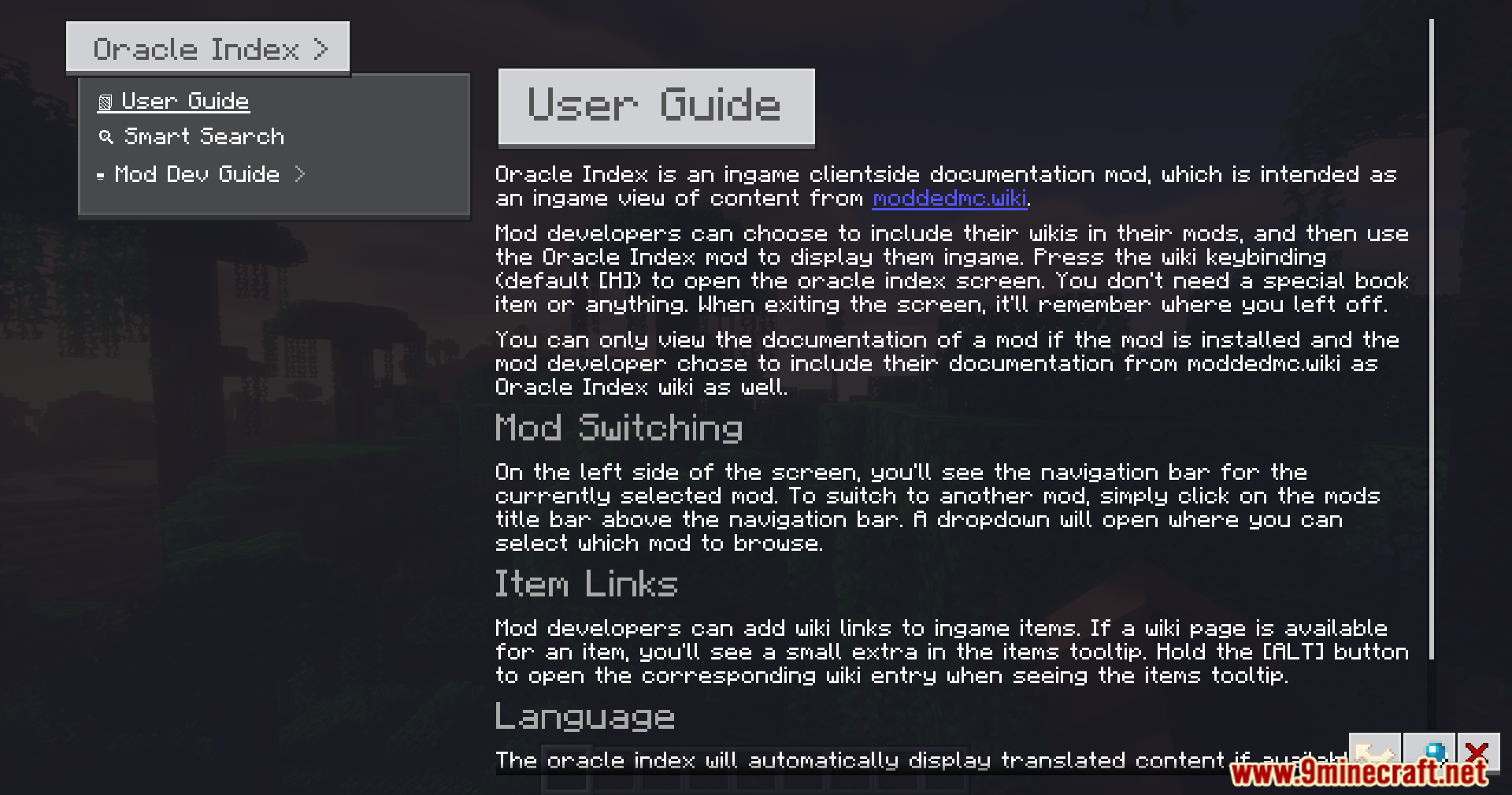
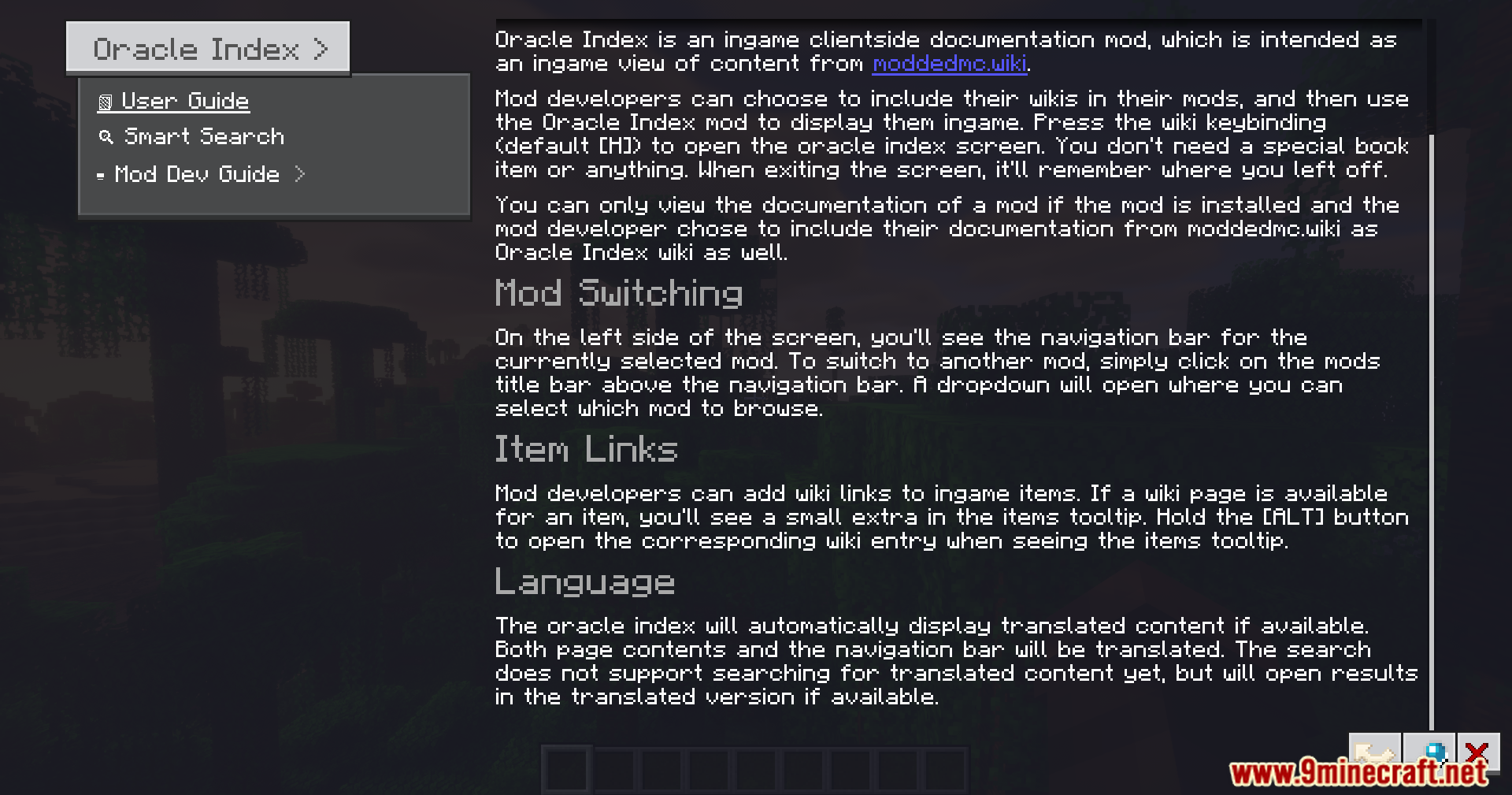
Screenshots:
How to Install:
New to Minecraft? Follow our step-by-step guide to install Mods on your PC.View Guide
Requirements:
 Fabric Loader Required
 Fabric API Required
 NeoForge Required
Architectury API Required
oωo (owo-lib) Required
Oracle Index Mod Download Links
For Minecraft 1.21.1, 1.21
Click to rate this post!
[Total: 1 Average: 5]
You May Also Like














This post has no comments yet. Be the first — your comment will appear here.