


Live Texture Editor Mod (26.2, 1.21.11) – Paint Custom Textures Directly in Your World

 0
0 

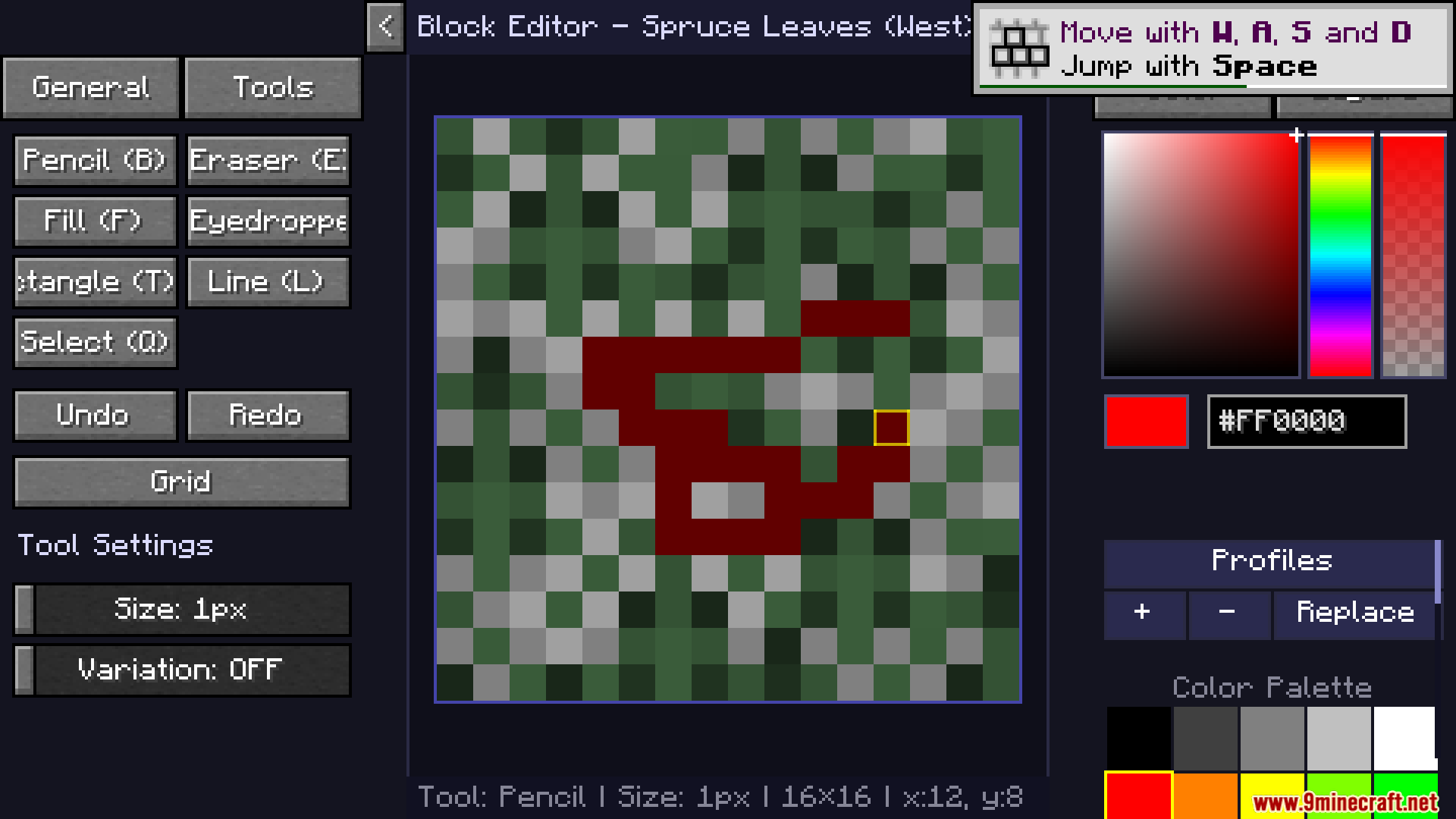
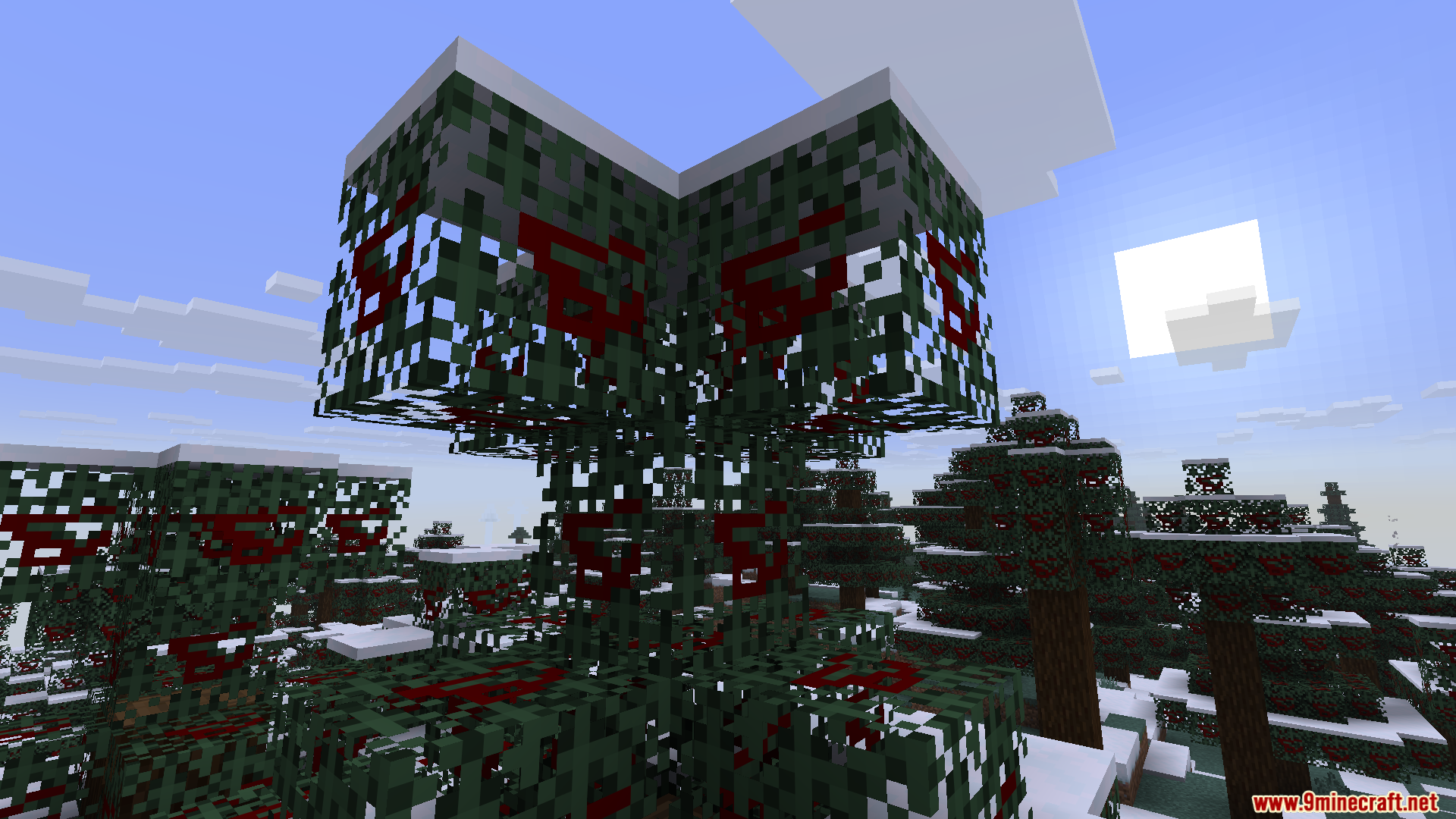
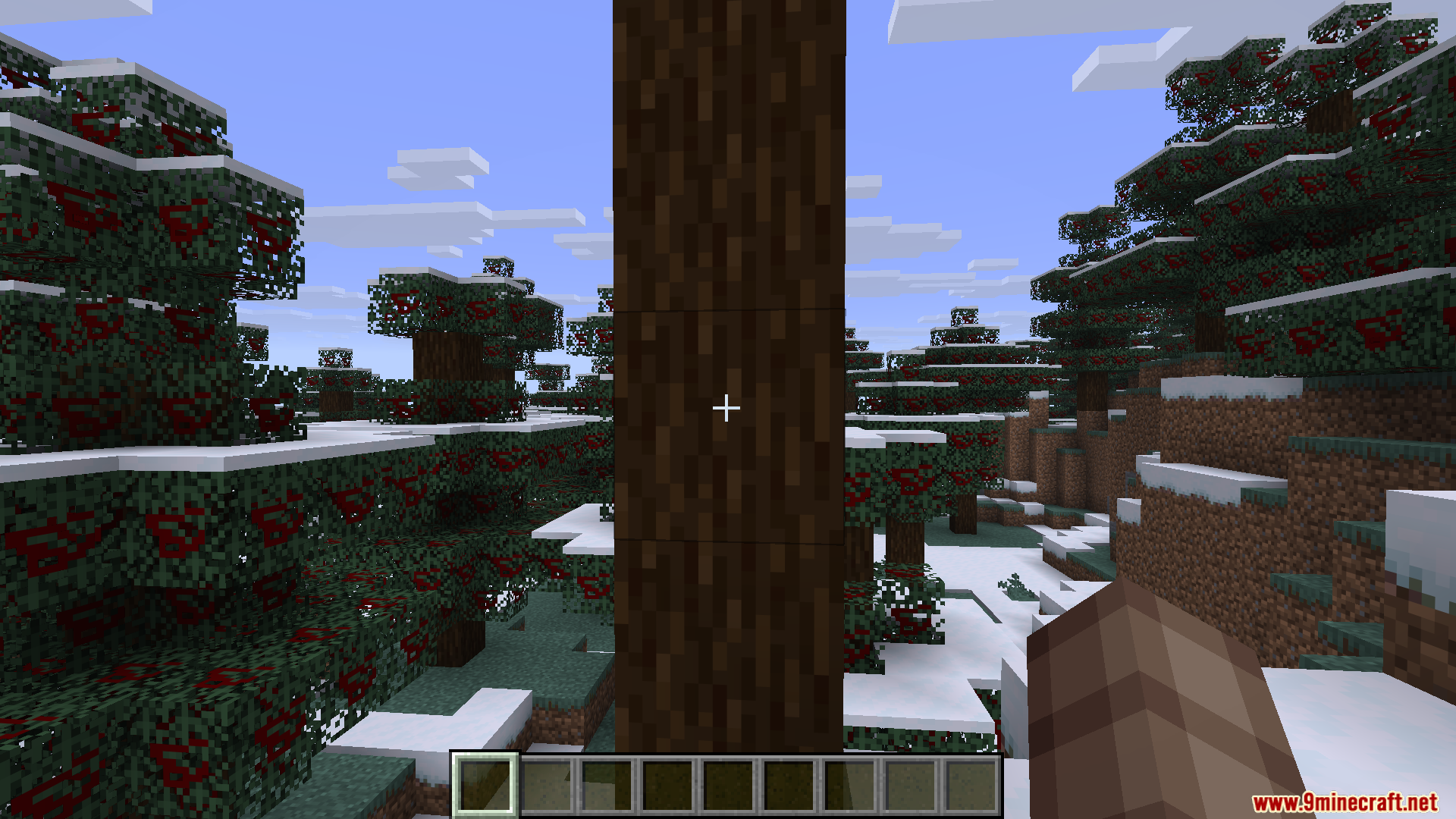
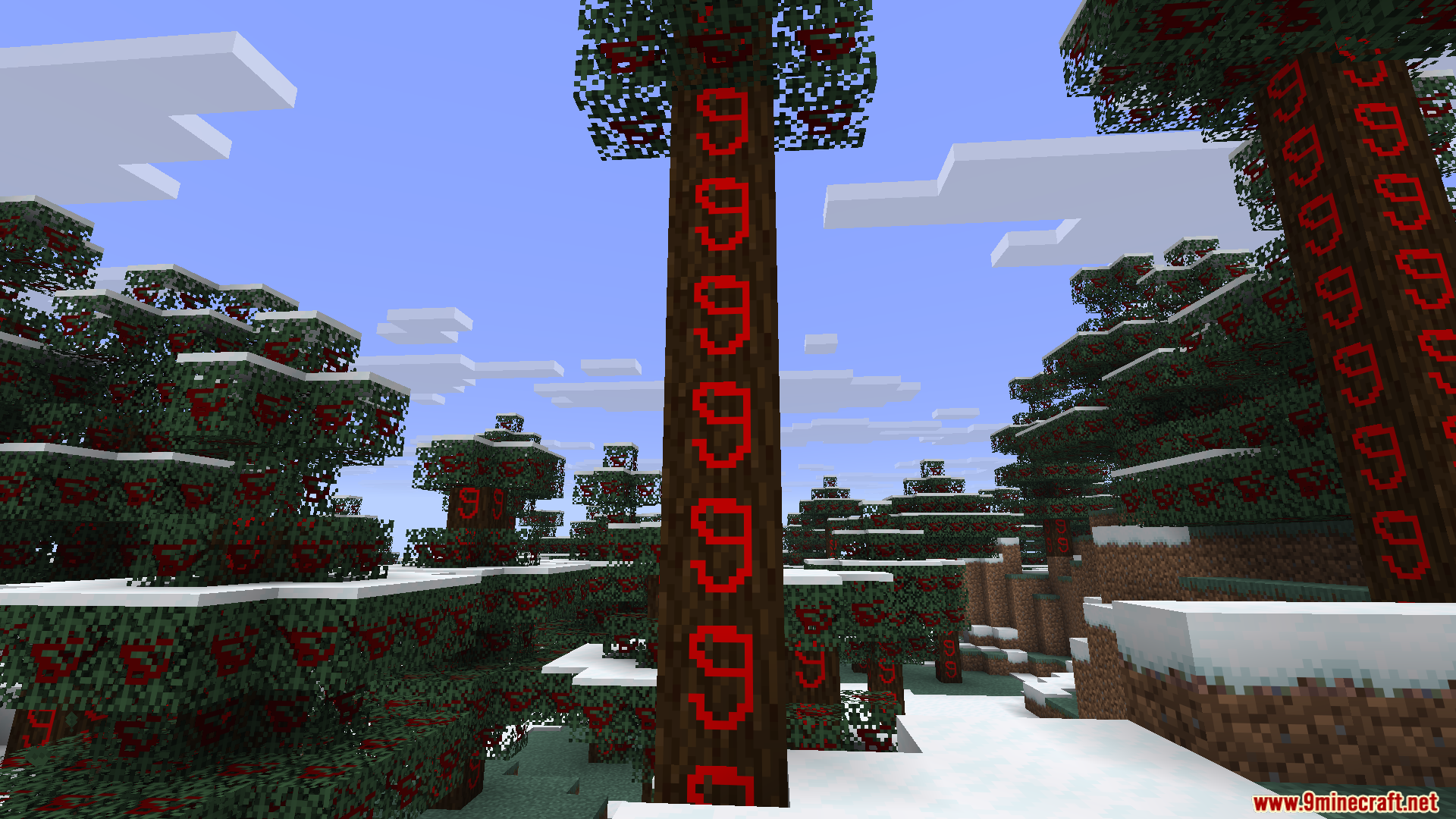
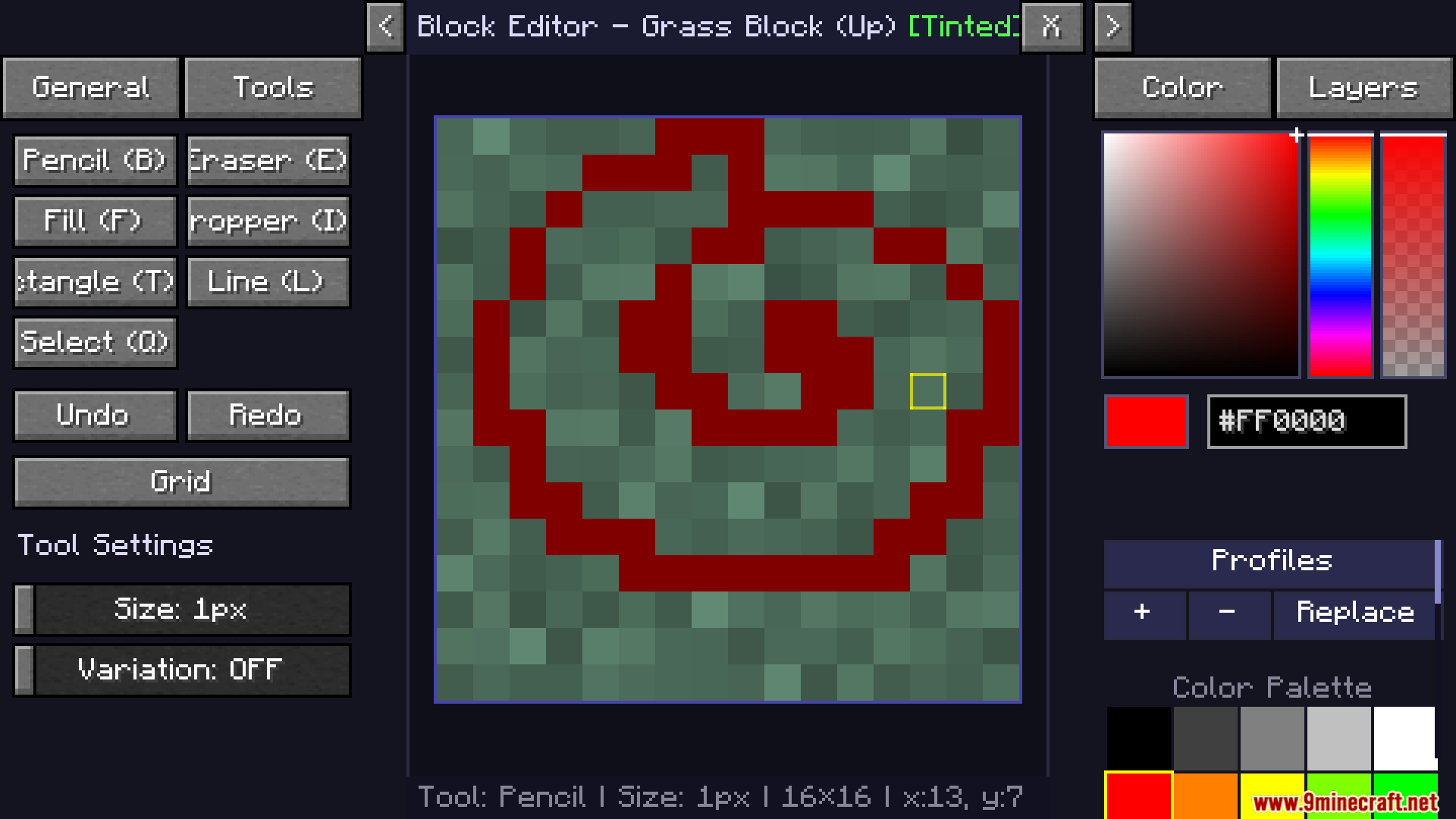
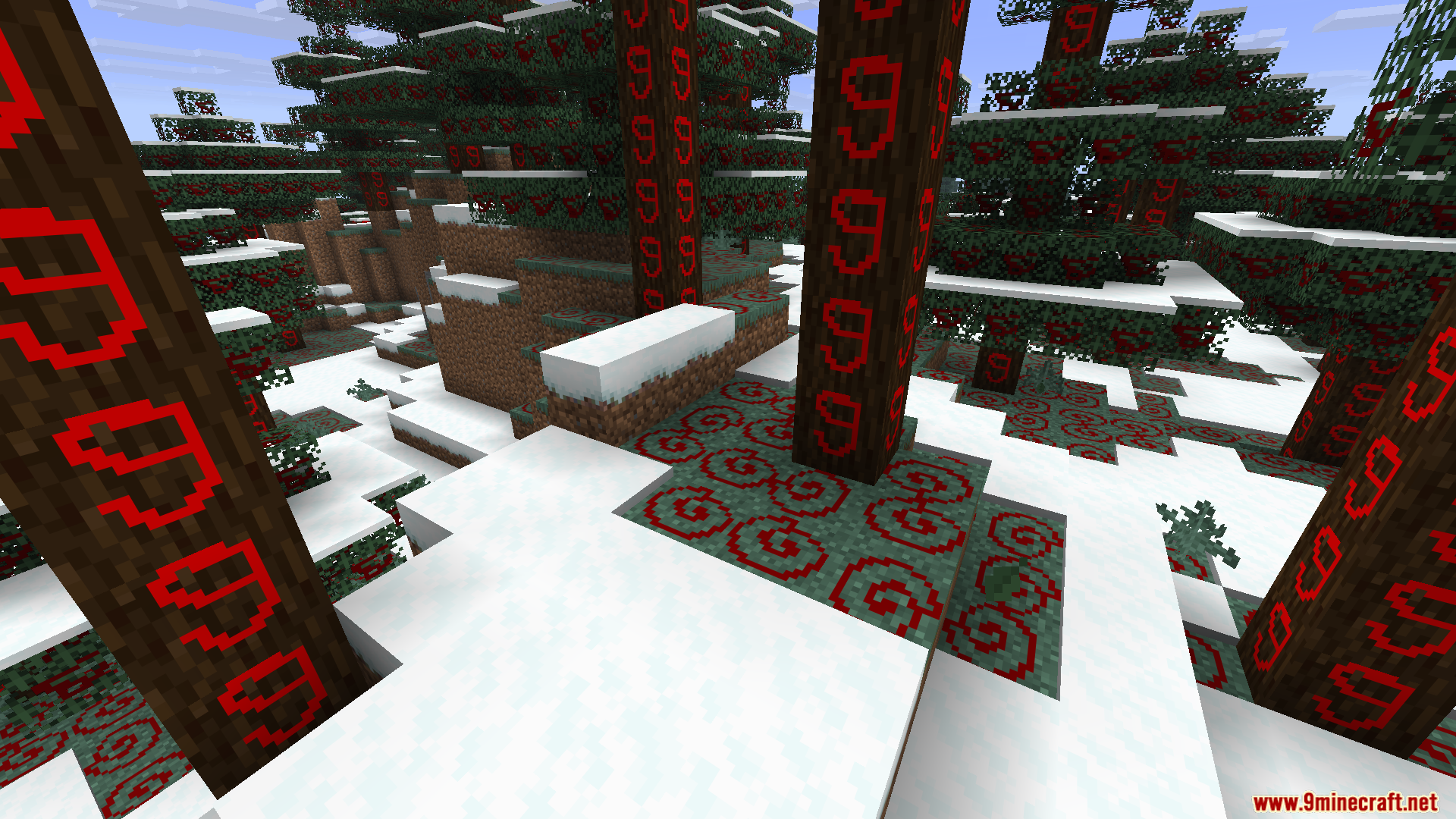
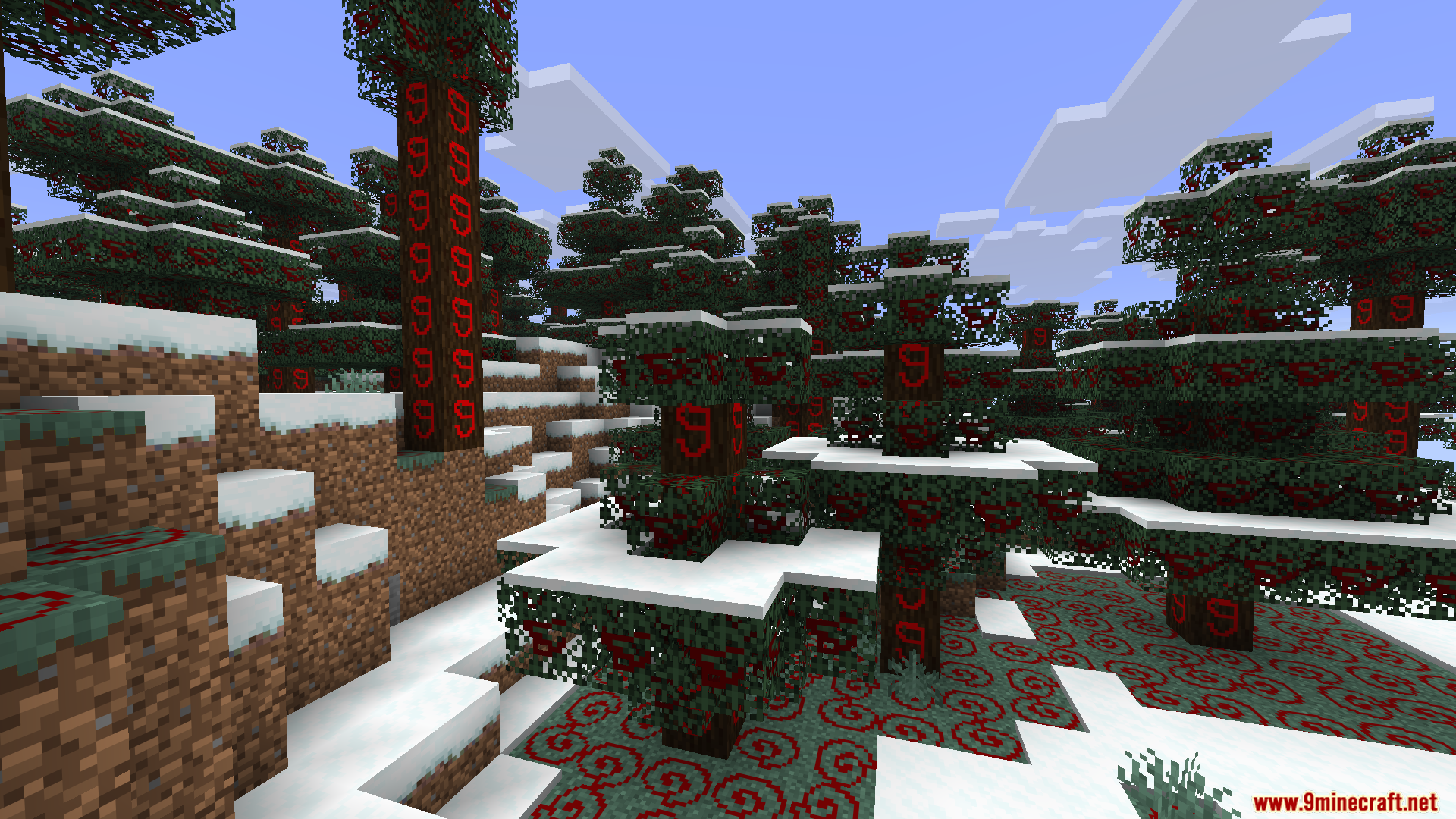
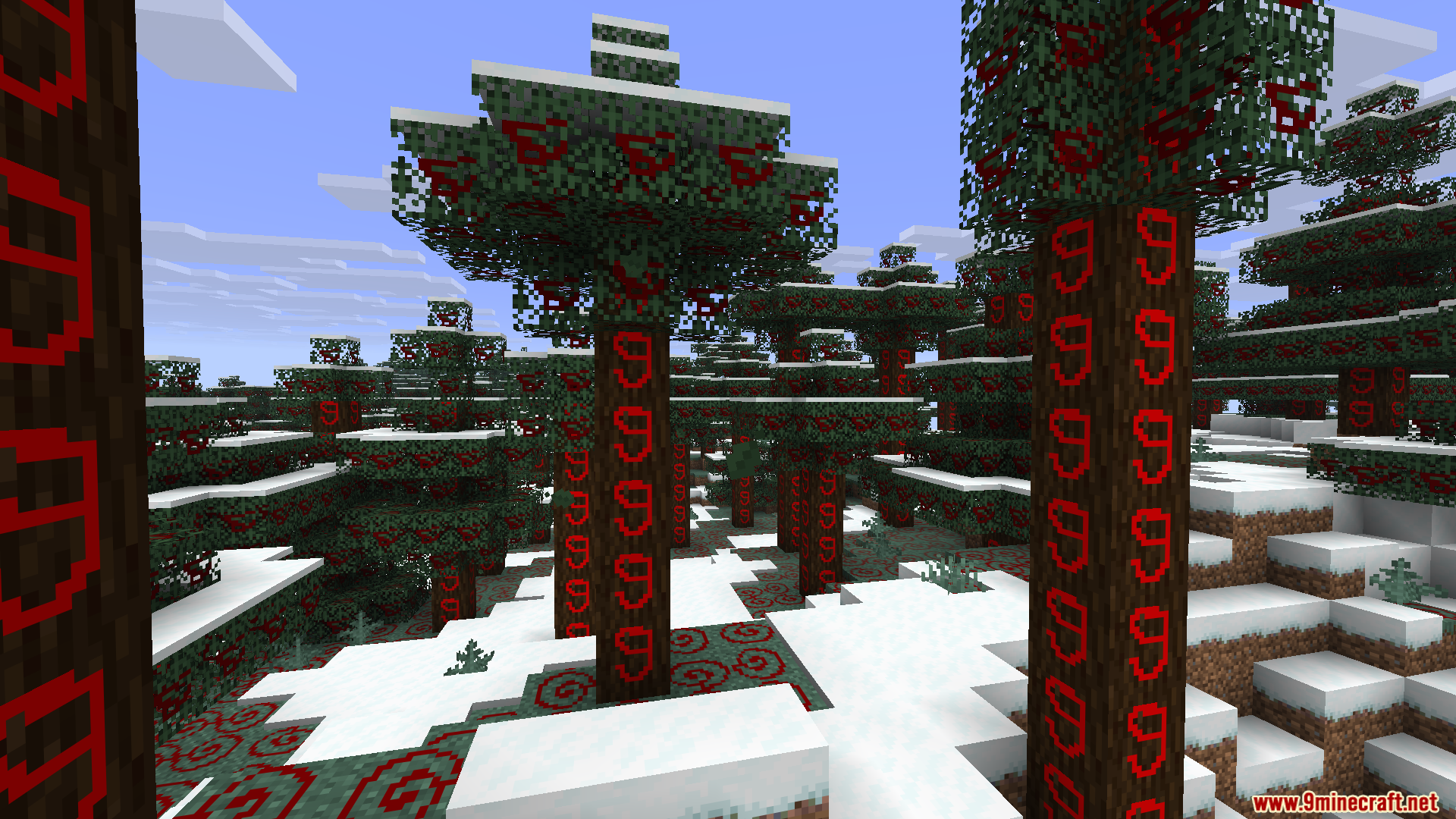
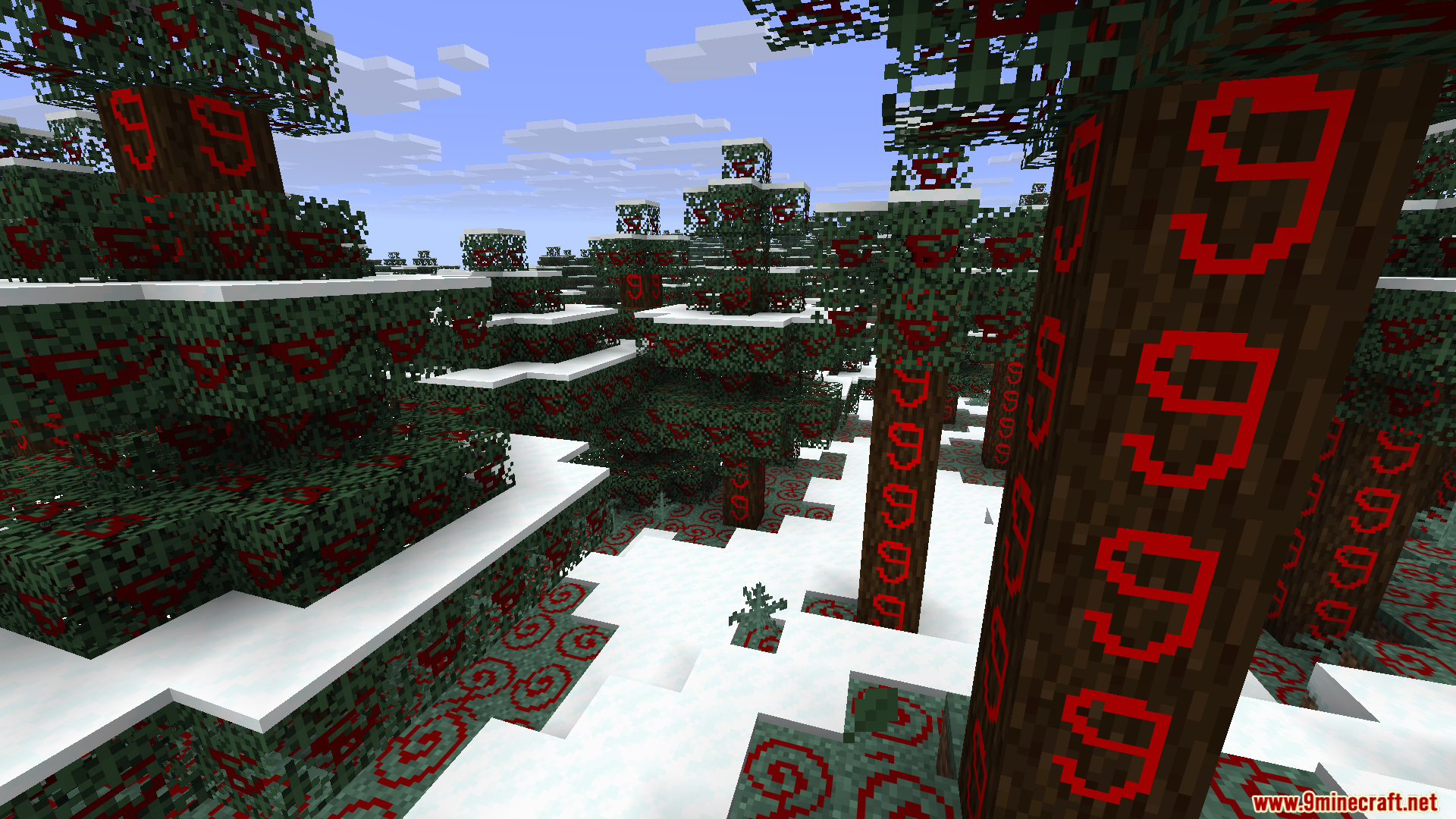
Live Texture Editor Mod lets you change the look of blocks, items, and mobs right inside your game. You do not need to close the game or open a separate painting program to make a custom resource pack. You just look at a block, press a key, and start painting new colors on it. The changes show up right away in your world so you can see exactly how your art looks while you play.
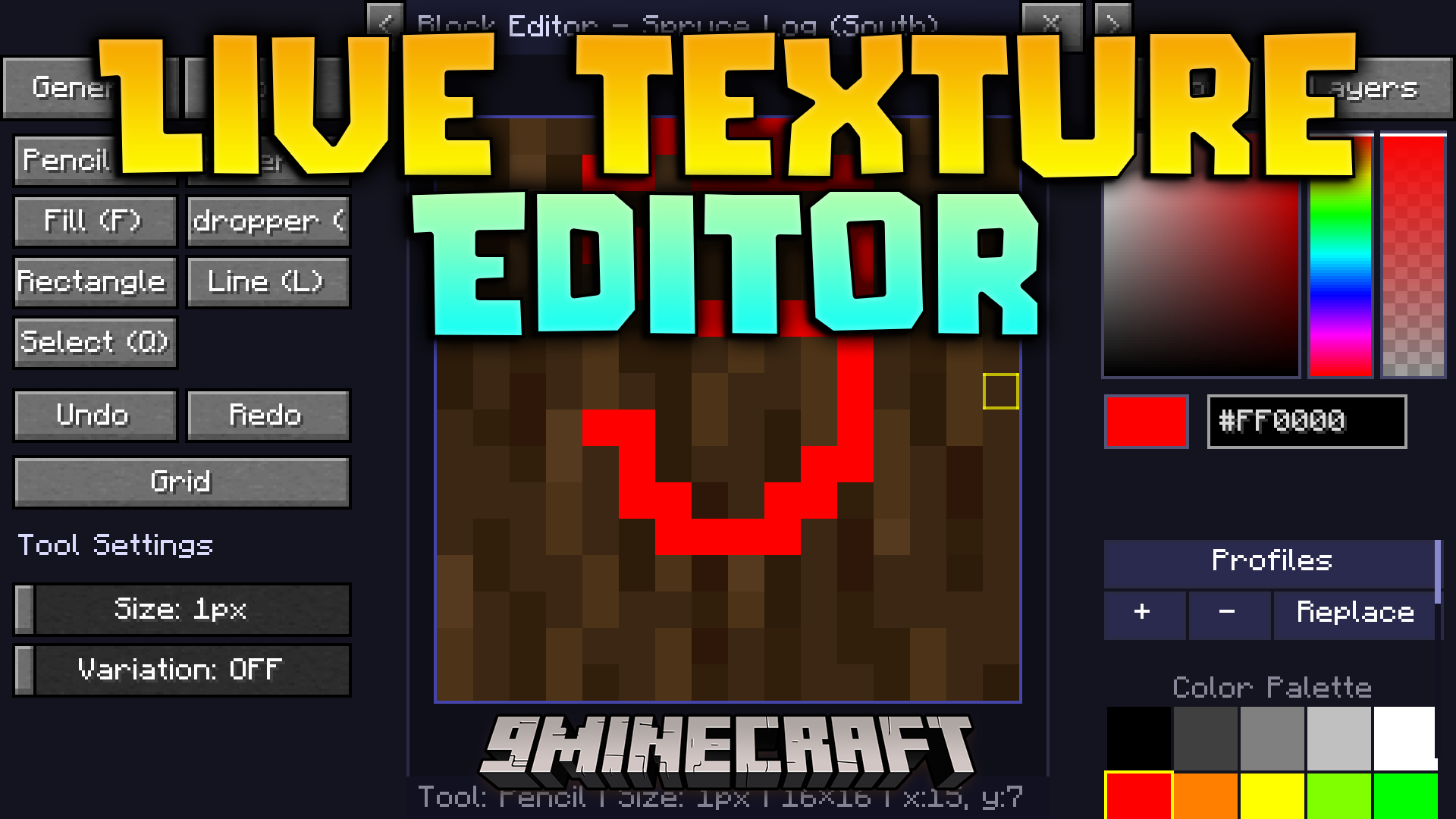
Features:
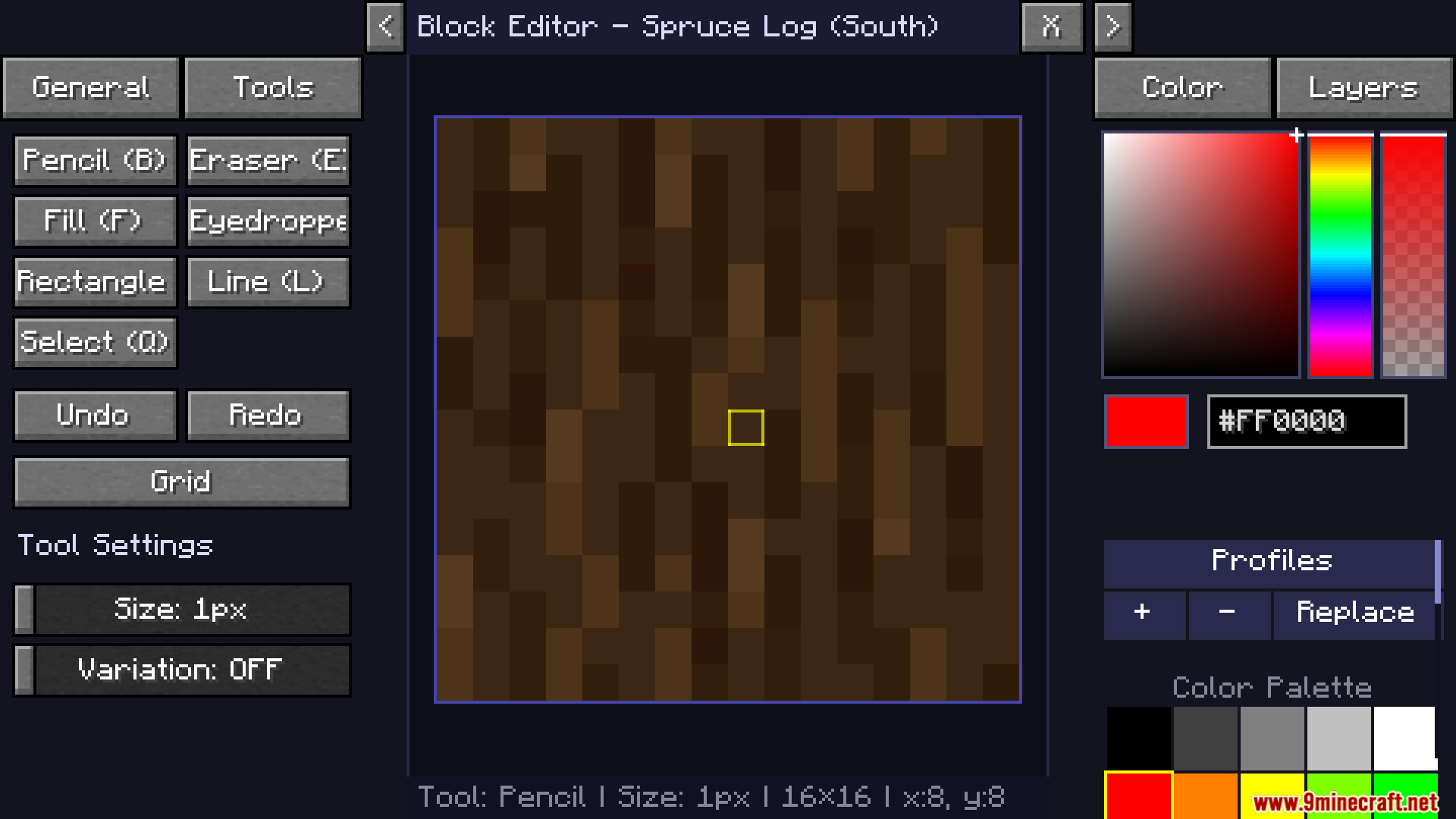
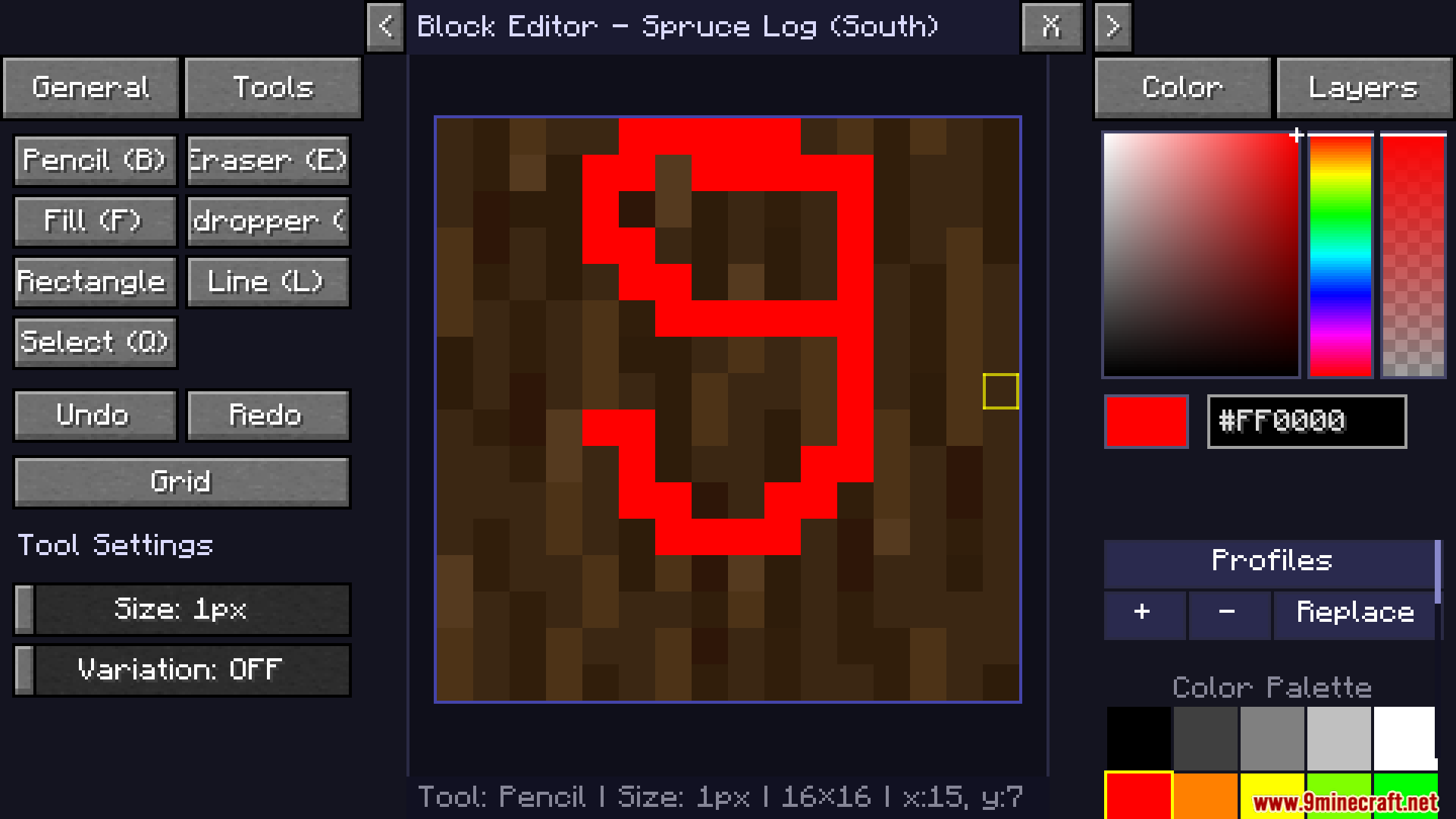
- Instant Block Painting: Look at any standard cube block in your world and open a painting menu to change its top, bottom, or sides.
- Mob and Item Editing: Click on a zombie, creeper, or any item to redraw its pixels exactly how you want them.
- Menu Customization: Change the way your health hearts, hunger bar, crosshair, and inventory screens look.
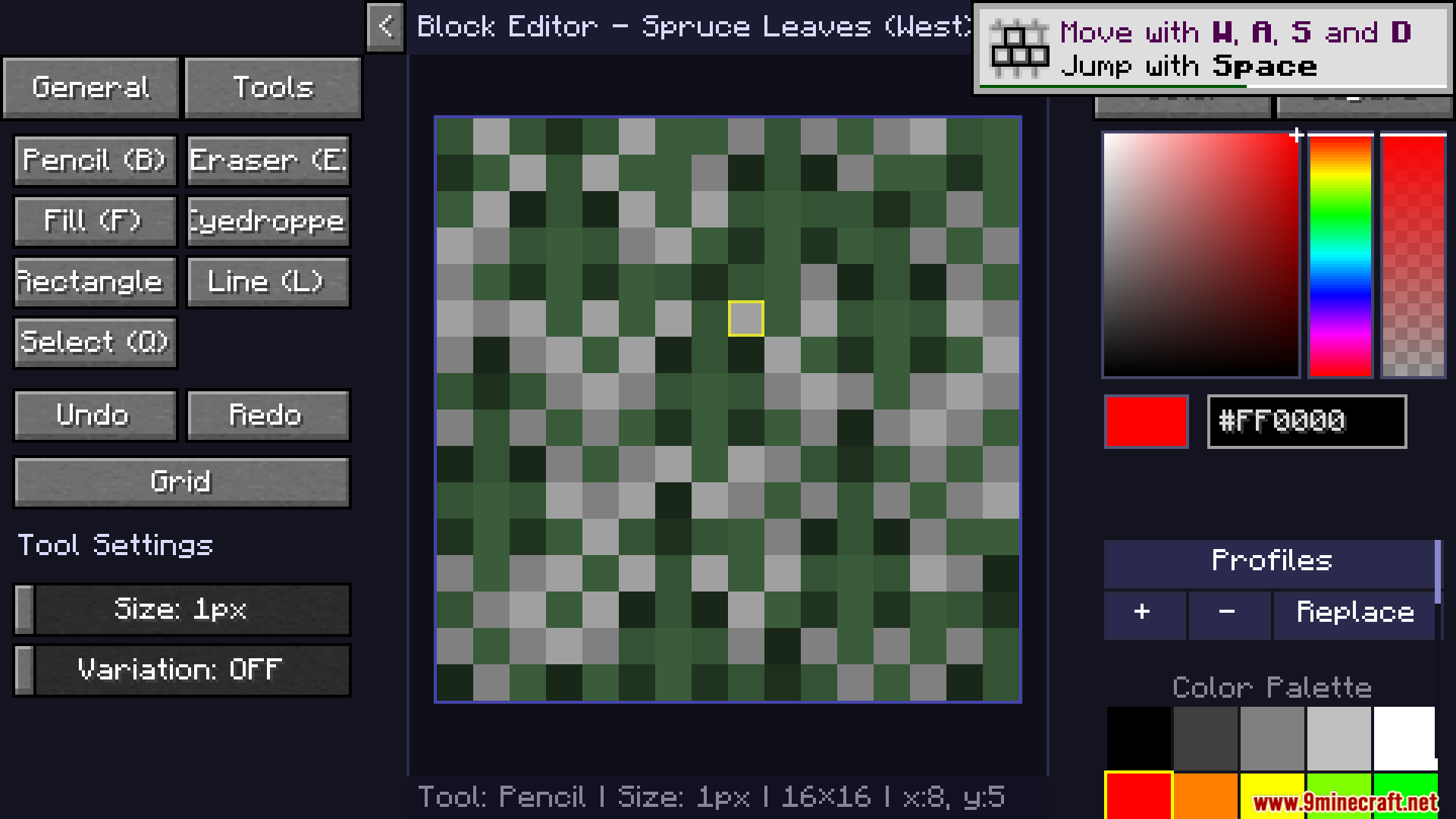
- Gives you classic drawing tools like a pencil, brush, eraser, flood fill bucket, and color picker.
- Lets you zoom in with your mouse wheel and move around the canvas to fix tiny pixel details.
- Saves all your hard work into a ready-to-use resource pack file with just one click.
- Keeps the original game files safe because it makes a new pack instead of overwriting old files.
- Reads your currently active resource pack so you can add new changes on top of it.
How to Use:
- Press J to turn the editor mode on.
- Look directly at a block, mob, or item you want to change and press R to open the painting screen.
- Use your left mouse button to draw and your right mouse button to drag the canvas around.
- Press G to turn on a grid if you need help counting pixels.
- Hold down X while playing to hide your changes and see what the world looked like before.
- Click the export button in the menu to turn your new drawings into a zip file.
Screenshots:
How to Install:
New to Minecraft? Follow our step-by-step guide to install Mods on your PC.View Guide


Live Texture Editor Mod Download Links
For Minecraft 26.2
For Minecraft 26.1.2, 26.1.1, 26.1
For Minecraft 1.21.11
For Minecraft 1.21.10, 1.21.9
For Minecraft 1.21.5
For Minecraft 1.21.4
Click to rate this post!
[Total: 4 Average: 2]
You May Also Like

This post has no comments yet. Be the first — your comment will appear here.