


Shadow Drop Mod (26.2, 1.20.1) – Make Your Inventory Items Pop

 0
0 

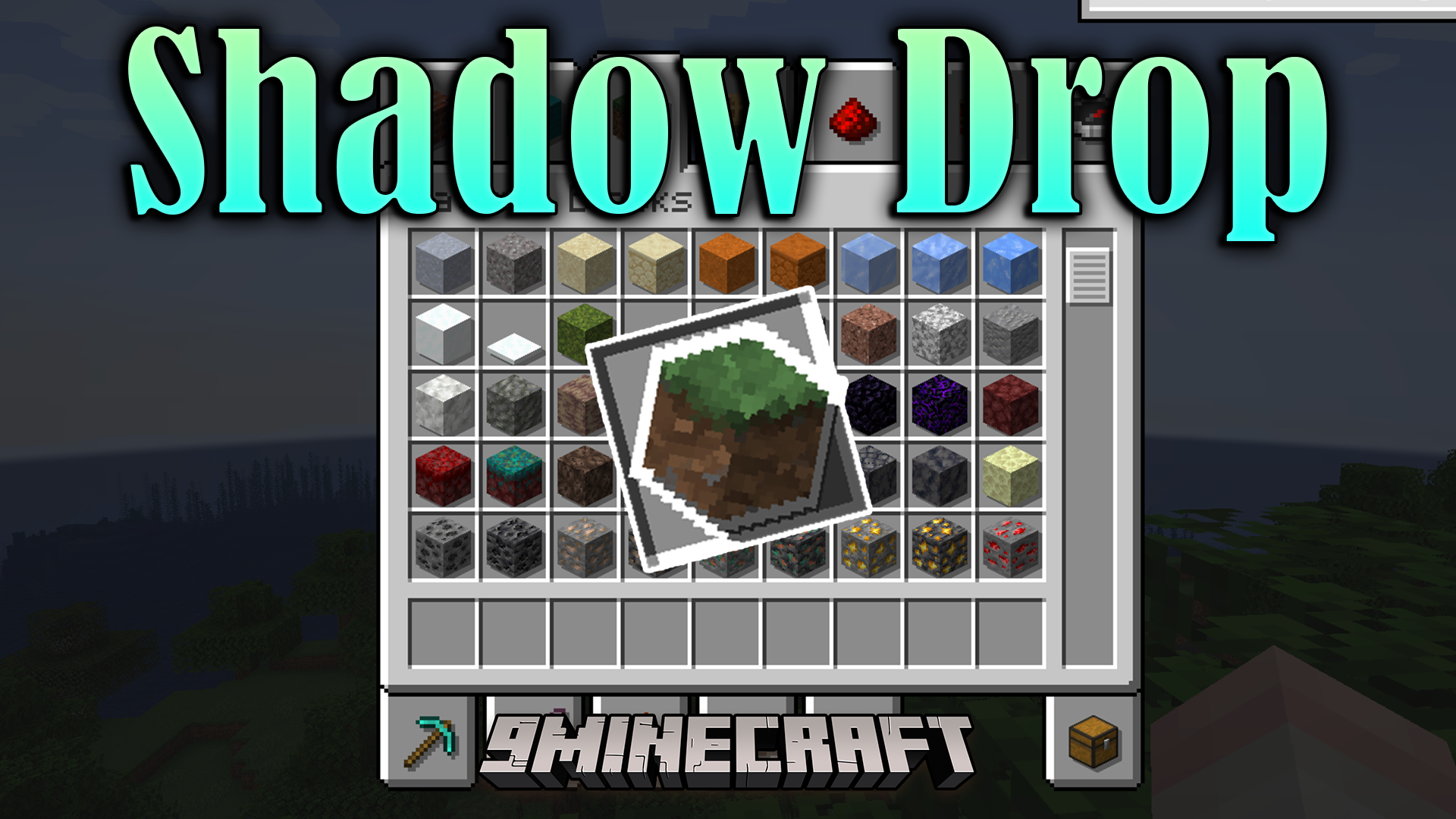
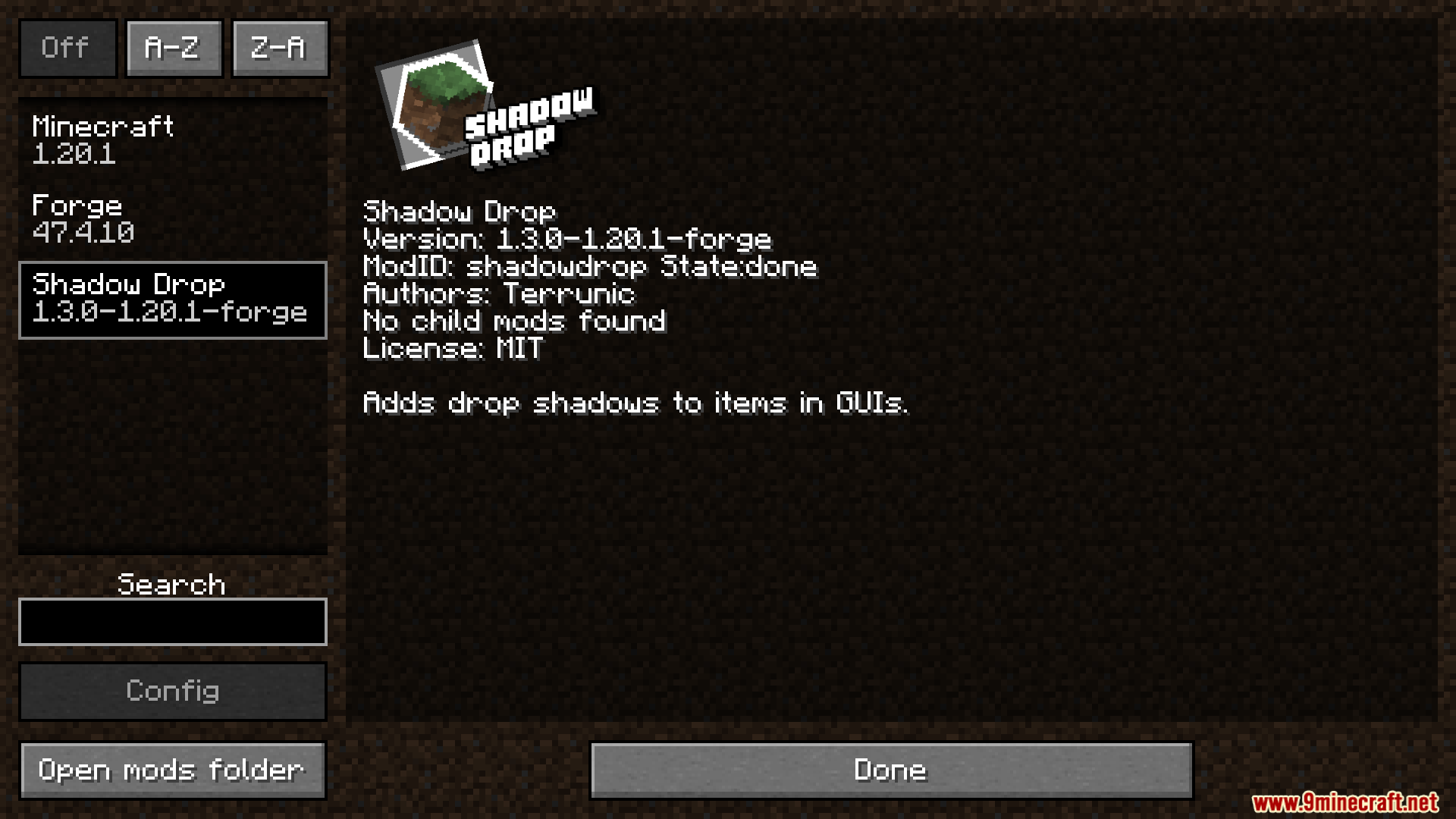
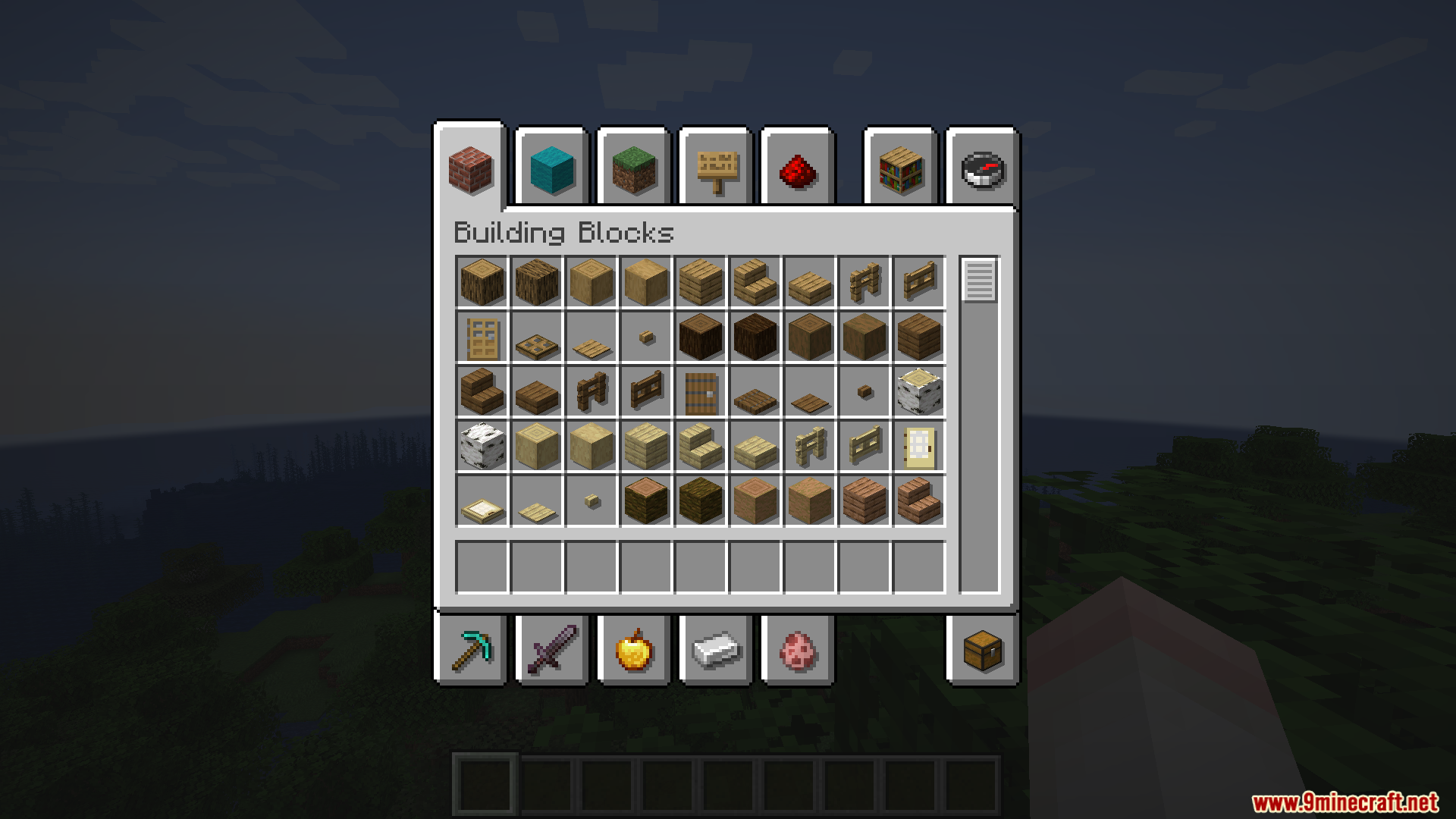
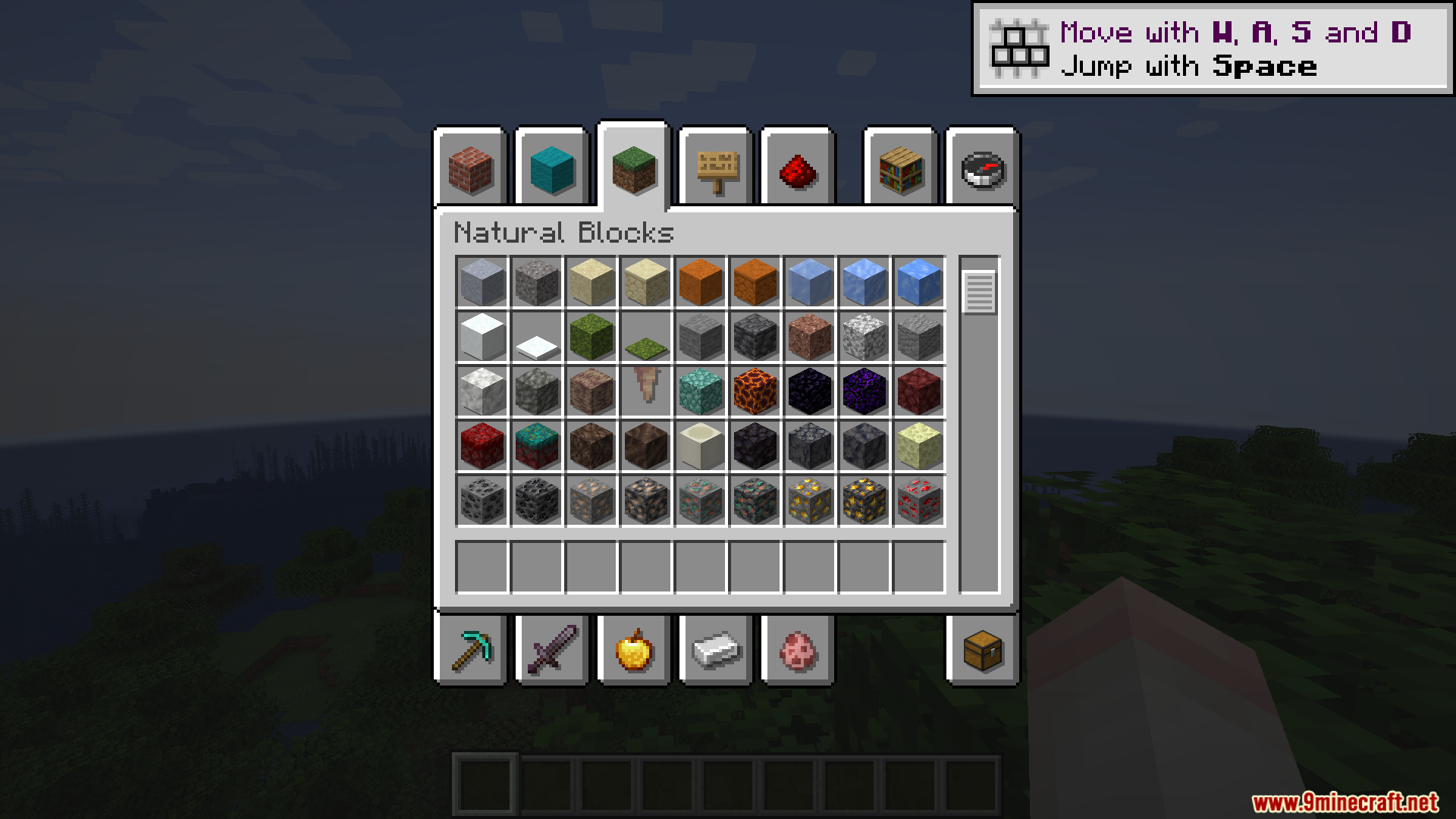
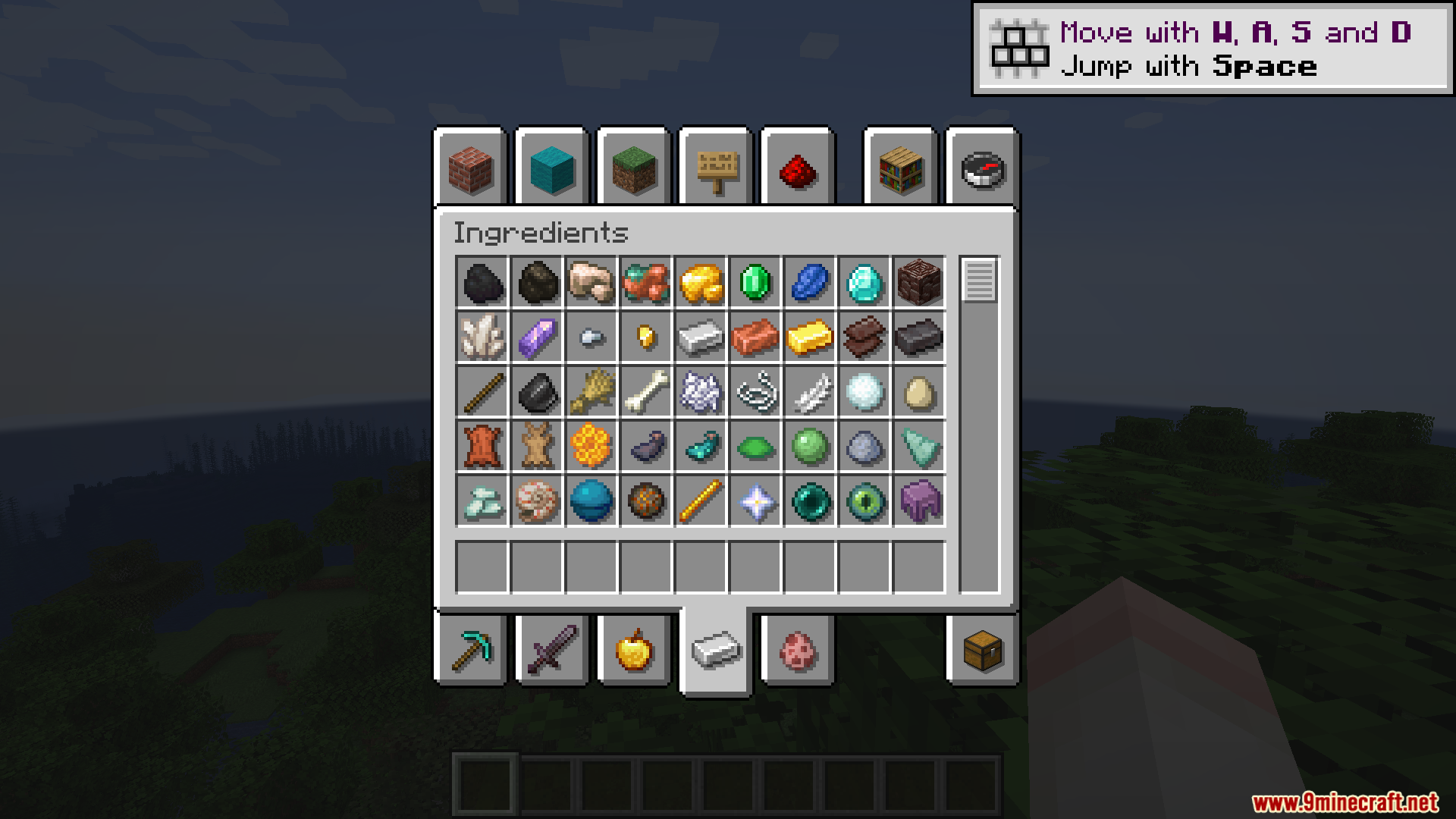
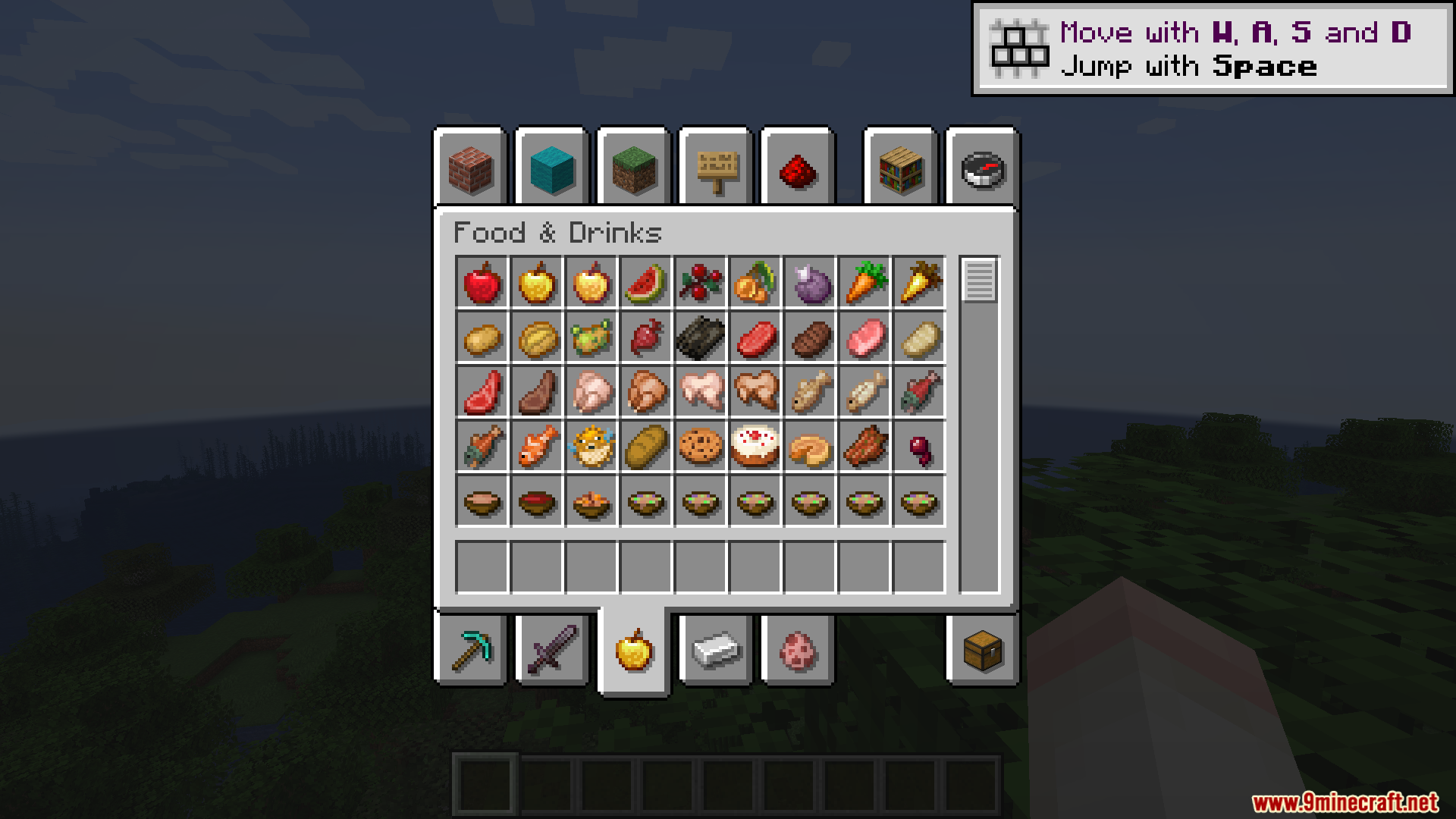
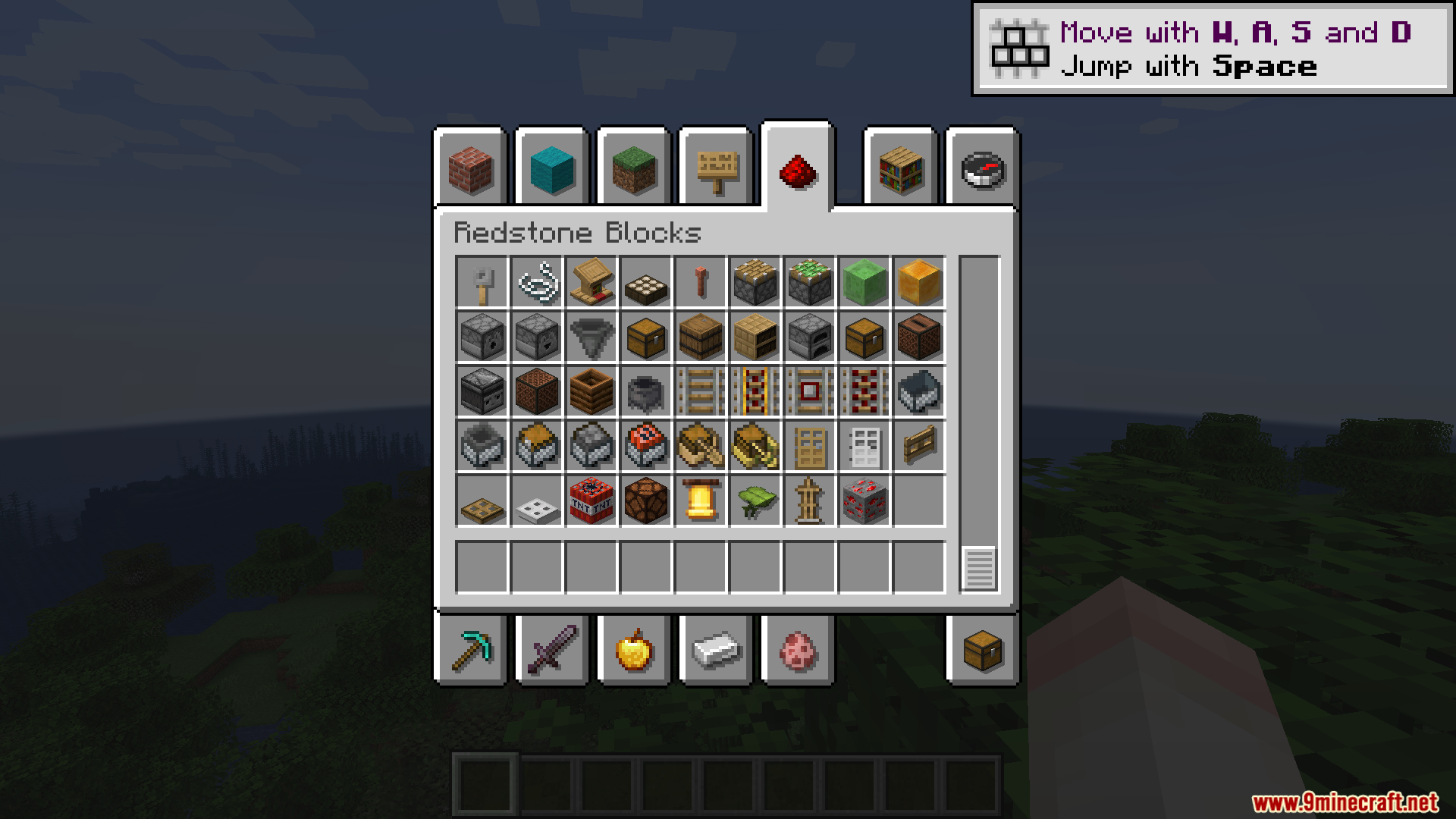
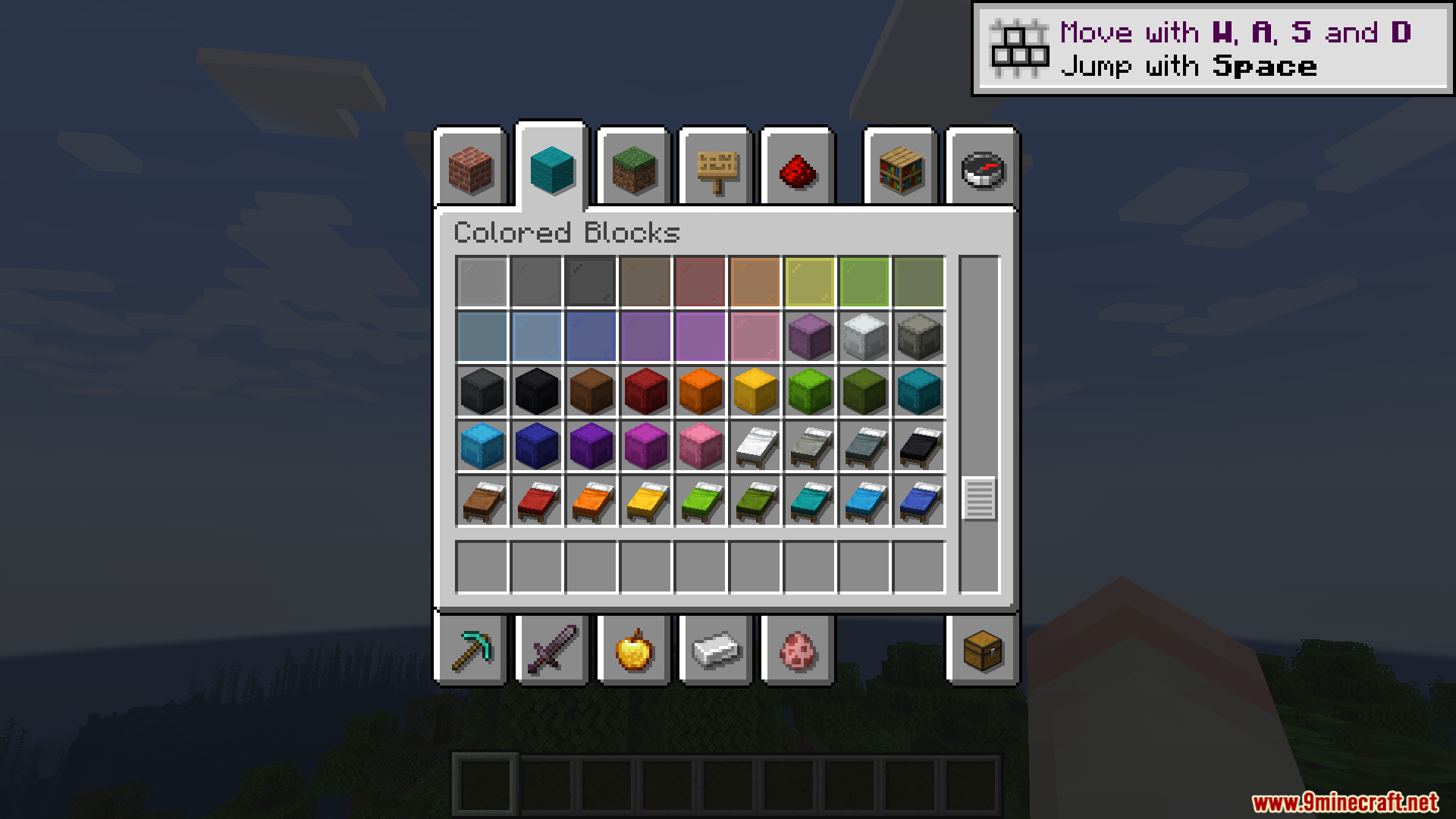
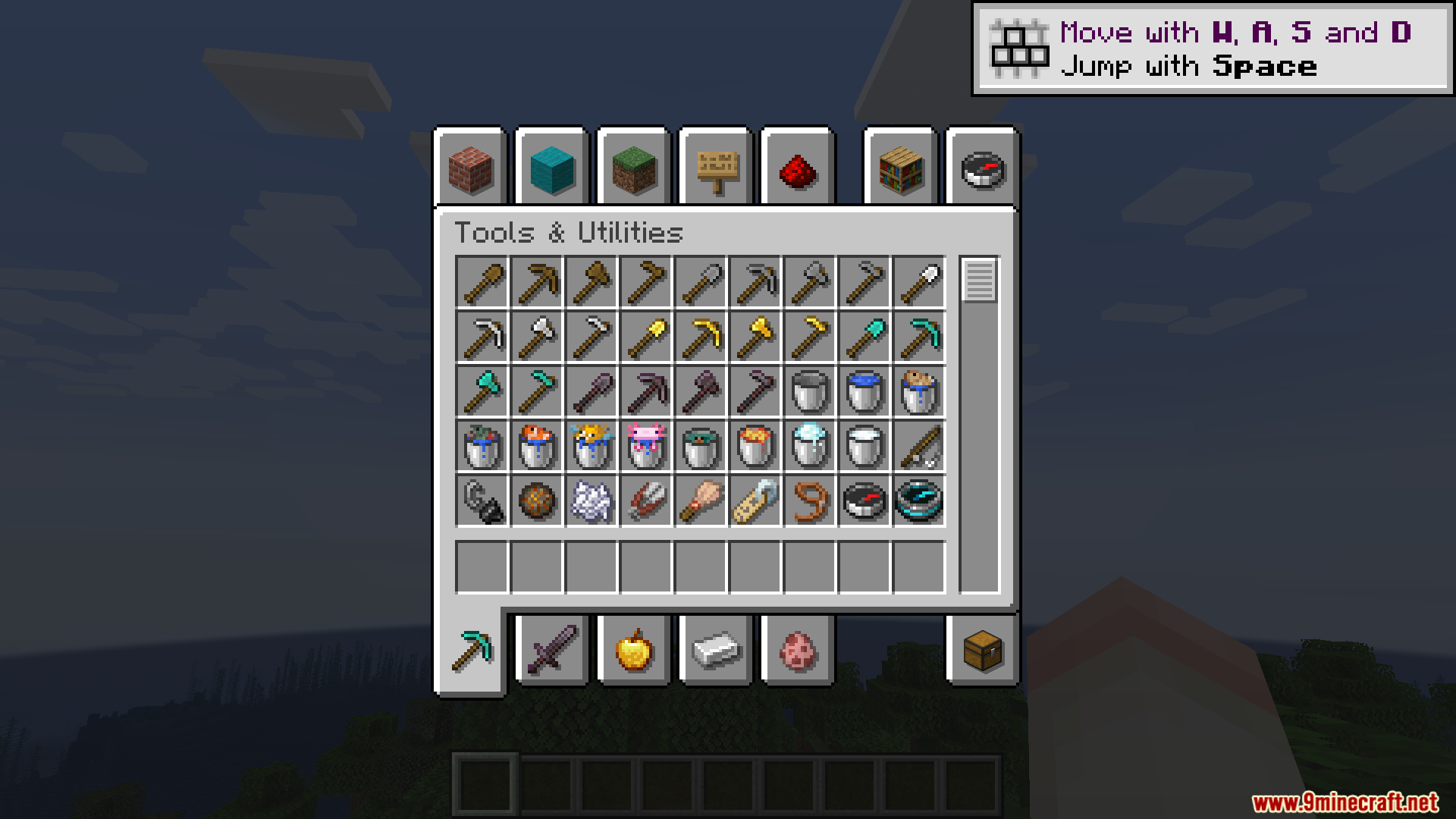
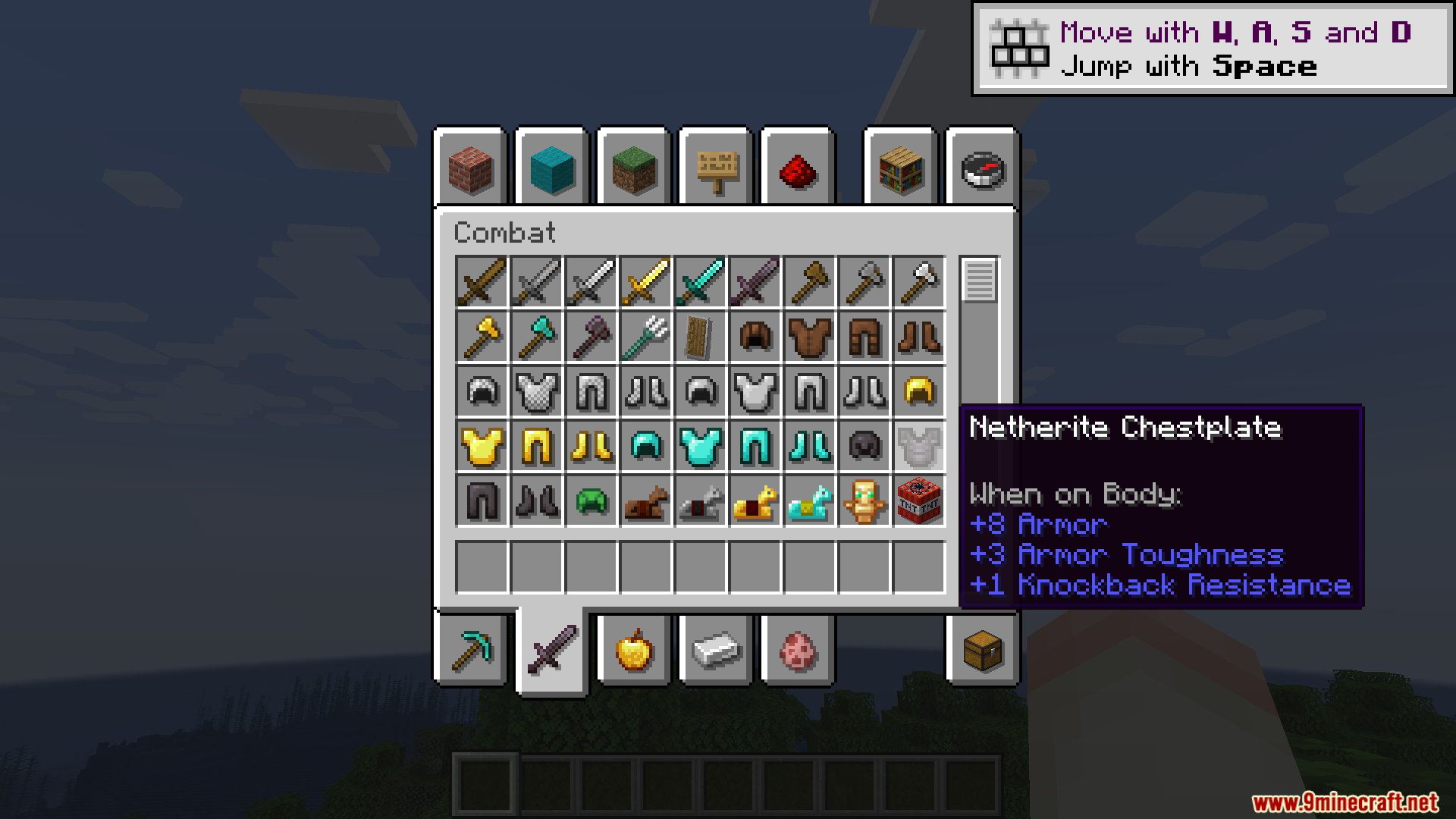
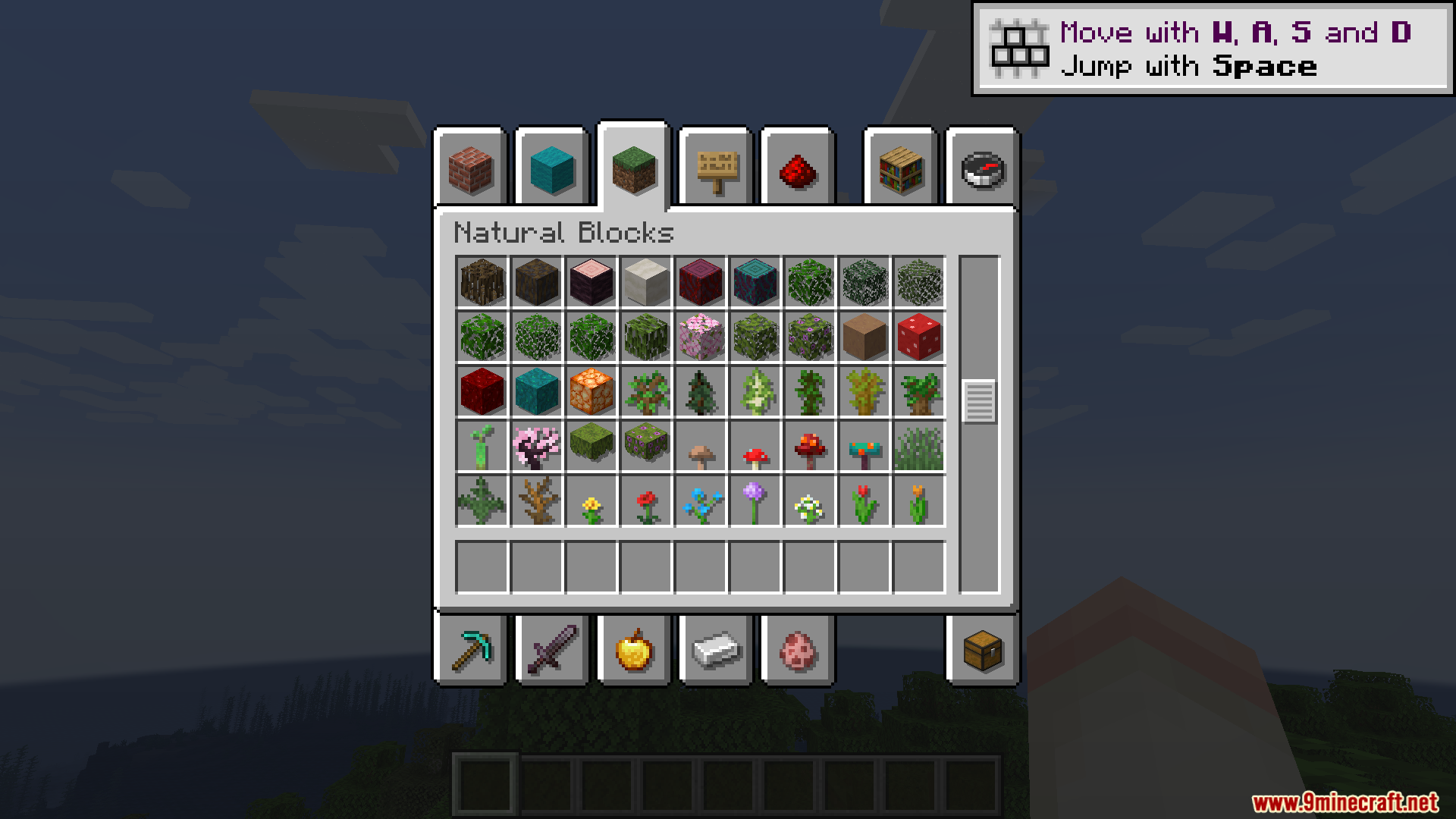
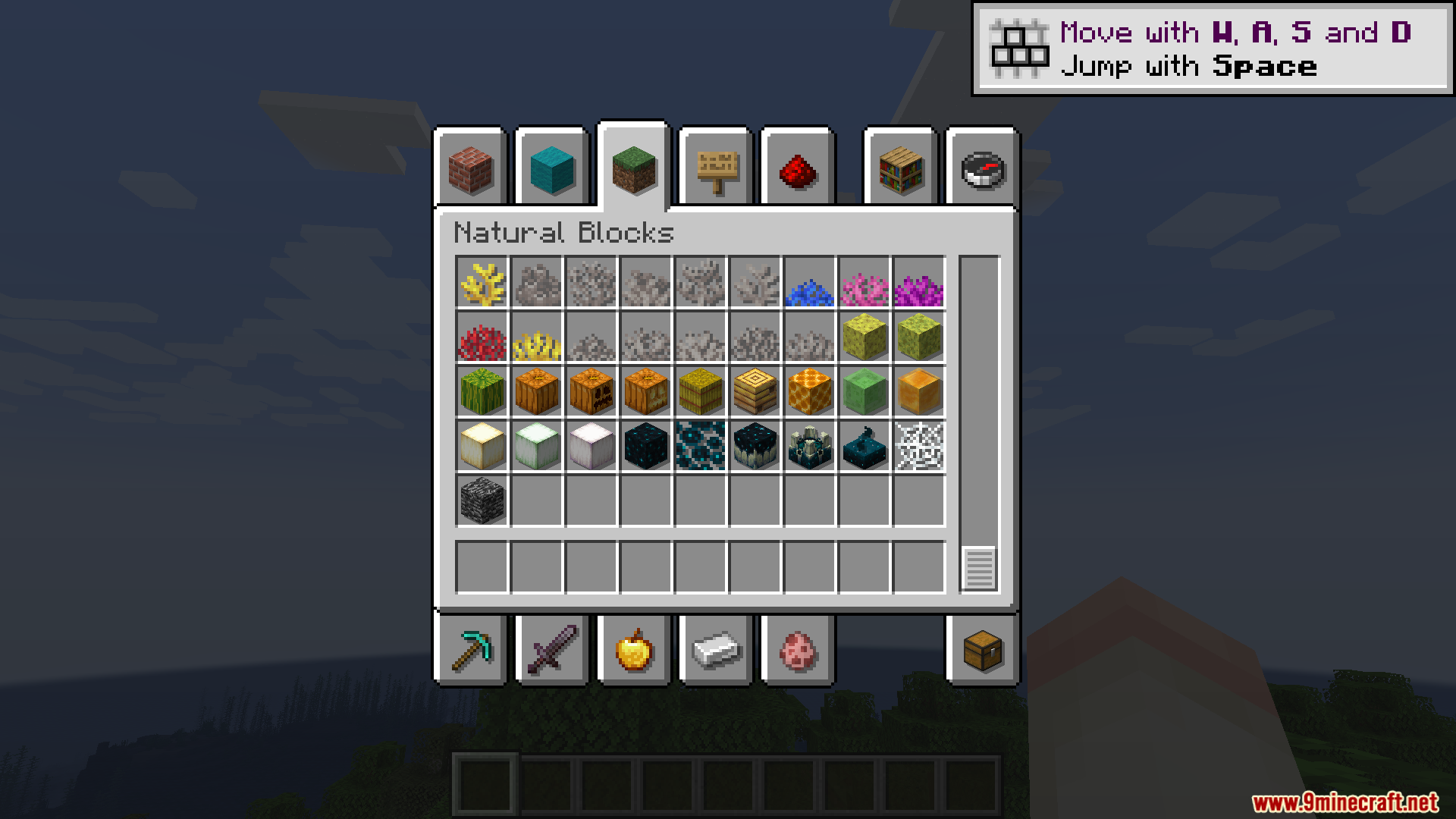
Shadow Drop Mod adds dark shadows behind the items in your menus. This mod gives a 3D pop to the things inside your hotbar, inventory, and advancement screens. It makes flat icons look like they sit slightly above the background.
Features:
- Adds a small, see-through shadow behind every item in your inventory.
- Offsets the shadow by one pixel to the bottom and right for a clean look.
- Crops the shadows perfectly so they stay inside their specific item slots.
- Makes shadows lighter or darker depending on the item, giving blocks like glass a more transparent shadow.
- Doubles the number of items drawn on your screen, which might lower your frames per second if you open a massive chest.
Configuration:
- Change settings inside the
shadowdrop-client.tomlfile. - Adjust the
slotBrColorssetting if you use resource packs that change the color of inventory slots. - Turn off
use-batched-rendererif you play with the EMI mod. - Disable
hud_batchingwhen running the ImmediatelyFast mod. - Turn off
gui_accelerationif you have Accelerated Rendering installed.
Screenshots:
How to Install:
New to Minecraft? Follow our step-by-step guide to install Mods on your PC.View Guide


Shadow Drop Mod Download Links
For Minecraft 26.2
For Minecraft 26.1.2, 26.1.1, 26.1
For Minecraft 1.21.1, 1.21
For Minecraft 1.20.1, 1.20
Click to rate this post!
[Total: 0 Average: 0]
You May Also Like




This post has no comments yet. Be the first — your comment will appear here.