


BBL Colors Mod (26.1.2, 1.21.1) – Instantly Recolor Blocks Without Breaking Them

 0
0 

🌐 Good news — we've translated this article into other languages!
Or pick the one you like:
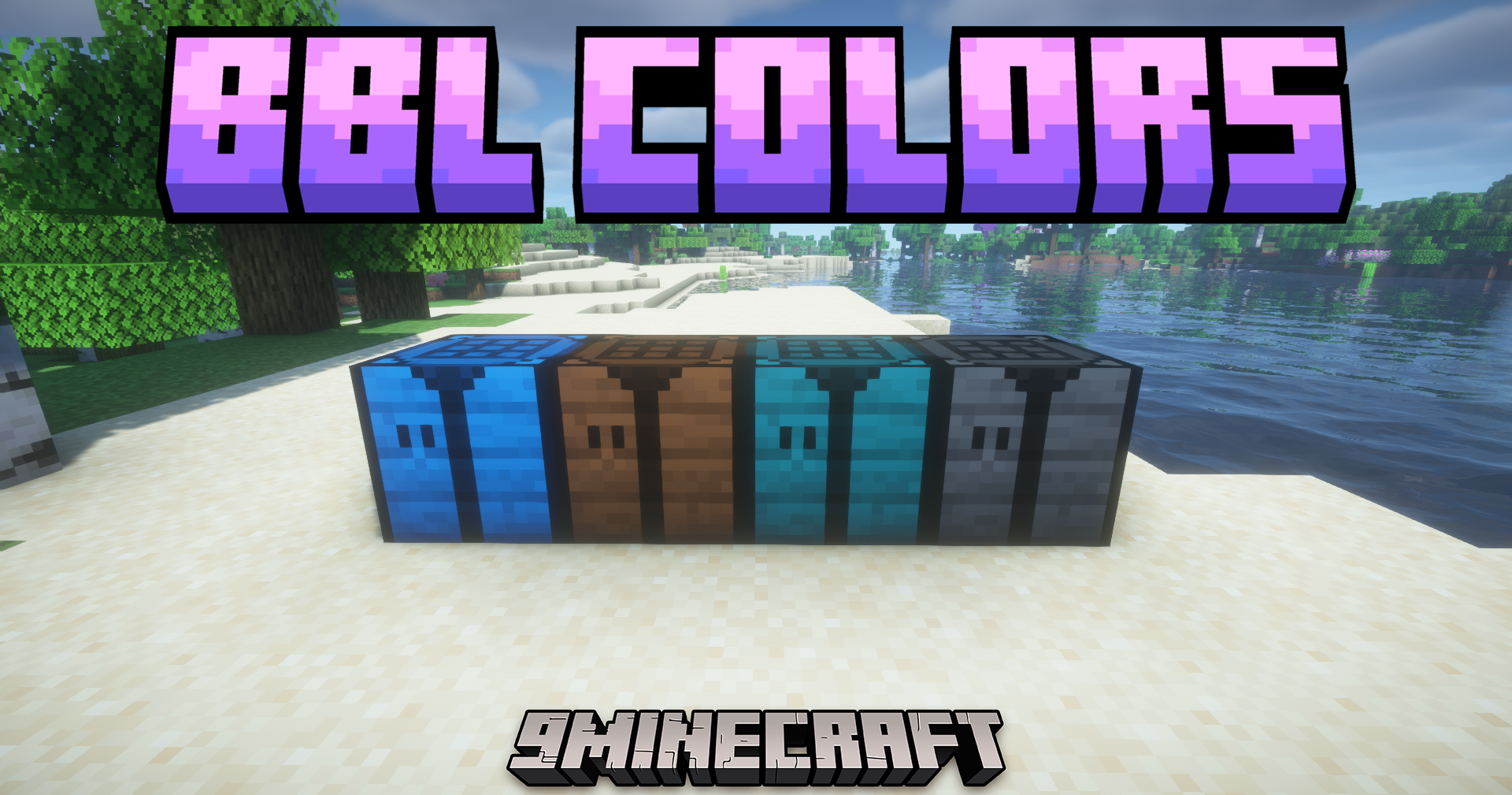
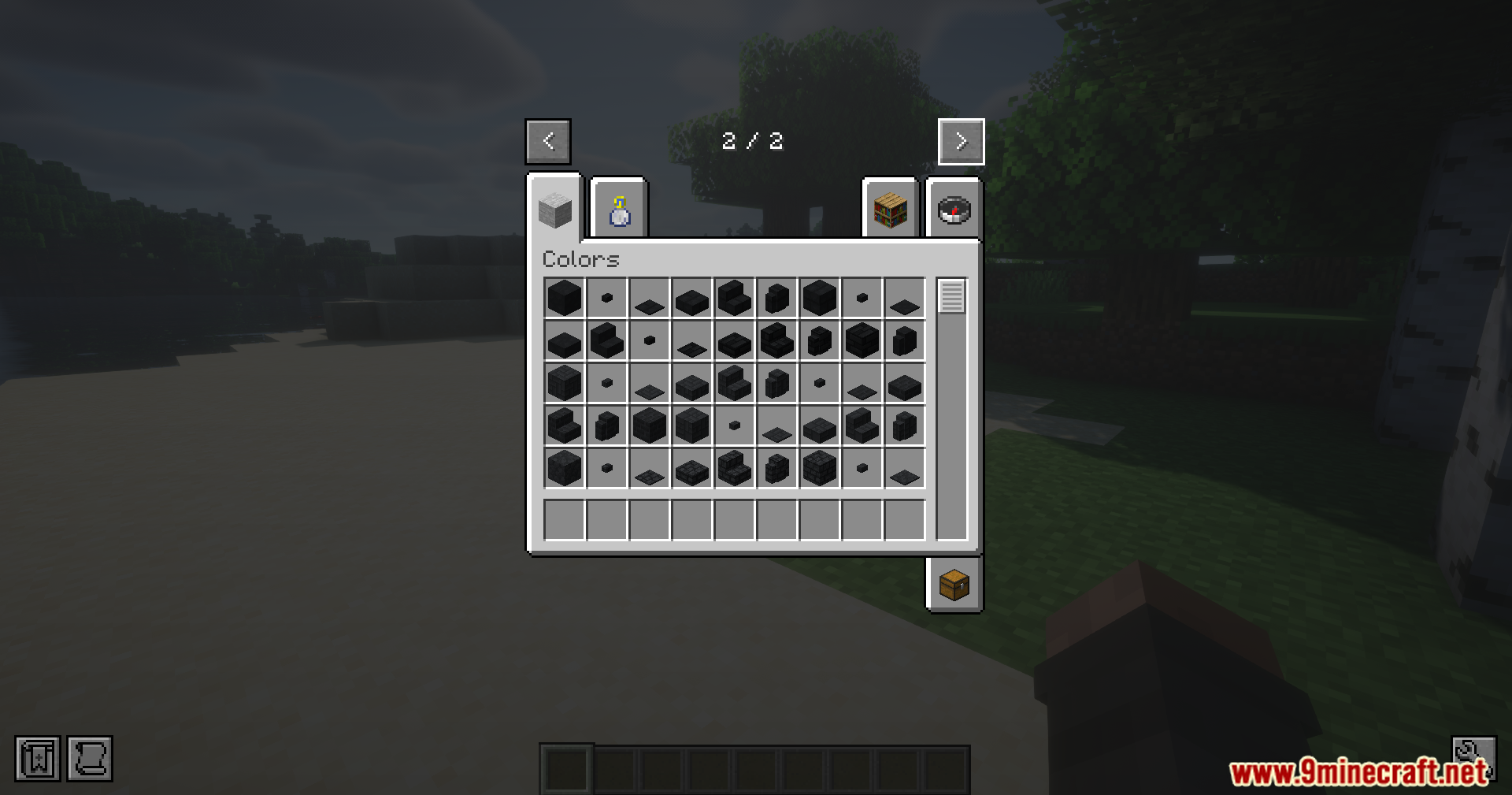
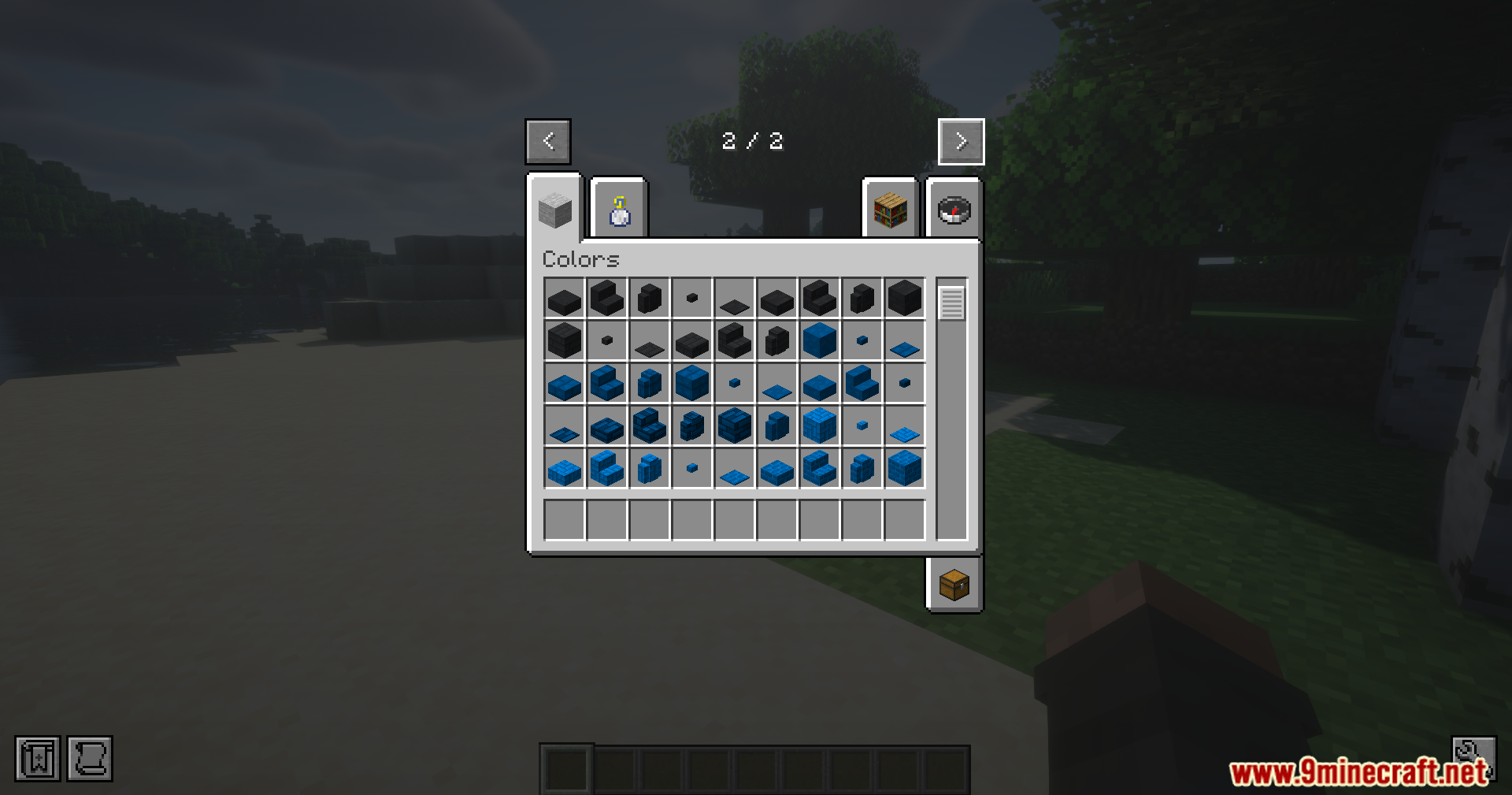
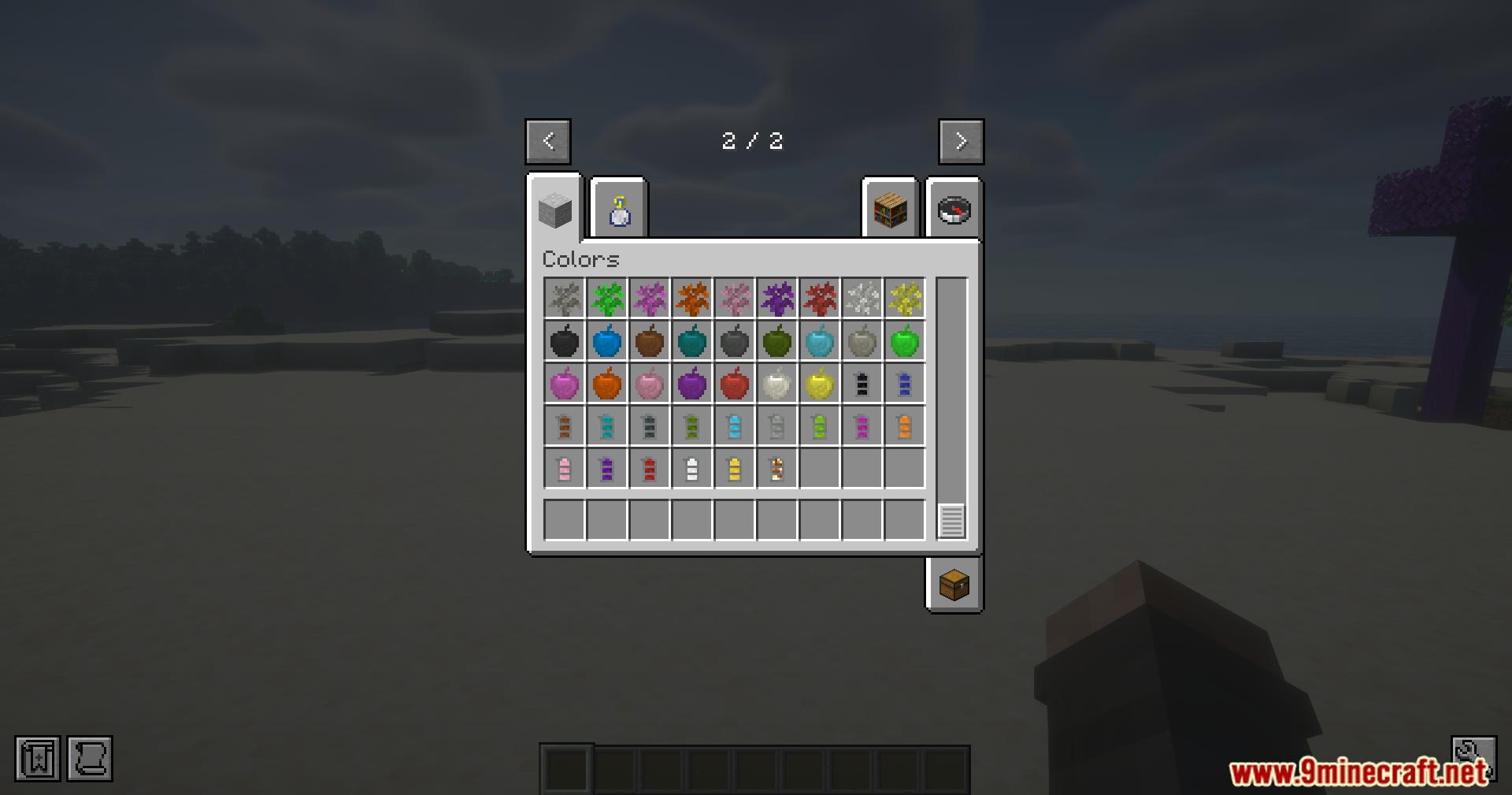
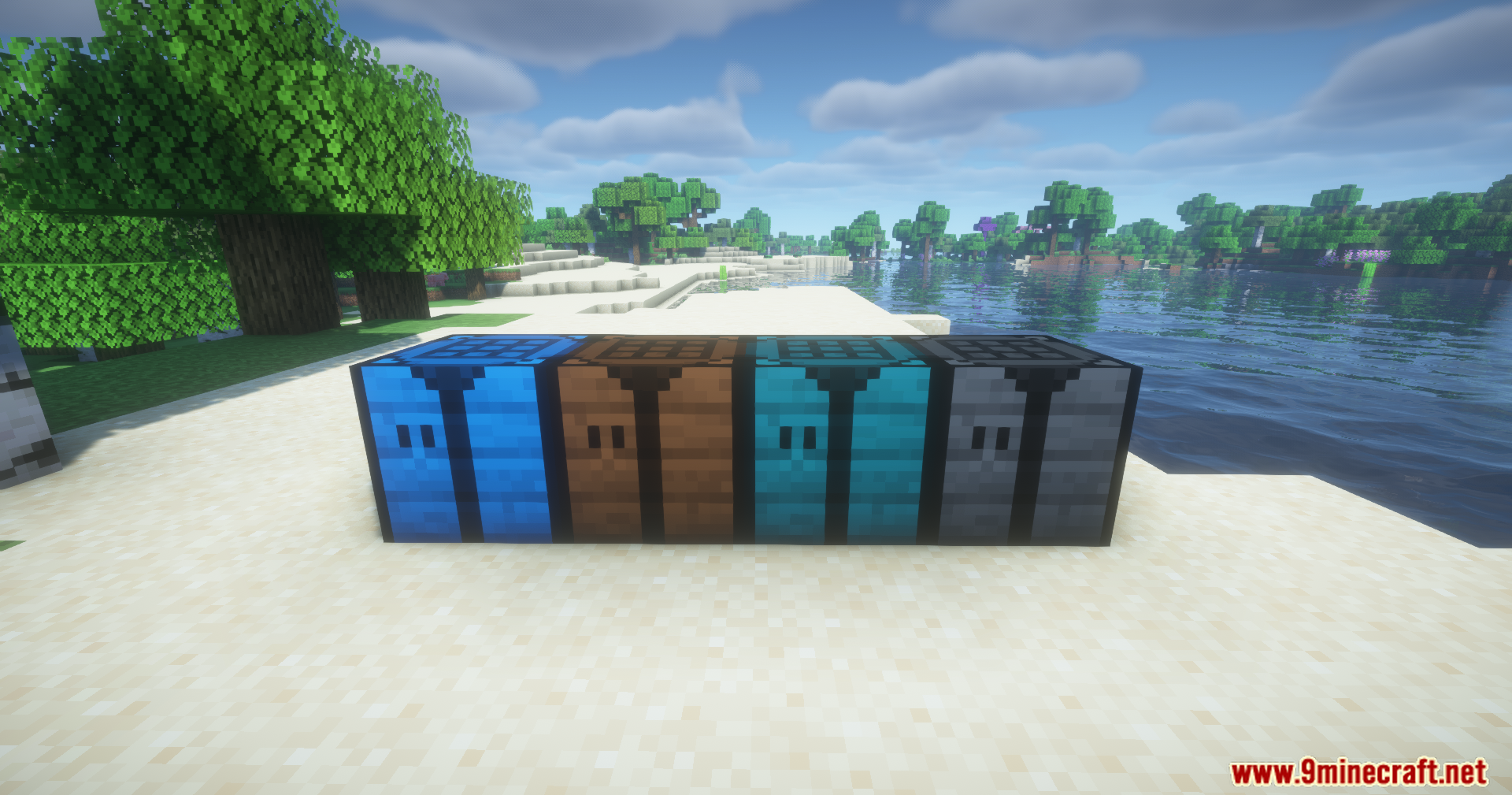
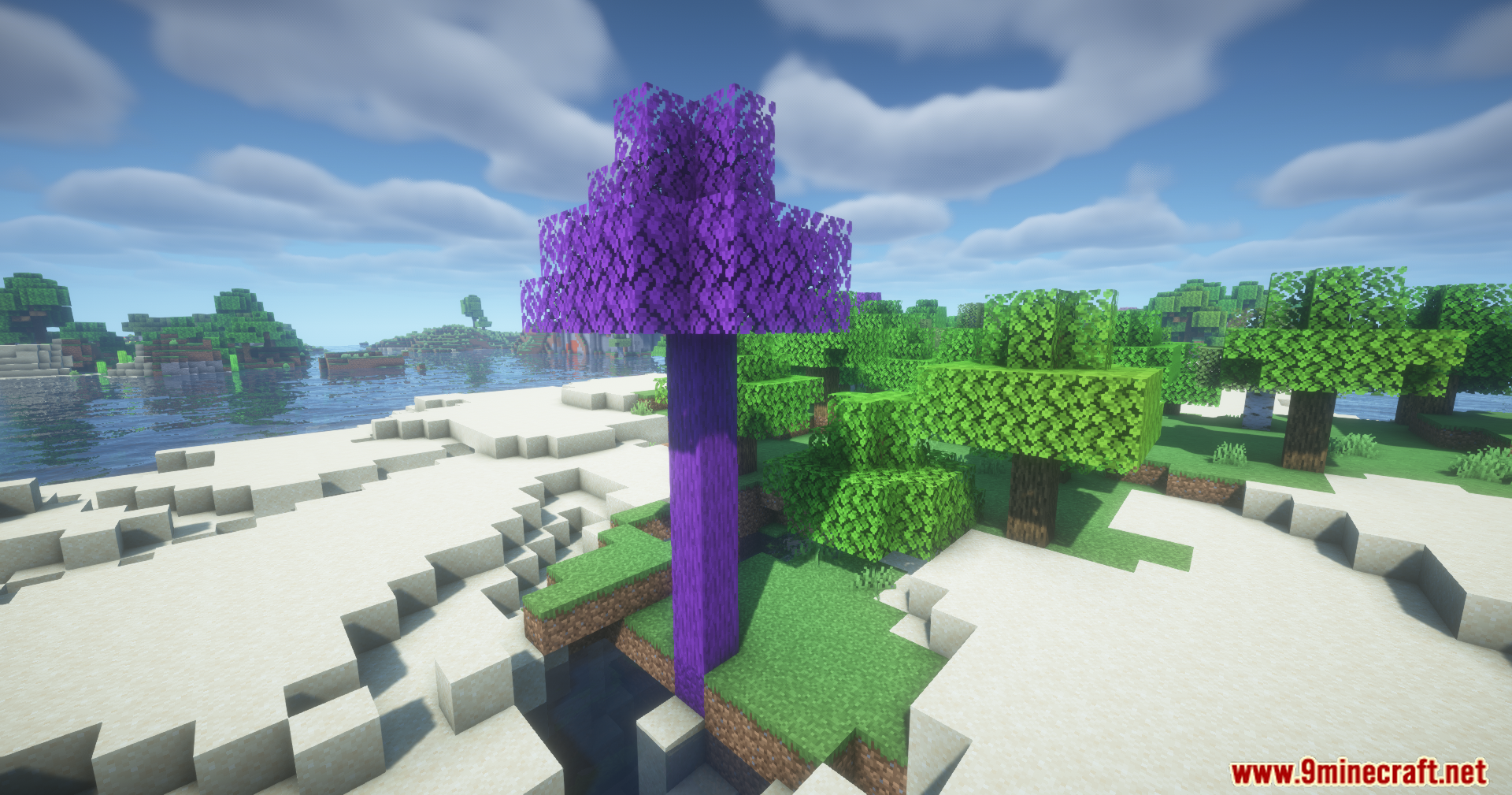
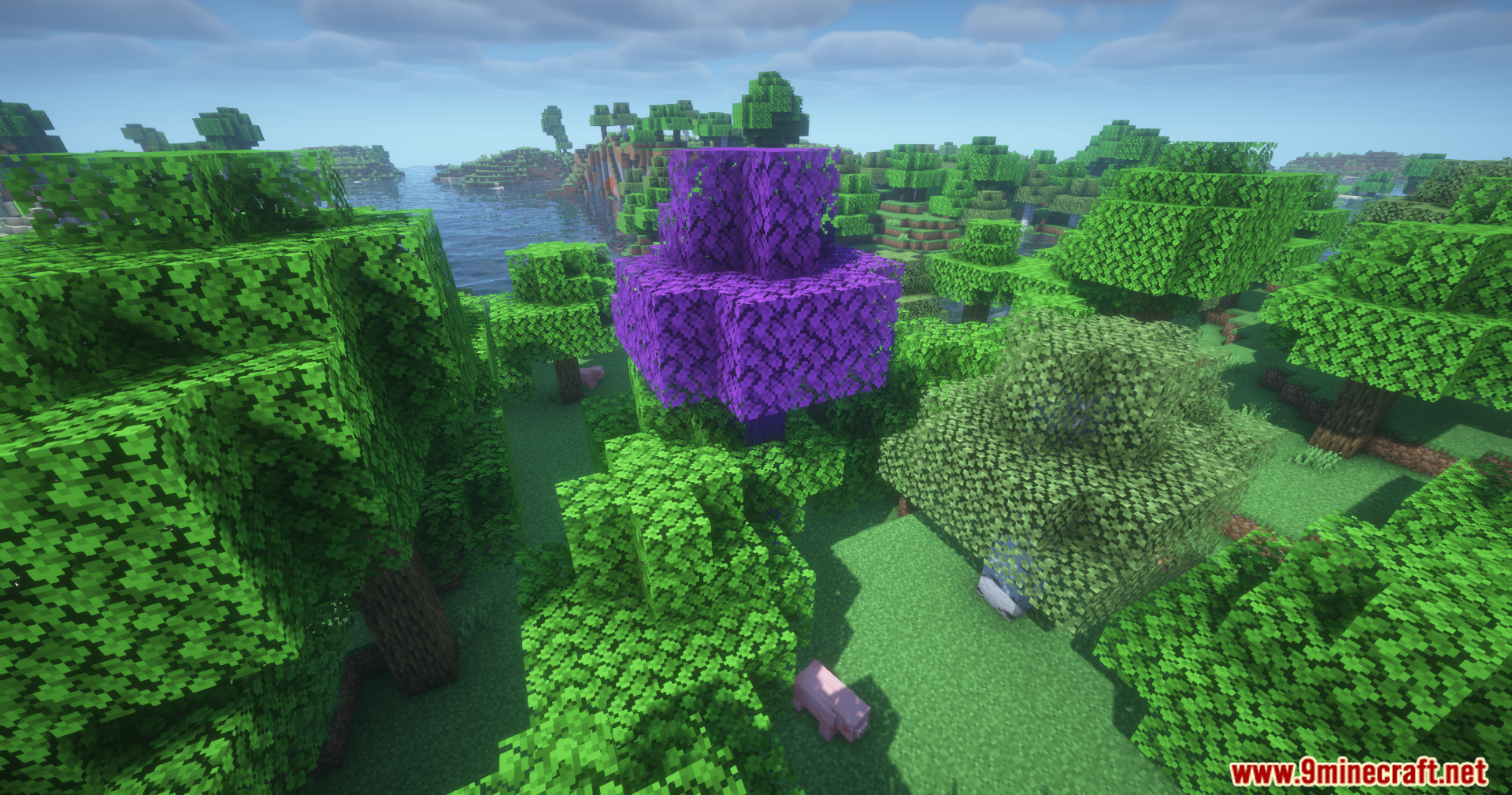
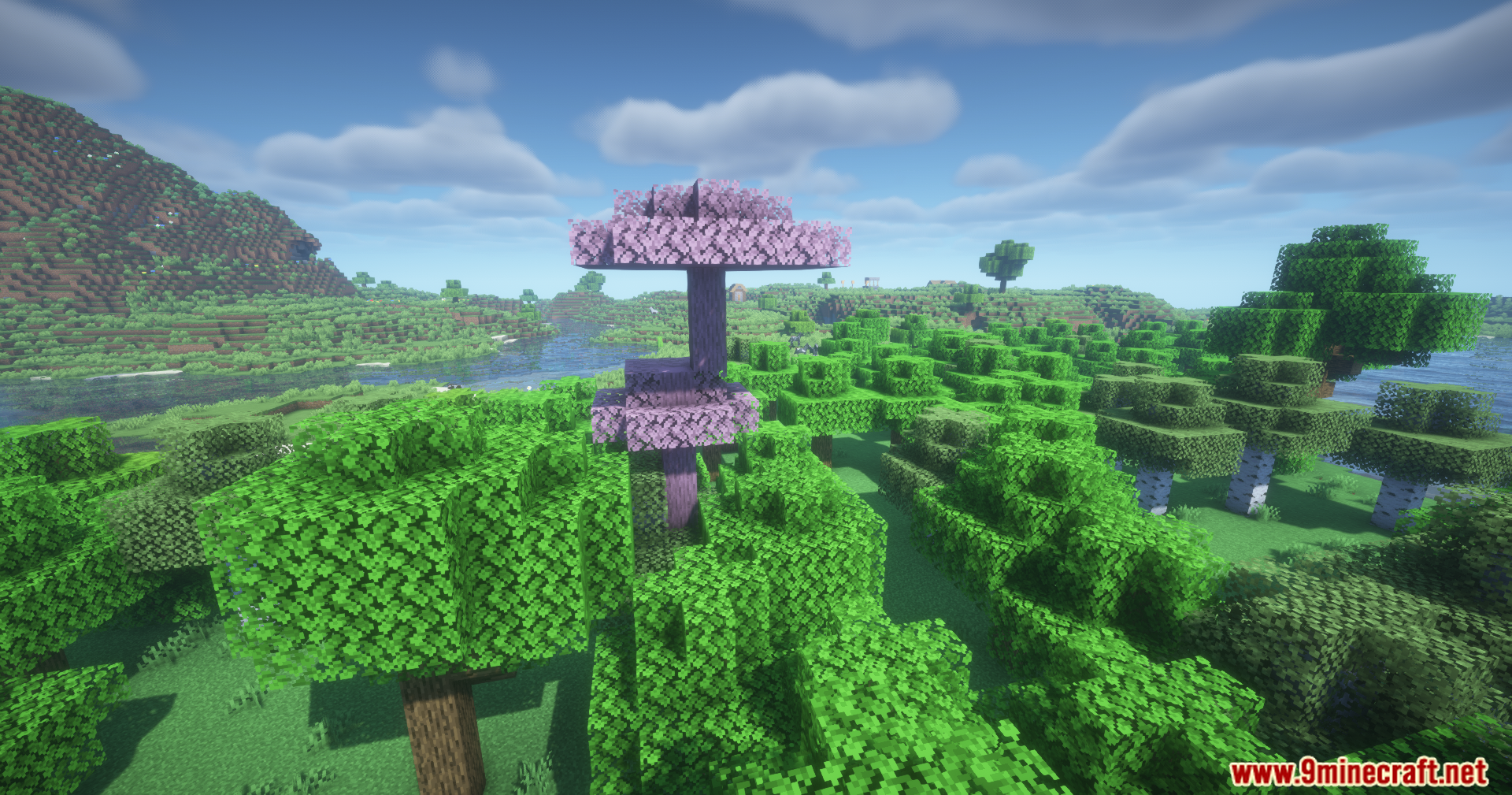
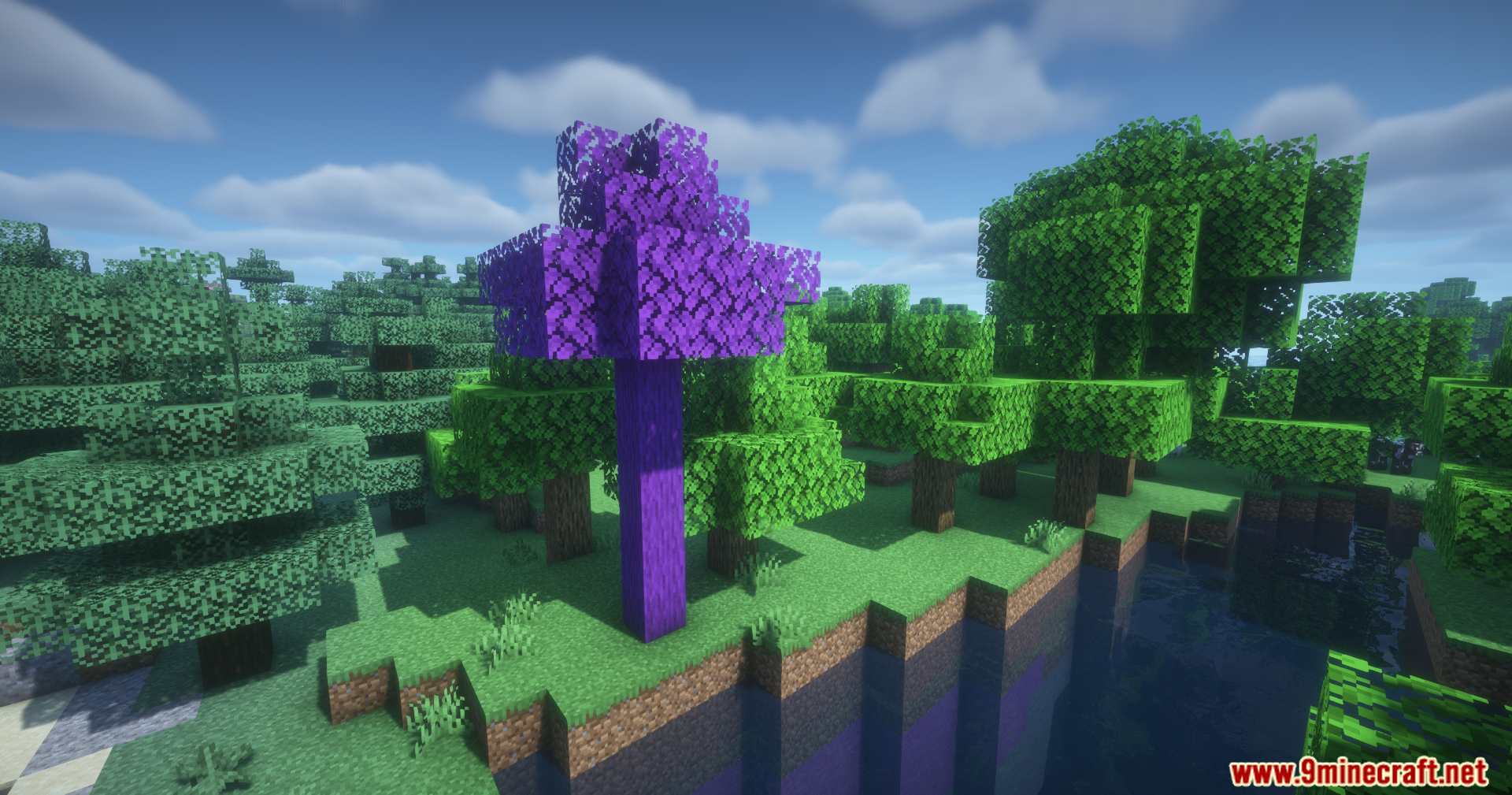
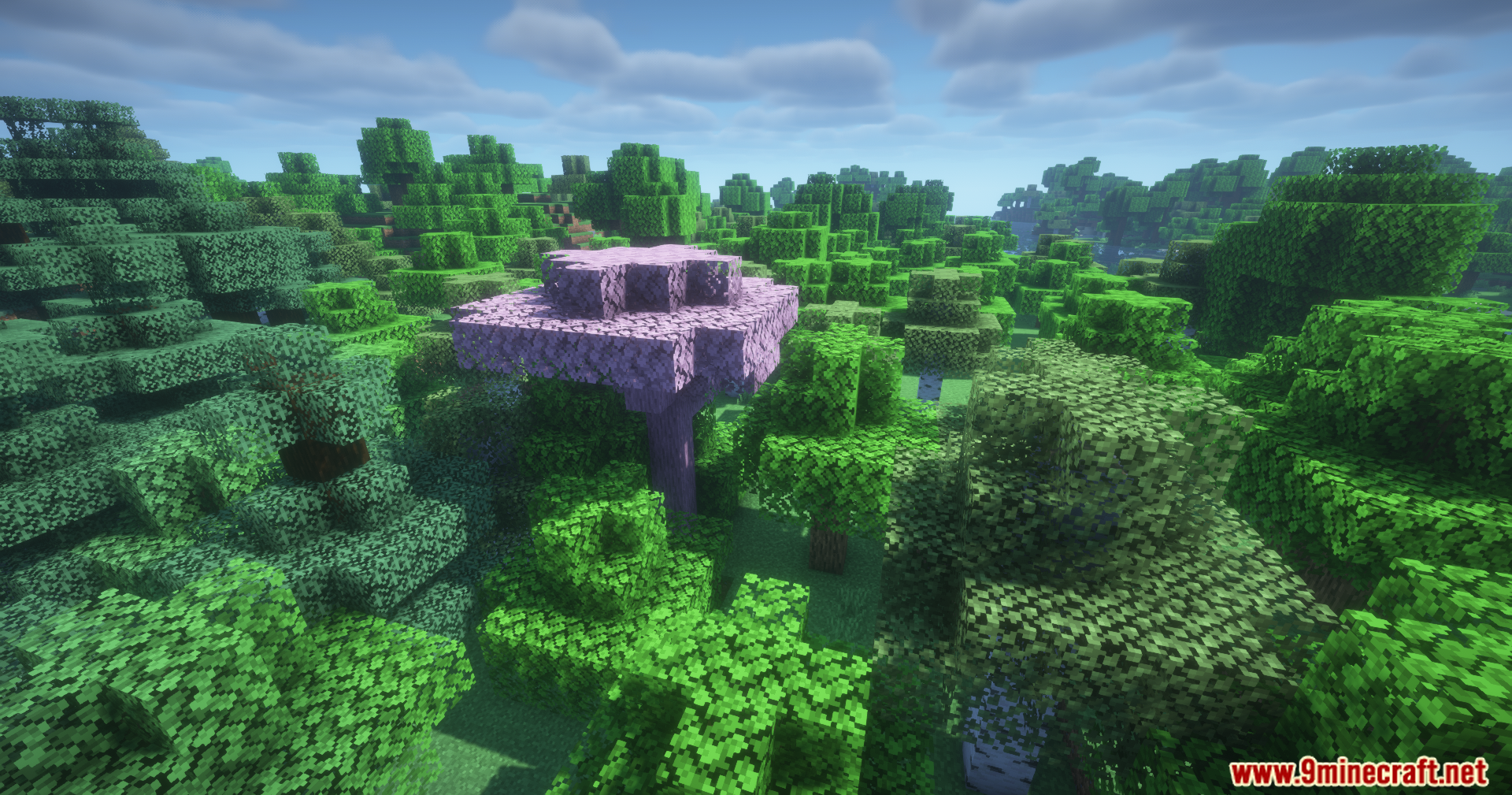
BBL Colors Mod adds many new colorful blocks and special spray cans to your game. It helps you build better houses, paths, and nature spots with fresh colors. You get new types of wood, stone, and dirt to match any building style you want. The spray cans let you change the color of blocks right where they sit, so you save time while building.
Features:
- Spray Cans: Lets you change the color of blocks already placed in the world without breaking them first.
- Adds bright new wooden planks to make your houses stand out.
- Brings colorful bamboo blocks for a fresh tropical look.
- Includes new stones and rocks for paths or castle walls.
- Gives you different types of dirt and tree dirt to match your gardens and forests.
- Works with an extra resource pack if you want the blocks to link together.
How to Use:
- Hold a spray can in your hand.
- Look at a block you want to change.
- Use the spray can on the block to give it a new color.
Screenshots:
How to Install:
New to Minecraft? Follow our step-by-step guide to install Mods on your PC.View Guide
Requirements:

BBL Colors Mod Download Links
For Minecraft 26.1.2, 26.1.1, 26.1
For Minecraft 1.21.11
For Minecraft 1.21.1, 1.21
Click to rate this post!
[Total: 0 Average: 0]
You May Also Like


This post has no comments yet. Be the first — your comment will appear here.