


Borderless Windowed Vulkan Mod (26.1.2, 1.21.1) – Chat and Browse Without

 0
0 

🌐 Good news — we've translated this article into other languages!
Or pick the one you like:
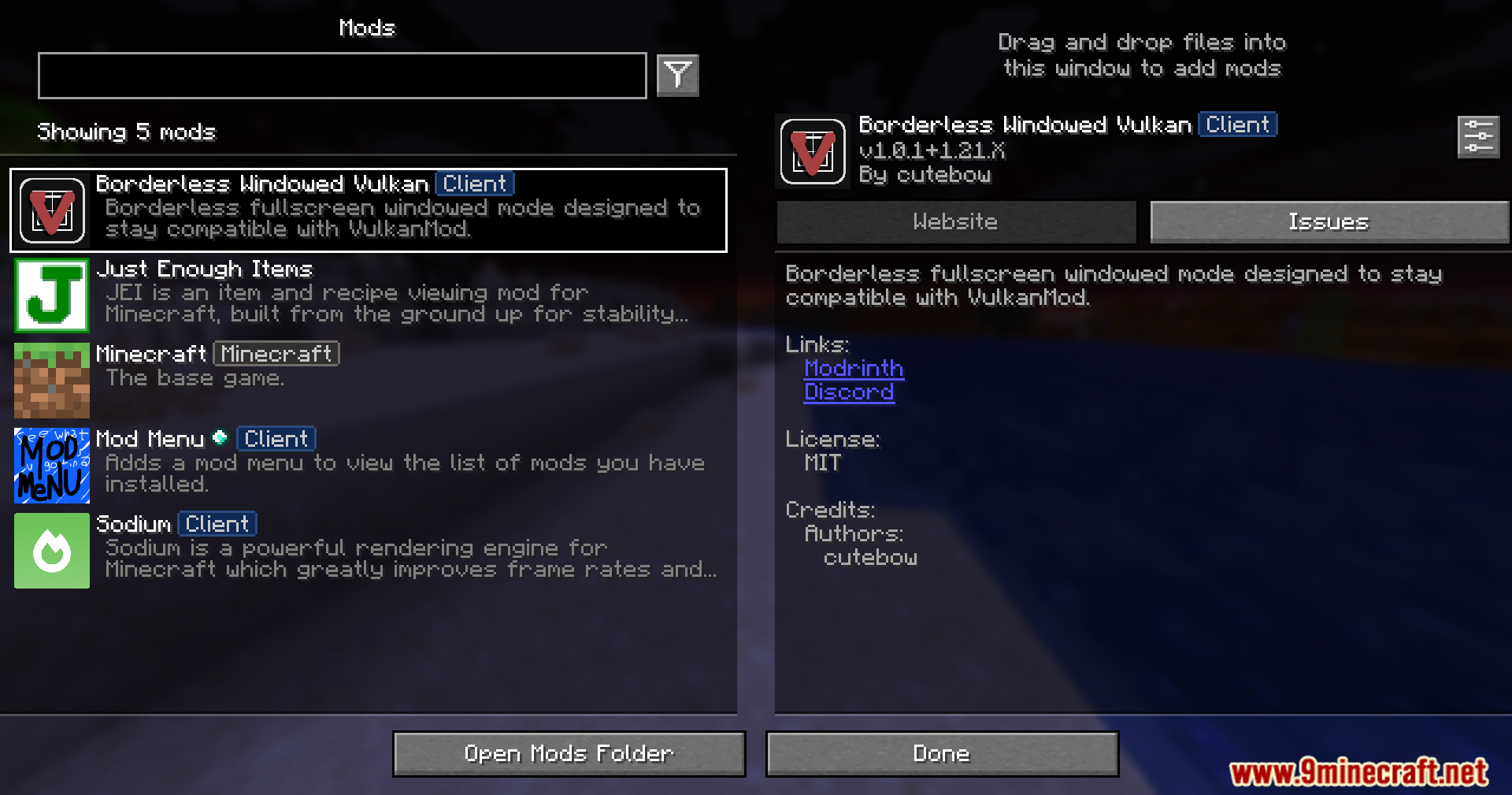
Borderless Windowed Vulkan Mod lets you run your game in a borderless fullscreen window so it never minimizes when you click away. It works perfectly with the Vulkan mod, but you can also use it completely on its own. This makes it super easy to chat on another monitor or use other apps without interrupting your gameplay.
Features:
- Borderless Fullscreen: Lets you play your game in a window that fills the whole screen without annoying borders.
- Keeps the game open and visible even when you click on other apps or use a second monitor.
- Fixes a bug that makes Discord screen sharing look choppy and slow.
- Stops the game from crashing or breaking if you press the F11 key too fast.
- Works alongside the Vulkan mod to stop the game from minimizing when you lose focus.
How to Use:
- Press F11 to switch your game into borderless fullscreen mode.
- Press Win + Tab or move your mouse to another monitor to open different apps.
- Click on other windows or programs; your game stays open in the background instead of hiding.
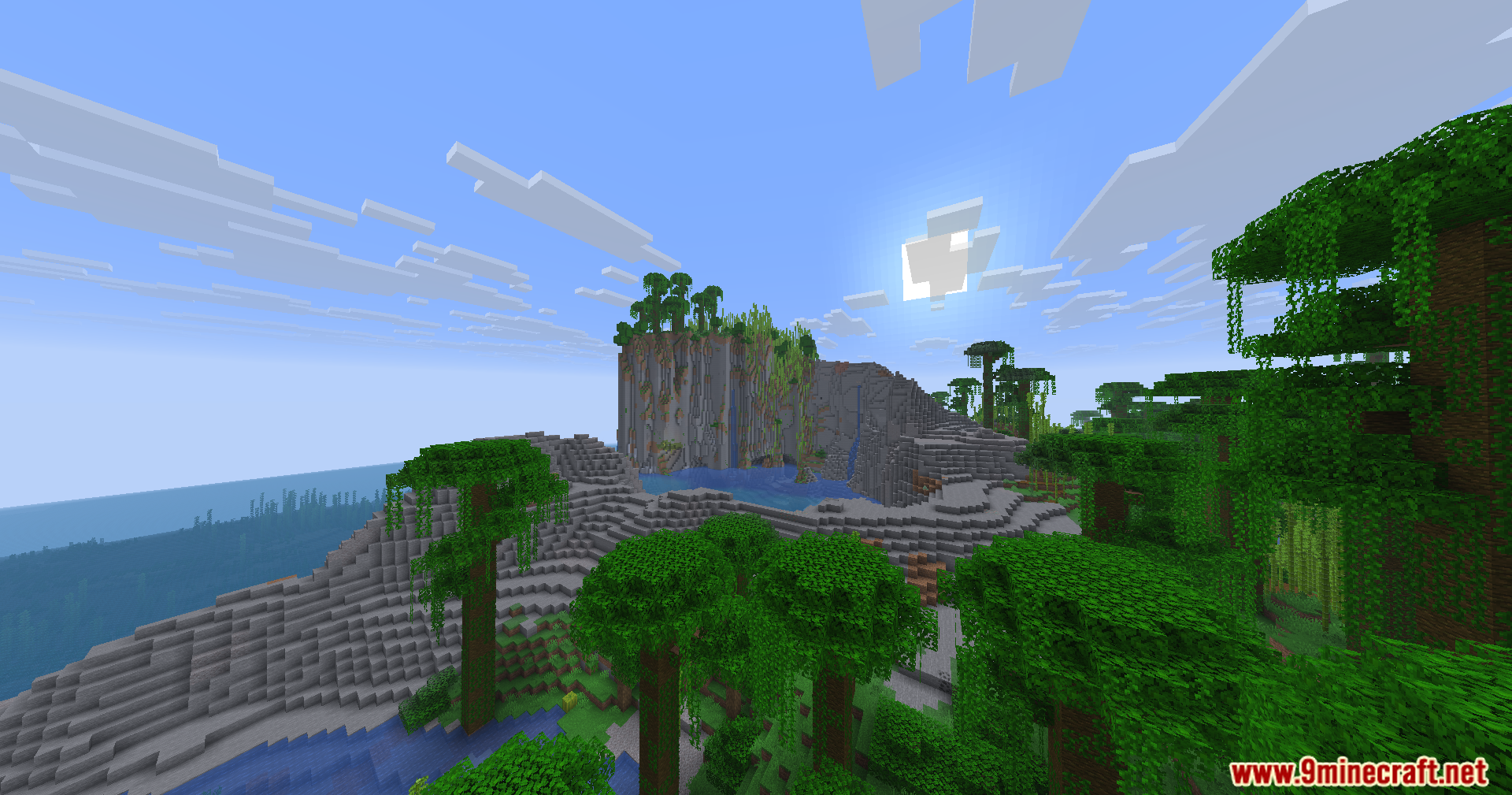
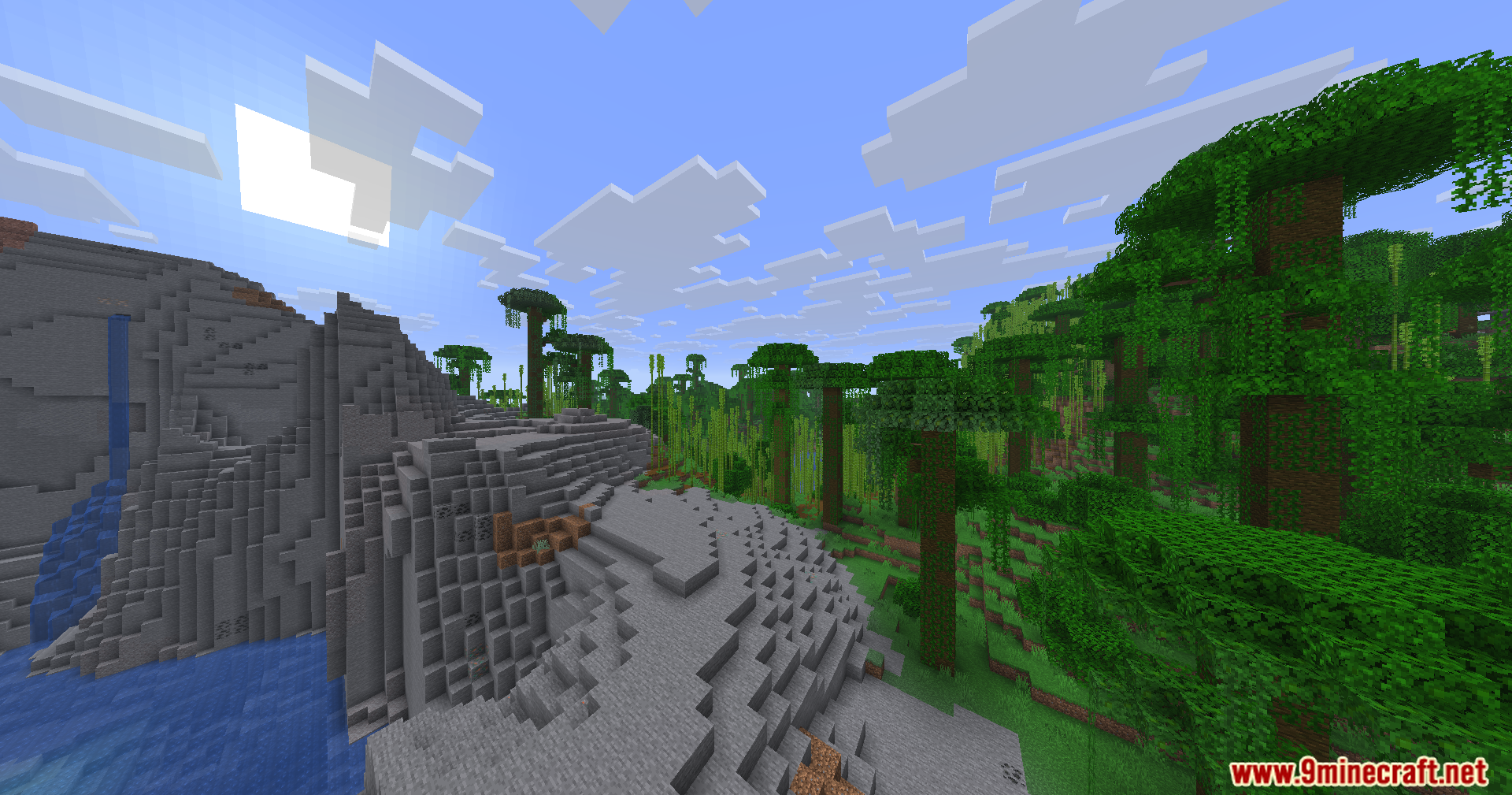
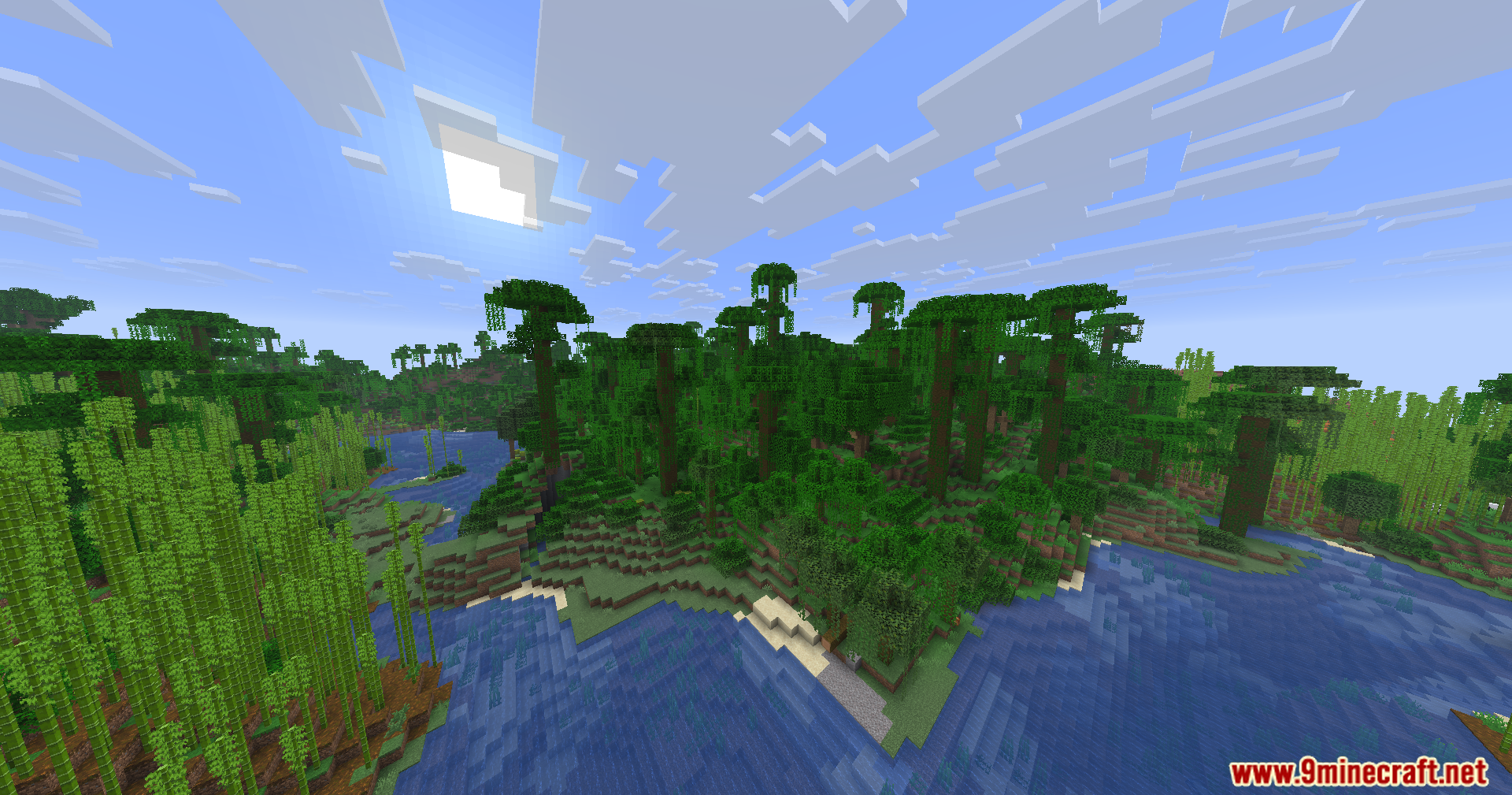
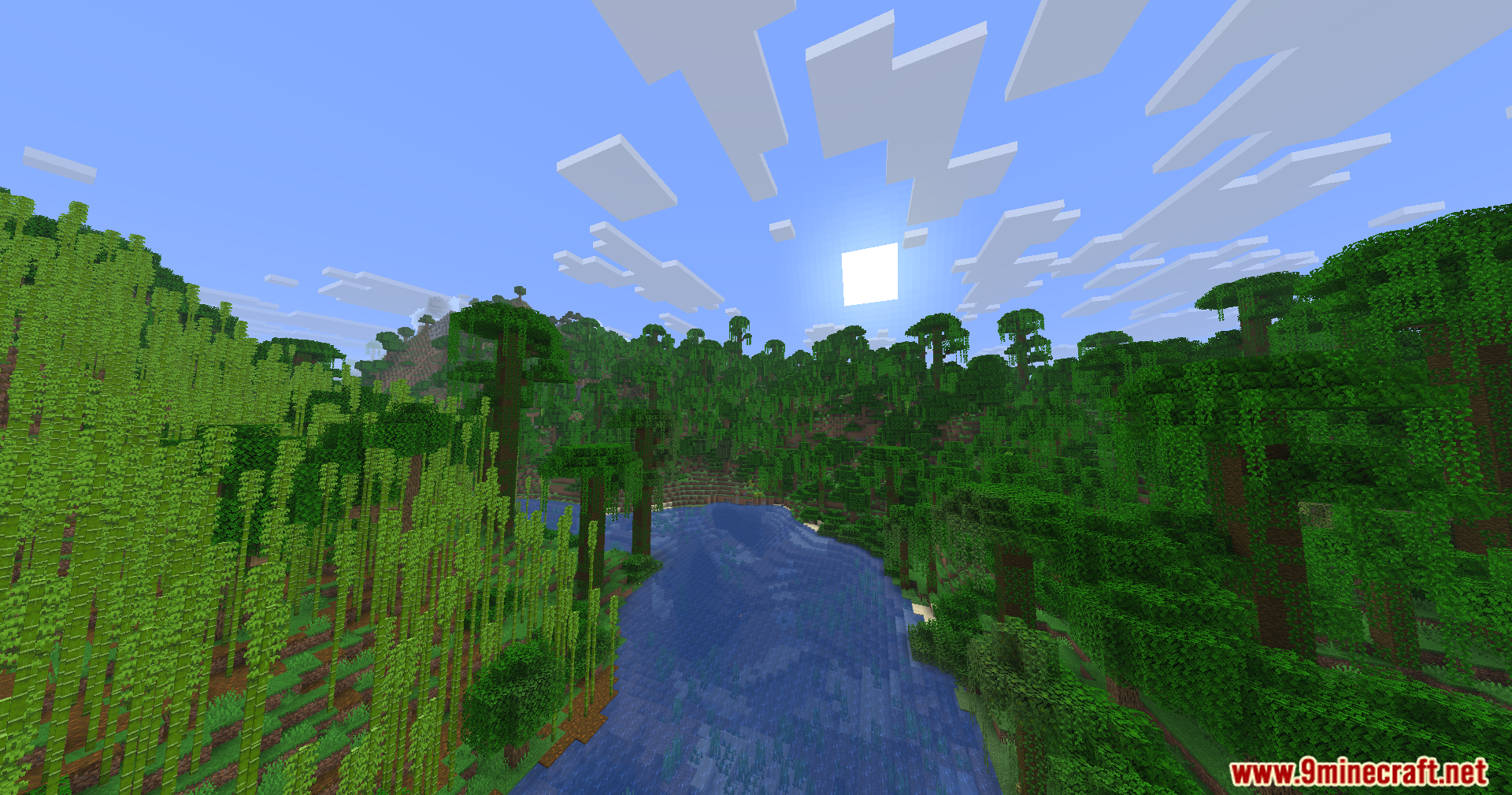
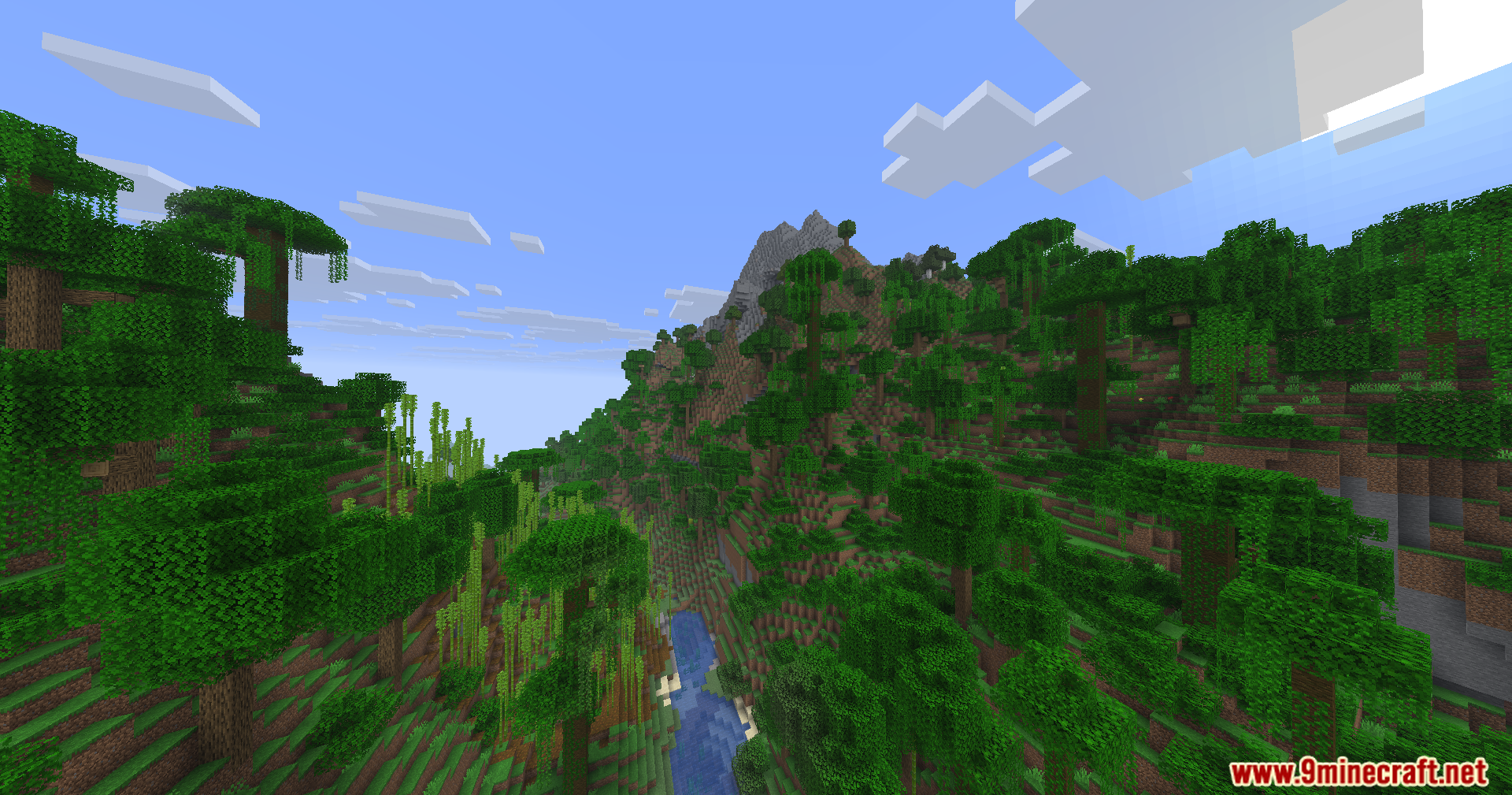
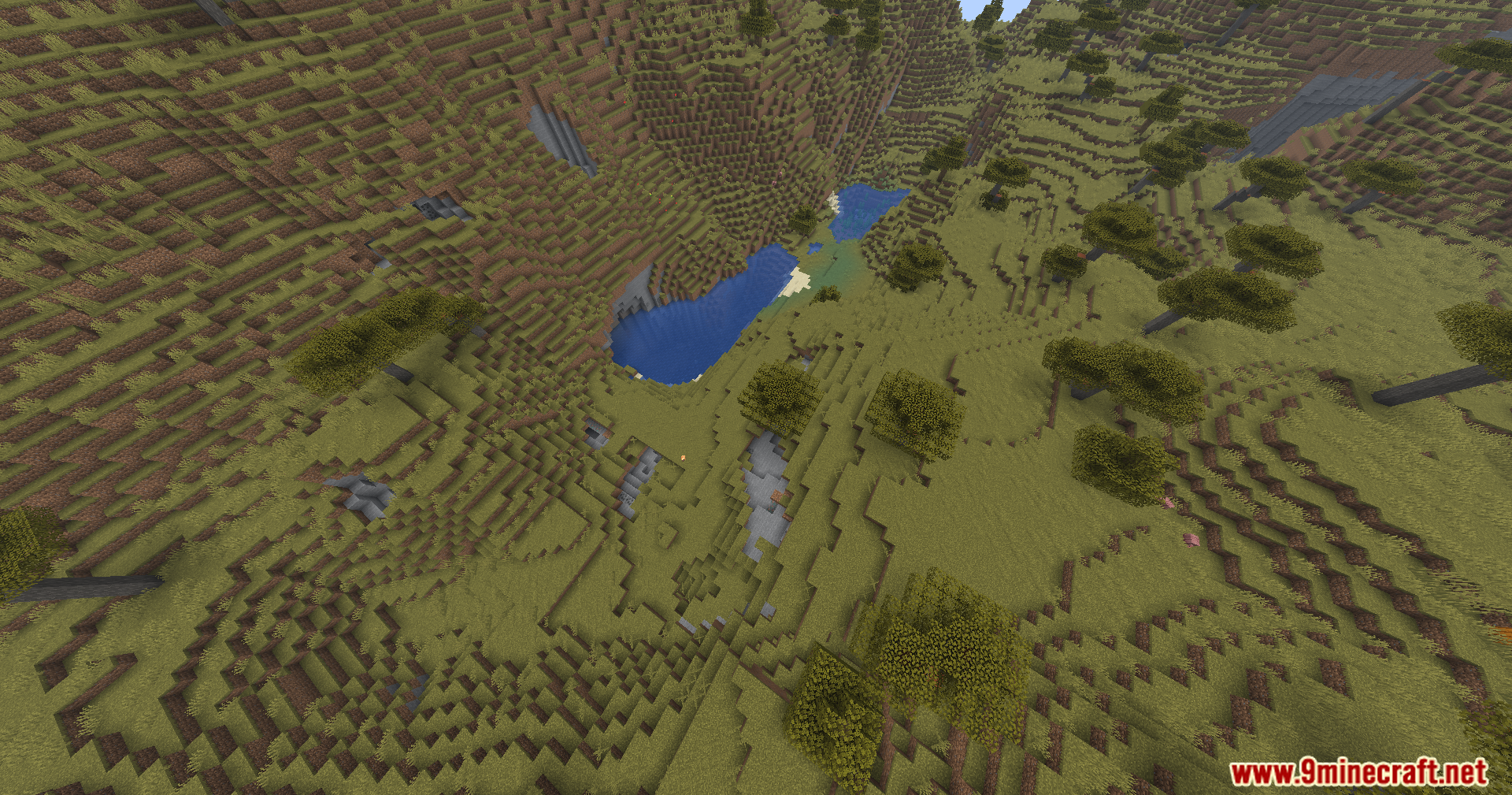
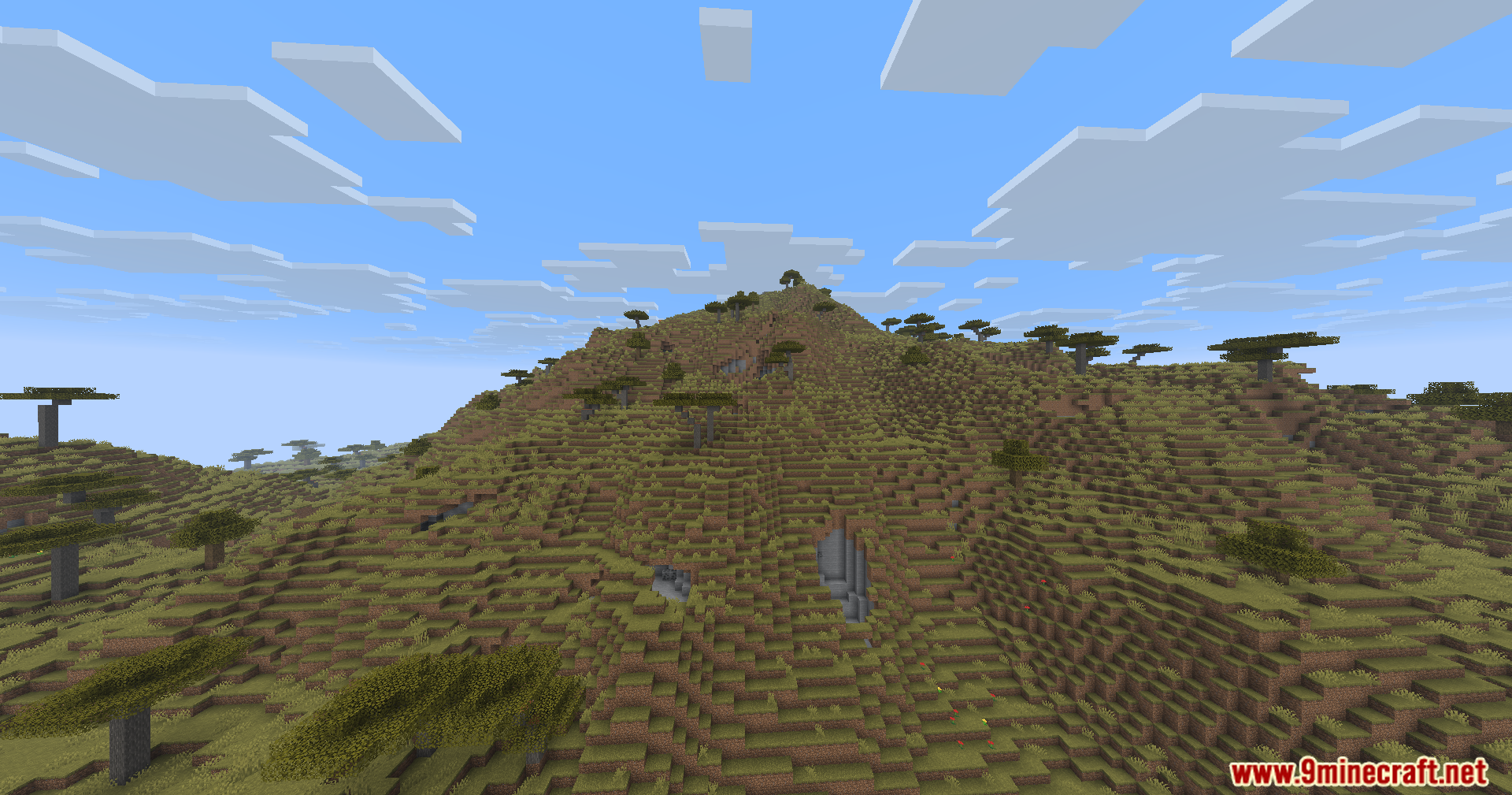
Screenshots:
How to Install:
New to Minecraft? Follow our step-by-step guide to install Mods on your PC.View Guide
Requirements:


Borderless Windowed Vulkan Mod Download Links
For Minecraft 26.1.2, 26.1.1, 26.1
For Minecraft
1.21.11,
1.21.10,
1.21.9
All Versions Covered
1.21.11
1.21.10
1.21.9
1.21.8
1.21.7
1.21.6
1.21.5
1.21.4
1.21.3
1.21.2
1.21.1
1.21
All Versions Covered
1.21.11
1.21.10
1.21.9
1.21.8
1.21.7
1.21.6
1.21.5
1.21.4
1.21.3
1.21.2
1.21.1
1.21
Click to rate this post!
[Total: 1 Average: 5]
You May Also Like



This post has no comments yet. Be the first — your comment will appear here.