
Super Smelter V1 Schematic (1.21.x) – Compact Vanilla Redstone Smelting Setup

 0


Super Smelter V1 Schematic gives you a fast way to cook or melt lots of items at once. It packs a small redstone machine into your world that handles all your smelting needs without taking up too much space.
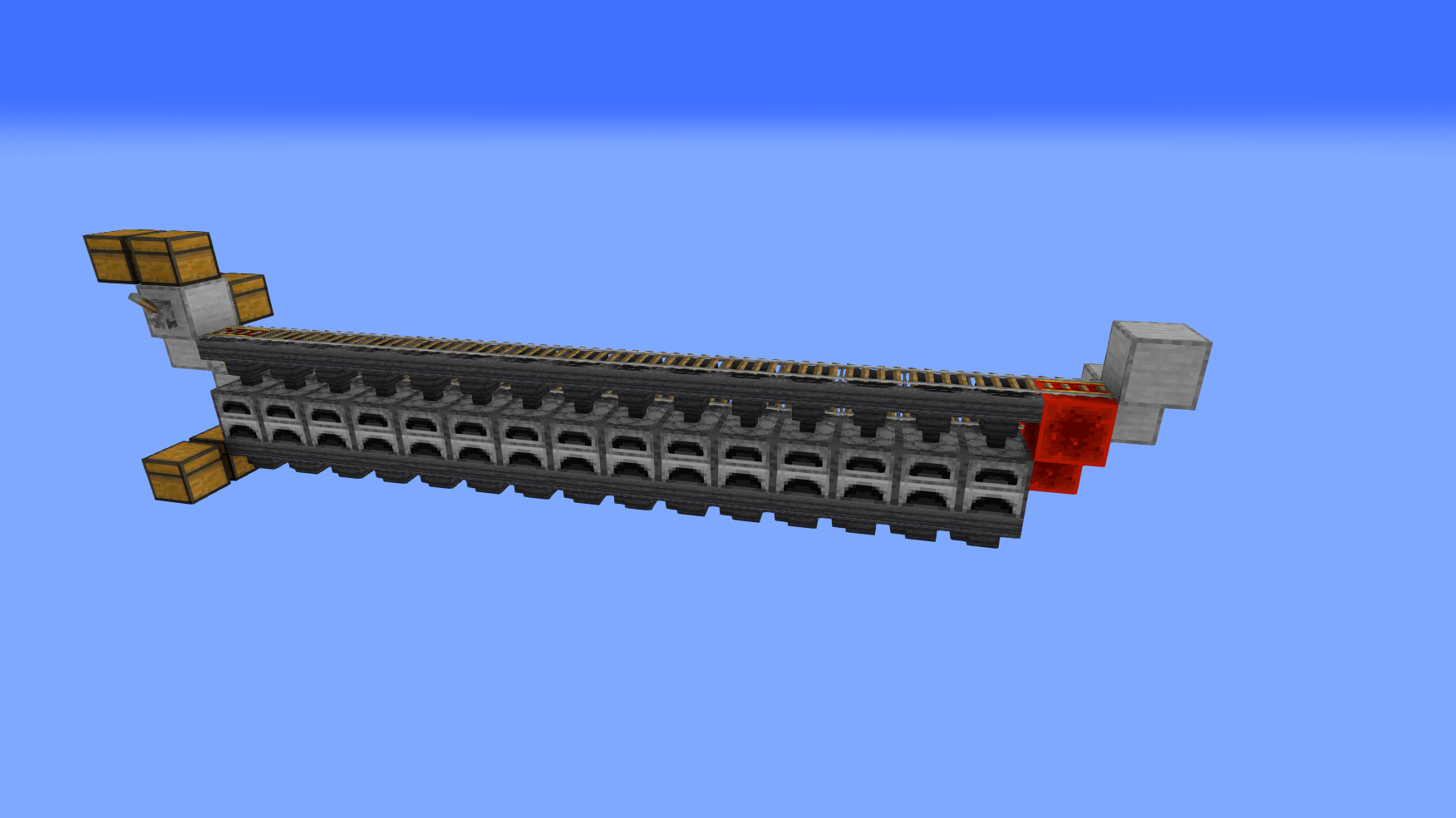
3D Preview & Editor:
Materials
9 types · 111 blocks
| Hopper | 45 | Rail | 29 | Furnace | 15 | |||
| Chest | 6 | Smooth Stone | 5 | Powered Rail | 4 | |||
| Oak Wall Sign | 3 | Lever | 2 | Redstone Block | 2 |
How to place this schematic
.litematic This is a Litematica schematic. You place it with the Litematica mod, which shows the build as a ghost overlay you fill in.
| 1 | Install Litematica (plus MaLiLib) for your Minecraft version. |
| 2 | Put the .litematic file in .minecraft/schematics. |
| 3 | In game press M → Load Schematics, pick the file, then Load. |
| 4 | Position the ghost preview, then build it by hand — or turn on Easy Place to place blocks straight from your hotbar. |
Features:
- Cooks your food and ores fast by splitting the work across multiple furnaces.
- Fits into small base rooms since it measures just 19 blocks long, 5 blocks high, and 3 blocks wide.
- Takes exactly 111 vanilla blocks to build, keeping your resource costs low.
- Works purely with standard redstone dust, hoppers, and furnaces without needing extra mods.
- Comes as a Litematica file so you can paste the blueprint straight into your world.
Schematic Specs:
 Minecraft1.21.x
 Dimensions19×5×3
 Total Blocks111
Super Smelter V1 Schematic Download Links
For Minecraft 1.21.x
Click to rate this post!
[Total: 1 Average: 4]
QUICK MINECRAFT SURVEY · ONE TAP
Build Tools & Schematics
Have you ever copied a build from a public multiplayer server by saving the chunks or taking a schematic of it?
0 responses · See the full results →
You May Also Like
Picked for this page
 Mega Mob XP Farm Schematic (1.21.x) – Massive Monster Farm Build With Zero Redstone
 Pokémon Temple Arena Japanese Litematica Schematic (1.21.x) – Large Asian Fortress With Fighting Rin
 Large Amethyst Stash for Donut Smp Schematic (1.21.x) – Amethyst Themed Storage Base Build
 Medieval Castle Undecorated Interior Schematic (1.21.x) – Medium Sized Medieval Castle With Empty Ro
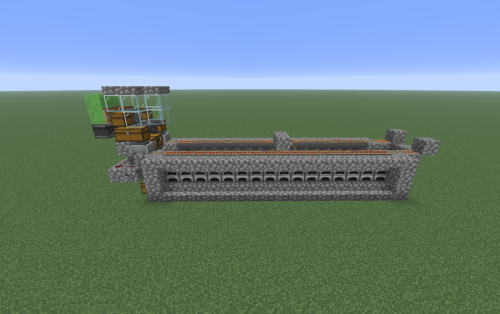 Autosmelter Carpet Dupe Schematic (1.21.x) – Automatic Furnace System With Infinite Fuel
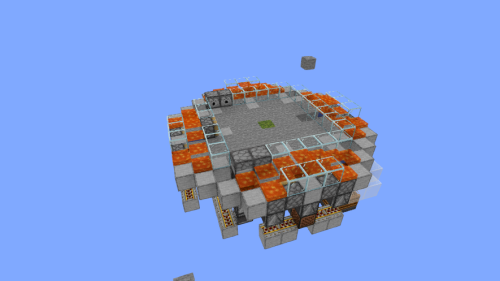 Bone Meal Farm Moss Farm Schematic (1.21.x) – Quick And Easy Bone Meal Farm Build
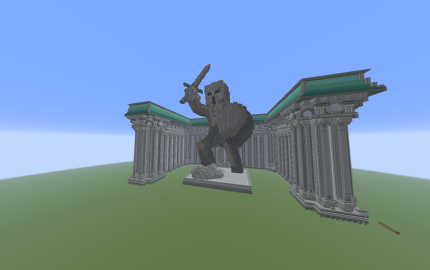 2v1000 Arena Schematic (1.21.x) – Modern Large Fight Arena Build
 Kanye West Graduation Bear Schematic (1.21.x) – Classic Album Mascot Pixel Art Build
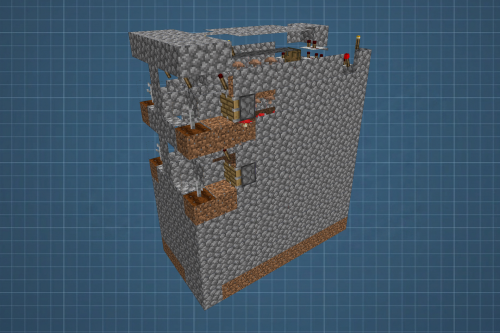 Netherless Mushroom Farm Schematic (1.21.x) – Compact Automatic Mushroom Farm Build
 Bee Green House Garden Apiary Schematic (1.21.x) – Ready To Build Vanilla Bee Farm
 Tramway Schematic (1.21.x) – Small Modern Tram Build For Your City Rails
 Santos FC Schematic (1.21.x) – Santos Futebol Clube Pixel Art Build
Most viewed in Schematics over the last 7 days
 Fastest Bonemeal Farm Donut Smp Schematic (1.21.x) – Fast Redstone Bonemeal Farm Build
 64 Module Cobblestone Farm Schematic (1.21.x) – Massive Automated Stone Gathering Build
 KelpFarmV9.9 Schematic (1.21.x) – Compact And Simple Seaweed Farm Build
 Gold Farm Schematic (1.21.x) – Automatic Nether Roof Gold Farm
 Villager Trading Hall Schematic (1.21.x) – Modern Shop Build For 48 Villagers
 Bamboo Farm Schematic (1.21.x) – Small Automated Redstone Bamboo Farm
 Best Railgun Tp Trap on Donutsmp Schematic (1.21.x) – Unescapable Multiplayer Redstone Trap Build
 Minutes End Base Before Spoke Null End Video Schematic (1.21.x) – Giant Unstable SMP End Base Schema
 Bamboss V2 800k Bamboo per Hour Schematic (1.21.x) – High Speed Automated Bamboo Farm Schematic
 36 Module Cobble Farm 18m per Hour Donut SMP Schematic (1.21.x) – Massive Automated Stone Generator
 Donut Smp Stash and Regear Schematic (1.21.x) – Large Storage And Regear Room Build
 Unstable SMP S Bomer Schematic (1.21.x) – Large Bomber Machine Build For Worlds
More from Schematics
 Long Viking Home Schematic (1.21.x) – Traditional Norse Survival House For Your World
 Minecraft Hera Greek Mythology Statue Free Schematic (1.19.x) – Giant Greek Goddess Statue
 Medieval House by JustmeTheGamer Schematic (1.21.x) – A Cozy Two Story Medieval Home Schematic
 Medieval Garden Manor Schematic (1.21.x) – Elegant Medieval Manor With Teal Roofs
 Modern Purple Apartment Schematic (1.20.x) – Stylish Urban Living With Vibrant Purple Design
 Modern Green Apartment Schematic (1.20.x) – Stylish Urban Living for Modern Cities
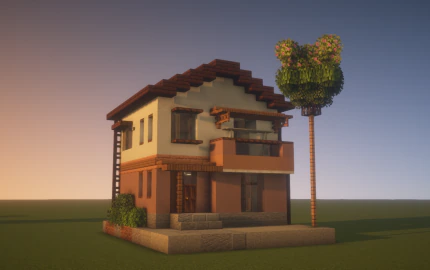 Cozy Family House Schematic (1.20.x) – Warm Suburban Home for Your Minecraft World
 Medieval Clock Tower Schematic (1.21.x) – Tall Stone Tower with Teal Spire
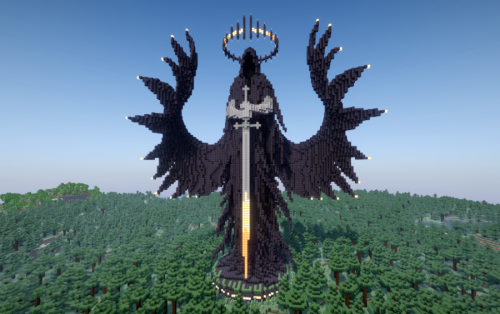 Minecraft Wearing Silence Statue Free Schem Schematic (1.19.x) – Giant Silence Armor Statue for Mine
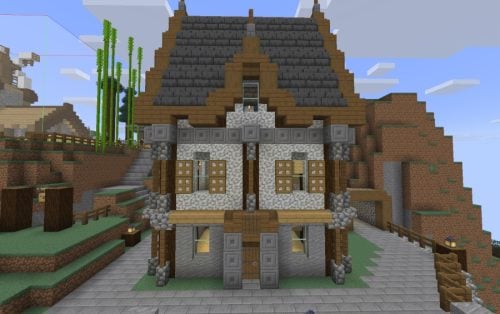 Medieval House 2 Schematic (1.21.x) – Classic Medieval Home for Custom Decoration
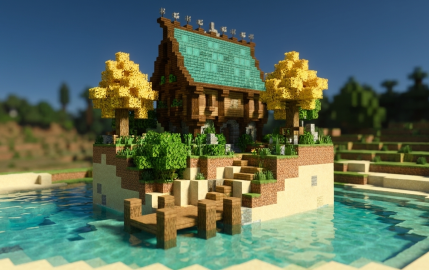 Medieval Autumn Lakehouse Schematic (1.21.x) – Cozy Medieval House with Autumn Trees
 Creaking Statue Minecraft Build Schematic (1.21.x) – Spooky Statue for Horror and Fantasy Worlds

This post has no comments yet. Be the first — your comment will appear here.