
Modern Green Apartment Schematic (1.20.x) – Stylish Urban Living for Modern Cities

 0


Modern Green Apartment Schematic adds a bright and stylish residential building to your Minecraft world. This build features a green exterior that stands out in any city or town. It includes large balconies and big windows that let in plenty of light. The ground floor has storefronts for shops or businesses. You can quickly add this medium-sized apartment to your map using a schematic file. It works well for players who want to grow their urban areas without building everything from scratch.
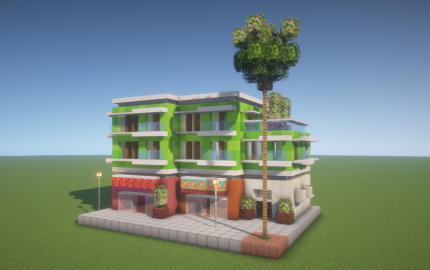
3D Preview & Editor:
How to place this schematic
.schem This is a WorldEdit schematic. It pastes instantly on a server or single-player world that has WorldEdit (or FastAsyncWorldEdit).
| 1 | Install WorldEdit — as a plugin on the server, or as a mod for single player. |
| 2 | Drop the .schem file into plugins/WorldEdit/schematics (server) or config/worldedit/schematics (client). |
| 3 | Run //schem load <file name>. |
| 4 | Stand where you want it and run //paste. Add -a to skip air blocks. |
| 1 | Download the schematic file to your computer. |
| 2 | Place the file into your WorldEdit or Litematica schematics folder. |
| 3 | Load the schematic while inside your Minecraft world. |
| 4 | Position the building where you want it to stand. |
| 5 | Paste the structure into your world to finish the build. |
Features:
- Bright green exterior gives the building a fresh and unique look.
- Large balconies offer great views of the surrounding city.
- Floor-to-ceiling windows make the interior feel open and realistic.
- Storefronts on the bottom floor are ready for commercial use.
- Medium-sized design fits into tight city spaces with its compact dimensions.
- Uses 2,267 blocks to create a detailed and polished appearance.
Schematic Specs:
 Minecraft1.20.x
 Dimensions23×20×19
 Total Blocks2,267
 Top Blocks Used
Modern Green Apartment Schematic Download Links
For Minecraft 1.20.x
Have you ever downloaded a build schematic from the internet to use in your own world?
0 responses · See the full results →
You May Also Like
Picked for this page
 Cherry Blossom Manor 3 Schematic (1.20.x) – Large Vanilla Mansion Build For Your World
 Modern Luxury Villa Schematic (1.20.x) – Elegant Contemporary Home for Your World
 Tall Cherry Tree Schematic (1.21.x) – A Tall Custom Cherry Blossom Build
 Medieval Snow Survival Schematic (1.20.x) – Cozy Medieval House For Snowy Biomes
 Minimal Medieval House Schematic (1.20.x) – A Simple Medieval Home For Your World
 Blacksmith Tower Schematic (1.20.x) – Tall Vanilla Building Blueprint For Villages
 TagMap3 Schematic (1.20.x) – A Large Vanilla Build For Your World
 Small House 11 Schematic (1.20.x) – Tall And Compact Vanilla Home Build
 Glass Sphere Christmas Schematic (1.17.x) – A Festive Holiday Build Enclosed In Glass
 Cottage House Schematic (1.20.x) – Cozy Vanilla Home Build For Your World
 Small House 10 Schematic (1.20.x) – A Compact Vanilla Home Blueprint For Players
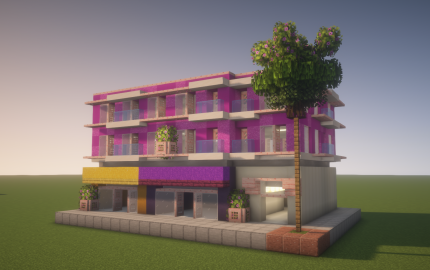 Modern Purple Apartment Schematic (1.20.x) – Stylish Urban Living With Vibrant Purple Design
Most viewed in Schematics over the last 7 days
 Fastest Bonemeal Farm Donut Smp Schematic (1.21.x) – Fast Redstone Bonemeal Farm Build
 64 Module Cobblestone Farm Schematic (1.21.x) – Massive Automated Stone Gathering Build
 KelpFarmV9.9 Schematic (1.21.x) – Compact And Simple Seaweed Farm Build
 Villager Trading Hall Schematic (1.21.x) – Modern Shop Build For 48 Villagers
 Gold Farm Schematic (1.21.x) – Automatic Nether Roof Gold Farm
 Bamboo Farm Schematic (1.21.x) – Small Automated Redstone Bamboo Farm
 Best Railgun Tp Trap on Donutsmp Schematic (1.21.x) – Unescapable Multiplayer Redstone Trap Build
 Bamboss V2 800k Bamboo per Hour Schematic (1.21.x) – High Speed Automated Bamboo Farm Schematic
 Minutes End Base Before Spoke Null End Video Schematic (1.21.x) – Giant Unstable SMP End Base Schema
 36 Module Cobble Farm 18m per Hour Donut SMP Schematic (1.21.x) – Massive Automated Stone Generator
 Donut Smp Stash and Regear Schematic (1.21.x) – Large Storage And Regear Room Build
 Unstable SMP S Bomer Schematic (1.21.x) – Large Bomber Machine Build For Worlds
More from Schematics
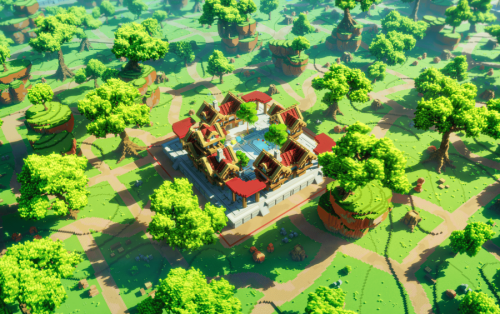 Medieval Spawn with Warzone Schematic (1.21.x) – Massive Medieval Lobby With PvP Warzone
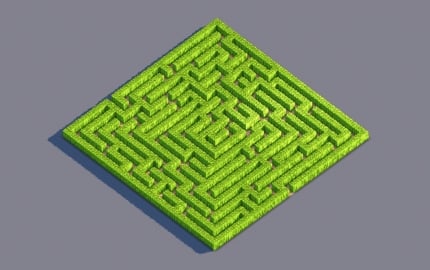 Hedge Maze Garden Decoration Schematic (1.21.x) – Classic Hedge Maze for Castle Gardens
 Mapart Sad Minion Schematic (1.21.x) – Build A Detailed Map Art Minion
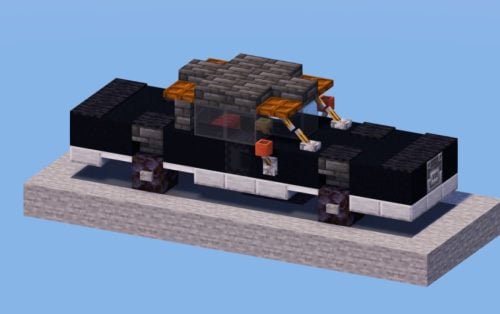 Black Car Schematic (1.21.x) – Sleek Modern Vehicle for City Streets
 Orange Pick up Schematic (1.21.x) – Build a Stylish Modern Orange Truck
 White and Red Truck Schematic (1.21.x) – Compact Modern Semi Truck Build
 2×2 Ground Door Schematic (1.21.x) – Simple Hidden Floor Entrance for Minecraft
 Bamboo Farm 2.0 Donut SMP Schematic (1.21.x) – Automatic High Yield Bamboo Farming System
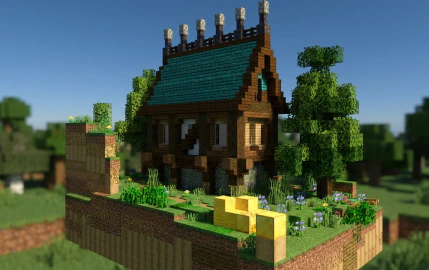 Medieval Village House Schematic (1.21.x) – A Cozy Medieval Home With Prismarine Roof
 Given 3d Download Schematic (1.19.x) – Detailed 3D Fantasy Statue Schematic for Minecraft
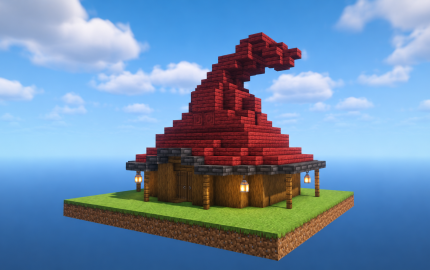 Crimson Witch Hut Schematic (1.21.x) – Magical Small Medieval Witch House Build
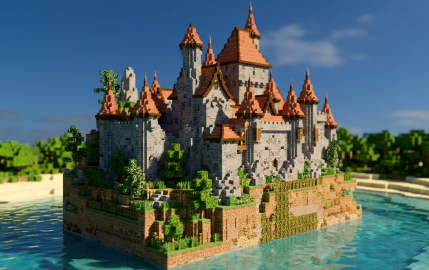 Grand Medieval Castle Schematic (1.21.x) – Massive Red Roofed Medieval Fortress Build

This post has no comments yet. Be the first — your comment will appear here.